Skip to content
View in the app

A better way to browse. Learn more.

FengShui.Geomancy.Net

A full-screen app on your home screen with push notifications, badges and more.

To install this app on iOS and iPadOS
  1. Tap the Share icon in Safari
  2. Scroll the menu and tap Add to Home Screen.
  3. Tap Add in the top-right corner.
To install this app on Android
  1. Tap the 3-dot menu (⋮) in the top-right corner of the browser.
  2. Tap Add to Home screen or Install app.
  3. Confirm by tapping Install.
About Feng Shui at Geomancy.Net
Sponsored Link
 

myfs_168743

Members
  • Joined

  • Last visited

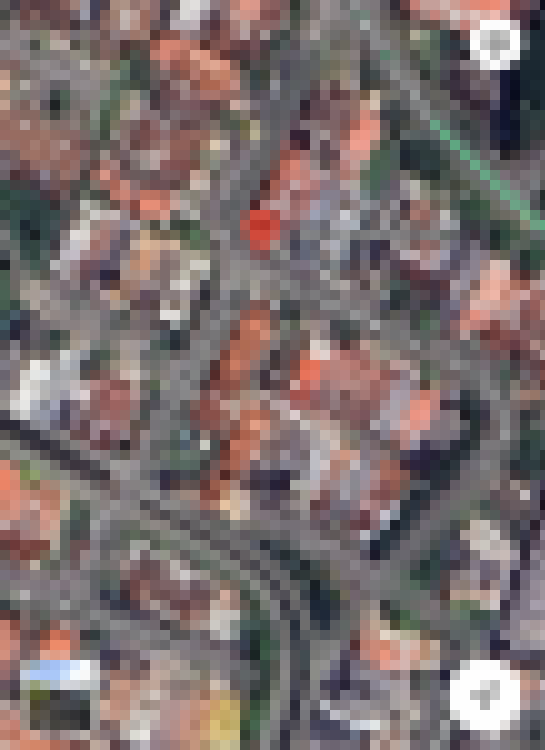
  1. Can you help me evaluate the following house fengshui? - House is a corner lot around the bend (as indicated on Google maps, refer IMG_6656). - Road wrapping the right side of the house is two way traffic; incoming traffic is on the side of the road that is further away from the house, and the outgoing traffic on the side closer to the house. The road leading away from the house normally has cars parked on the side (refer picture IMG_6664), it’s a relatively long road which then joins another road perpendicular to it with houses along that road. - Adjacent to the back of the house is a neighbour on higher land. === As road names were clearly shown, images have been pixelated.
Sponsored Link
 
Background Picker

Account

Navigation

Search

Search

Configure browser push notifications

Chrome (Android)
  1. Tap the lock icon next to the address bar.
  2. Tap Permissions → Notifications.
  3. Adjust your preference.
Chrome (Desktop)
  1. Click the padlock icon in the address bar.
  2. Select Site settings.
  3. Find Notifications and adjust your preference.