
All Activity
- Past hour
-
Source & Credit;
- Today
-
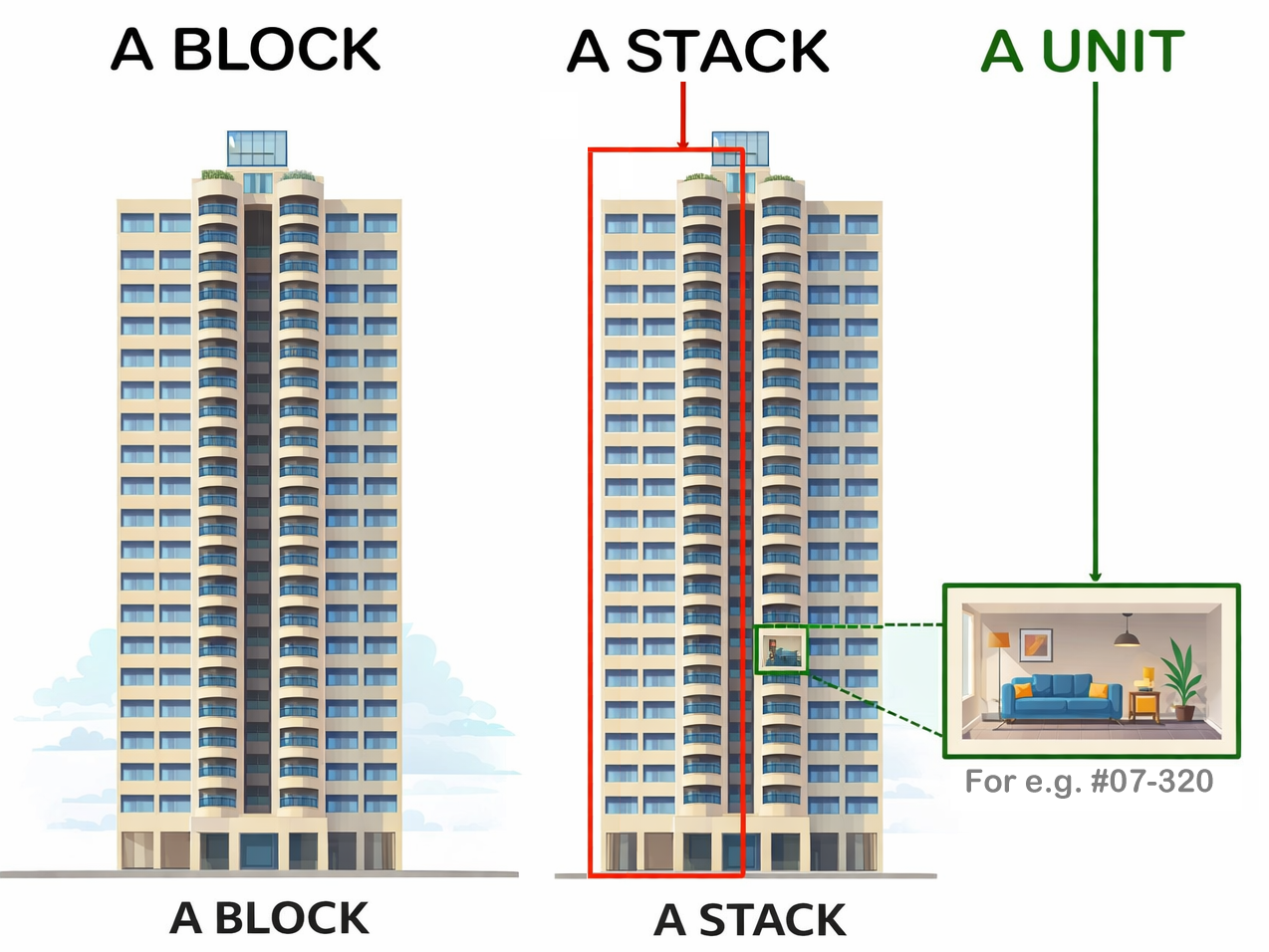
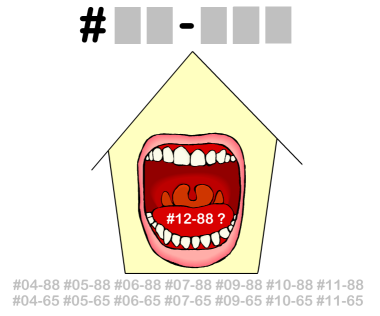
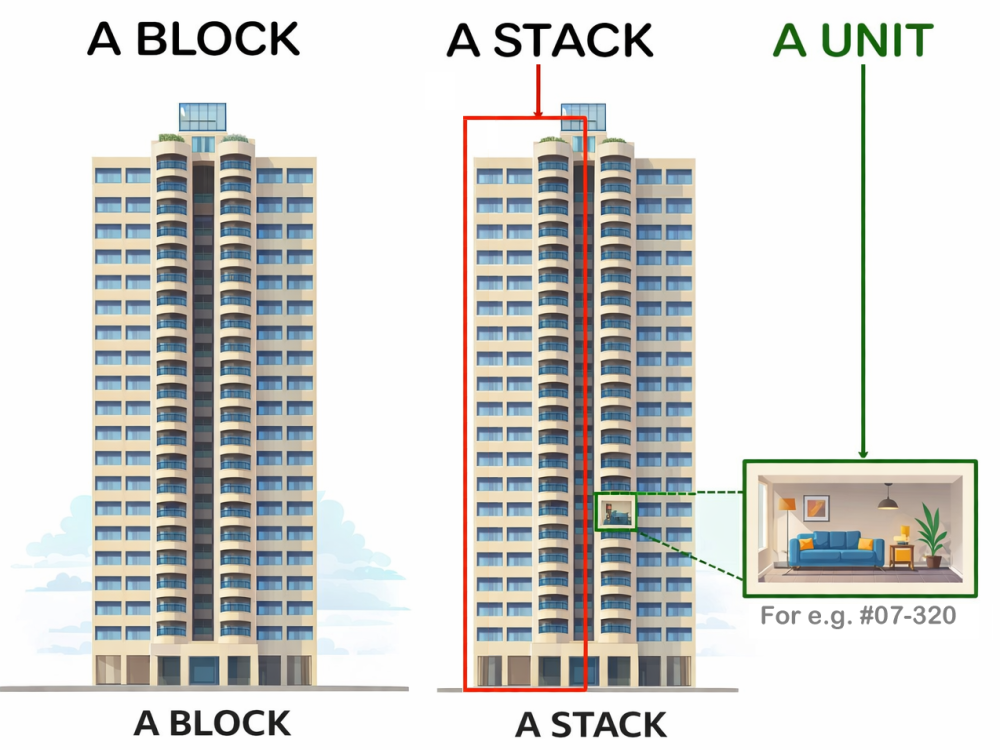
How do you Feng Shui your high-rise home?Use your front door? Who are the Conservatives & the Modernist? +++ Type in the unit number to find out OPTION 1 Please go to this link to check a unit number: https://www.geomancy.net/content/personalised-reports/free-feng-shui-reports/house-number-report/about-house-number-report [Need to create a free account to access it] or OPTION 2 Go to URL: https://login.geomancy.net On the blue navigation on the left, click under Free Reports | House Number. +++ Geomancy.net e-books https://www.geomancy.net/forums/store/category/1-geomancynet-e-books/ +++




-
Get a Quote Our fees have stayed the same since 1996 Cecil Lee, +65 9785-3171 support@geomancy.net



-
Get a Quote Our fees have stayed the same since 1996 Cecil Lee, +65 9785-3171 support@geomancy.net
-
Get a Quote Our fees have stayed the same since 1996 Cecil Lee, +65 9785-3171 support@geomancy.net
-
Get a Quote Our fees have stayed the same since 1996 Cecil Lee, +65 9785-3171 support@geomancy.net
-
Get a Quote Our fees have stayed the same since 1996 Cecil Lee, +65 9785-3171 support@geomancy.net
-
Get a Quote Our fees have stayed the same since 1996 Cecil Lee, +65 9785-3171 support@geomancy.net
-
Get a Quote Our fees have stayed the same since 1996 Cecil Lee, +65 9785-3171 support@geomancy.net
-
Get a Quote Our fees have stayed the same since 1996 Cecil Lee, +65 9785-3171 support@geomancy.net
-
Get a Quote Our fees have stayed the same since 1996 Cecil Lee, +65 9785-3171 support@geomancy.net
-
Get a Quote Our fees have stayed the same since 1996 Cecil Lee, +65 9785-3171 support@geomancy.net
-
Get a Quote Our fees have stayed the same since 1996 Cecil Lee, +65 9785-3171 support@geomancy.net
-
Get a Quote Our fees have stayed the same since 1996 Cecil Lee, +65 9785-3171 support@geomancy.net
-
Get a Quote Our fees have stayed the same since 1996 Cecil Lee, +65 9785-3171 support@geomancy.net
-
Get a Quote Our fees have stayed the same since 1996 Cecil Lee, +65 9785-3171 support@geomancy.net
-
Get a Quote Our fees have stayed the same since 1996 Cecil Lee, +65 9785-3171 support@geomancy.net
-
Get a Quote Our fees have stayed the same since 1996 Cecil Lee, +65 9785-3171 support@geomancy.net
-
Get a Quote Our fees have stayed the same since 1996 Cecil Lee, +65 9785-3171 support@geomancy.net
-
Get a Quote Our fees have stayed the same since 1996 Cecil Lee, +65 9785-3171 support@geomancy.net
-
Get a Quote Our fees have stayed the same since 1996 Cecil Lee, +65 9785-3171 support@geomancy.net
-
Get a Quote Our fees have stayed the same since 1996 Cecil Lee, +65 9785-3171 support@geomancy.net
-
Get a Quote Our fees have stayed the same since 1996 Cecil Lee, +65 9785-3171 support@geomancy.net
-
Related:
-