Leaderboard
-

Cecil Lee
Staff3Points41672Posts

Popular Content
Showing content with the highest reputation on 01/01/26 in Posts
-
Adopt some or all of these practises
.thumb.png.58b6ce105e0fe36ca4eee57f7eadb933.png)
.thumb.png.6a0366beb641df8417fec13cbb862528.png)
.thumb.png.a77972e4e003b42d7b24991861c3eb8d.png)
.thumb.png.e0787fb3c99a800d5daea73810fc2243.png)
.thumb.png.ea3266641df0e2c08272d4ceeb909fa0.png)
.thumb.png.37558c25d0ab1efd06243af2eec31c79.png)
.thumb.png.02032c7489e7084c6a28c35163fe02b5.png)
 1 point
 -
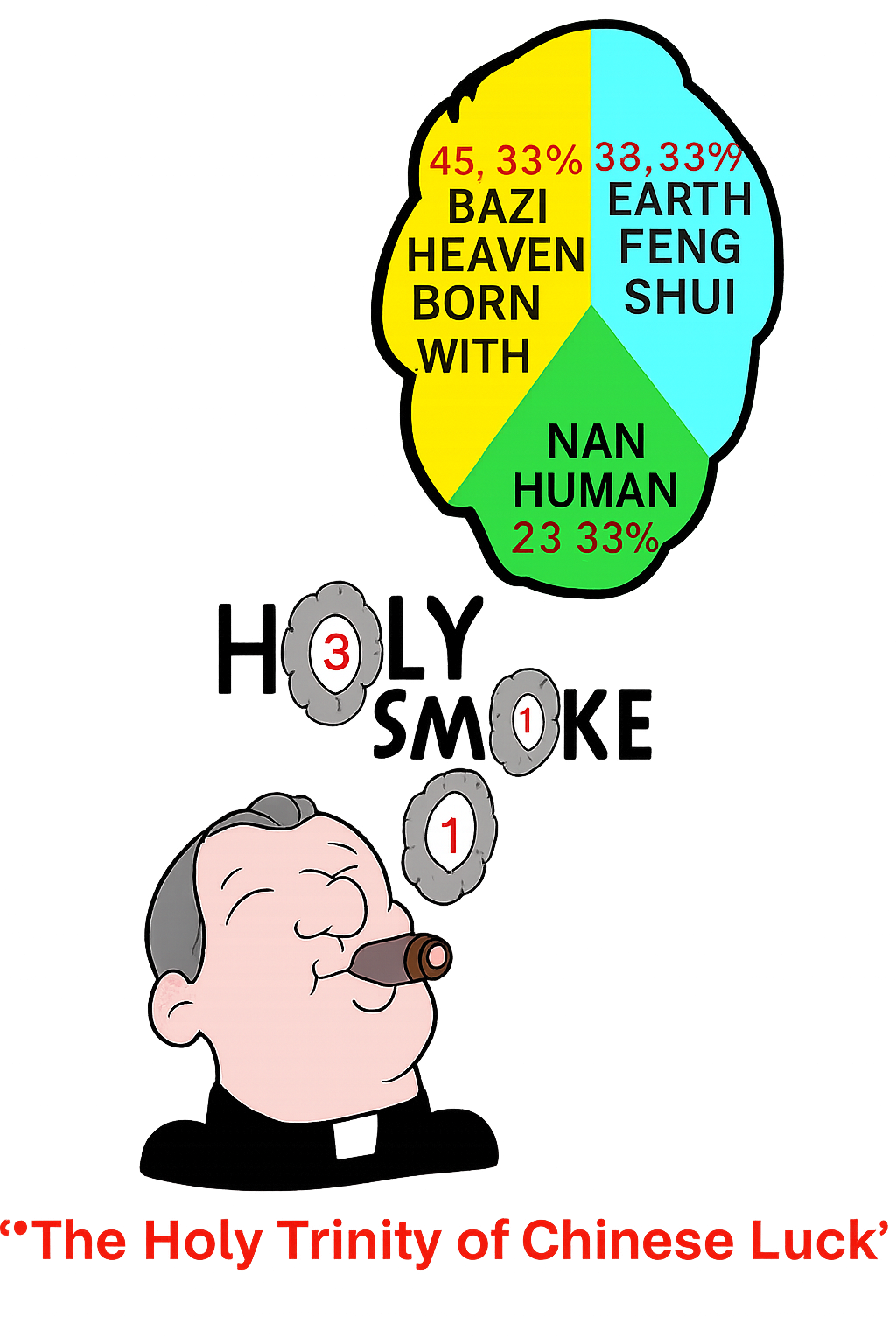
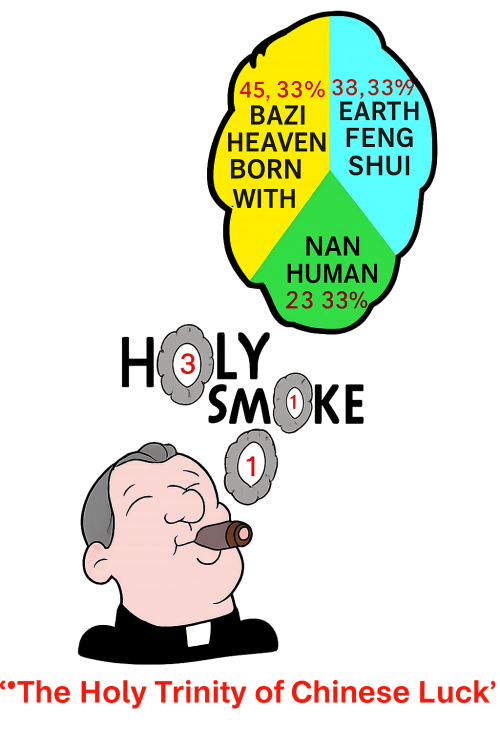
12 Habits of Feng Shui can apply to majority of homes:1 point
-
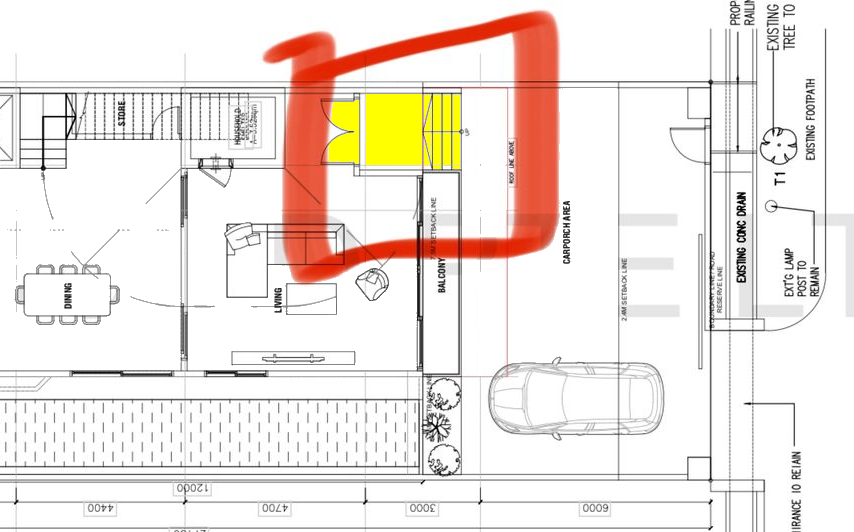
Advantages arise when a house is a bungalow with all four sides open. This allows for more windows or openings to be placed on every side of the home. The next best option is a semi-detached house, which has three sides exposed to the outdoors. In the past, this included HDB five-room point-block flats from the 1970s and 1980s. These point blocks typically rise about 25 storeys and are often described as “semi-detached homes in the sky.” Each flat has three open sides, similar to a semi-detached landed home, and none of the walls are shared with neighbouring units. This design provides many open areas within the unit. Reference: Recently, a client planned to completely rebuild their semi-detached home at Sea View (Mountbatten). However, due to flooding concerns, the Building Authorities required them to raise the level of the ground floor. As a result, to reach the main entrance, they must install several steps - about five steps leading up to it. They have no choice but to comply with this requirement. This is similar to the design of MRT train stations, where multiple steps are needed to reach the entrance or exit landings.
 1 point
.png.11d6919d5371dcc5540b88434ad0ba5d.png)
.png.b6ac462fc3a7b6a79a4742a21f428d65.png)
.png.9dc3811b11027b7adaeeaa7ae946d268.png)
.png.907f25eabdd445014701c0a72be4af36.png)
.png.35d5c2b886997c83cc6d48feb3a62dae.png)
.png.2fd062fcb2cb44422760a46c4bf1dc37.png)
.png.fb034851d93301e868c292a5c345edb2.png)