


Cecil Lee
Staff
-
Joined
-
Last visited
Everything posted by Cecil Lee
-
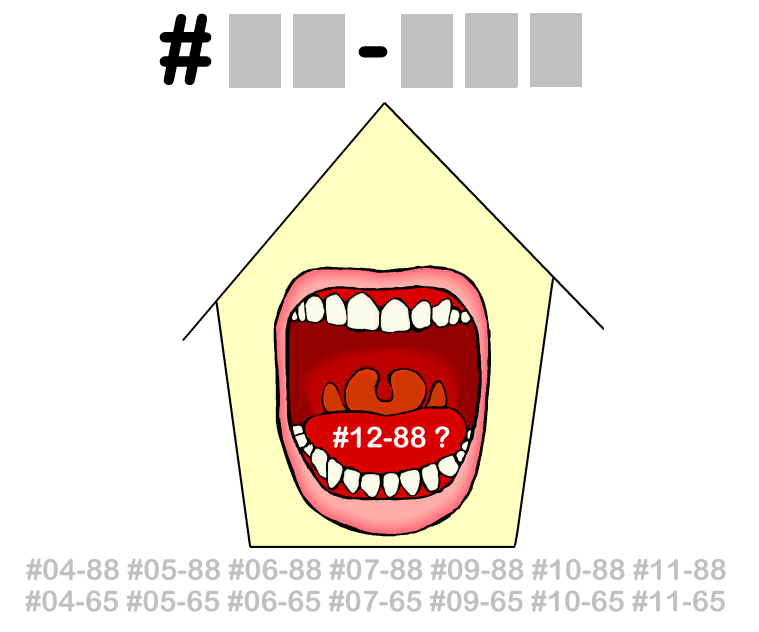
Type in the unit number to find out OPTION 1 Please go to this link to check a unit number: https://www.geomancy.net/content/personalised-reports/free-feng-shui-reports/house-number-report/about-house-number-report [Need to create a free account to access it] or OPTION 2 Go to URL: https://login.geomancy.net On the blue navigation on the left, click under Free Reports | House Number.

-
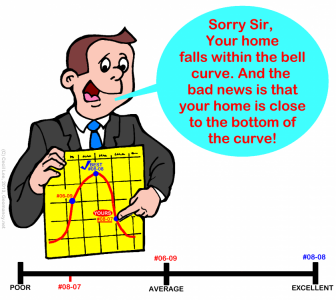
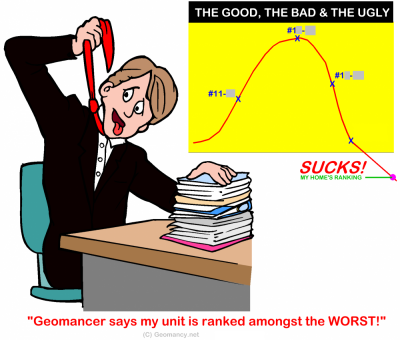
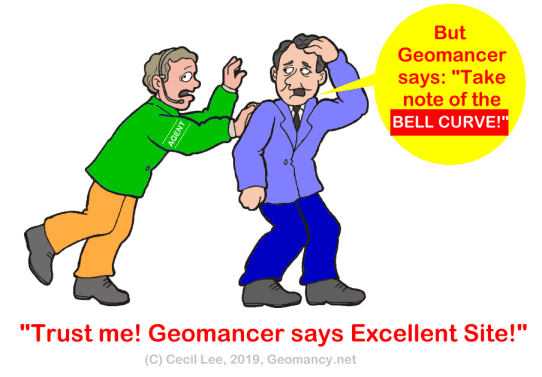
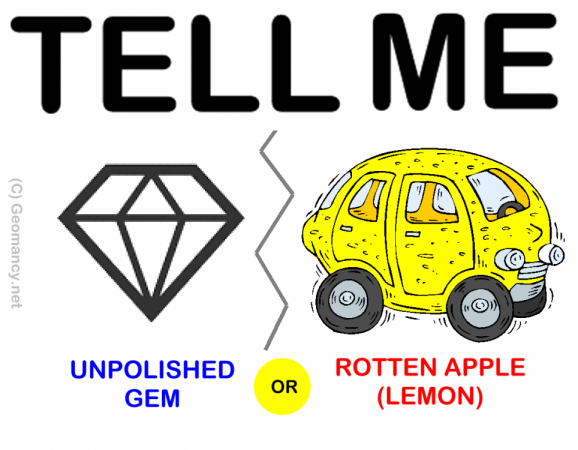
Units categorized as Good, Bad, and Ugly. 1. Keep in mind that while a geomancer may deem this development favorable, the quality of a unit also relies on its specific location within the development. 2. Is your potential unit under the Good, the Bad or the Ugly? 3. Consider this scenario: the unit resembles a dilapidated 1,000 cc car that has seen better days. Not even a skilled Feng Shui Master could transform it into a desirable unit! 3.1. By the way, (above) this falls under Habit Number 11. 4. Under Habit 1, one possibility is by ranking one's bedroom type by stack/unit: 1st choice, 2nd choice etc... 4.1. Reference: Habit 1 can be found under this link:-
-
"Meticulous Reviews & Research Makes the Difference!"

-
No Two Ba Zi Reports are created equal Learn Why? +++ Geomancy.net Since 1996 +++

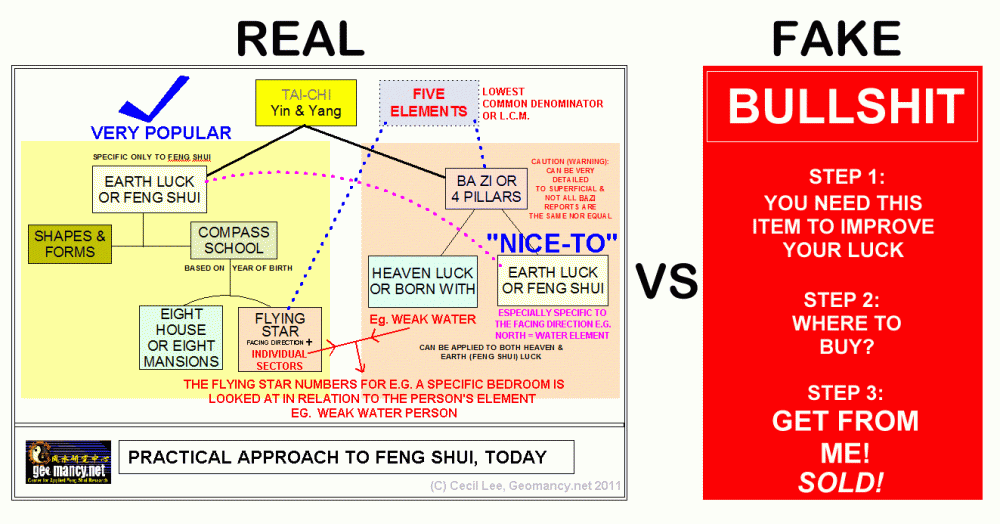

-
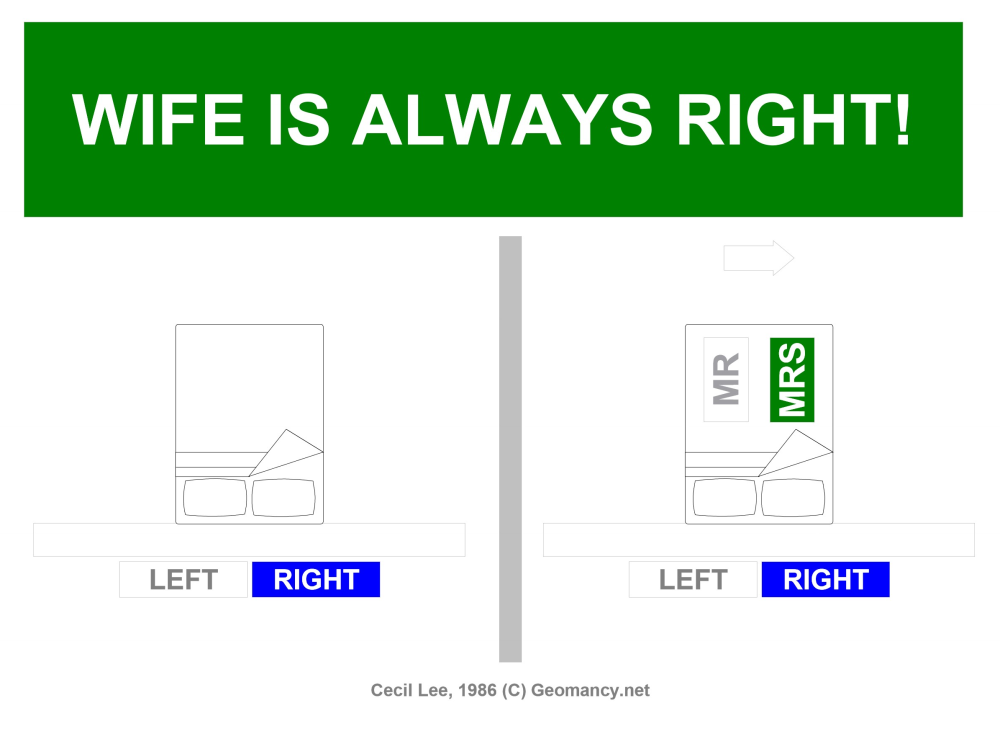
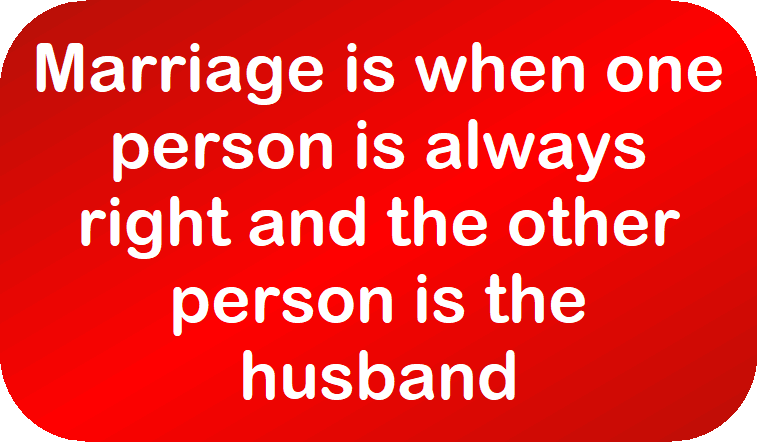
LAST CHANCE FOR MEN! YOUR SPOUSE MUST NOT SEE THIS! THIS IS STRICTLY FOR MEN ONLY! STOP! FOR MEN ONLY! TOLD YOU, SO! +++ Marriage is when one person is always right and the other person is the husband
-
No Two Ba Zi Reports are created equal Learn Why? +++ Geomancy.net Since 1996 +++
-
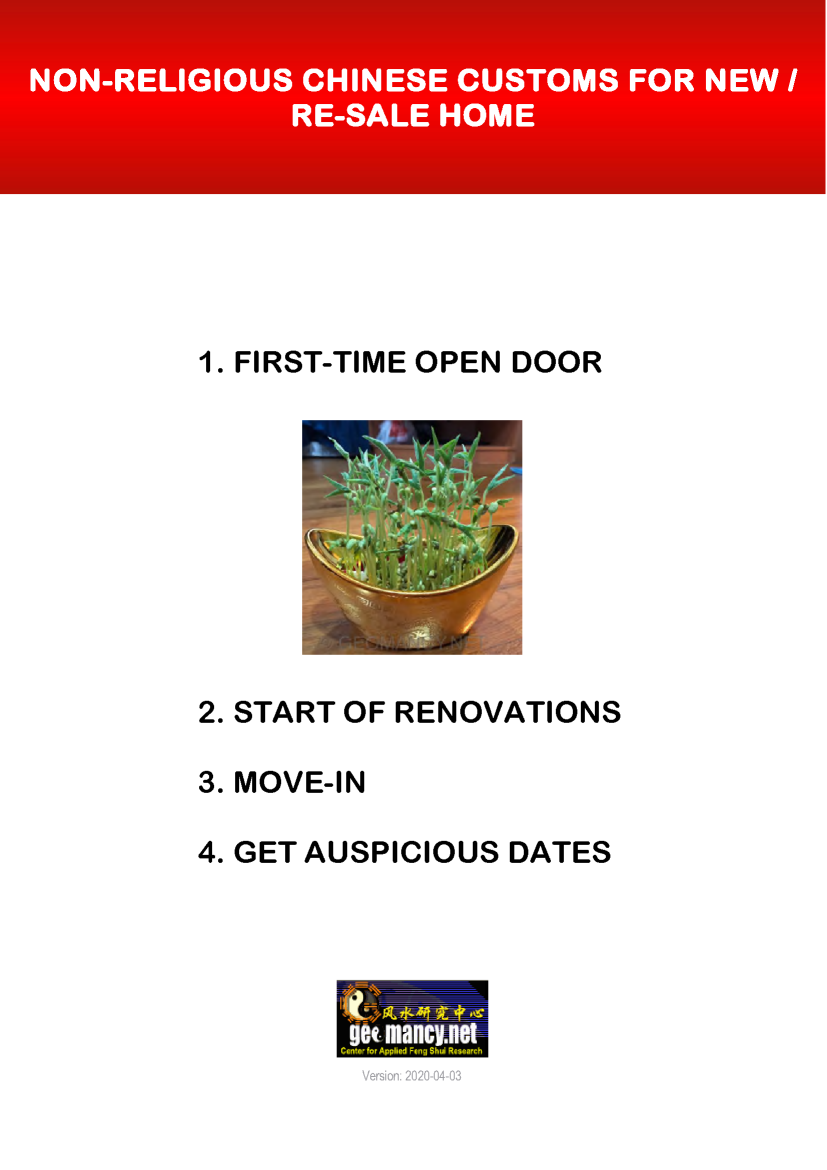
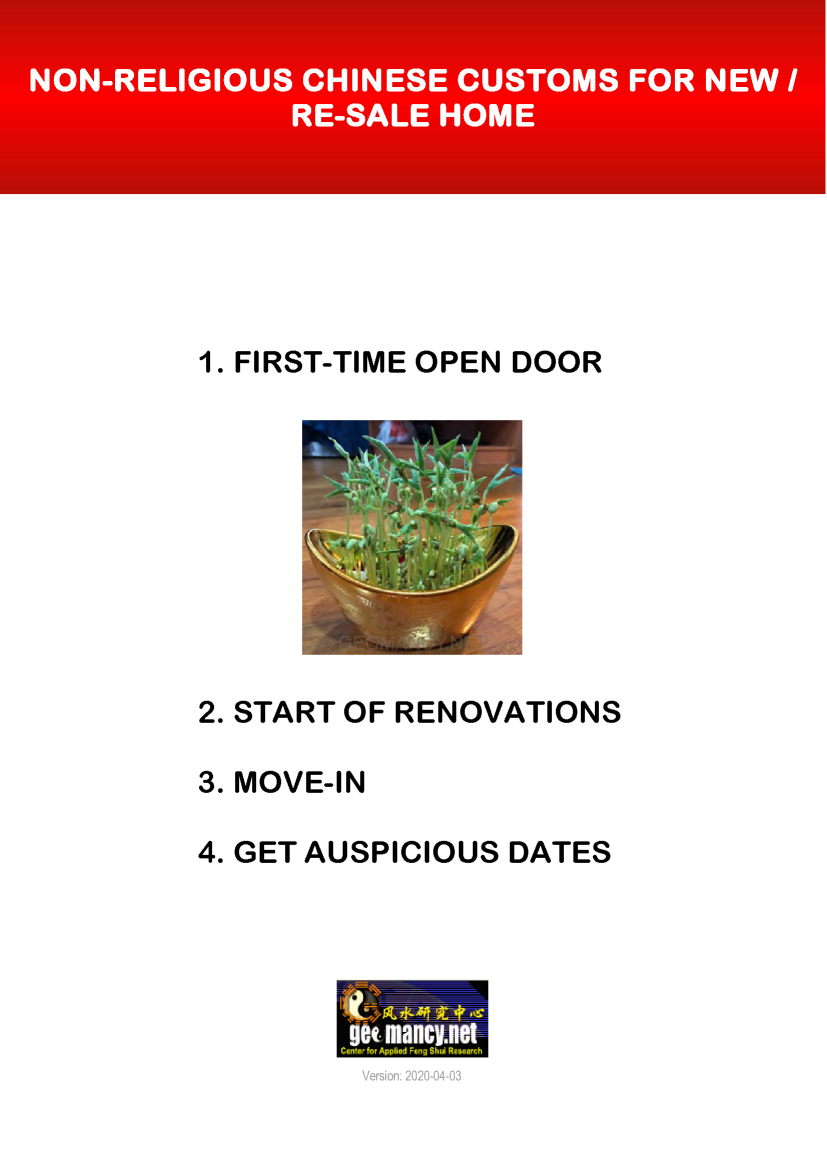
Please visit 30 Days Auspicious Date for ONE or TWO Person(s) - FengShui.Geomancy.Net +++ Related: Non-Religious Chinese Customs For New Re-Sale Home
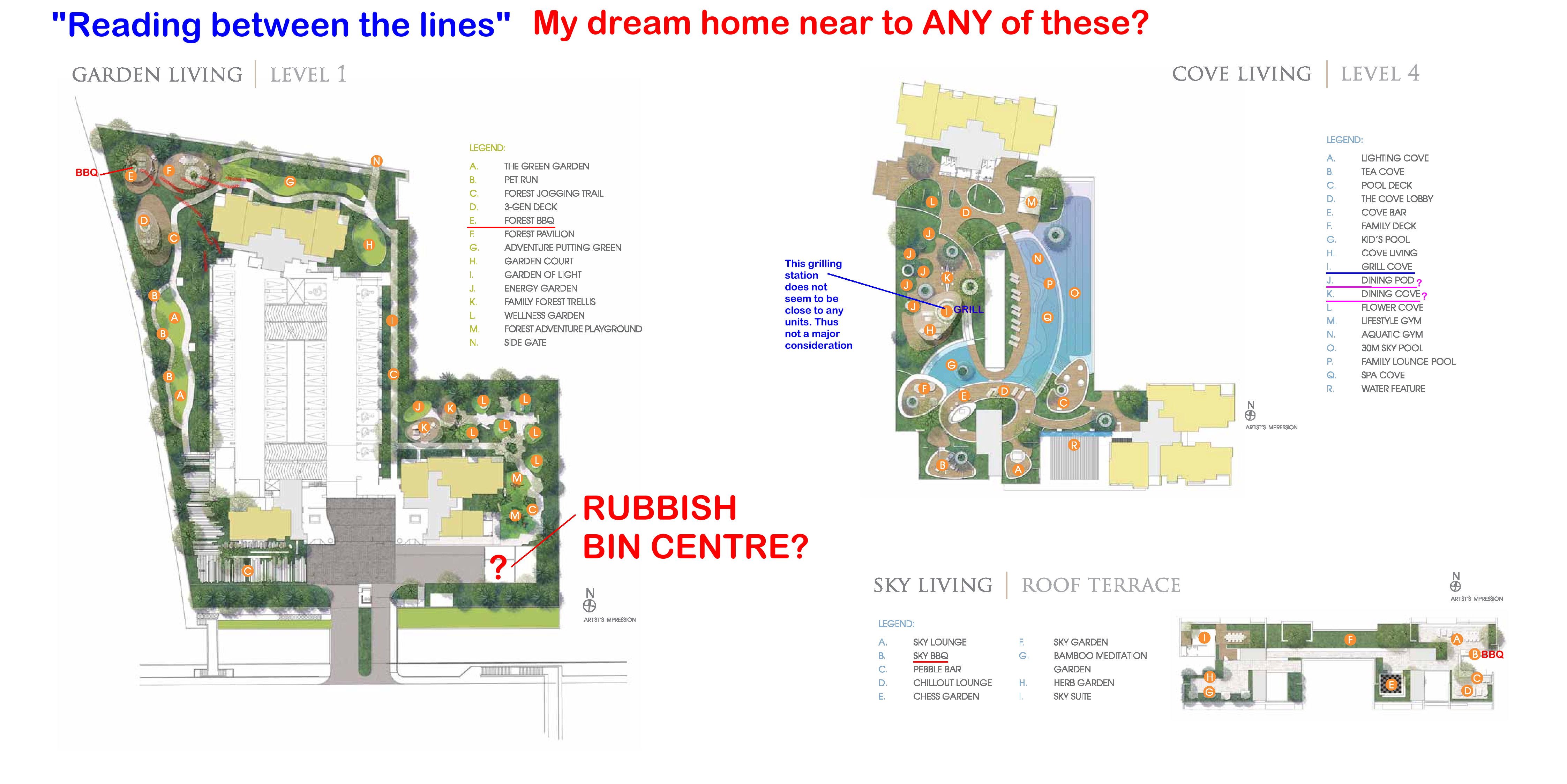
 Is the Sales Brochure Useful? Introduction: For brand new just launched developments, there is no physical site to visit the completed buildings and apartments. 1. The only thing we can do is to visit the show room (which often is close-by to the site) as well as obtain a sales brochure and see the mock-up of the development. As well as try to ask questions from the sales agent (if any). 1.1. We must still try to gather as much information as we can. 2. Summary of Case Studies in this article. If the information is overwhelming. Pick and choose selective articles... 1A & B: Common Rubbish Bin 2A & B: Interior unit Dry Walls 3: Fire at Heaven's Gate 4: Sha Qi or Poison Arrows from Club-house roof-lines 5: 3 Panel Sliding Doors at the Balcony 6: Drainage at the Balcony 7: Air-con Ledges 8: Mixed Developments + Cooling Towers 9: Termite infestations 10: Coffee-shop below or near to unit 11: Water tank at roof-top 12: Lamp Posts, Pillars, Tree Trunks 13: Spice Garden in an EC/condo 14: EC/condo Clubhouse 15A & B: Pneumatic Waste Collection System 16: Look closely at the development's scale model for clues 17: Buying a Mixed development apartment 18: Survey or study facilities surrounding the development 19: Pump Room below a unit 20: Seven Commandments of Stove Placement 21: Is there a potential poison arrow from the neighbours? 22: Should I be concerned with a near-by temple, church, mosque &/or elder care? 23: Is the compass marking on the Sales Brochure accurate? 24: Sites reserved for Schools? 25: Doors face each other? [Main Door/Bedrooms] 26: Unit numbers with 4, 44 or 444 Okay? 27: Stove or sink or WC at the Centre of the house? 3. It is always an excellent idea to spent some time to scrutinise a prospective sales brochure of our potential buy (purchase). 4. Recently, more and more clients have discovered to their shock (horror) that the least expected was the location of the central rubbish bin outside their unit. 5. A year ago; many had purchased a premium unit within the development .. and later shocked to learn that the central rubbish chute (for their entire floor) is just next to their main door! 6. Thus the morale of the story is to check first before signing on the dotted line. 7. In general, most developments have these:- 8.1. A central rubbish collection centre / rubbish bin collection point 8.2. Power Sub-station. Every development usually has one or more of these depending on the size of the development. 8.3. Design of club-house roof-lines / trellis / gazebo / pavilion. Are the designs a "threat" e.g. with spikes or like a razor's edge? Usually these are aimed towards lower storeys. 8.4. Any poison arrows in the form of a sharp corner of another block of neighbouring stack aimed towards one's balcony (hard to cure) or towards one's windows (if any) 8.5. Location of areas like BBQ pits and any impact e.g. the smell from these pits towards a unit.. especially low storeys such as #01 or #02 first or second storeys 8.6. Any tree trunk aimed towards a lower unit e.g. #01 or #02. Unfortunately it may be too late; especially if the development is under construction. 9. There are lots more considerations... 9.1. Do remember "Read in-between" the lines.. CLICK THIS LINK TO LEARN MORE The Experts in House Hunting " As much as we see, Geomancy.net has great web presence built up over the years and is seen as one of the SG market leaders in residential house audit. " Success starts with good Feng Shui Transparent Pricing & No Hidden Costs. No Purchase of Products. Cecil Lee, +65 9785-3171 / support@geomancy.net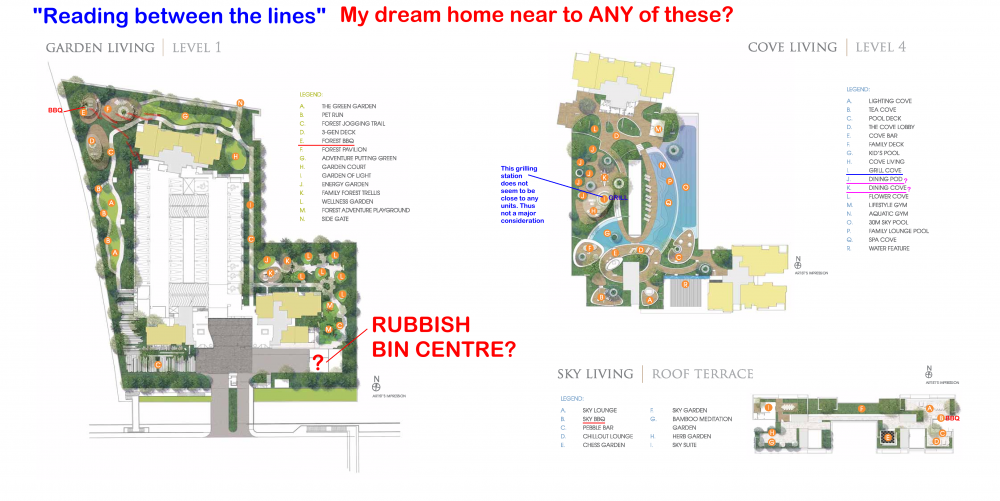




 Type in the unit number to find out OPTION 1 Please go to this link to check a unit number: https://www.geomancy.net/content/personalised-reports/free-feng-shui-reports/house-number-report/about-house-number-report [Need to create a free account to access it] or OPTION 2 Go to URL: https://login.geomancy.net On the blue navigation on the left, click under Free Reports | House Number.
No Two Ba Zi Reports are created equal Learn Why? +++ Geomancy.net Since 1996 +++
GEOMANCY.NET IS THE OLDEST FENG SHUI FORUM IN THE WORLD Geomancy.net holds the distinction of being the oldest Feng Shui forum globally, serving as a significant platform for discussions and insights related to this ancient practice. Its longevity underscores its importance as a Leader in the field of Feng Shui. How can we help you today? GET EXPERT HELP: IMPROVE YOUR HEALTH, WEALTH & HAPPINESS TODAY Comprehensive Home Package [A.]: On-site or [B.]: Off-site for HDB / Condo / EC & Landed Properties for New/Re-Sale House or facing financial/ marriage/ relationship/ health issues Do you offer a 1 visit On-site audit? How much? " As much as we see, Geomancy.net has great web presence built up over the years and is seen as one of the SG market leaders in residential house audit. " Success starts with good Feng Shui Transparent Pricing & No Hidden Costs. No Purchase of Products. Cecil Lee, +65 9785-3171 / support@geomancy.net House Hunting? We will help you select the most auspicious unit! Learn More The Experts in House Hunting AUSPICIOUS DATES FOR ONE OR TWO PERSONS Please visit 30 Days Auspicious Date for ONE or TWO Person(s) - FengShui.Geomancy.Net +++ Related: Non-Religious Chinese Customs For New Re-Sale Home +++ ALL ELSE KEEP CALM AND LET CECIL HANDLE IT
Type in the unit number to find out OPTION 1 Please go to this link to check a unit number: https://www.geomancy.net/content/personalised-reports/free-feng-shui-reports/house-number-report/about-house-number-report [Need to create a free account to access it] or OPTION 2 Go to URL: https://login.geomancy.net On the blue navigation on the left, click under Free Reports | House Number.
No Two Ba Zi Reports are created equal Learn Why? +++ Geomancy.net Since 1996 +++
GEOMANCY.NET IS THE OLDEST FENG SHUI FORUM IN THE WORLD Geomancy.net holds the distinction of being the oldest Feng Shui forum globally, serving as a significant platform for discussions and insights related to this ancient practice. Its longevity underscores its importance as a Leader in the field of Feng Shui. How can we help you today? GET EXPERT HELP: IMPROVE YOUR HEALTH, WEALTH & HAPPINESS TODAY Comprehensive Home Package [A.]: On-site or [B.]: Off-site for HDB / Condo / EC & Landed Properties for New/Re-Sale House or facing financial/ marriage/ relationship/ health issues Do you offer a 1 visit On-site audit? How much? " As much as we see, Geomancy.net has great web presence built up over the years and is seen as one of the SG market leaders in residential house audit. " Success starts with good Feng Shui Transparent Pricing & No Hidden Costs. No Purchase of Products. Cecil Lee, +65 9785-3171 / support@geomancy.net House Hunting? We will help you select the most auspicious unit! Learn More The Experts in House Hunting AUSPICIOUS DATES FOR ONE OR TWO PERSONS Please visit 30 Days Auspicious Date for ONE or TWO Person(s) - FengShui.Geomancy.Net +++ Related: Non-Religious Chinese Customs For New Re-Sale Home +++ ALL ELSE KEEP CALM AND LET CECIL HANDLE IT
 Related: Arowana Fish & Feng Shui https://www.geomancy.net/resources/art/arowanafish.htm More... Hi Master Cecil, It is nice to be able to have guest speaker. Happy to know that this time the Live Chat will be on Feng Shui. Thanks to the club for bring us this opportunity. Anyway, here goes my questions. I recently bought a red arowana at one of the lfs and it is 6 inches close to 7 inches now. However 1 week after bringing it back home, my arowana keep jumping and in the process lost a few scales and even spilt the tail. I have an adult Pahang Gold and during its younger days do not display such a character. Consulted a friend who advise me to place $8 inside the red packet and place it above the tank. Mine happen to be glass tank but surprisingly it stop jumping till this day. I know this is funny but I do hope that you will shed some lights on my concern. What will happen if I were to remove the red packet. Reply: 2.1 The core of Chinese sciences of the Universe: Feng Shui, the Chinese Astrology and various other Divinity methods revolves around the understanding of the importance of the Five Elements. These elements are Water, Wood, Fire, Earth and Metal and are considered the building blocks of life. 2.2 According to ancient Chinese, these Five Elements are interactive, shape and stimulate our daily life. 2.3 Under the productive cycle of Feng Shui, Water nourish plants and trees: producing Wood, Wood makes Fire which burnt into ashes to form Earth, Earth is the source of Metal. Metal can be condensed to water or can be melted into liquid i.e. `Water'. 2.4 Feng Shui utilizes the Five elements concept, also. 2.5 For example, assuming a specific house is at the ground floor and from the living room window, one can see a lamp post slicing through the window. Under Feng Shui, this is considered as a threat for the owners of the house and need to be neutralized. 2.6 Since the lamp post is tall and thin; even if it is made of metal or wood, it is still considered as a `tree?which is considered as the WOOD element. 2.7 Please refer to the productive cycle of the Five Elements concept: https://www.geomancy.net/resources/theories/fs-5element.htm EARTH -> METAL -> WATER -> WOOD (THREAT) -> FIRE -> EARTH 2.8 To neutralize the WOOD threat, a Geomancer may advise his/her client to utilize all FIVE elements:- We can introduce the following elements: 2.9 But often the fire element may not be enough to create a full balance. Since red colour represents the fire element, a simple solution like a red packet can help to increase the fire element to create a balance. Even Suntec City fountain has the following elements:- 2.10 This is a sketch of a typical Feng Shui fountain (Qi enhancer) incorporating all Five elements:- 1. EARTH element: This is represented by a rectangular fish tank and pebbles in the tank. 2. METAL element: Goldfish or dragon fish 3. WATER element: The actual water in the tank 4. FIRE element: E.g. red coloured goldfish or fish tank lighting 1. EARTH element: This is represented by water flowing down to the centre-point or to the earth. 2. METAL element: The bronze ring is made of metal. And also circle represents the metal element. 3. WATER element: The actual water flowing down from the ring. 4. FIRE element: The laser light display. 2.11 In the above illustration, Metal element is represented by a round ball. Water element is represented by real water flowing under the ball (rotating it). It is not too difficult to add the other three elements: 2.12 Due to the time dimensions of Feng Shui, it is most likely that the current location of your fish tank has an imbalance of or lacking the fire element to harmonize that sector. Without further analysis to determine correctly this sector, it is difficult to say for sure if removing the red packet may cause any problems. The adage: ?If it is not broken, don't fix it is true ? Lights (represent Fire element) Plants can be added e.g. a potted plant next to this fountain. Earth element is represented by the material of the fountain e.g. granite.Please visit 30 Days Auspicious Date for ONE or TWO Person(s) - FengShui.Geomancy.Net +++ Related: Non-Religious Chinese Customs For New Re-Sale Home
No Two Ba Zi Reports are created equal Learn Why? +++ Geomancy.net Since 1996 +++
D.I.Y. House Hunting Kit: Success starts with good Feng Shui Transparent Pricing & No Hidden Costs. No Purchase of Products. Cecil Lee, +65 9785-3171 / support@geomancy.net House Hunting? We will help you select the most auspicious unit! Learn More The Experts in House Hunting ALL ELSE KEEP CALM AND LET CECIL HANDLE IT
Related: Arowana Fish & Feng Shui https://www.geomancy.net/resources/art/arowanafish.htm More... Hi Master Cecil, It is nice to be able to have guest speaker. Happy to know that this time the Live Chat will be on Feng Shui. Thanks to the club for bring us this opportunity. Anyway, here goes my questions. I recently bought a red arowana at one of the lfs and it is 6 inches close to 7 inches now. However 1 week after bringing it back home, my arowana keep jumping and in the process lost a few scales and even spilt the tail. I have an adult Pahang Gold and during its younger days do not display such a character. Consulted a friend who advise me to place $8 inside the red packet and place it above the tank. Mine happen to be glass tank but surprisingly it stop jumping till this day. I know this is funny but I do hope that you will shed some lights on my concern. What will happen if I were to remove the red packet. Reply: 2.1 The core of Chinese sciences of the Universe: Feng Shui, the Chinese Astrology and various other Divinity methods revolves around the understanding of the importance of the Five Elements. These elements are Water, Wood, Fire, Earth and Metal and are considered the building blocks of life. 2.2 According to ancient Chinese, these Five Elements are interactive, shape and stimulate our daily life. 2.3 Under the productive cycle of Feng Shui, Water nourish plants and trees: producing Wood, Wood makes Fire which burnt into ashes to form Earth, Earth is the source of Metal. Metal can be condensed to water or can be melted into liquid i.e. `Water'. 2.4 Feng Shui utilizes the Five elements concept, also. 2.5 For example, assuming a specific house is at the ground floor and from the living room window, one can see a lamp post slicing through the window. Under Feng Shui, this is considered as a threat for the owners of the house and need to be neutralized. 2.6 Since the lamp post is tall and thin; even if it is made of metal or wood, it is still considered as a `tree?which is considered as the WOOD element. 2.7 Please refer to the productive cycle of the Five Elements concept: https://www.geomancy.net/resources/theories/fs-5element.htm EARTH -> METAL -> WATER -> WOOD (THREAT) -> FIRE -> EARTH 2.8 To neutralize the WOOD threat, a Geomancer may advise his/her client to utilize all FIVE elements:- We can introduce the following elements: 2.9 But often the fire element may not be enough to create a full balance. Since red colour represents the fire element, a simple solution like a red packet can help to increase the fire element to create a balance. Even Suntec City fountain has the following elements:- 2.10 This is a sketch of a typical Feng Shui fountain (Qi enhancer) incorporating all Five elements:- 1. EARTH element: This is represented by a rectangular fish tank and pebbles in the tank. 2. METAL element: Goldfish or dragon fish 3. WATER element: The actual water in the tank 4. FIRE element: E.g. red coloured goldfish or fish tank lighting 1. EARTH element: This is represented by water flowing down to the centre-point or to the earth. 2. METAL element: The bronze ring is made of metal. And also circle represents the metal element. 3. WATER element: The actual water flowing down from the ring. 4. FIRE element: The laser light display. 2.11 In the above illustration, Metal element is represented by a round ball. Water element is represented by real water flowing under the ball (rotating it). It is not too difficult to add the other three elements: 2.12 Due to the time dimensions of Feng Shui, it is most likely that the current location of your fish tank has an imbalance of or lacking the fire element to harmonize that sector. Without further analysis to determine correctly this sector, it is difficult to say for sure if removing the red packet may cause any problems. The adage: ?If it is not broken, don't fix it is true ? Lights (represent Fire element) Plants can be added e.g. a potted plant next to this fountain. Earth element is represented by the material of the fountain e.g. granite.Please visit 30 Days Auspicious Date for ONE or TWO Person(s) - FengShui.Geomancy.Net +++ Related: Non-Religious Chinese Customs For New Re-Sale Home
No Two Ba Zi Reports are created equal Learn Why? +++ Geomancy.net Since 1996 +++
D.I.Y. House Hunting Kit: Success starts with good Feng Shui Transparent Pricing & No Hidden Costs. No Purchase of Products. Cecil Lee, +65 9785-3171 / support@geomancy.net House Hunting? We will help you select the most auspicious unit! Learn More The Experts in House Hunting ALL ELSE KEEP CALM AND LET CECIL HANDLE IT
 Type in the unit number to find out OPTION 1 Please go to this link to check a unit number: https://www.geomancy.net/content/personalised-reports/free-feng-shui-reports/house-number-report/about-house-number-report [Need to create a free account to access it] or OPTION 2 Go to URL: https://login.geomancy.net On the blue navigation on the left, click under Free Reports | House Number.
Case Study: Don't want the male breadwinner's career to suffer? Ensure that south-facing units do not have their kitchens, particularly the stove, located in the northwest sector. 1. Based on a quick sampling, of just one Stack/unit, for example, there is no running away for both the kitchen as well as the stove to be anywhere away from the inauspicious Fire @ Heaven's Gate = NW sector!
Type in the unit number to find out OPTION 1 Please go to this link to check a unit number: https://www.geomancy.net/content/personalised-reports/free-feng-shui-reports/house-number-report/about-house-number-report [Need to create a free account to access it] or OPTION 2 Go to URL: https://login.geomancy.net On the blue navigation on the left, click under Free Reports | House Number.
Type in the unit number to find out OPTION 1 Please go to this link to check a unit number: https://www.geomancy.net/content/personalised-reports/free-feng-shui-reports/house-number-report/about-house-number-report [Need to create a free account to access it] or OPTION 2 Go to URL: https://login.geomancy.net On the blue navigation on the left, click under Free Reports | House Number.
Case Study: Don't want the male breadwinner's career to suffer? Ensure that south-facing units do not have their kitchens, particularly the stove, located in the northwest sector. 1. Based on a quick sampling, of just one Stack/unit, for example, there is no running away for both the kitchen as well as the stove to be anywhere away from the inauspicious Fire @ Heaven's Gate = NW sector!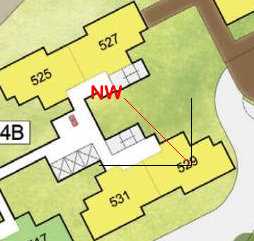
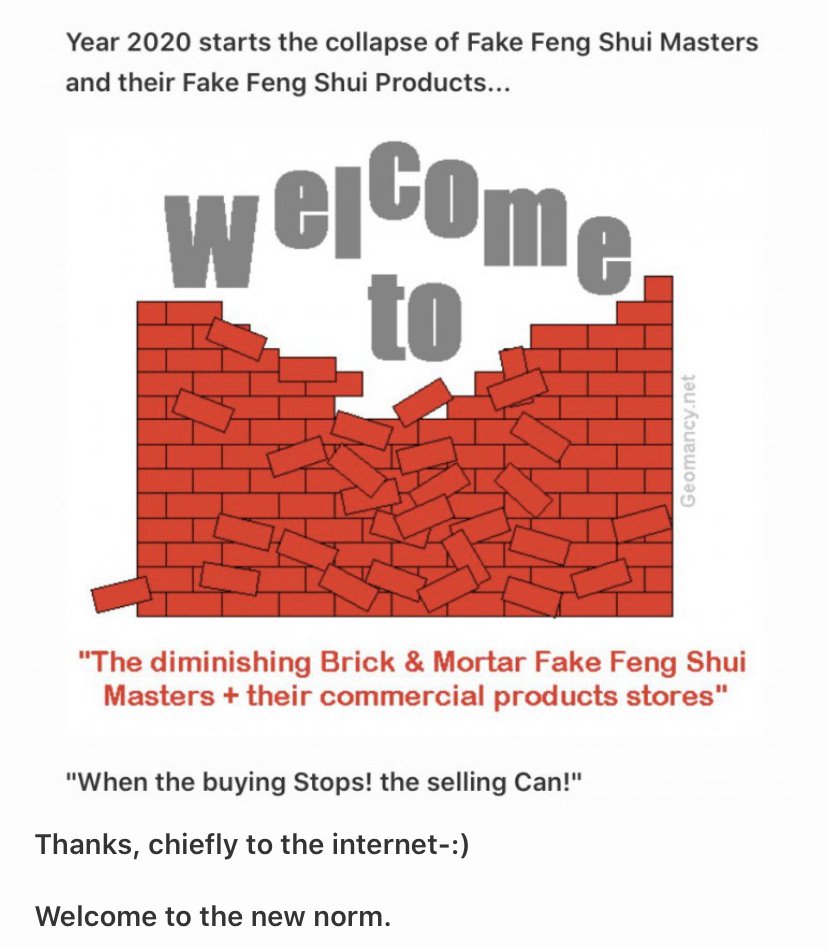
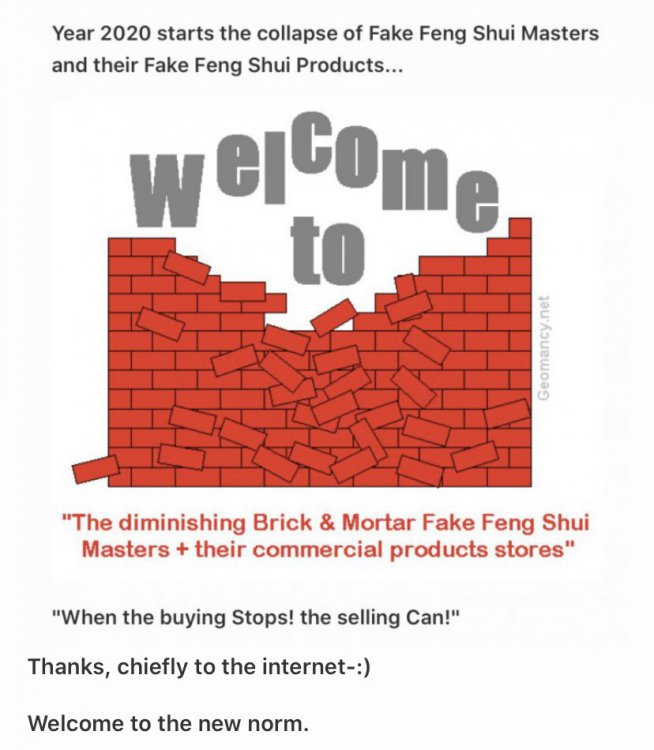
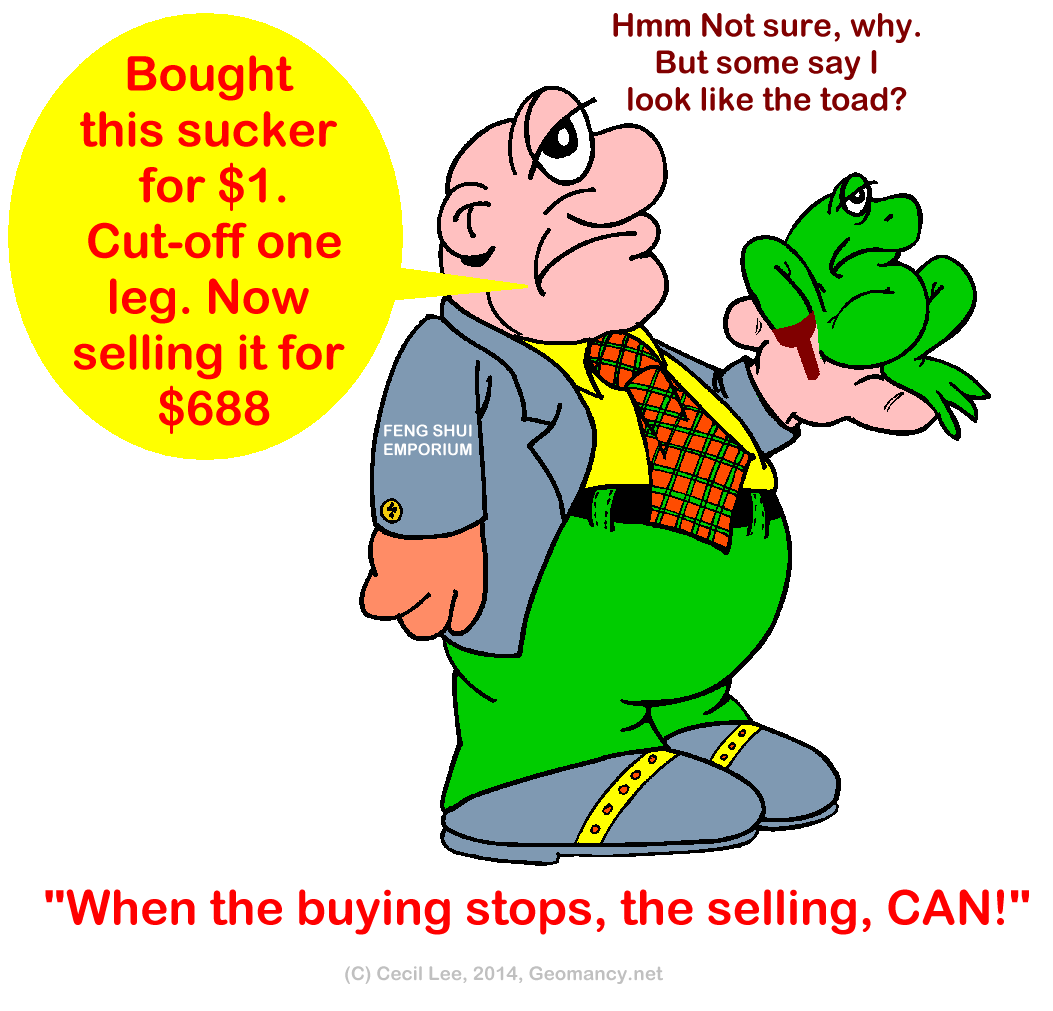
 Fake Feng Shui Master = Sell, sell and sell products "Their way or the highway?" When the buying Stops, the selling Can!
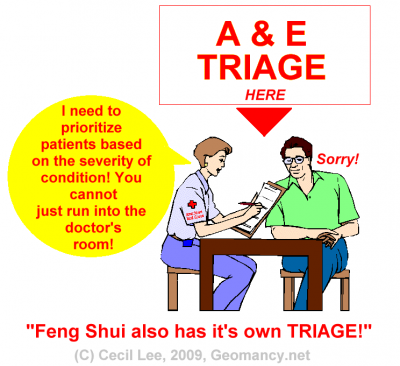
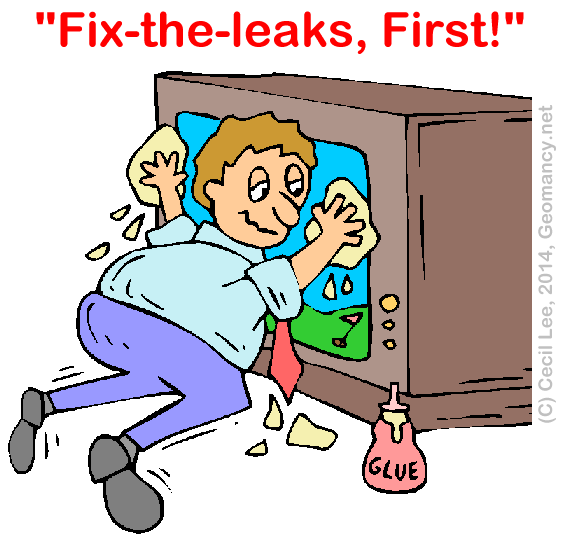
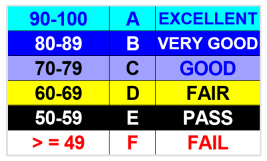
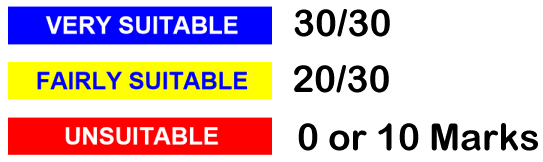
 Toilet in middle of unit? Feng Shui (FS) is not so fragile The ABC's of Feng Shui... 1. That one issue e.g. such as a toilet at the centrepoint is considered a death sentence or fatal error on it's own. 2. There are often more than one issue that can bring the Feng Shui of a house crashing down. And it is based on a holistic approach represented by this PIE Chart. IN SUMMARY The main takeaway is that a single issue, such as a poorly placed toilet, can significantly impact the overall Feng Shui of a house, but it is essential to recognize that multiple factors contribute to this holistic assessment. Therefore, addressing various issues collectively is crucial for maintaining a harmonious living environment. A. How Suitable is this House? Via Science of FS: Part 1 and 2 Via Art of FS: Part 3 External Part 1 = How suitable is the unit - Frontage, Kitchen & Main Bedroom? Frontage, Kitchen, Main Bedroom = 30 Marks (Part 1 accounts for why some homes are suitable to some but not to others.) Part 2 = How is the luck of the Interior Feng Shui of this unit? 35 Marks Part 3 = External Feng Shui luck? 35 Marks Total = 30% + 35%+ 35% = 100 Marks. Note: Thus the toilet at the centrepoint at most falls under Part 2 with just a few percentage points down only. B. Habit No. 3 = Concept of Maximizing Marks is another consideration:- C. Fix-the-leaks, First!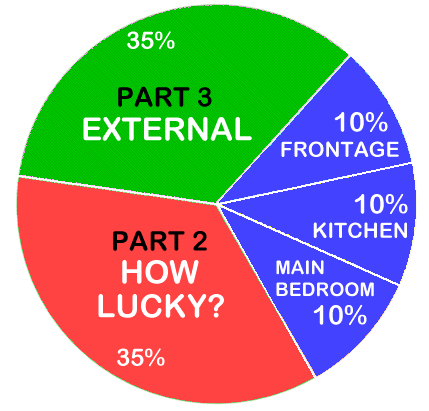
 Units categorized as Good, Bad, and Ugly. 1. Keep in mind that while a geomancer may deem this development favorable, the quality of a unit also relies on its specific location within the development. 2. Is your potential unit under the Good, the Bad or the Ugly? 3. Consider this scenario: the unit resembles a dilapidated 1,000 cc car that has seen better days. Not even a skilled Feng Shui Master could transform it into a desirable unit! 3.1. By the way, (above) this falls under Habit Number 11. 4. Under Habit 1, one possibility is by ranking one's bedroom type by stack/unit: 1st choice, 2nd choice etc... 4.1. Reference: Habit 1 can be found under this link:-
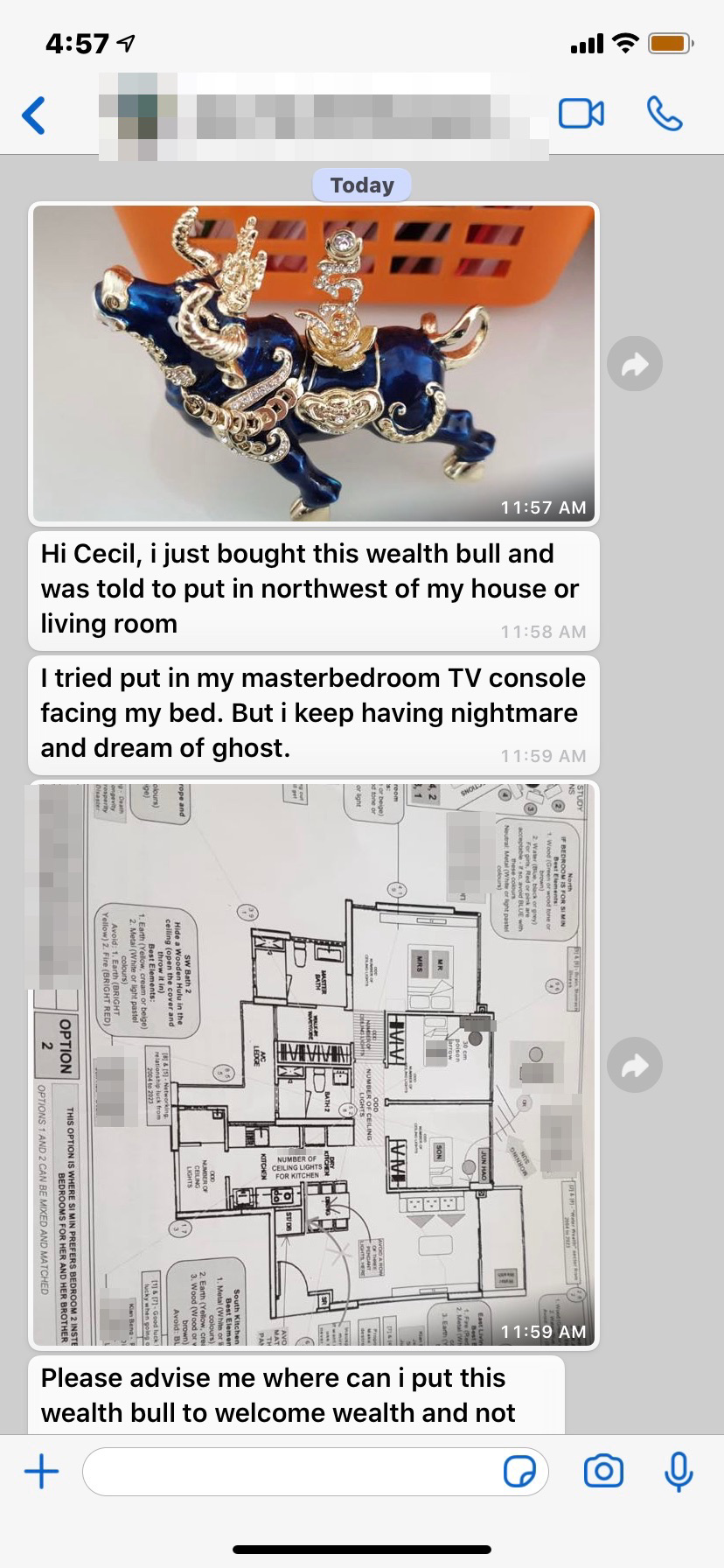
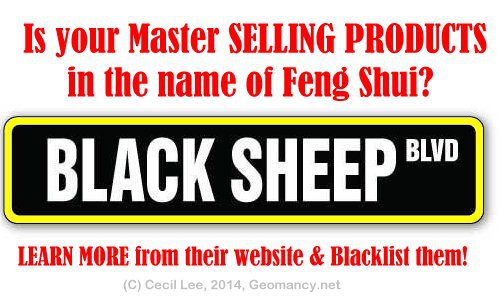
Numerous practitioners of Feng Shui are essentially salespeople masquerading as Feng Shui experts, solely focused on pushing products and maximizing profits. Ask: Must I buy from YOU?
Units categorized as Good, Bad, and Ugly. 1. Keep in mind that while a geomancer may deem this development favorable, the quality of a unit also relies on its specific location within the development. 2. Is your potential unit under the Good, the Bad or the Ugly? 3. Consider this scenario: the unit resembles a dilapidated 1,000 cc car that has seen better days. Not even a skilled Feng Shui Master could transform it into a desirable unit! 3.1. By the way, (above) this falls under Habit Number 11. 4. Under Habit 1, one possibility is by ranking one's bedroom type by stack/unit: 1st choice, 2nd choice etc... 4.1. Reference: Habit 1 can be found under this link:-
Numerous practitioners of Feng Shui are essentially salespeople masquerading as Feng Shui experts, solely focused on pushing products and maximizing profits. Ask: Must I buy from YOU?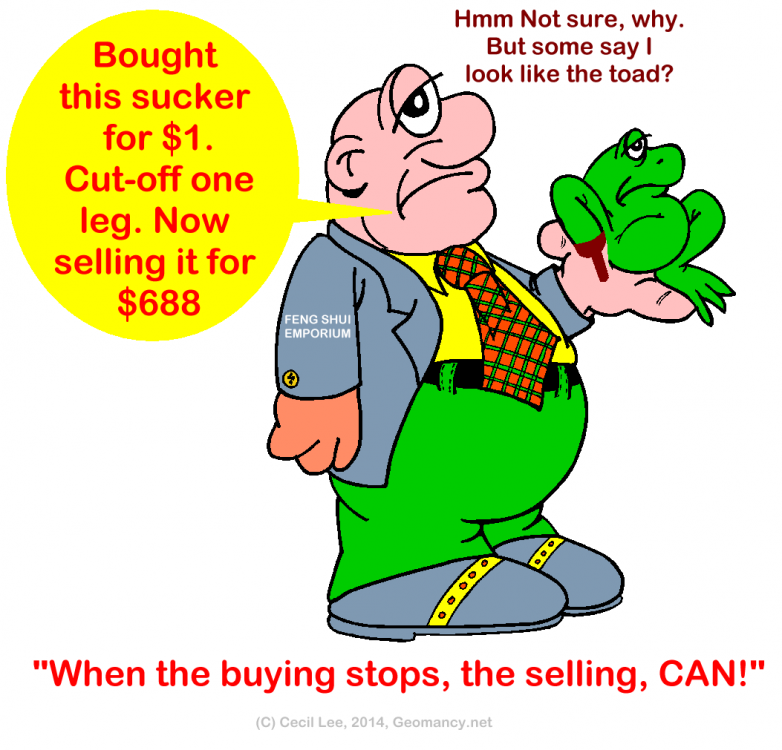 No Two Ba Zi Reports are created equal Learn Why? +++ Geomancy.net Since 1996 +++
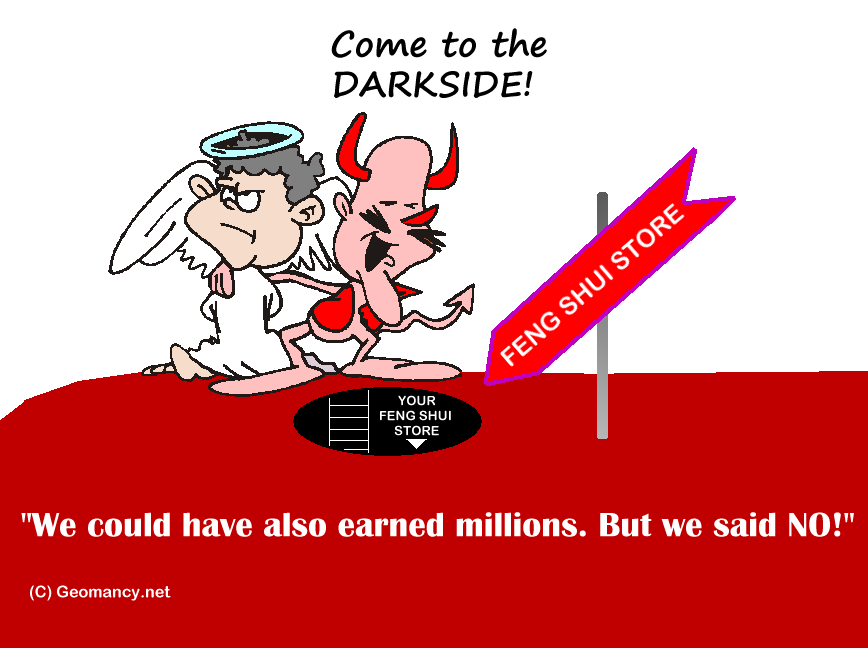
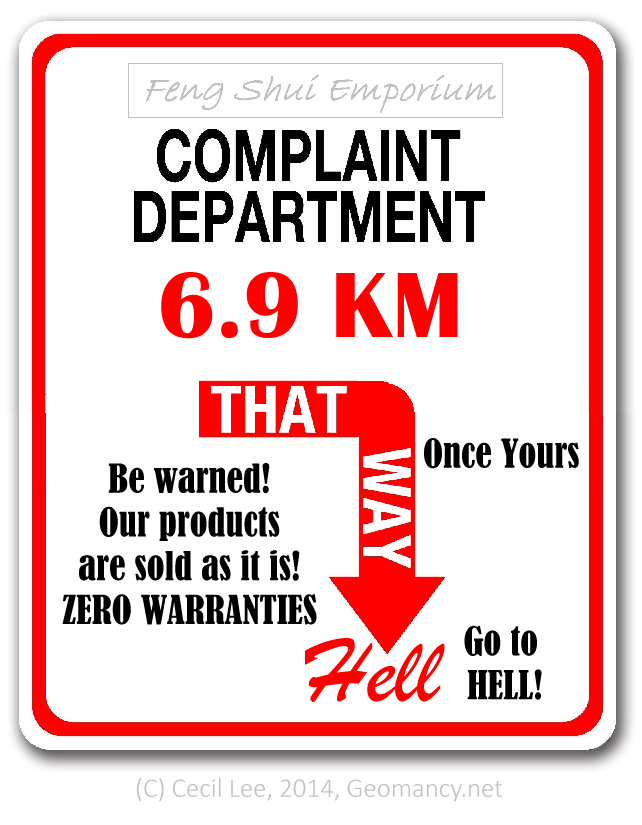
BEWARE OF THIS AGE-OLD FENG SHUI SCAM Be warned that certain Feng Shui practitioners in Singapore may misrepresent themselves by operating under the guise of a Feng Shui Store. Potentially exploiting clients through deceptive practices. It emphasizes the importance of vigilance when seeking Feng Shui services to avoid falling victim to such scams. BEWARE OF THIS AGE-OLD FENG SHUI SCAM No wonder, Feng Shui suffers from a bad reputation, today Purchasing products from Feng Shui stores that prioritize profit over authenticity may lead to wasted resources on items that do not genuinely enhance one's environment or well-being. It is advisable to seek out true Feng Shui practices and guidance rather than succumbing to commercialized offerings that lack real value. The text highlights the prevalence of fraudulent Feng Shui practitioners, emphasizing the need for discernment in choosing genuine experts, particularly in light of the challenges posed by the COVID-19 pandemic. This serves as a reminder to critically evaluate the authenticity of services in the wellness and spiritual sectors. P.S. Frankly, I was just being extremely polite. Actually if one got the hint, as the British always say just throw the "bloody" thing away! ASK! MUST I BUY FROM YOU? When the buying Stops! The selling Can! Yes! Ask: "Must I buy from YOU?"
No Two Ba Zi Reports are created equal Learn Why? +++ Geomancy.net Since 1996 +++
BEWARE OF THIS AGE-OLD FENG SHUI SCAM Be warned that certain Feng Shui practitioners in Singapore may misrepresent themselves by operating under the guise of a Feng Shui Store. Potentially exploiting clients through deceptive practices. It emphasizes the importance of vigilance when seeking Feng Shui services to avoid falling victim to such scams. BEWARE OF THIS AGE-OLD FENG SHUI SCAM No wonder, Feng Shui suffers from a bad reputation, today Purchasing products from Feng Shui stores that prioritize profit over authenticity may lead to wasted resources on items that do not genuinely enhance one's environment or well-being. It is advisable to seek out true Feng Shui practices and guidance rather than succumbing to commercialized offerings that lack real value. The text highlights the prevalence of fraudulent Feng Shui practitioners, emphasizing the need for discernment in choosing genuine experts, particularly in light of the challenges posed by the COVID-19 pandemic. This serves as a reminder to critically evaluate the authenticity of services in the wellness and spiritual sectors. P.S. Frankly, I was just being extremely polite. Actually if one got the hint, as the British always say just throw the "bloody" thing away! ASK! MUST I BUY FROM YOU? When the buying Stops! The selling Can! Yes! Ask: "Must I buy from YOU?"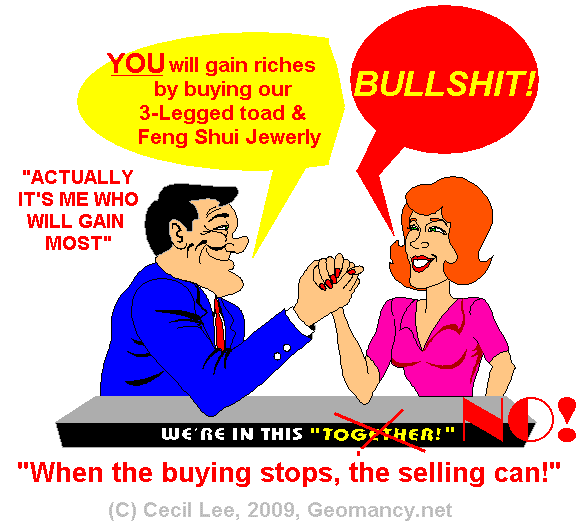
.thumb.png.5d36232667c117aff70d0f27489bd1e5.png)
.png.c0275297a424b760491eaa12c35b1d30.png)
.png.a4a889053737bed4b9f1b4db20d9dbc6.png)




.png.e5597e77be0644f87606cbd5642a37b6.png)