Cecil Lee
Staff
-
Joined
-
Last visited
Everything posted by Cecil Lee
-
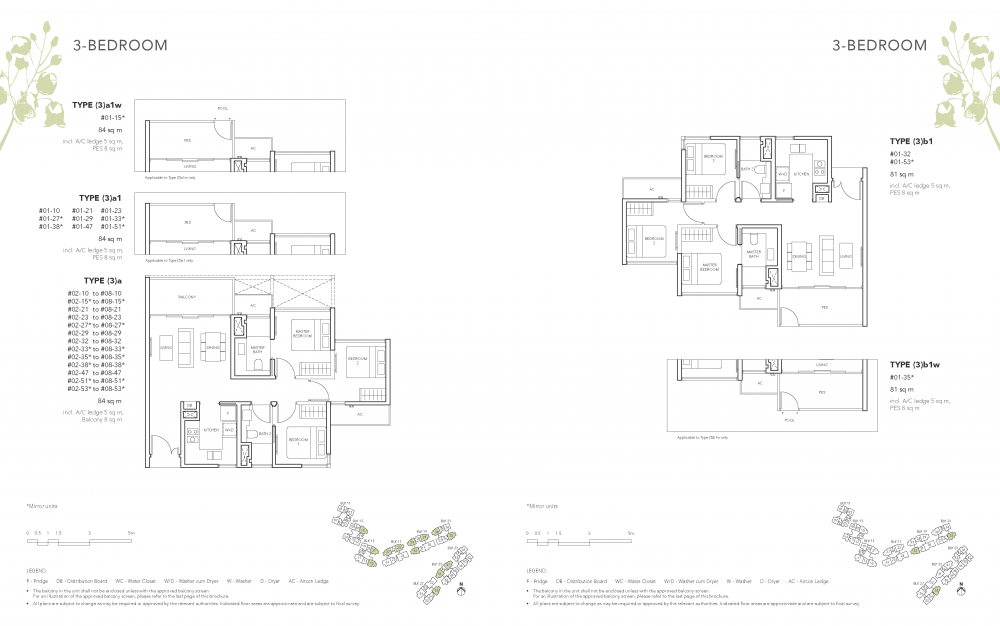
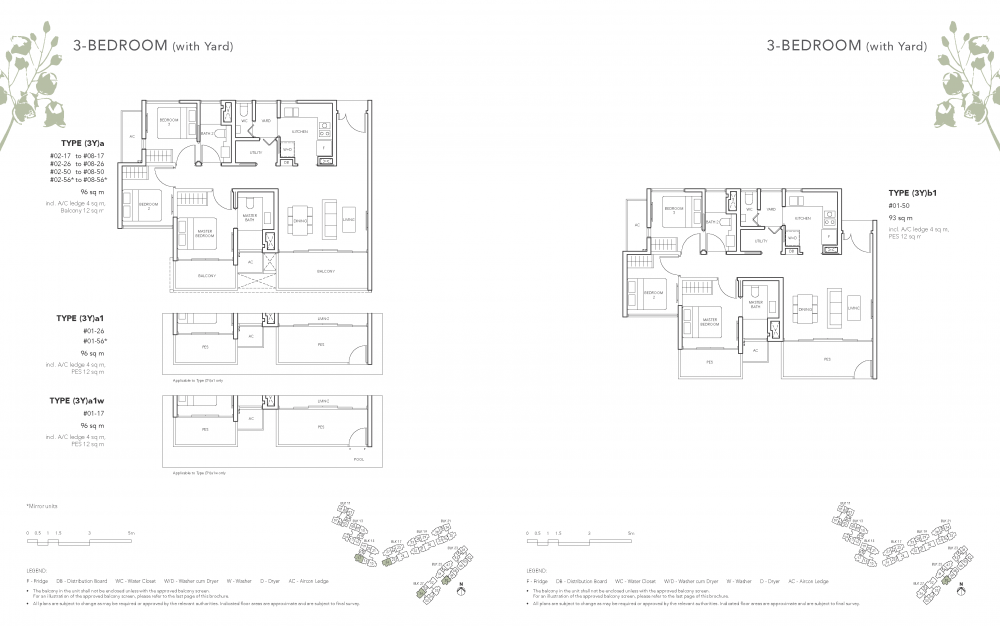
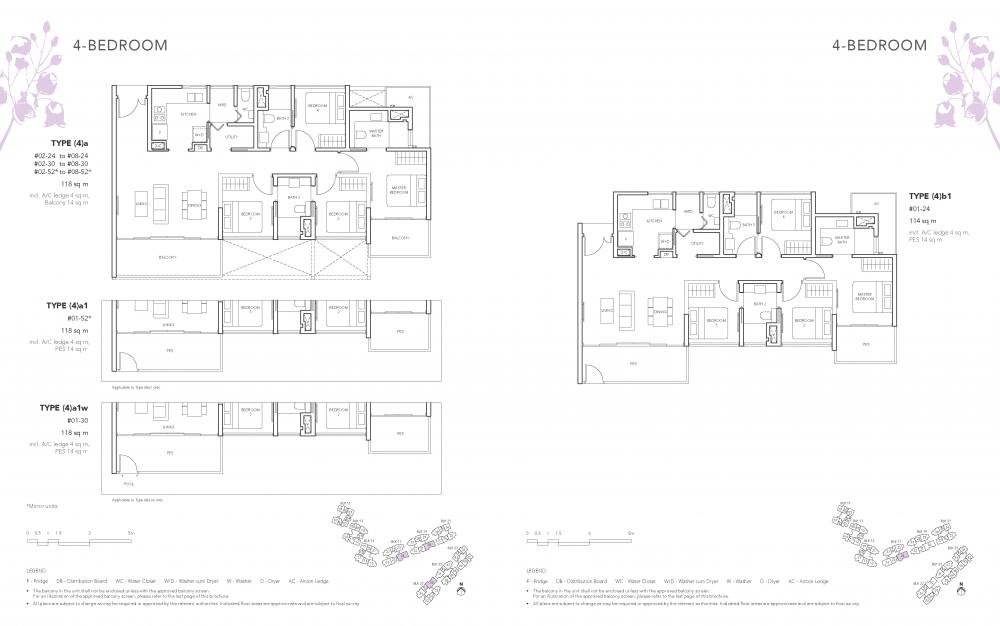
Part 9: Of Common sense and some Feng Shui Masters [FSMs] ay that it is inauspicious to have the stove sharing the same wall as the main entrance foyer 1. Very often, there is always an explaination based on pure common sense. But some FSMs like everyone don't seem to see the relationship or associate similar situations as such. 2. Why so might I ask? 3. Very rare or call it one in 2 million chances with an issue with the kitchen stove e.g. fire breaking out on the stove spreading ... or an explosion. 3.1. In such a situation, the escape route out of the main door perhaps is blocked or dangerous. And the only way to escape from the home is from the balcony or bedroom window at the living room side of the house. 3.2. These stacks share same concern...
-
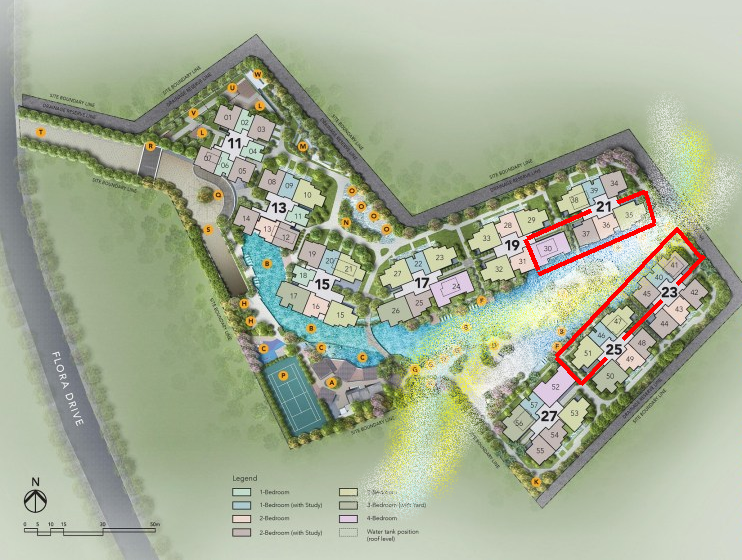
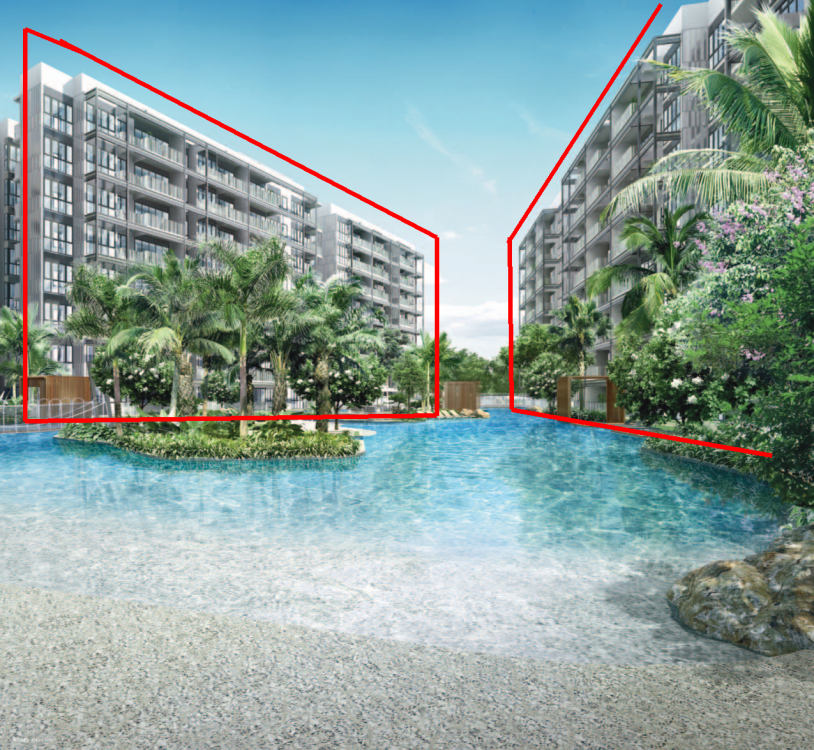
Part 8: The Sick Building Syndrome [SBS] and The Jovell 1. Don't worry, there are many related factors involved that may result in the SBS: 1.1. Constant sunny days often without much cloud cover 1.2. Prevailing winds and the wind direction flow 1.3. Often low floors where not every neighbour opens theirs balcony or windows. But the poor unit occupiers are the only ones that open them 1.4. Higher probability of occurrence of the stacks/units outlined in RED box(es)... 2. Understand more about SBS? Sorry it is not Singapore Bus Service...

-
Smaller and smaller market for D.I.Y. + a case of too many competitors. Perhaps blame it on “challenges”.. or literally Challenger the shop?

-
The other day, I entered Geomancy.net's article under this same thread. The adwords chose this Sponsored Link.. I had a good laugh.. LOL Looks like the adwords found a few "selling" and thought that I wanted to buy some Feng Shui items... look below:

-
Part 7: Wow! Most of our units with views of the river are "afternoon sun" units. Can we install ceiling fans to reduce the heat? Any problem if we install ceiling fan in every room? If one has to time can go through this resource on the subject of installing ceiling fans.. Can or cannot?
-
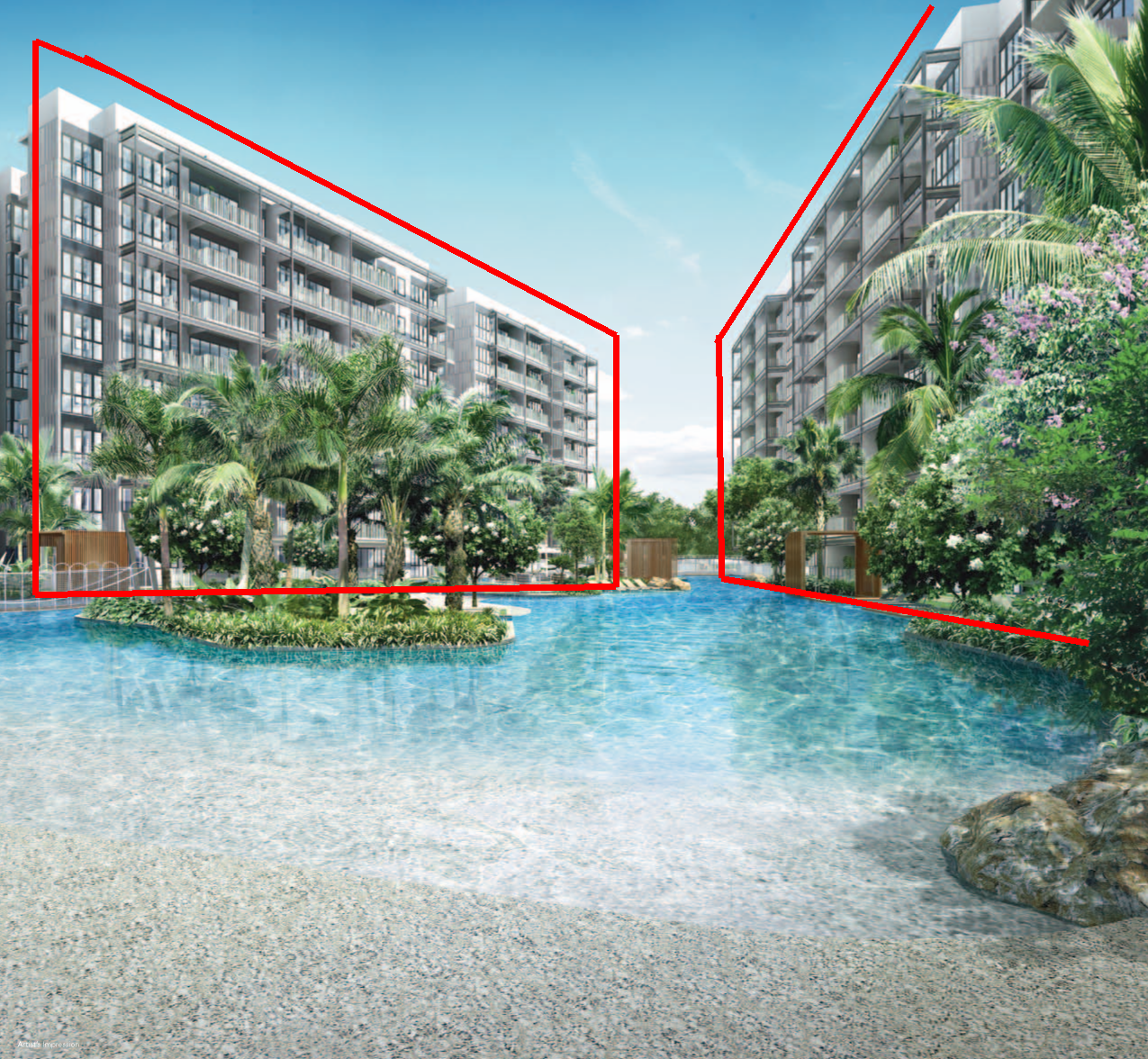
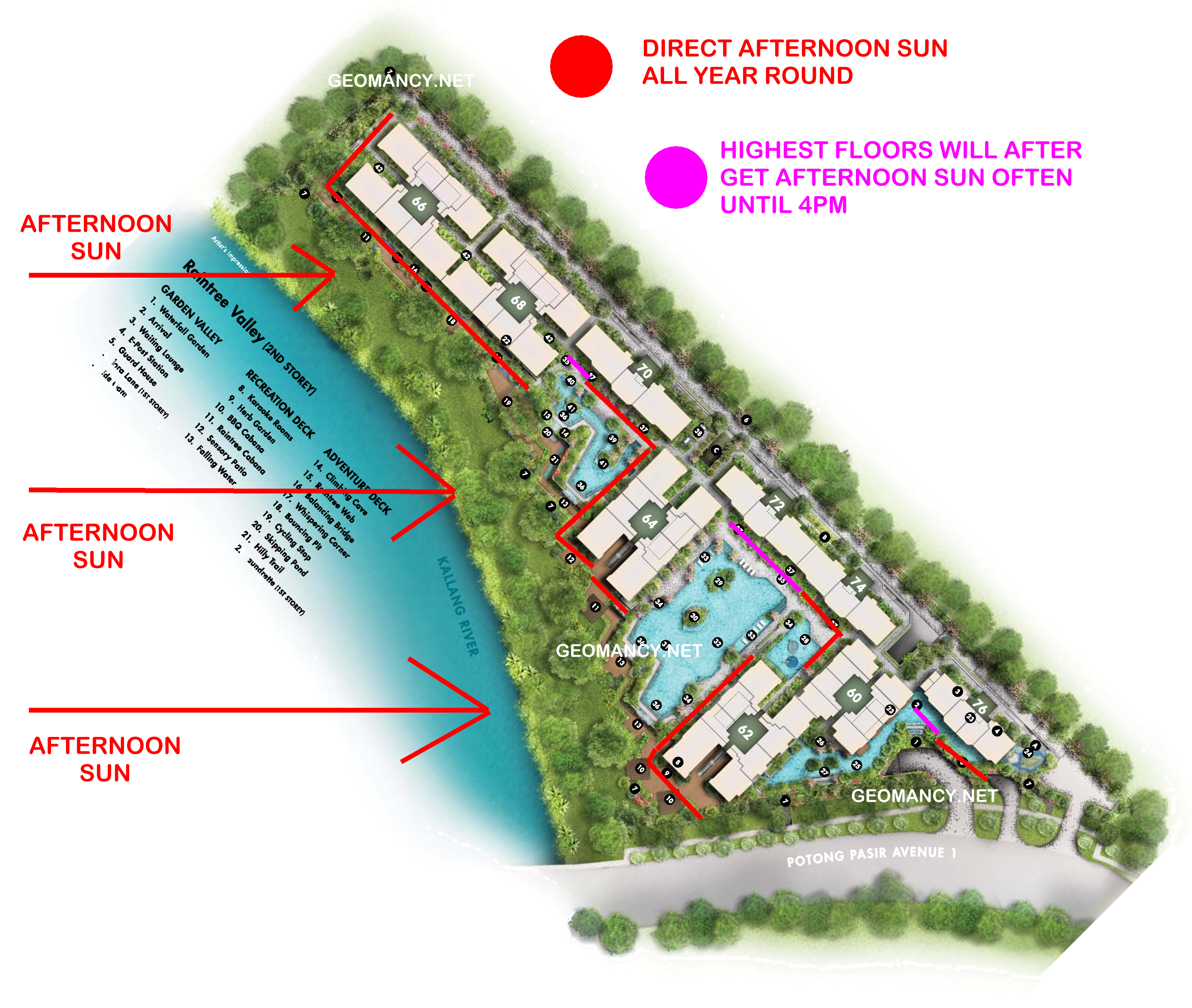
Part 6: Can I tell the afternoon sun just by looking at the Sales Brochure? 1. If one has a rough sense of the orientation of the development, one can roughly look at a Sales Brochure for clues. 2. In this example, we get to see the perspective of the development roughly from the river view. 3. I have added red stripes to the surface areas of the development where potentially these areas will receive close to direct afternoon sun ... all year round... and no running away from it. 4. Nothing beats taking the site plan; orientate the site plan with the North compass correctly at the TOP and outline the areas that can be affected by afternoon sun:-


-
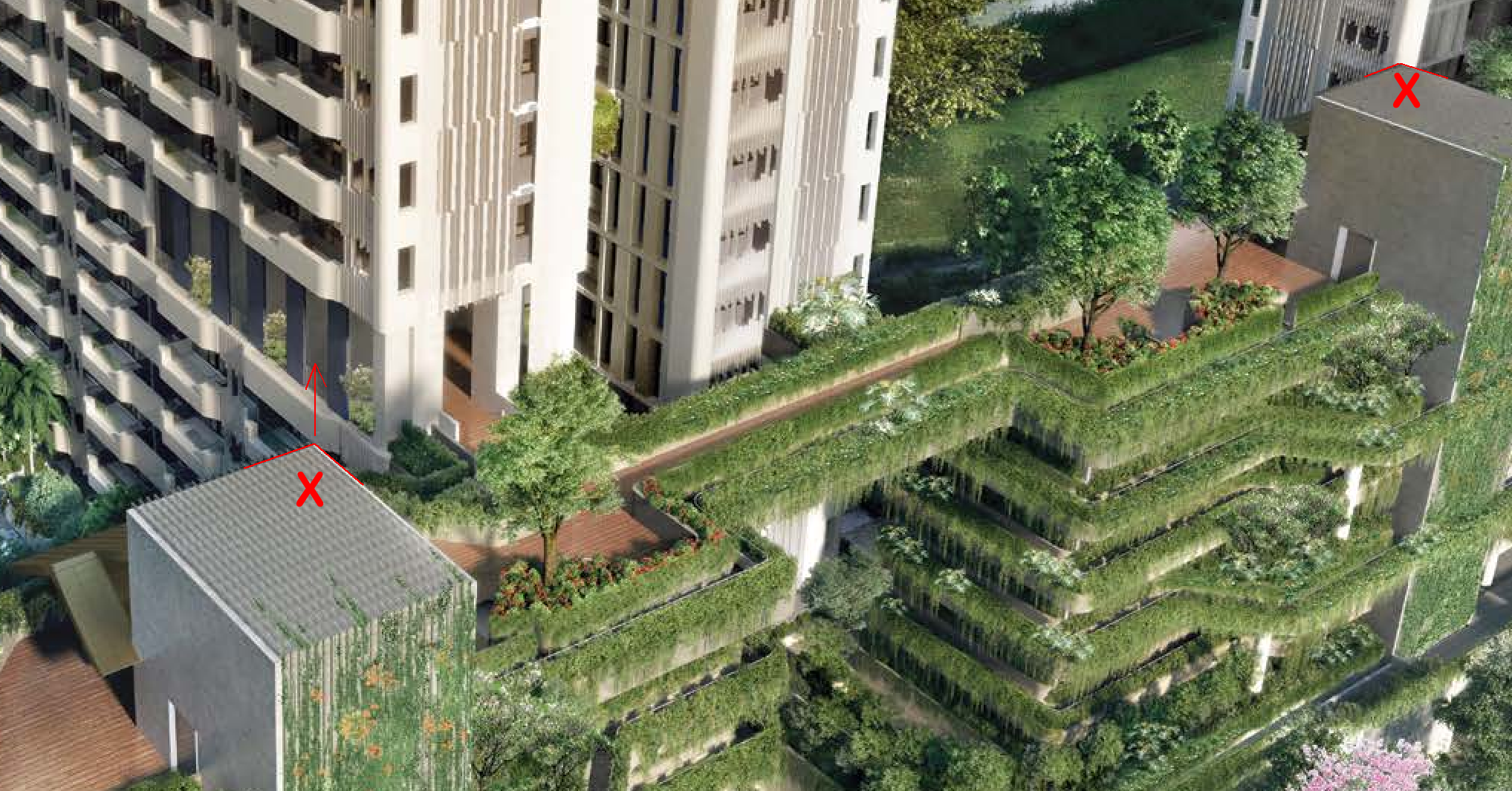
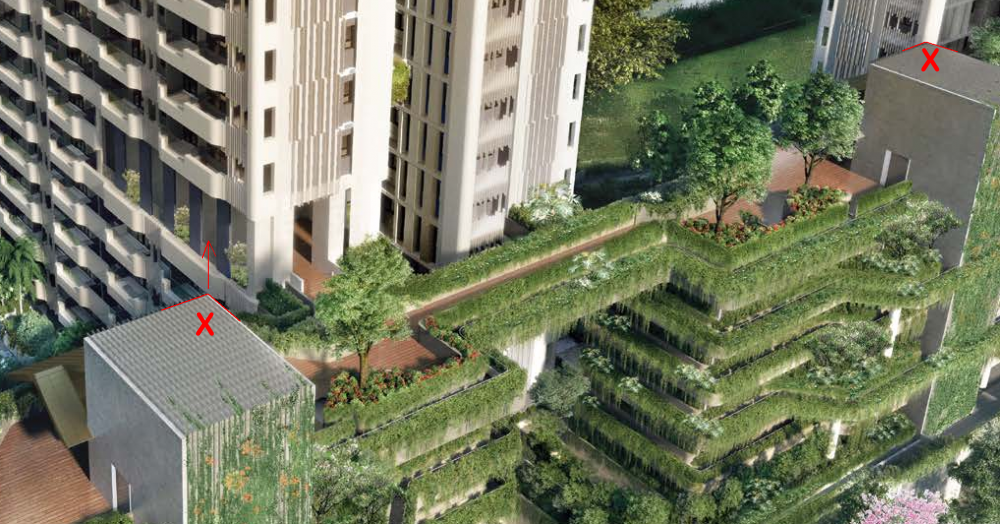
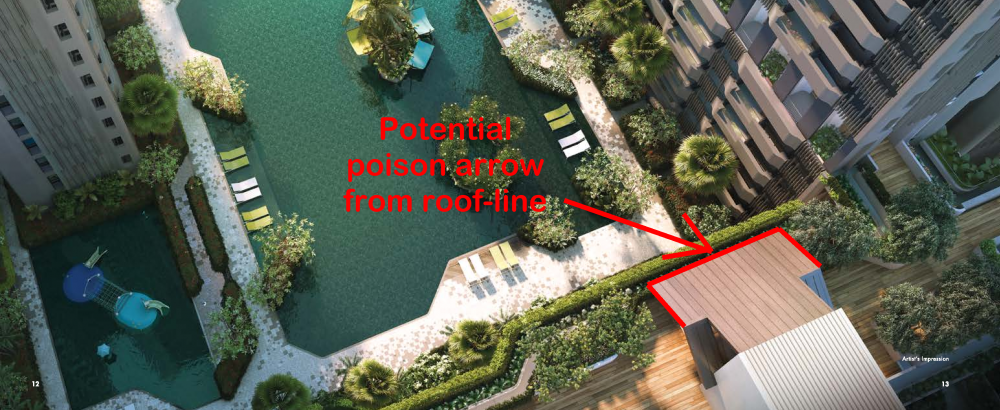
Part 5: Case Study - Potential poison arrow as shown by the two "X's 1. Oh dear... don't tell me... a "geniuine" not fake... poison arrow... 2. Often, clues of poison arrow(s) is visible from the Sales Brochure.. provided one knows of it's possible existence... 3. Do pay extra attention to structures especially roof-lines of club-house and or other utility buildings near to one's potential unit of purchase: 4. For now, this not possible: 4.1 But can't you visualise? Or one of the best visual tools (not fool proof) is look closely at the developer's showroom model and zoom into the area /level stack/unit that one is looking at...
-
Another good reason? Here goes...

-
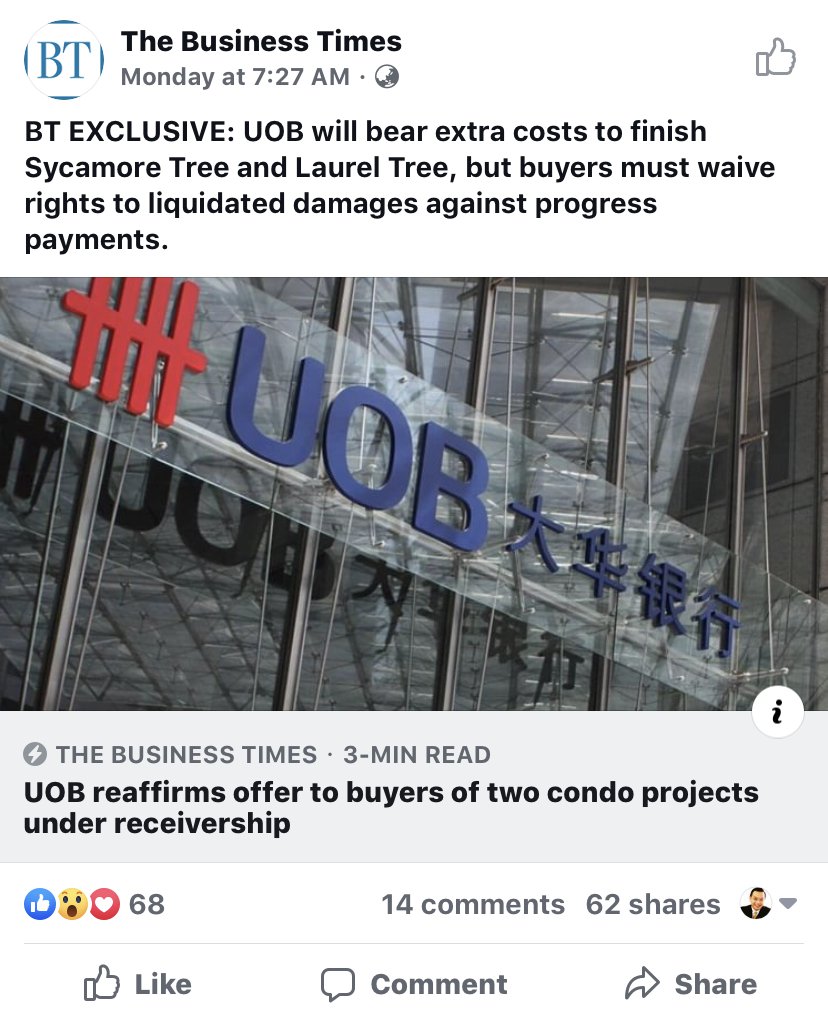
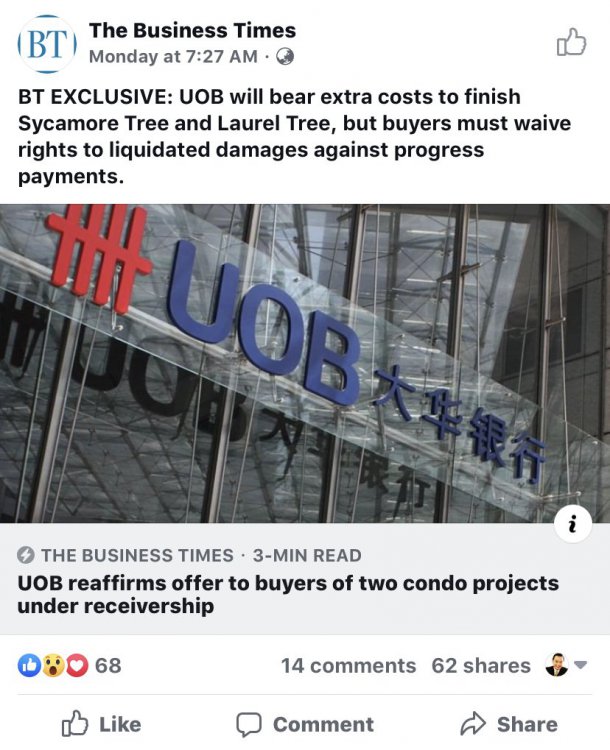
UOB Bank will bear extra costs to finish Sycamore Tree and Laurel Tree, [both suppose to have T.O.P. in 2016] but buyers must waive rights to liquidated damages against progress payments A win-win situation? Cutting losses.. Good first move..UOB! What do you the affected subsidiary proprietors think?
-
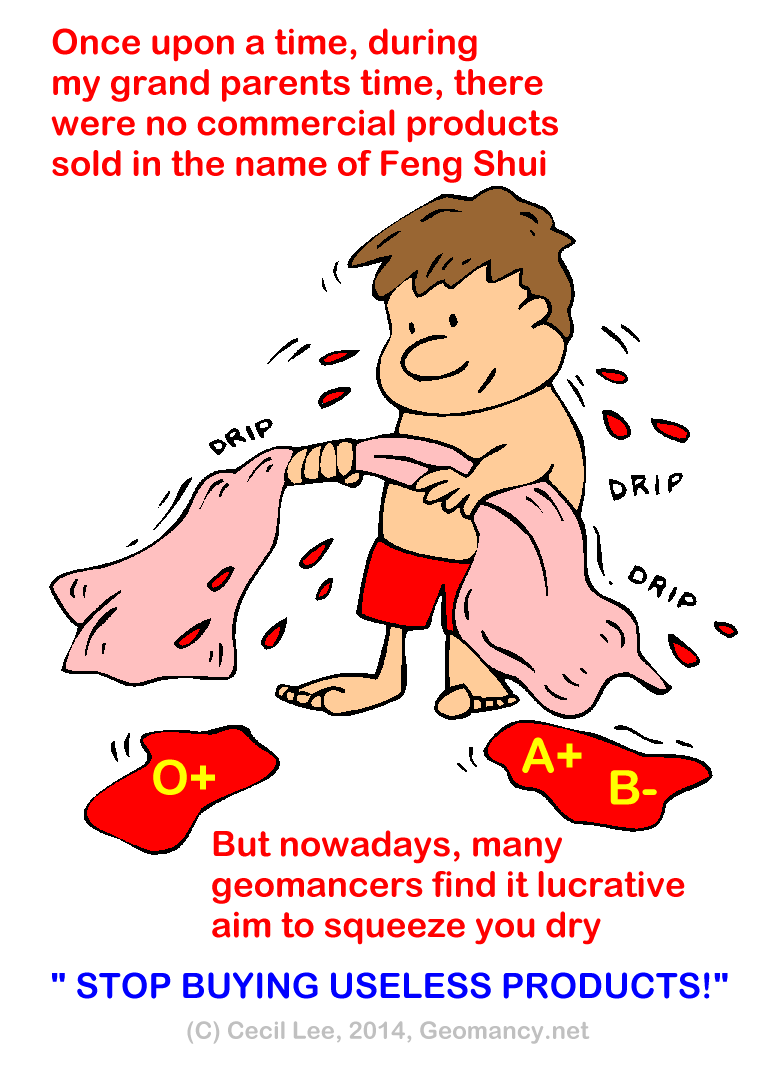
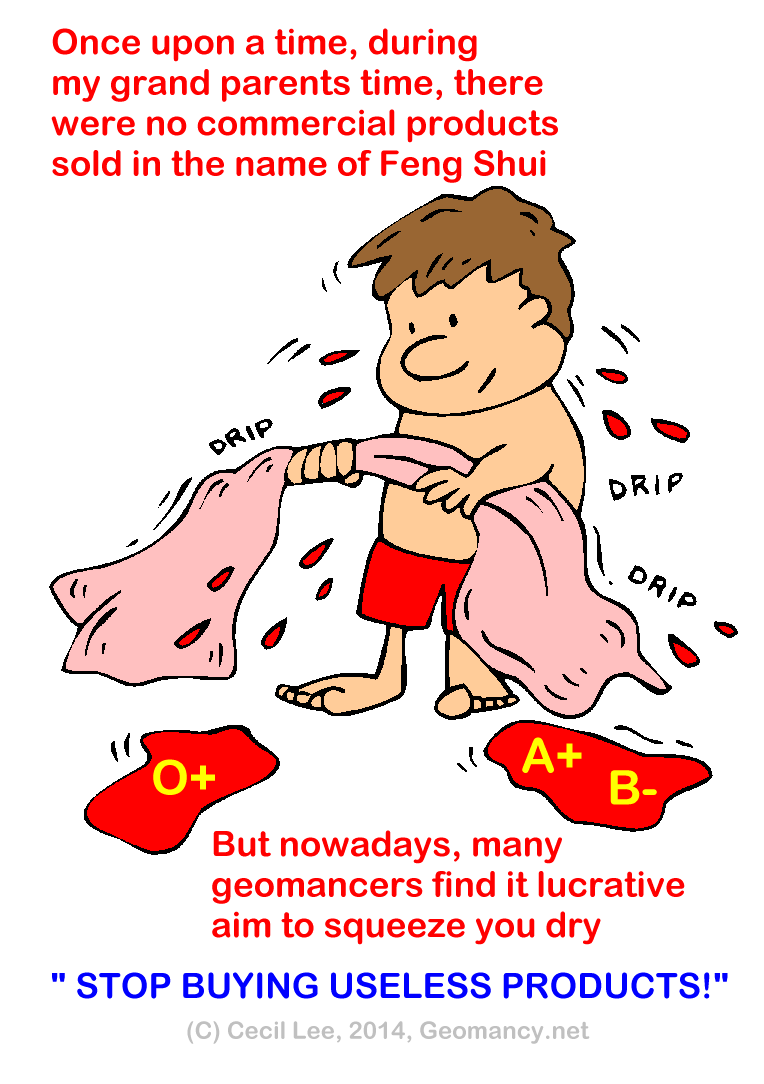
Give me a good reason not to buy commercial products in the name of Feng Shui? Can? Yes! Boycott such sellers! Ask: "Must I buy from you?"

-
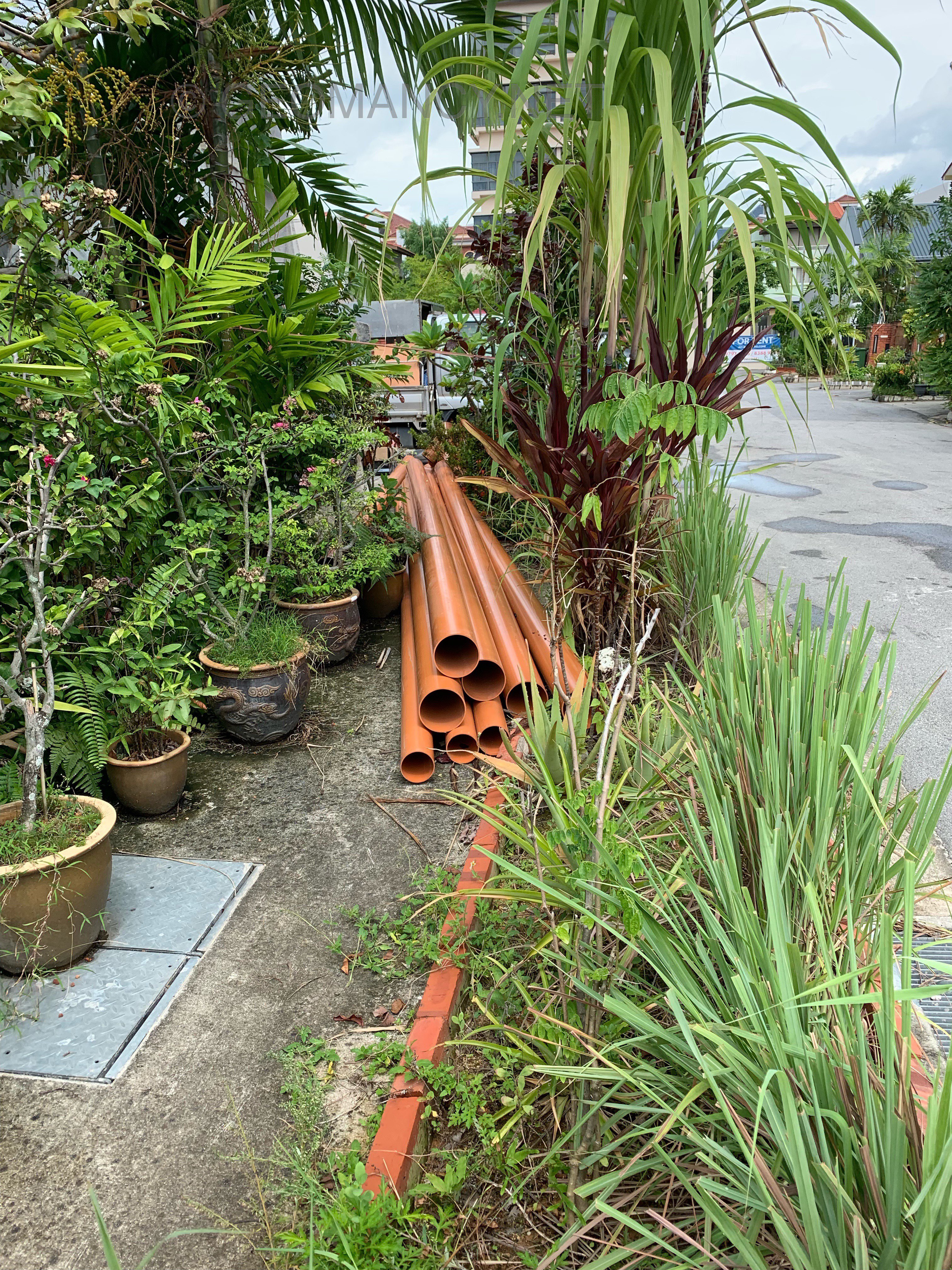
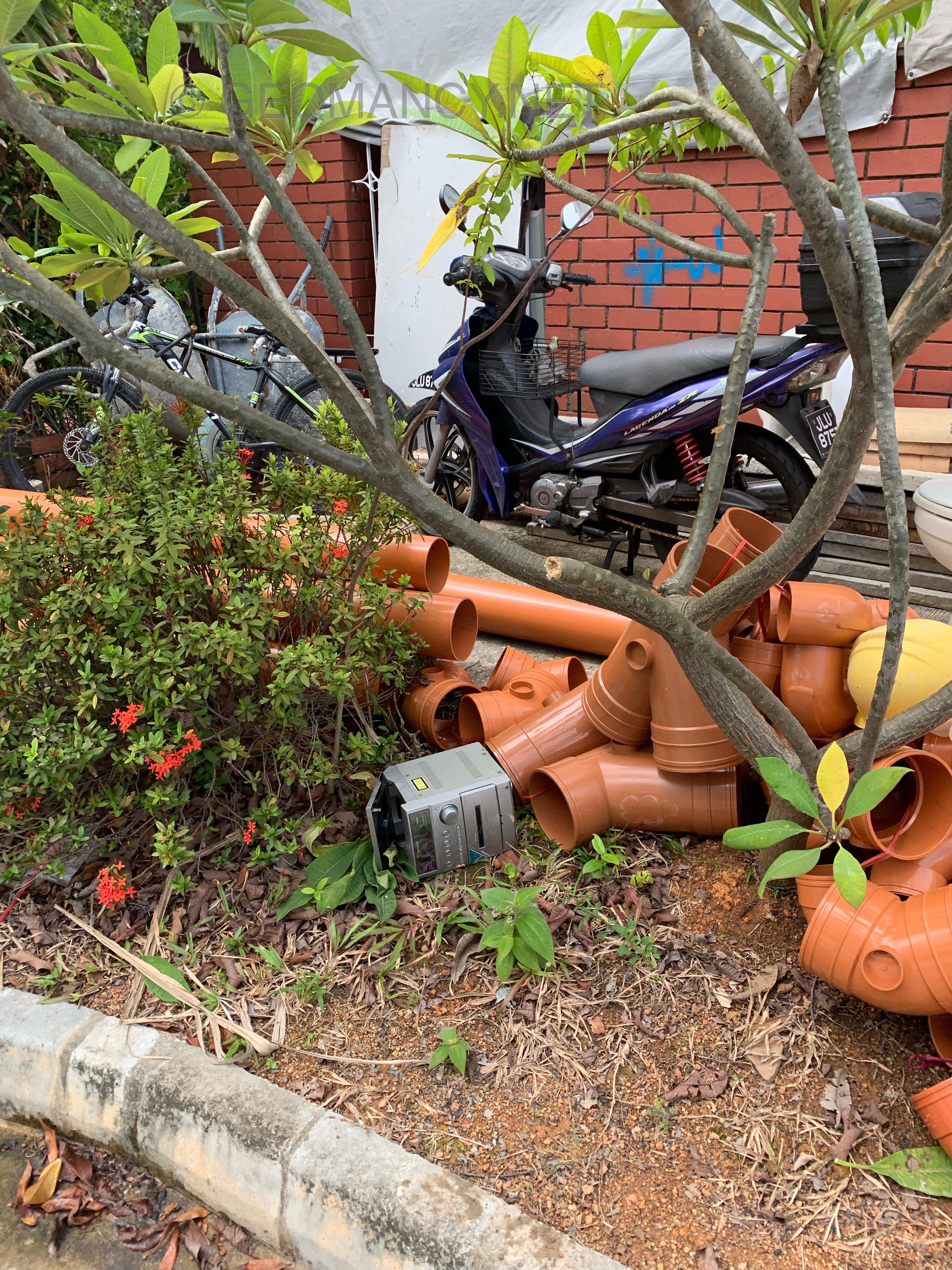
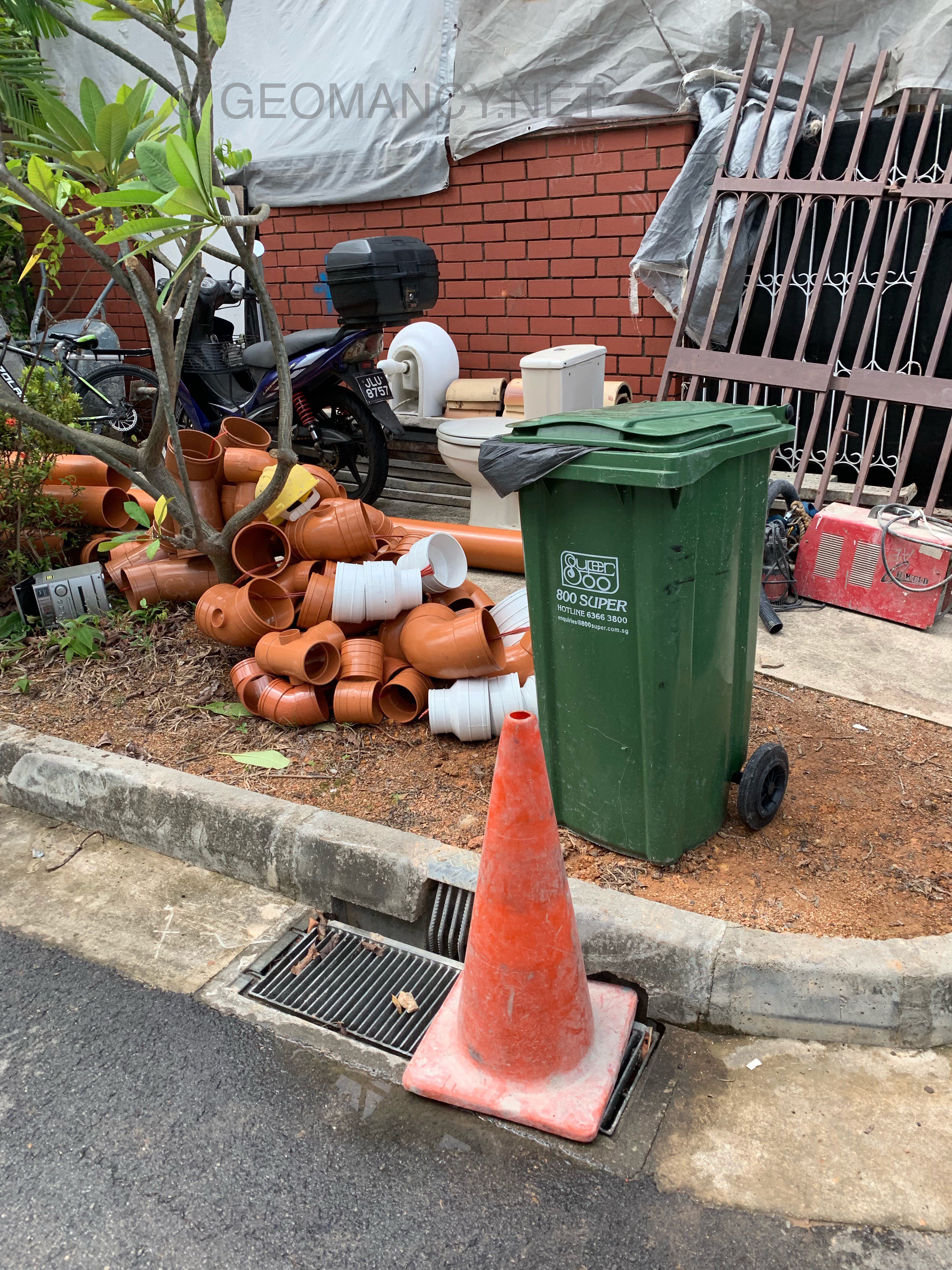
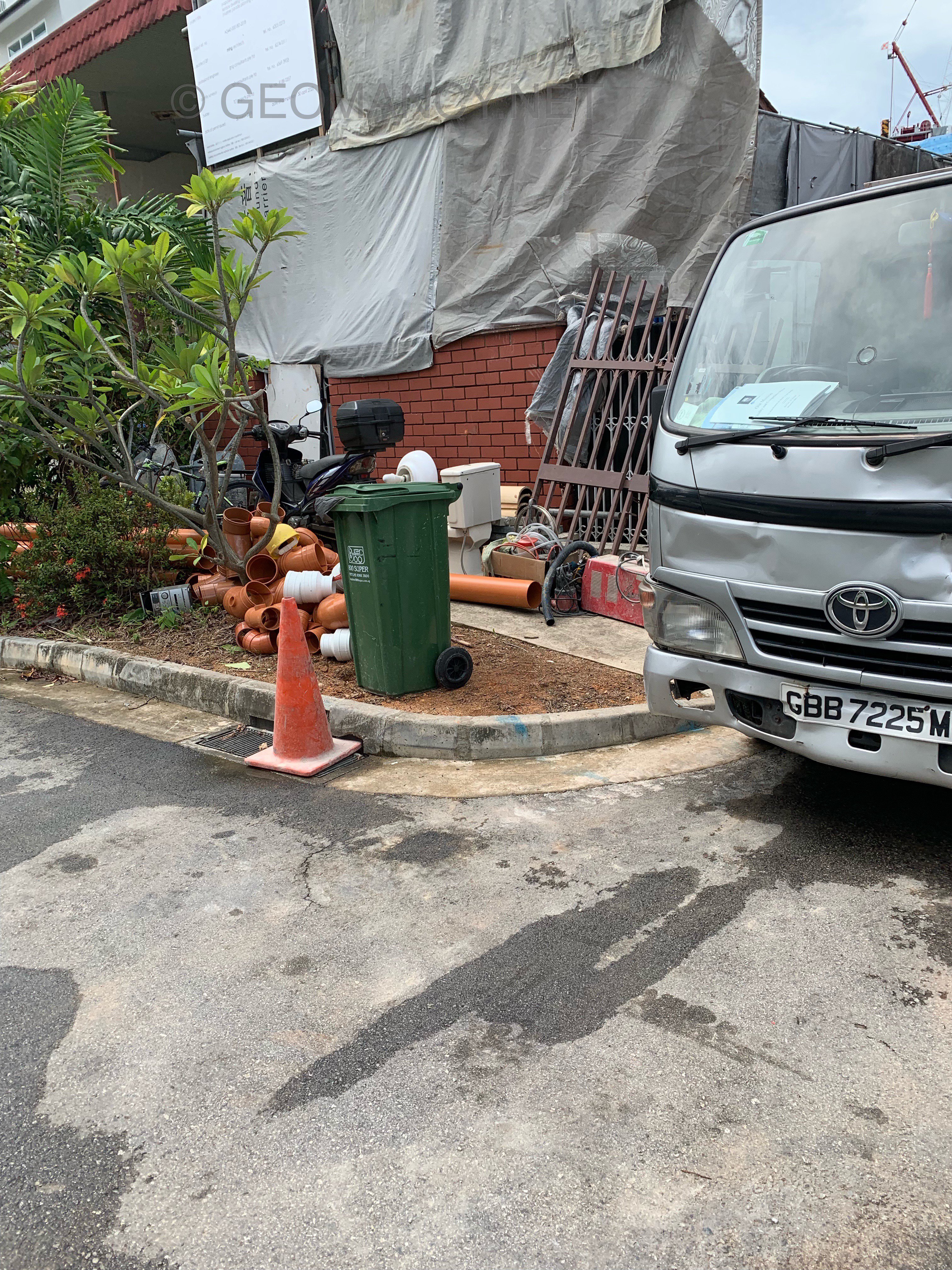
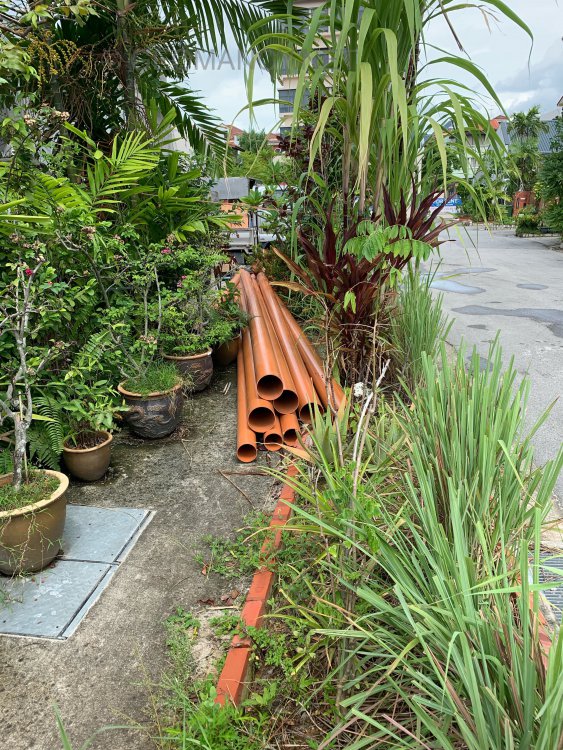
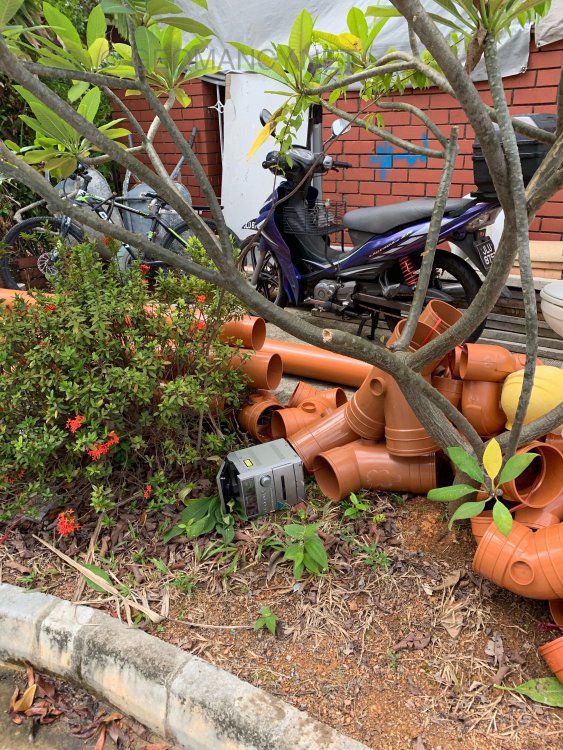
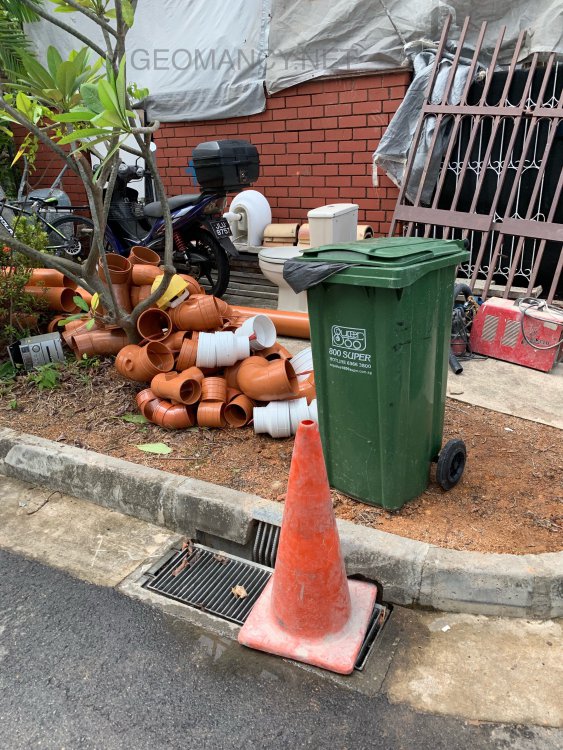
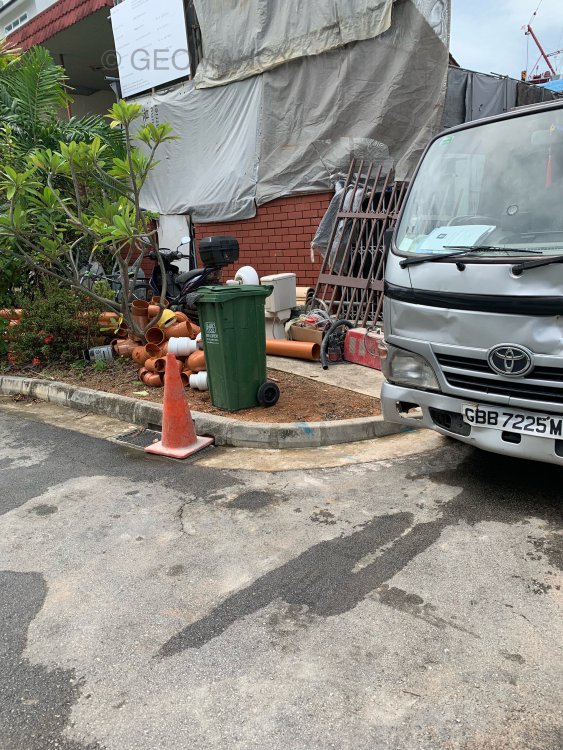
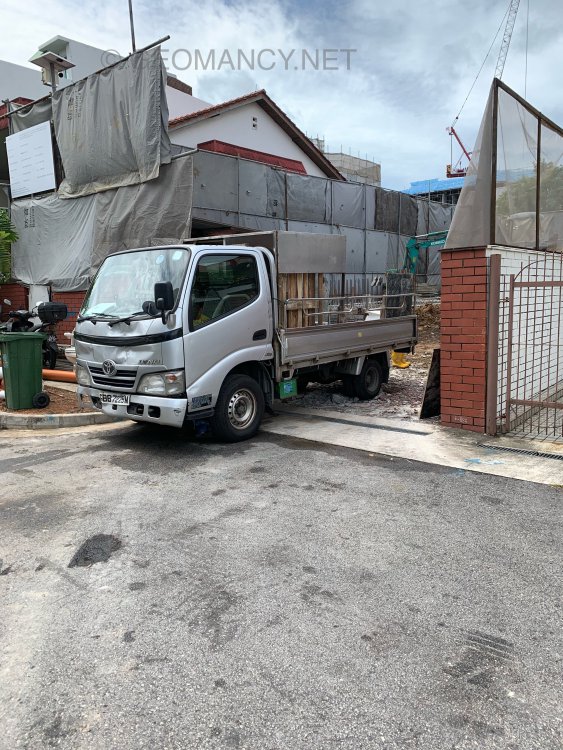
Case Study: Feng Shui for landed properties include how the sewerage pipes are run within a home: 1. Avoid running below a guest or bedroom 2. Avoid running below a stove .... Nowadays in Singapore, sewerage pipes can be plastic + brown in colour. Below: This house is about to have the sewerage pipes laid before all else.
-
Case Study: I am bringing my fake Rolex watch to a genuine Rolex watch dealership for advice on why the shell of my watch is severely tarnished. Go ahead.. do so... LOL
-
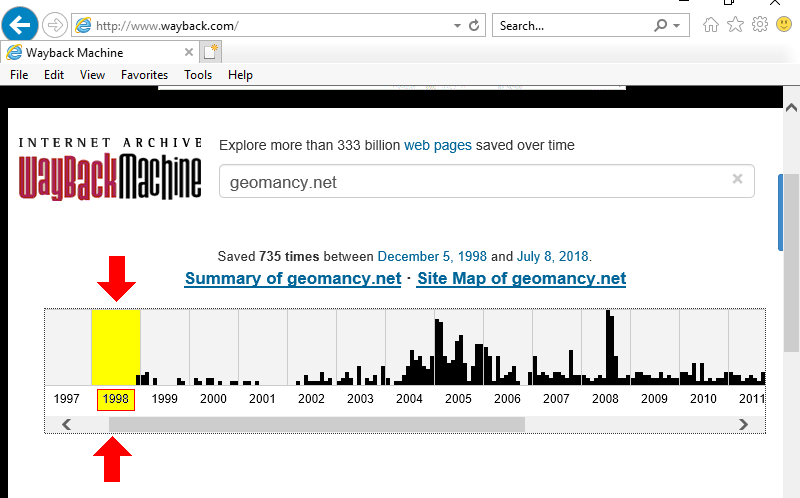
In 1996 Geomancy.net hosted it's first forum on a third party website. From December 1998 onwards and till today, forum resources since this date can still be viewed... Geomancy.net is world's oldest Feng Shui forum in the WWW.

-
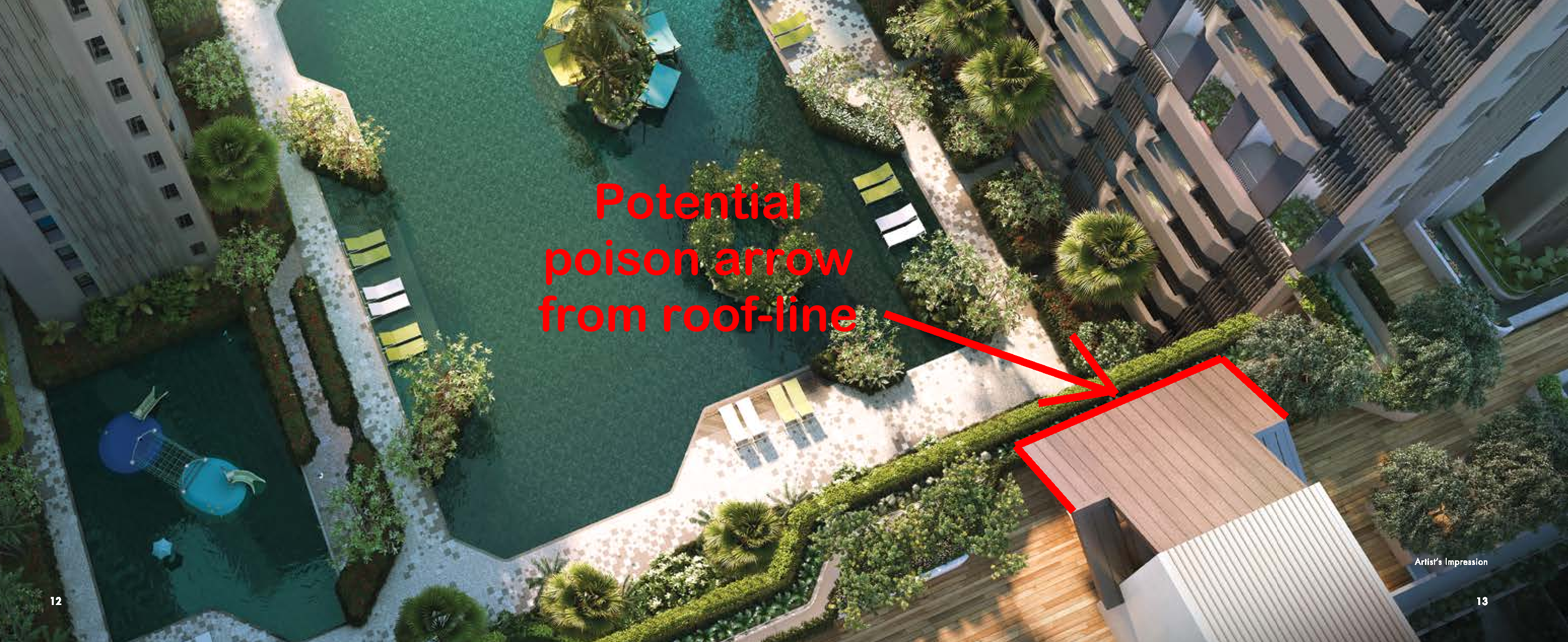
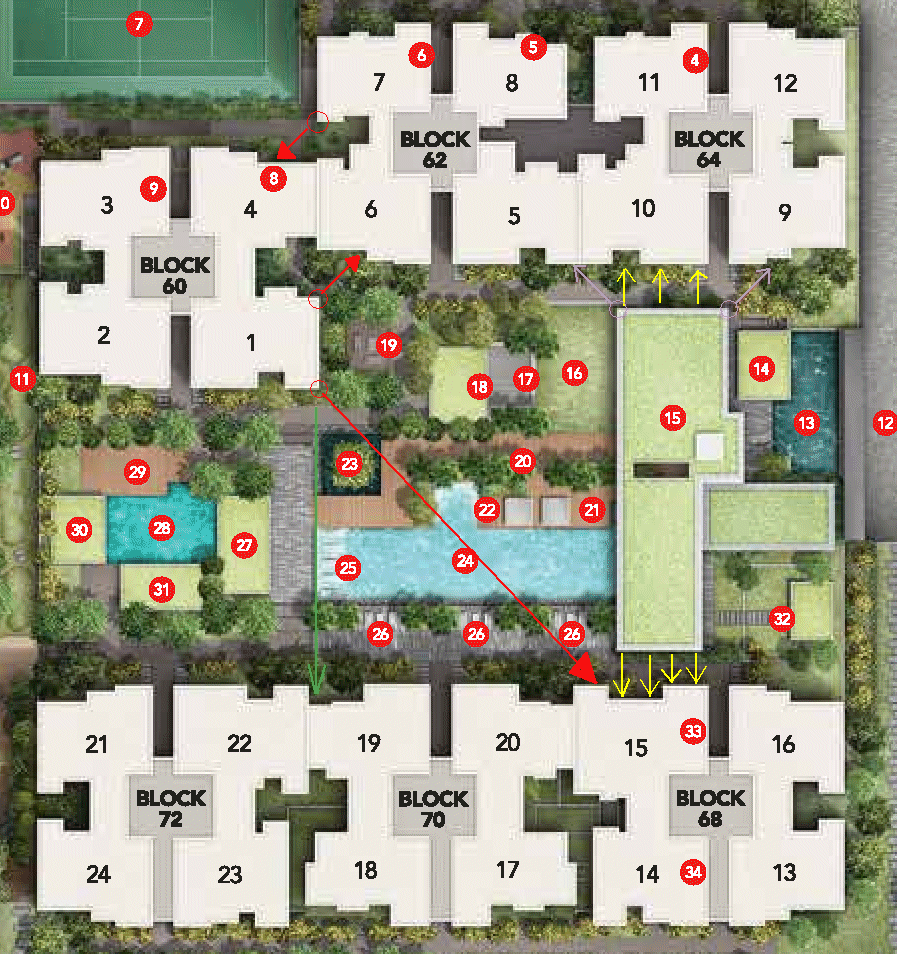
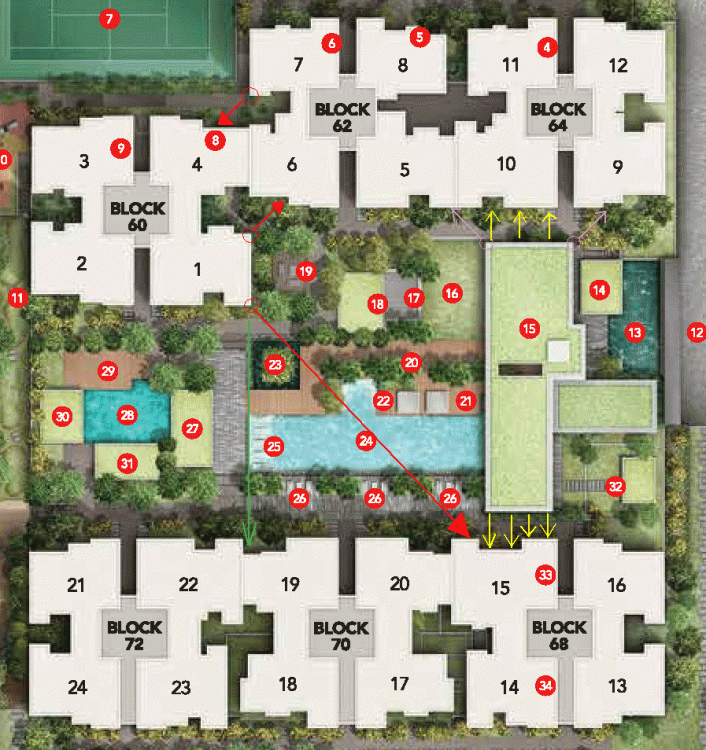
Part 11 - Potential Poison arrow(s) or Sha Qi = concern of neighbouring block's sharp corners or roof-lines/sharp corners from club house roof-lines etc... 1. How do I know if my unit has a poison arrow aimed towards my unit? 1.1. Best to be viewed from within the unit by standing inside the balcony and each windows looking (directly) outwards.... 1.2. Often poison arrows can come from sharp corner of neighbouring block/stack as shown by the RED arrow(s). 1.3. Low floors may also be affected by the roof-lines and sharp corners of the club-house. Thus potentially best to try to check that units at stack 10 and #15 is not affected by the club-house roof-line or sharp corner of it.
-
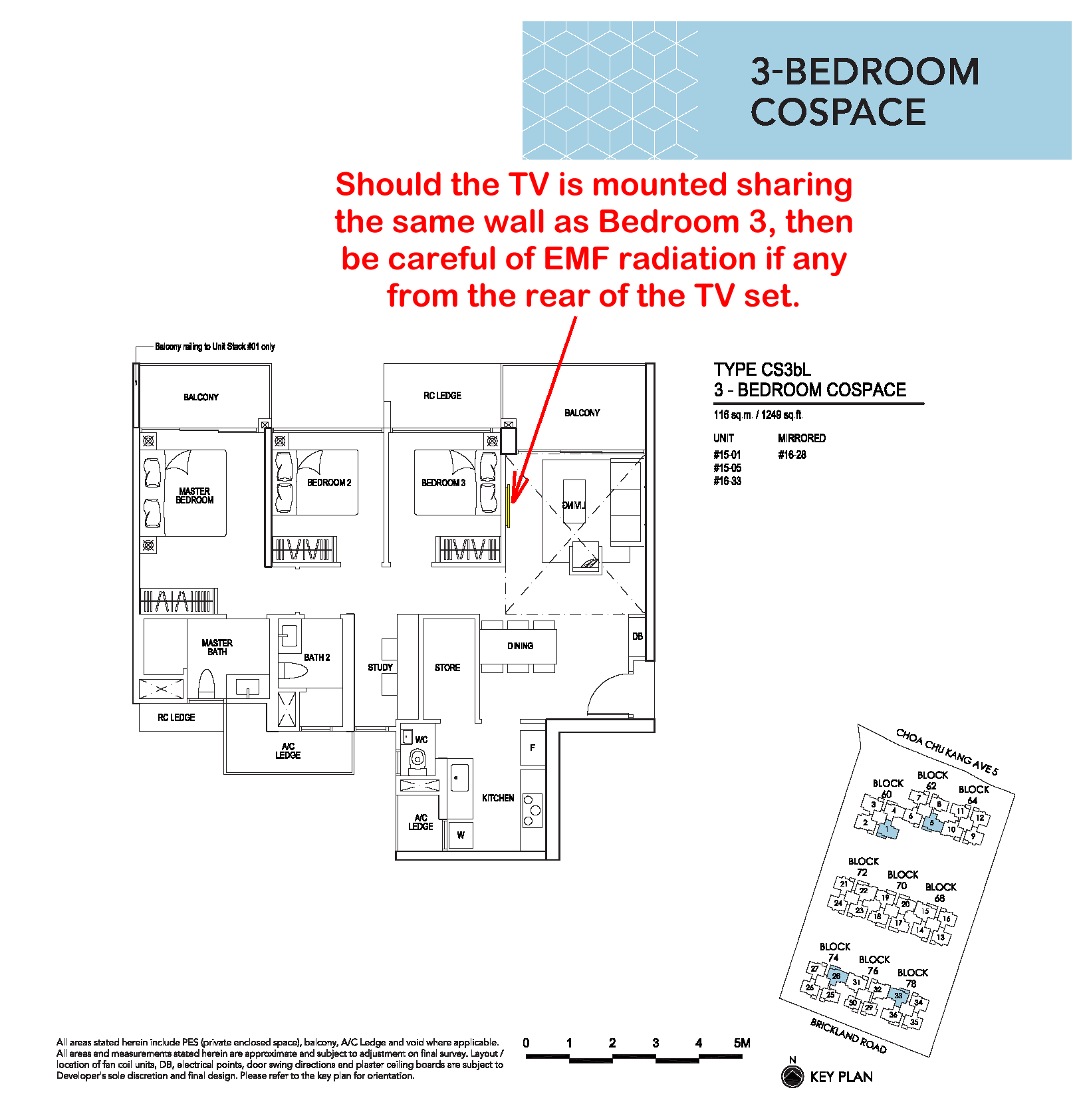
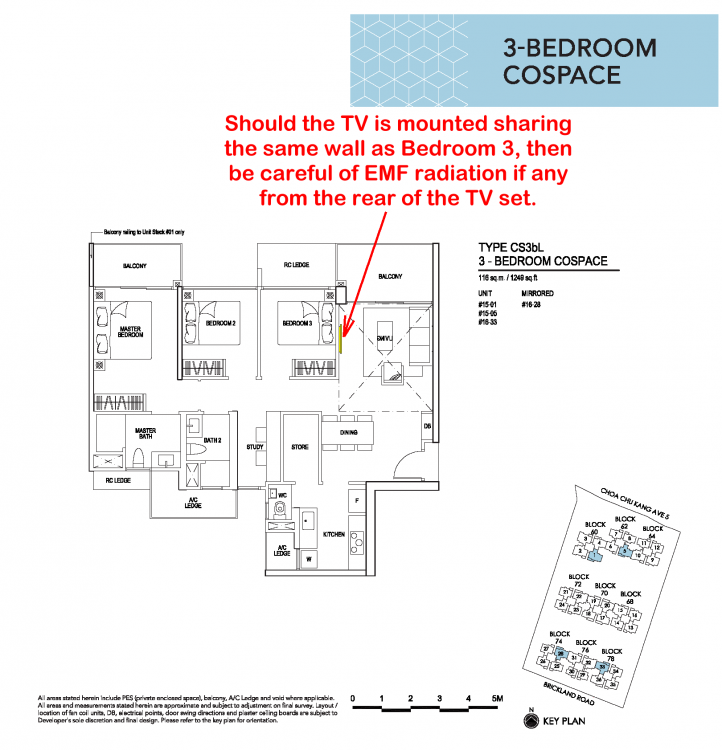
Part 10 - Type CS3bL - Should the TV is mounted sharing the same wall as Bedroom 3, then be careful of EMF radiation if any from the rear of the TV set. 1. Please note that the living room sofa and TV console has been mirrored in this layout plan: 2. If the TV console is as shown in the original sales brochure, please ignore this.
-
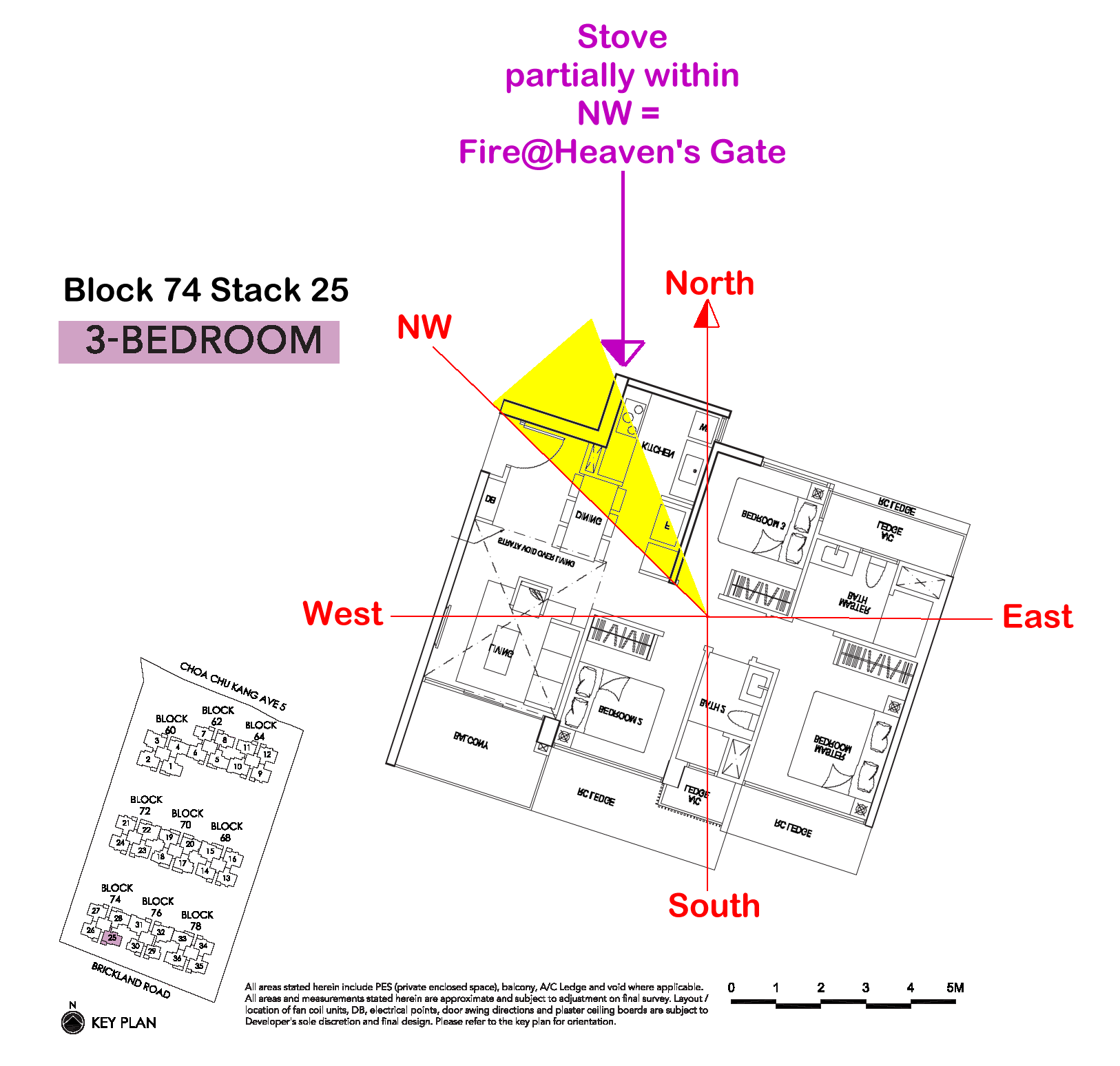
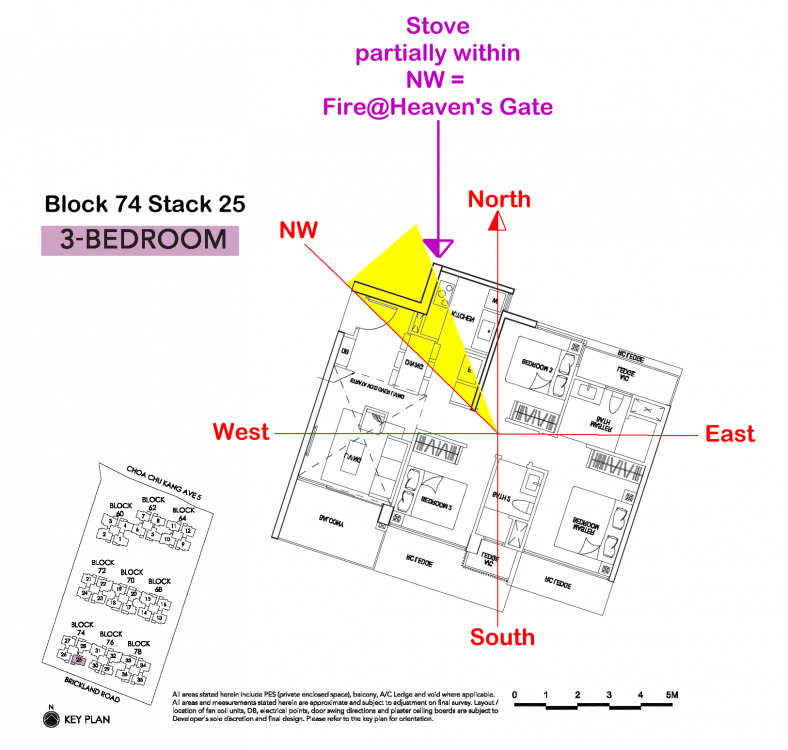
Part 9 - Kitchen at NW and the inauspicious Fire @ Heaven's Gate 1. inZ Residence has many stacks that are South facing. 2. South facing stacks often either have the kitchen at North, NW or NE. 3. Only if the kitchen especially if the stove is at NW is particularly inauspicious for the male breadwinner. Plus also often it affects "Heaven" or overall luck for the family. An indepth understanding of kitchen at NW = Fire at Heaven's Gate. Affect everyone? Find out more under Part 8 of this url:
-
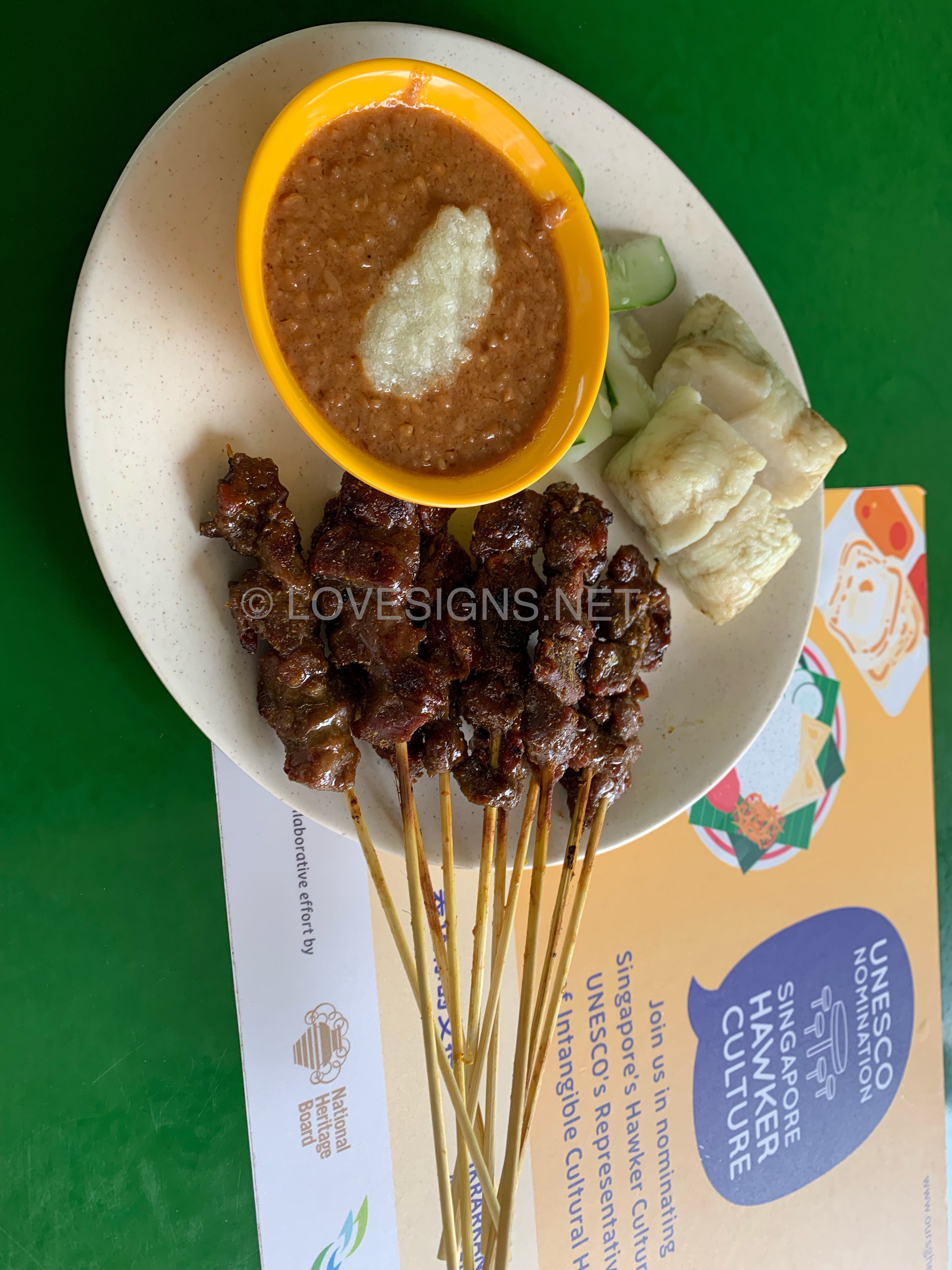
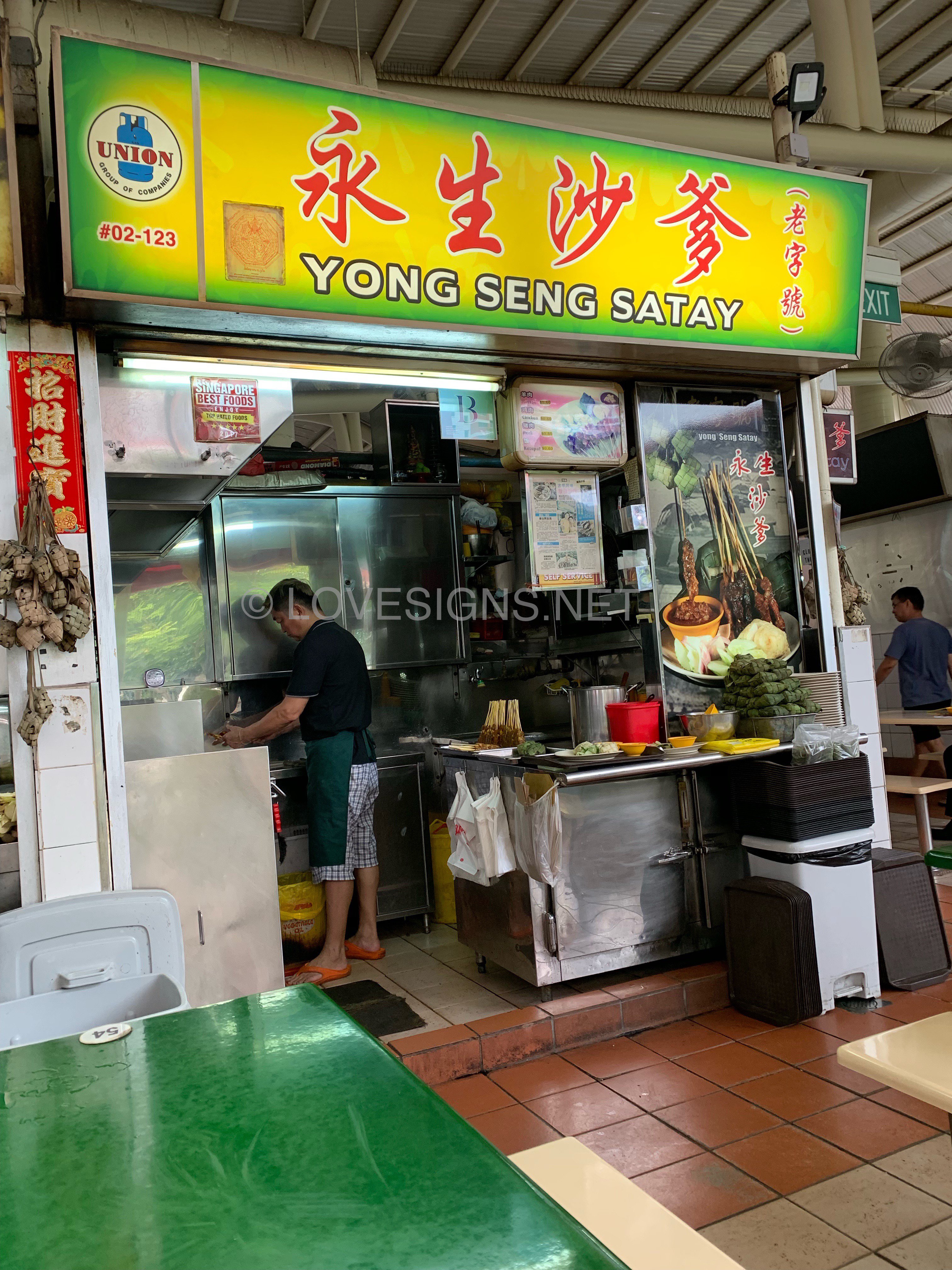
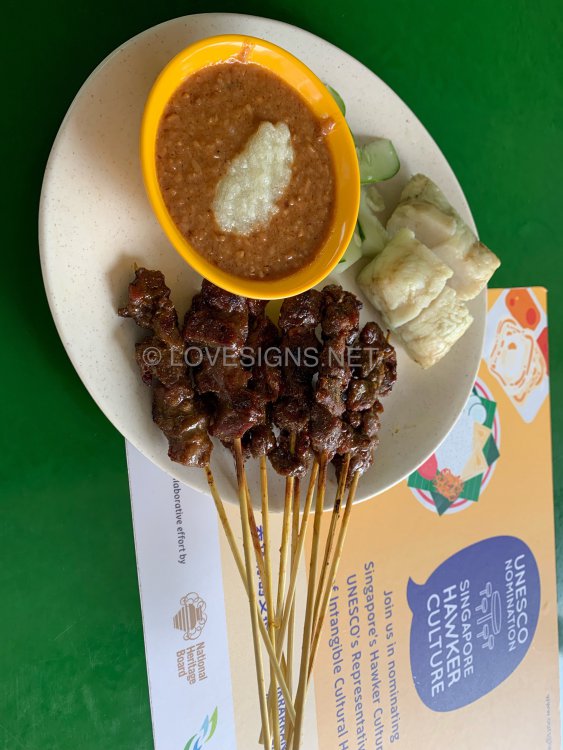
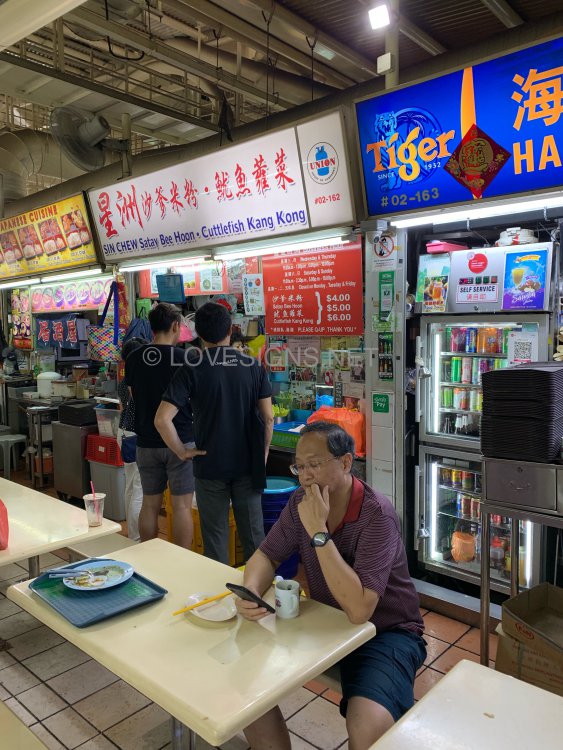
I regret ordering from this stall at the 2nd storey of Bukit Timah Market. I thought most mutton satays were always tender. Not from this stall. The mutton pieces were not only sweet, but also hard and took a good set of teeth to chew and wrestle off the satay stick. A plus is that the owner provides some minced pineapple to go with its bite-sized peanuts. Also not my favourite, as I prefer a more refined and smoother mixed sauce. Overall, what a disappointment. If I had found the correct satay bee hoon stall, I would rather have eaten that. Earlier, I walked past a prawn noodles stall that has a side dish of satay bee hoon. This put me off, as I didn’t see many people eating from this stall.
-
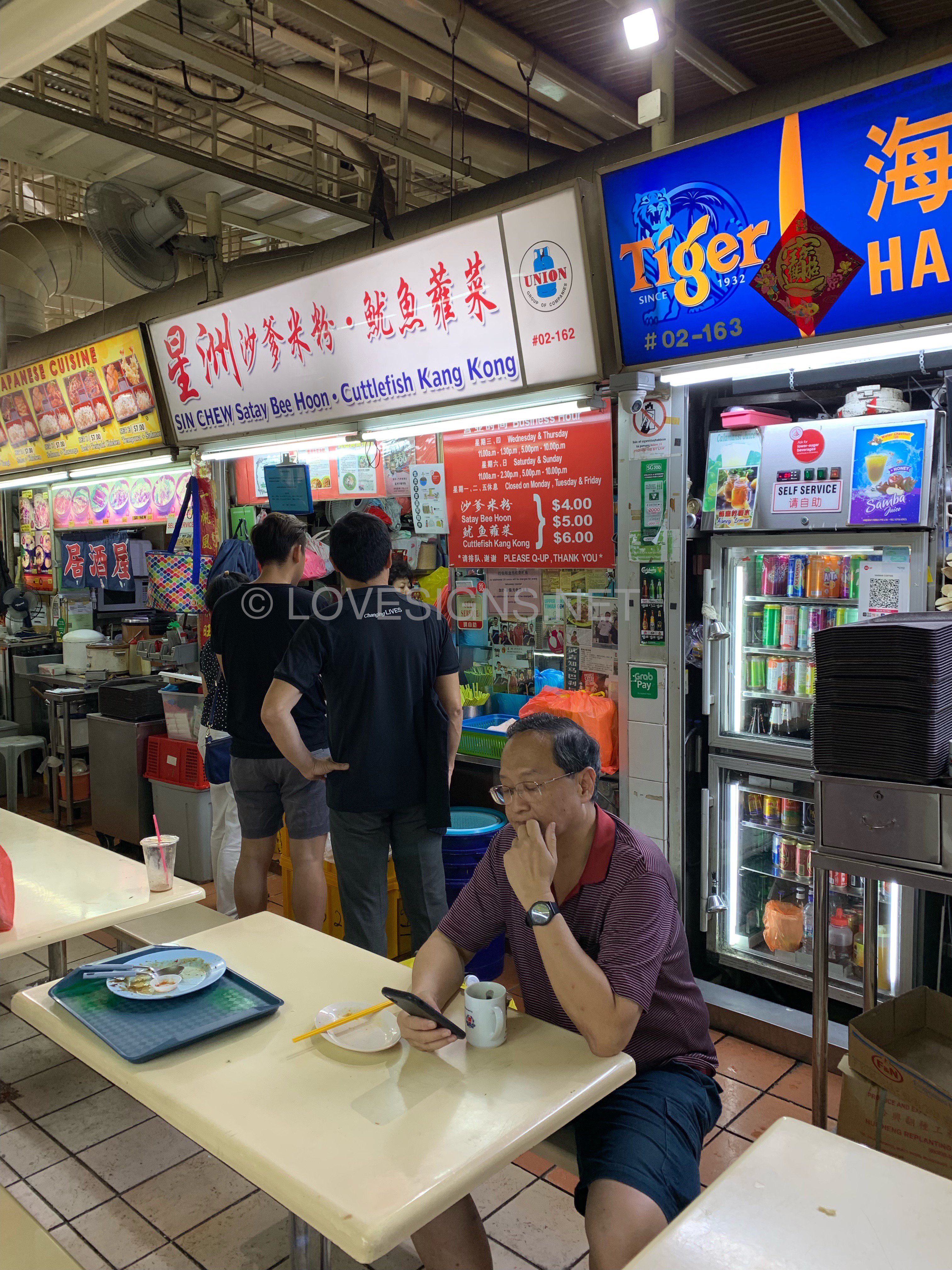
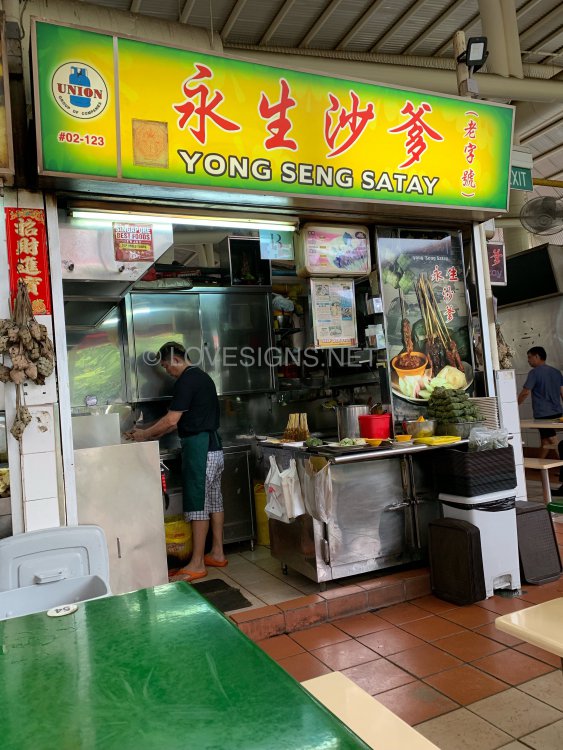
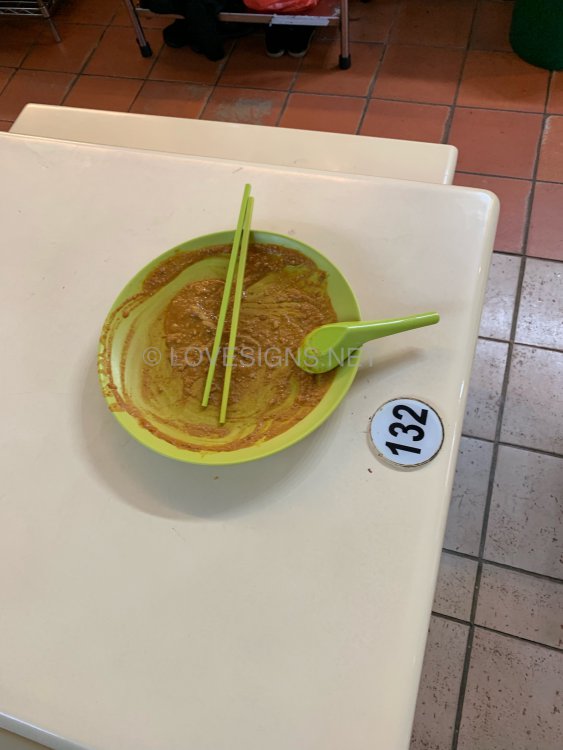
This Satay Bee Hoon stall is very popular. It is located on the 2nd storey of BUKIT Timah Market. Stall #02-162. I was very full thus did not order from this stall. I walked past many tables and there are lots of persons eating it. Is’nt this a testimonial of how good it is: OMG! One day must try if I am near-by..
-
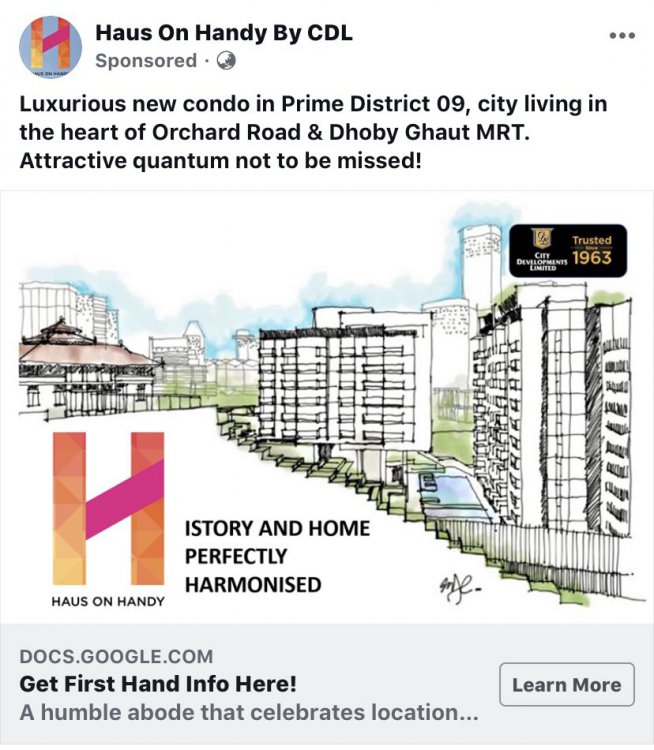
Interesting sloping development ... equally good study... under Feng Shui ... if have a time to look through it...
-
Perfect Ten - Former City Towers

-
Parent’s aid... making baby happy while baby has his/her bath Baby: “Thanks mum!”

-
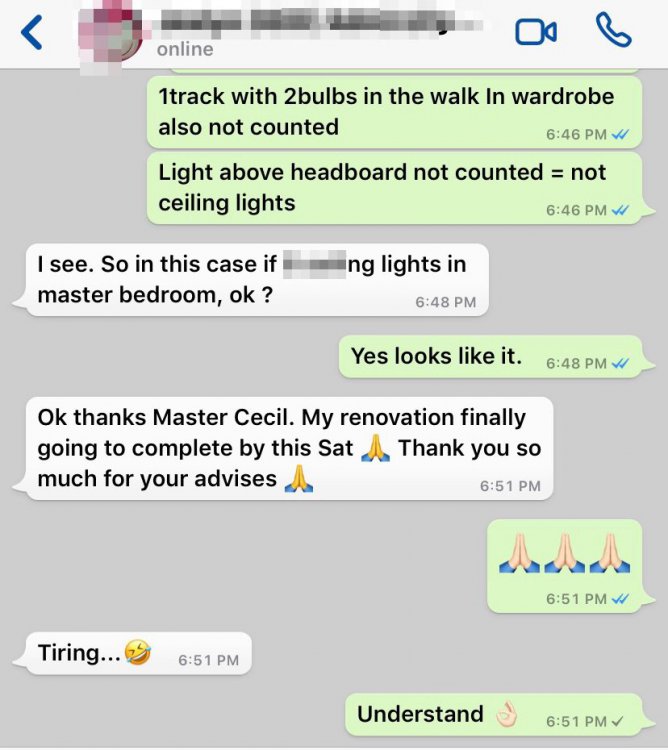
Ok thanks Master Cecil. My renovation finally going to complete by this Sat ? Thank you so much for your advises ?
-
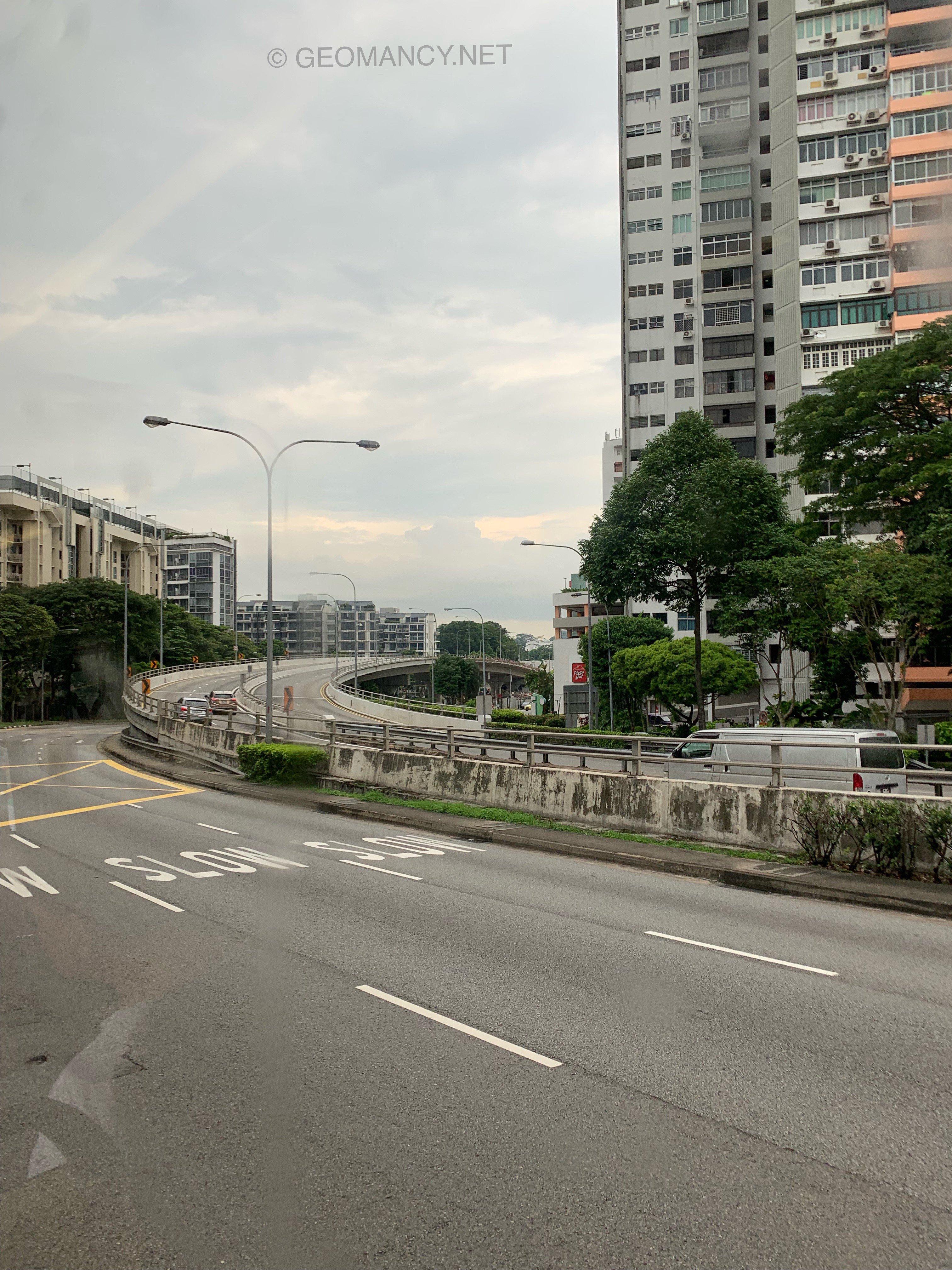
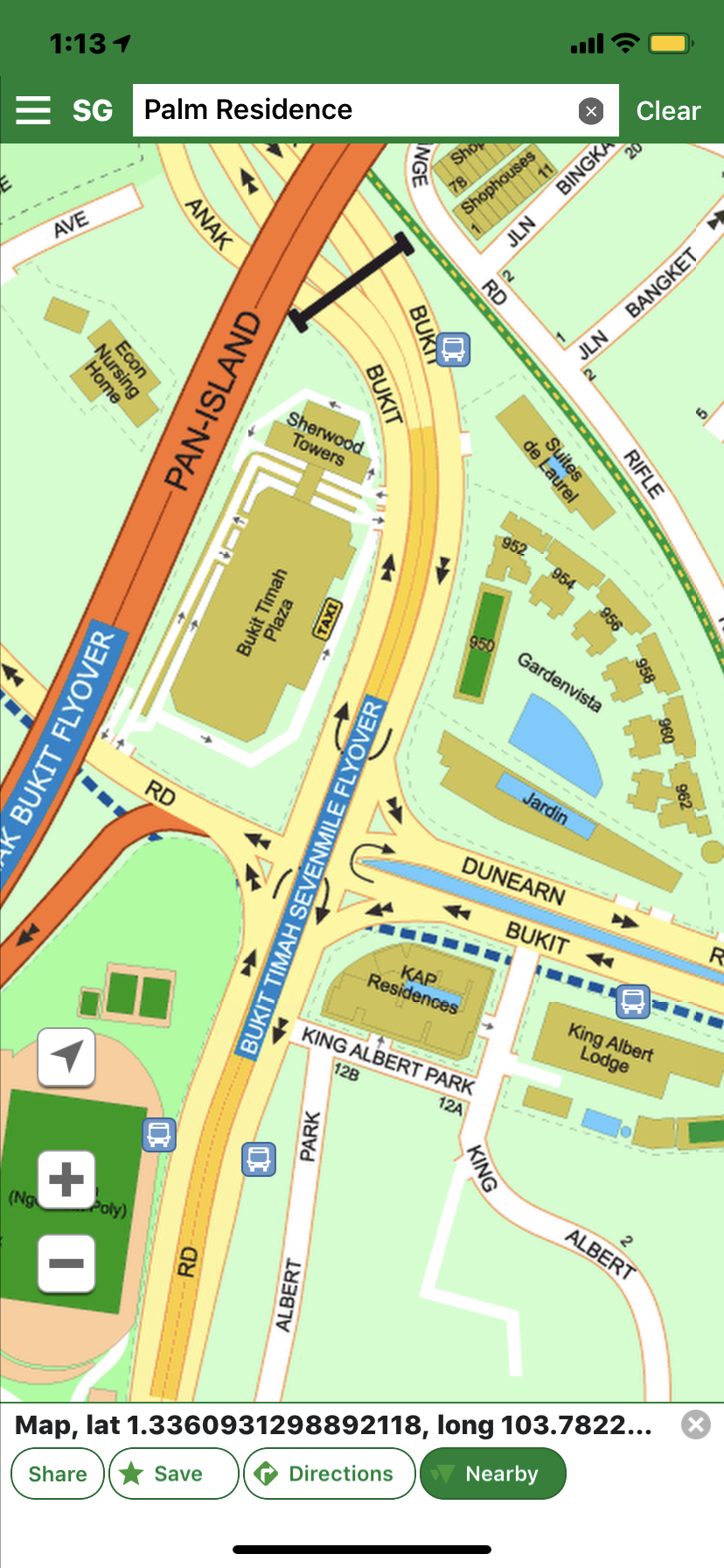
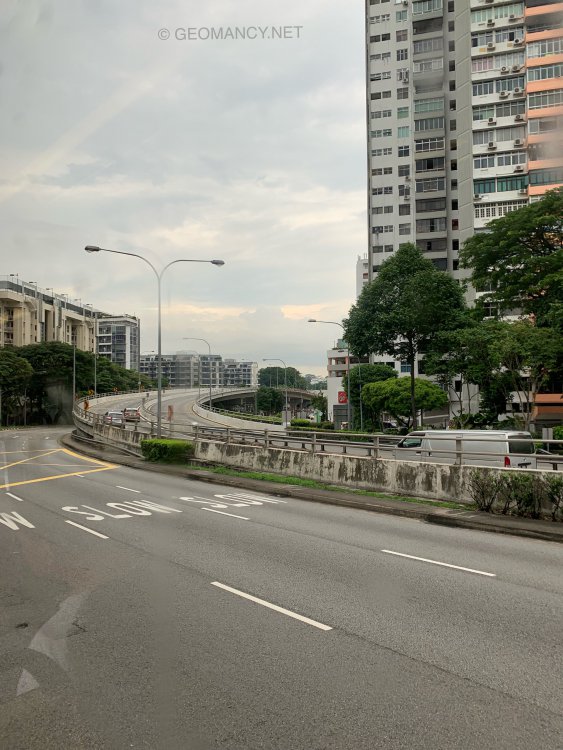
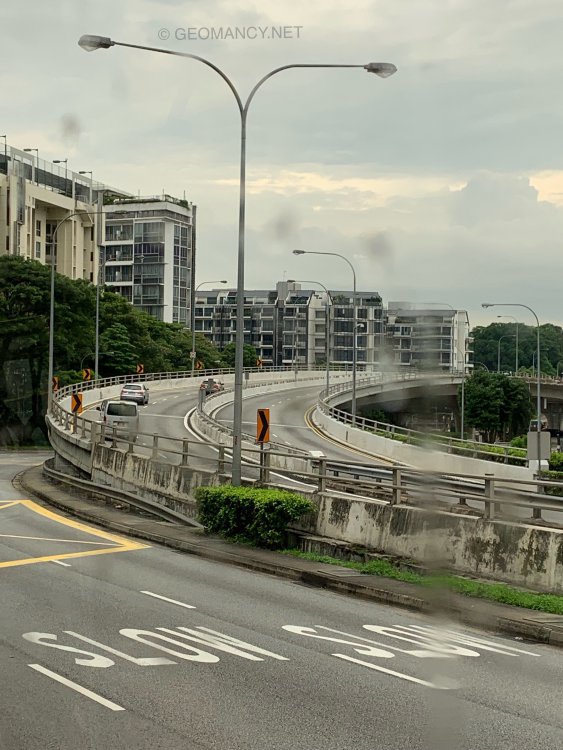
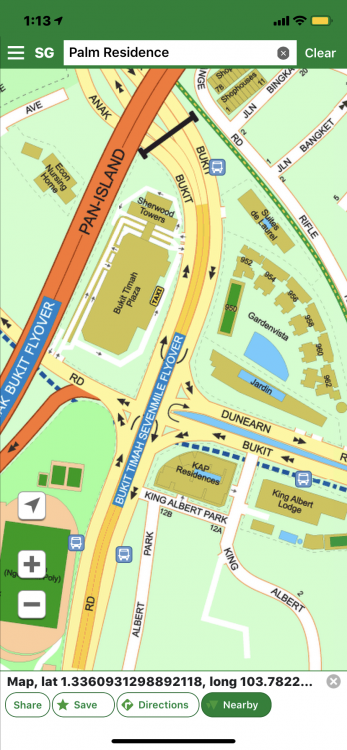
Recent photos of BUKIT Timah Flyover. Previously, this was simply called Anak Bukit Flyover Expressway. Today, the specific stretch is called BUKIT Batok Seven Mile Flyover... it is still part it.. Below: Background... KAP Residences:-
-
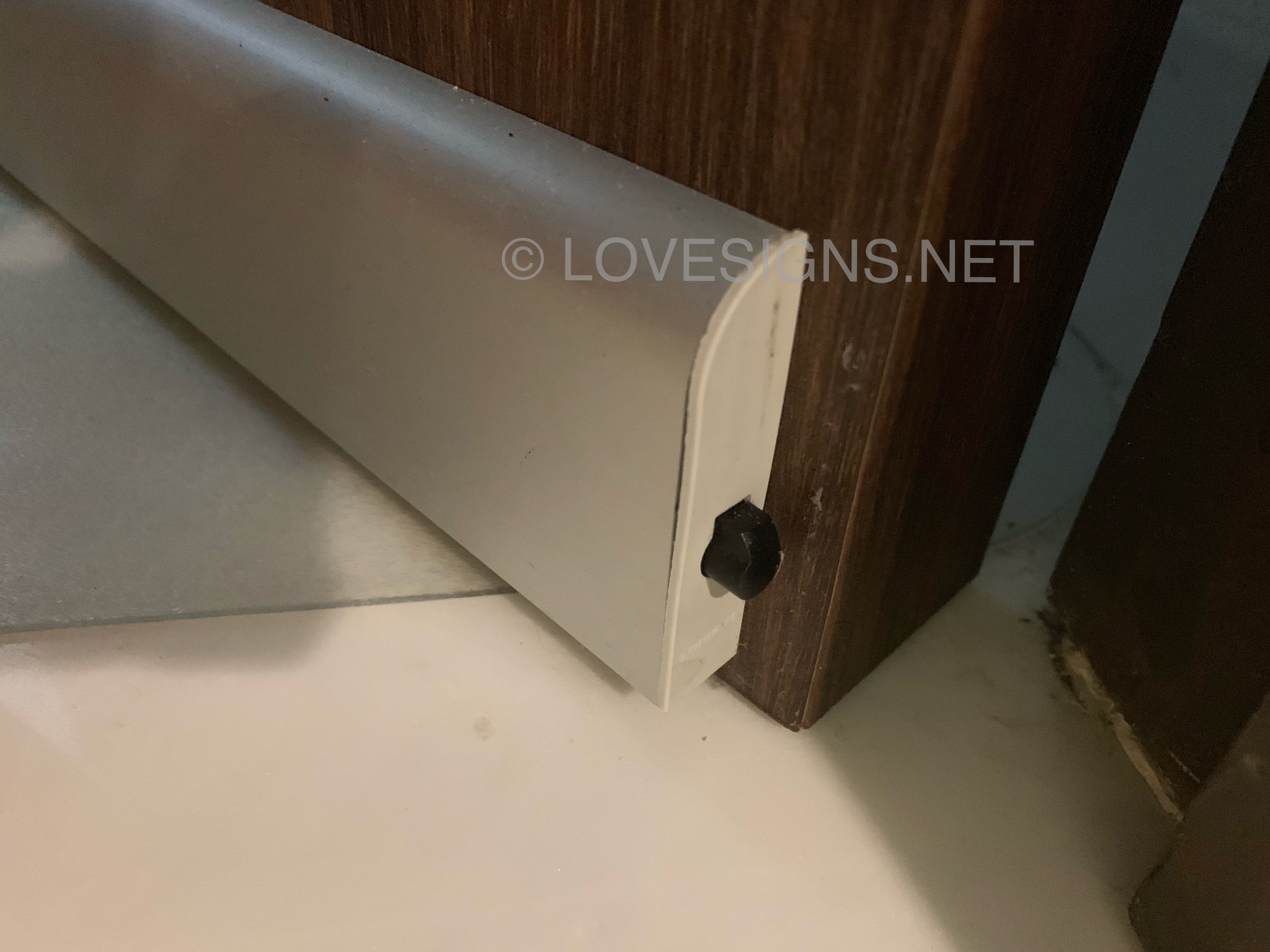
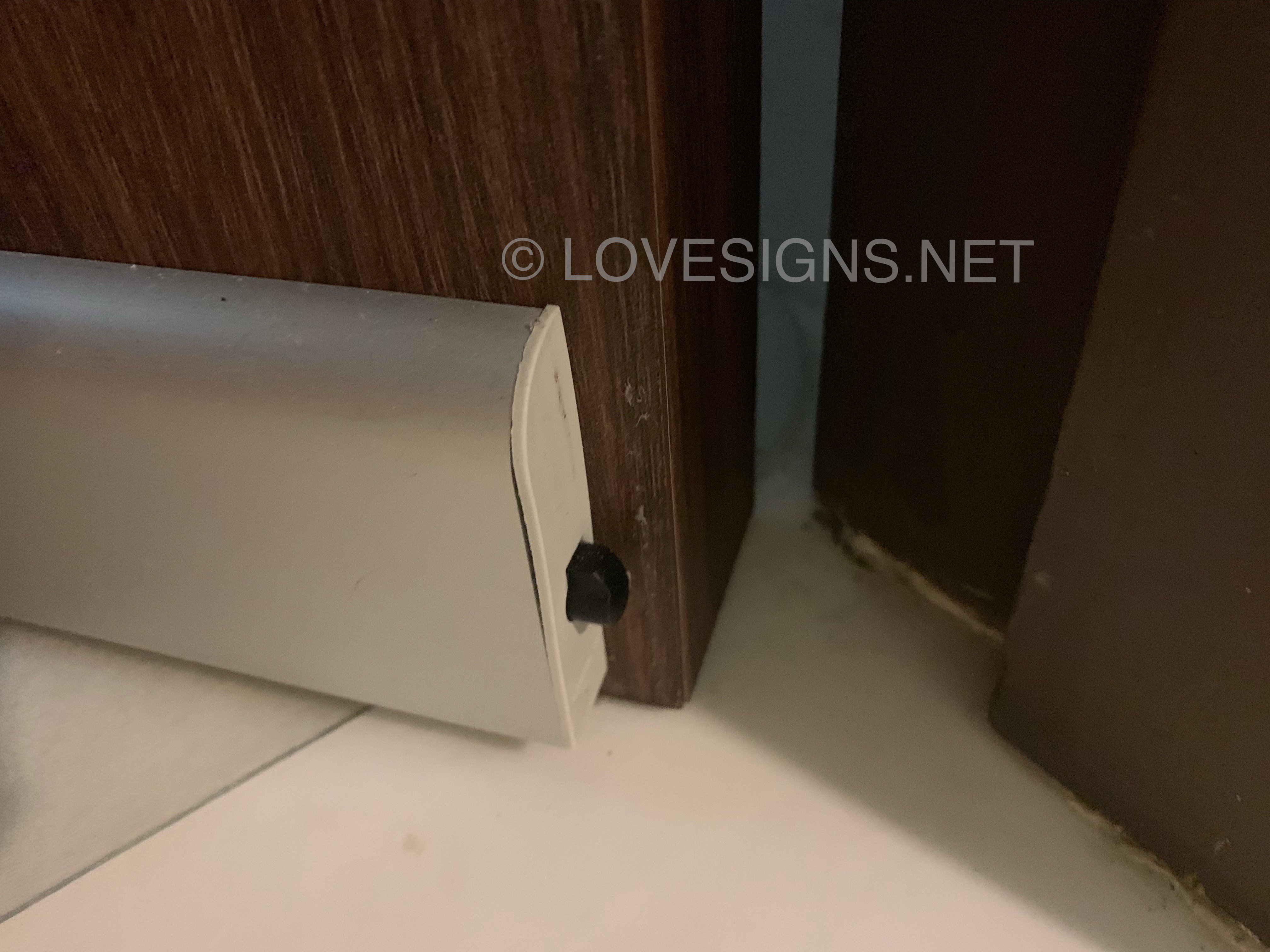
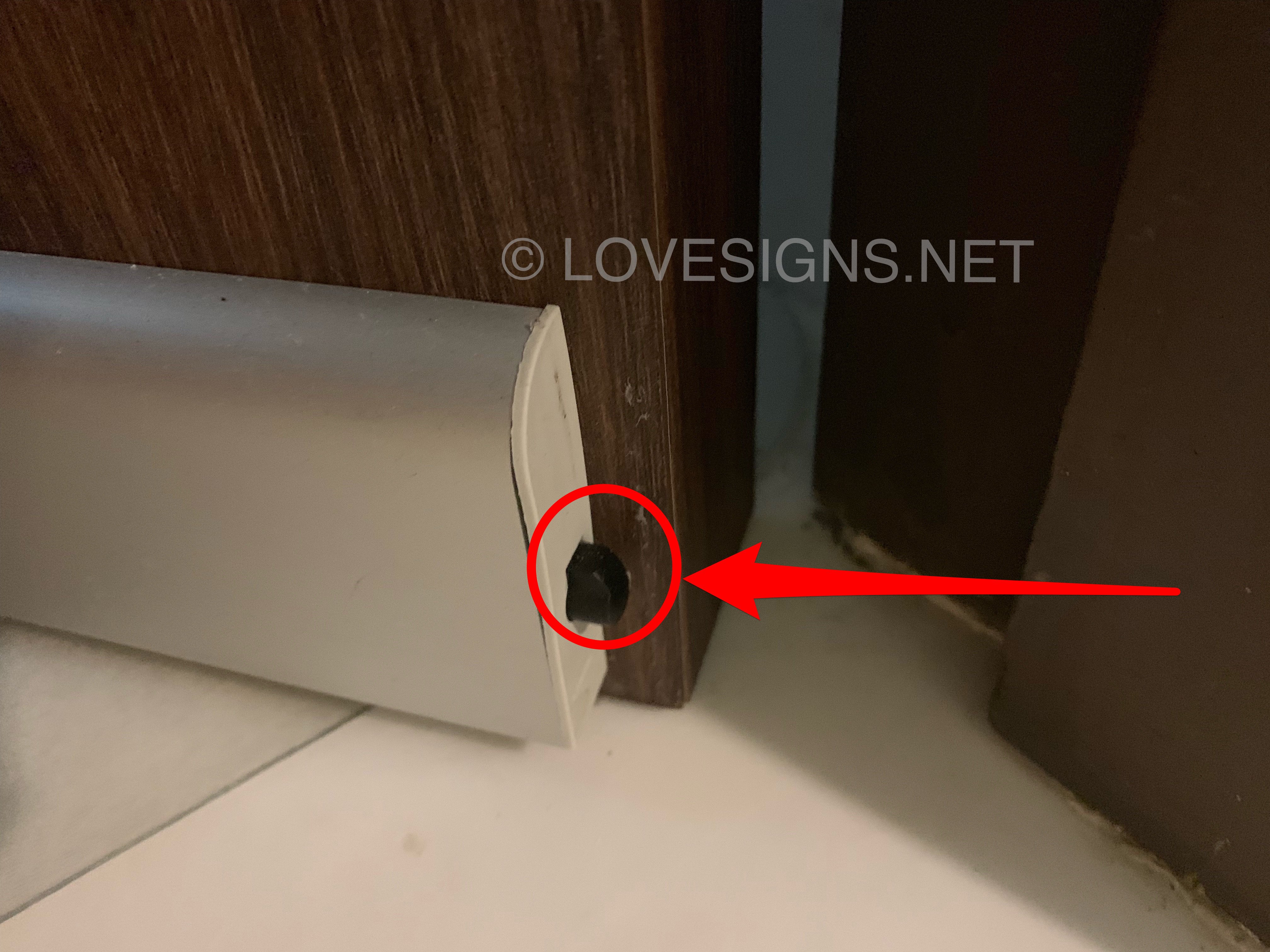
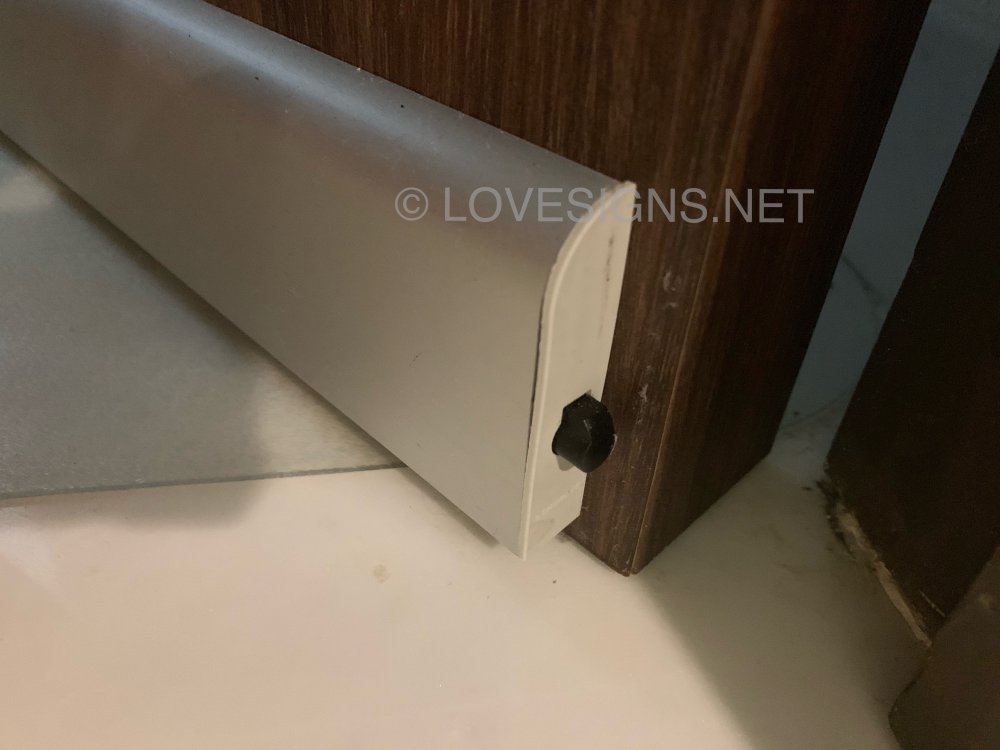
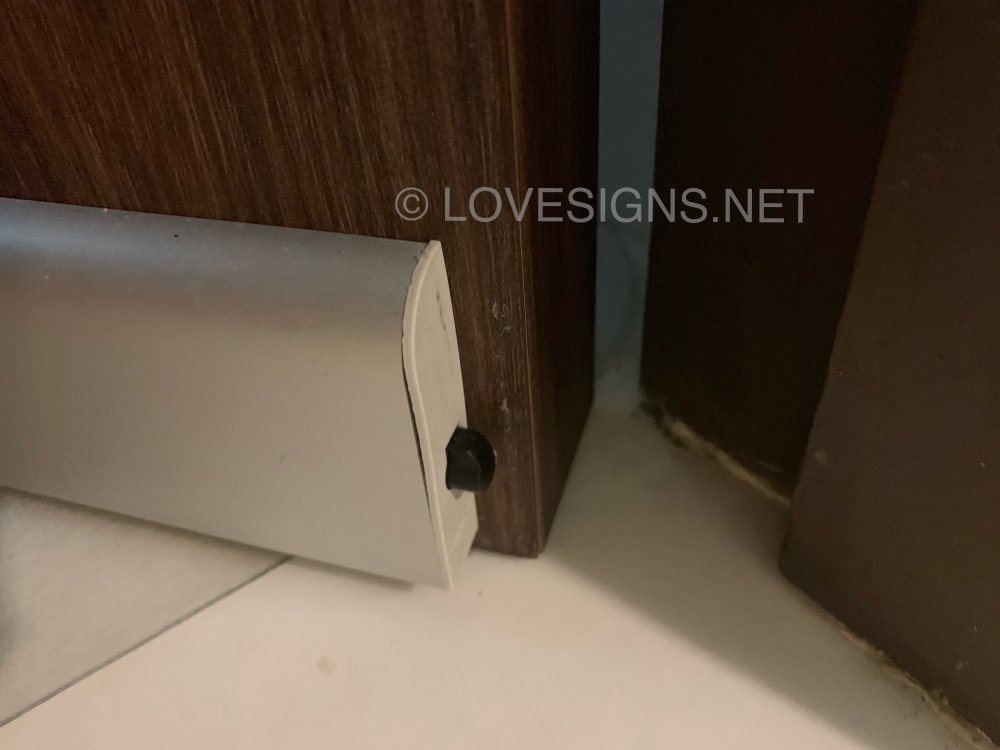
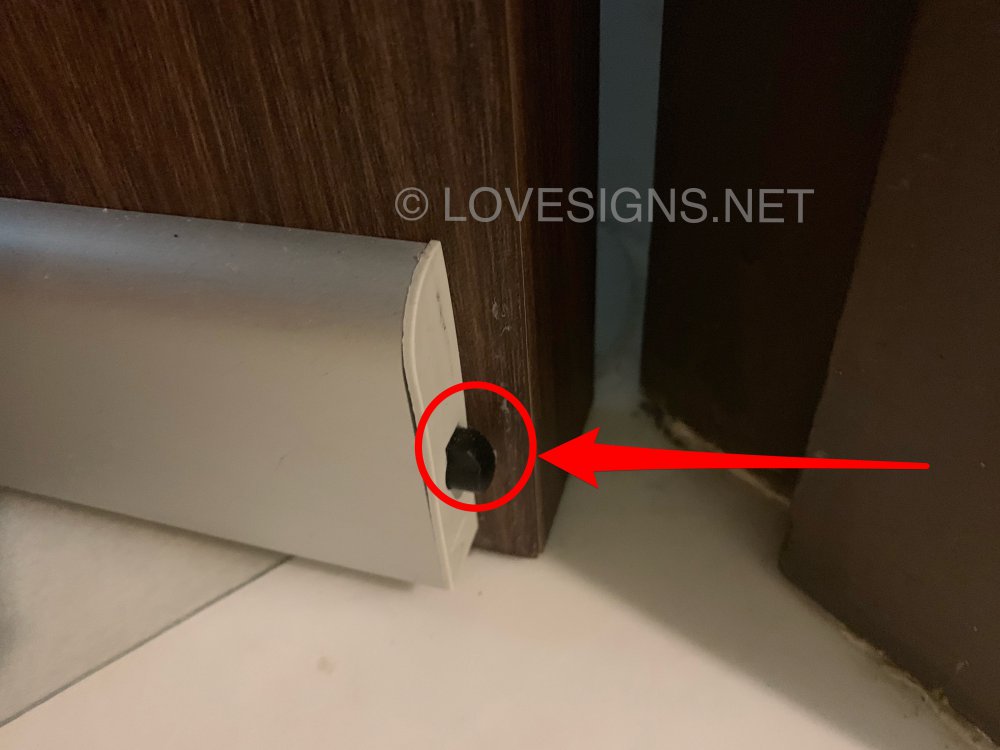
1. How it works... https://www.smart-home.com.sg/auto-seal 2. In my opinion, I have never seen the seller explain the mechanical part of this product. 3. Let me do so: When the door closes this black protruding plastic rod (circled in red) compress and internal mechanical mechanism pushes the concealed rubberised floor seal towards the floor! That simple.. 4. Frankly, it is low-tech.. but dummy proof-:) What can go wrong with a push-pin? 5. As once the door is closed; the seal retracts into it’s housing... and the floor seal mechanism falls to the floor forming a seal of the door with the flooring. 6. This is actually from one of my homes!
-
Seriously, never do that. As baby’s brain is still fragile. Can lead to shaken baby syndrome! Oh dear...