Cecil Lee
Staff
-
Joined
-
Last visited
Everything posted by Cecil Lee
-
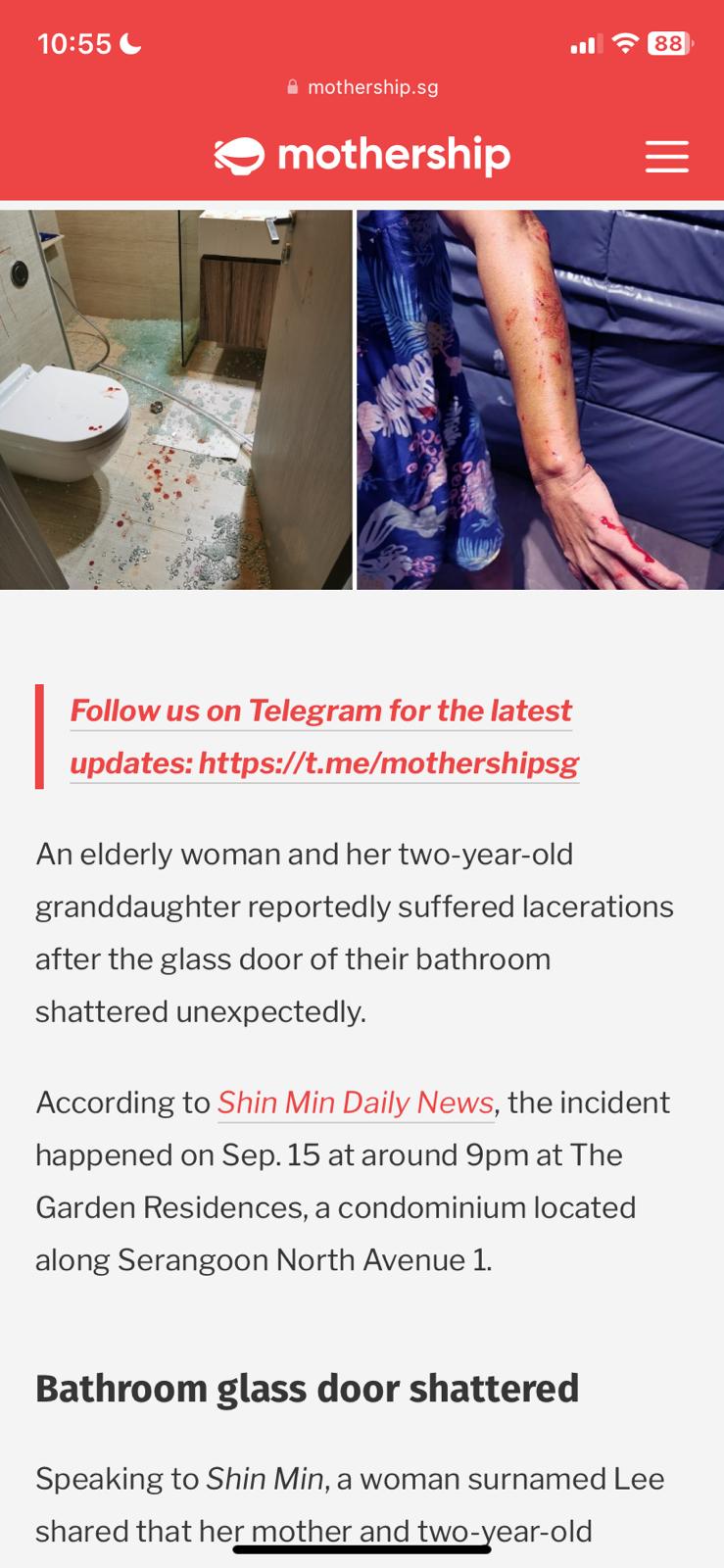
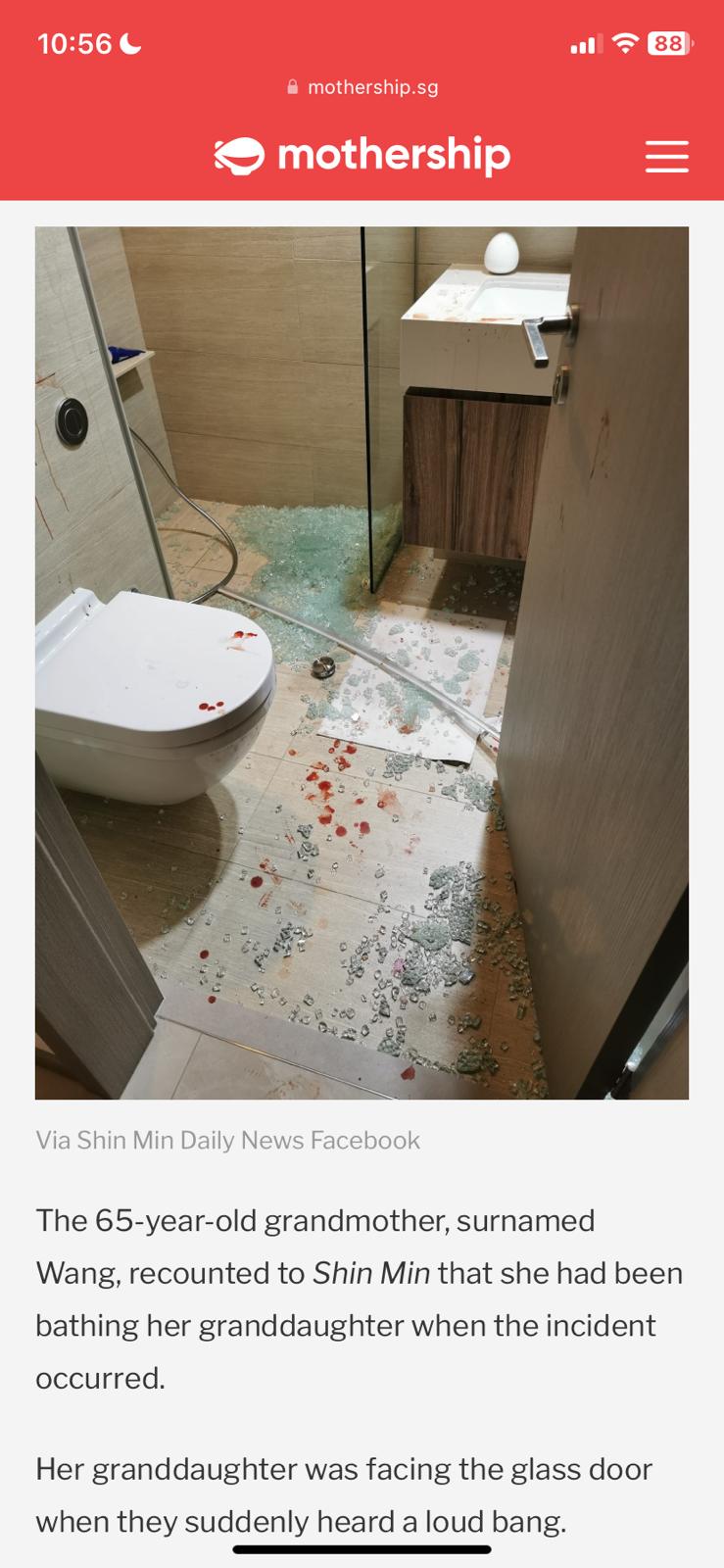
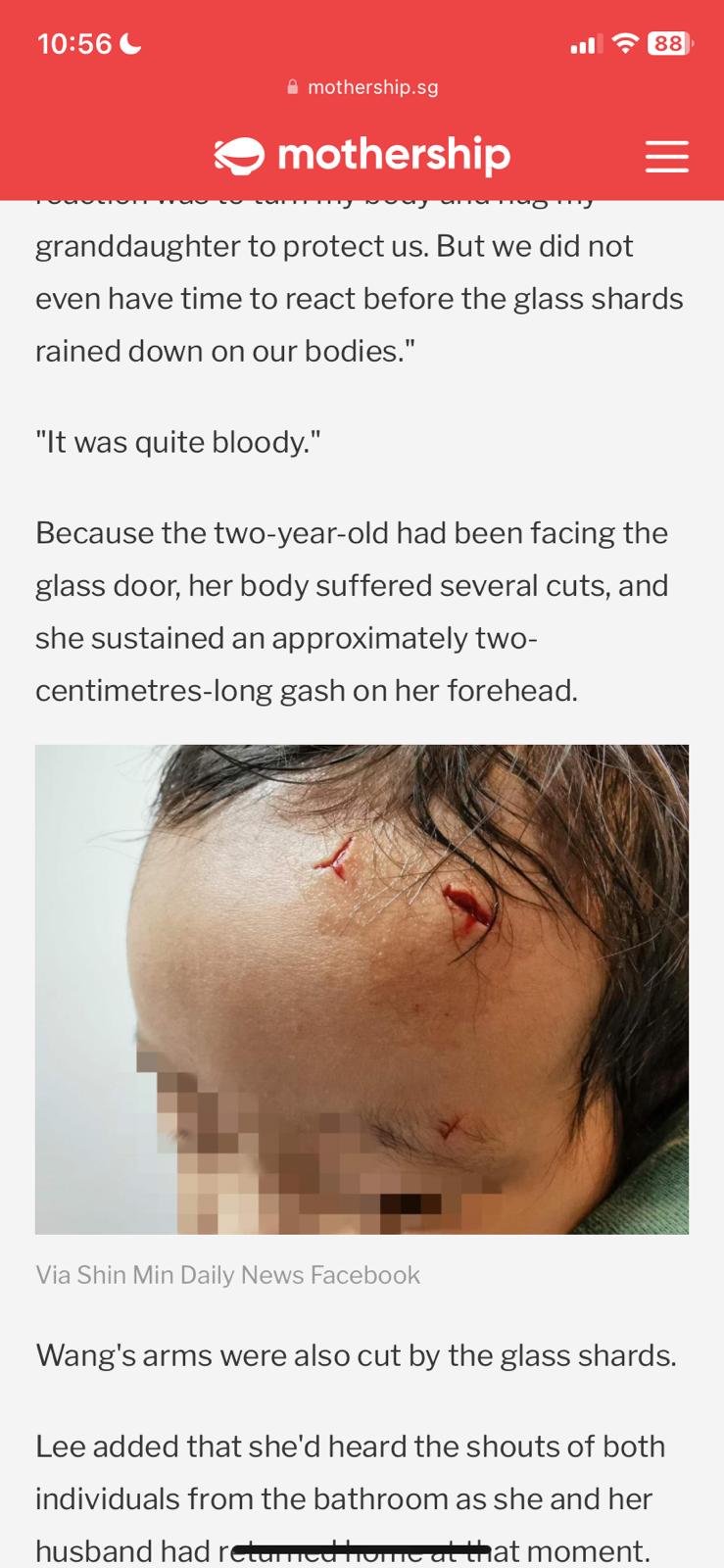
Source & Credit: Effects of Tempered Glass shattering…
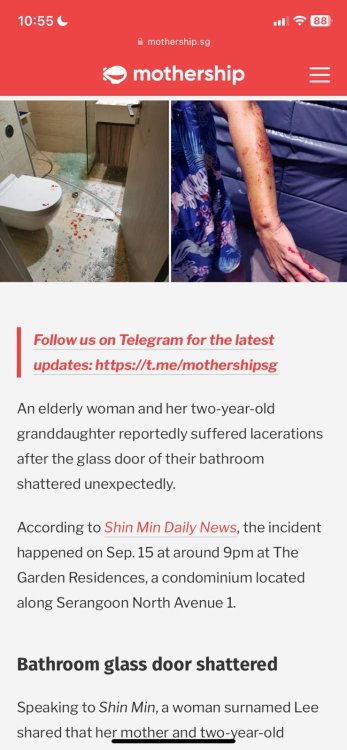
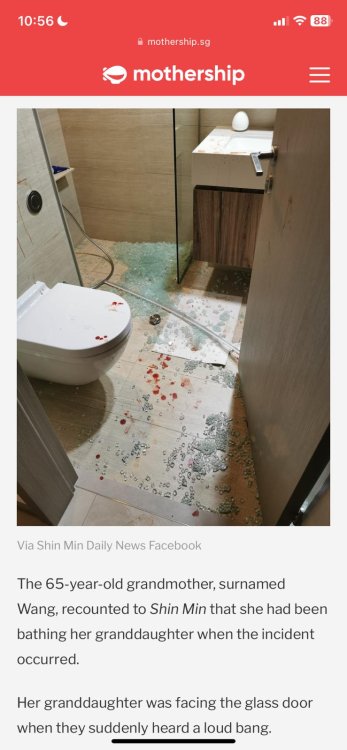
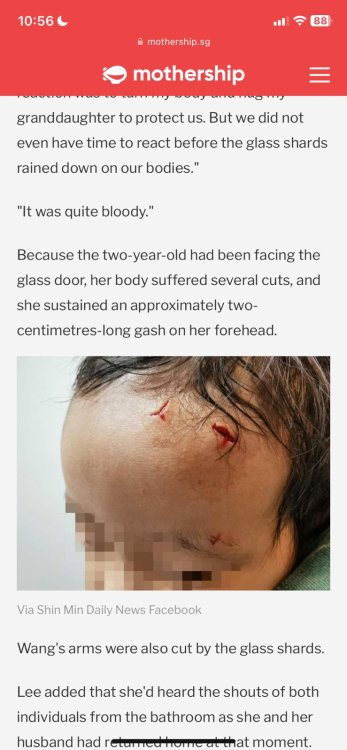
-
JadeScape Condo Floor Plans JadeScape-Condo-Floorplan-eBrochure.pdf
-
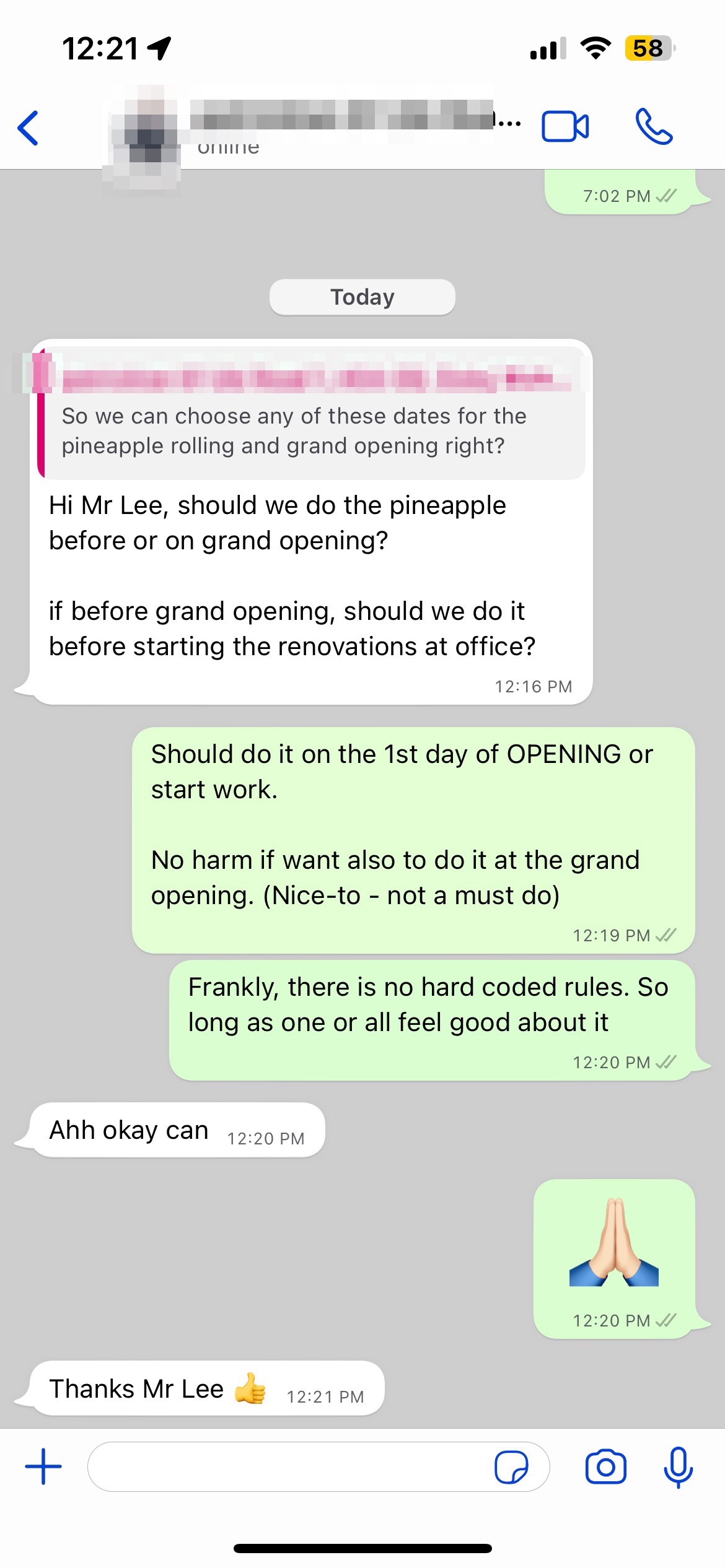
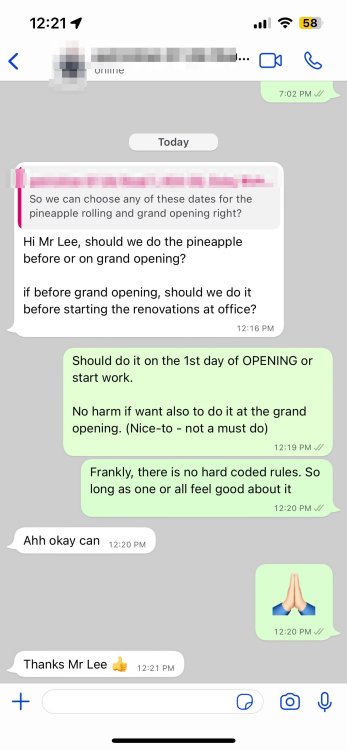
Hi Mr Lee, should we do the pineapple before or on grand opening? if before grand opening, should we do it before starting the renovations at office? Reply: Should do it on the 1st day of OPENING or start work. No harm if want also to do it at the grand opening. (Nice-to - not a must do) Frankly, there is no hard coded rules. So long as one or all feel good about it
-
The Science of Feng Shui I can also check whether the location of the stairs is favourable or not?
-
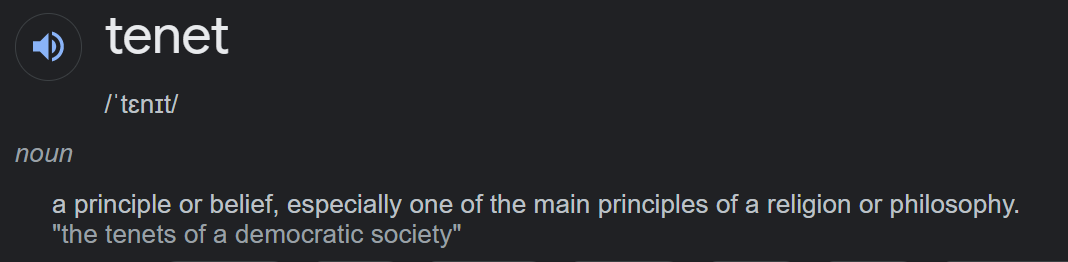
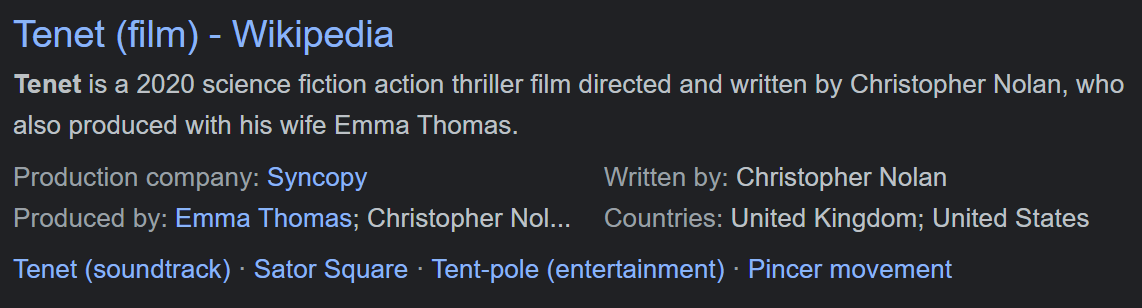
Case Study 6: What is in a name like Tenet? a principle or belief, especially one of the main principles of a religion or philosophy. "the tenets of a democratic society" and of
-
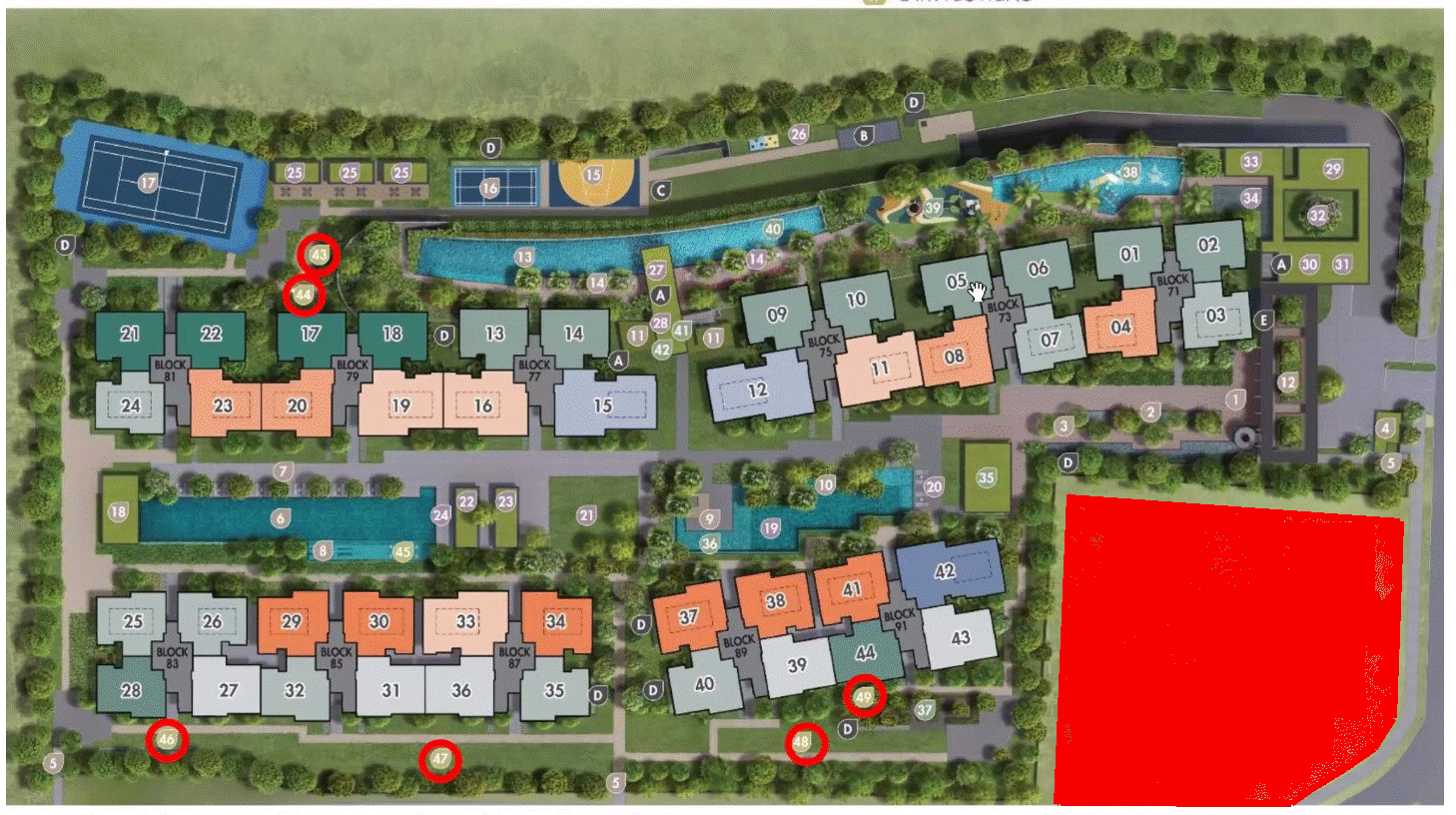
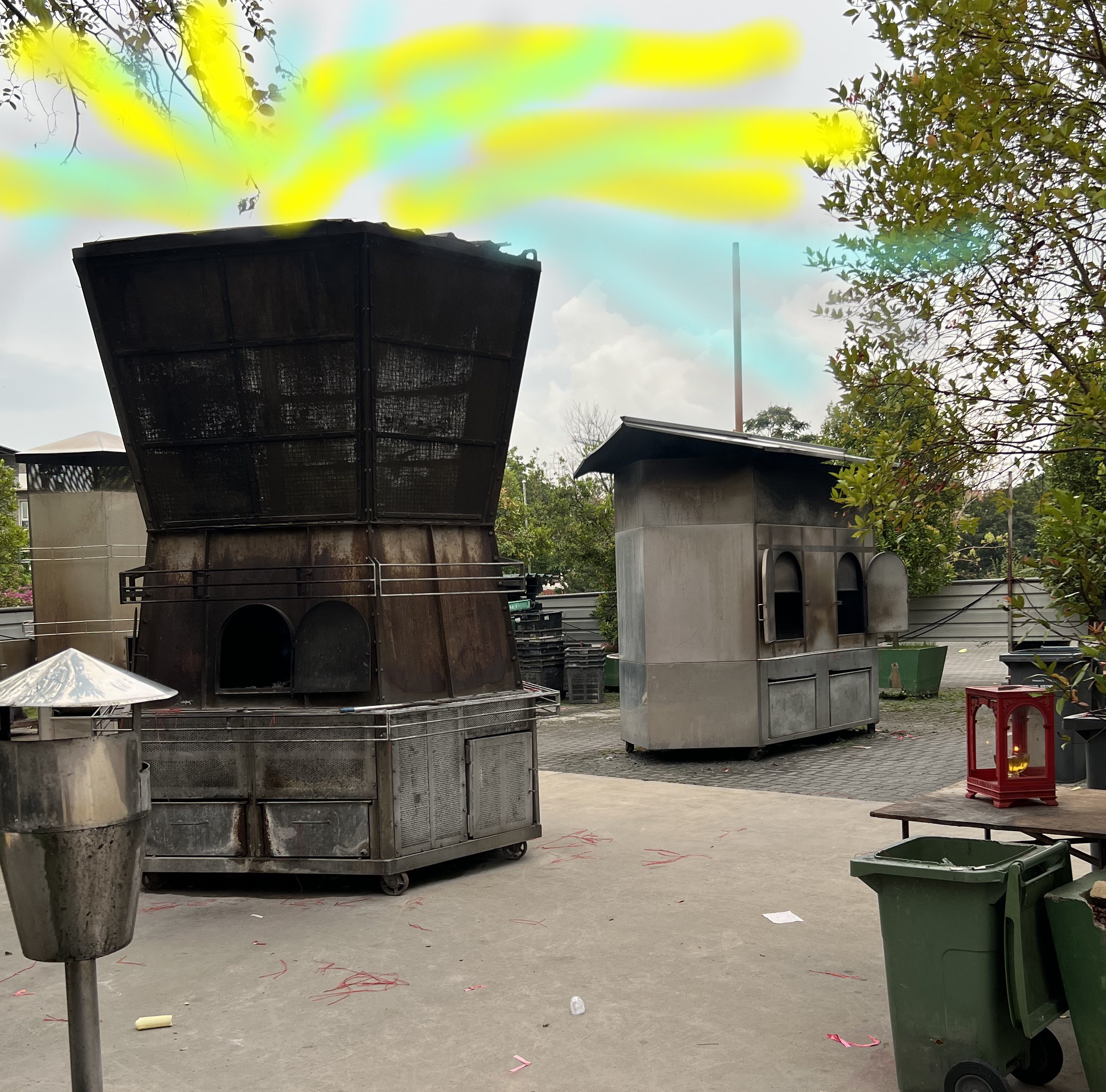
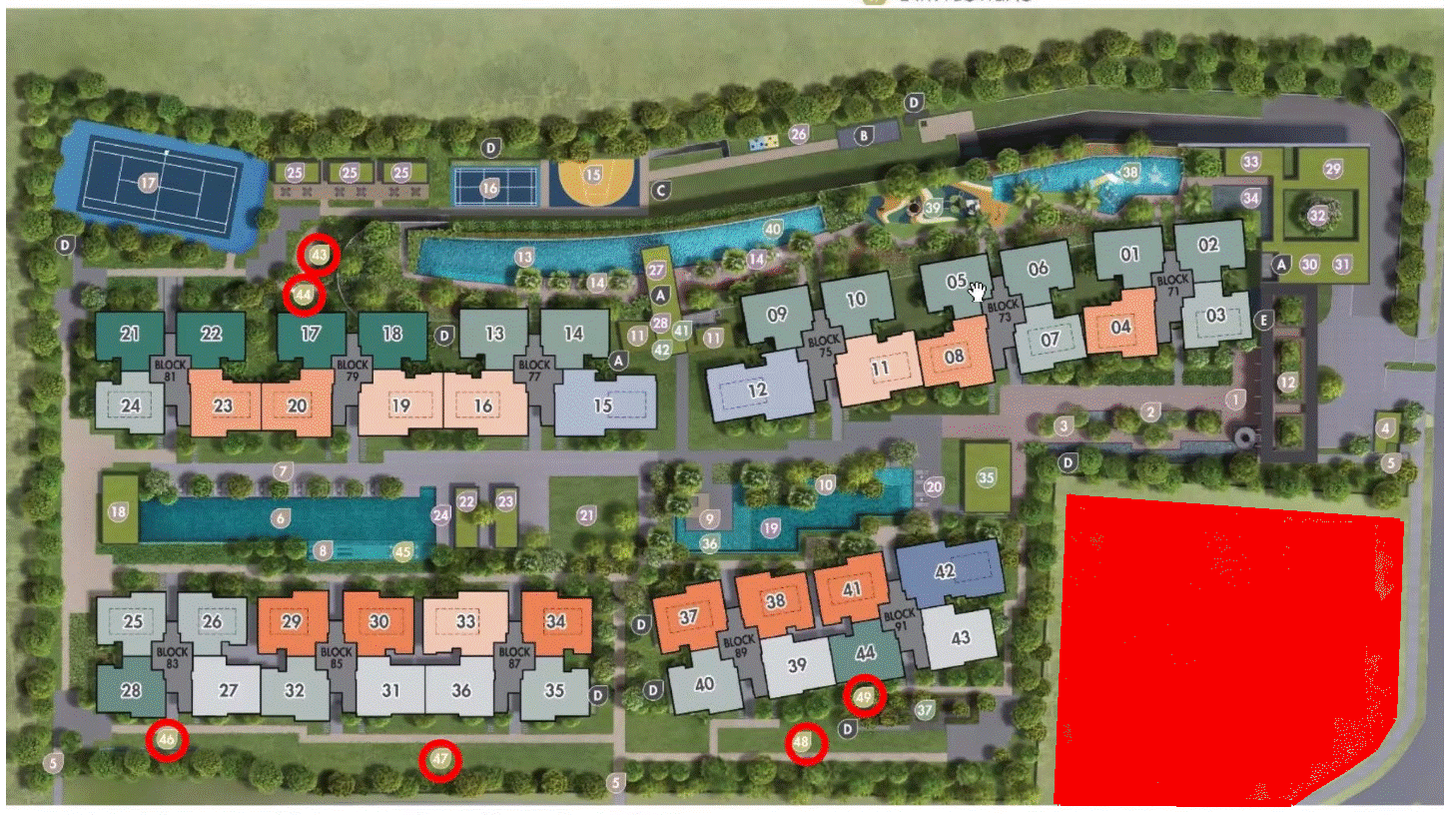
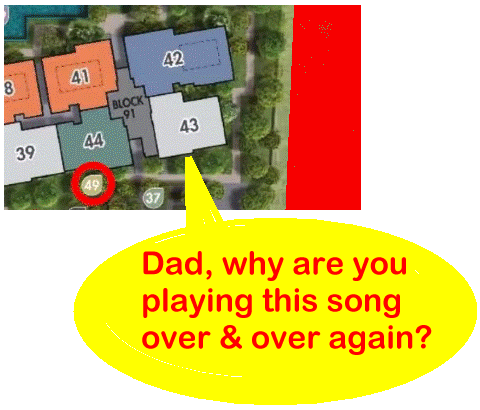
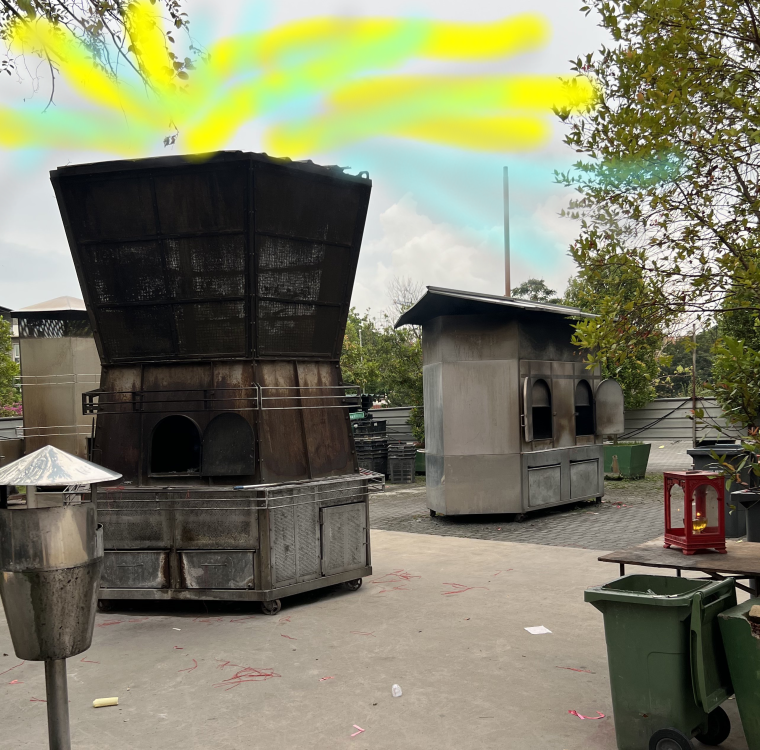
Case Study 5: Developer makes no mention of this "alien" plot of land In the architect's briefing, it comes handy to use this space for such a note: LOL Perhaps legally the developer does not need to mention that this RED plot is a "Place of Worship". Instead, you as the buyer is responsible to do so. Often it is really bad news especially if this site is a popular temple. Why? Else it may be appropriate for those living close-by to play this The Platters + Smokes Gets in Your Eyes sound .... and cry .. loud.. loud.. LOL Who says it is a slam dunk that it has to be a Chinese Temple? I believe most if given a choice prefer a church or a Japanese Soka temple as a first choice, here. New Hindu temples are pretty rare. Alternatively a mosque may be a possibility.

-
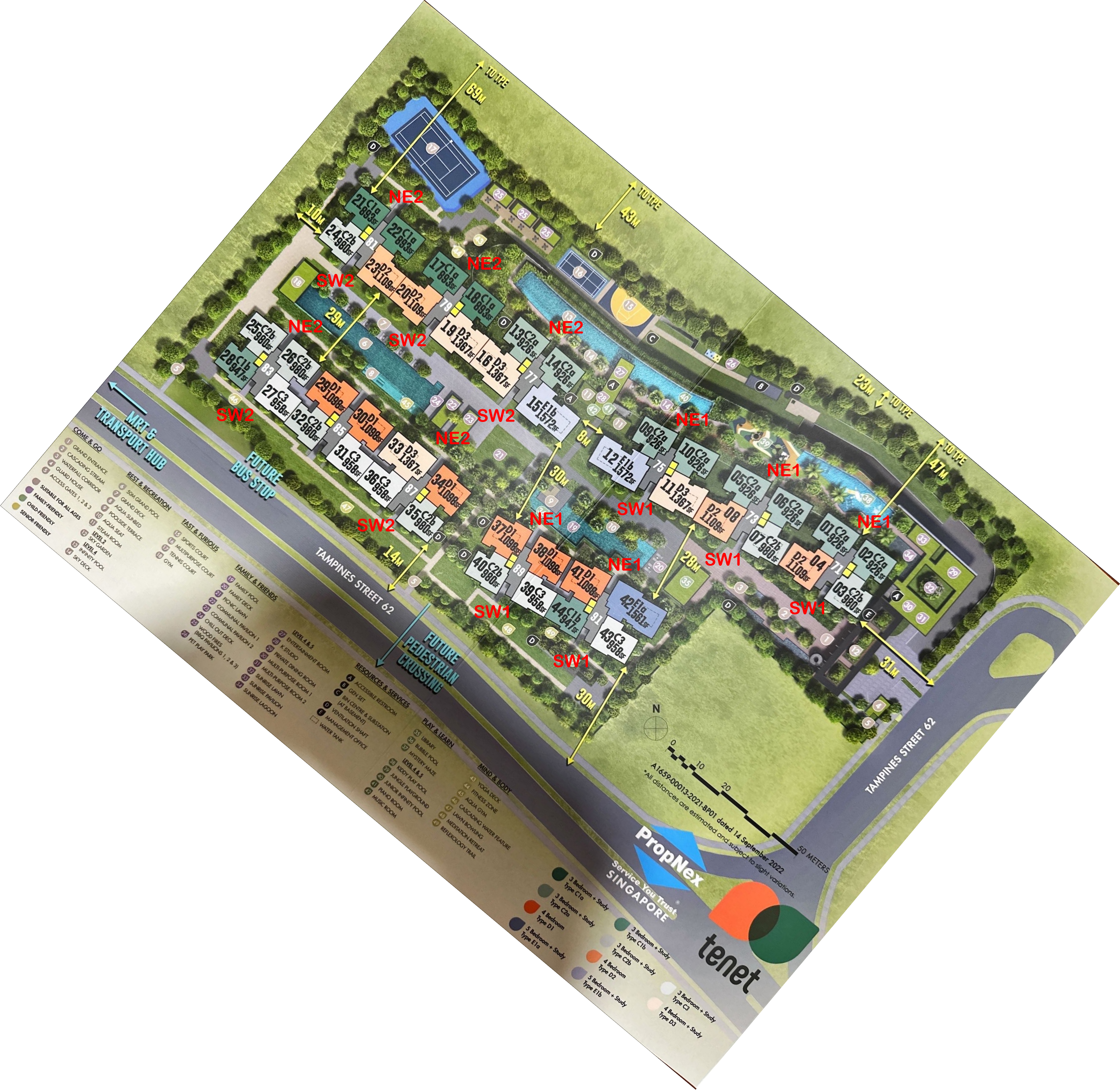
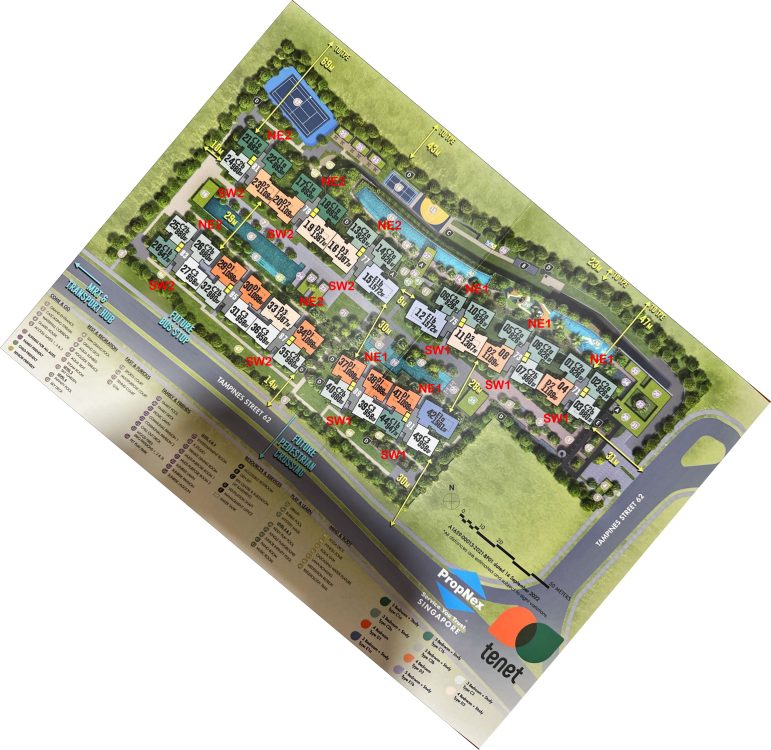
Case Study 4: Flying Star Feng Shui of Tenet EC with limited facing directions Expected T.O.P. in 2026 100% under Period 9 Flying Star Feng Shui Predominantly either NE1, NE2 or SW1 or SW2 facing directions. NE1 & SW2 = Generally, NE1 less lucky as Less Lucky as the Double Auspicious current prosperity wealth Stars [#9] + [#9] at the Rear = Double Star Behind Formation - Requires the necessary near mountain and distant water to enhance this sector to active wealth. Wealth luck is wasted at the rear of the unit. For NE1, however, it enjoys the Sum of Ten Water Star = Here an individual sector's Base Star + Water Star adds up to Ten. Even if this sector has bad stars it can flip to become favourable sector. NE2 = Double Stars [#9] + [#9] in Front. Double Star in Front Formation - This formation should have near water and distant mountain to enhance this structure to activate wealth. NE2 also enjoys the Sum of Ten Mountain Star. Here an individual sector's Base Star + Moutain Star adds up to Ten. Even if this sector has bad stars it can flip to become favourable sector. SW1 = Double Stars [#9] + [#9] in Front. Double Star in Front Formation - This formation should have near water and distant mountain to enhance this structure to activate wealth. SW1 also enjoys the Sum of Ten Mountain Star. Here an individual sector's Base Star + Moutain Star adds up to Ten. Even if this sector has bad stars it can flip to become favourable sector. Please note that this does not take into account a. How suitable the unit is to the breadwinner and b. the Internal Layout arrangement. How do you Feng Shui your home? Use your front door? Who are the Conservatives & the Modernist? P.S. Why Piermont Grand EC Sales Brochure can mention a site of worship. Why Tenet EC cannot do so?

-
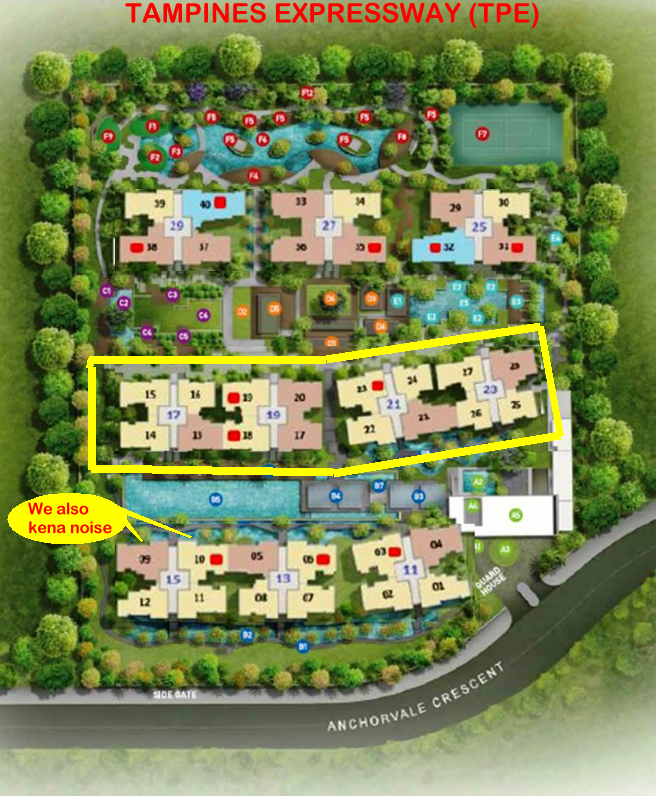
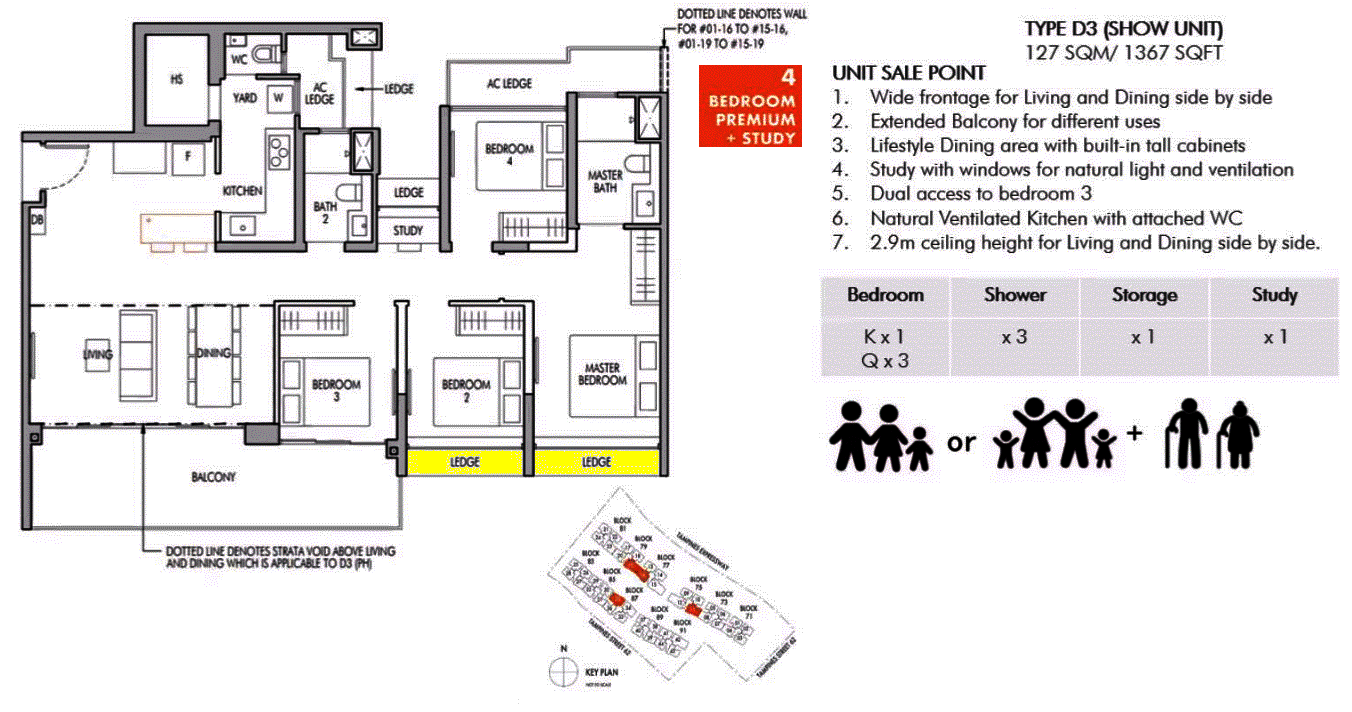
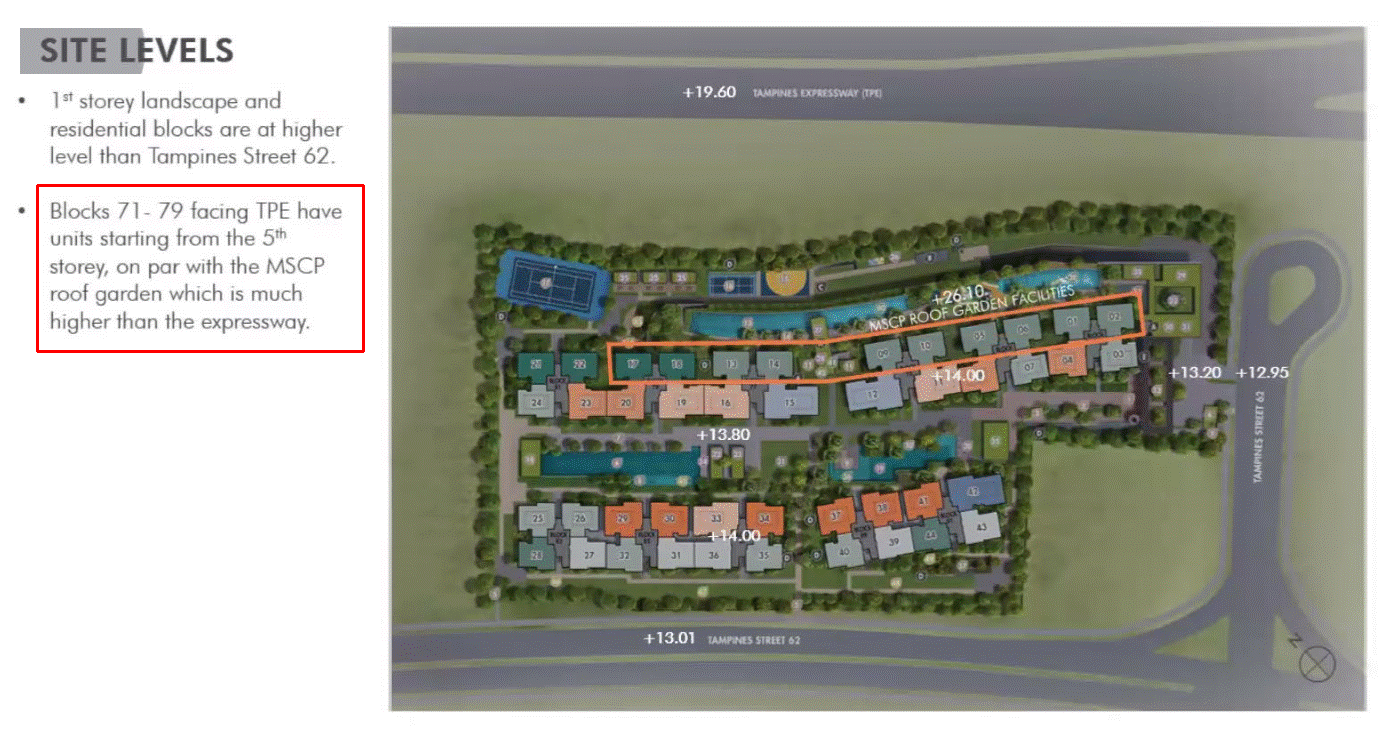
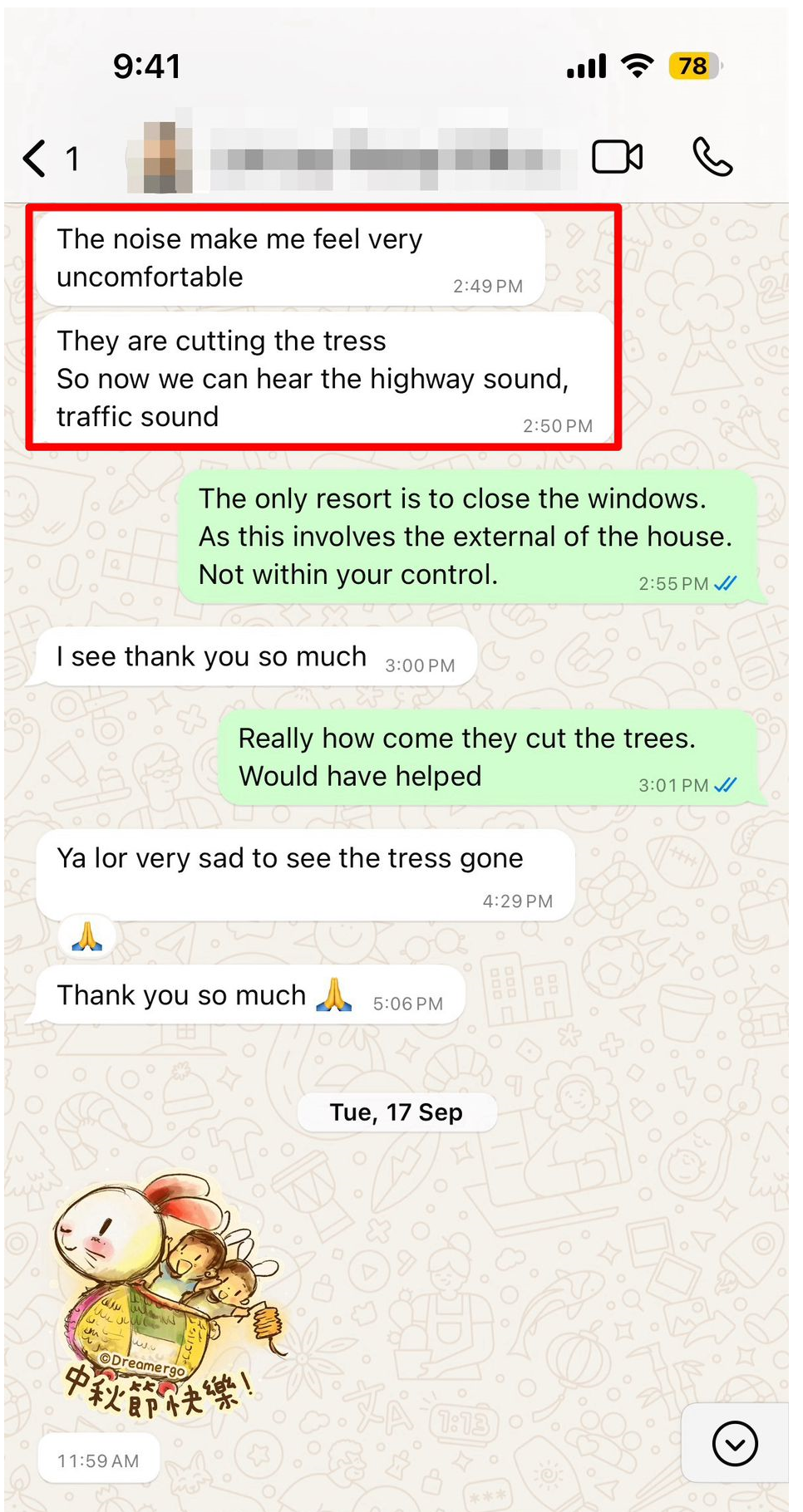
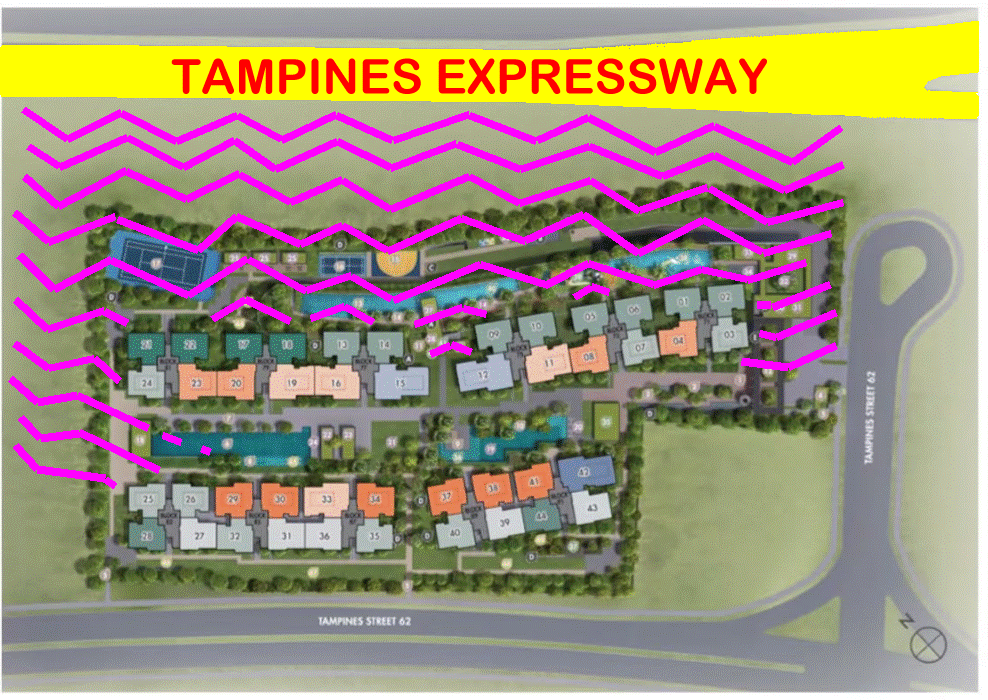
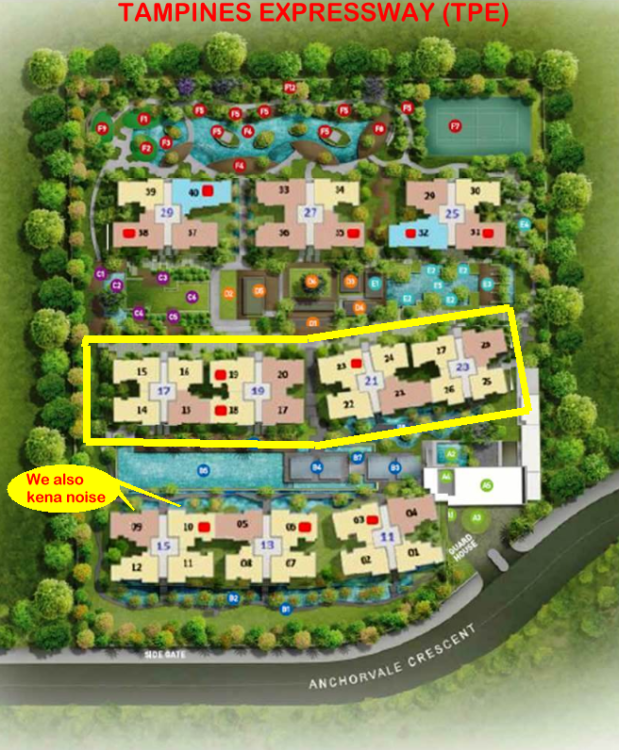
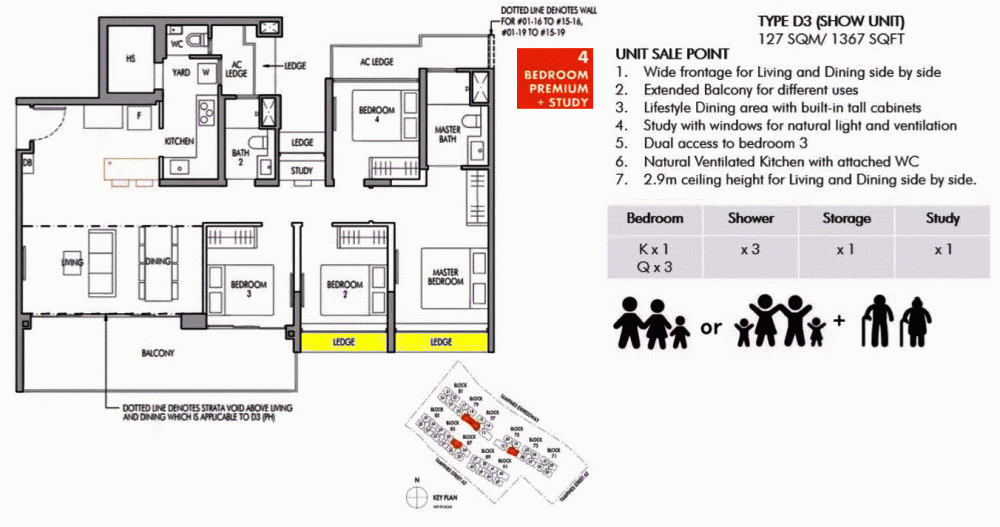
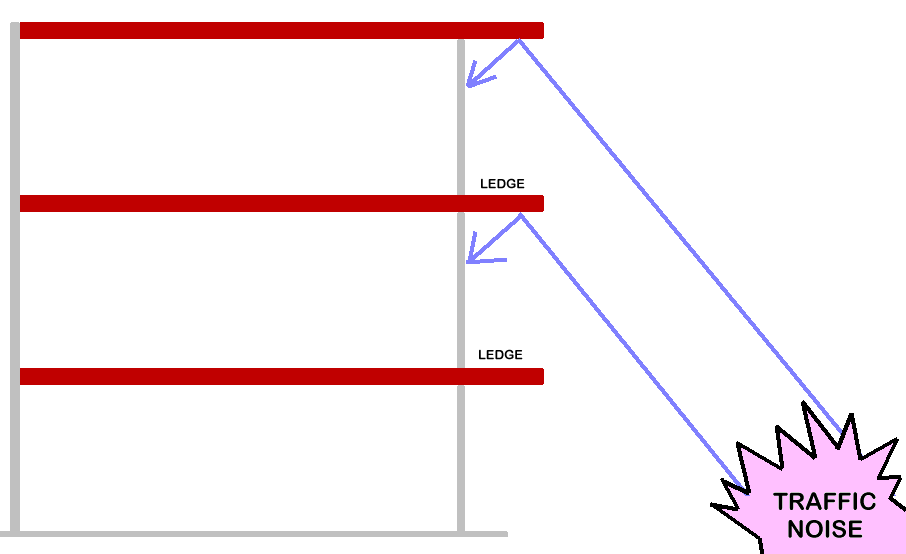
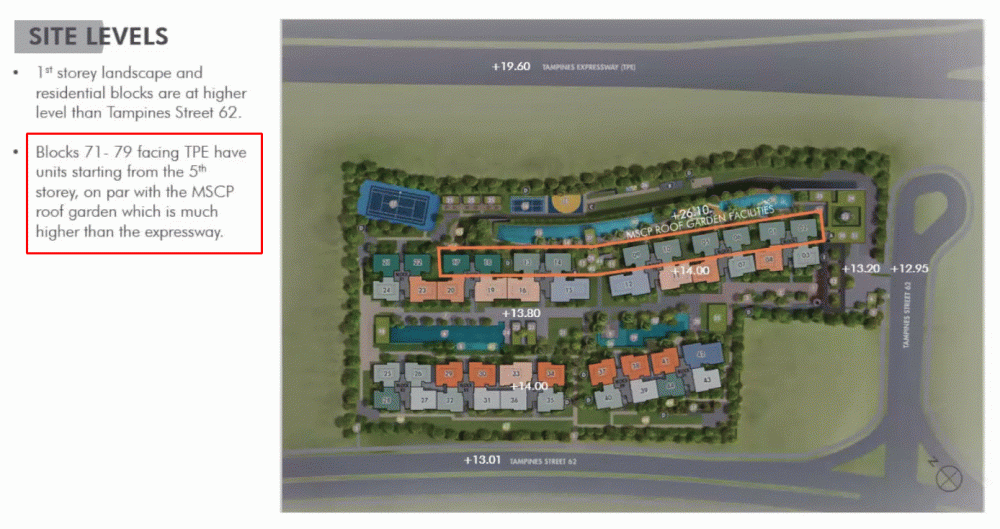
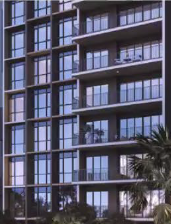
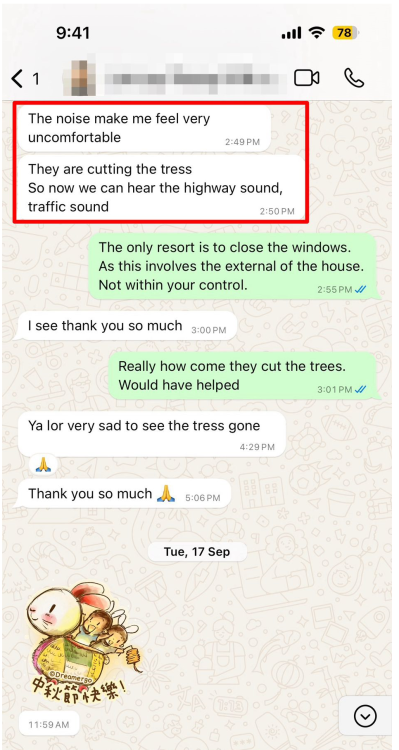
Case Study 3A: A picture paints a thousand words - Get It? Yes/No? Aiyoh! Why so noisy? Case Study 3B: Bellewaters EC at Anchorvale, Sengkang & Tampinese Expressway (TPE) 1. The Bellewaters EC has conveniently left out the Tampines Expressway (TPE)! 2. This year, a past client of Bellewaters EC wanted to upgrade to a bigger unit at Bellewaters EC. 3. She confessed that she was aiming to purchase a pool view unit at Block 11. This was because, she felt that like her unit and many others in the development, only block 11, and 13 are somewhat buffered by the traffic noise along the Tampines Expressway! 4. So here it goes, even Blocks 15, 17, 19, 21 and 23 are also not immune to the noisy traffic at TPE. Bellewater Executive Condo (EC) Site Plan Case Study 3C : The balcony and the two ledges of Master Bedroom and Bedroom 2 are double edged swords 1. The benefit is that especially for say Master Bedroom and Bedroom 2, one could still leave the windows slightly ajar an allow air-circulation into these rooms without having forced to close them in case of wind and rain entering these bedrooms. 2. From past experience, these over-hangs or ledges may help to magnify traffic noise especially from moving vehicles along e.g. the TPE. 3. Let's home that the developer is kind enough to install some sound proofing material on the roofs of the balcony to somewhat reduce such noise. This may help slightly but does not mean that units in this development is immune to traffic noise: +++ TOO LATE ALREADY "The noise make me feel very uncomfortable. They are cutting the tress So now we can hear the highway sound, traffic sound"

-
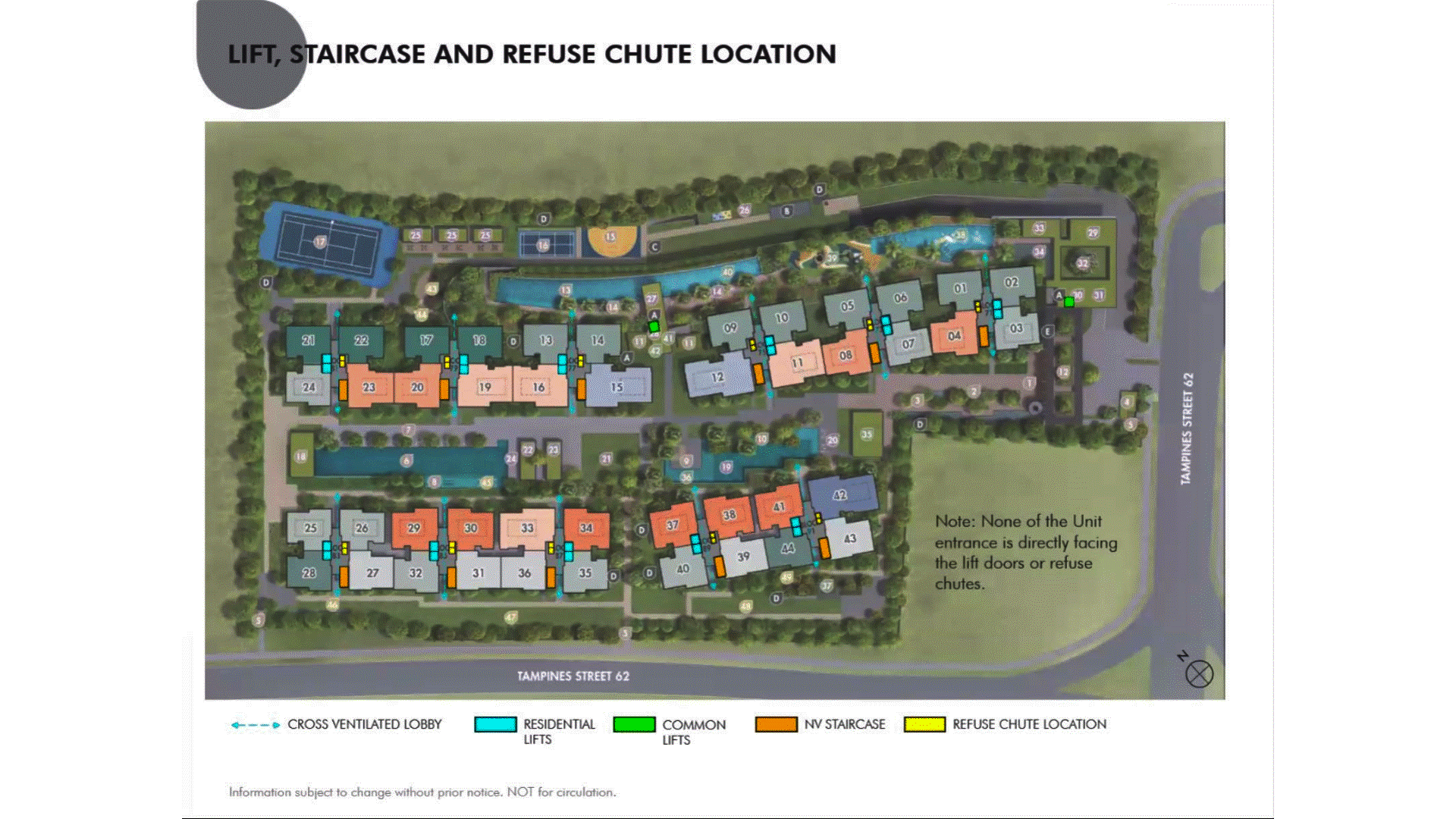
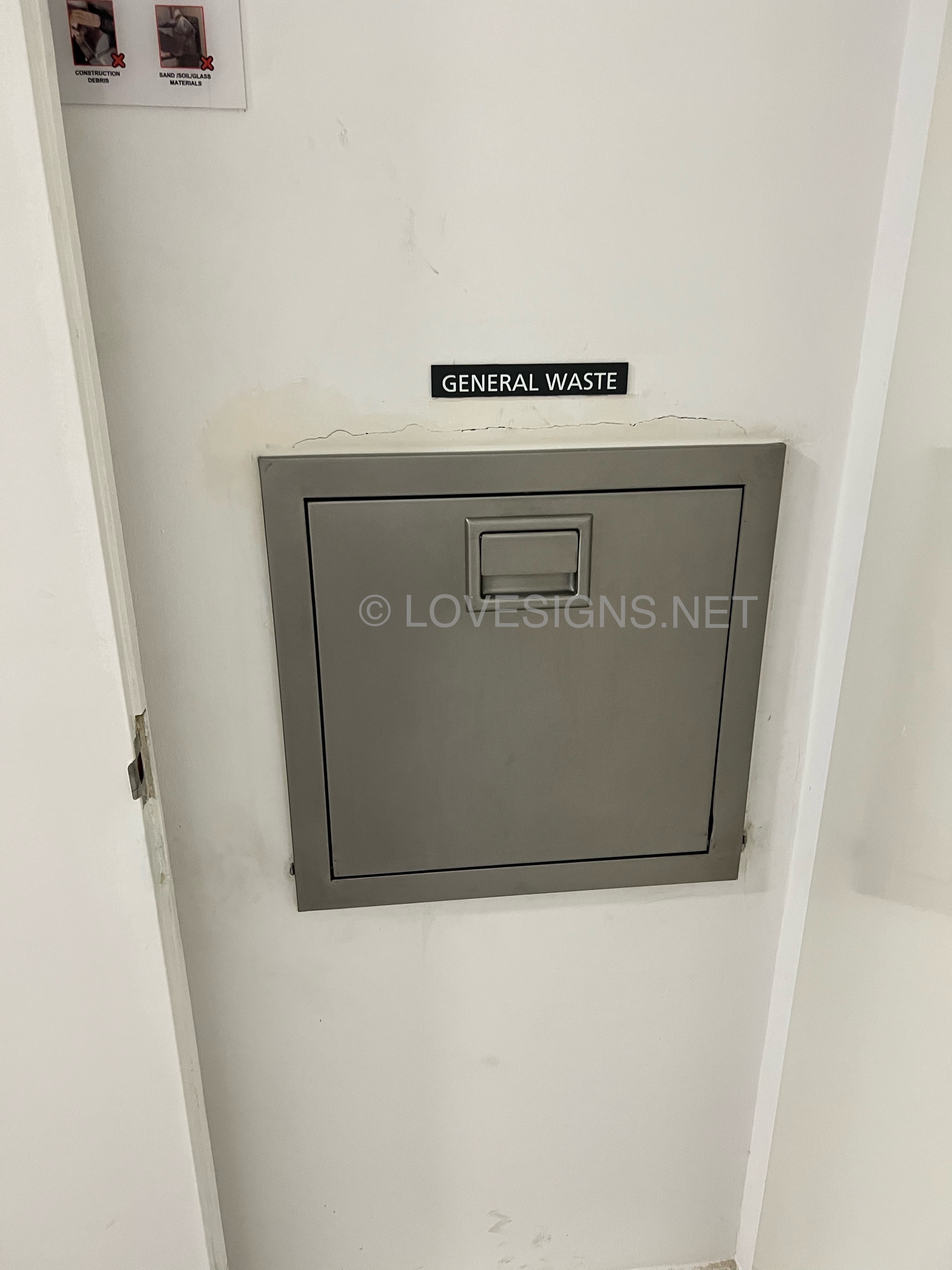
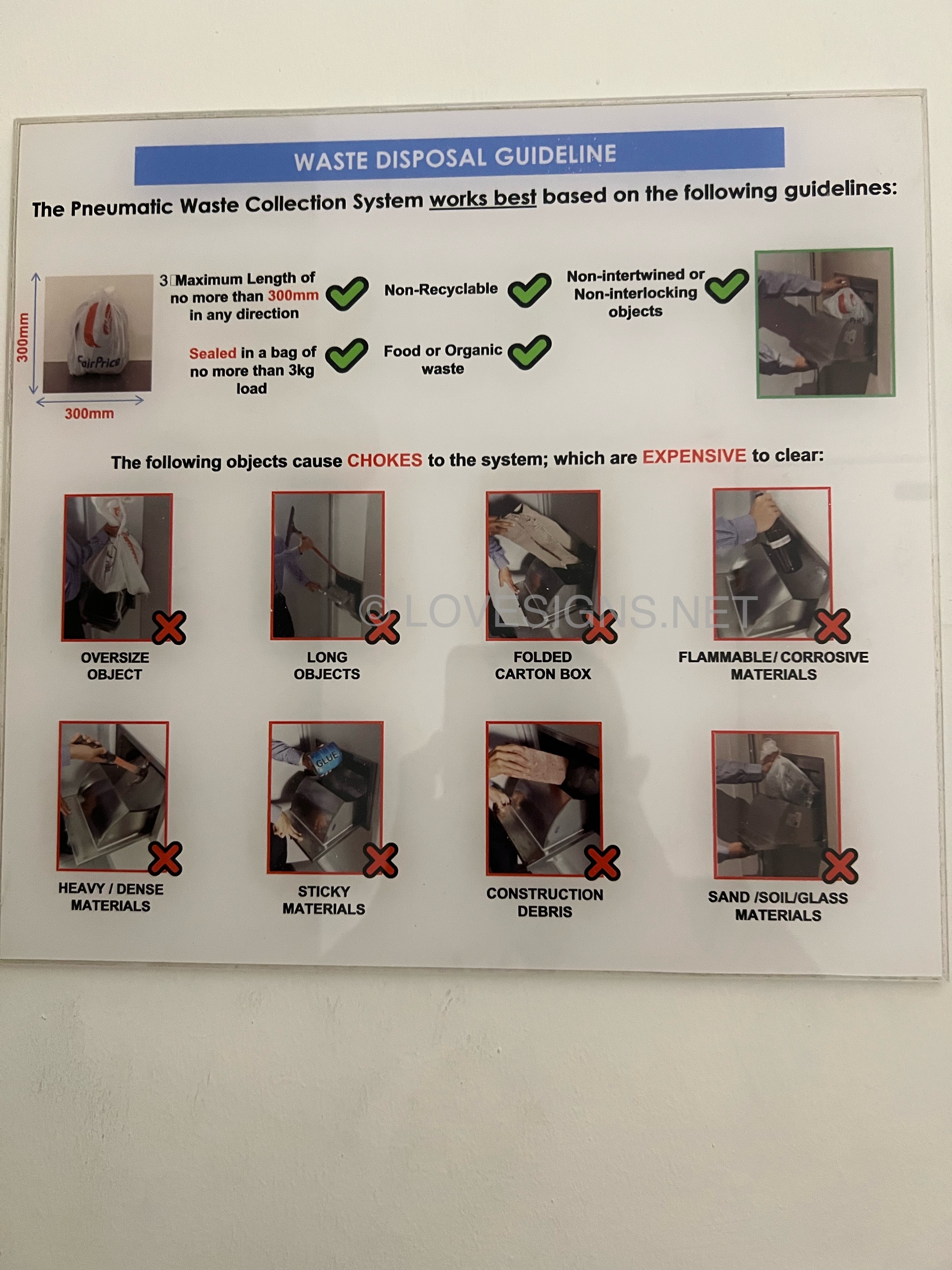
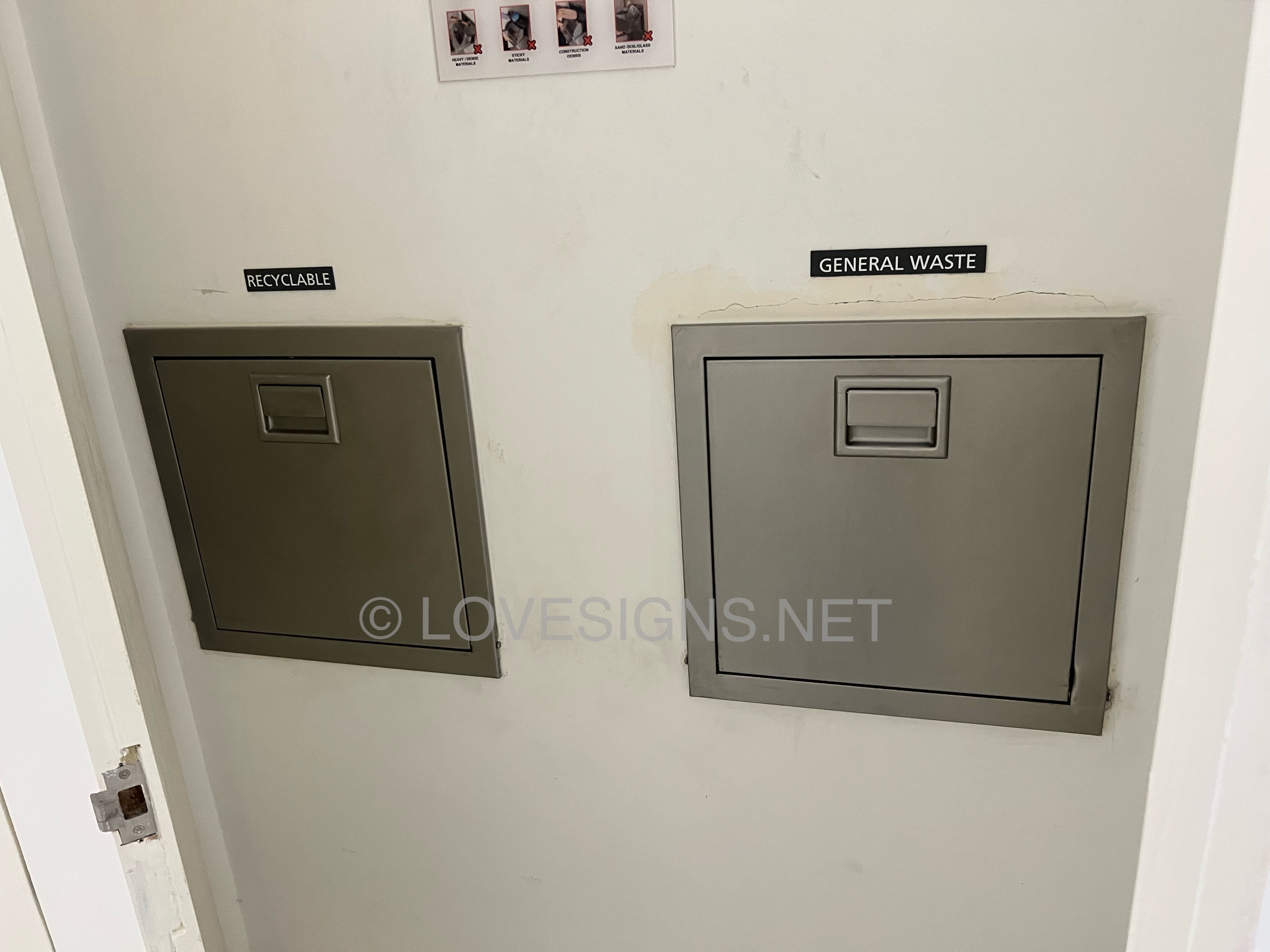
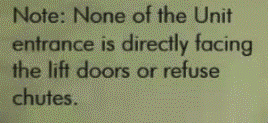
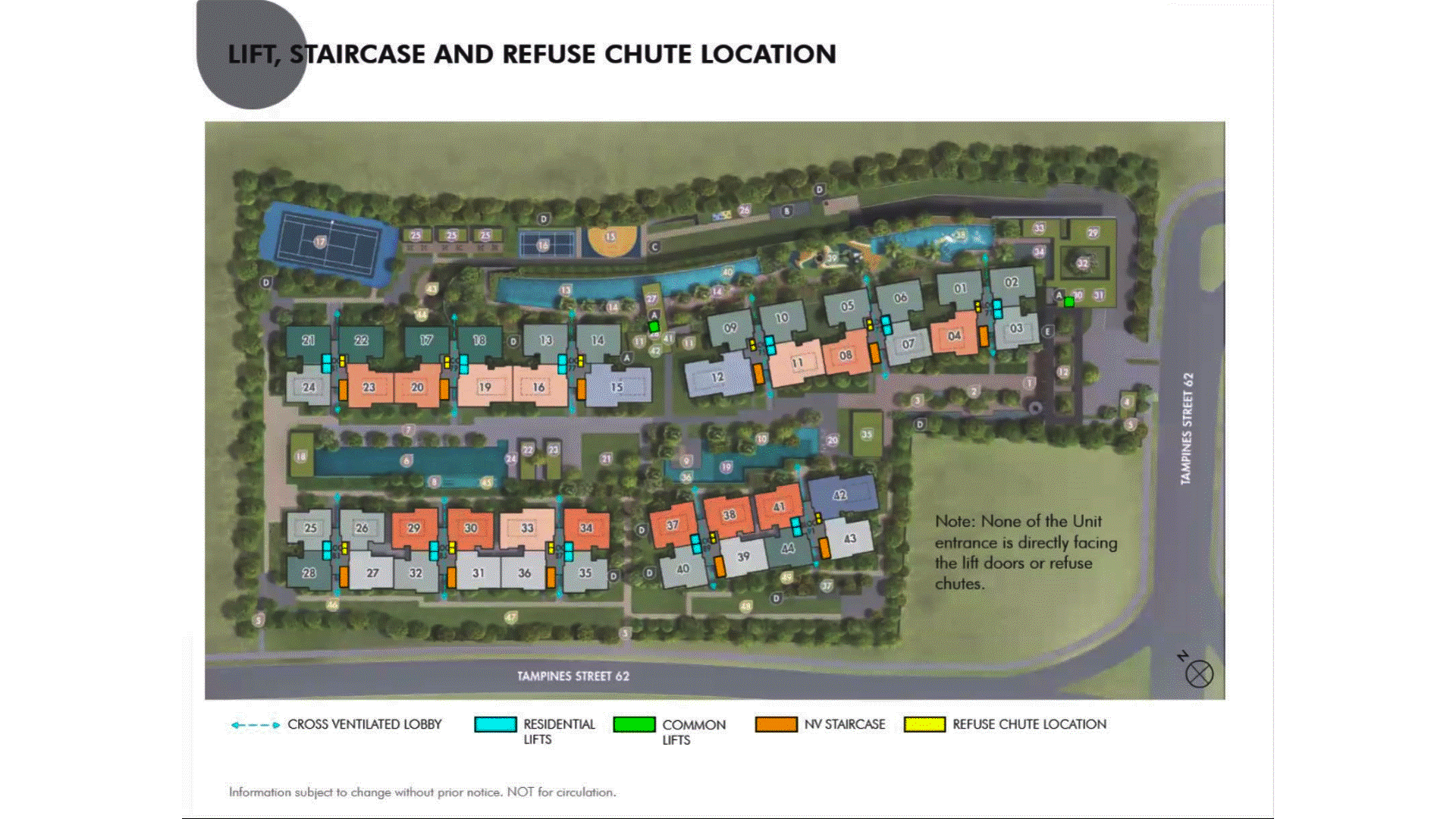
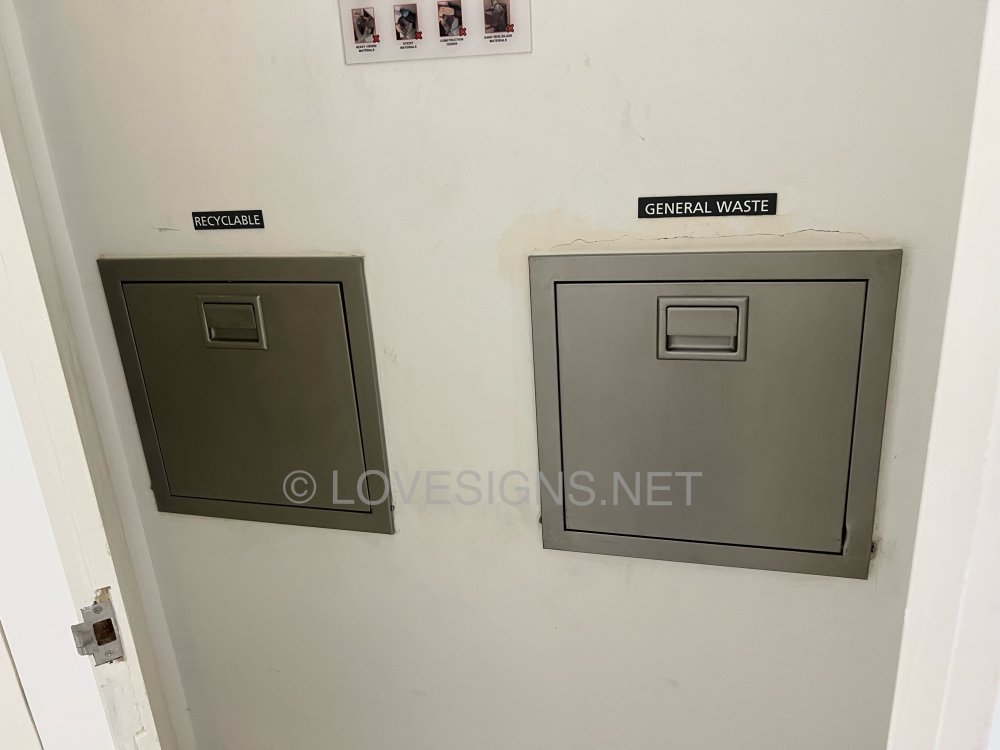
Case Study 2: Die, die must make sure I know where the common bin lobby / chutes are! Heng Ah! Architect personally came out to say....Phew! Don't know? Make sure you ask the Agent serving you to get it for you!

-
Case Study 1: Is the Tenet's Sales Brochure Useful for Feng Shui? Introduction: For brand new just launched developments, there is no physical site to visit the completed buildings and apartments. 1. The only thing we can do is to visit the show room (which often is close-by to the site) as well as obtain a sales brochure and see the mock-up of the development. As well as try to ask questions from the sales agent (if any). 1.1. We must still try to gather as much information as we can. 2. Summary of Case Studies in this article. If the information is overwhelming. Pick and choose selective articles... 1A & B: Common Rubbish Bin 2A & B: Interior unit Dry Walls 3: Fire at Heaven's Gate 4: Sha Qi or Poison Arrows from Club-house roof-lines 5: 3 Panel Sliding Doors at the Balcony 6: Drainage at the Balcony 7: Air-con Ledges 8: Mixed Developments + Cooling Towers 9: Termite infestations 10: Coffee-shop below or near to unit 11: Water tank at roof-top 12: Lamp Posts, Pillars, Tree Trunks 13: Spice Garden in an EC/condo 14: EC/condo Clubhouse 15A & B: Pneumatic Waste Collection System 16: Look closely at the development's scale model for clues 17: Buying a Mixed development apartment 18: Survey or study facilities surrounding the development 19: Pump Room below a unit 20: Seven Commandments of Stove Placement 21: Is there a potential poison arrow from the neighbours? 22: Should I be concerned with a near-by temple, church, mosque &/or elder care? 23: Is the compass marking on the Sales Brochure accurate? 24: Sites reserved for Schools? 25: Doors face each other? [Main Door/Bedrooms] 26: Unit numbers with 4, 44 or 444 Okay? 27: Stove or sink or WC at the Centre of the house? Click Here:

-
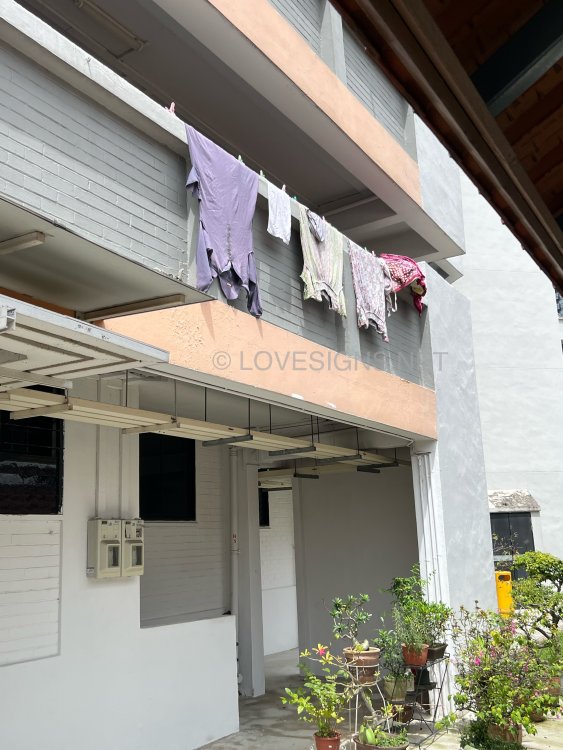
Okay, pardon me, this does not seem like Flagged of United Nations. Same place but..Hmmm
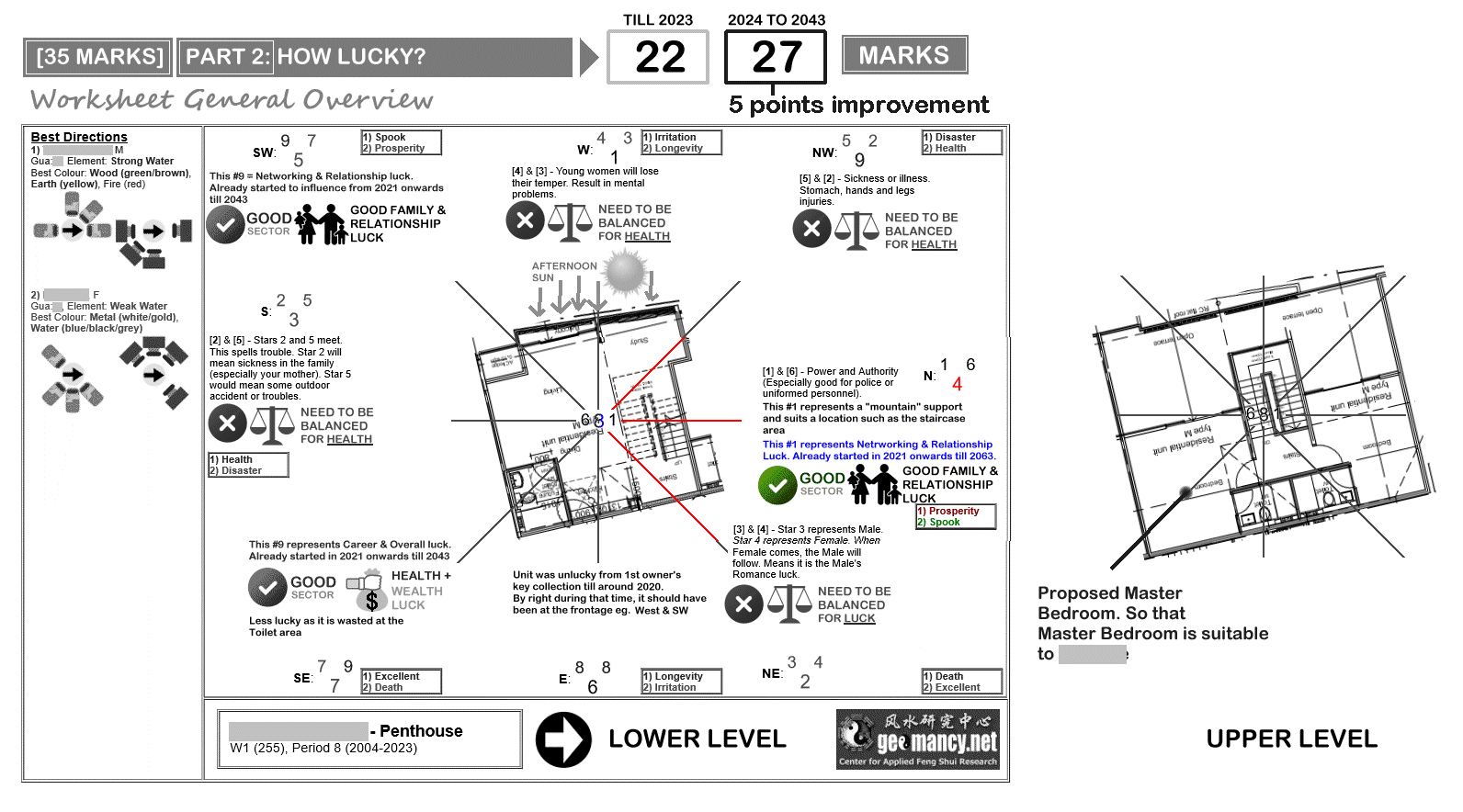
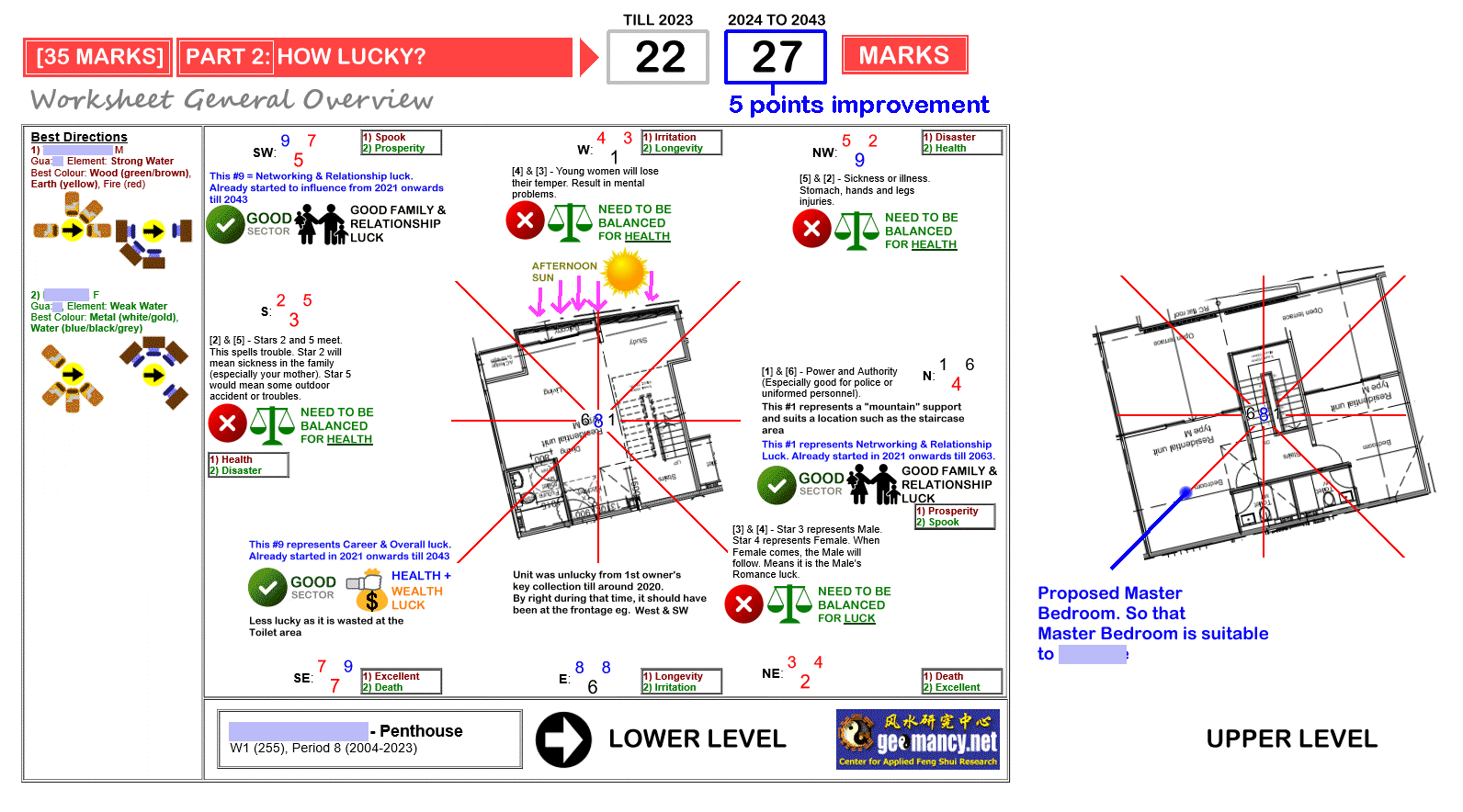
 Answers simply don't drop down from the Sky! The Science of Feng Shui not some Mambo Jumbo of guesswork! Two Feng Shui Concepts used to determine the location of the staircase: Eight House or Eight Mansions with Flying Star Feng Shui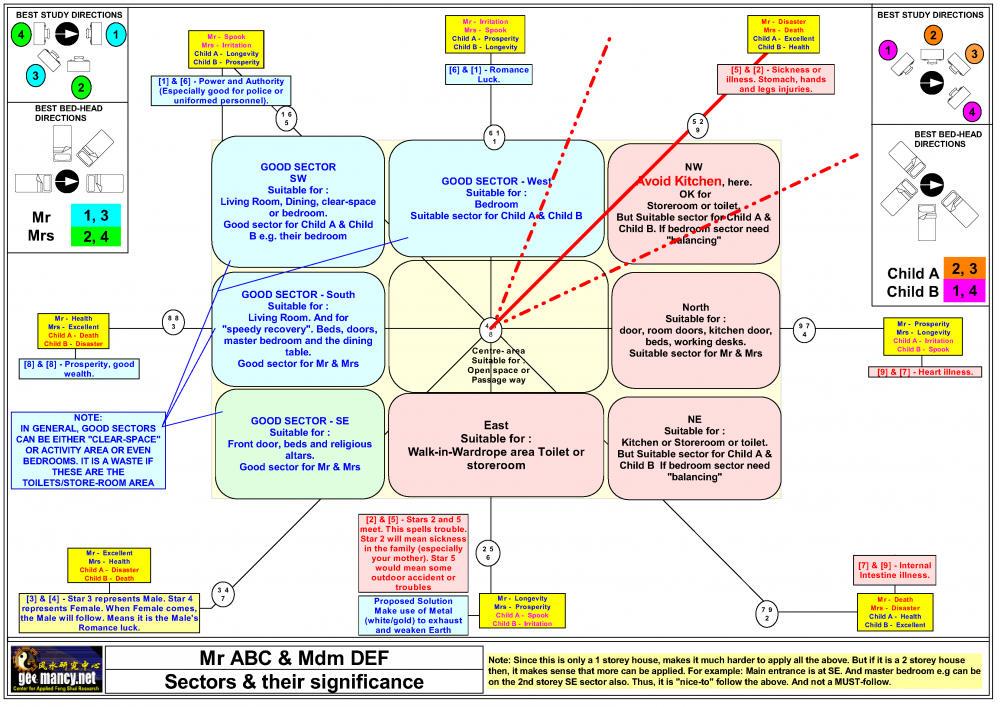
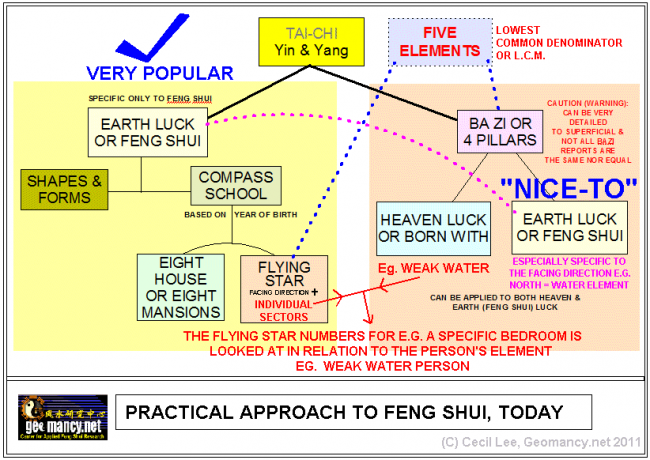 Feng Shui is not some random exercise of "I am curious to know from this group of plans, which numbered examples would be considered cases of situating the stairs at the center of the house?" Frankly no point preparing all the permuations - if one knows where to look... LOL Like this might as well flip a coin or play Bingo.

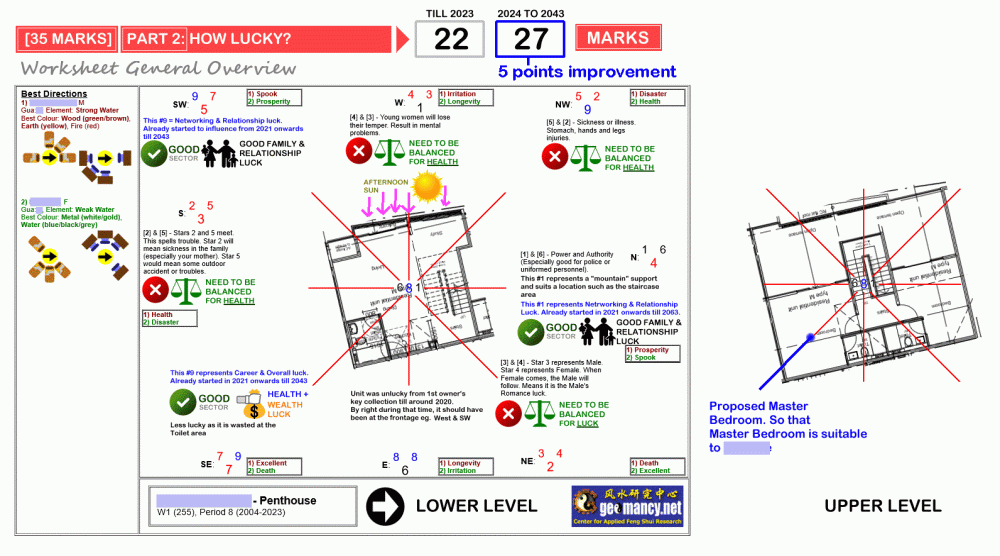
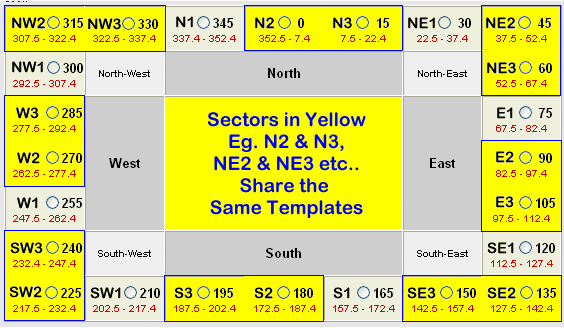
 The Science of Feng Shui In this real life example, the staircase of this penthouse so happens to be at NORTH cardinal point. And, so happens that it suits the Flying Star Feng Shui Chart. The above chart is for a West 1 (255 degrees home). This is the entire real life chart in full colour In addition, each of these consists of not only 24 chart types but also a Period e.g. 1964 to 1983 or 1984 to 2003 or 2004 to 2023 and 2024 onwards till 2043.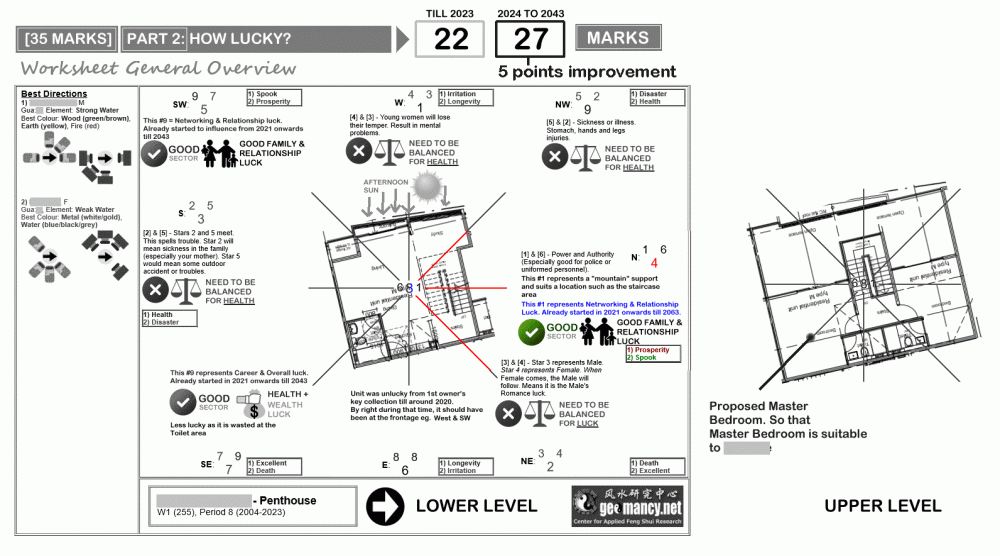
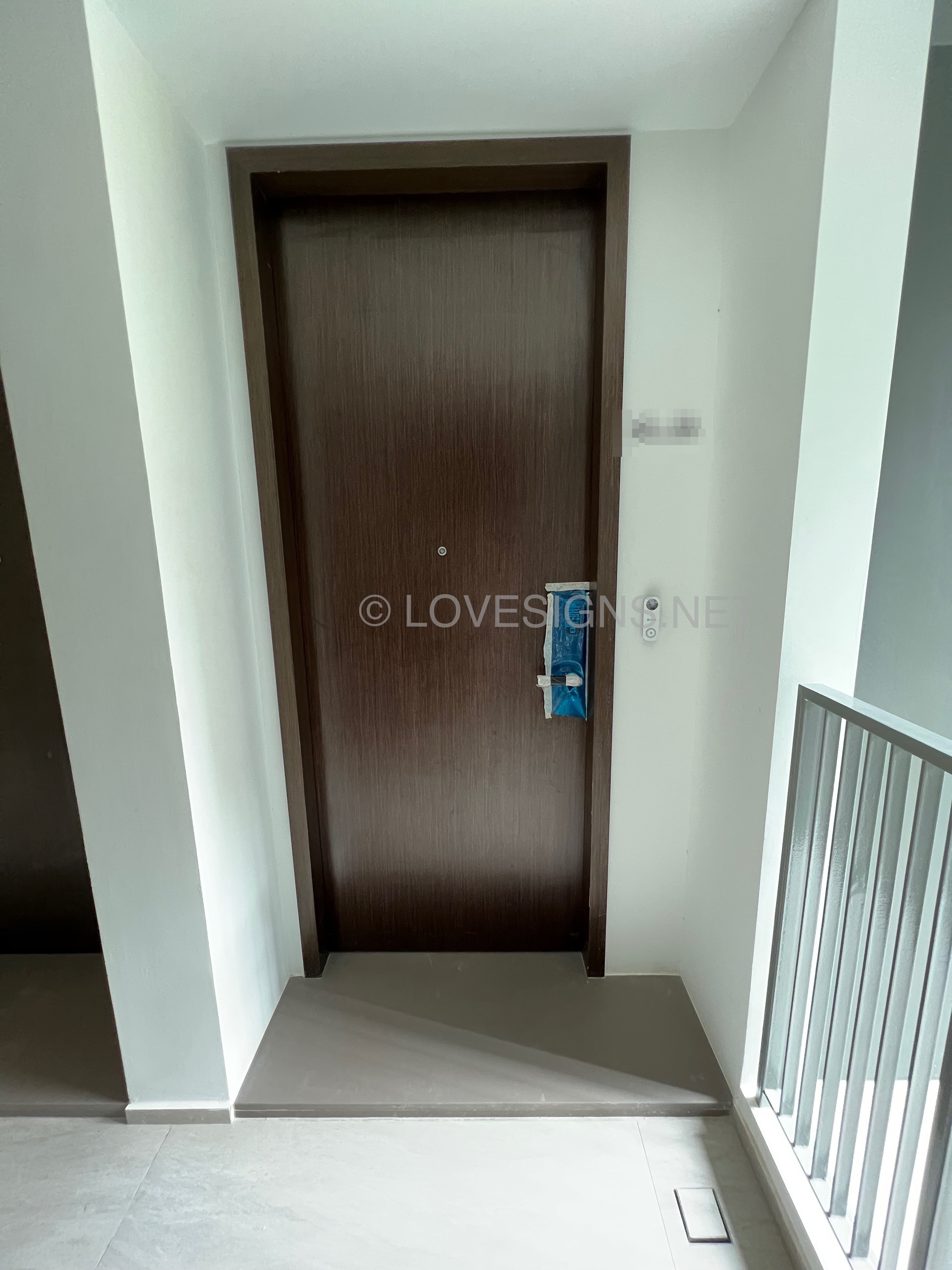
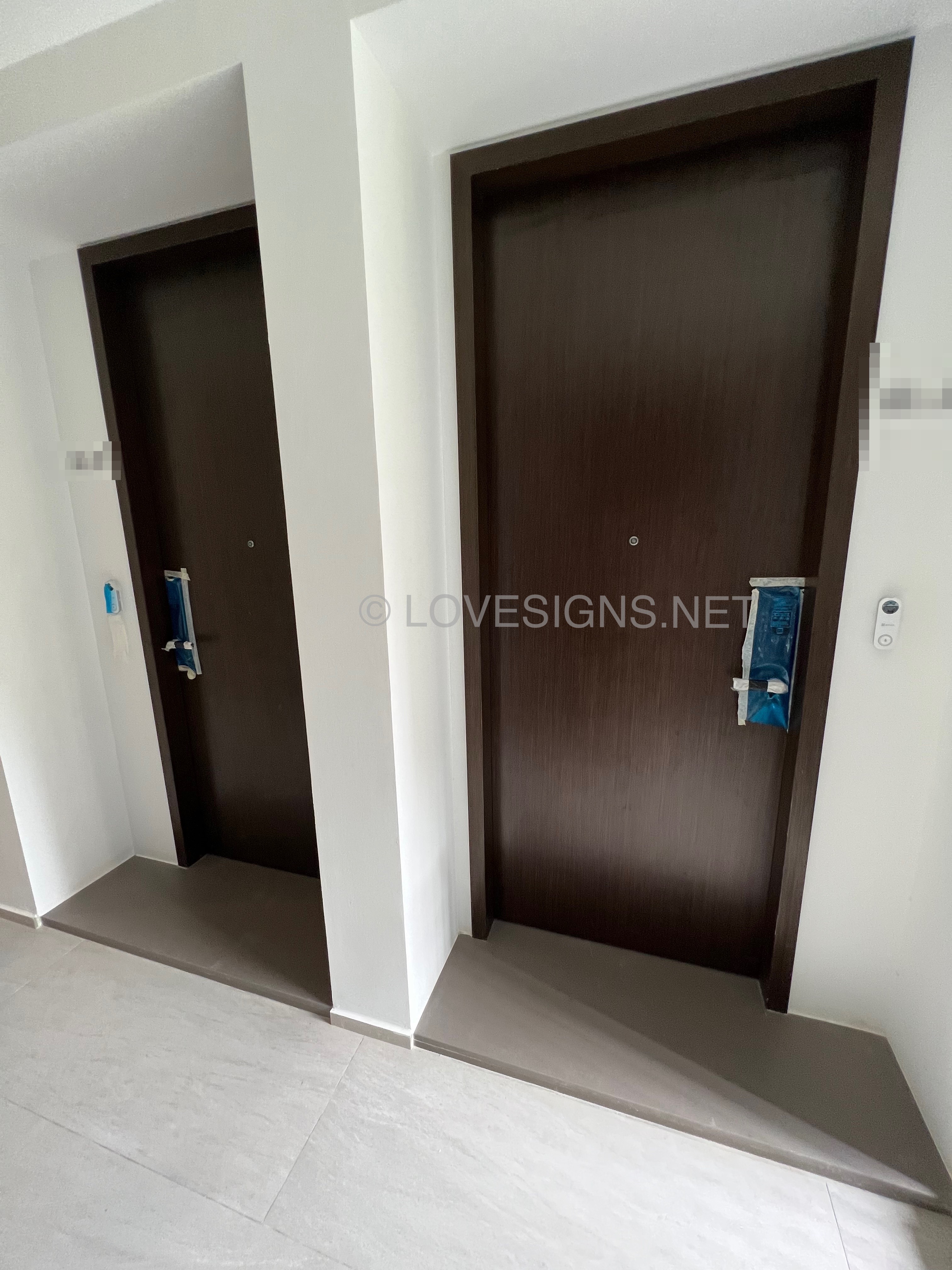
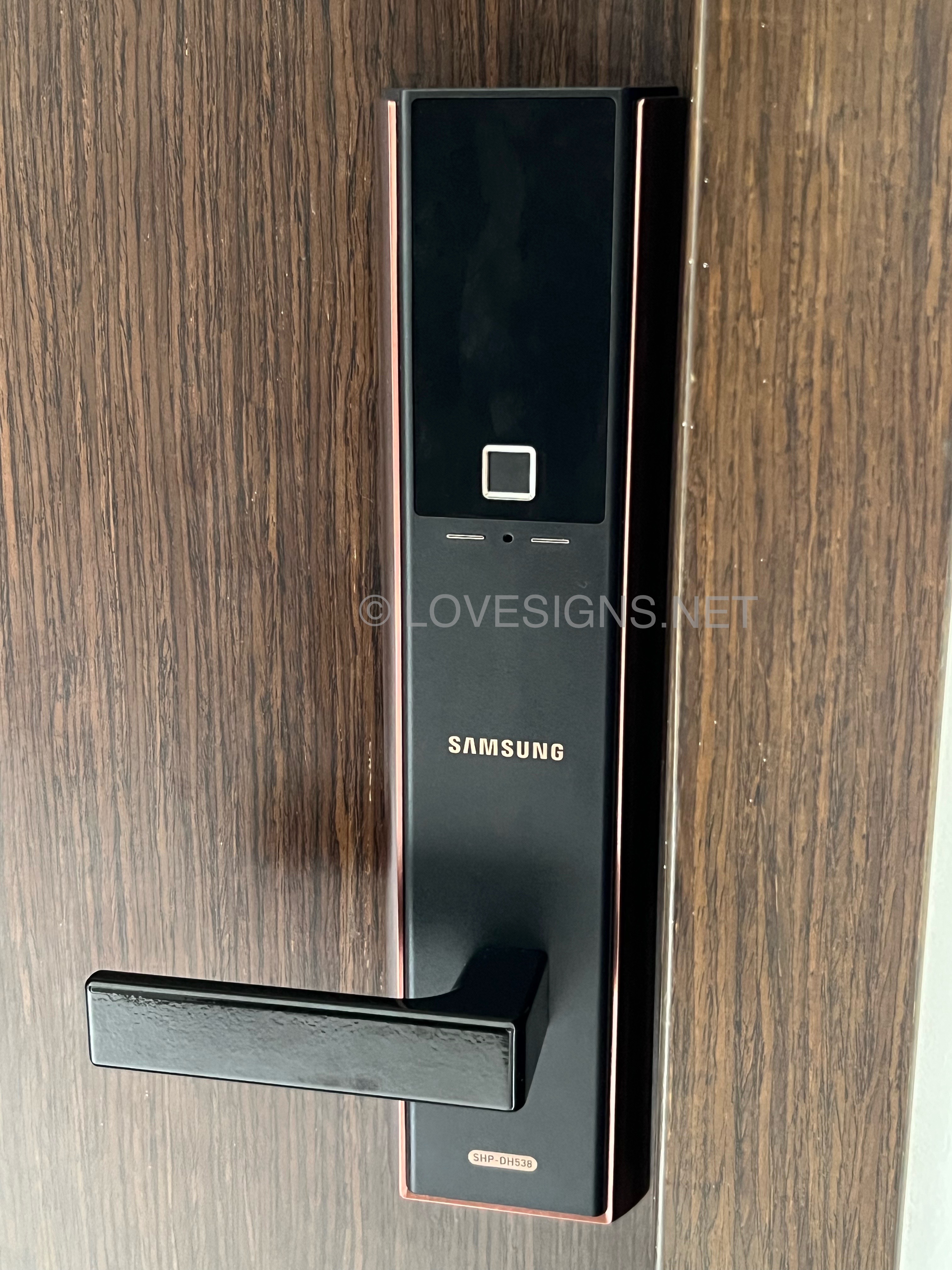
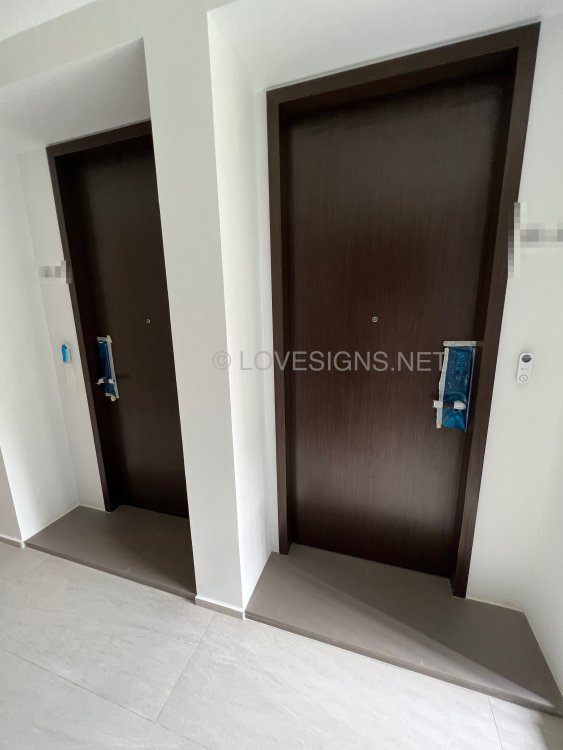
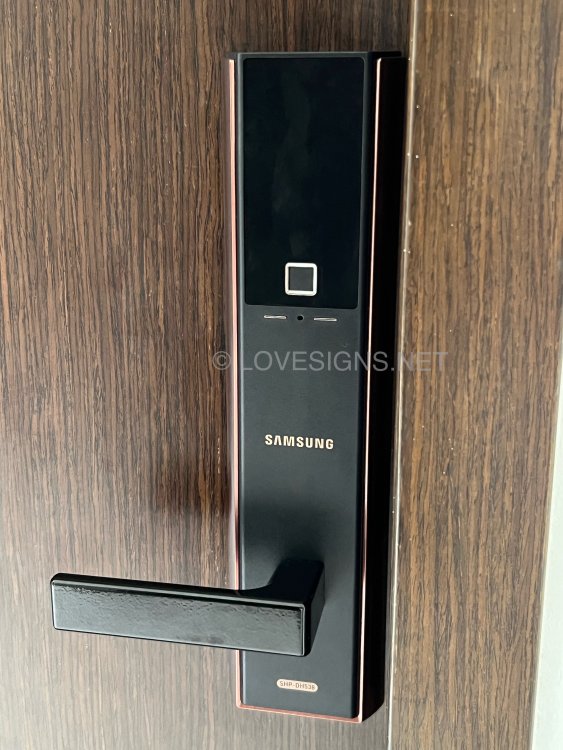
 Front door is Feng Shui Ruler diamension friendly! Smaller than usual front doors: width is 35” = an auspicious number! The older HDB flats of the 1970’s door widths are often 32 inches and the total frame comes to 35 inches! Nowadays often based on metric like 1 metre sizes. Samsung says, thanks for choosing this traditional handle digital lock. I am sure you will enjoy many years of fuss free usage! No premature wear and time from those push-pull rubber coated ones! Huat Ah! Previously another development uses a generic code for 1st time opening: CODE 1234. Okay for this development. The code also has 4 digits. There are 1's and ___ will not reveal the other digit.. LOL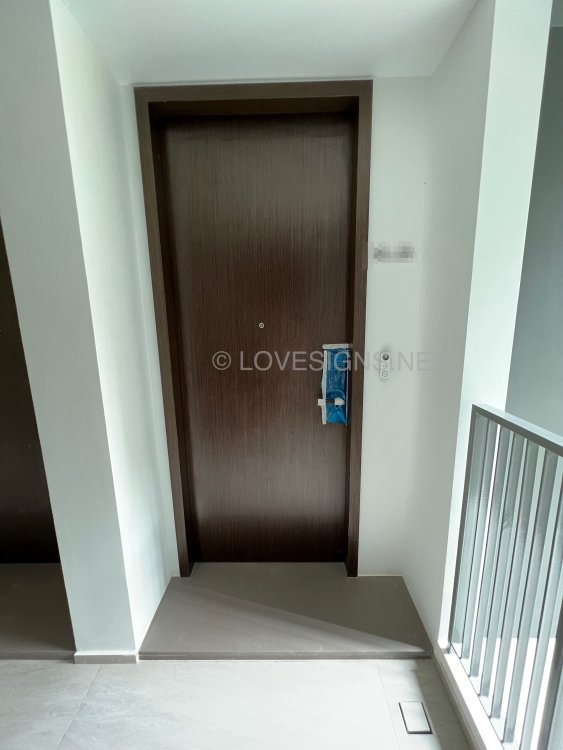
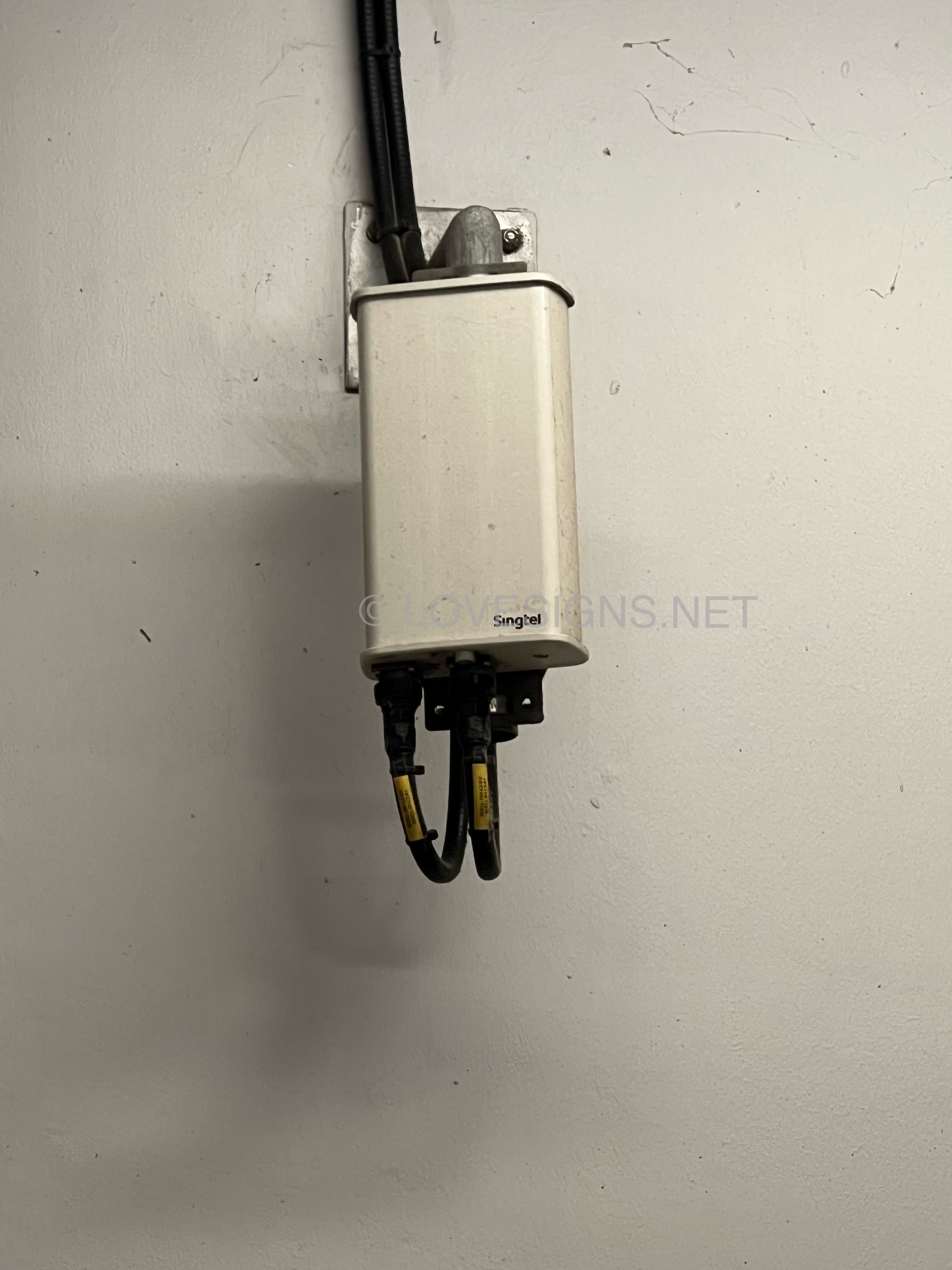
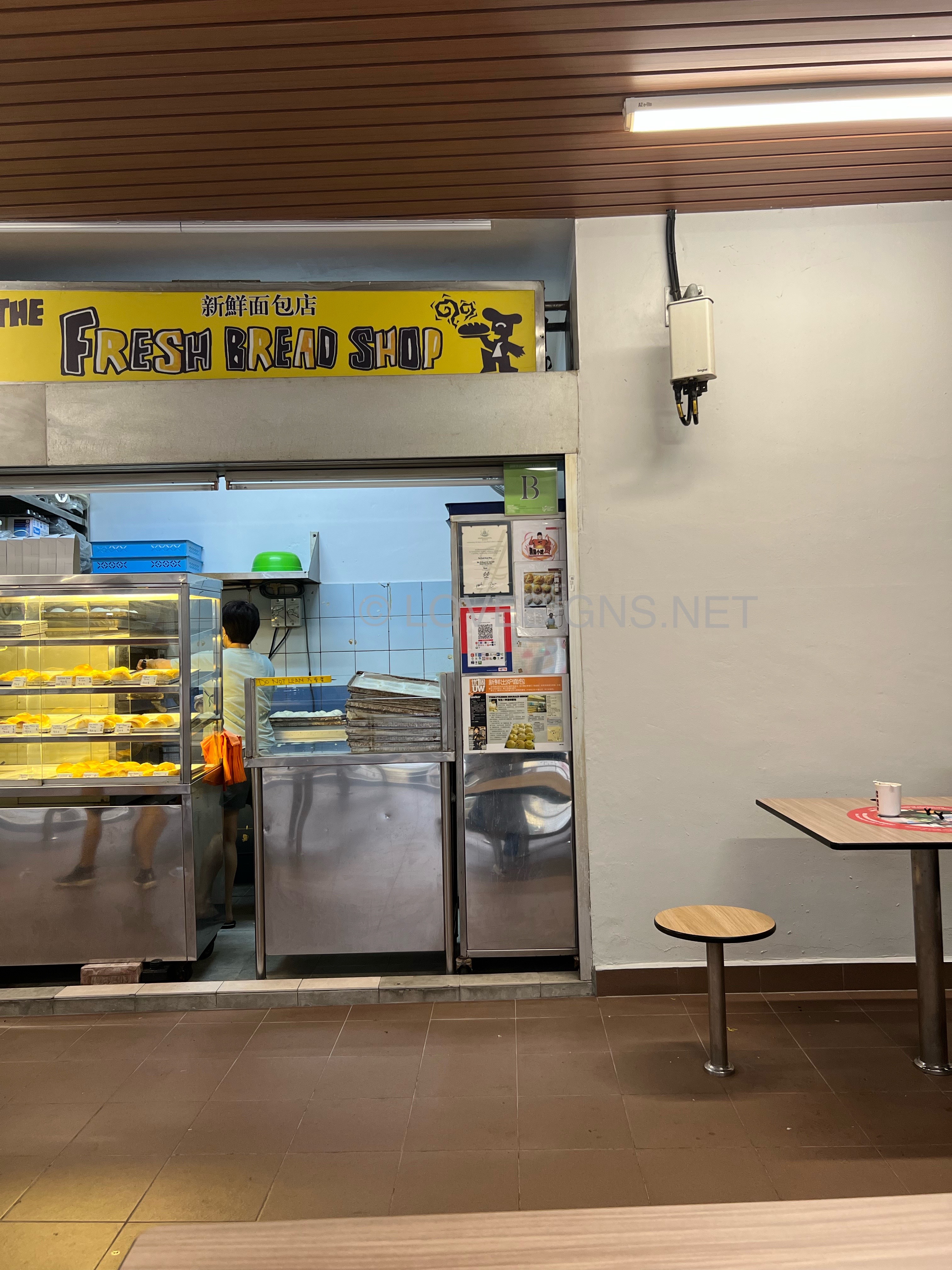
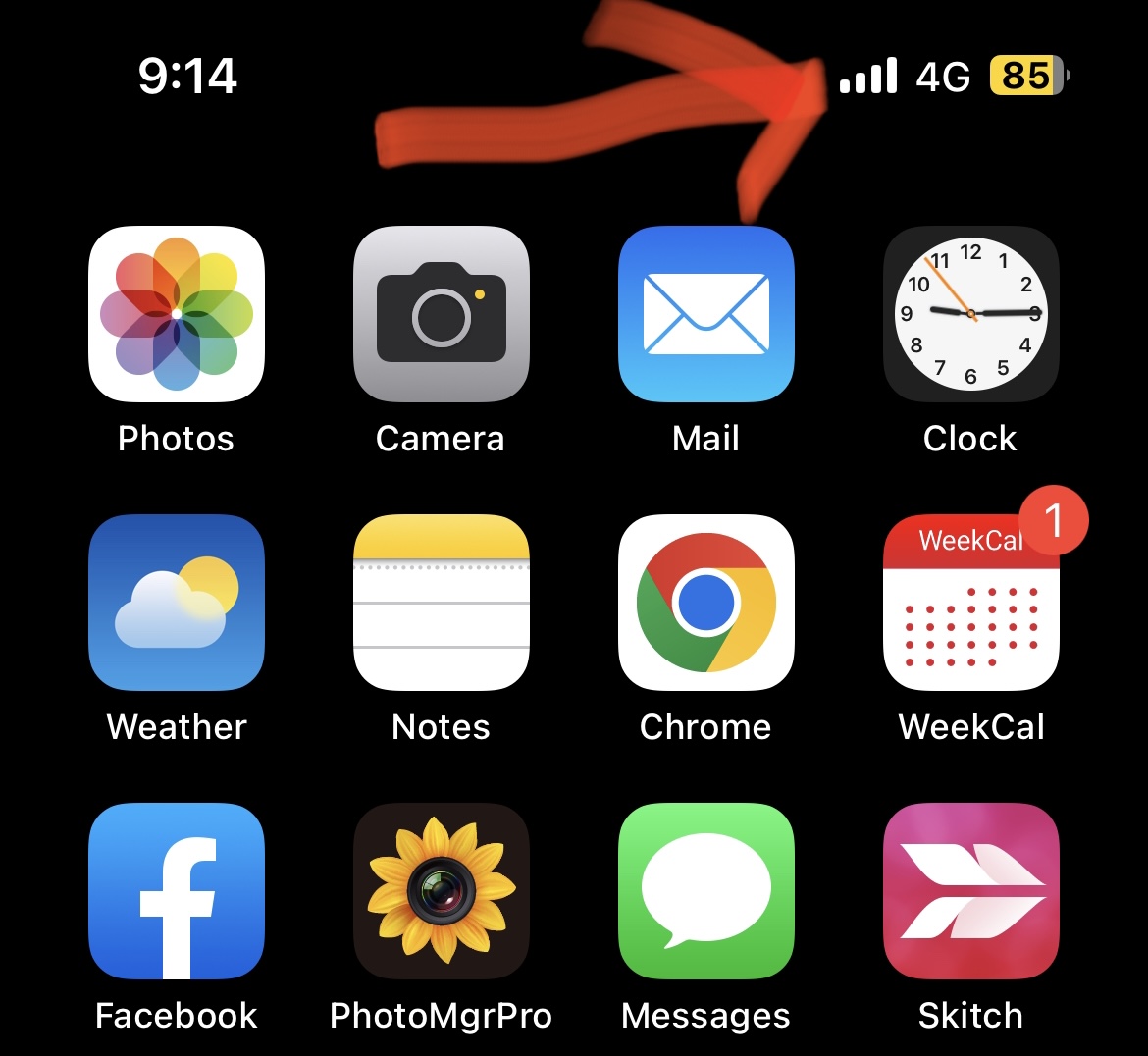
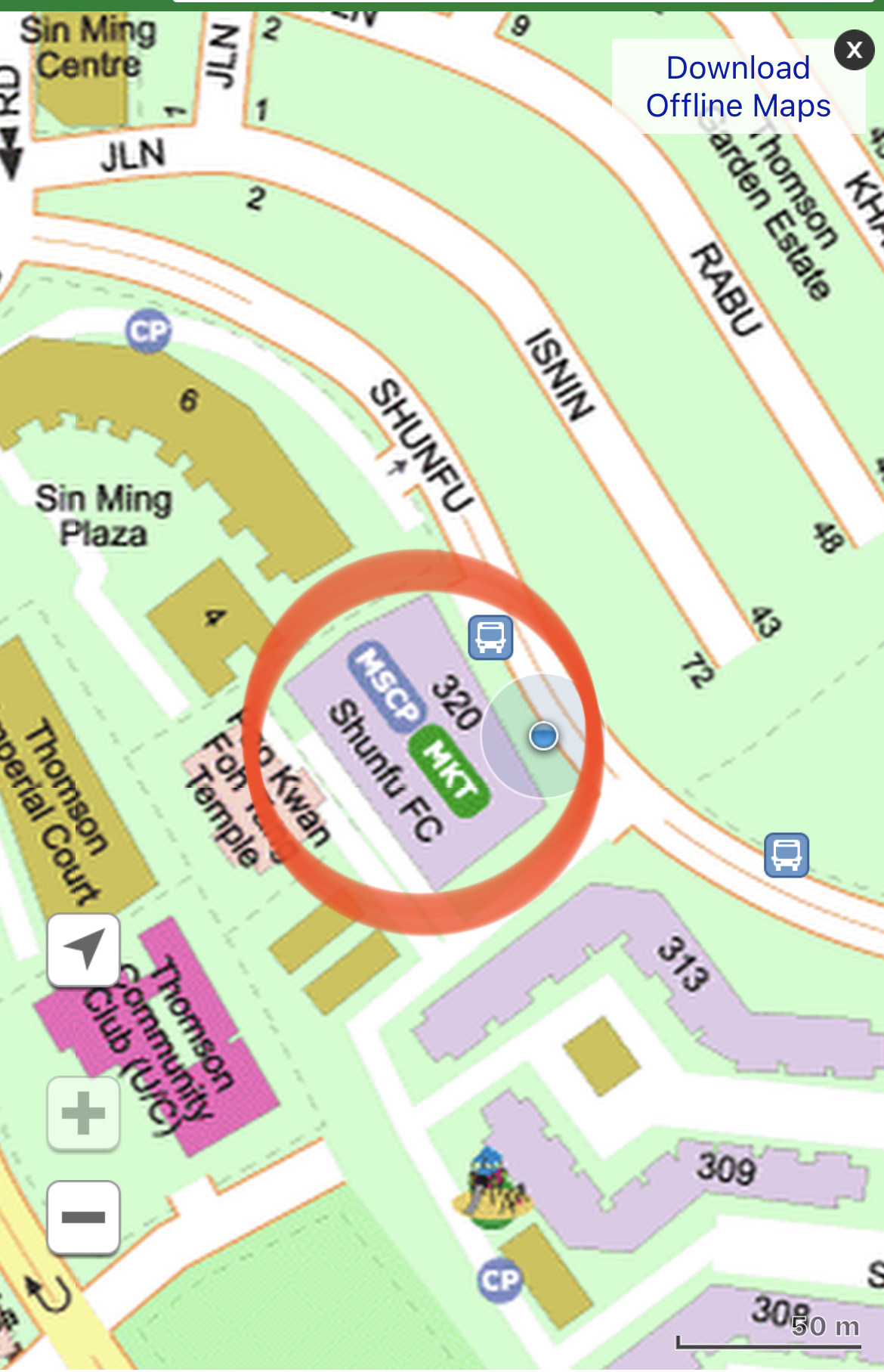
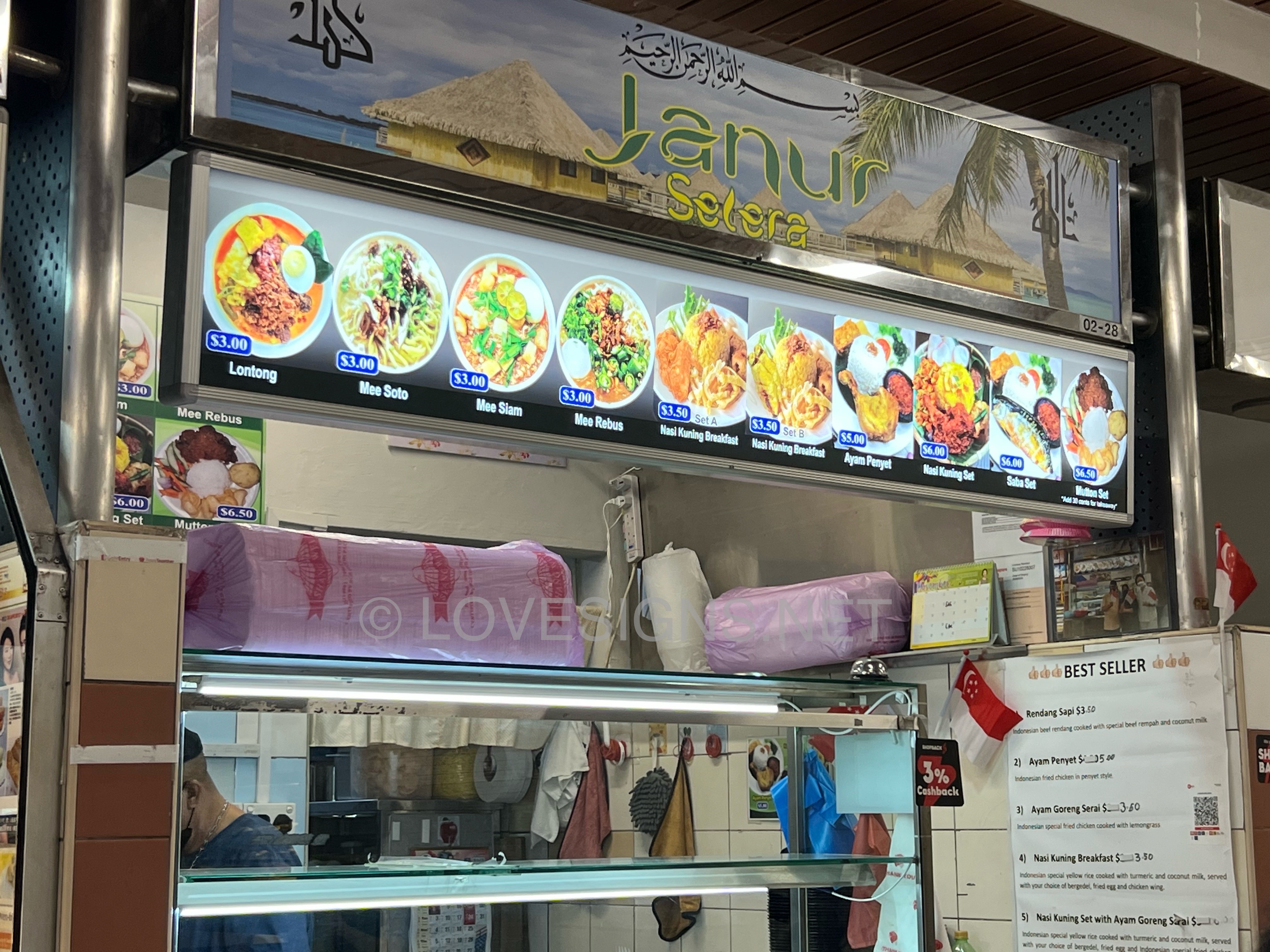
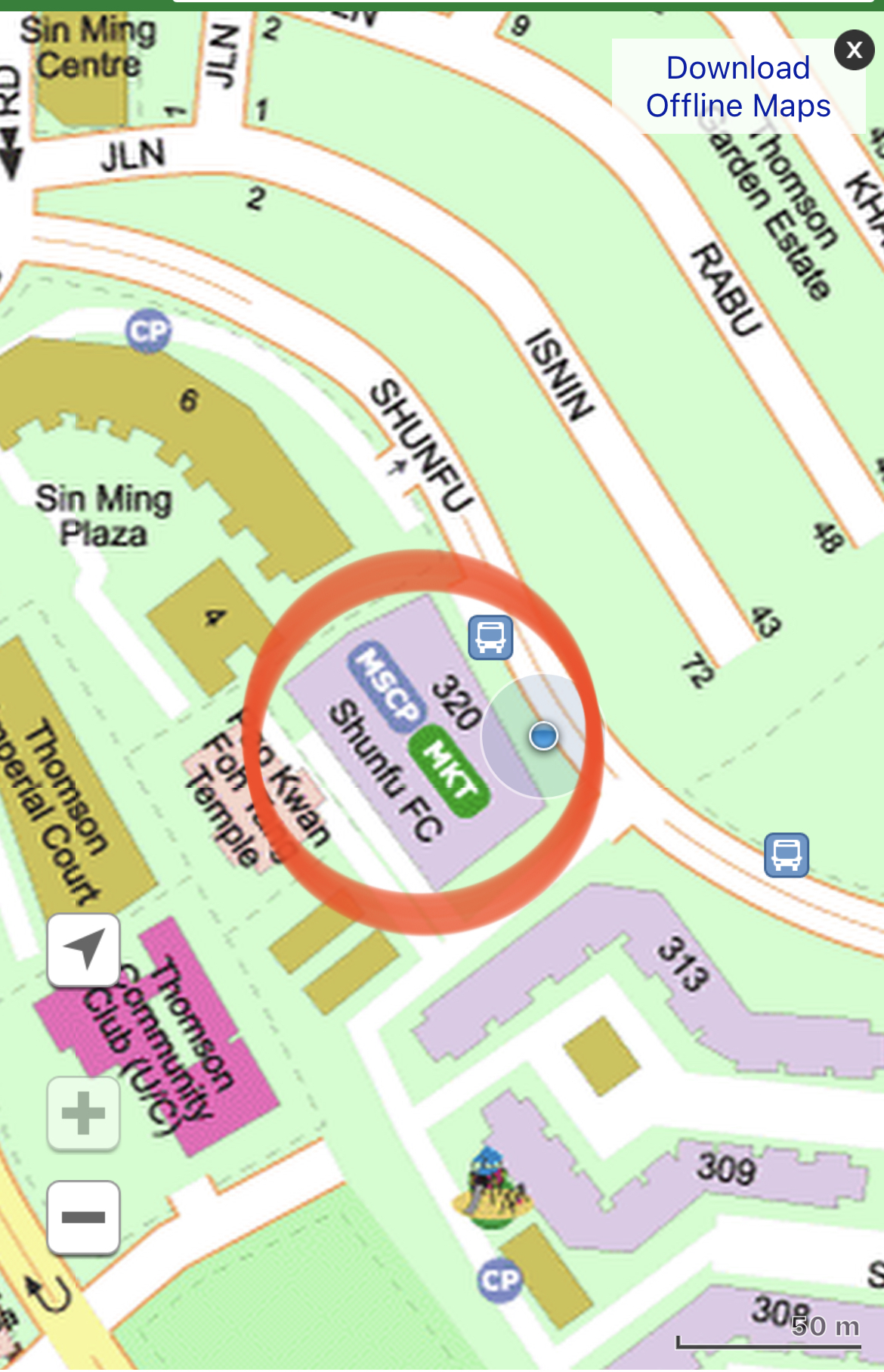
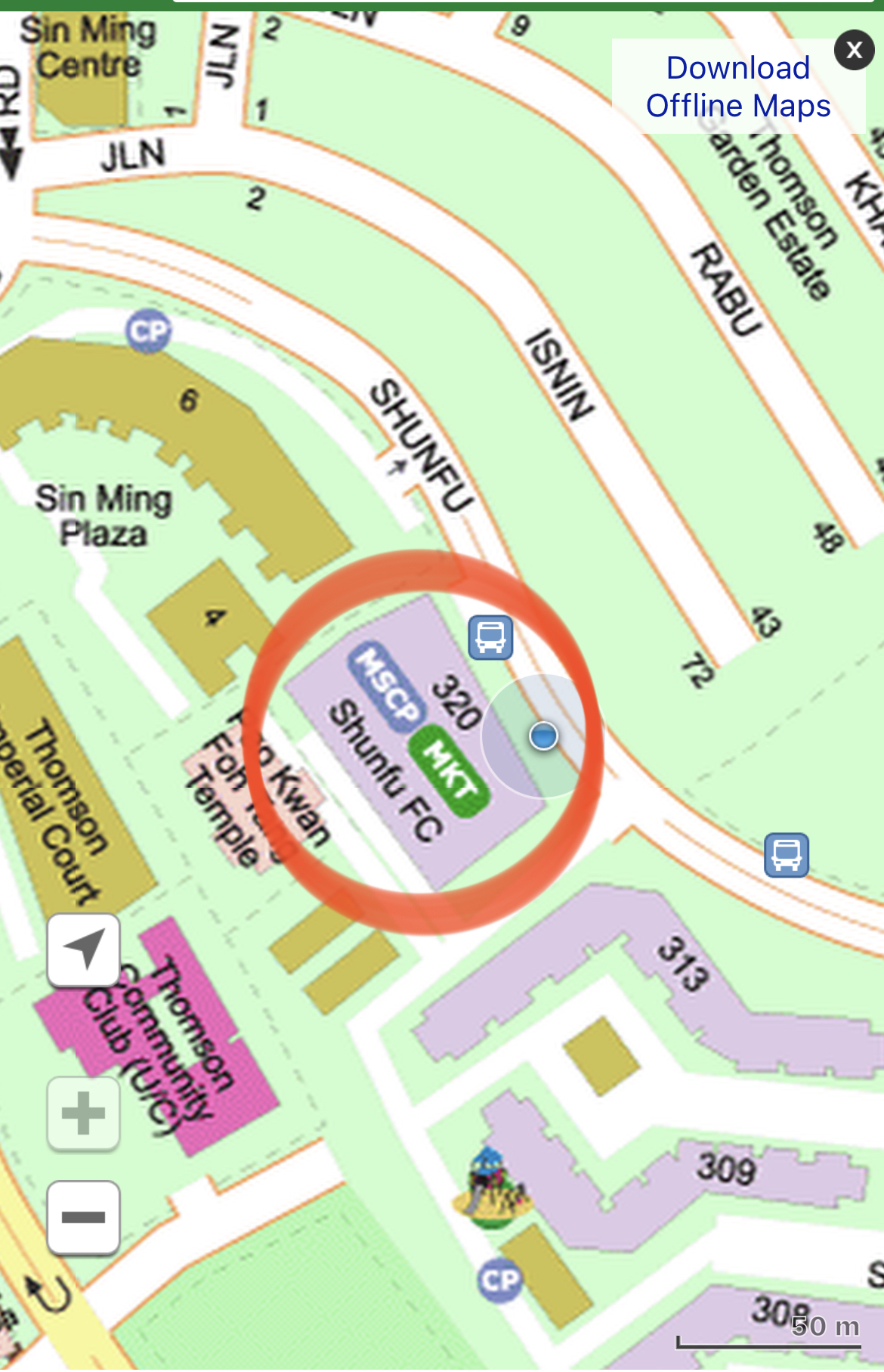
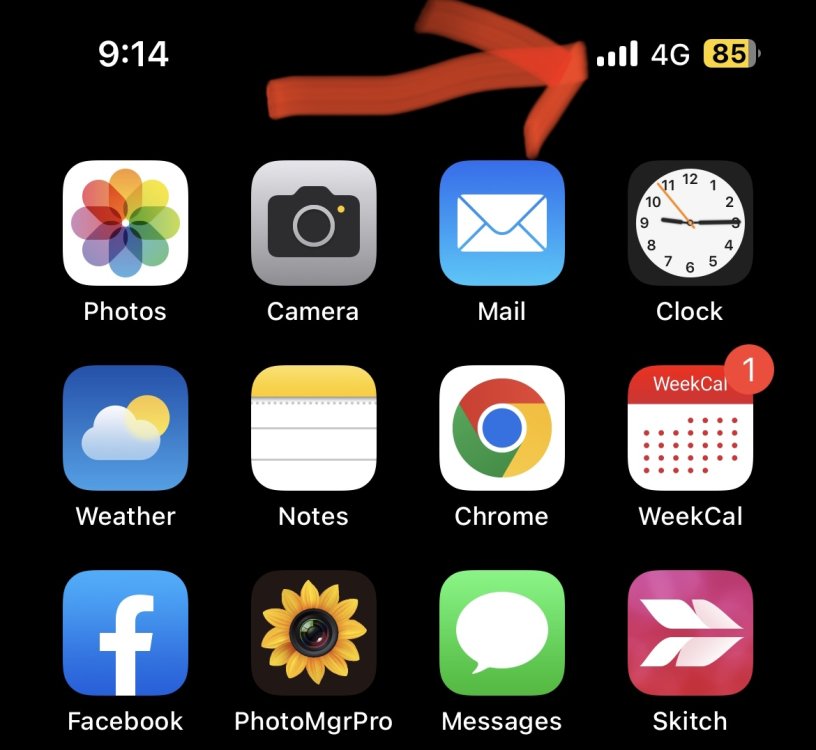
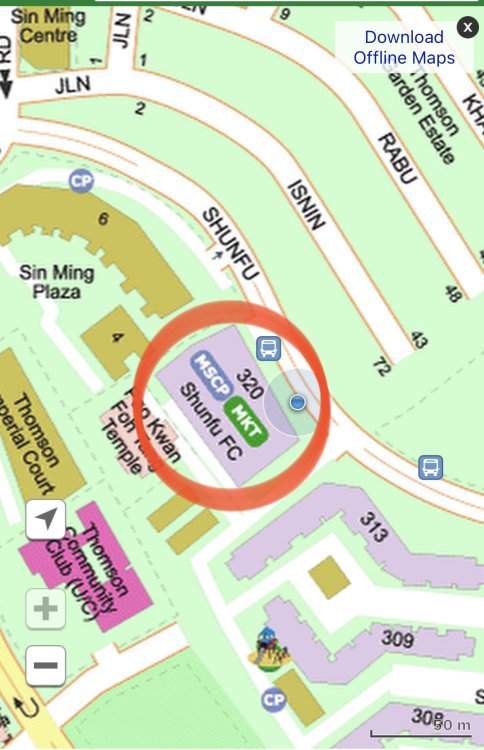
 I am seat at the Food Centre staring at the Singtel transmitter… No wonder, getting max 4 bars!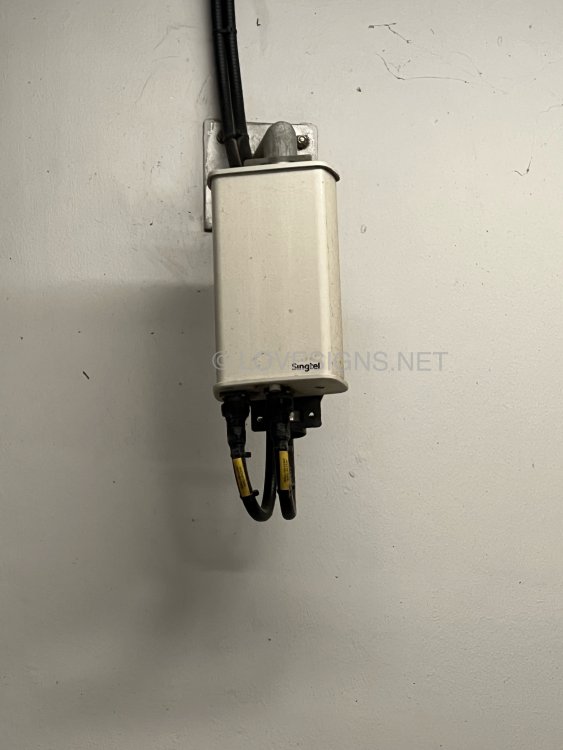
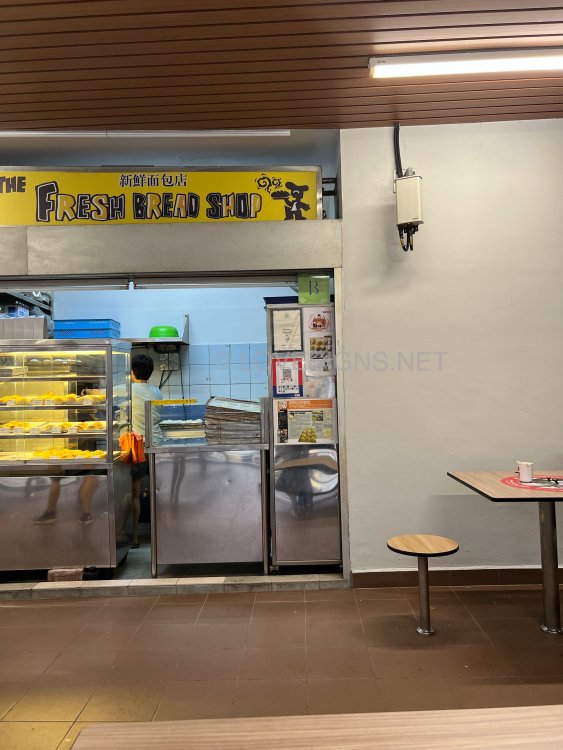
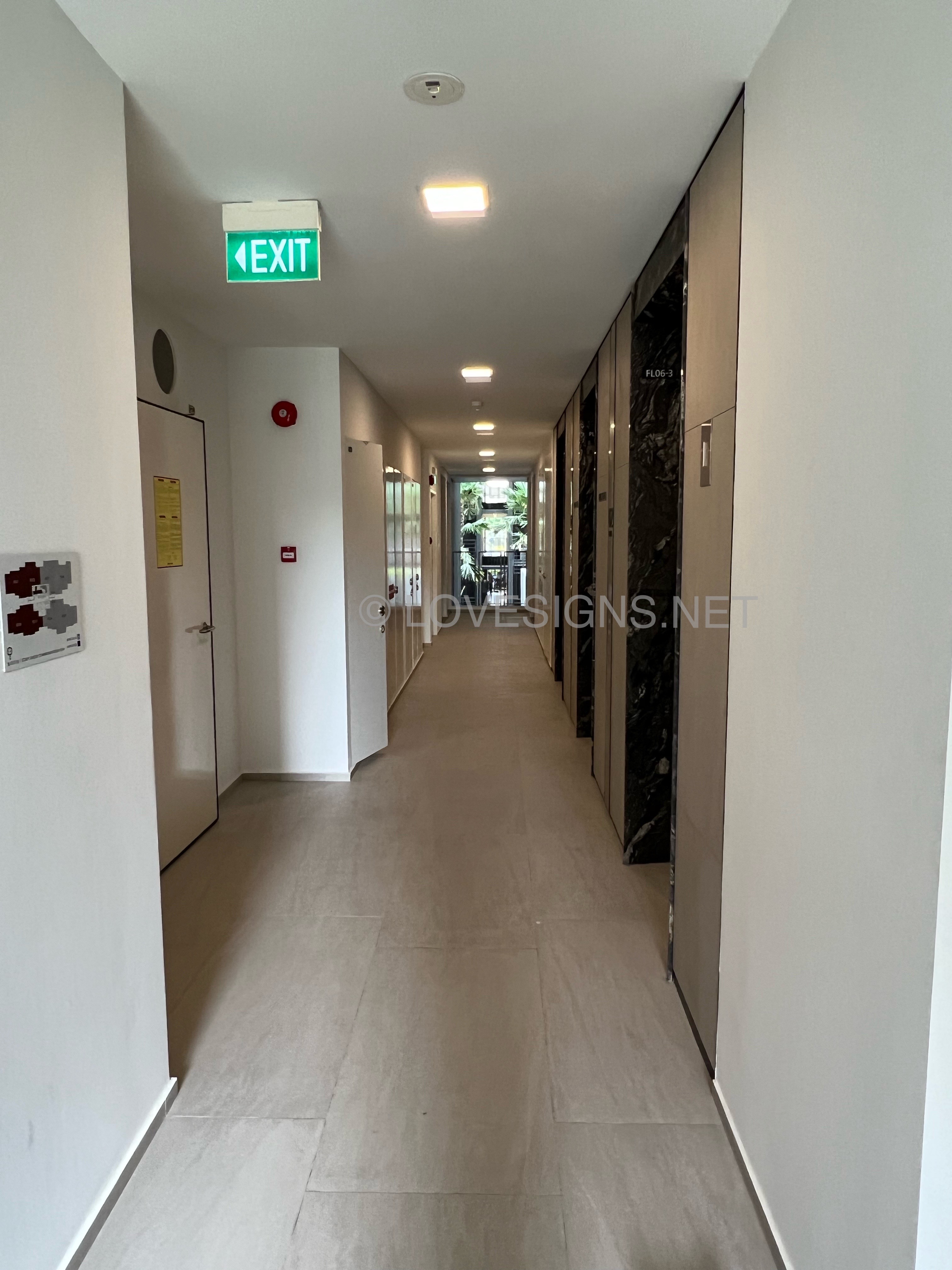
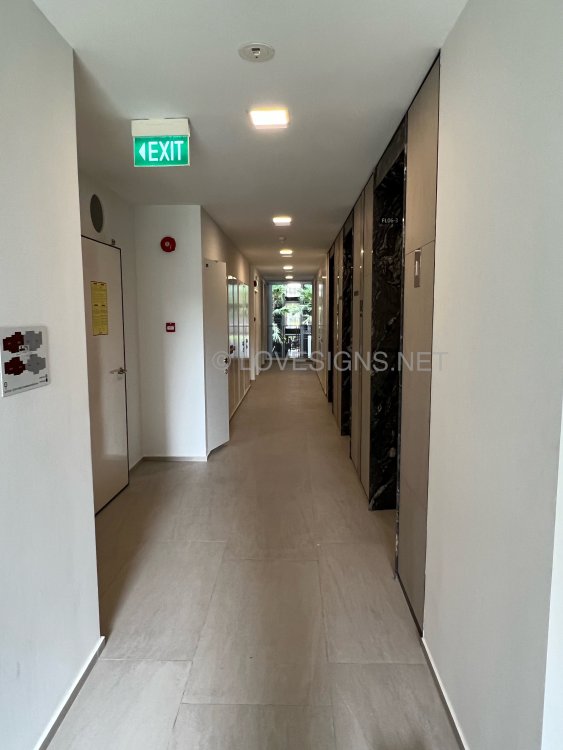
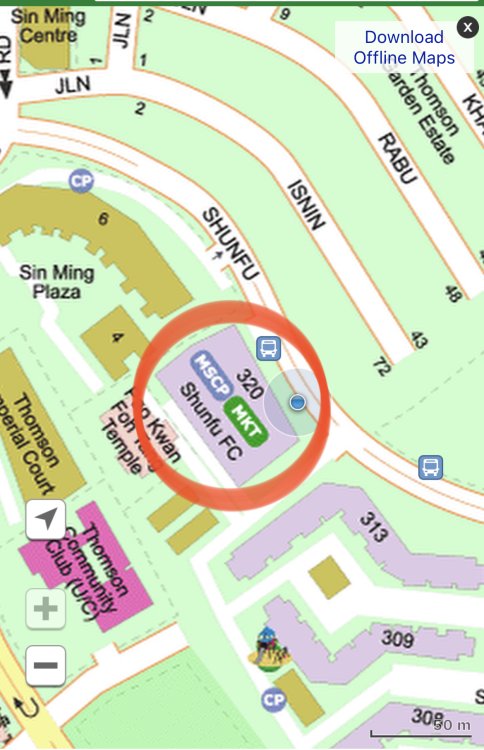 More Fortunately the bins are beside the lifts…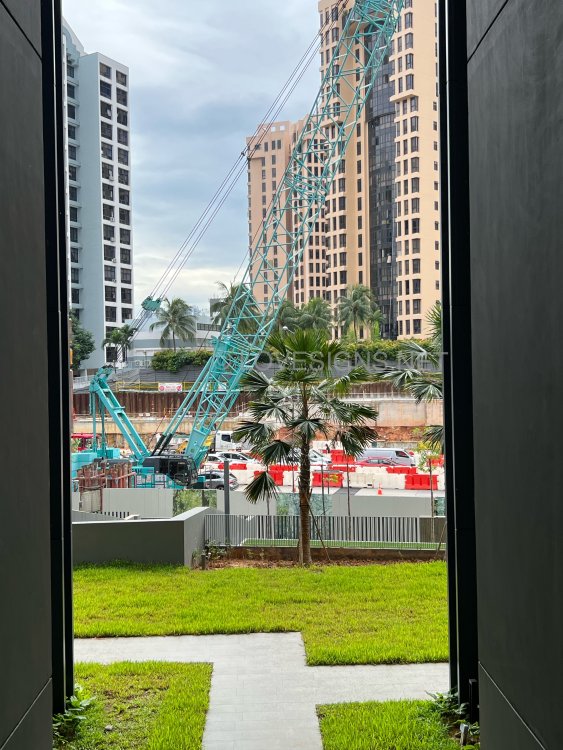
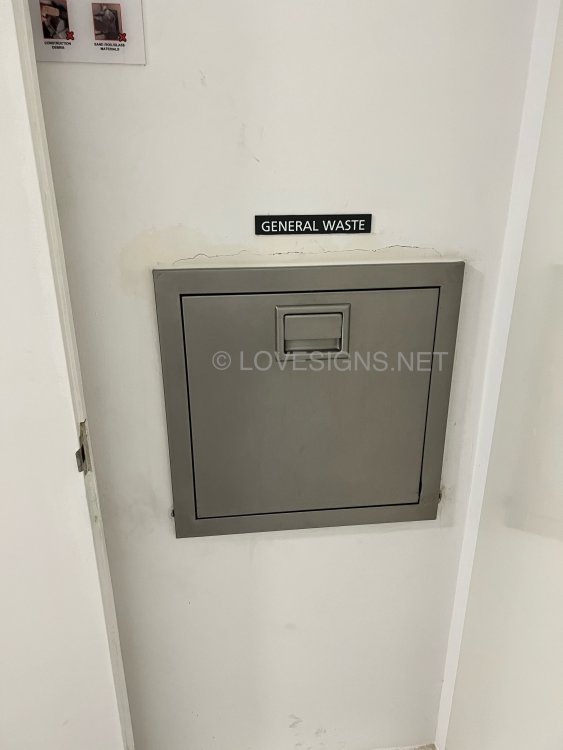
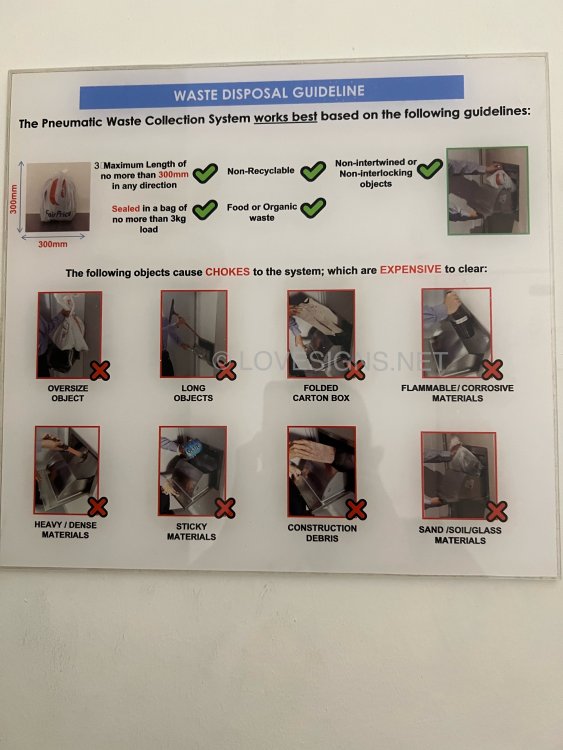
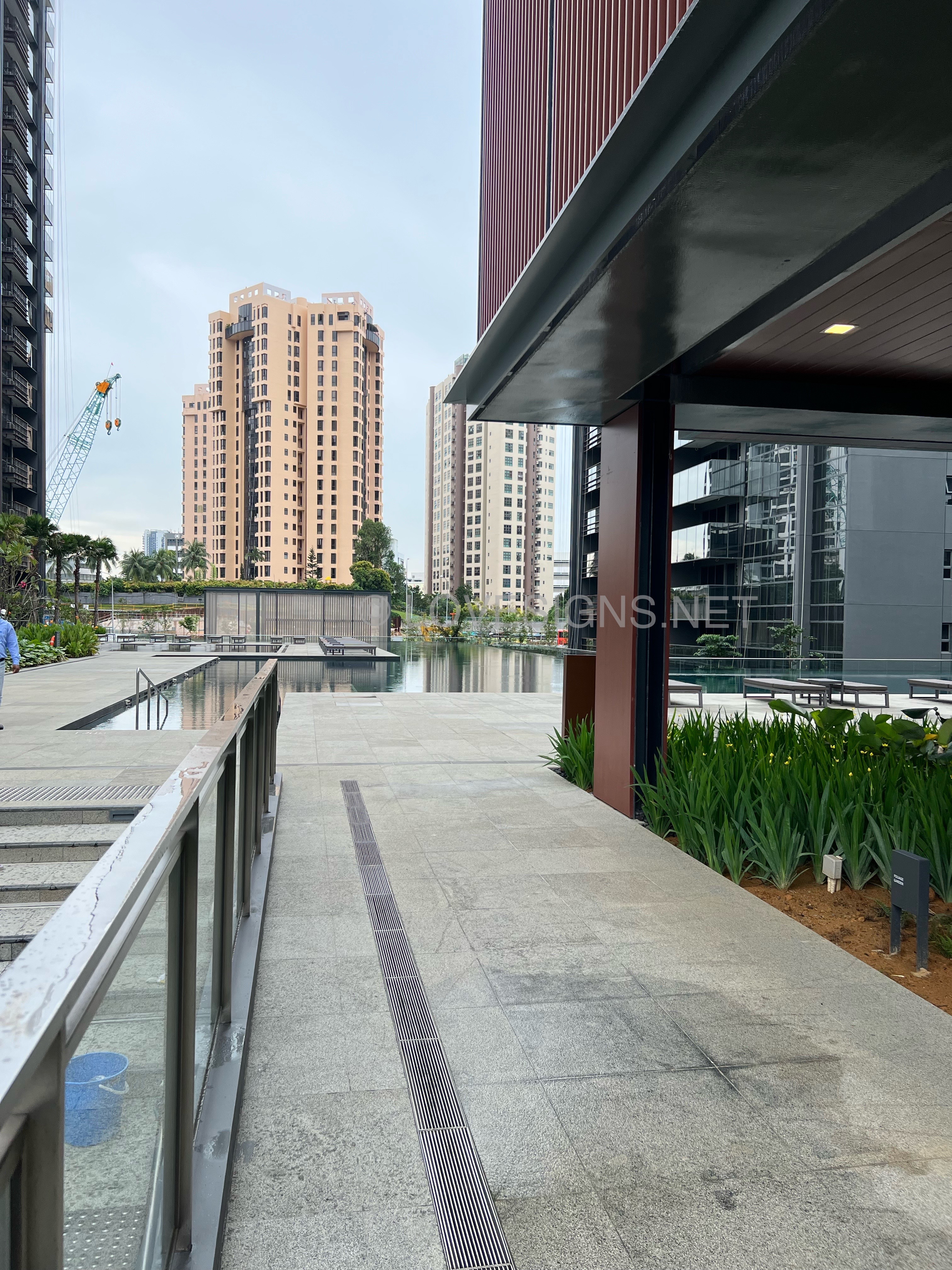
 In November 2022, Just T.O.P.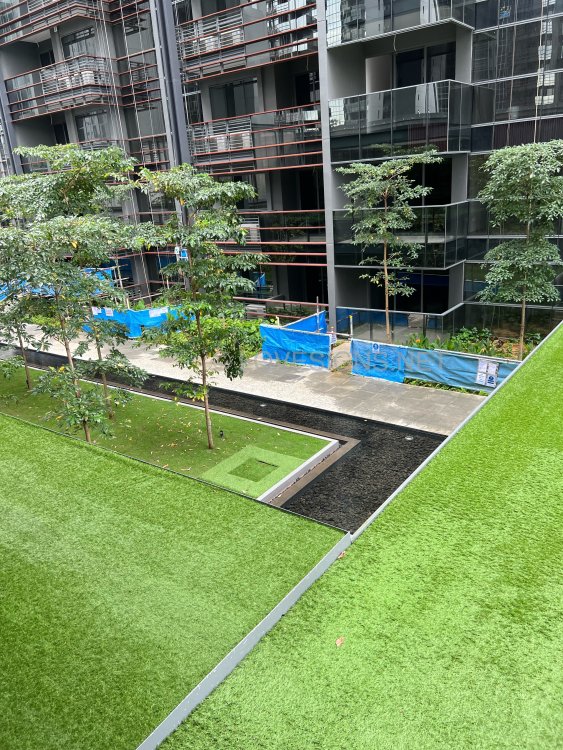
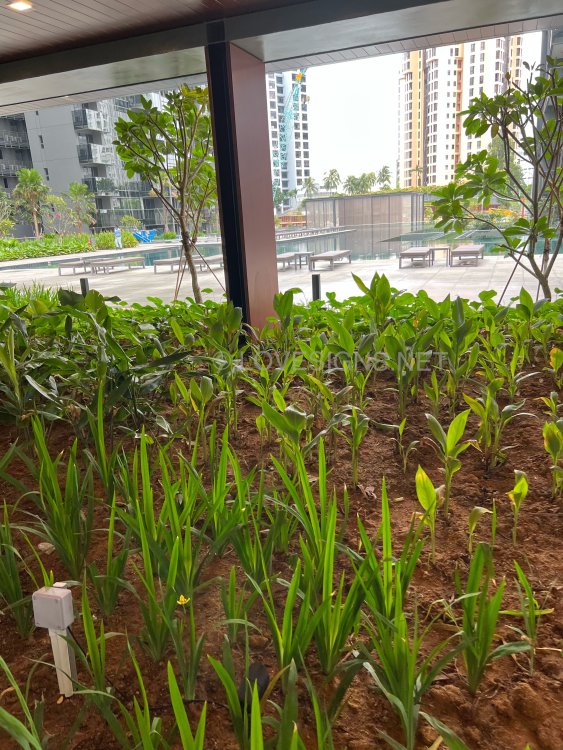
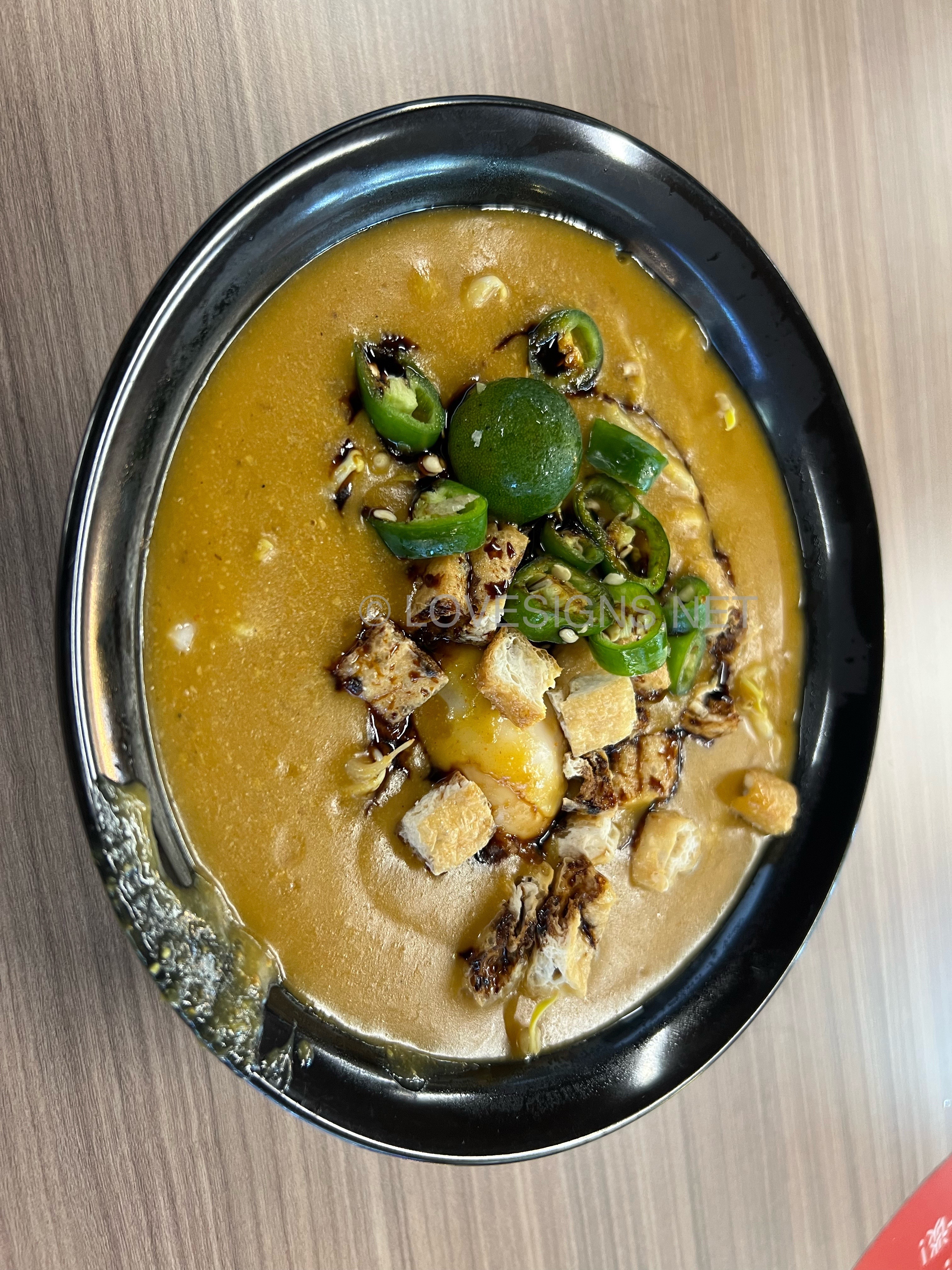
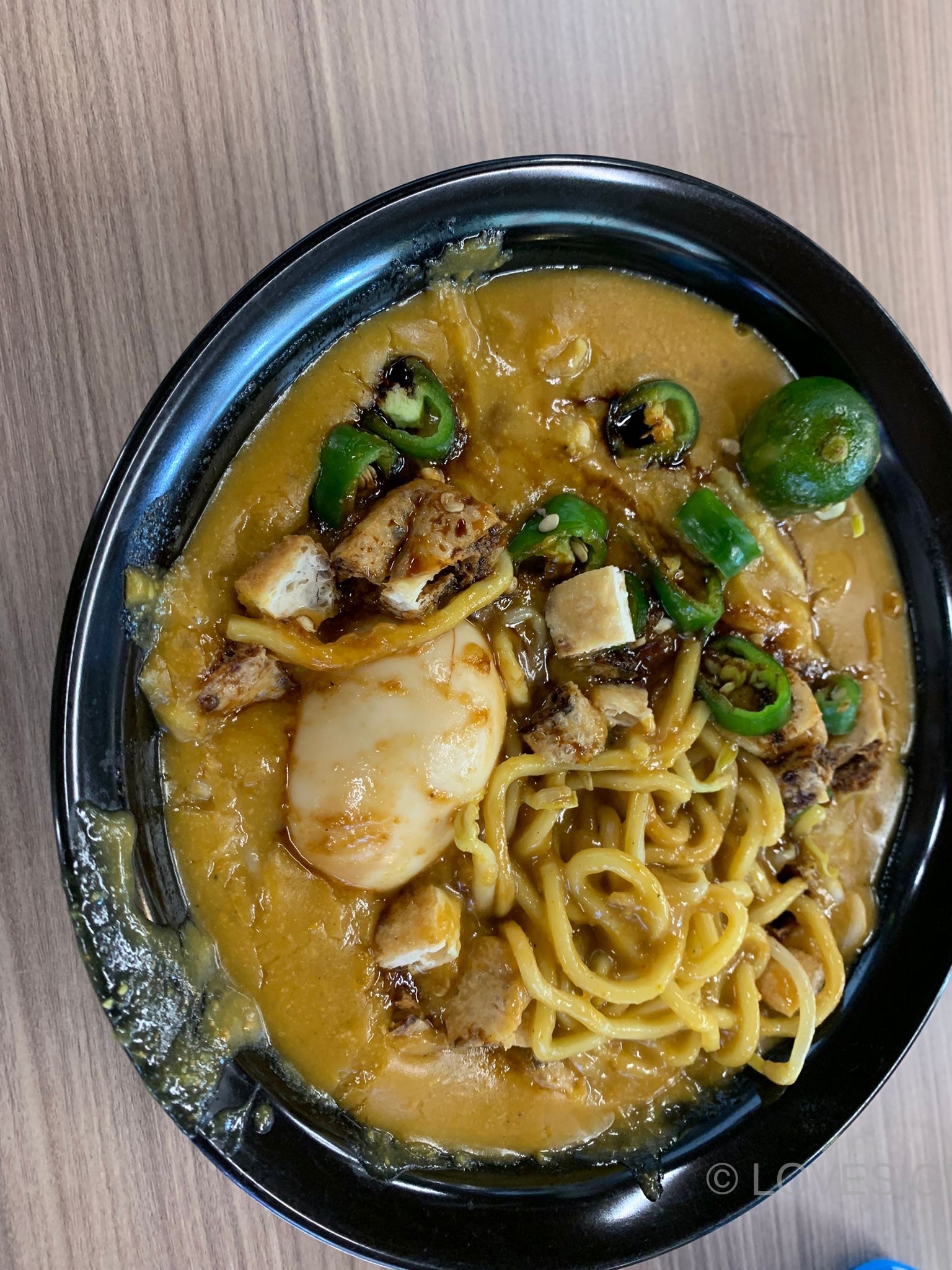
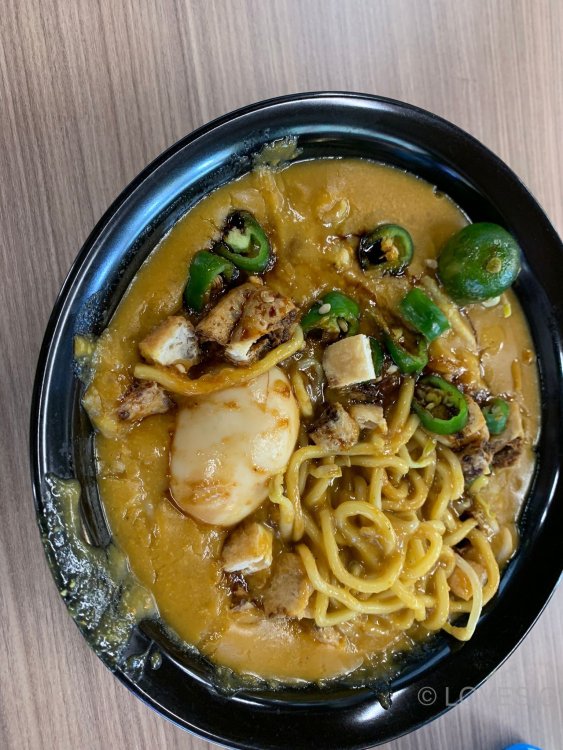
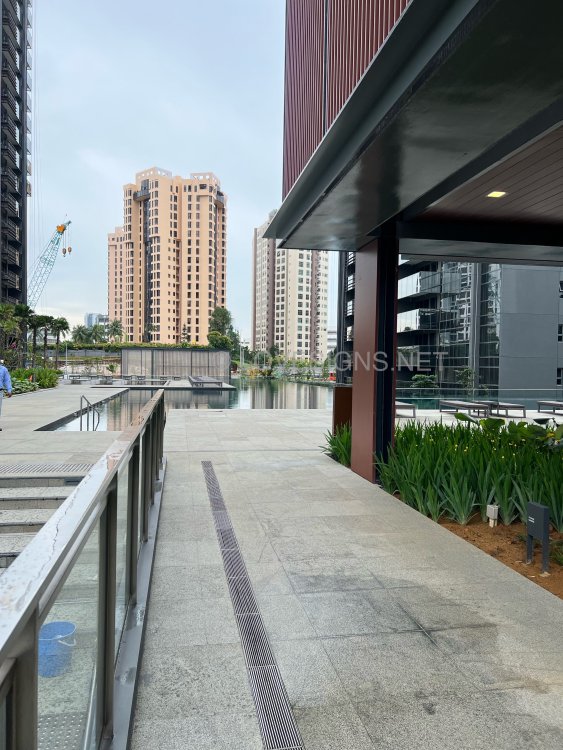 $3/-. Very bland and liquid. Not nice.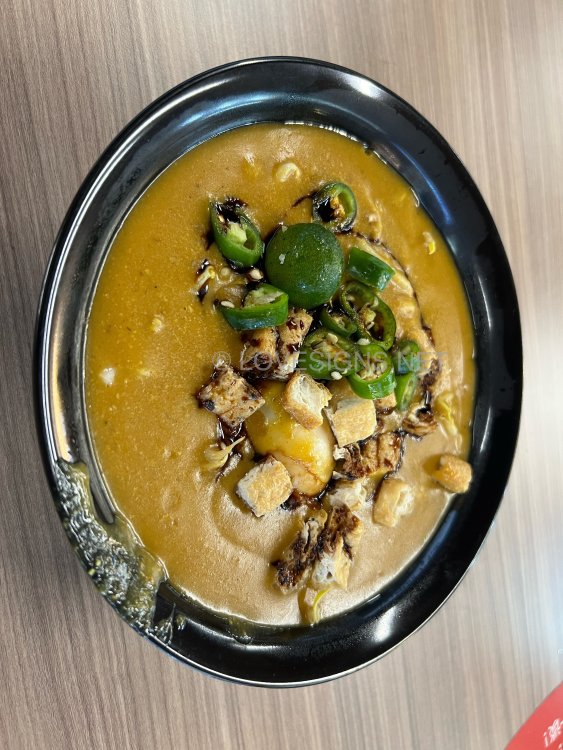
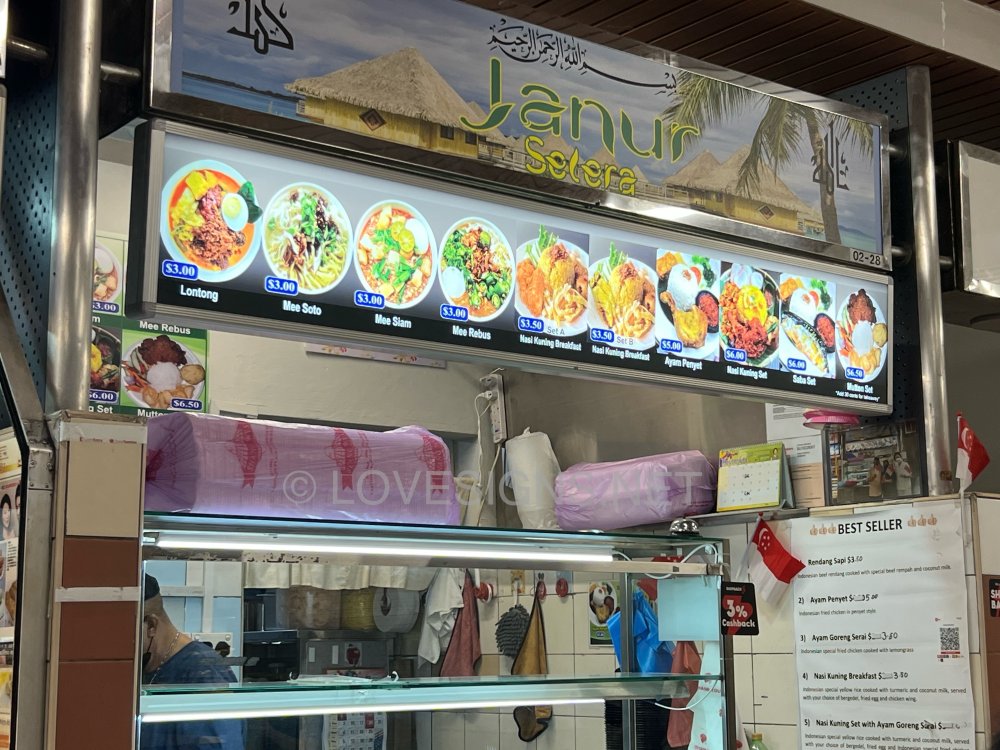
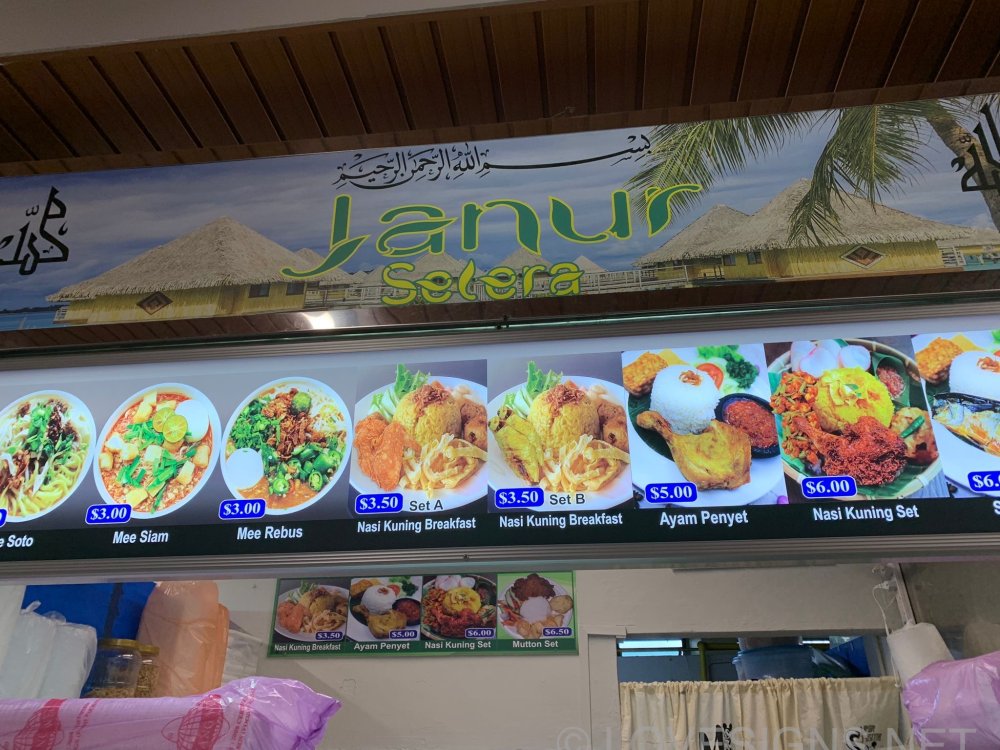
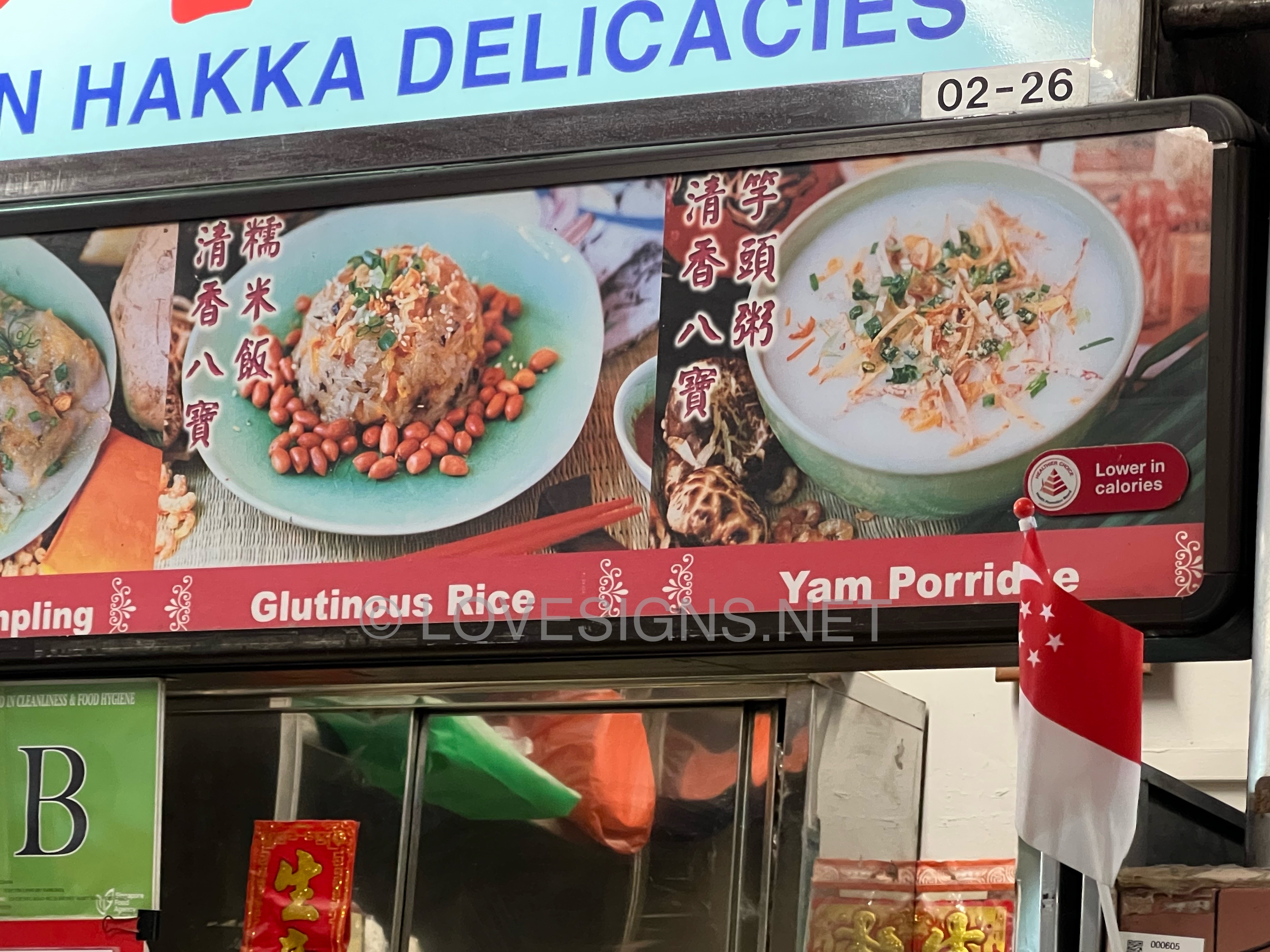
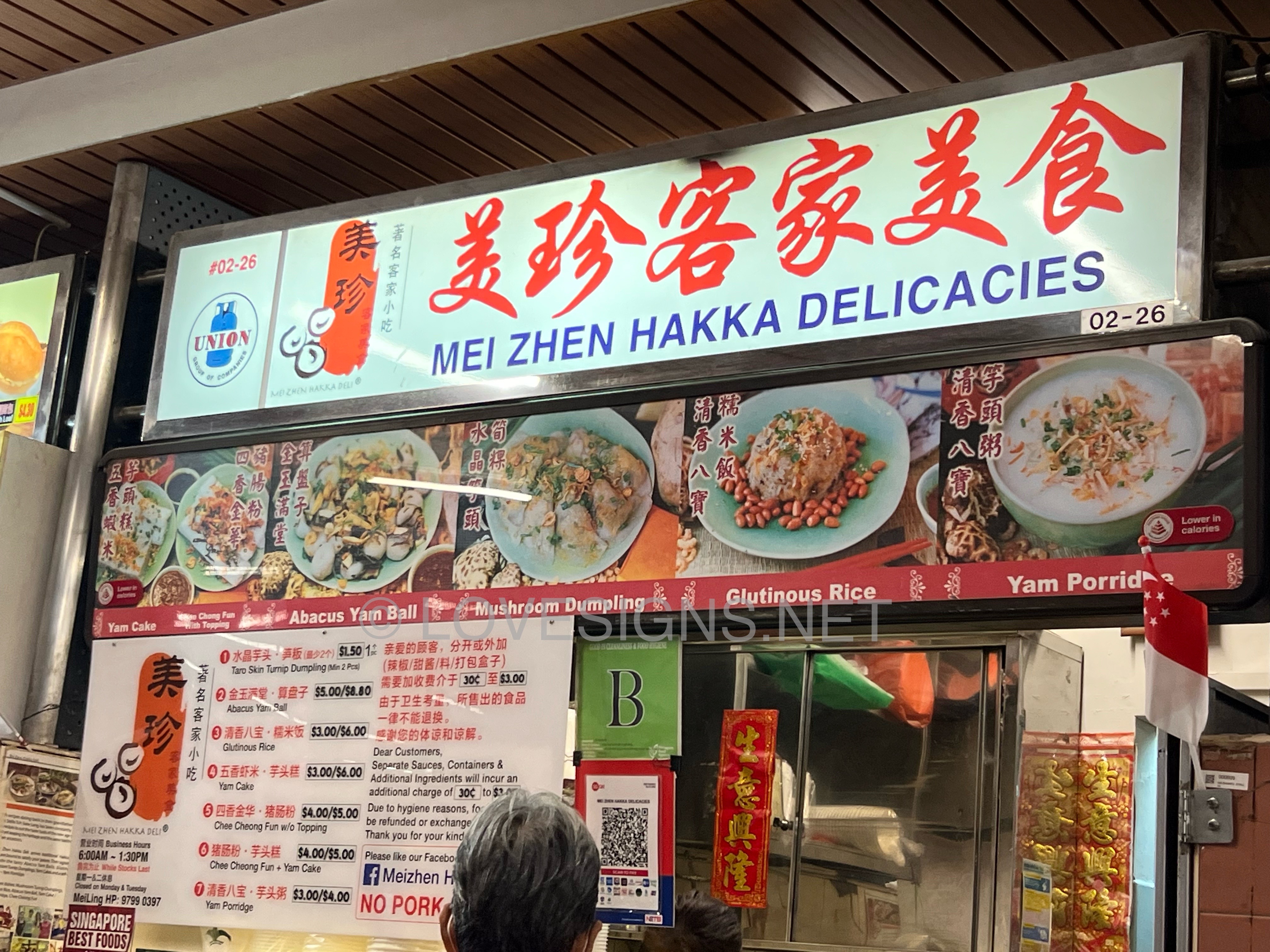
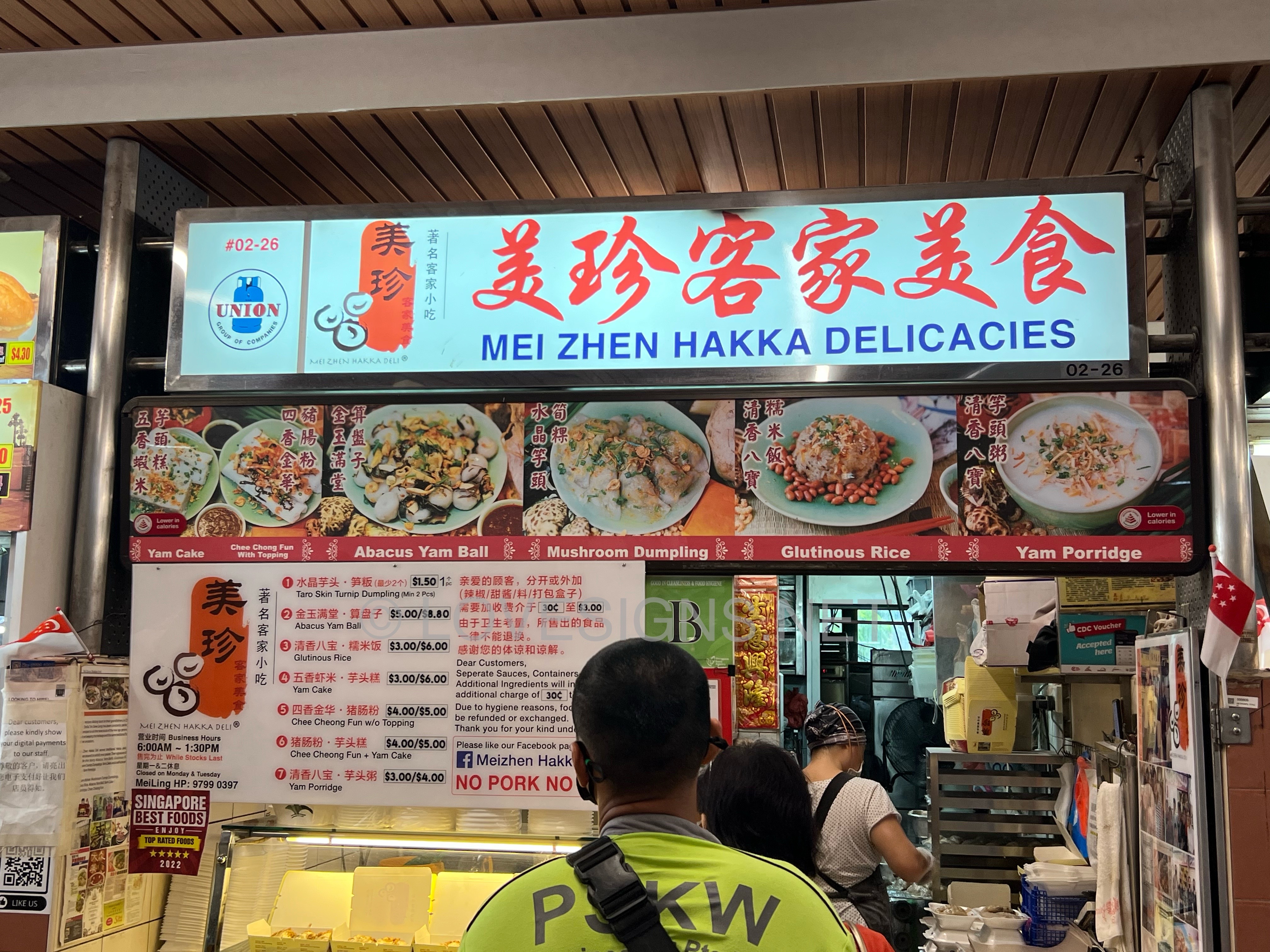
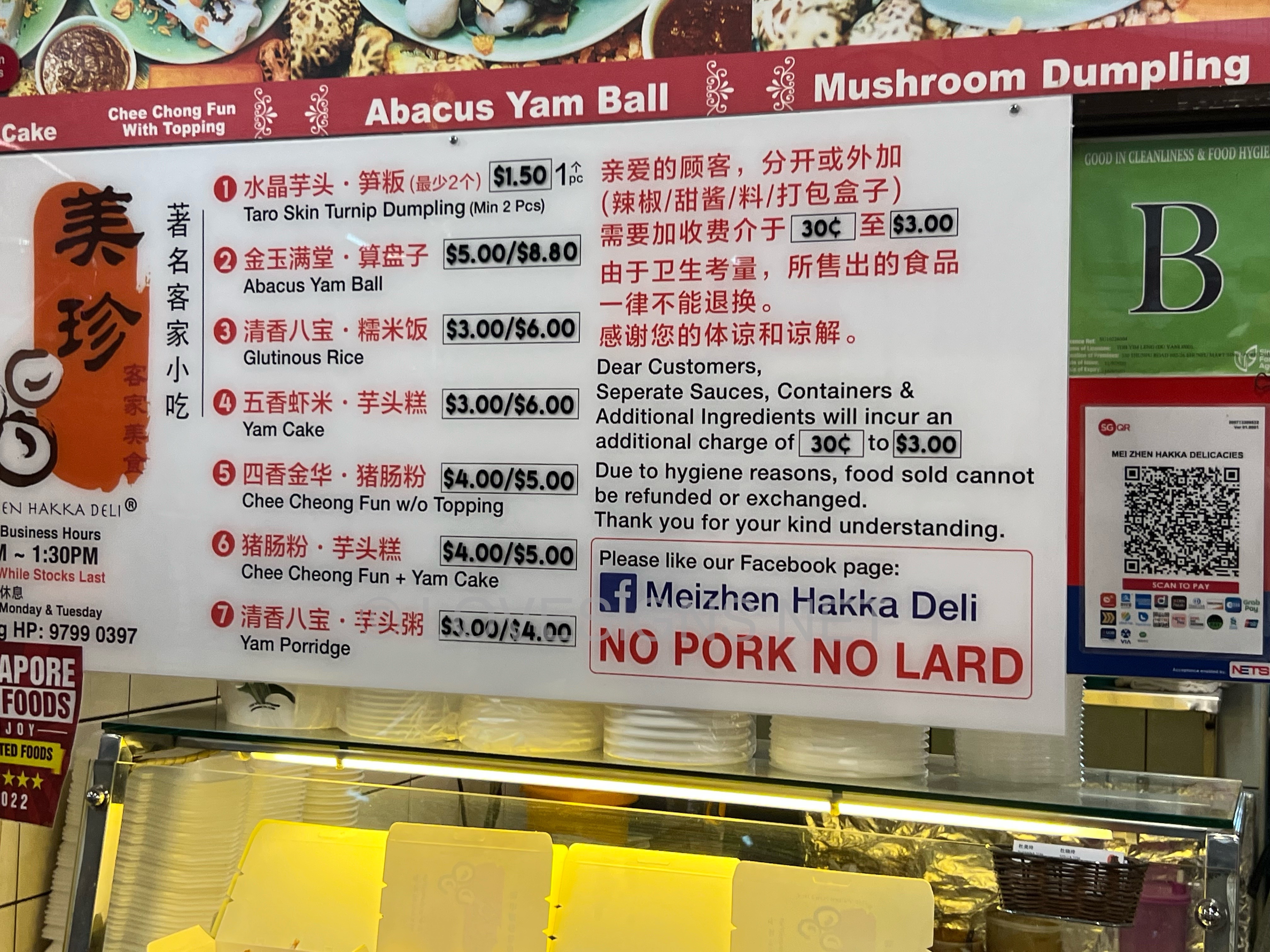
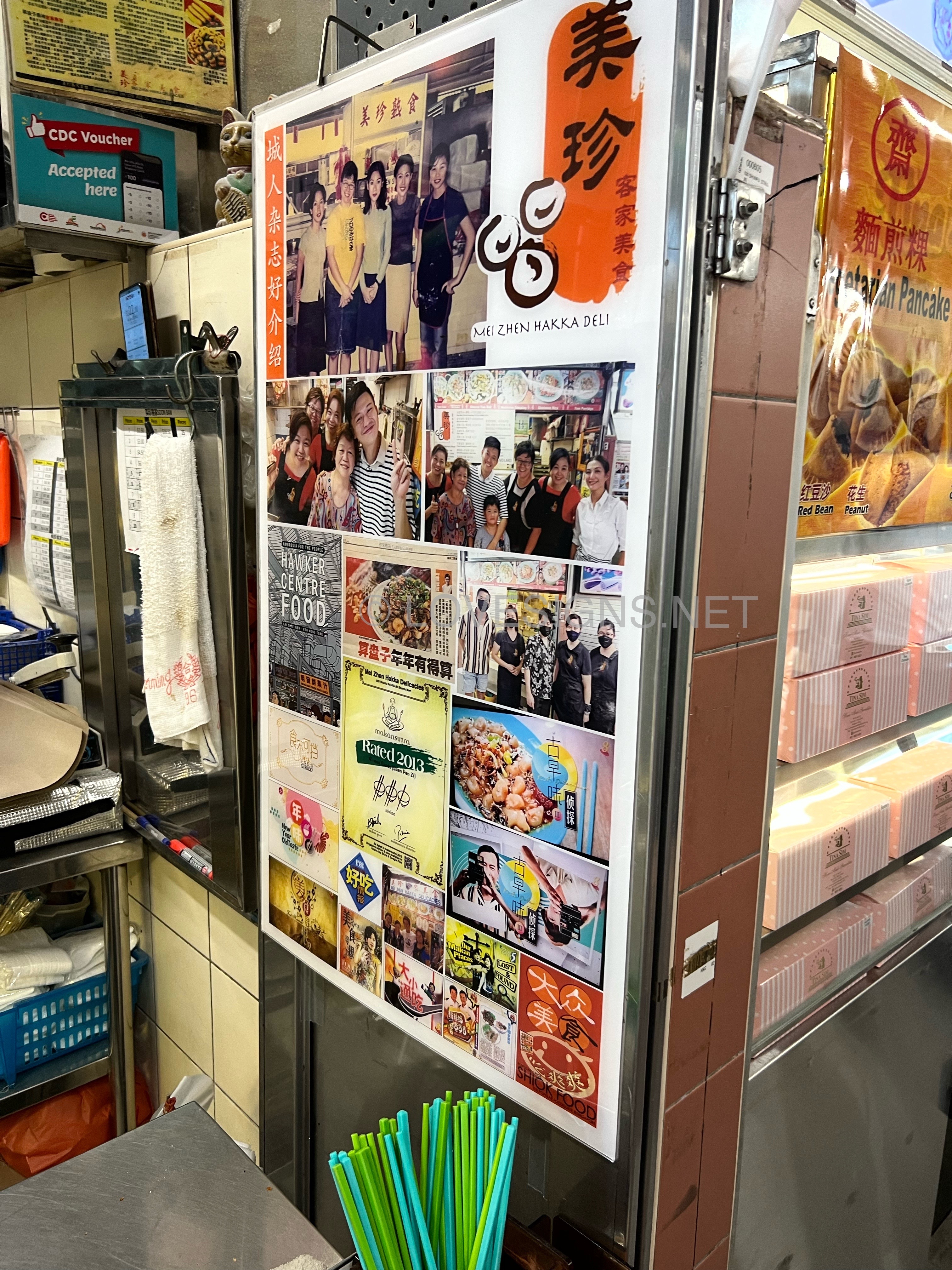
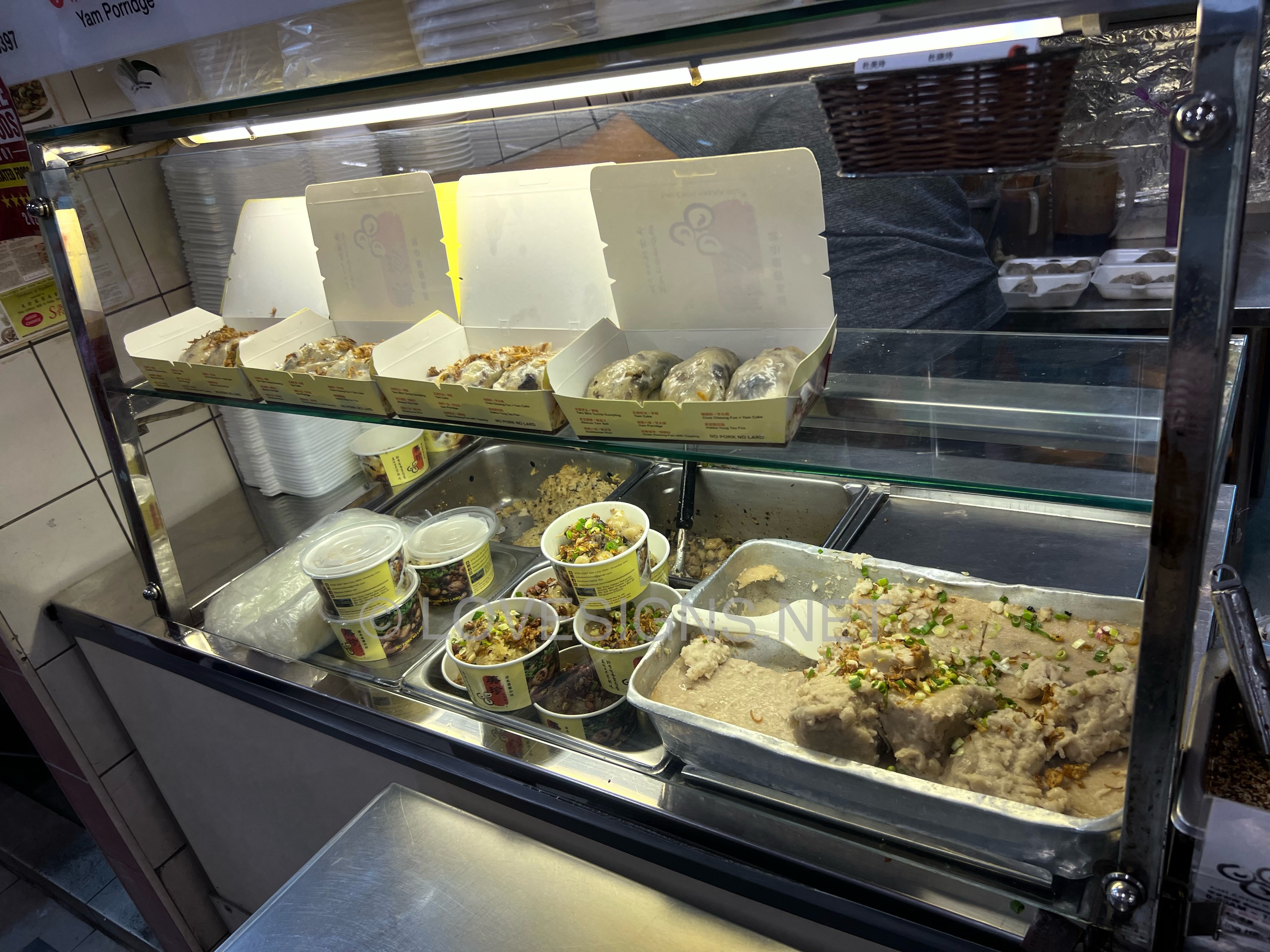
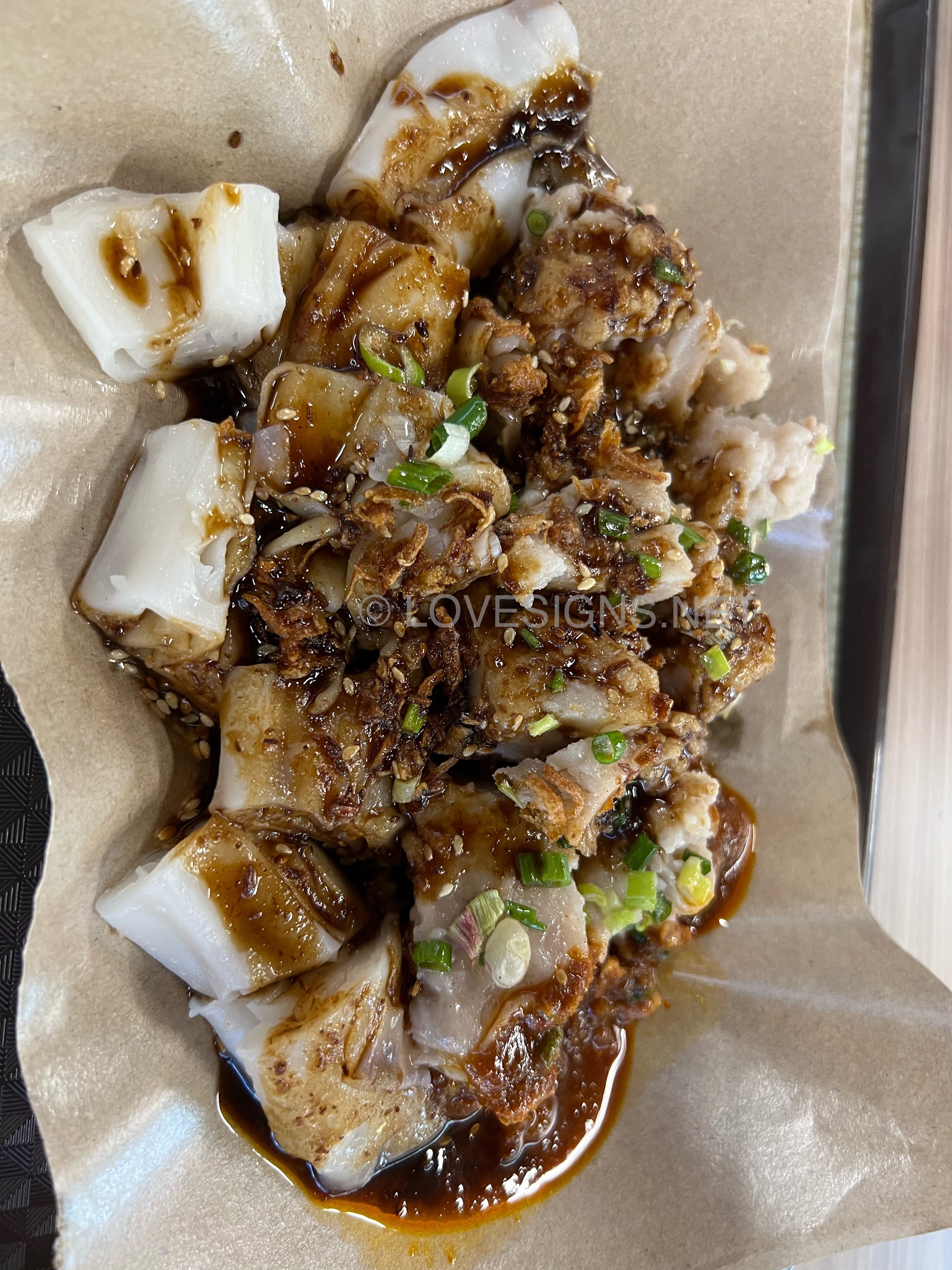
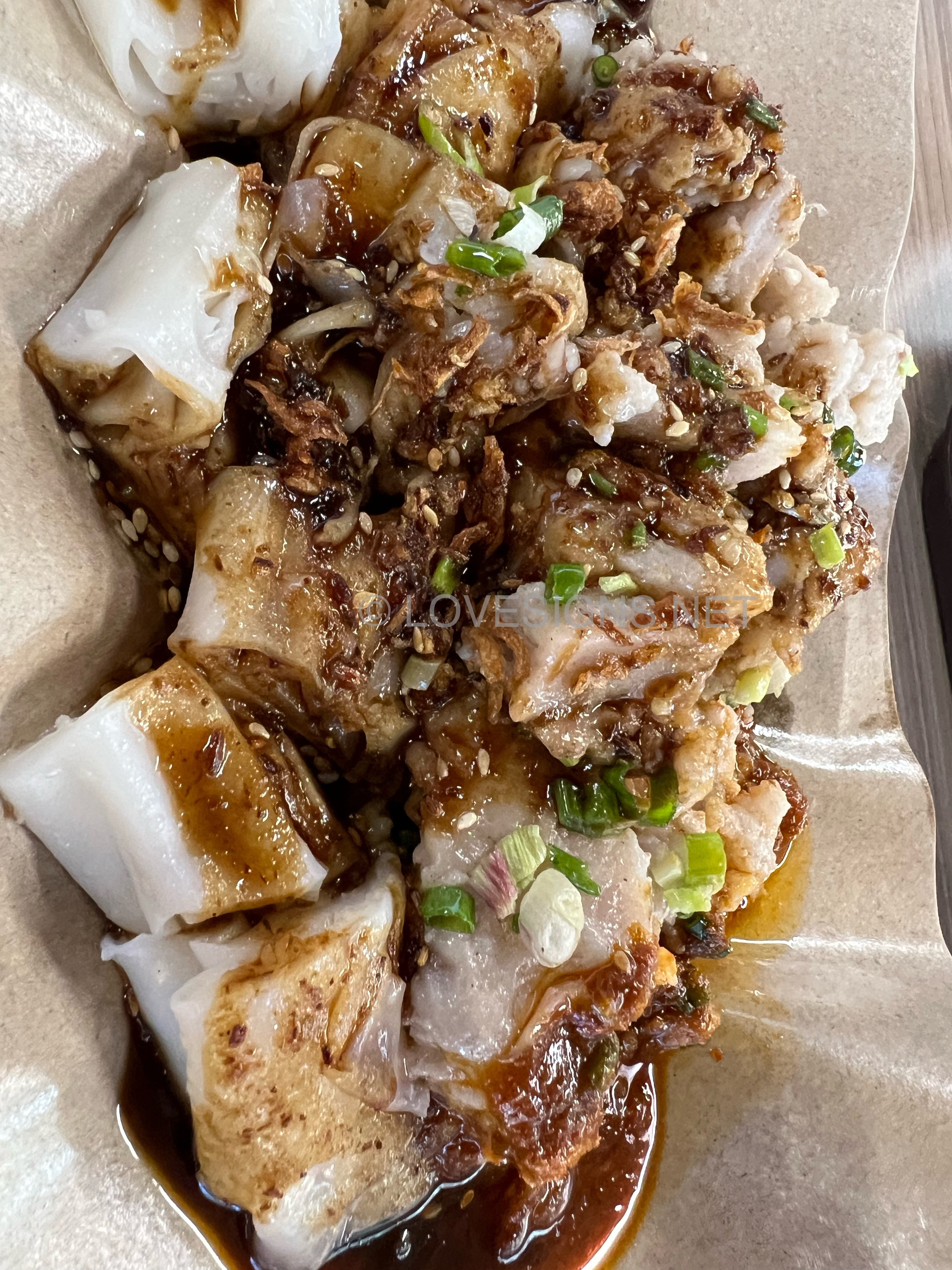
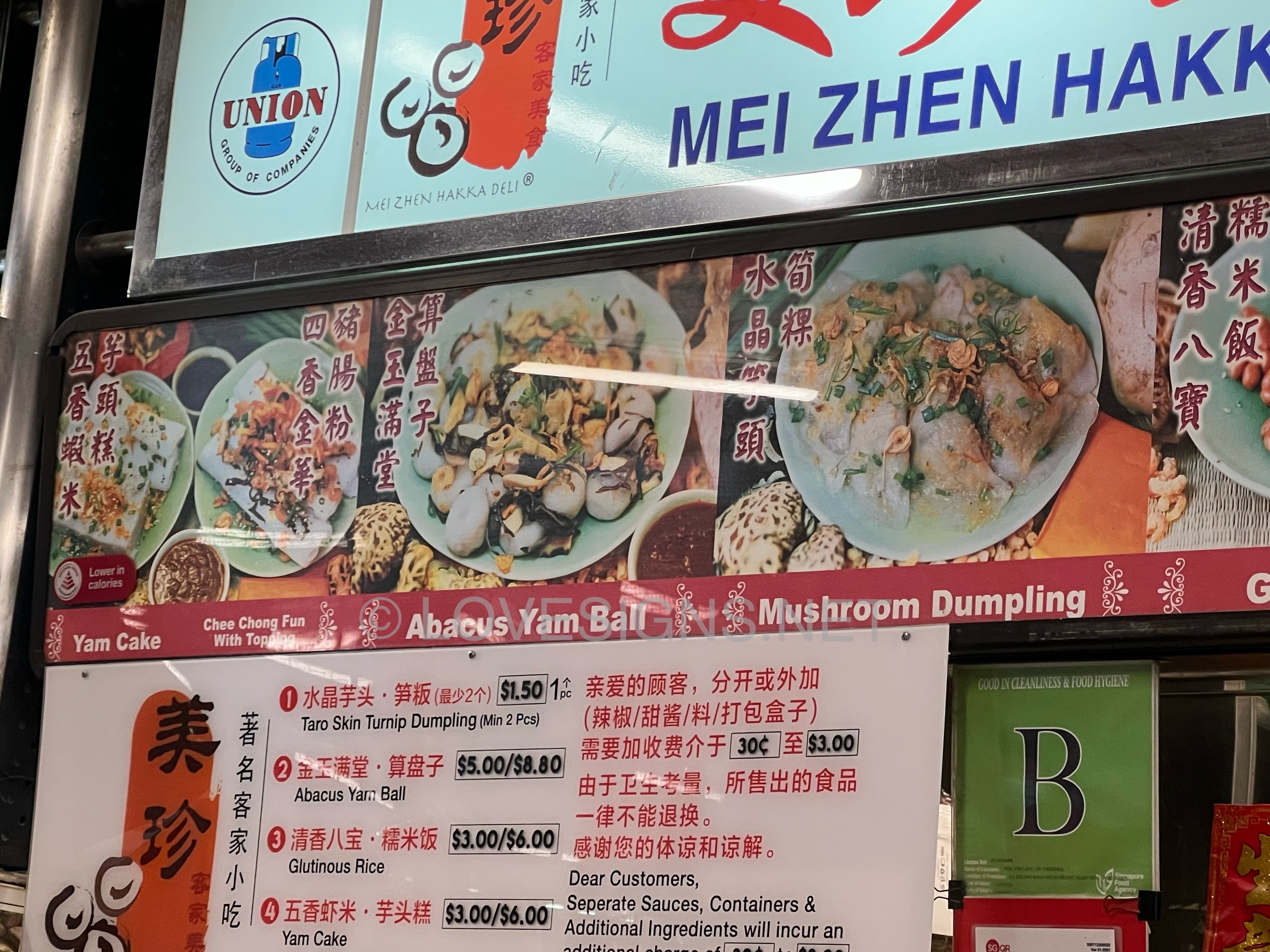
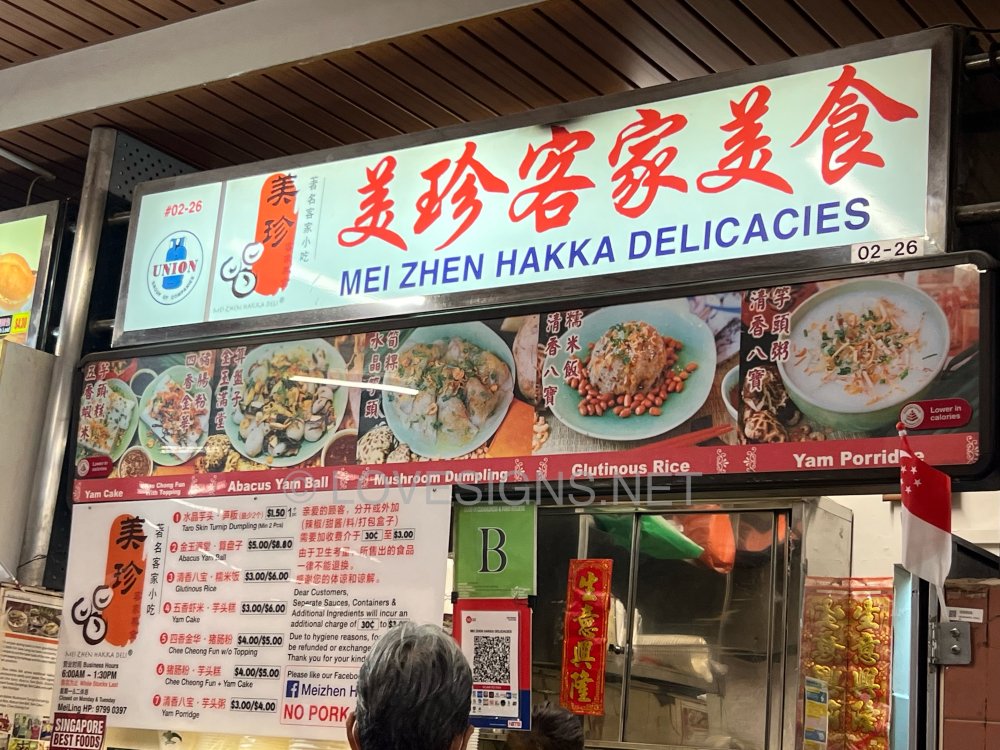
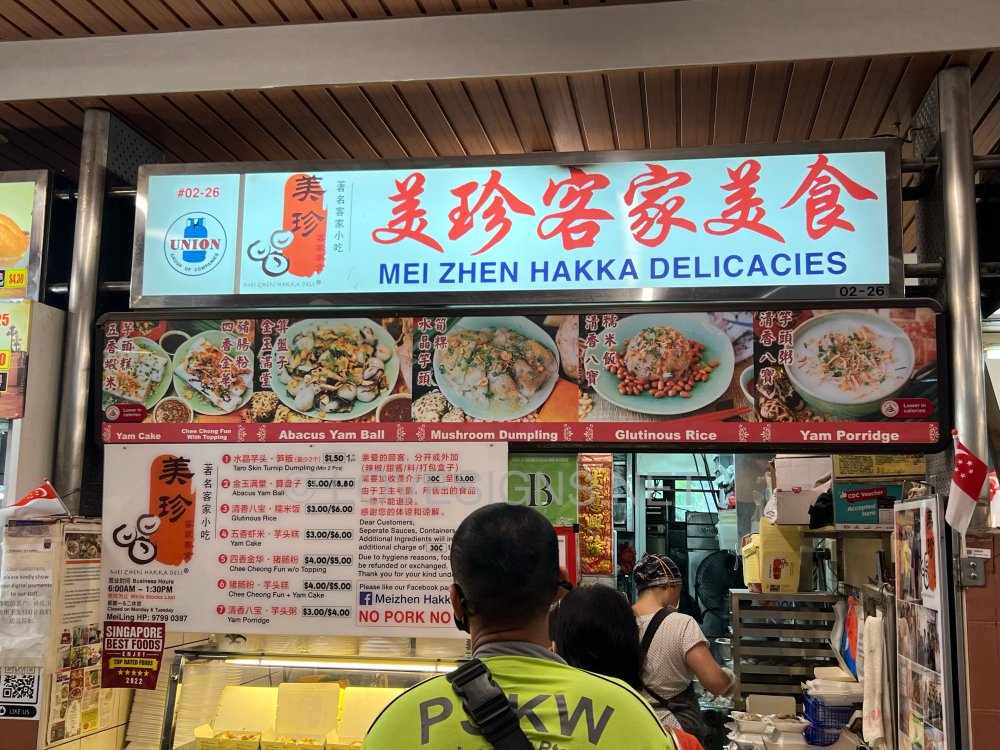
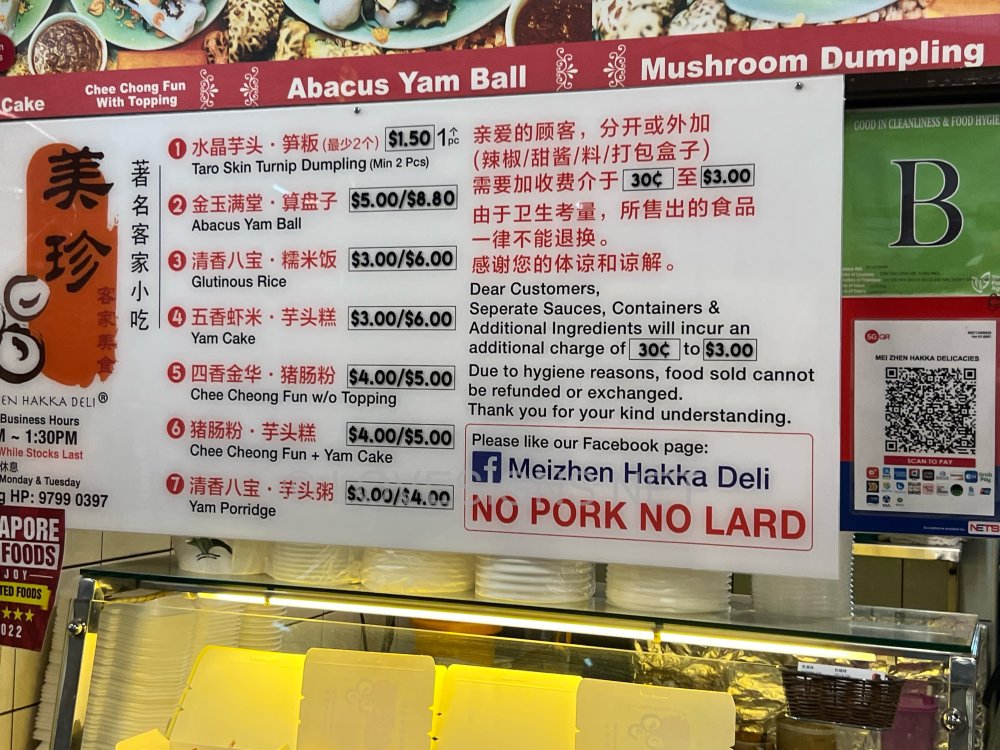
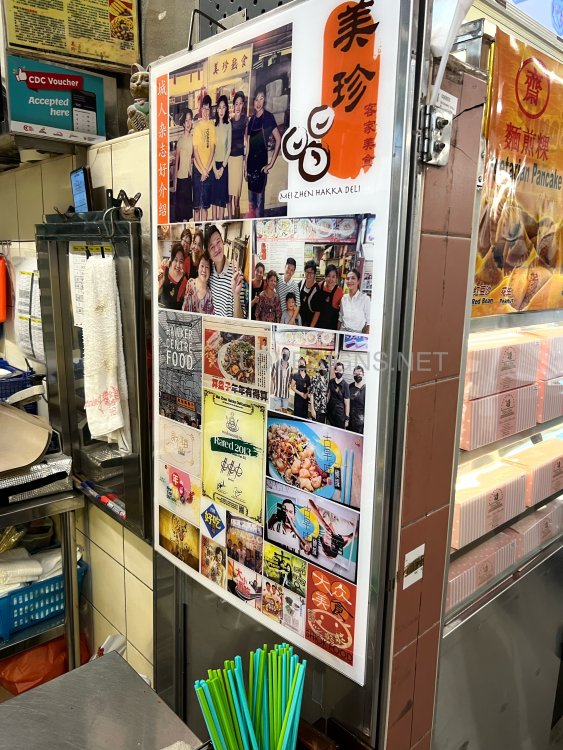
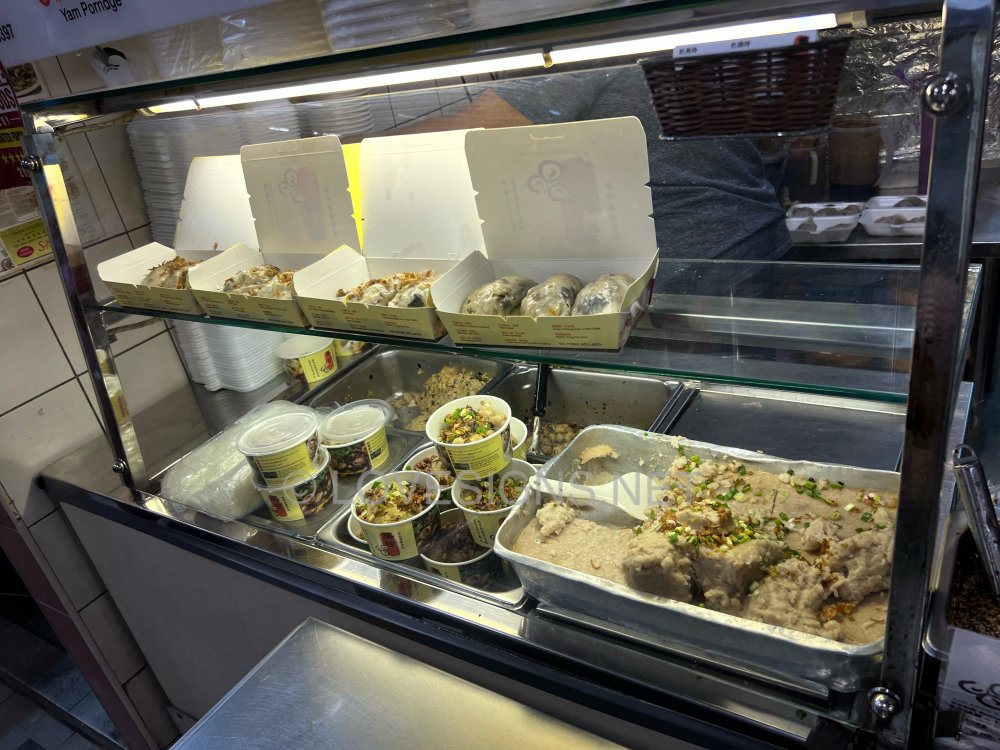
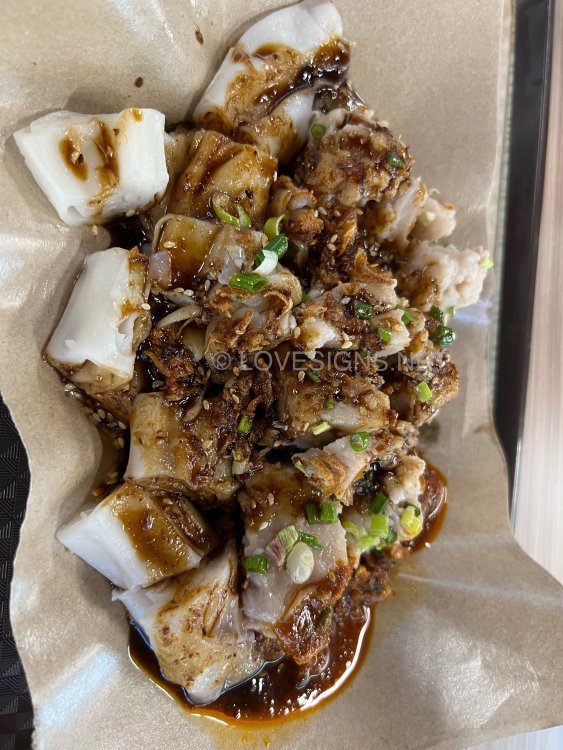
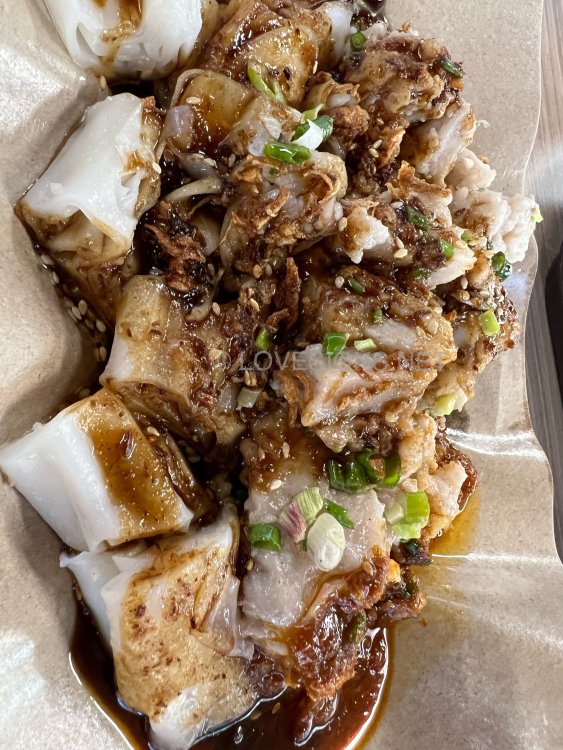
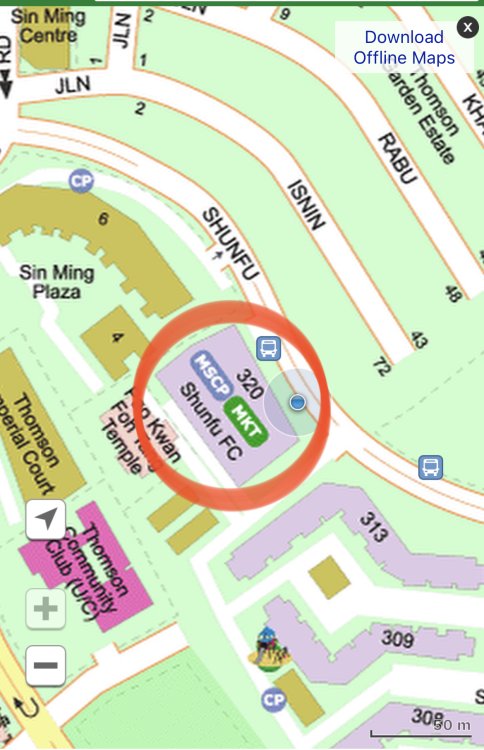
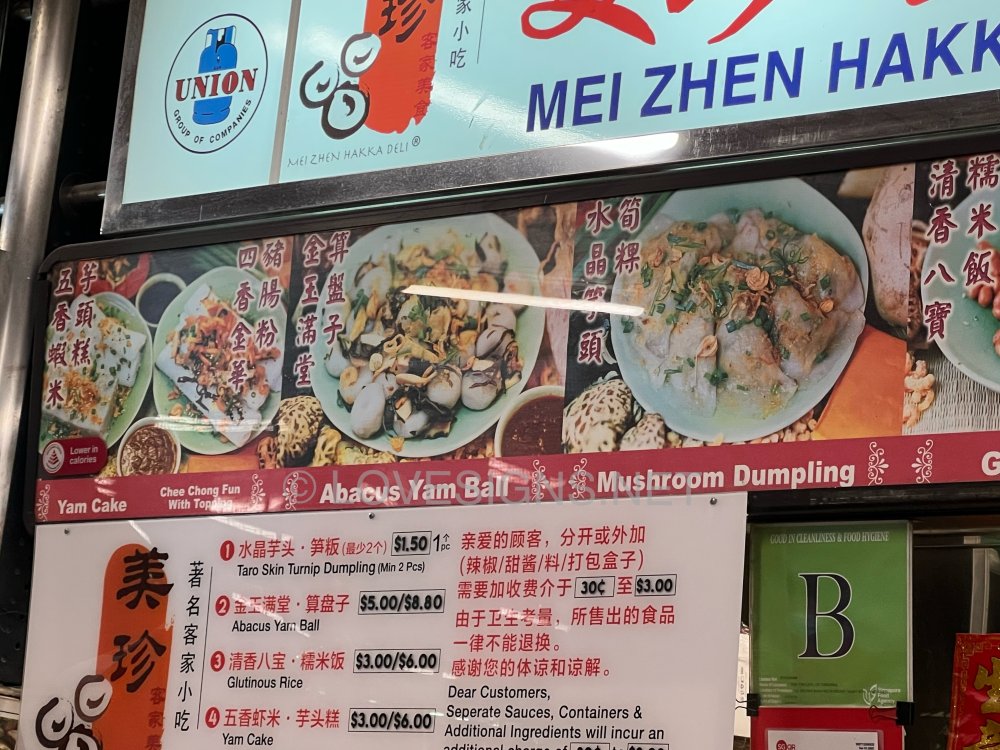
 This Hakka Delicacies Stsll has been around for as long as this market cum food court has existed. Known as Mei Zhen Hakka Delicacies. Most well known is their Hakka Abacus Yam ball & Yam cake. The rest like the porridge is of Hakka style. Other items sold are unfortunately, common to all other Chinese dialect groups. Perhaps slight differences in the Chee Cheong Fun of say the Cantonese or local style ones. $5/- consisting of 1/2 yam cake + 1/2 chee cheong fun: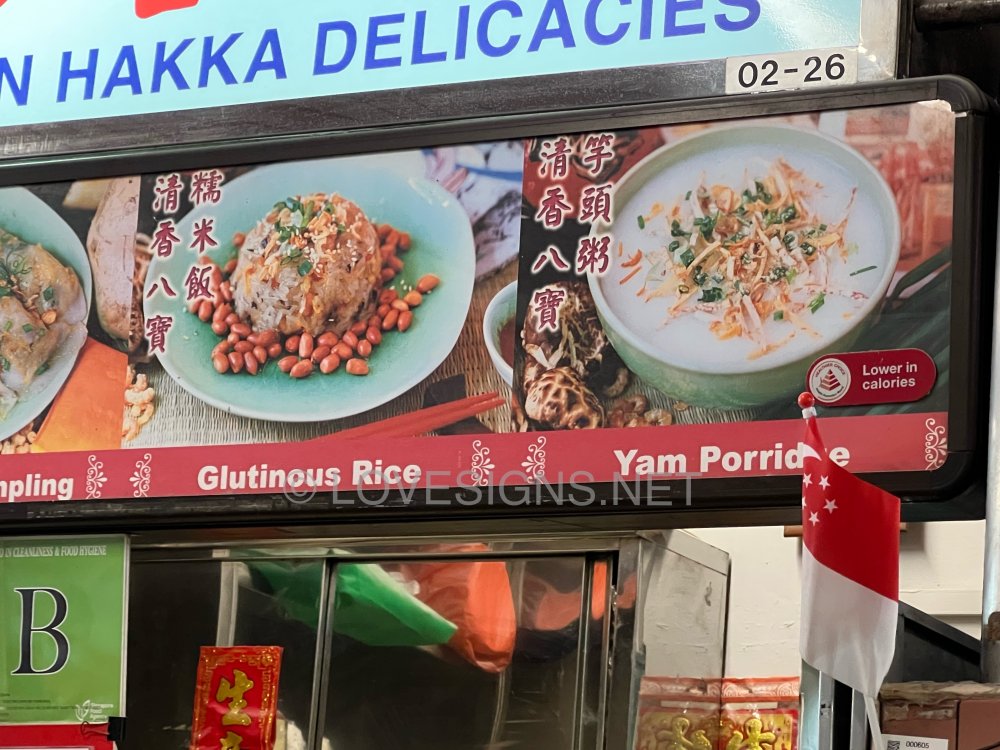
 Sorry, I tried.. but failed to know is your question.Yes, this palm tree is considered as s Poison Arrow. As it slices towards the middle of the unit's balcony.What is the Holy Trinity of Chinese Luck System? For some, home Feng Shui luck is FAIR or so so. However, because they have favourable good Human or Man Luck, this often transends or help in their overall luck. But if one is staying in a home, and either feel unease or unsettled, e.g. looking towards, say a hospital, then this can decrease one's Human or Man Luck! Also, some hear comments from friends or relatives that it is considered "unlucky" to look at a Hosptial, here one may even feel more unsettled.