Cecil Lee
Staff
-
Joined
-
Last visited
Everything posted by Cecil Lee
-
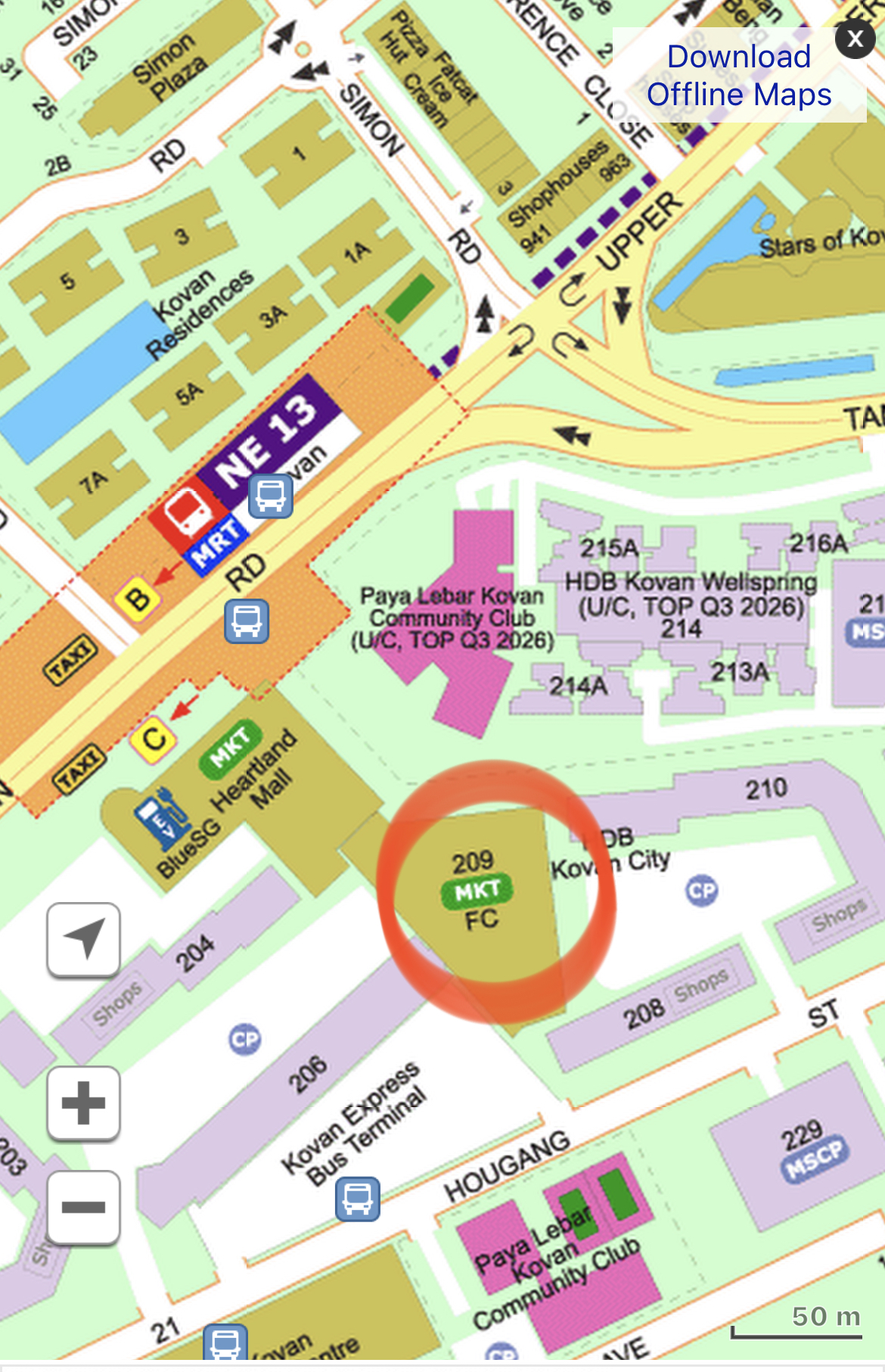
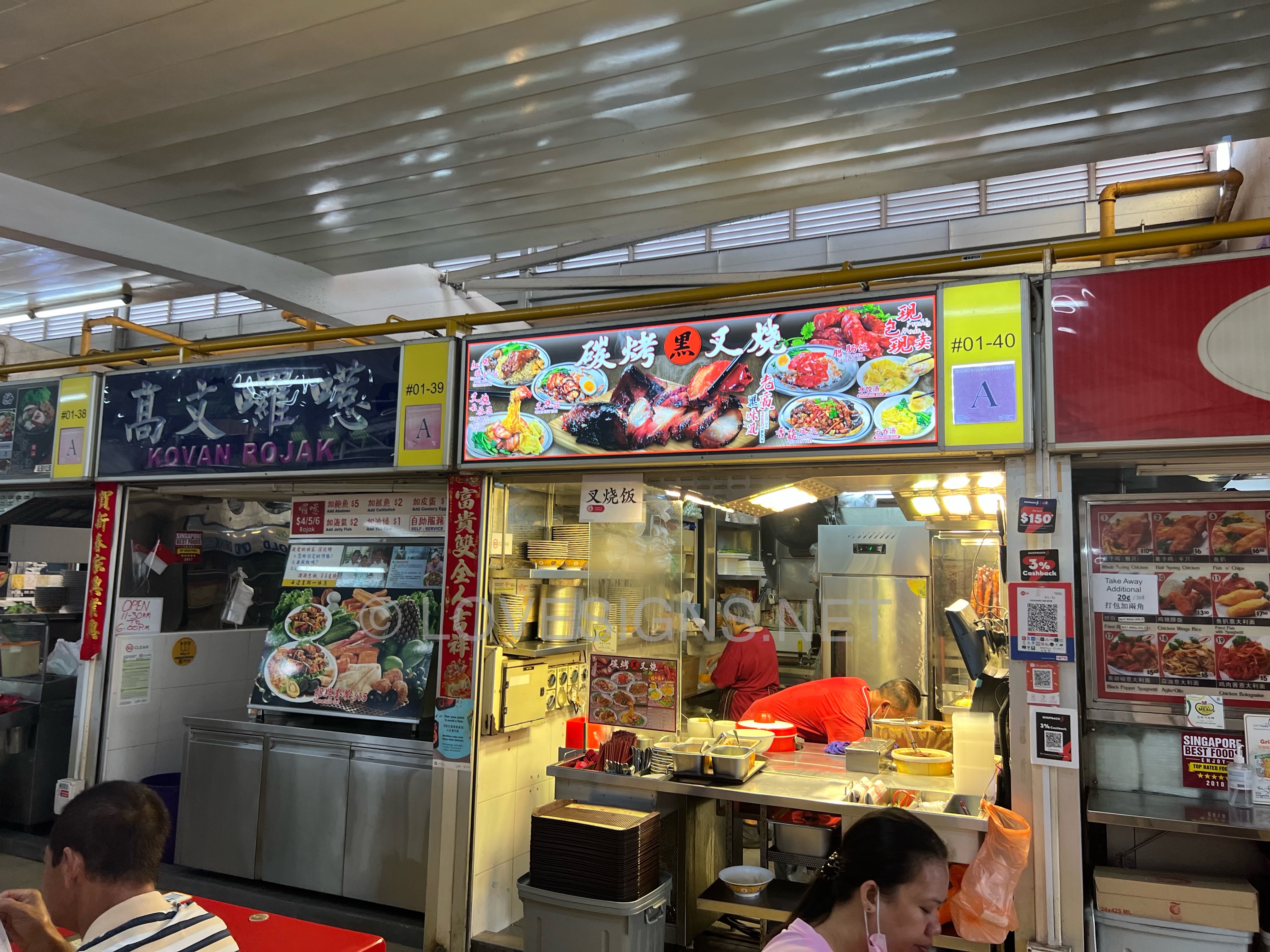
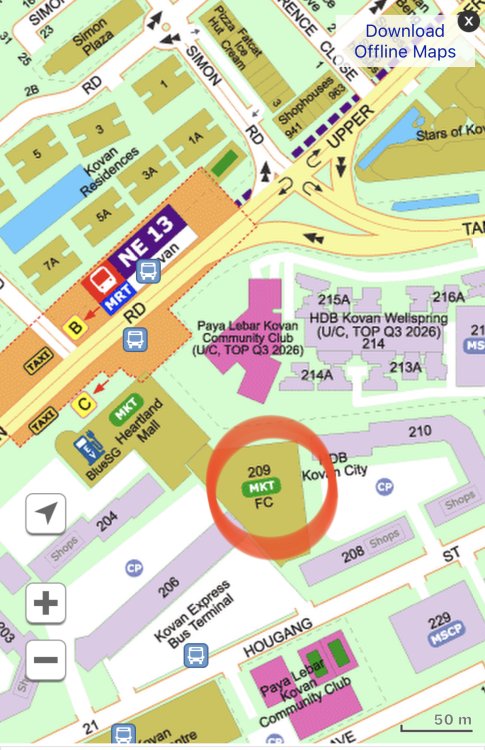
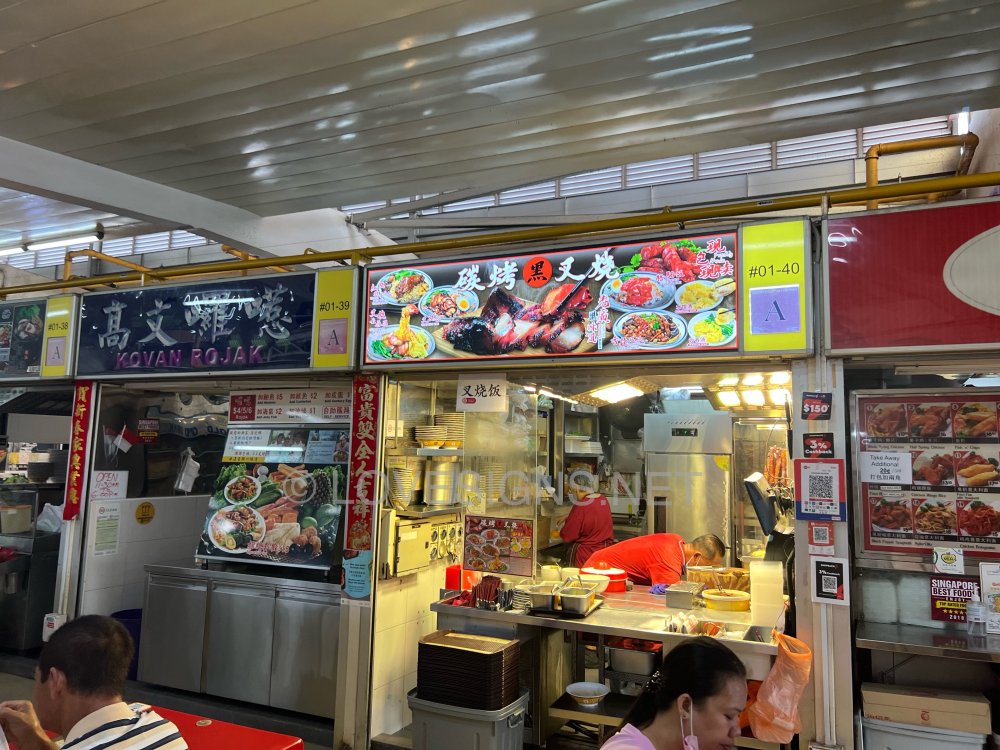
At another estate, Kovan
-
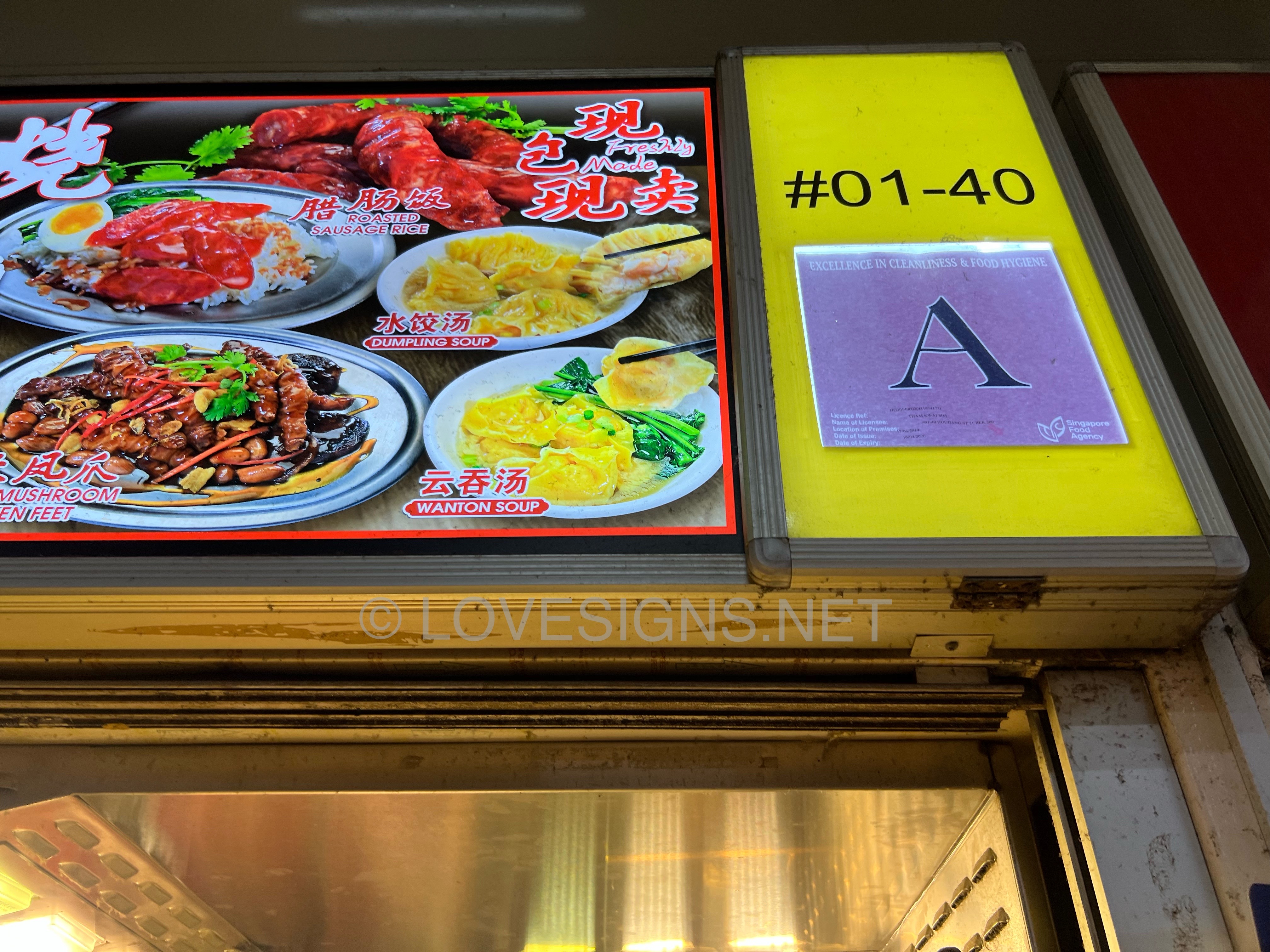
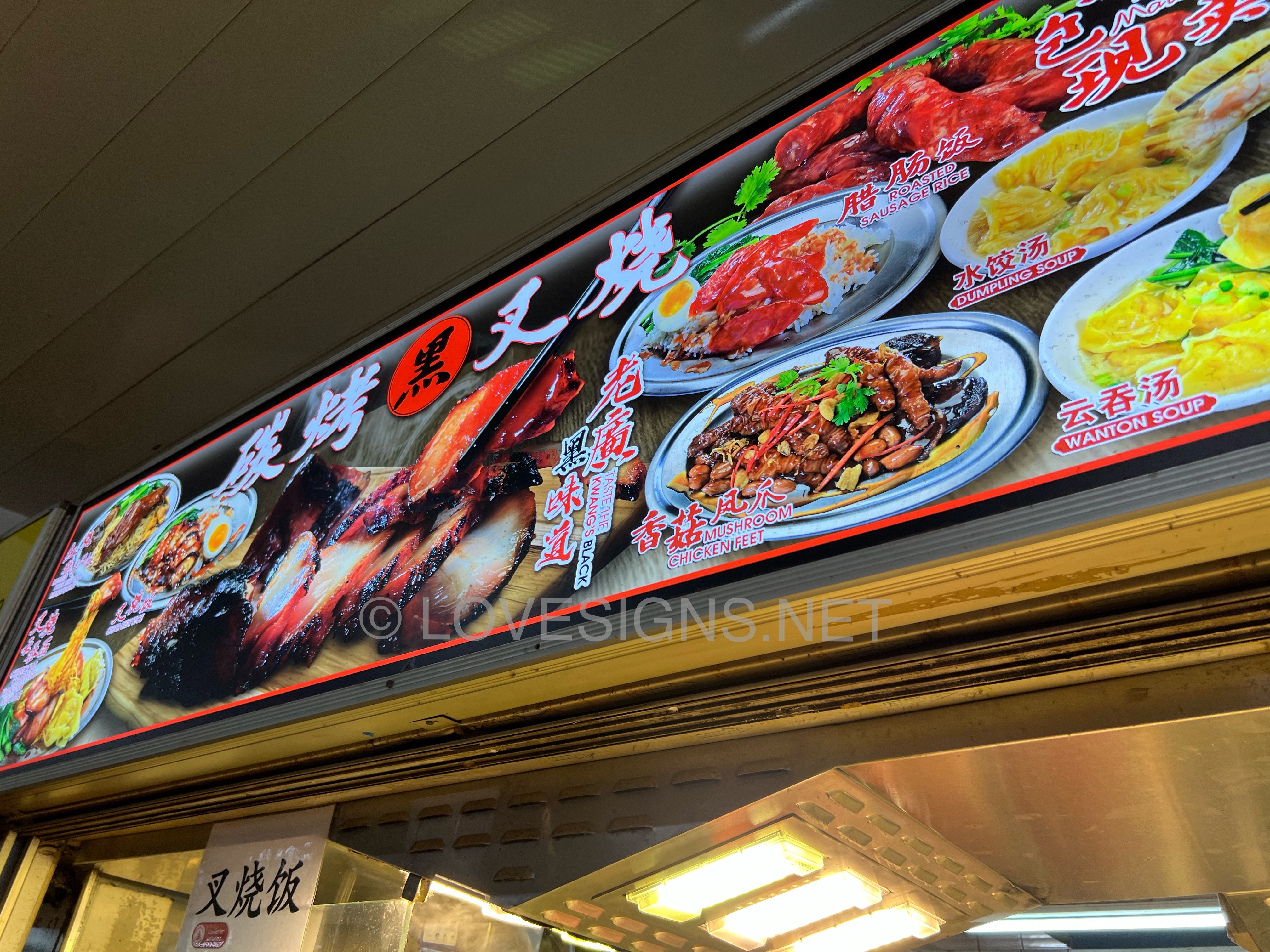
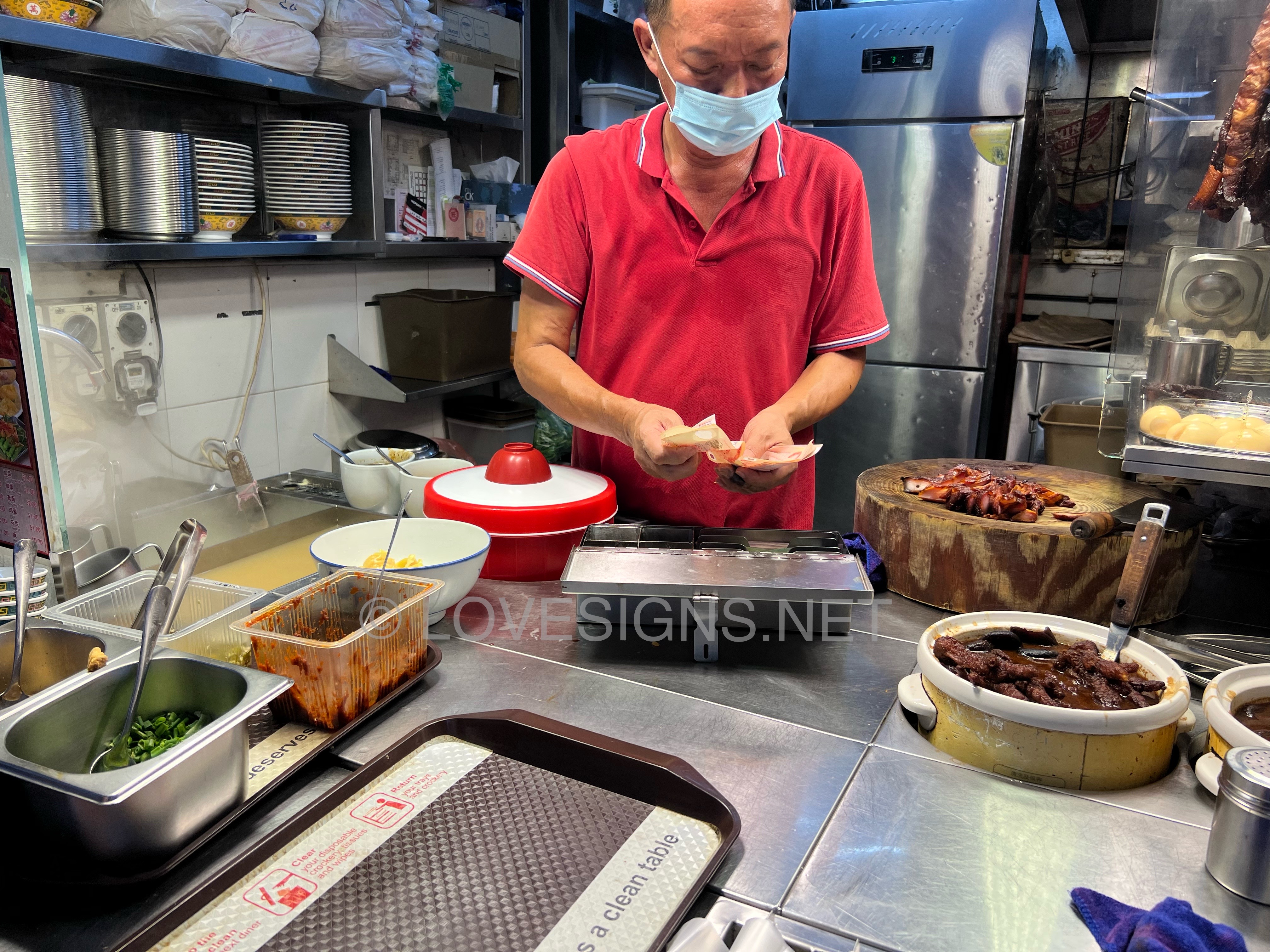
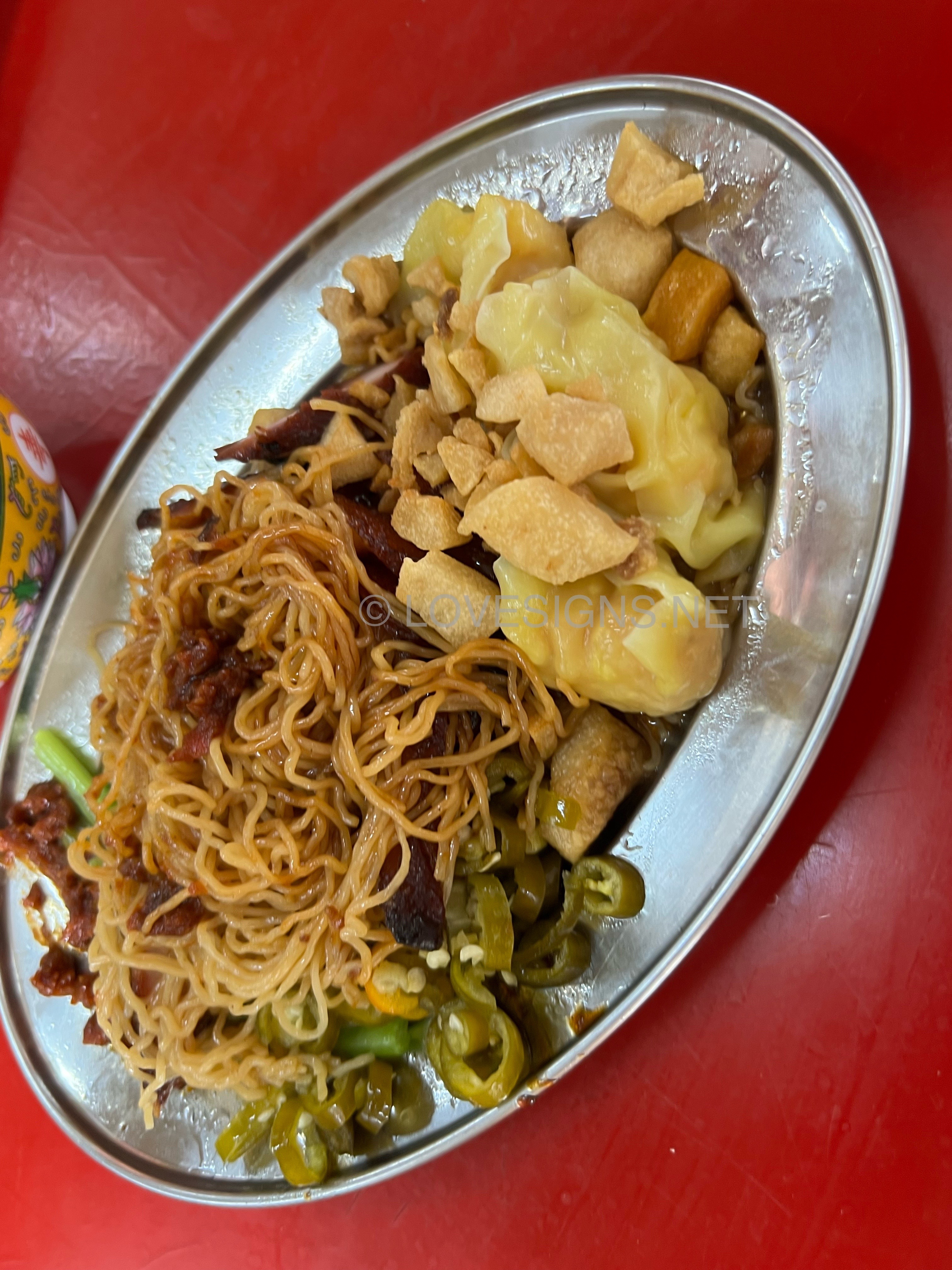
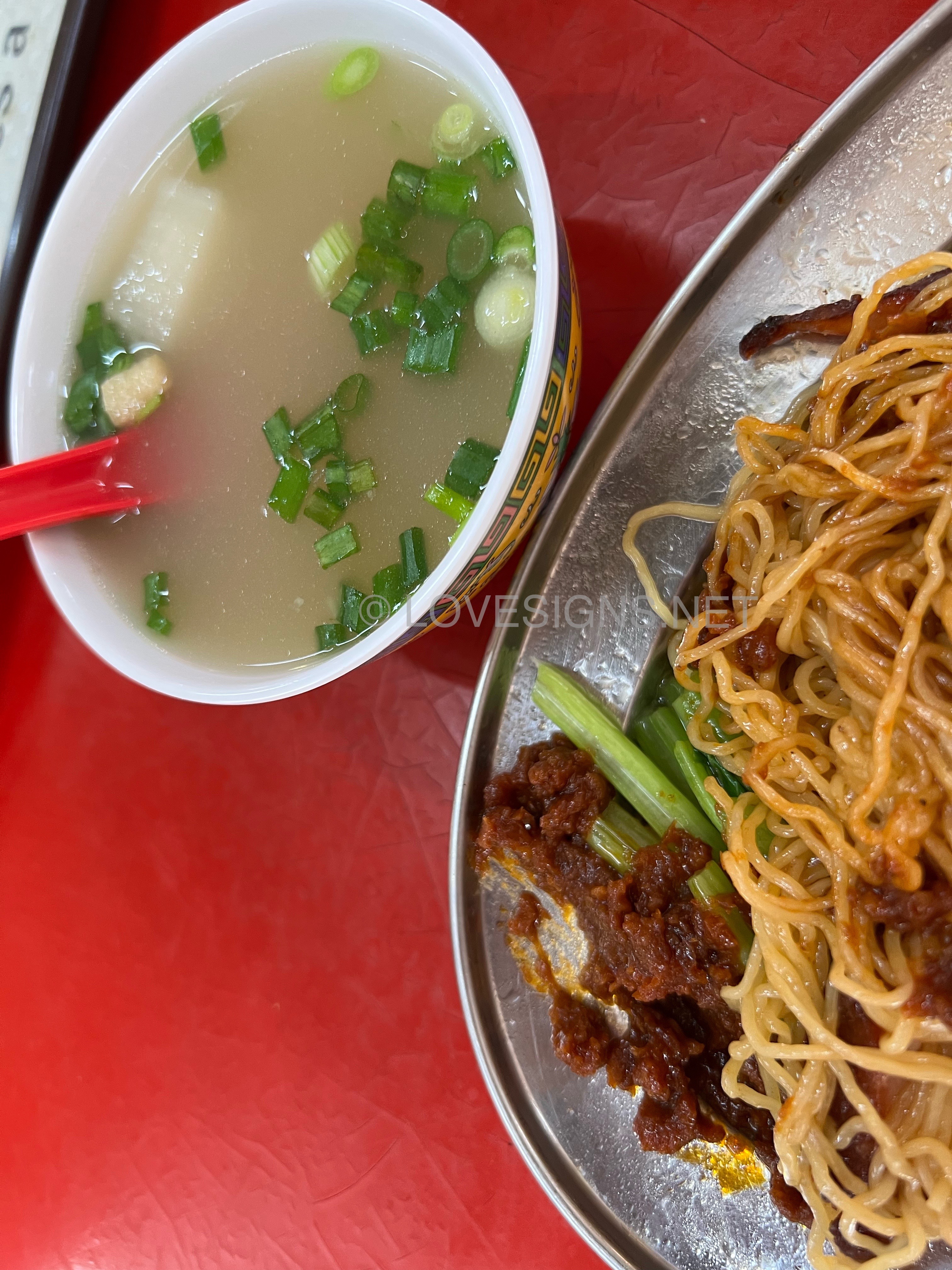
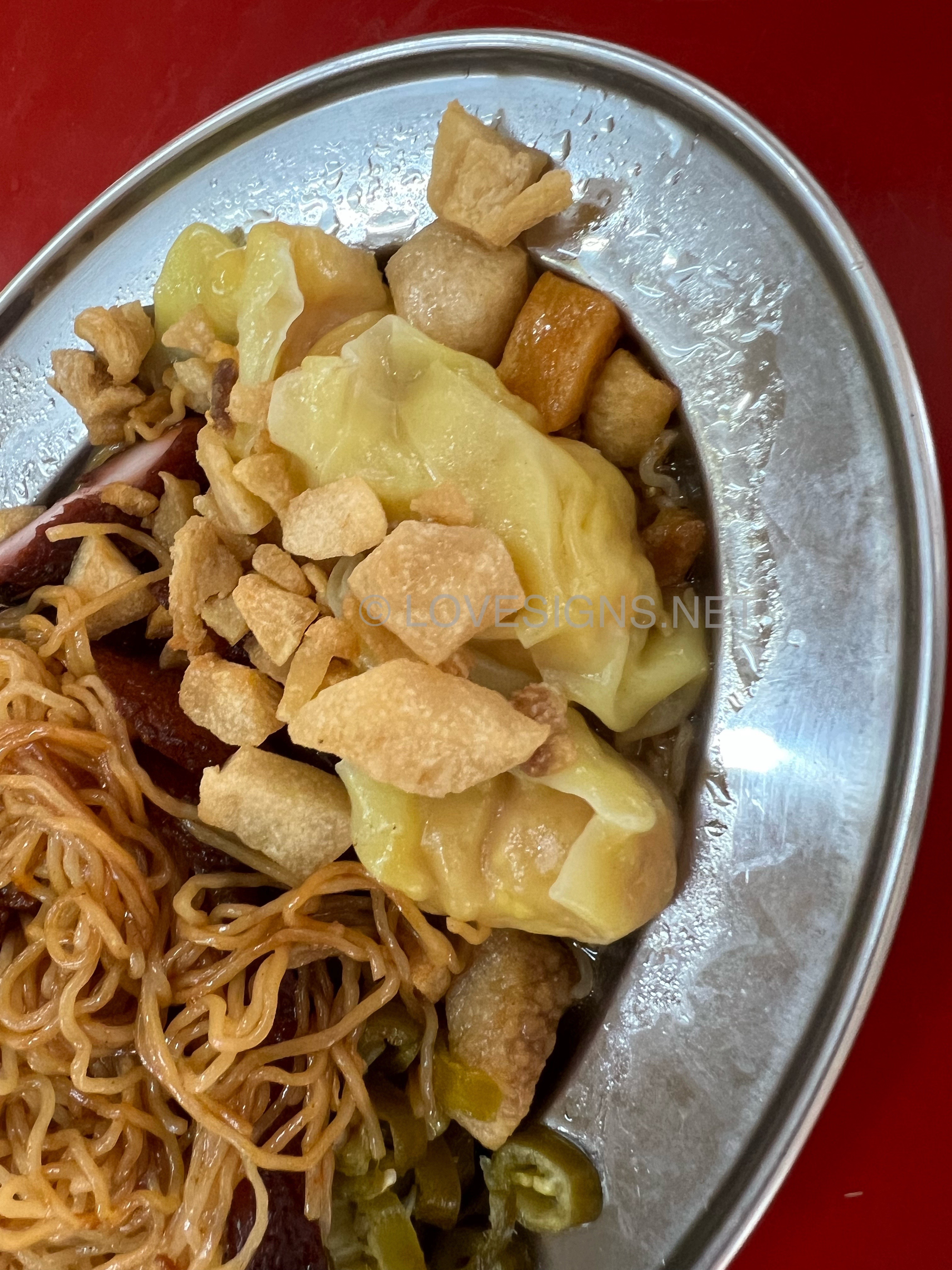
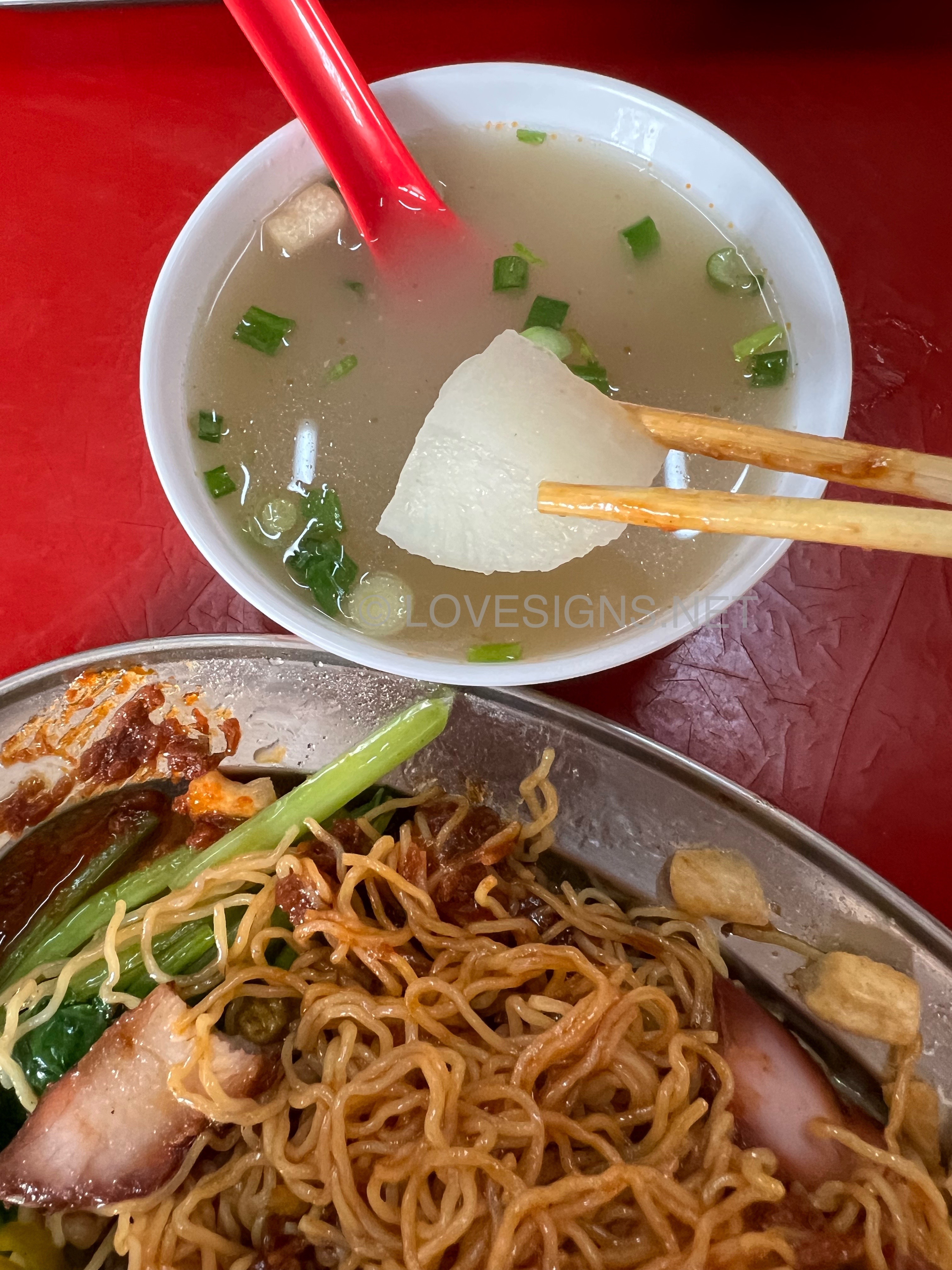
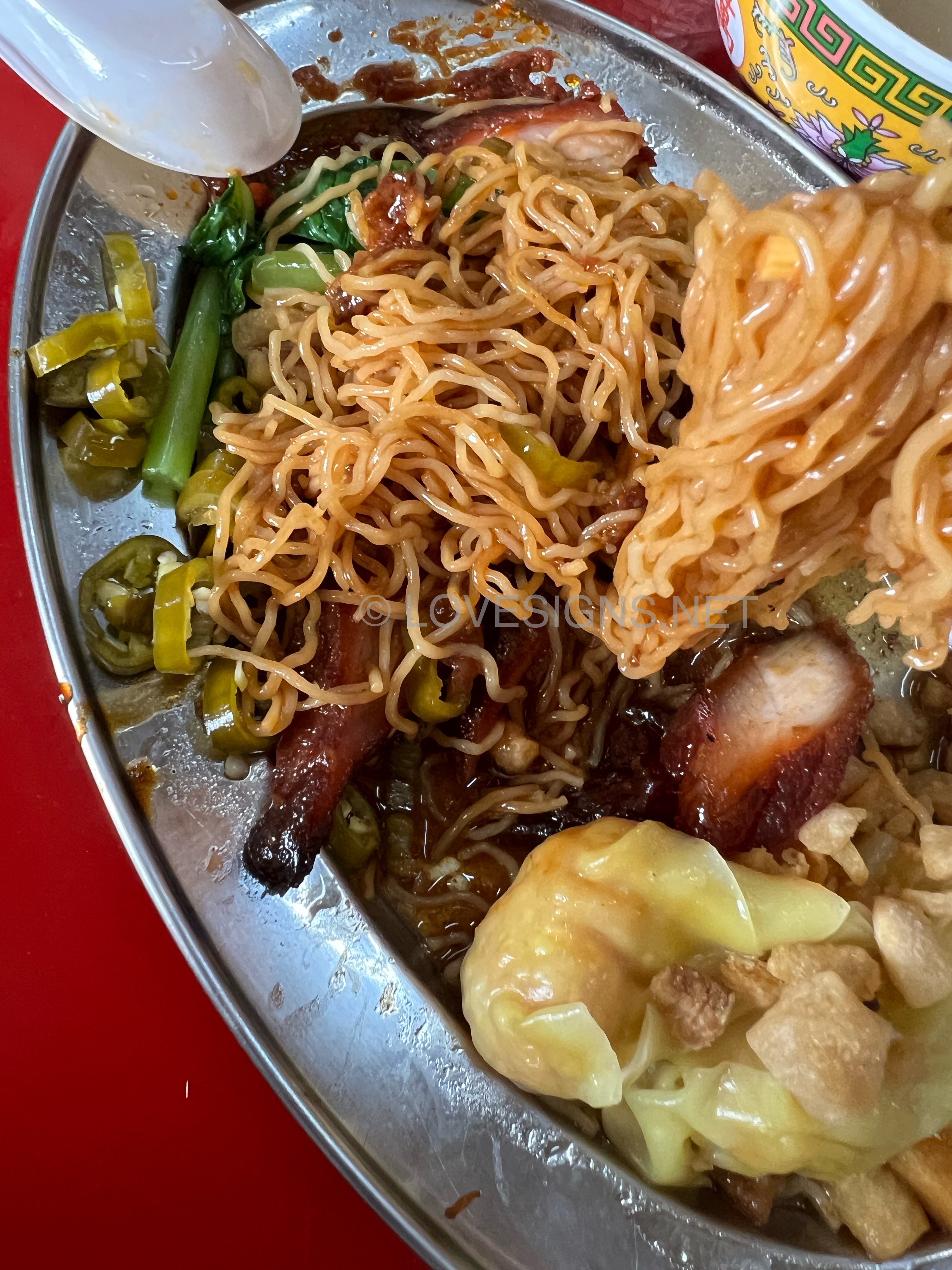
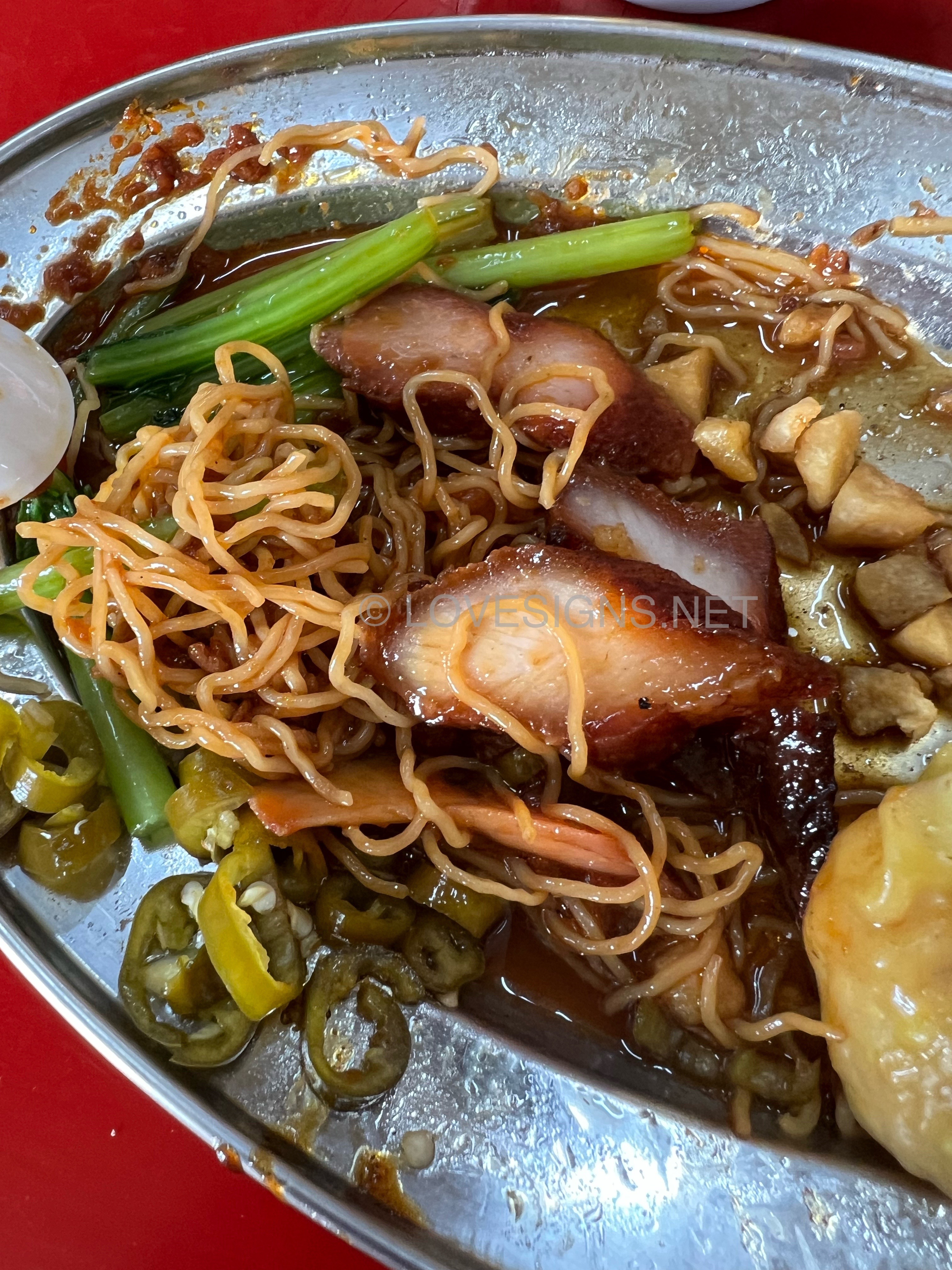
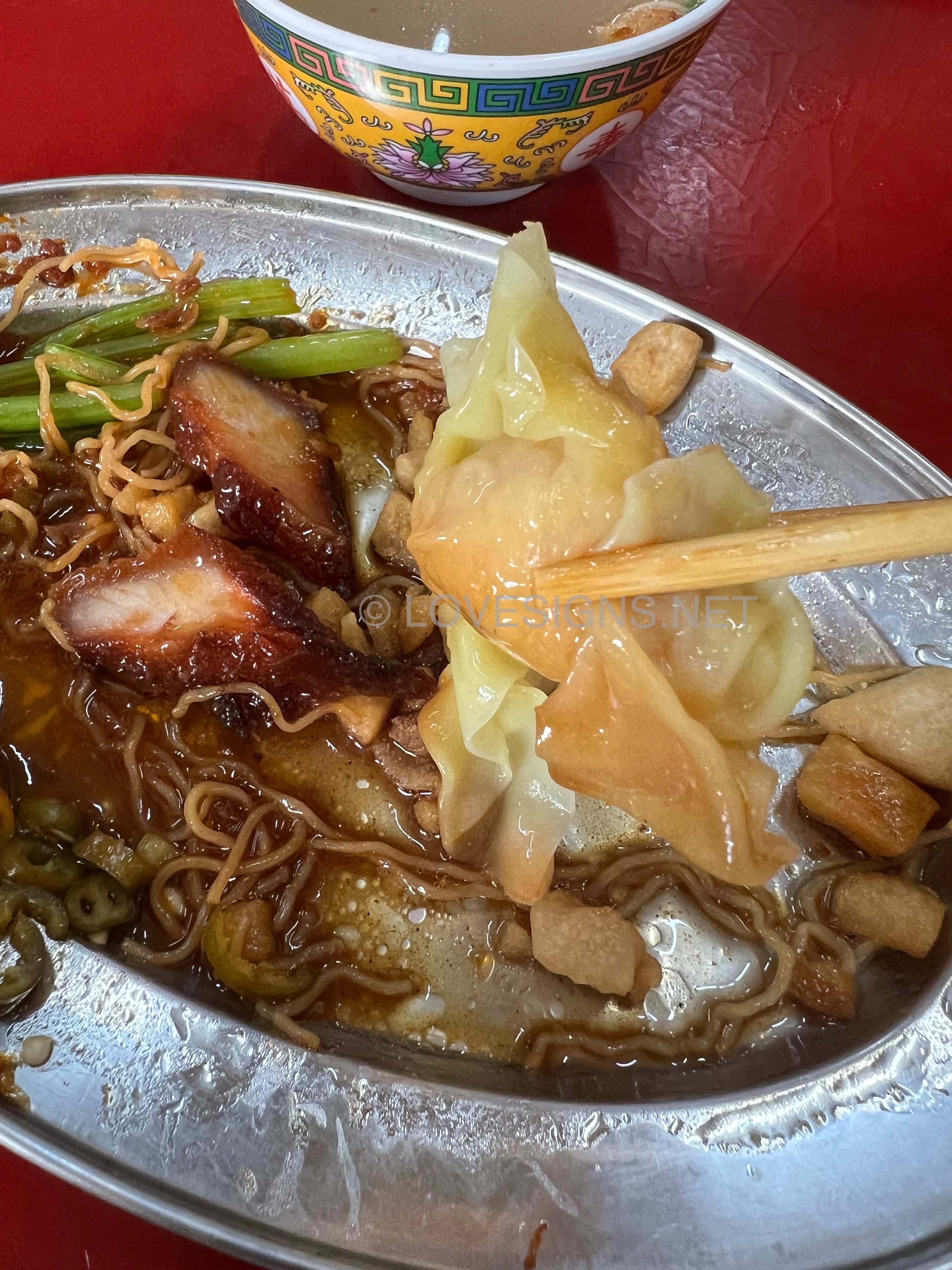
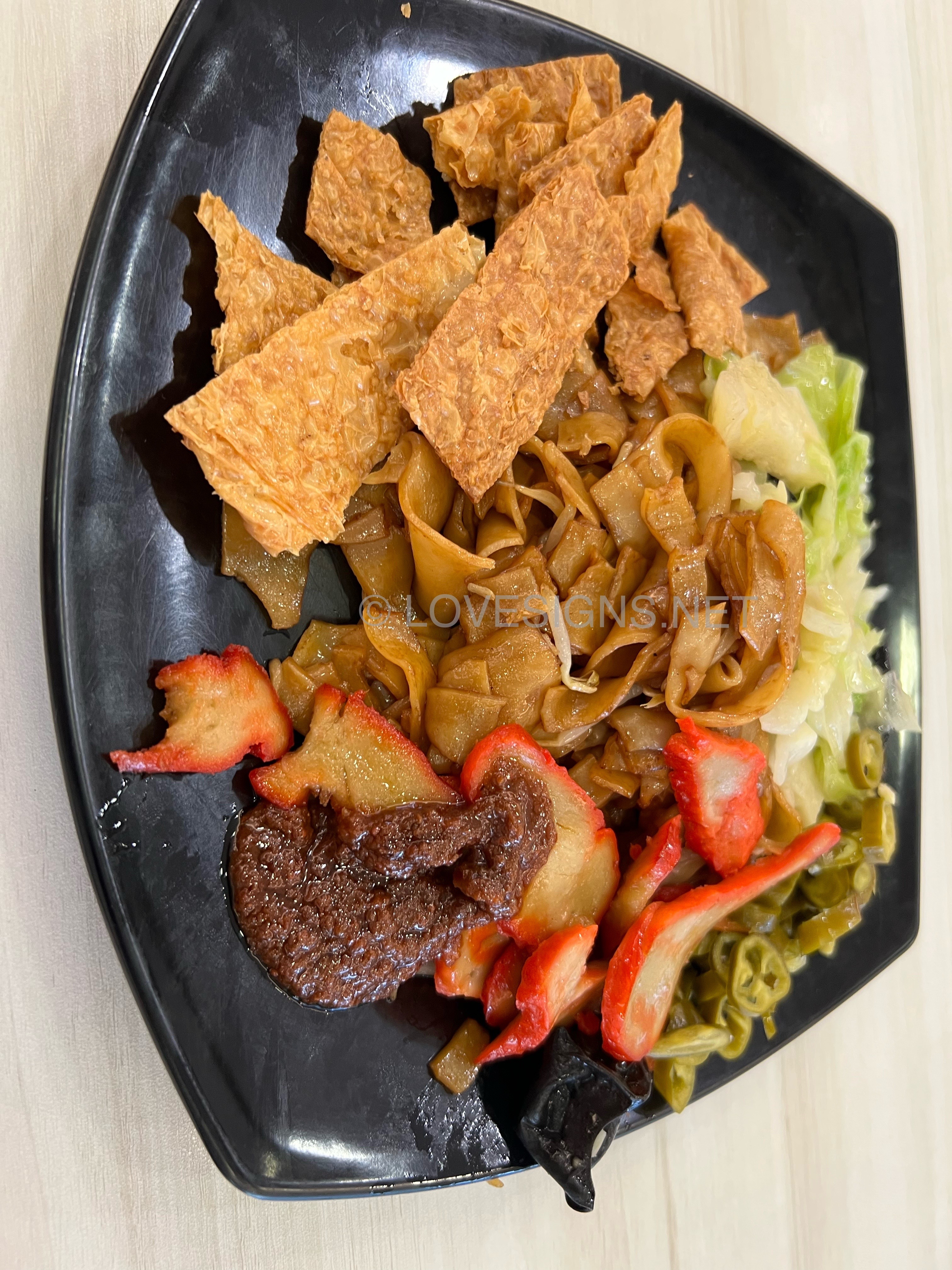
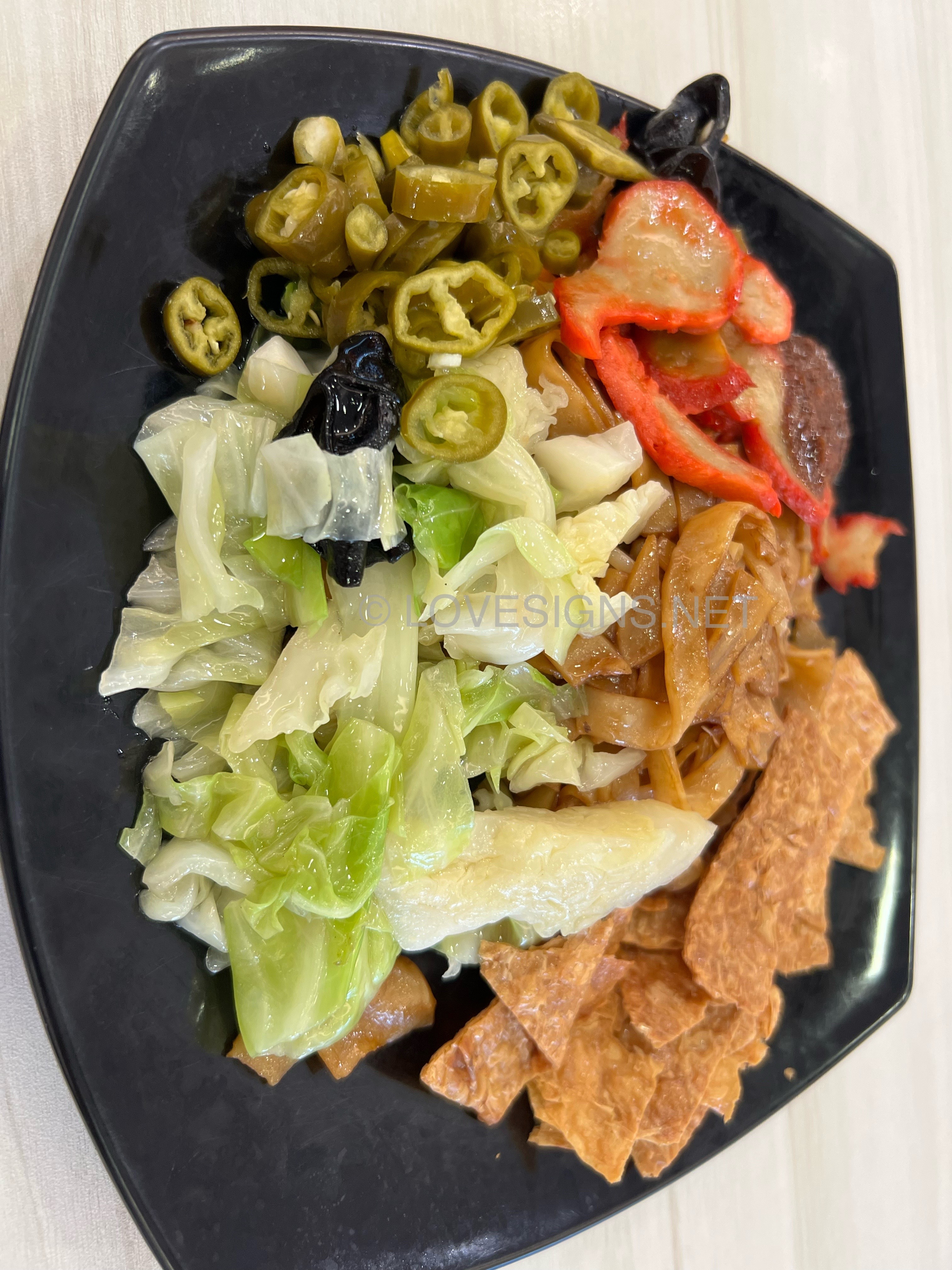
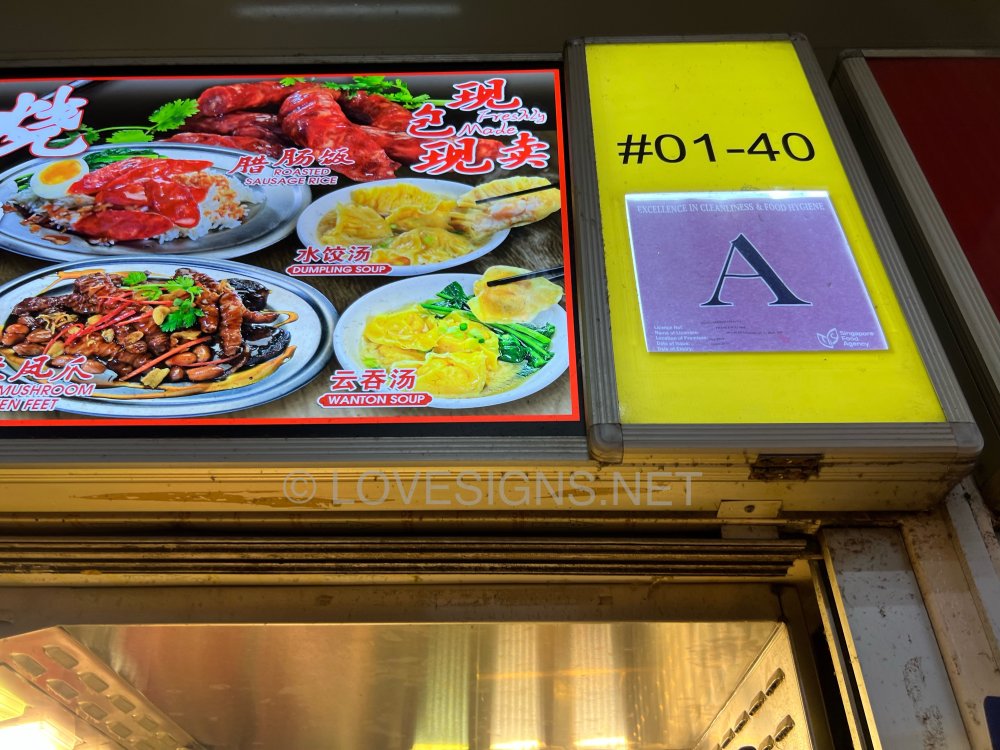
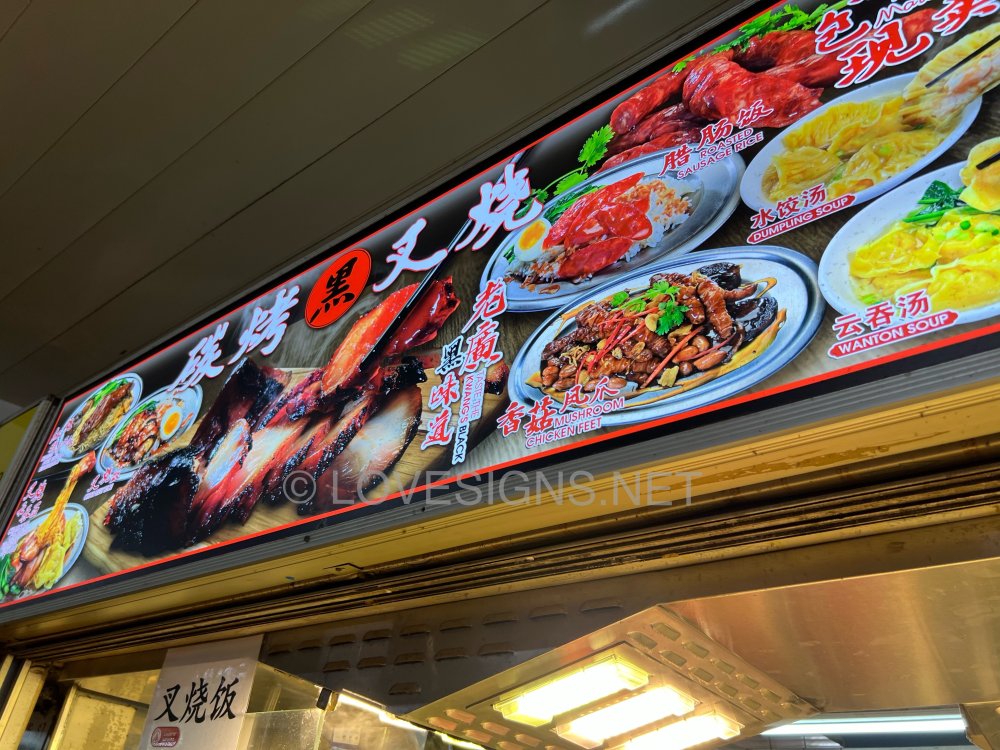
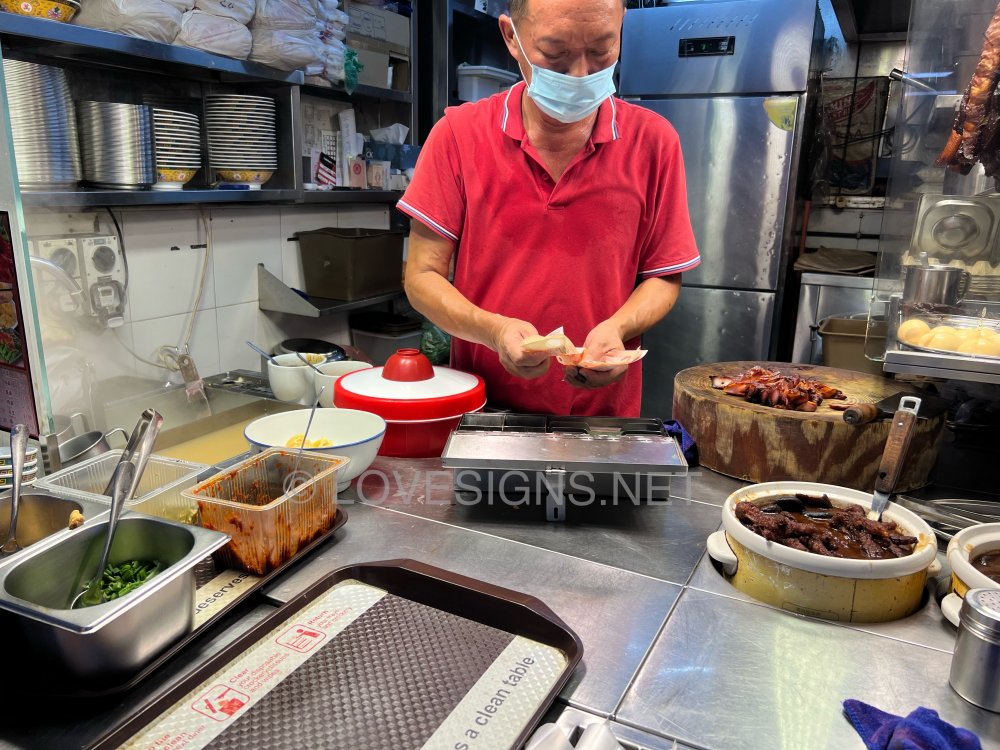
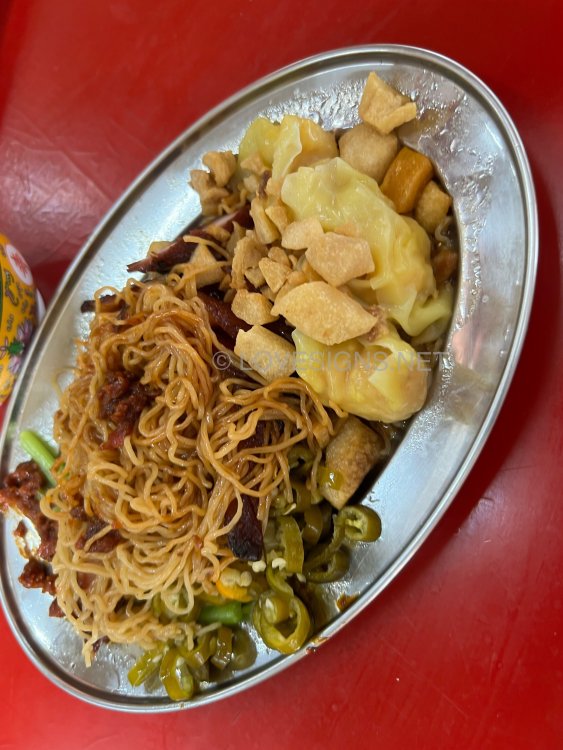
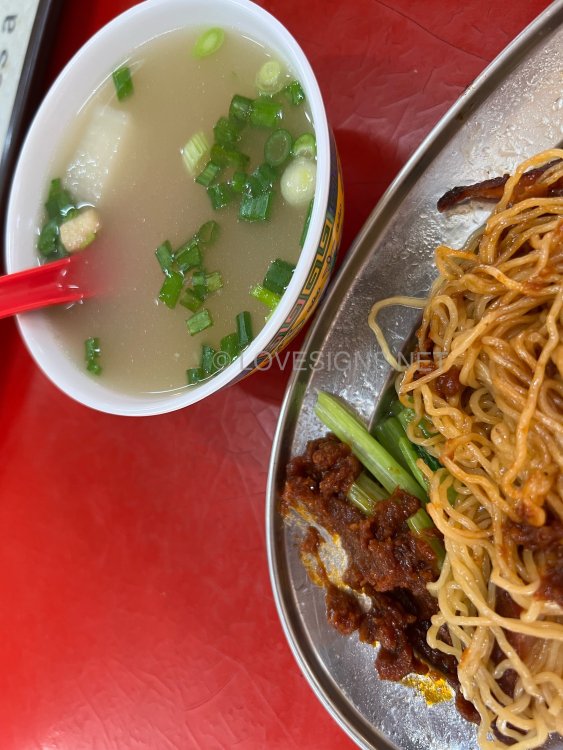
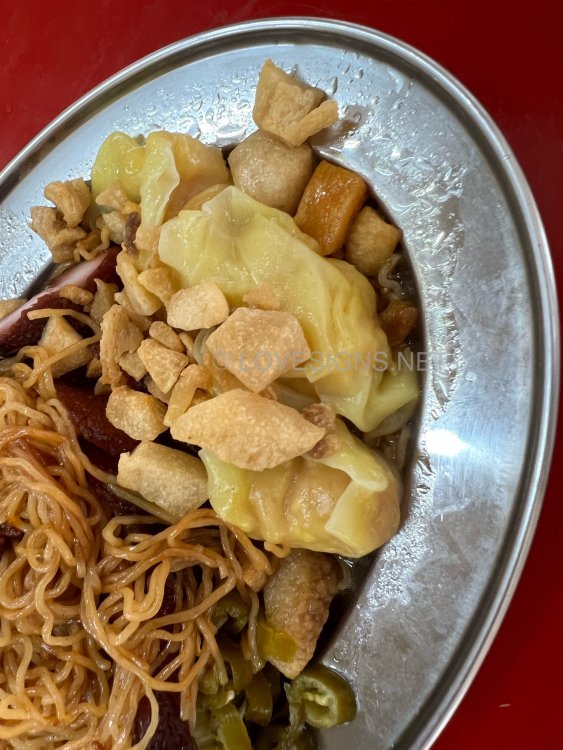
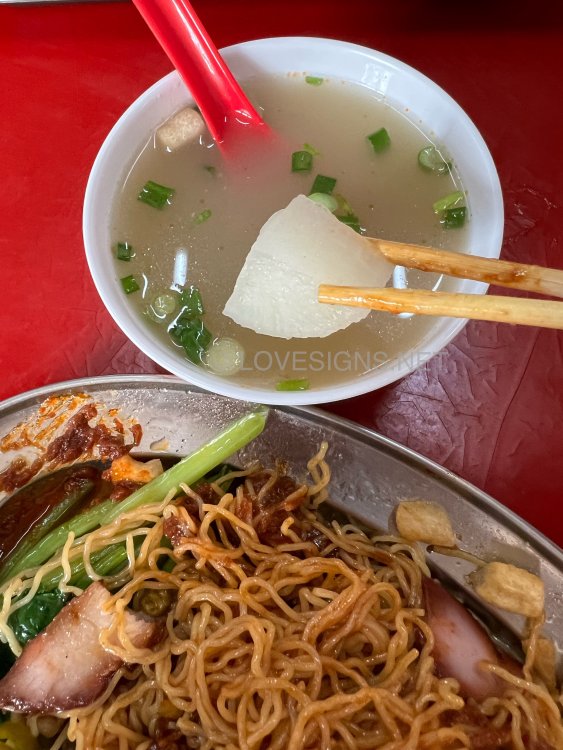
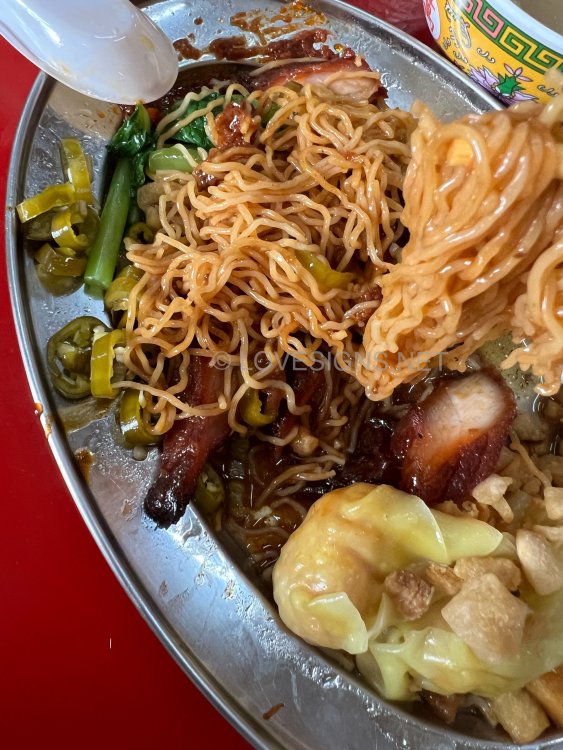
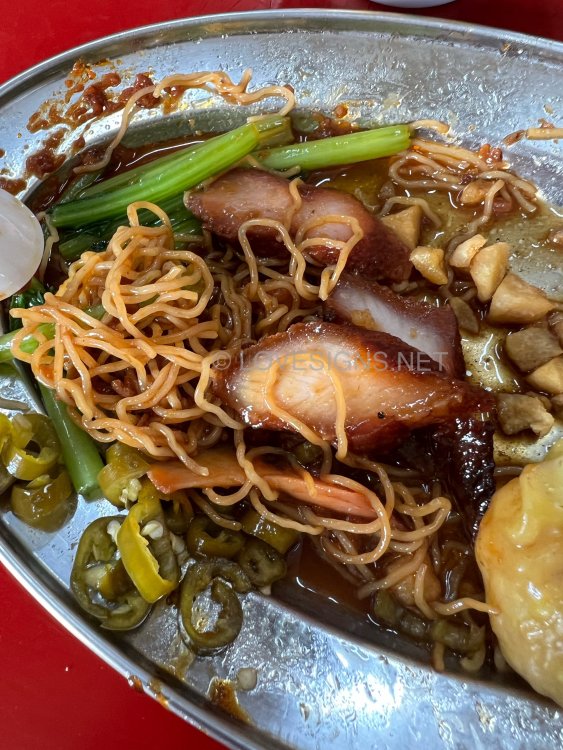
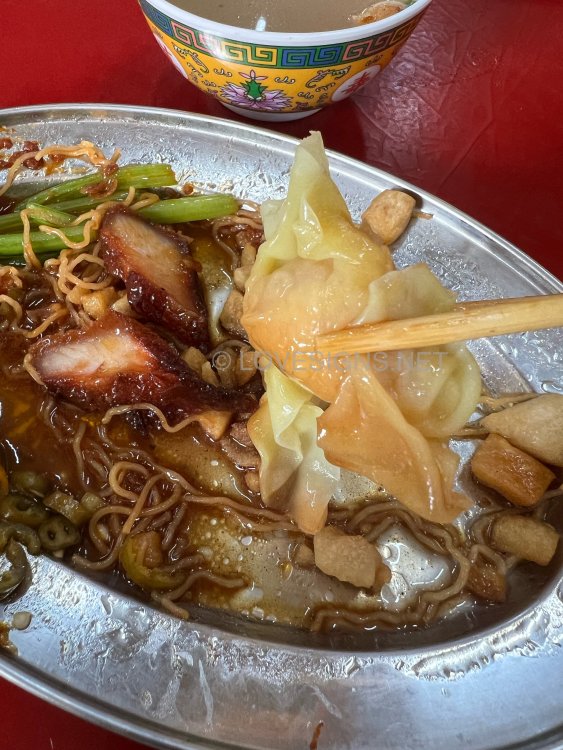
$4.50/- Bot bad. Give prawn wantons X 3. Generous nice generous pieces of charcoal smoked char Siew. Help yourself chilli condiment is nice. But too sweet for my taste. So add sparingly. Also add for yourself pork lard pieces. But seems not fresh …
-
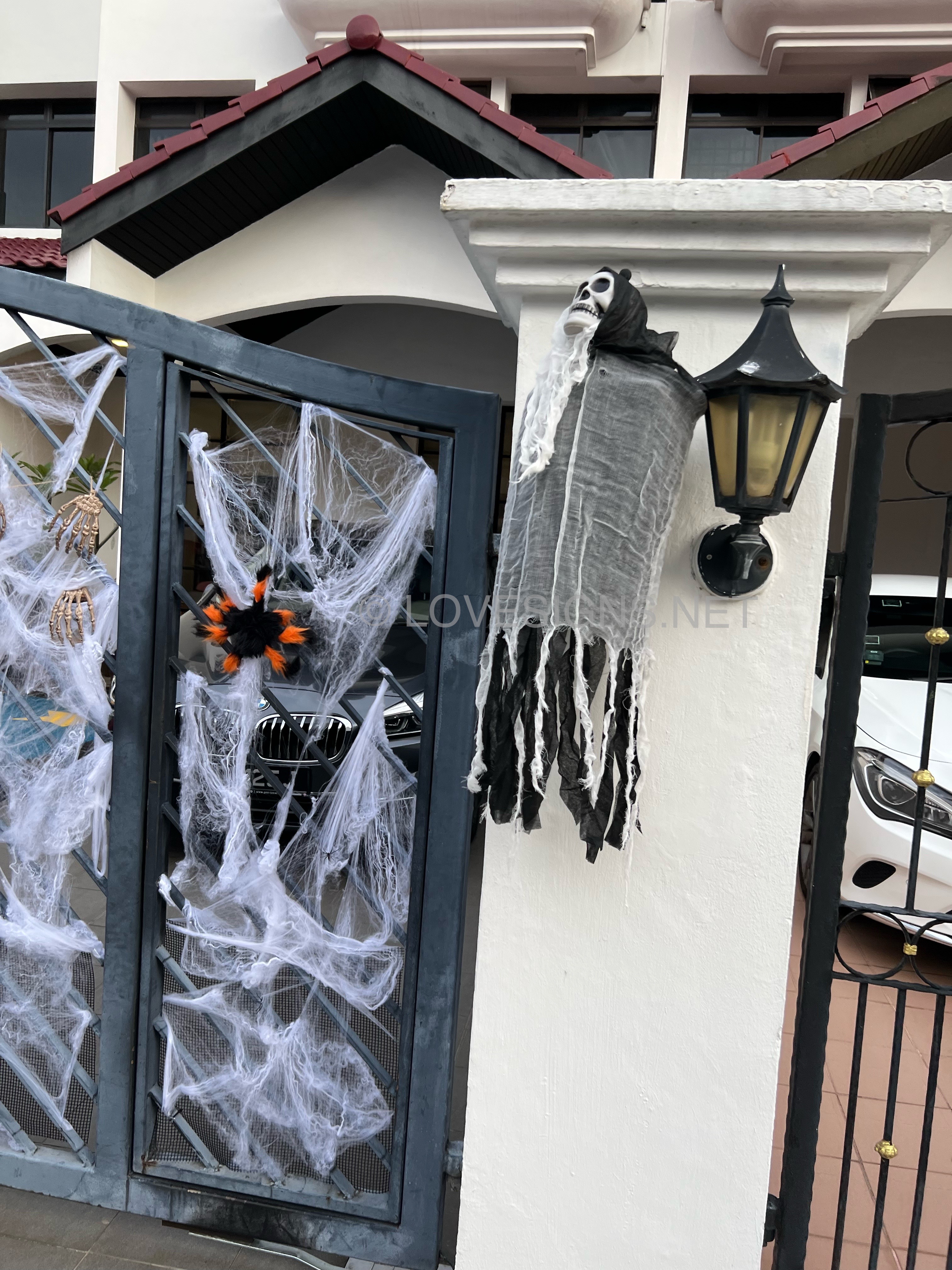
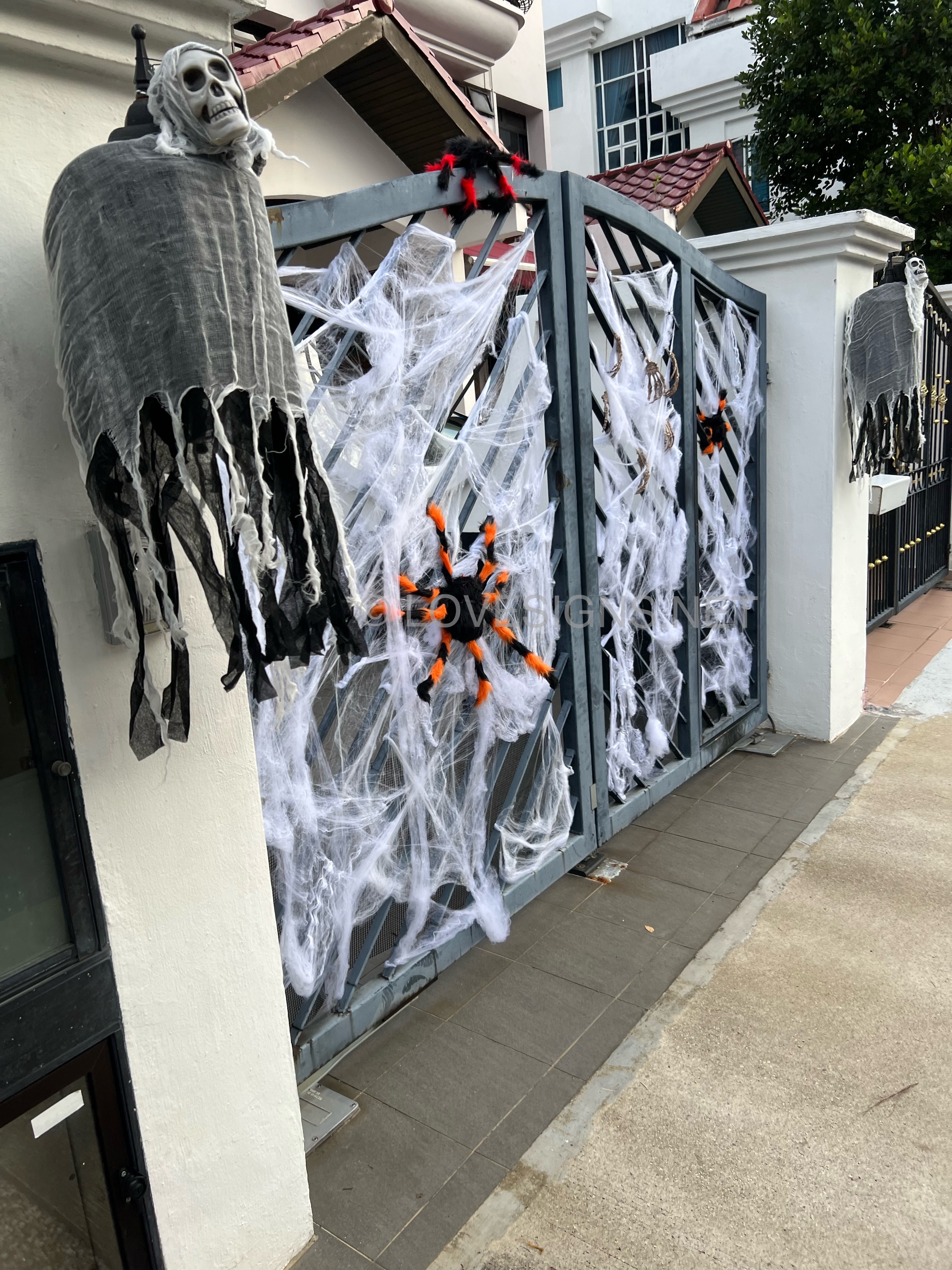
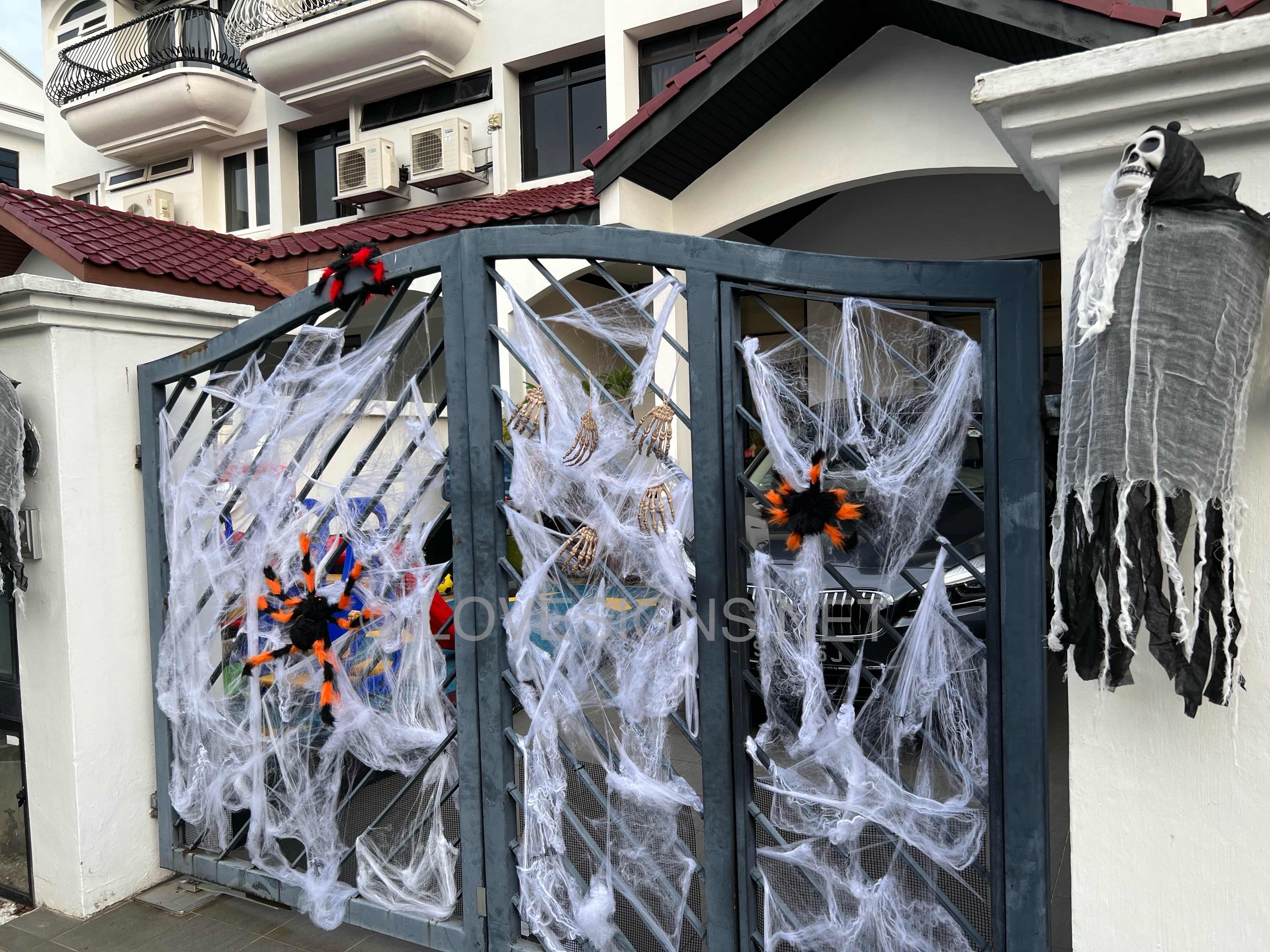
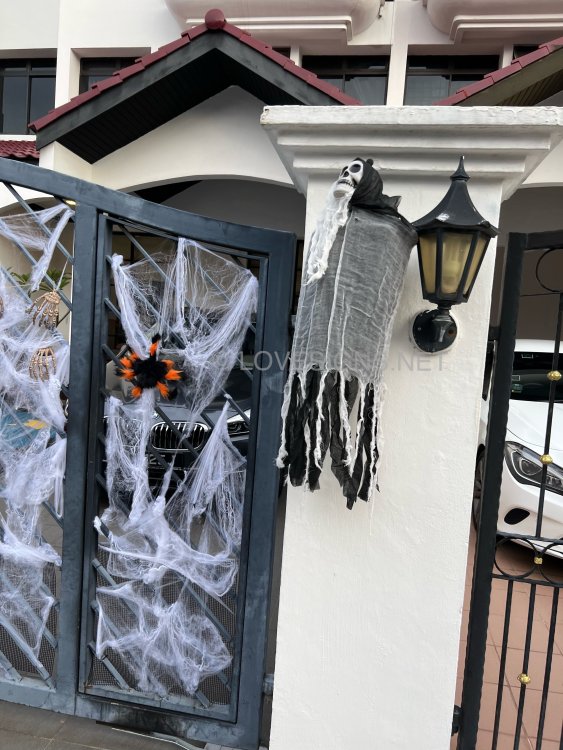
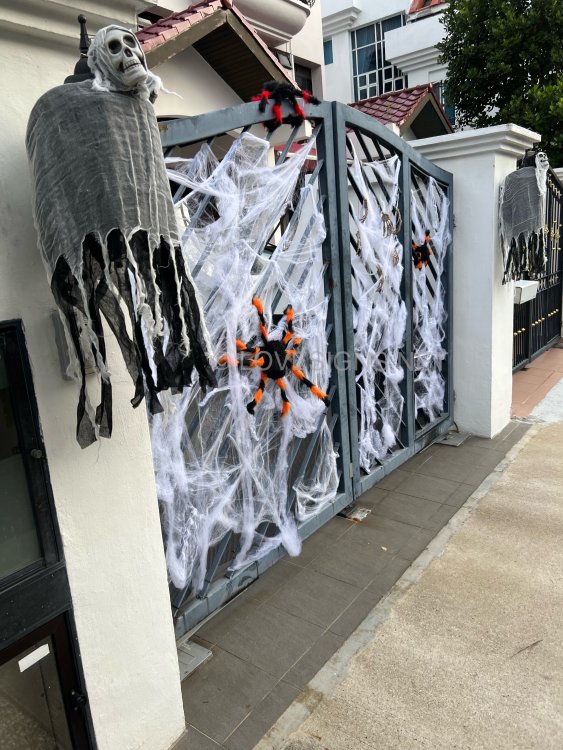
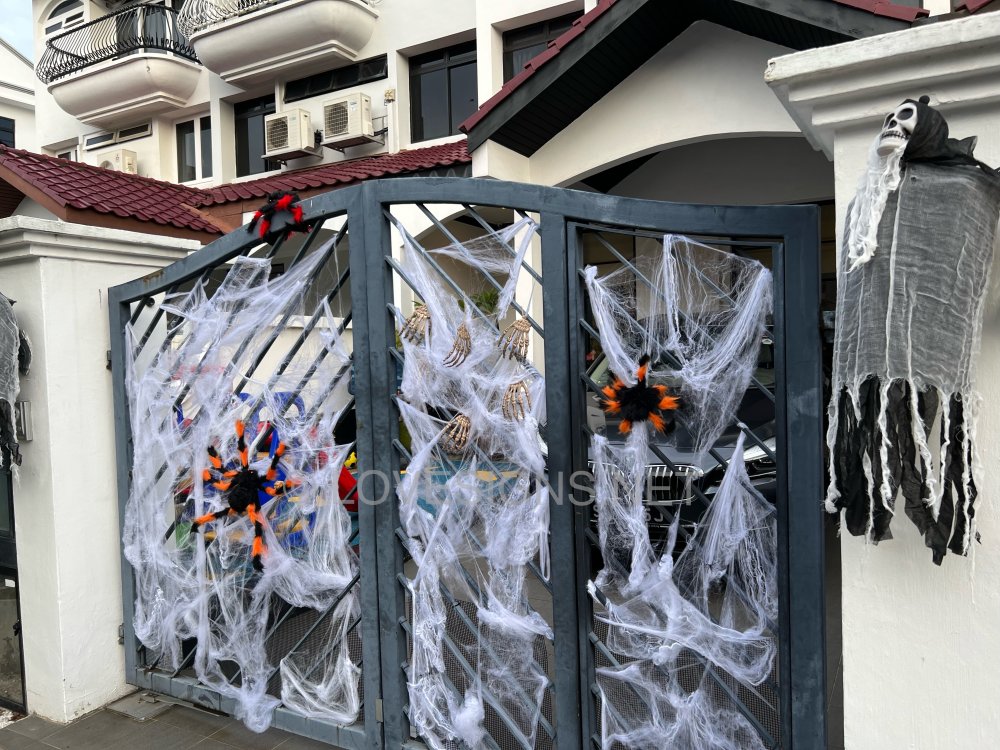
However, only this home decorated their frontage… no one else does it… Nice! Apparently not popular with the locals…more with expatriates and their children.. As I have seen along some of the homes around Bukit Timah area…
-
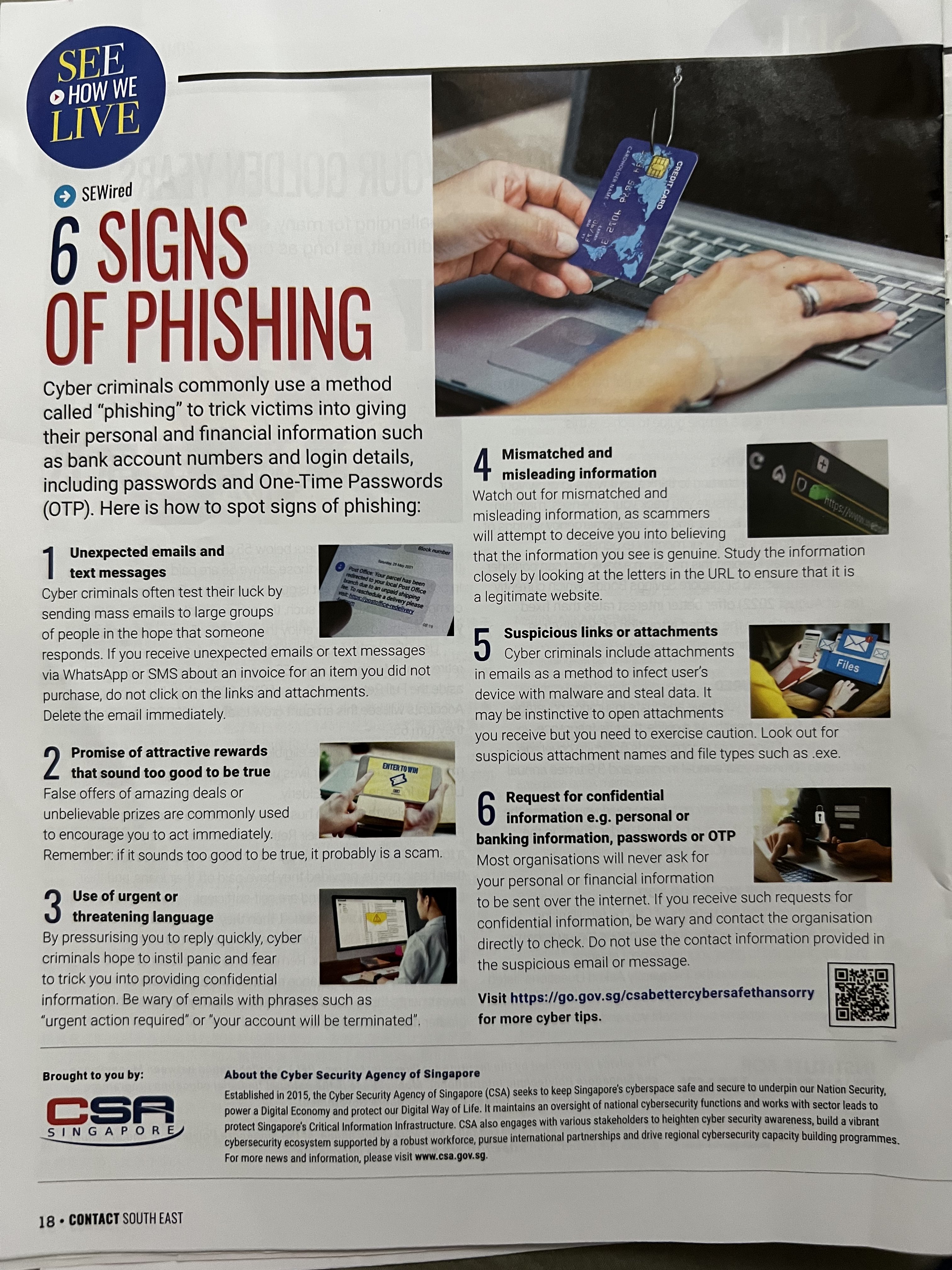
Source & Credit: by Cyber Security Agency, Singapore

-
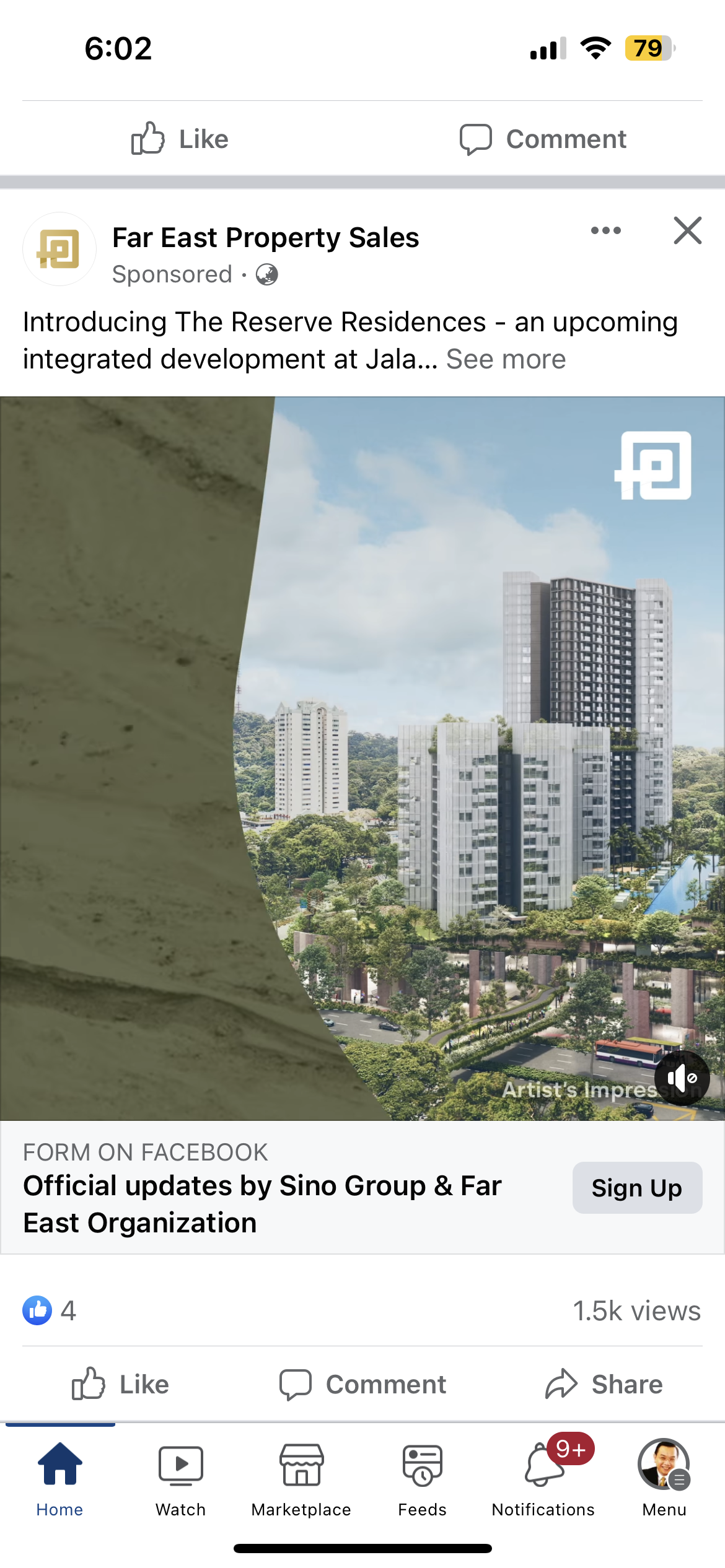
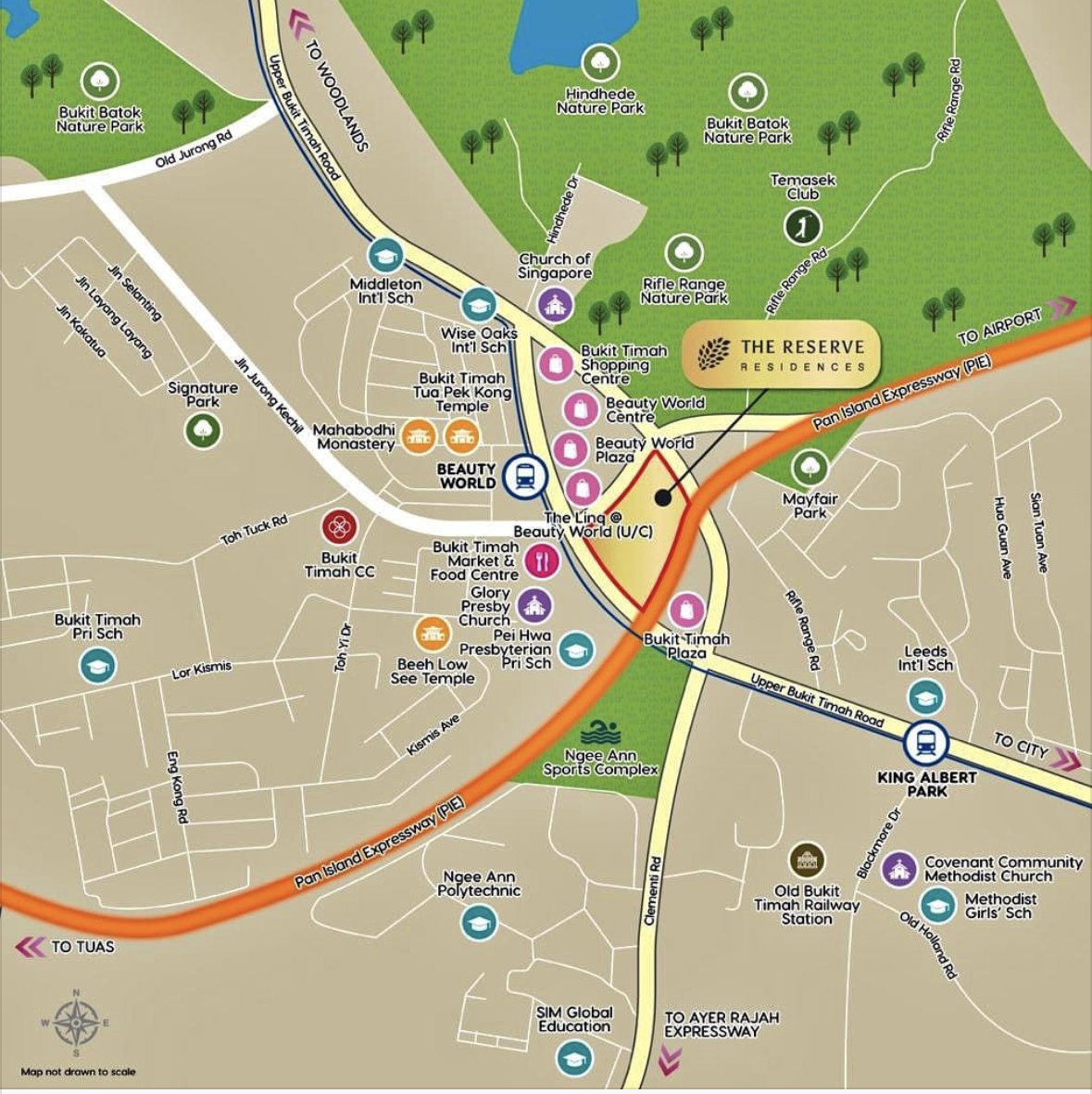
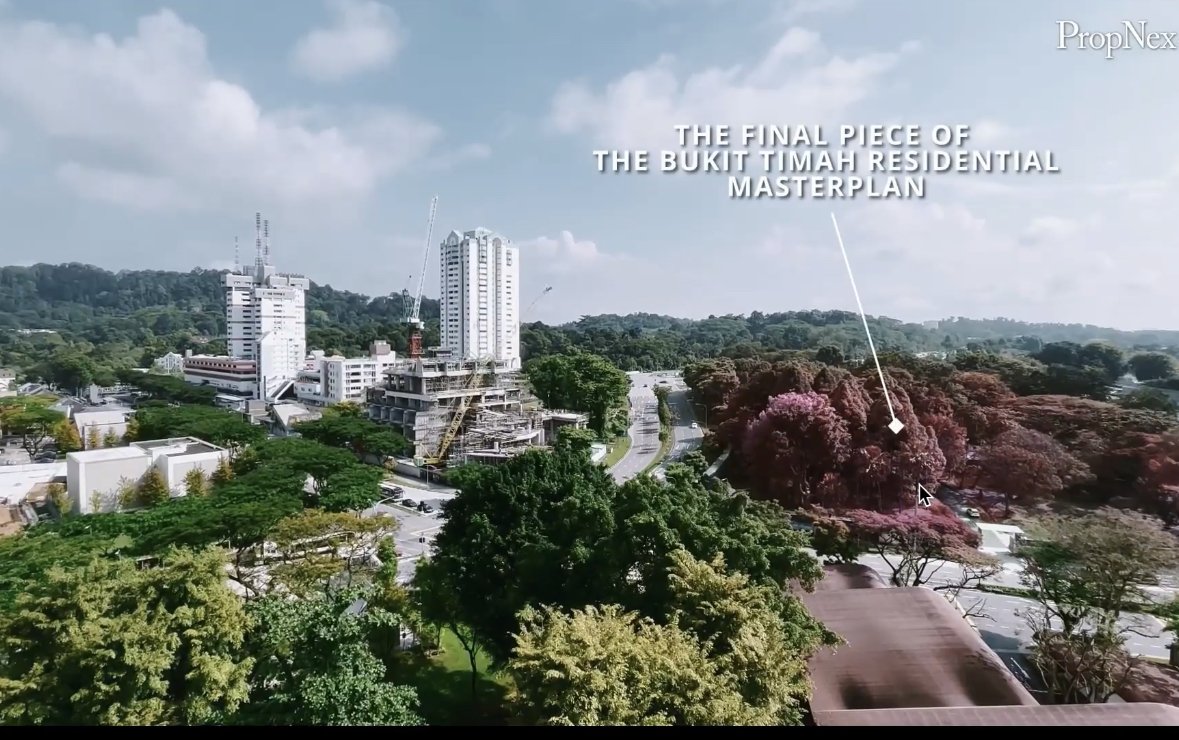
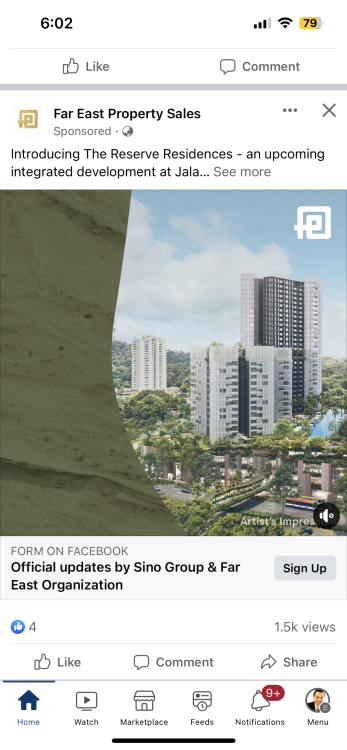
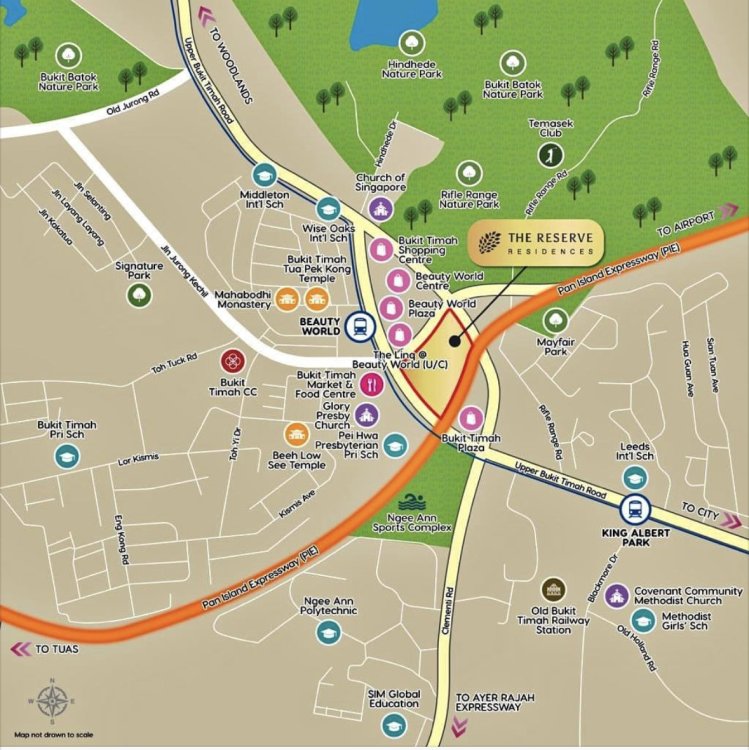
Introducing The Reserve Residences - an upcoming integrated development at Jalan Anak Bukit. Jointly developed by Sino Group and Far East Organization, this integrated development comprises of 1- to 5-bedroom luxury residences, serviced residences, shops, F&B, community and public spaces, with direct access to Beauty World MRT Station and the upcoming bus interchange.

-
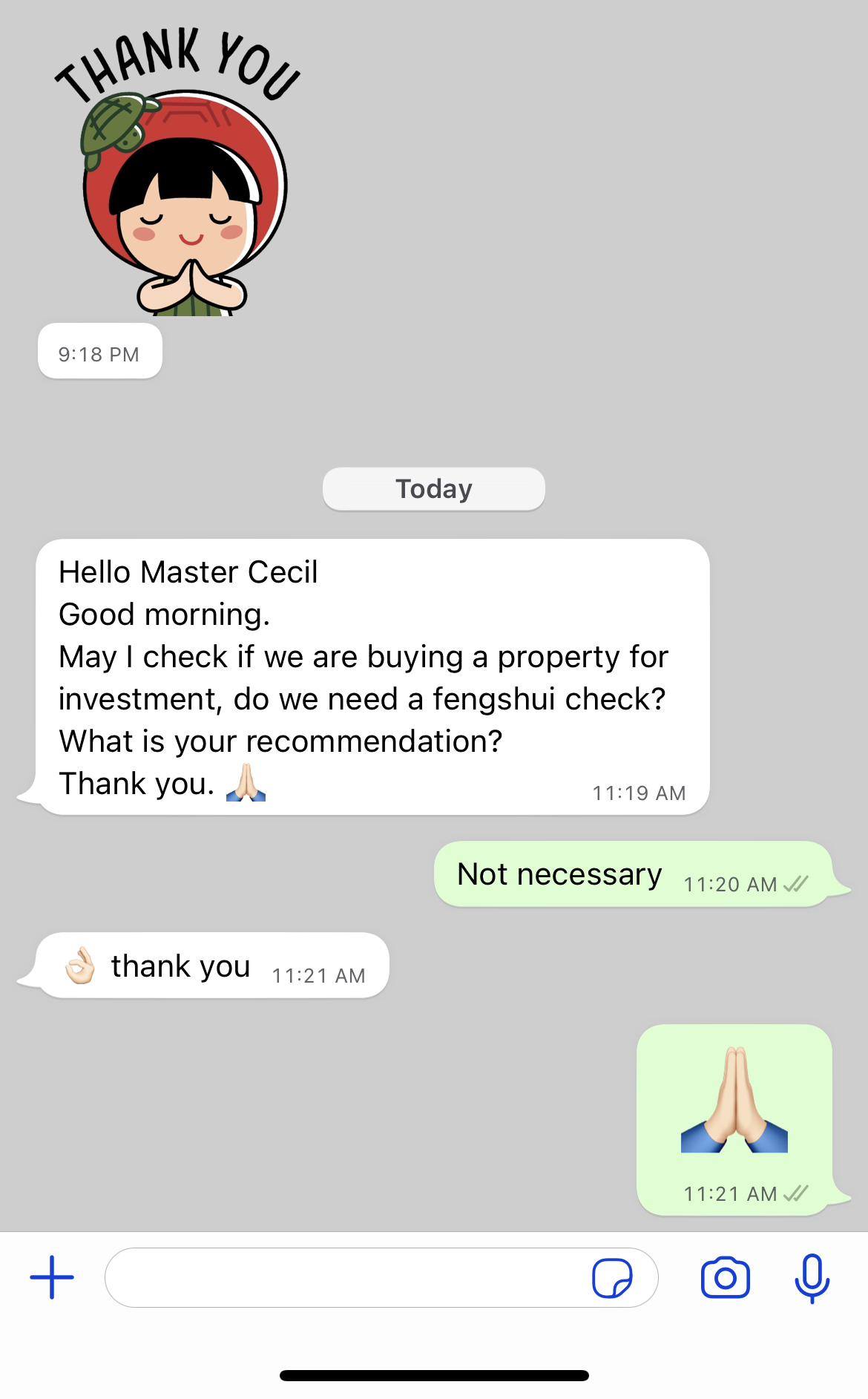
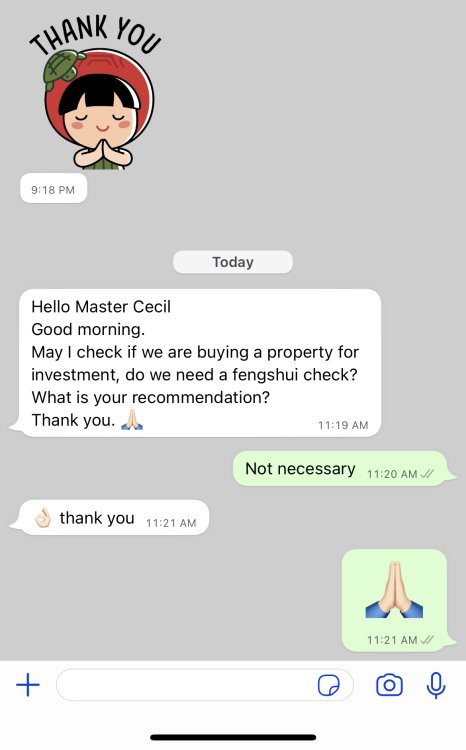
Hello Master Cecil Good morning. May I check if we are buying a property for investment, do we need a fengshui check? What is your recommendation? Thank you. 🙏🏻 Reply: Not necessary
-
Related:
-
Related:
-
-
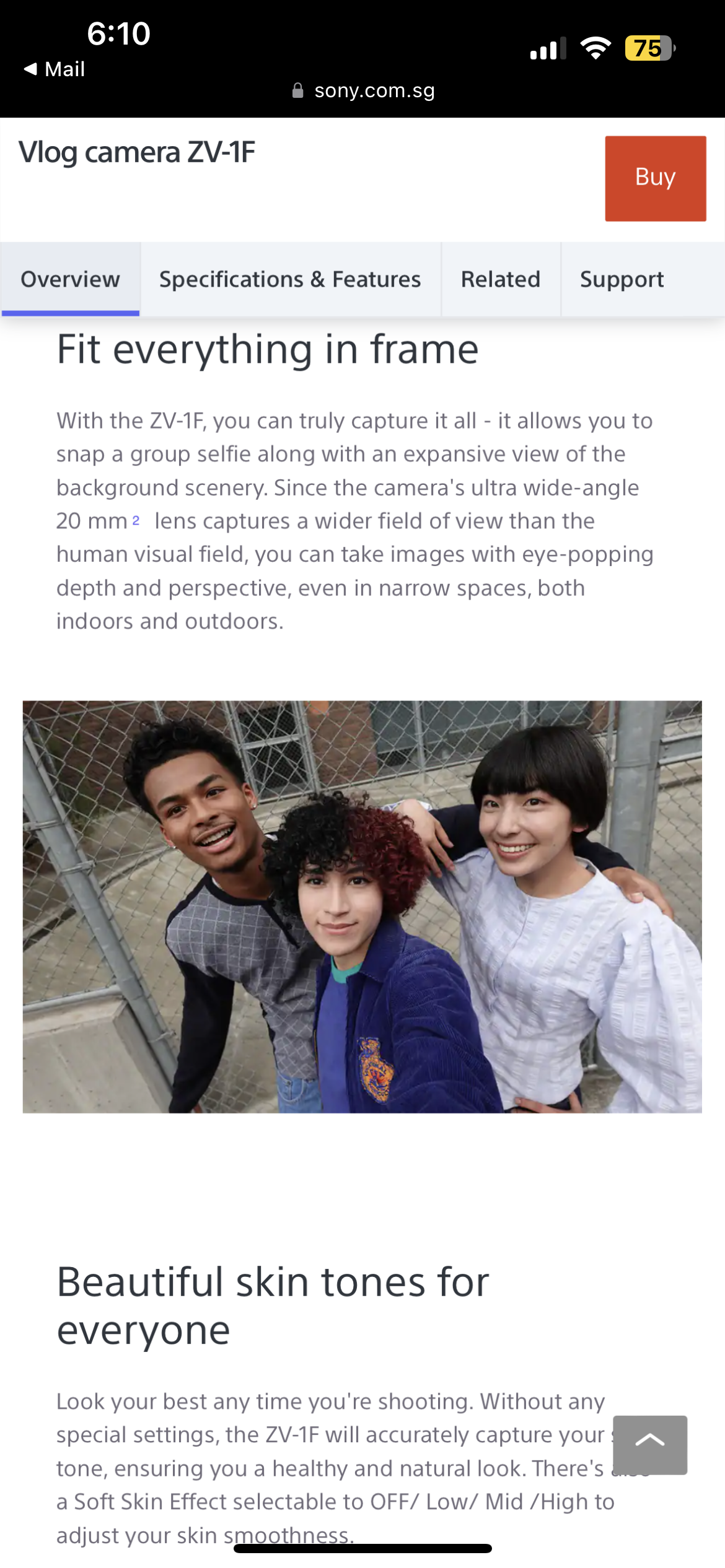
Okay, this is not a paid advert…just me catching up with what is Vblogging… New trend… especially for and by food review bloggers…


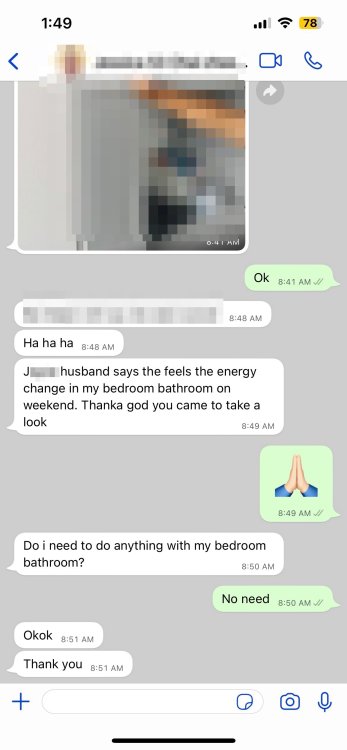
 [J name hidden] husband says the feels the energy change in my bedroom bathroom on weekend. Thanka god you came to take a look
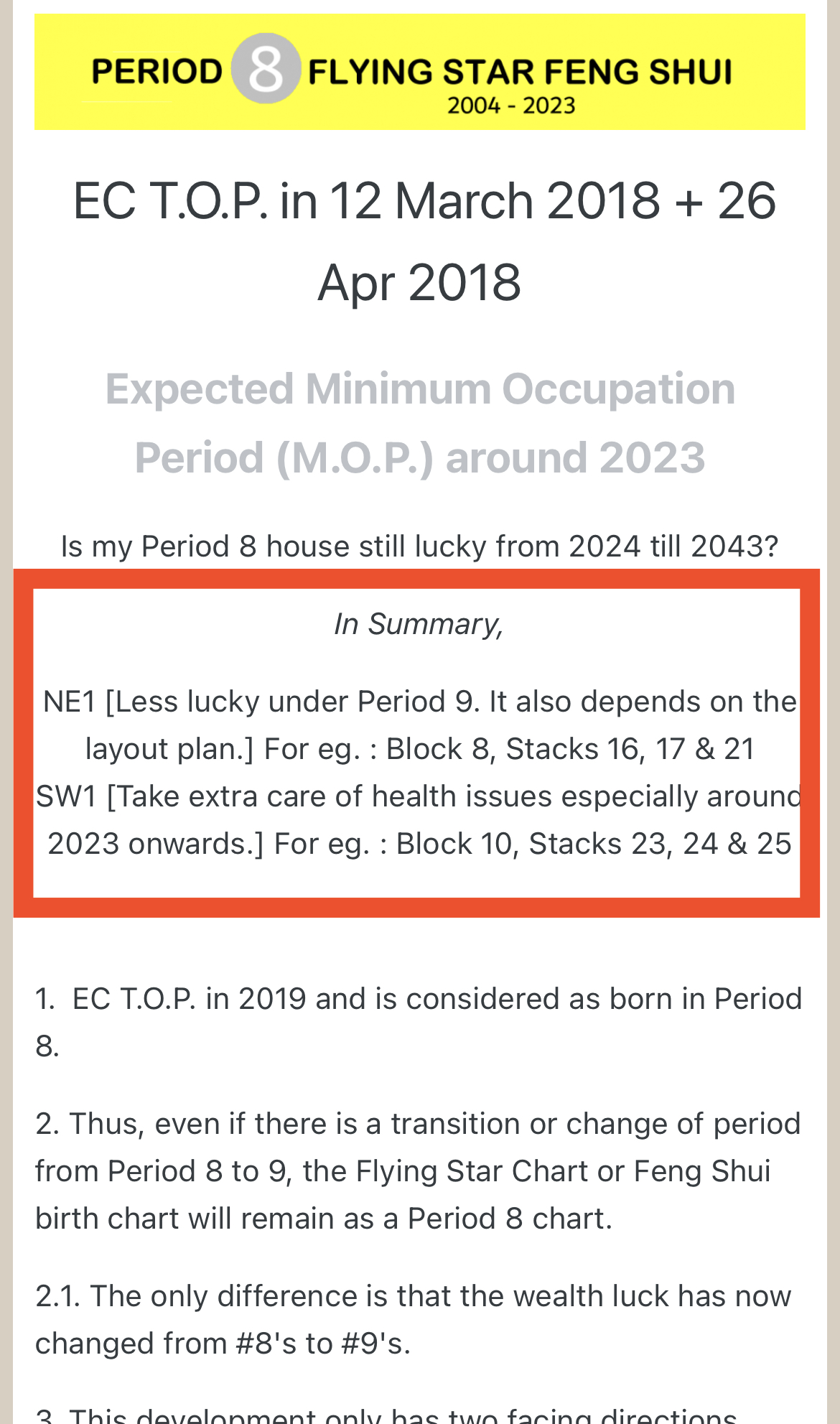
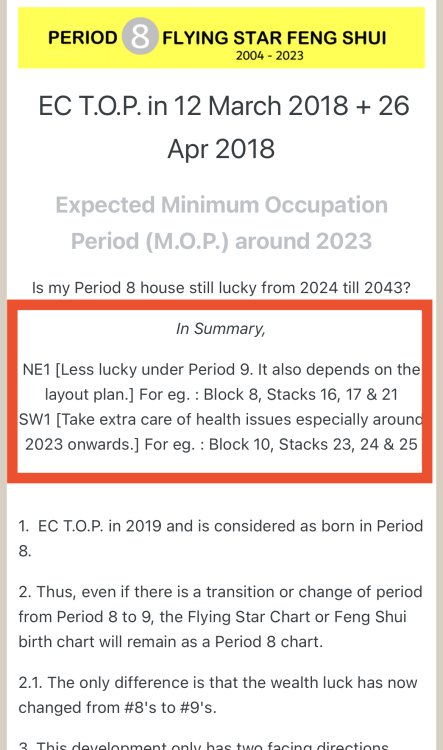
 Is my Period 8 house still lucky from 2024 till 2043? SW1 [Take extra care of health issues from 2024 onwards.] SW2/3 [Depends on external features. Can be luckier under Period 9 especially depending on where is the living room.] Reference:Related Extract: SW1… of health issues…
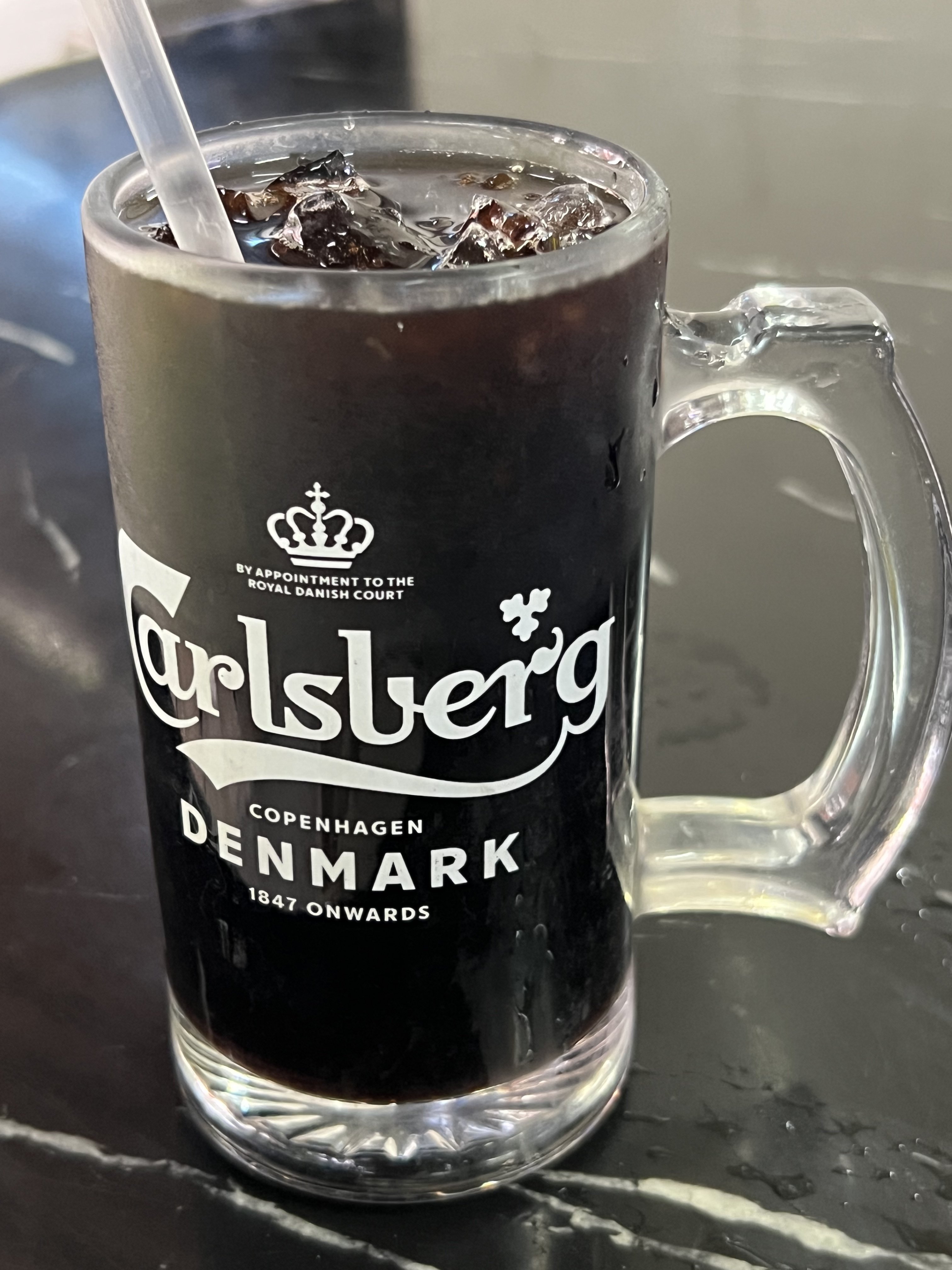
 Scroll down…. Iced Coffee Black! With a straw! Who drinks…. Beer with a straw…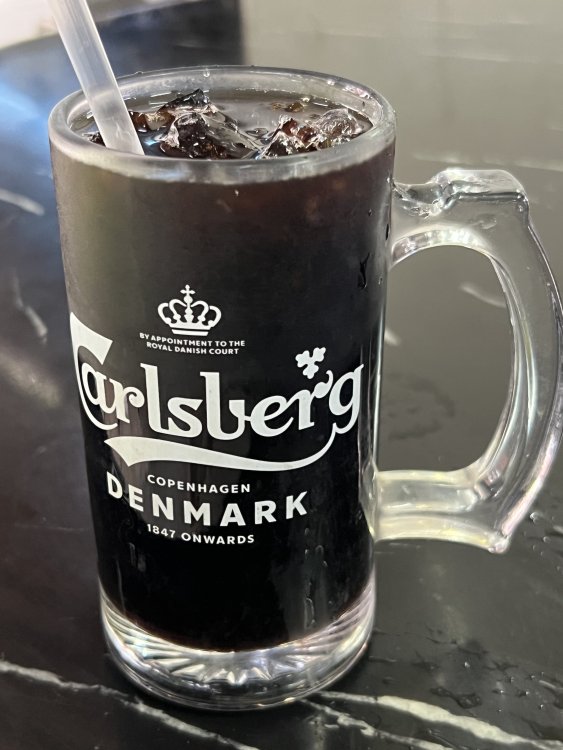
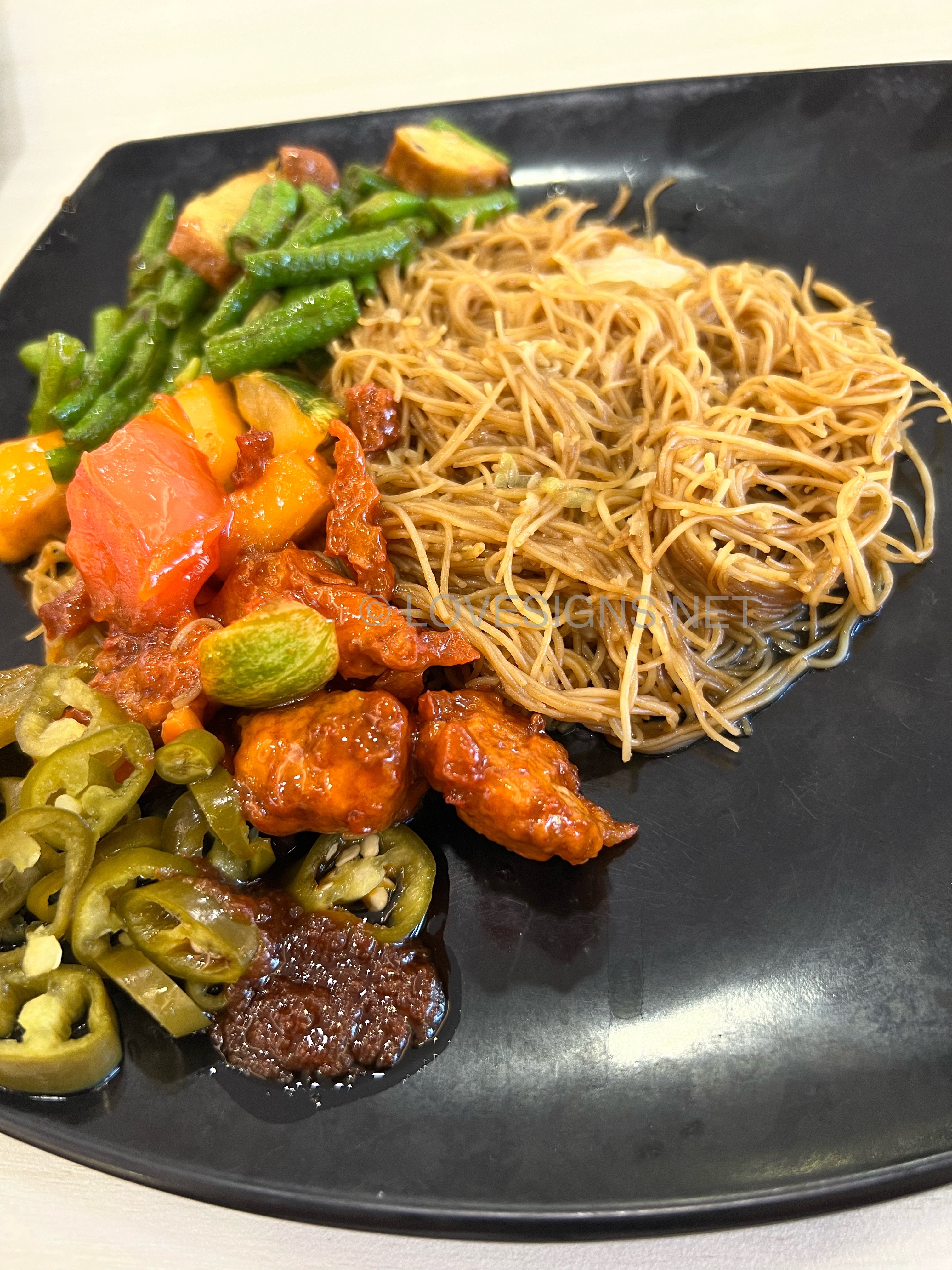
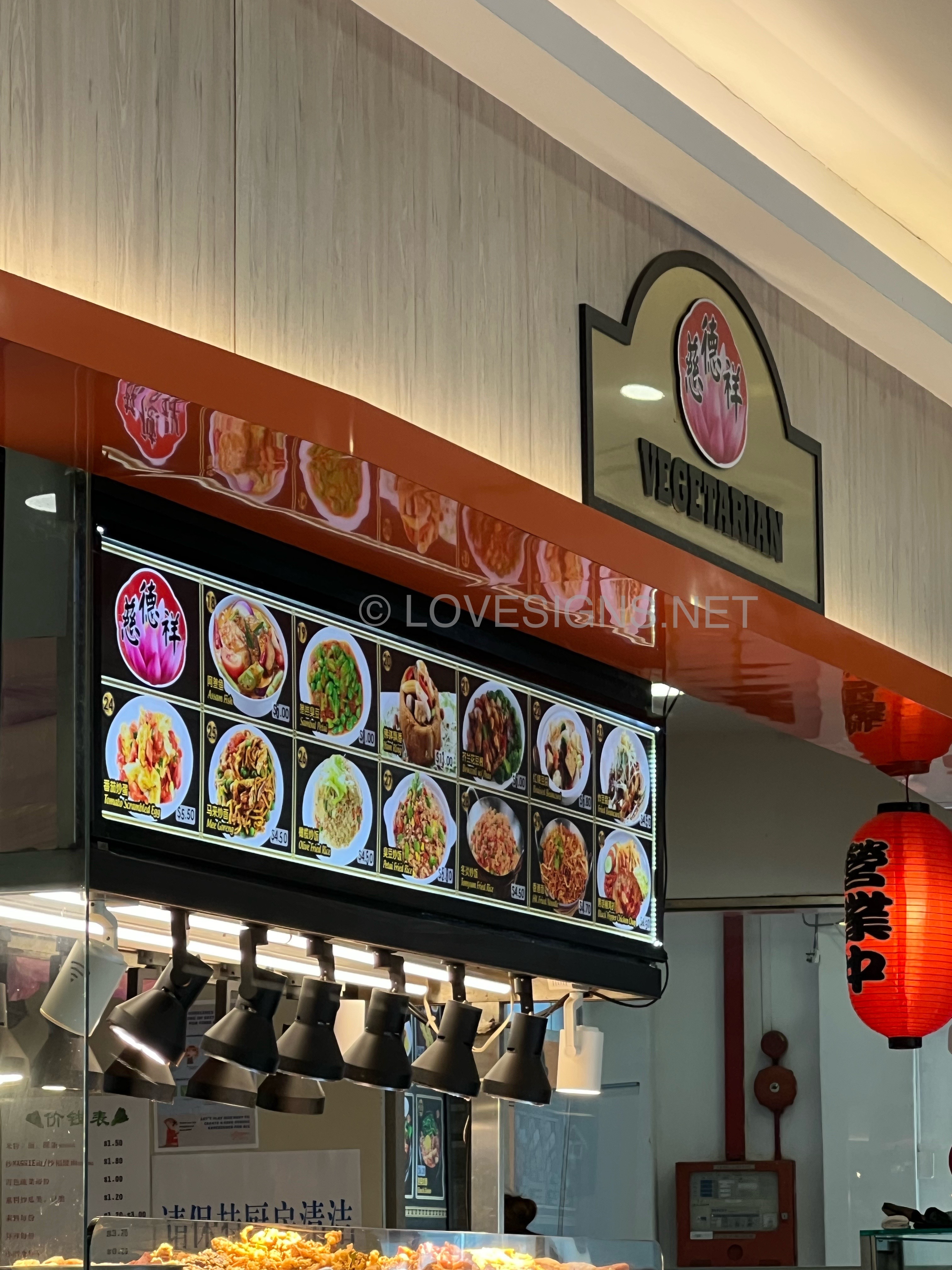
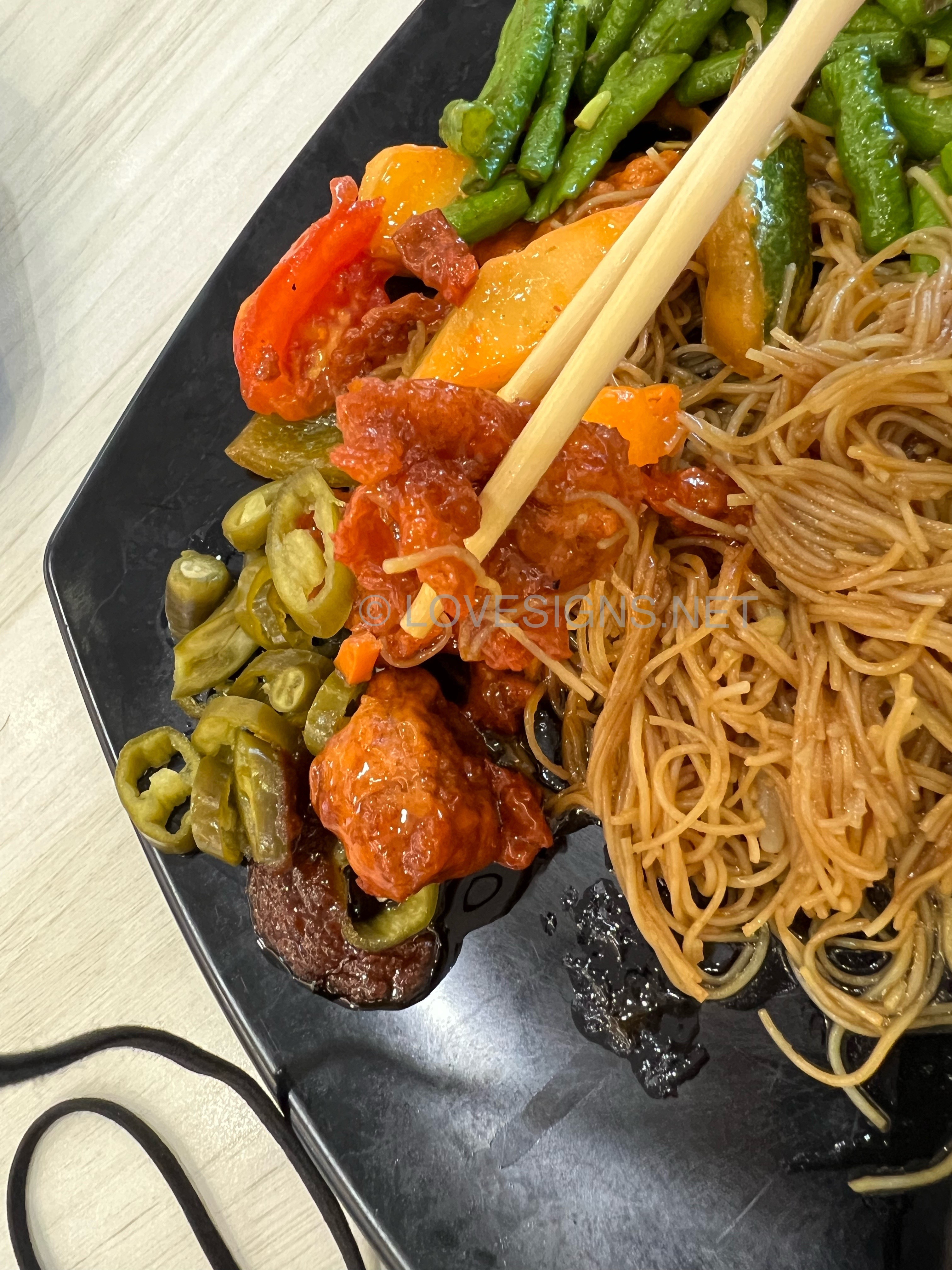
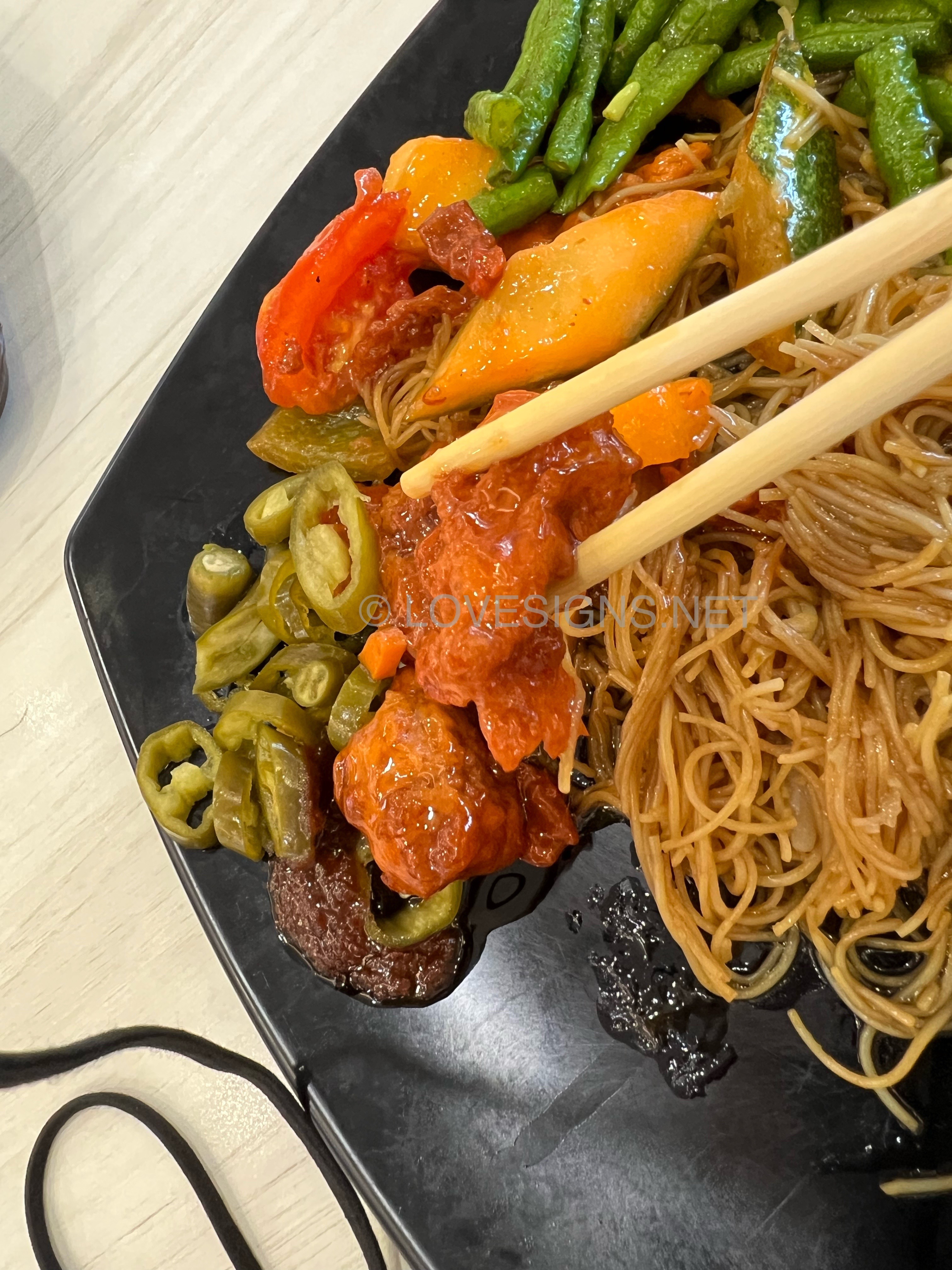
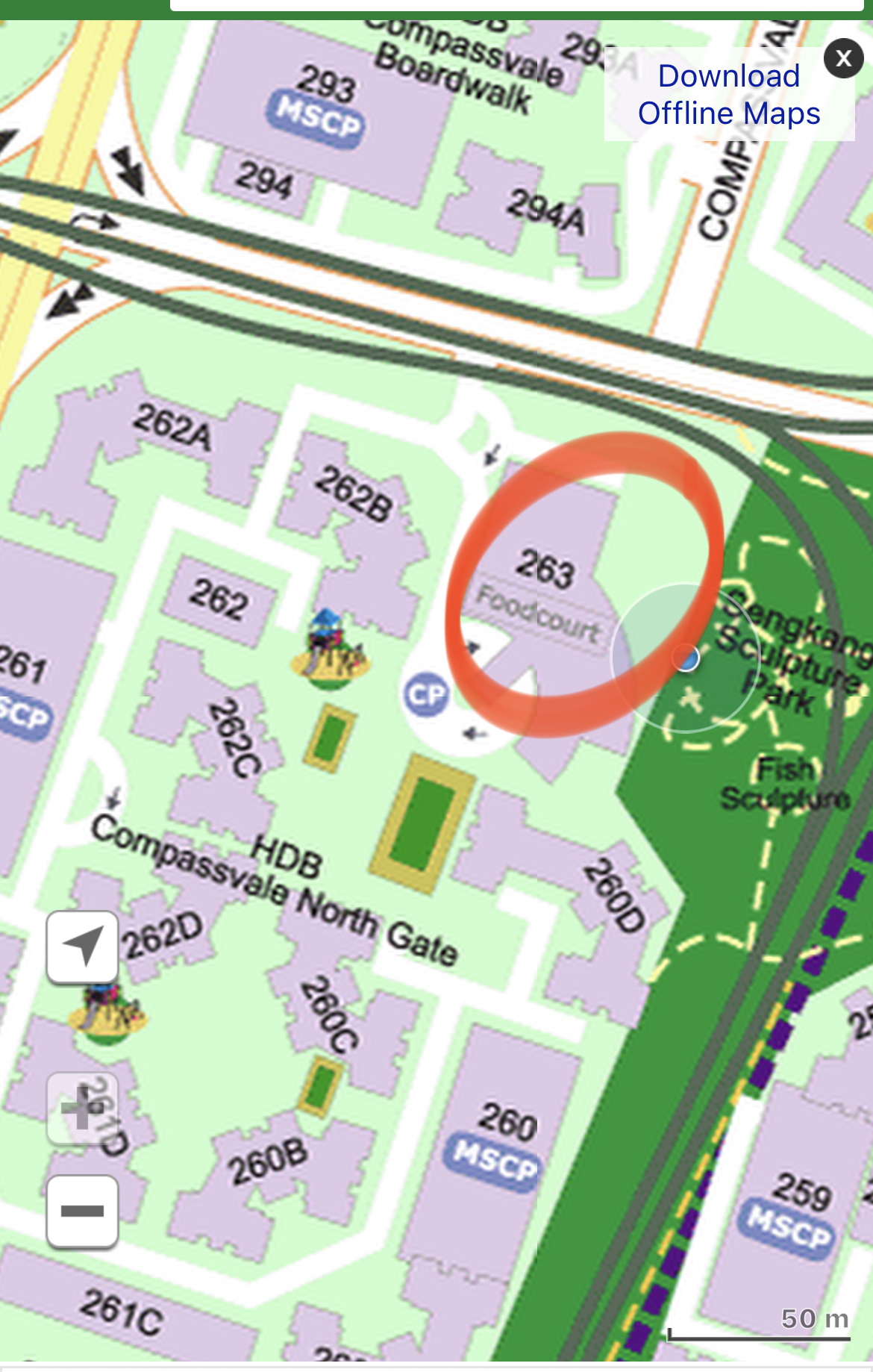
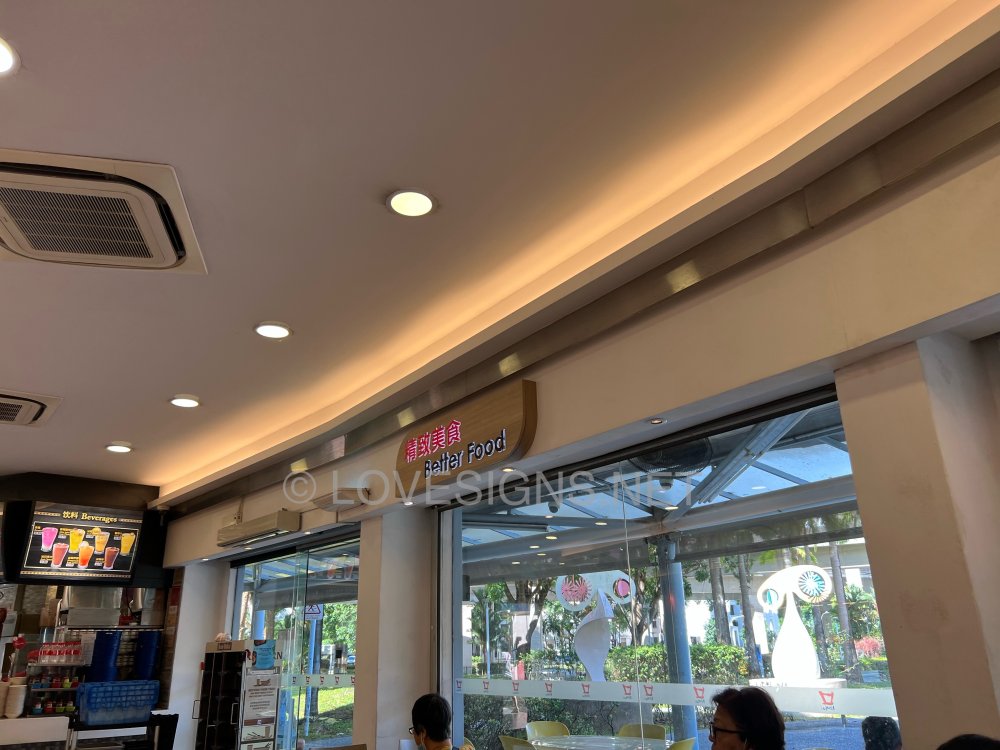
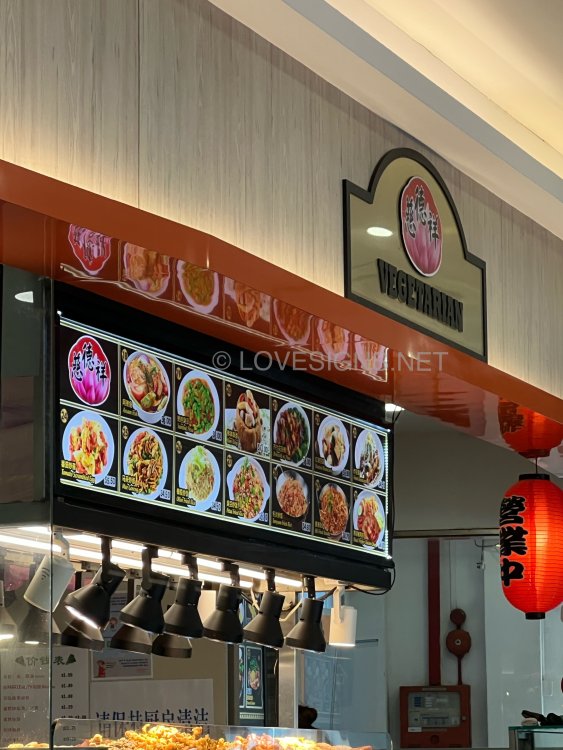
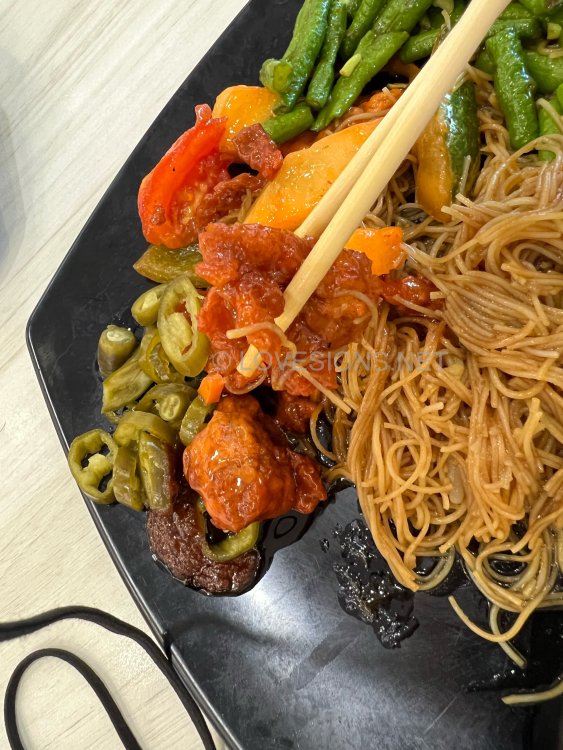
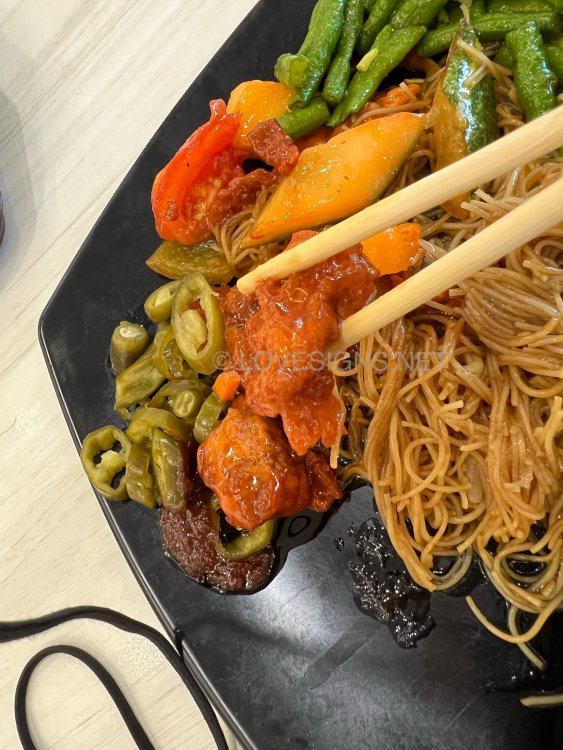
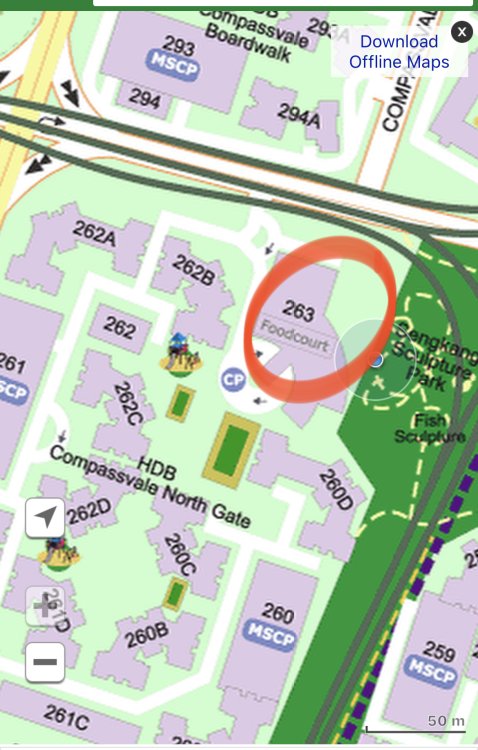
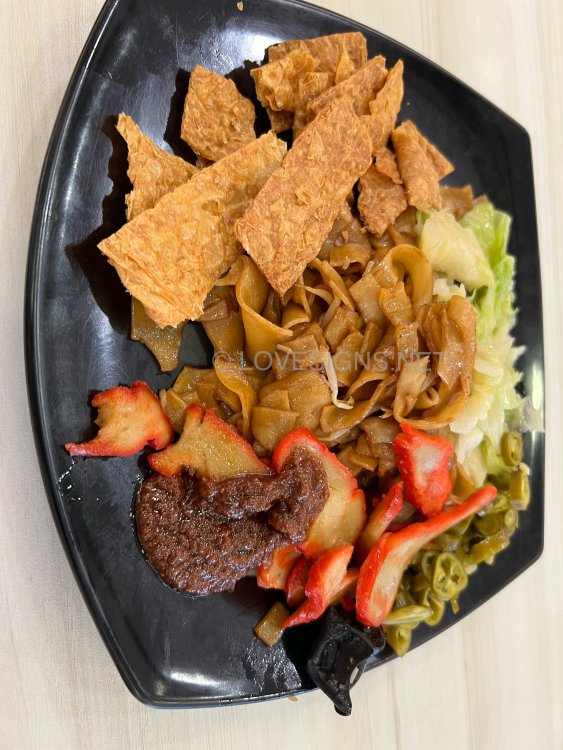
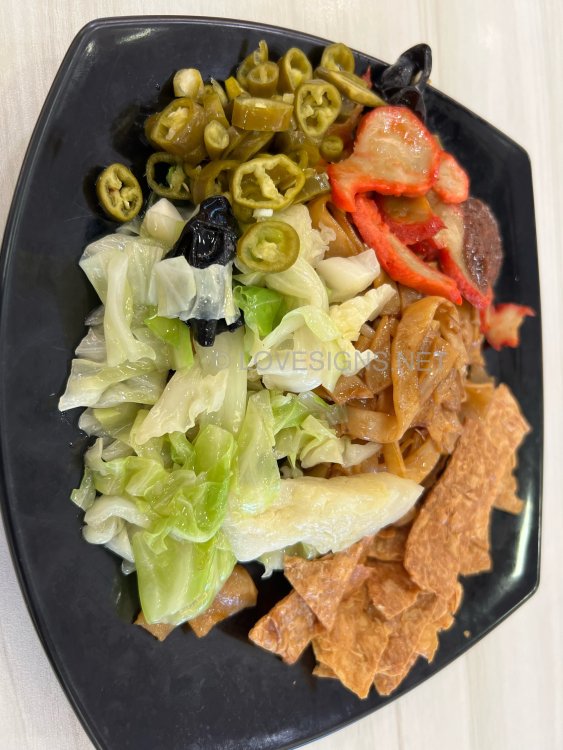
 Feng Shui is not one size fits all! 1. Firstly under SW, a home has to be matched to either SW1, 2 or 3? 2. Different periods different charts and different findings. 2.1. For example: when built? Or major renovations? Under which Period? 6, 7, 8 etc? 3. More… use of front door or frontage? ”No pain, no gain”. Else frankly, it will be half-past six Fung Sway, not Feng Shui LOL! Therefore, writing two (2) lines of text and, PRESTO! You have your answer is a fallacy. LOLKoufu - Vegetarian at Blk 263 Compassvale $3.90. Average. However, for a change, mock sweet and sour pork. Only this item is nice. Came a week later on a Sunday morning… $4.80.. Seems like the mock Char Siew is dry. More likely selling over night left overs as can see the colour of the flour yellowish and hardened… Remind self… not to eat here again. P.S. To be fair, there were few occasions that I had such encounters from other stalls before.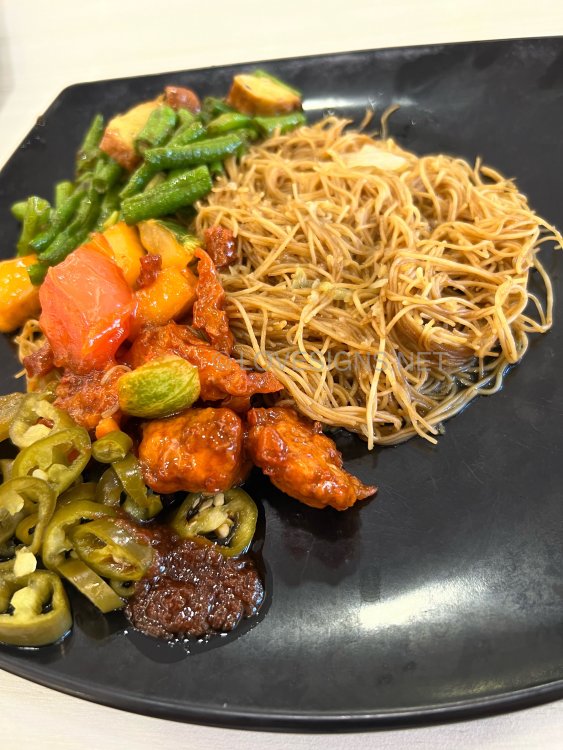
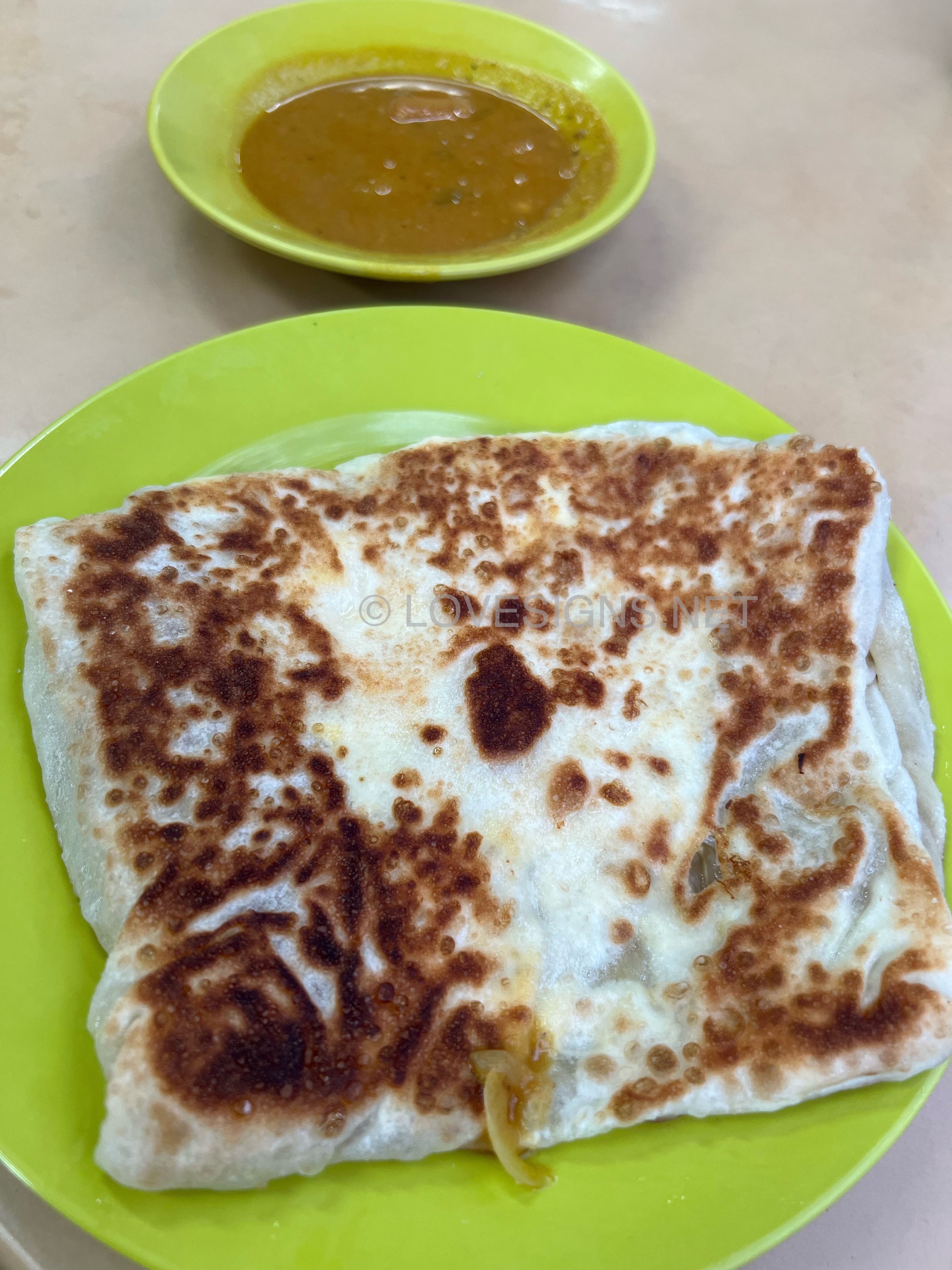
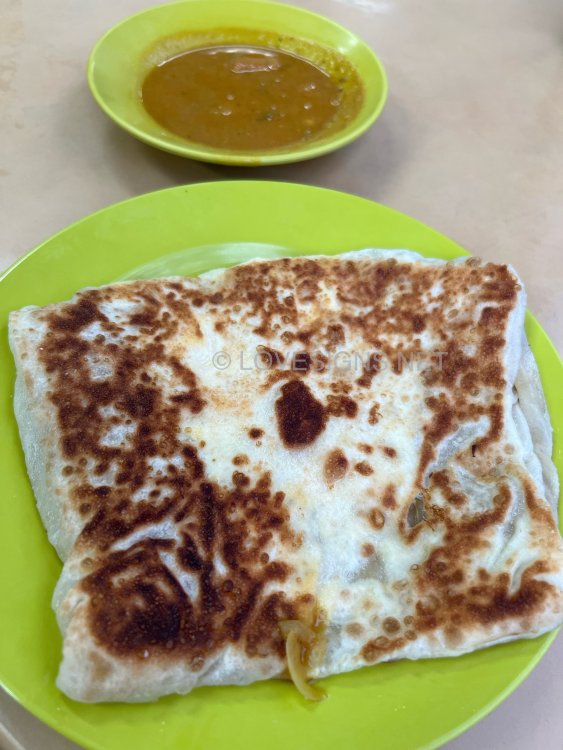
 Prata with egg and onions. Fairly good Prata. Not salty. Great for breakfast. Around $2/-.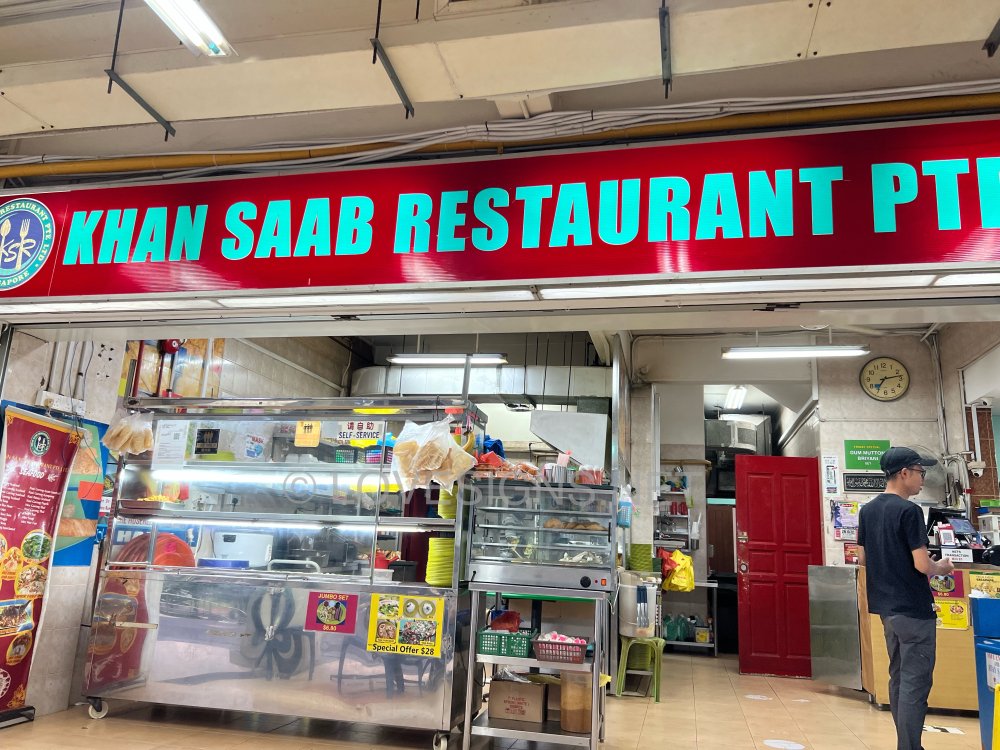
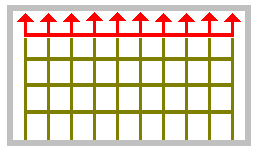
 A case of Self-inflicted Sha Qi? In the past especially around the 1980's these arrow-head grille designs can be seen on some window grille gates and especially the main gate grilles. In some of the two level HDB mansionettes, these arrow heads can be found at the balcony with the arrow pointed outwards....LOL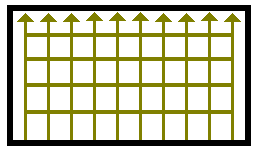
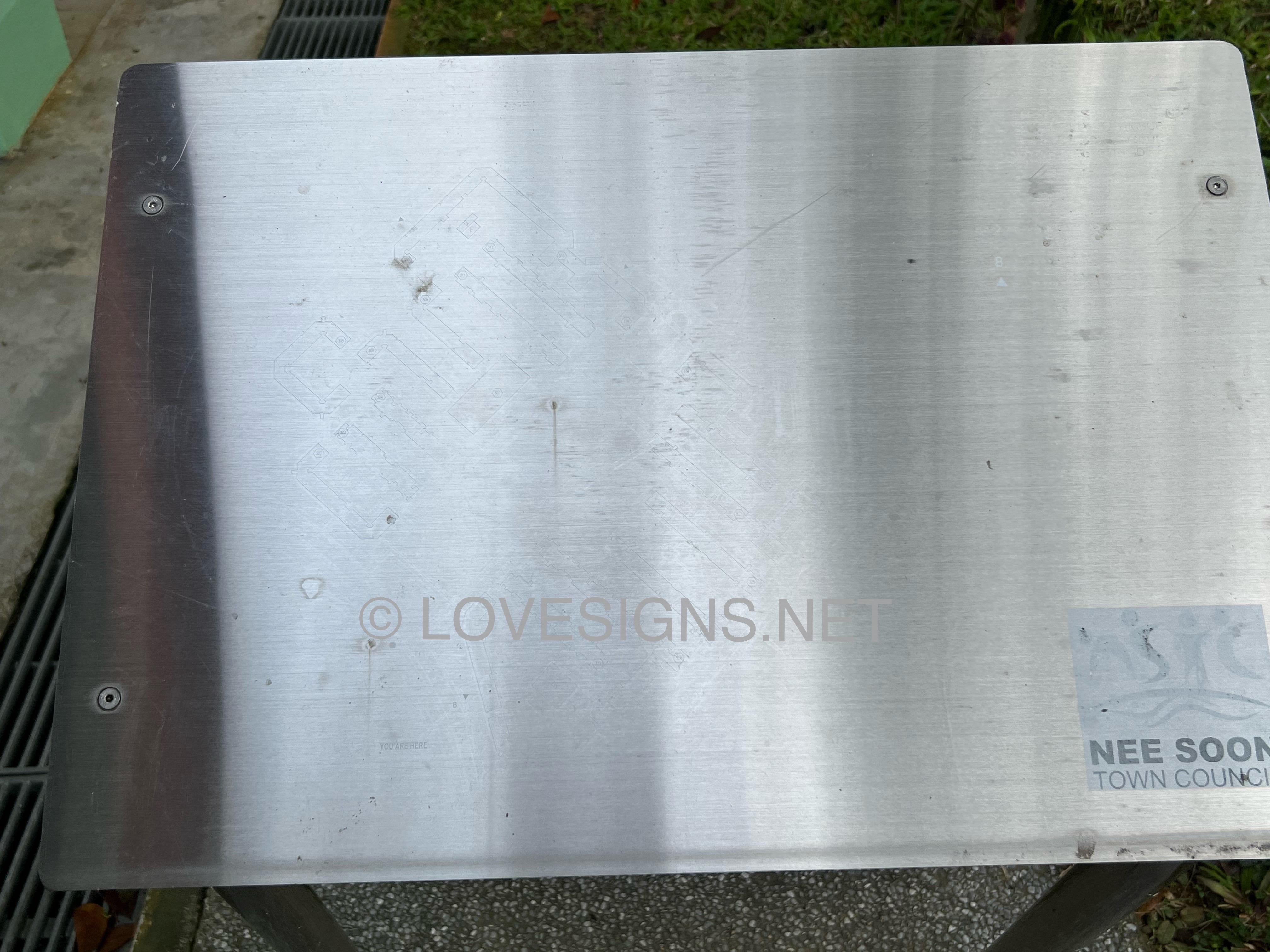
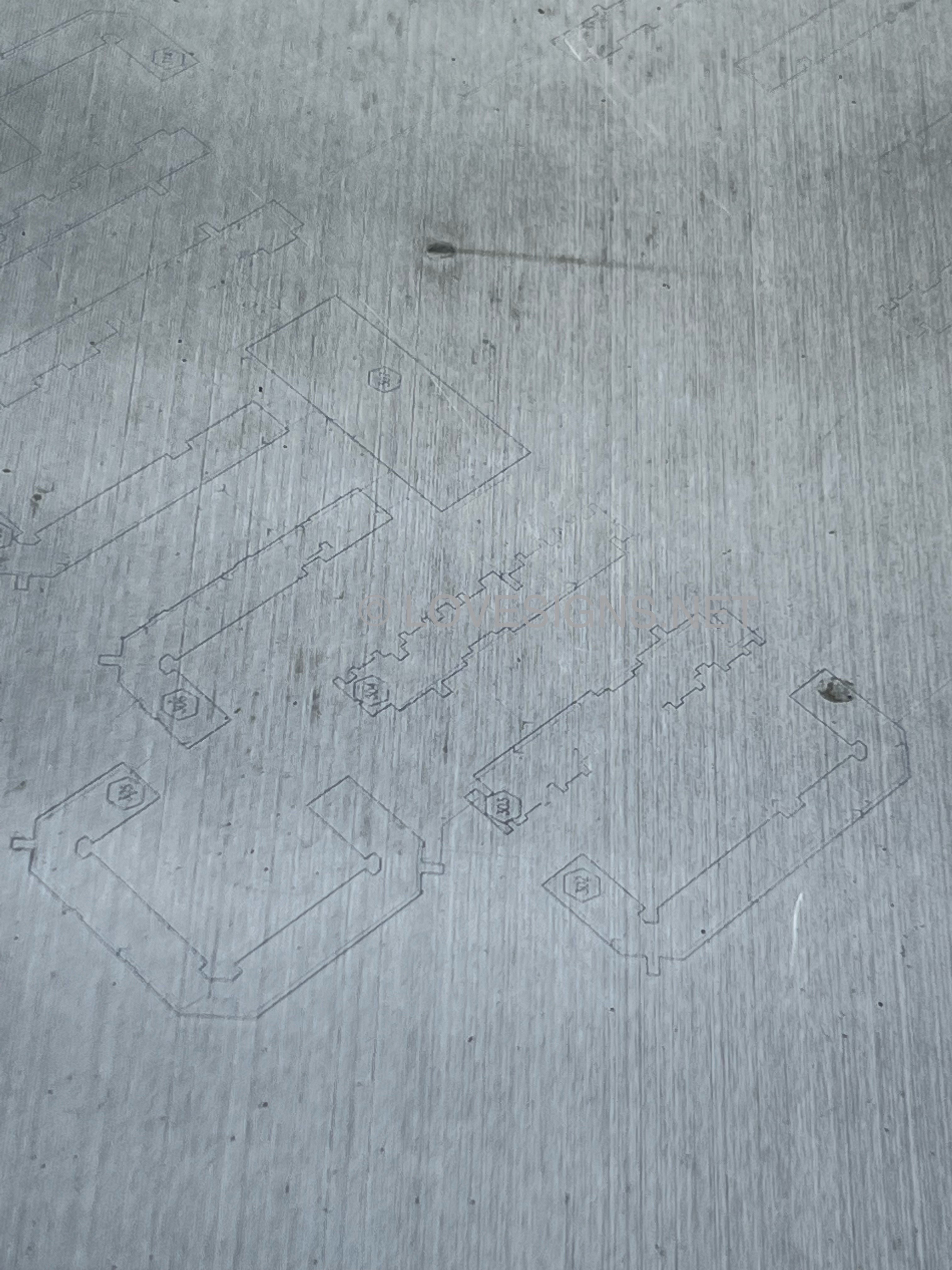
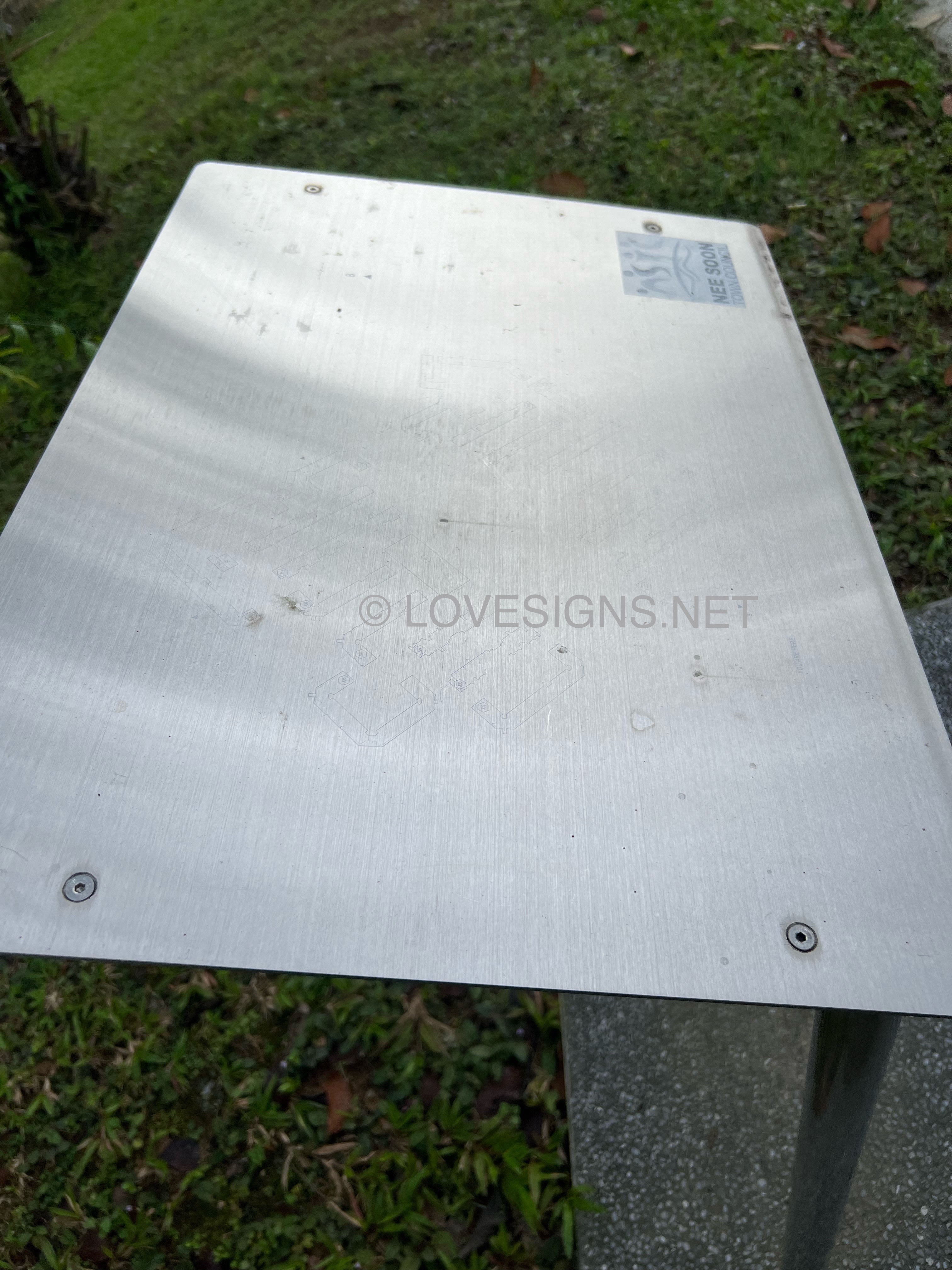
 Warning, no camera tricks! On the contrary, only the iPhone could have picked up faint traces of the outline … Site plan faded beyond words…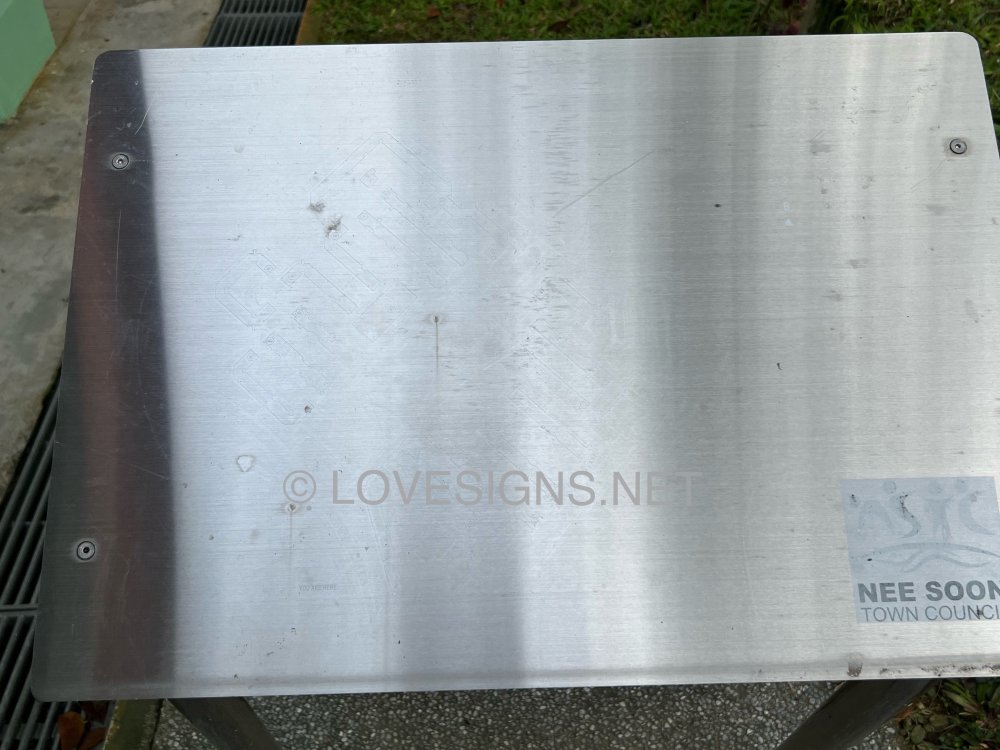
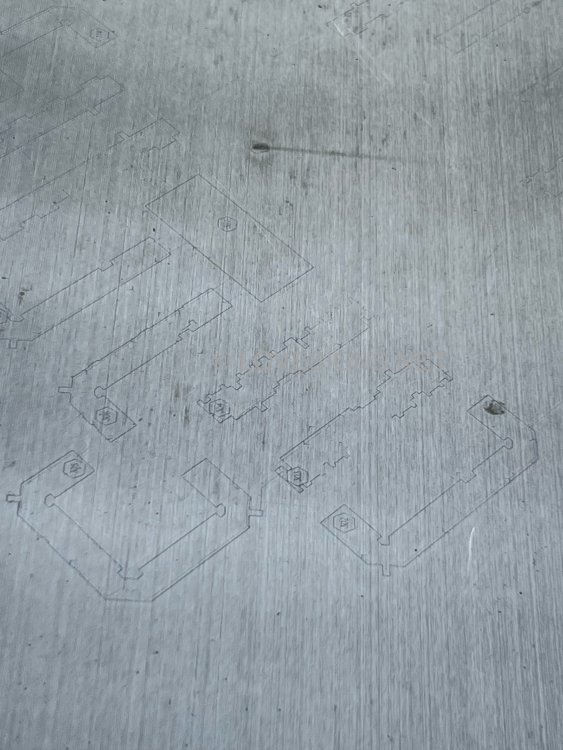
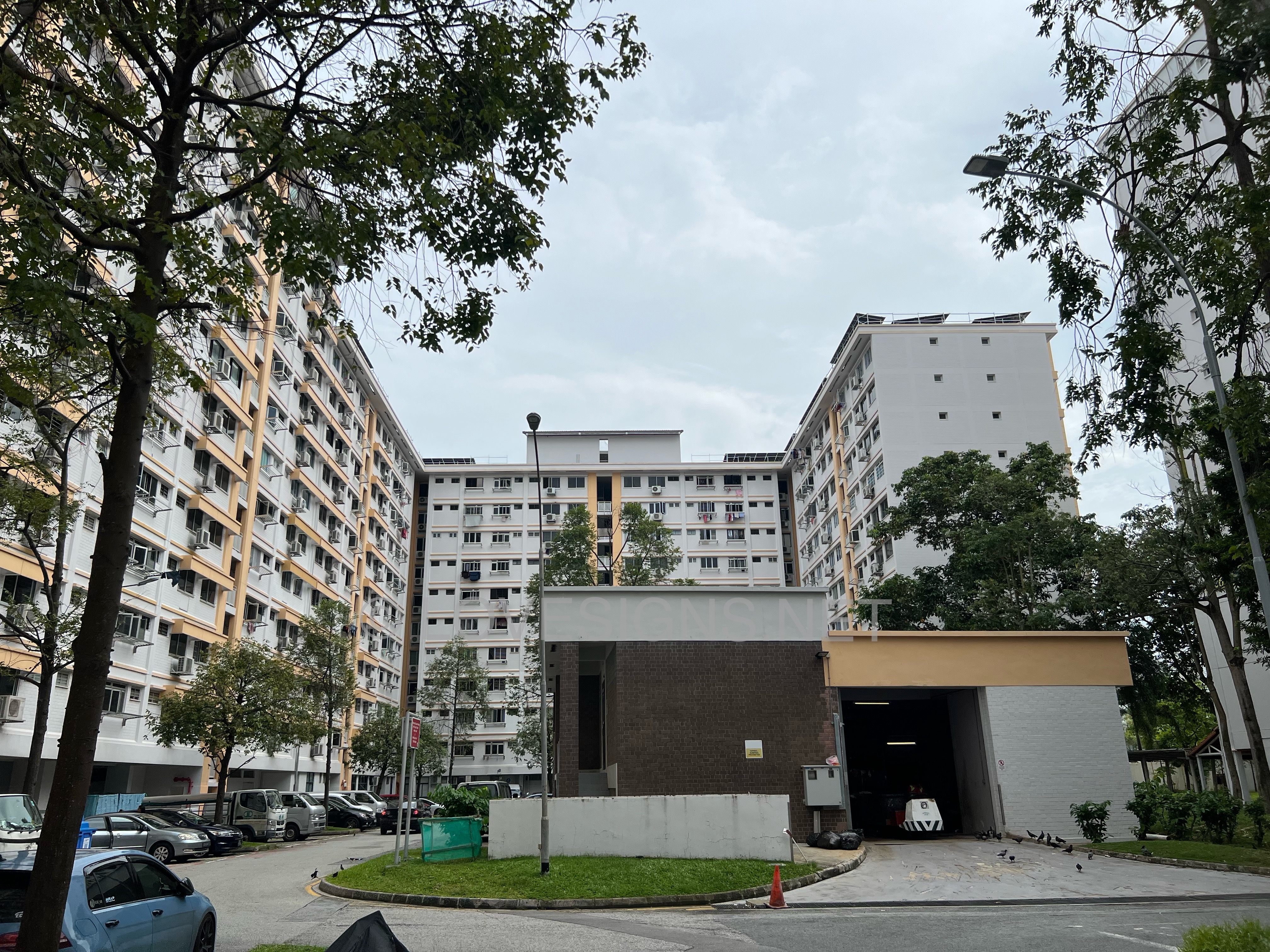
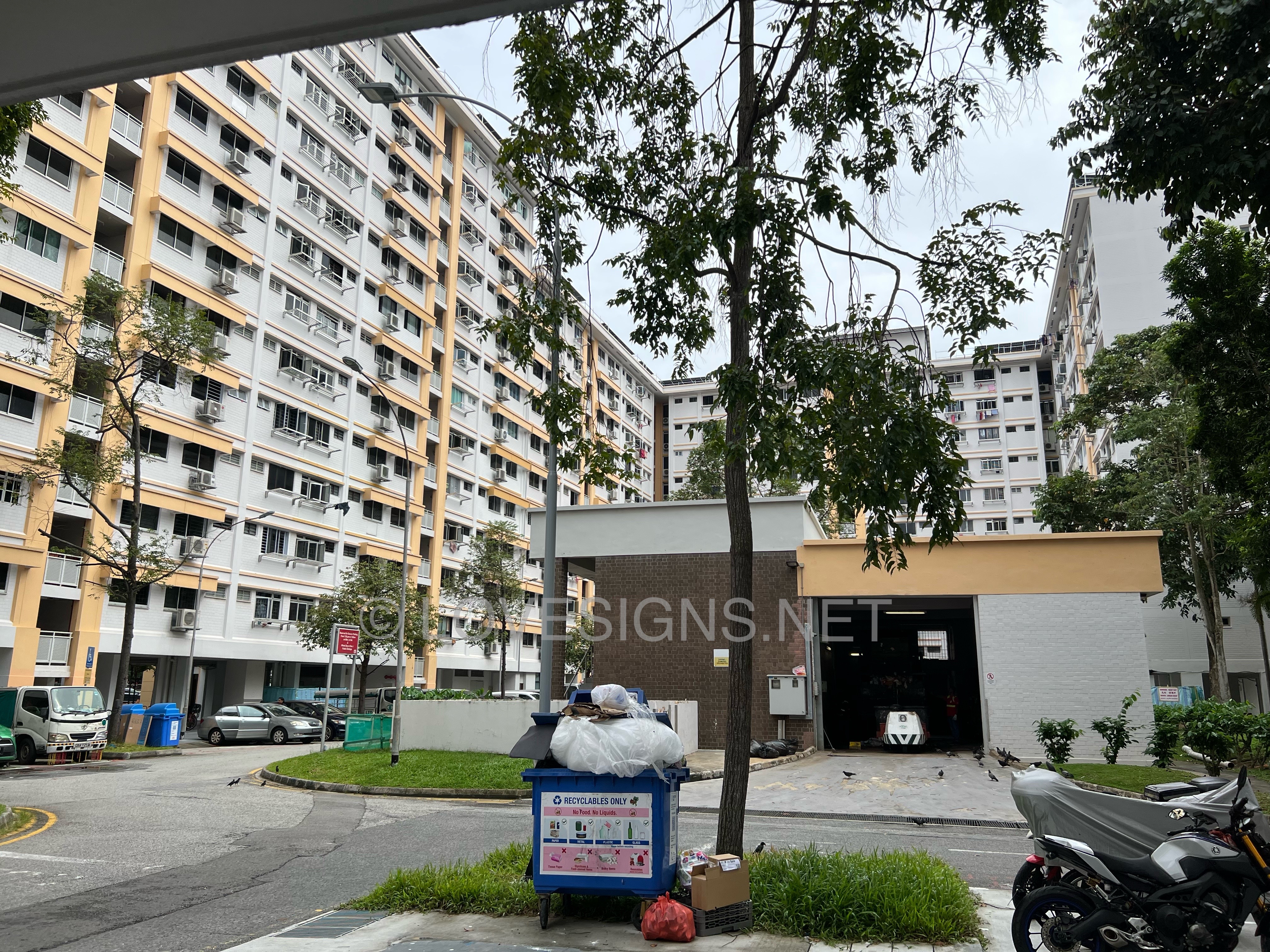
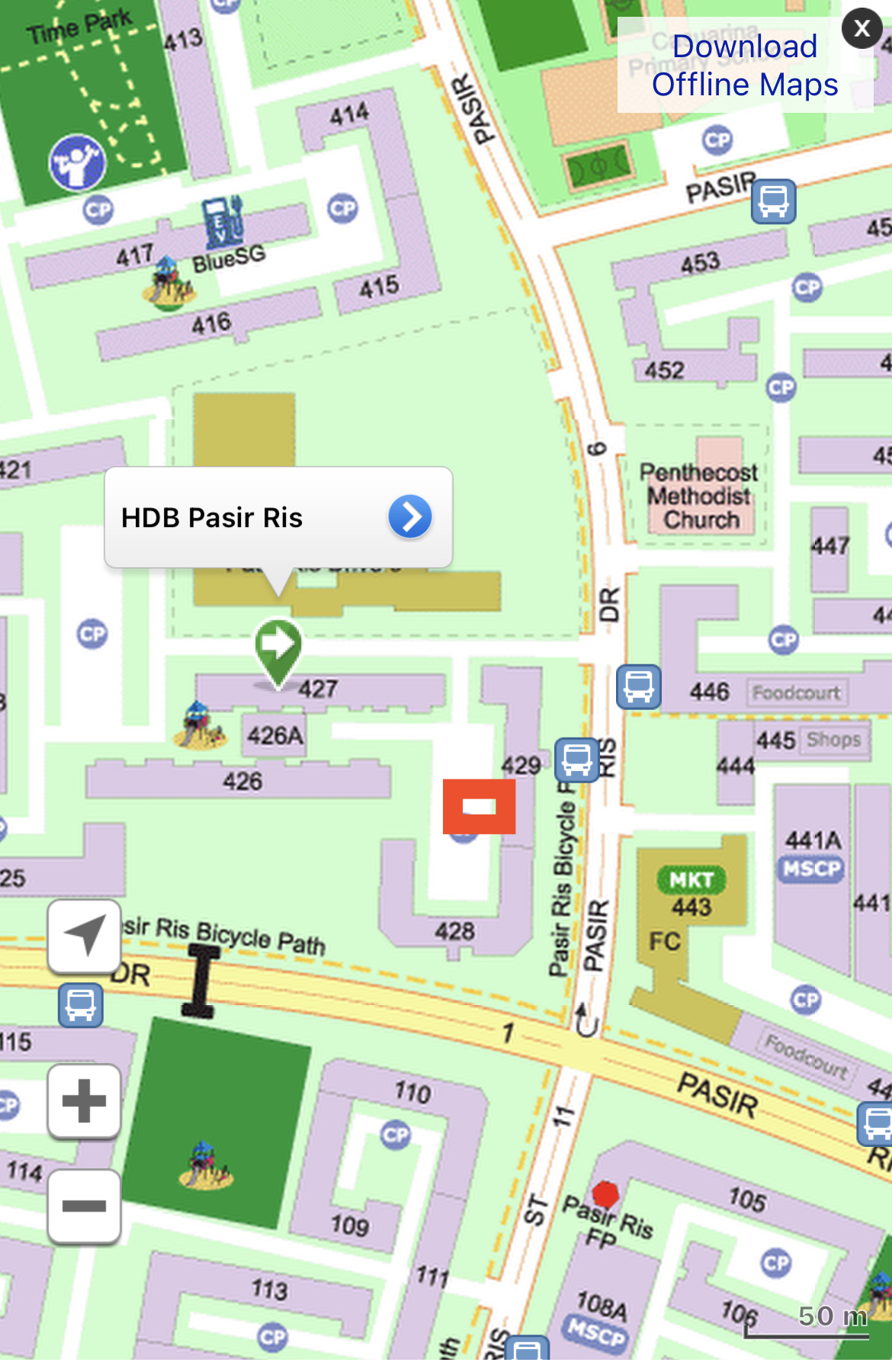
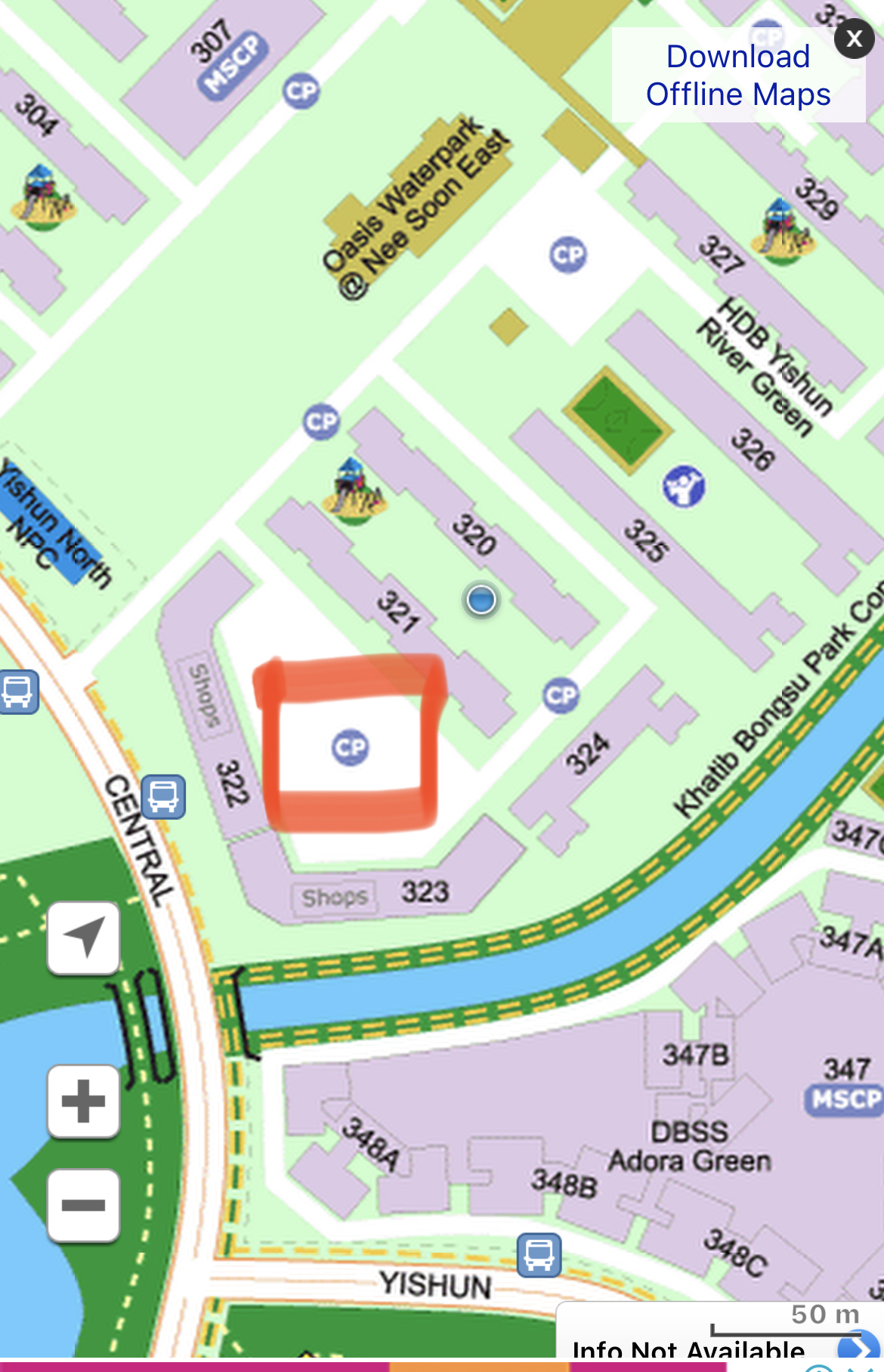
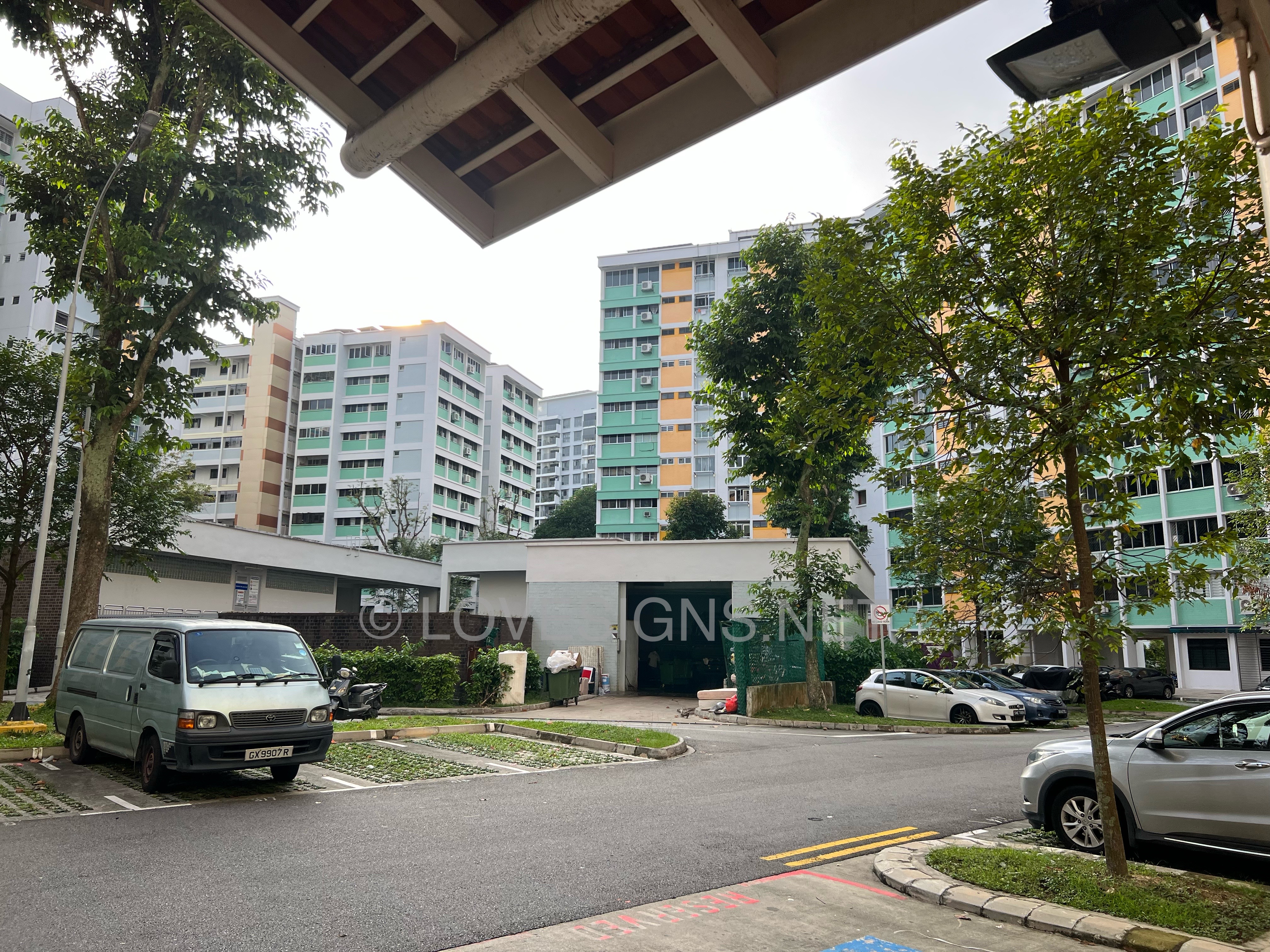
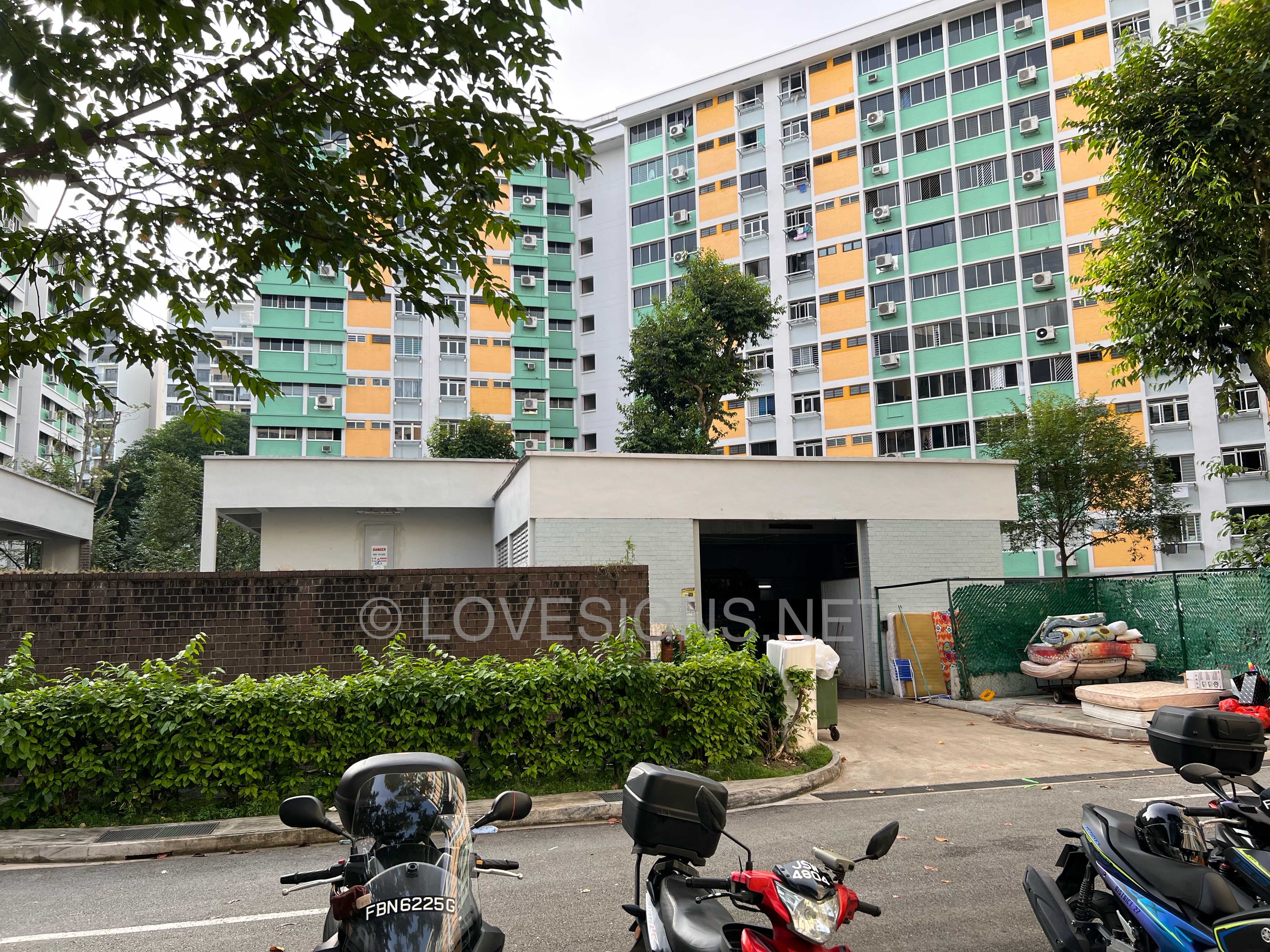
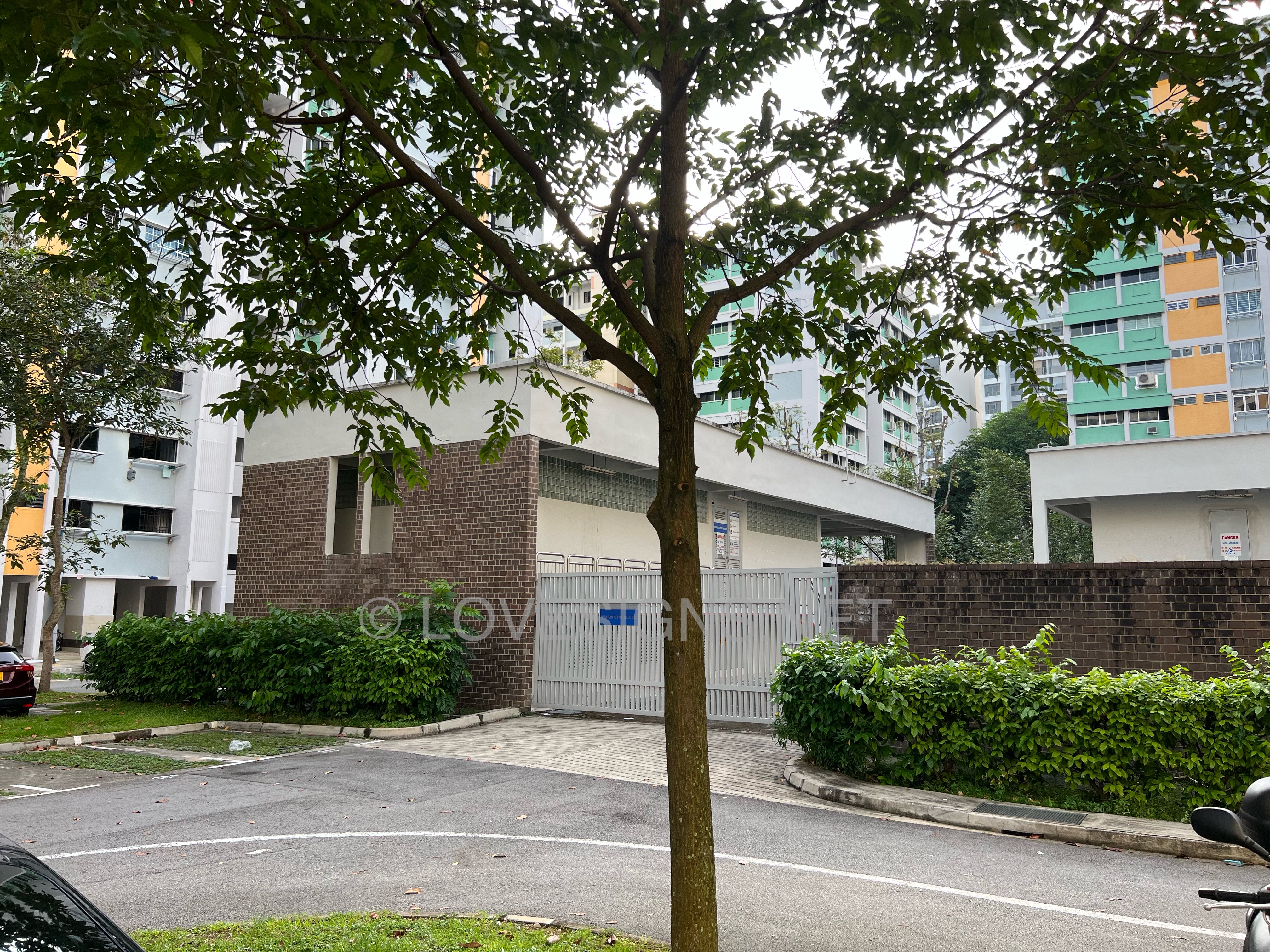
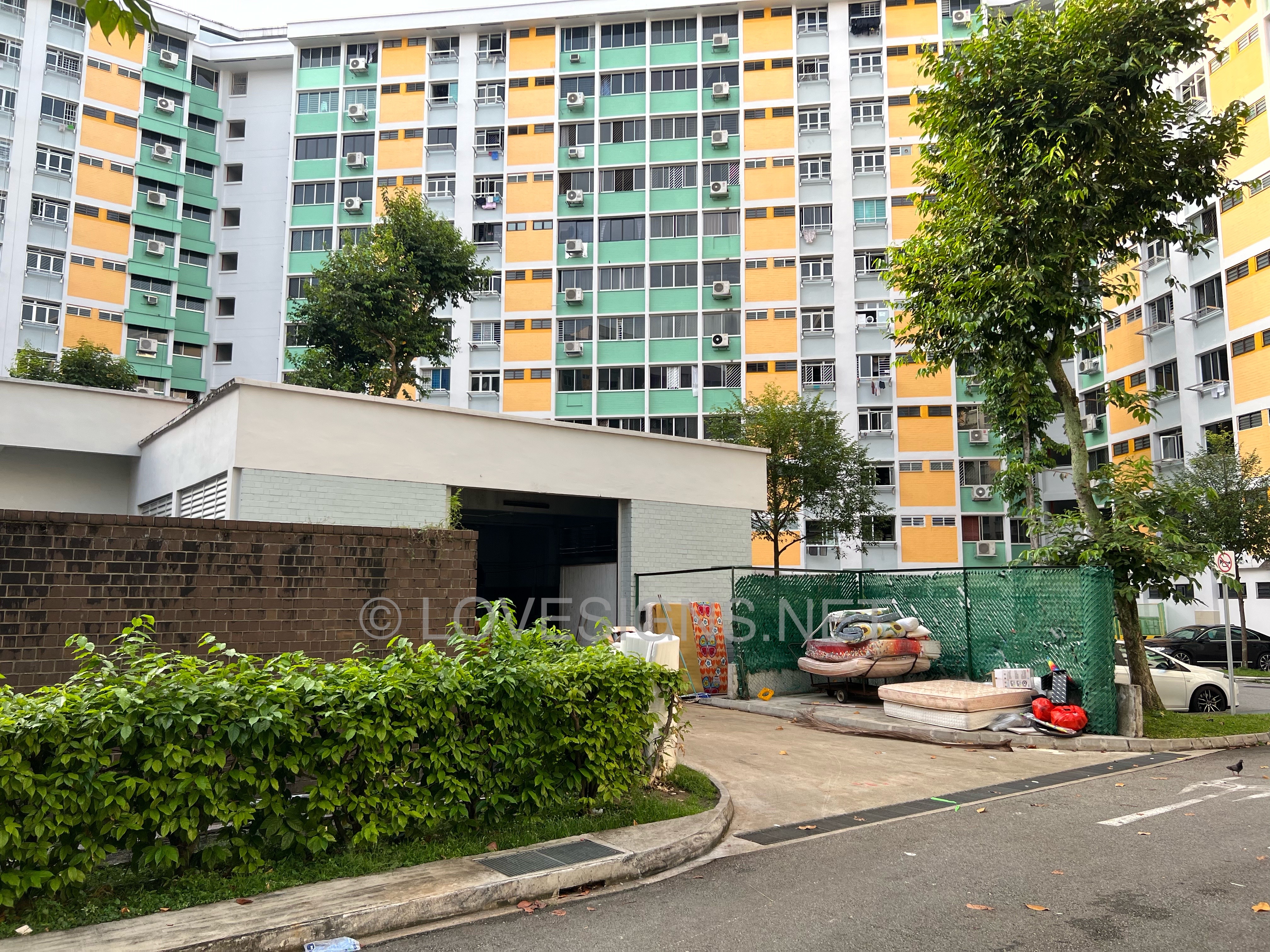
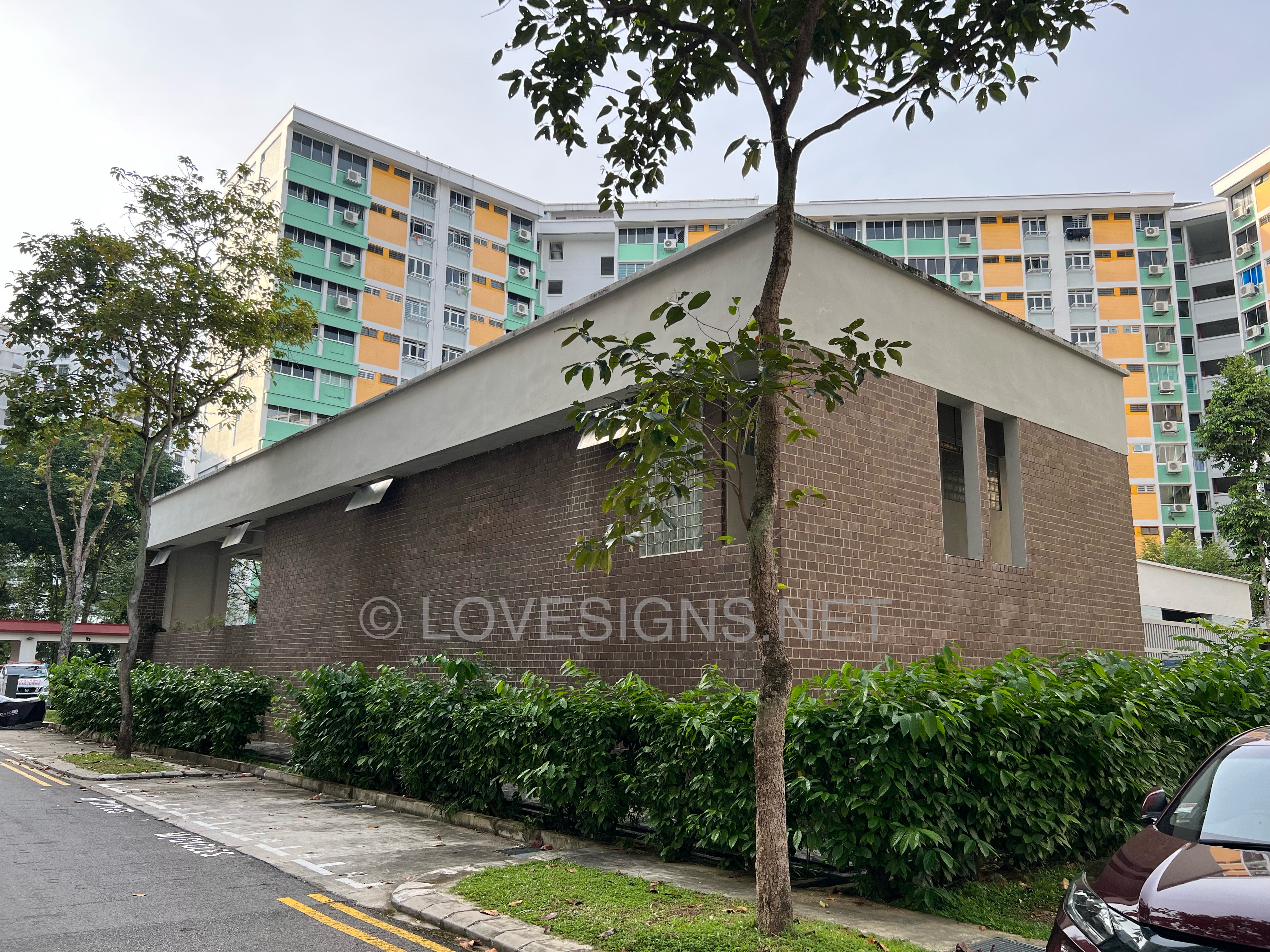
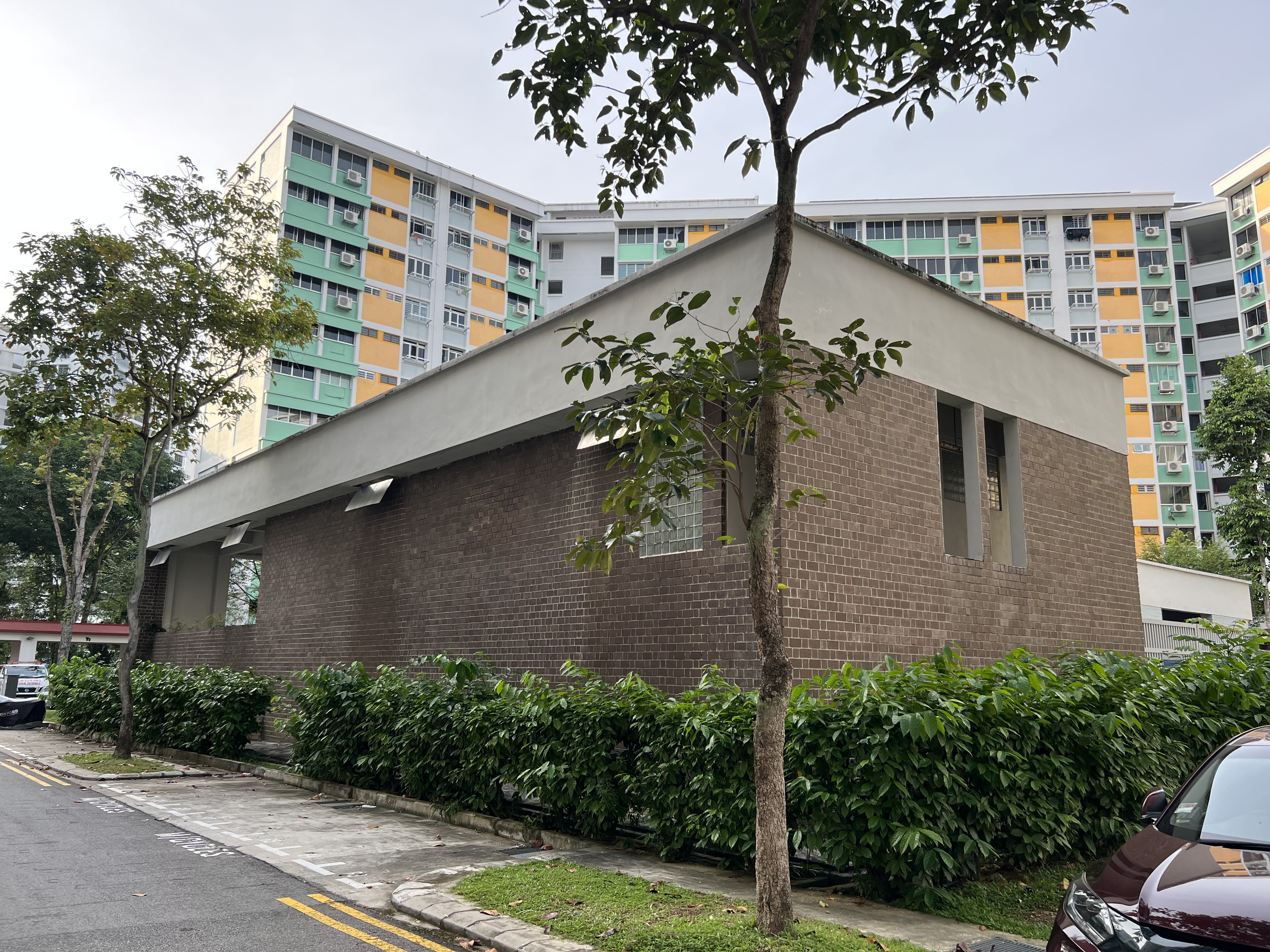
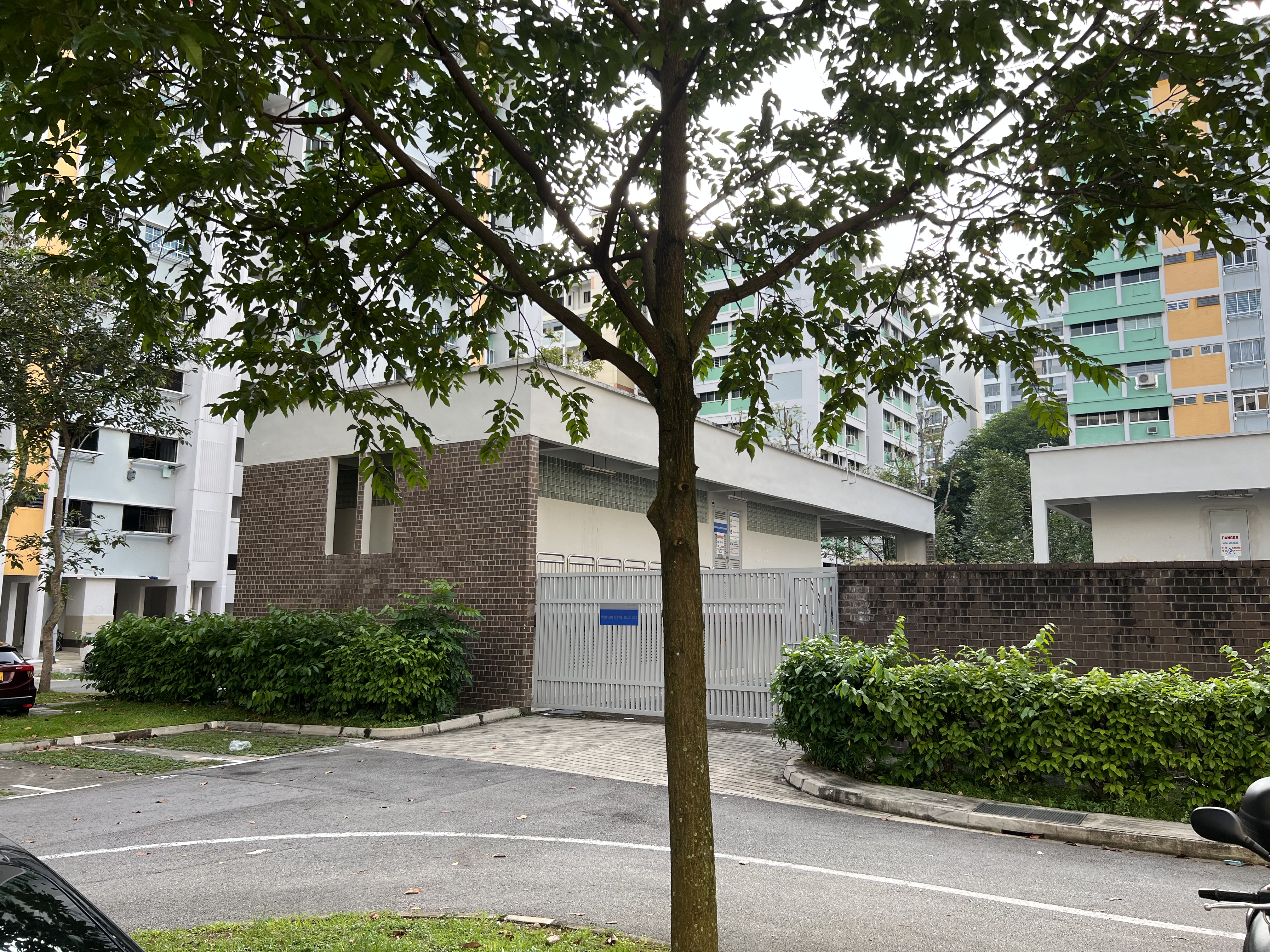
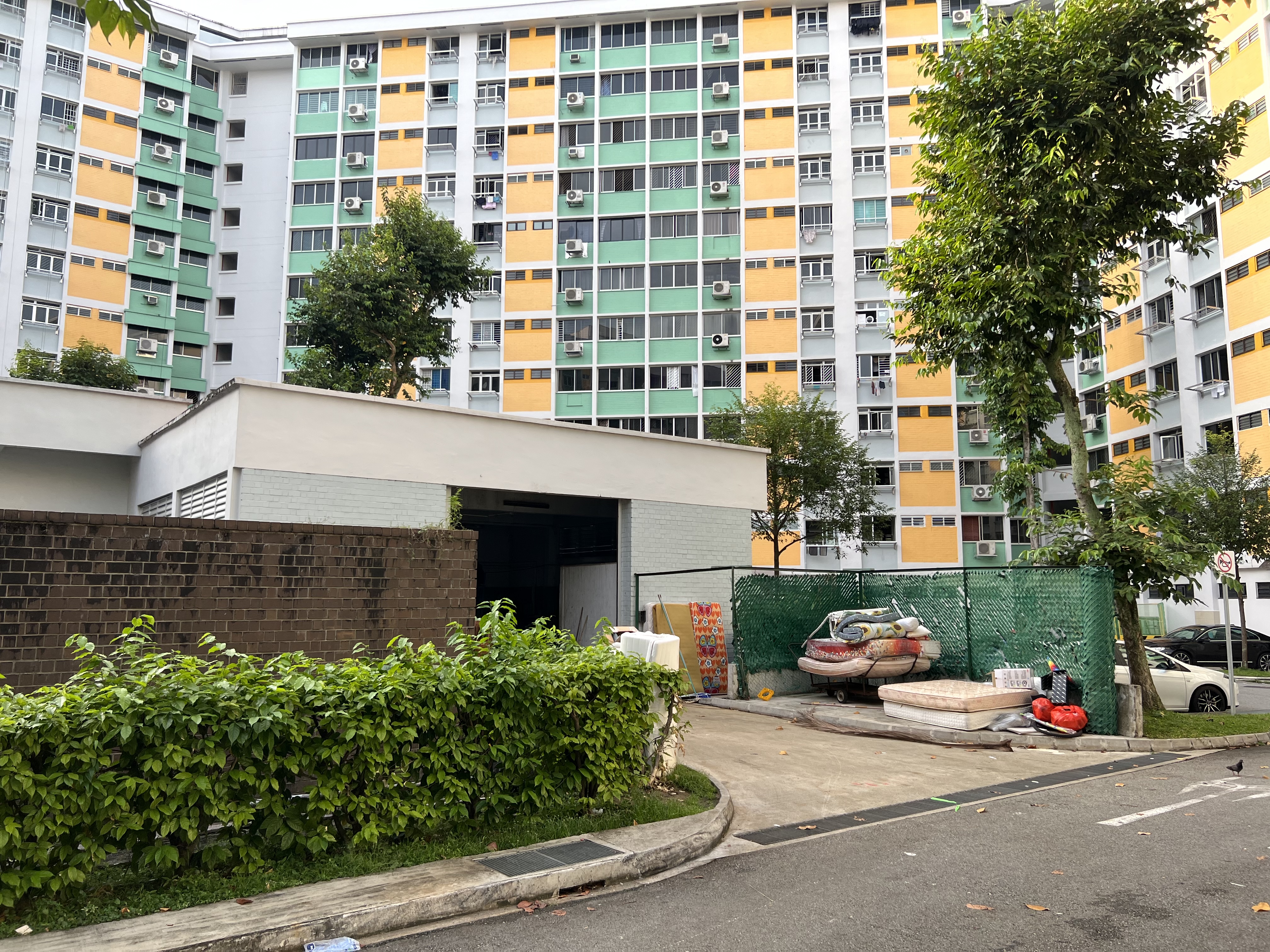
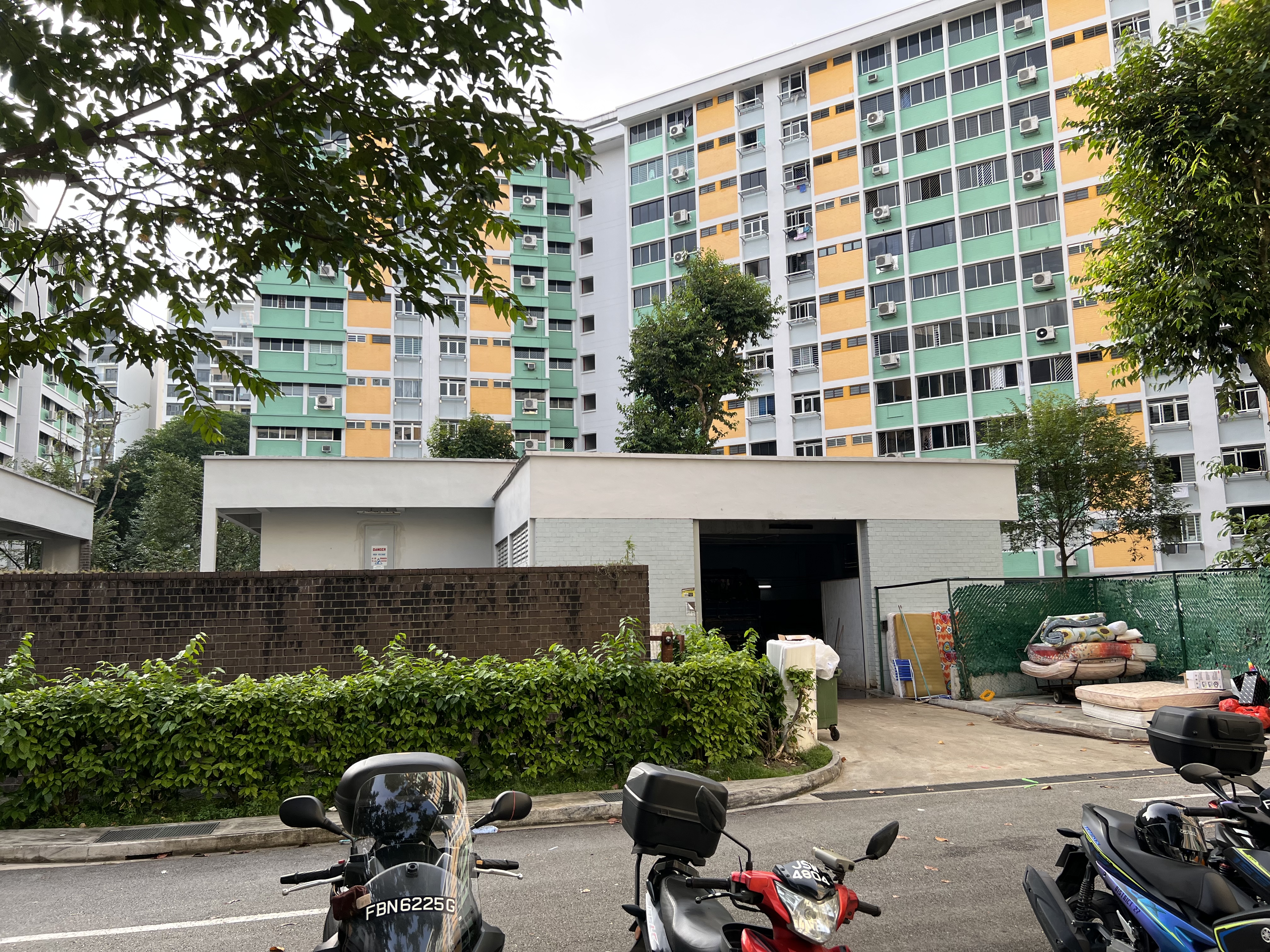
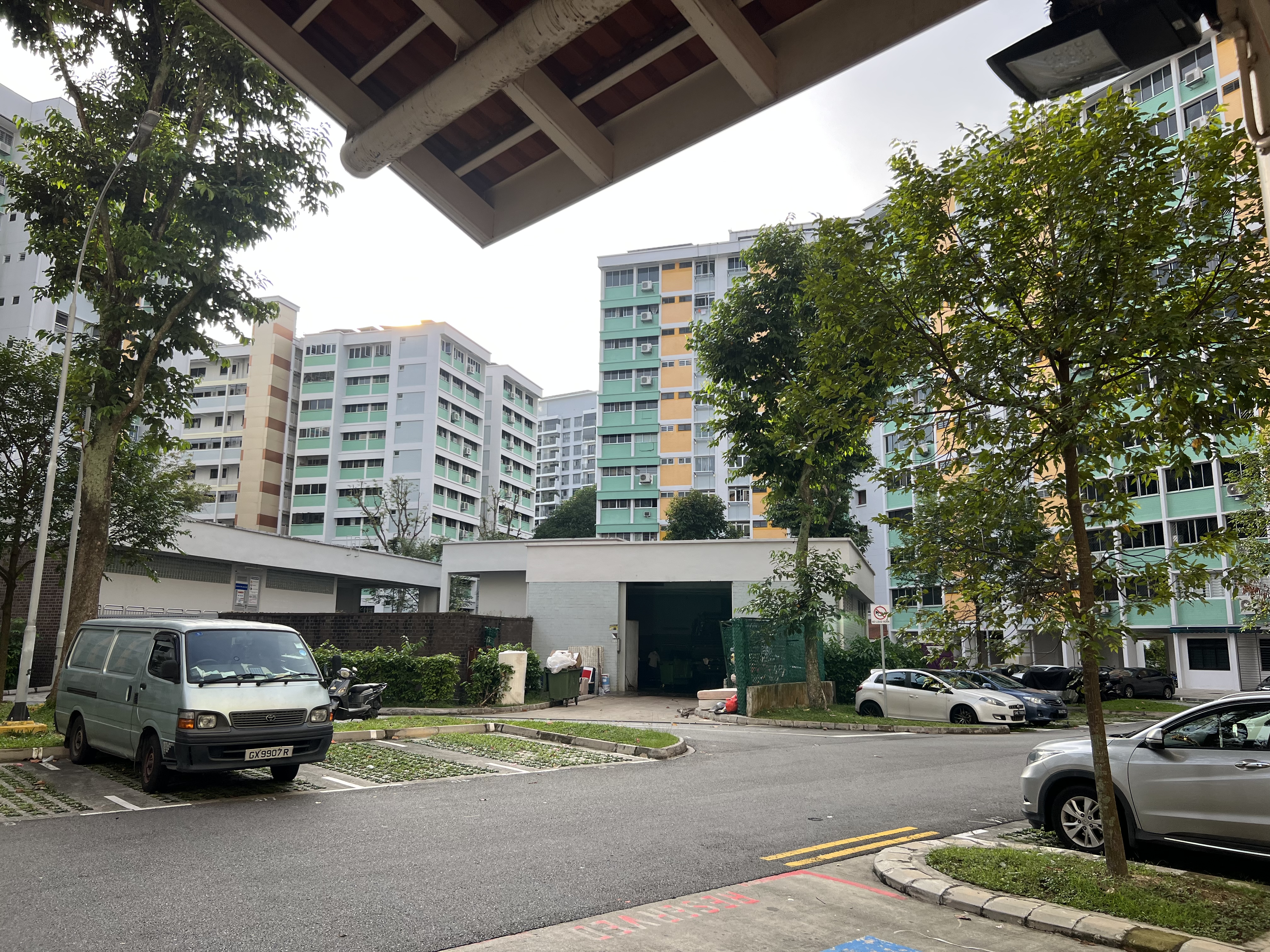
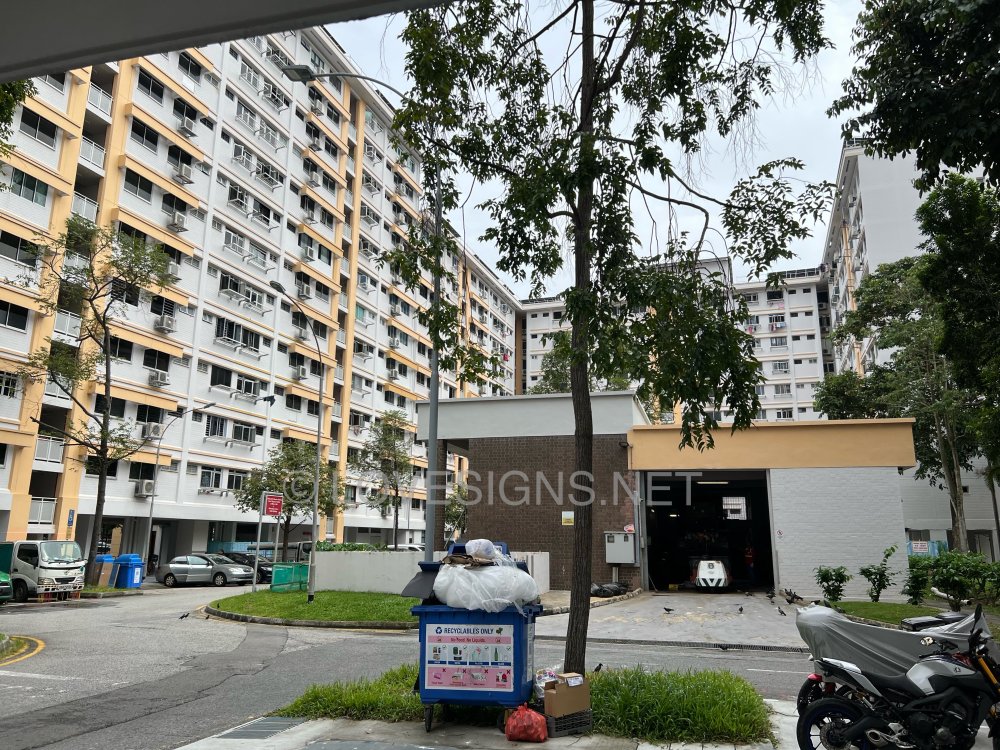
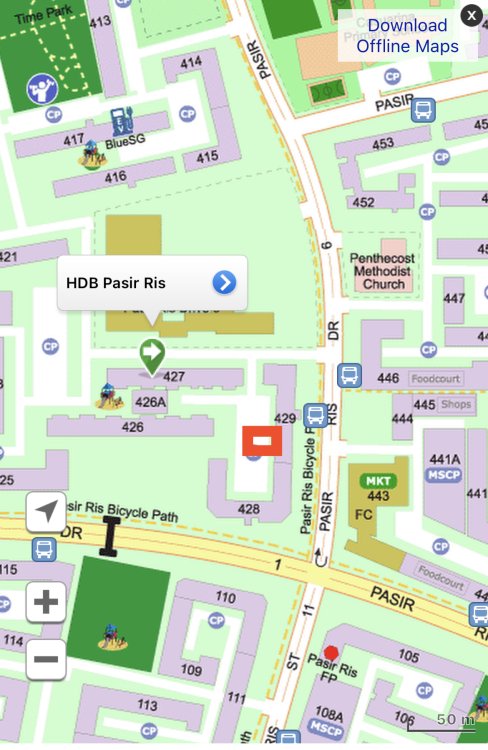
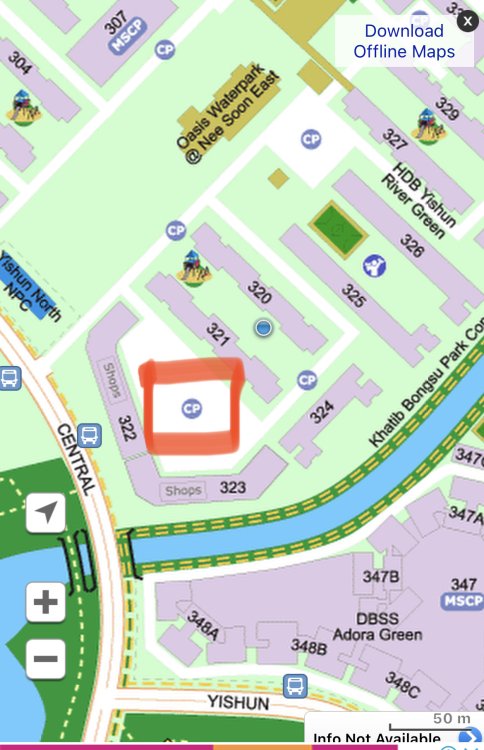
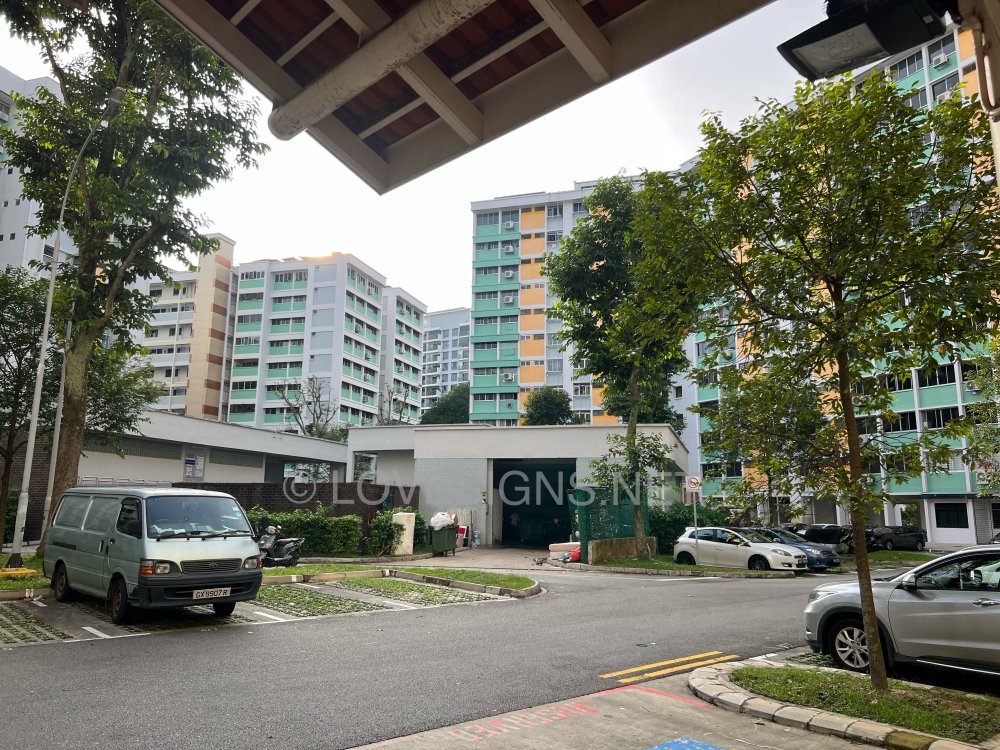
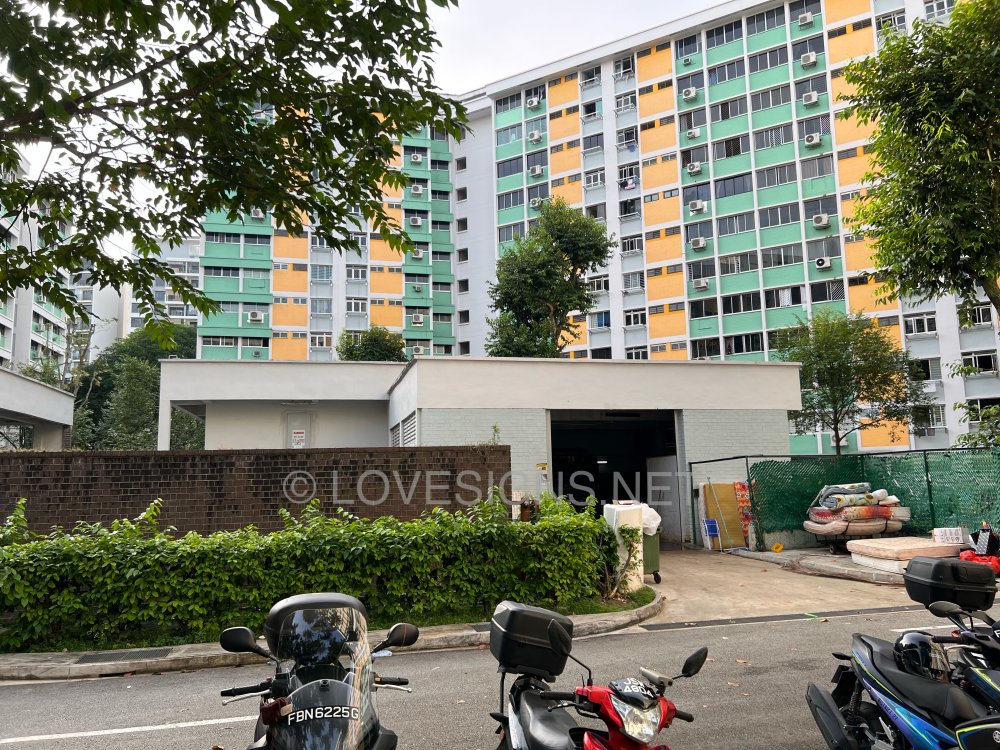
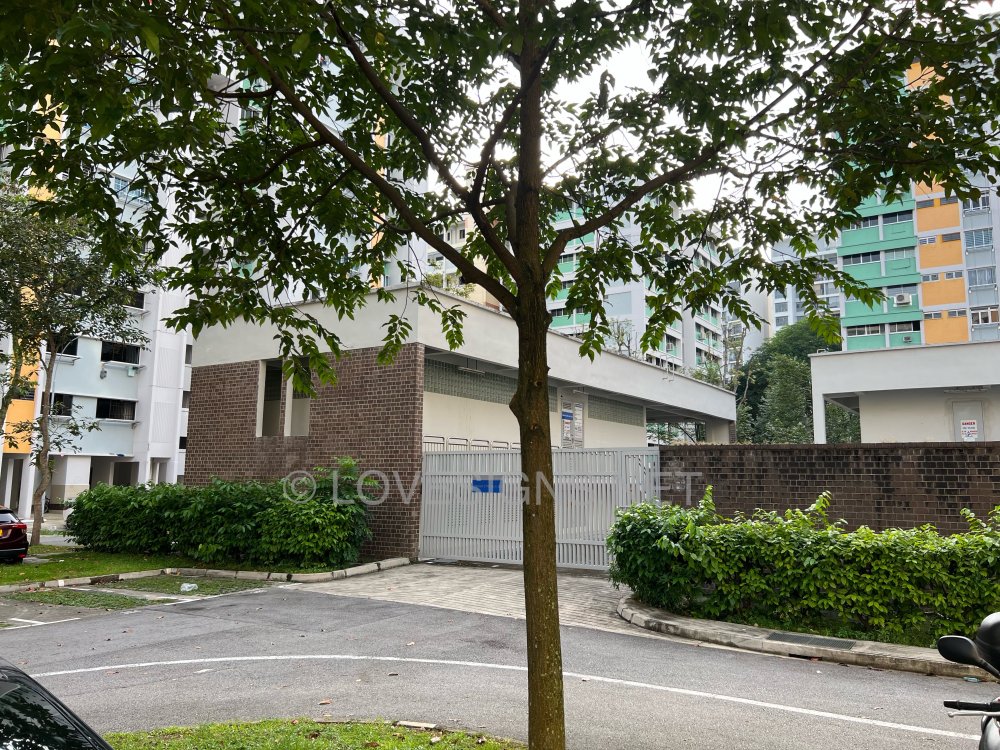
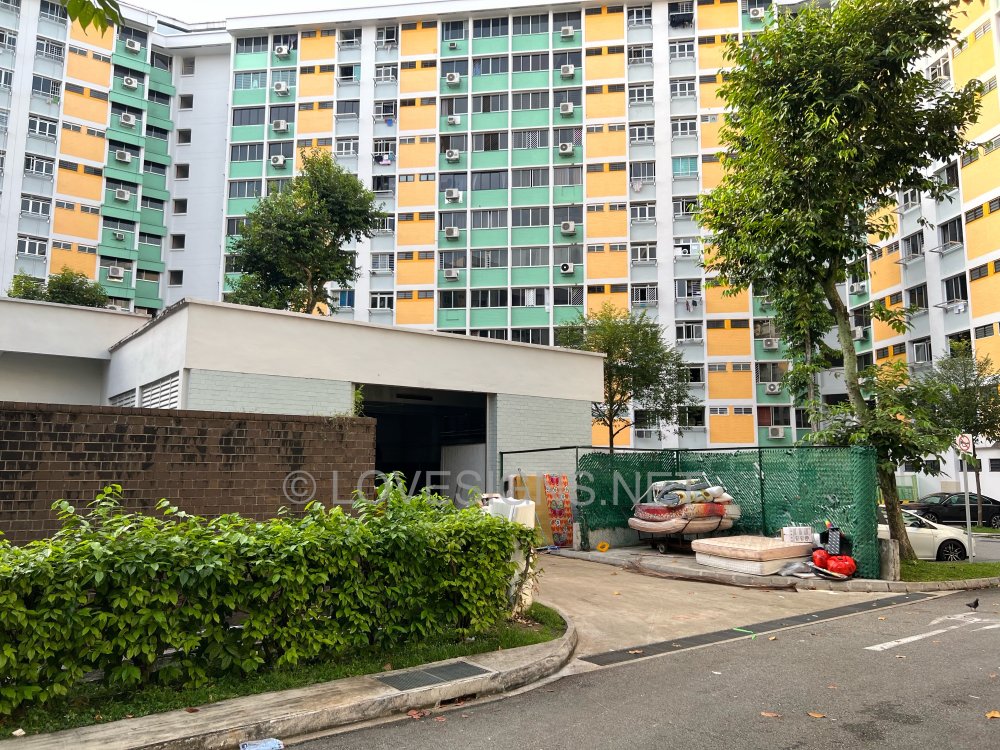
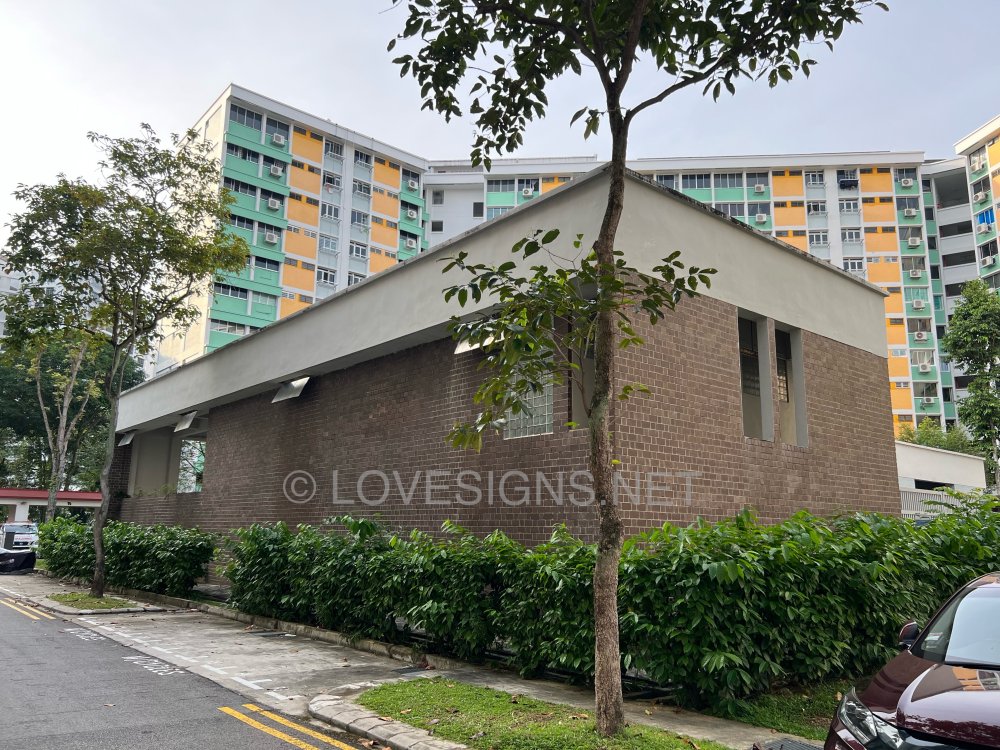
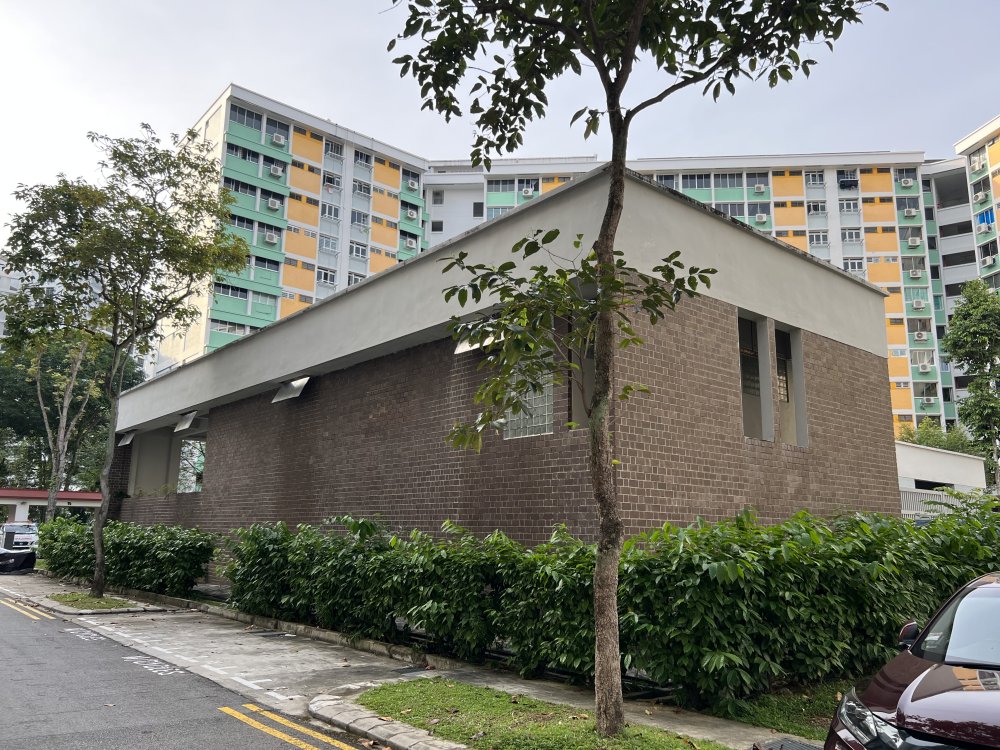
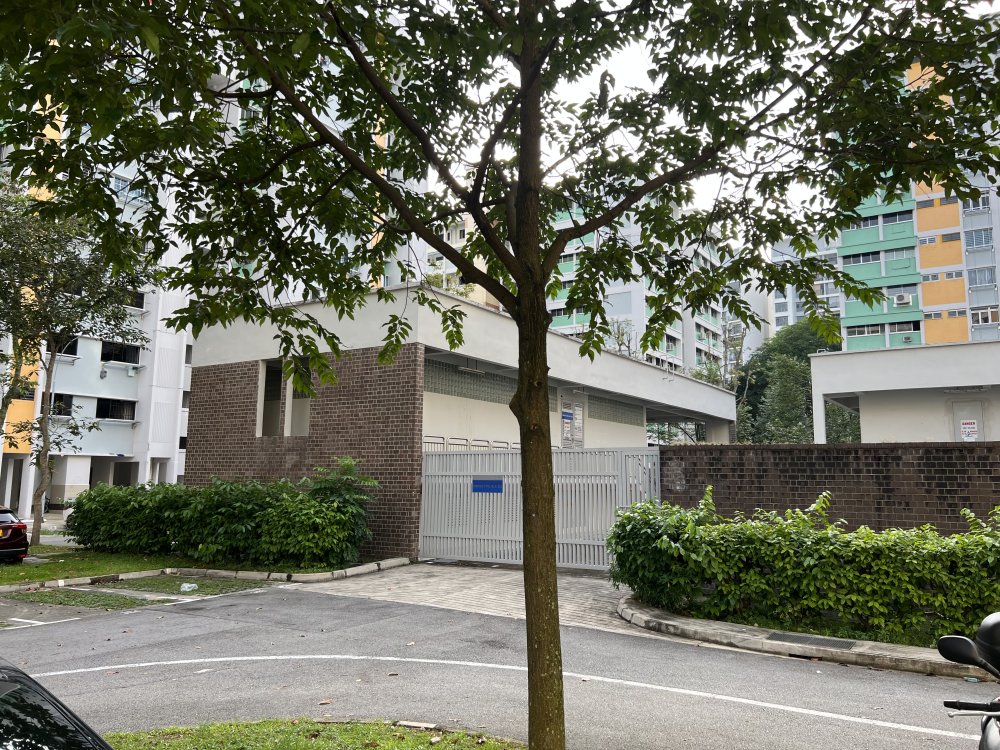
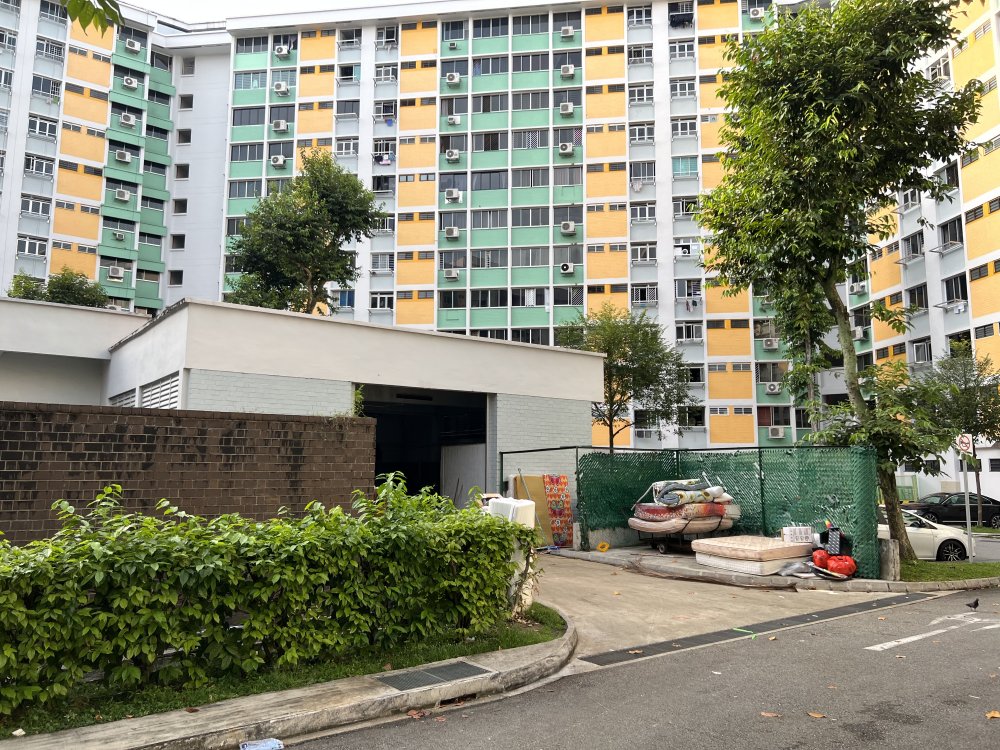
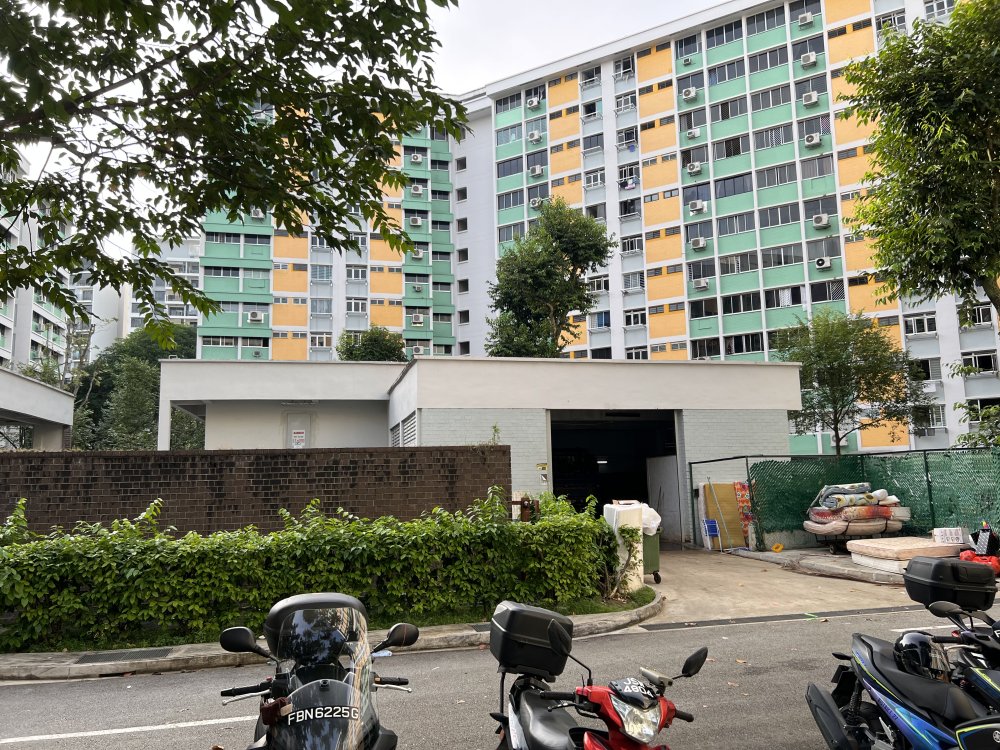
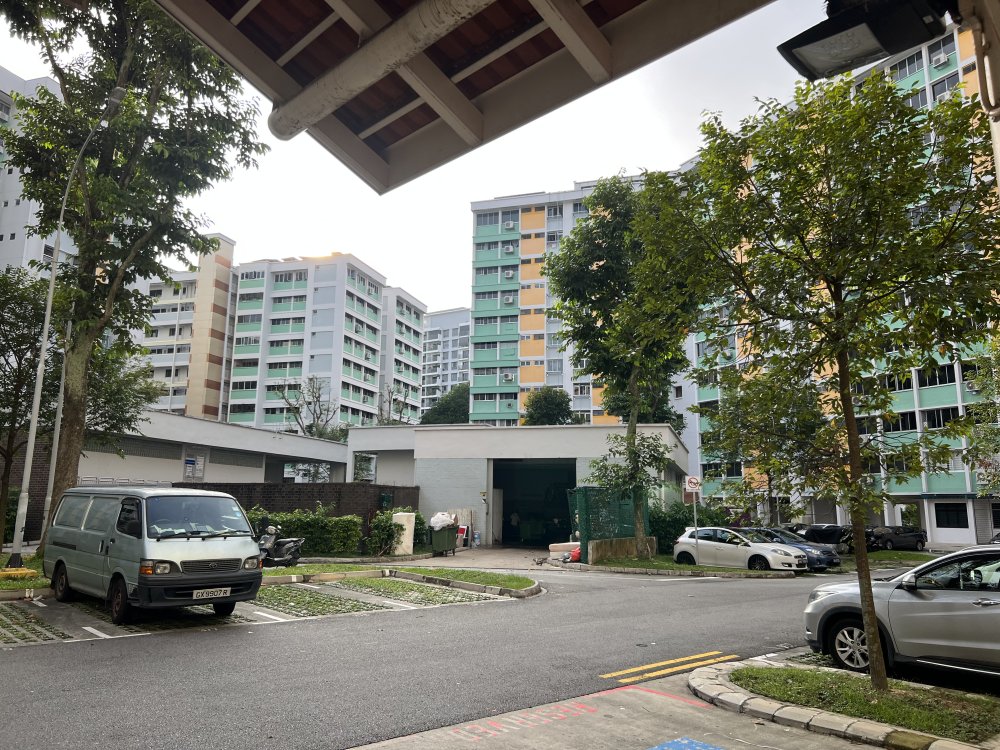
 From around 1985 to the 1990s, it was common for bin centres to be located in the middle of some car parks Another location is Yishun, where it is also common to find the Electrical Sub Station situated next to the bin centre. The Electrical Substation:-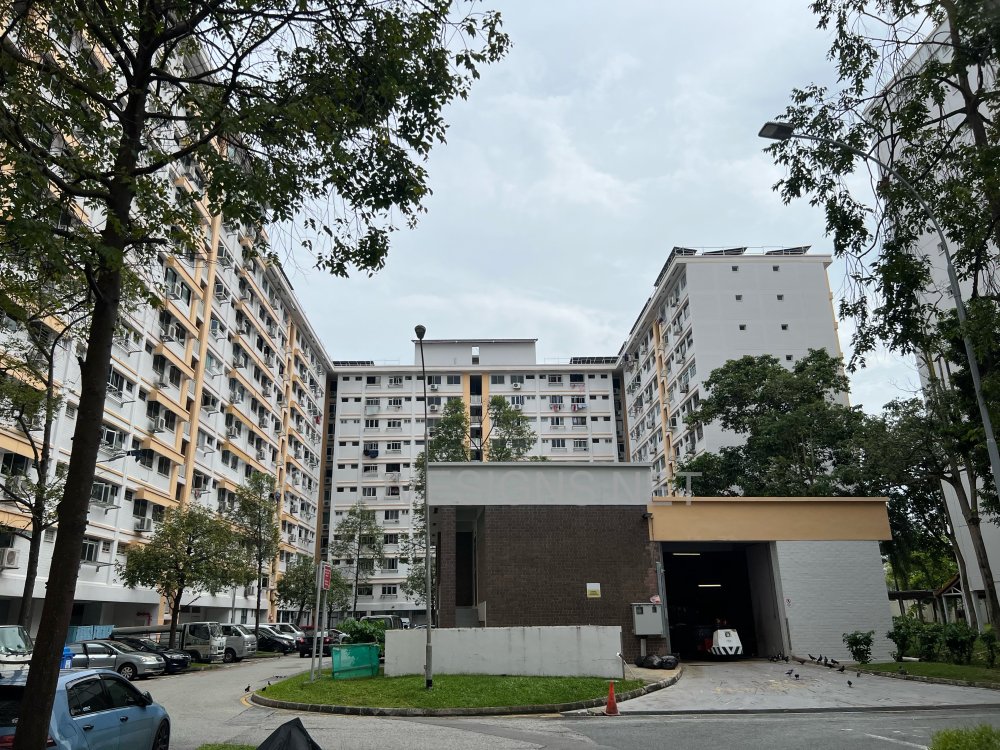
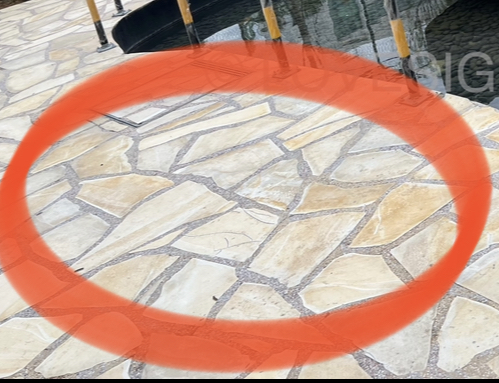
 Finally, these “broken tile” design flooring, popular in many early 2000’s condos has finally made a come-back, here in The Jovell… If done properly are very durable and lasting…and often anti-slip as circled compared to some tile materials… yet looks somewhat fairly clean and “atas”.
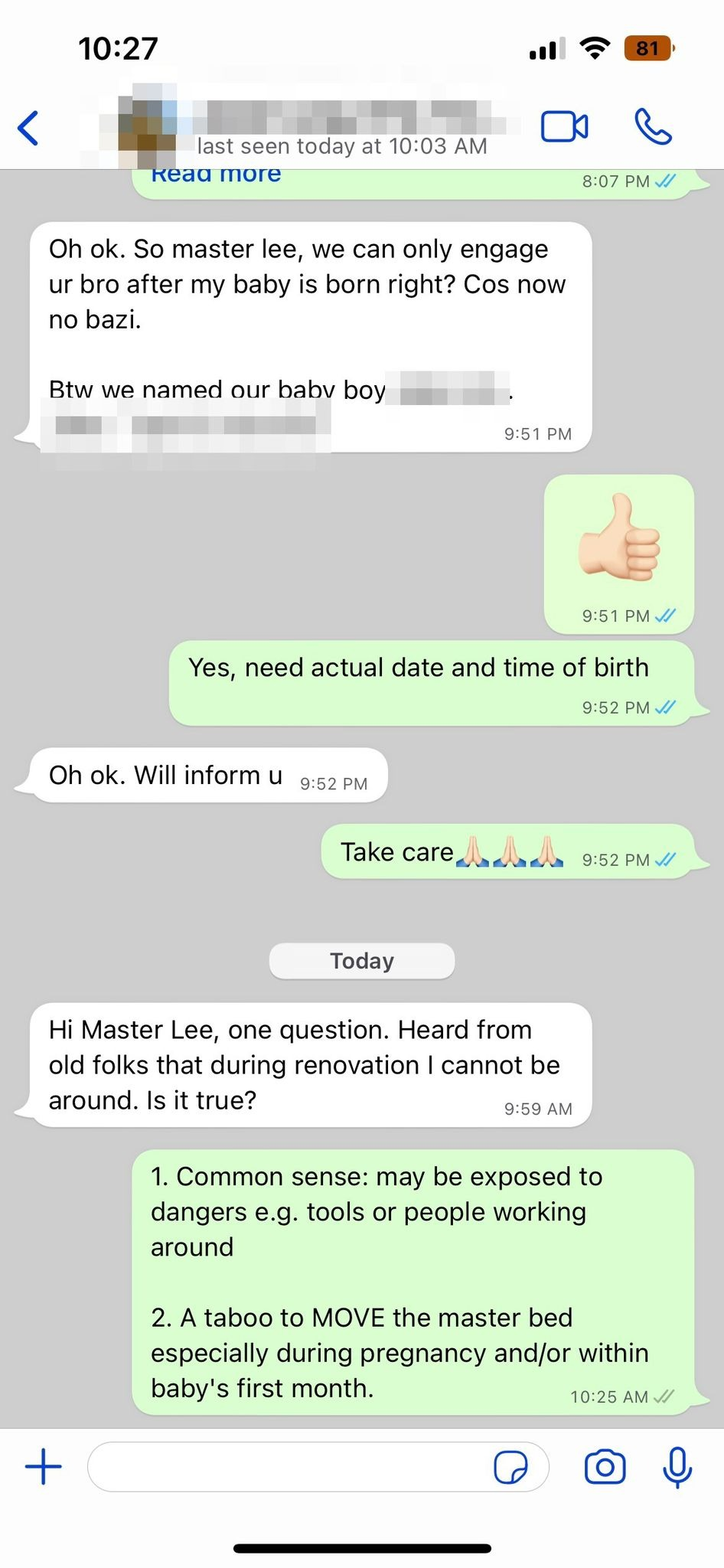
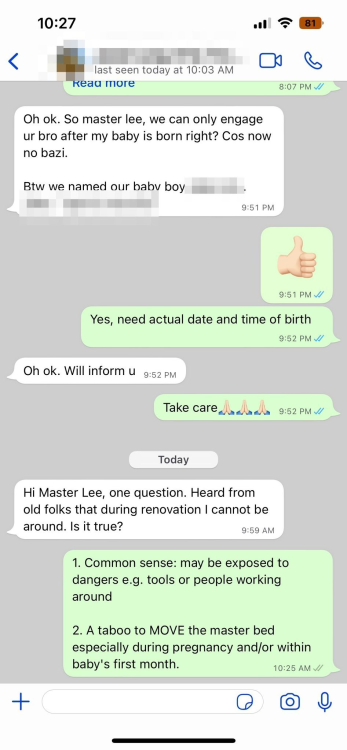
 Question: Hi Master Lee, one question. Heard from old folks that during renovation I cannot be around. Is it true? 1. Common sense: may be exposed to dangers e.g. tools or people working around 2. A taboo to MOVE the master bed especially during pregnancy and/or within baby's first month.
 BEWARE OF THIS FENG SHUI SCAM Many Feng Shui Masters are a Feng Shui Store in disguise! Spread the word and ask: "Must I buy from you?"