


Cecil Lee
Staff
-
Joined
-
Last visited
Everything posted by Cecil Lee
-
Cecil Lee commented on Cecil Lee's blog entry in FAQ: Home Feng Shui / Cannot Cannot Buy / Baby Name / Auspicious DatesI'm looking to engage a master to see if a unit is ok to rent. cause I'll be staying there for a few years. But i'm a little confused about whether to pay attention to period 8 or 9. 1. Although the official change of Feng Shui luck starts from 2023 to 2043. 2. However, the change has already started as early as end of year 2020! 3. In light of the change of Feng Shui luck especially from Year 2021 till 2043, many have asked us to evaluate their existing home's luck! 4. Fee to evaluate my existing house is $188/-. Non-urgent 4 days. 4.1. From 1st owner's key collection to year 2020, Feng Shui luck has changed. 4.2. Is my house still lucky? Where are the wealth luck sectors today (till year 2024?) 5. Your home will be graded from 1st owner's key collection vs From now till 2043 under Package X. Related Overview of the Three Types of House Hunting Services: https://www.geomancy.net/forums/blogs/entry/6-on-site-or-off-site-house-hunting-can-or-cannot-buy-overview-1-eyeing-a-few-homes-2-onsite-re-sale-3-brand-new/ Off-site Can or cannot buy Re-sale: [Quote: Package A or B] https://www.geomancy.net/forums/blogs/entry/10-off-site-local-international-house-hunting-can-or-cannot-buy-eyeing-a-few-homes-which-home-is-better-for-me/ On-site Can or cannot buy Re-sale: https://www.geomancy.net/forums/blogs/entry/11-on-site-house-hunting-can-or-cannot-buy-review-of-a-re-sale-home/ Off-site Can or cannot buy Brand New - Just Launched home: [Quote Package 1, 2 or 3] https://www.geomancy.net/forums/blogs/entry/12-brand-new-and-my-selection-depends-on-my-queueballot-number-let-me-identify-the-good-the-bad-the-ugly-for-you/ D.I.Y. House hunting kit: https://www.geomancy.net/forums/blogs/entry/20-do-it-yourself-diy-house-hunting-can-or-cannot-buy-finding-a-good-home-kit/ On-site 1 Visit: https://www.geomancy.net/forums/blogs/entry/21-on-site-home-feng-shui-an-affordable-1-visit-fee-is-288-weekdays-weekends-68-more/ Older Home Feng Shui: https://www.geomancy.net/forums/topic/18257-house-hunting-unit-for-review-are-older-homes-and-no-site-plans-are-available-please-supply-information-based-on-case-study-1/
-
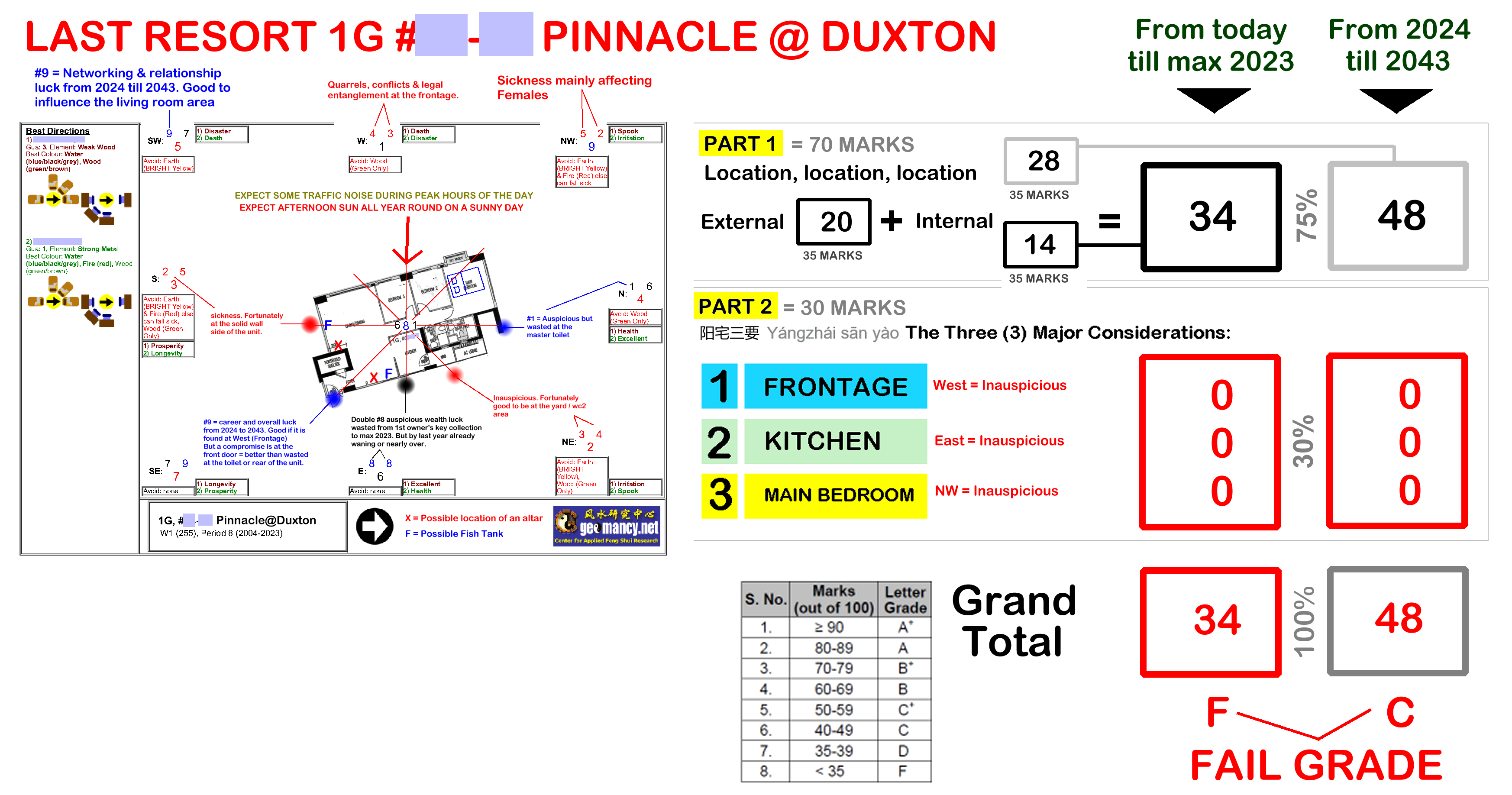
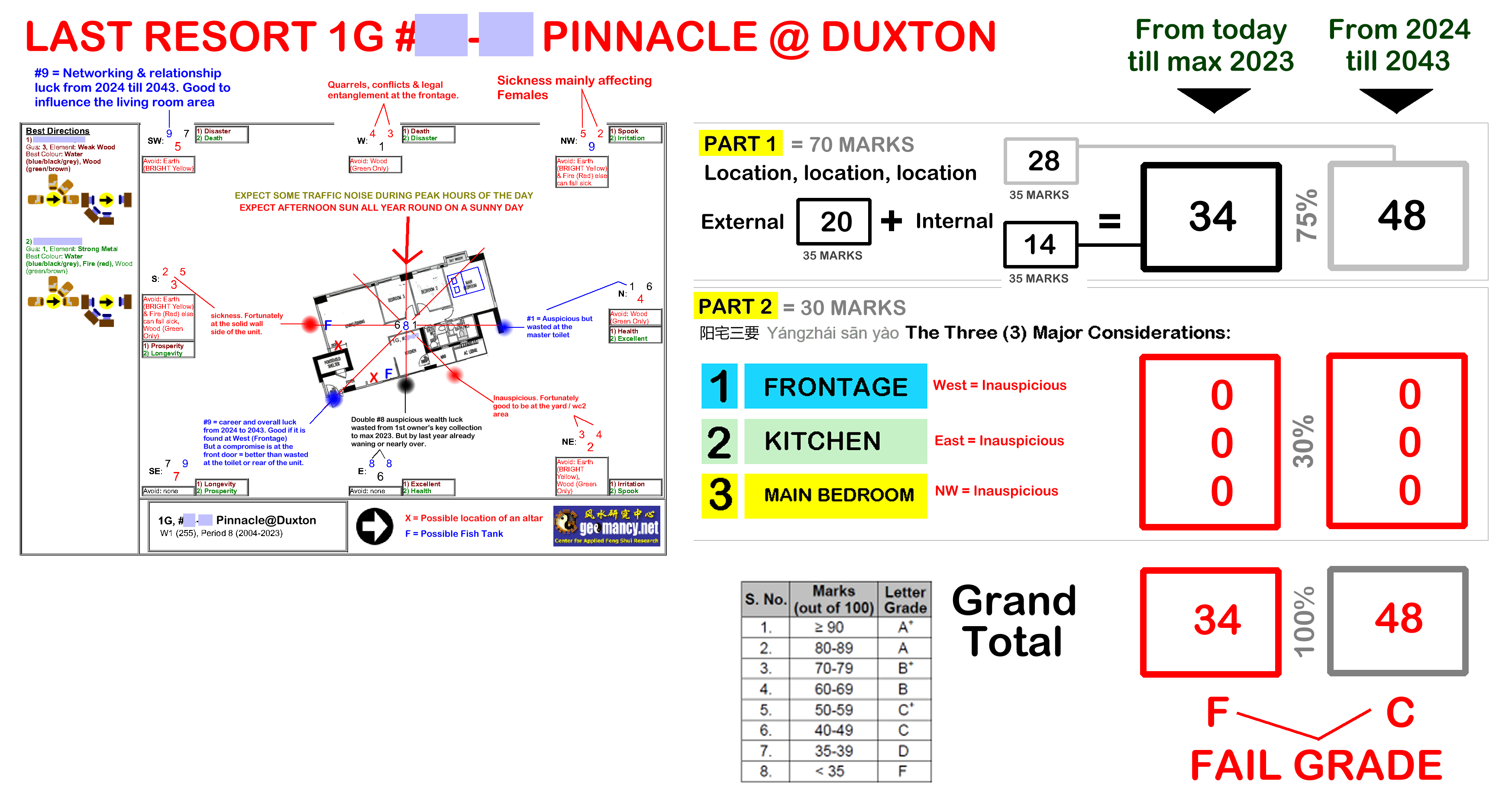
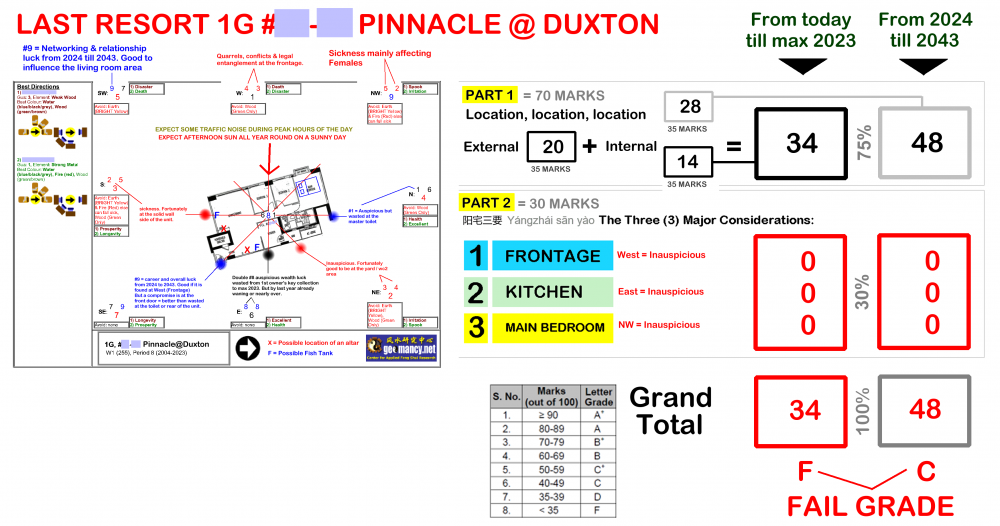
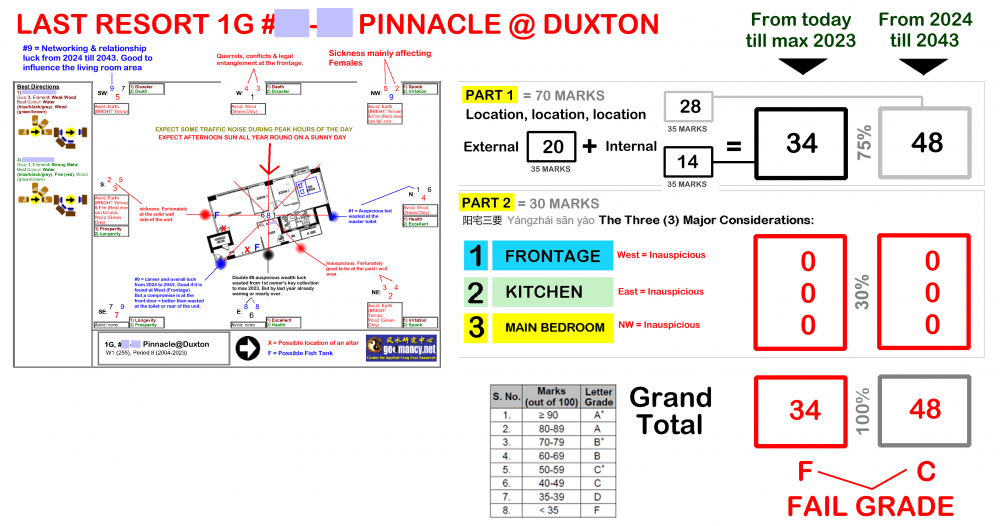
Cecil Lee commented on Cecil Lee's blog entry in FAQ: Home Feng Shui / Cannot Cannot Buy / Baby Name / Auspicious DatesCase Study 1 House is very unsuitable for the main breadwinner where Frontage / Kitchen / Main Bedroom are a ZERO fit.
-
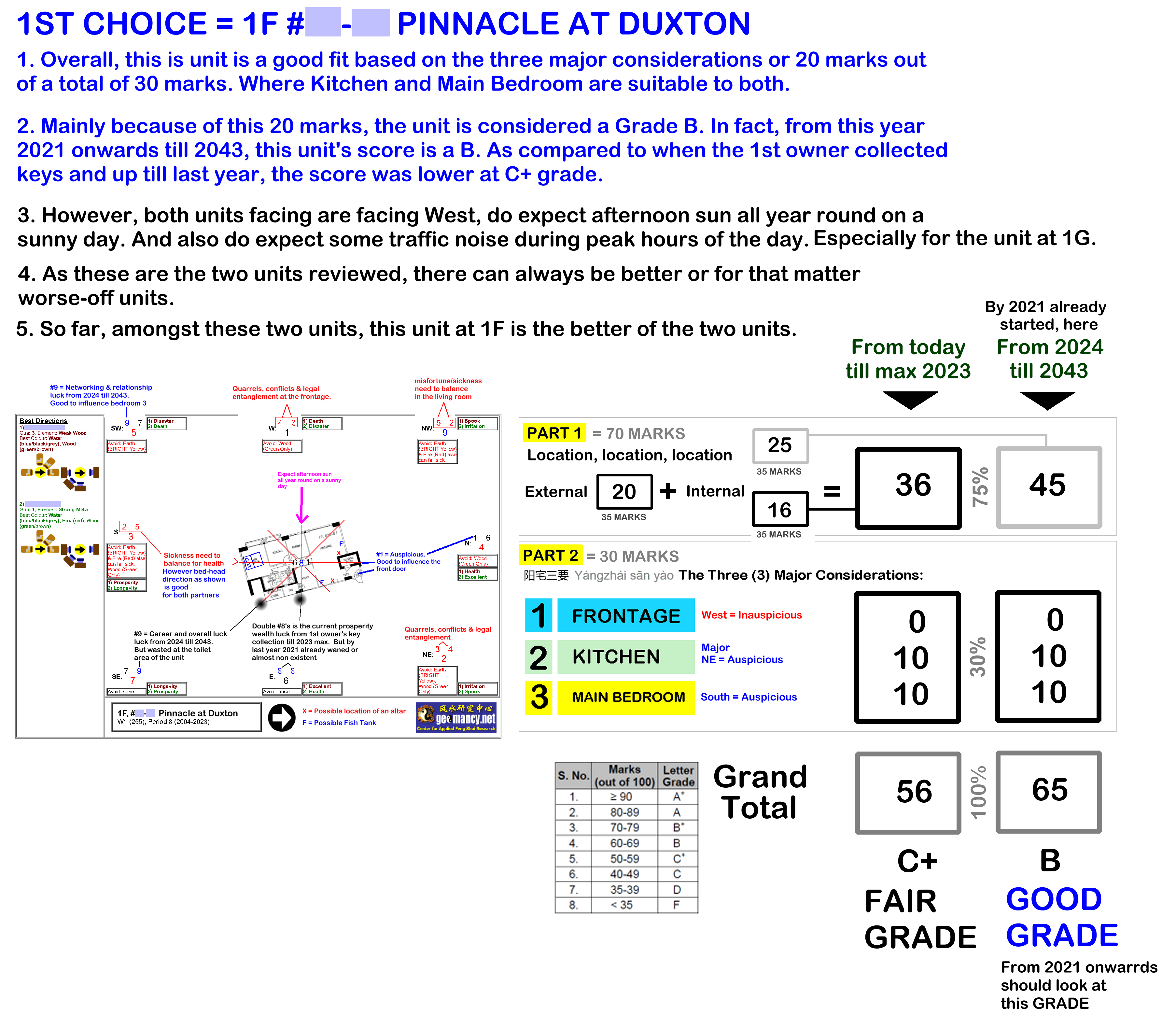
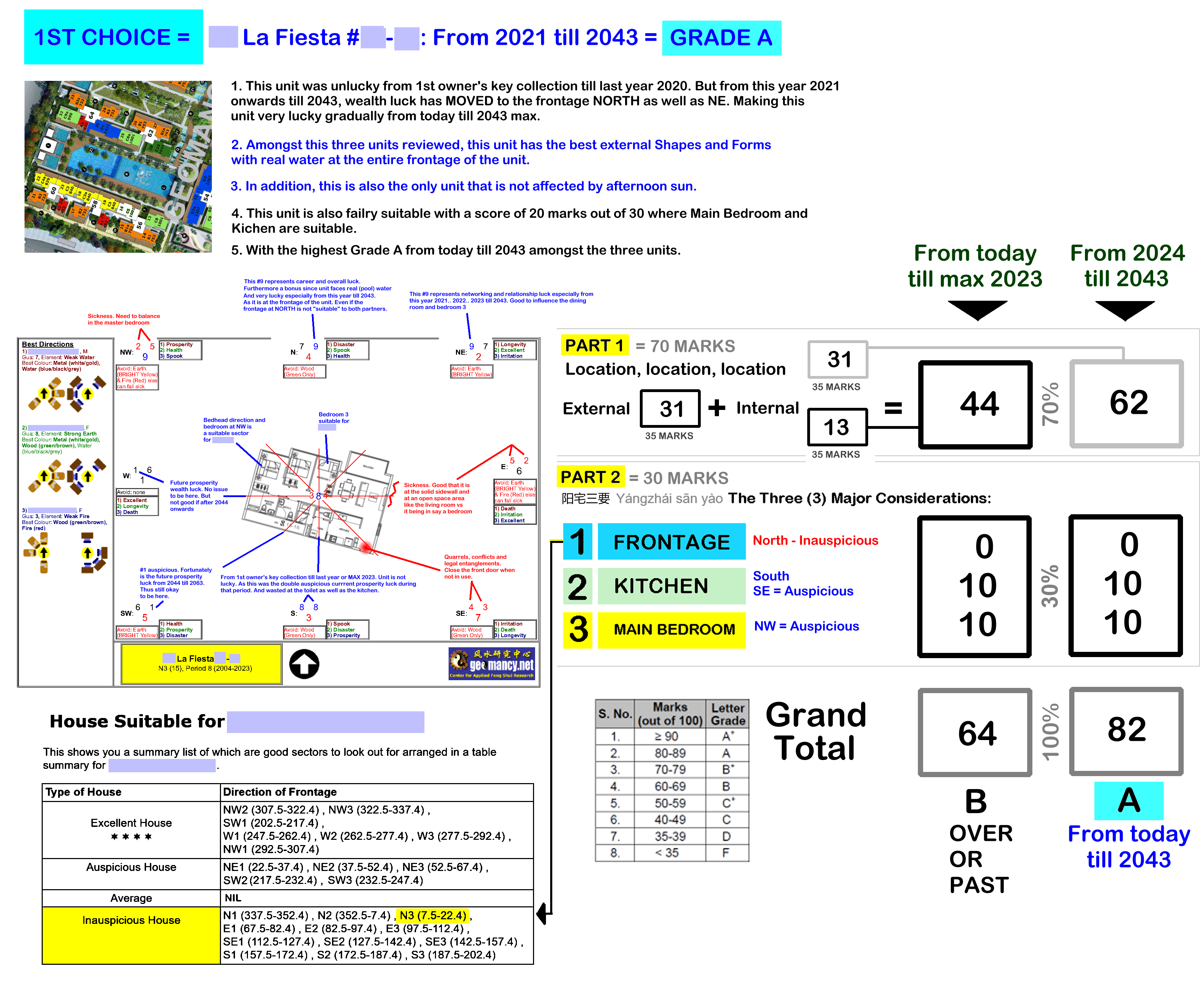
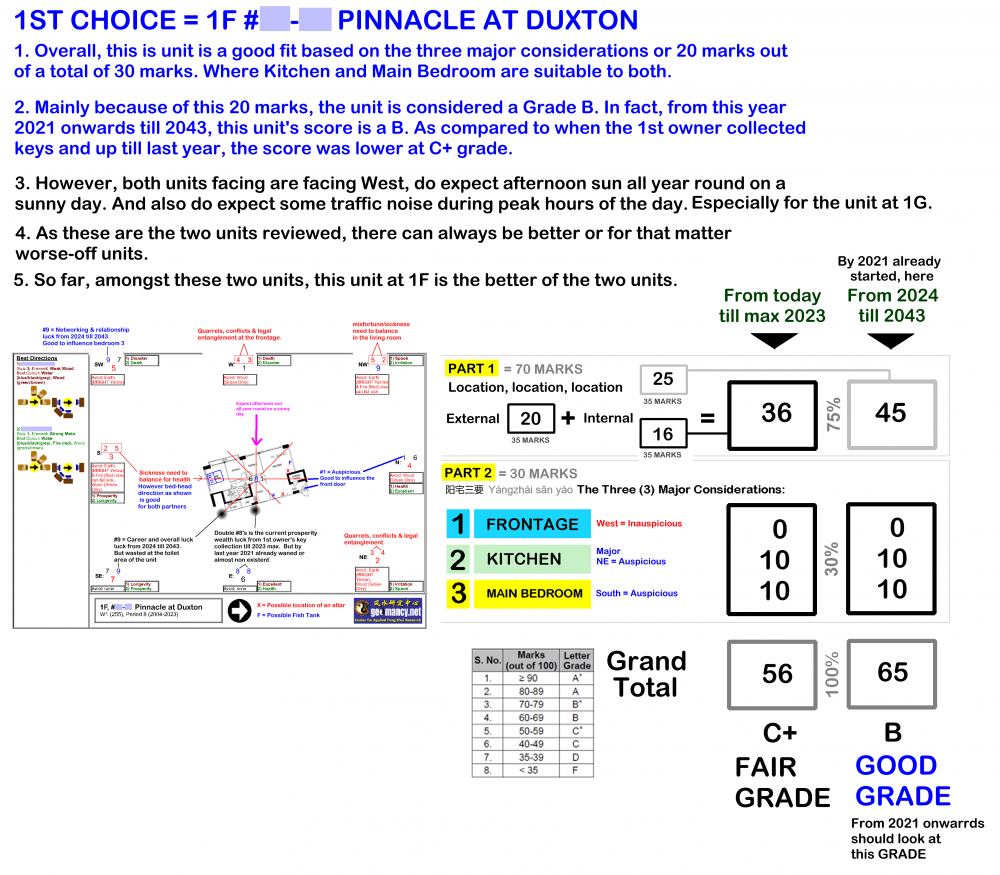
Case Study: Sample House Hunting Exercise - A very unsuitable unit for the main breadwinner where: Frontage / Kitchen and Main Bedroom is wholly unsuitable to him: Case Study 2: Unit is fairly suitable to the main breadwinner: 20 marks upon 30 marks for Frontage / Kitchen and Main Bedroom Note: No two reviews are similar and may differ in format and content.
-
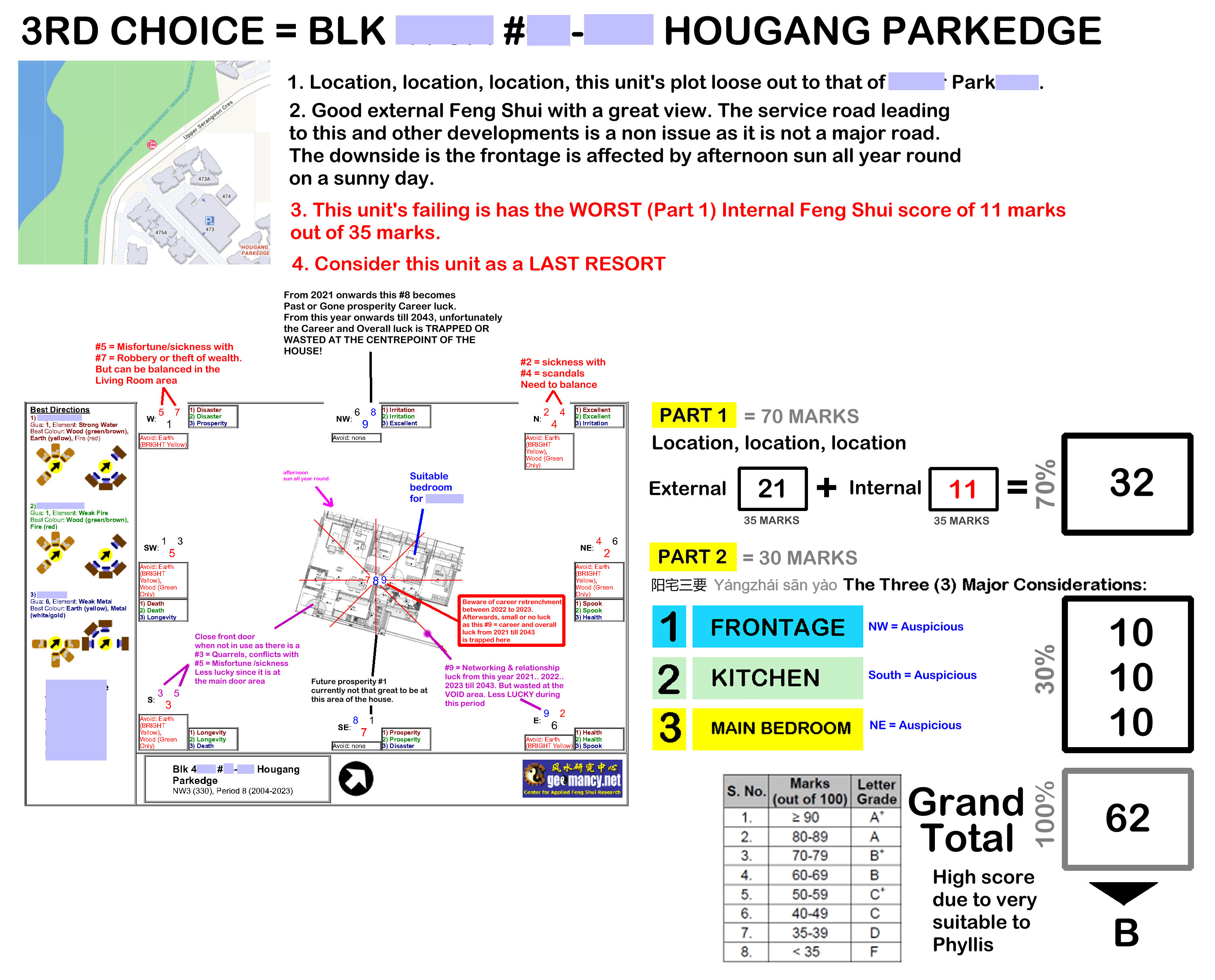
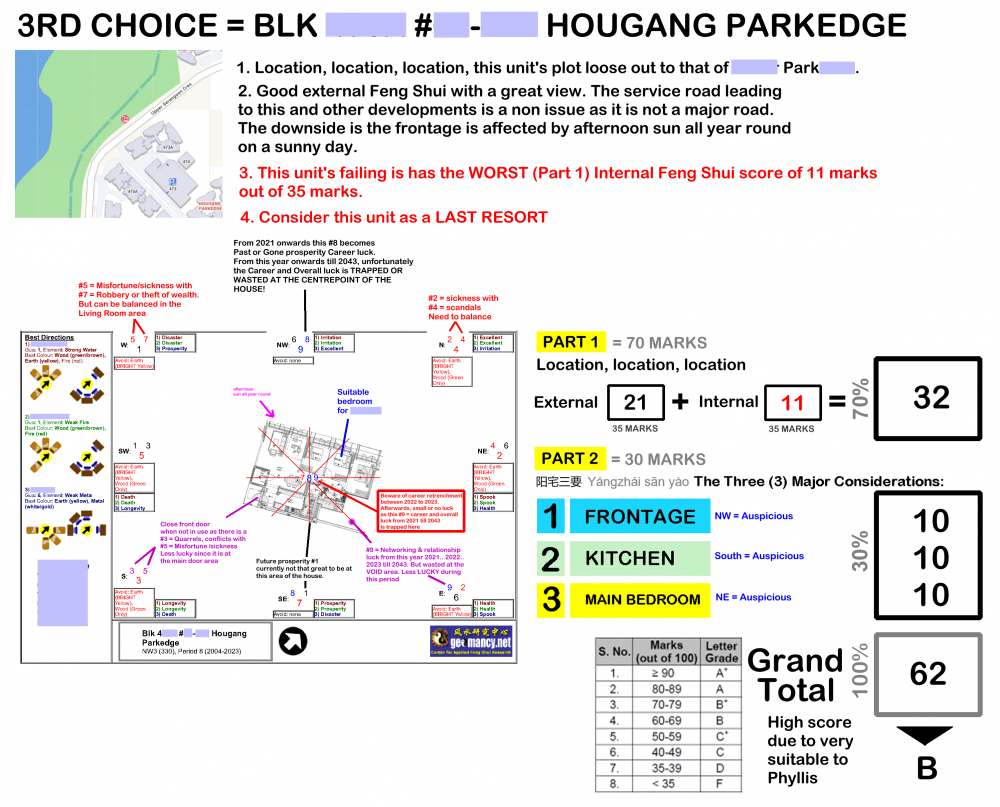
Case Study: Sample Can or Cannot Buy a unit at HDB Hougang Parkedge Note: No two reviews are similar and may differ in format and content.
-
Is my existing house or potential new (re-sale) home still lucky today?
-
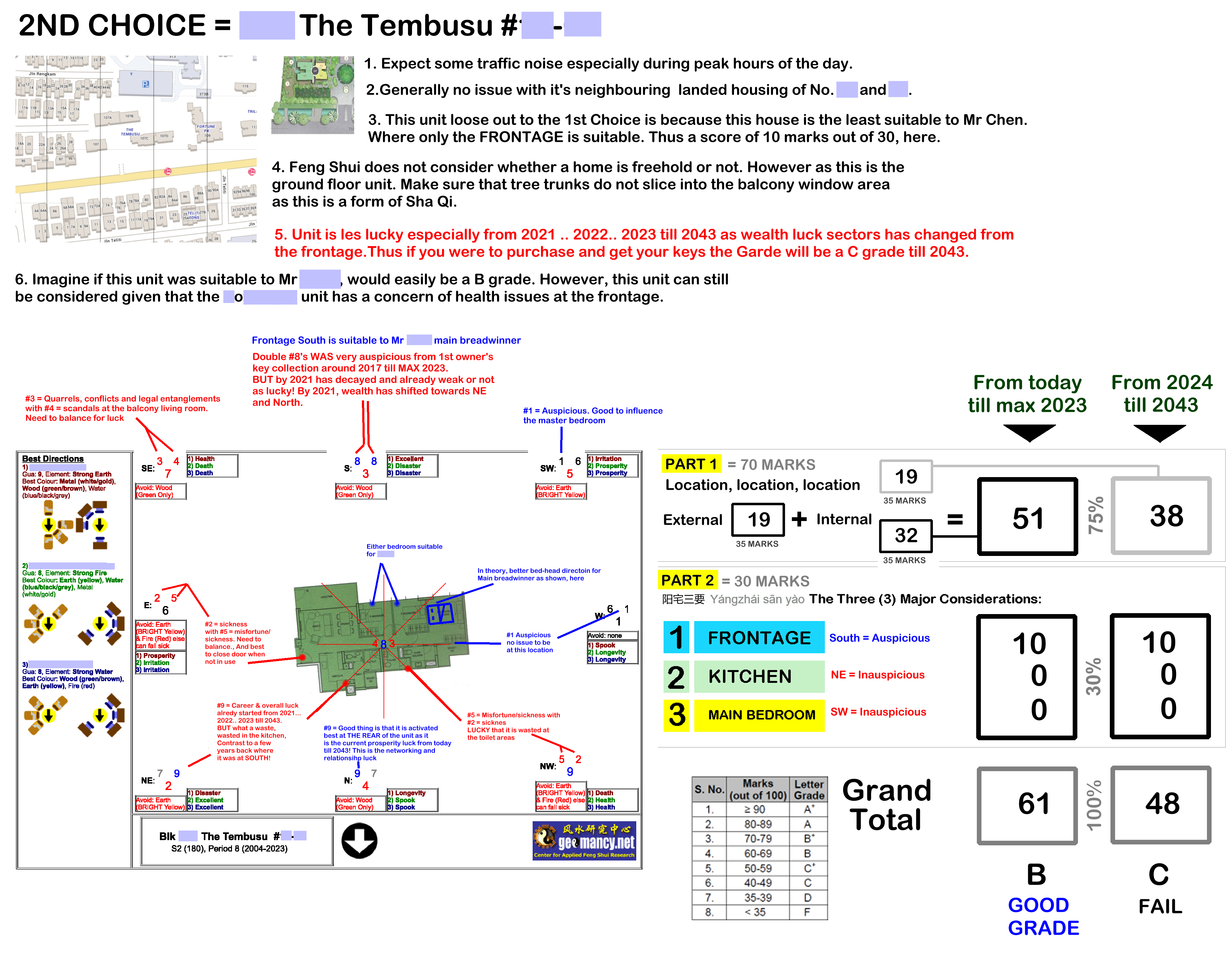
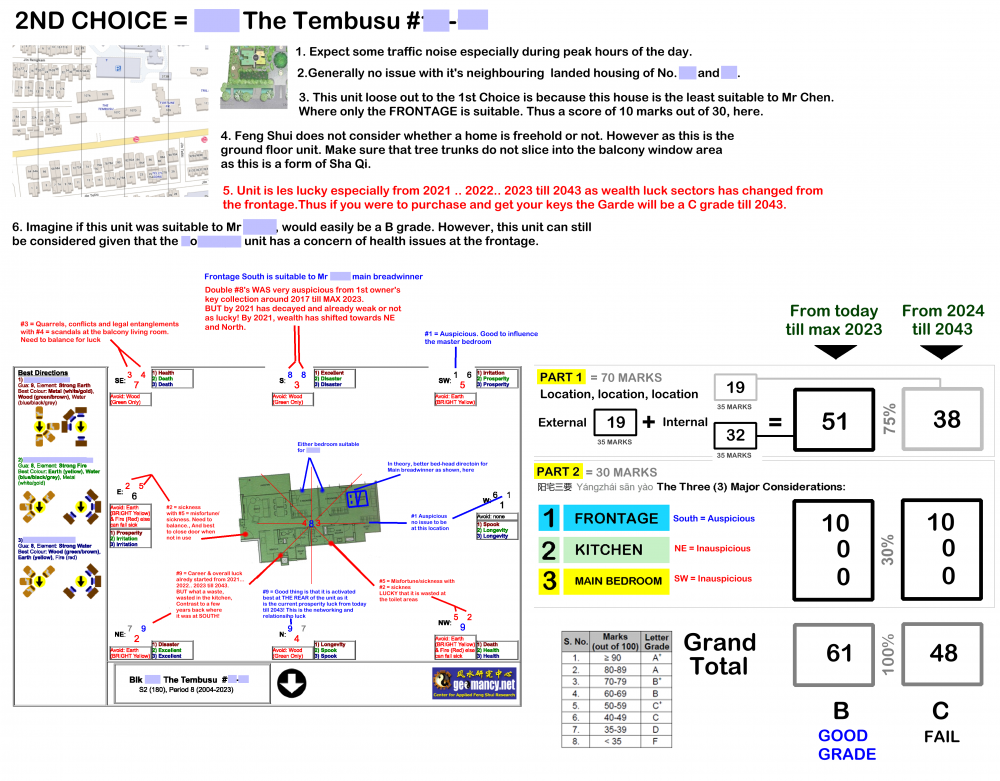
Case Study: Can cannot buy a unit at The Tembusu? Today, Feng Shui has evolved since the first owner received the keys. Feng Shui is currently in a period of transition, moving from 2021 towards 2024 and continuing into 2043. Note: Each review is unique and may vary in format and content.
-
Is my existing house or potential new (re-sale) home still lucky today?
-
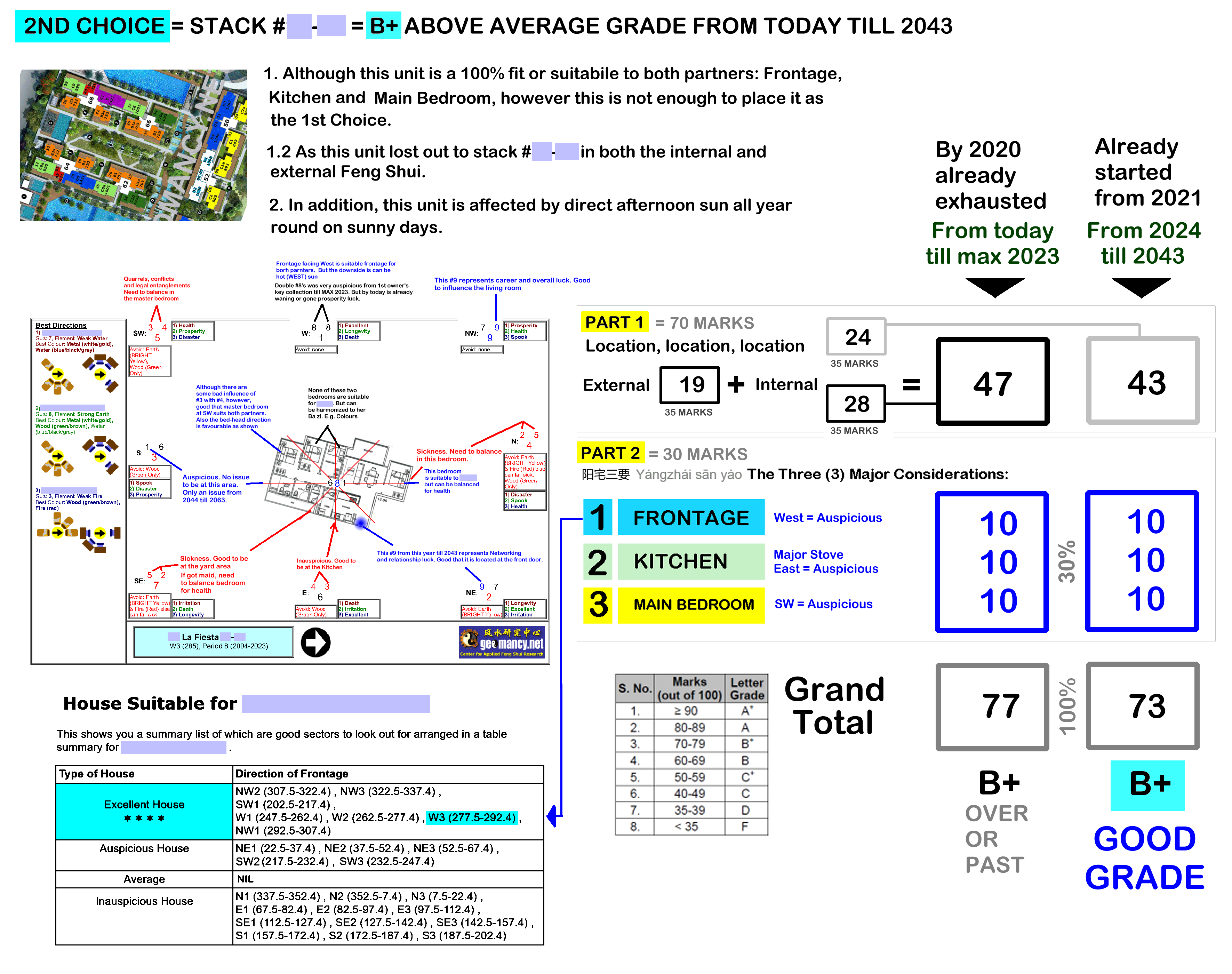
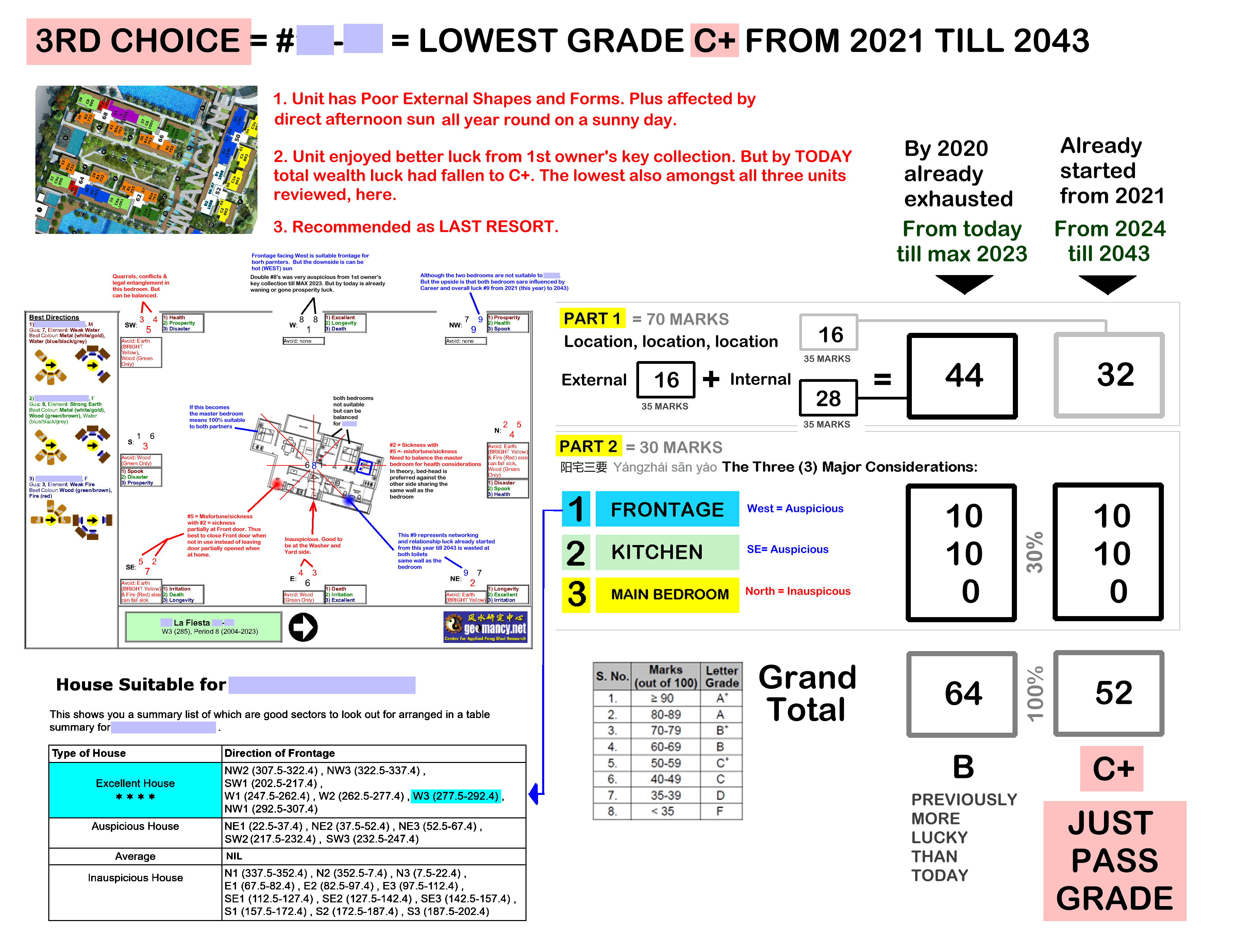
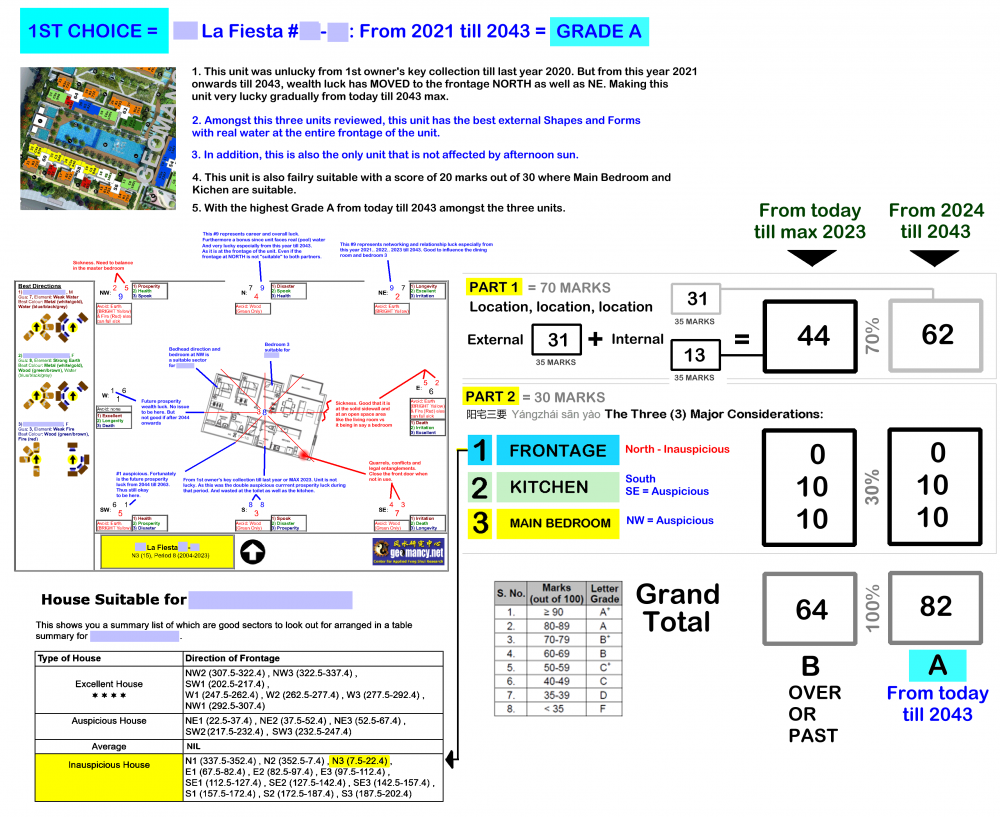
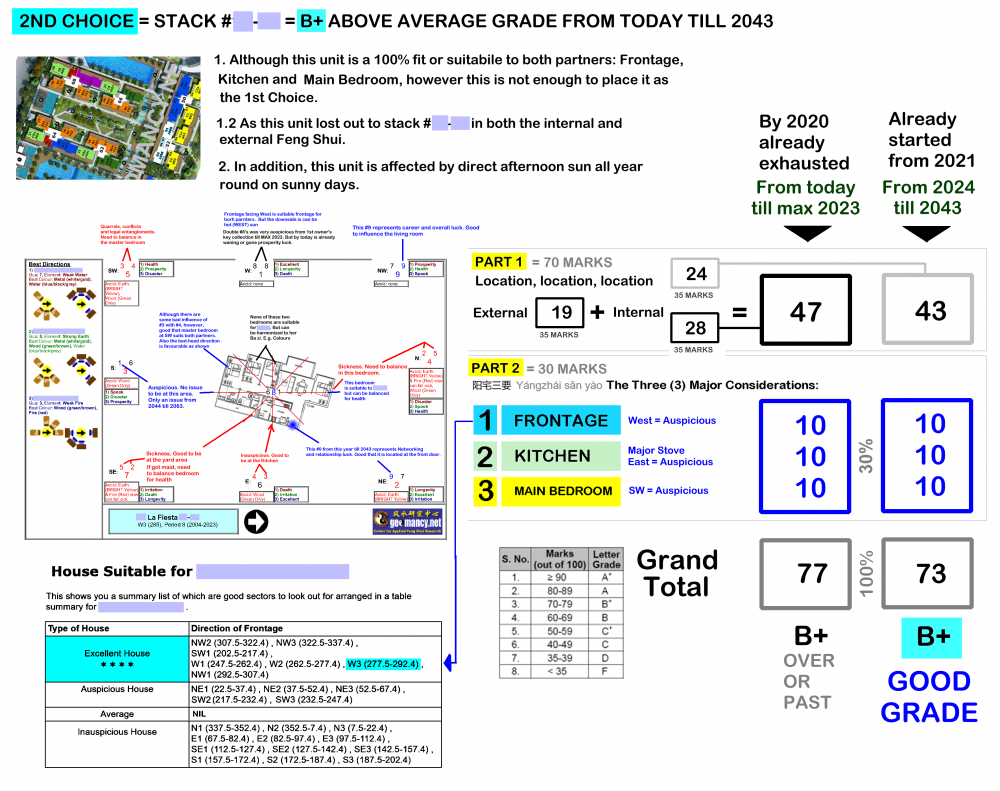
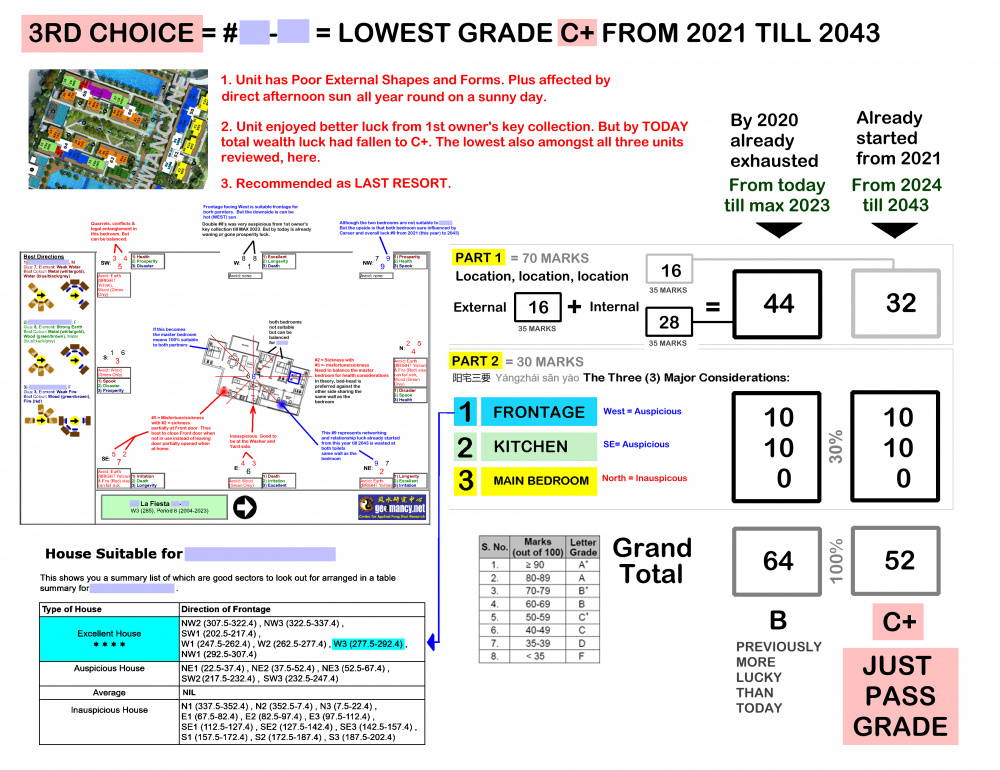
Case Study: Lucky for homes can change from the day the 1st owner collects the key till today and for tomorrow. Note: No two reviews are similar and may differ in format and content.
-
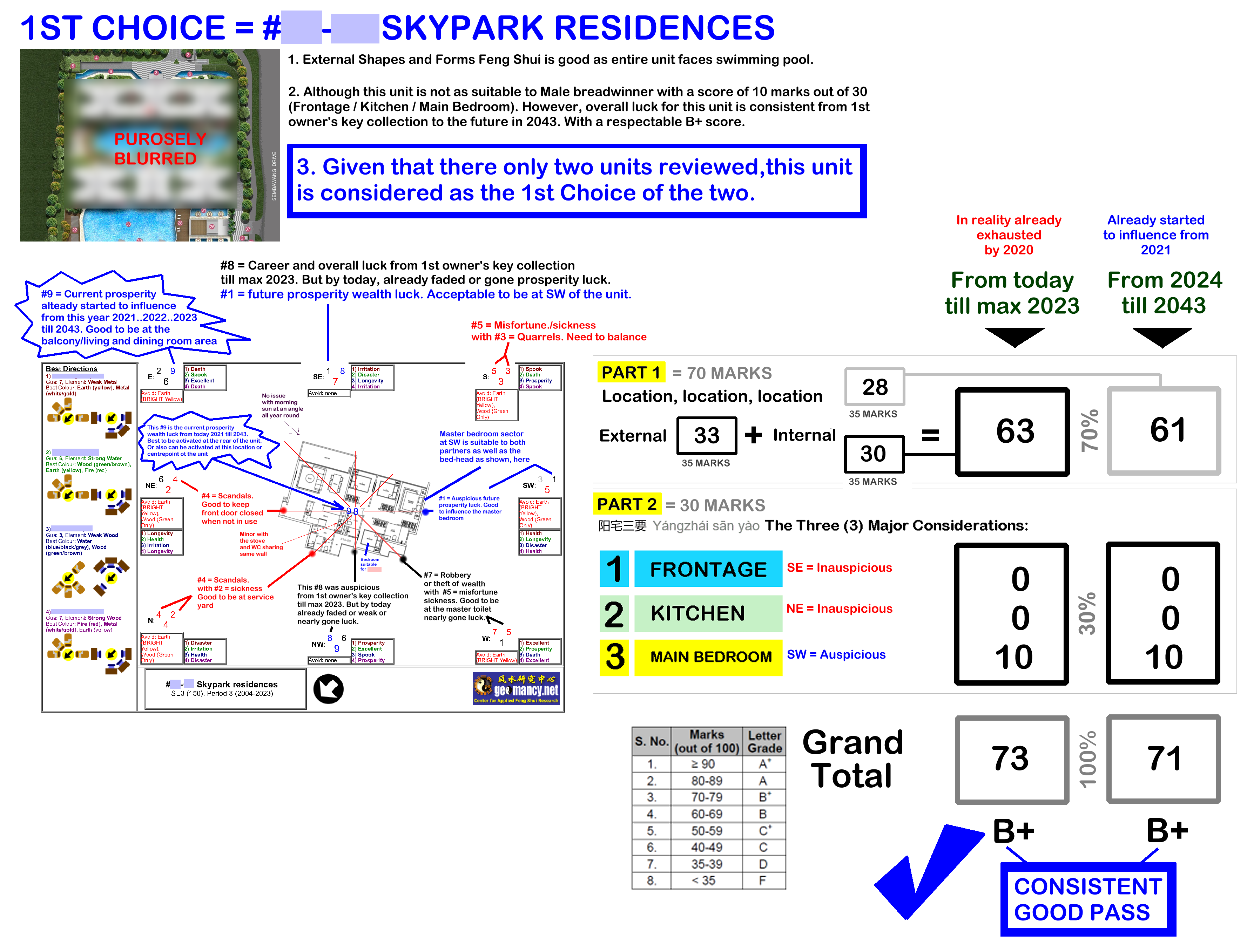
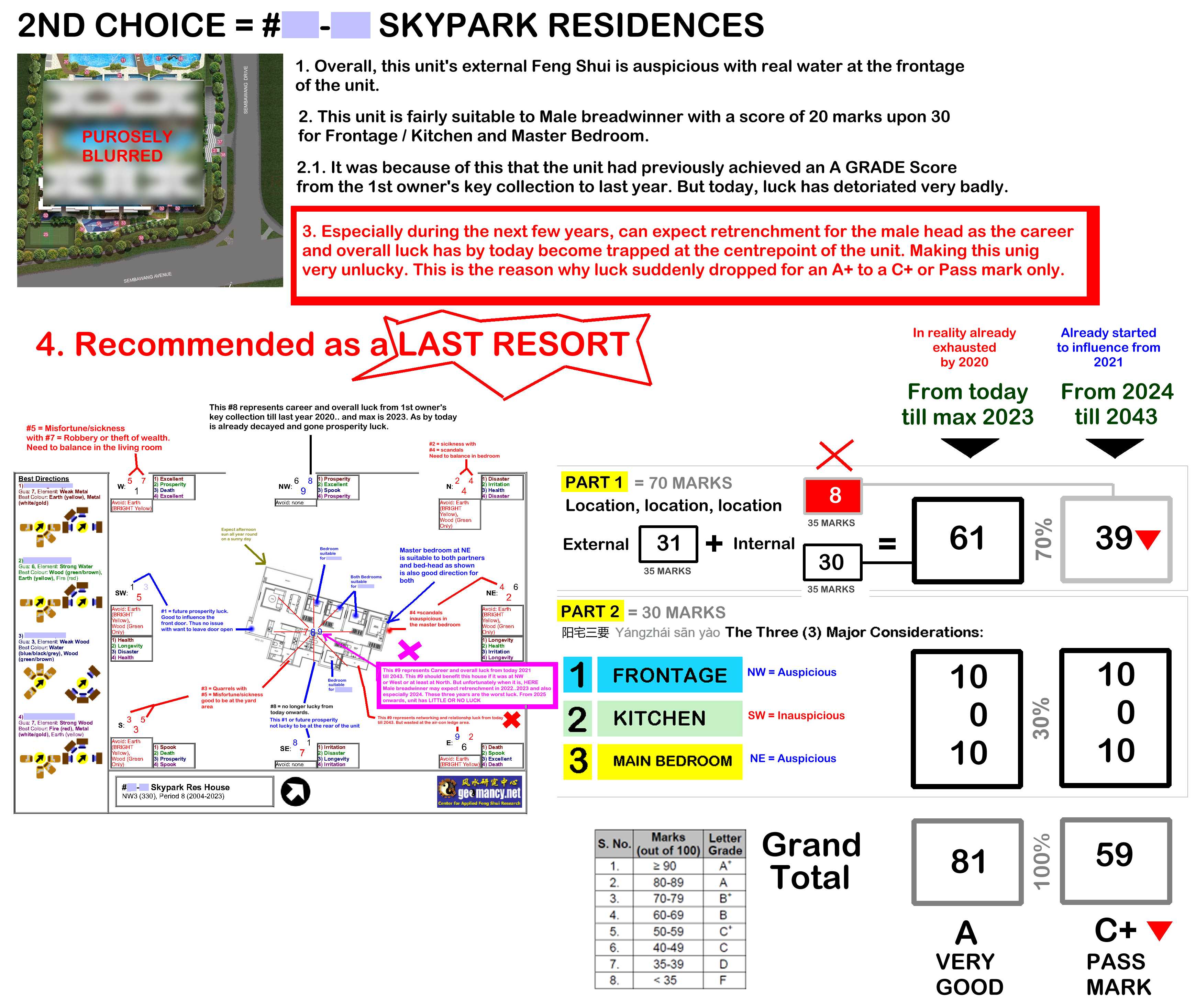
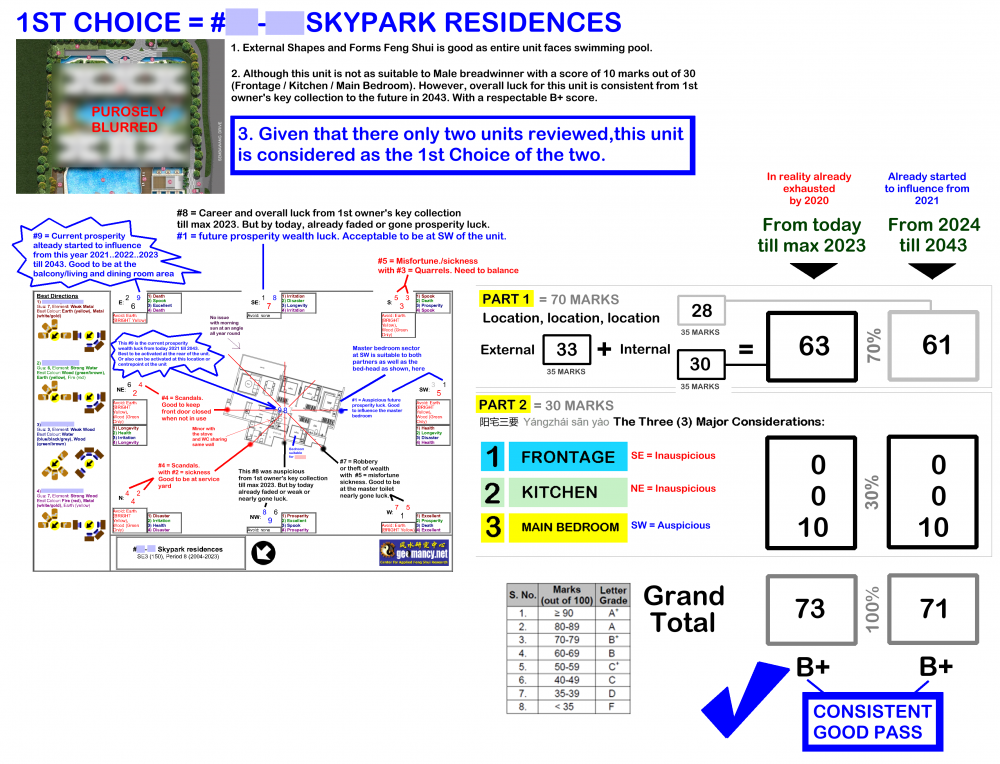
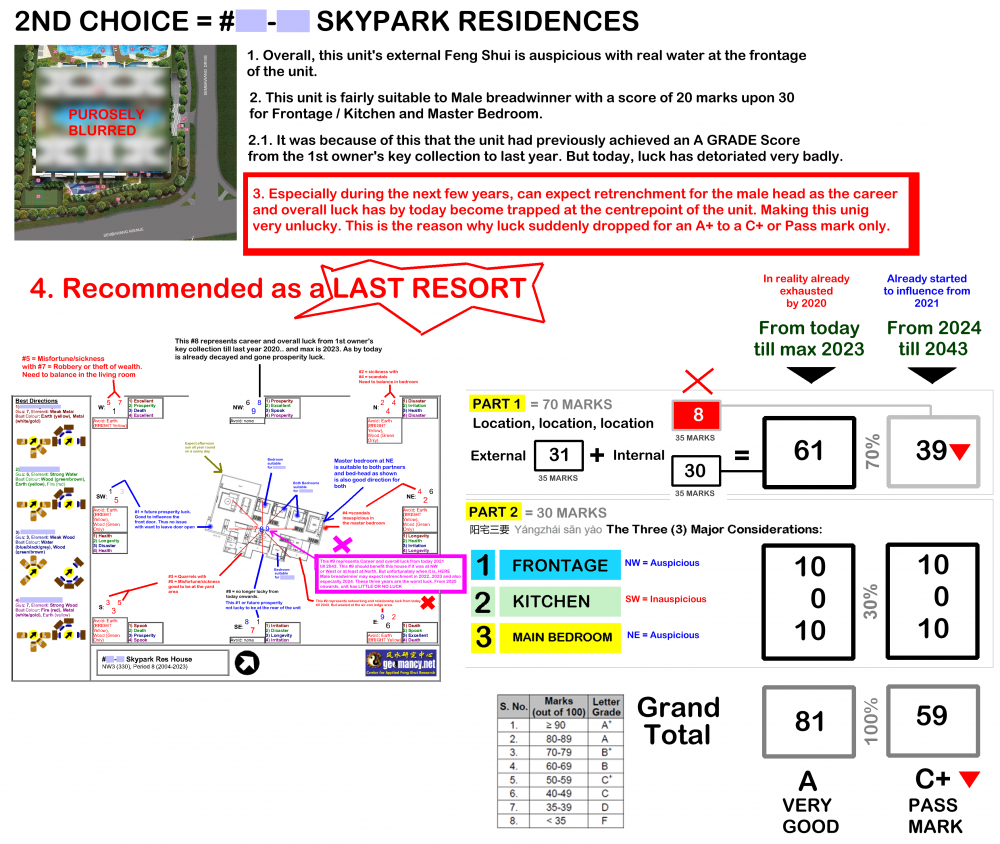
Case Study at Skypark Residences: Two different units, two different outcomes at Skypark Residences 1. Feng Shui for the 1st owner's key collection till year 2020 (max is up to 2023) for 1st choice is pretty consistent. This unit achieves a Grade B+ even up till 2043. 2. For this second example, it is a sharp contrast. The score was A+ and by 2020 onwards the score plummeted to a C+. What is worrisome is that for the next several years, a dangerous concern for the male head's career:-
-
Is my existing house or potential new (re-sale) home still lucky today?
-
1. In my opinion, this photo is not very clear. But good that the balcony seems angled and there is no direct path or opening. 2. The test or realization is like: if one were to hold an umbrella and the umbrella flips and tries to yank itself off one's hand, then the best is to control the wind into the home. 3. For DBSS Centrale 8, often the wind flow is North-South ; South-North. Thus highly unlikely to have an actual tian zhan sha.
-
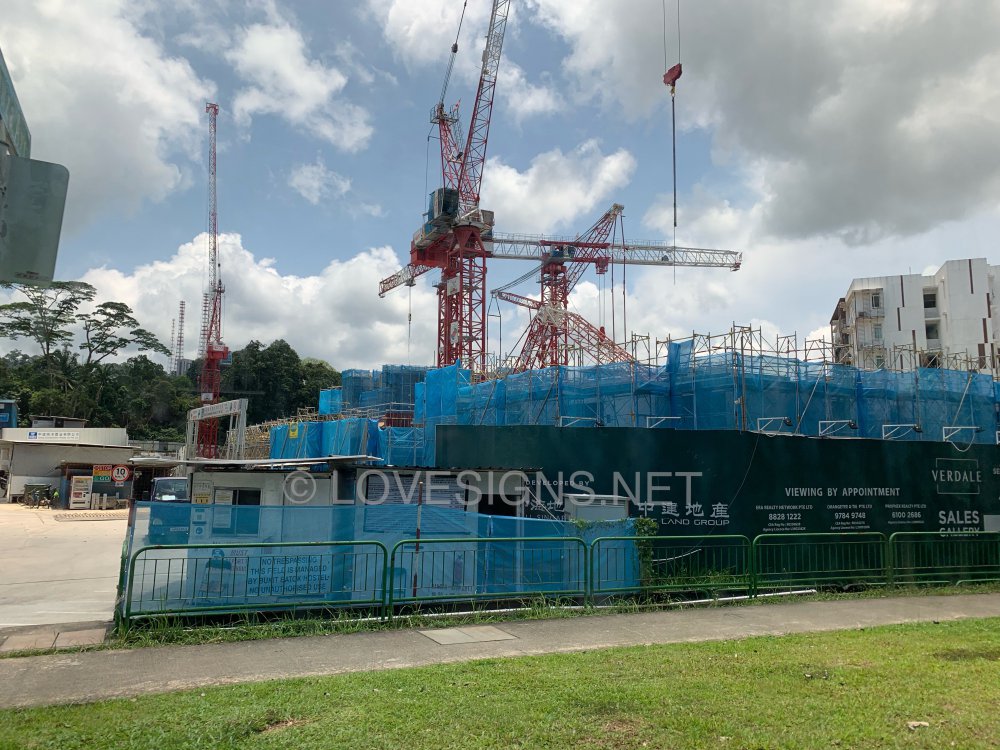
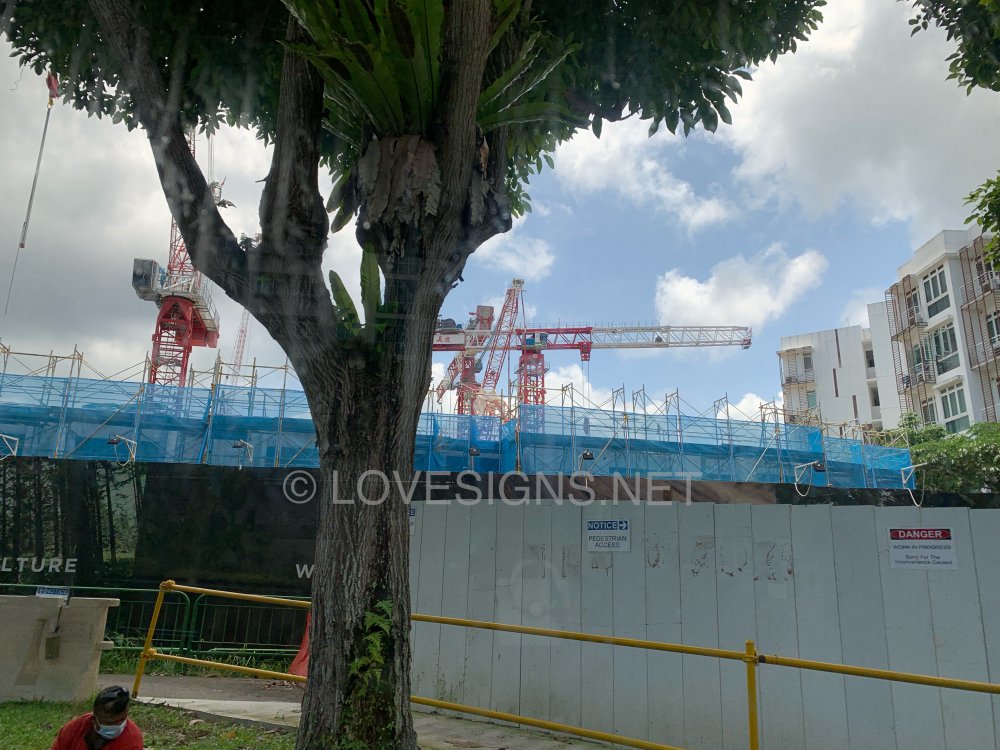
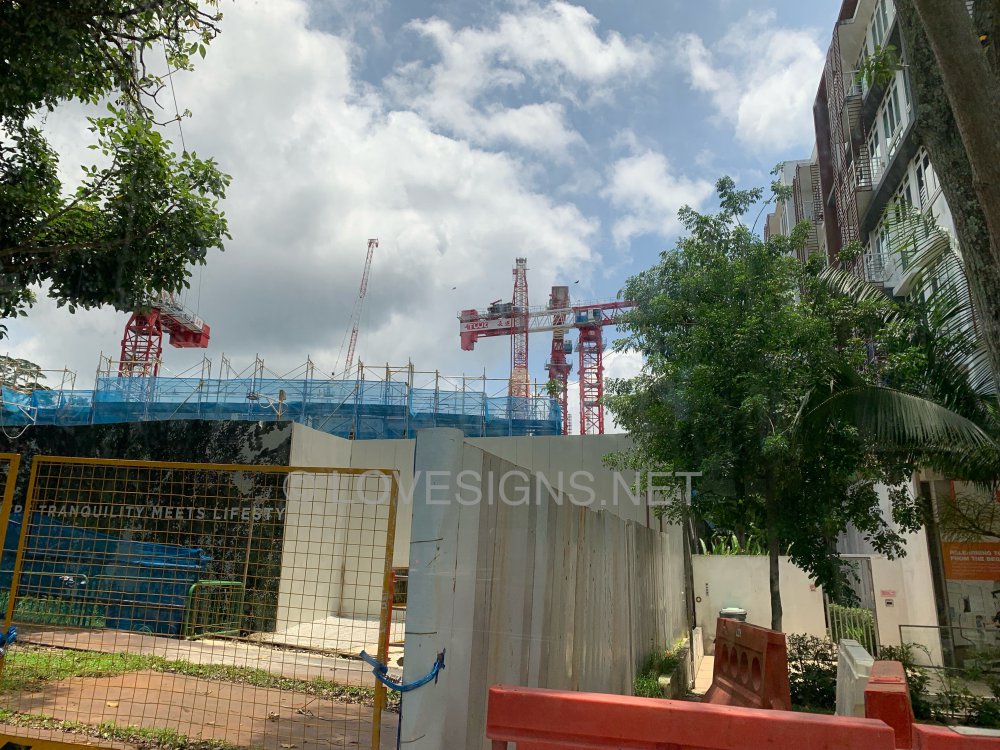
On 23 September 2021
-
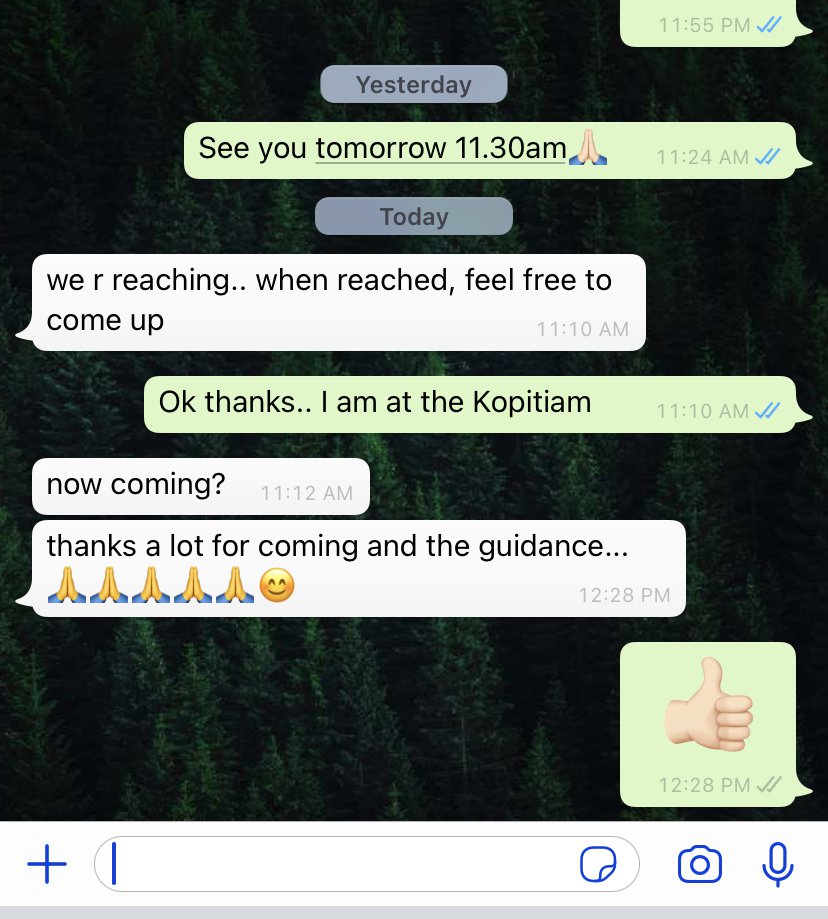
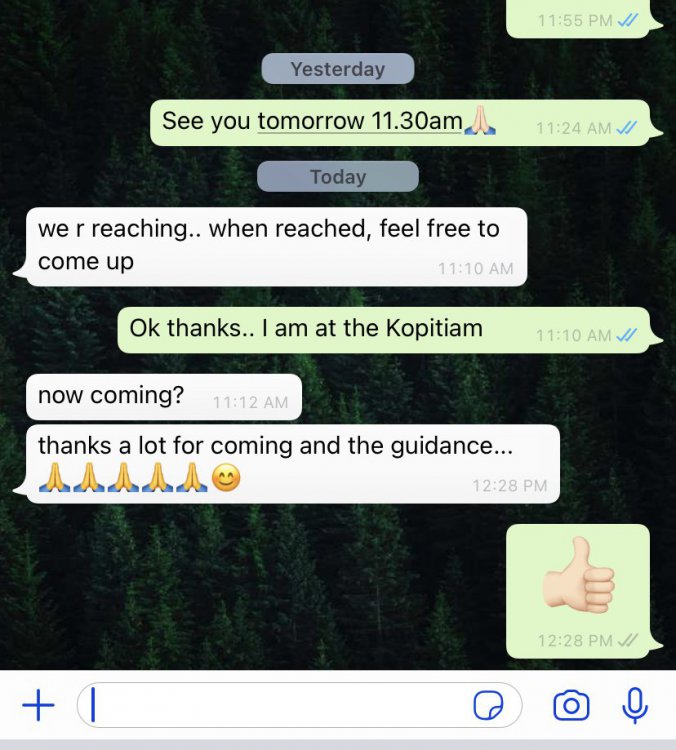
thanks a lot for coming and the guidance... 🙏🙏🙏🙏🙏😊
-
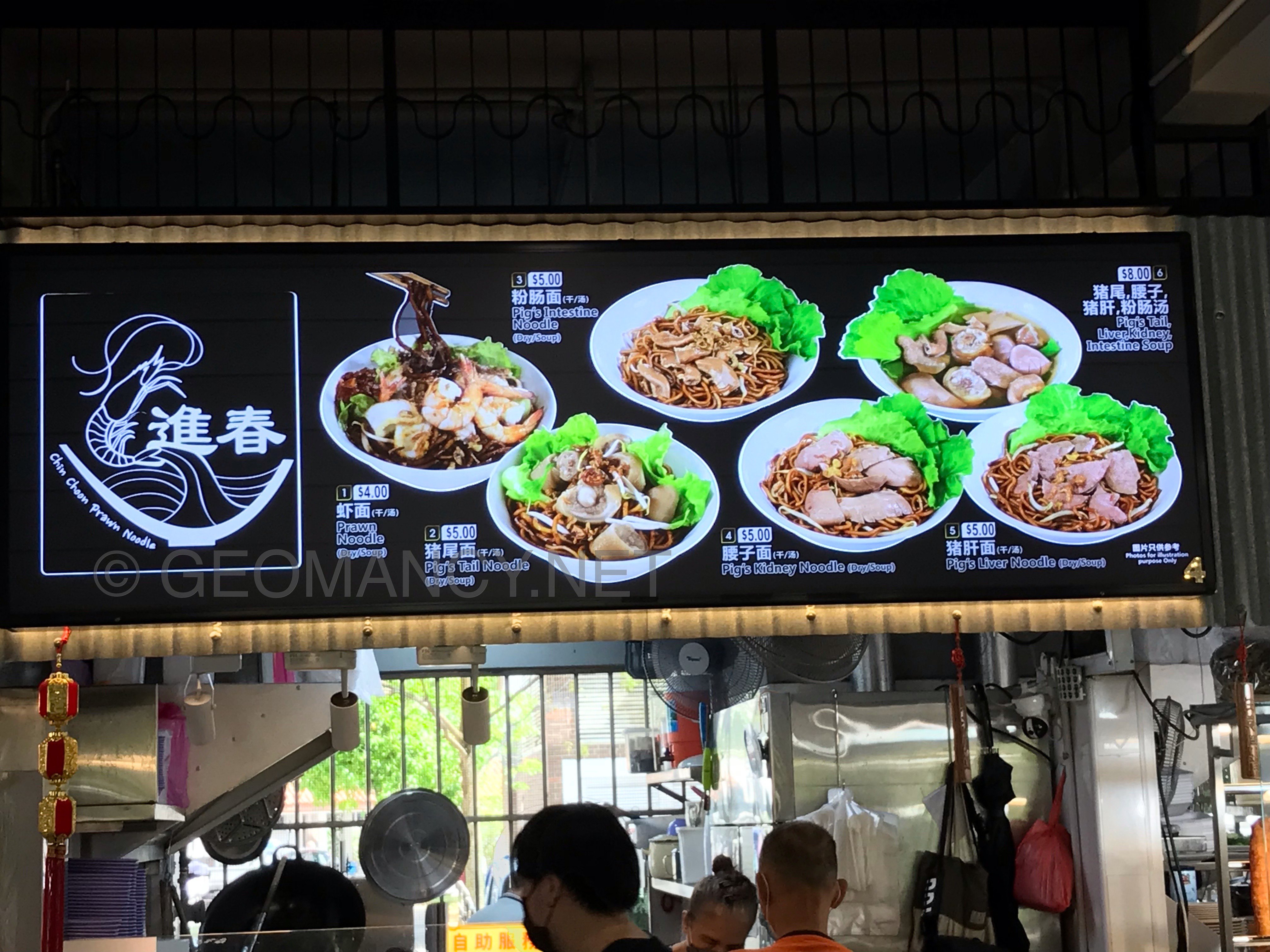
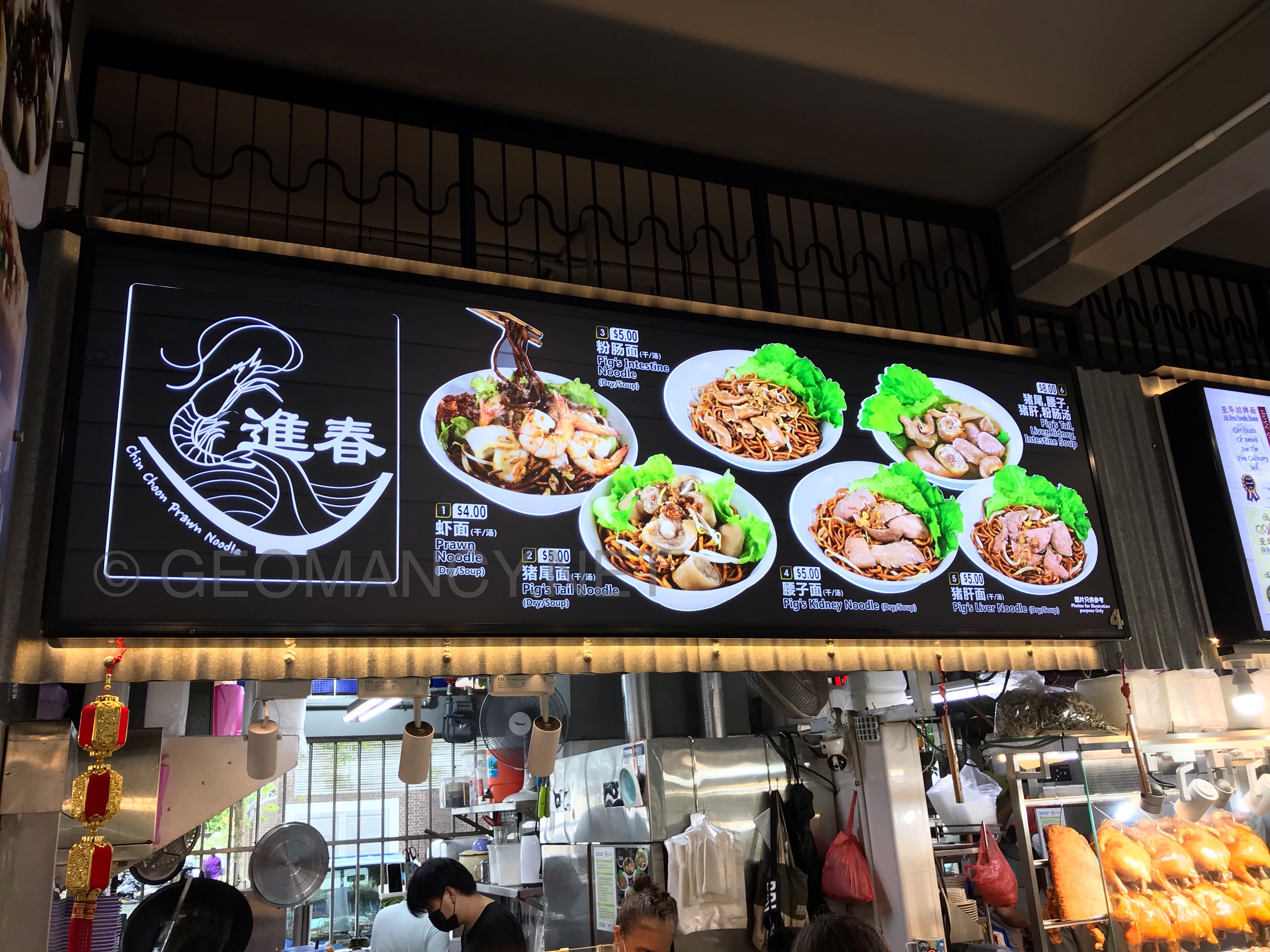
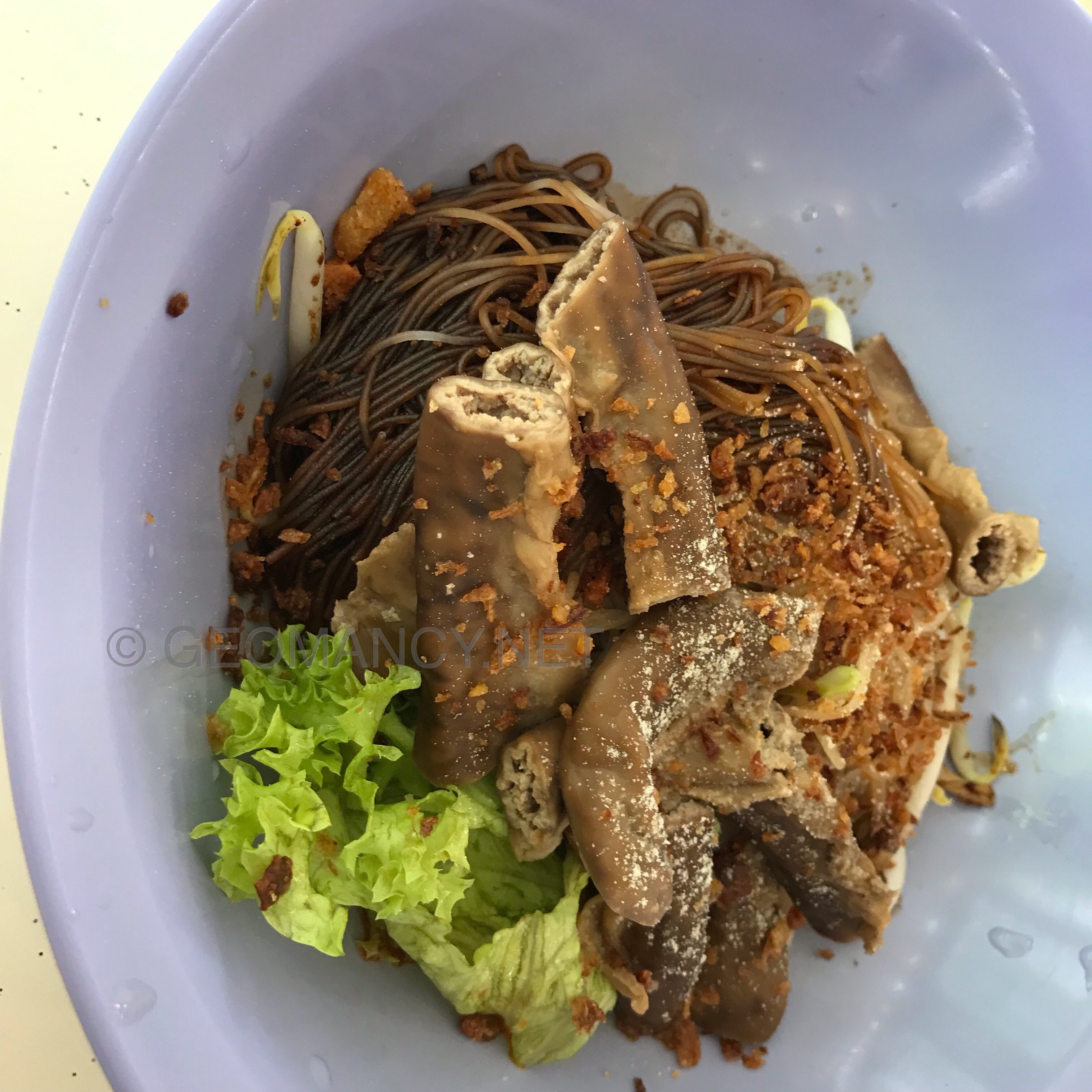
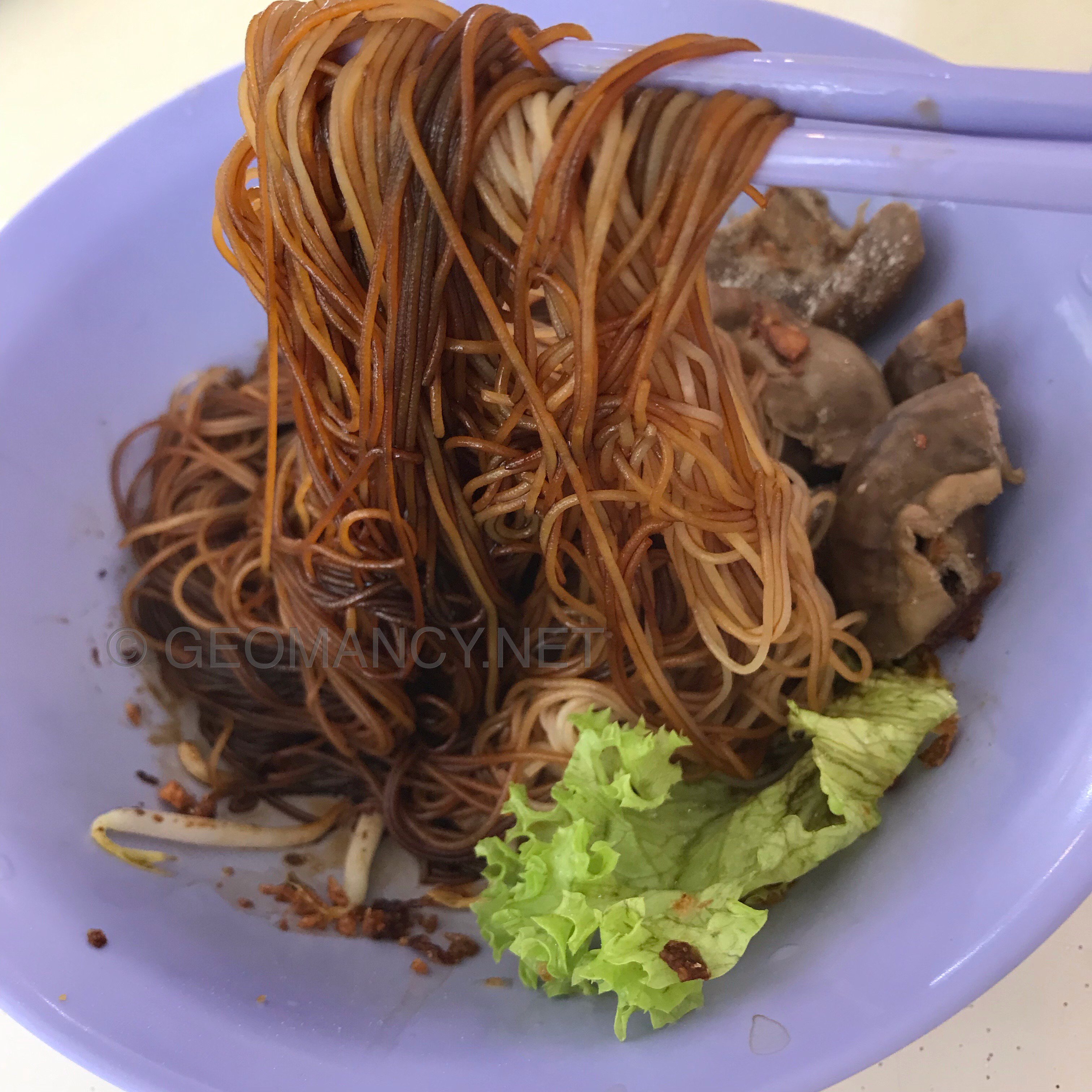
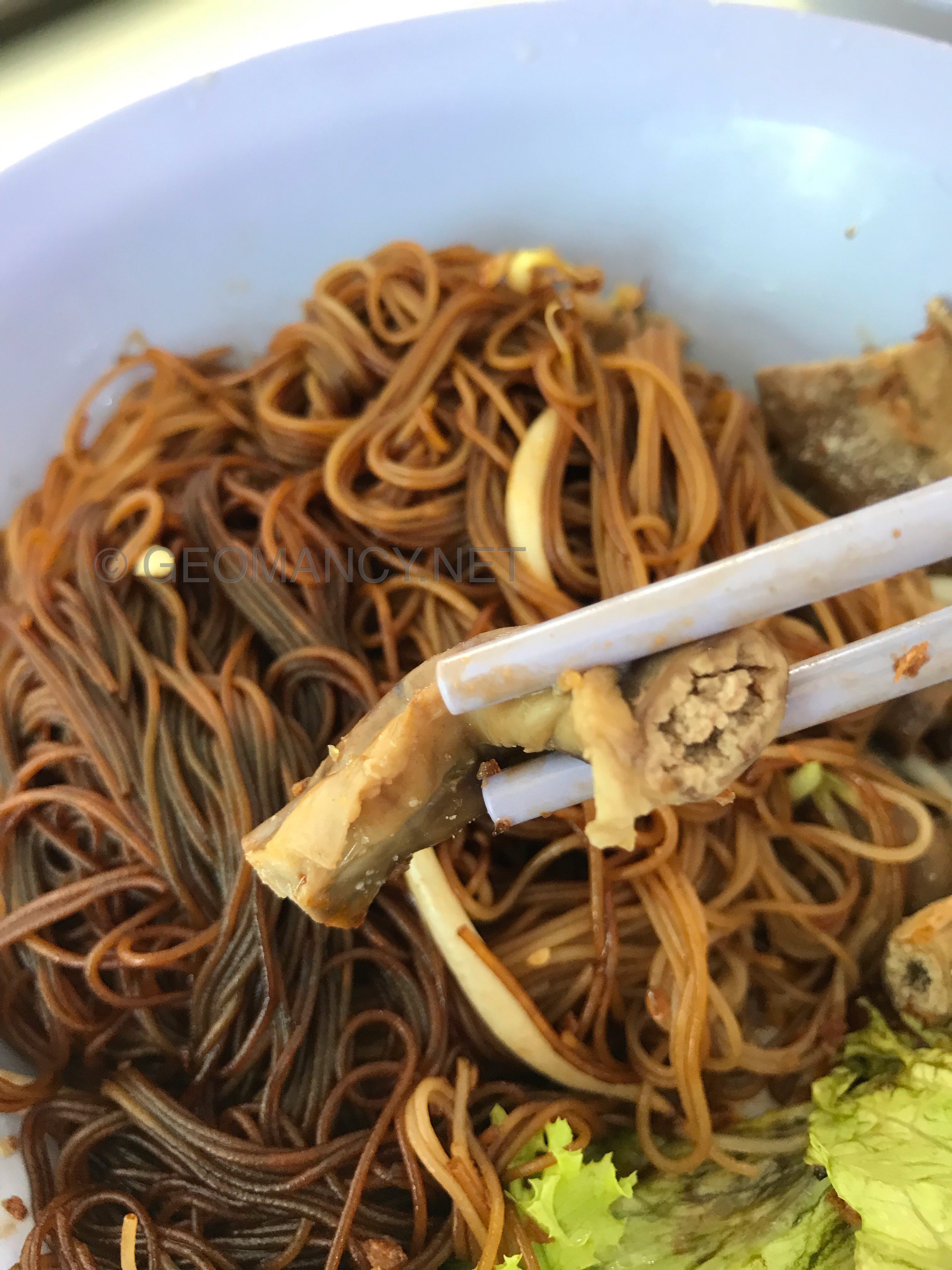
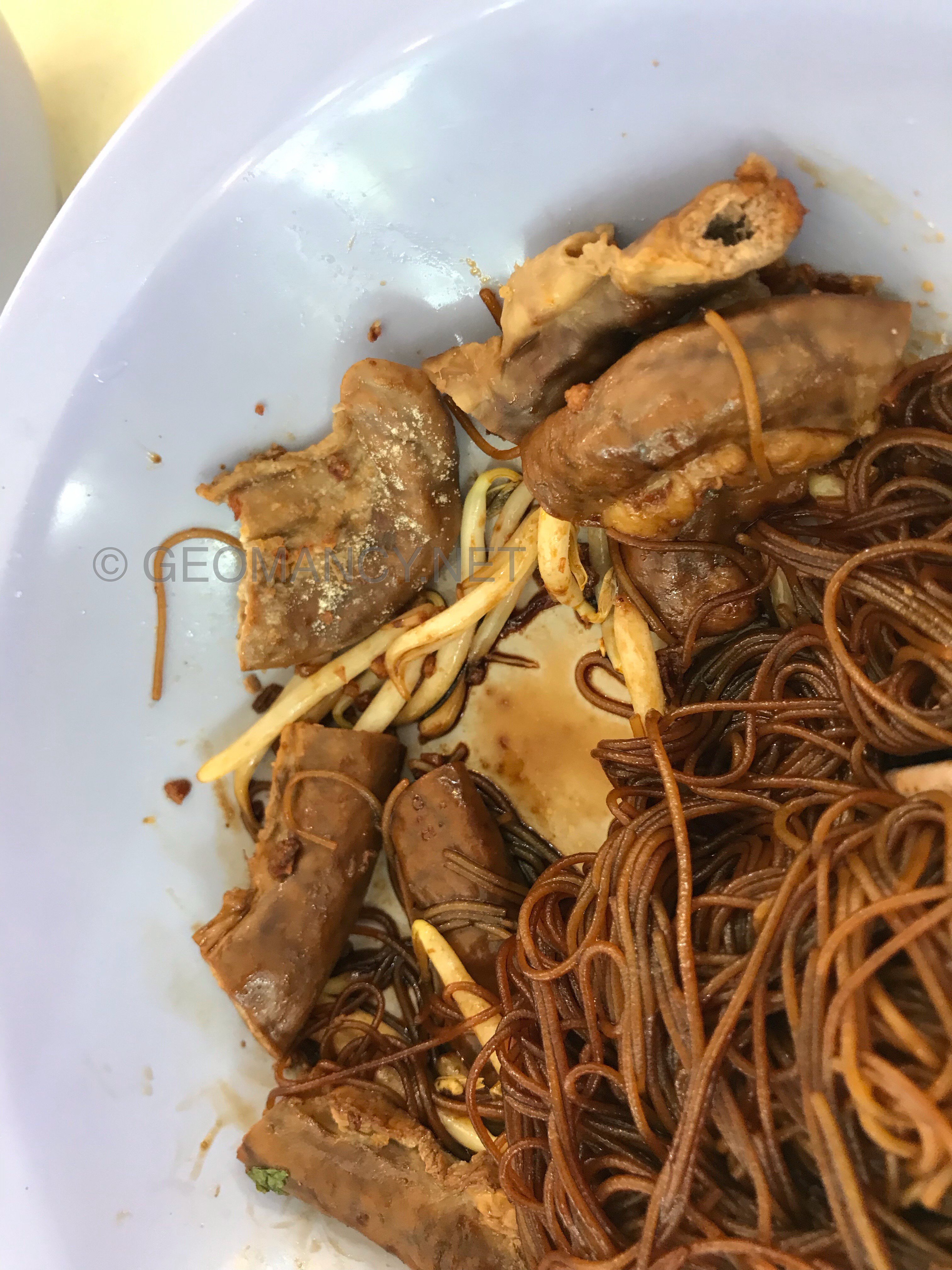
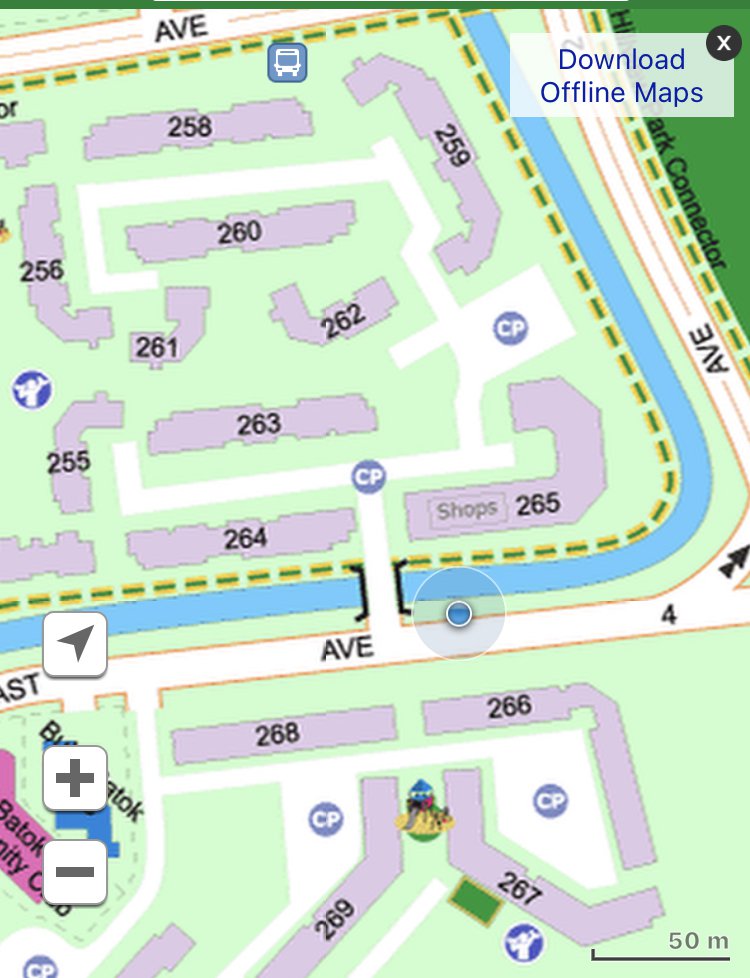
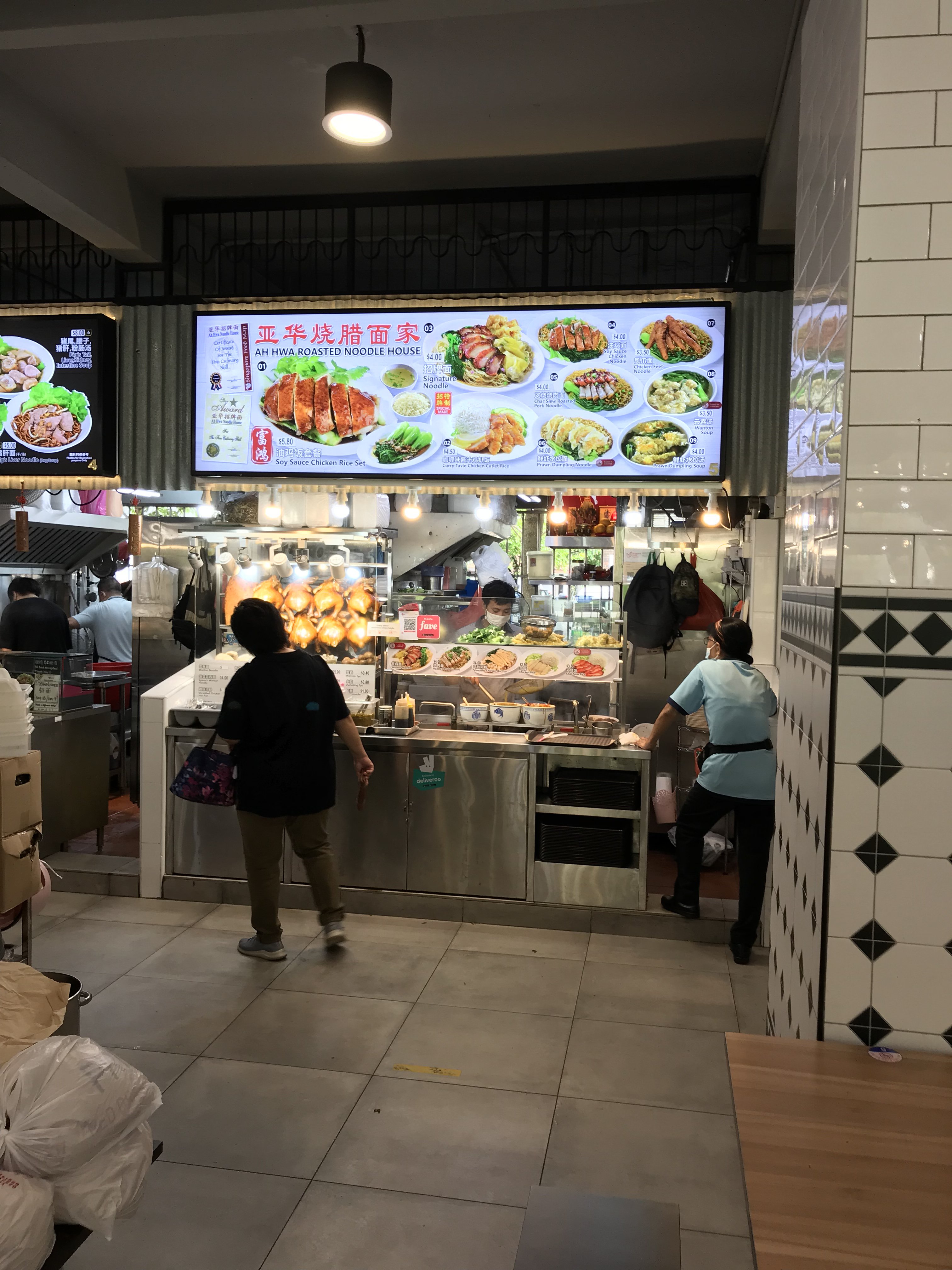
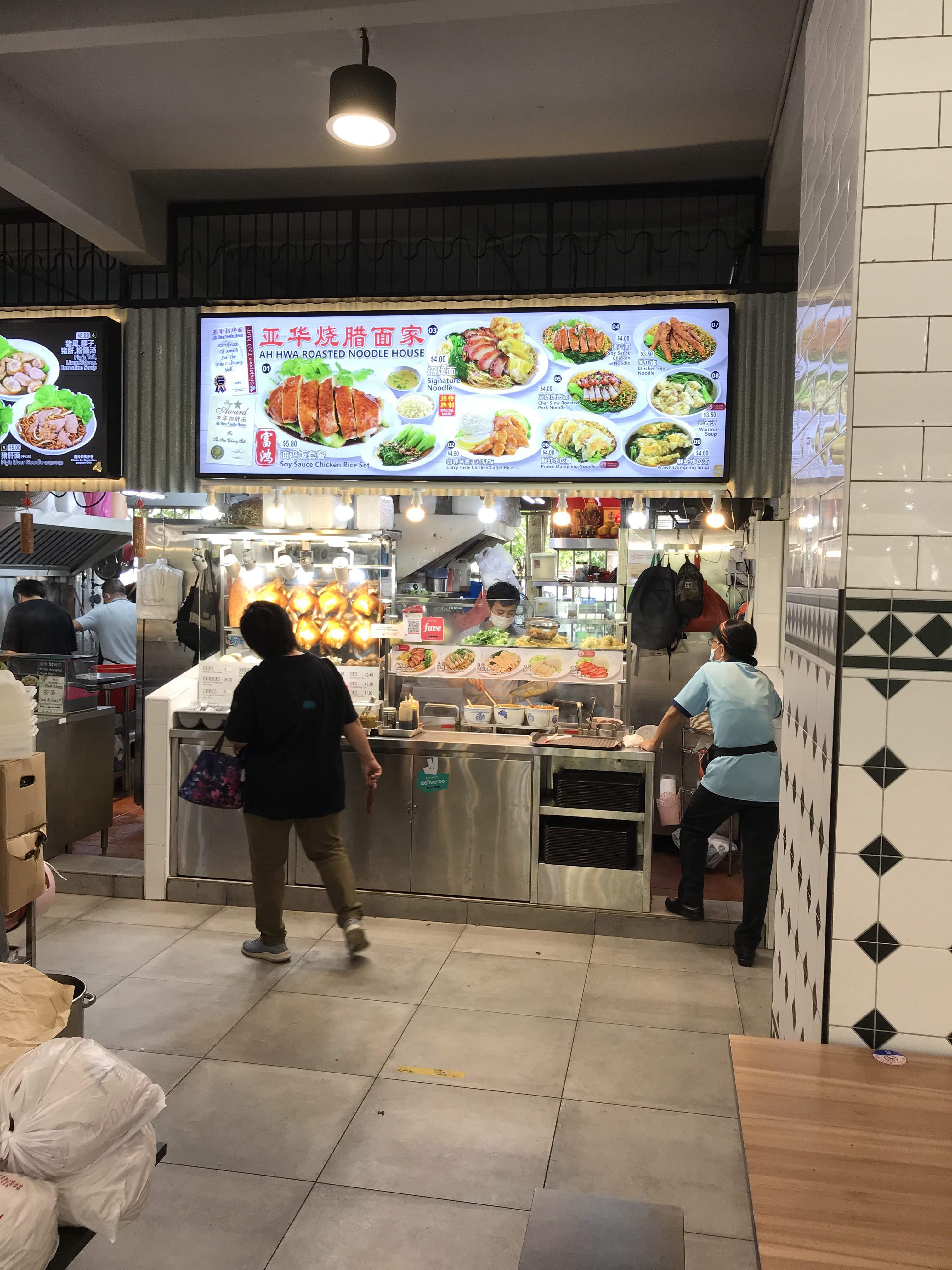
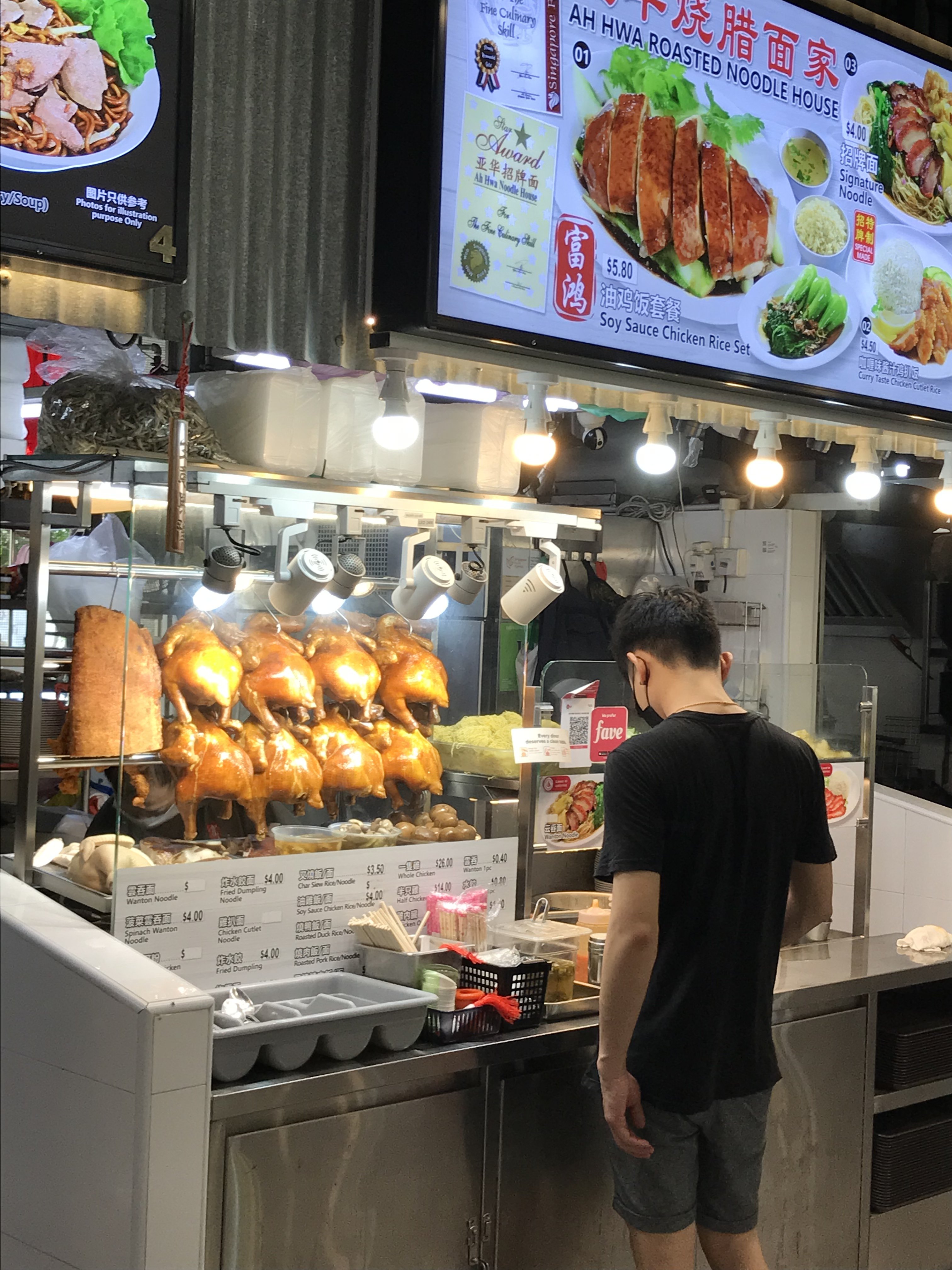
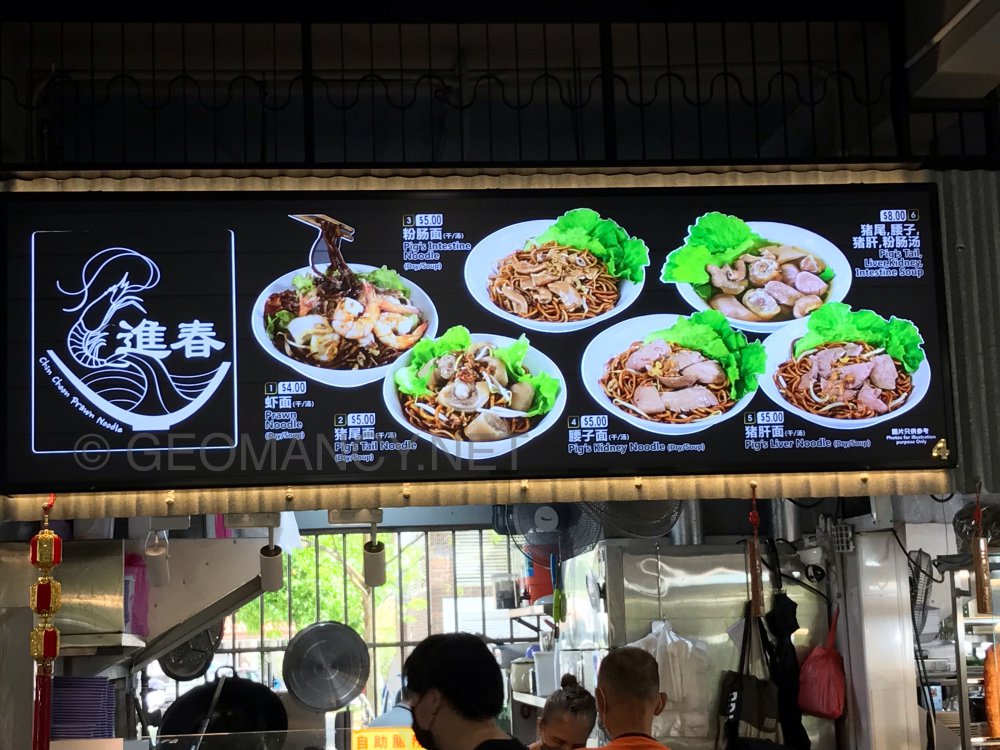
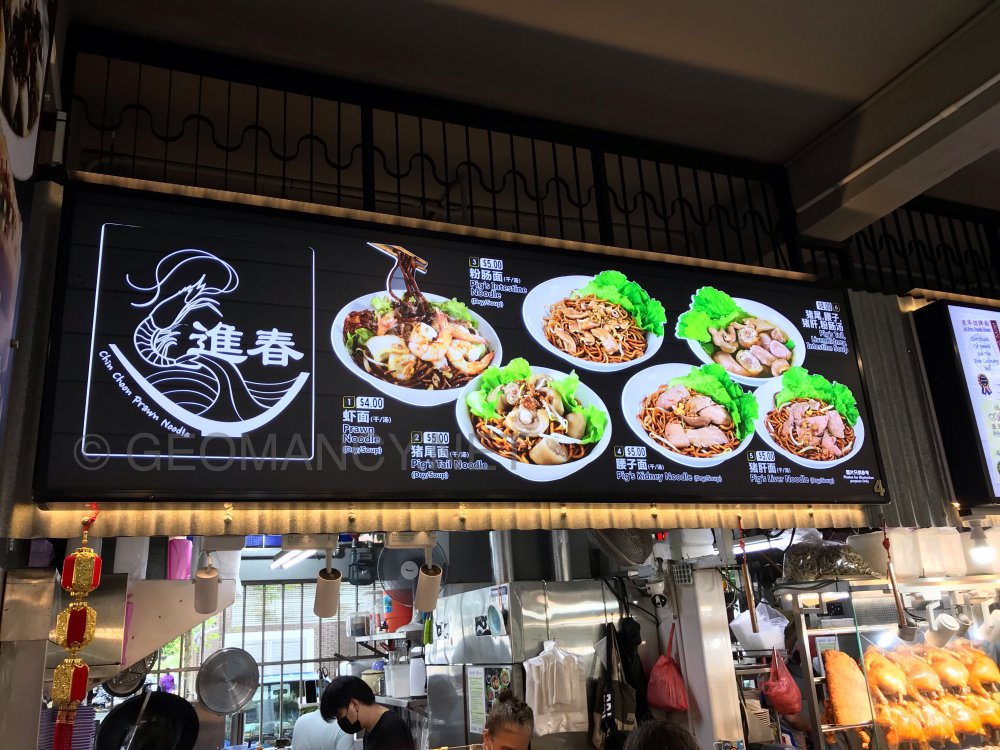
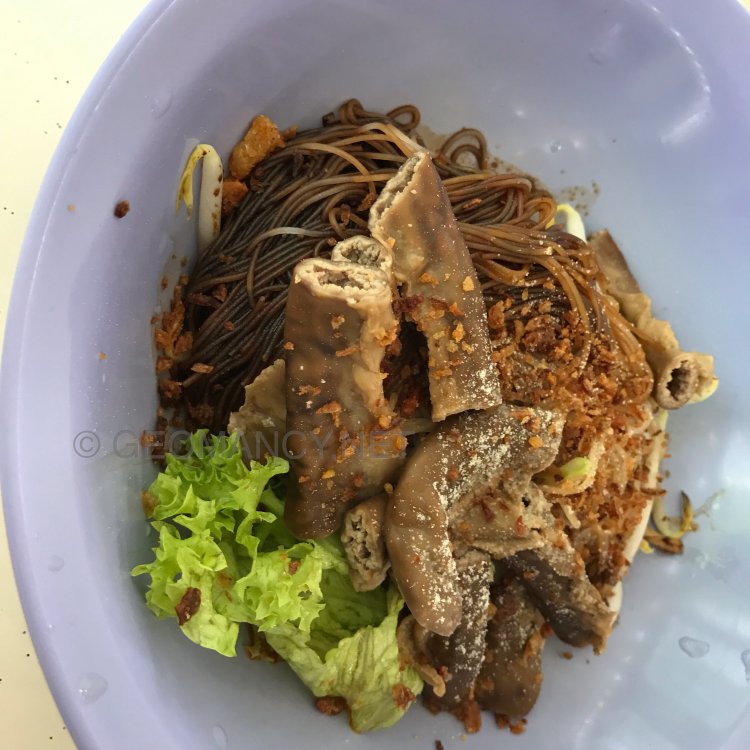
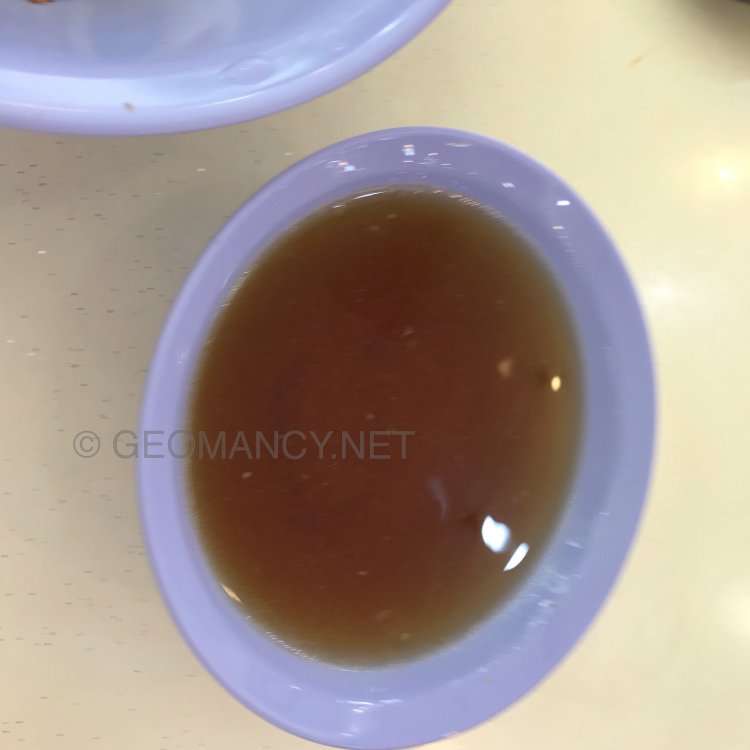
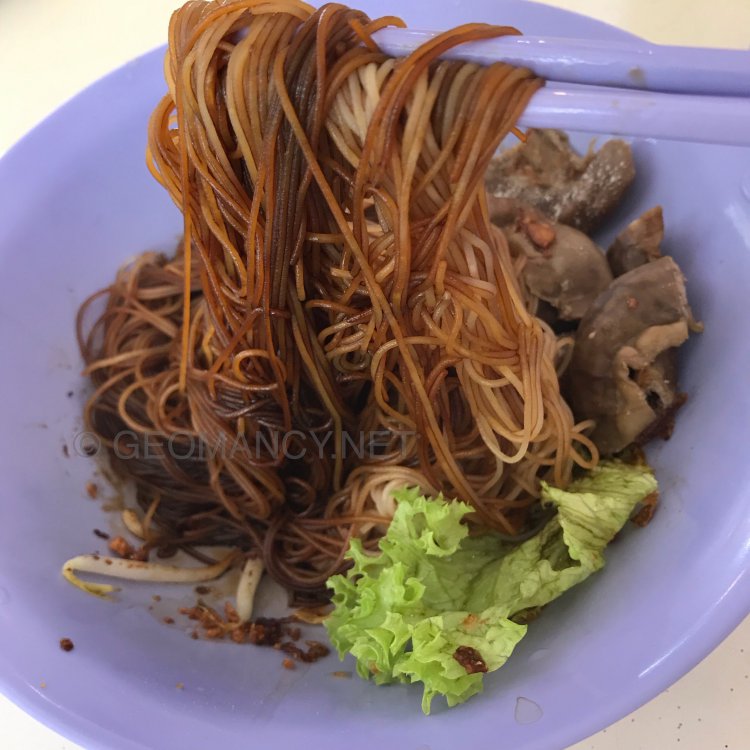
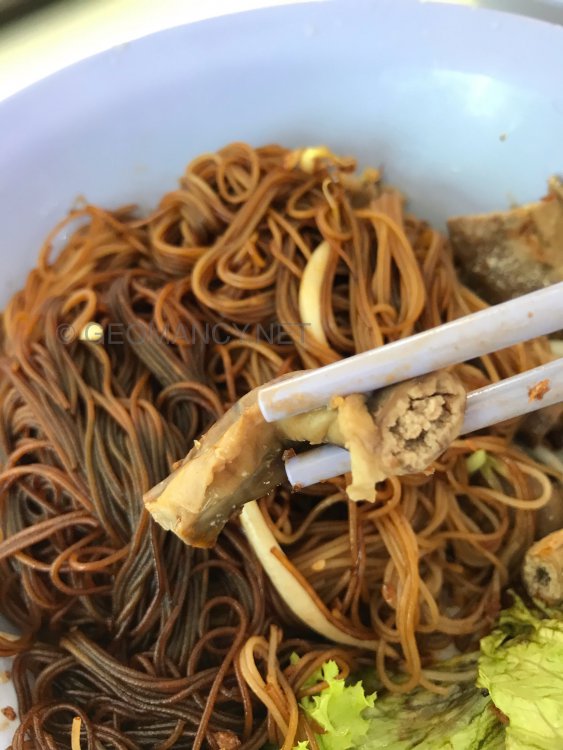
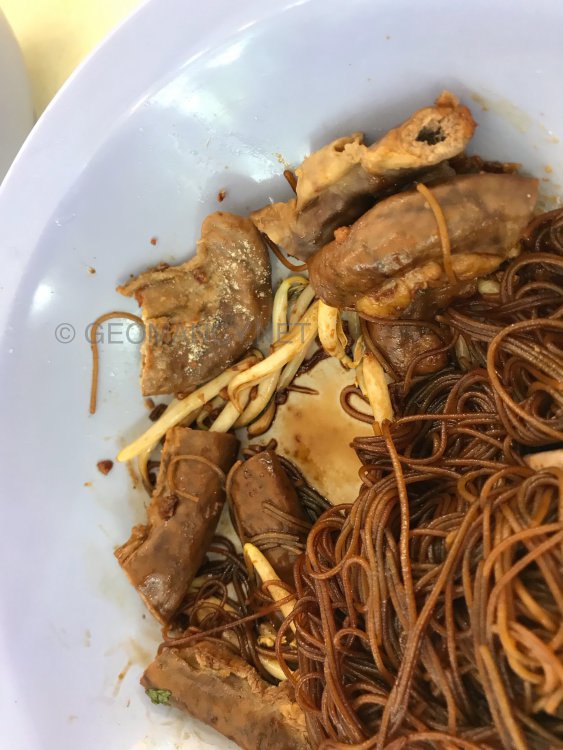
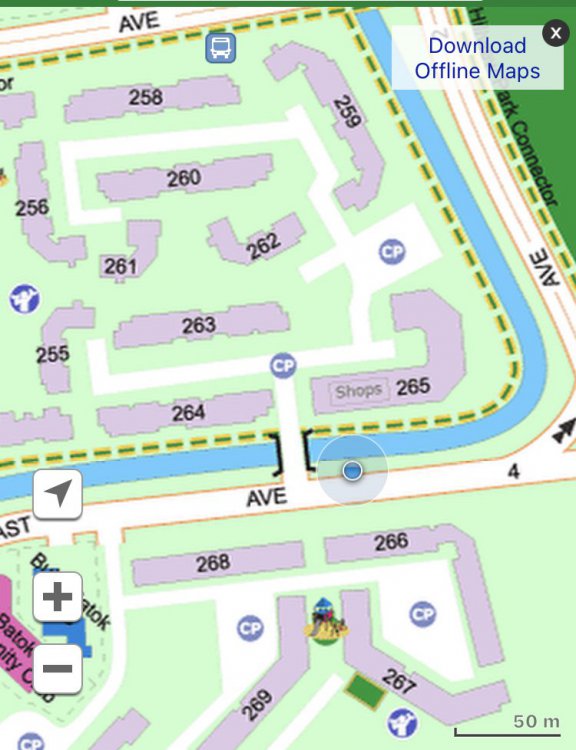
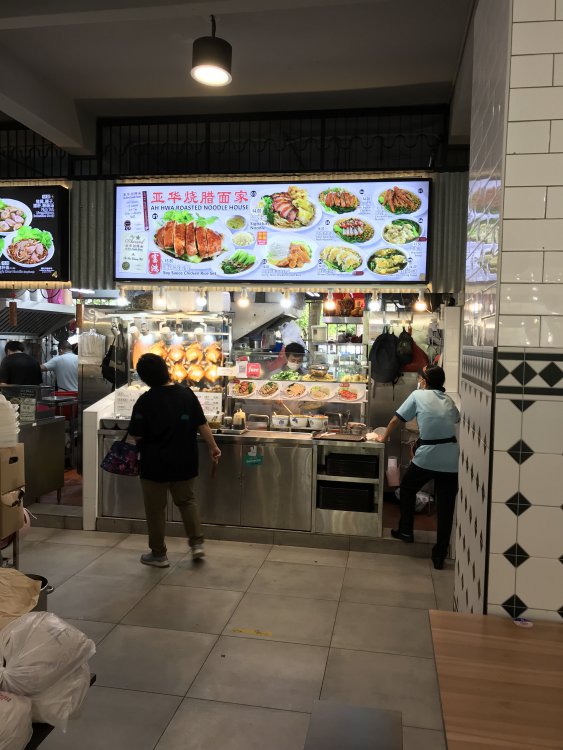
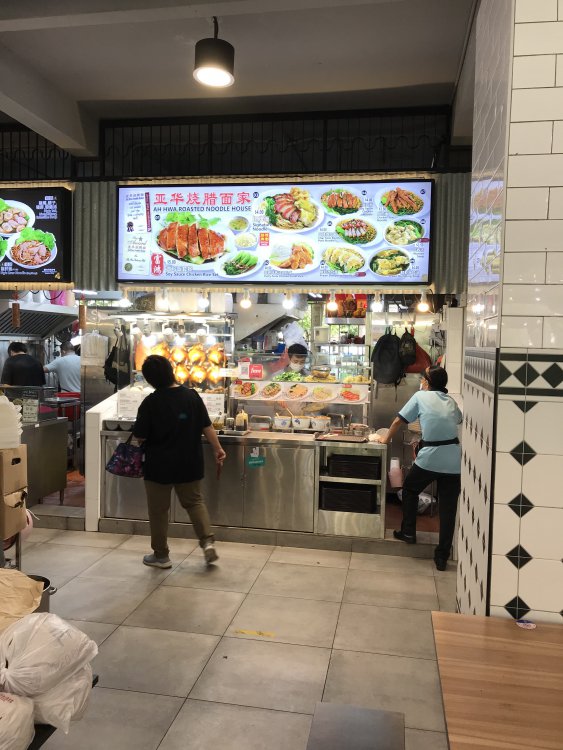
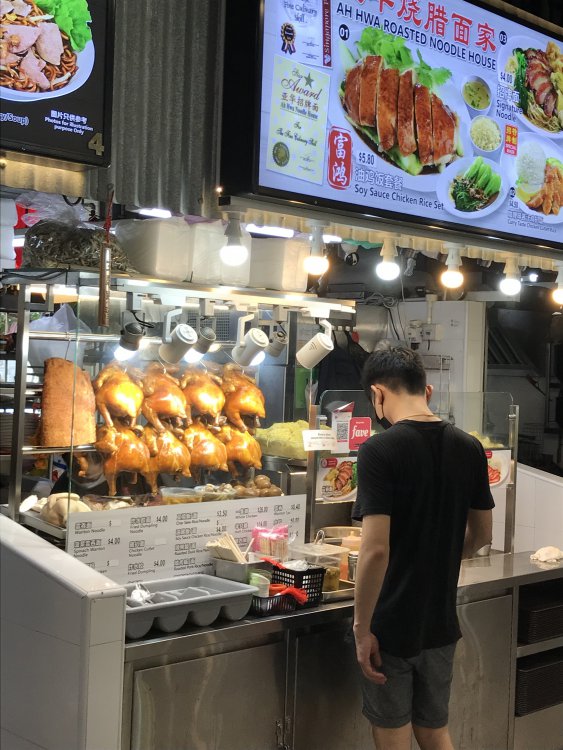
265 Bukit Batok East Ave 4 $5/-. Unique black sauce noodles. Nothing fantastic. Added two more dollars of the intestines. Not that chewy.. most likely frozen before been cooked… Overall edible. Beside this stall the noodles look more interesting…here goes…
-
The Watergardens Location, location, location3.5 out of 5 Stars Would have been higher if not for the profile of the plot of land

-
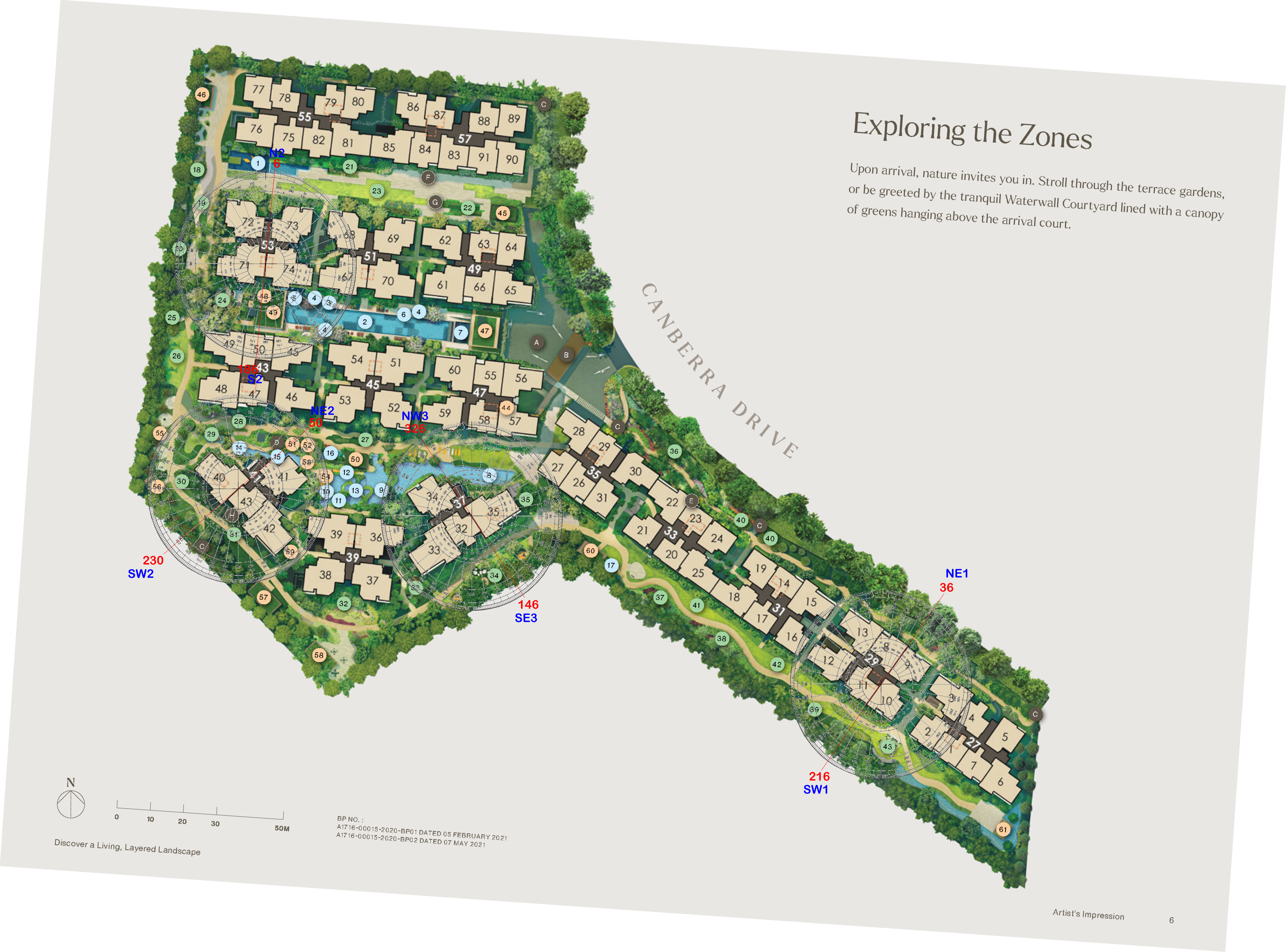
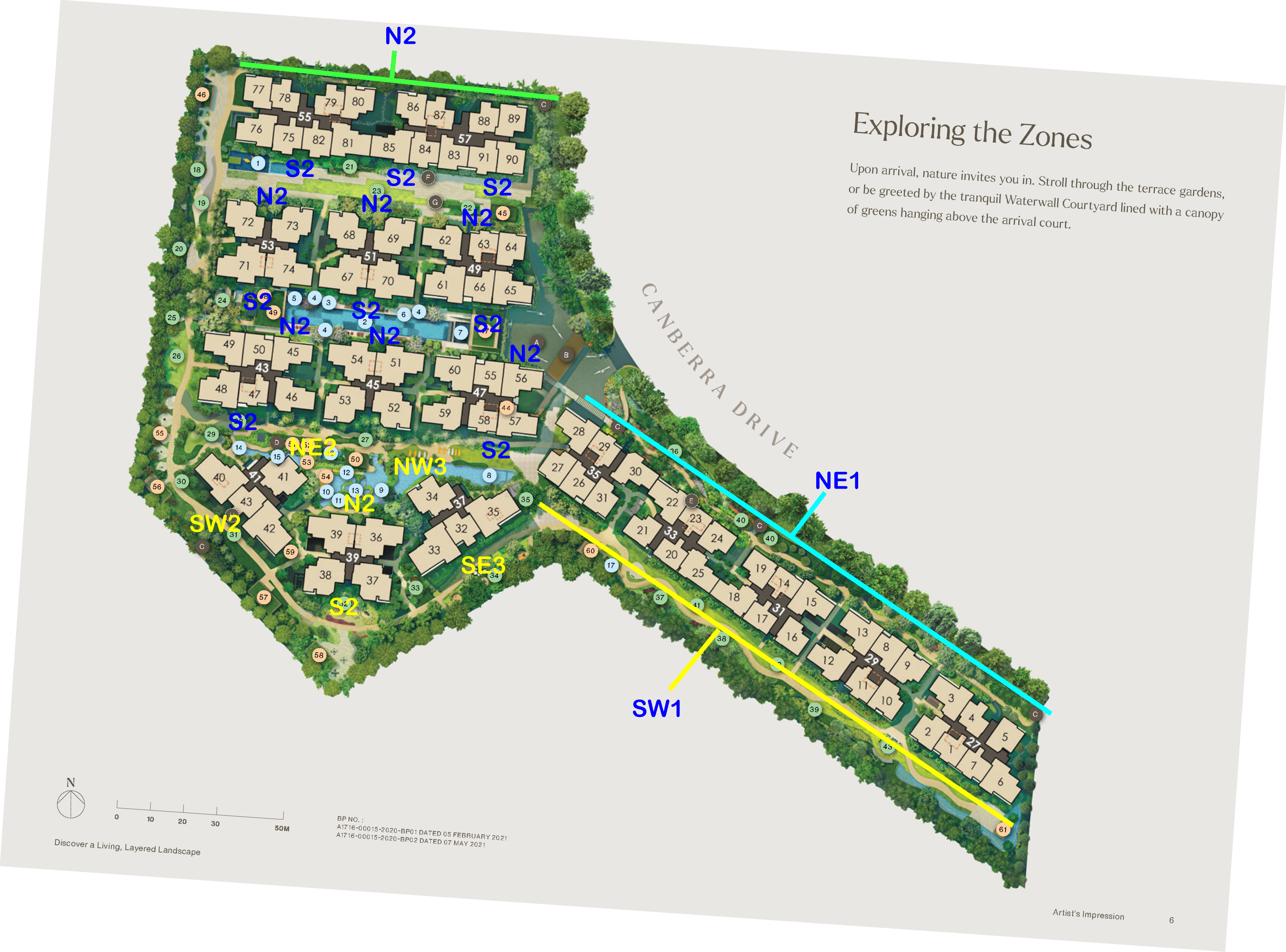
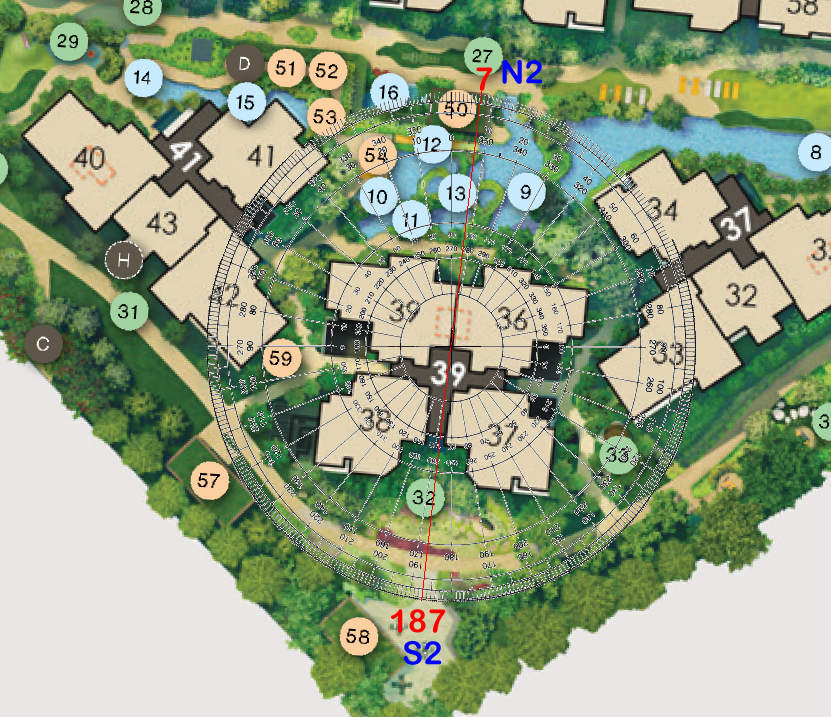
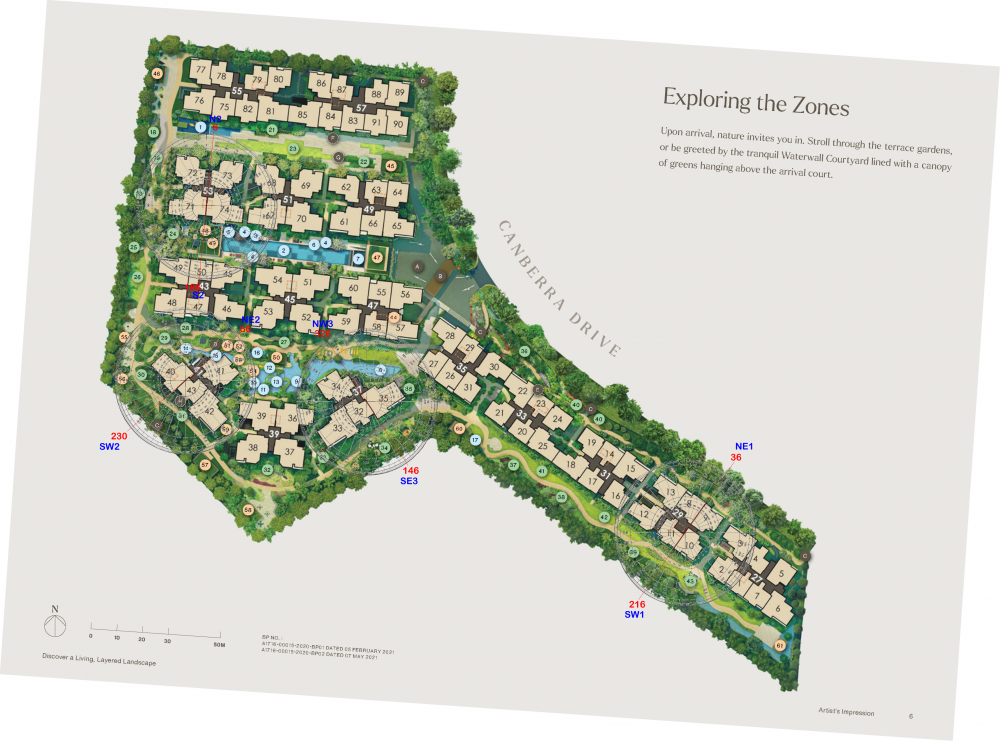
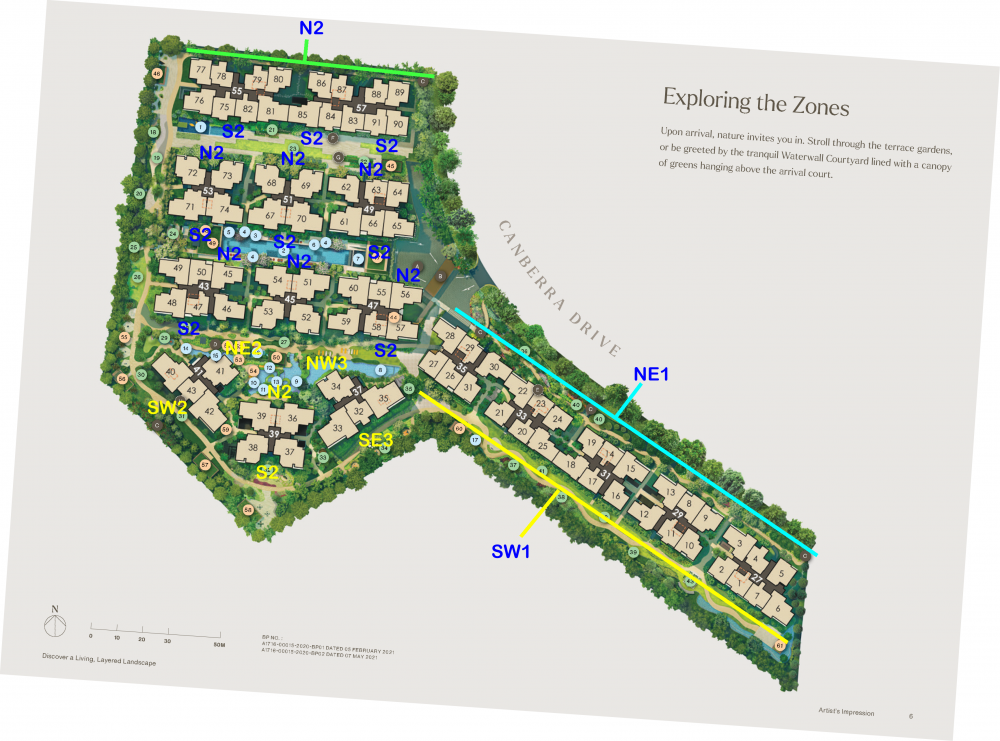
Case Study 4: Flying Star Feng Shui Expected T.O.P. is on 30 June 2026 1. This development's Flying Stars: 1.1. Majority of the stacks/units in this development are either that of N2, S2, NE1, SW1 1.2. Less of NE2, SW2, NW3 & SE3. 2. N2, NE2, NW3 have the very auspicious Double Stars [#9] + [#9] in Front. Double Star in Front Formation - This formation should have near water and distant mountain to enhance this structure to activate wealth. 3. In addition, N2 & NE2 facing stacks have an added bonus of having the auspicious Sum of Ten Mountain Star. Here an individual sector's Base Star + Moutain Star adds up to Ten. Even if this sector has bad stars it can flip to become favourable sector. 4. Okay what about S2 facing stacks? 4.1. S2 facing stacks unfortunately have the Double Stars [#9] + [#9] at the "Rear" of the unit. Where usually this is often the kitchen / yard / utility area depending on the layout plan. 4.2. Double Star Behind Formation - Requires the necessary near mountain and distant water to enhance this sector to active wealth. 4.3. For apartments ECs/Condos/HDB flats, usually wasted at the rear of the unit. 4.4. Fortunately, S2 facing stacks have a saving grace. That of it having an auspicious Sum of Ten Water Star. Here an individual sector's Base Star + Water Star adds up to Ten. Even if this sector has bad stars it can flip to become favourable sector. 5. SE3 & SW2 unfortunately have the Double Stars [#9] + [#9] at the Rear. Double Star Behind Formation - Requires the necessary near mountain and distant water to enhance this sector to active wealth. 5.1. For apartments ECs/Condos/HDB flats, usually wasted at the rear of the unit. Here, often the kitchen / yard / utility area depending on the layout plan. Workings:

-
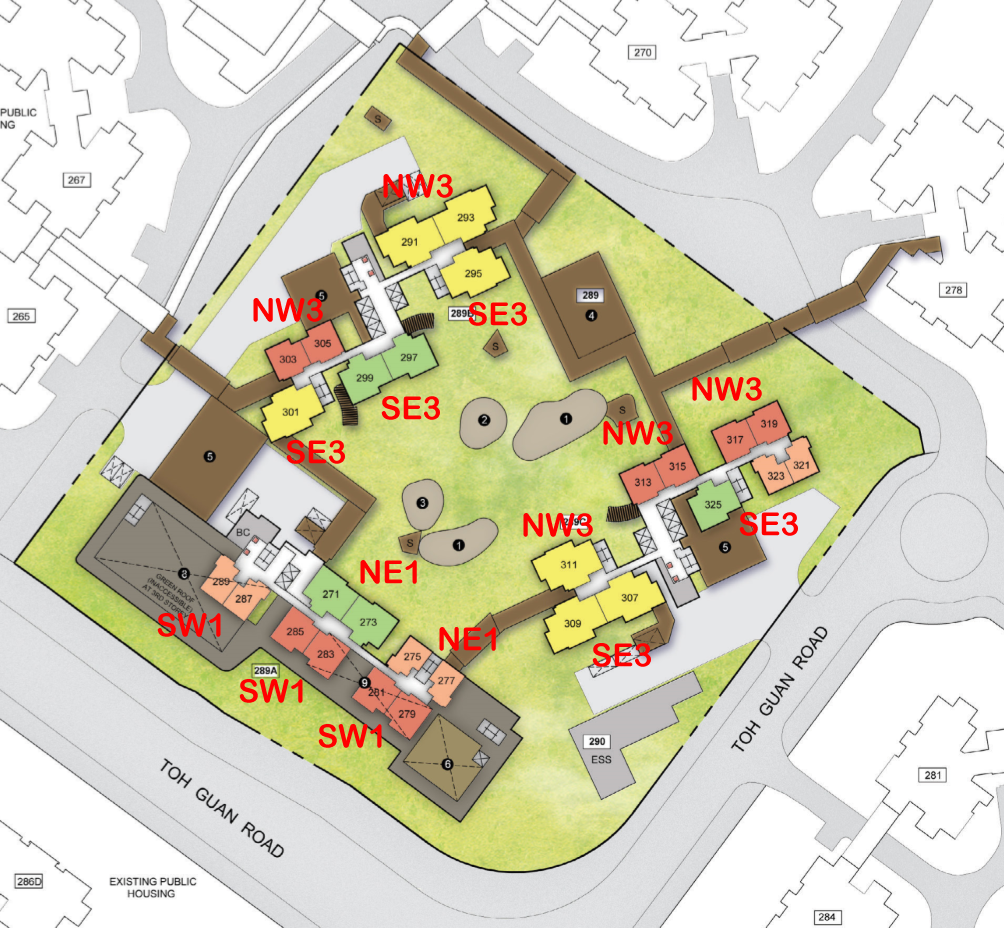
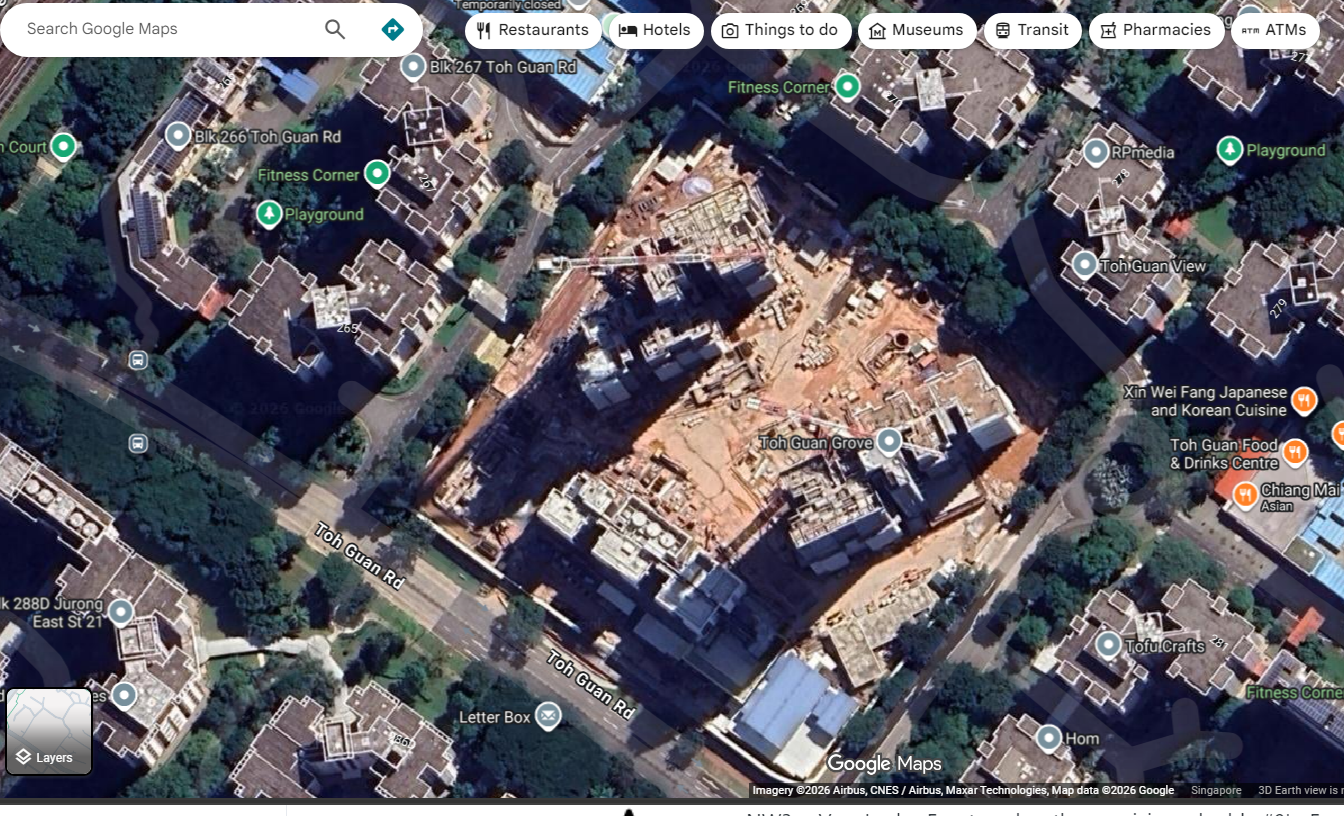
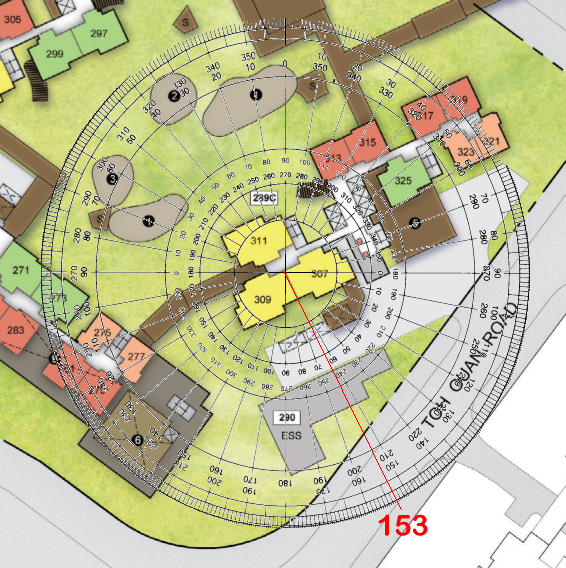
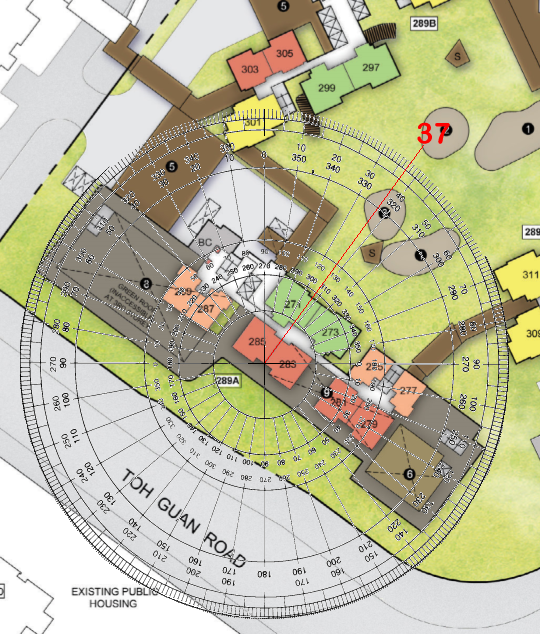
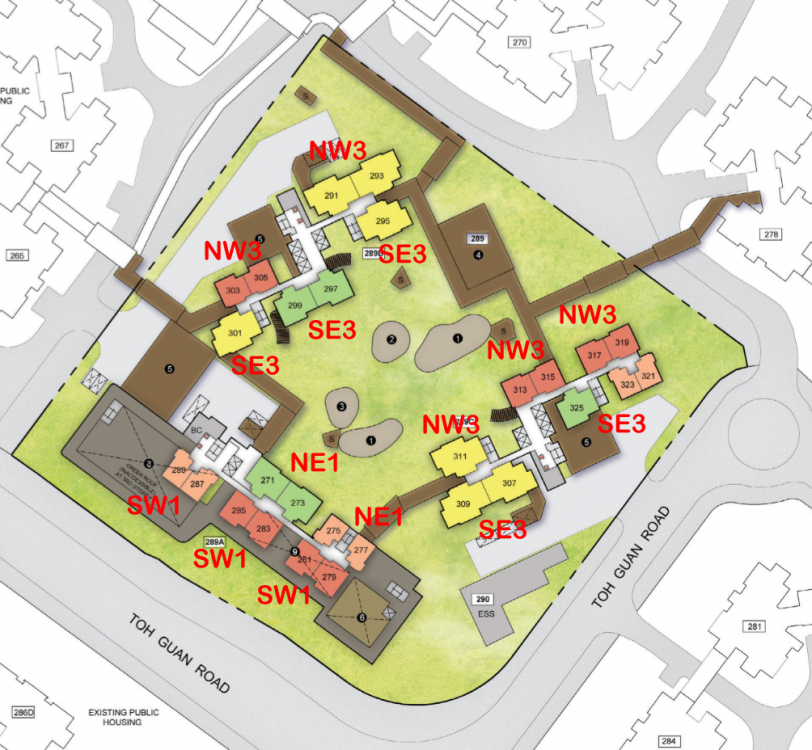
Case Study 1: Flying Star Feng Shui of HDB Toh Guan Grove 1. This development only has four Flying Star Facing directions: NE1, NW3, SE3 and SW1. 2. NE1 & SE3 facing units have the Double Stars [#9] + [#9] at the Rear 2.1. Double Star Behind Formation - Requires the necessary near mountain and distant water to enhance this sector to active wealth. 2.2. For apartments ECs/Condos/HDB flats, usually wasted at the rear of the unit. 2.3. For many landed properties overseas especially in the US, the yard opens towards the pool and a reasonable sized yard. Such homes can take advantage of this. 2.4. The saving grace for NE1 is that it has the Sum of Ten Water Star. Here an individual sector's Base Star + Water Star adds up to Ten. Even if this sector has bad stars it can flip to become favourable sector. 2.5. SE3 has the Sum of Ten Mountain Star. Here an individual sector's Base Star + Moutain Star adds up to Ten. Even if this sector has bad stars it can flip to become favourable sector. 3. SW1 facing units are considered lucky as they have the Double Stars [#9] + [#9] in Front 3.1 Double Star in Front Formation - This formation should have near water and distant mountain to enhance this structure to activate wealth. 4. In general or in terms under Flying Star Feng Shui, most lucky are NW3 facing units which has the Double Stars [#9] + [#9] in Front. Double Star in Front Formation - This formation should have near water and distant mountain to enhance this structure to activate wealth. It also has the Sum of Ten Water Stars combination luck. Workings:- +++ A Look Back - Toh Guan Grove Under Construction Satellite Map

-
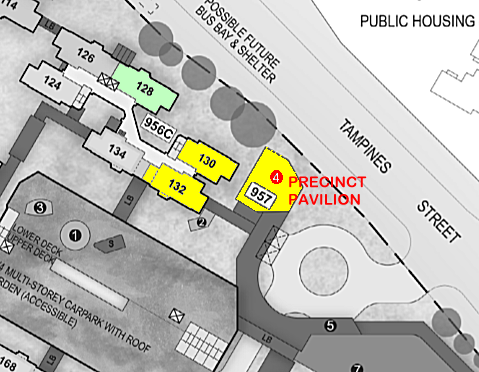
Case Study 9: Good that the Precinct Pavilion (PP) at Block 957 is somewhat isolated at a corner of this development + no stacks/units face into the PP. The exception being lower floors of #130's service yard area does look into it. 1. Although no units directly face into the PP; however, during events at the PP, do expect some noise from it especially at lower floors of 130, 132 and even that of 128.
-
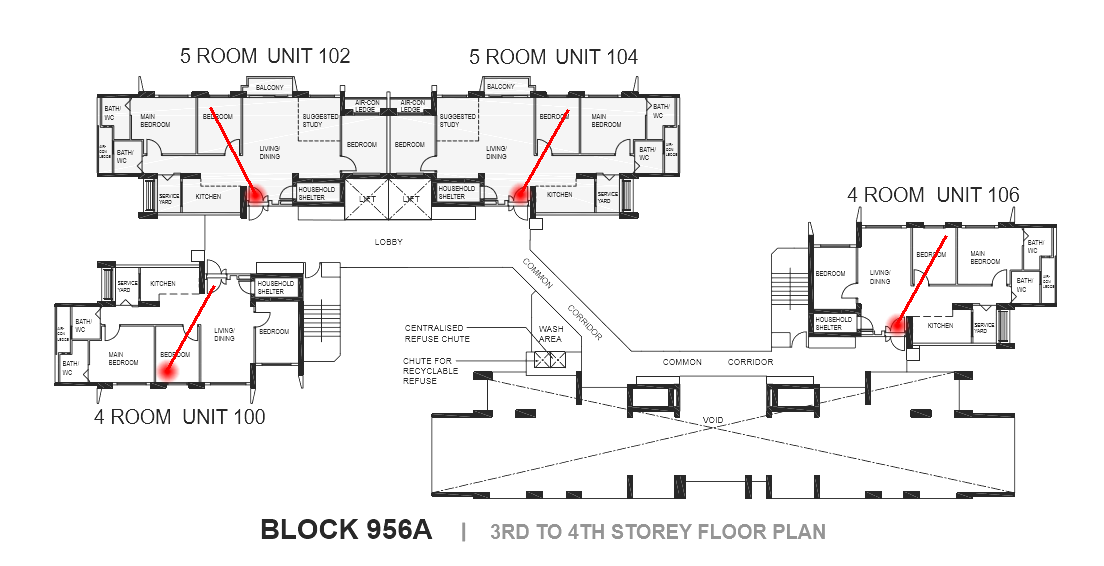
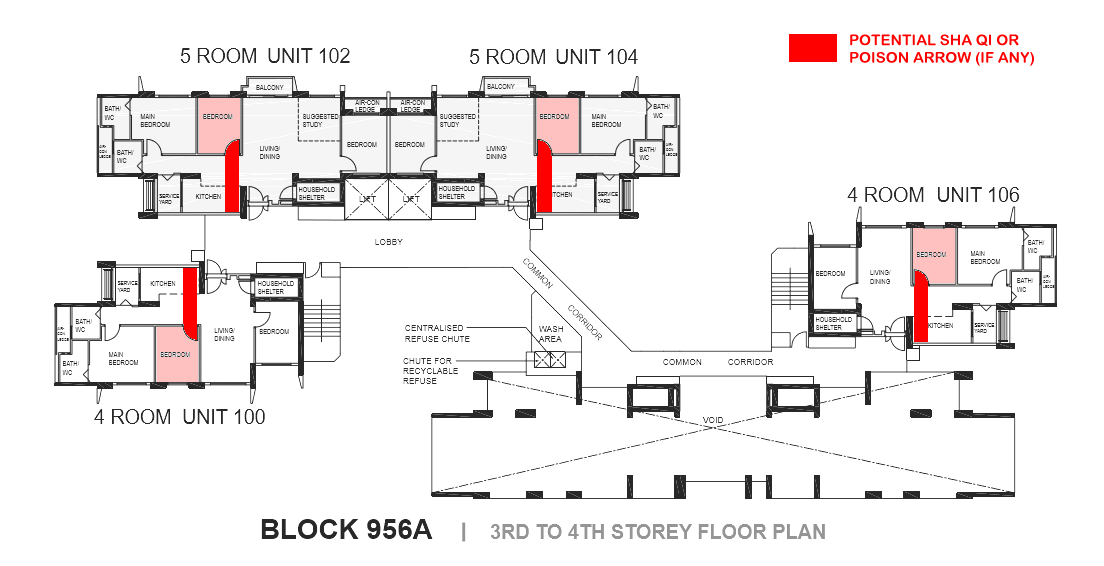
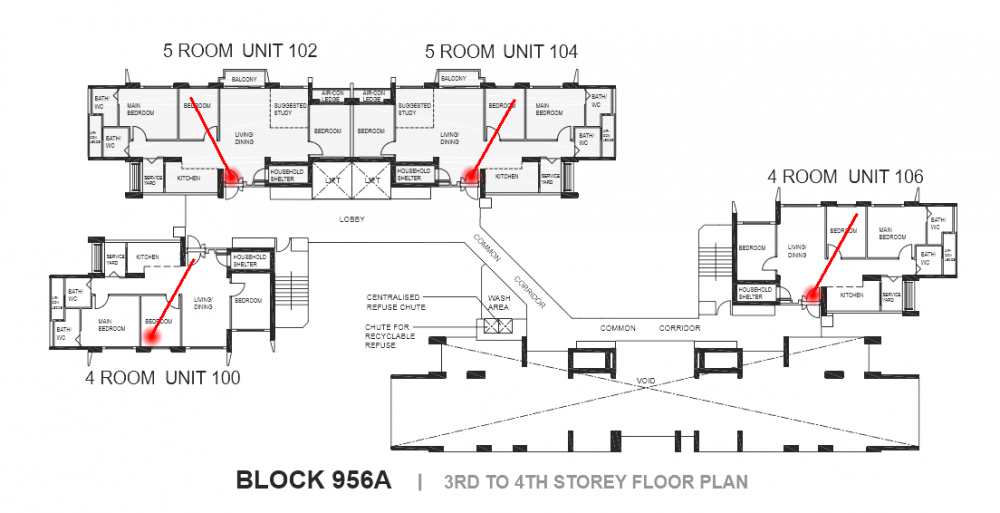
Case Study 8: Human or Man Luck and front door has a view into a bedroom. And often right towards the bed. 1. Often many family members leave their bedroom door ajar. 2. In this instance, someone standing at the front door can have a view towards this bedroom as well as even a view towards the bed.
-
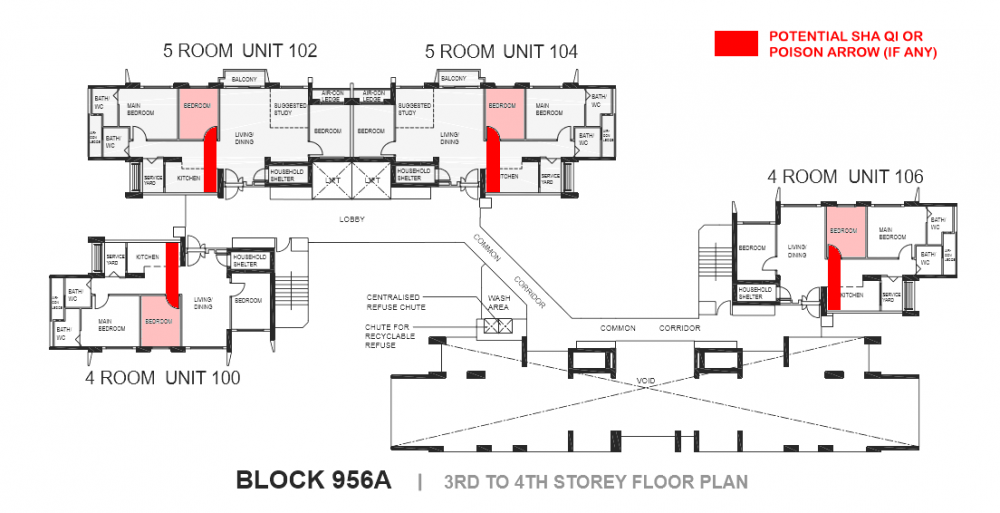
Case Study 7: Any concern if I keep to the open kitchen concept? 1. Bedroom door partially faces the kitchen especially if it is an open kitchen concept. 2. Please take note that any items seen or symbolically from this bedroom door. 3. For example, this sha qi can be a microwave oven, toaster oven, or seemingly innocent items like forks and knives etc...
-
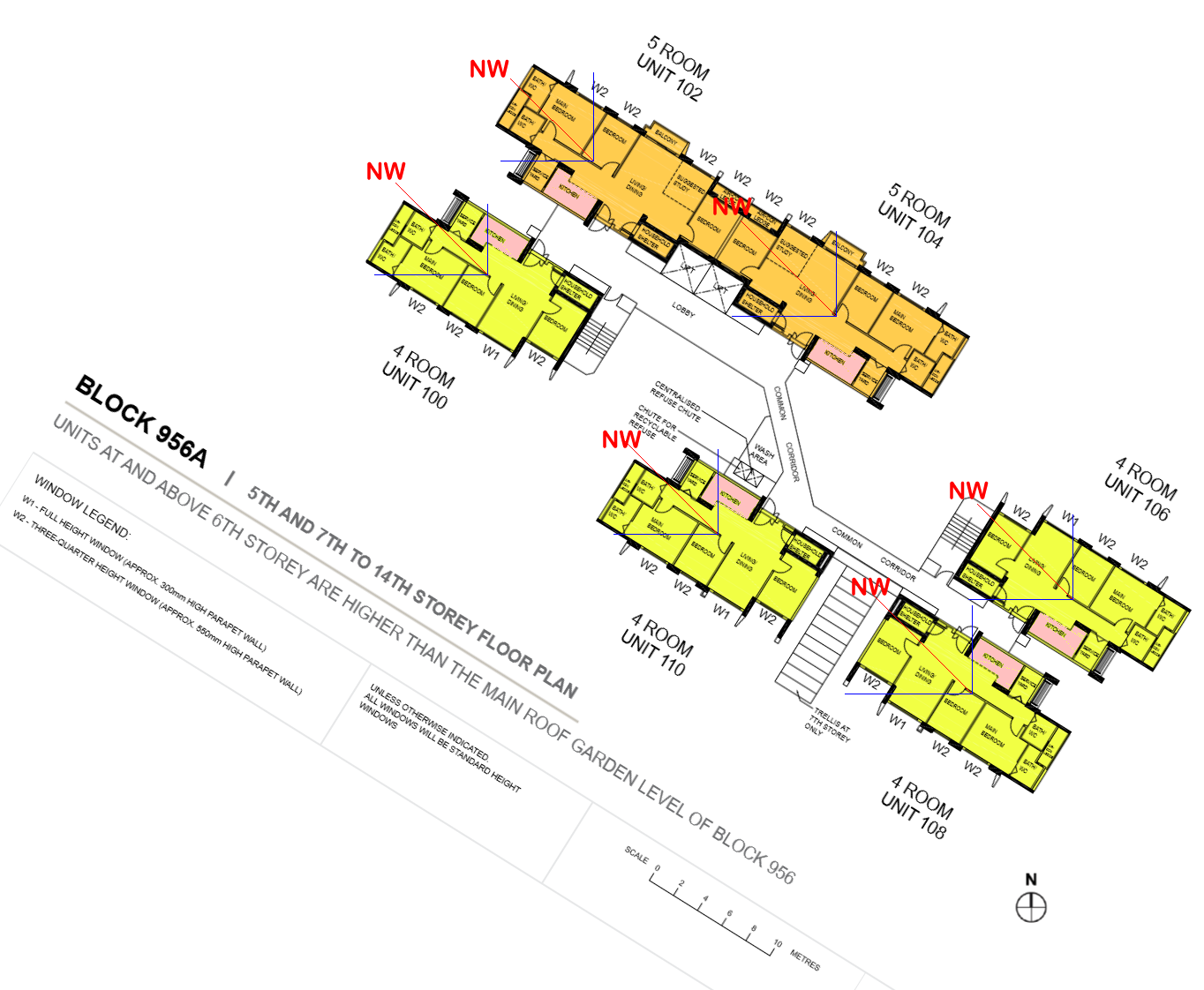
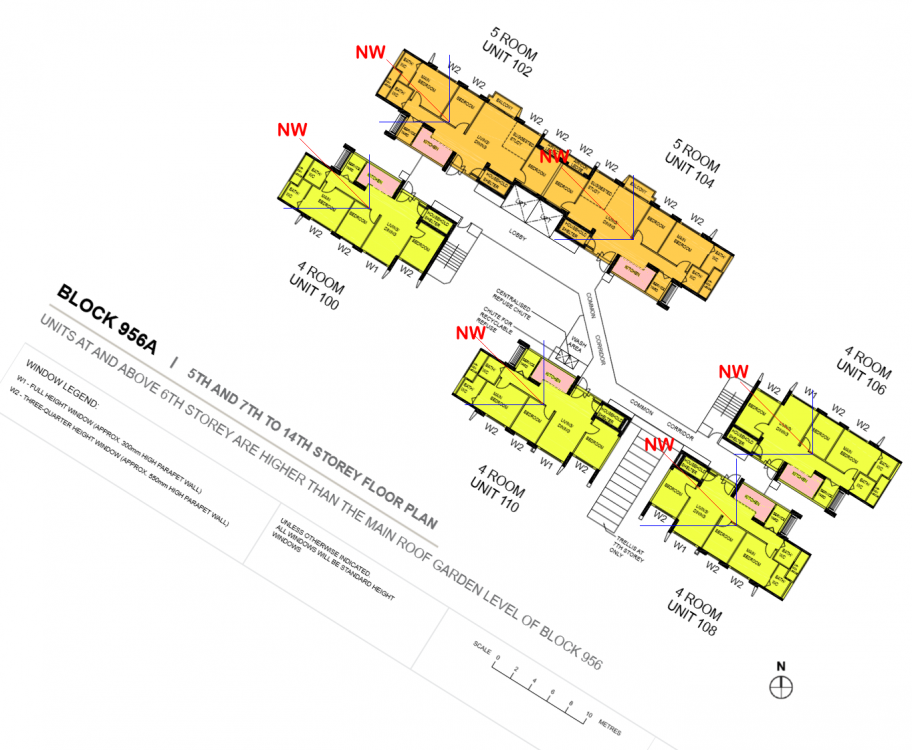
Case Study 6: Good news! Based on sampling of Block 956A, looks like no unit has the kitchen directly located at pure cardinal point of NW or the inauspicious Fire at Heaven's Gate with the exception of stacks/units 100 and 110 with a small part of the kitchen close to the fringe of the border between NW and North.
-
to post + no longer any heart also to reply... Look here:

-
Not compulsory. But if want in CM: Width = 18cm (roughly 7 inches. Adjusted for roughly 1.5 inch border) Height = 29.3cm (which is around 11.5 inches - Okay) Base = 10 cm (around 4 inches - Okay)
-
The saying goes: "A miss is as good as a mile". Thus the house marked with a ref flag does not fall AT the cul de sac. It can also be said to be the third count from the end of the road. But it is not also not AT the end of the road.
-