Cecil Lee
Staff
-
Joined
-
Last visited
Everything posted by Cecil Lee
-
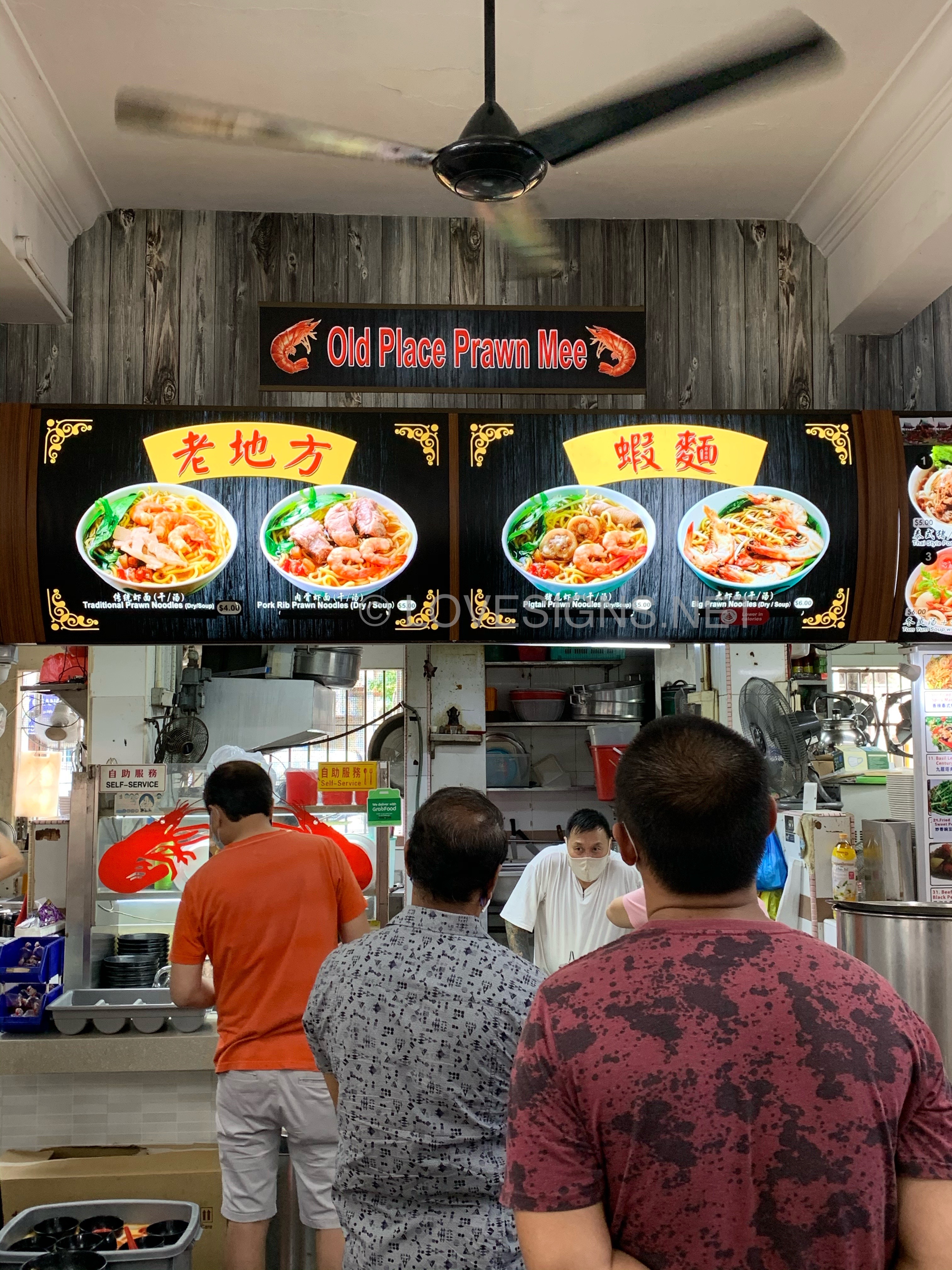
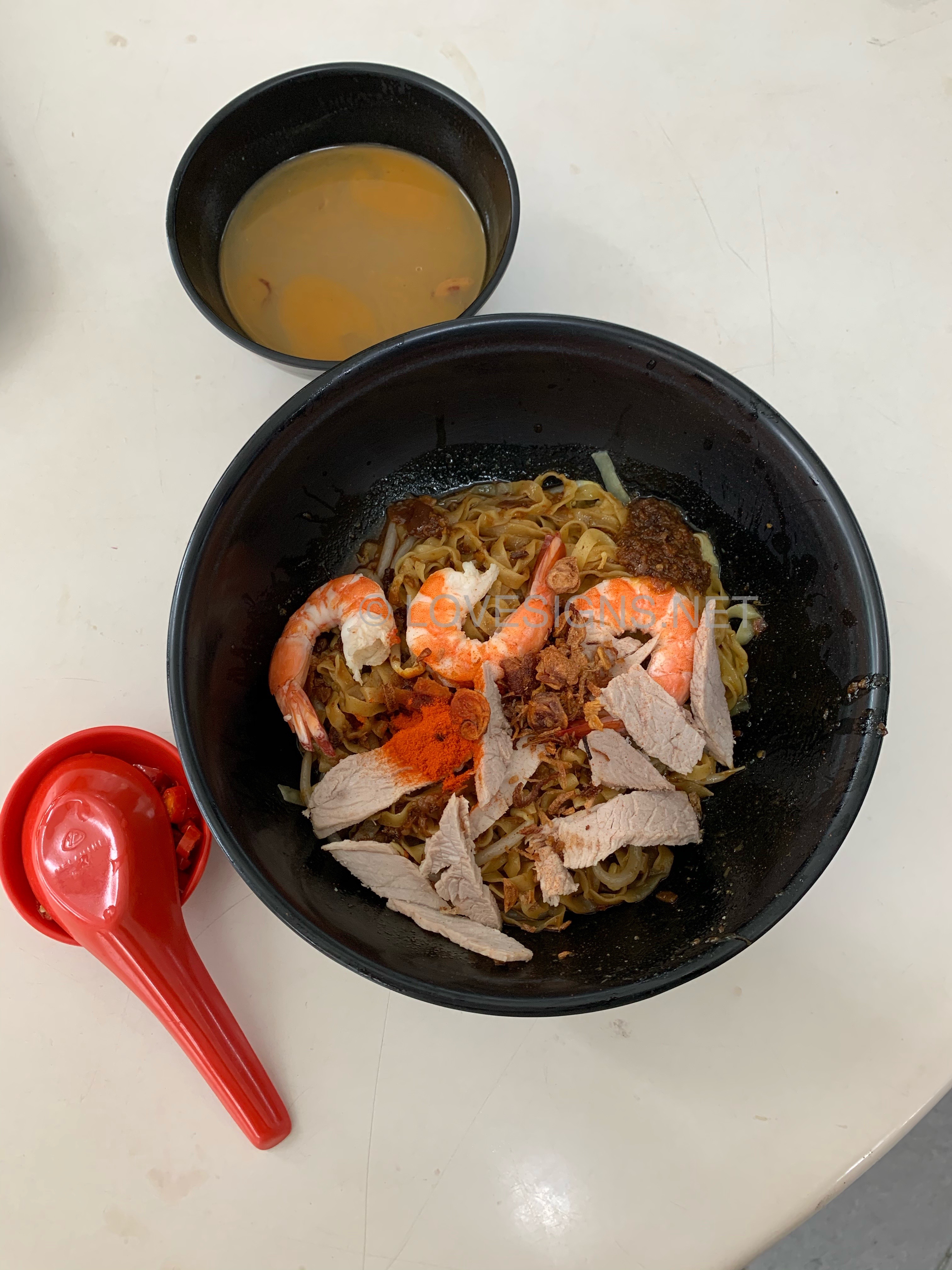
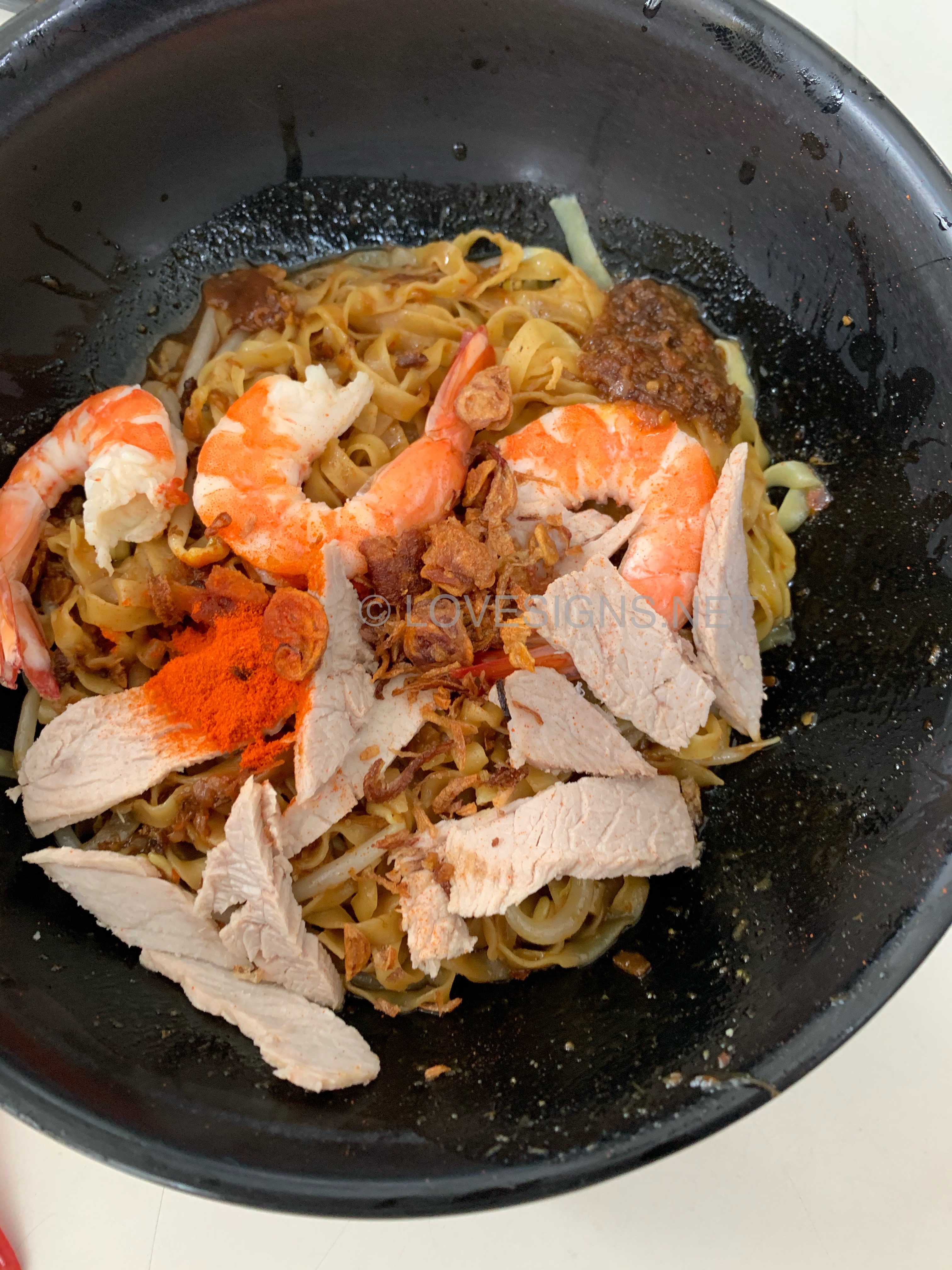
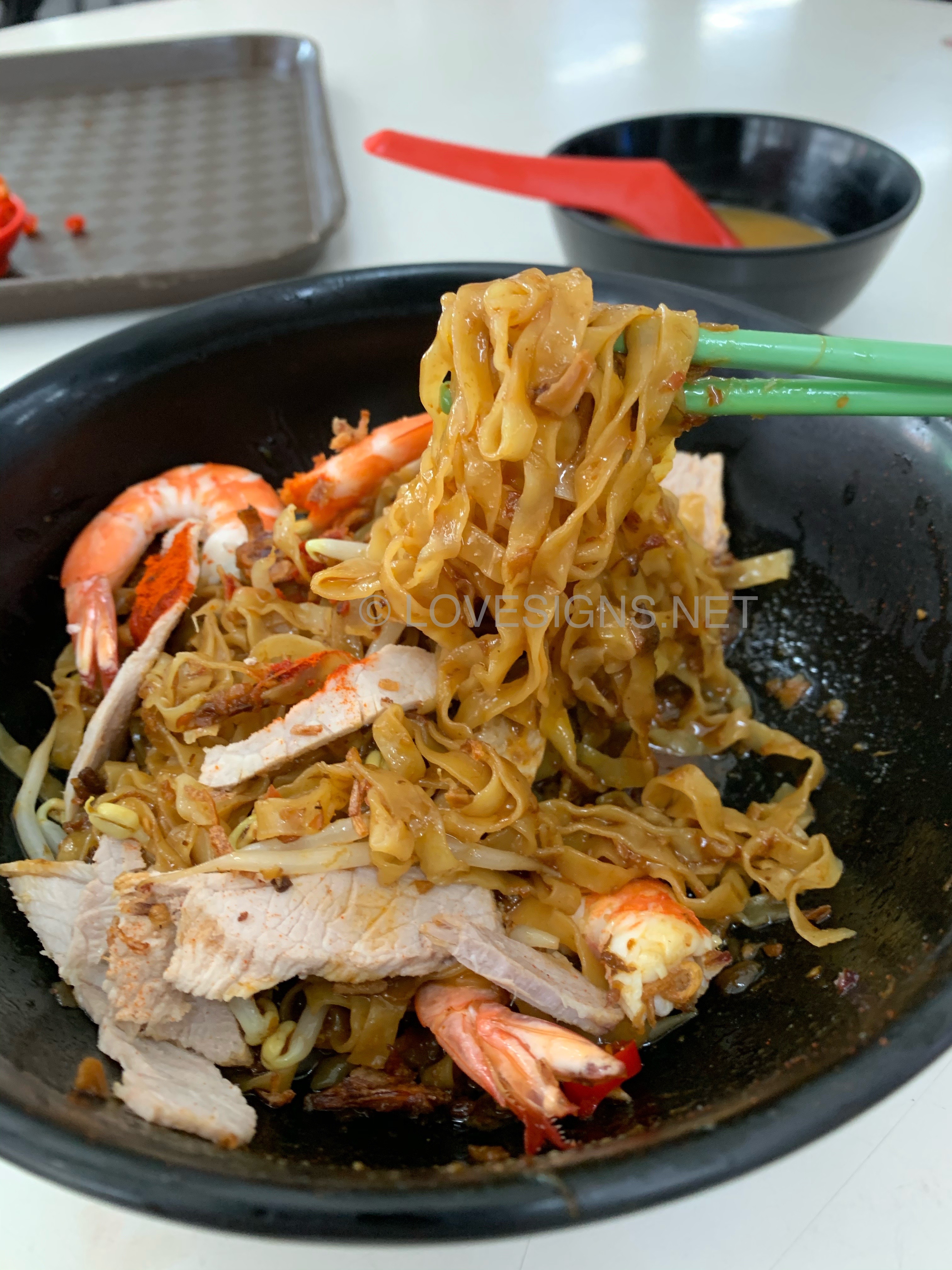
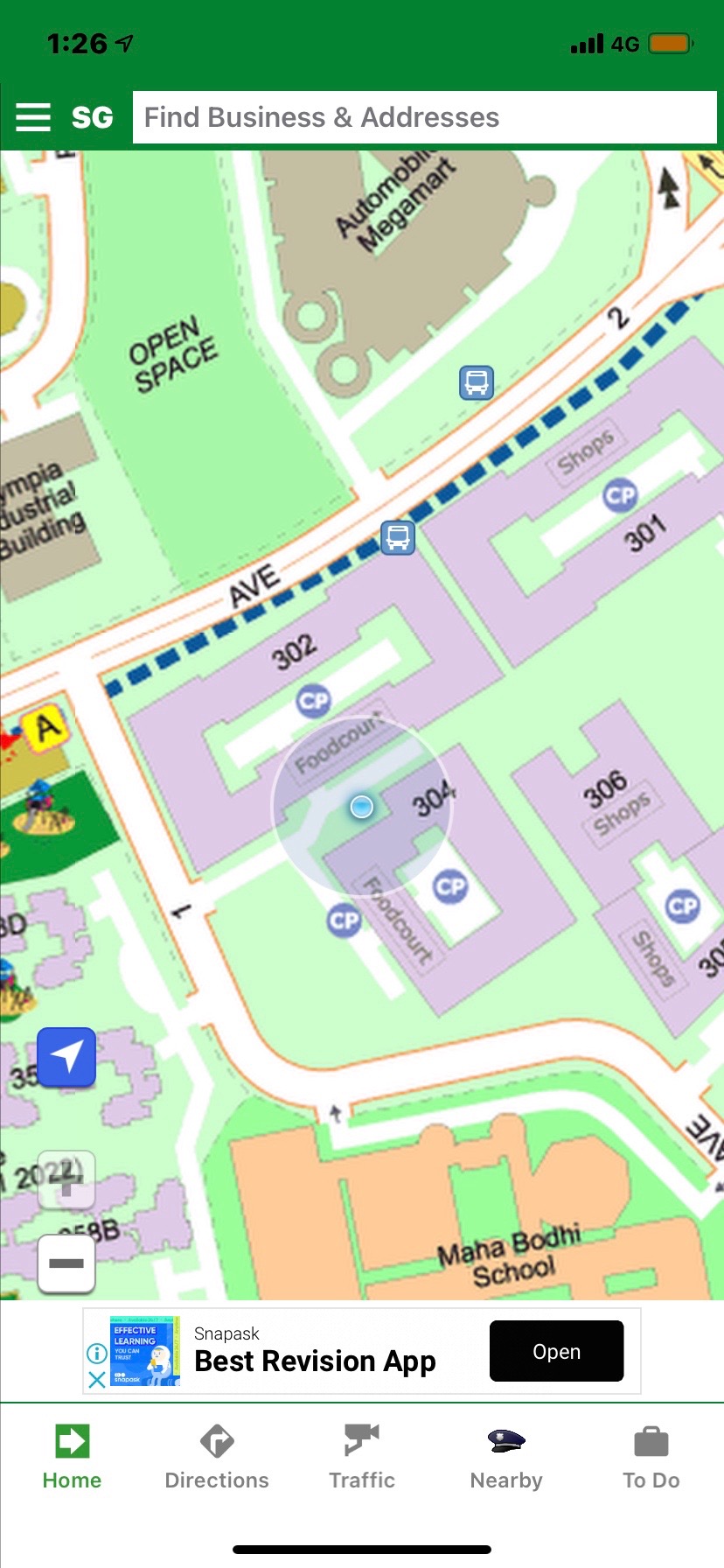
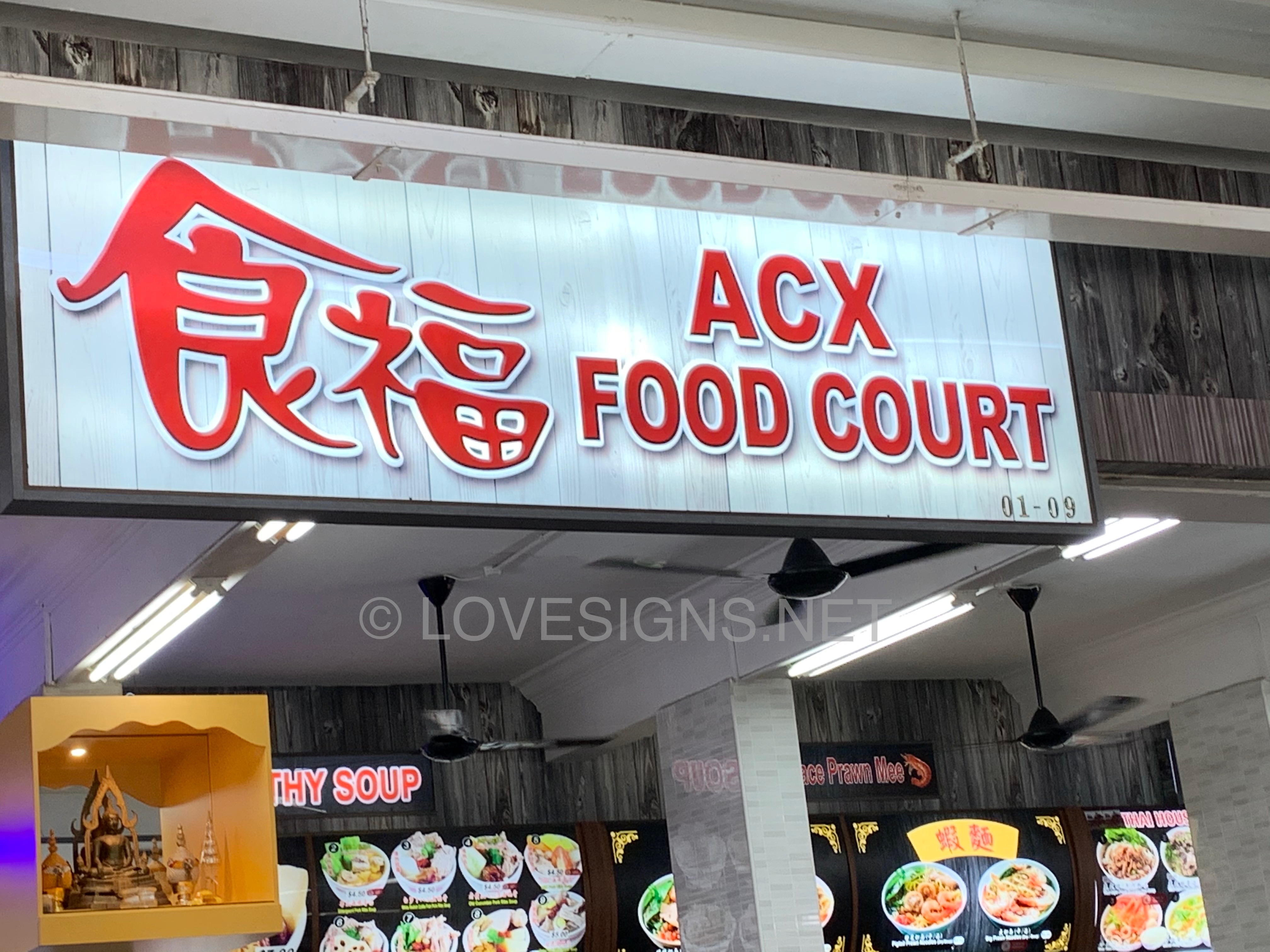
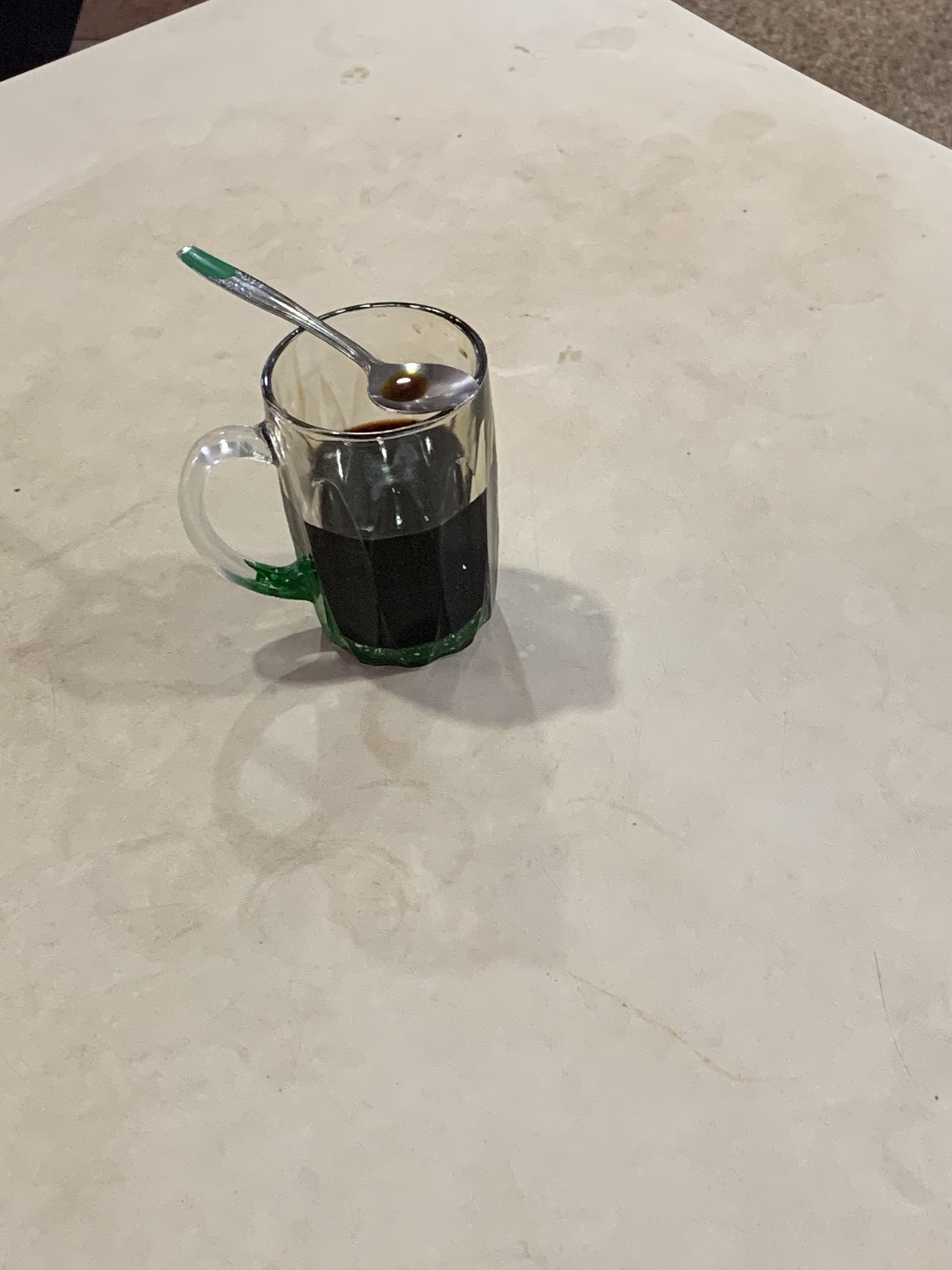
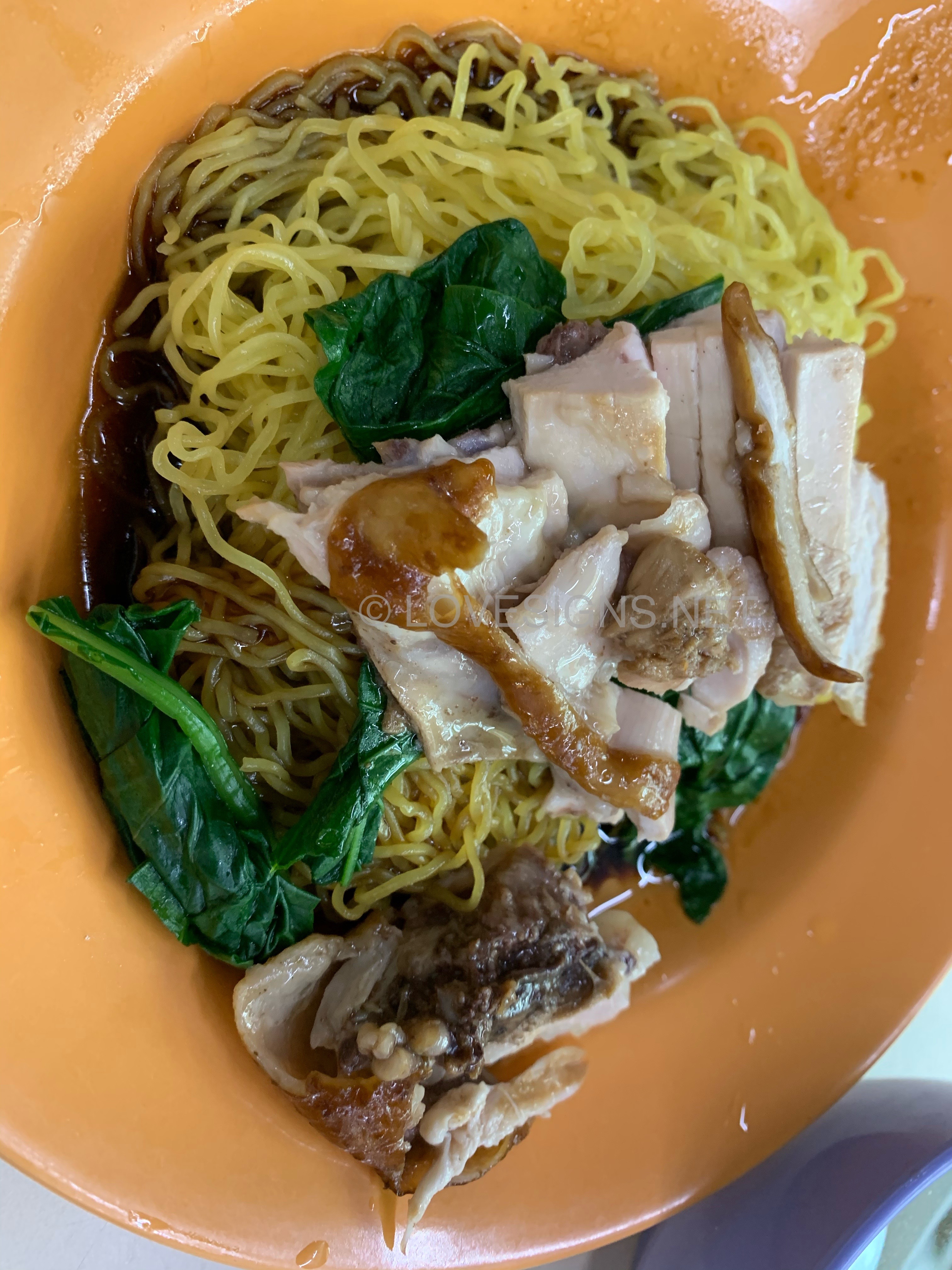
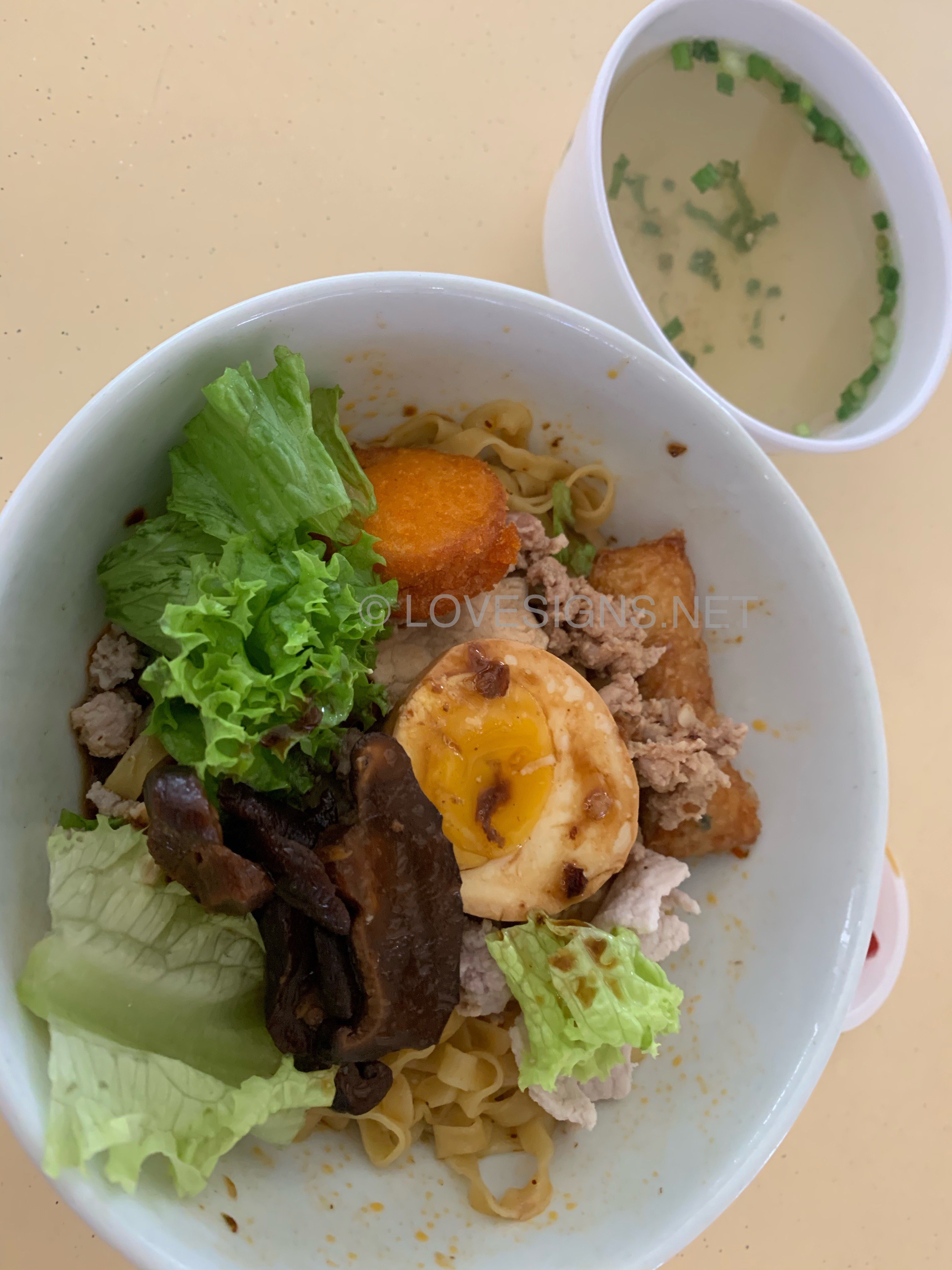
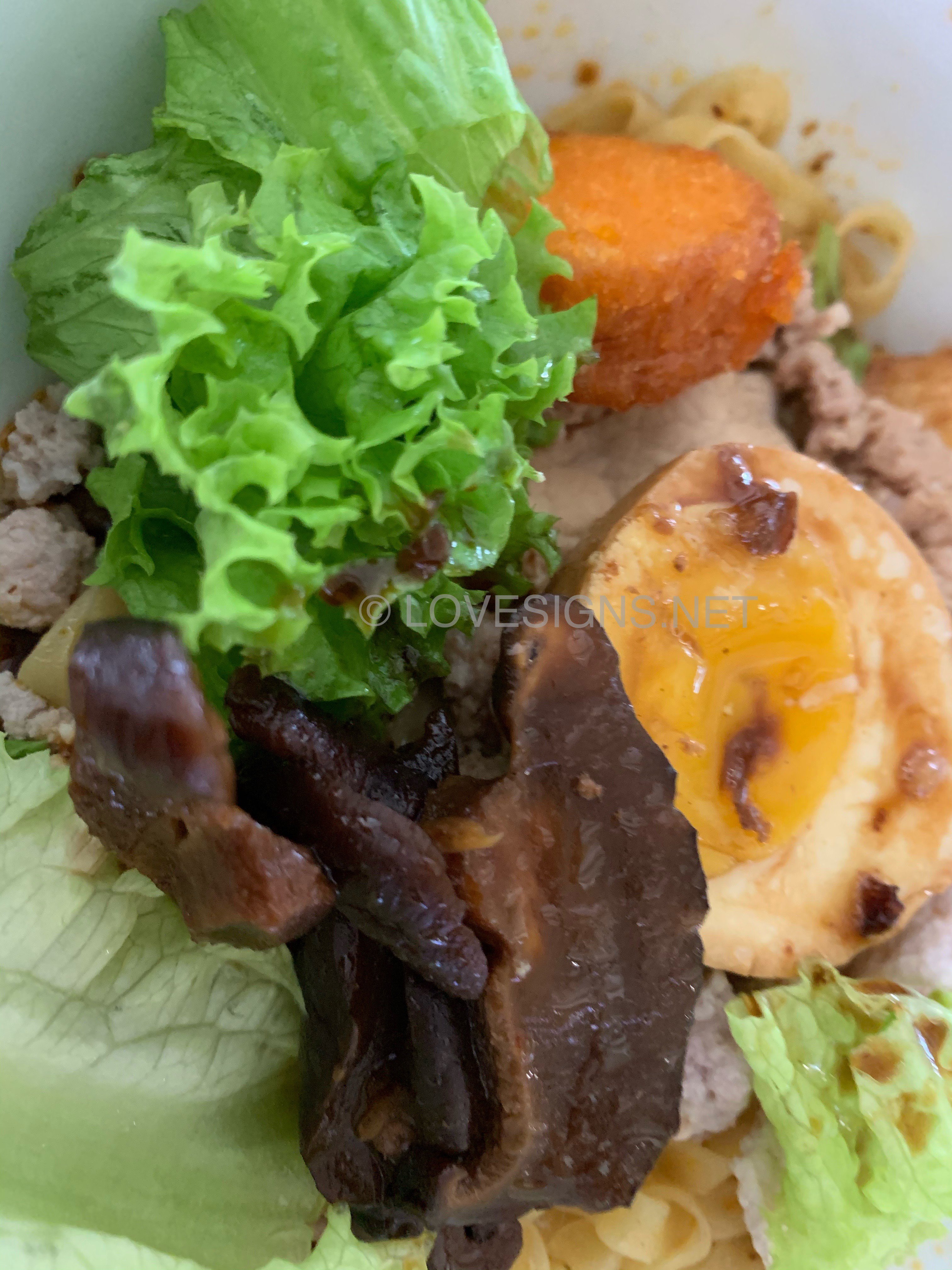
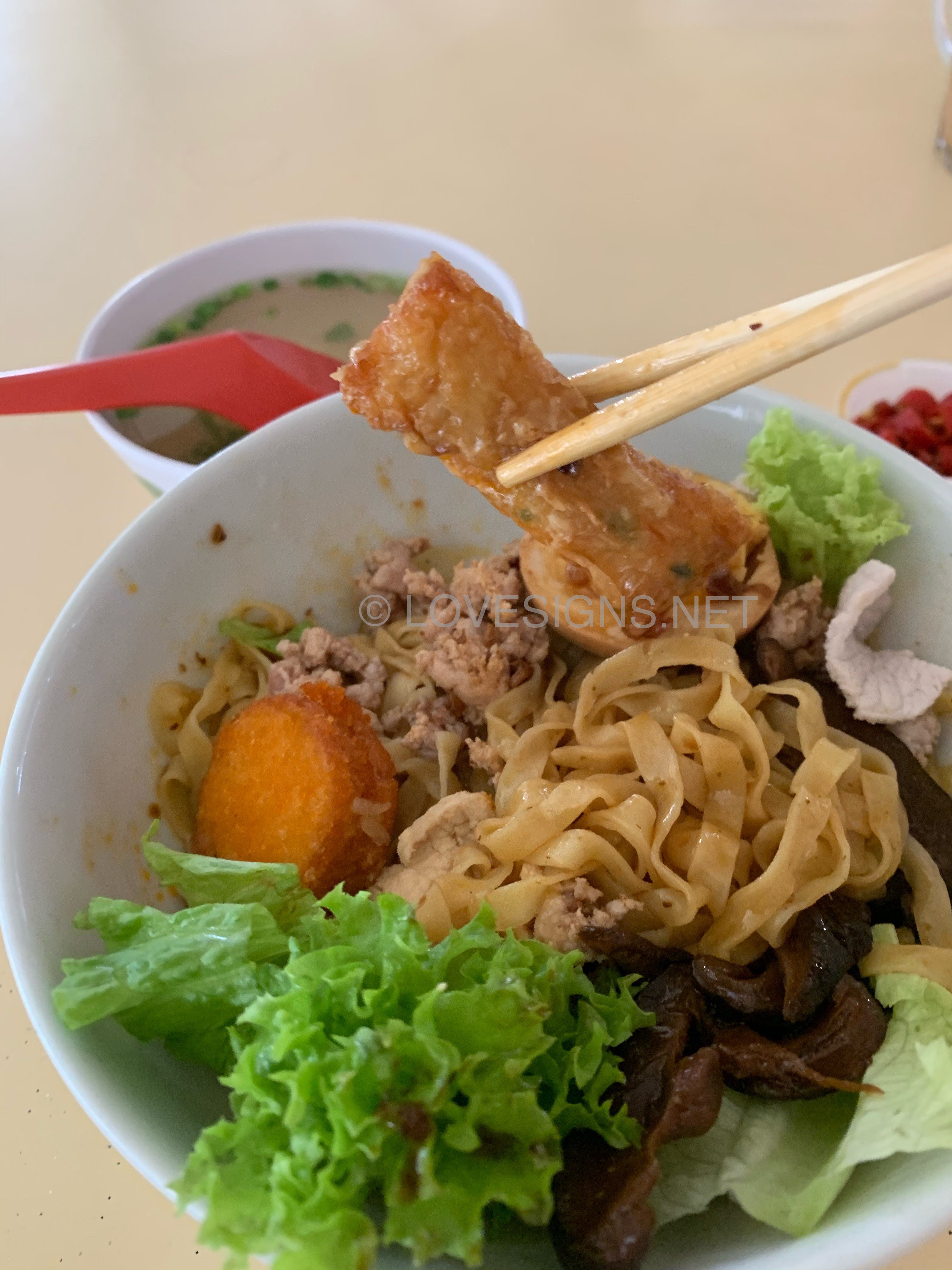
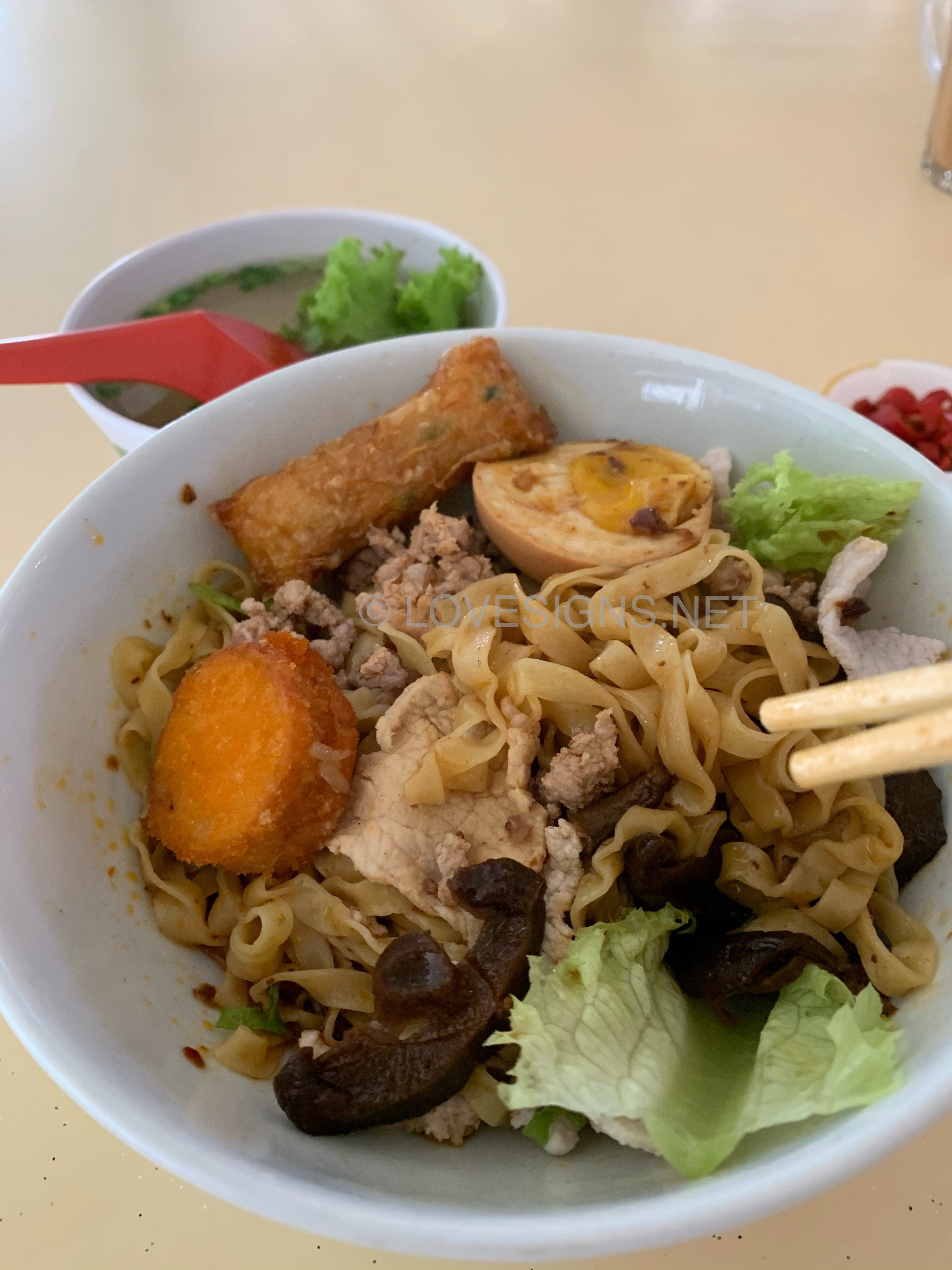
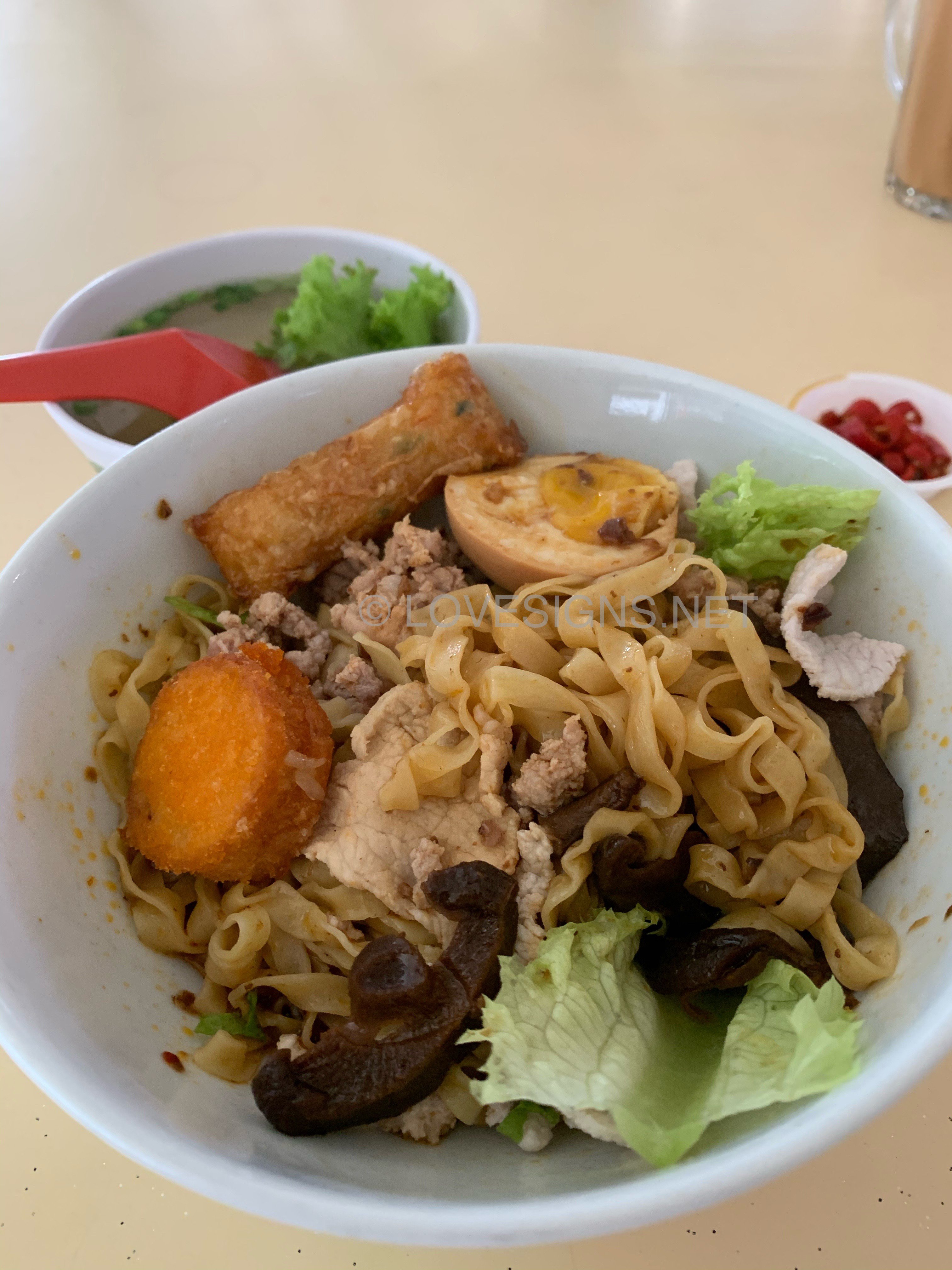
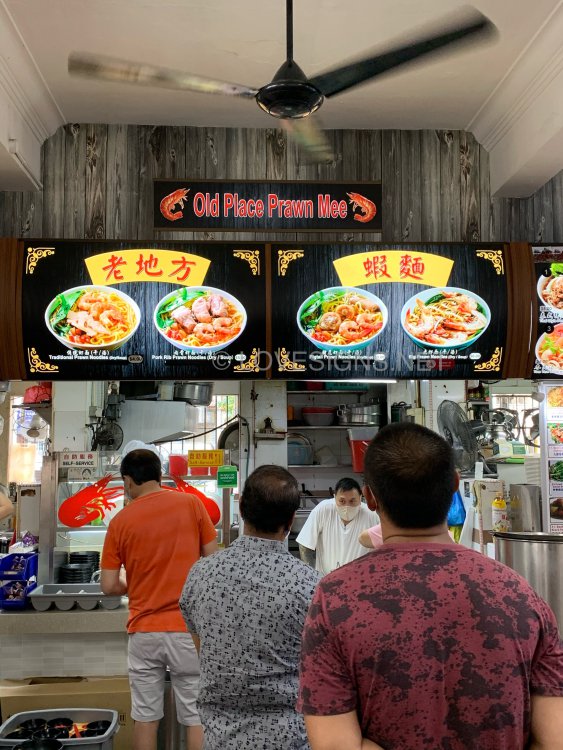
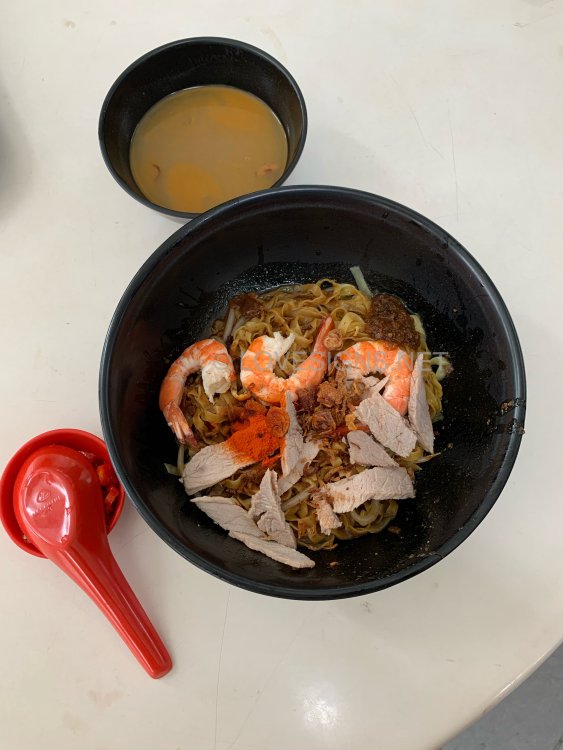
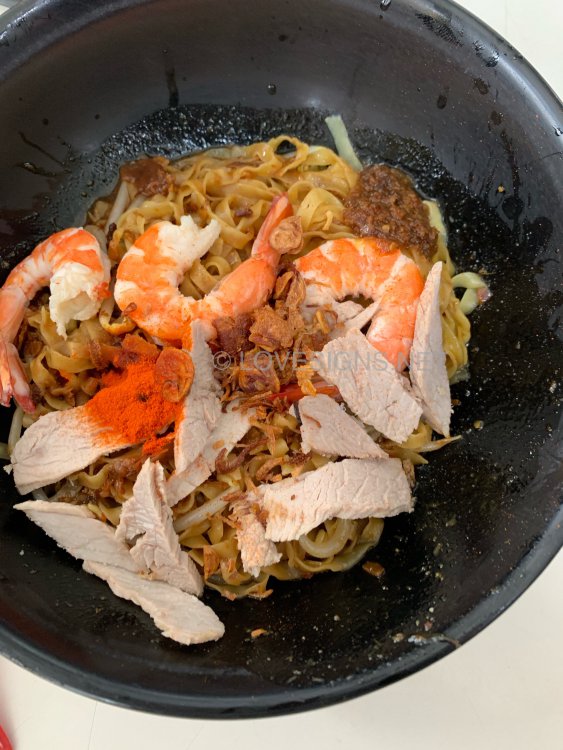
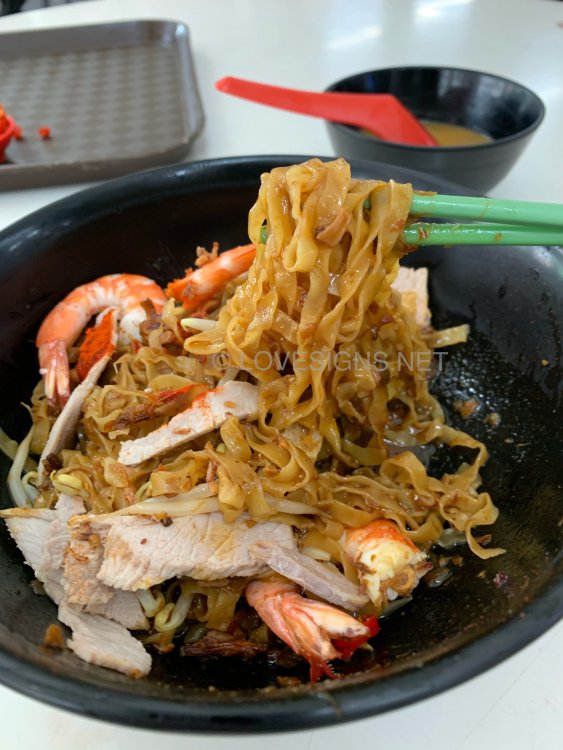
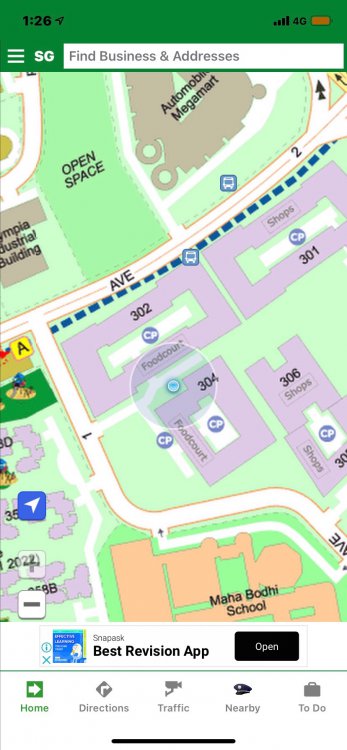
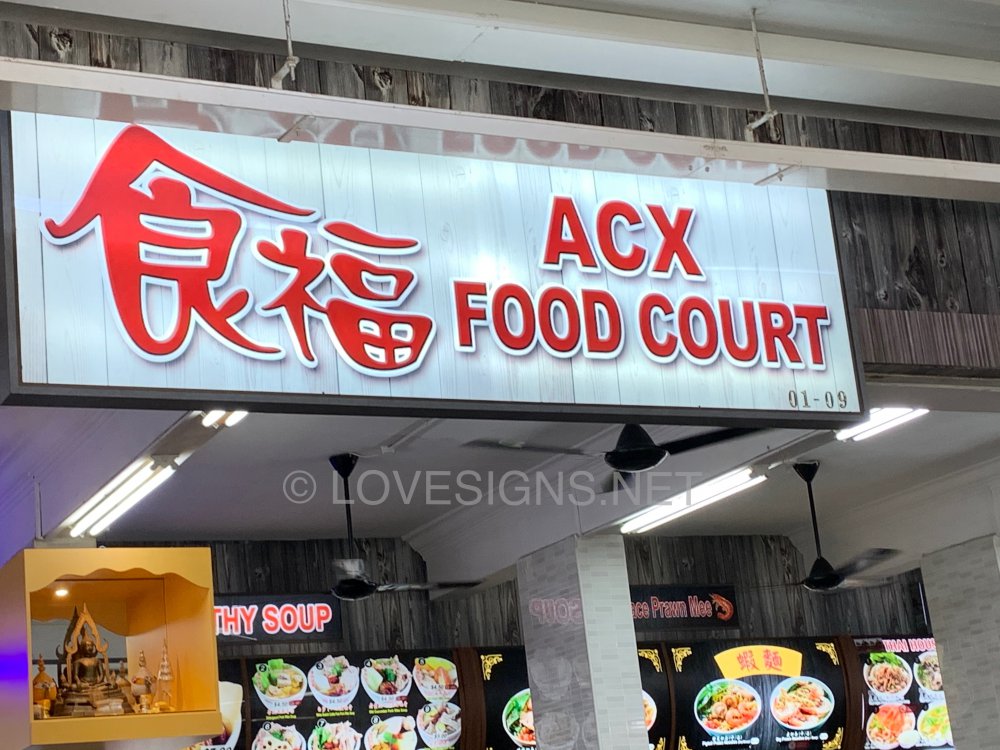
Block 302 ACX Food Court Old Place Prawn Mee $4/-. At 1.20pm on a Sunday afternoon.. ran out of bee hoon. Opted for Mee Pok. Not bad, tasteful.
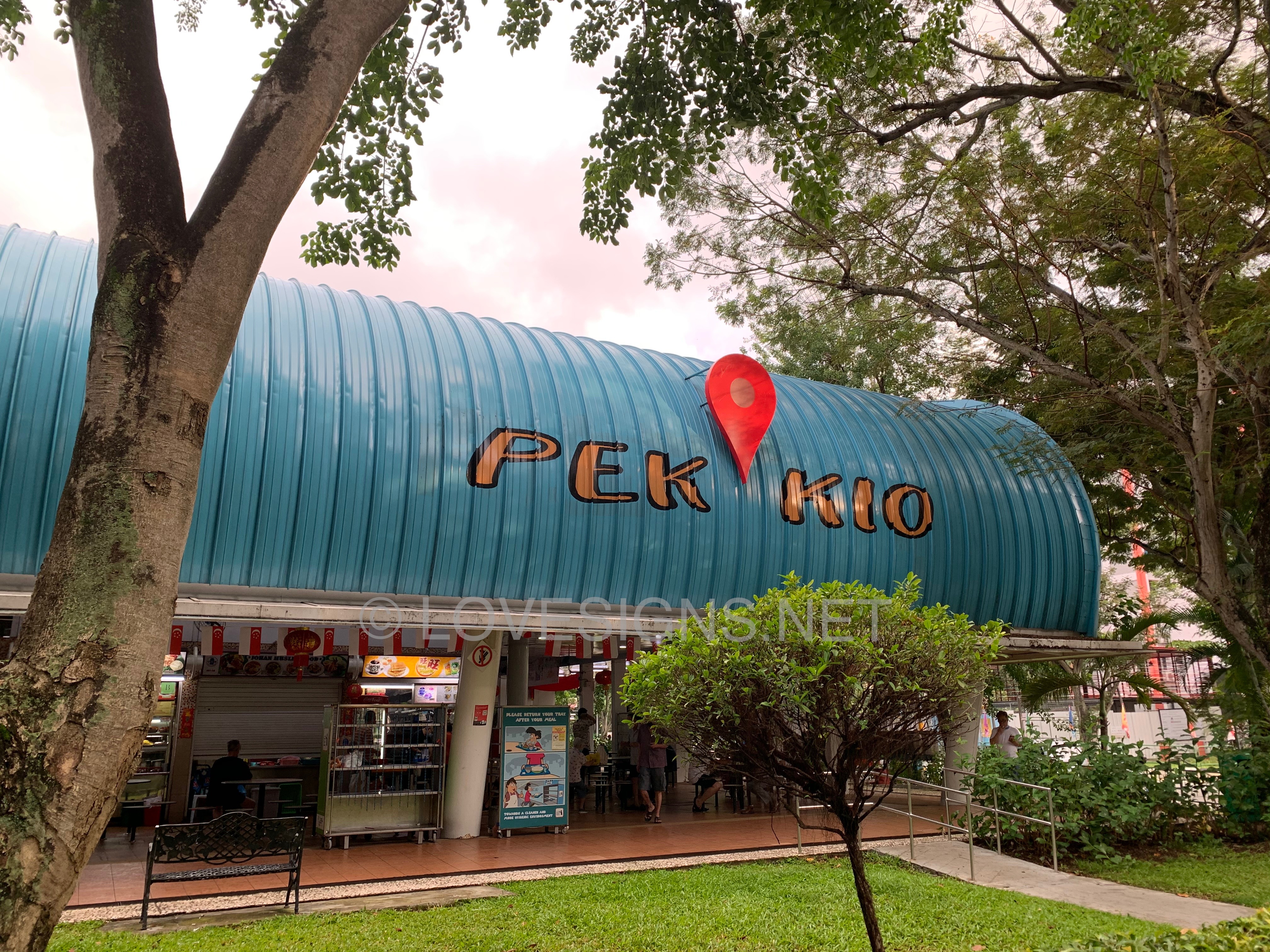
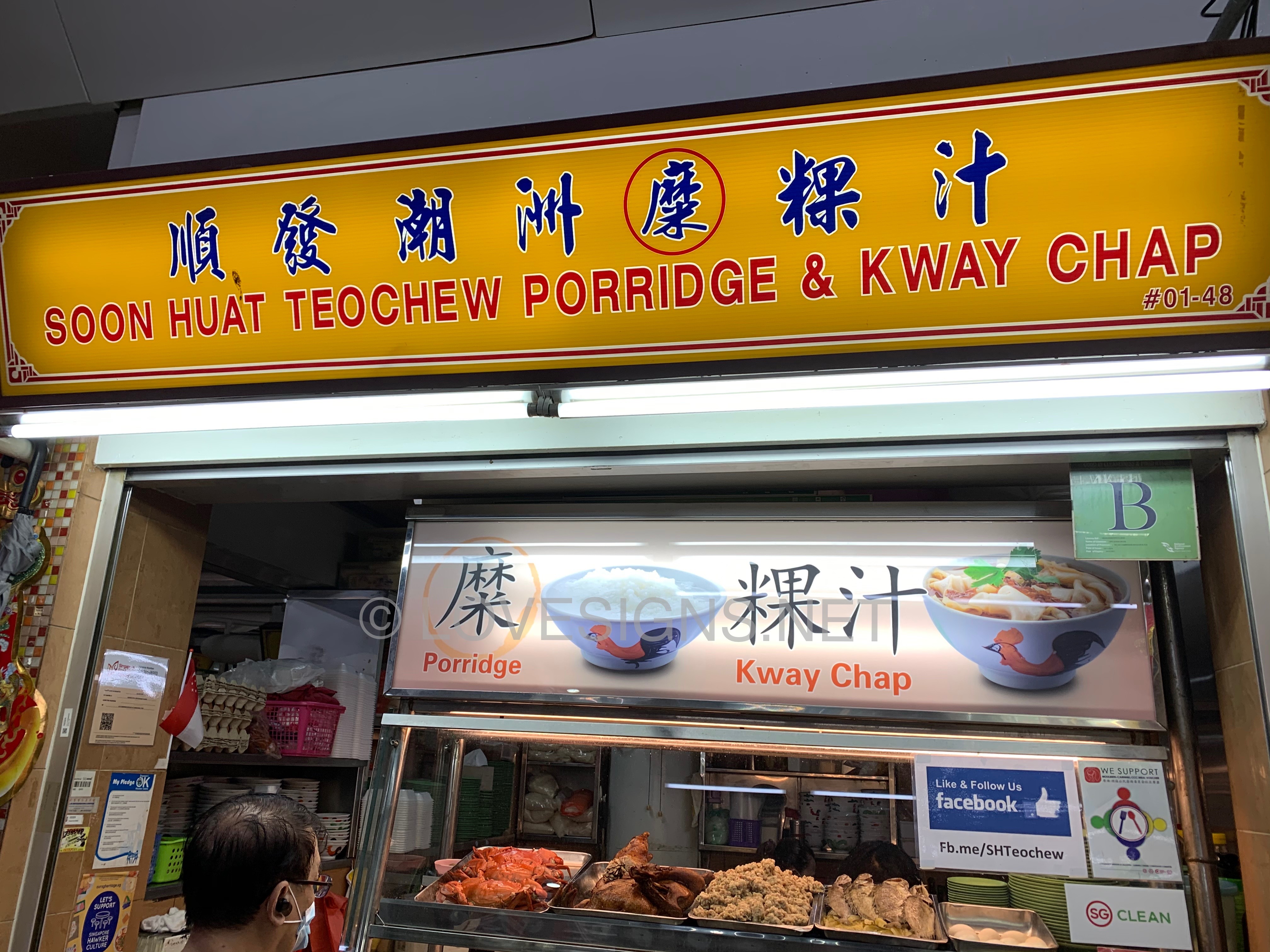
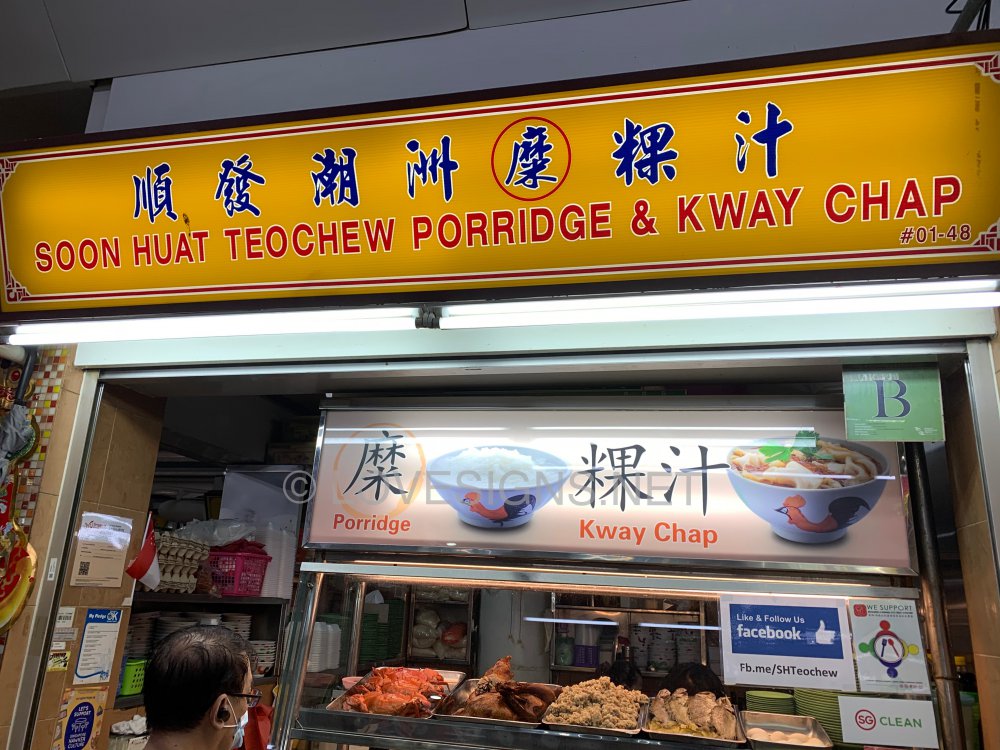
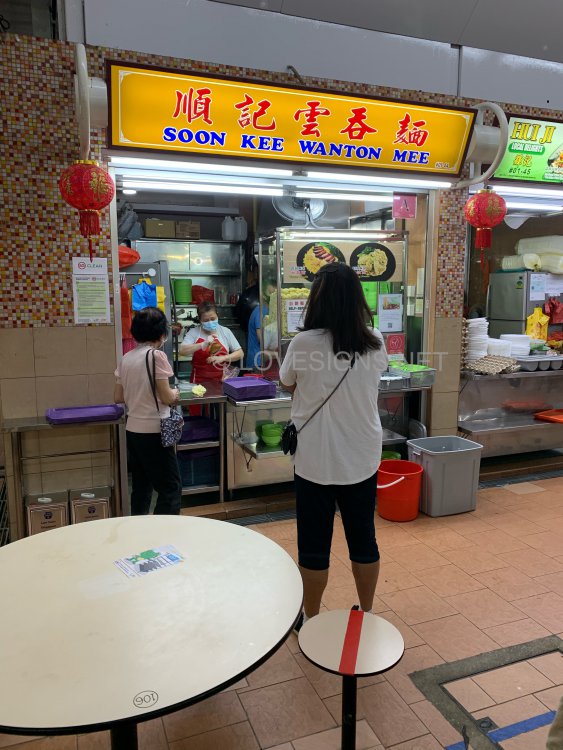
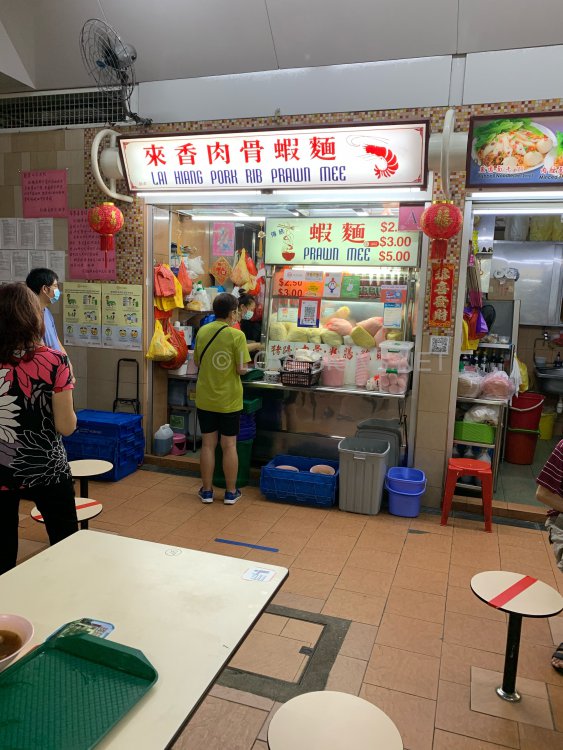
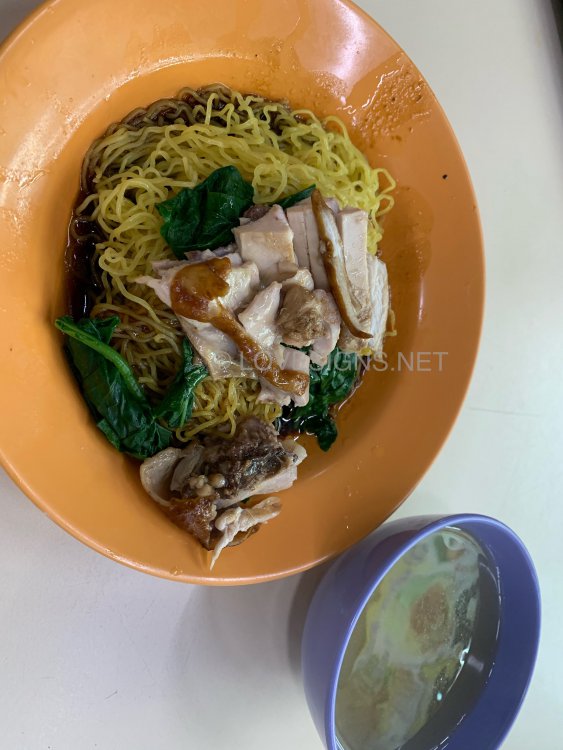
-
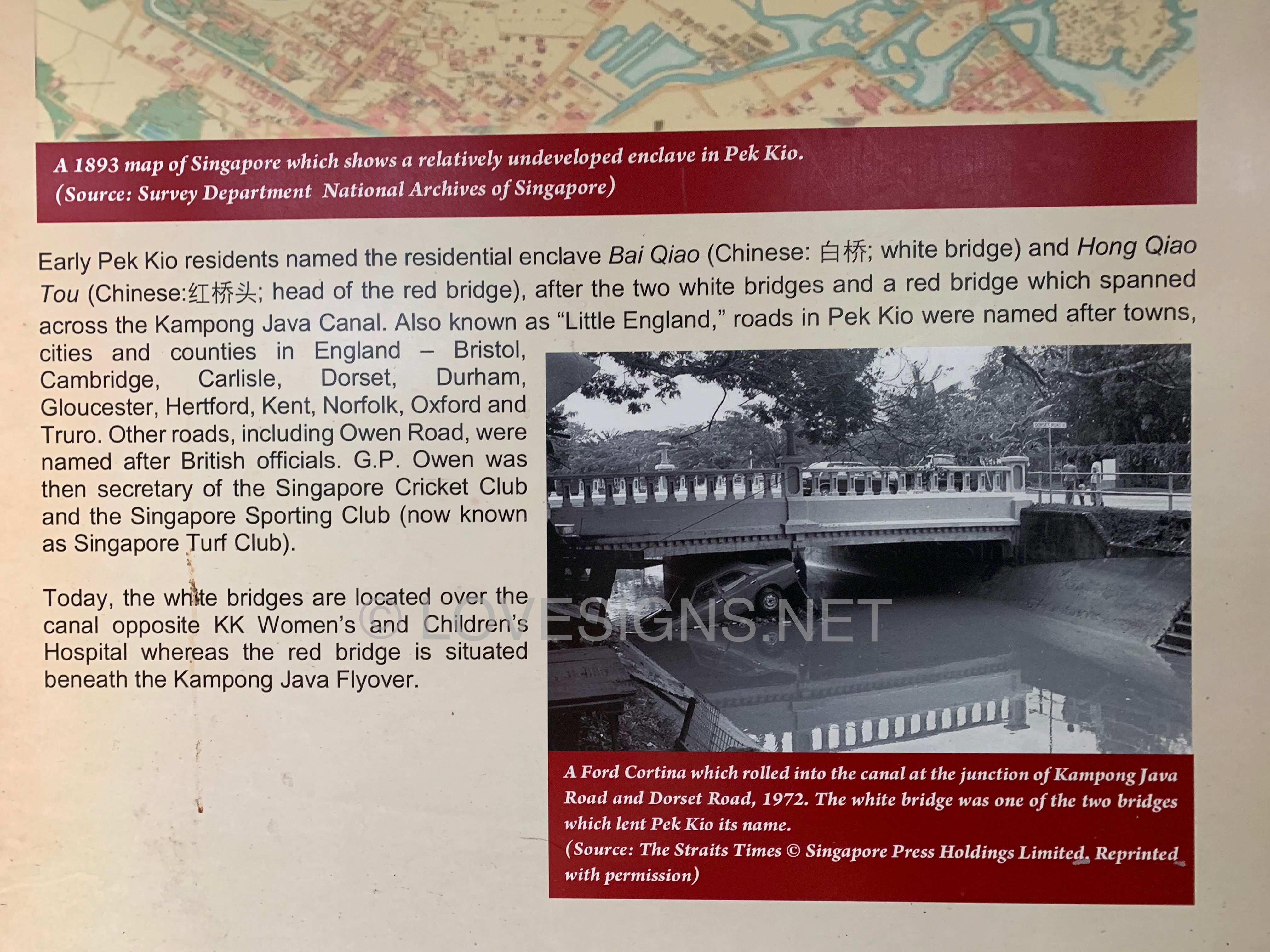
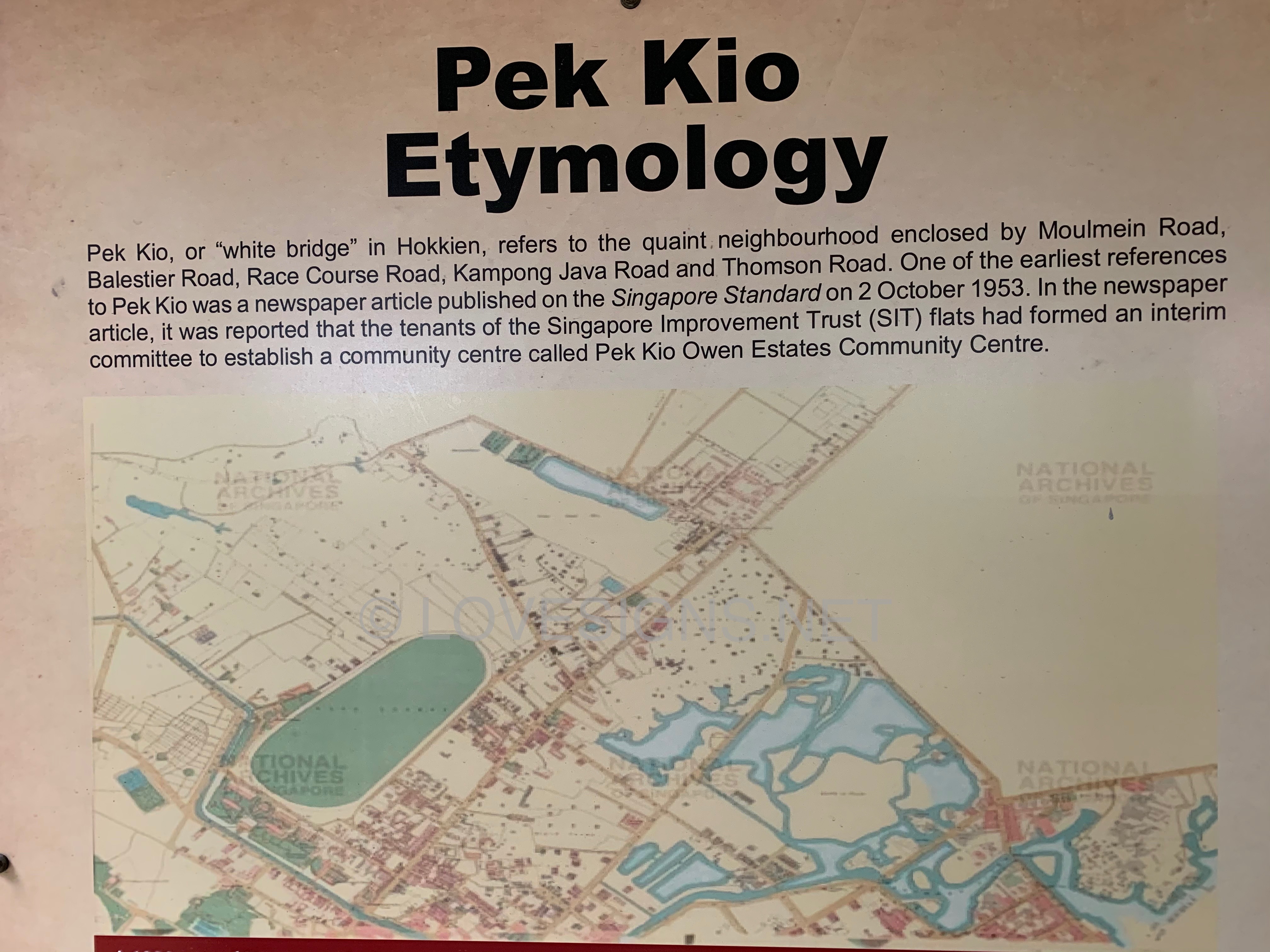
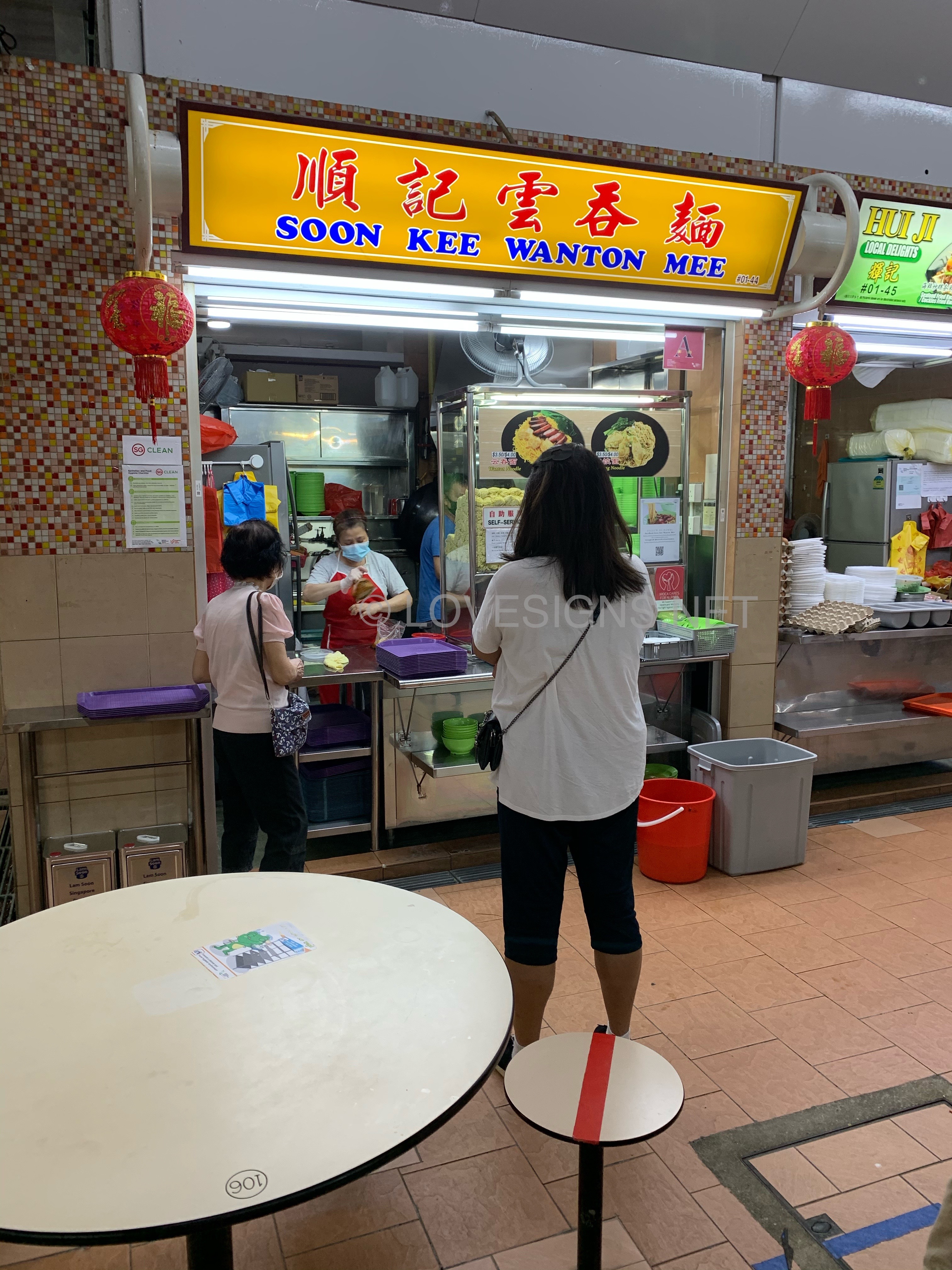
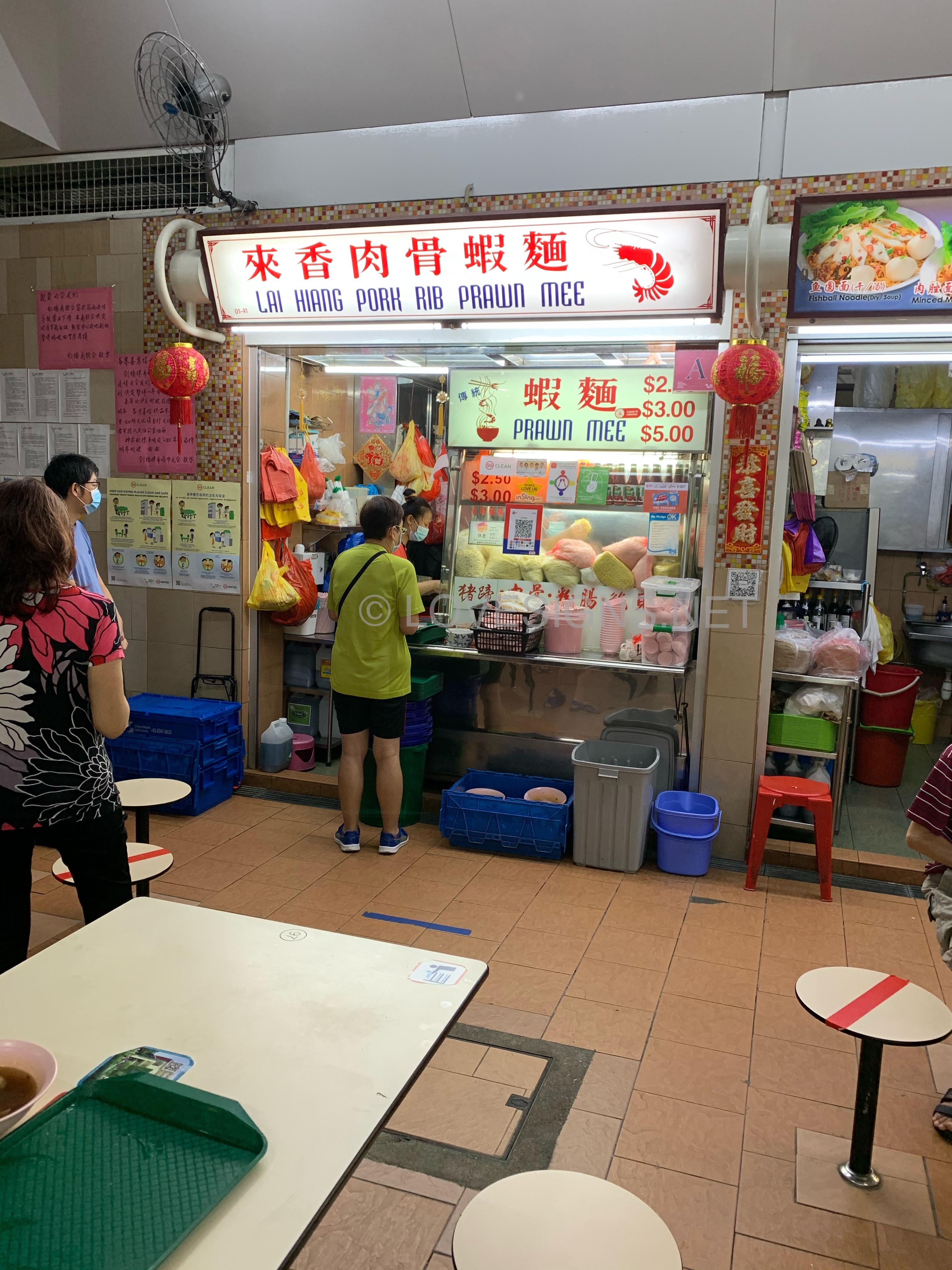
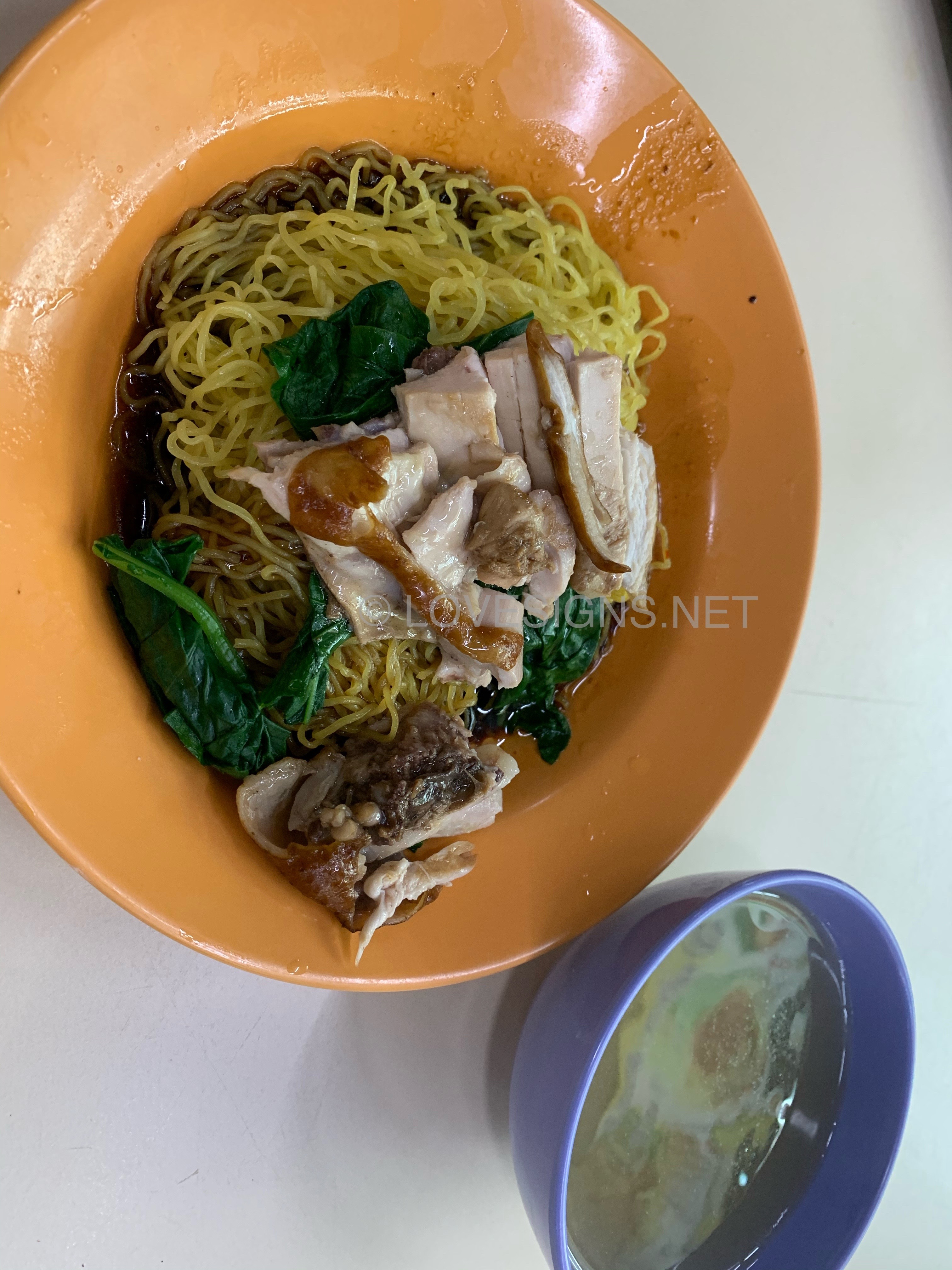
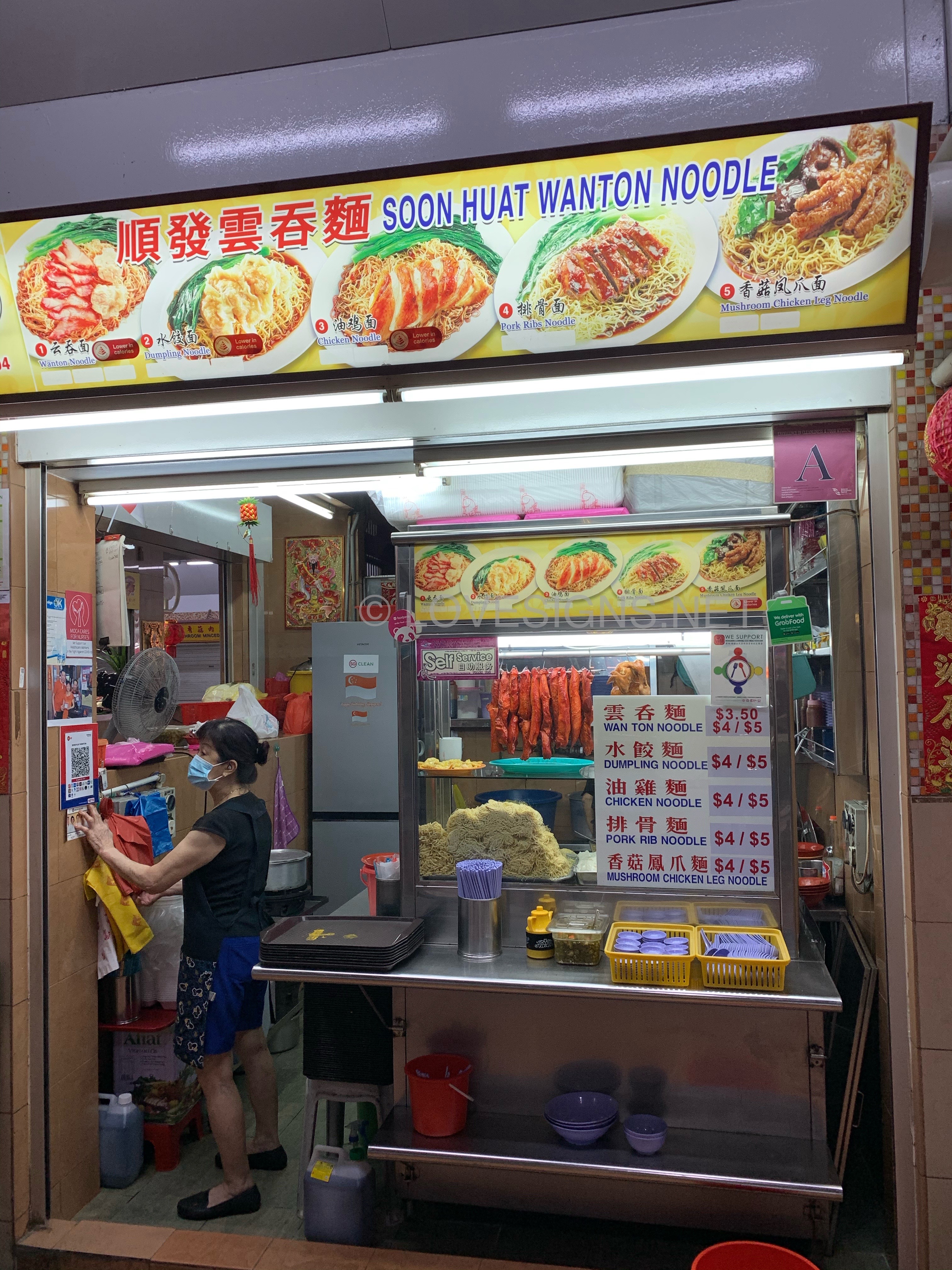
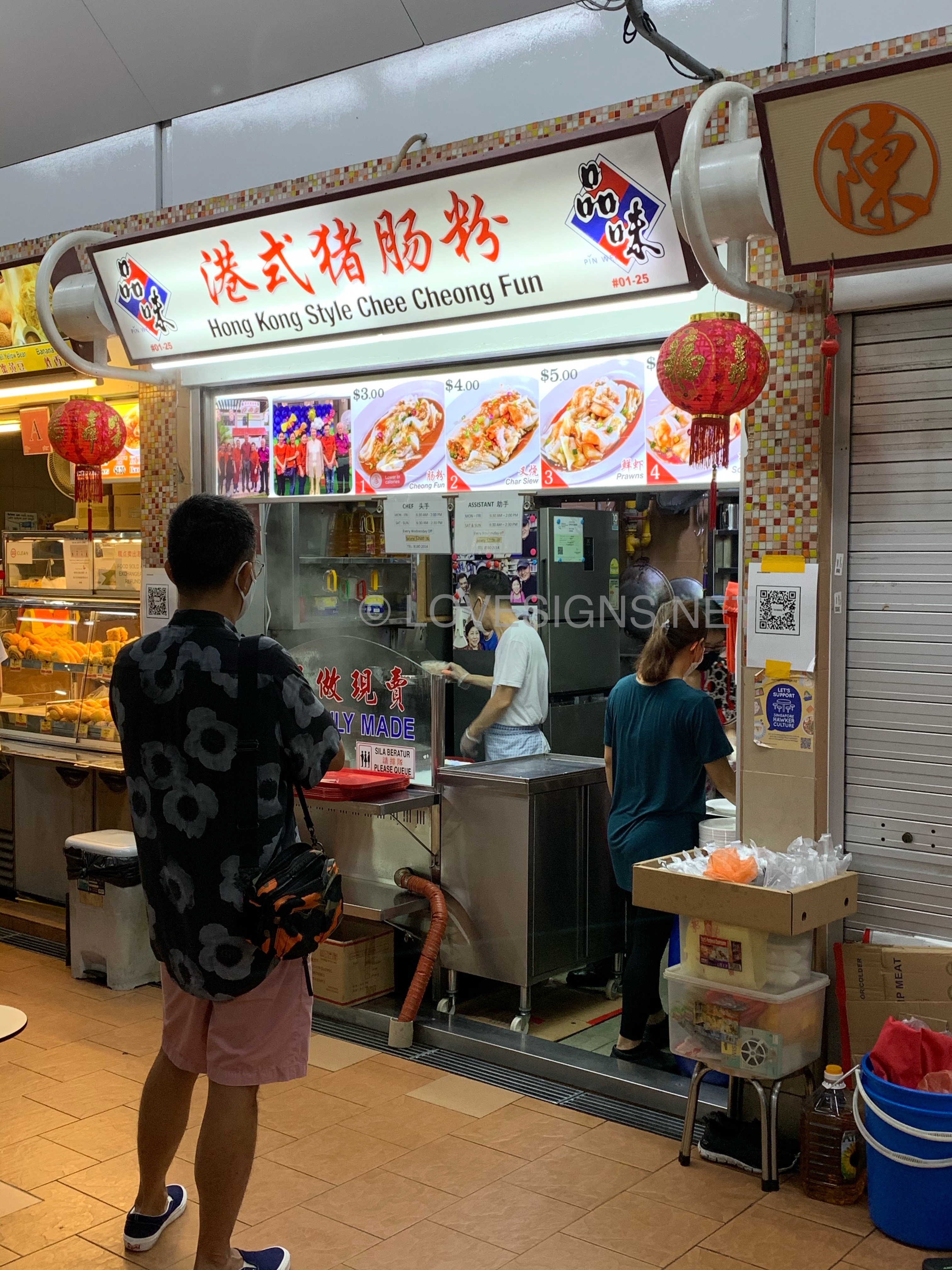
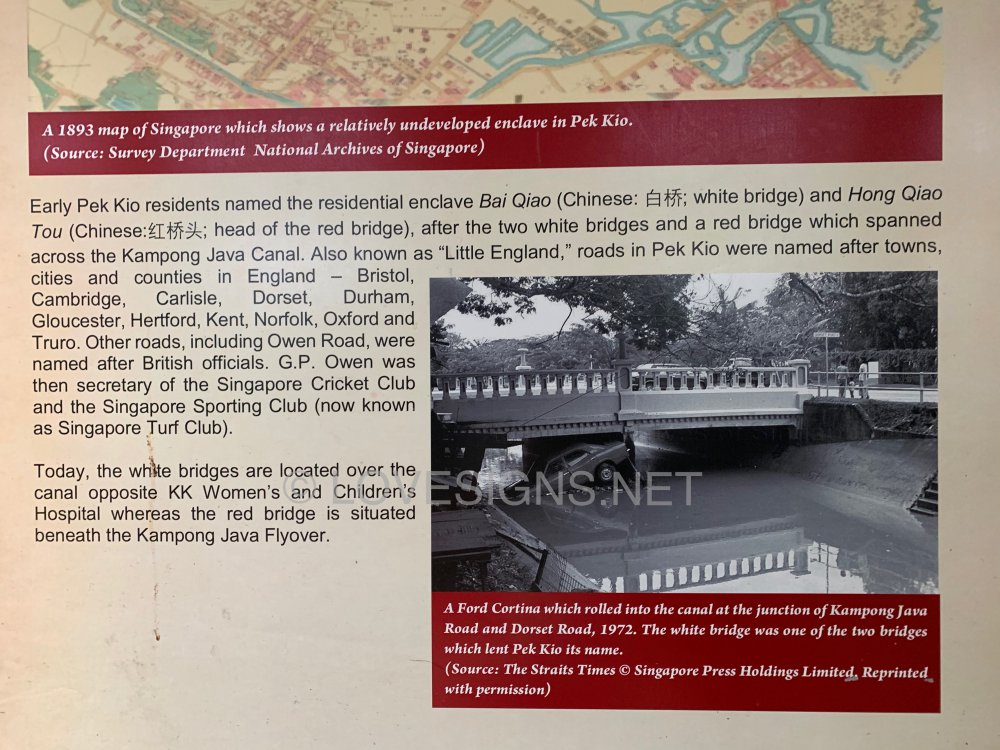
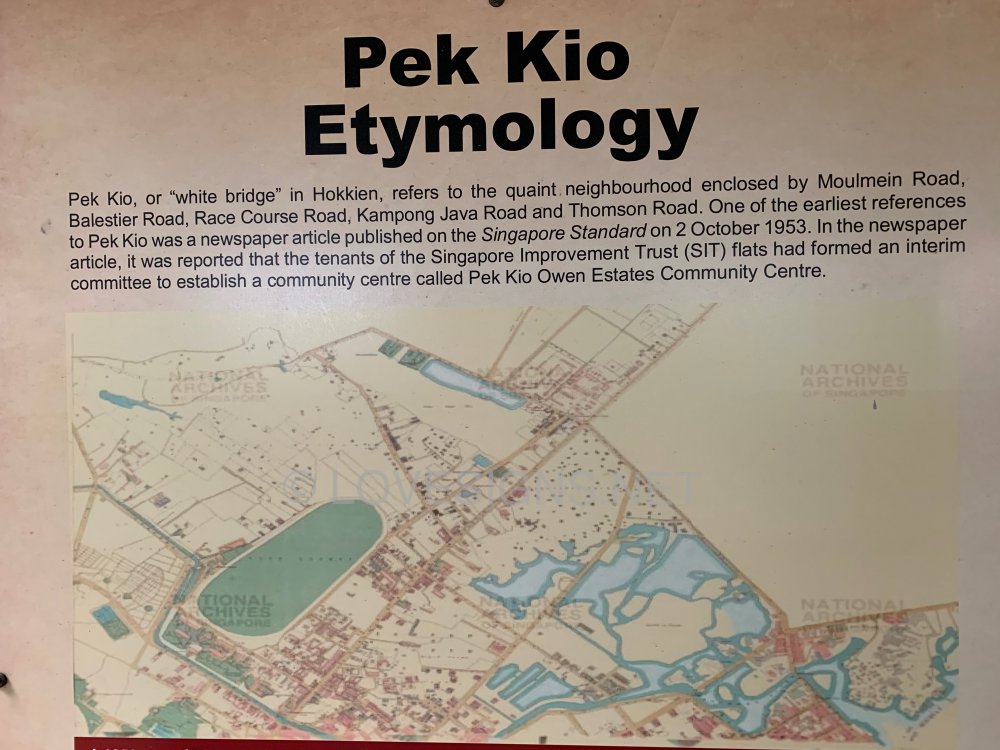
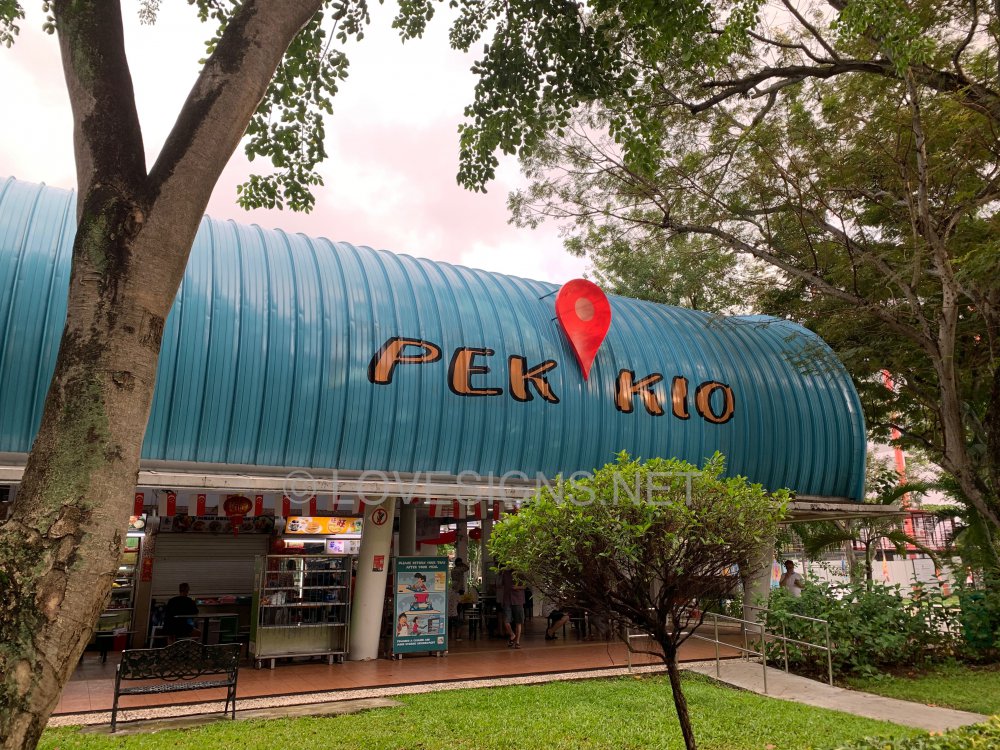
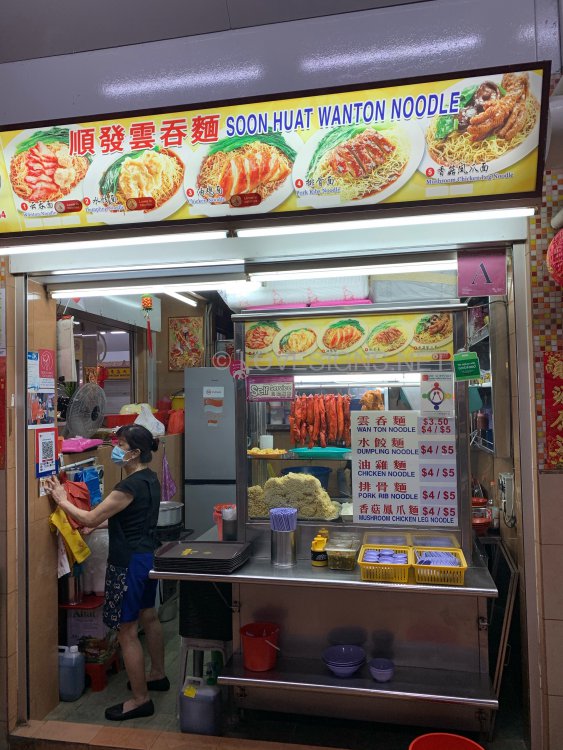
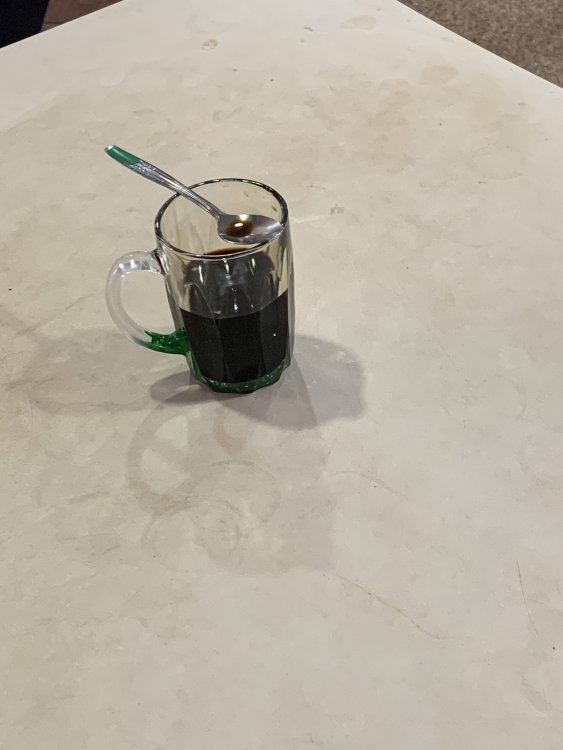
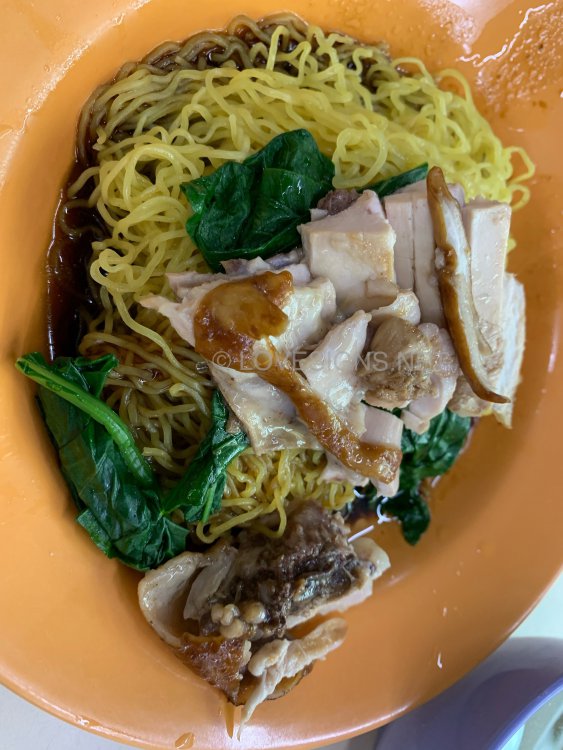
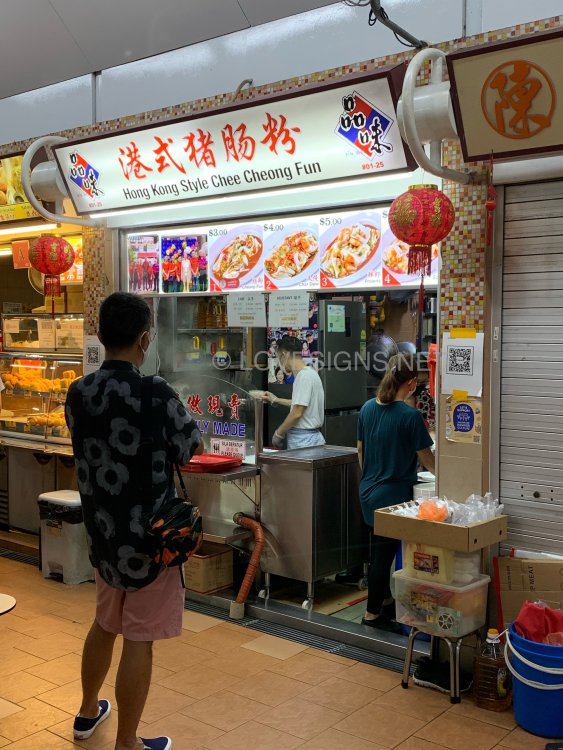
Auditing nearby Cambridge Road. Stop over at Pek Kio. Pek Kio Etymology 1. Pek Kio, or "white bridge" in Hokkient, refers to the quaint neighbourhood enclosed by Moulmein Road, Balestier Road, Race Course Road, Kampong Java Road and Thomson Road. 2. One of the earliest references to Pek Kio was a newspaper article published on the Singapore Standard on 2 October 1953. 3. In the newspaper article, it was reported that the tenants of the Singapore Improvement Trust (SIT) flats had formed an interim committee to establish a community centre called Pek Kio Owen Estates Community Centre. 4. Early Pek Kio residents named the residential enclave Bai Qiao and Hong Qiao Tou (head of the red bridge), after the two white bridges and a red bridge which spanned across the Kampong Java Canal. 5. Also known as "Little England," roads in Pek Kio were named after towns, cities and counties in England - Bristol, Cambridge, Carlisle, Dorset, Durham, Gloucester, Hertford, Kent, Norfolk, Oxford and Truro. 6. Other roads, including Owen Road, were named after British officials. G.P. Owen was then secretary of the Singapore Cricket Club and the Singapore Sporting Club (now known as Singapore Turf Club). 7. Today, the white bridges are located over the canal opposite KK Women's and Children's Hospital whereas the red bridge is situation beneath the Kampong Java Flyover. 8. [Below] Local call sign for: “Haven’t finished yet!” Don’t remove! 9. Pek Kio Food Centre with some of the more popular stalls shown below:- The centre photo: Soon Huat Teochew Porridge & Kway Chap has lots of varieties and is one of the most popular stall in the morning:- Wanton Mee, Prawn Mee and Hong Kong Style Chee Cheong Fun:- This stall (see below) faces Block 44: Their Wanton Noodle and Chicken noodle stall is less popular. Thus less waiting time:- Their chicken noodle at $4/- with the accompanying source for the noodles is fragrant and overall nice. But I still prefer the one at Clementi Central Market at only $3.50/-. As their chilli has a lot of garlic over-taste! Not to my liking. Thus only asked for the accompanying source + add lots of vinegar green chillies.
-
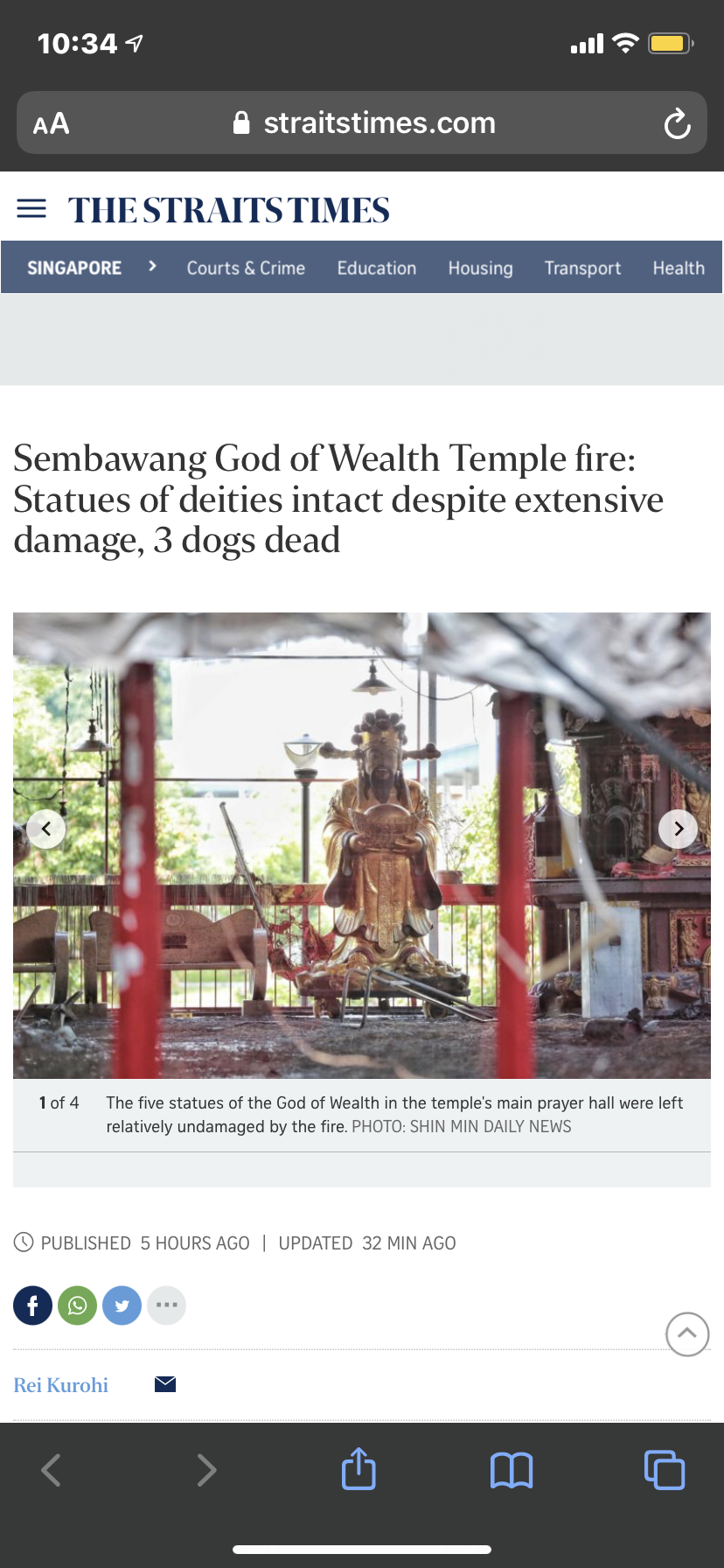
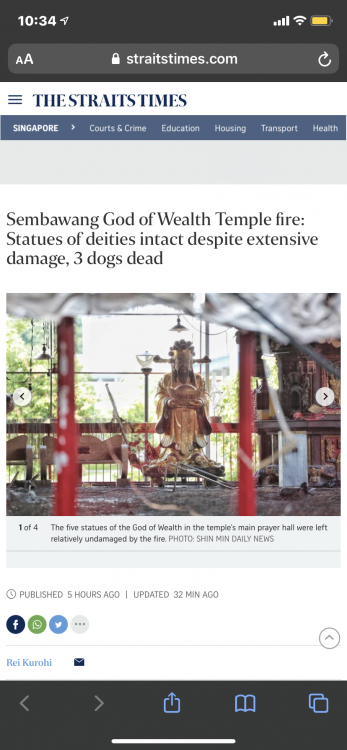
Sembawang God of Wealth Temple fire: Statues of deities intact despite extensive damage, 3 dogs dead Source & Credit:-
-
newlaunch.sg-stirling-residences-full-Brochure.pdf
-
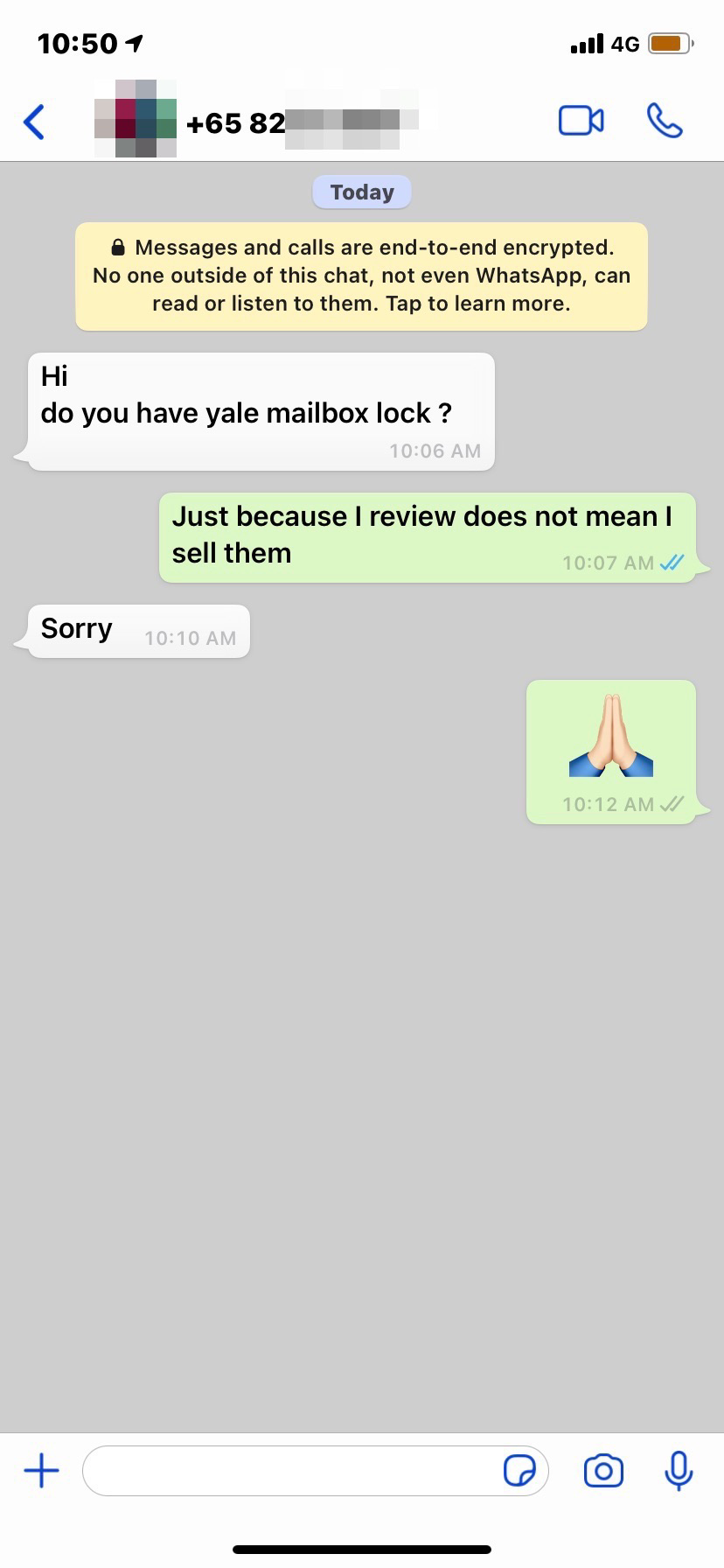
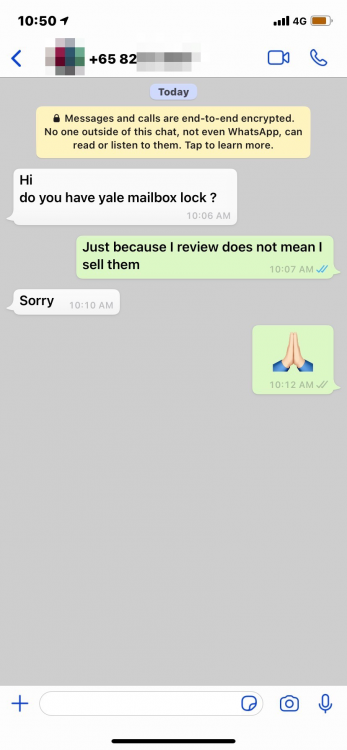
Case Study: Just because mail box locks were reviewed here; does not mean we sell these locks. LOL "Just because I review does not mean I sell them."
-
Another interesting Scam may happen in Singapore as well, so good to take note. Genuine message posted by a law firm in Malaysia. Do take note!! PUSH-POCKET IN KUALA LUMPUR, KLIA, LRT, MRT, KTM, SHOPPING MALLS.. I am sure you all have heard of 'pick pocket'. There is a new crime called 'push pocket'. Read on.. for your own good. A new type of crime has surfaced in town. It goes something like this:- Somebody slips a handphone into your pocket. It could be just a wallet with an identity card and a few ringgit. A few minutes later, the 'Owner' comes up and confronts you, the 'Thief'. He makes a big commotion that you stole his stuff. You, caught unaware, are then pulled aside by the Owner for a settlement. You are intimidated and threatened that if you do not pay, the police will be brought in. If you pay, the Owner will let you go. If not, the police are brought in. Another strange thing is that there is always a 'Witness' to your 'theft'. I am told this often happens to foreigners at Kuala Lumpur International Airport (KLIA) or even at LRT stations. Given that you're "guilty until proven innocent", as far as the Malaysian police are concerned, some poor people are in jail for this 'offence'. At KLIA, the 'Owner' threw his handphone and wallet with few ringgit notes into the luggage trolley of a just arrived passenger. The drama unfolds a few minutes later. The real culprit has easily convinced our Malaysian police to arrest the real victim (if he did not pay the 'settlement' demand). This is a very serious matter. This is another form of extortionists operating in broad daylight. They are disgusting criminals who will do anything to rob and steal. The sick part of the whole scenario is that unless you pay the 'settlement' money, they will put you in real trouble by calling the police. The real culprit gets back his handphone and wallet but the real victim (could be any one of us) is put into the police lock-up and charged in court. Be very careful, otherwise you may end up as a 'thief' as you have no way to prove your innocence. Pass this on..... Let more people be aware of such things around them. Geh Cheng Lok & Co, Advocates & Solicitors
-
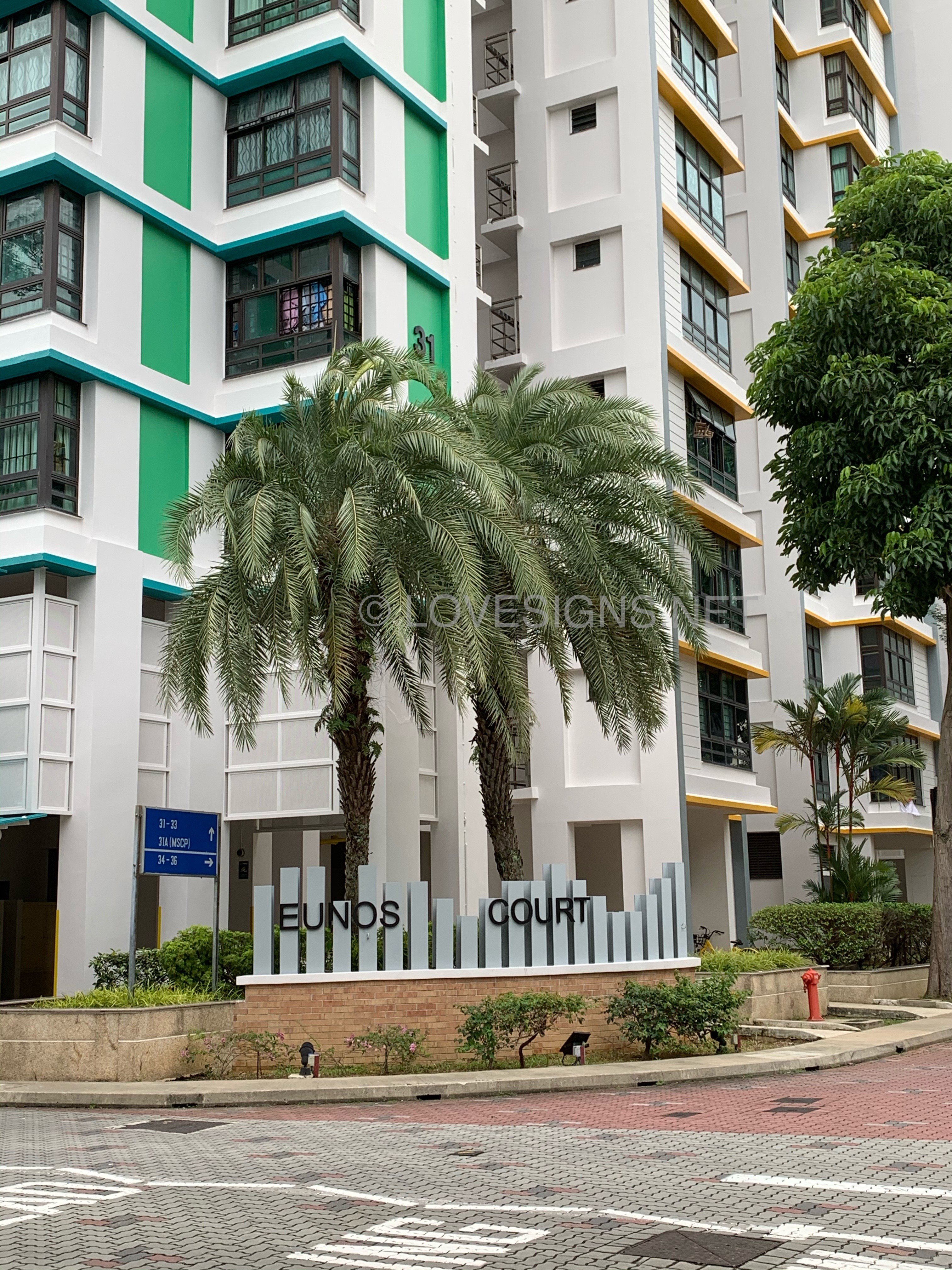
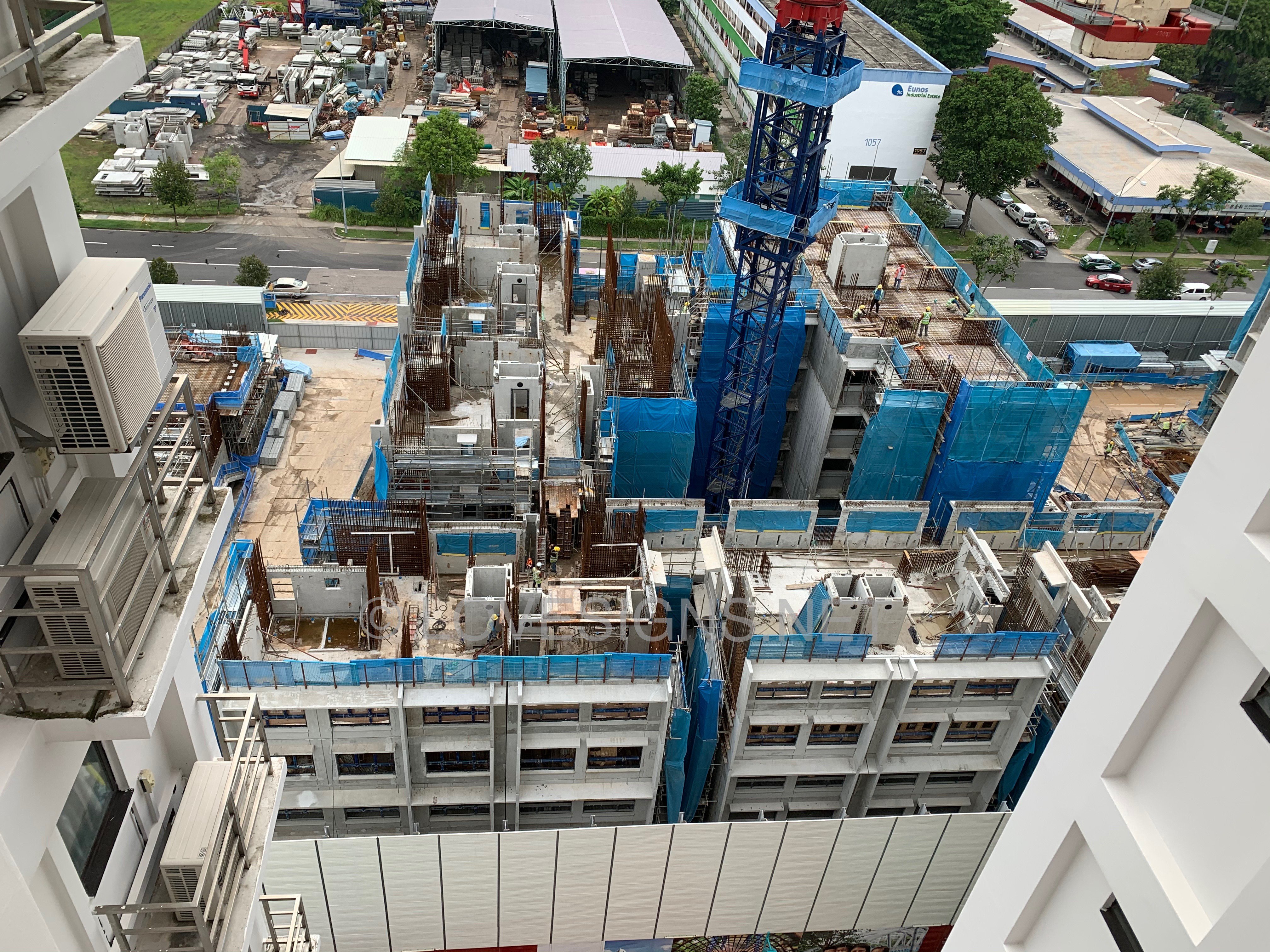
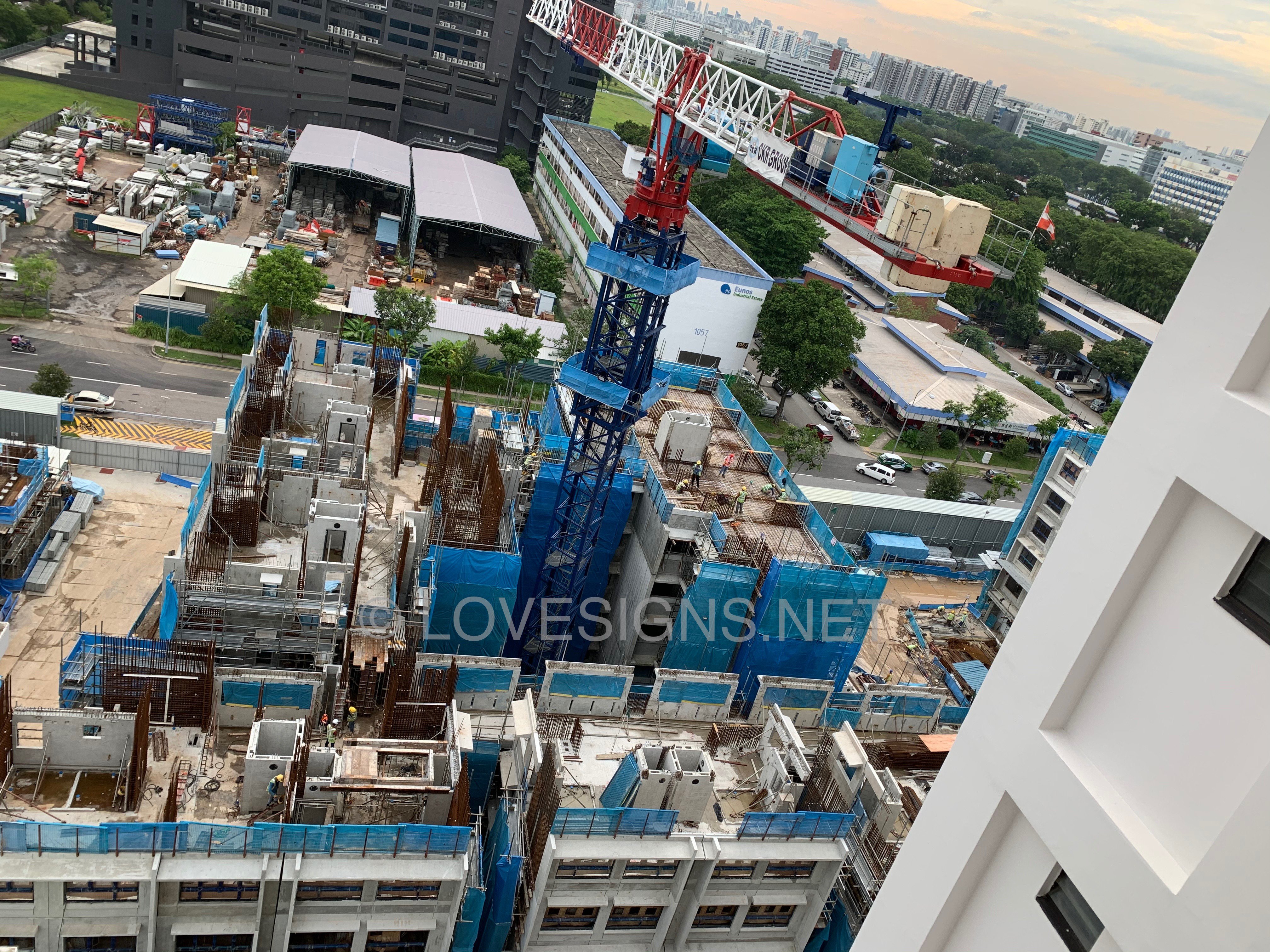
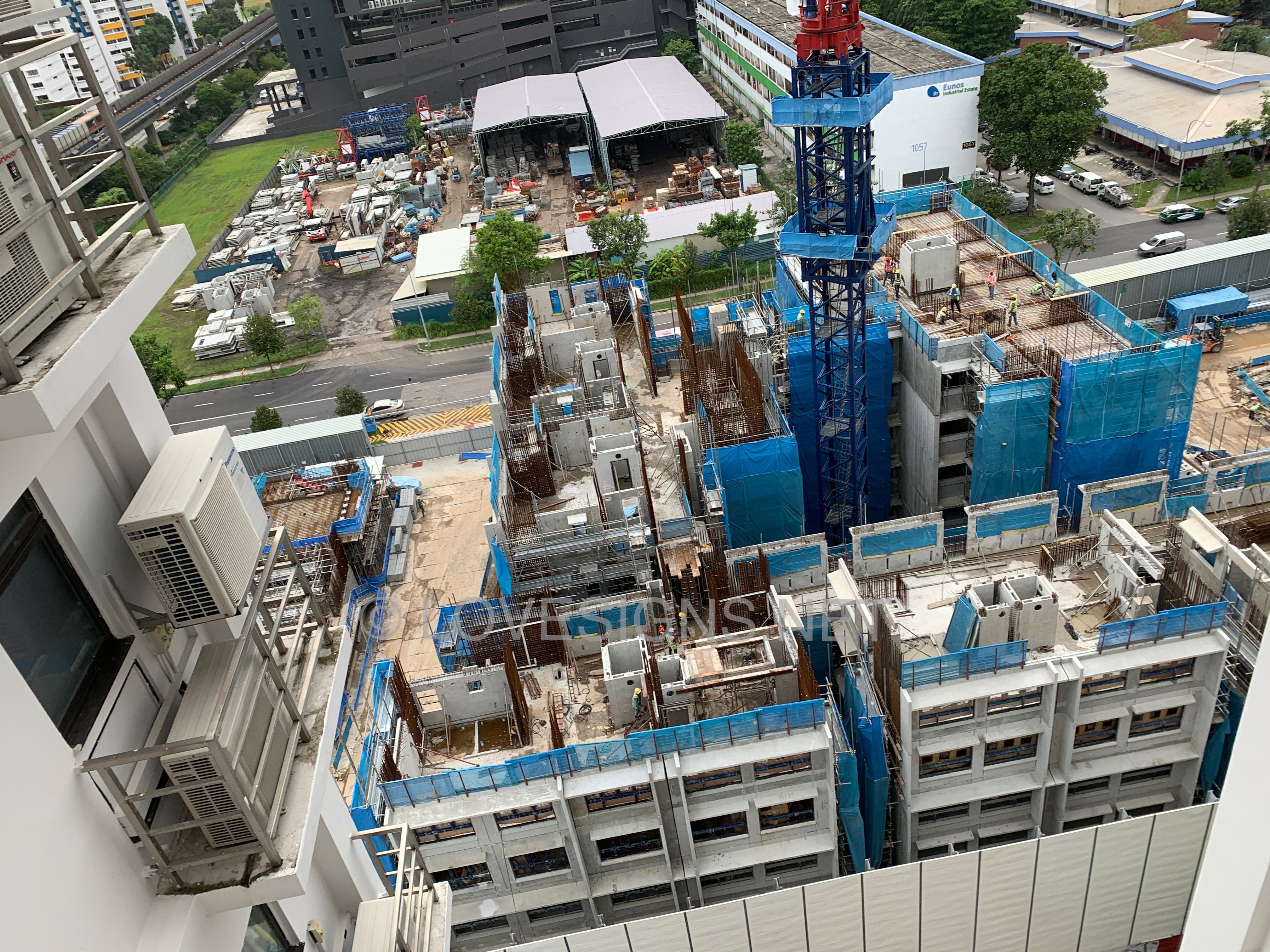
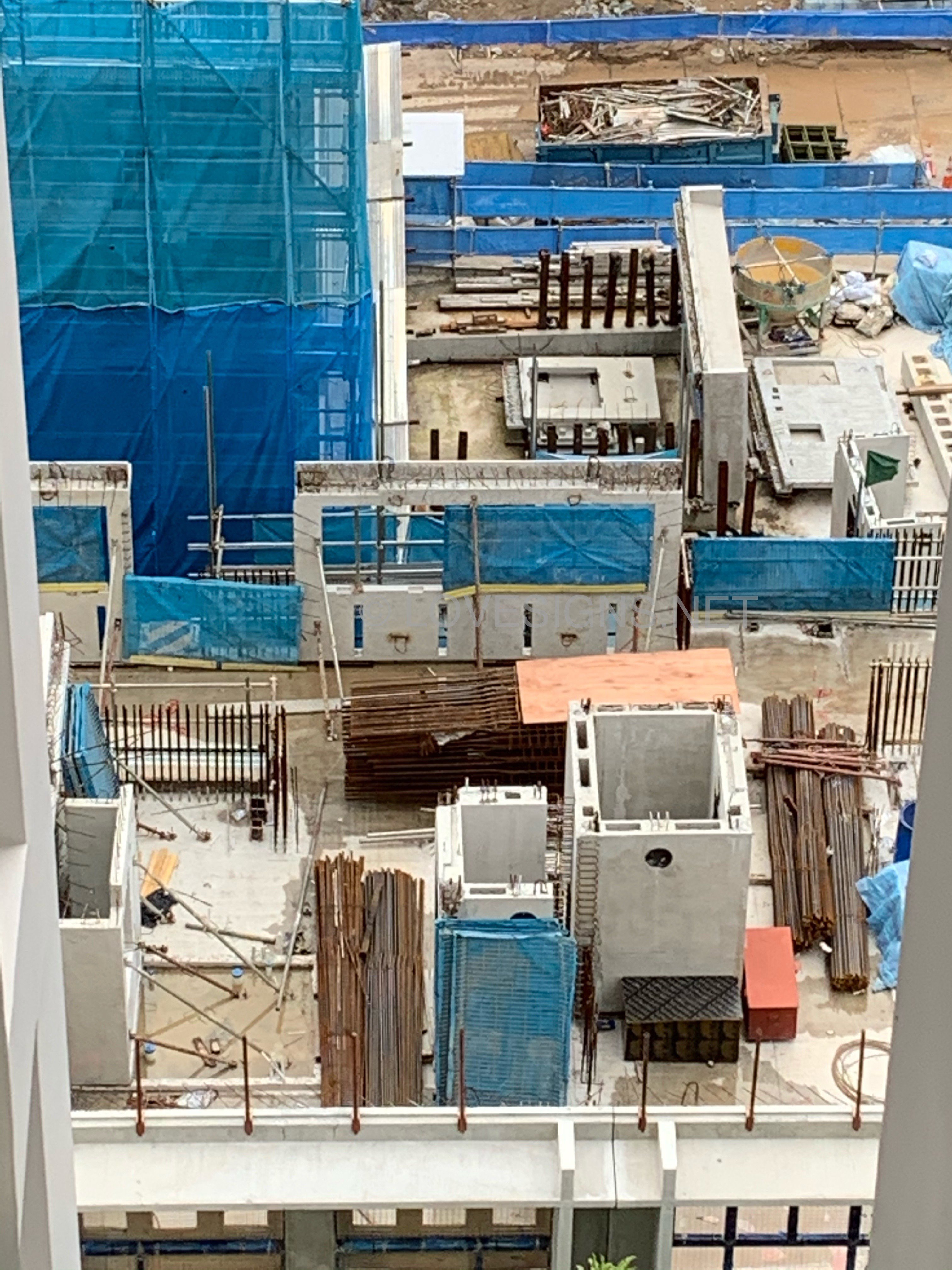
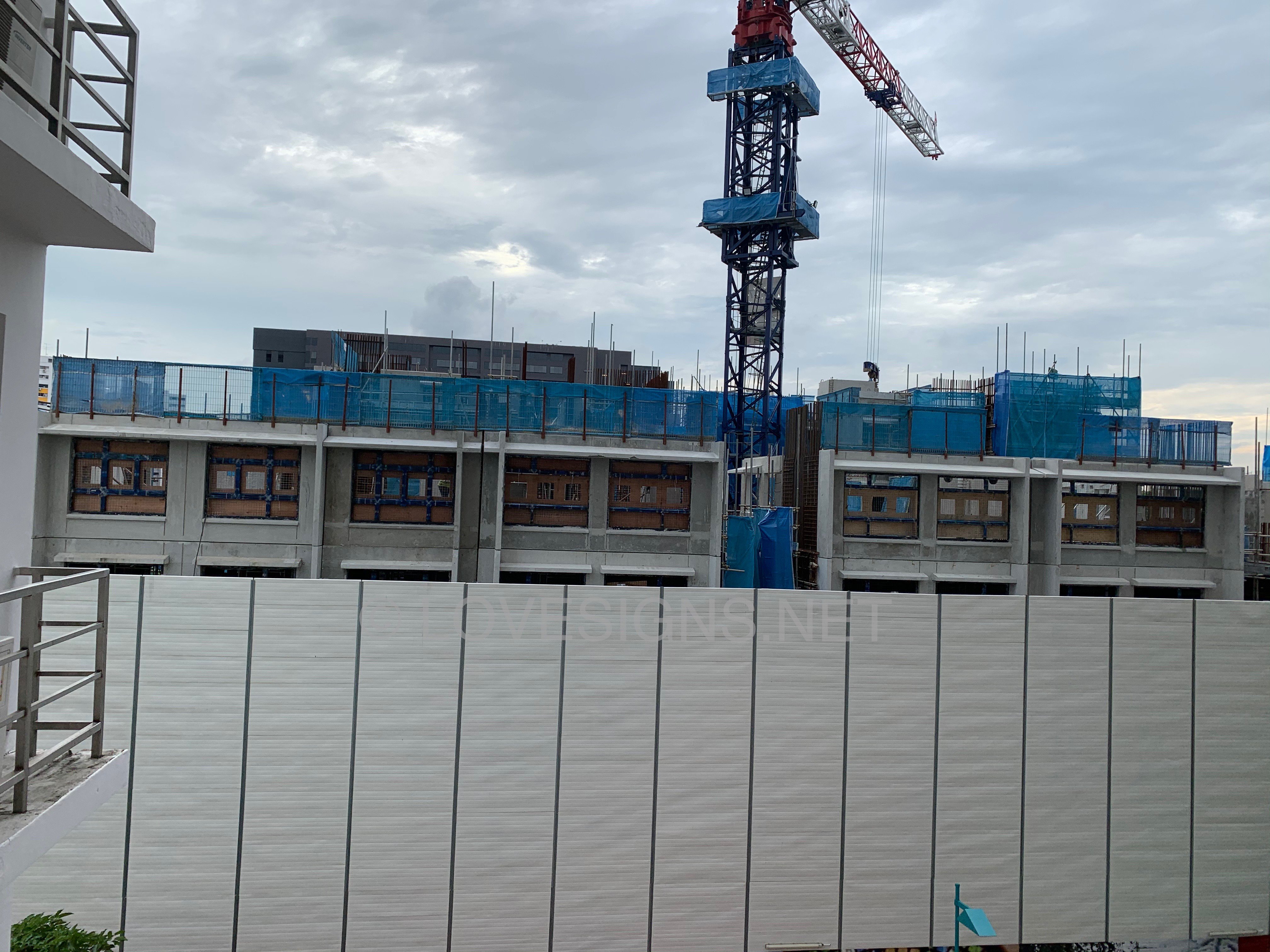
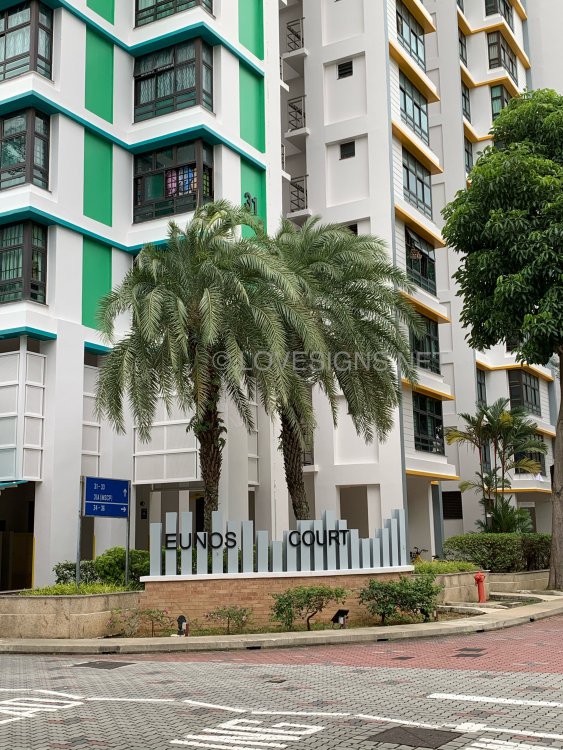
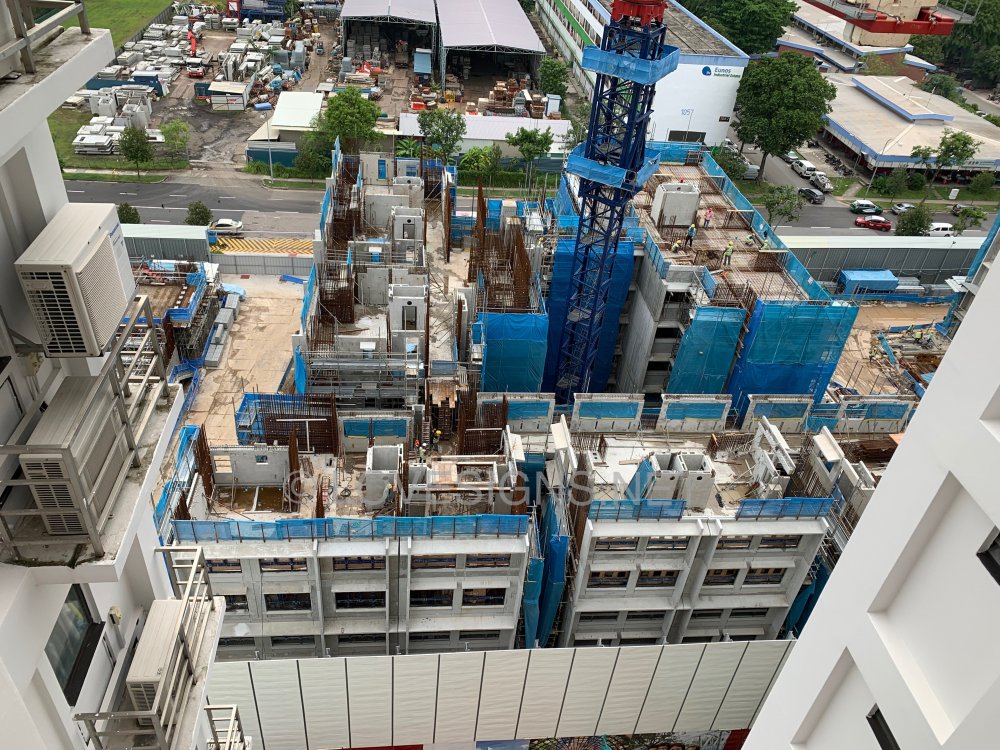
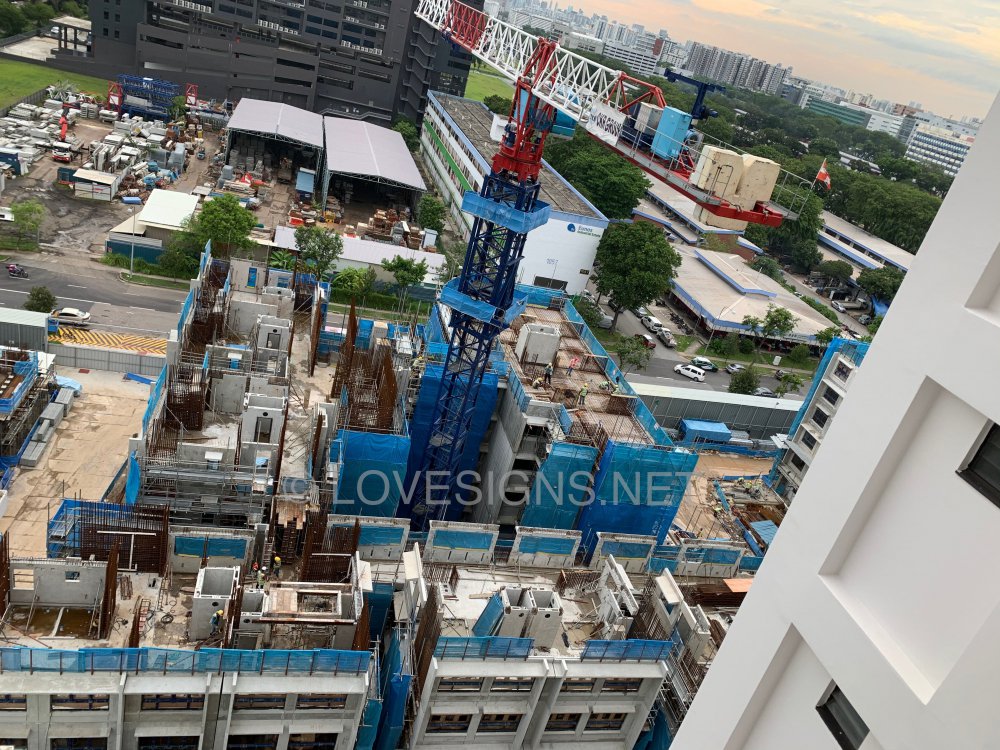
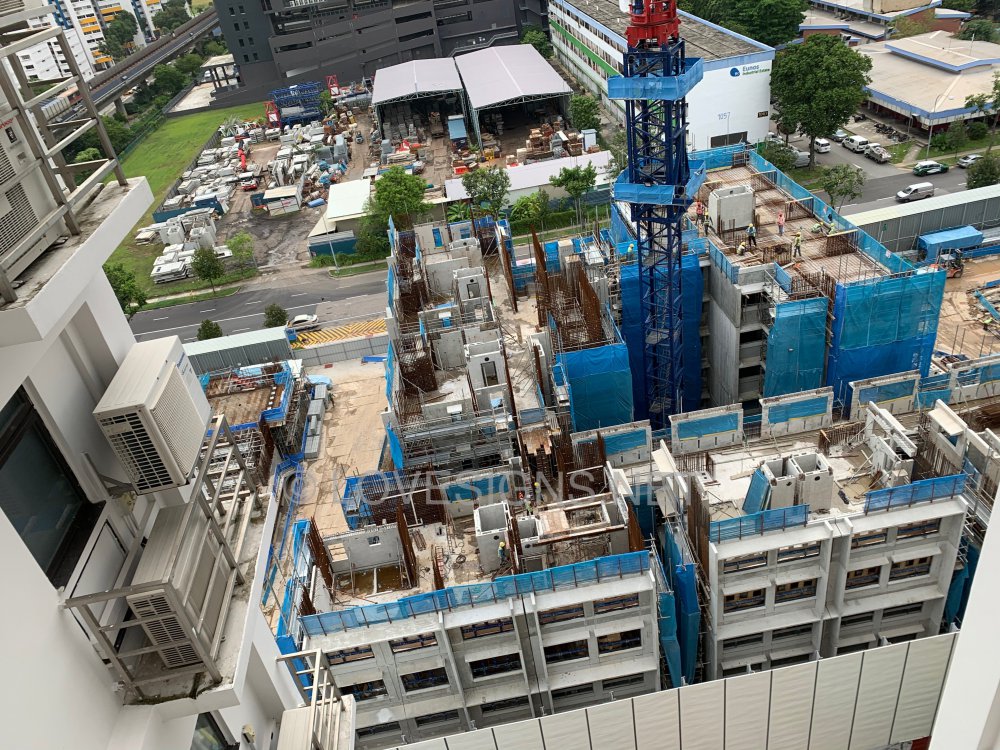
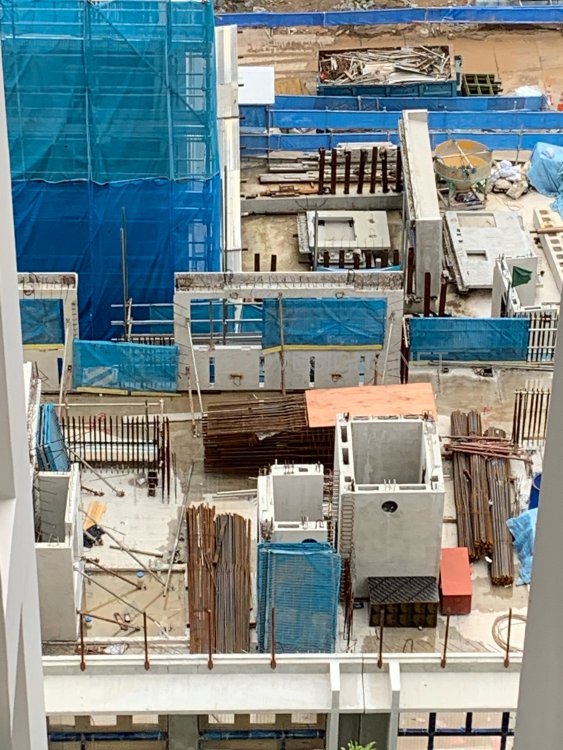
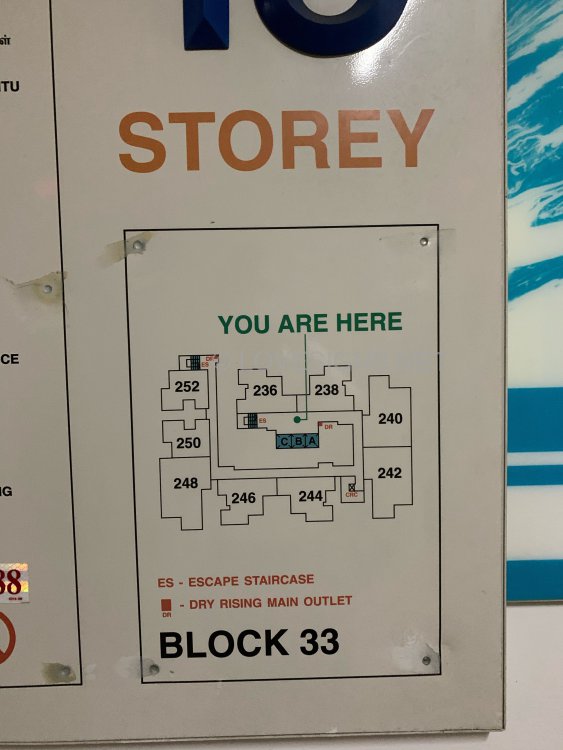
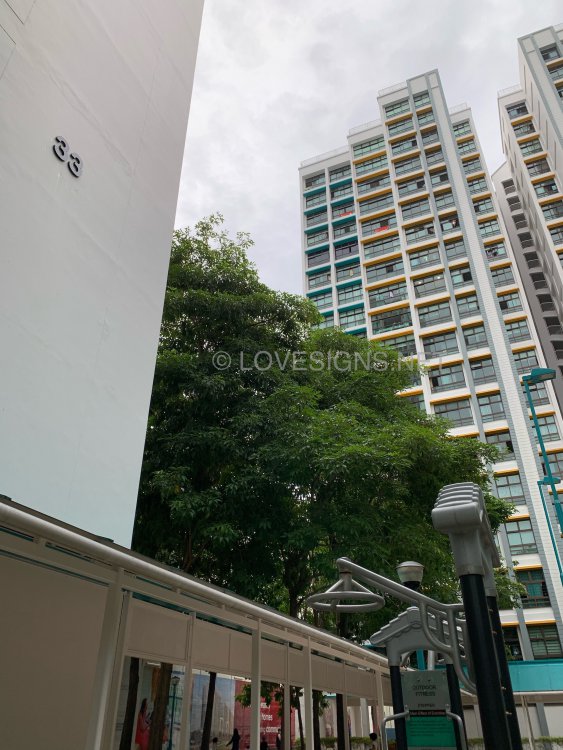
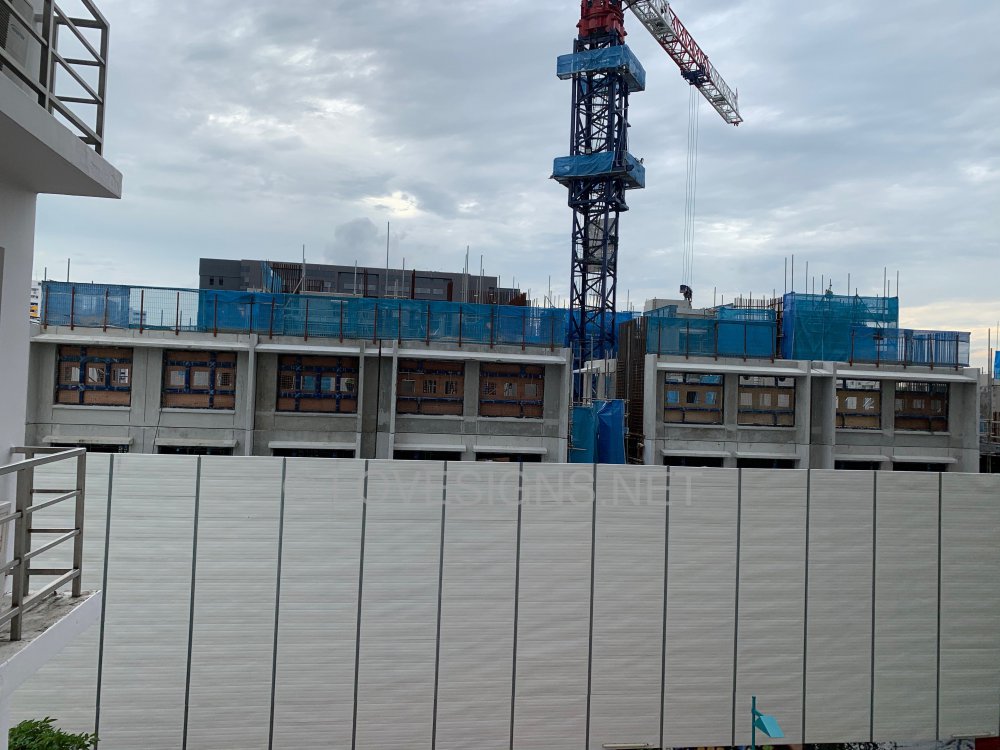
16.9.2020 Existing Eunos Court and the under construction...
-
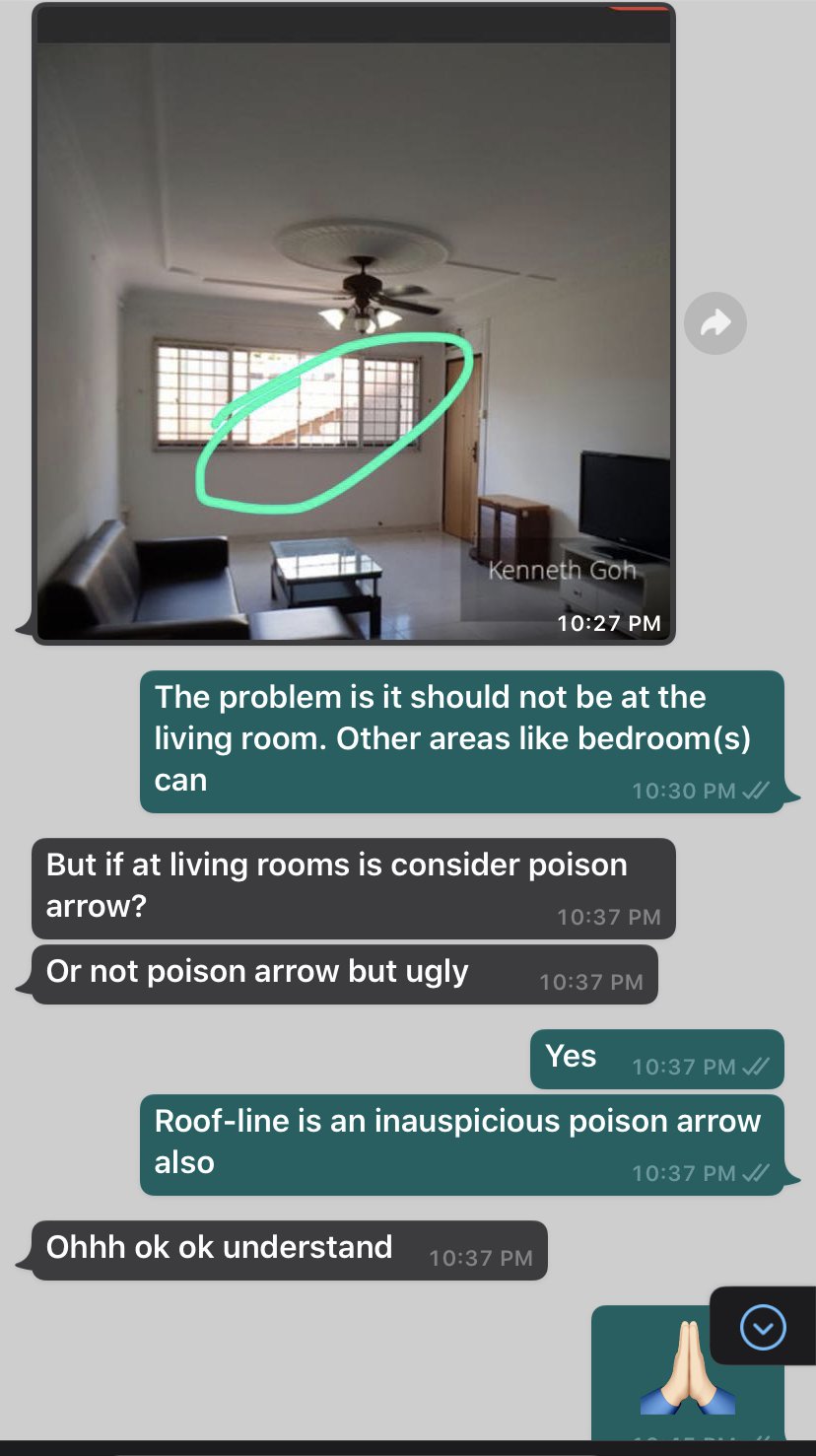
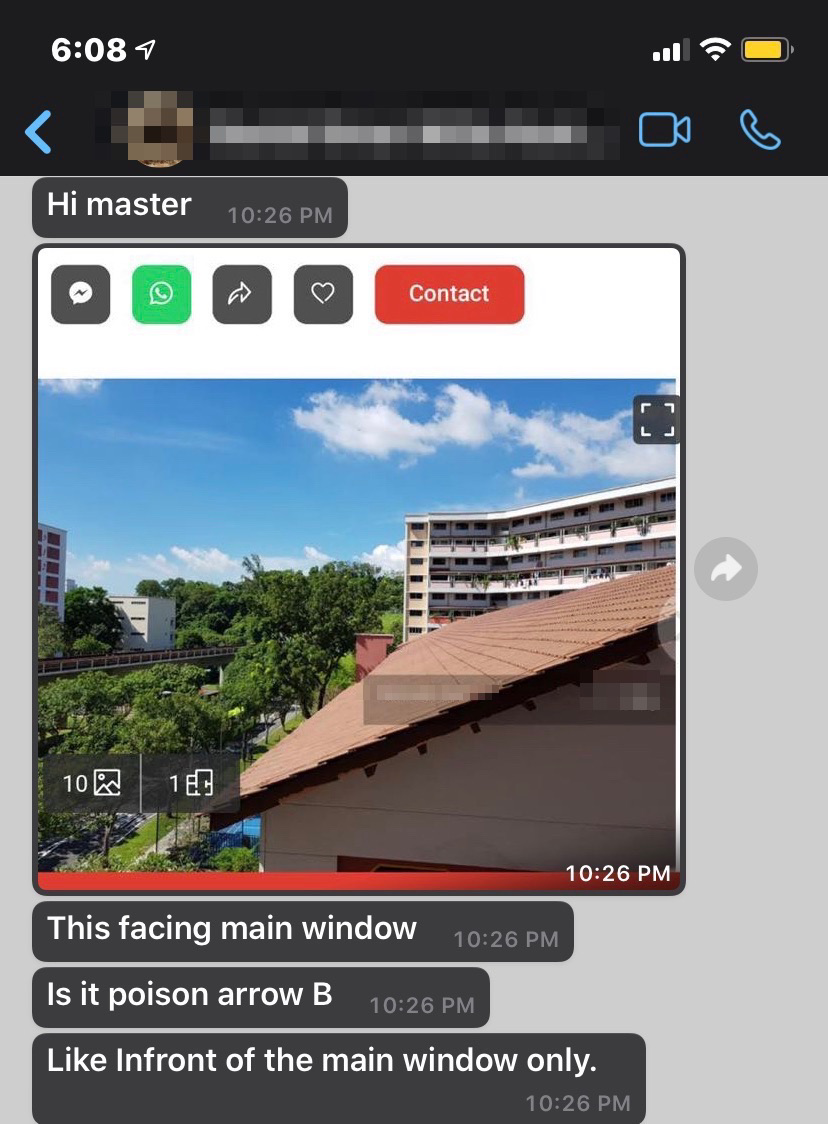
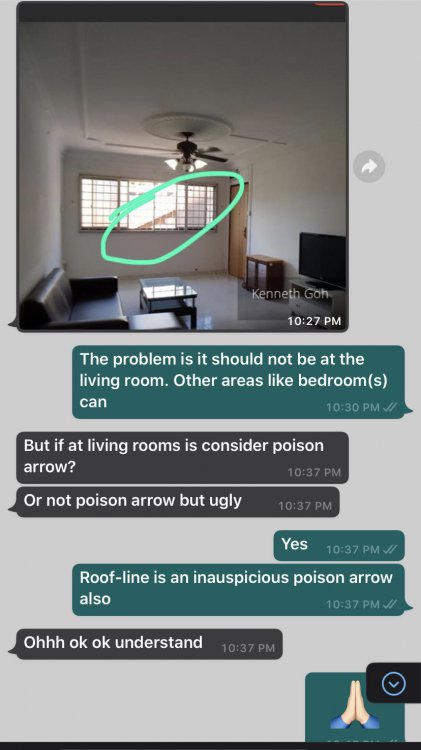
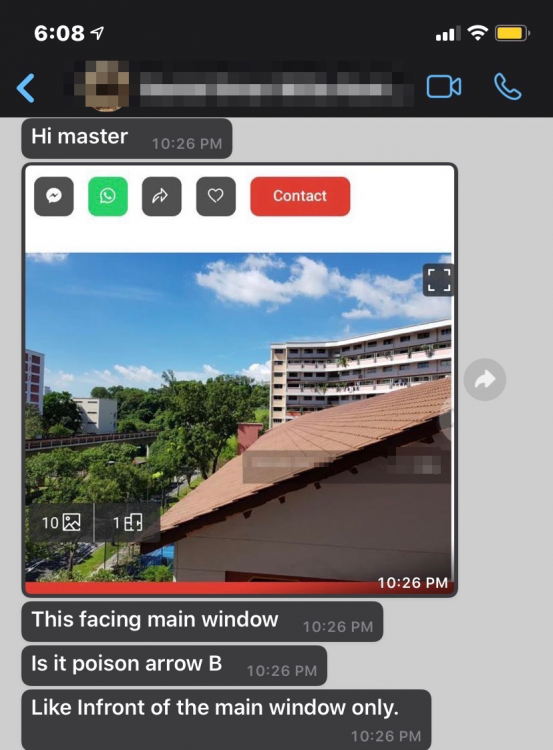
Poison arrow from roof-line...
-
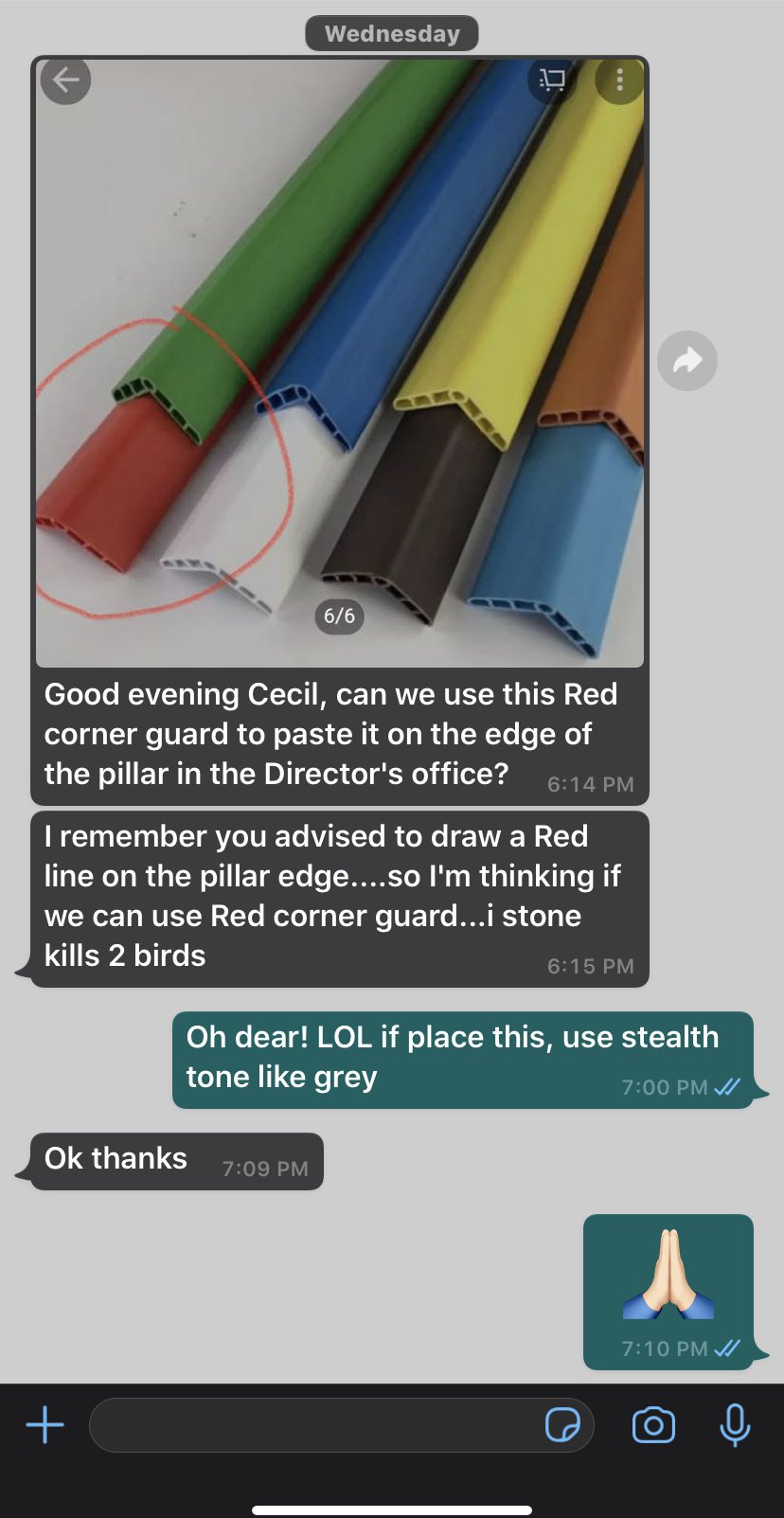
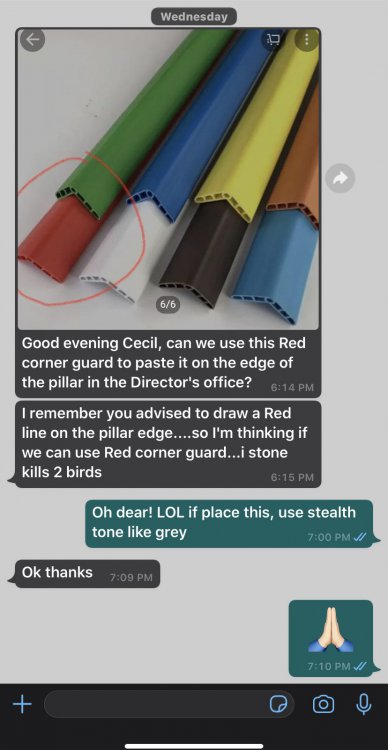
Good evening Cecil, can we use this Red corner guard to paste it on the edge of the pillar in the Director's office? I remember you advised to draw a Red line on the pillar edge....so I'm thinking if we can use Red corner guard...i stone kills 2 birds Oh dear! LOL if place this, use stealth tone like grey
-
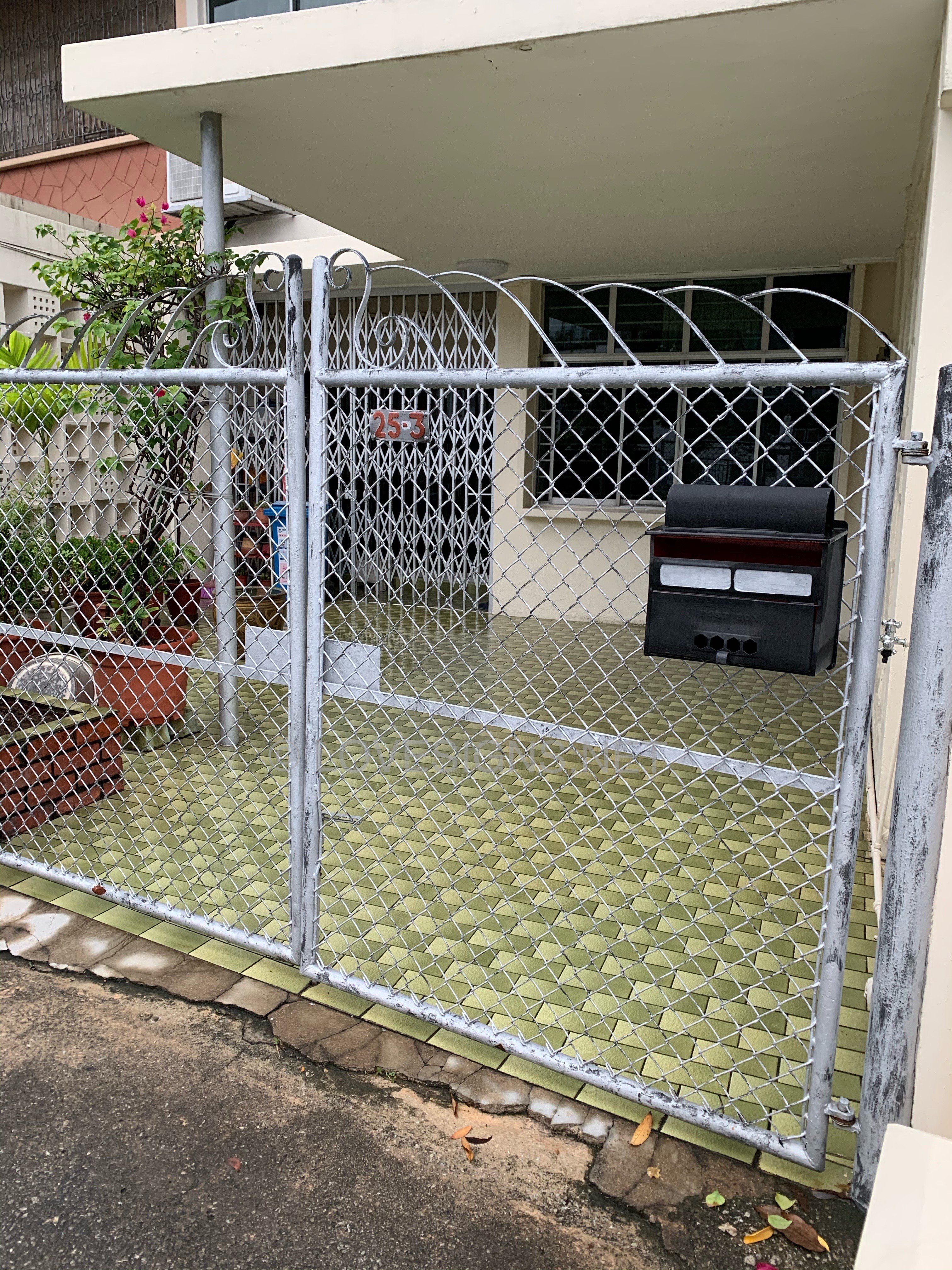
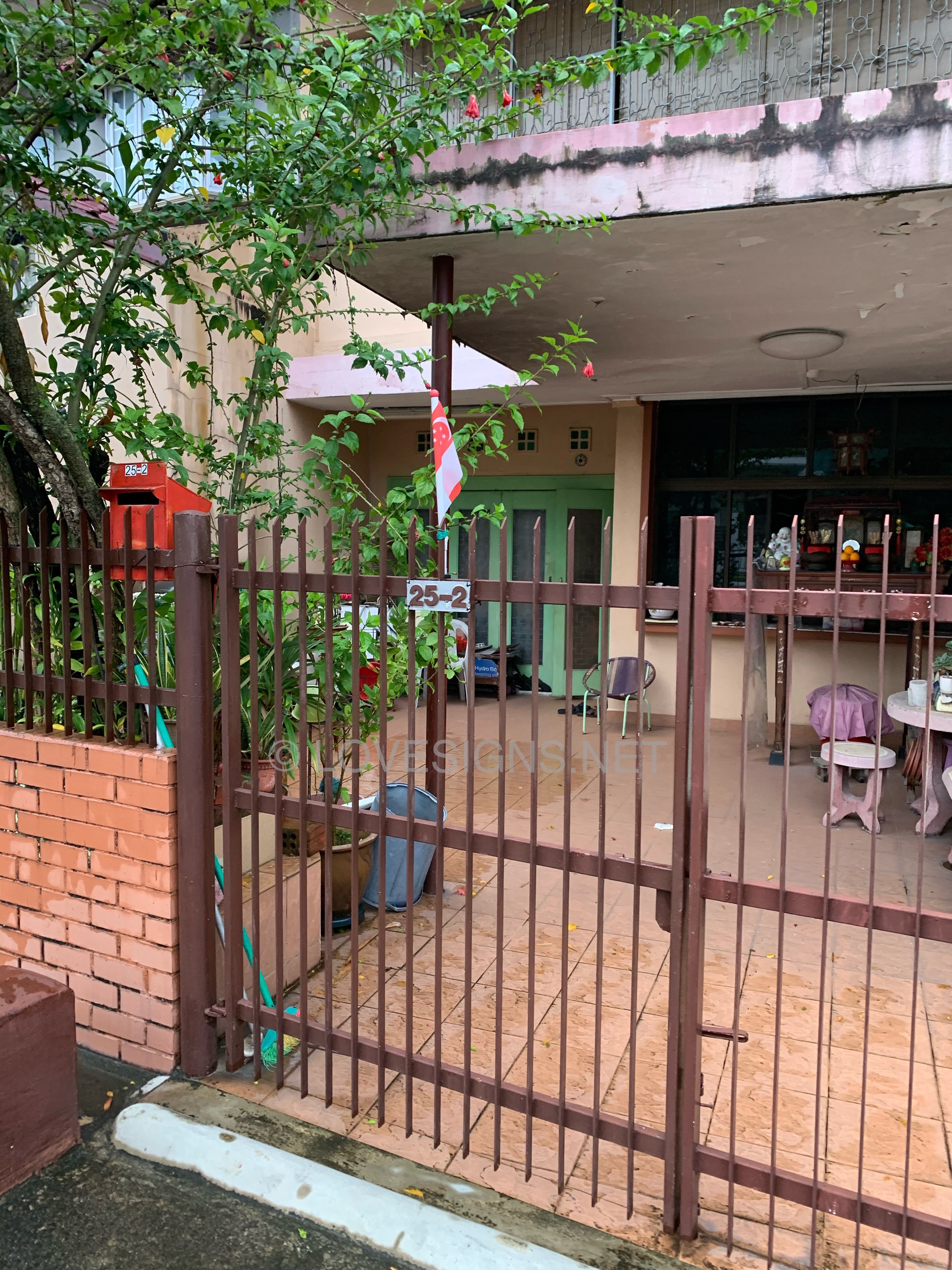
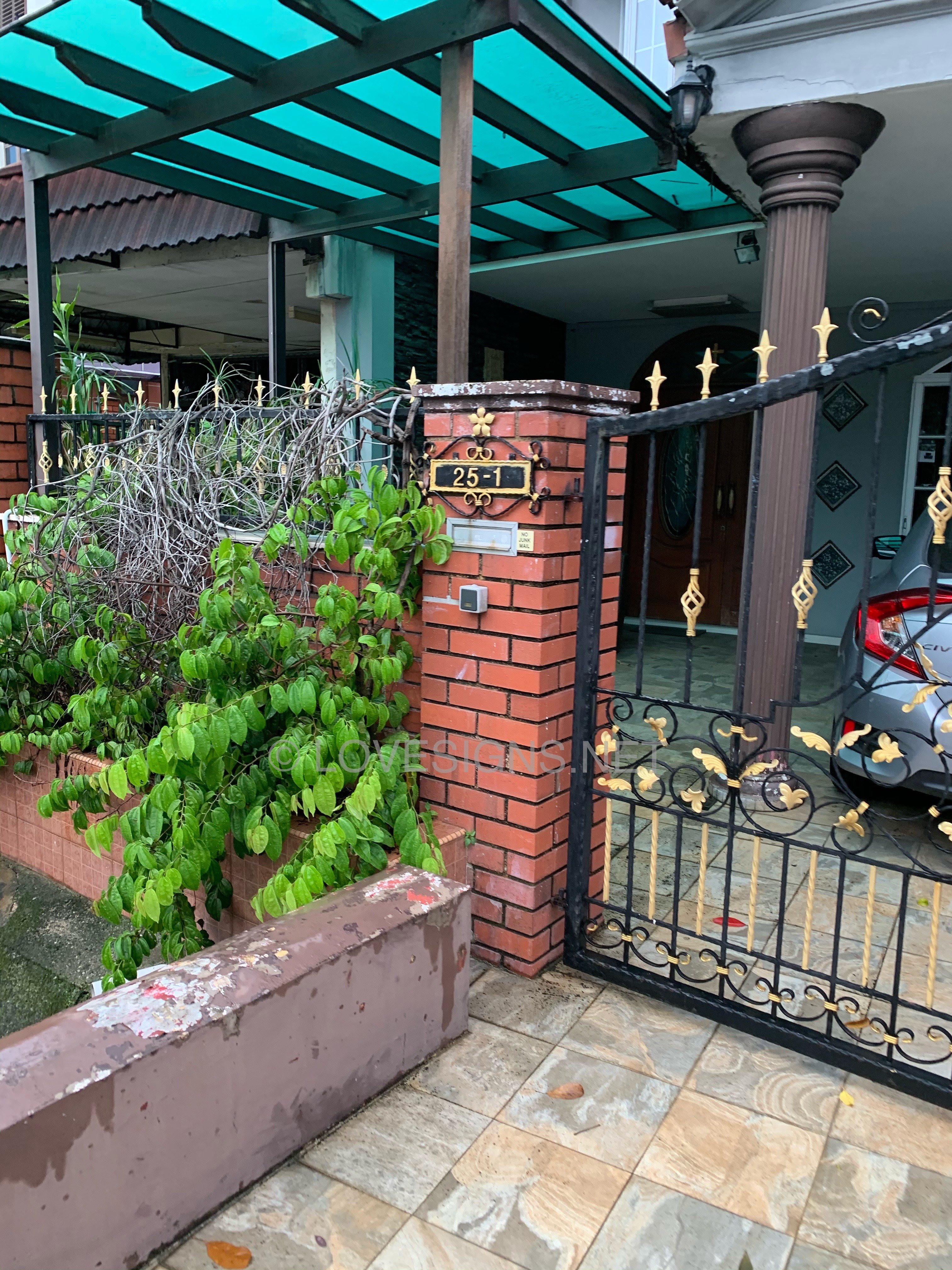
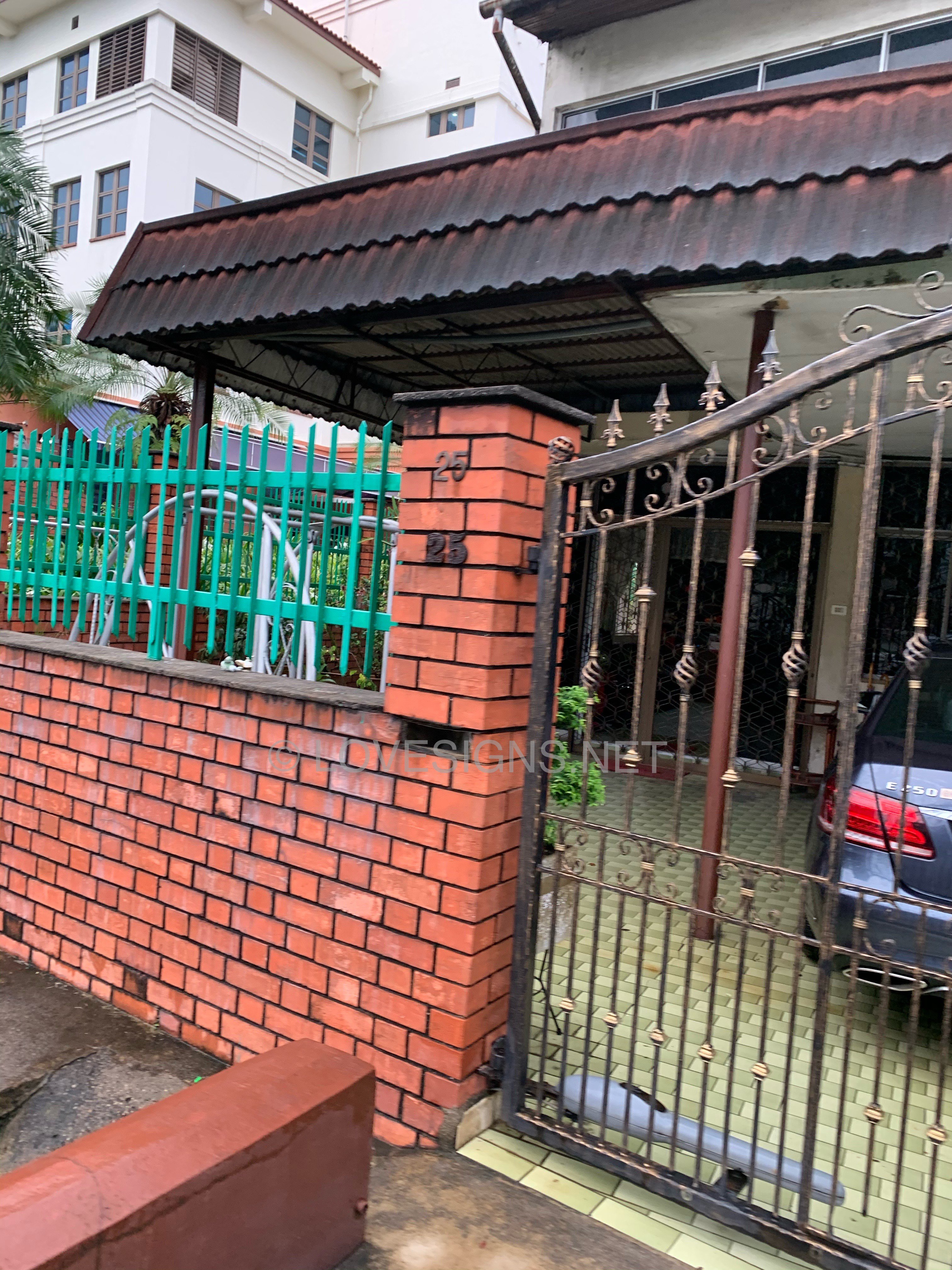
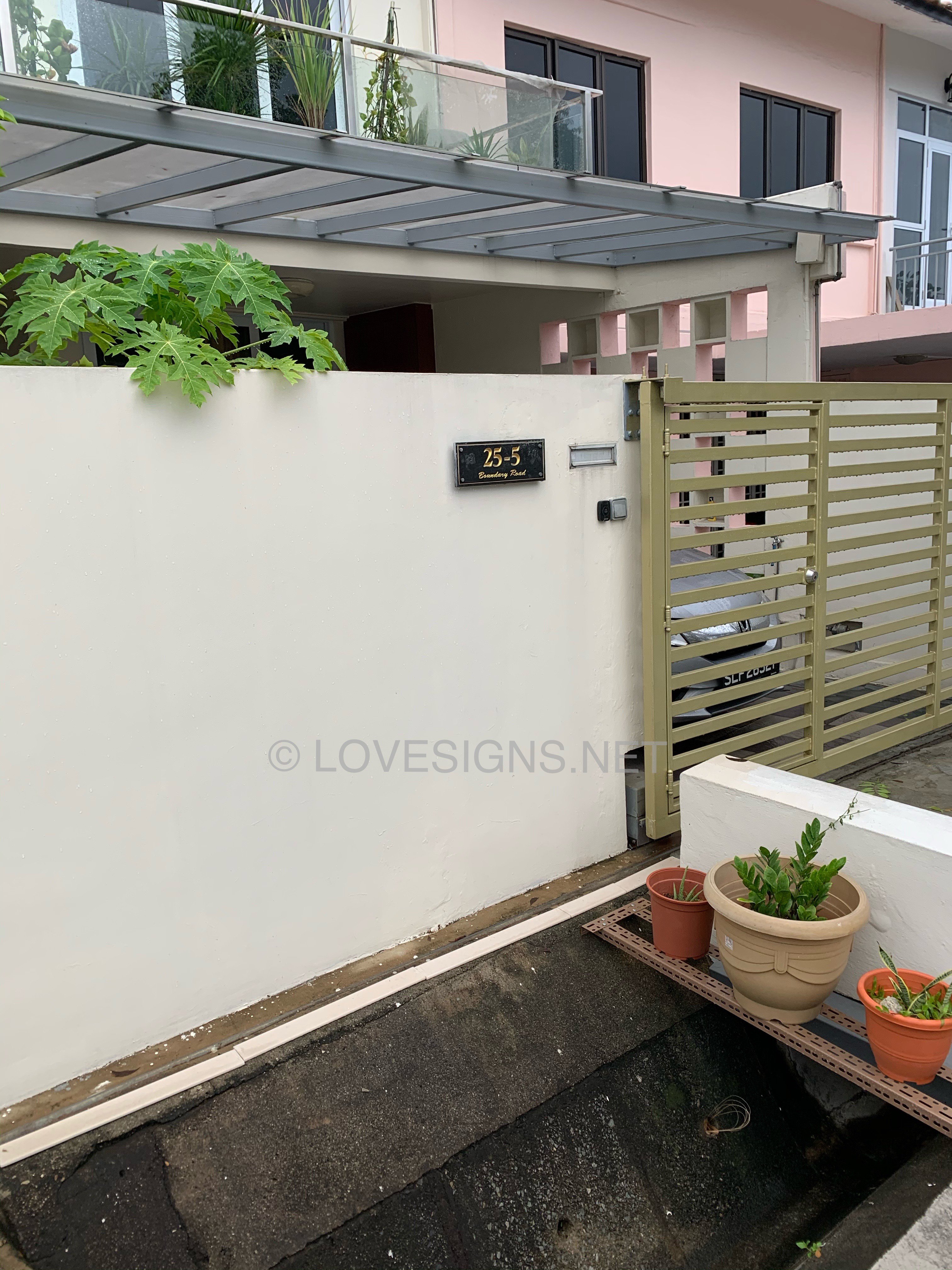
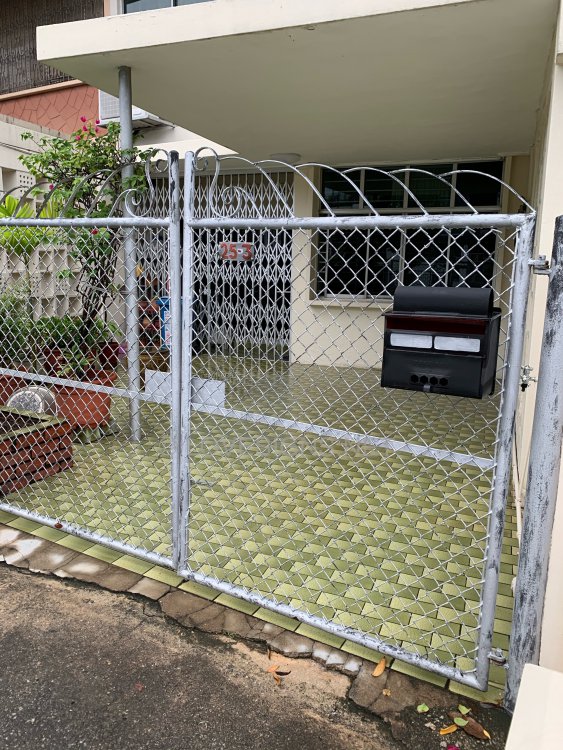
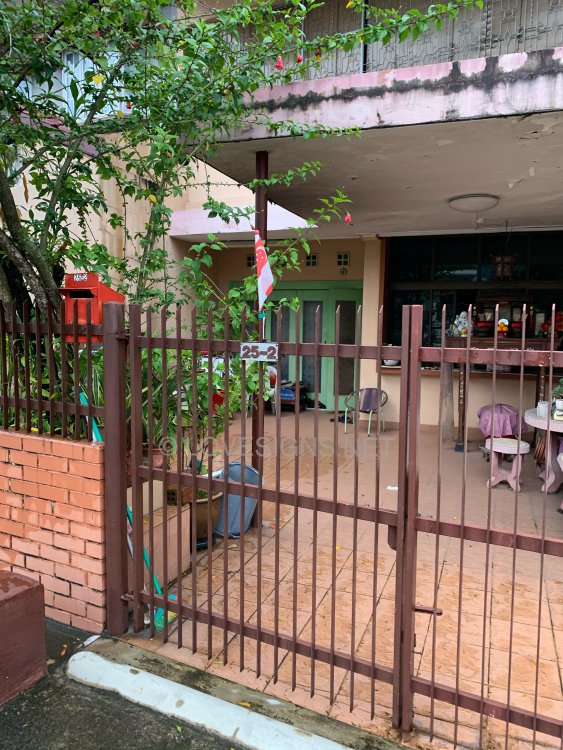
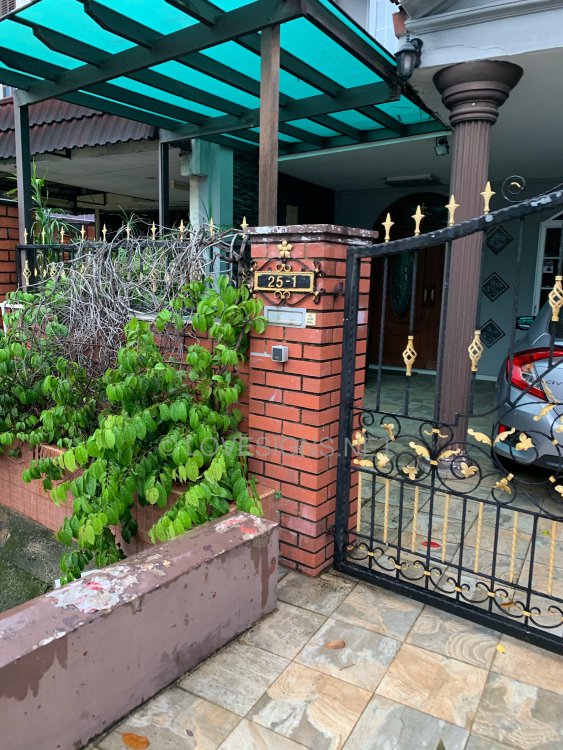
For older plot of land, when a land is subdivided, often if the original address is No. 25. If the developer builds two several terrace homes to replace a bungalow house: it would be name as No. 25, 25A, 25B, 25C etc... What is less common is to name these homes 25-1, 25-2, 25-3, 25-4 etc... Usually the houses were named instead as 25, 25A, 25B, 25C, 25C a shorter form without the extra dash "-". But technically, I suppose: 1 or A are still the same..
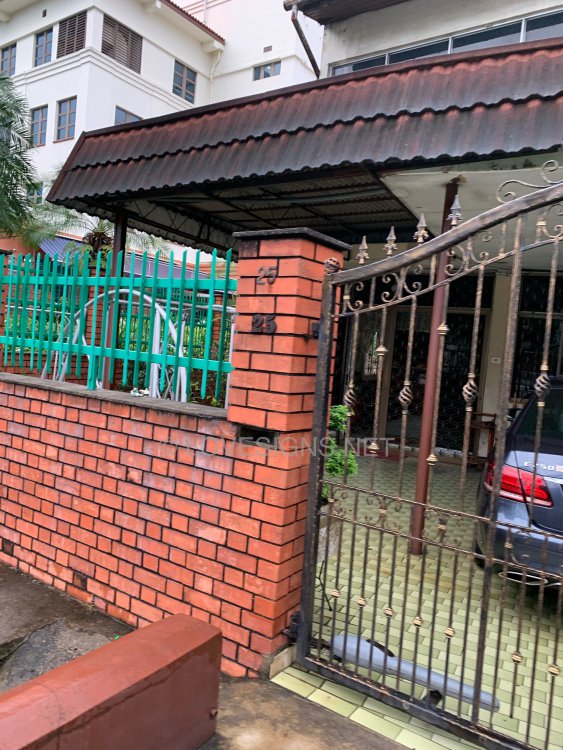
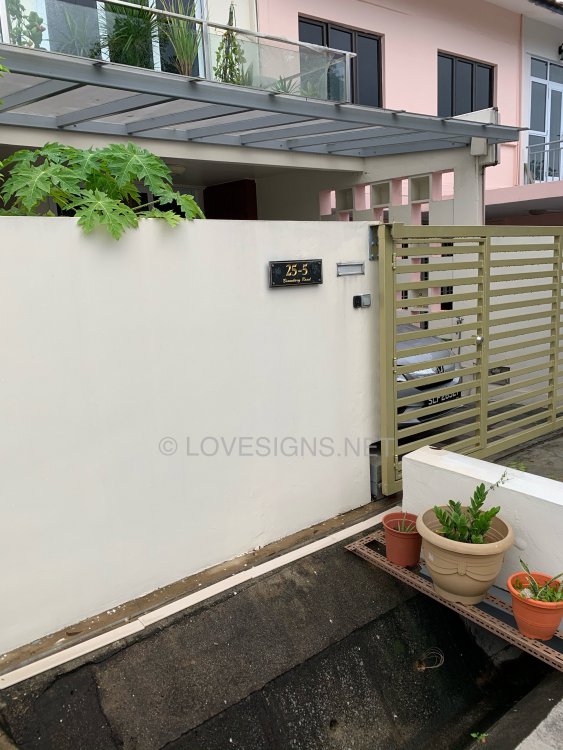

-
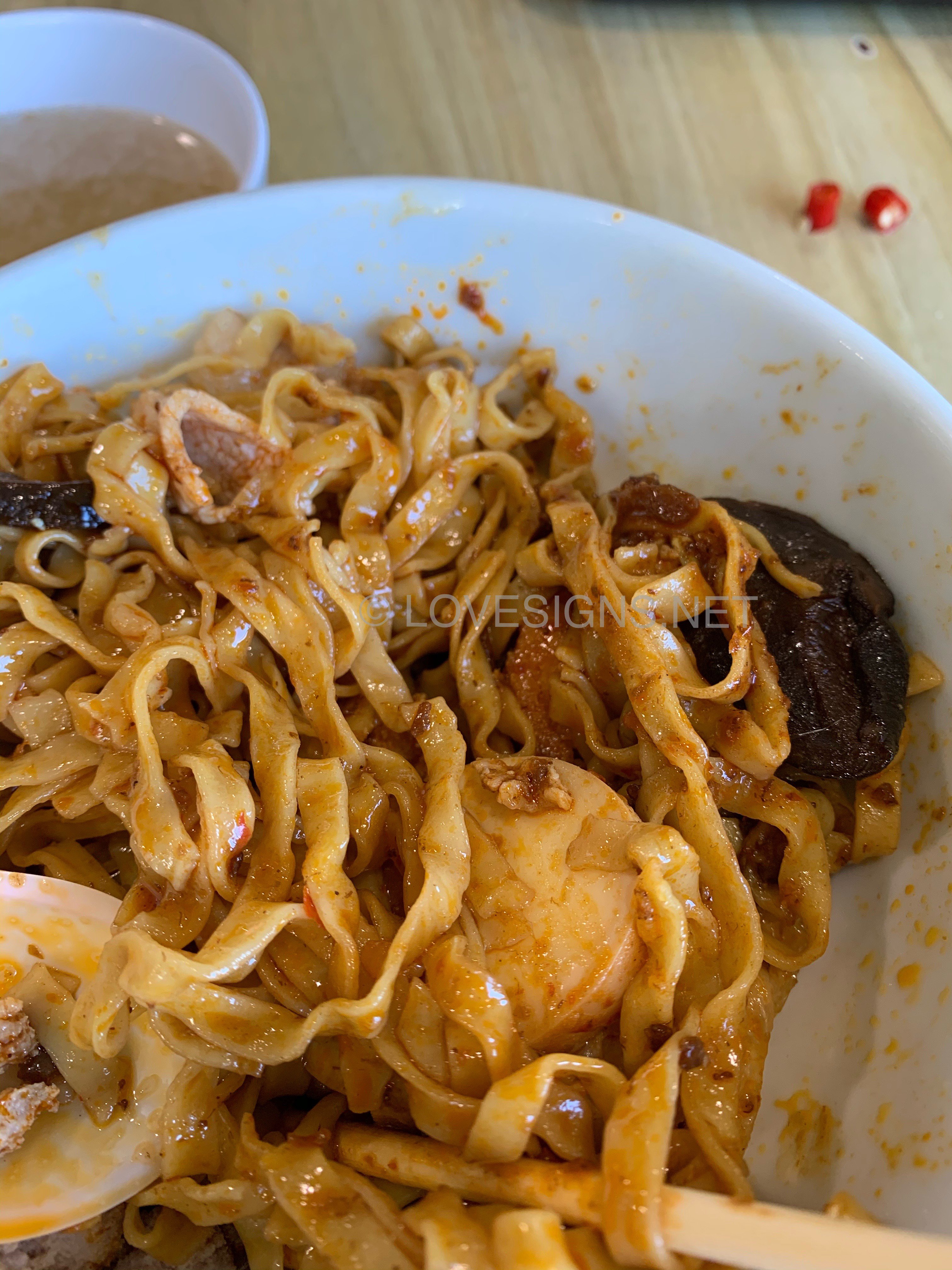
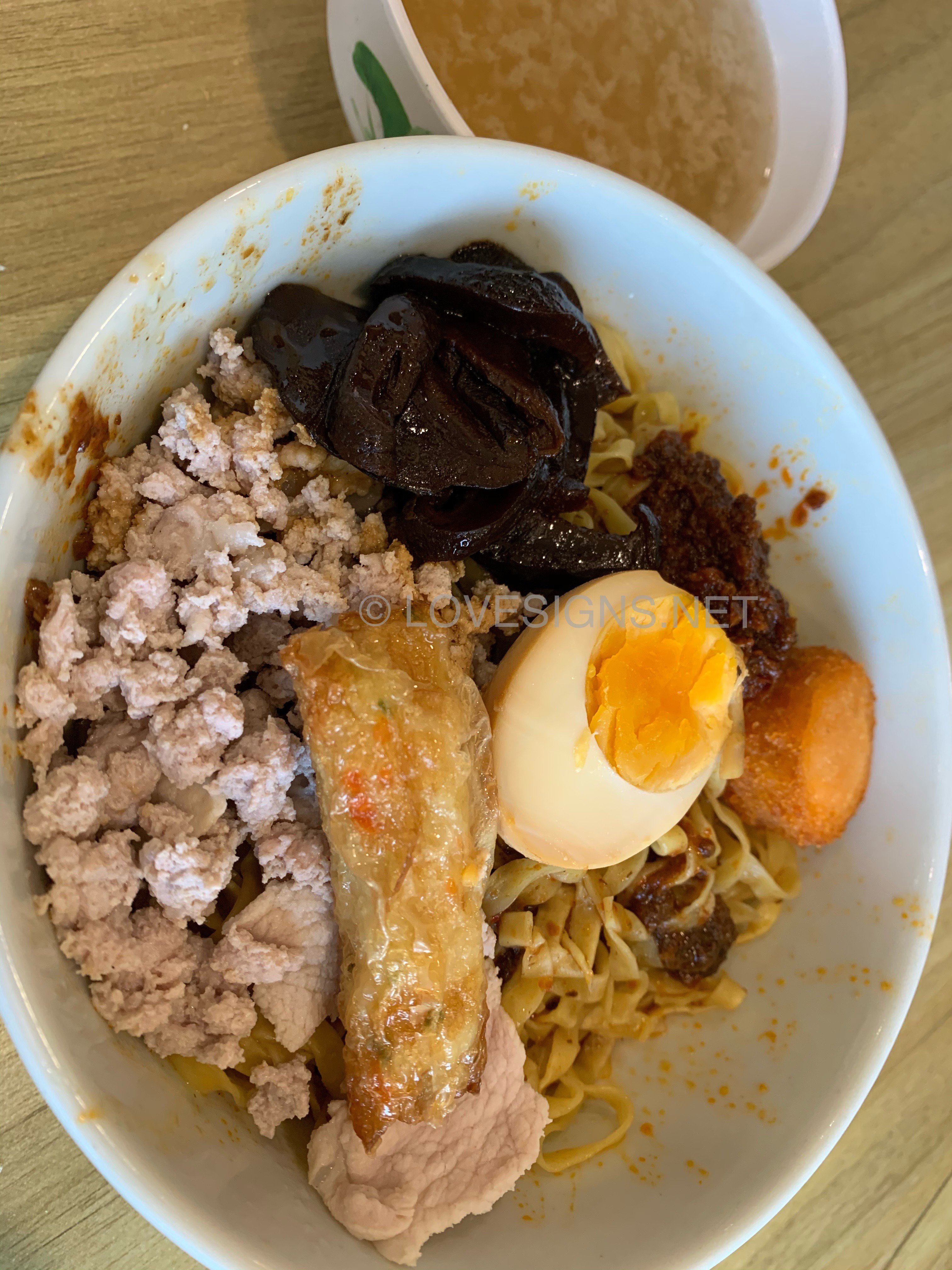
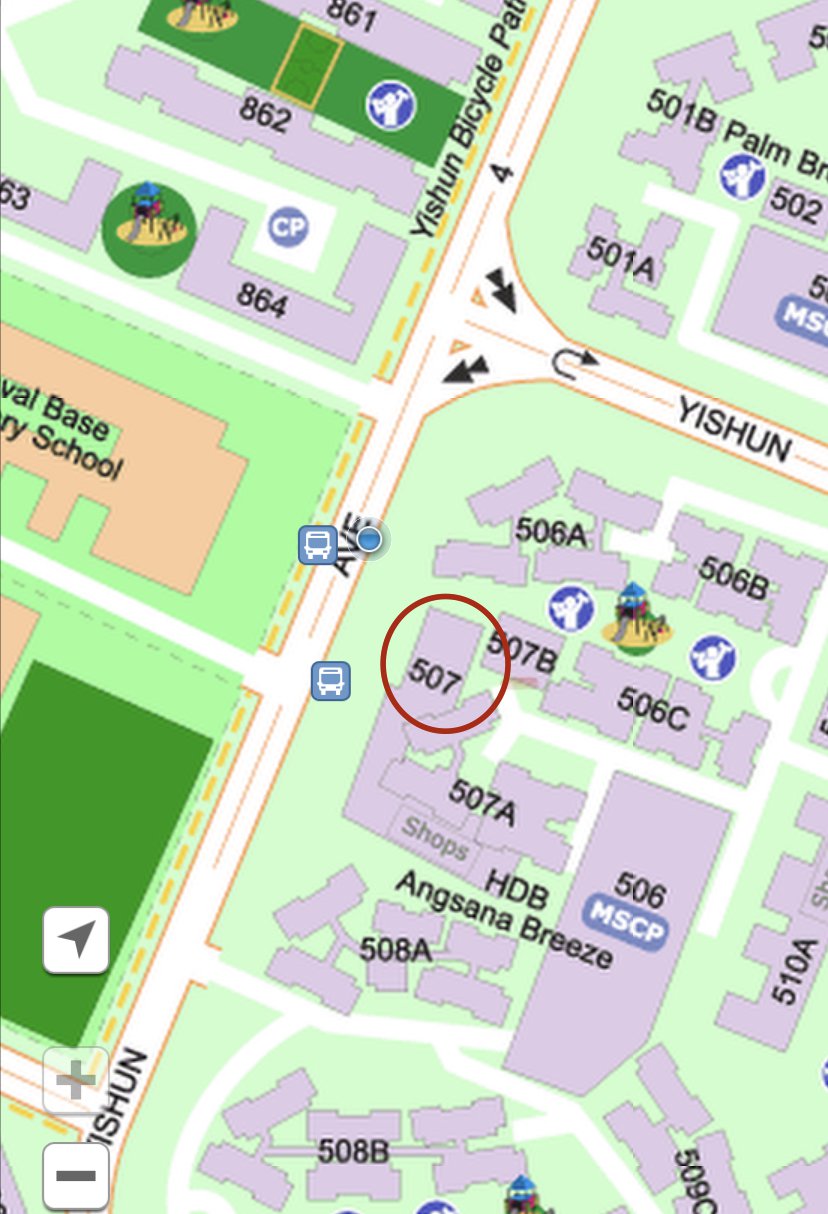
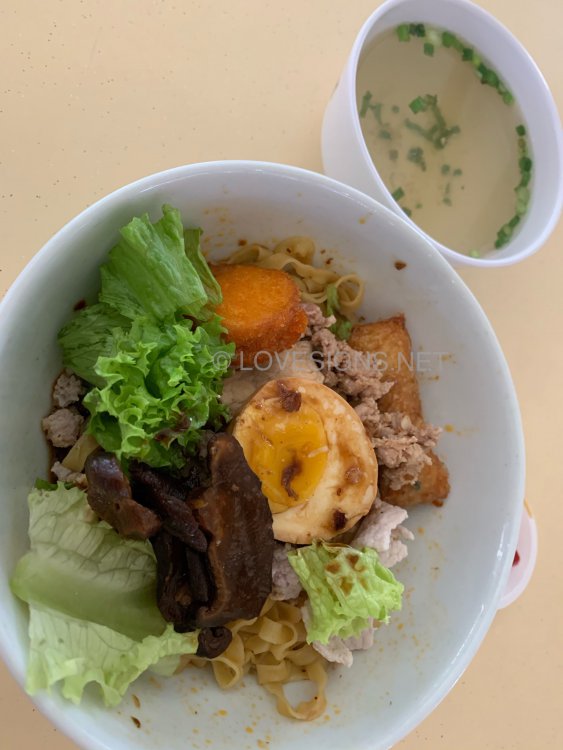
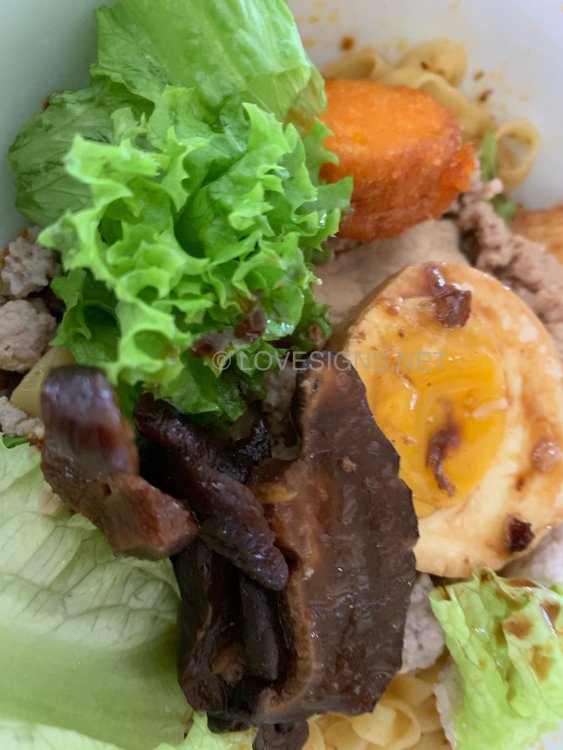
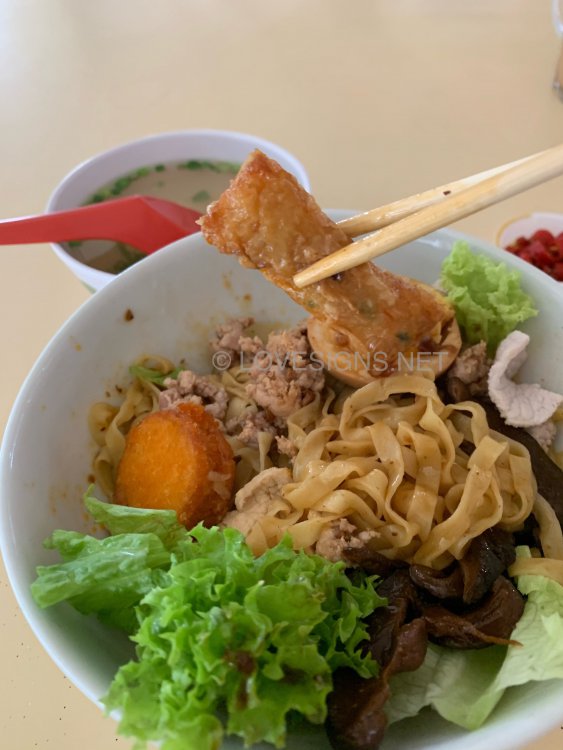
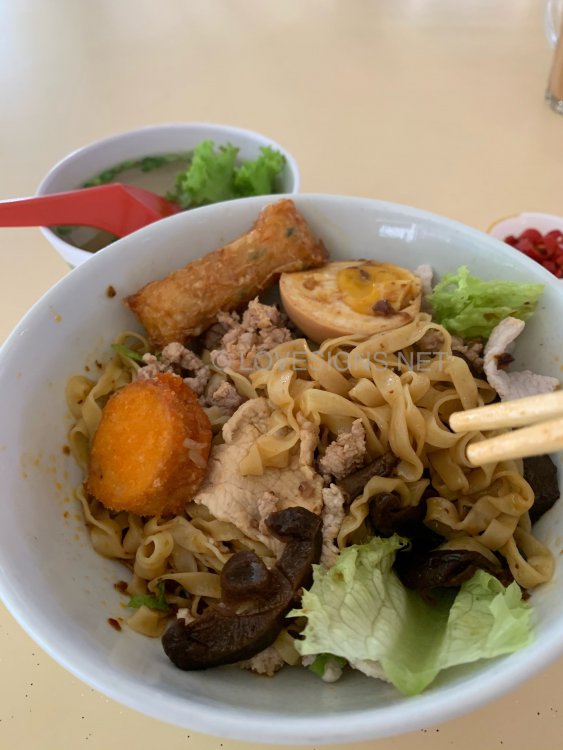
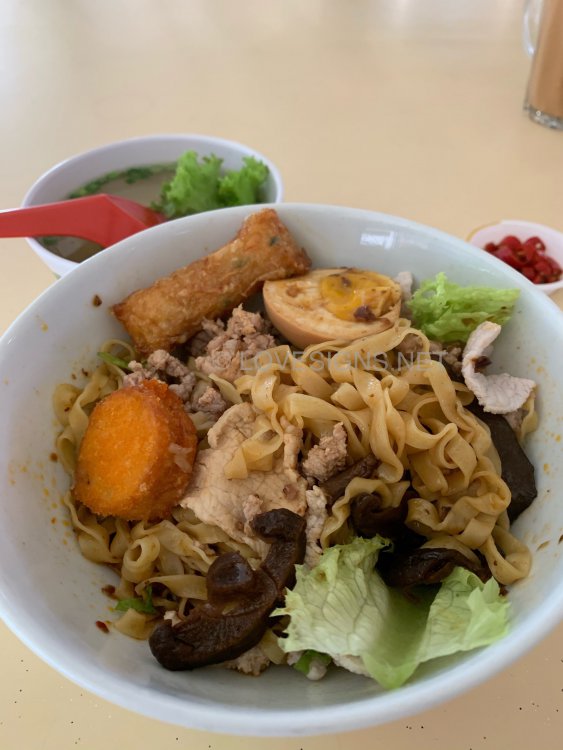
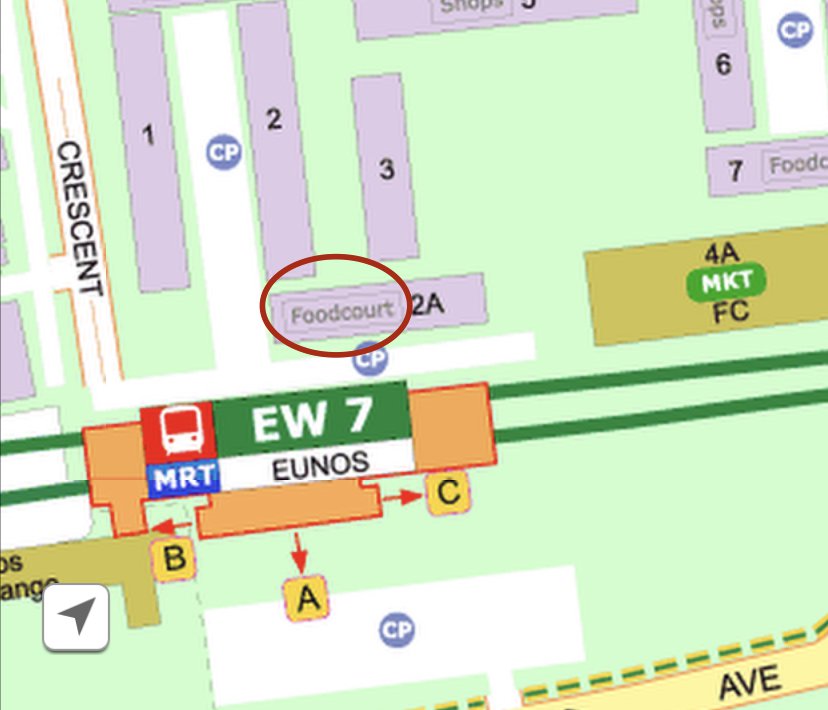
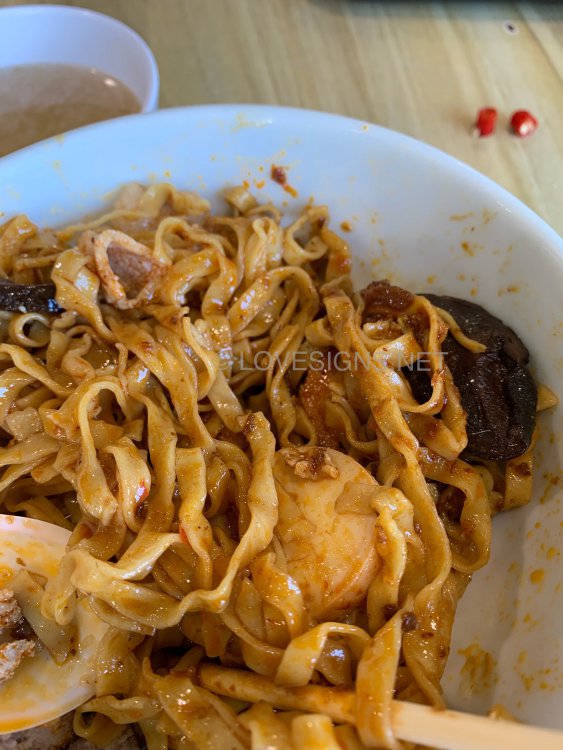
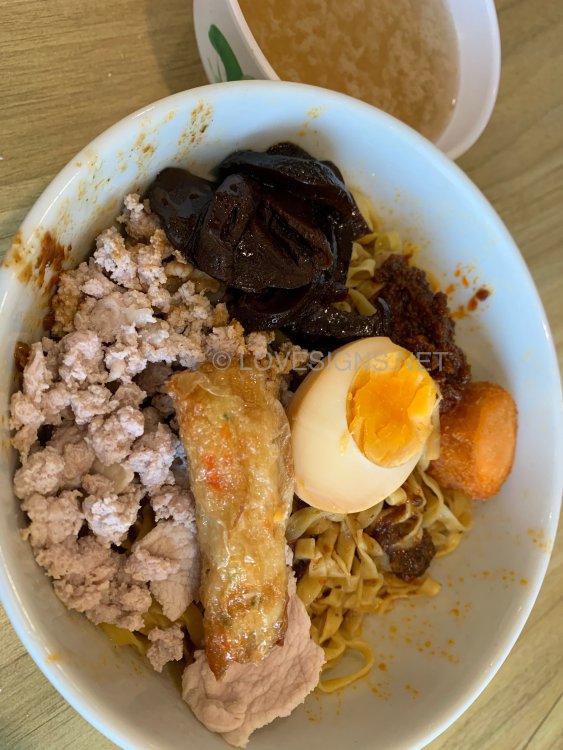
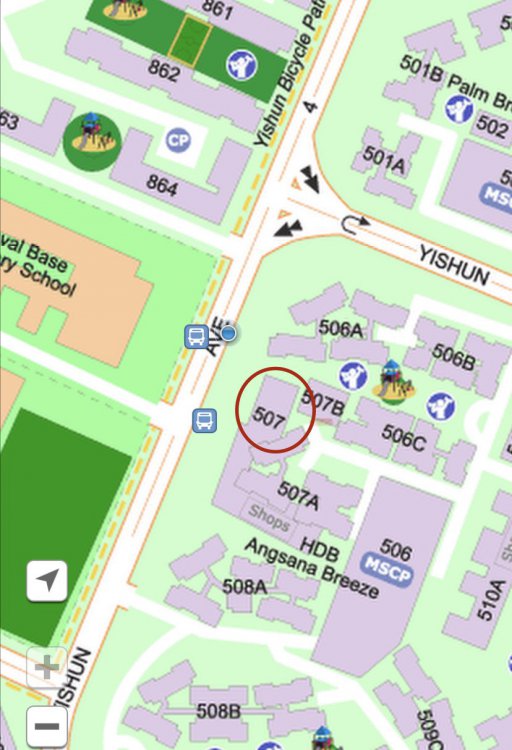
Ding Ji Teochew Noodles at Block 2A Eunos Crescent At another branch...Located at 507 Yishun HDB Angsana Breeze. Limited food in the morning... that’s why went for it again. Since okay ... or so so at Eunos, a day earlier... Comfort food. Acceptable taste. But commercially sourced ingredients... Noodles are thick and at Angsana Breeze branch a few strains are partially cooked... but gave a generous helping of extra chilli ...
-
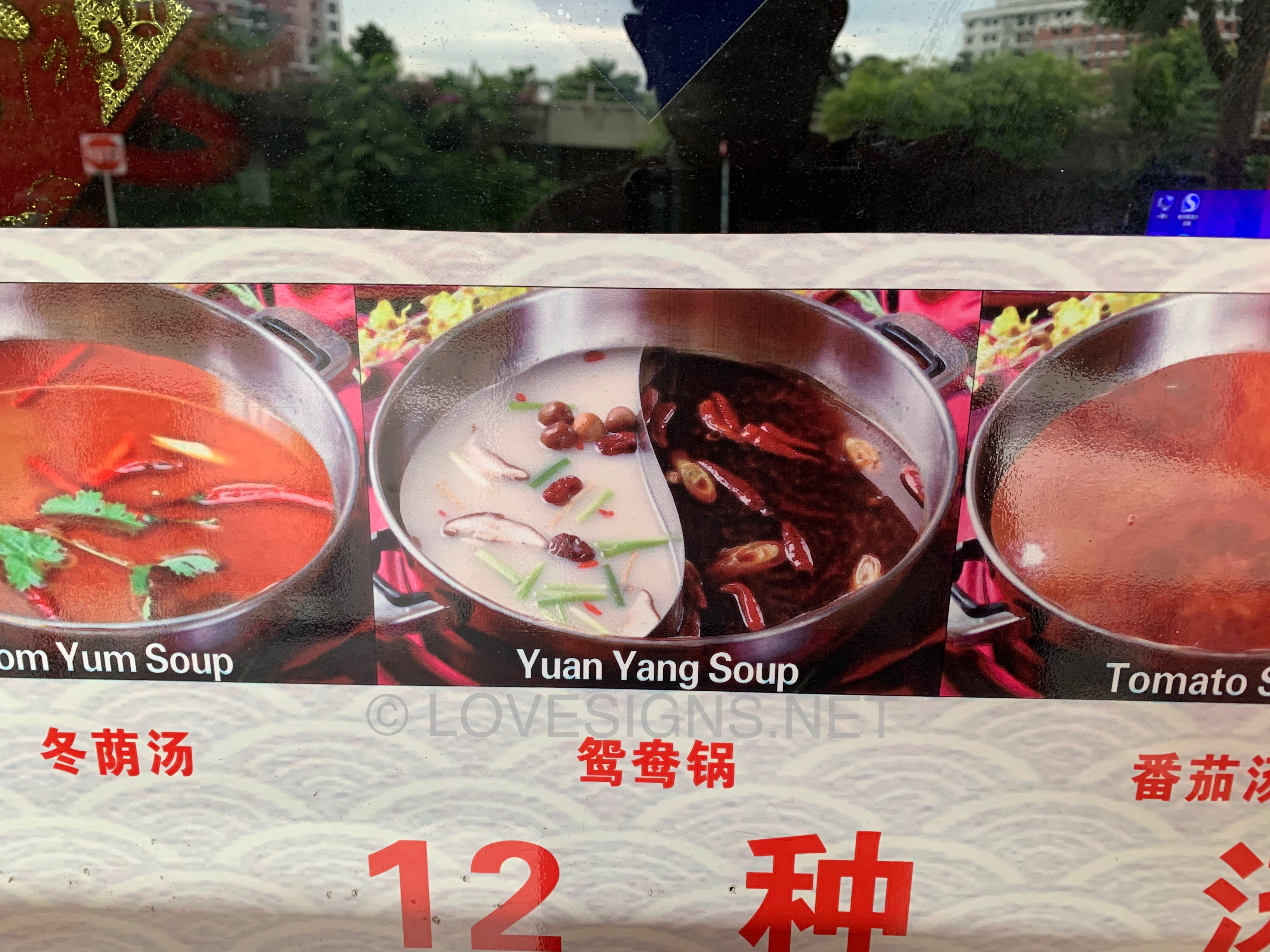
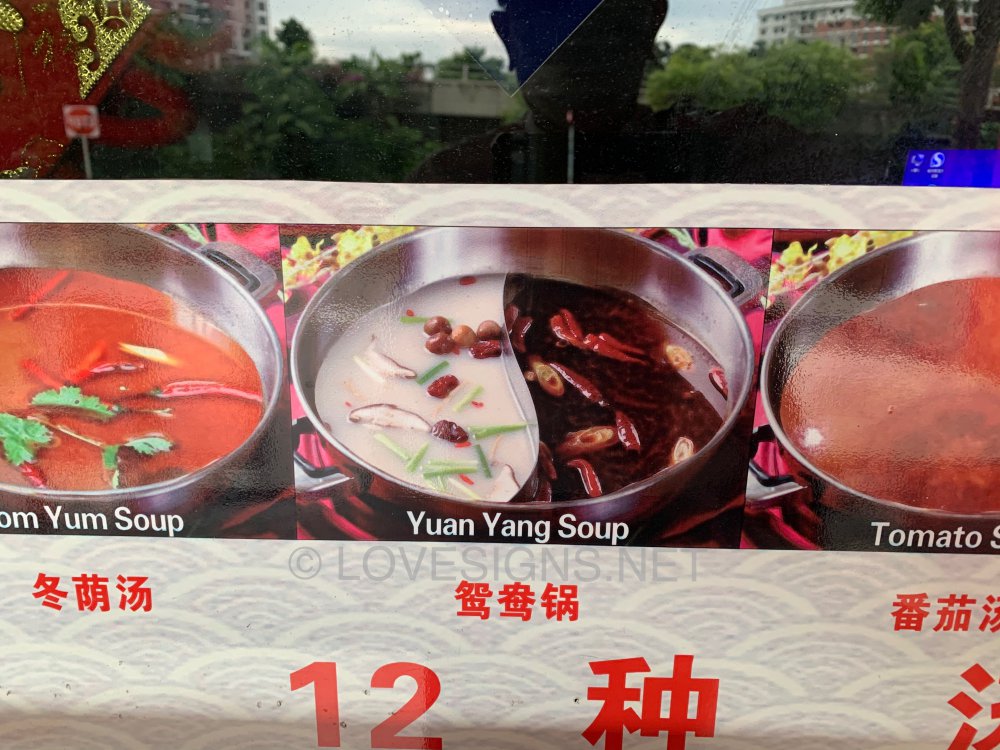
Yuan Yang Soup (Yin/Yang)
-
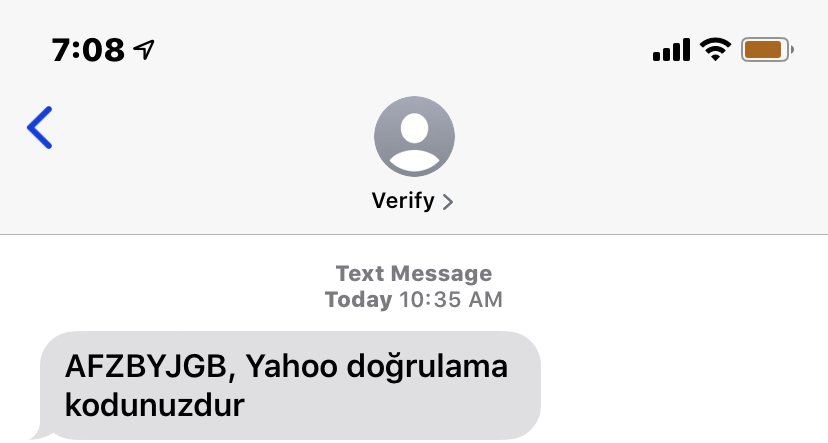
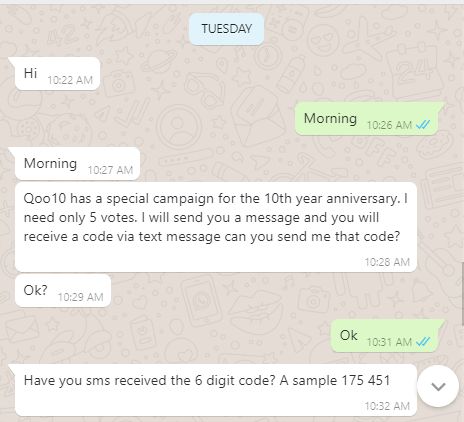
1. Purpose of this scam is to take over an email account. 2. Somehow took control of someone's WhatsApp account. It could be a friend's or client's account. 3. Write to you using that account: 4. The scammer somehow uses the Turkish language and went to Yahoo site to fill in a forgot password. 5. Yahoo sents you an sms with the verification code but in Turkish language:- What the scammer does not want you to know is this “Yahoo doğrulama kodunuzdur” Above translated to English literally means:- The scammer's purpose is to trick one into giving him/her this verification code so that they can log into your Yahoo account and take over the control of your email account. Never give them this code! It could easily be other email accounts managed by Google etc...

-
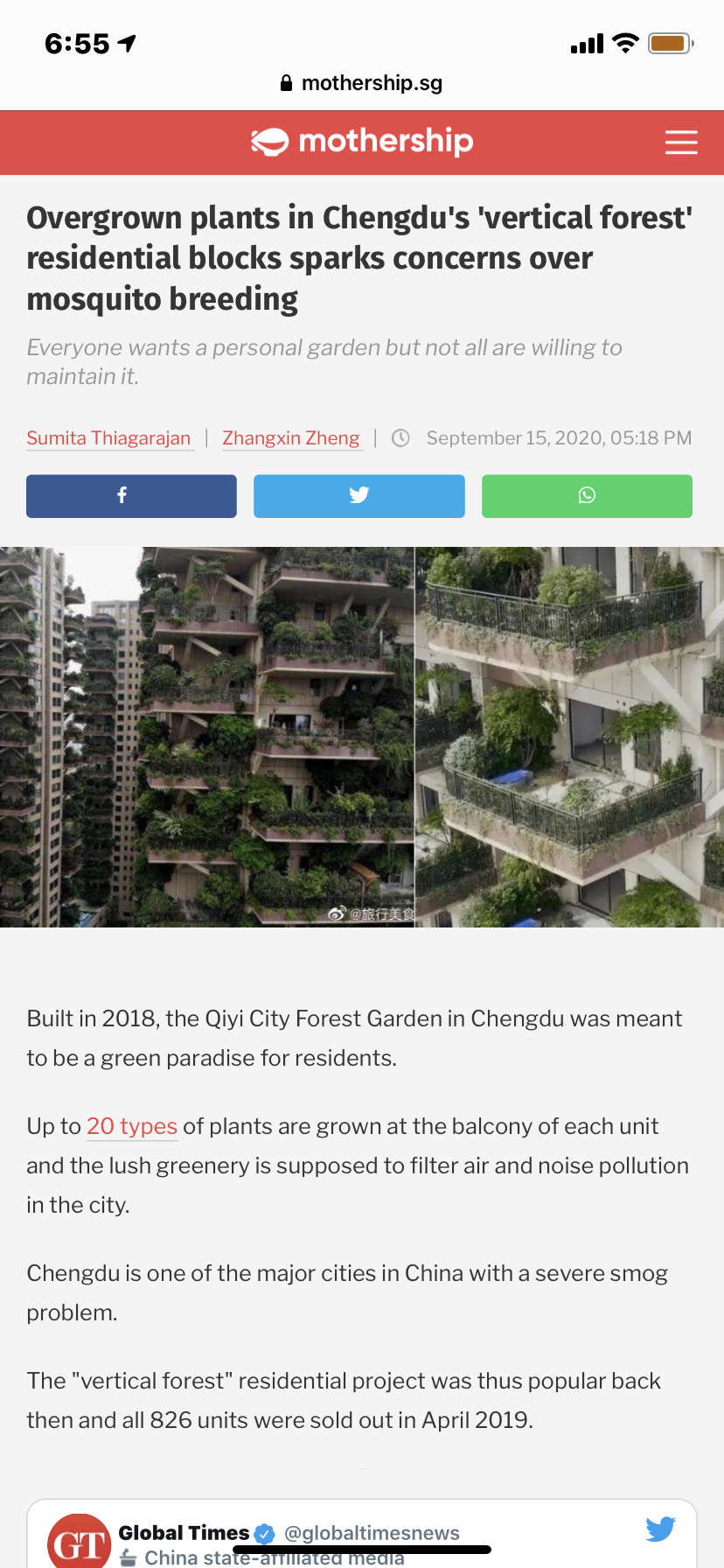
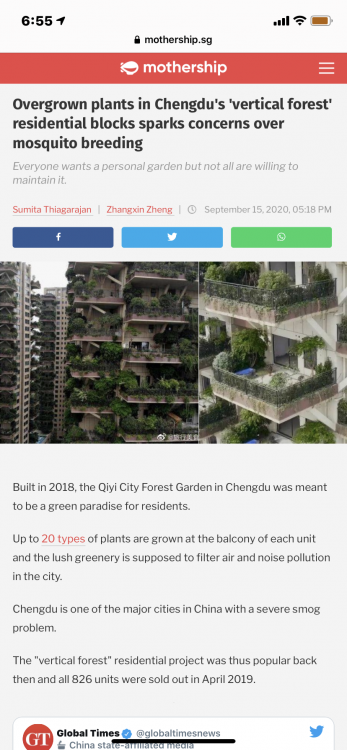
Source & Credit: Mothership.sg September 15, 2020 Overgrown plants in Chengdu's 'vertical forest' residential blocks sparks concerns over mosquito breeding
-
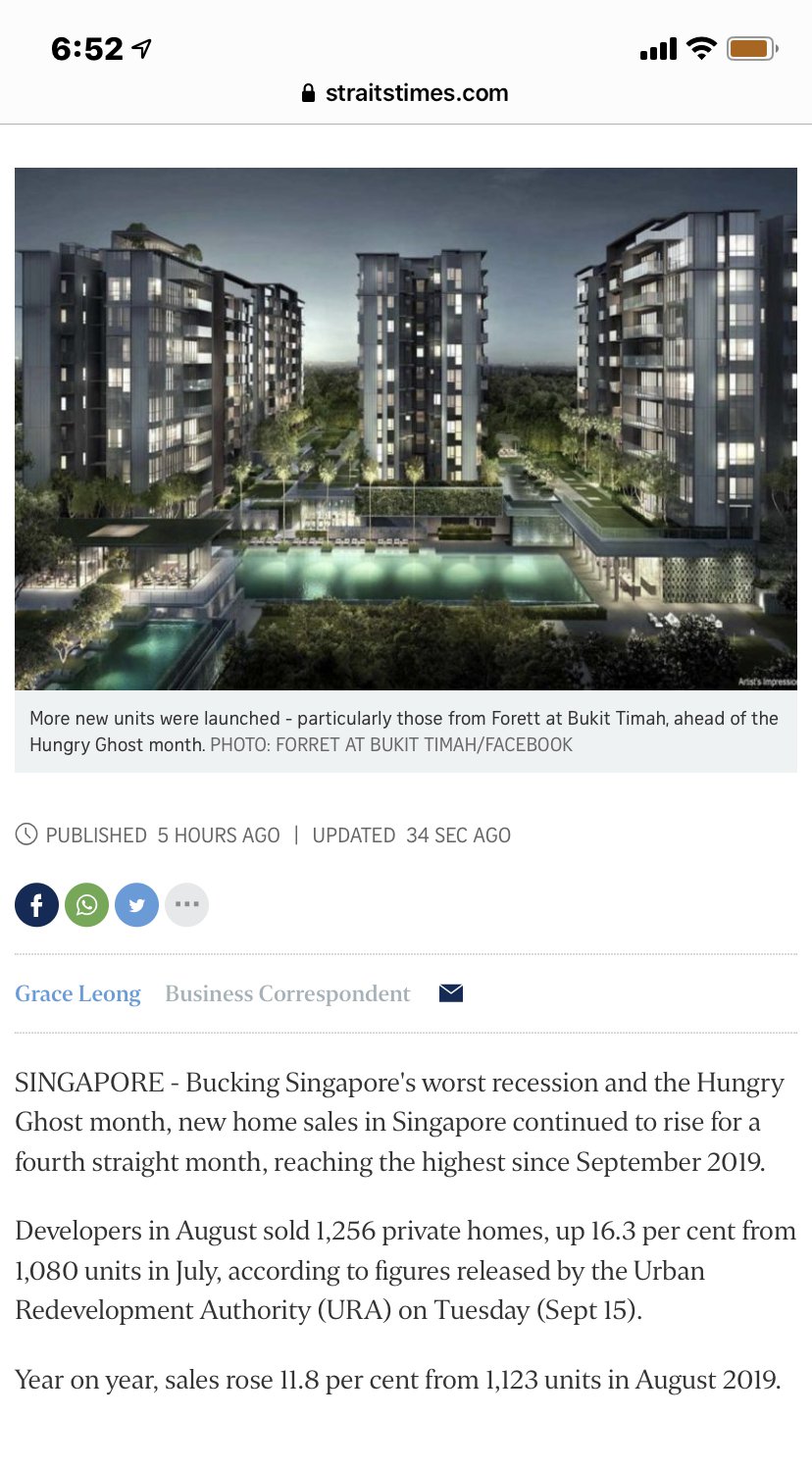
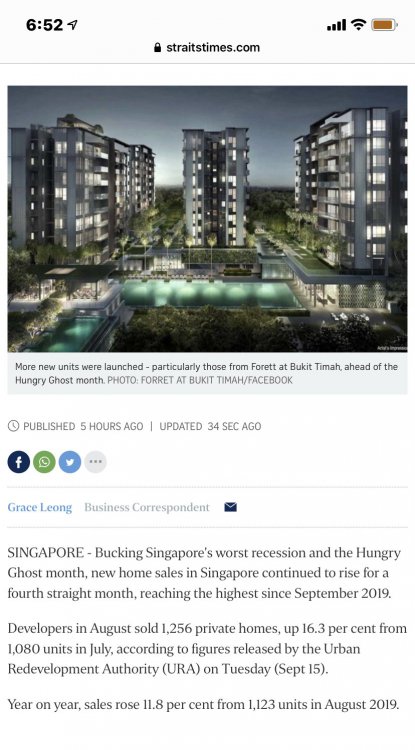
Source & Credit: 25 September 2020
-
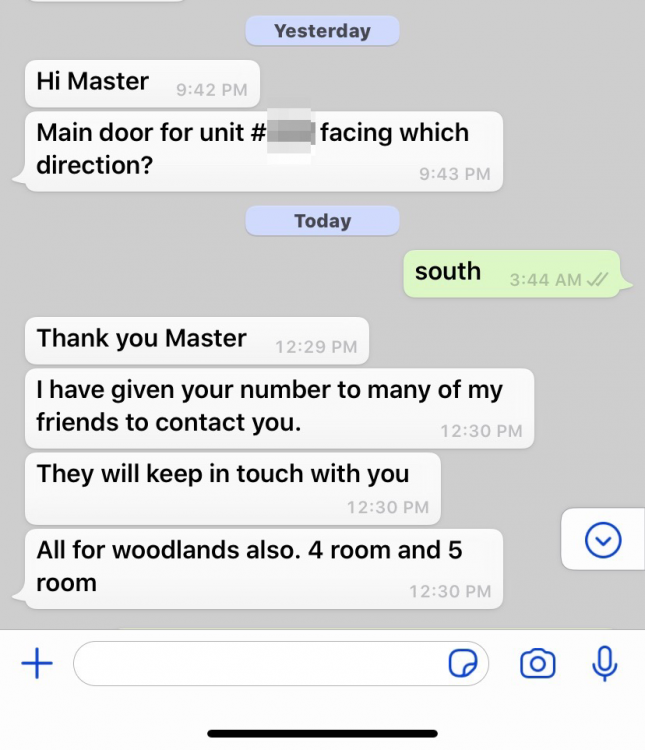
Thank you Master. I have given your number to many of my friends to contact you.
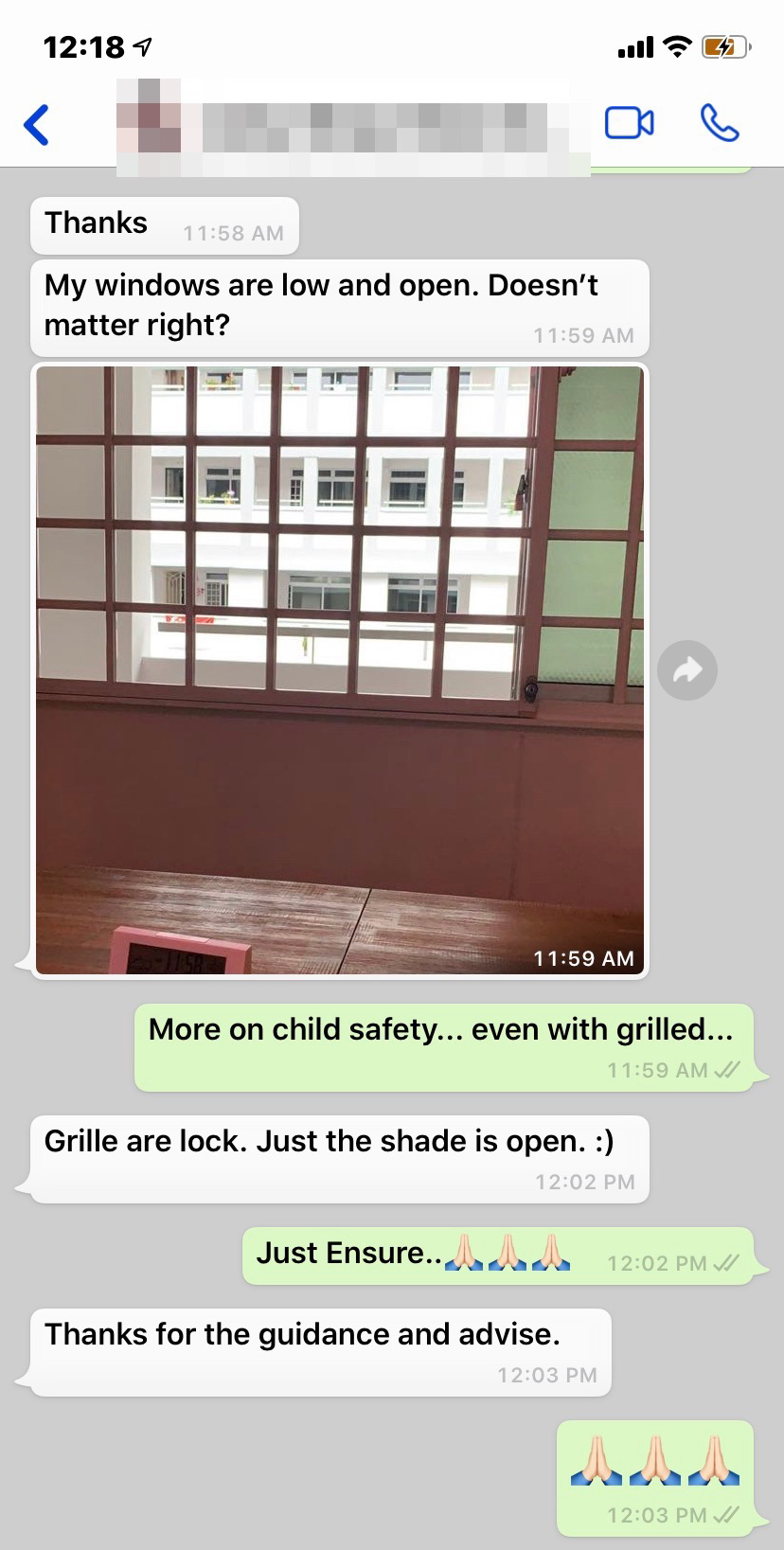
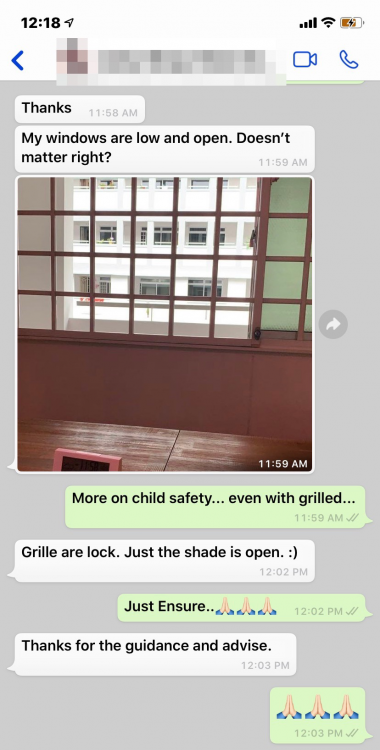
 Trivia: Is the DBSS the fore-runner of Executive Condos (ECs)? No, that is not true. The predecessors of Executive Condominiums (ECs) were the Housing and Urban Development Corporation flats, or HUDC flats, which were different from HDB flats. At that time, HUDC flats were meant for middle-income families who exceeded the salary ceiling for HDB flats. The first batch, built around 1976, included Laguna Park (Laguna View was reserved for civil servants), Farrer Road, Amber One, and Braddell Heights. Farrer Road and Amber One have already gone through en bloc redevelopment.Need Help? orAnother practical idea... My windows are low and open. Doesn’t matter right?
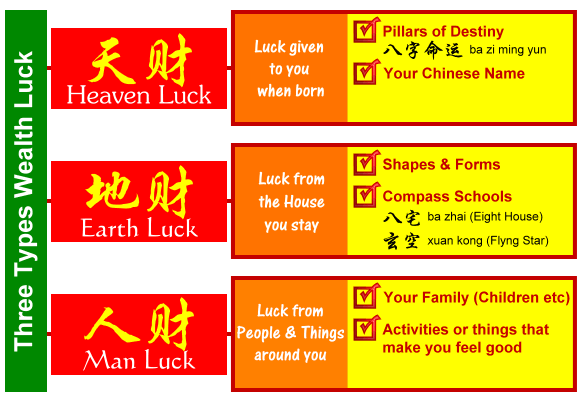
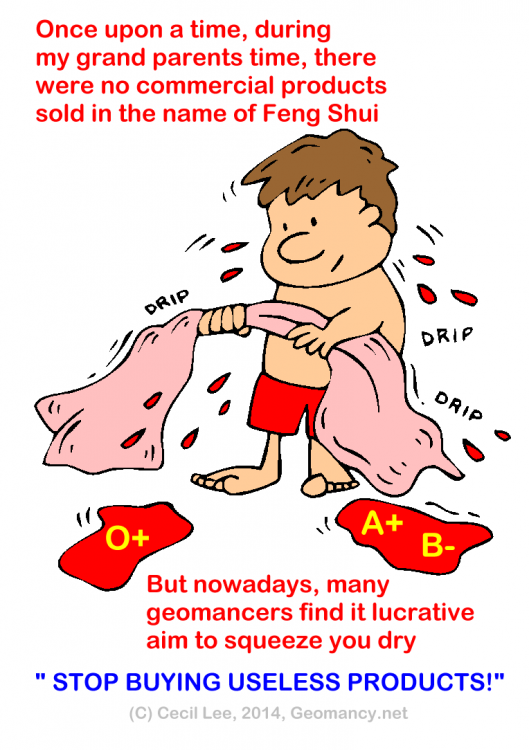
 Please avoid posting duplicate questions. Already replied, here:-1. Many Feng Shui Masters in Singapore are a Feng Shui Shop in disguise. 2. Feng Shui is about Qi and it's surroundings. 3. Always ask: "Must I buy from YOU?" 4. Chinese Luck System applies science NOT Fake commercial products:- 5. Many Feng Shui Masters use the excuse for Man Luck by promoting and selling Lifestyle products luck 3 legged toad and tons of commercial Feng Shui Products. 5.1 Unfortunately, the biggest culprits are the FSMs with lineages. What a pity!
.gif.7537107064a9a4c9353f8ce16bc05179.gif)
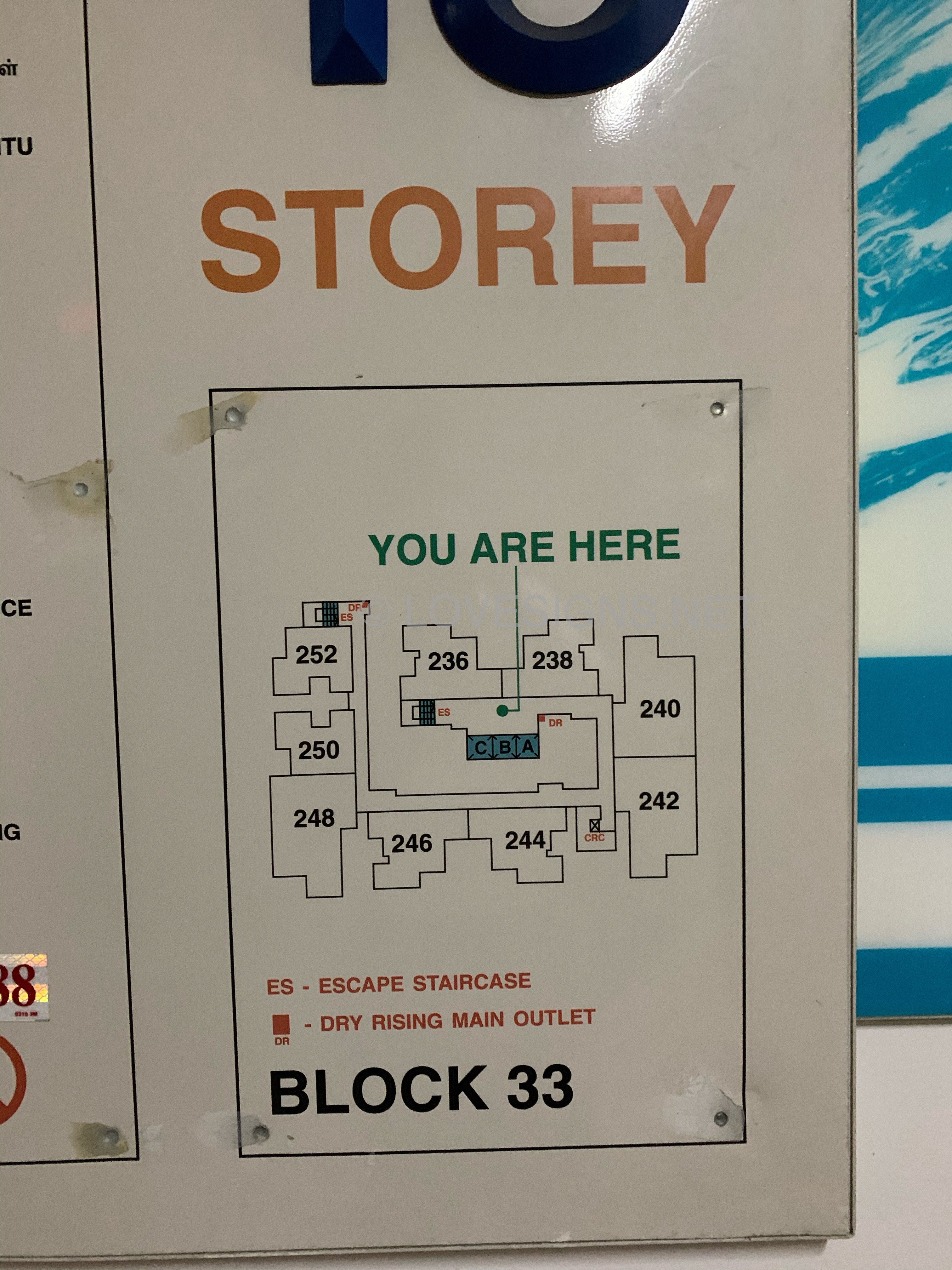
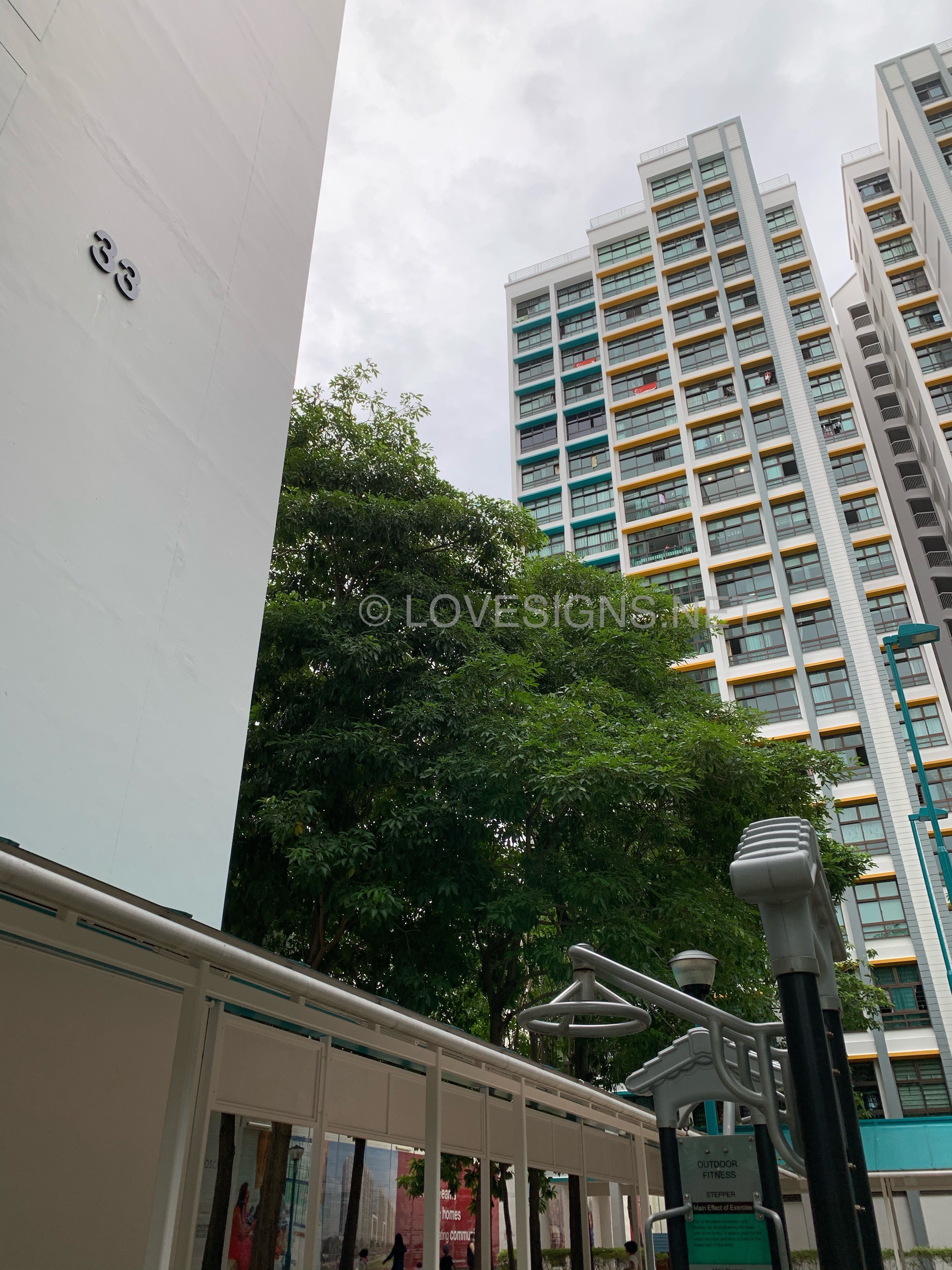
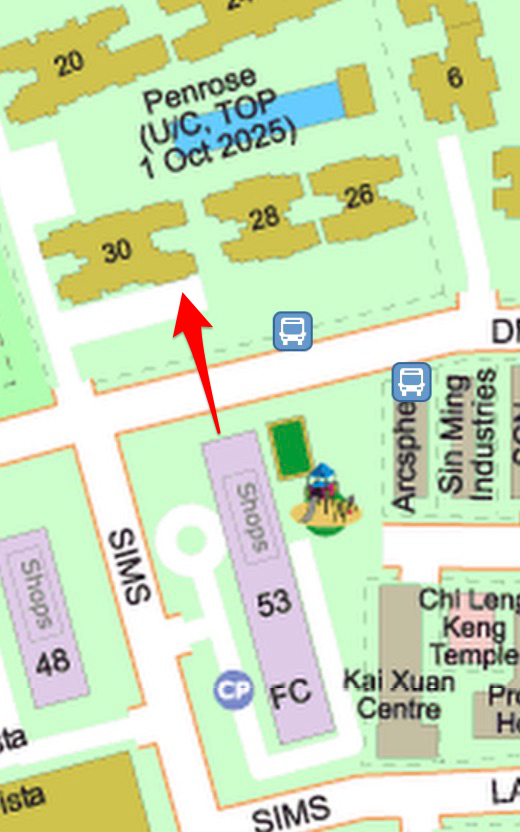
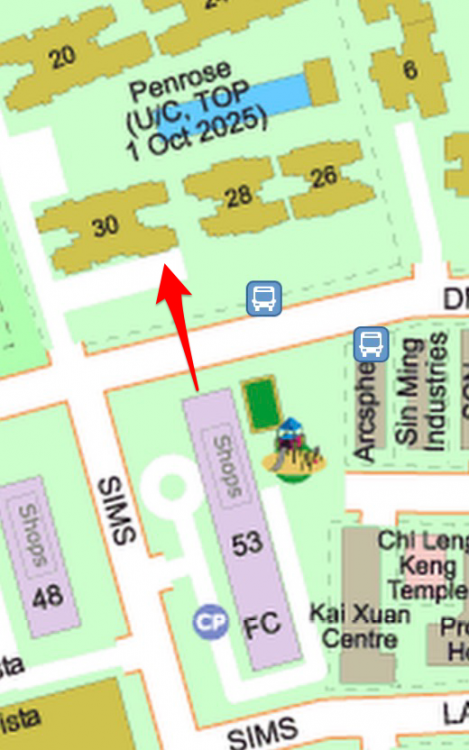
 Yes, Good Observation! If the superimpose is "spot-on" then Block 53 Sims Place (consists of sundry shops and a coffee-shop at ground floor) is a potential Sha Qi towards this two stacks up to the height of Block 53 - sidewall. On 26.9.2020 - remembered... for now look at streetmap instead for a better perspective:-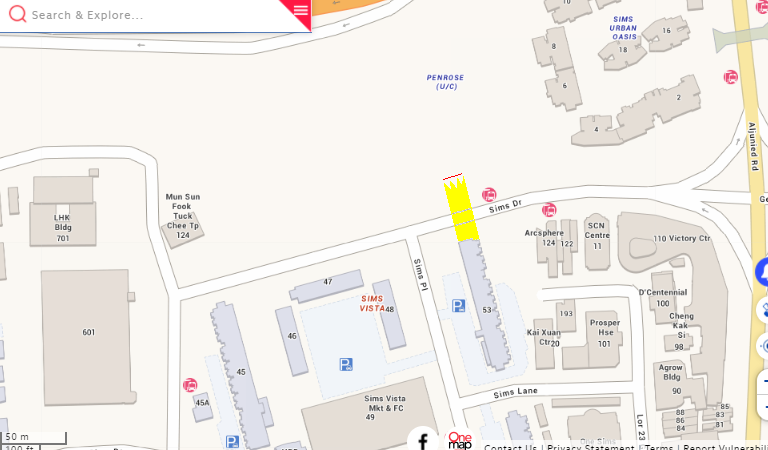
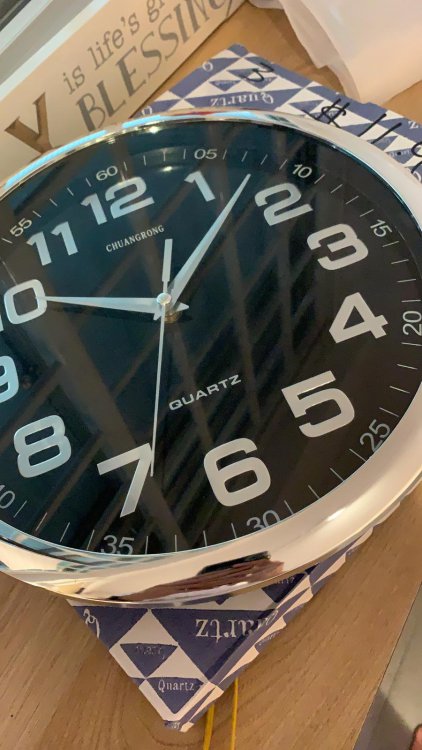
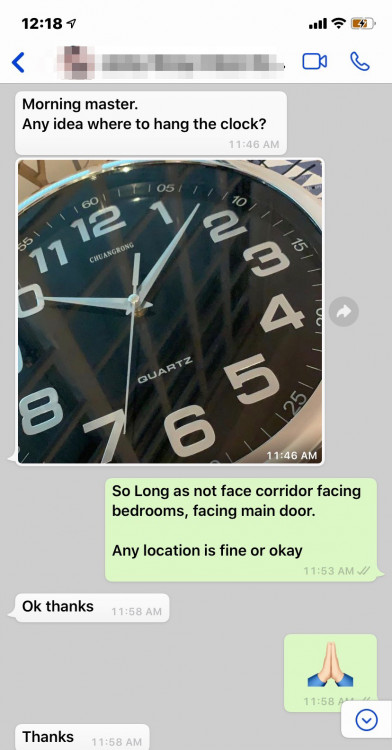
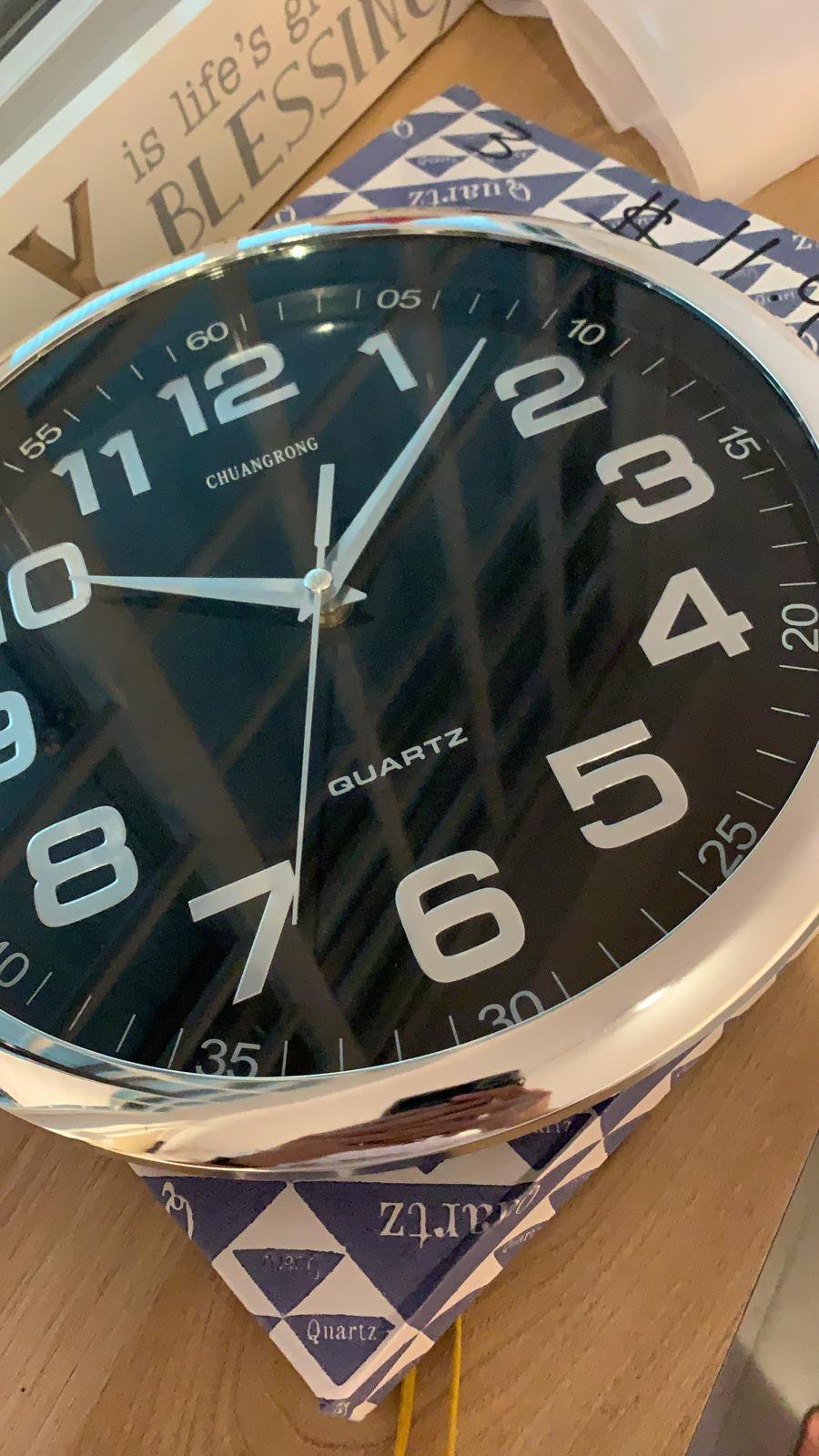
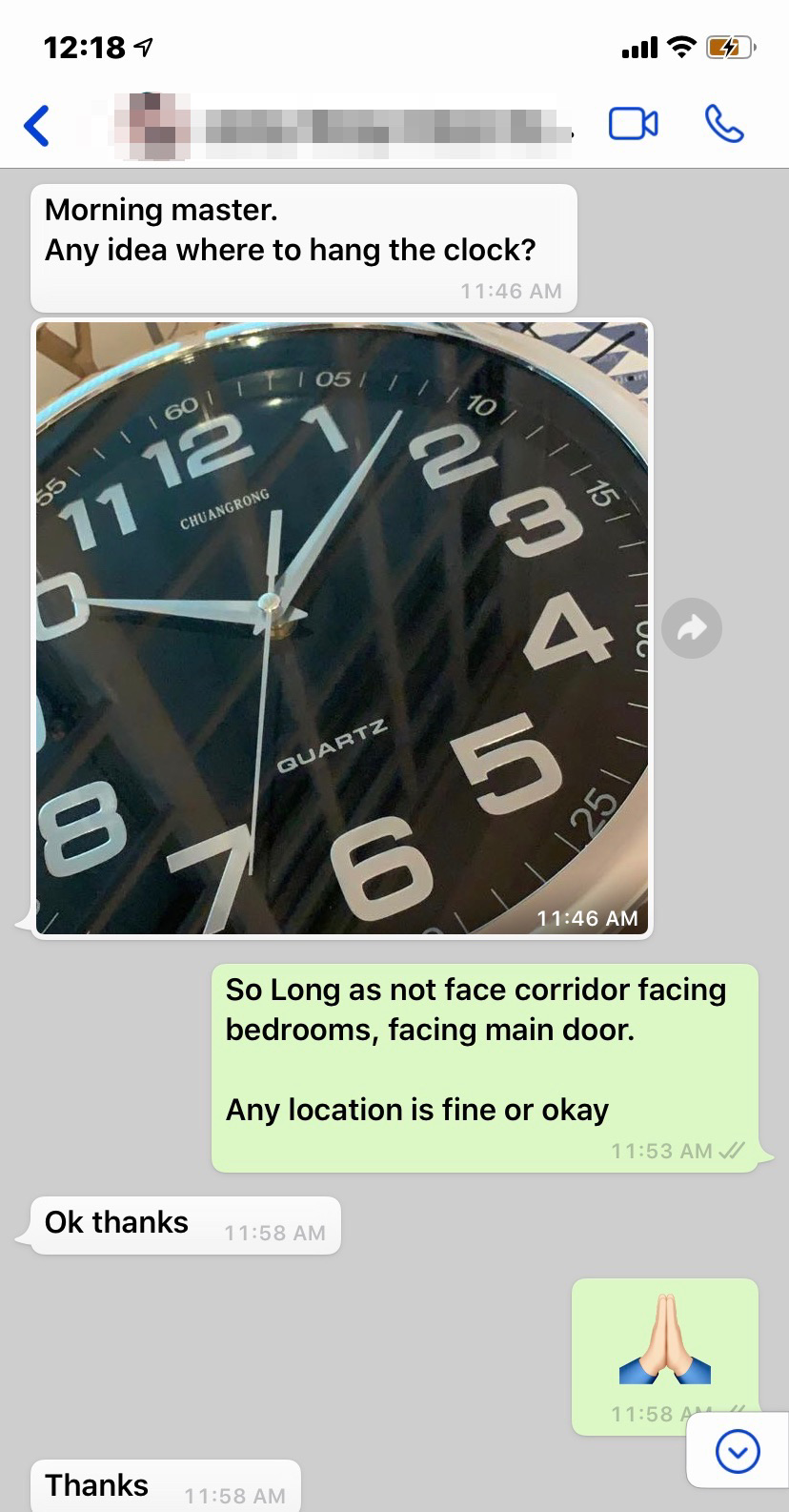
 Morning master. Any idea where to hang the clock? So Long as not face corridor facing bedrooms, facing main door. Any location is fine or okay