Cecil Lee
Staff
-
Joined
-
Last visited
Everything posted by Cecil Lee
-
How to determine the Frontage of the house?
-
Case Study: The Key Success Factor in Flying Star Feng Shui is to correctly determine the FRONTAGE of a home. Is it always the main door? YES/NO/MAYBE?
-
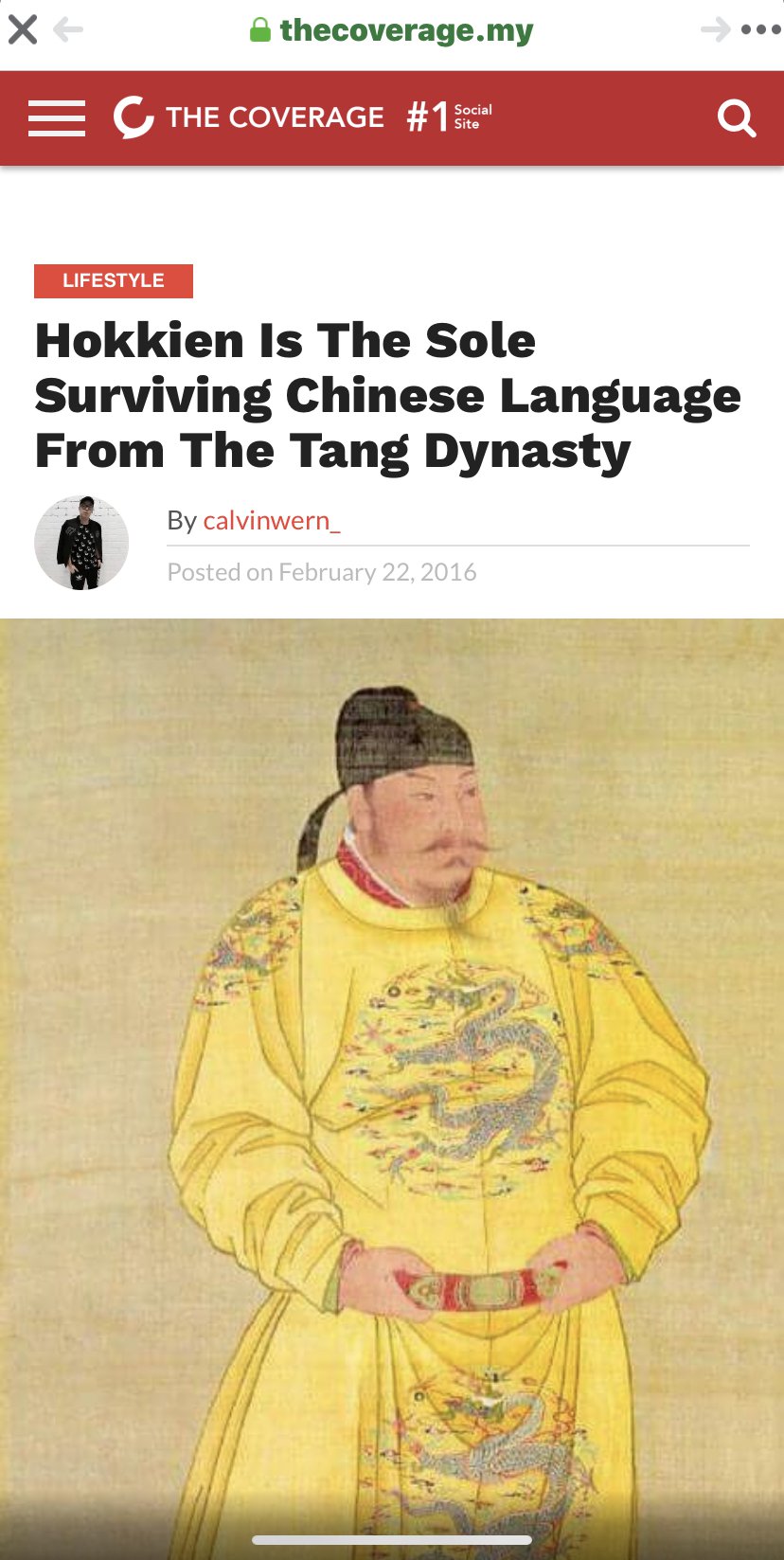
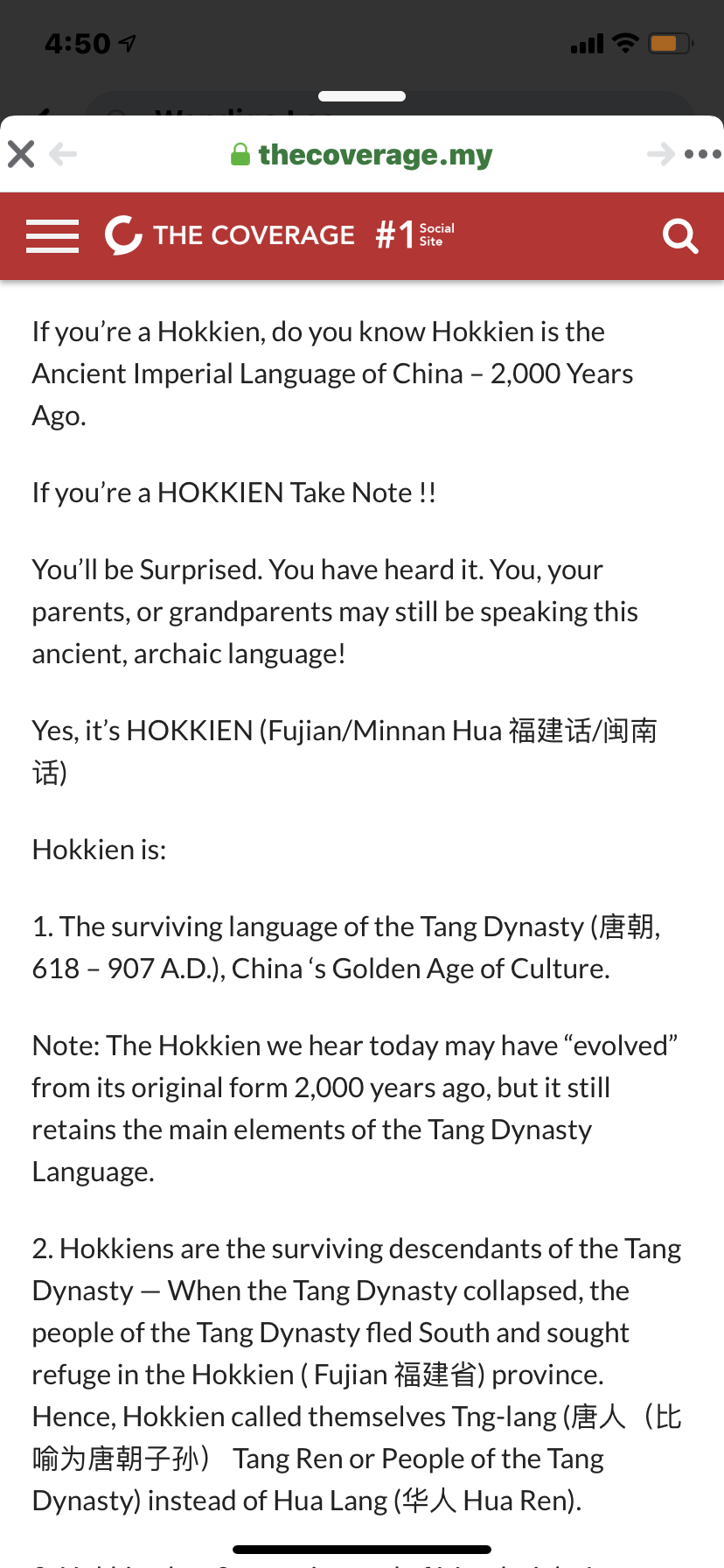
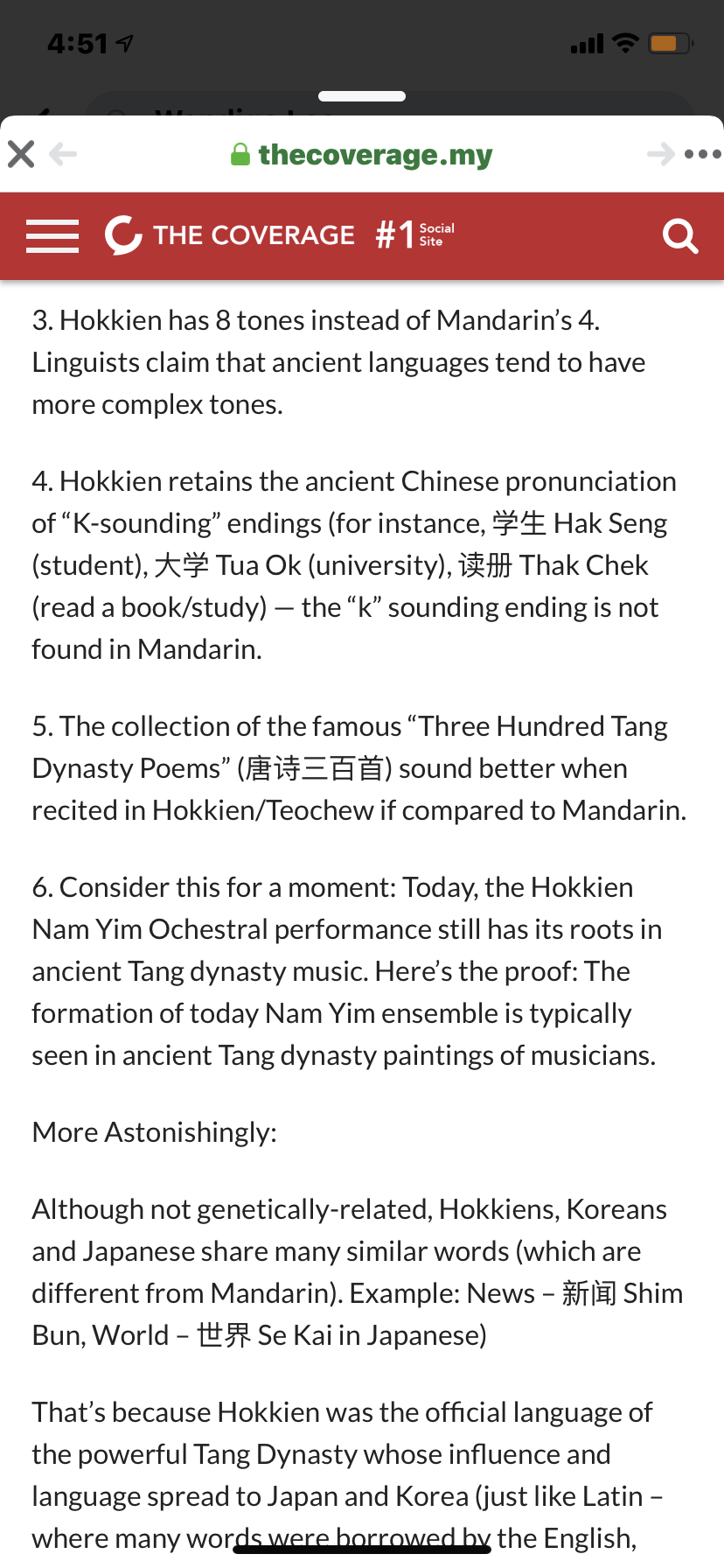
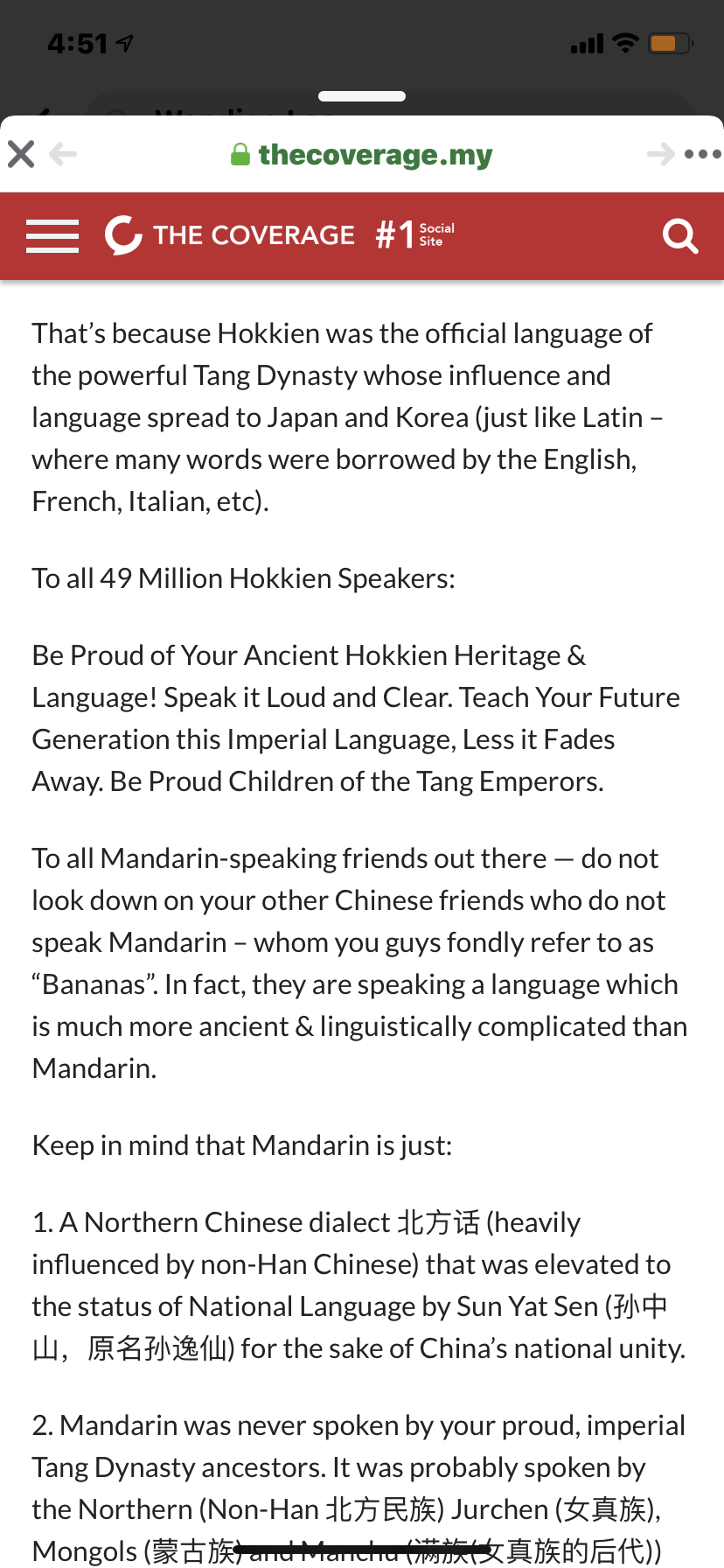
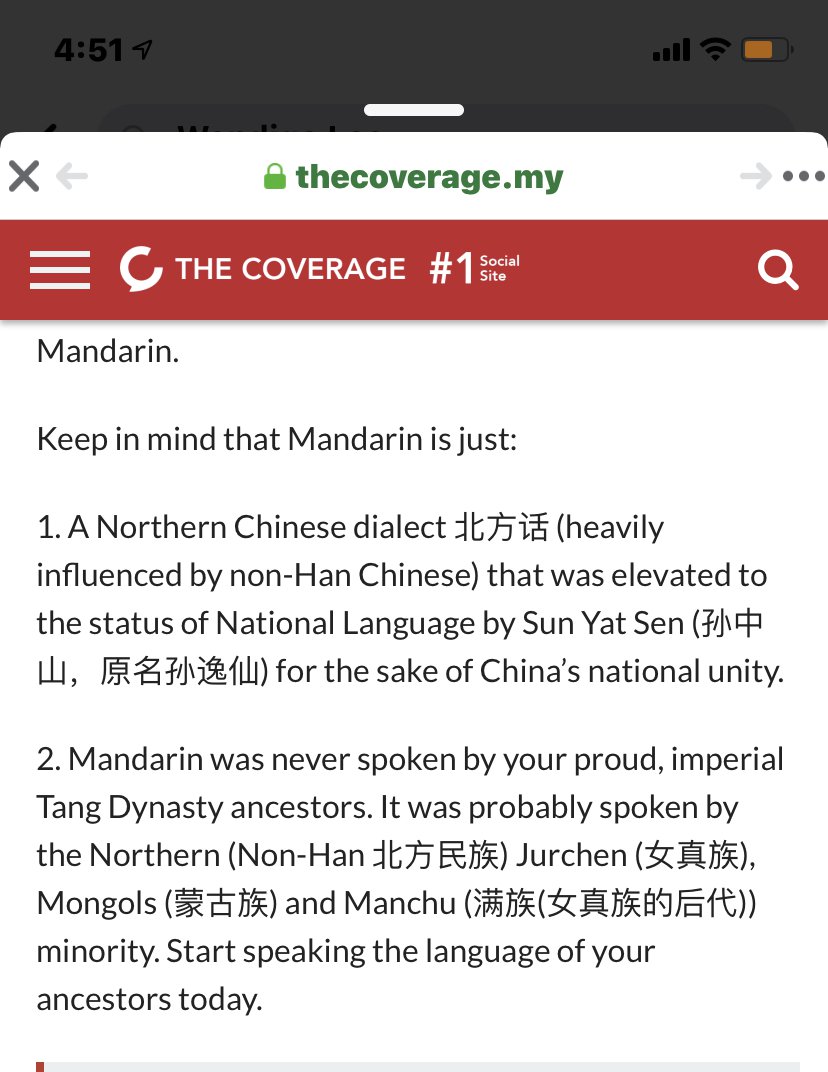
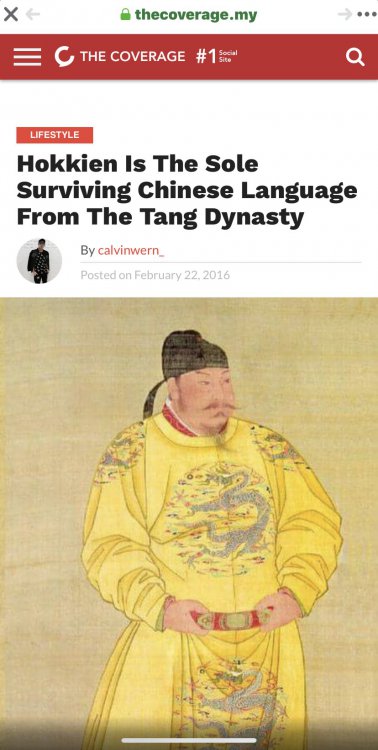
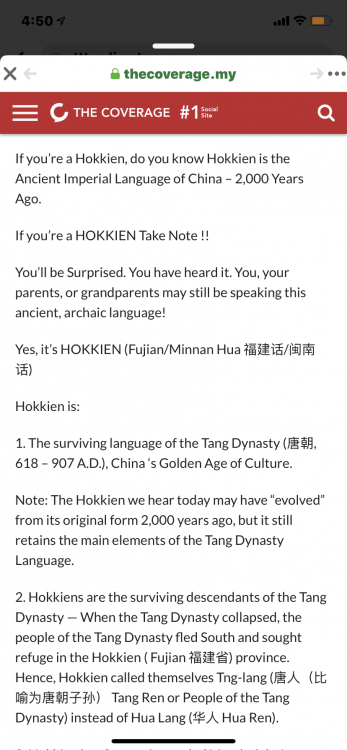
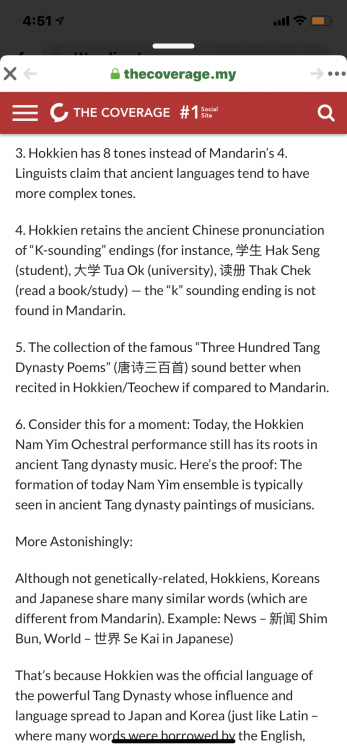
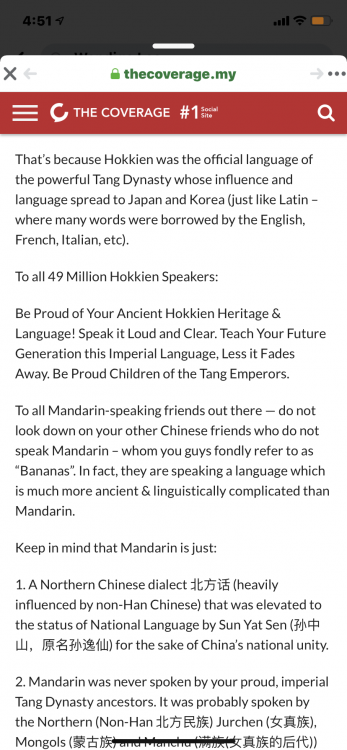
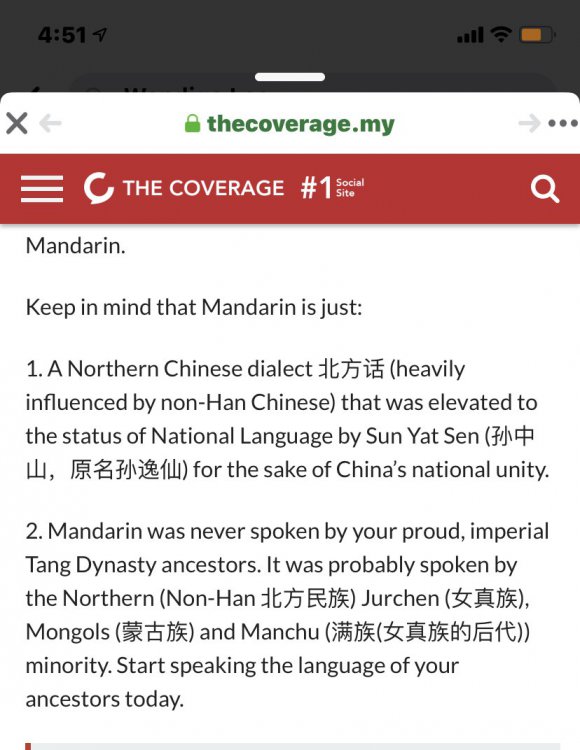
https://thecoverage.my/lifestyle/hokkien-is-the-sole-surviving-chinese-language-from-the-tang/
-
Site plan and location plan
.jpg.baf1227cfed2725f7e70134ad455c420.jpg)
.jpg.dba96fd3dfdc7659009cd3637b5f6036.jpg)
-
One Holland Village is a mixed development which is linked to Lorong Liput and Lorong Mambong. One Holland Village has three different zones or segments: 1. The Leven level = lowest level This level will have 21 units of 2 bedroom units ranging between 807 to 1087 square feet. 2. The Quincy level = mid-level Have 3 bedroom variations + 4 bedroom types. 3. The Sereen level = high floors From 1, 2, 3 bedroom types to 4 bedroom units.

-
Majority of Feng Shui concepts can easily be dissected using a simple formula = common sense driven. Common sense driven guidelines can be found, under this link:-
-
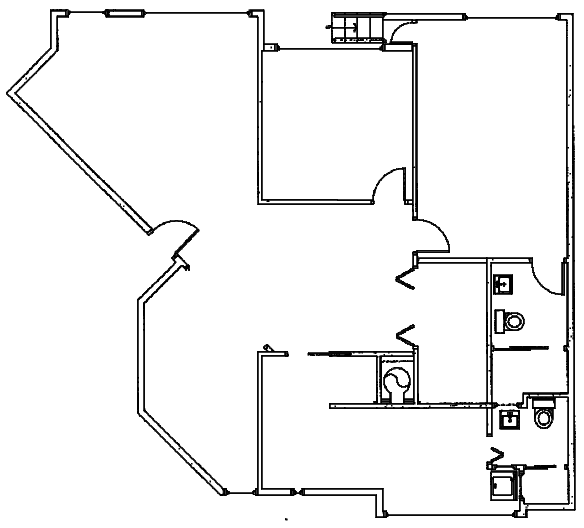
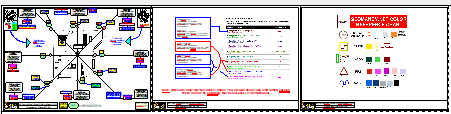
Sample Residential Layout plan: too me lots of time to clean-up this layout plan... 2. Below, Feng Shui Audit Report - Pixelated for confidentiality:-
-
Failed enbloc attempt for this 43 years old freehold site with 241 retail and just 78 residential apartments! 1. One of the oldest Shopping Centres in Singapore No. 5. Queensway Shopping Centre (QSC) 1974 (Sporting goods) shall be business as usual. 2. As it was announced recently (November 2019) that the potential enbloc has been unsuccessful! 3. Thus QSC will be around for many years! 4. I have a few clients who are at the adjoining Queensway Tower residential block = their abode. Perhaps, they may be disappointed.. as lost a windfall!.. 5. Shoppers rejoice, also.. LOL
-
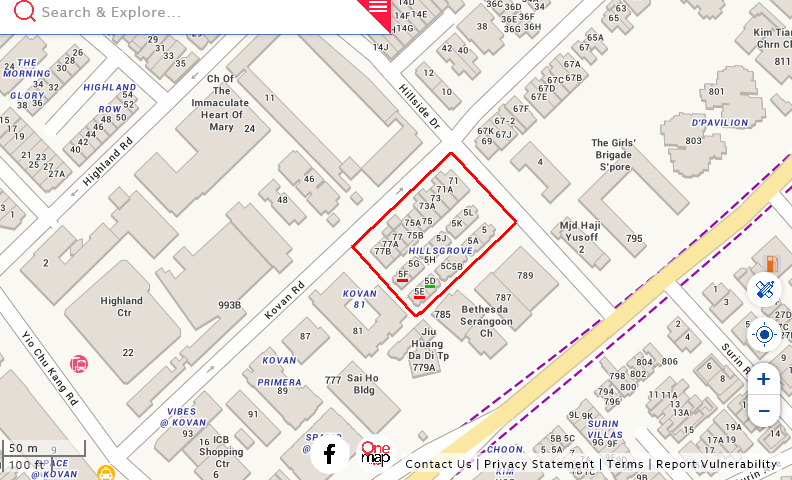
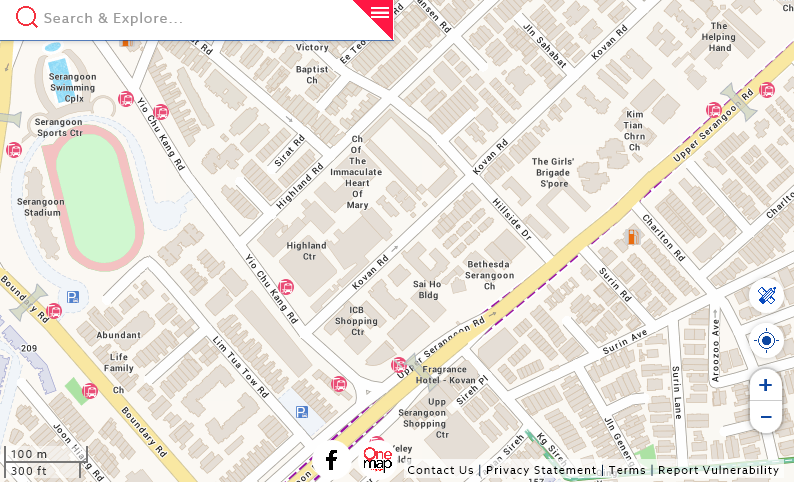
1. In my opinion, besides the temple, church and mosque, it is good that the cluster housing is not on the side facing Upper Serangoon Road. 2. In my opinion, the Masjid Haji Yusoff mosque is on the other side of Hillside Drive. Thus is the least concerned for this cluster housing. 3. It is still preferred not to consider 5E or 5F Hillsgrove. While 5D is not perfect but acceptable. 4. Hillsgrove resides on the oldest part of near down-stream of Upper Serangoon Road with Upper Serangoon Shopping Centre being one of the oldest plus the surround shops. 5. Generally, the rest of the cluster housing at Hillsgrove either faces NW (more favourable to the west group breadwinner). While the houses facing towards SE (Upper Serangoon Road - side). 6. Other than the three houses mentioned under Para. 3 above, the rest should not be a problem especially in terms of Shapes and Forms Feng Shui.
-
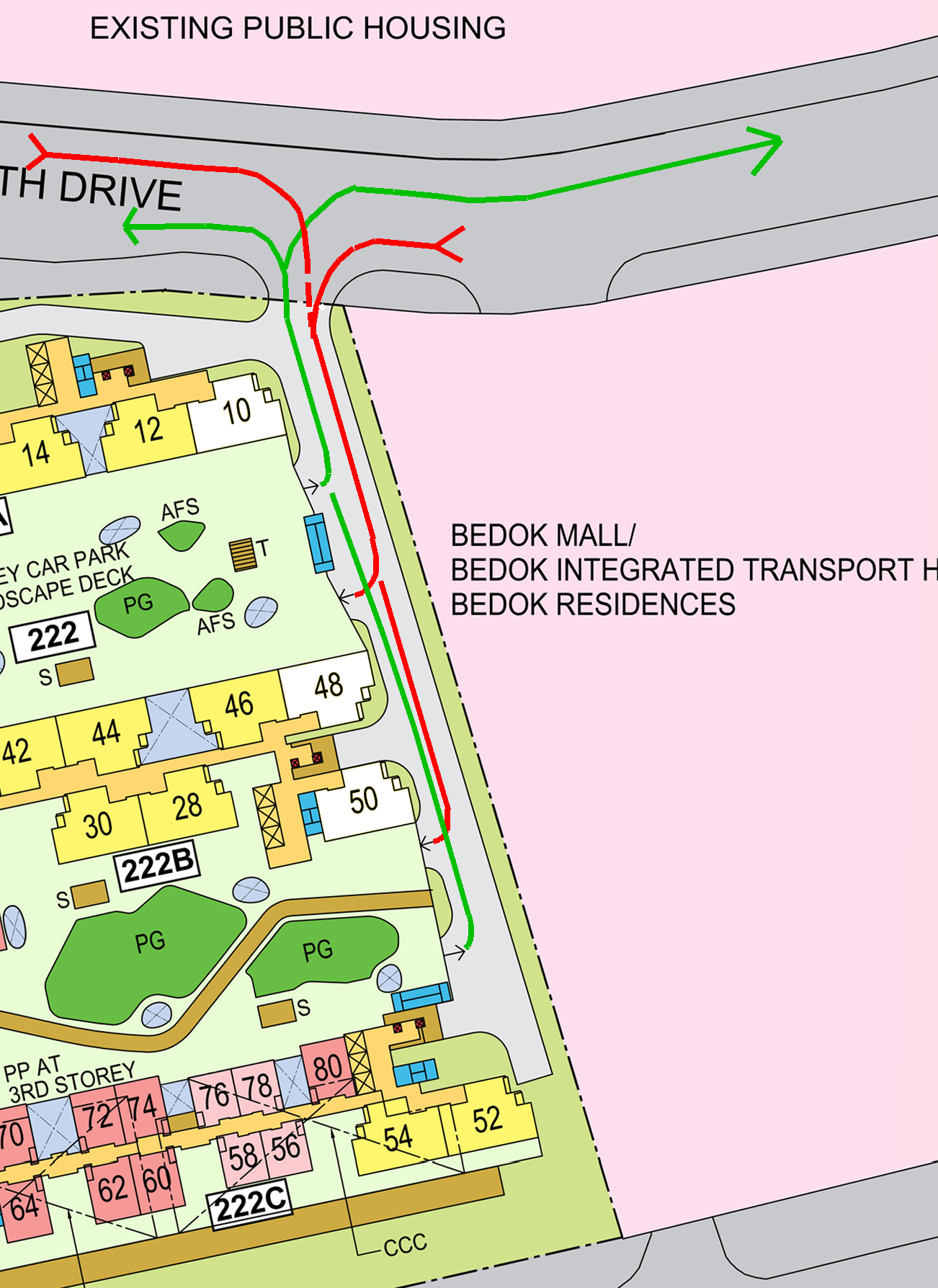
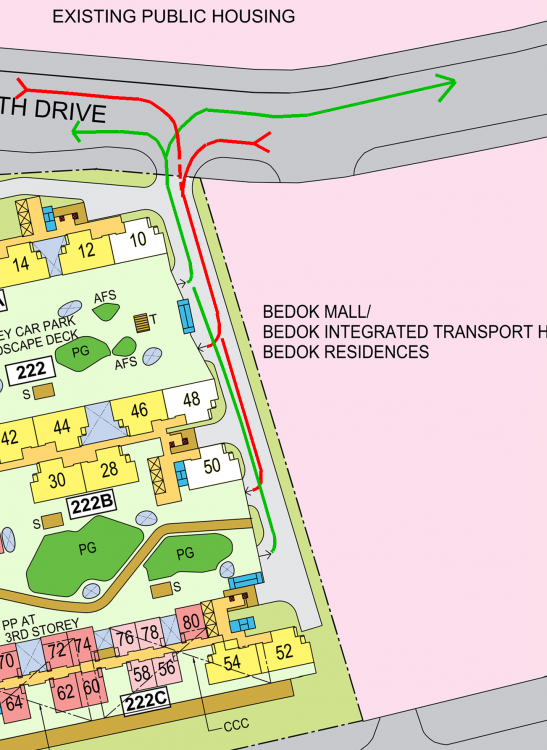
Case Study 3: The planners of this estate did a great job by placing stacks #10, #48 and #50 as shown in the site plan. 1. It is good that the rear of stack #10 is towards the entry and exit service road of this entire development. 1.1. Thus even if the stack/unit is at low floors and so close to theis one and only entry / exit. Therefore limiting potential sha qi or poison arrow towards the master bedroom which is close it. 1.2. It is equally good that none of stacsk #10, #48 and #50 faces the Bedok Mall. Else the frontage would then be parallel to this service road leading to the entry/exit points. 1.3. Therefore, only the side wall with no windows of the master bedroom sidewall is close to this service road.
-
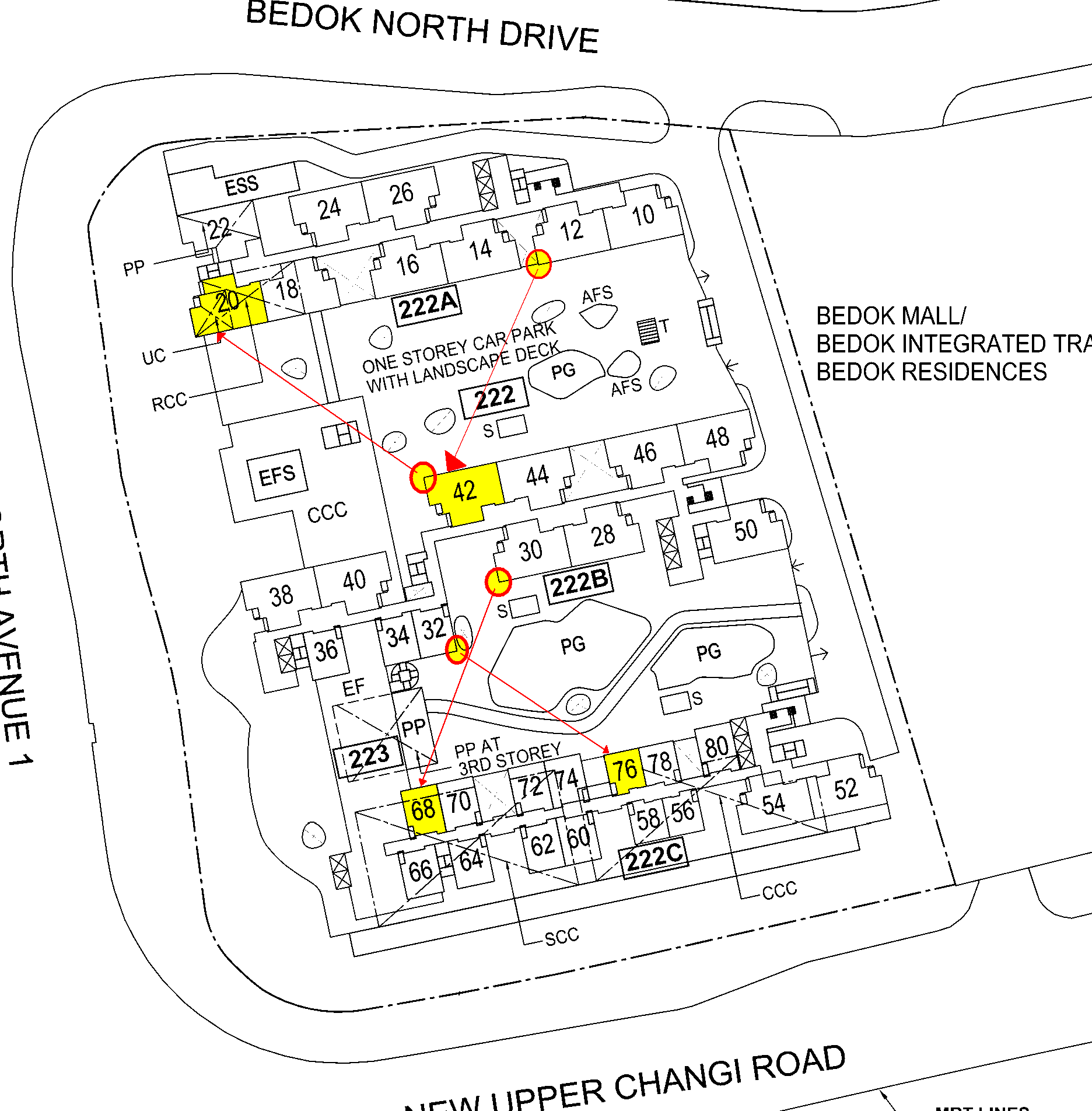
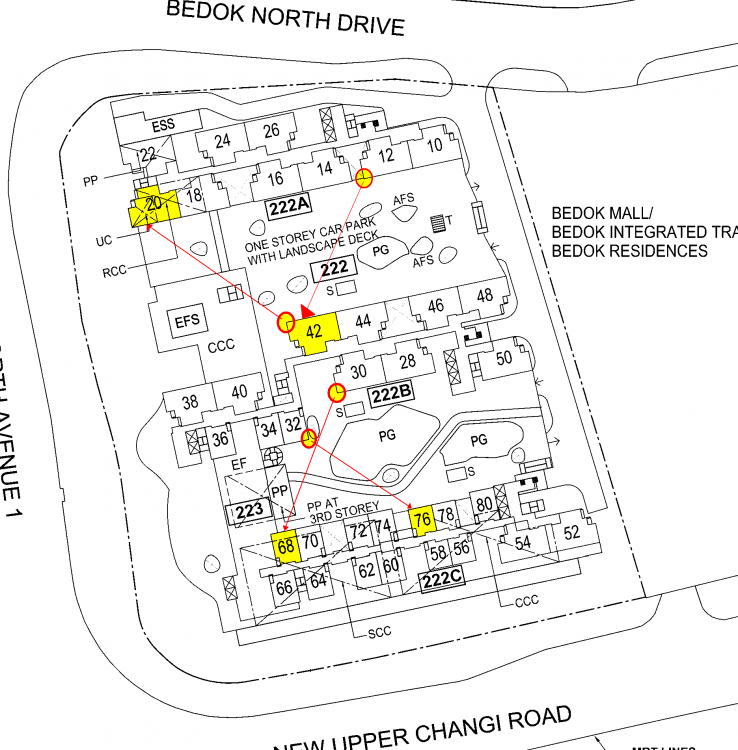
Case Study 2: Samples of potential Sha Qi or poison arrows aimed towards a stack/unit 1. There can be potential poison arrows aimed towards stacks/units #20, #42, #66 and #76. 2. It only becomes a poison arrow if the sharp edge of another stack/block is aimed towards a unit's opening such as the windows in the living room or bedrooms. 2.1. If the poison arrow is aimed towards the living room "harder" to cure.
-
Feng Shui enjoys a bad reputation today! As many associate Feng Shui (FS) with the need to buy expensive but useless commercial products sold in the name of FS. Many FS masters take advantage of this. It is like an addiction! Selling products are indeed a very lucrative thing. Know that not all Feng Shui Masters are into selling useless commercial products in the name of Feng Shui. ? When the buying Stops! The selling, Can! Geomancy.net has always distanced ourselves from the above!


-
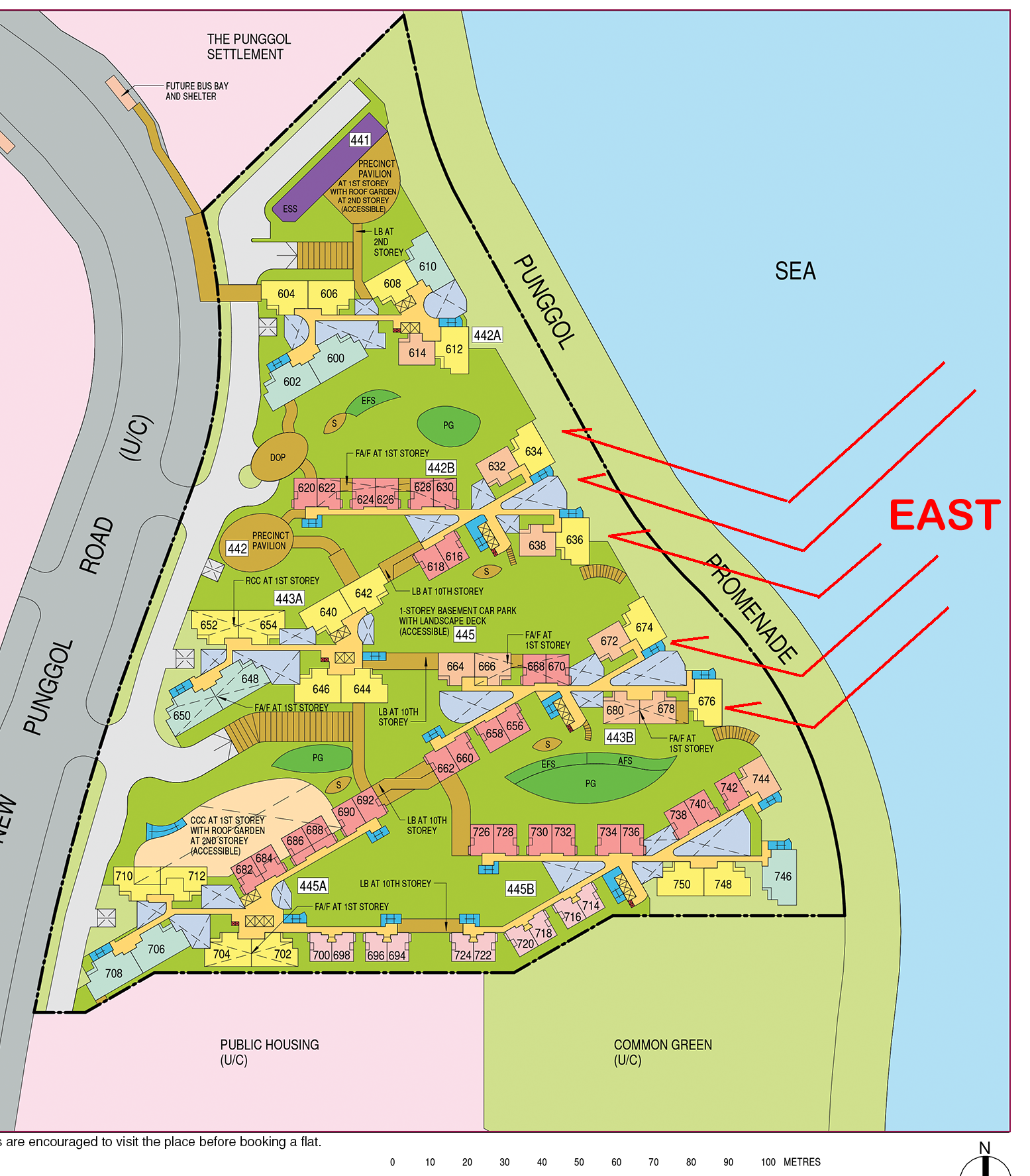
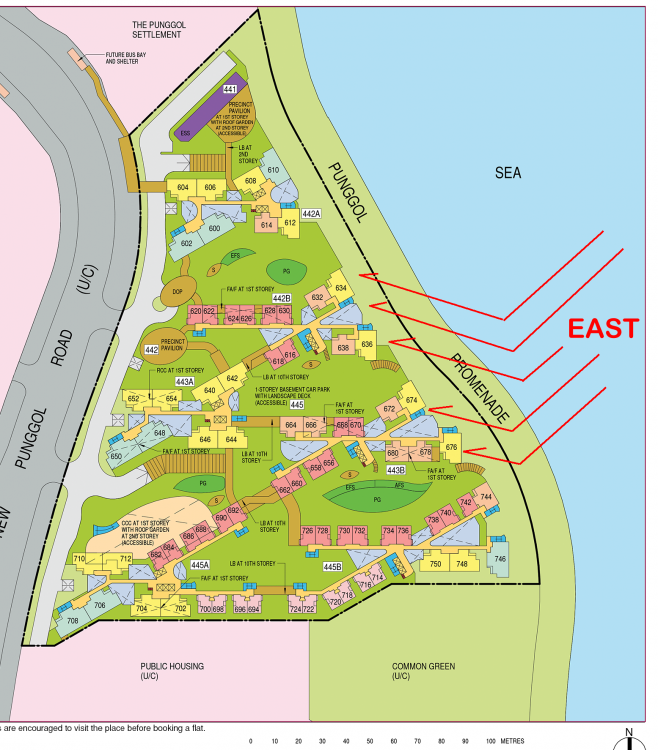
Case Study 9: Potential reflection from the surface of the sea based on specific conditions... 1. Personally, I had encountered such a phenomenon where I was in a client's flat at around 10.30am facing similar conditions. 2. The client's home is also NE-East facing. I saw that the client had virtually drawn blinds for their balcony and bedrooms facing similar circumstances. 3. As I walked towards one of the bedroom windows, I could see why the blinds were drawn. 3.1. Suddenly, as I approached the windows, I saw a mirror like surface with the intensity of sunlight focusing it's lights into my eyes. That was uncomfortable. 4. Please take note that all these depends on several factors: a. Sunny Day b. Certain time of the day = since this is the NE-East coast area of Punggol; occur only during the morning period. Thus could be between say 8.30am to 11.30am. After which no more once the sun rises to the apex at 12-12.30pm. c. Distance between the unit and the sea and any obtacles as mentioned under Para d. below... d. Is the Punggol Promenade full of tall trees? Or open areas. If open areas, expect lower floors to be affected by this glare of the sun. e. Height of the unit. 5. Fortunately, if this occurs, it is only in the mornings. May be quite irritating for a housewife. For the rest, it could be irritating especially on a Saturday or Sunday morning when one wants to catch up on much need sleep... LOL... 6. Okay, even if the “sea does not get you”; as these units face east, will certainly get the morning sun. 6.1. A blessing in disguise as by afternoon, the unit will be cool. Unlike an afternoon sun facing unit.
-
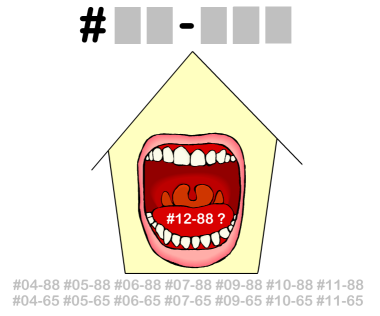
How do you Feng Shui your home? Use your front door? Who are the Conservatives & the Modernist? +++ Type in the unit number to find out OPTION 1 Please go to this link to check a unit number: https://www.geomancy.net/content/personalised-reports/free-feng-shui-reports/house-number-report/about-house-number-report [Need to create a free account to access it] or OPTION 2 Go to URL: https://login.geomancy.net On the blue navigation on the left, click under Free Reports | House Number. Master Robert Lee, Geomancy.net

-
Hi, New to this forum? Just because there are lots of write-ups does not automatically mean that you can post specific questions. So you think that you are the only one posting such specific questions. Please multiply it with lots, lots more of same postings... Frankly, Please don't waste each other time on this... as the posting may never see day-light... Learn Why? The most used words in the English dictionary are : "I, me or mine". But this cannot be said for the forum. This forum is only about us or we. Not "U" as in You. LOL!
-
Interlude: Are you close to getting a Degree in Common Sense? And do you know that 70% of General or non-theory Feng Shui practises are based on pure common sense or cow sense?
-
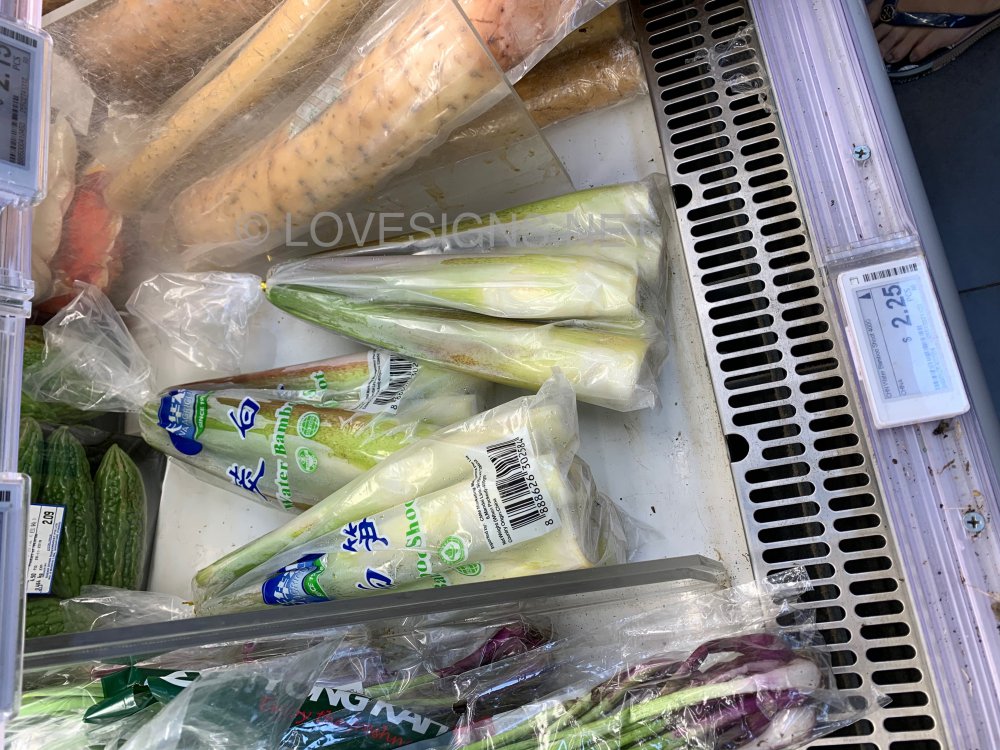
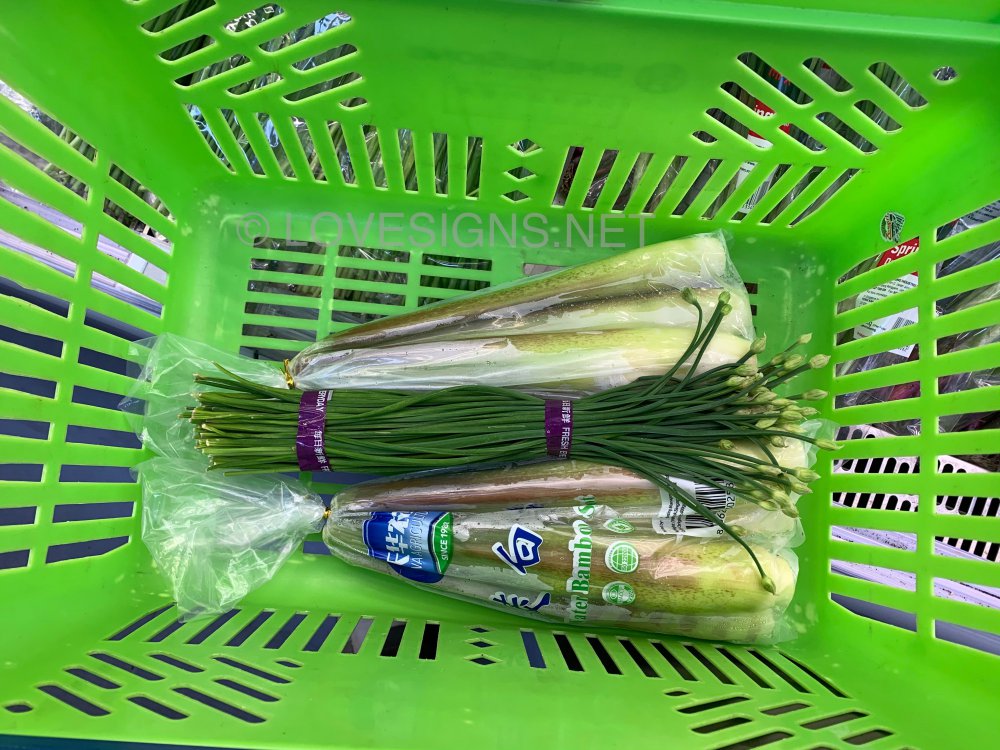
A Hokkien favourite...healthy
-
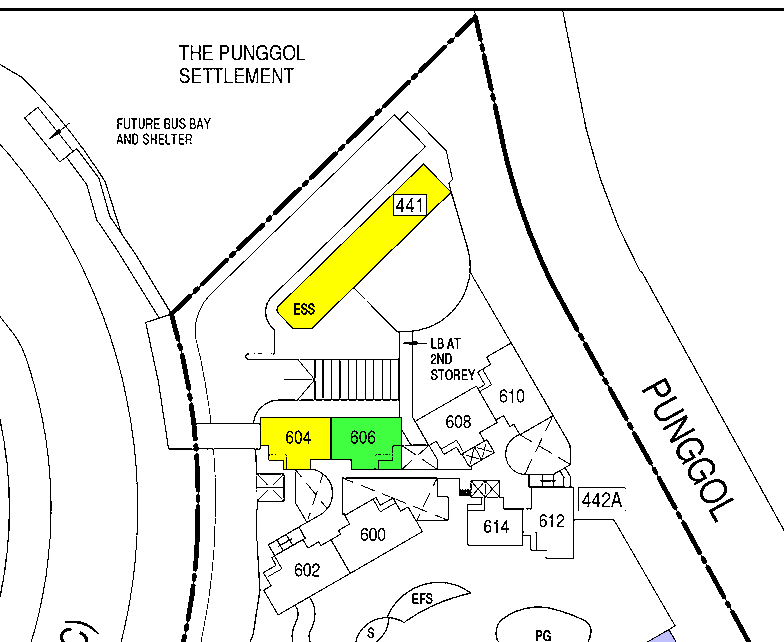
Case Study 8: What about the Electric Sub-Station (ESS) any concern? 1. Although stack #604 is the nearest to the ESS, good news is that there is totally no concern whatsoever. 2. The second closest stack to the ESS is #608. All the more, no issue! 3. The ESS should be considered out of sight + out of mind! Cheers!
-
Case Study: Move-in procedures and the use of a charcoal stove 1. Many years ago, there was a real-life case where an elderly family member, most likely the grandmother, lived with the couple. 2. The couple followed the move-in procedure using a charcoal stove. 3. After moving in, the elderly family member actually used the charcoal stove regularly until it became worn out. The stove was then thrown away. 4. Today, the situation is different. Some couples still follow the tradition of bringing in a brand new charcoal stove. Some will light it during the move-in process. According to taboo, they should keep the stove and store it. The reason is that the stove is brand new, and some believe it is bad luck to throw away a new stove. 5. Now look at the recent question about wedding bedding. There is no right or wrong answer. If one follows the grandmother’s practice of using the stove, it is later thrown away when it is in poor condition. This is similar to wedding bedding. If the grandmother can use the stove, then one can also use the wedding bedding until it needs to be replaced. 6. If one wants to keep the wedding bedding forever, it is similar to the modern practice of bringing in a new stove and keeping it unused. 7. Nothing is fixed or absolute. If unsure, it is best to check with elders such as a grandmother for advice. 8. There will always be different opinions and views.
-
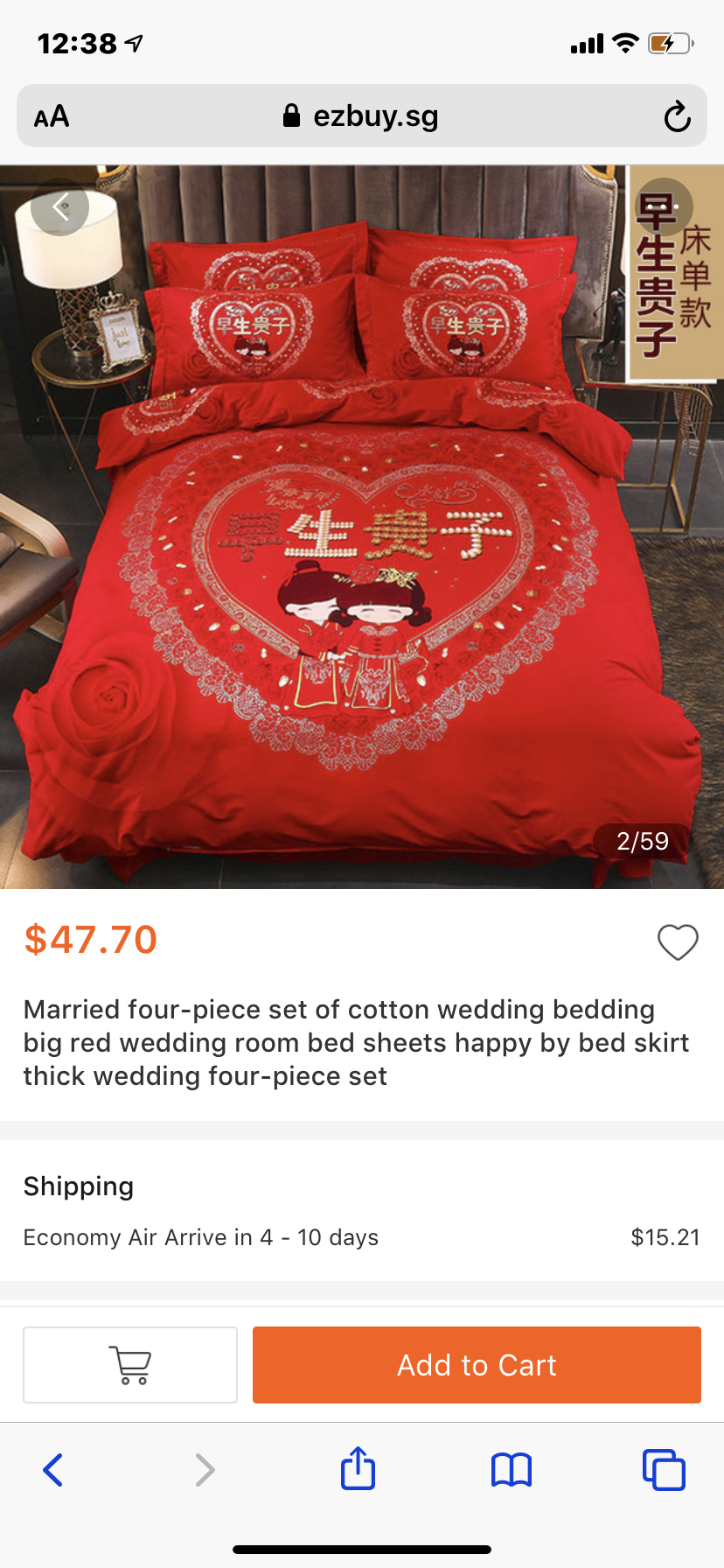
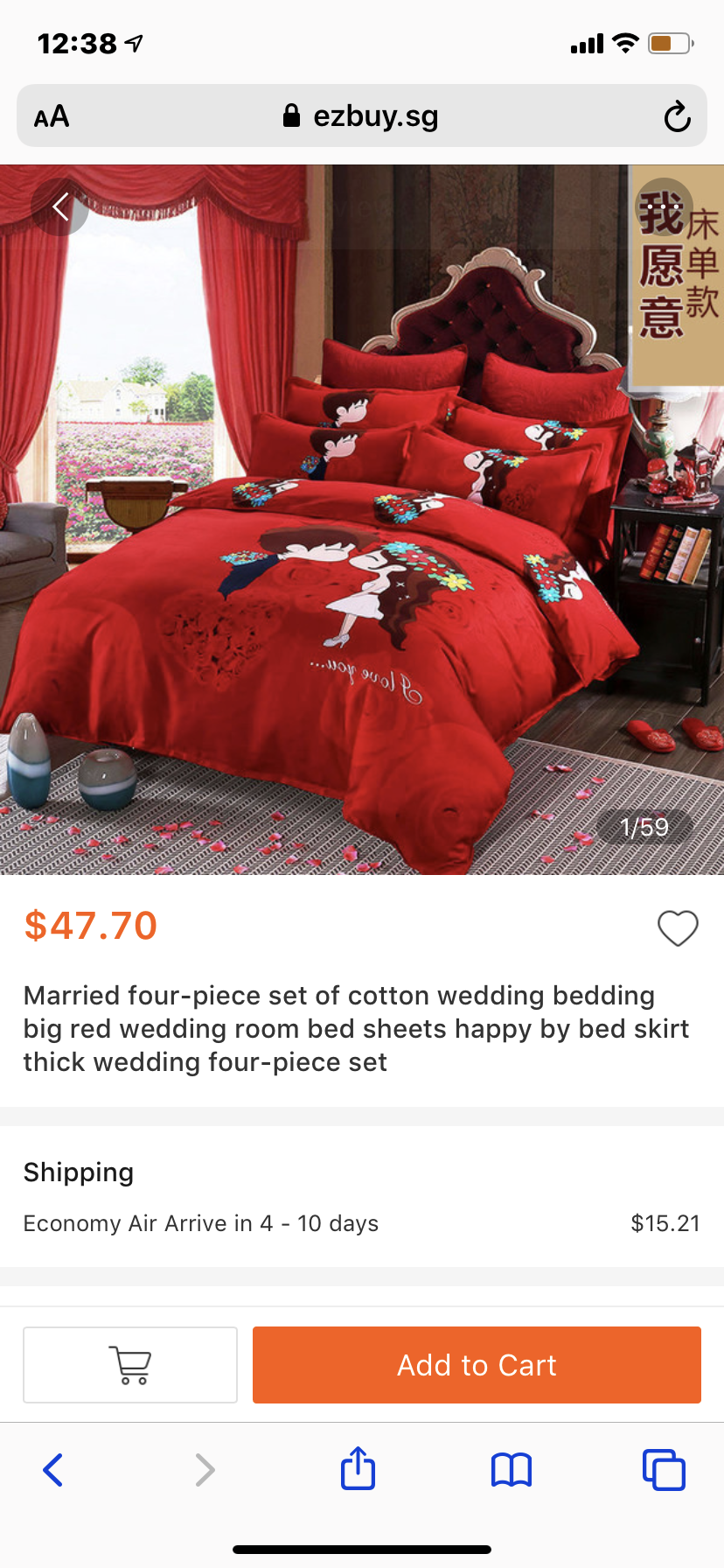
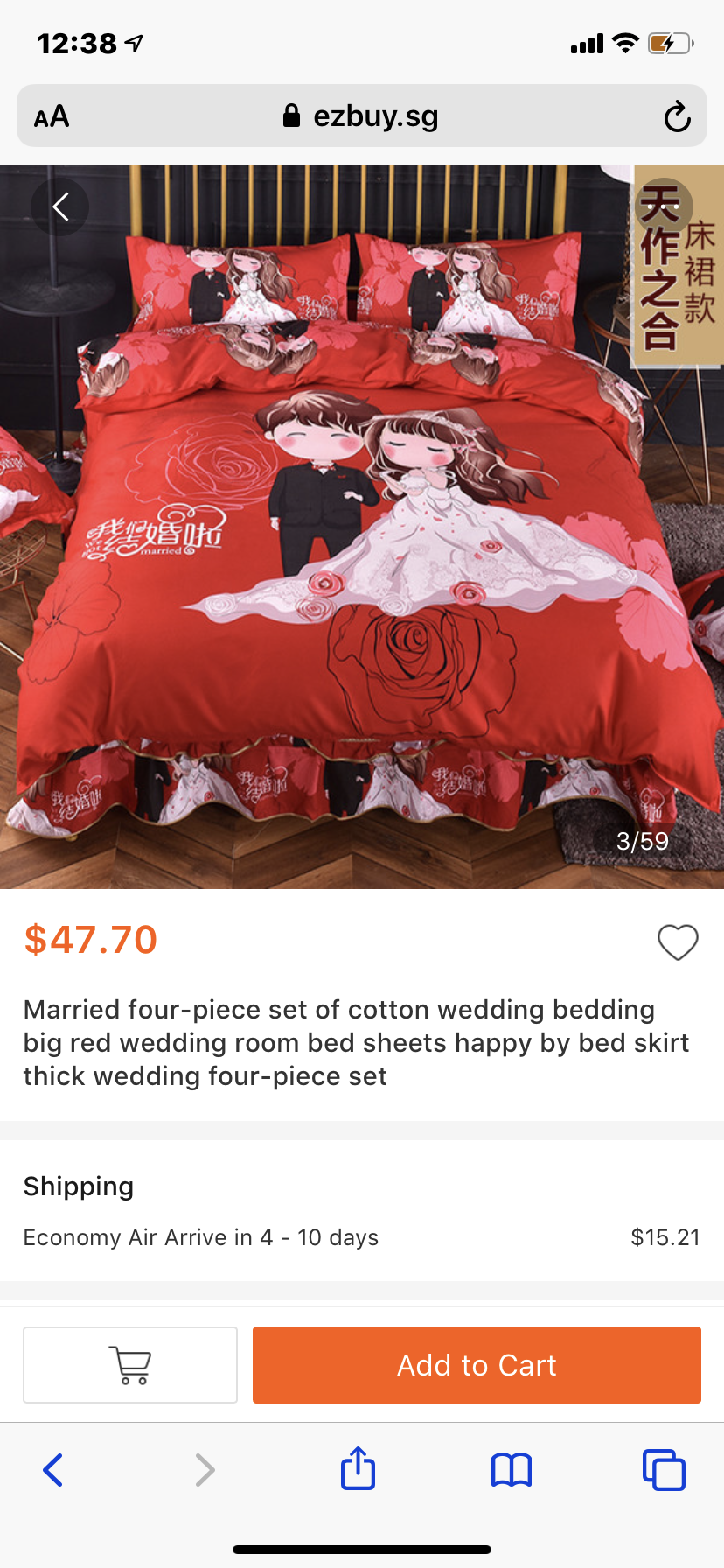
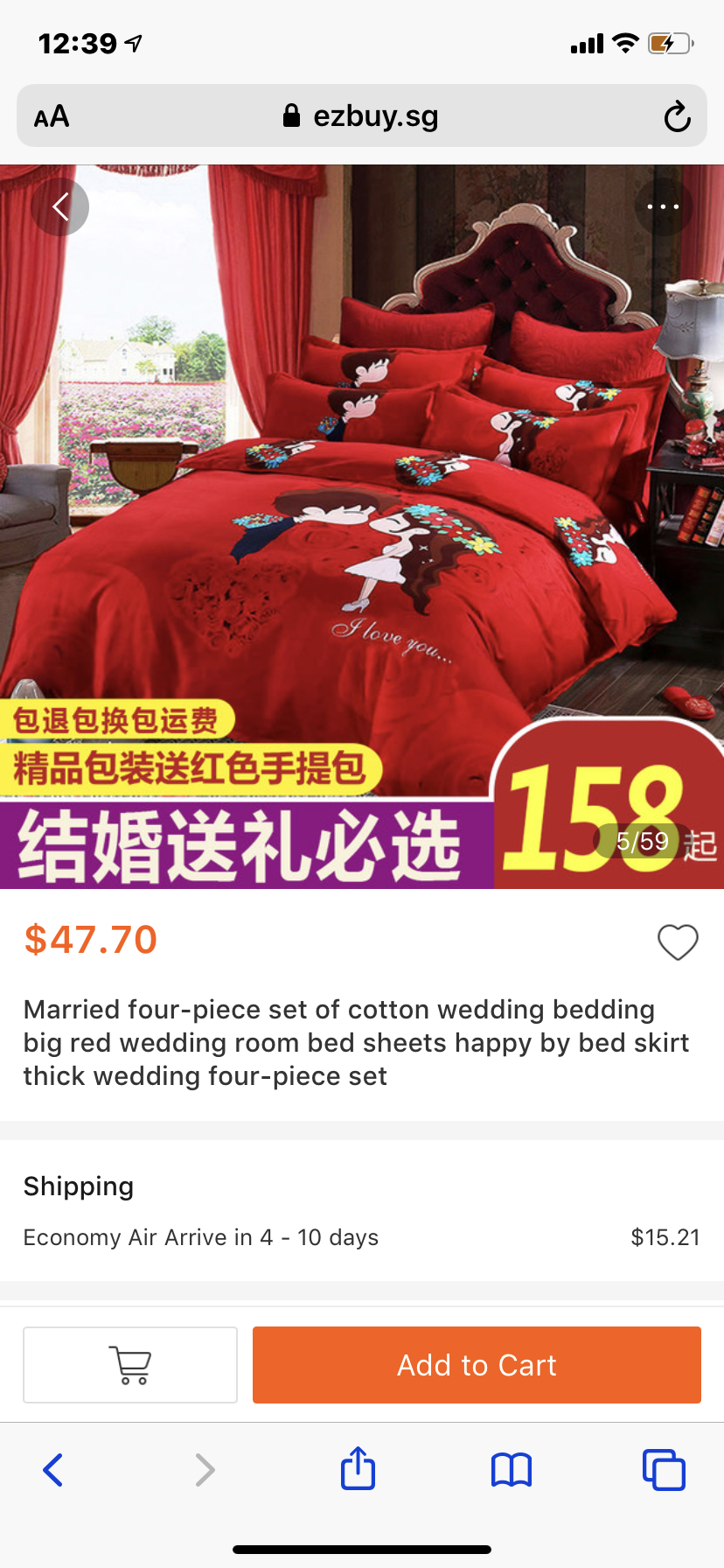
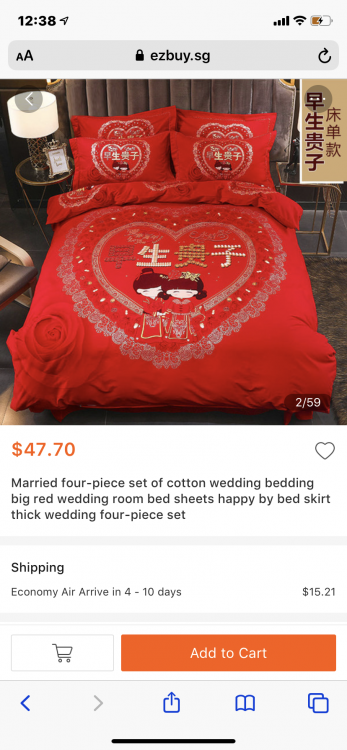
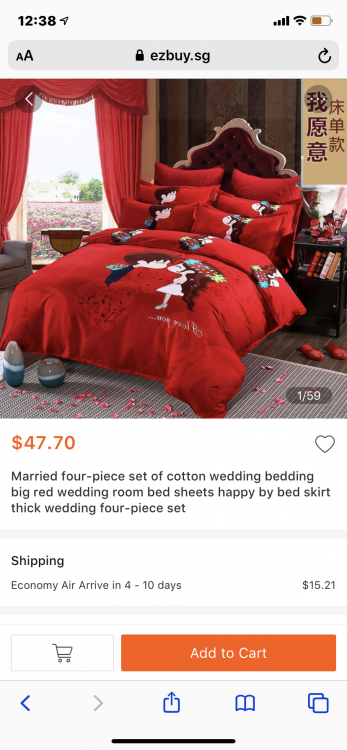
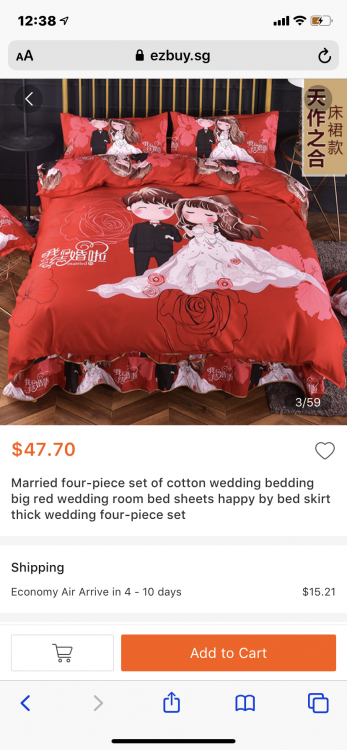
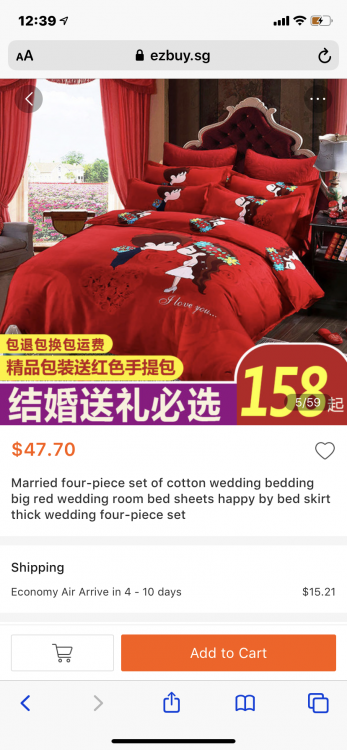
Okay, I did a search, and the first things I found were these: The full set is quite cheap. The only issue is that some sets come in bright chilli red colours (red is considered auspicious for any occasion) and have words and graphics on them. So even if someone uses them daily until they wear out, there is no problem. P.S. Please note that I am not trying to advertise for ezbuy.sg or promote their products. I was simply searching for wedding bedding, and Google happened to show a link to that site. To be honest, I have never bought anything from this site. My last online purchase, many years ago, was from eBay. So what does this mean? Buy at your own risk!
-
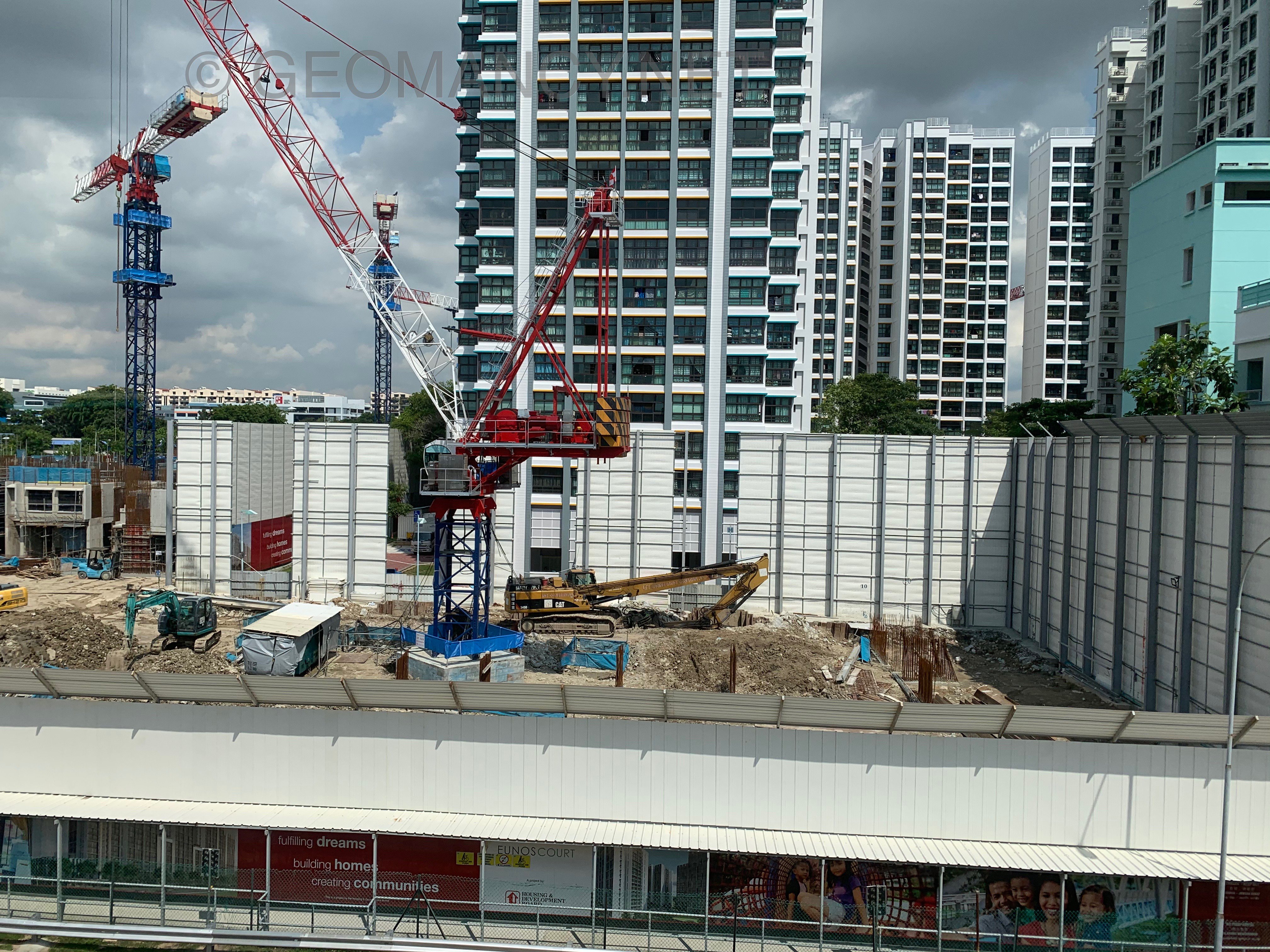
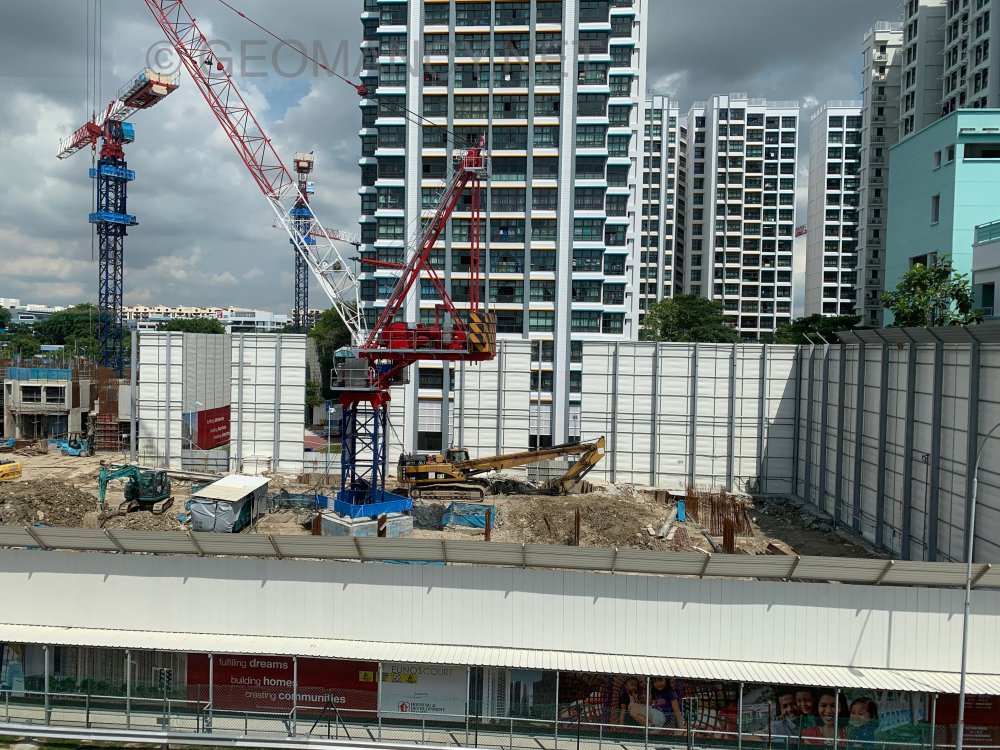
1.12.2019 Barely 2nd storey for several stacks...painfully slow.. LOL



-
Related: https://www.geomancy.net/forums/topic/17733-bucida-molinetti-or-indian-almond-ketapang-family-tree/
-
Related: Bucida molinetti ...
-
Related...
-
The other Punggol Point Cove...