Cecil Lee
Staff
-
Joined
-
Last visited
Everything posted by Cecil Lee
-
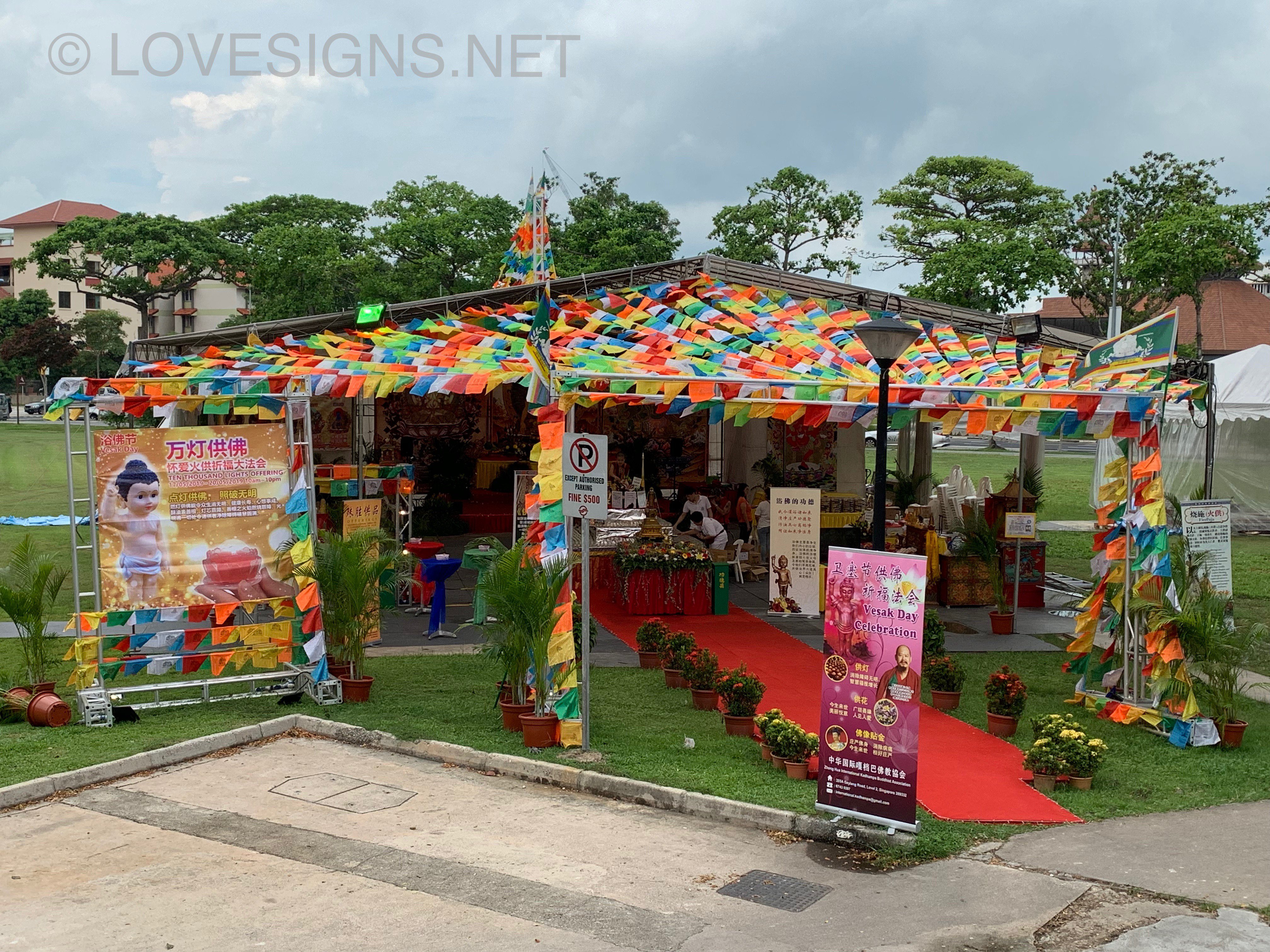
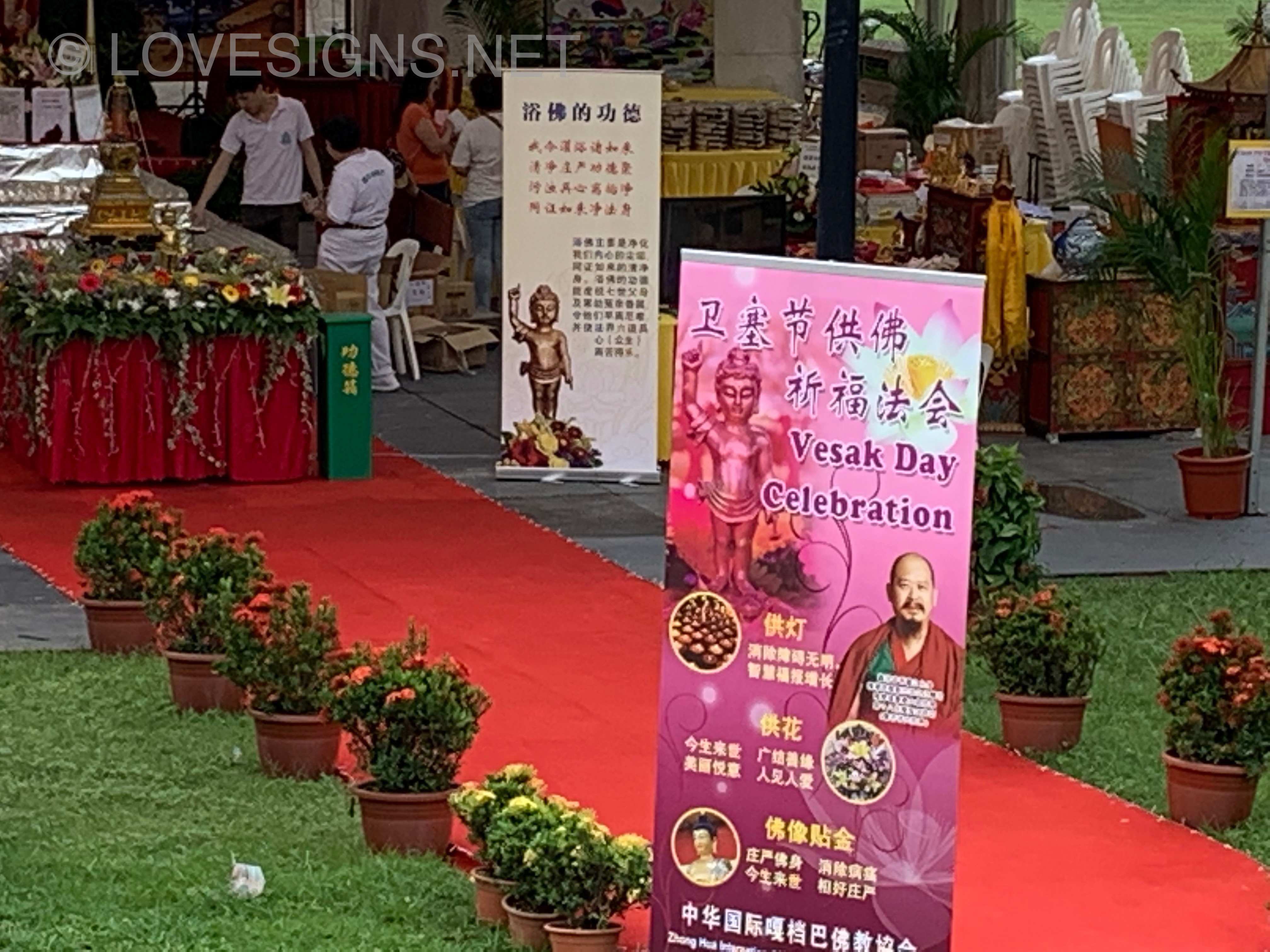
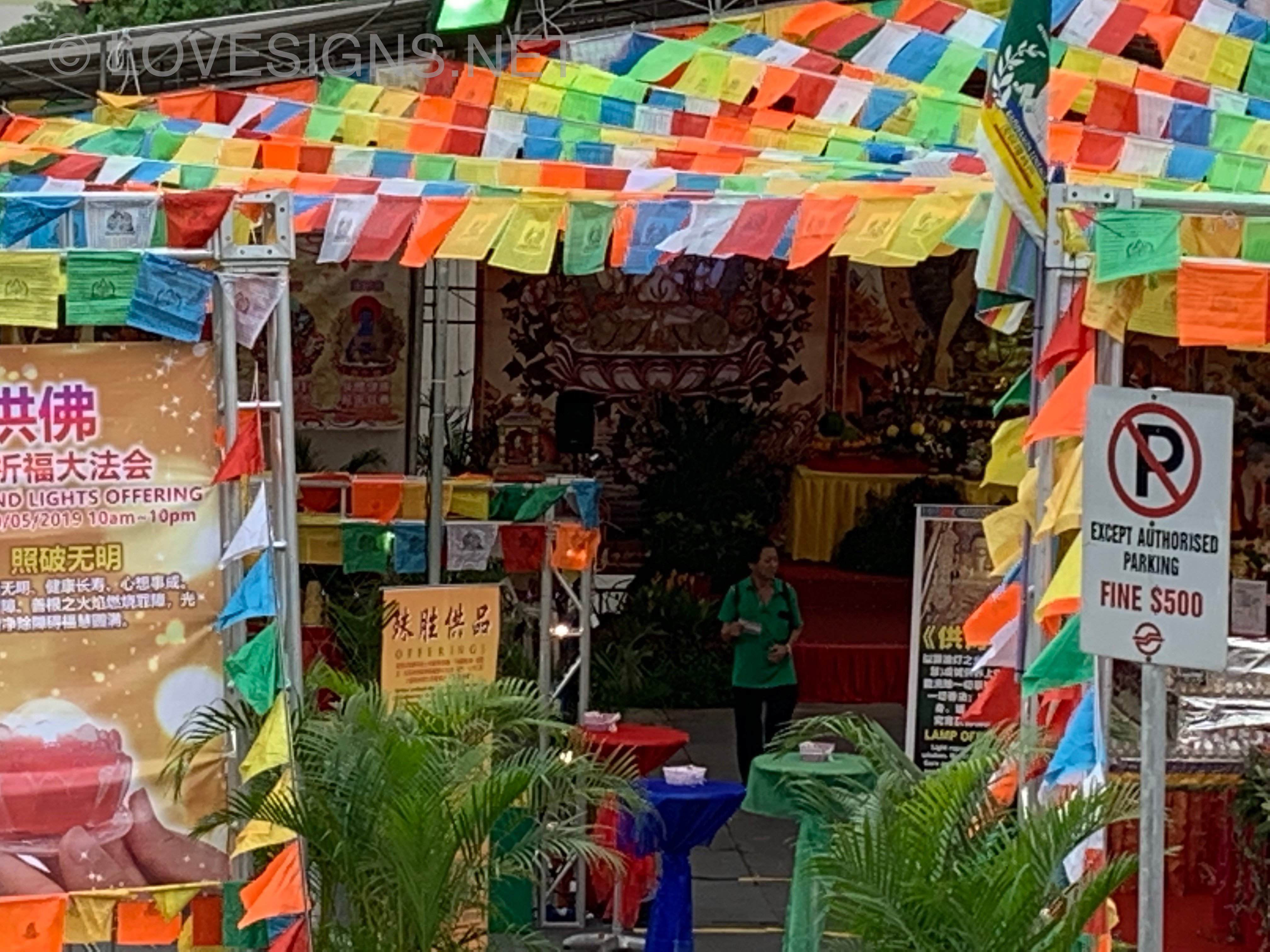
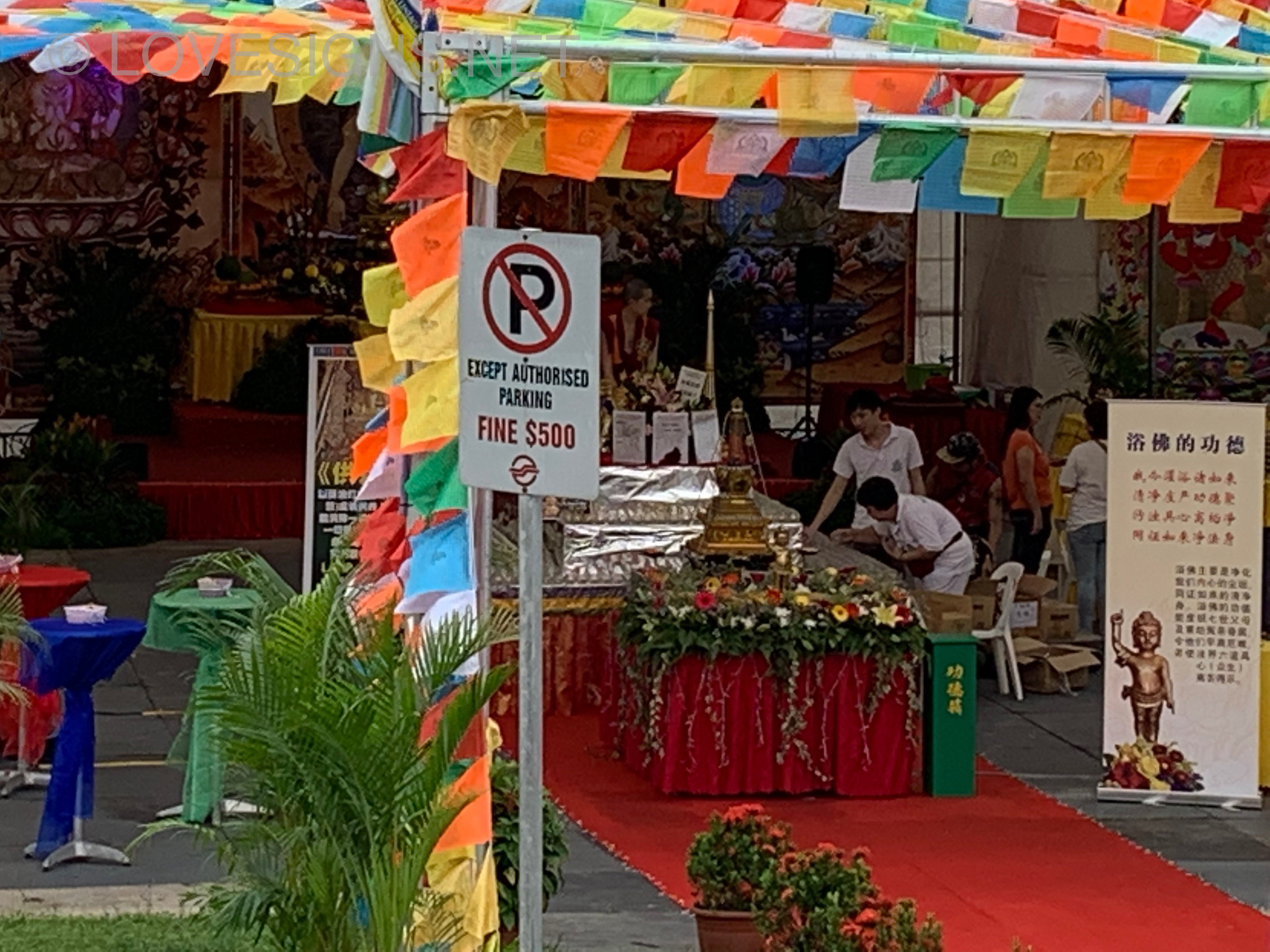
Vesak Day celebrations at the Eunos field beside Eunos MRT Station ... So colourful!
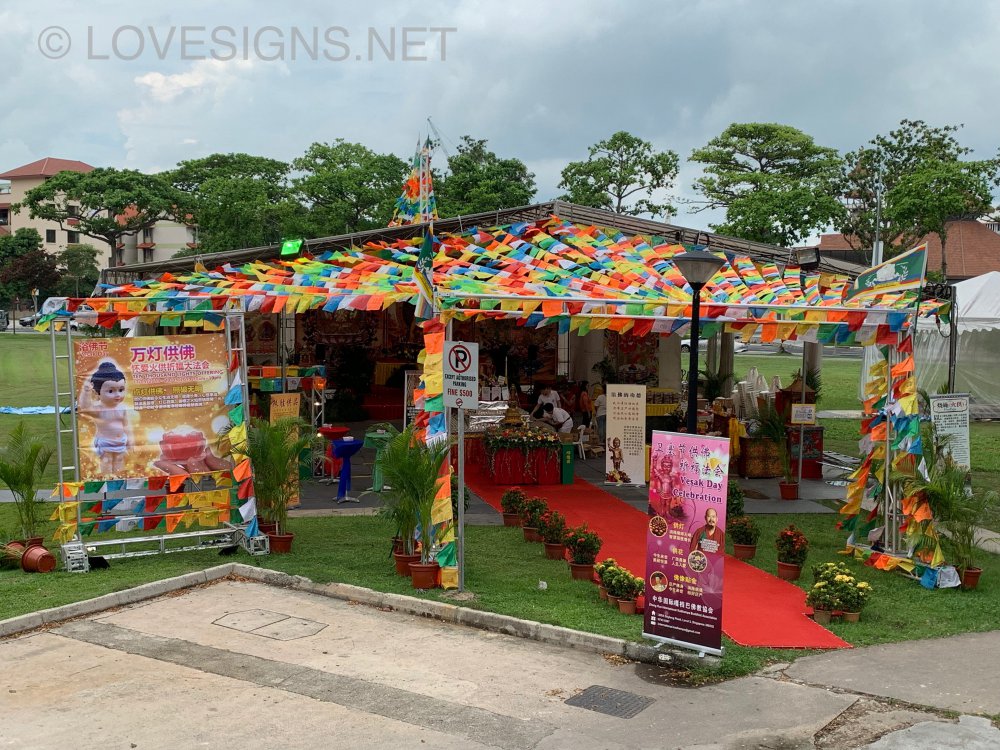
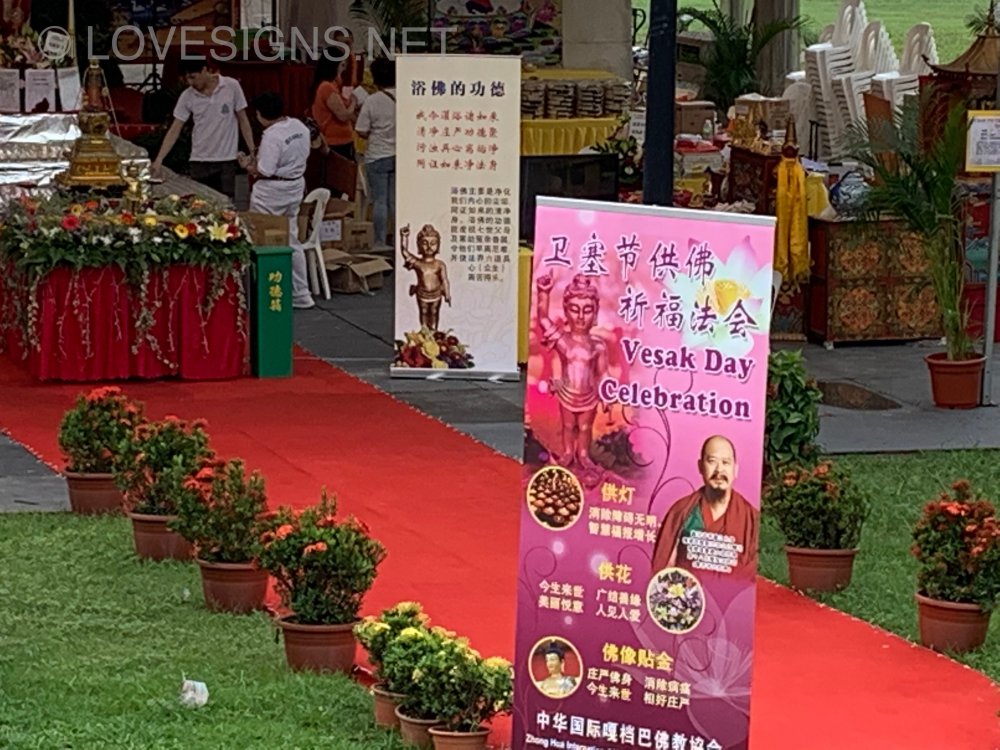
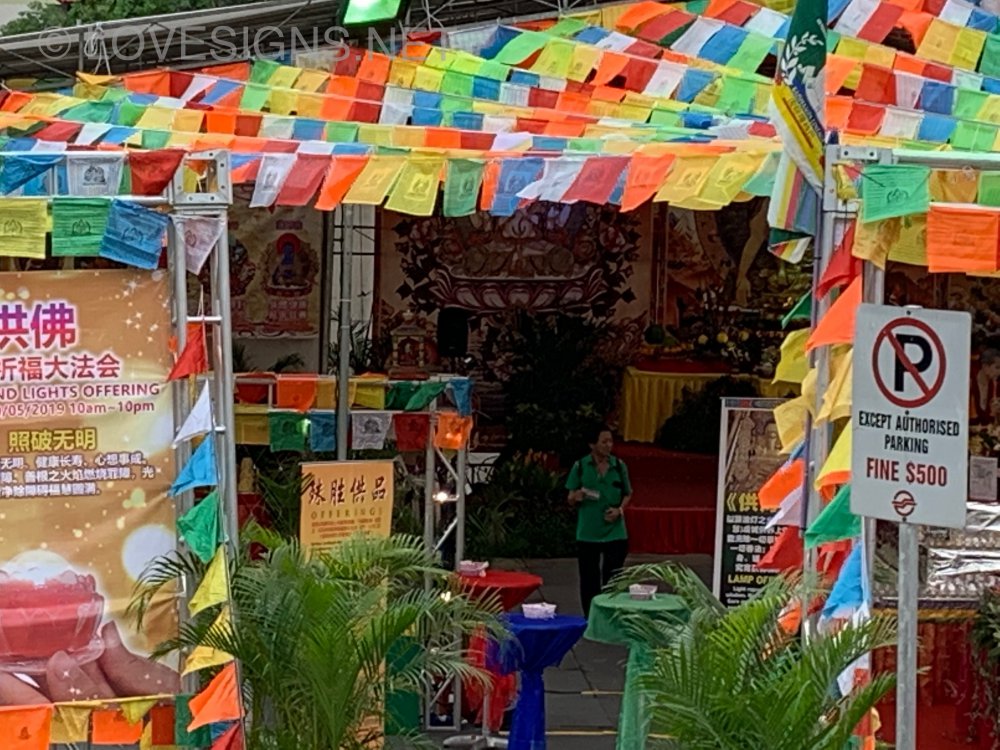
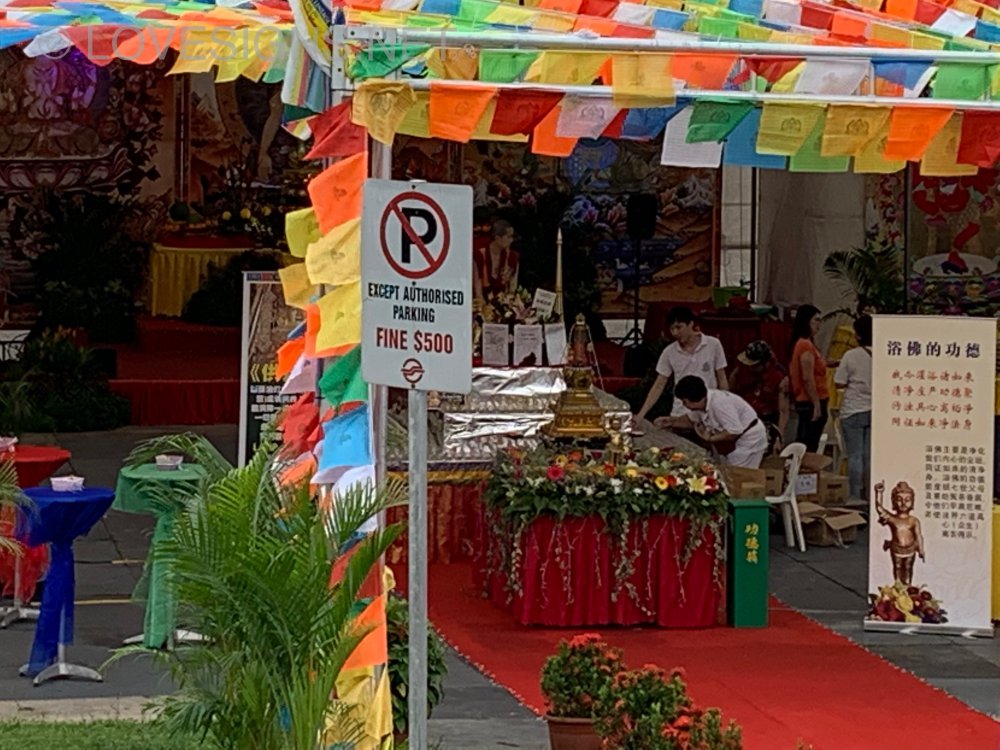
-
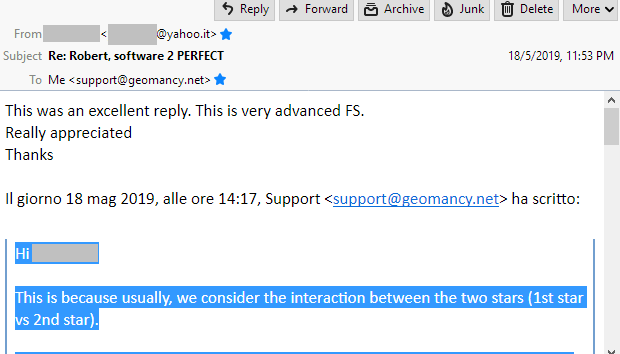
This was an excellent reply. This is very advanced FS. Really appreciated Thanks
-
Hi, This is because we usually consider the interaction between the two stars (1st star vs 2nd star). 1) For example, if the 1st star is 2 or 5, which are bad earth stars, and the 2nd star is 8 (an auspicious earth star), then star 8 will first strengthen stars 2 and 5, making these harmful stars even more powerful. At the same time, this exhausts star 8 and weakens its auspicious effect. Hence, the overall result will be inauspicious. 2) In another example, if the 1st star is 8, which is a weak but auspicious earth star, and it is combined with star 2 or 5 (another earth star), then star 8 will first become stronger, while star 2 or 5 becomes weaker. This helps to reduce the negative impact of stars 2 and 5. However, because both stars are still of the earth element, stars 2 and 5 will continue to exert some inauspicious influence. When two stars share the same element, there is also competition between them. So, both combinations are not ideal, but in paragraph 2, since the auspicious star is strengthened first, it helps to weaken the inauspicious influence and reduce the negative impact to a more neutral or average level, depending on the base star. Thus, the situation in paragraph 2 is considered less inauspicious between the two combinations. Therefore, the order in which each star comes into contact with the other affects the overall outcome of their interaction. That is why an 8–5 combination and a 5–8 combination will have different interpretations. Warmest Regards Robert Lee
-
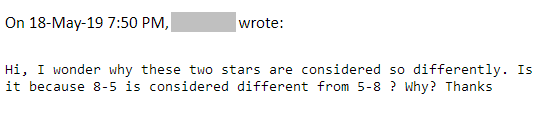
Hi, I wonder why these two stars are considered so differently. Is it because 8-5 is considered different from 5-8 ? Why? Thanks
-
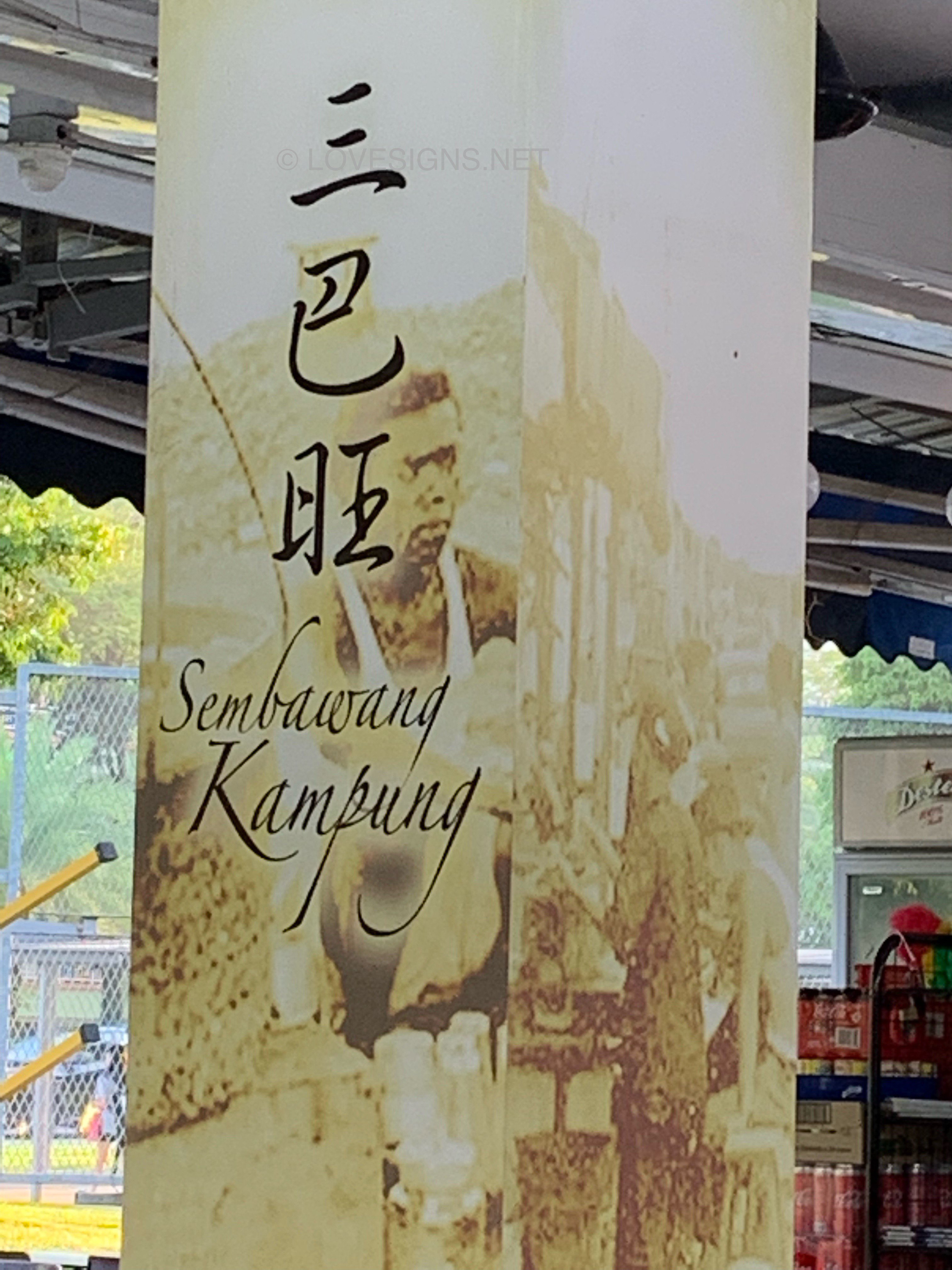
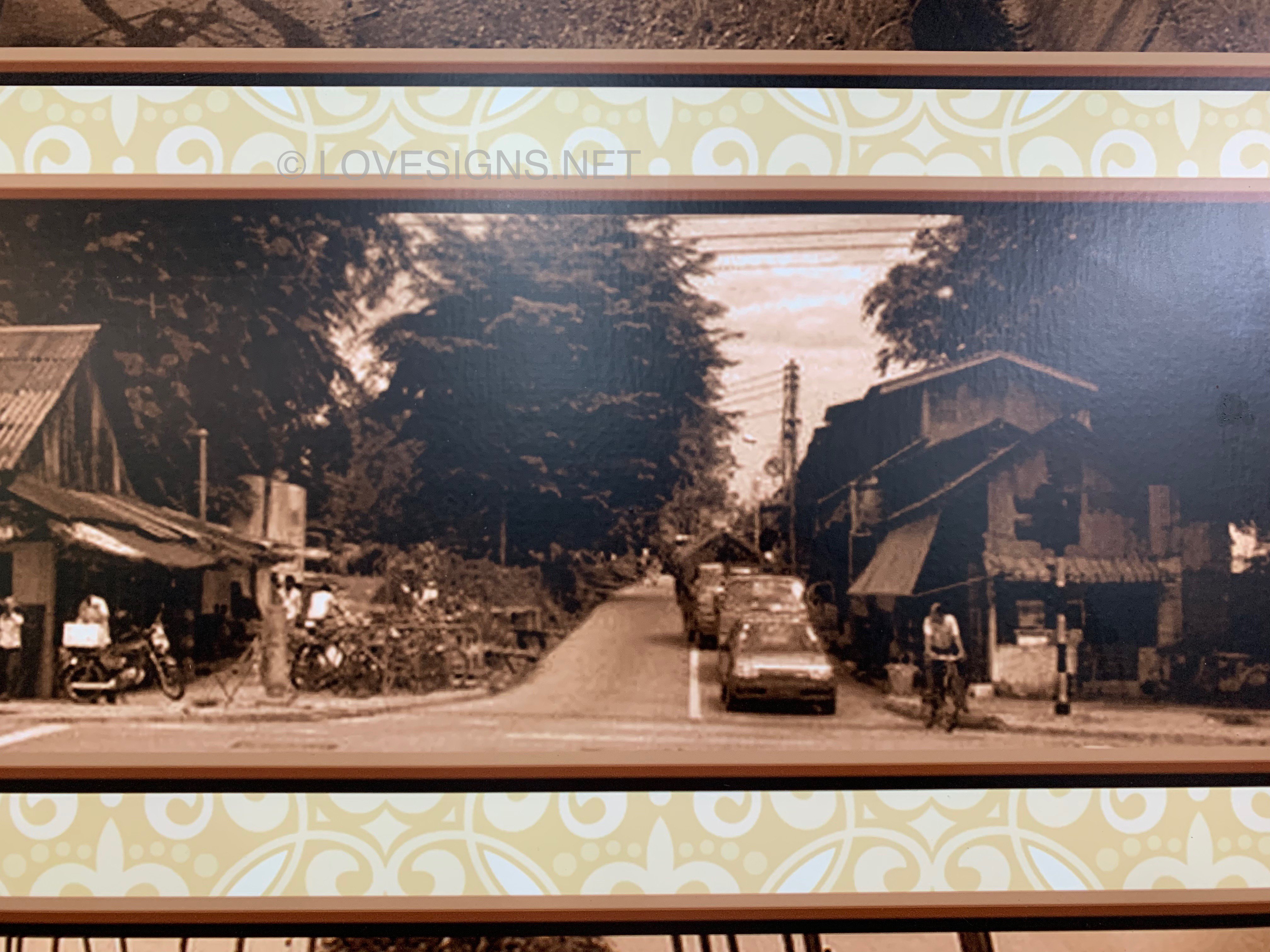
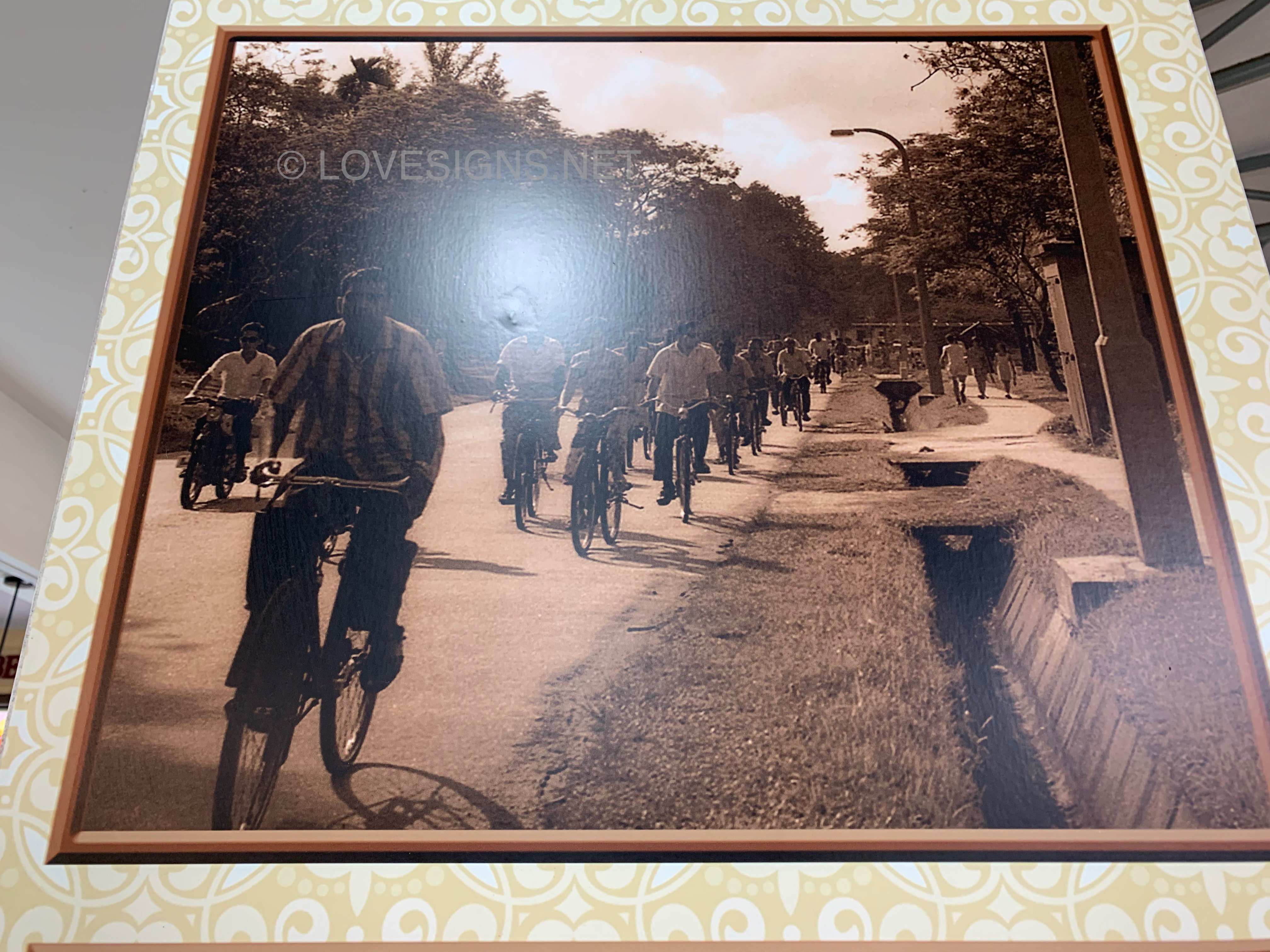
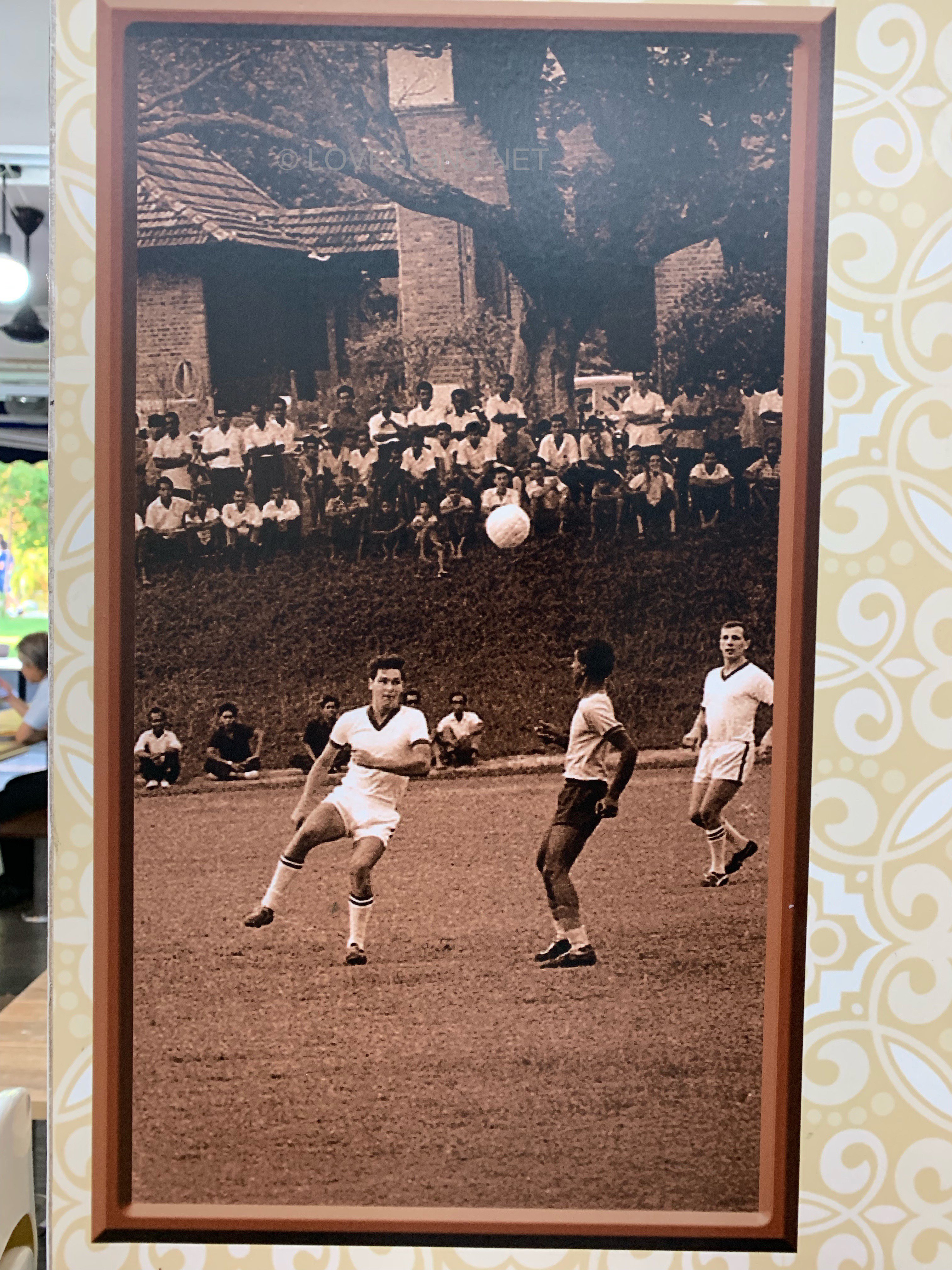
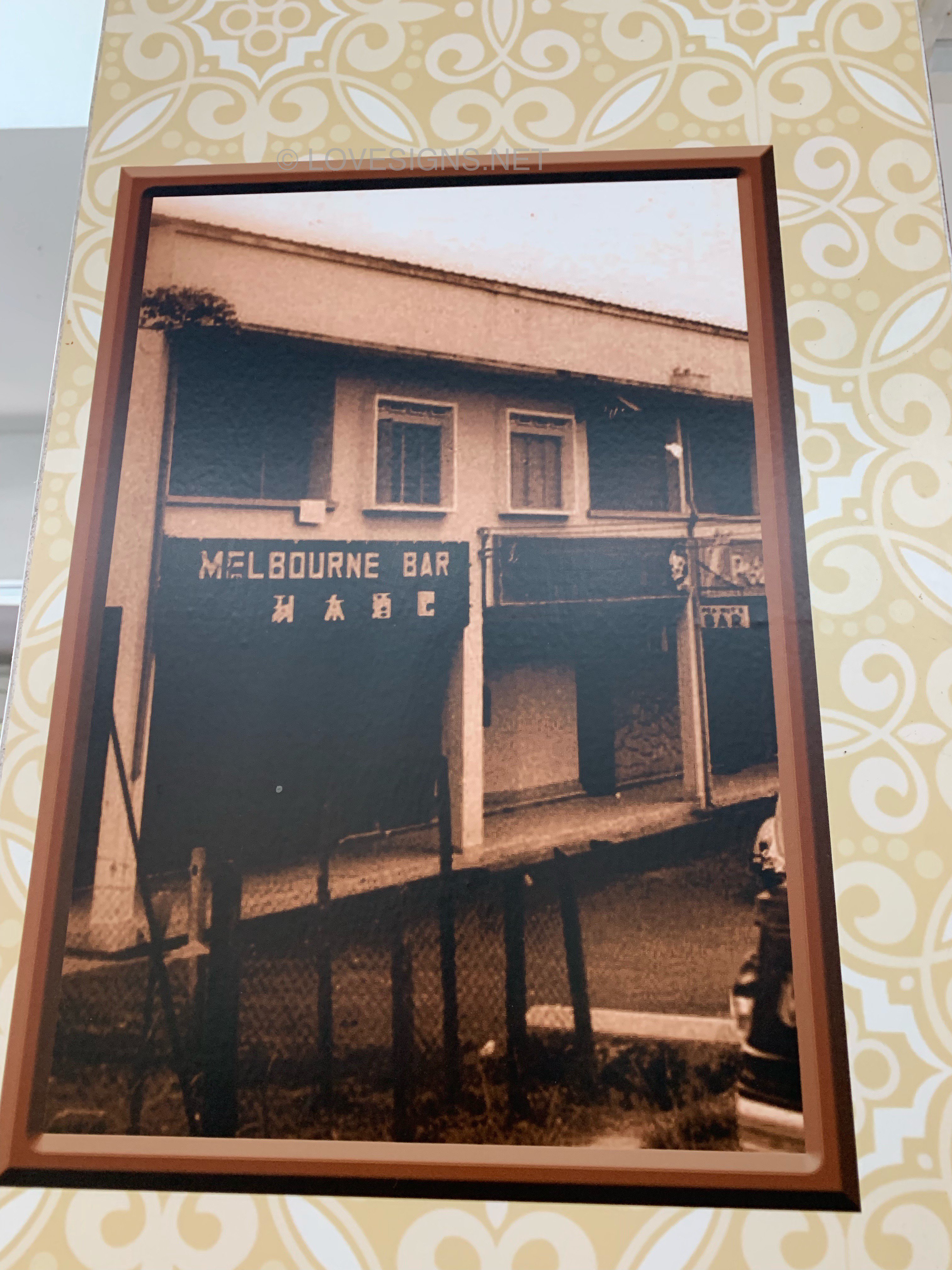
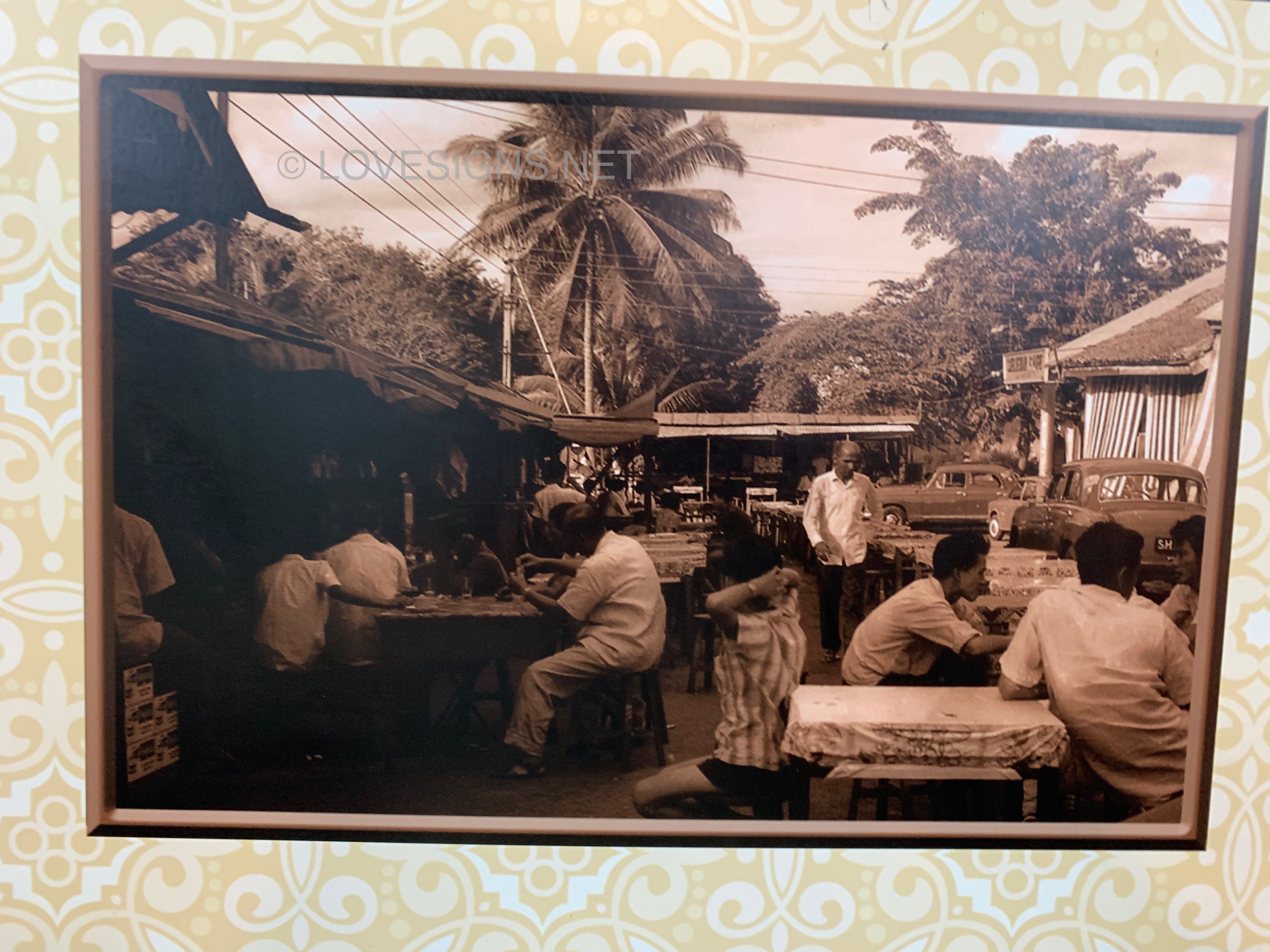
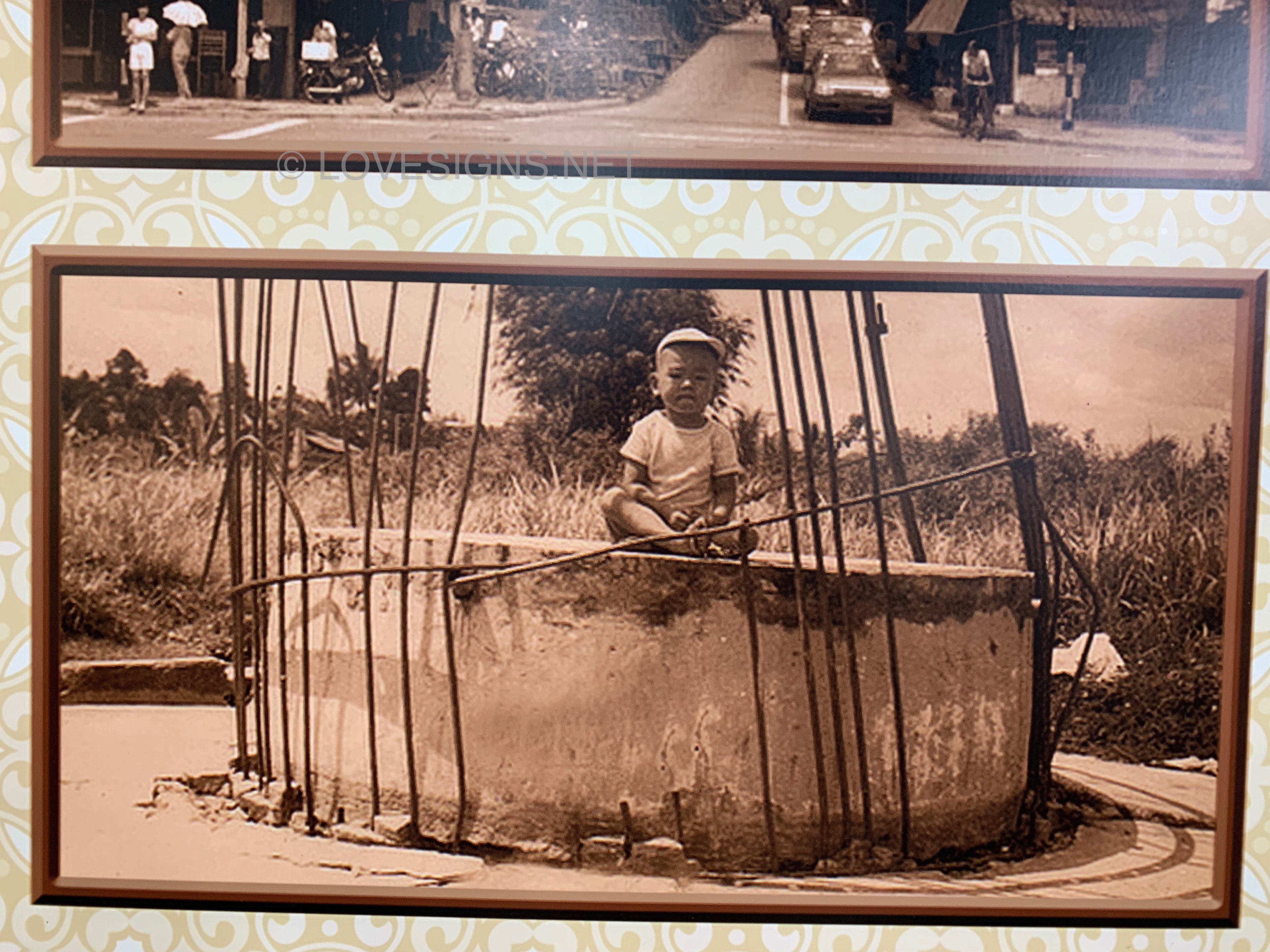
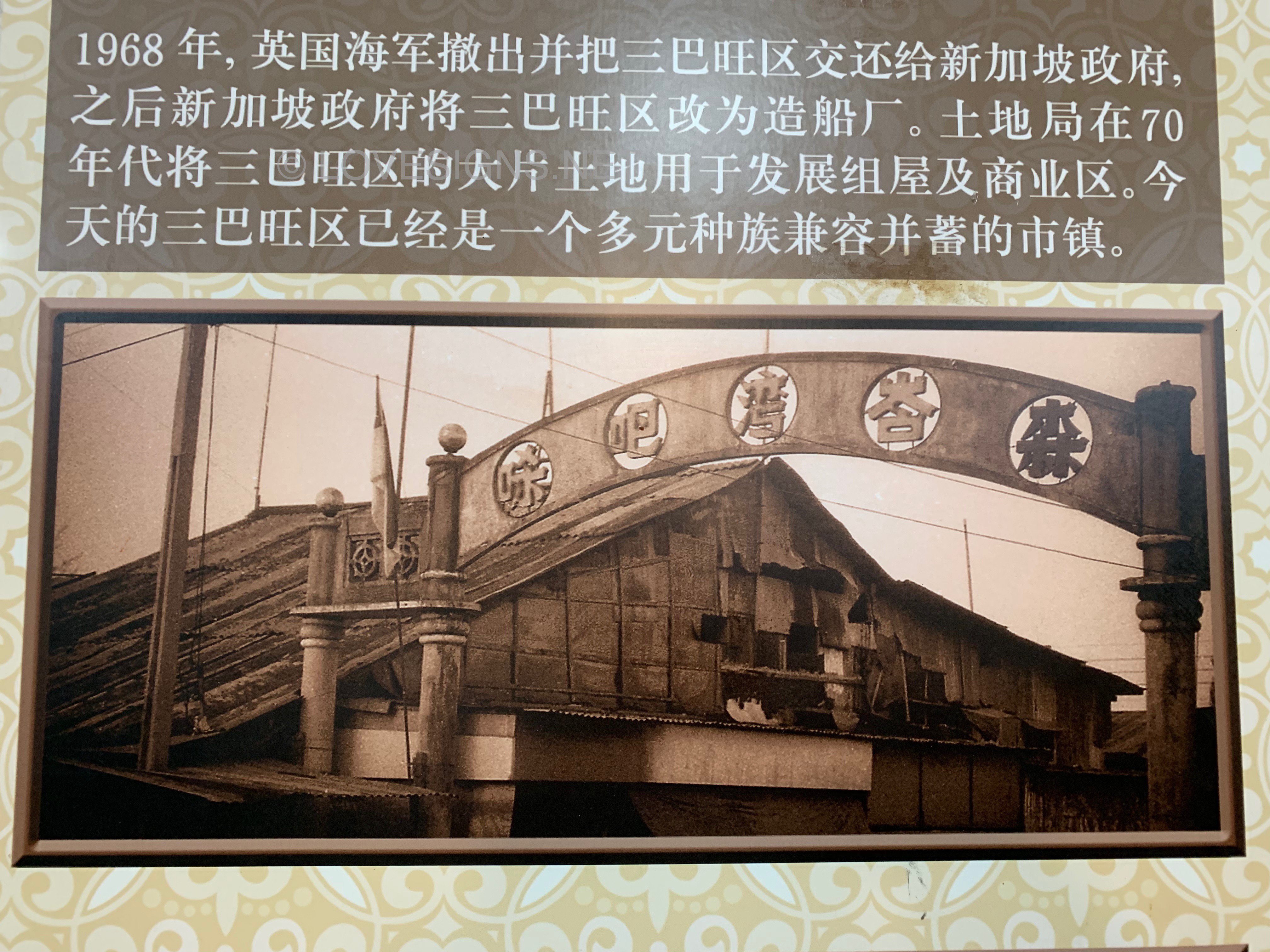
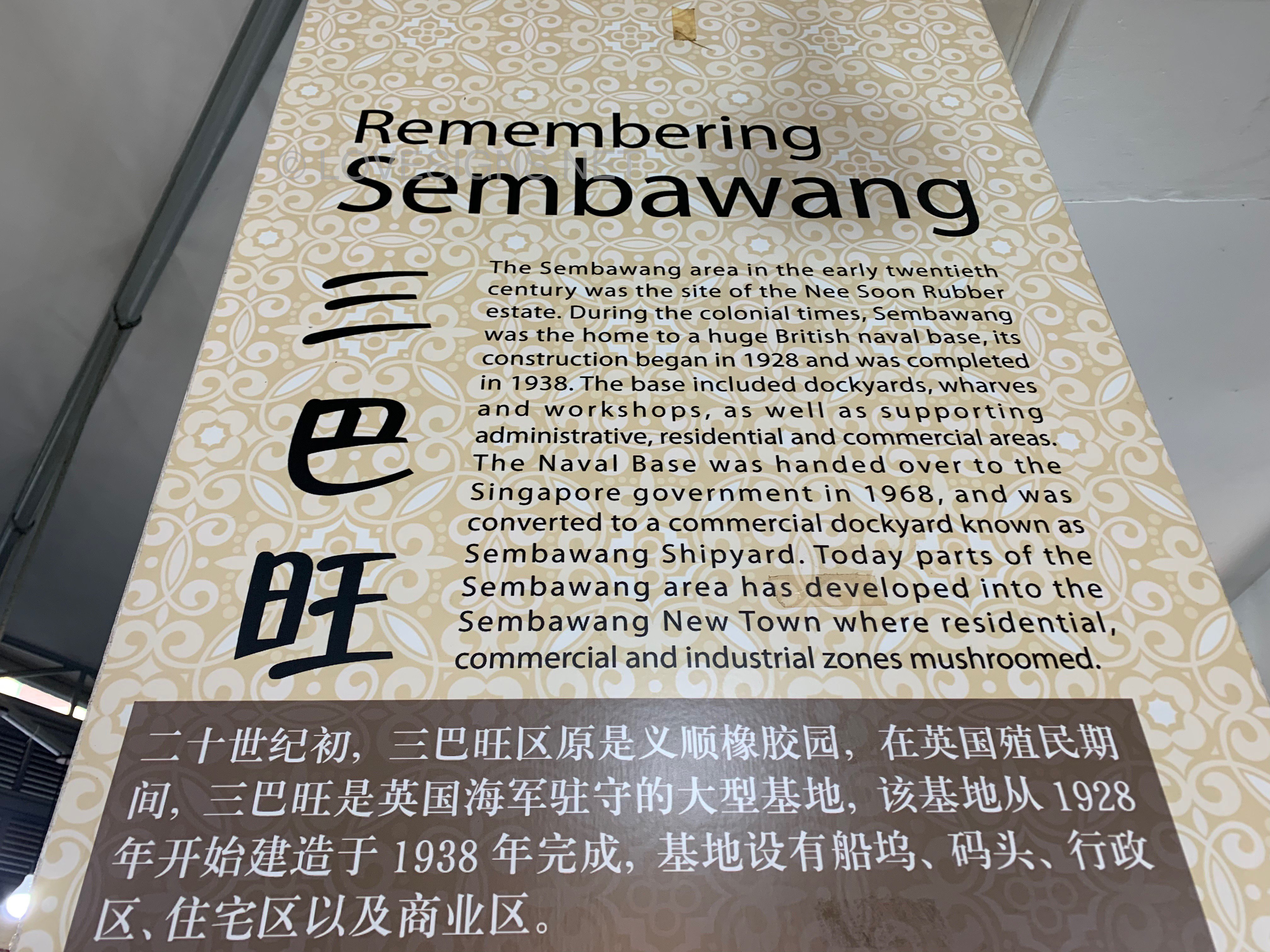
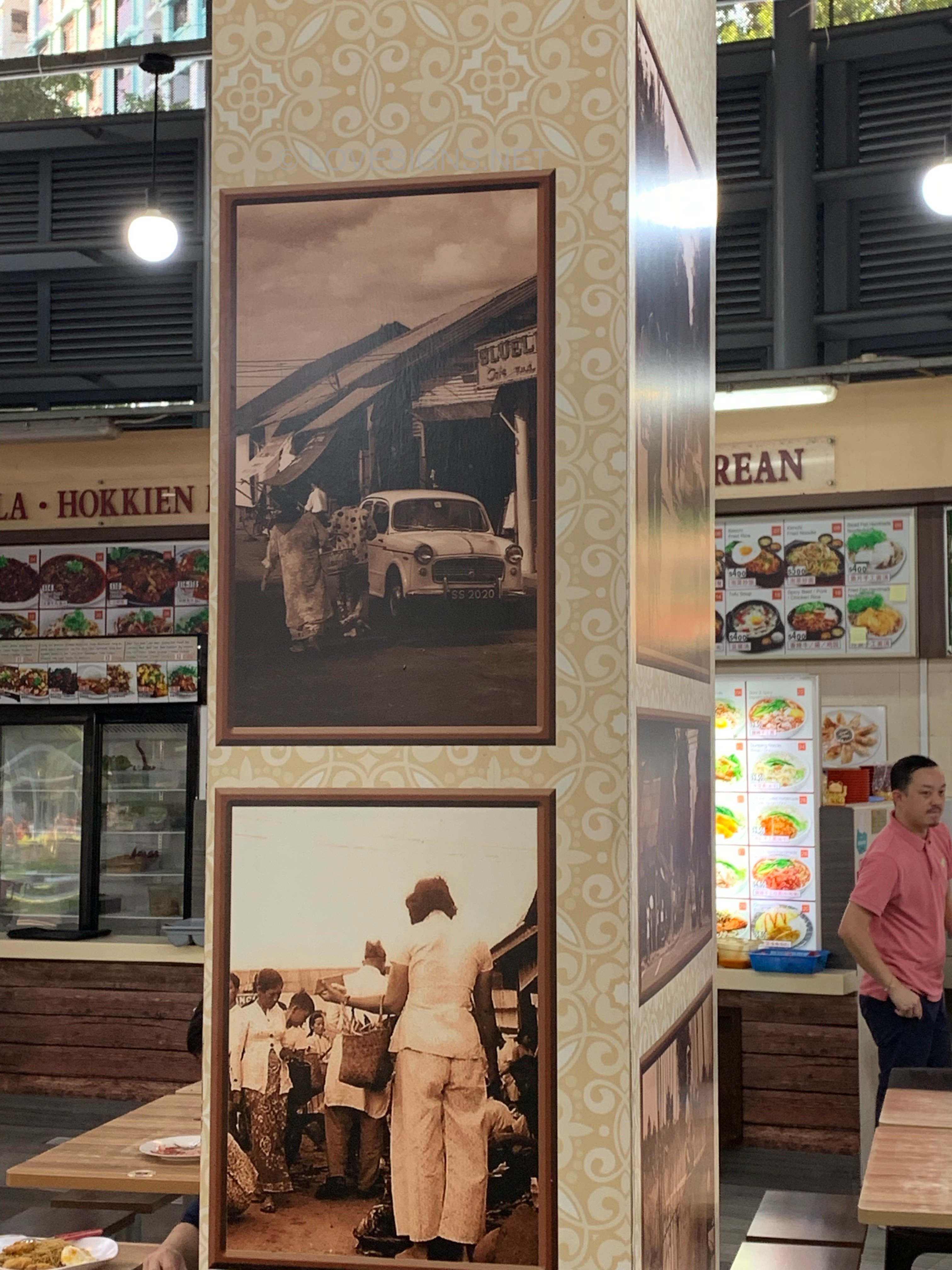
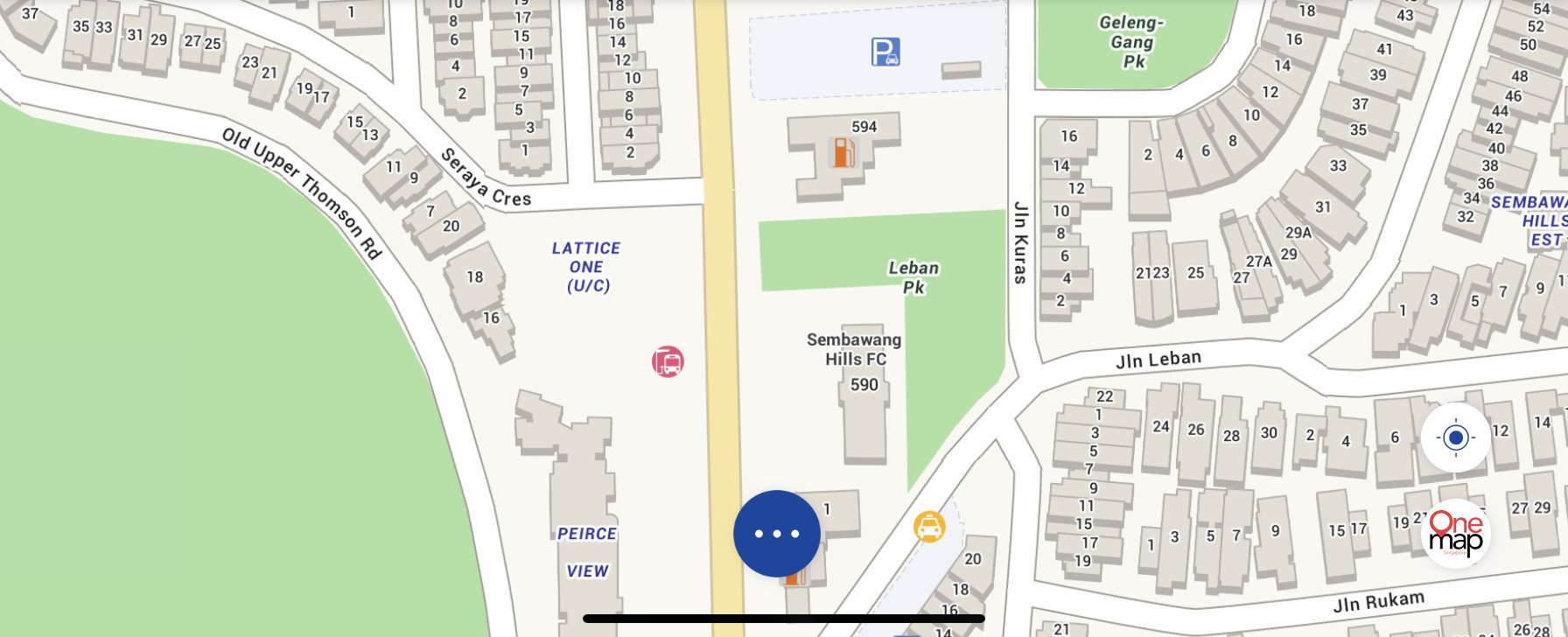
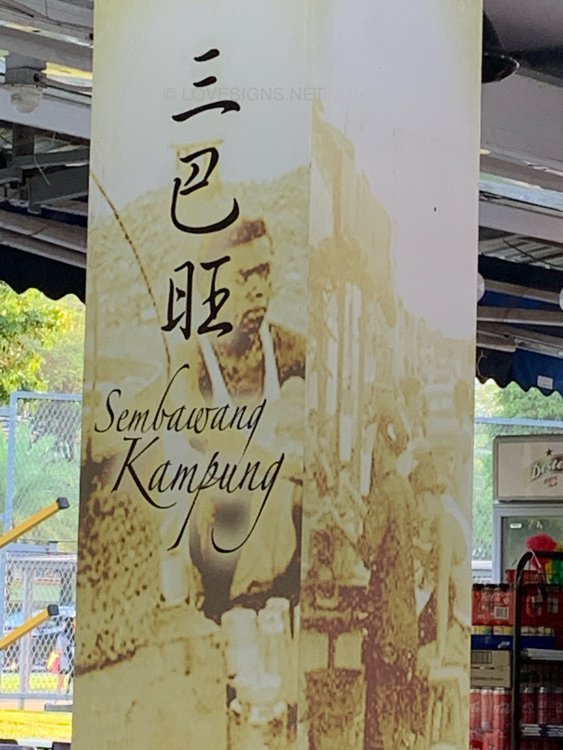
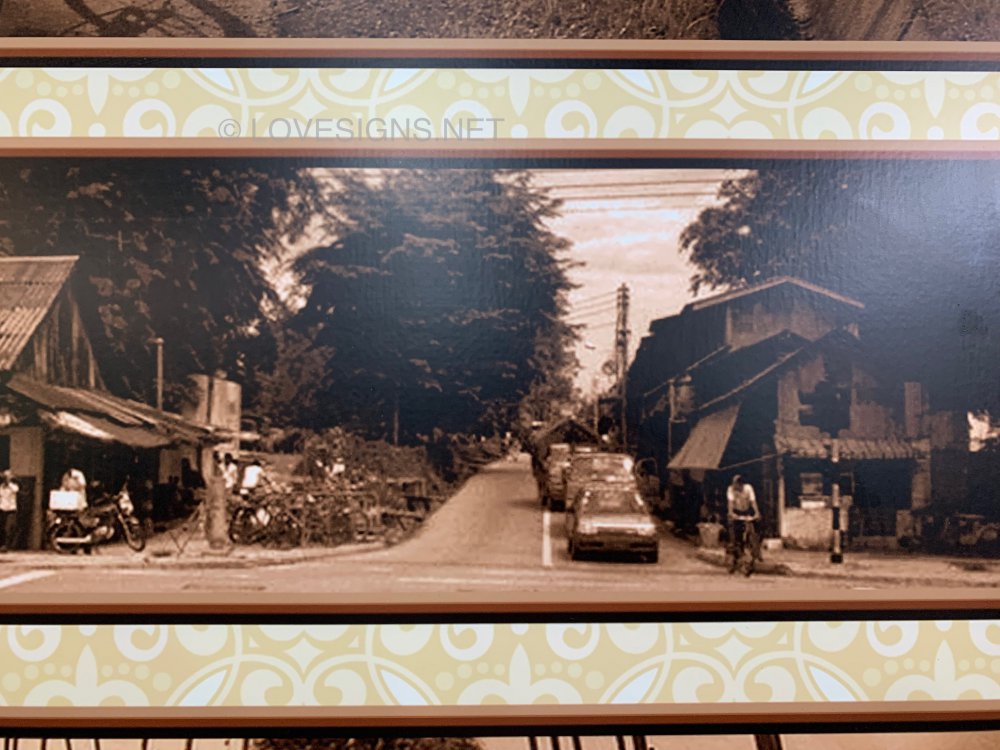
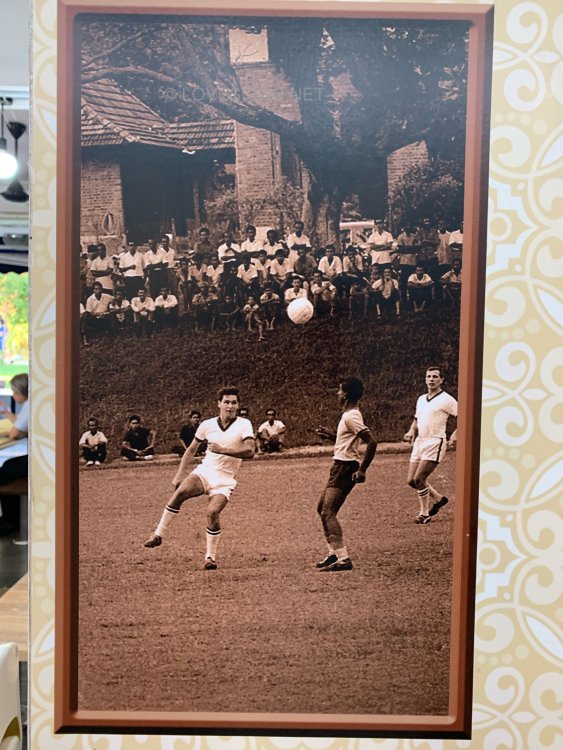
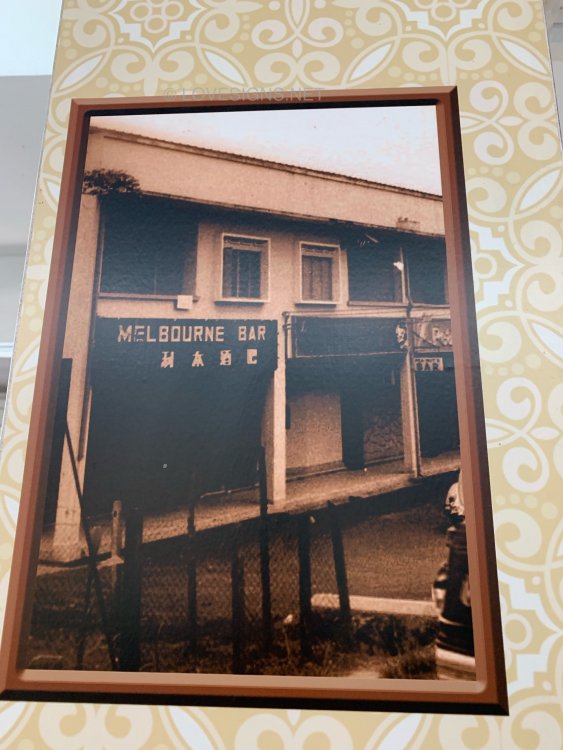
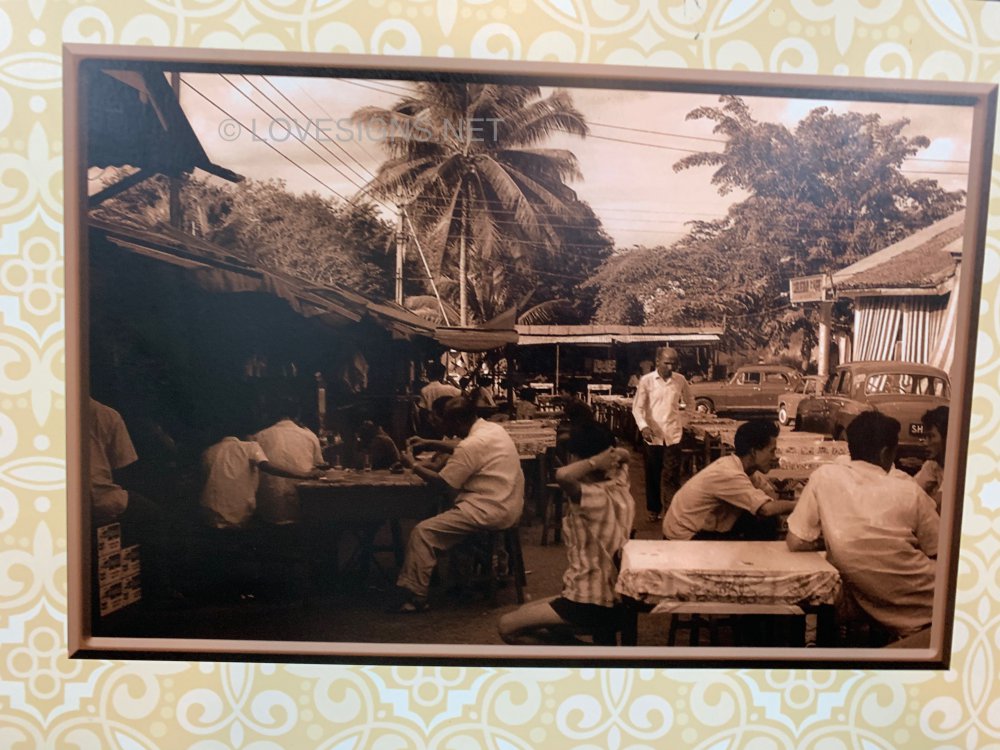
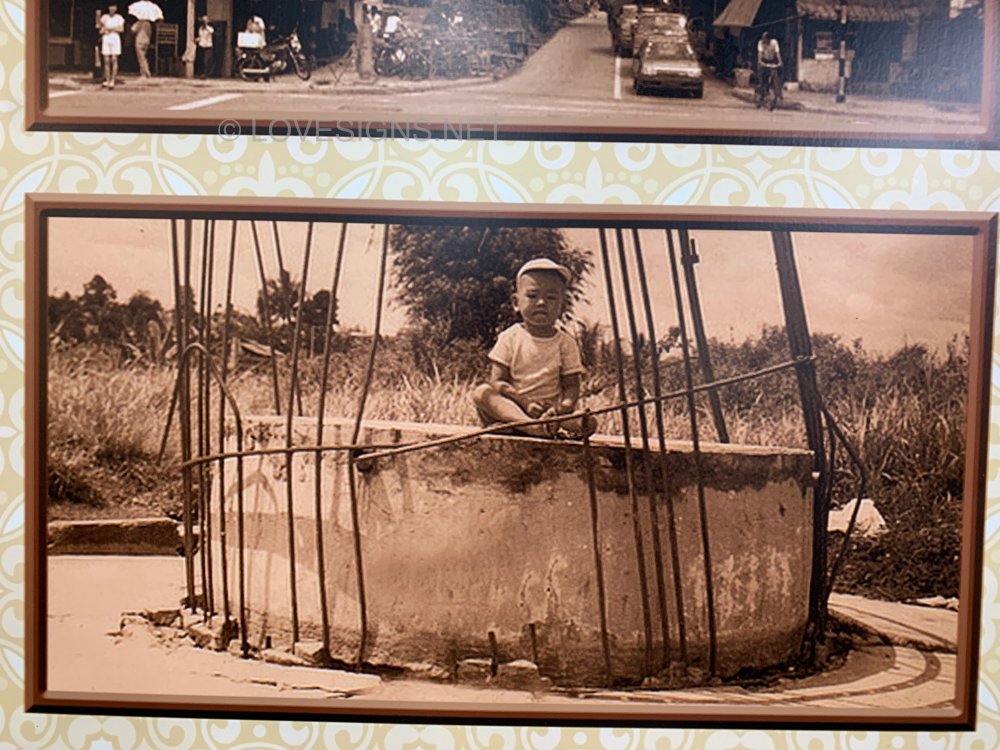
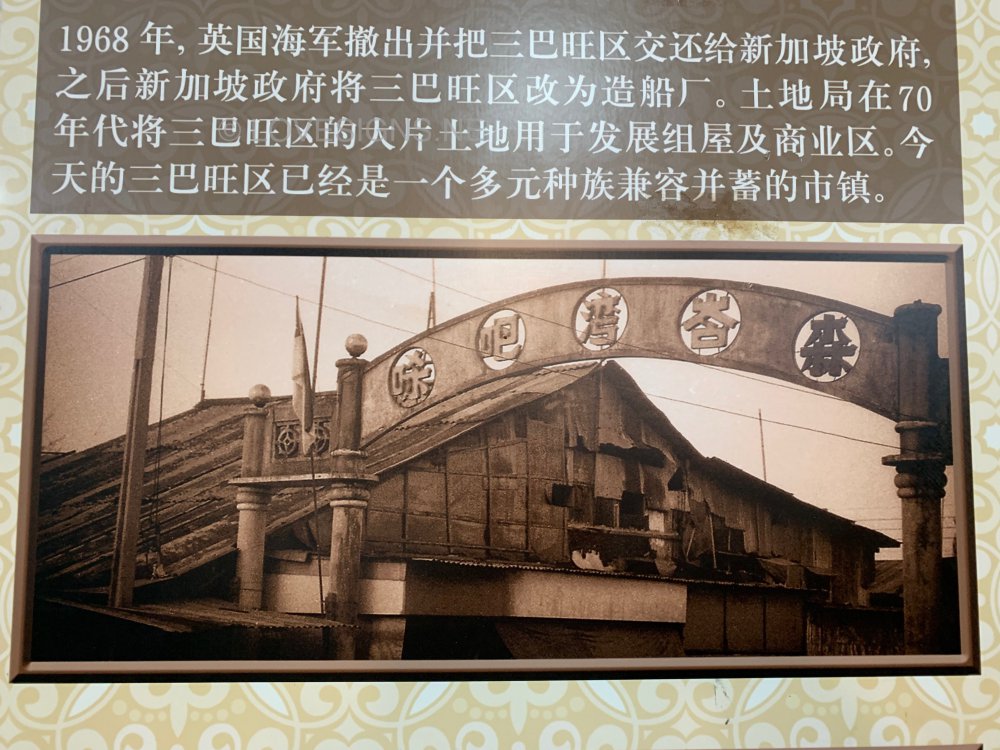
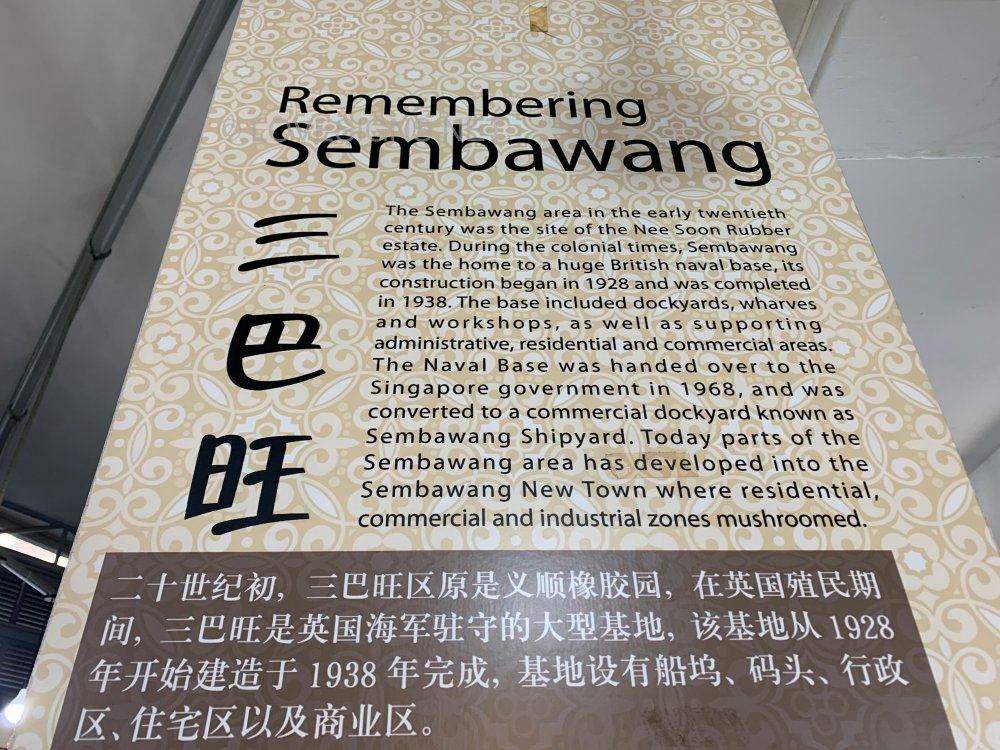
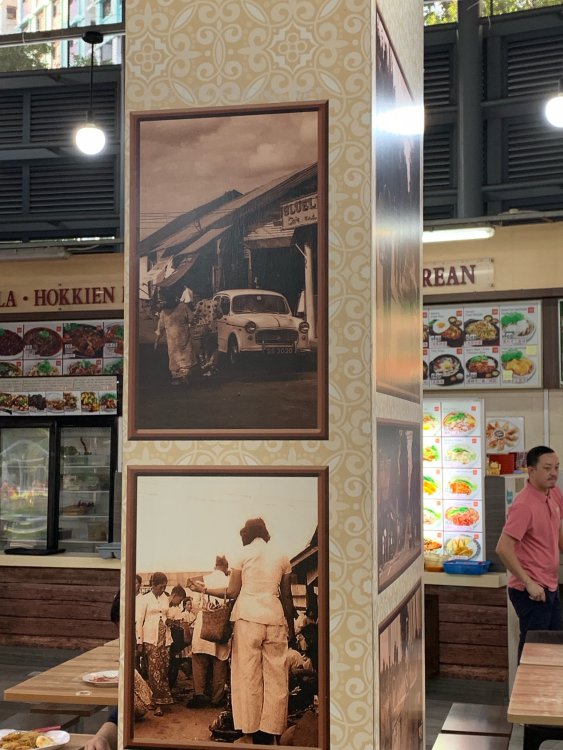
The Sembawang area in the early twentiethcentury was the site of the Nee Soon Rubber estate. During the colonial times, Sembawang was the home to a huge British naval base. Its construction began in 1928 and was completed in 1938. The base included dockyards, wharvesand workshops, as well as supporting administrative, residential and commercial areas. The Naval Base was handed over to the Singapore government in 1968, and was converted to a commercial dockyard known as Sembawang Shipyard. Today parts of the Sembawang area has developed into the Sembawang New Town where residential commercial and industrial zones mushroomed.

-
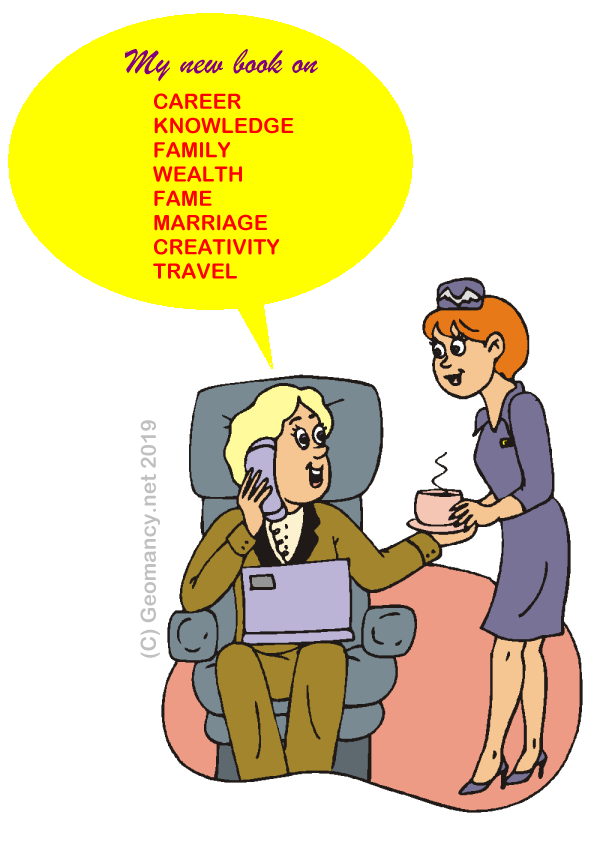
Everyone can become a Fake Feng Shui Author With little or no imagination, you too can!
 I find it so easy to write a Fake Feng Shui Book.. LOL LOL LOL! Let's all of "YOU" write a book ... but unfortunately, it will not be endorsed, here...
 Fake Feng Shui @ Work Everyone can write such a book. So can you! Chapter 1: Introduction Chapter 2: Enhancing your Career at North LOL LOL
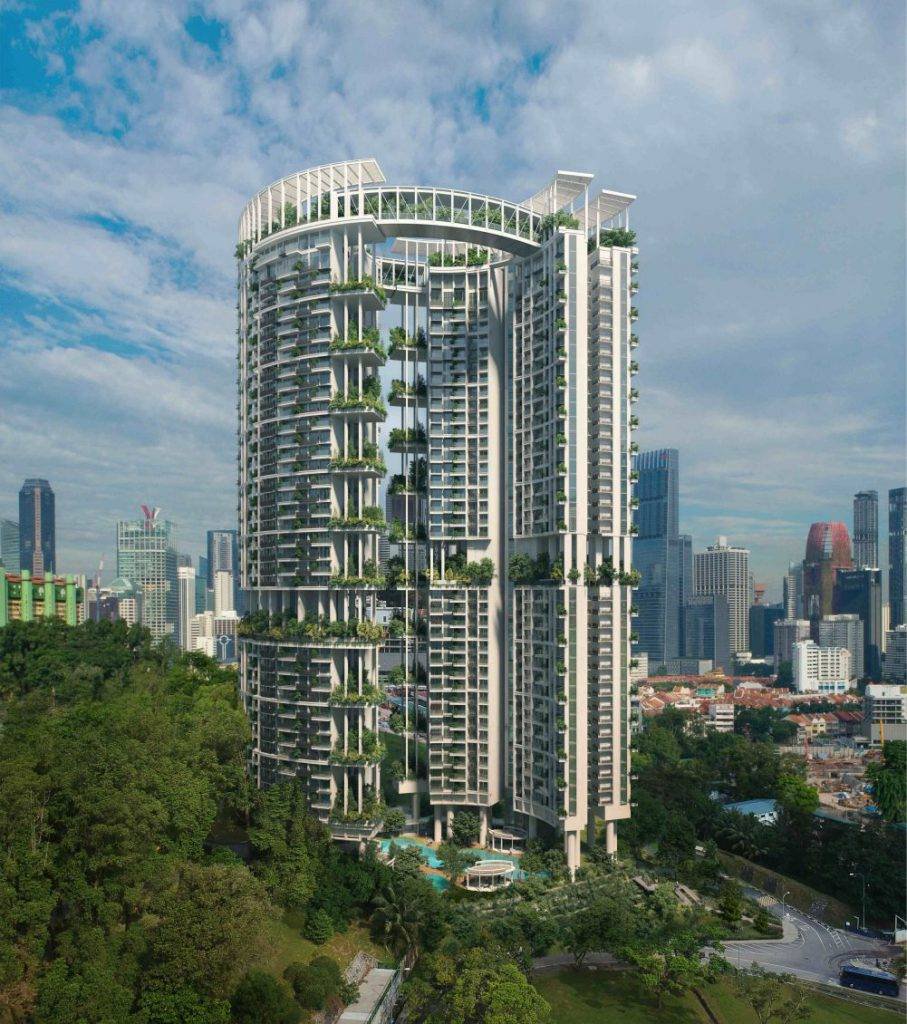
 Launching soon... formerly Crystal Towers
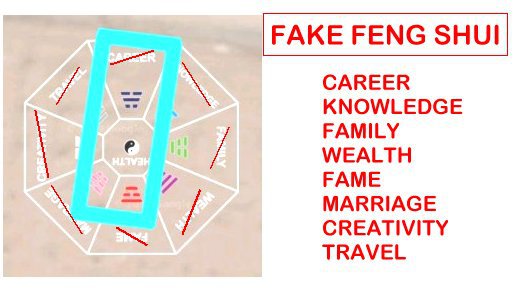
 The only thing that is "CREATIVE" is that this is truly Fake Feng Shui:- Unfortunately, widely practised in the West. Commonly also known as BTB or Black Hat Sect.... A laughing stock in the Far East: Hong Kong, Singapore, Malaysia ....
 Capital Land’s One Pearl Bank Nearly the same, just more modern or “atas” in outlook..
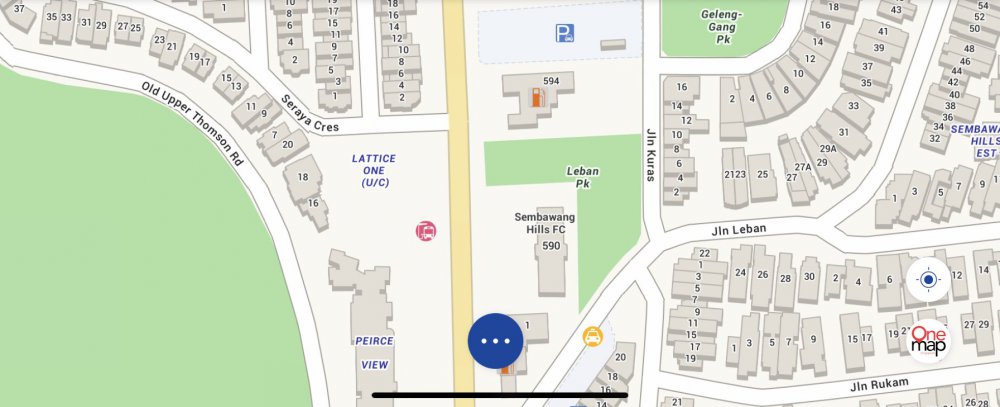
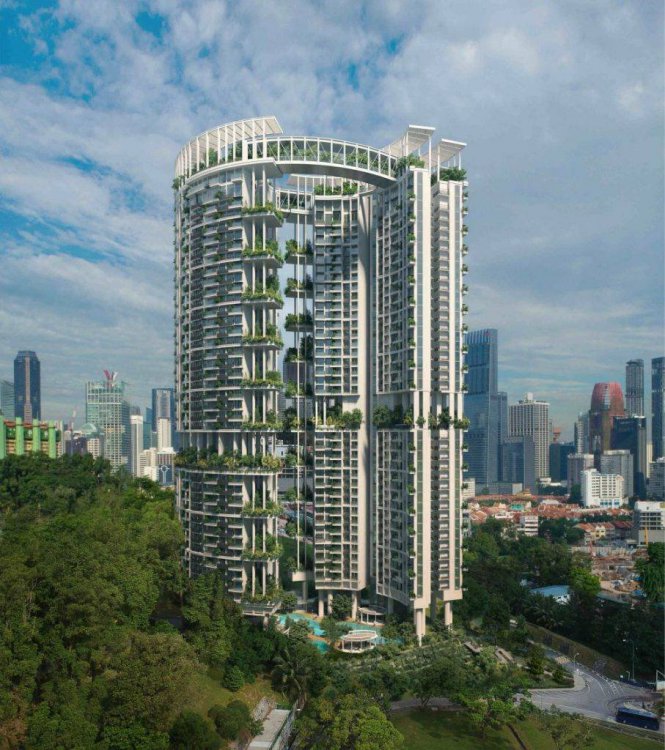 For information, Traditional Feng Shui does not make use of the ba gua template with words like Career, Knowledge, Family, Wealth. One way of applying Gua (Kua) into Sleep position....Location, location and location: Good Shapes and Forms. Would have been better if not for Sembawang Hills Food Centre and (noise) from Upper Thomson Road - especially East facing units in the future.
 Ok thanks again Cecil appreciate it
 Launching soon...
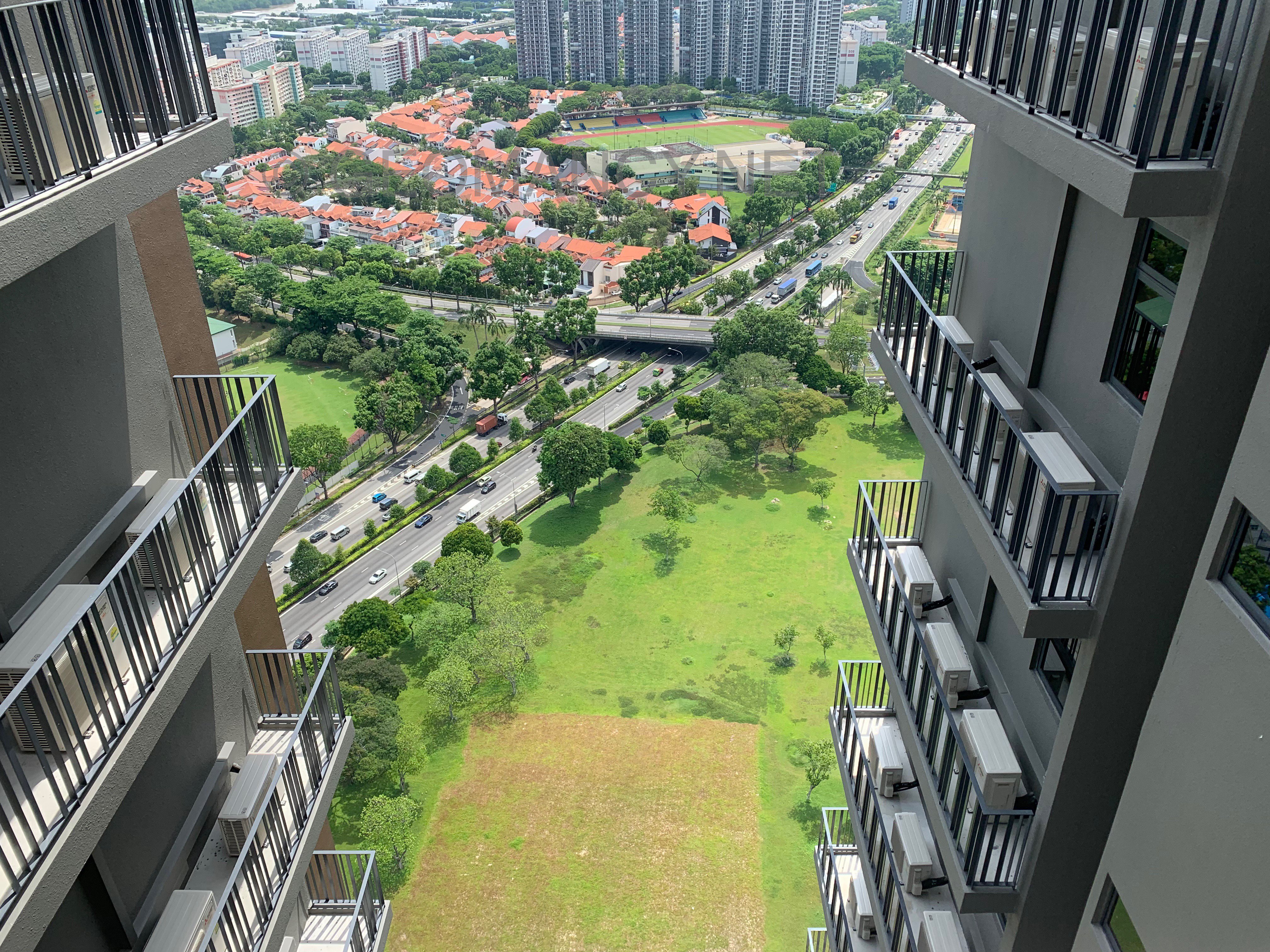
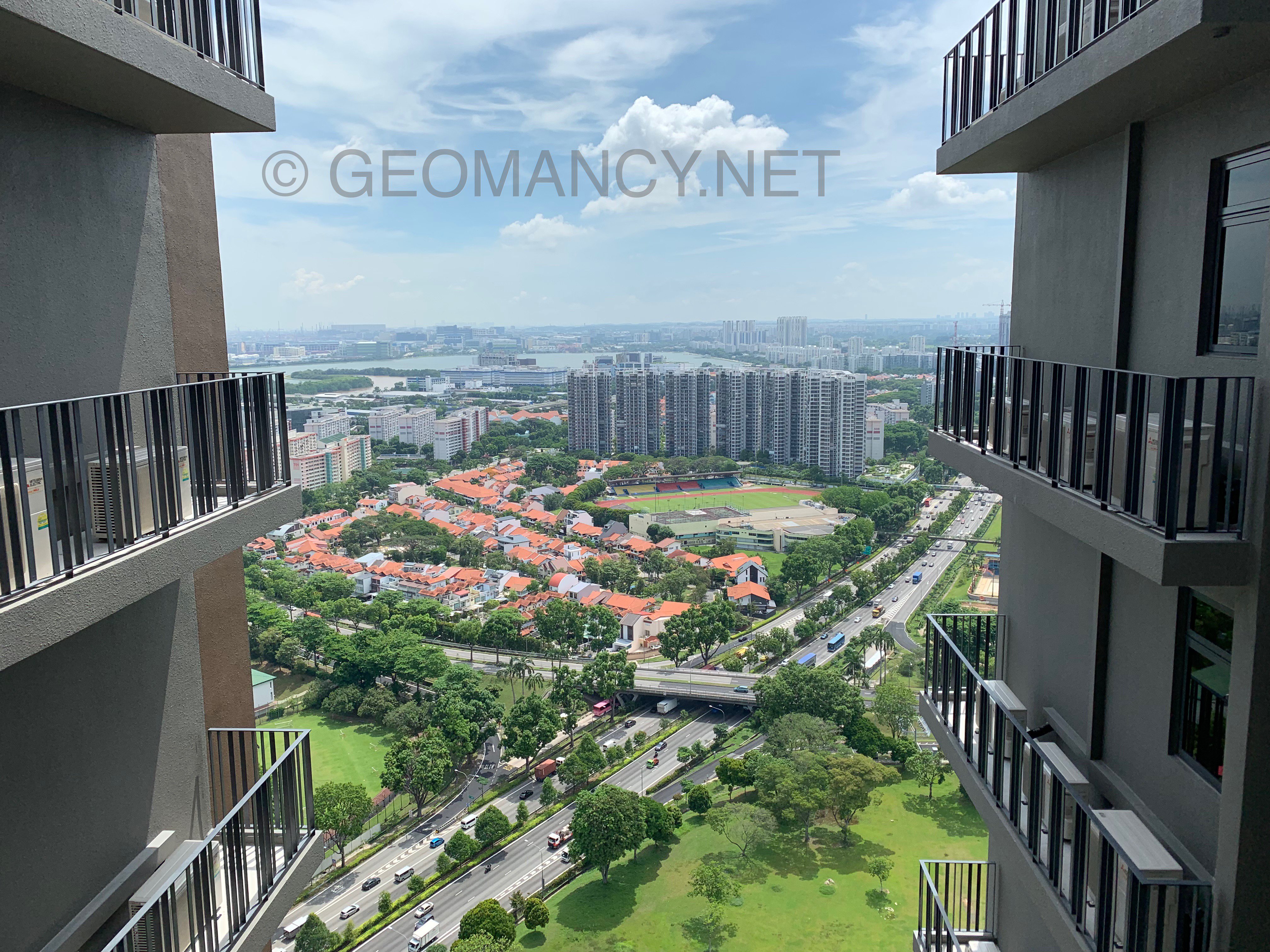
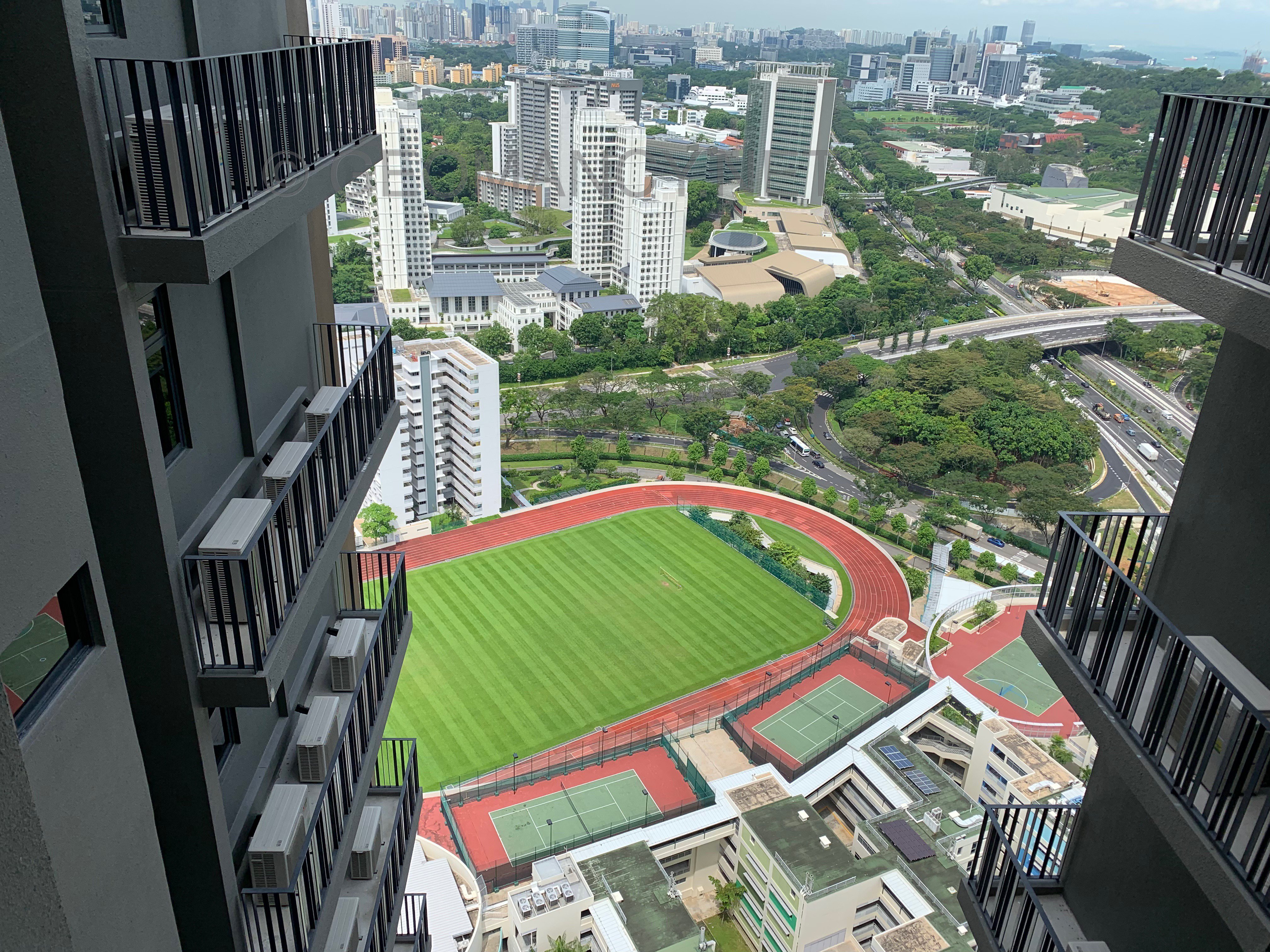
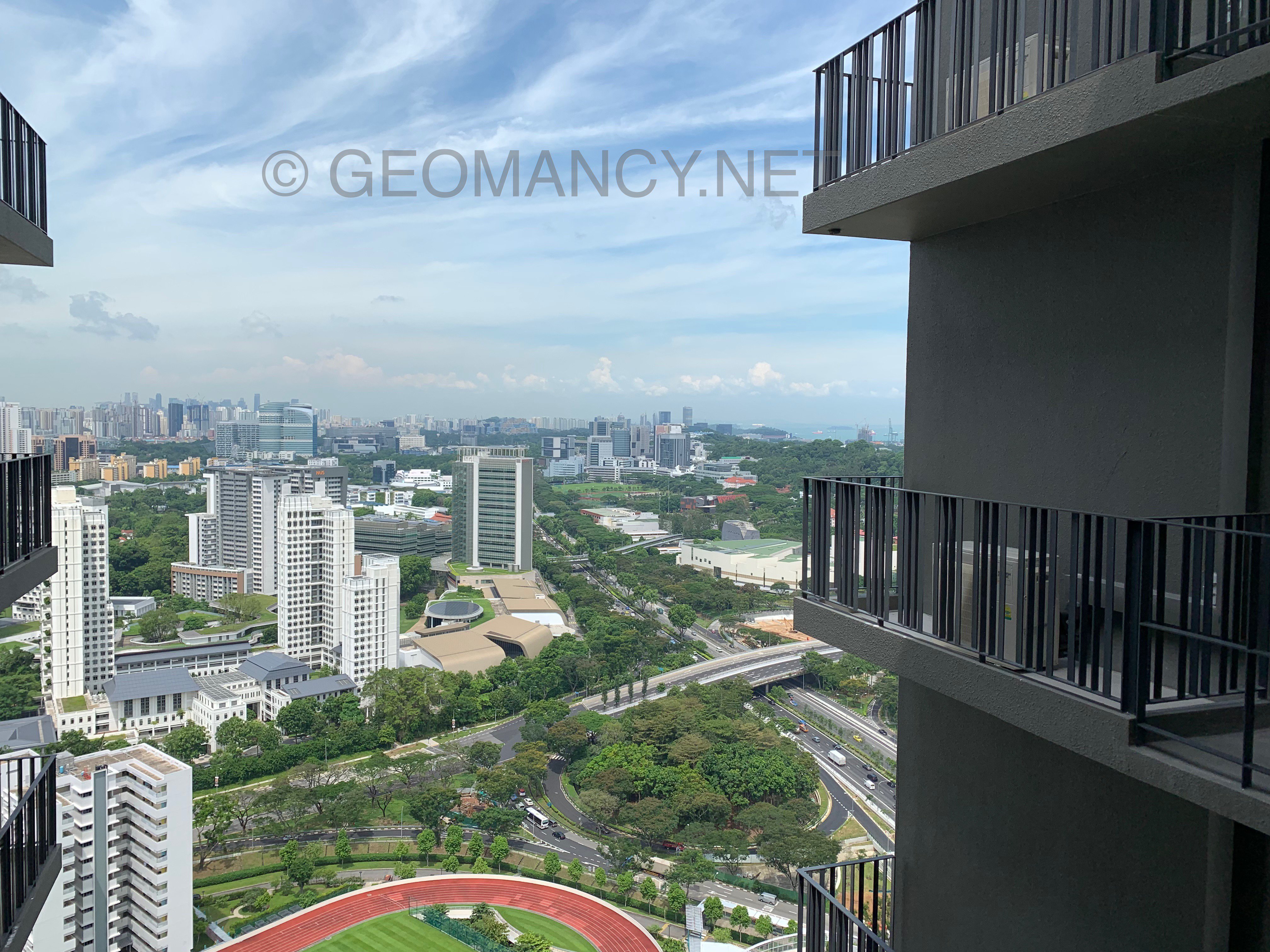
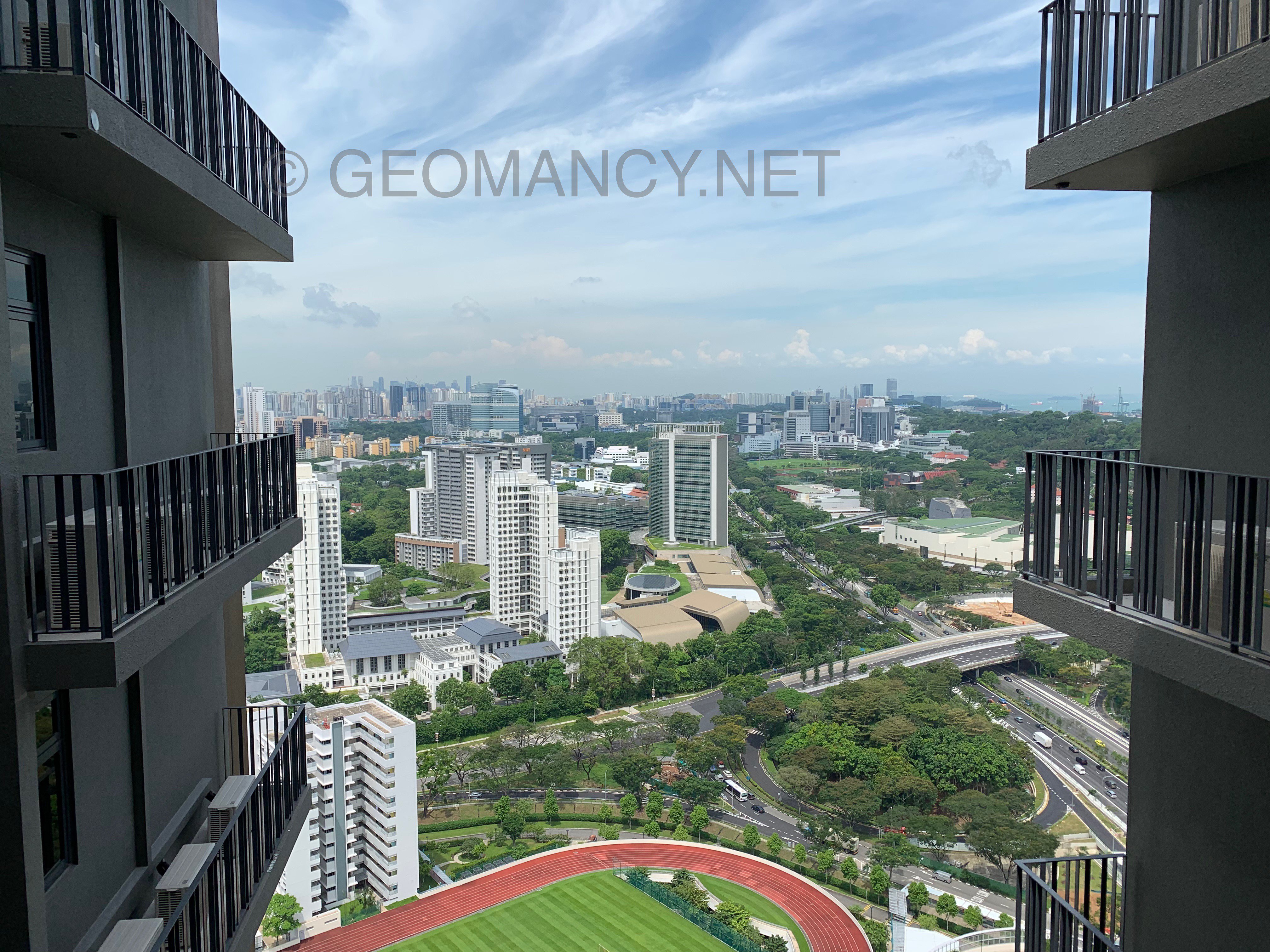
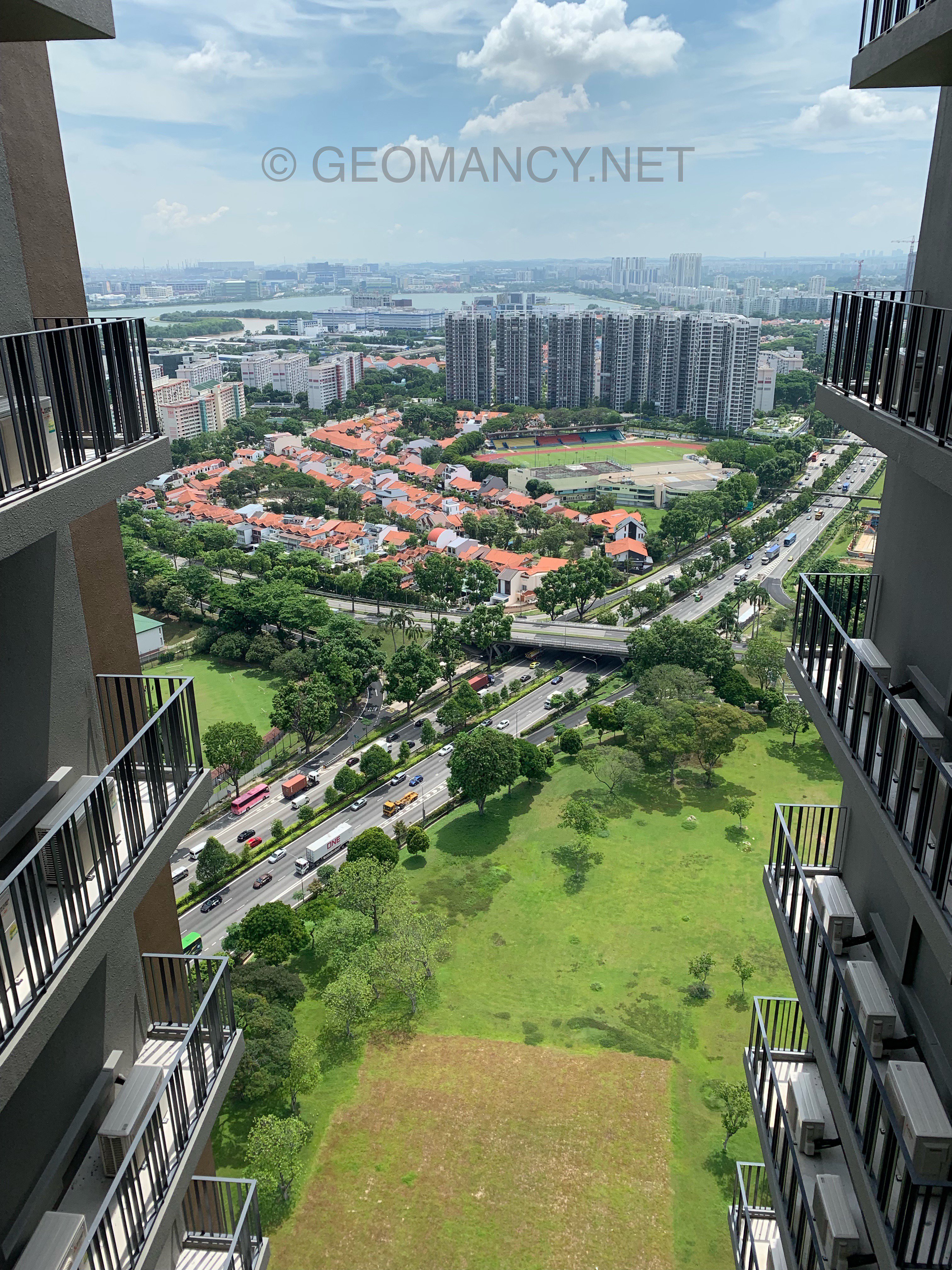
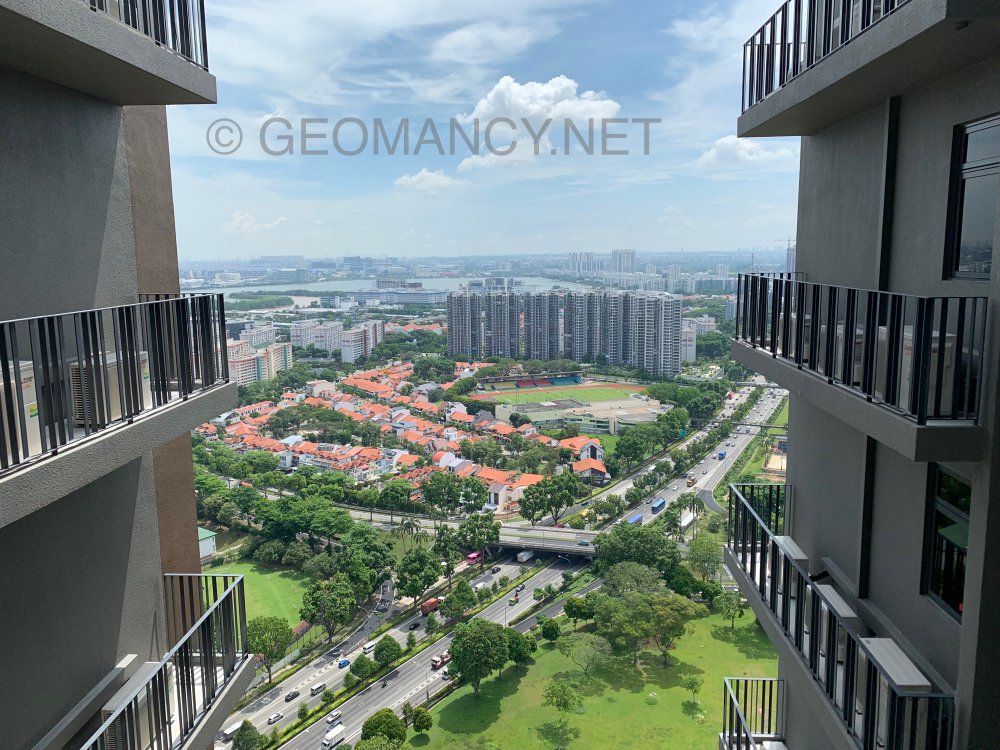
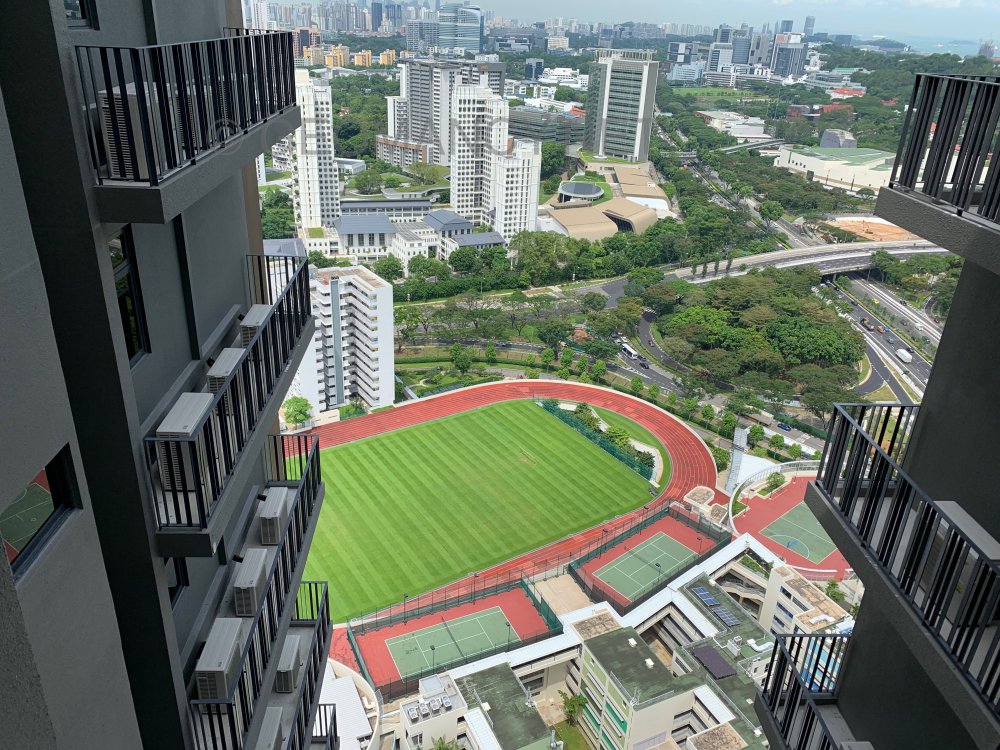
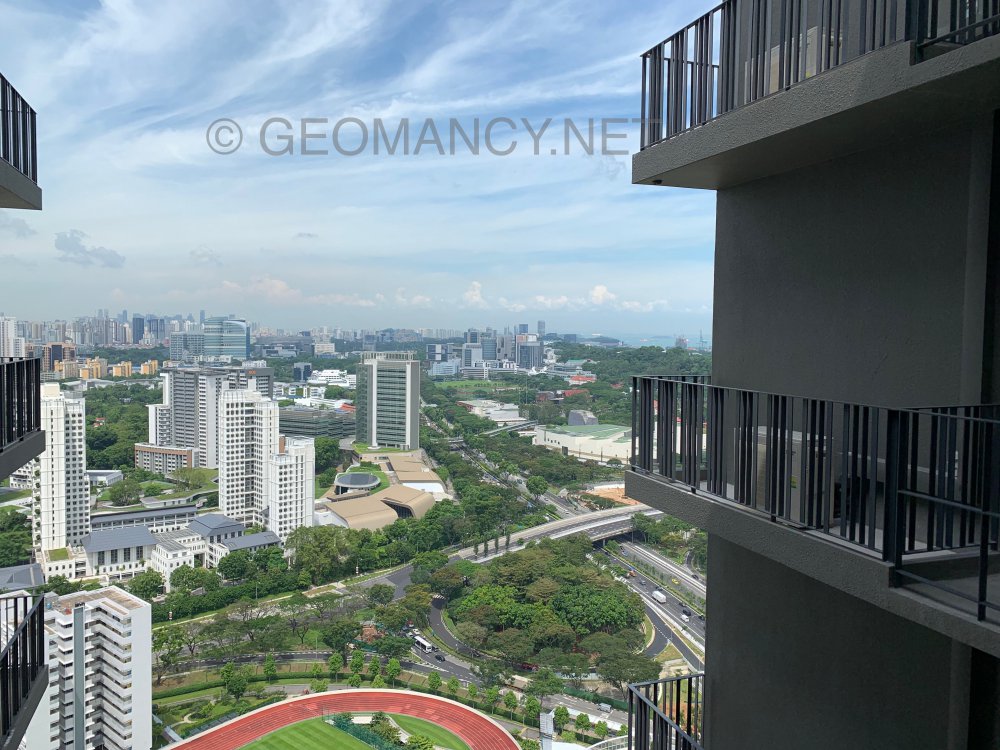
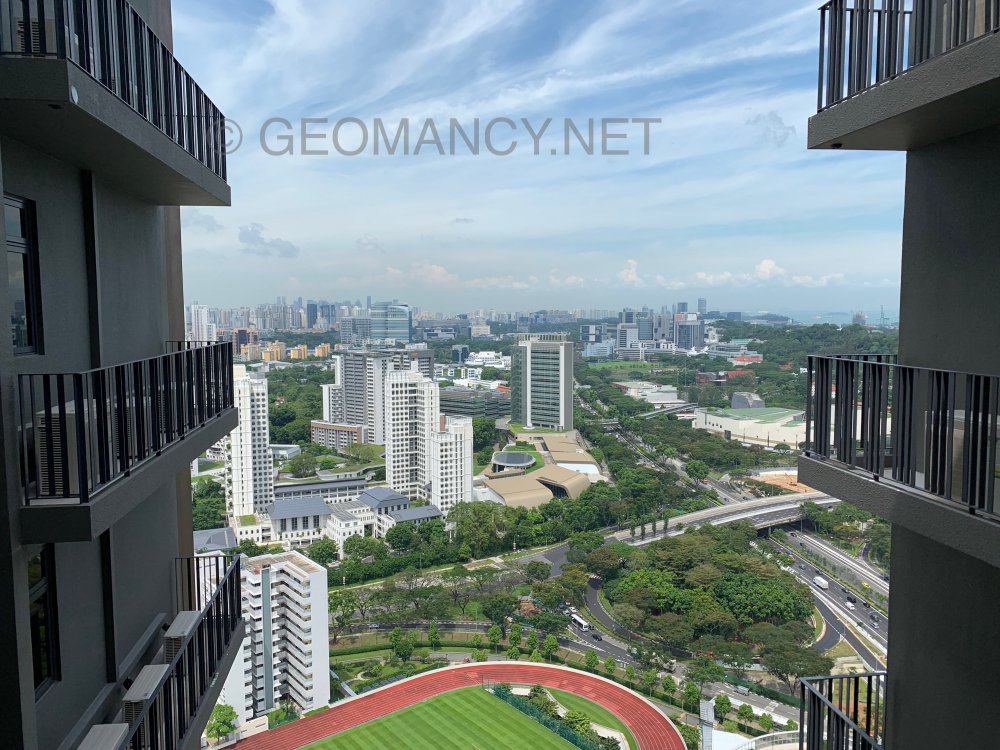
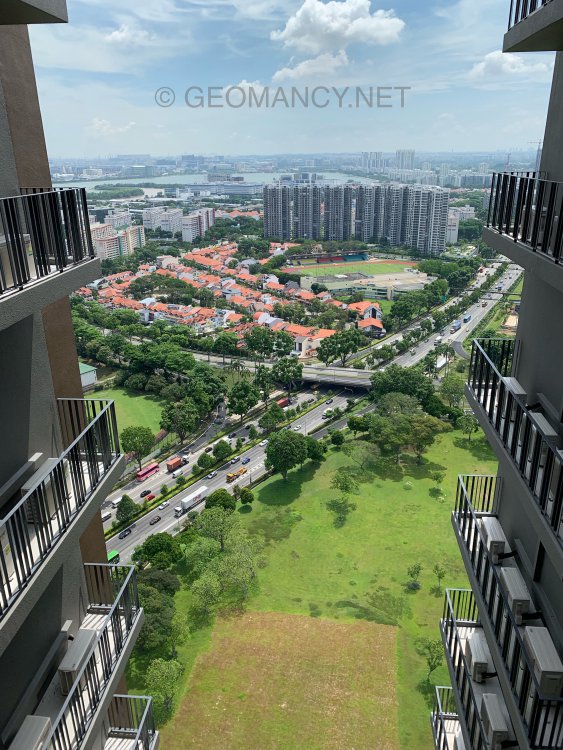
 Not great given that there is a Mountain Star #5 = misfortune/sickness. It also depends on the layout from one level towards the other. If there is no major "air circulation" predominantly via this spiral staircase, this is good. As especially #5 is locked up in such a situation. But you described it as "BIG" hmmm.. One saving grace is that the Water Star #4 = represents wood element. Wood helps to reduce this #5 or weaken this strong earth element abit. How good or how bad depends on one or more of these: https://www.geomancy.net/wiki/Feng_Shui_Triage https://www.geomancy.net/wiki/The_Concept_of_Maximizing_Marks etc...Common corridor views from Block 16: This empty field will pretty soon be transformed into a construction site for a new condominium... These views are from the eastern side of Block 16, showing NUS High School and, further beyond, the city area...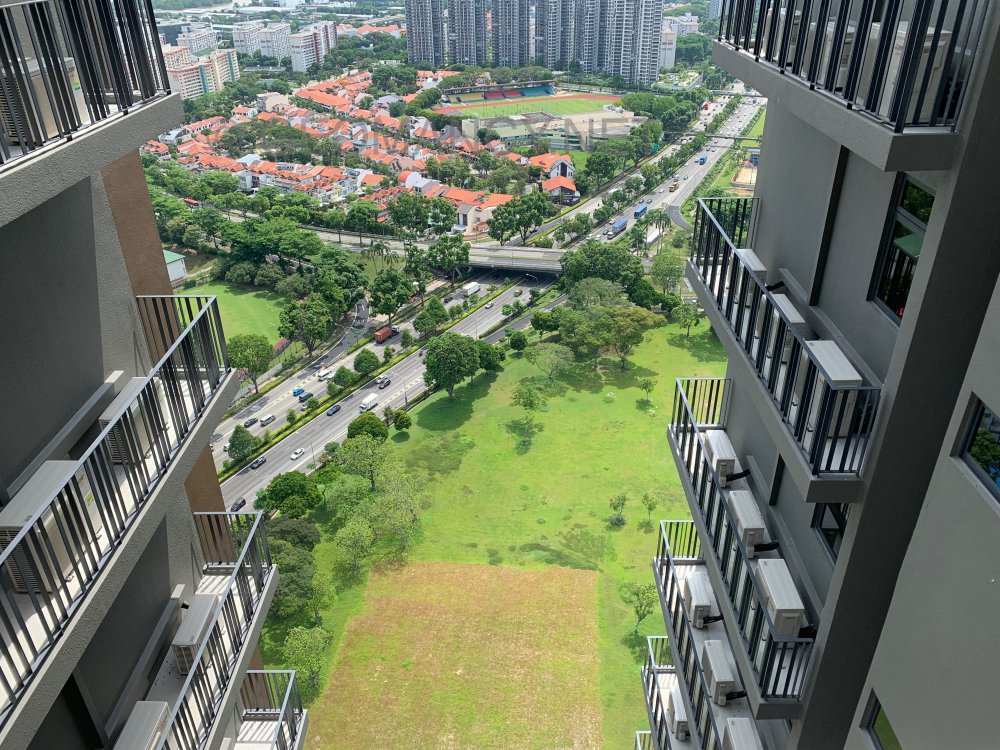
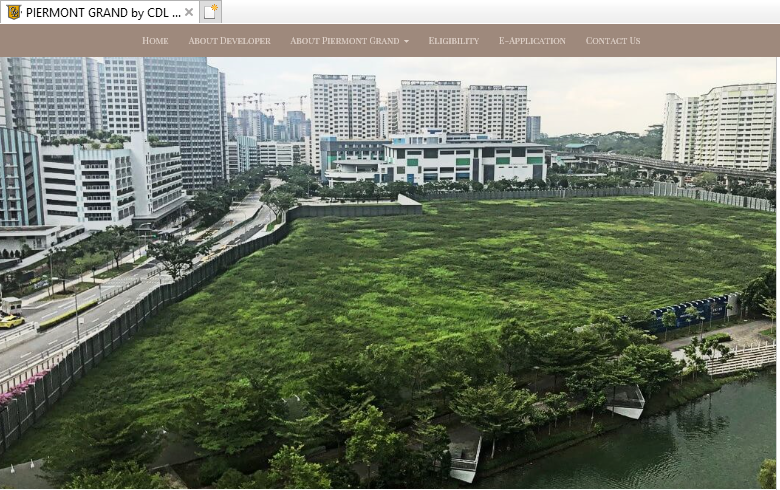
 Piermont Grand by CDL the only EC sold in 2019....
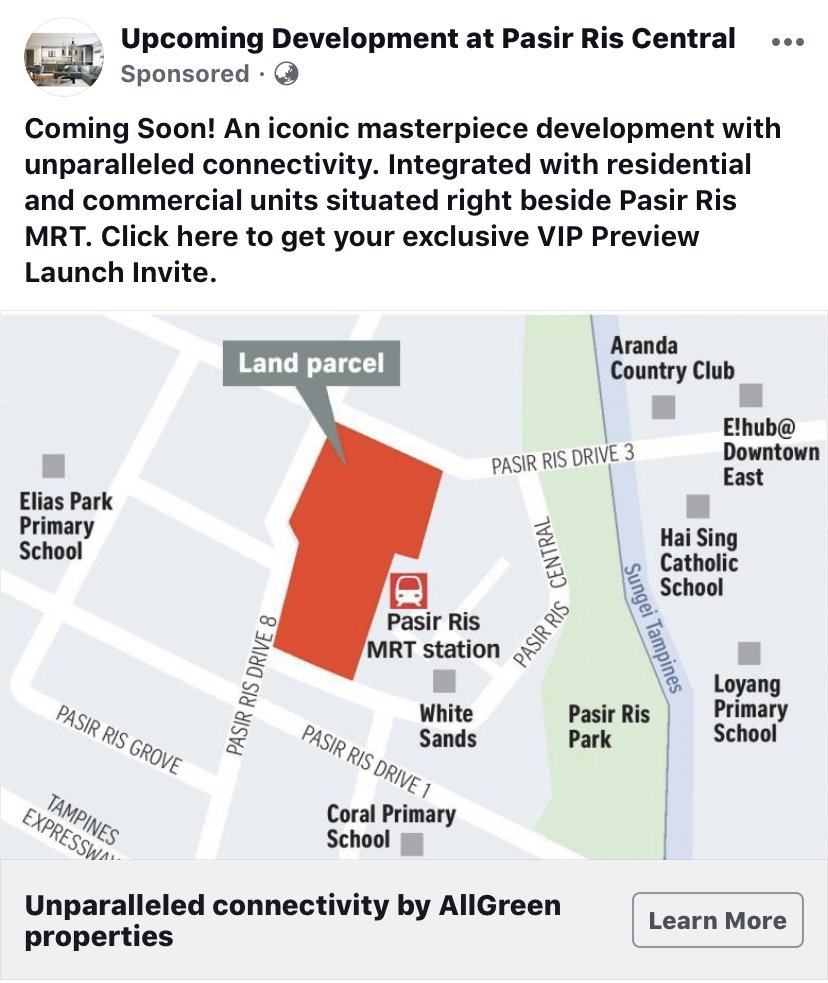
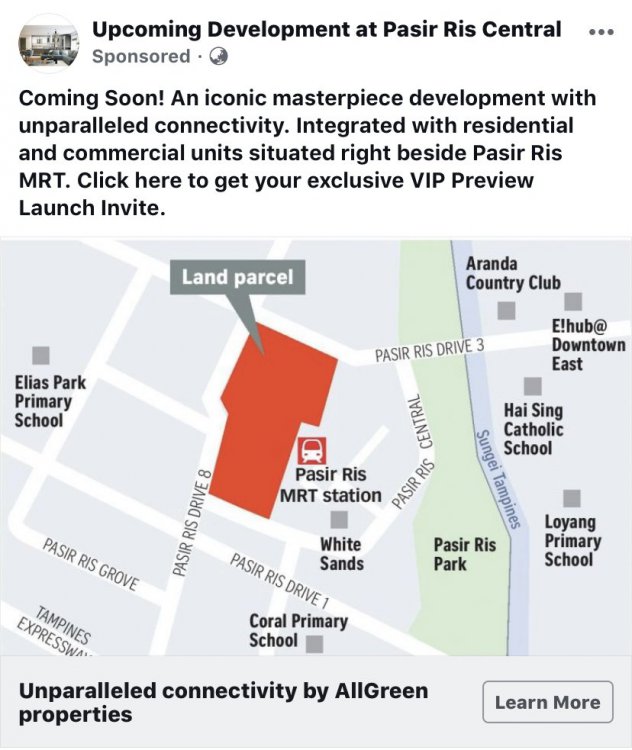
 By Allgreen Properties:-
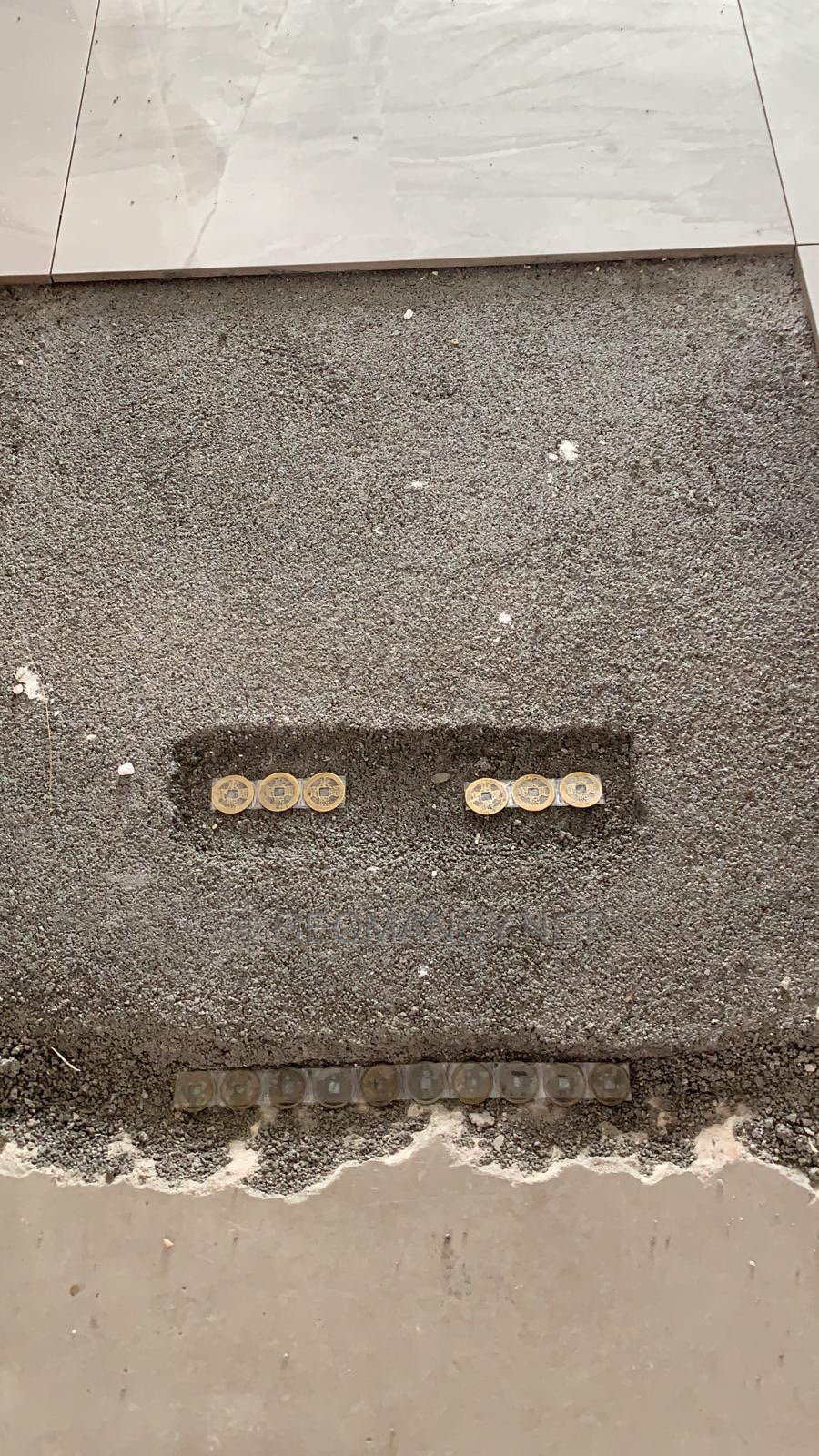
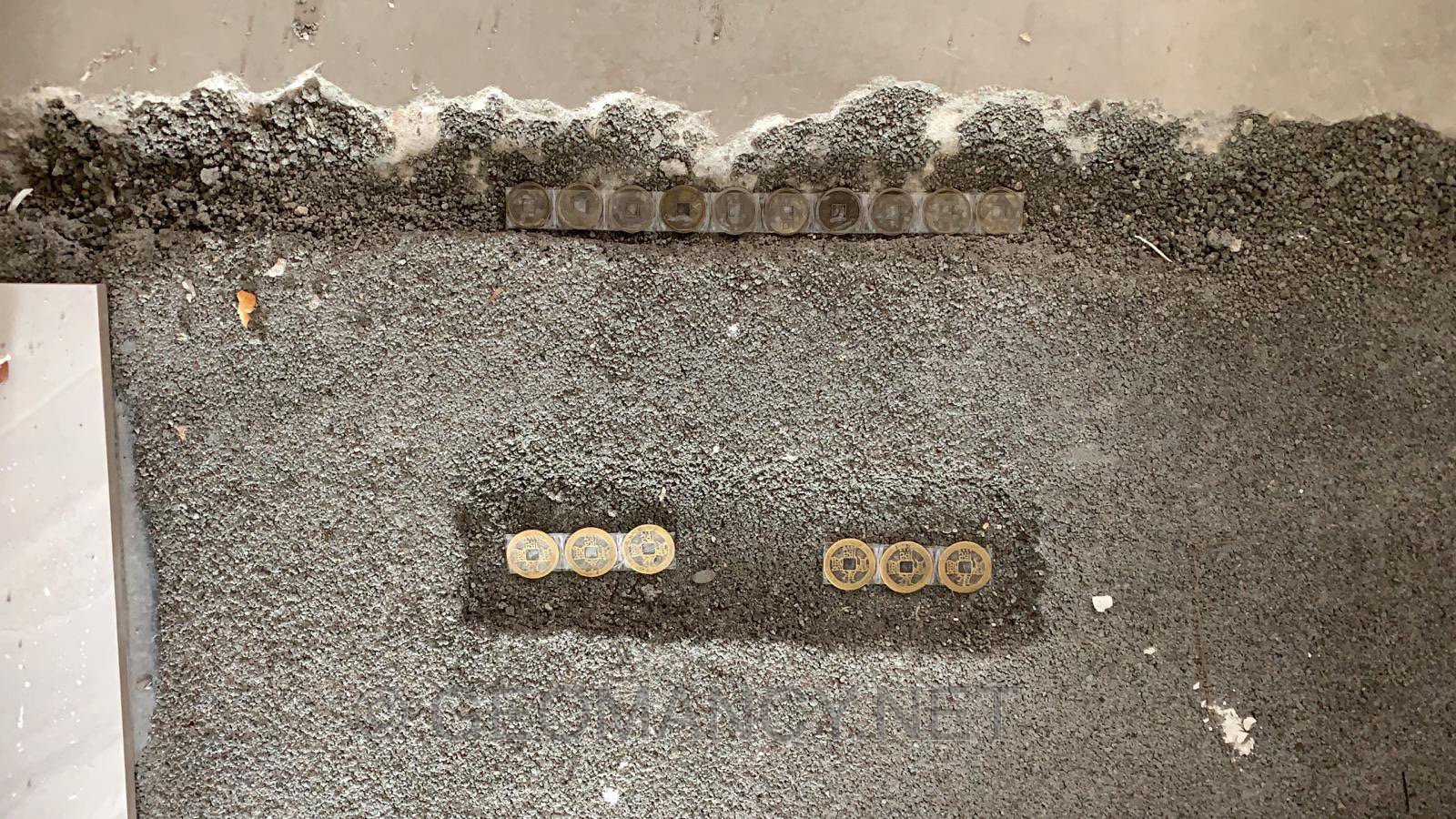
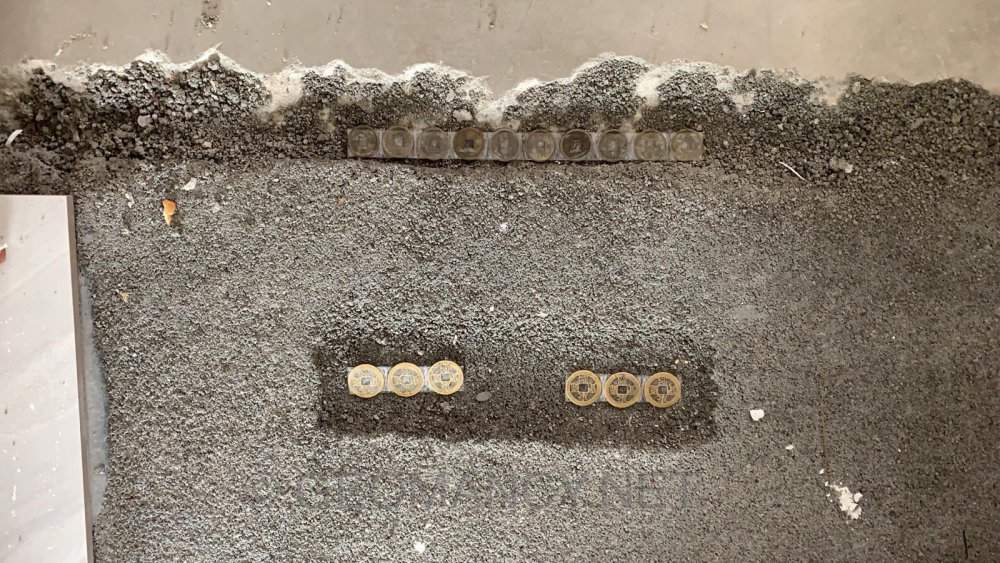
 Another coins placement exercise in a new HDB flat Note: Coins placement has nothing to do with Feng Shui. More of a custom and tradition. Even for other certain cultures... for example, in Malaysia, a straits settlement coin was found on a concrete pillar where the KAMPONG house was dismantled. This coin was placed onto the wood support between it and the concrete support pillar. Some Buddhist Temples practise placement of such treasures at all four corners of a premise for luck. Overall, this placement should be considered as Symbolic of “ placing wealth”. Thus nothing to do with religious practices (if any).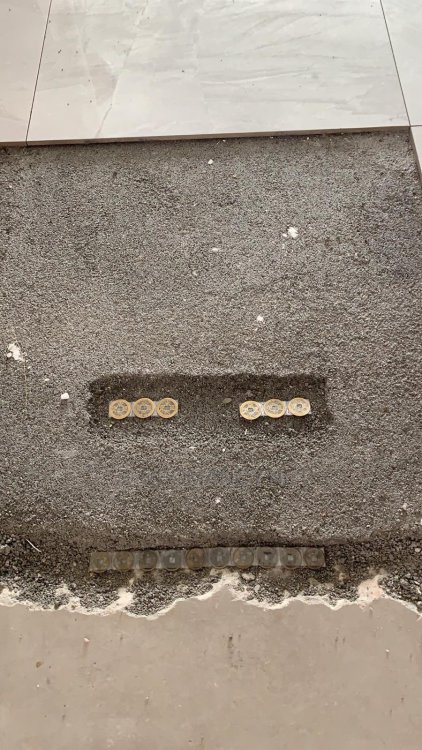
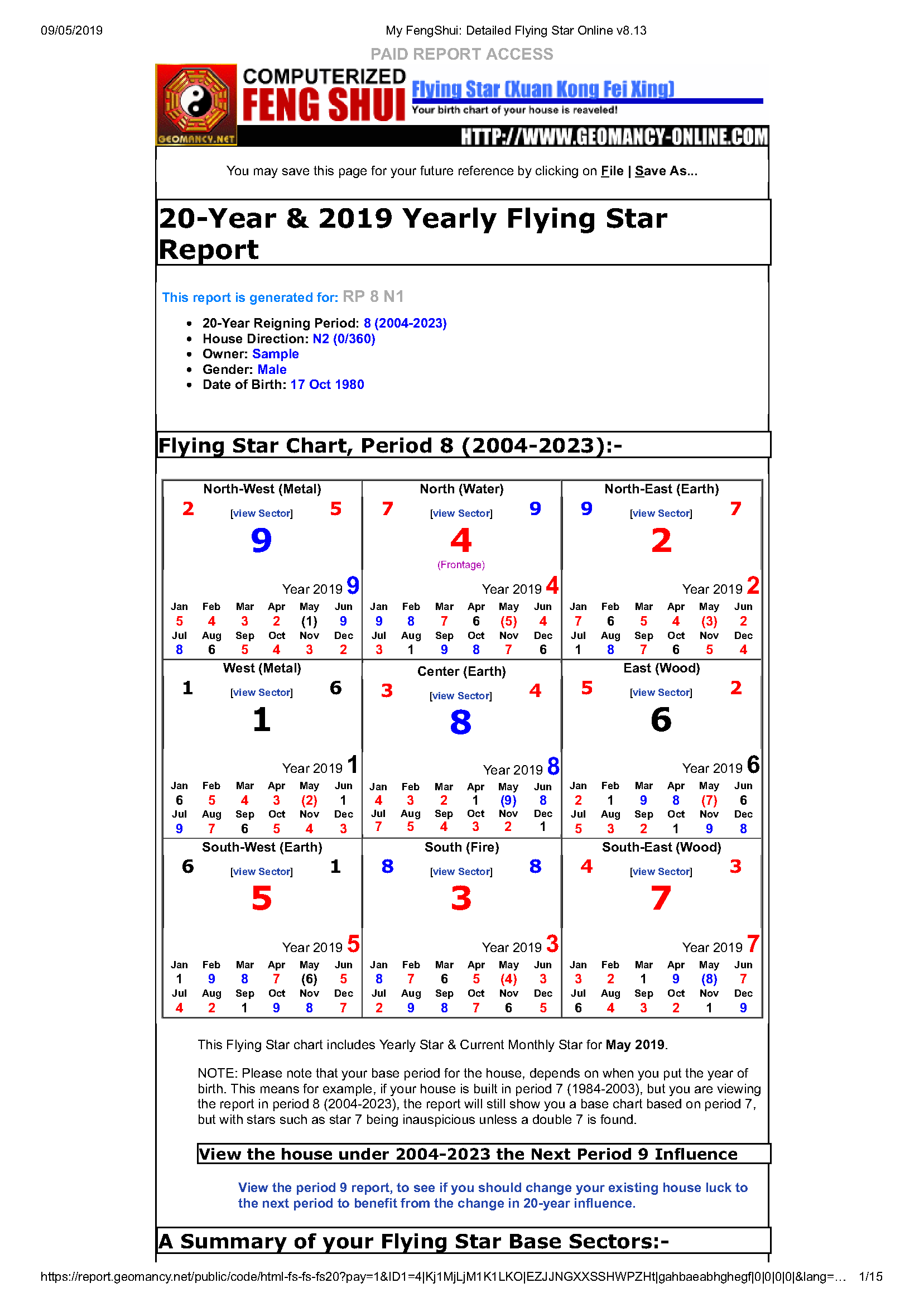
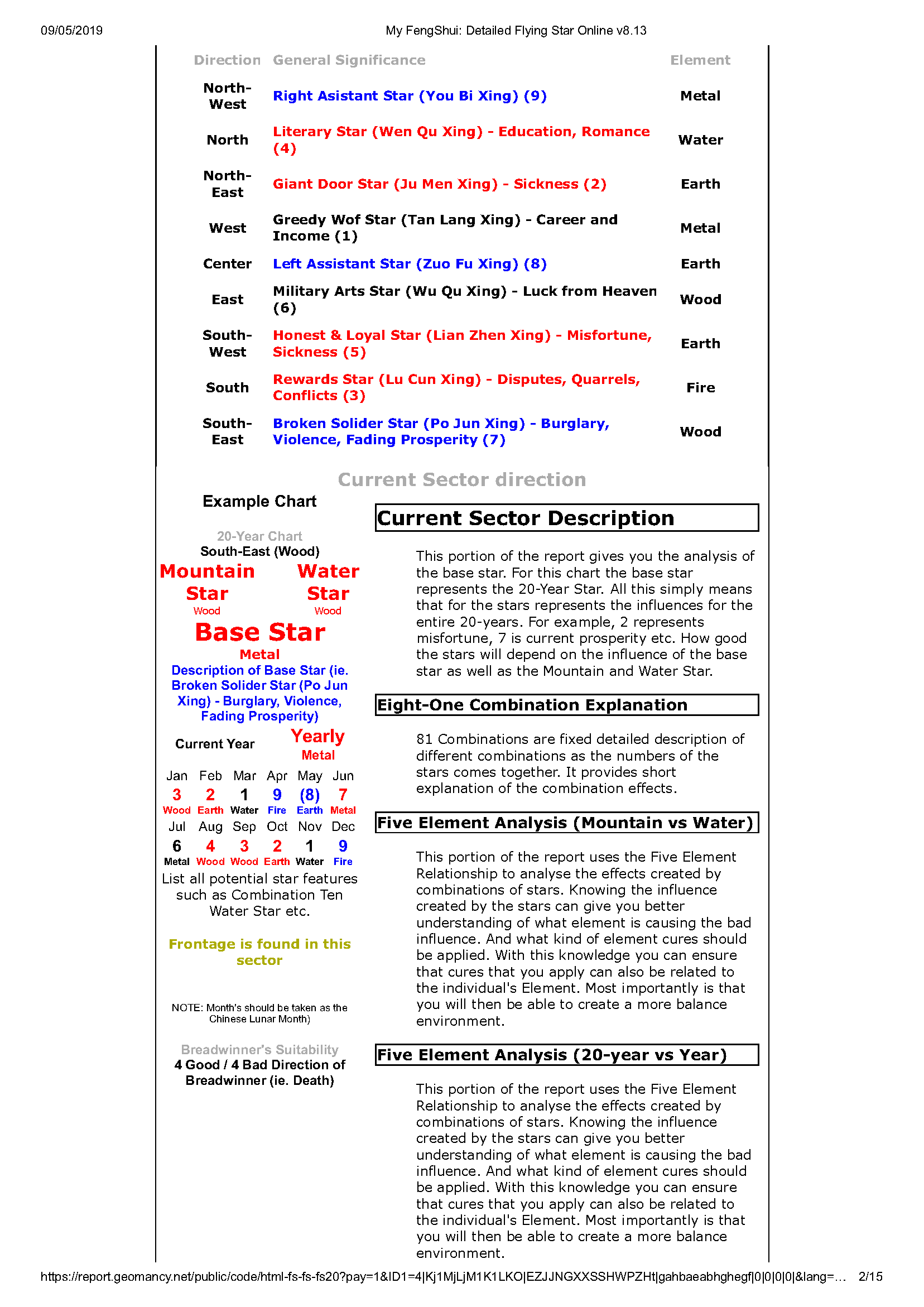
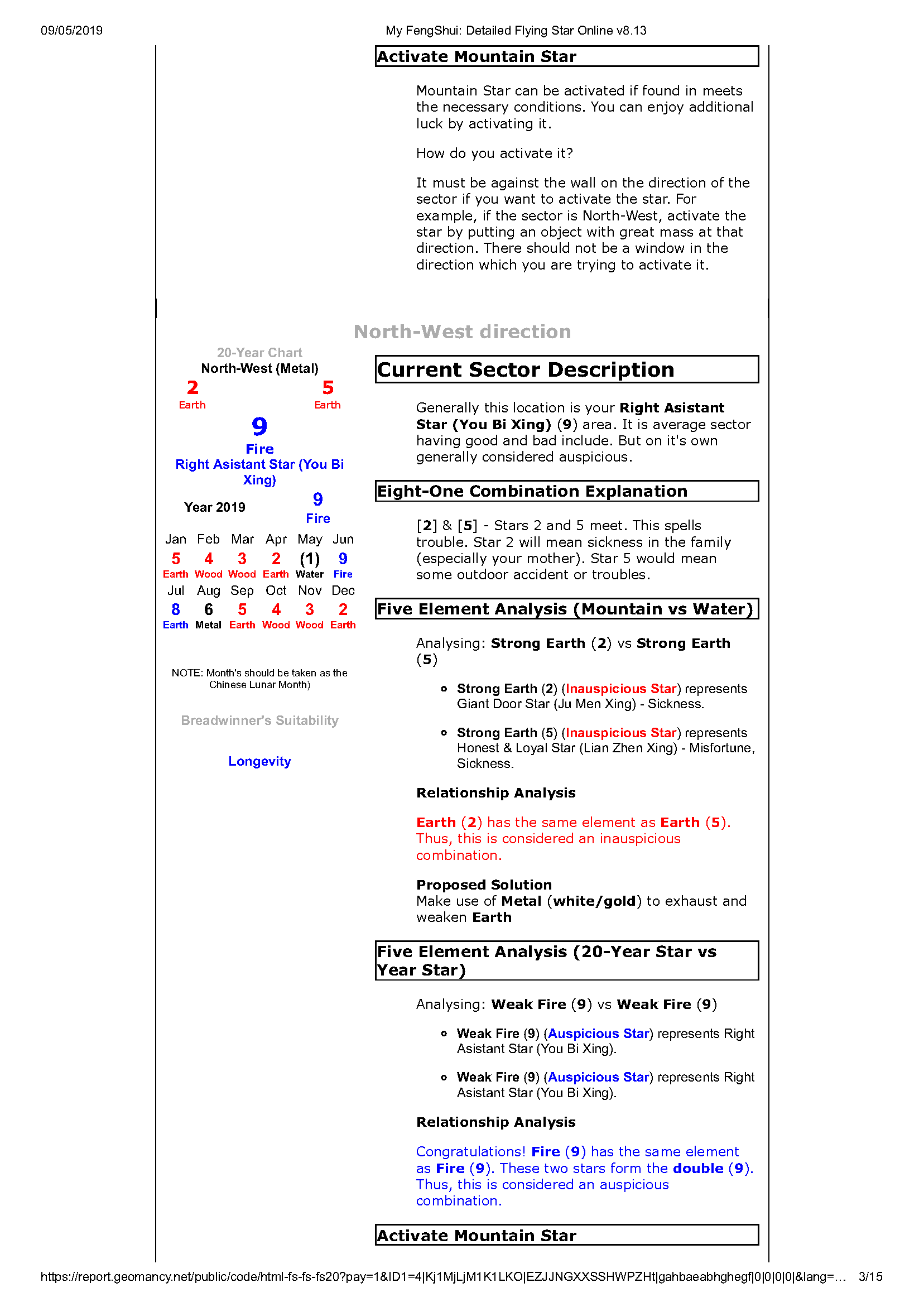
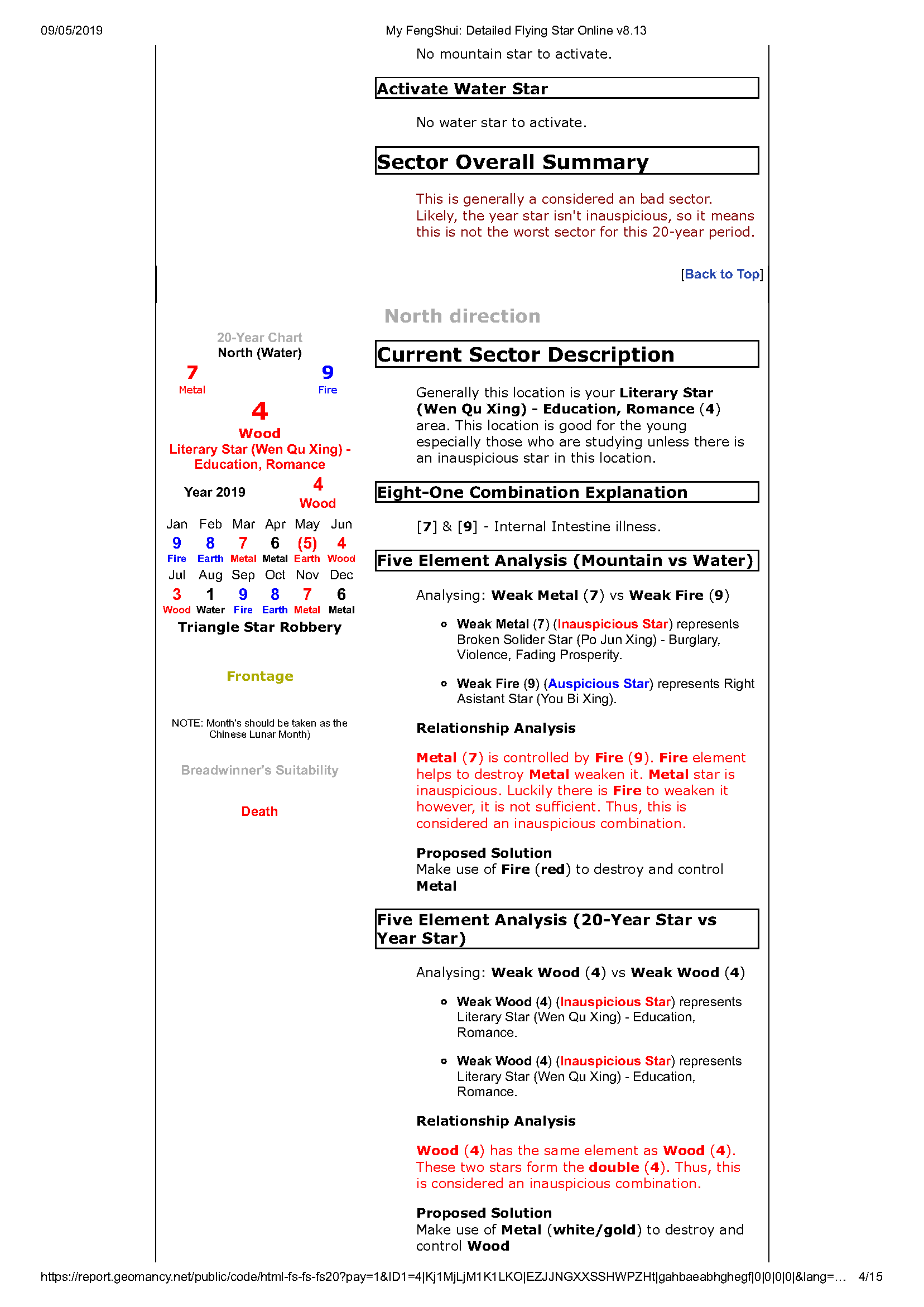
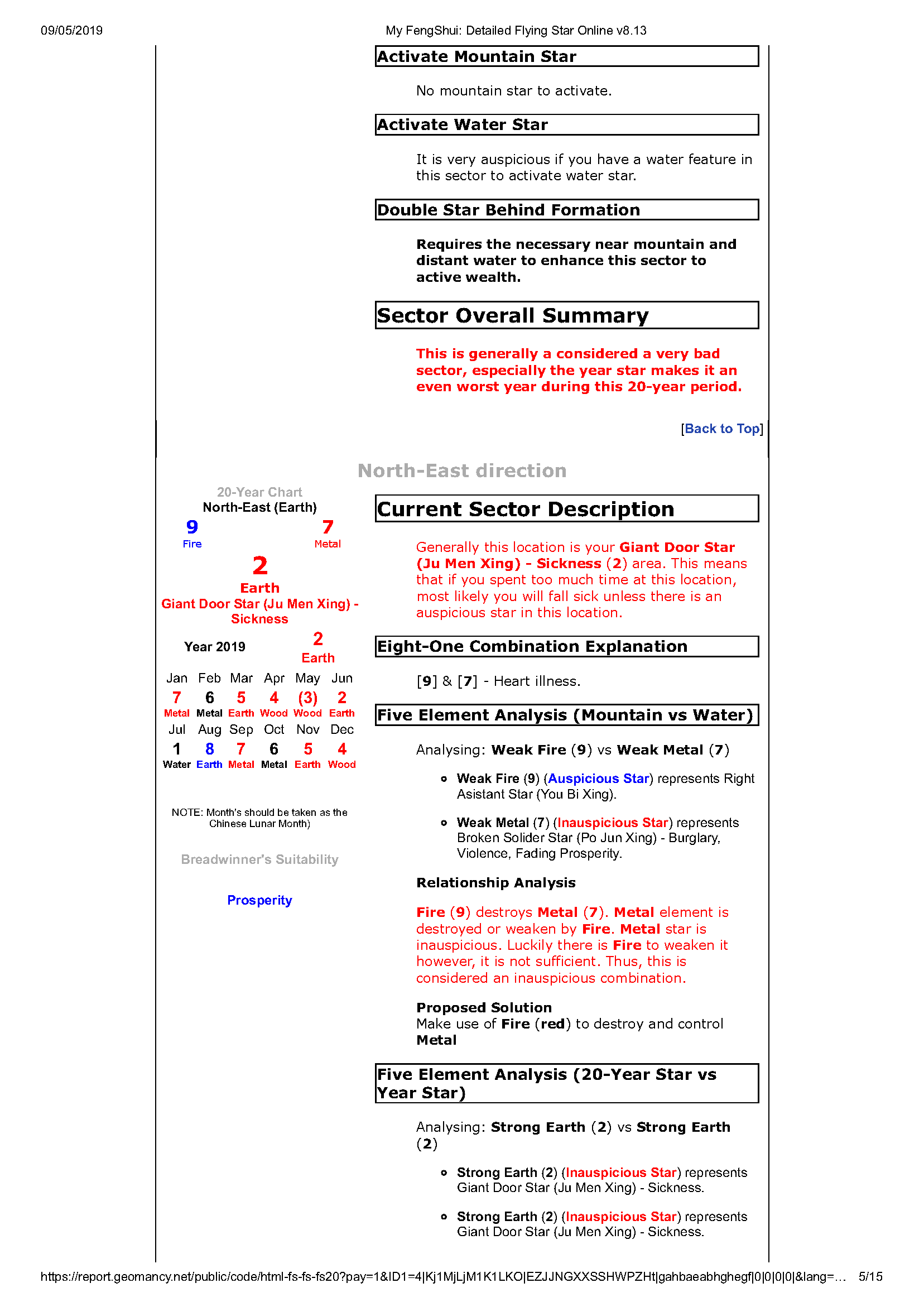
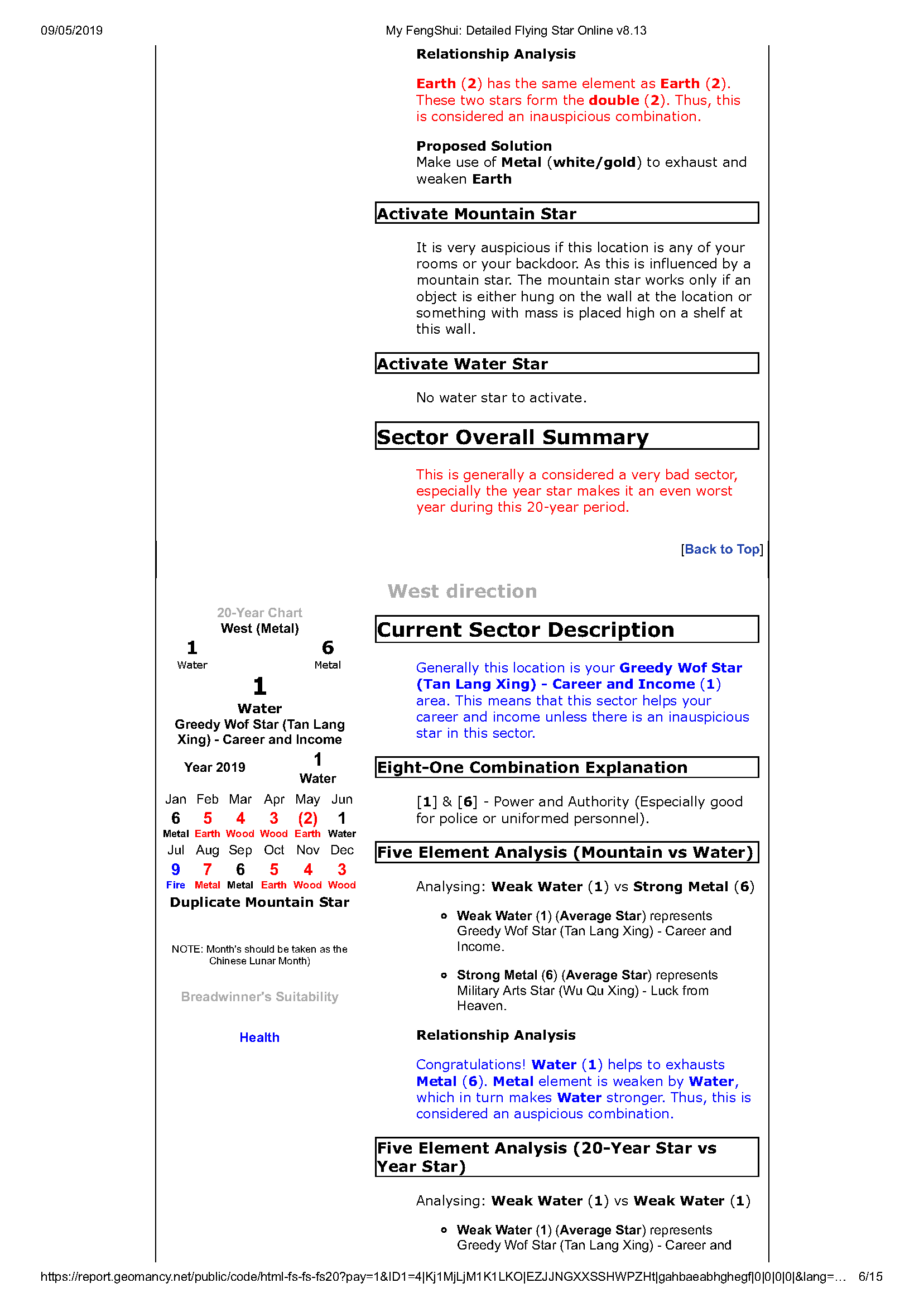
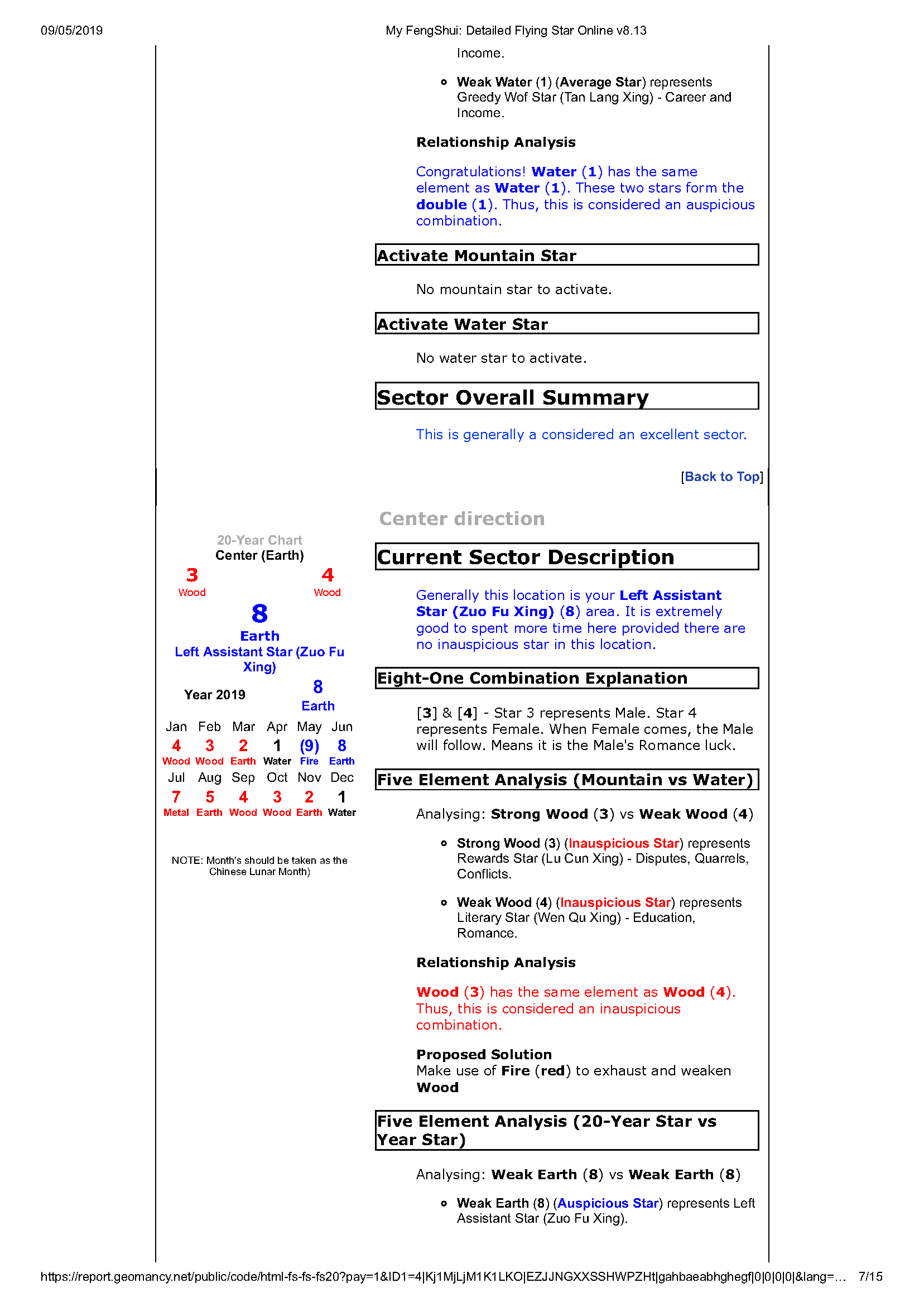
 Same report as above (in .png) or graphic format:-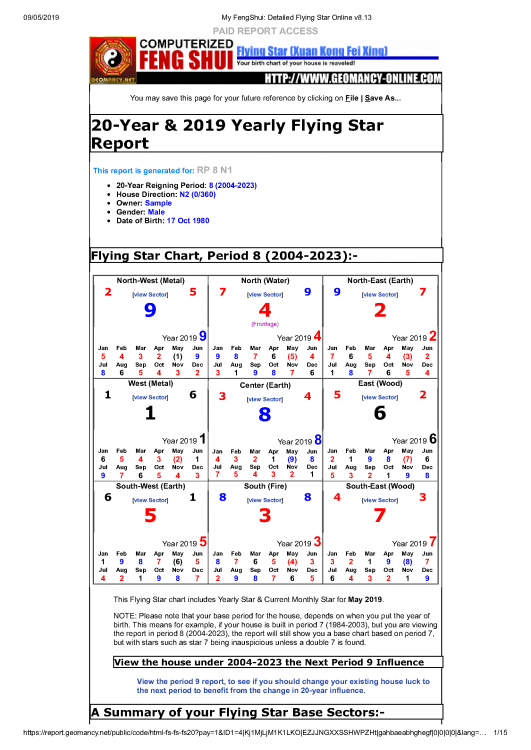
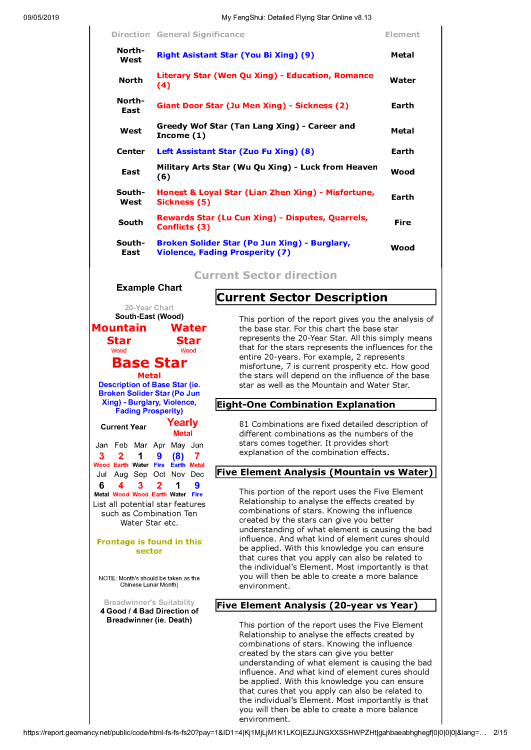
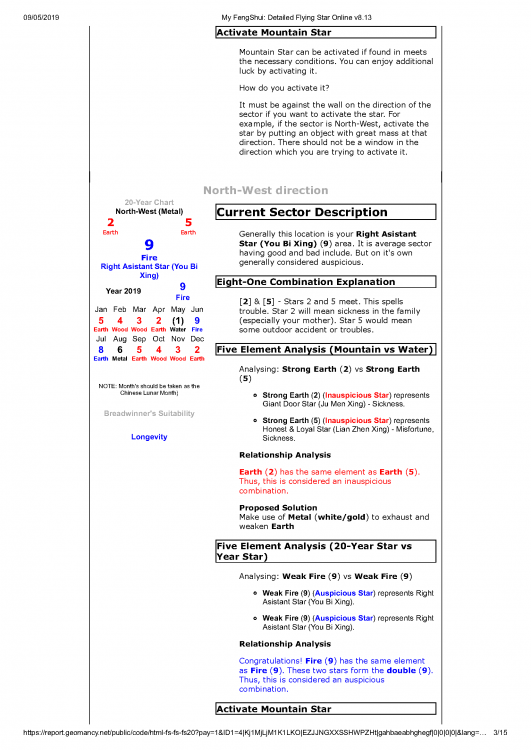
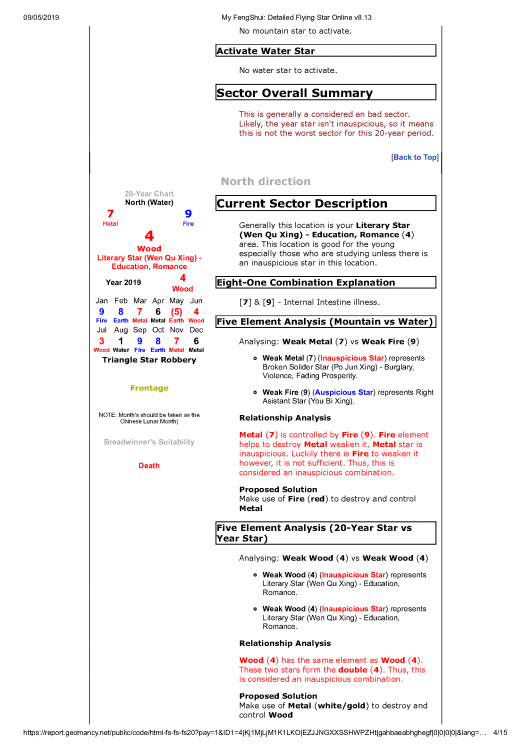
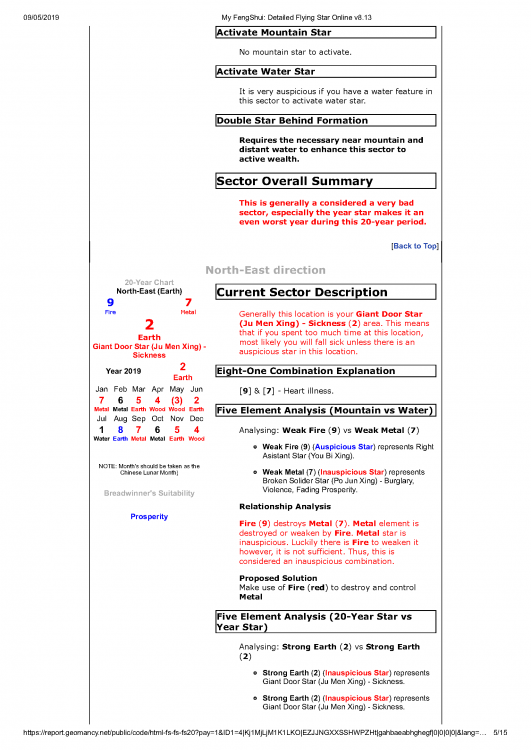
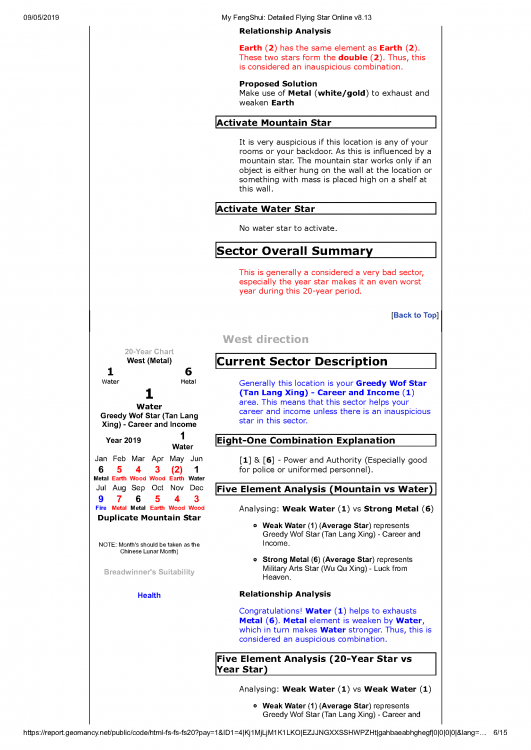
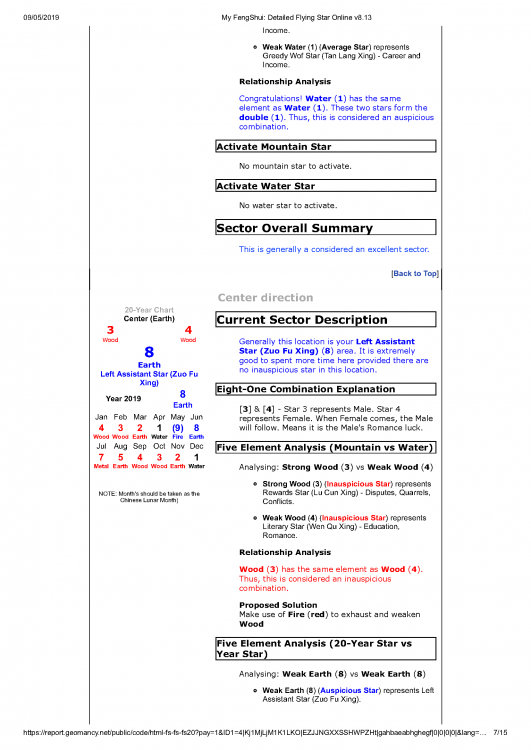
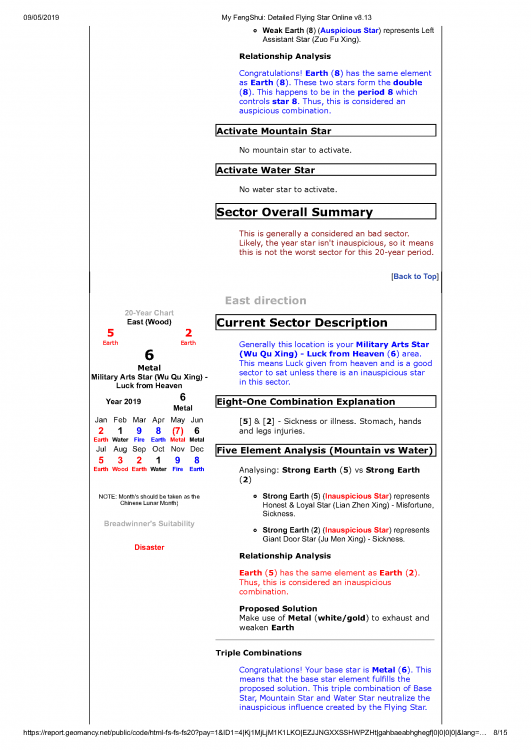
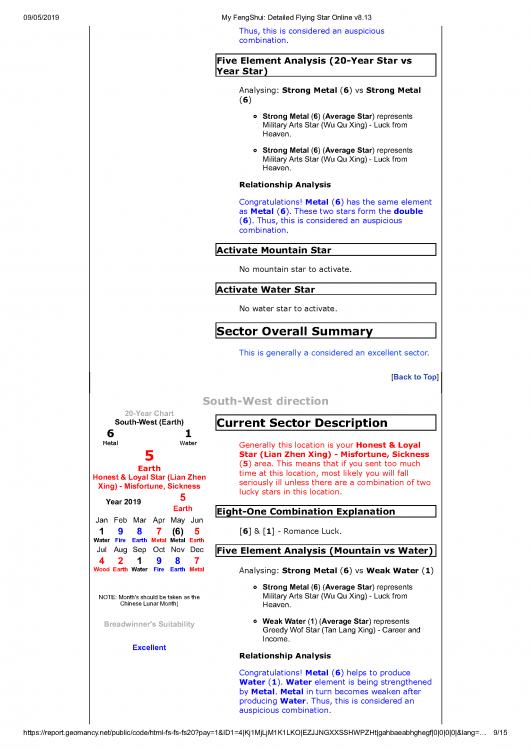
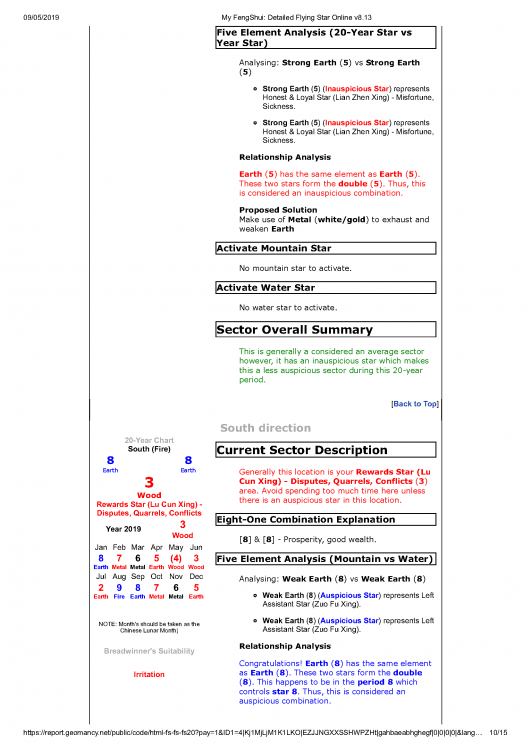
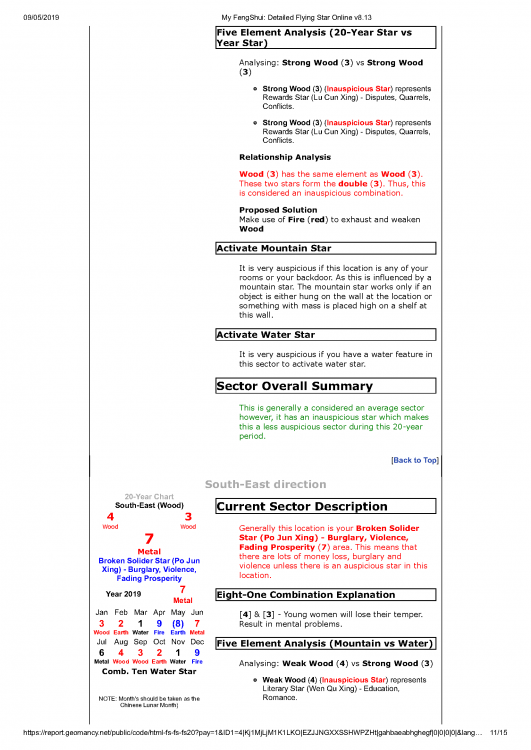
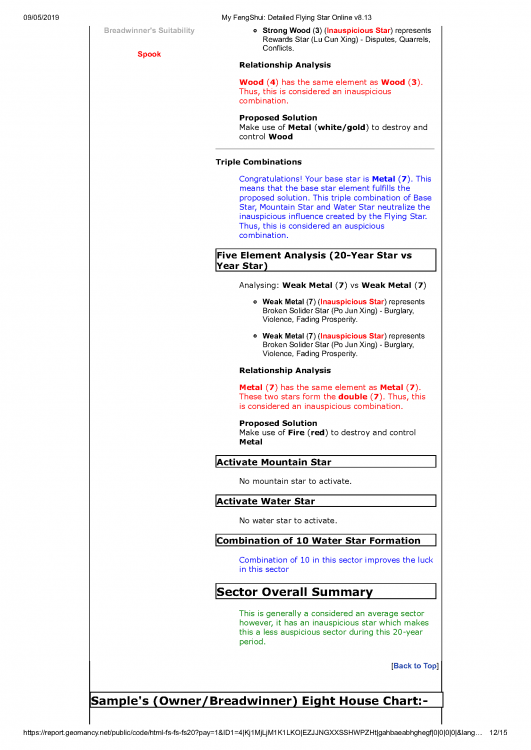
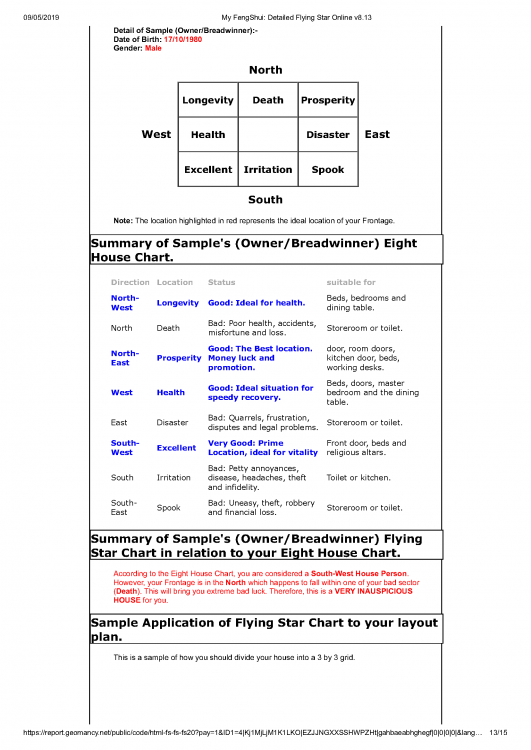
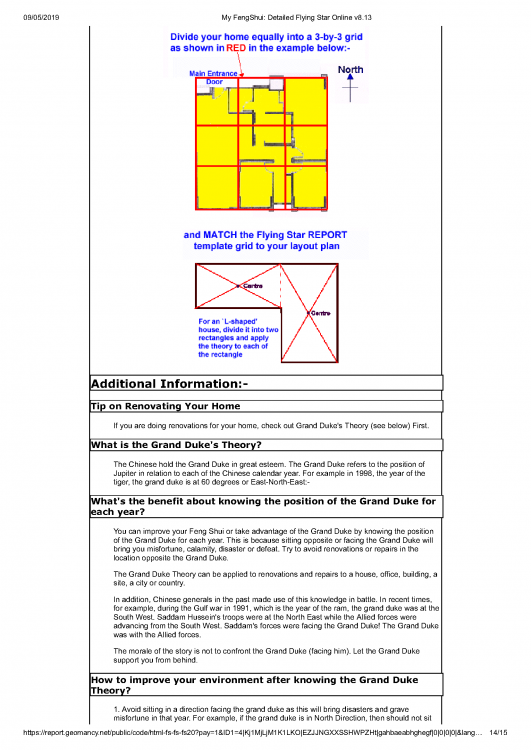
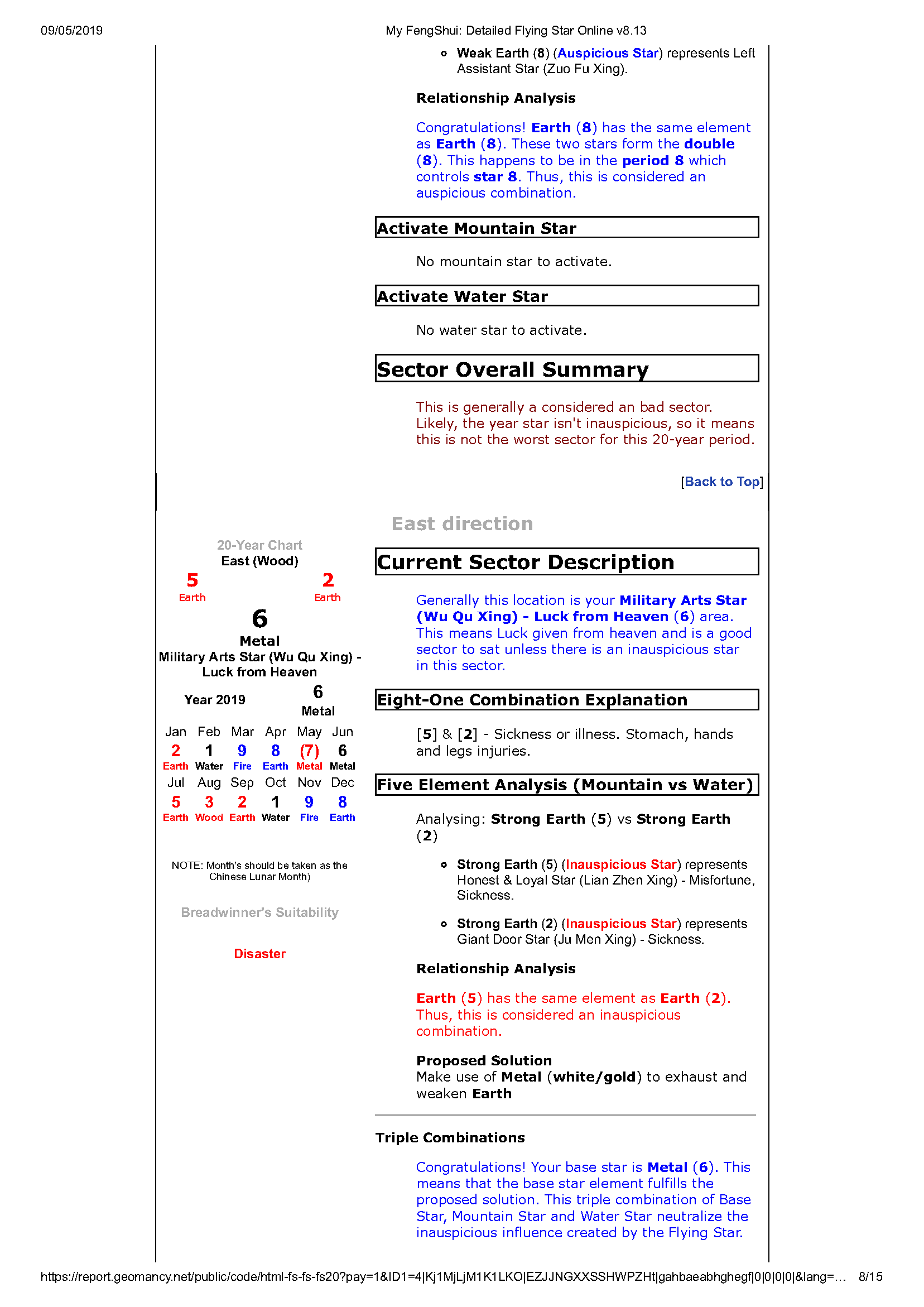
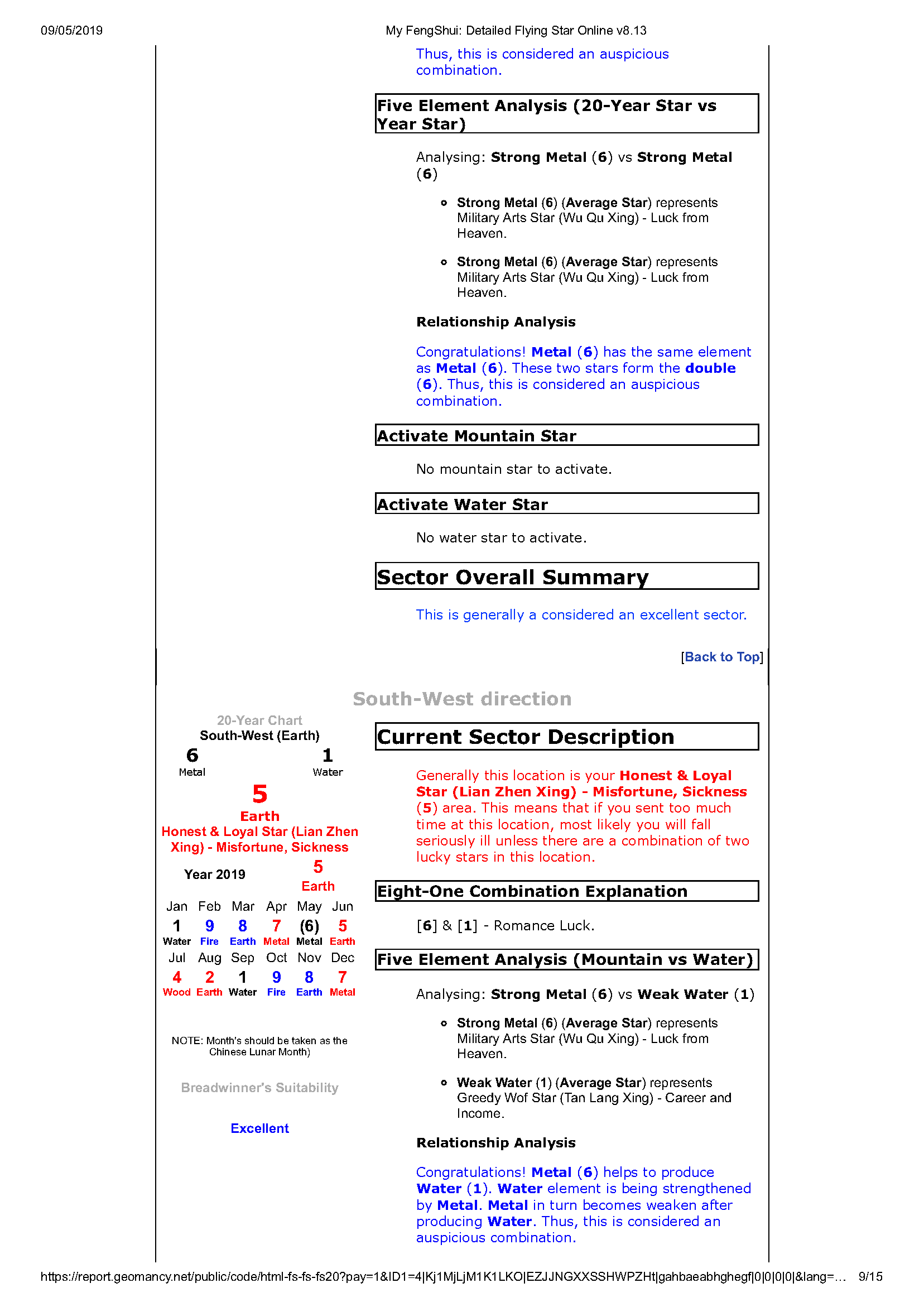
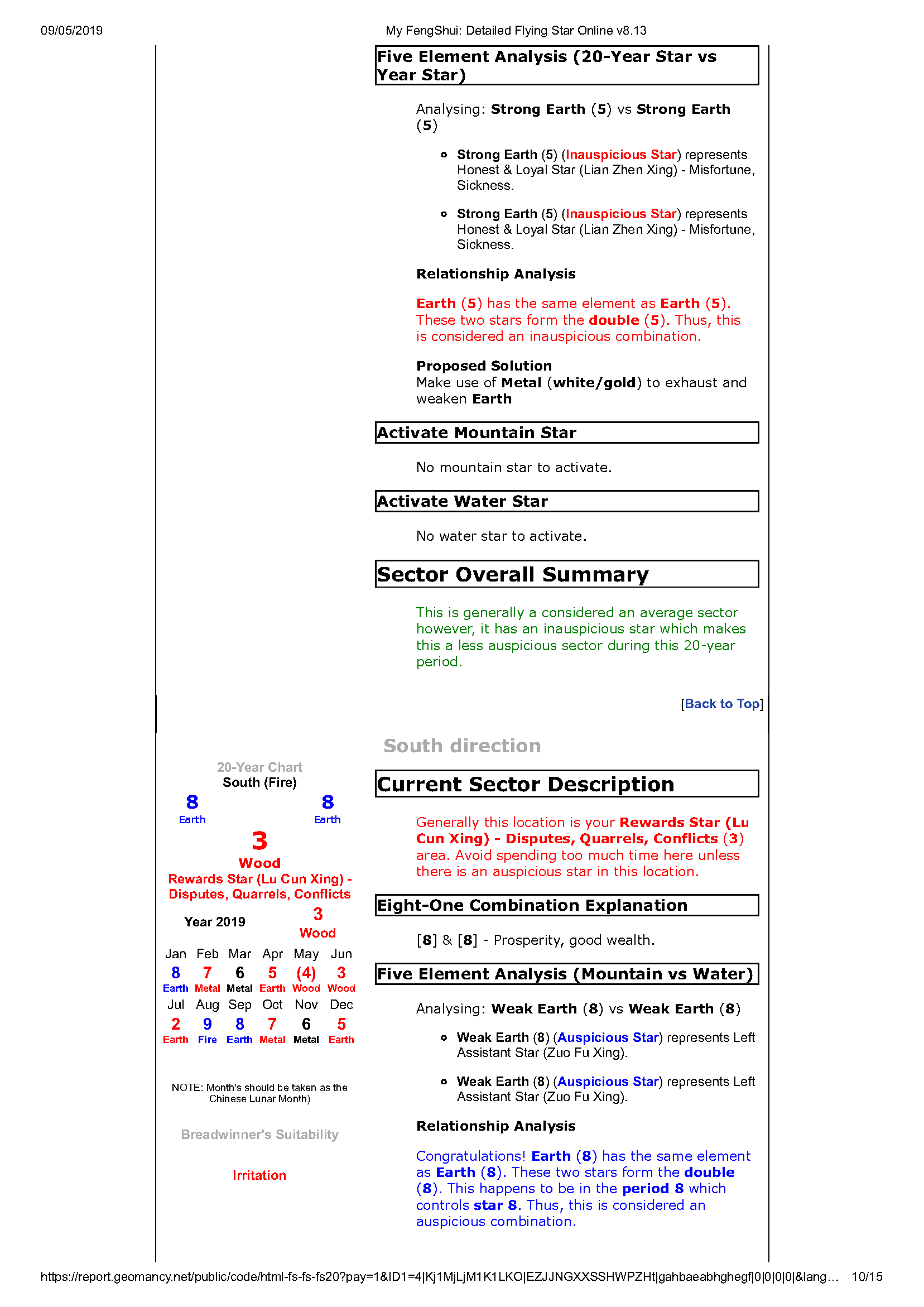
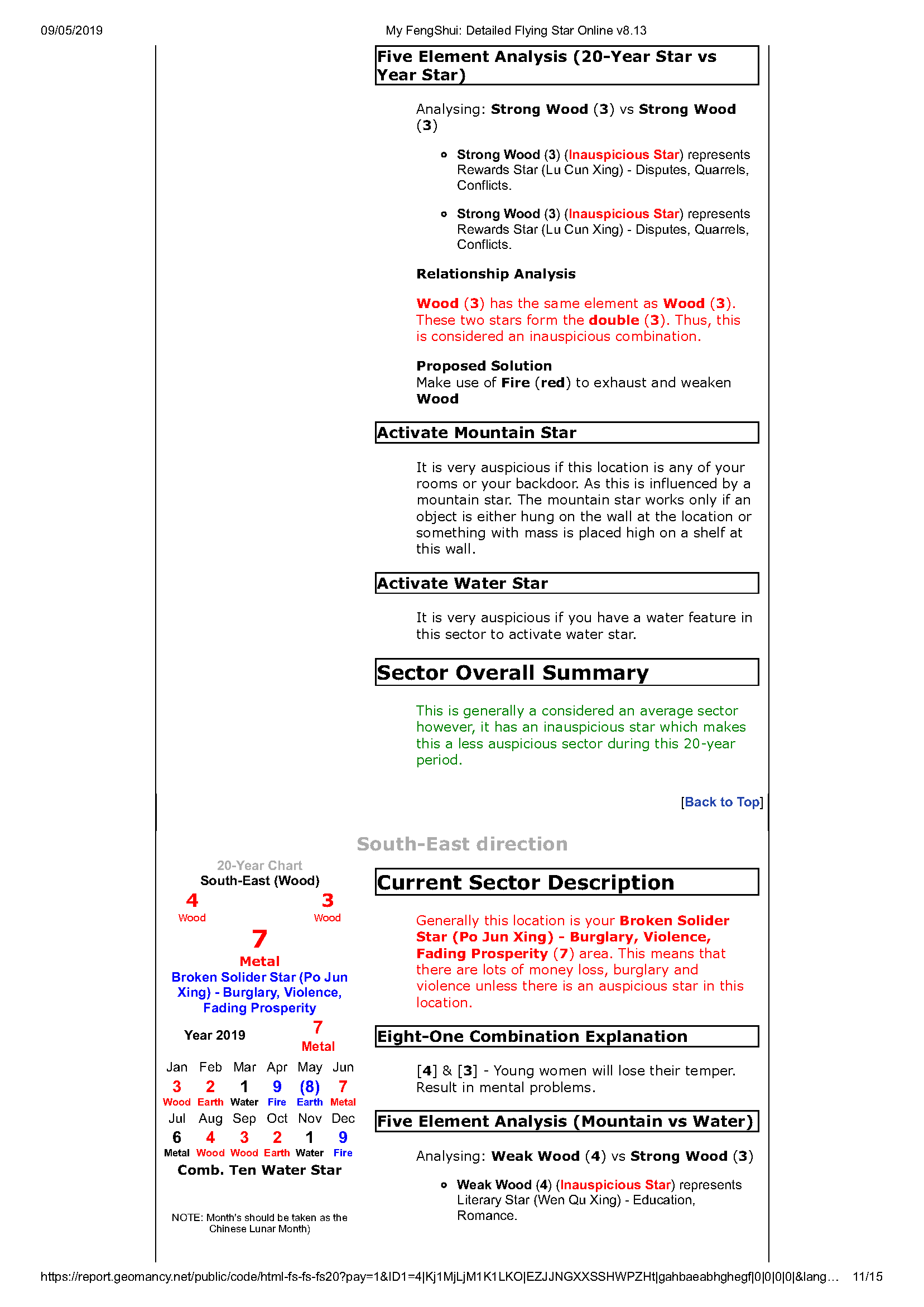
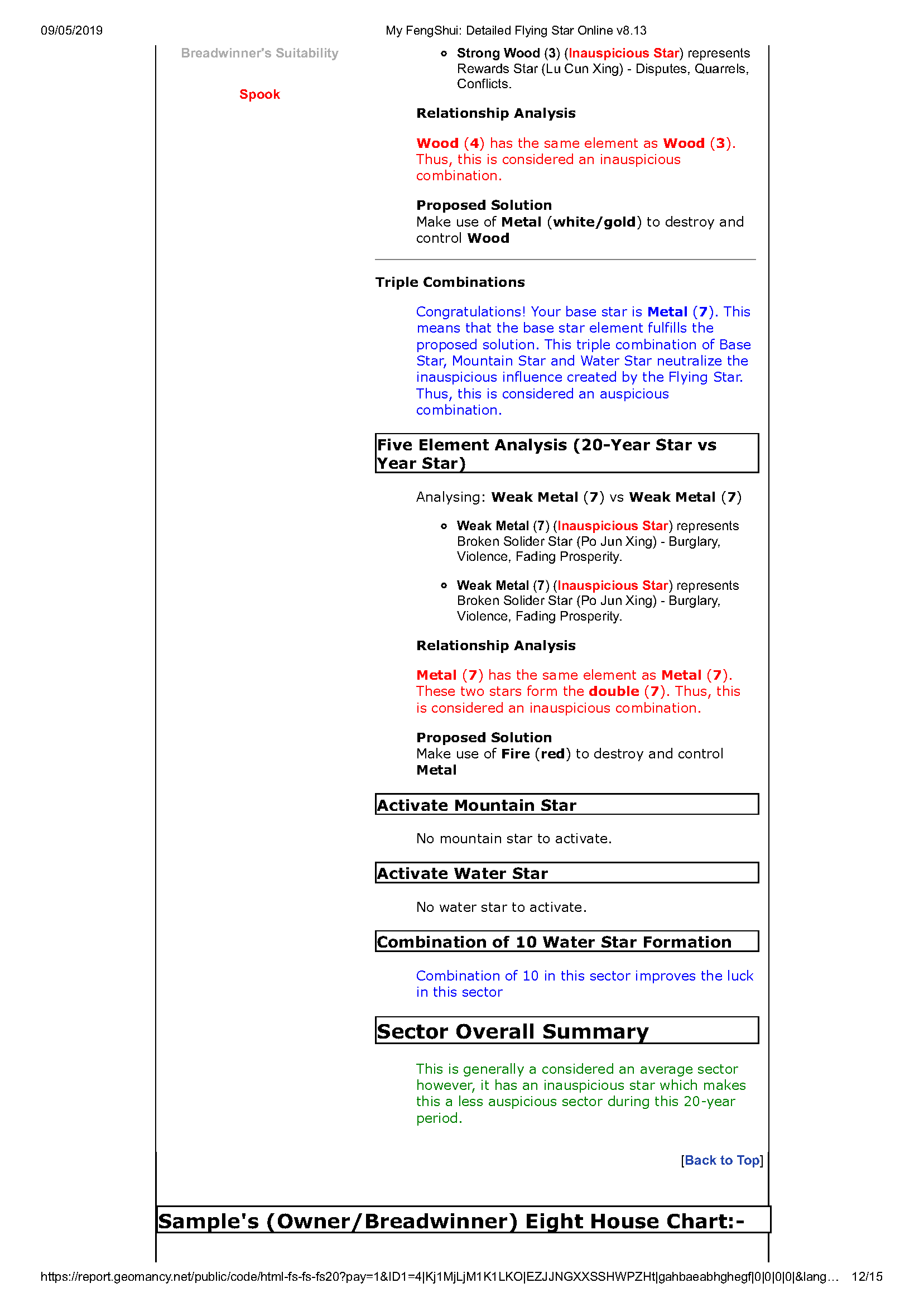
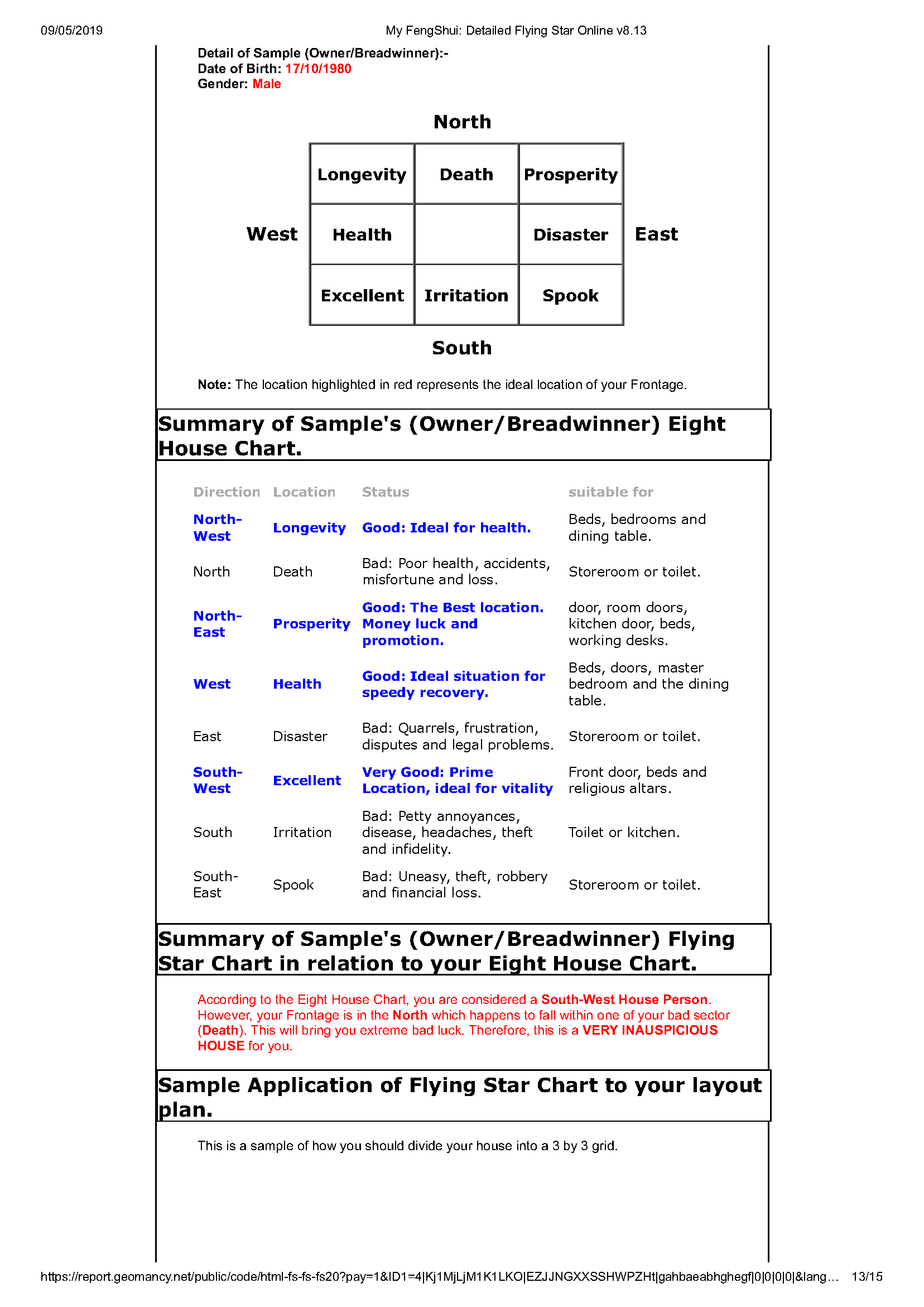
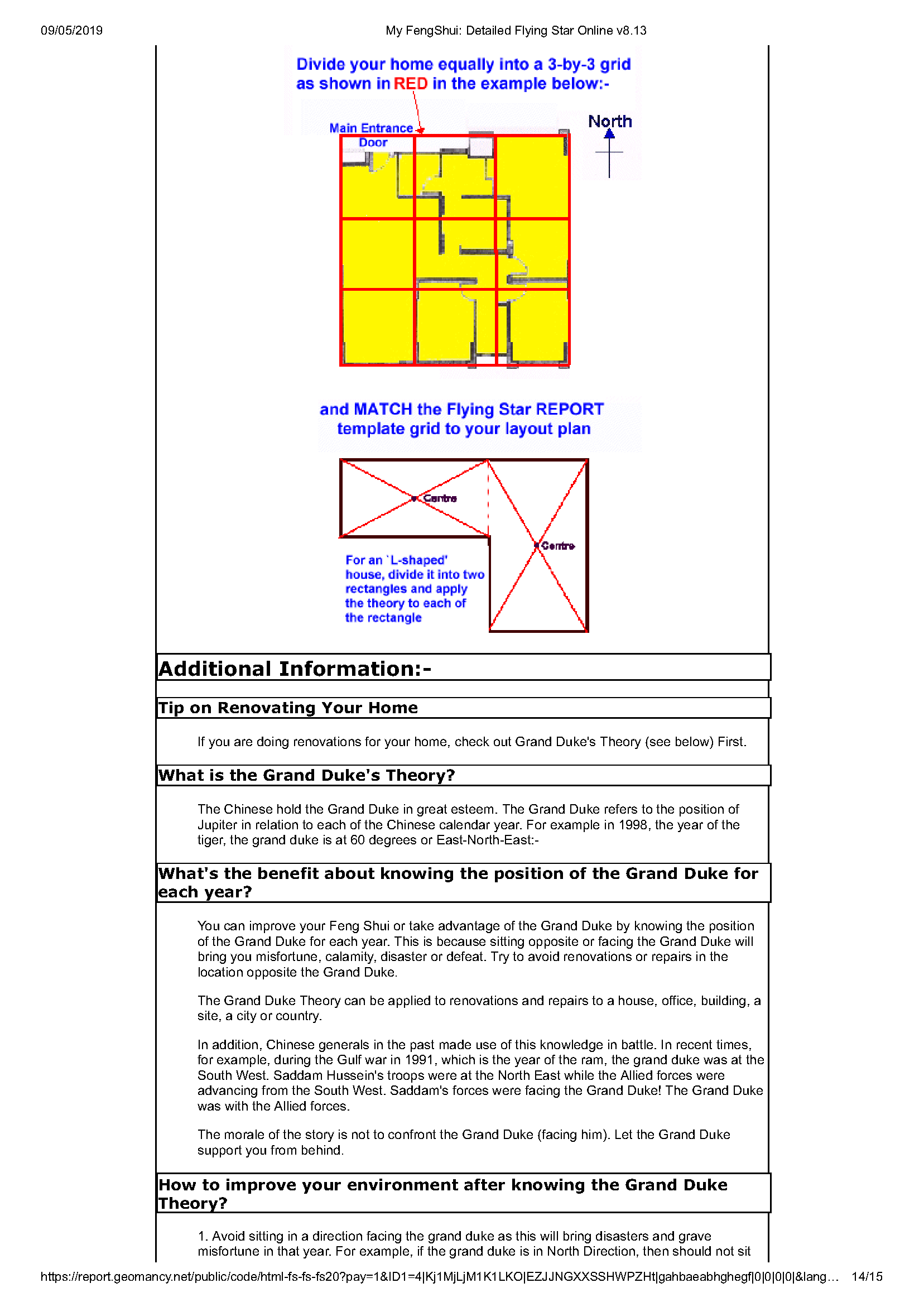
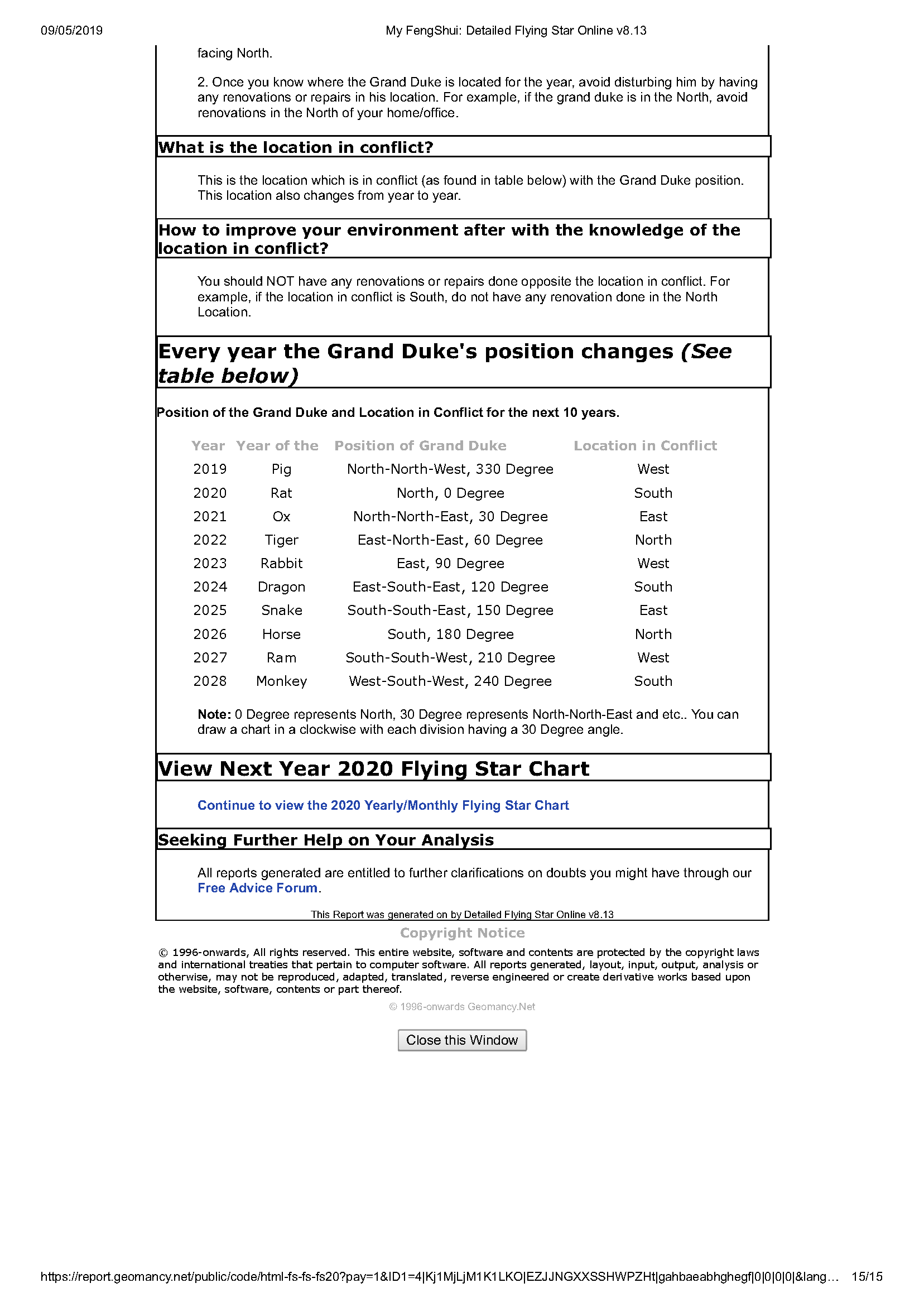
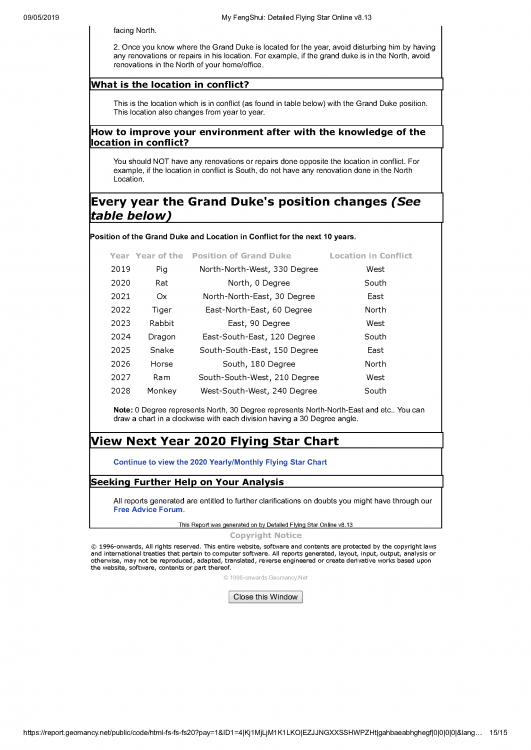 My Feng Shui Report. A sample of what a detailed Flying Star Report looks like:- My FengShui_ Detailed Flying Star Online v8.13.pdfPERFECT EXPLANATION!!!!! Thank you Reference Link: