


Cecil Lee
Staff
-
Joined
-
Last visited
Everything posted by Cecil Lee
-
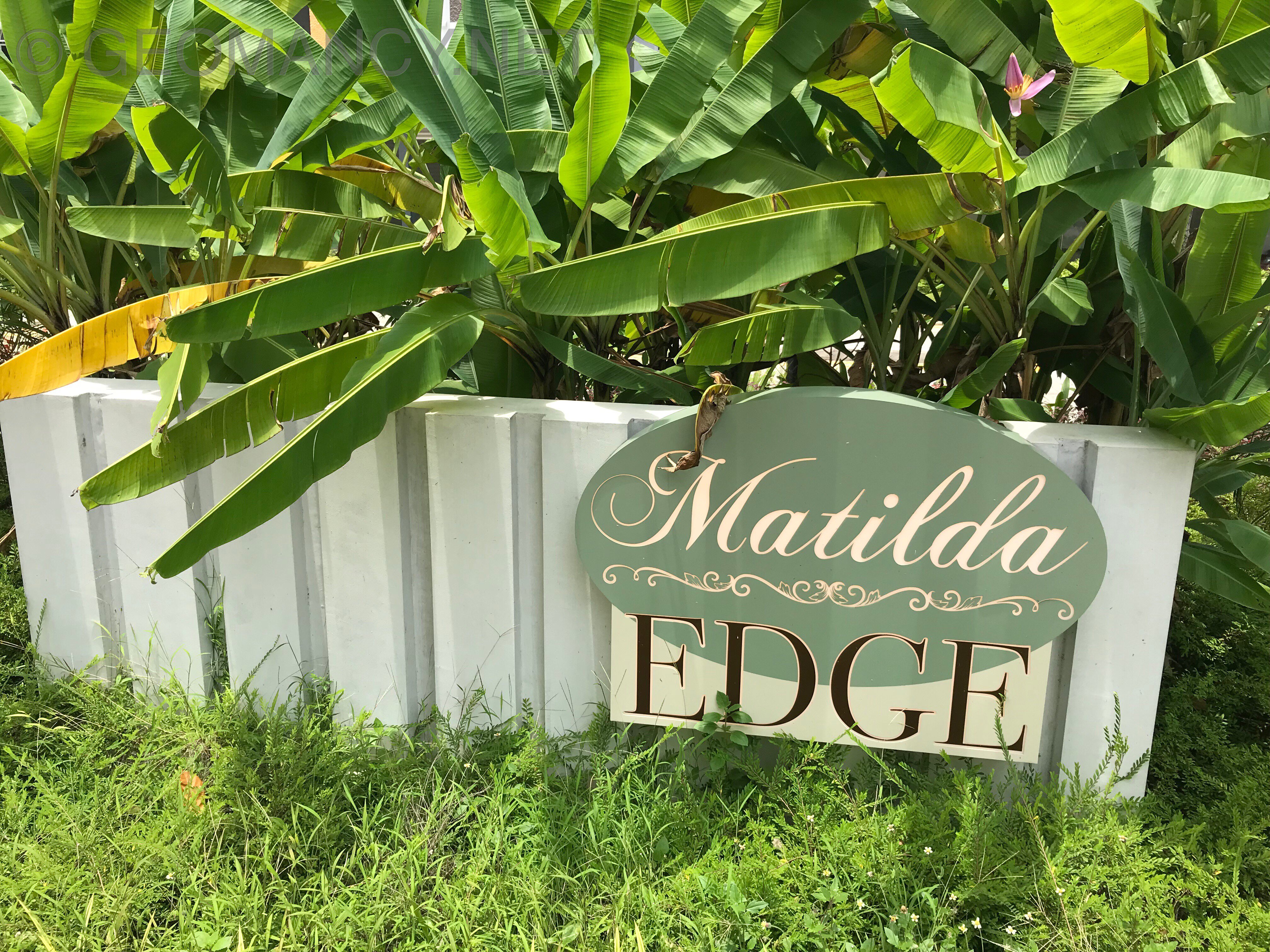
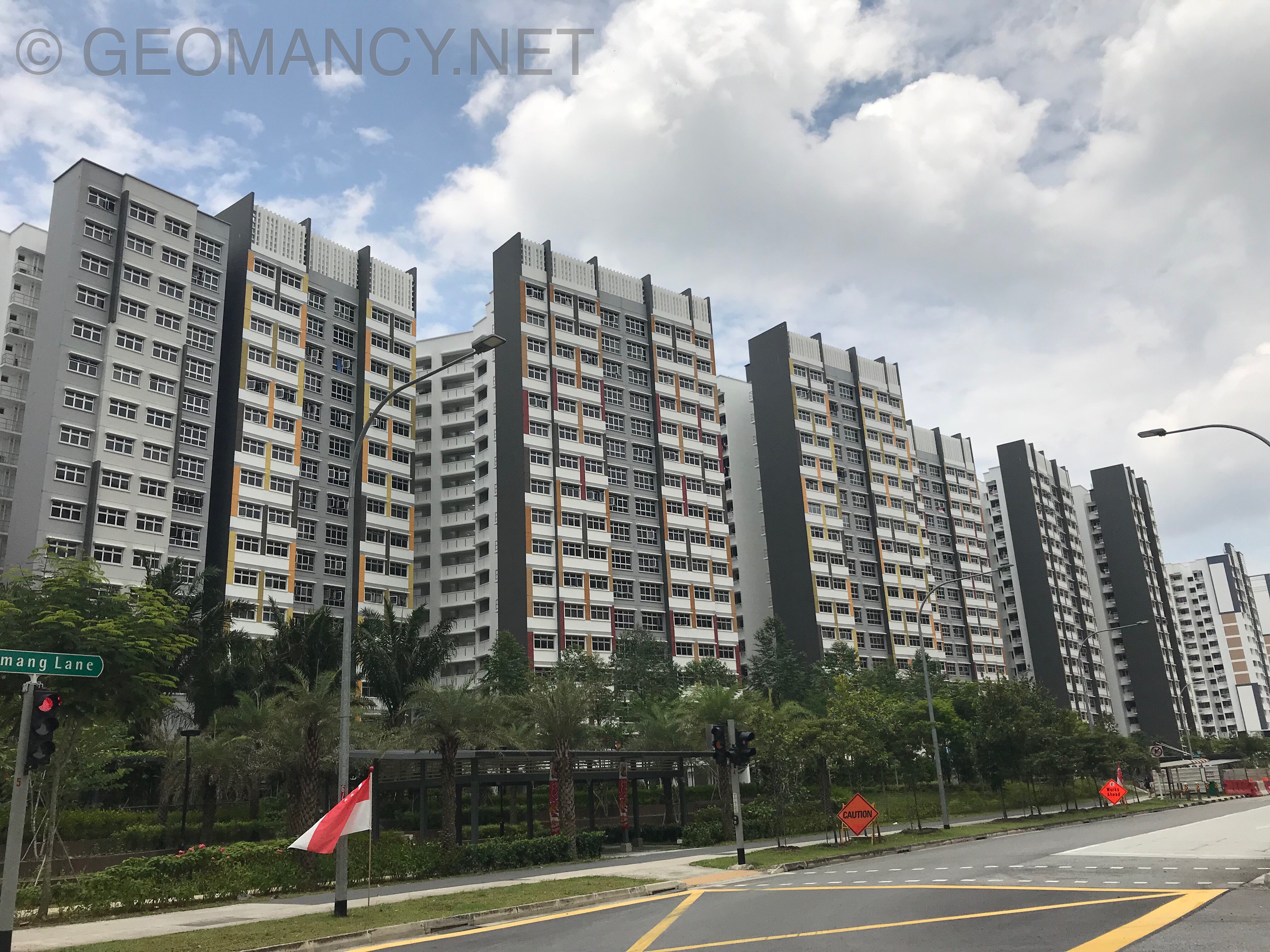
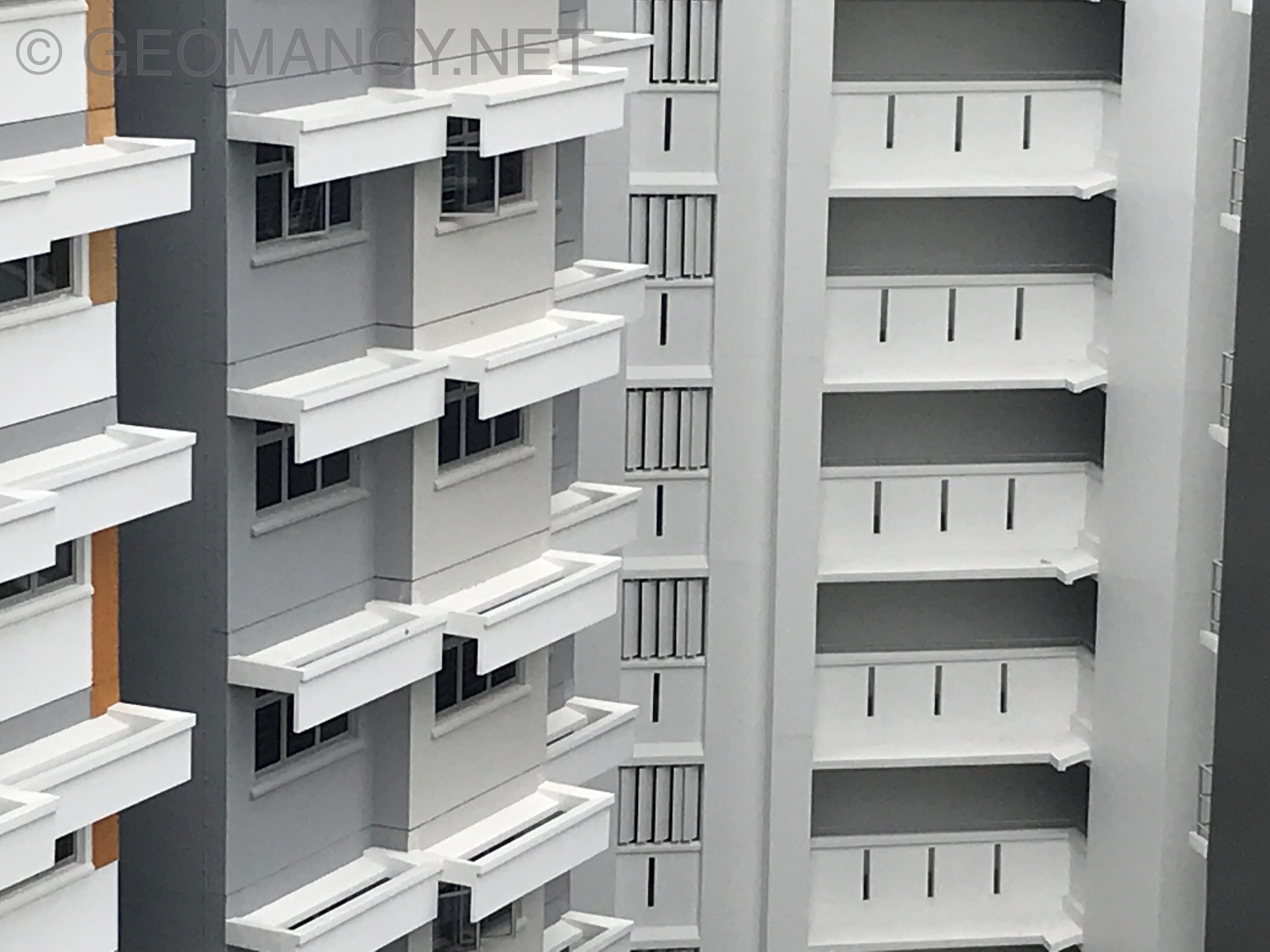
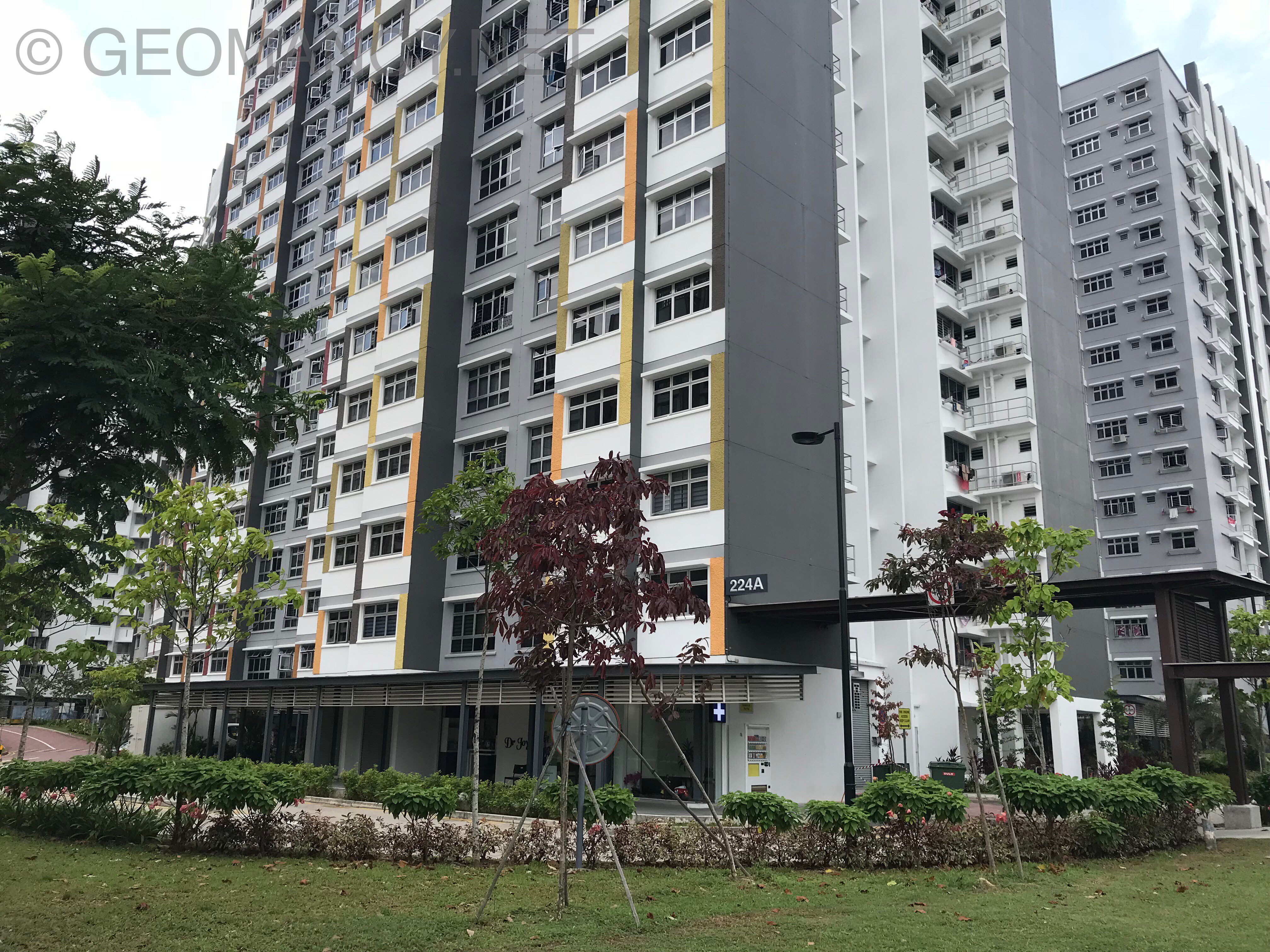
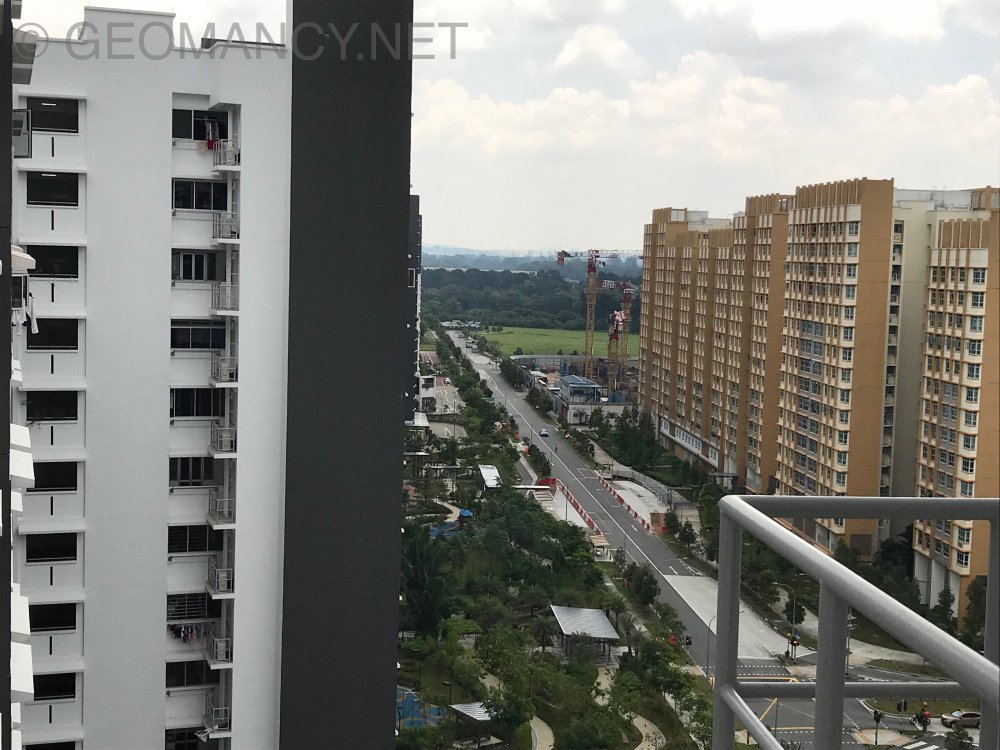
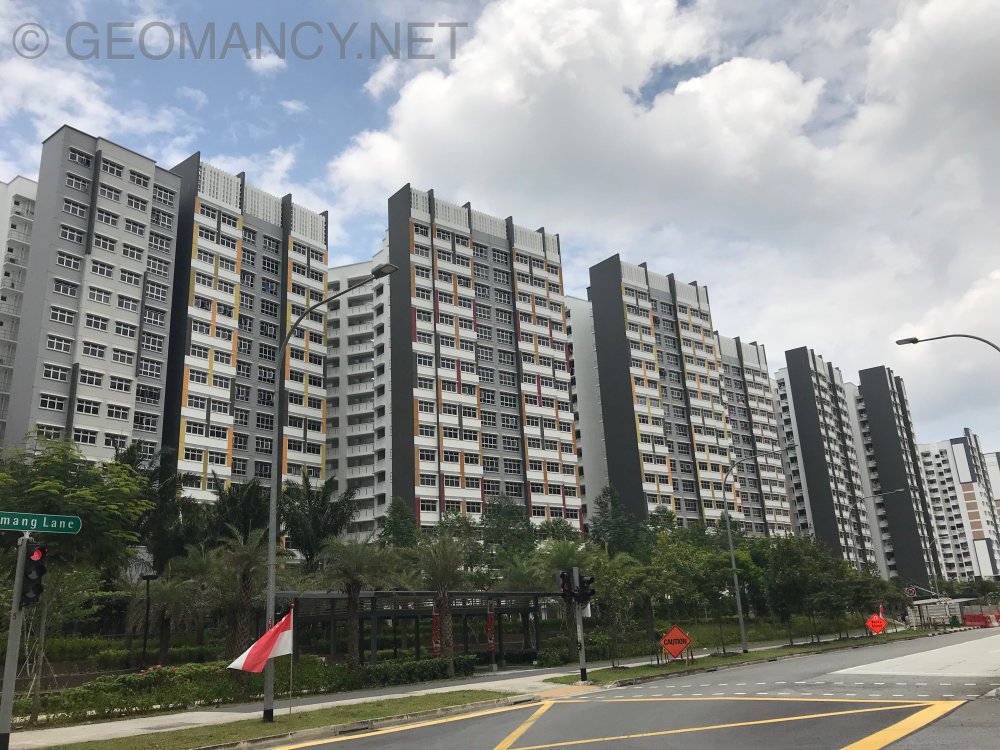
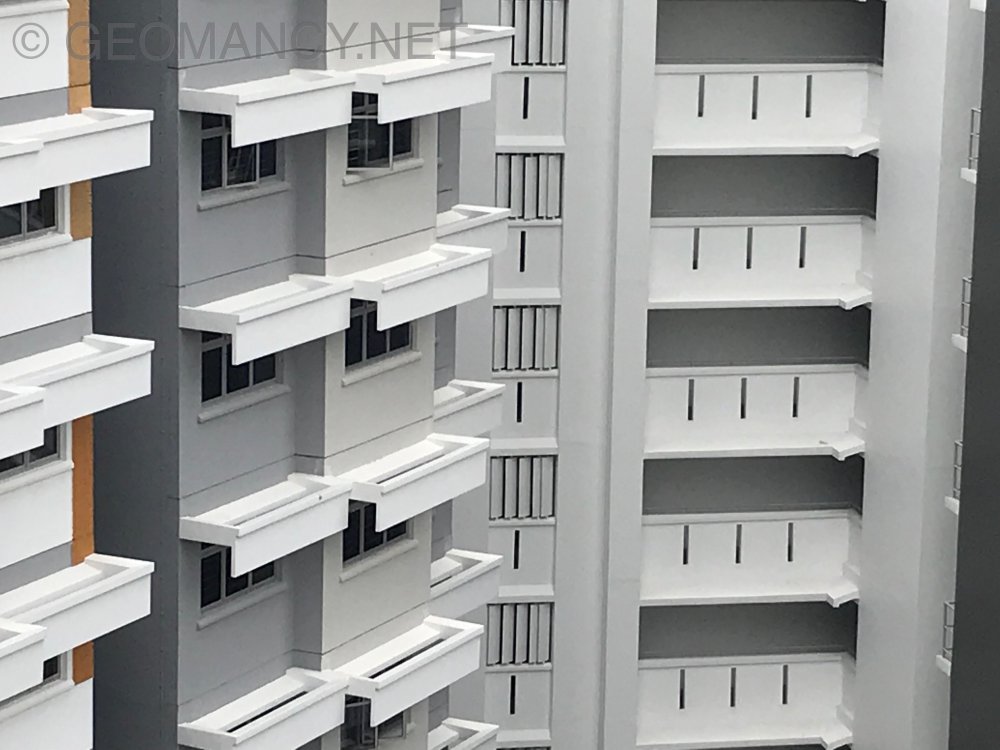
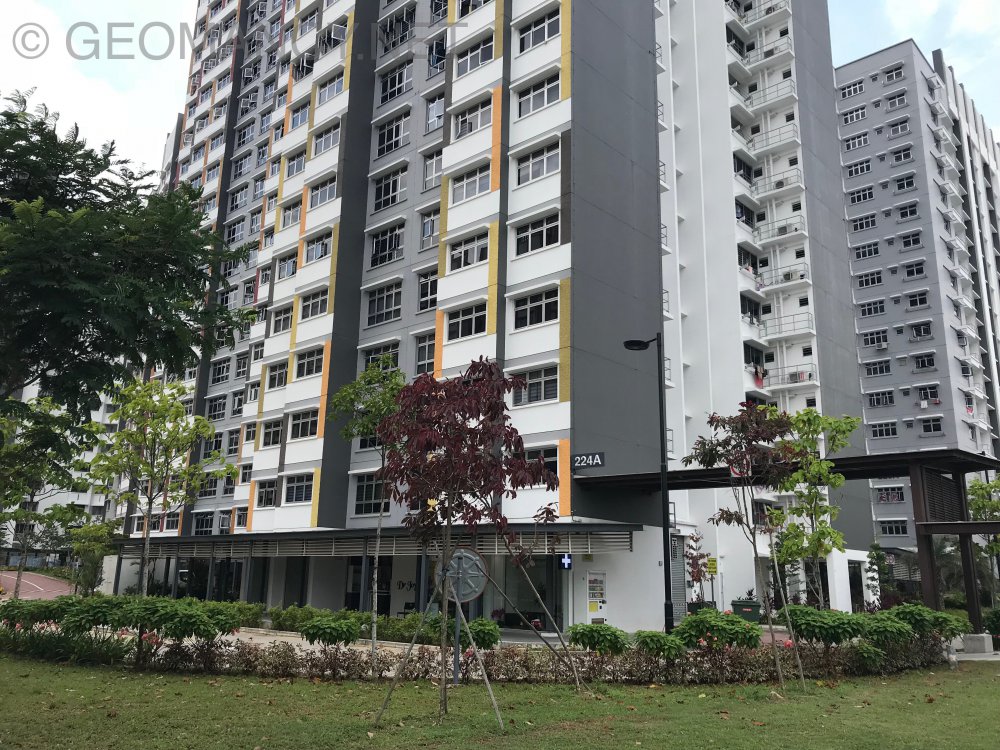
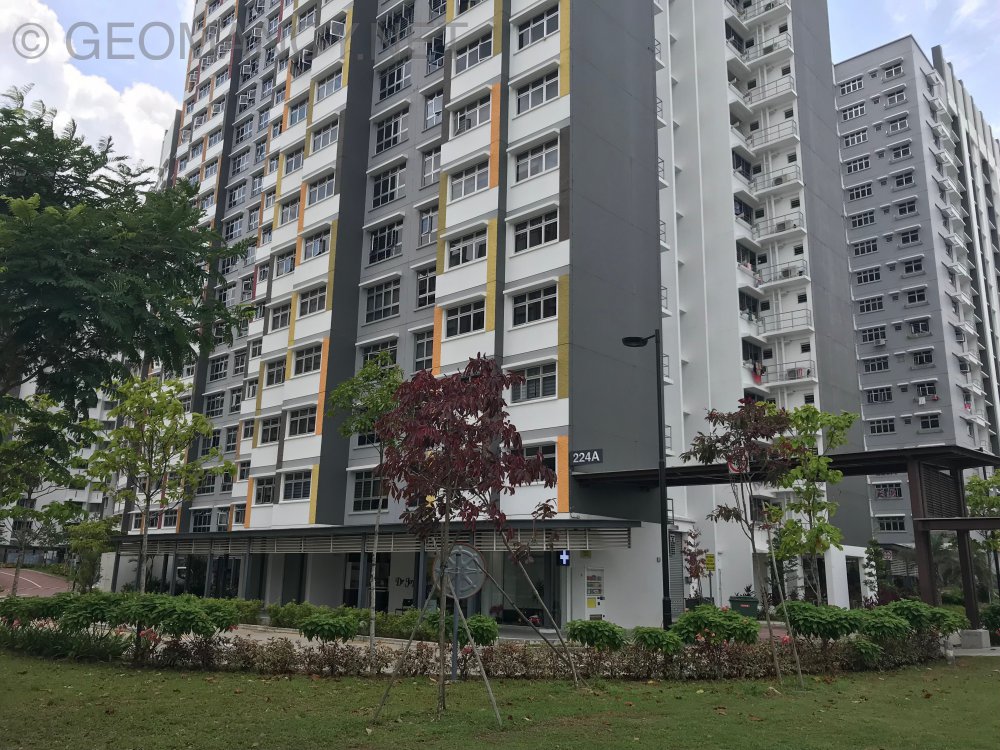
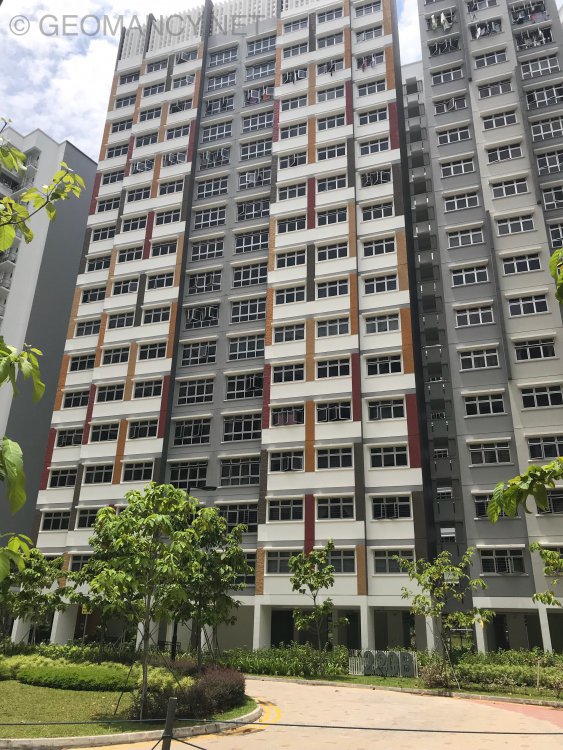
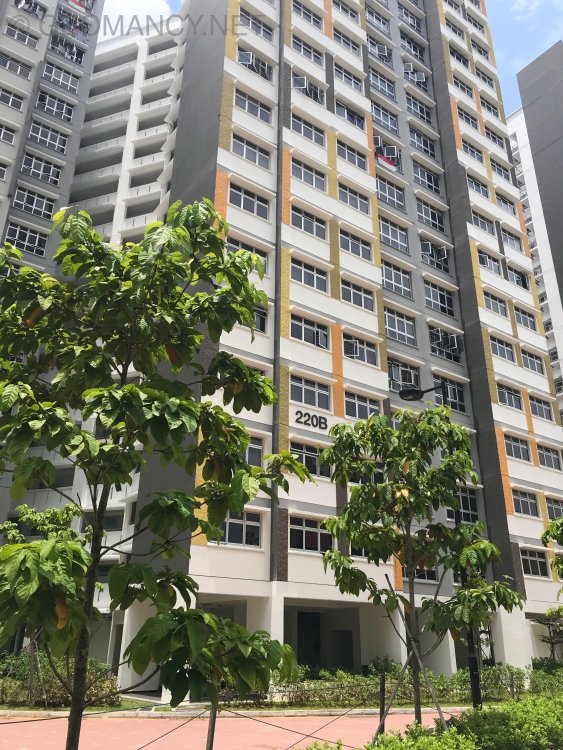
Matilda Edge Afternoon sun unit’s get a solid RC roof to give some protection for the hot sun
-
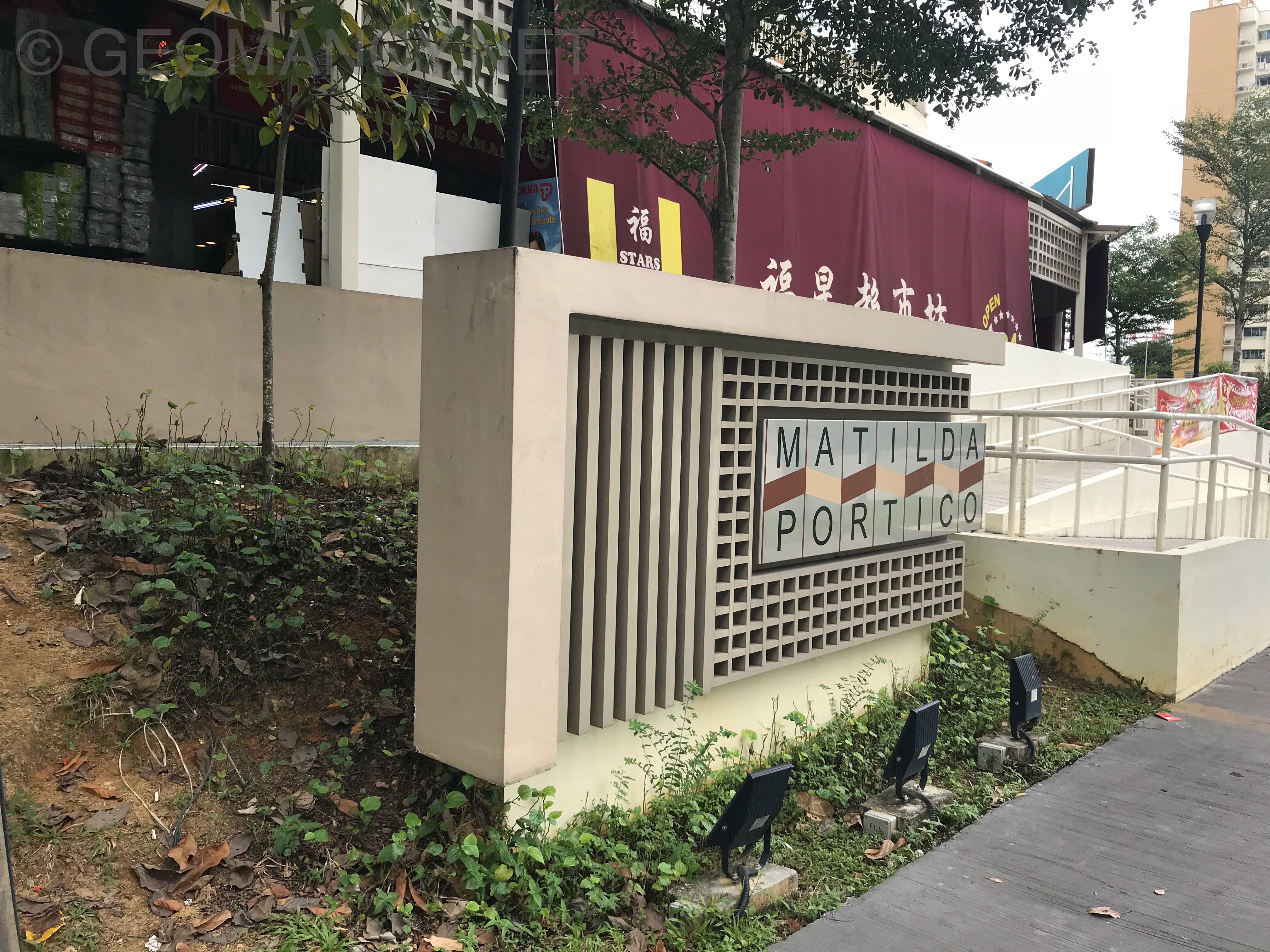
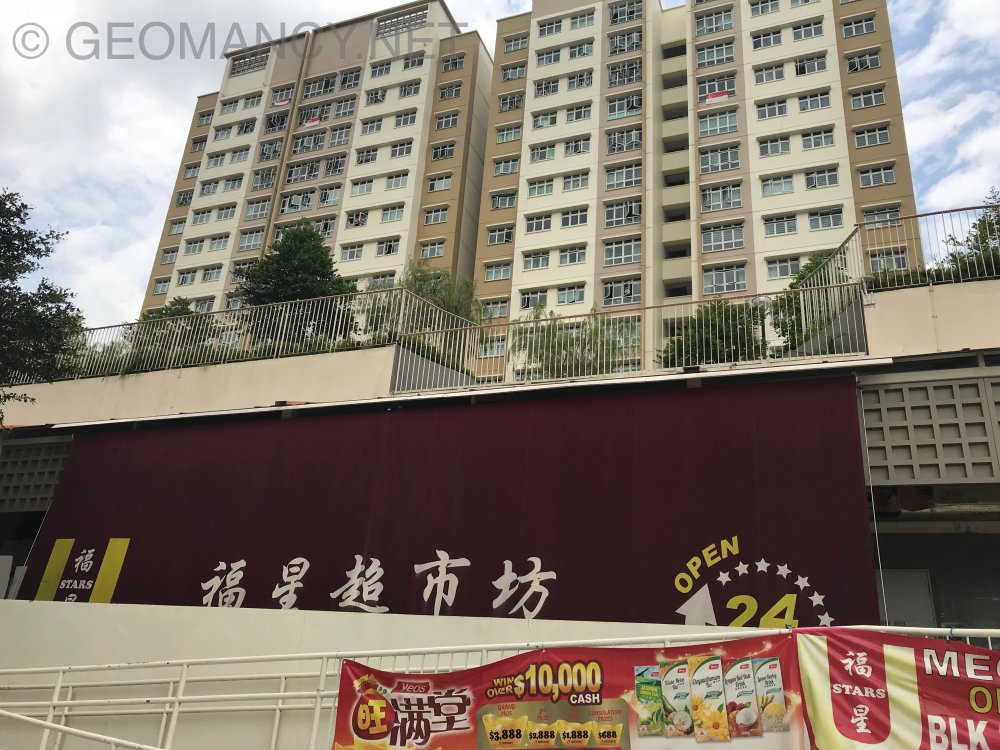
More Photos of Matilda Portico
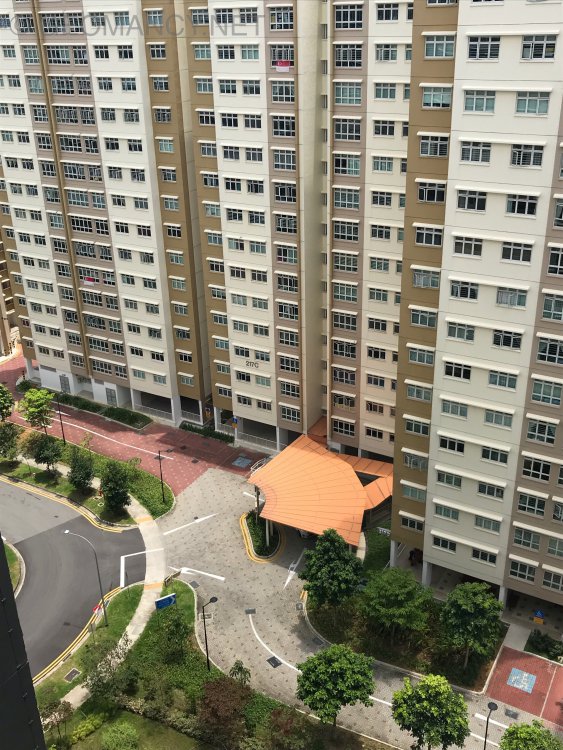
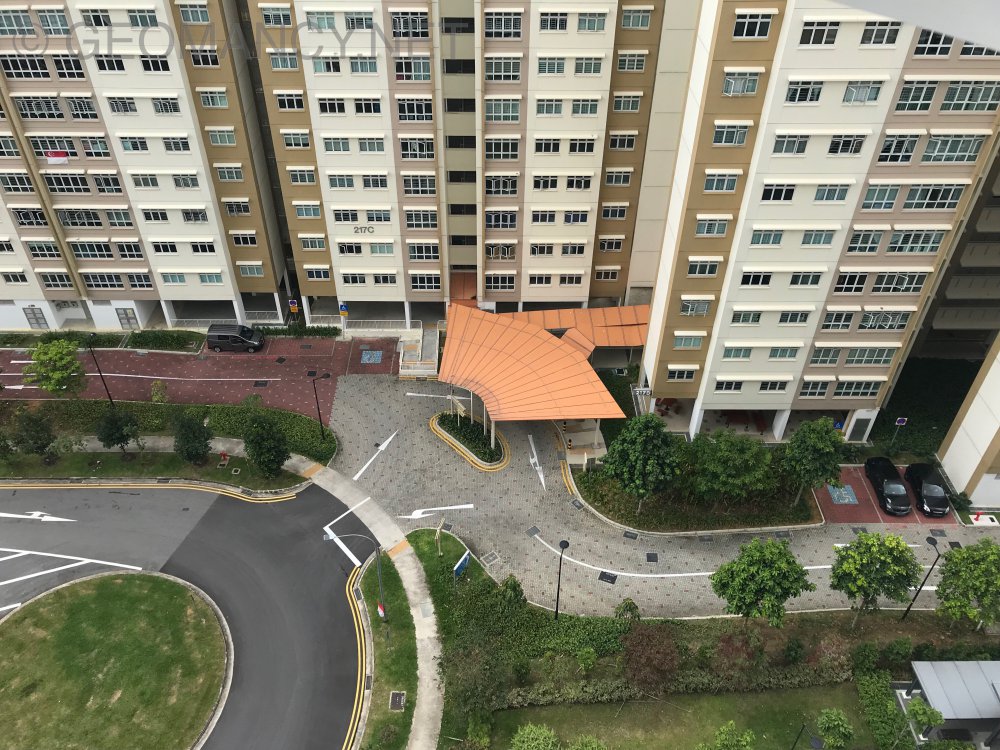 The Verandah @ Matilda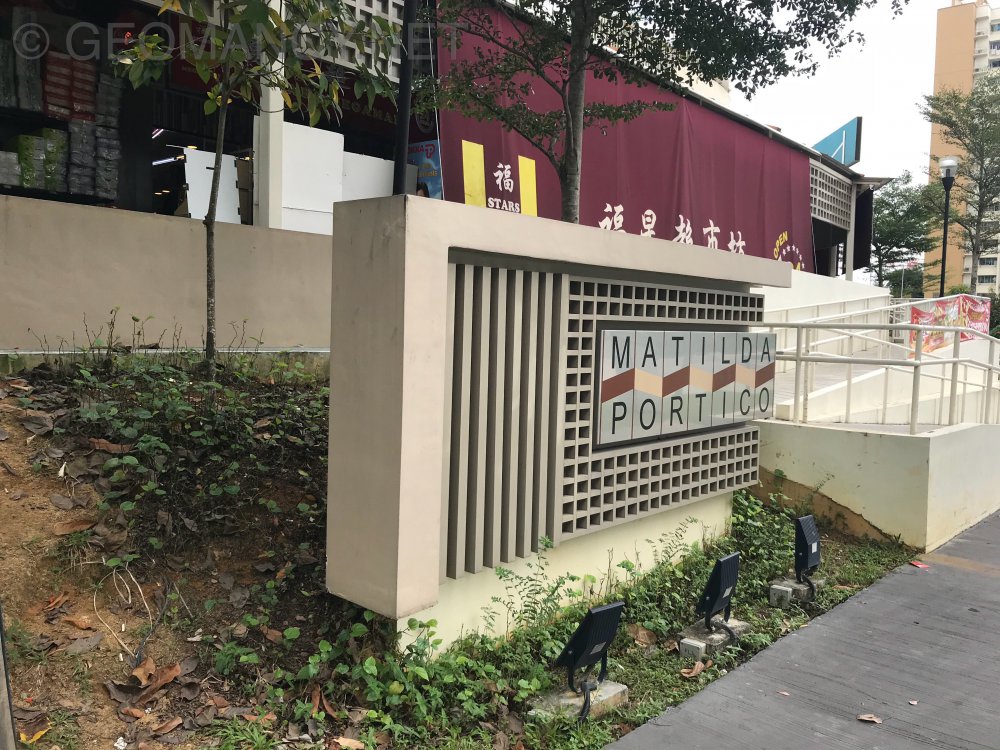
 How nice if the meaning of the place brings good luck! The billionaires lodge or The multi-billionaires Mansion... The Addition also not so bad right? How about a development called “The Subtraction?” This is the placed called The Addition:-
 Frankly, since move-in is so close; and it is a more important. Thus the First-time may not be necessary. As it is nice-to. Not a must. Given that it also has lost it’s significance, here. Thus no point in simply going through the motion.Question: Glass roof was not recommended due to glare from the sun. We were wondering if the shape of the original glass roof (blue)is changed to the alternate glass roof (yellow), will it be okay? 1. Not meant to say cannot use glass roof. Can use only if it does not inadvertently cause glare to upper floors of own home. 2. Avoid blue roof glass. As in I-ching it represents difficulty. Yellow glass roof is okay = but frankly, first time, I heard of a house use YELLOW glass roof. I wonder how the house looks like when there is sun-light. In my opinion, not Feng Shui.. but one might seem to step into an Alien planet ... such as Mars each time one ... 3. I always thought the most common is the dark tinted greyish tinted glass is fine.Question: Is it okay to have windows right behind our bed? A Chinese stigma: actually it has it's basis in common sense, also. Chinese feel that the rear of the head needs a solid support. And Chinese consider inauspicious as some are sensitive to the feel that there may be someone looking inwards especially if curtains etc.. are not properly drawn. However, in the past, even in Singapore, some homes make use of a large protruding bay window, and mout their bed against this bay window. They use the bay window to place lots of things such as alarm clock, spectacles, Handphone.. and even dolls etc... More to do also with safety concerns. Especially in Singapore and Hong Kong, people leave in high rise. And most bedroom windows don't have a large RC roof. Thus if forgot to close the window(s) rain can seep in and damage things. Secondly, even if a home has grilles, some toddlers may climb or try to accidentally open the windows. Next thing they might even free fall as "super-persons" to the ground ... a Thud then a SPAT....and a pool of.......Appreciate if can re-read (from an earlier thread) ...Clue: Health concerns....
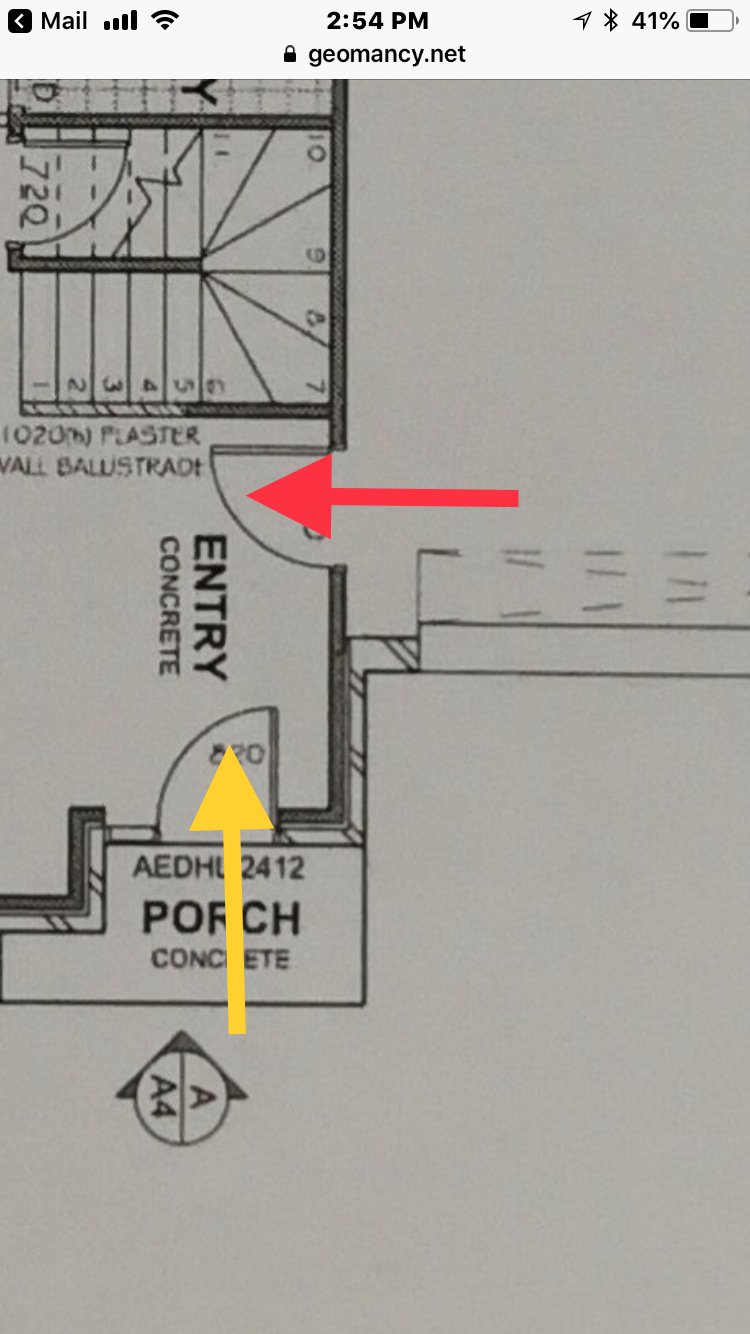
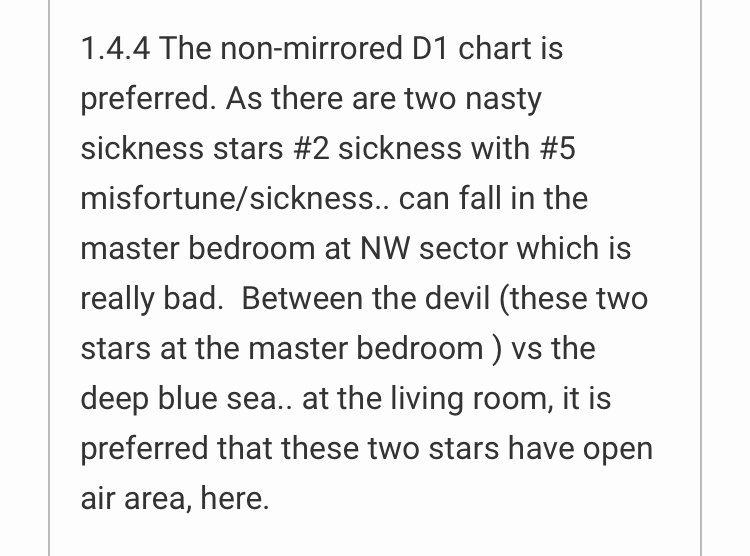 Please re-read. Have already replied.1. From a Feng Shui point of view, one school of thought is that so long as the stairs shaded in green is not seen, no issue with the staircase. Thus a wall or even a small display cabinet can be placed at the shaded area in Yellow. 2. However, majority of the Feng Shui community is concerned that any part of the steps leading towards B should not be seen. Thus a wall should be built all the way down to the last step:- 2.1. Majority of the Feng Shui community would recommend especially covering at least up to the steps and the railing. A full wall is preferred. But the area above the railing can be opaque glass or not necessary air-tight. But avoid reflective material facing the main door especially under the first illustration.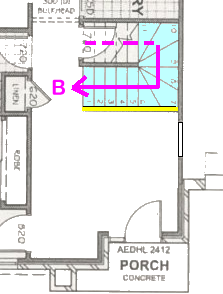
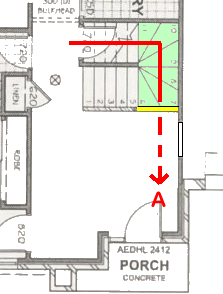 Ok, at least now I am clear of what you are asking. Not just throw me layout and... Either entrances via Red and Yellow.. there is no Shapes and Forms issue or concern. Frankly, you have be more to the point. All I see is one straight wall. Unless stairs 1 to half of 5 is open? But it says plaster wall...full wall or half wall? Cover the stairs rail or can see the stairs steps? Even a photo can tell a thousand words...thus please try to communicate clearly. Please be specific to avoid a misunderstanding and wrong advice!
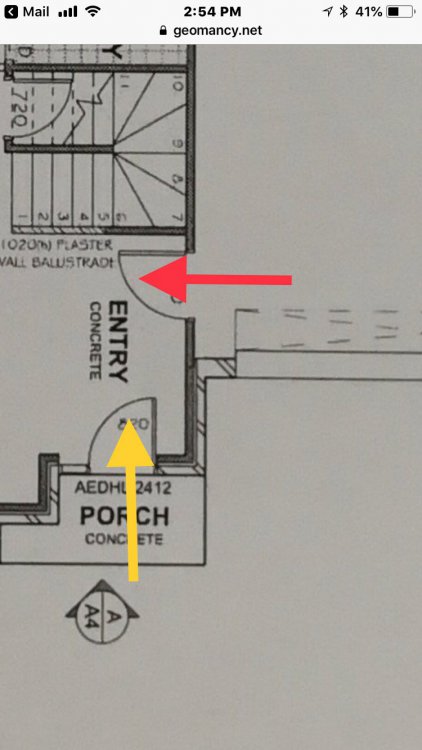 What if everyone also posts their layout plans with the same one liner? LOL Next!Meet my other partners in bed... It just makes sense and is totally logical, right Related: A Book on Common Sense Feng Shui
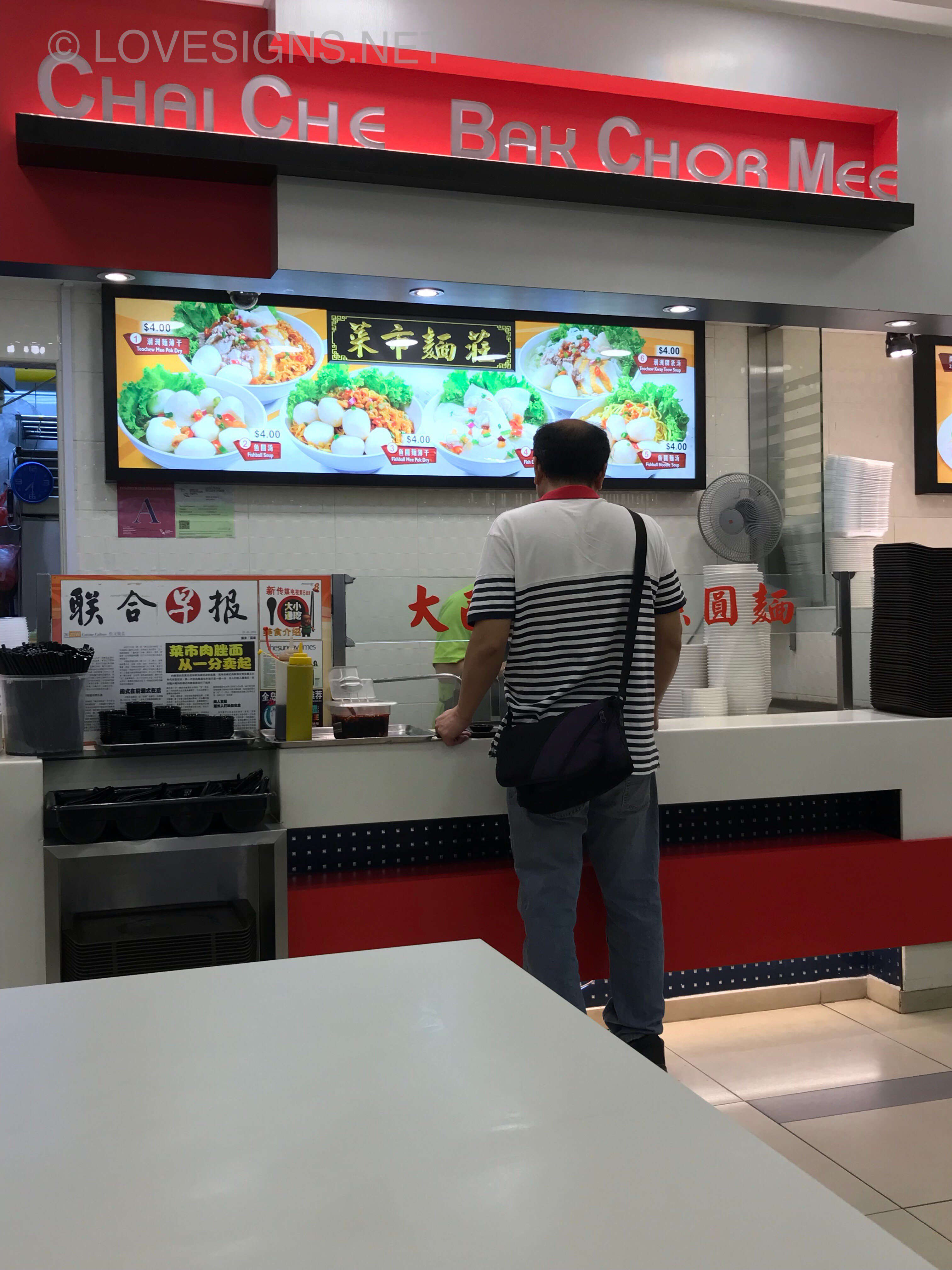
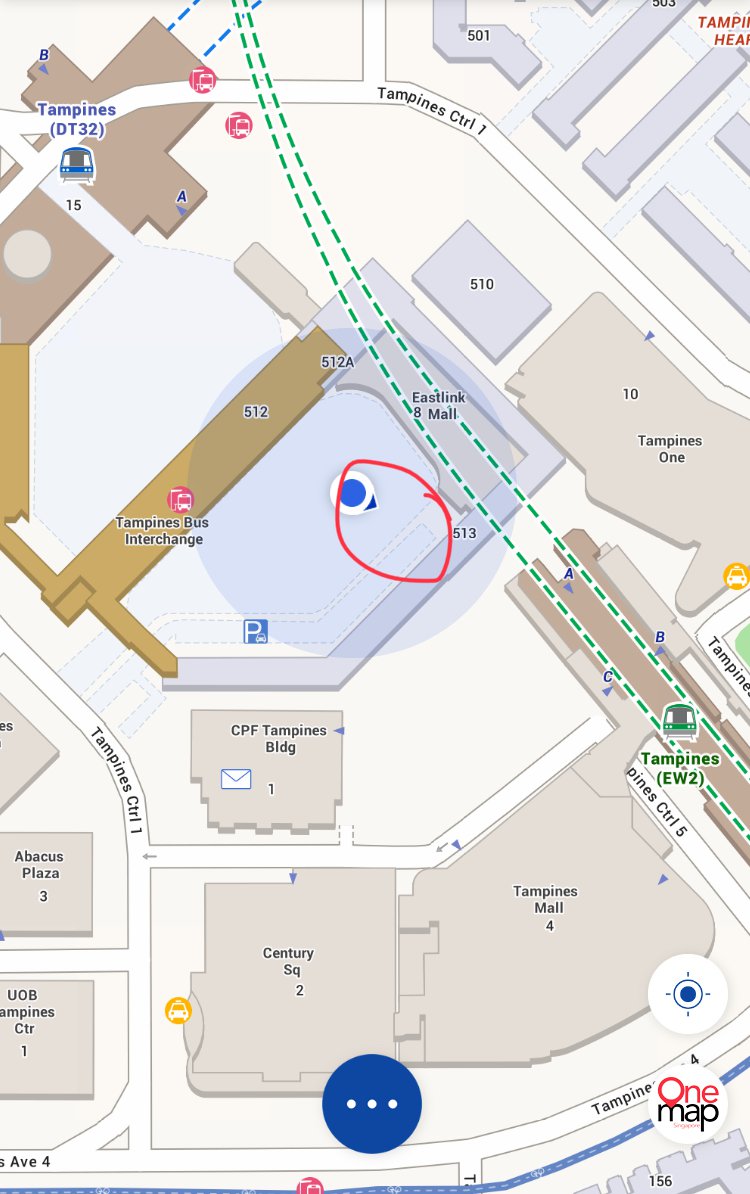
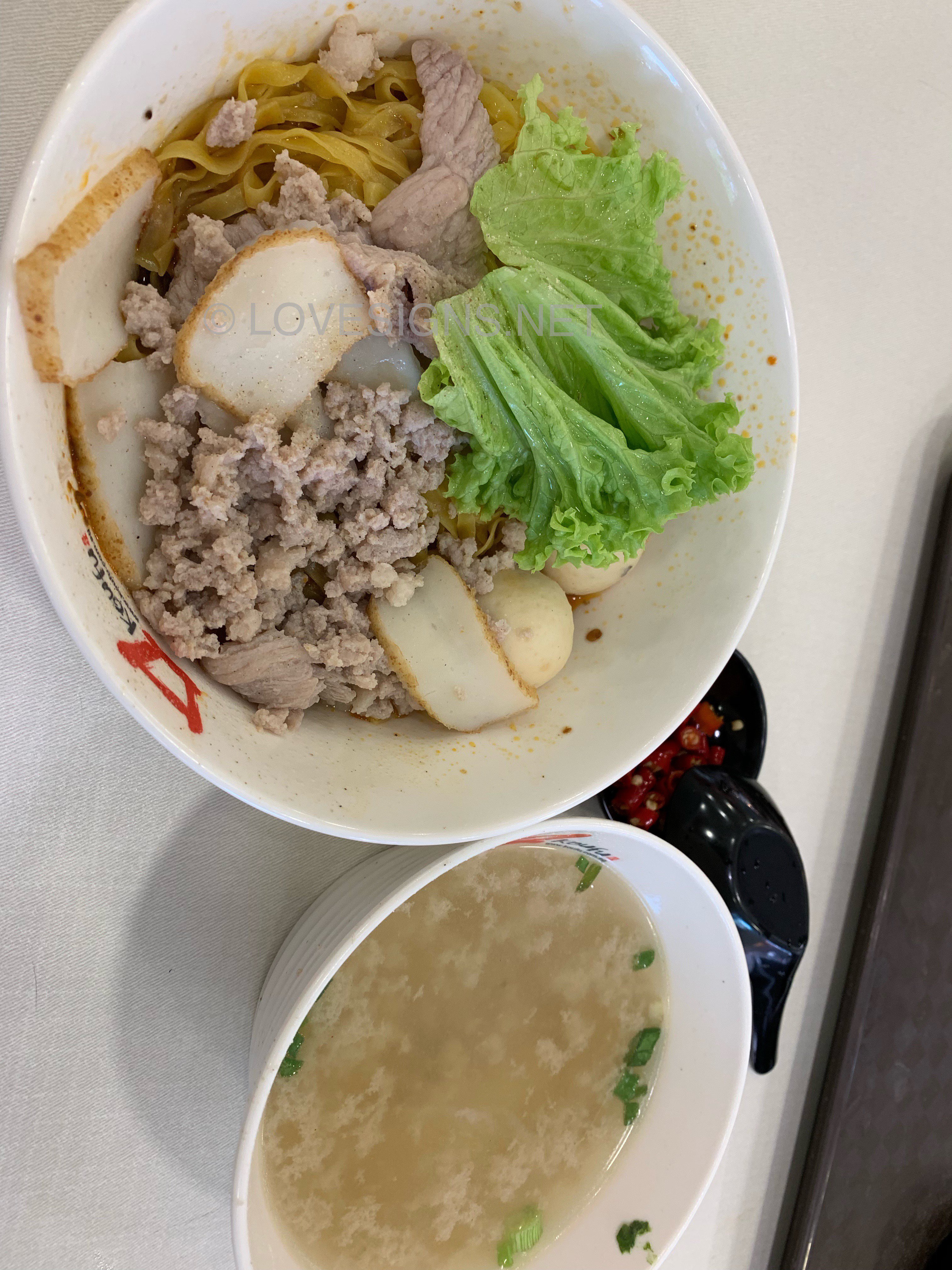
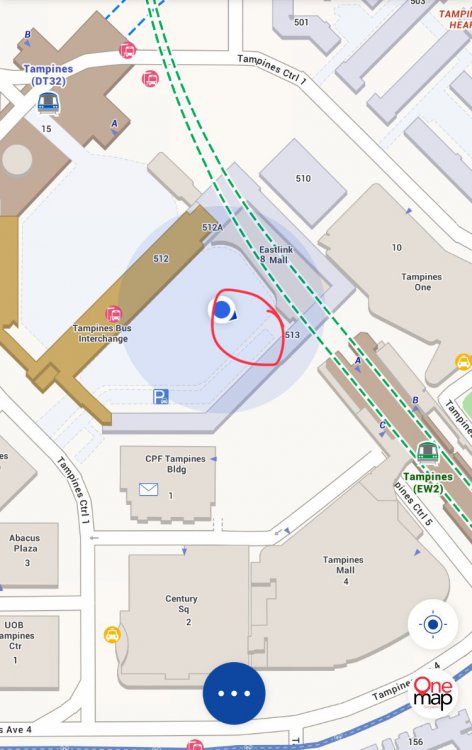
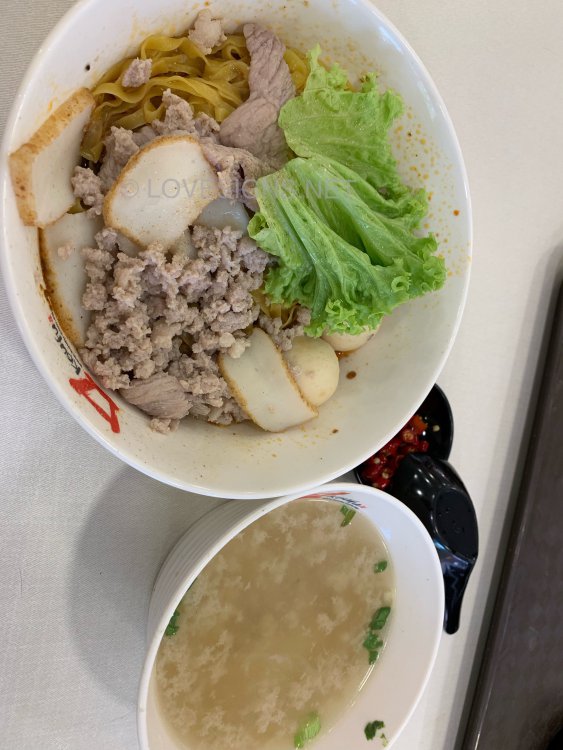
 Chai Chee Bak Chor Mee (Noodles) at Koufu Tampines Central Their noodles are light and balanced. Nowadays one bowl costs $4/- each. Not my TOP choice. As there are better stalls out there! But a better alternative than eating a rice dish. If one happens to be around that area.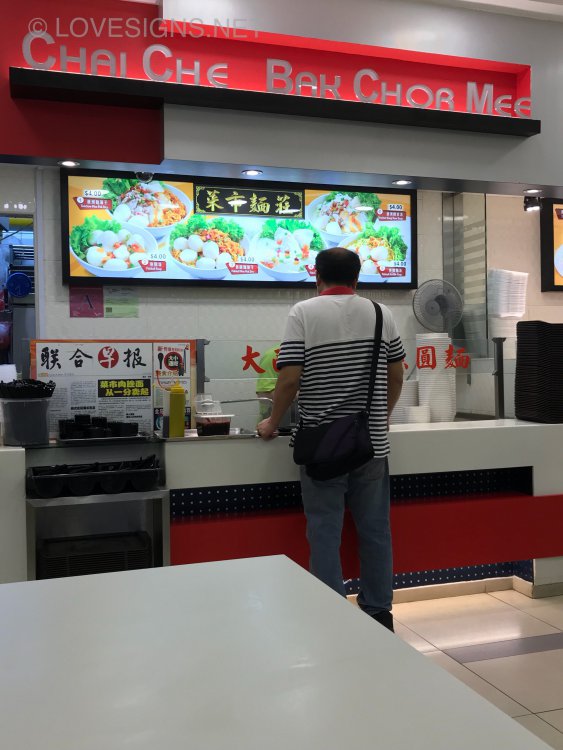


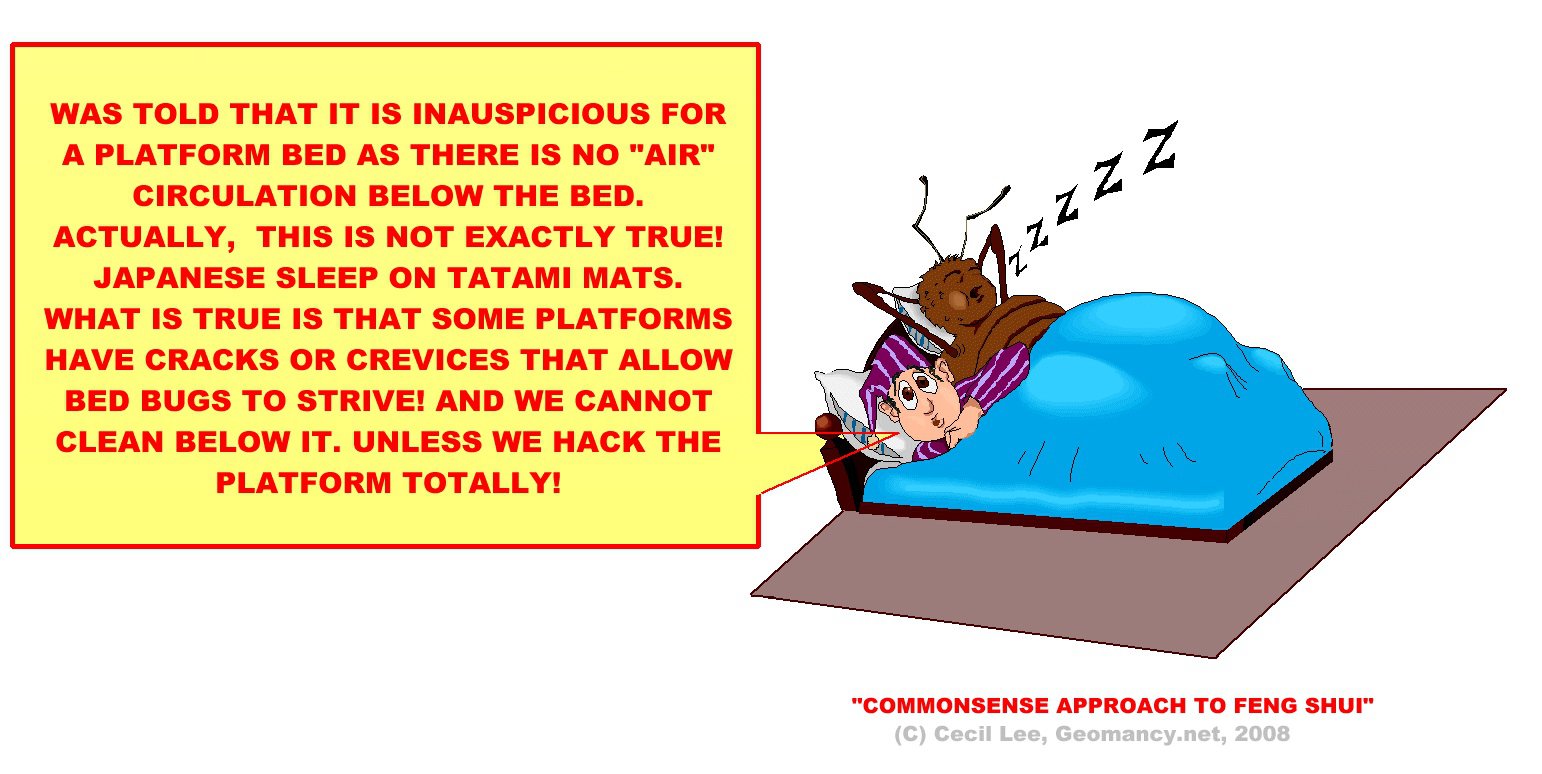
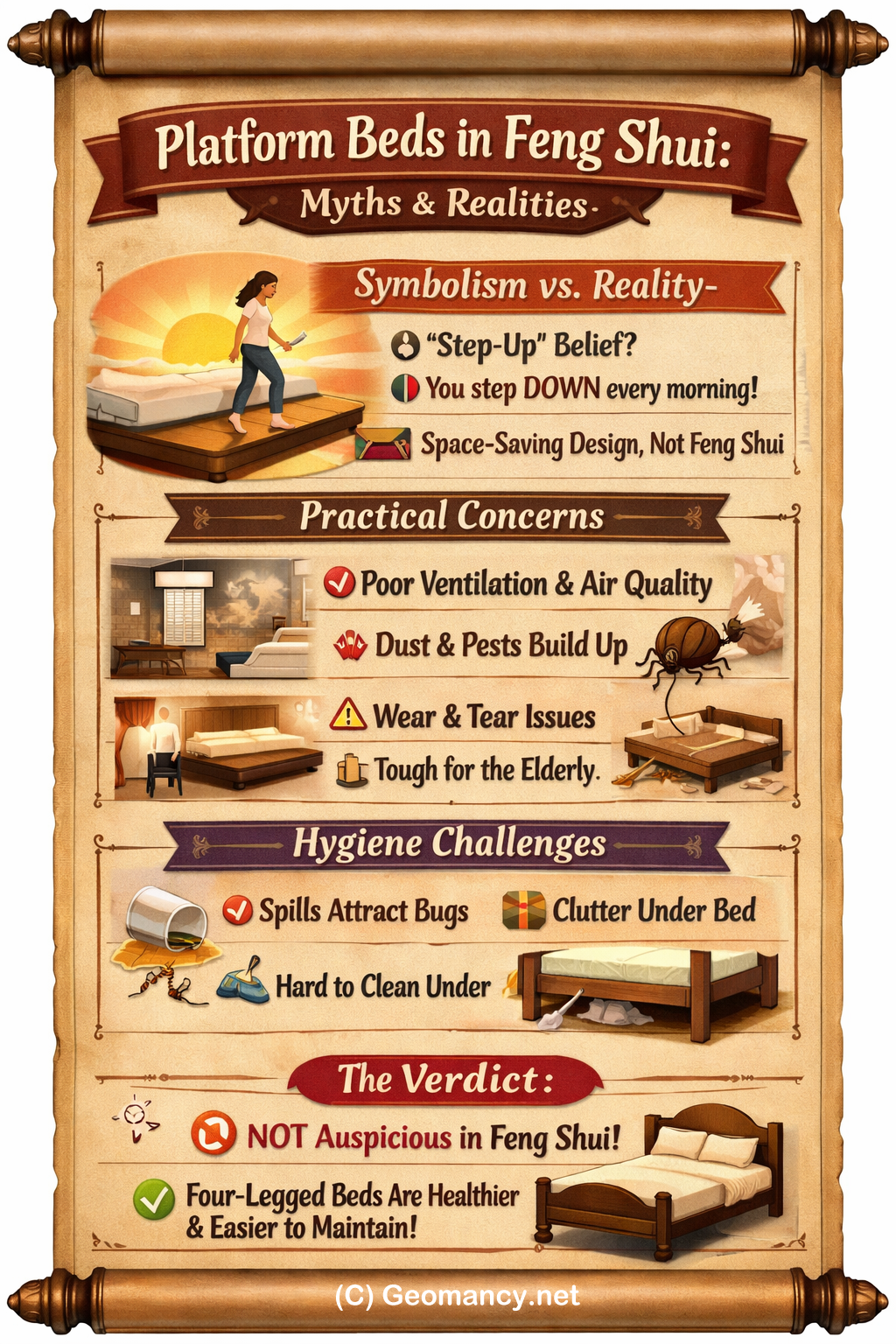
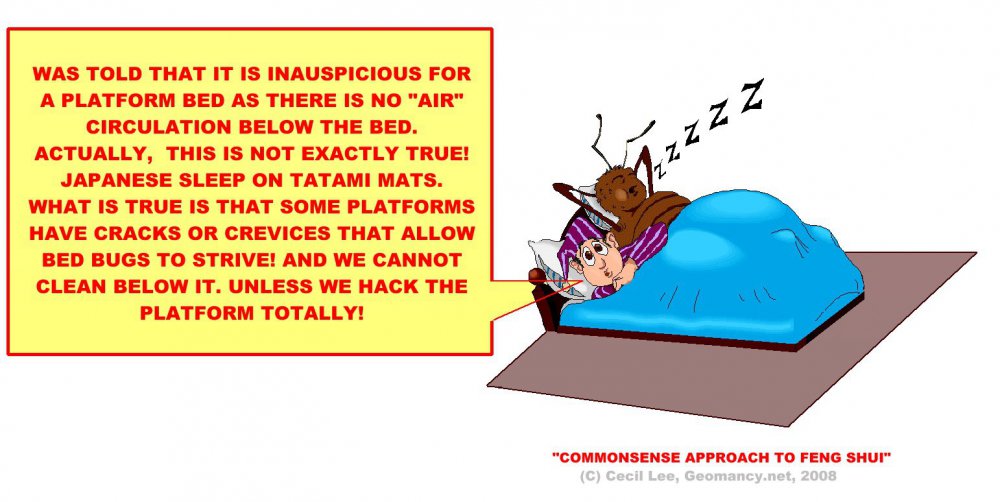
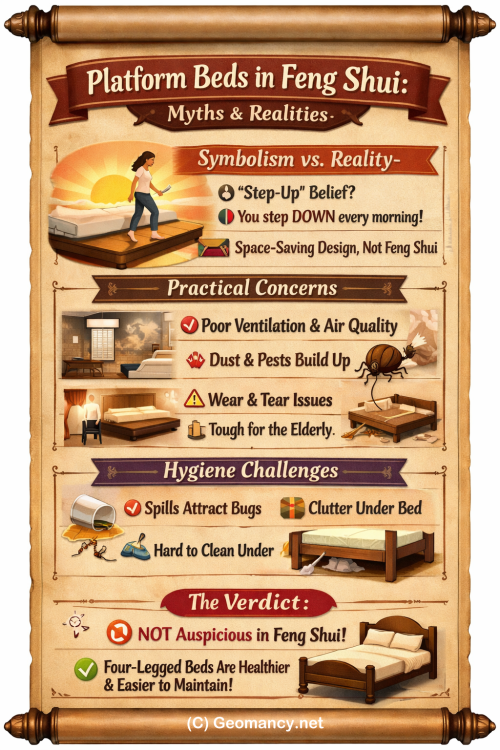
 Case Study - Part 2: Common sense + the concept of “You stay there we don’t!” 1. I have encountered situations where I was summoned to a residence due to the recurring illnesses of the occupants. 2. On multiple occasions, I have observed a particular bedroom furnished with a platform bed. 3. During the initial investigation, the question arose: "Who utilizes this bedroom?" 3.1. The entire family sleeps in this bedroom featuring an elevated platform bed. However, due to the absence of a roof to shield the windows, we refrain from opening them to prevent water from damaging the platform. 3.2. Moreover, the family faces challenges in affording the operation of the air conditioning unit. Even with the fan running, the bedroom remains uncomfortably stuffy. 3.3. In this scenario, the platform bed emerges as a primary factor contributing to the health issues. 4. Hygiene: The condition of the platform and the resulting wear and tear. 4.1. Some experts argue that a bed supported by four legs is essential to allow Qi to circulate beneath it. 4.2. However, this concept can be more logically and sensibly explained. 4.3. A bed with four legs facilitates cleaning the floor space beneath it, as the wood of the platform bed may contract, creating gaps where debris can accumulate. In this case, cleaning underneath the bed becomes practically impossible. 4.4. Even with storage compartments beneath the bed, there are inaccessible areas. Avoid storing items like family photos or toys under the bed, and periodically inspect these items. It is advisable to wrap them to prevent dust mites. 5. A few years back, a young child accidentally spilled orange juice, causing it to seep towards the floor. Consequently, ants were attracted to the platform. 6. The platform bed may develop creaks and signs of wear and tear over time. 7. To be honest, I can identify more drawbacks than advantages of a platform bed. Consider the needs of the elderly as well. Do you understand the point I am trying to convey? +++ Summary Platform beds in poorly ventilated bedrooms can lead to recurring health issues, challenging cleaning, and hygiene problems, making them generally less practical than traditional four-legged beds, especially for families and the elderly. Key Takeaways - Platform beds complicate cleaning and trap debris, increasing hygiene concerns. - Poor ventilation and inability to open windows worsen air quality and health. - Elevated platforms can attract pests when spills occur due to inaccessible areas. - Regular maintenance and inspection are difficult, especially under the bed. - Platform beds tend to show more wear and tear over time. - Four-legged beds are preferable for cleaning, air circulation, and practicality. - Consider the needs of all occupants, especially the elderly, when choosing bedroom furniture.
 🌙 Platform Beds in Feng Shui Symbolic “step-up” belief: Some think platform beds are auspicious because they symbolize ascending each day. Flawed logic: In reality, you descend from the bed each morning, so the symbolism doesn’t hold. Practical use: Designers recommend platform beds mainly for space-saving in small bedrooms, not for Feng Shui reasons. 🏠 Practical & Health ConcernsVentilation issues: Platform beds in poorly ventilated rooms can worsen air quality and contribute to recurring illnesses. Cleaning challenges: Debris, dust mites, and pests can accumulate under platforms, making hygiene difficult compared to four-legged beds. Wear and tear: Platform beds often creak and degrade faster. Elderly needs: Stepping down from raised platforms can be inconvenient or unsafe for older occupants. 🧹 Hygiene & MaintenanceSpills attract pests: Liquids seeping into platforms can draw ants or bed bugs. Storage risks: Items stored under the bed (photos, toys) may gather dust mites unless wrapped and checked regularly. Ease of cleaning: Four-legged beds allow airflow and easier cleaning beneath. ✅ Overall TakeawayPlatform beds are not inherently auspicious in Feng Shui. Their main advantage is space-saving, but they come with more drawbacks than benefits—especially hygiene, ventilation, and maintenance concerns. Traditional four-legged beds are generally more practical, healthier, and easier to maintain. +++ Case Study - Part. 1: Is it advisable to have a platform bed in a bedroom? 1. Some believe that standing on a raised platform or "stepping up" is considered auspicious when starting the day. This belief is rooted in the concept of: 1.1 The phrase "to ascend with each step or step-by-step ascension" is the literal translation. 2. Conversely, it is accurate that we ascend to the platform bed when going to sleep. However, upon waking up, instead of ascending each morning, one must descend the platform. 3. Therefore, this argument is flawed! It is advisable to opt for a regular bed, as every time we wake up, we will indeed have to physically step down from the platform. 4. The primary rationale for choosing a platform bed is the limited size of a new condo or Ec. 4.1 Some designers have suggested a platform bed for its practicality. That is the extent of it. +++ Summary While platform beds are sometimes seen as auspicious for their symbolic "step-up," their practical benefit is mainly for space-saving, and the idea of "ascending" each morning is flawed since users descend from the bed upon waking. Key Takeaways - The belief that platform beds are auspicious due to "ascending" each day is based on a misunderstanding. - In reality, everyone steps down from the bed when waking. - The main advantage of platform beds is practical space-saving for small bedrooms. - Designers recommend platform beds for practicality, not symbolic reasons.

 Case Study: How would one feel if someone else post(s) your advice on another public site and asking..... Please refer to my previous reply. Thanks. >>>The never ending story? P.S. "These caricatures & their illustrations are entirely fictitious & have no relation to this thread whatsoever."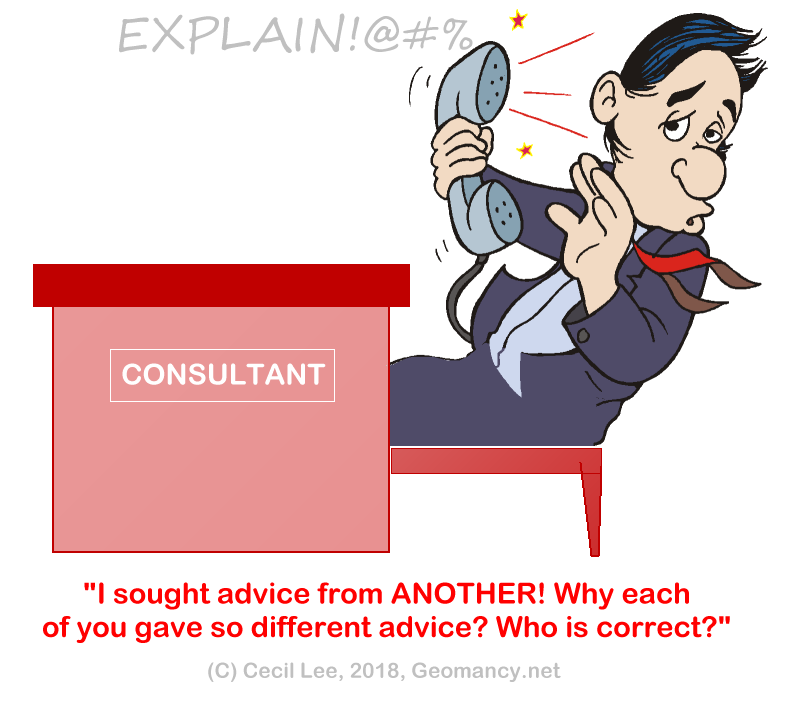
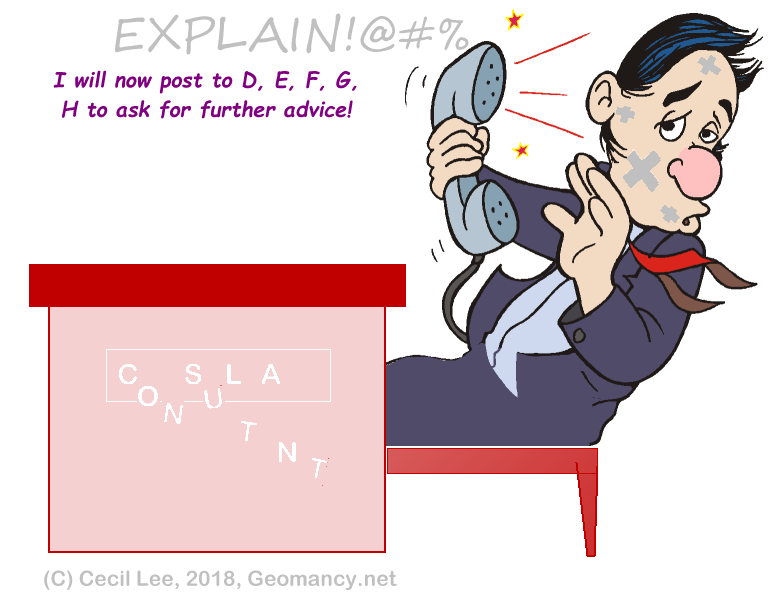 Sorry, I don't use such a method. You have to check with "A consultant told me to" ...
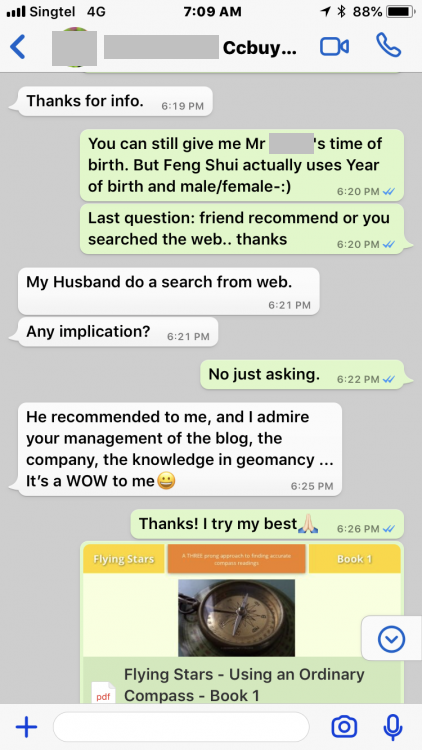
 Lin Yun’s confession:Understand Black Hat sect or Black Hat Tantric SectHe recommended to me, and I admire your management of the blog, the company, the knowledge in geomancy ... It’s a WOW to me?
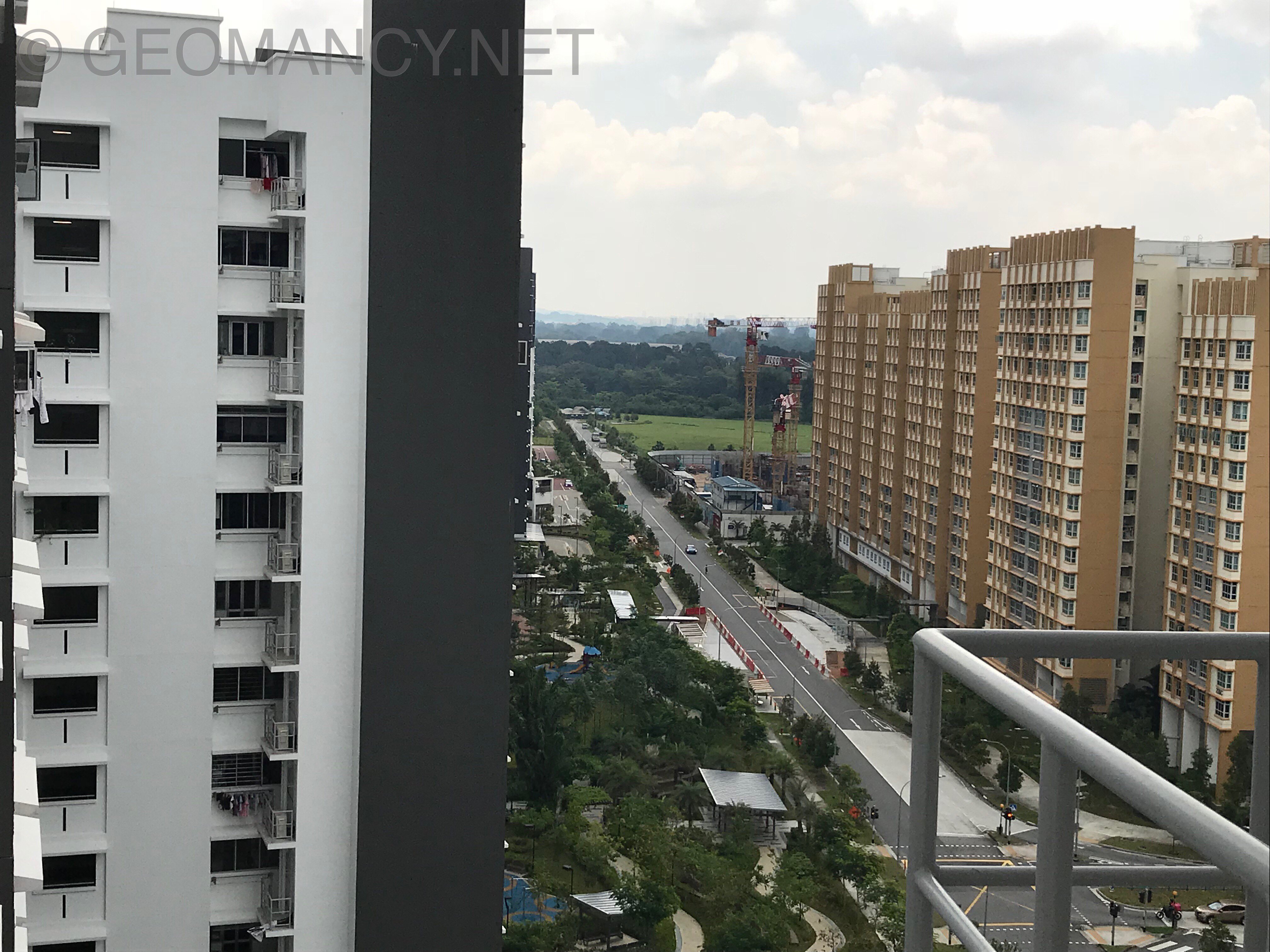
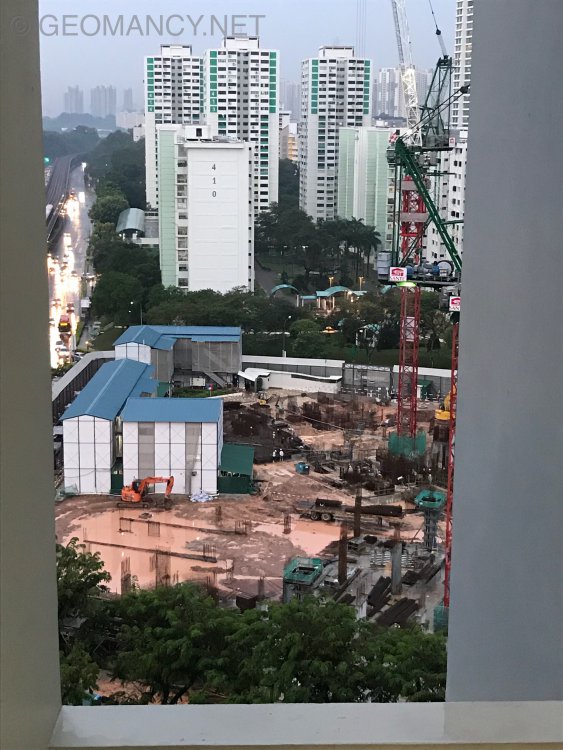
 1. Seems like quite alot of South facing (S2) units in Jadescape may have their kitchen at NW. 2. Thus, this is a recent article on the subject of kitchen at NW. And whether automatically it affects every unit or why is it that some are not affected b a kitchen at NW sector:-Photos taken on 7 September 2018

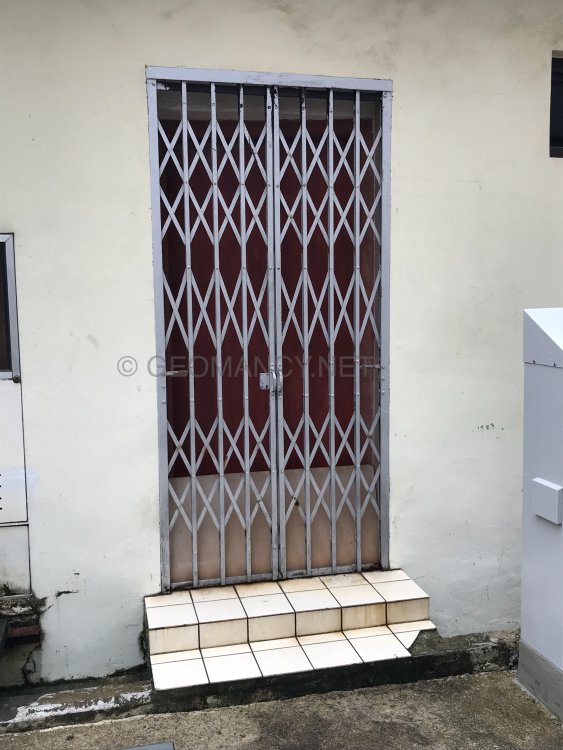
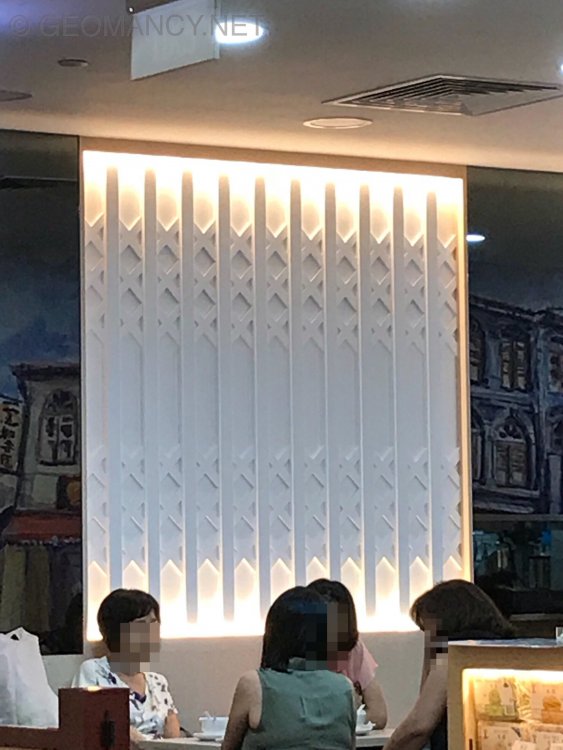
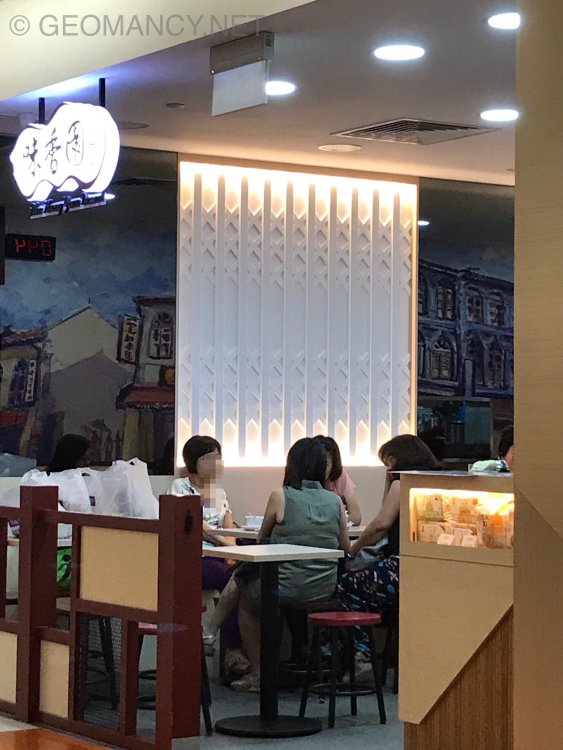
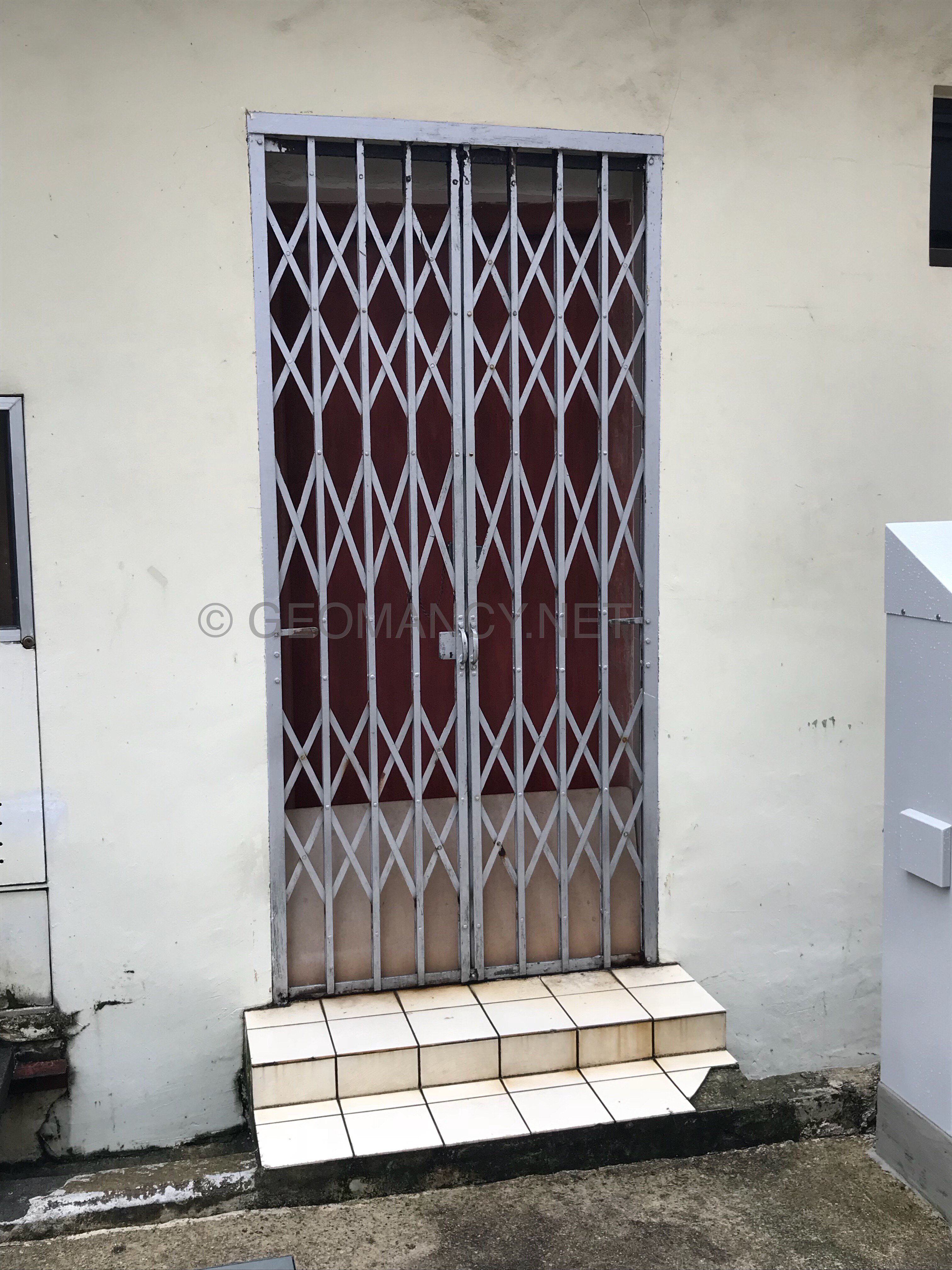
 Looks like an ID use it on a desert shop... l Traditional metal gate