



Cecil Lee
Staff
-
Joined
-
Last visited
-
Currently
Viewing Topic: Former en-bloc HUDC Tampines Court @ Tampines Street 11. Today, it is known as Treasure at Tampines.
Everything posted by Cecil Lee
-
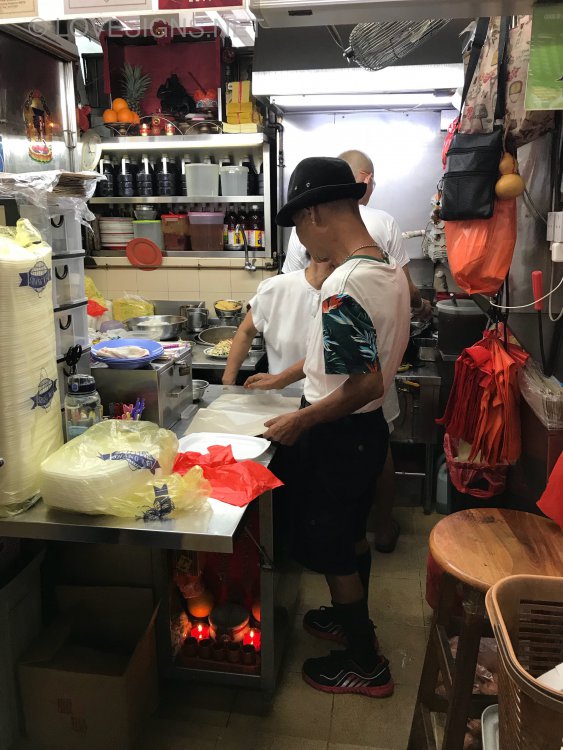
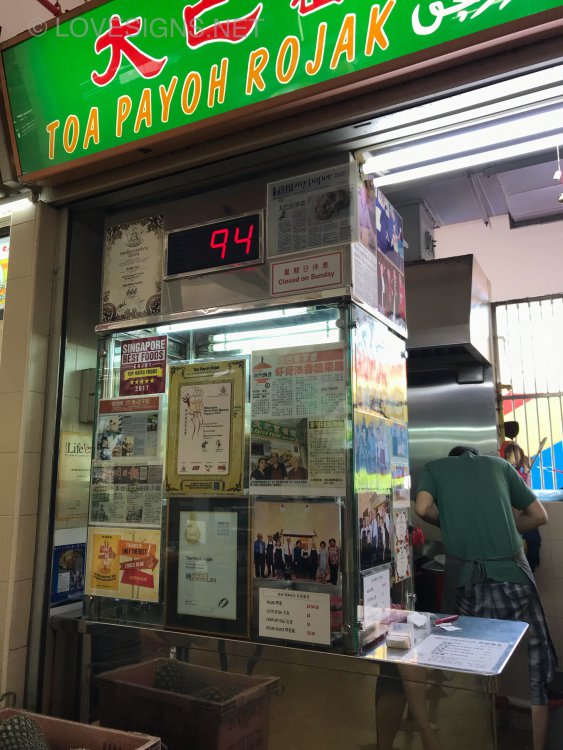
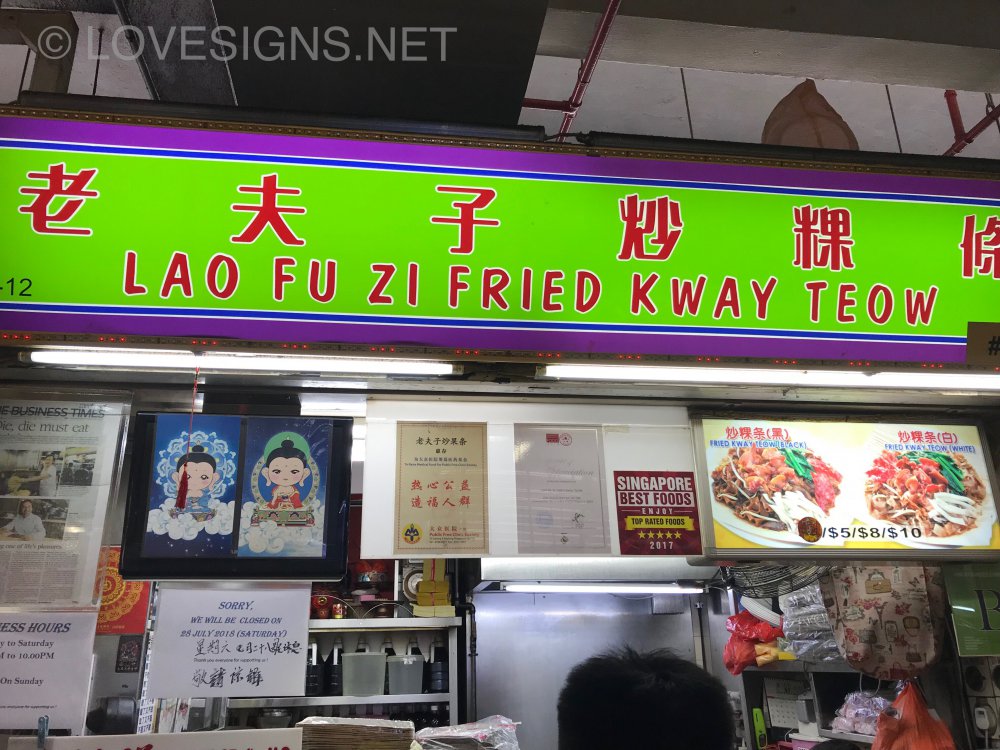
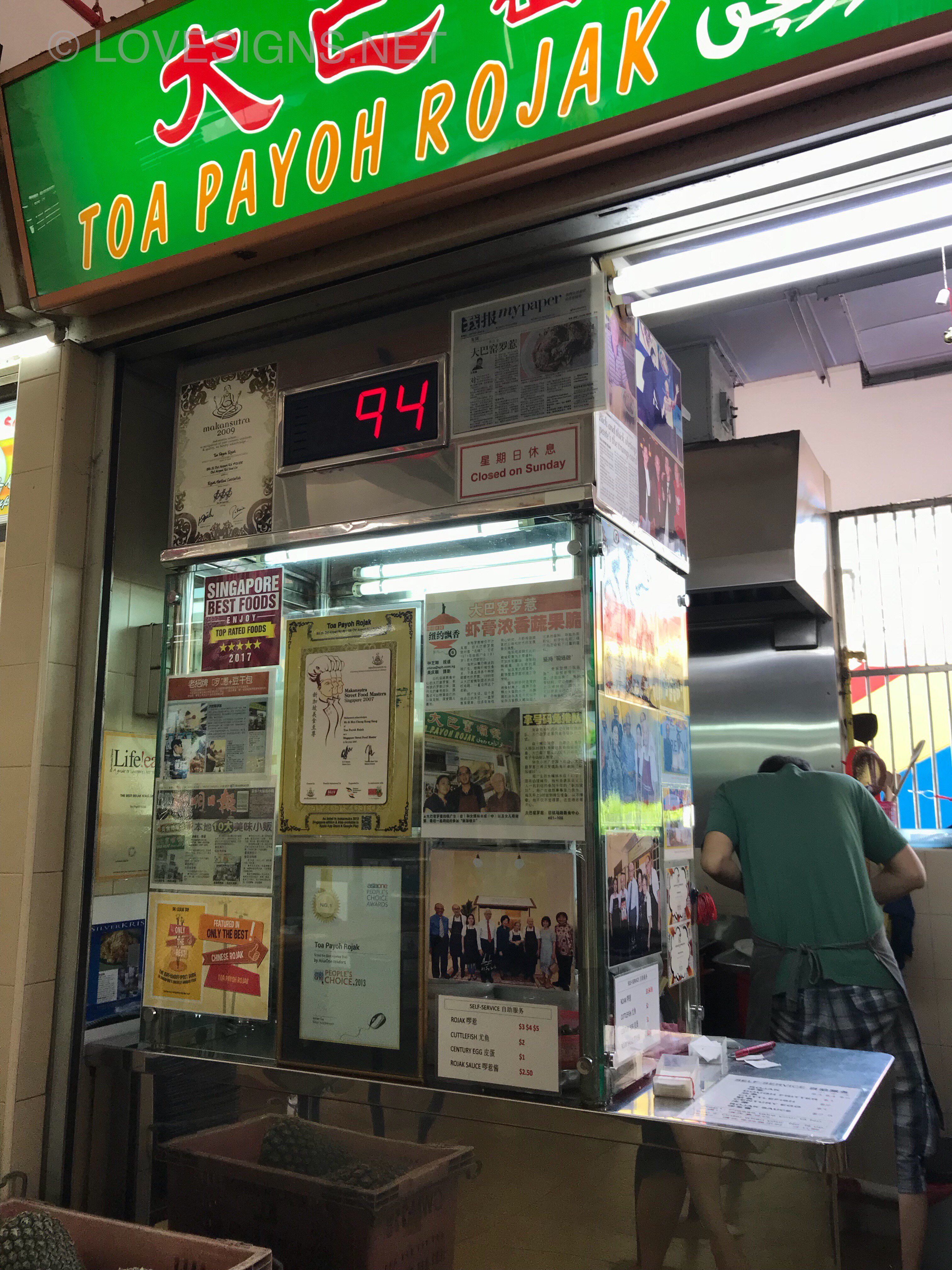
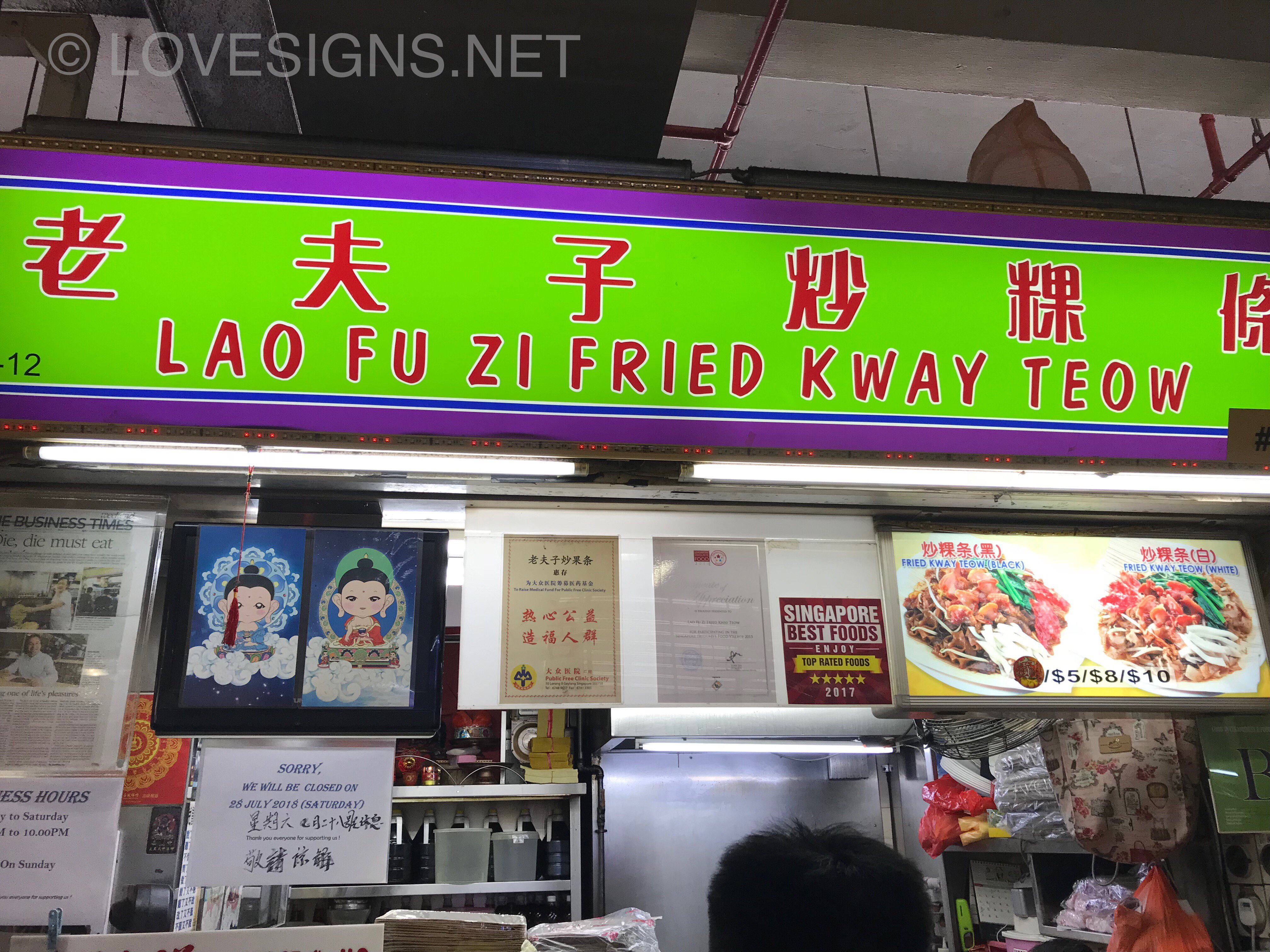
Tao payoh rojak and Lao Fu Zi Fried Kuay Teow Unfortunately these two foods should not be consumed frequently. Chinese rojak even if one asks for no sugar, the prawn paste is already loaded with sugar! Concern of Type 2 diabetes. Fried Kuay Teoh if lard is used or even not; is rather oily.. daily consumption is not adviced!
-
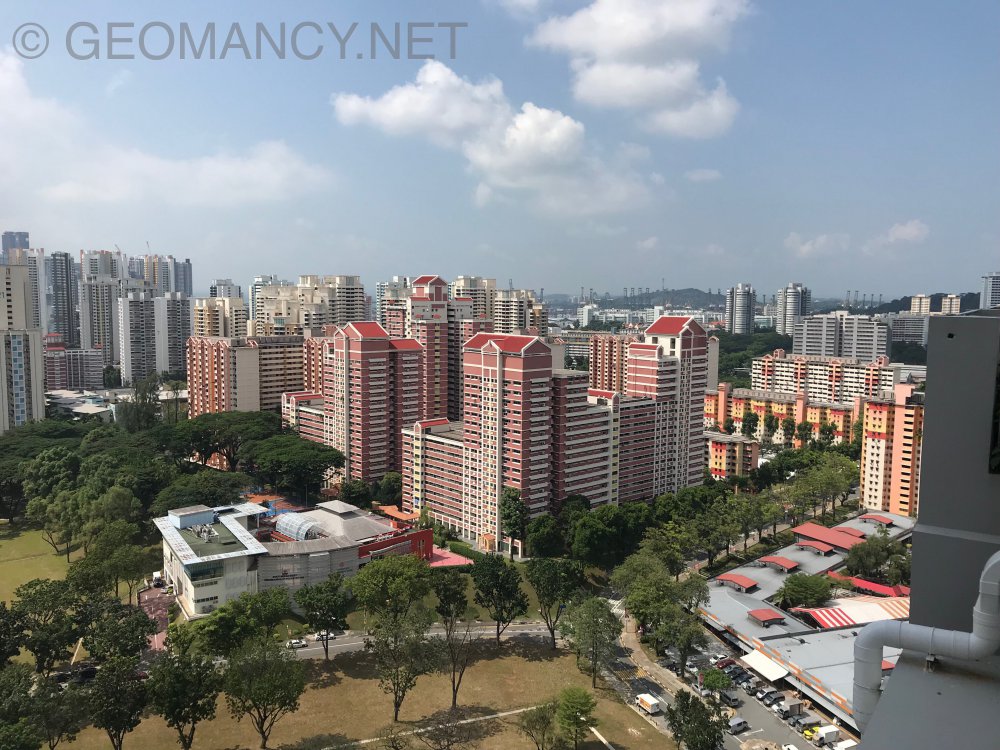
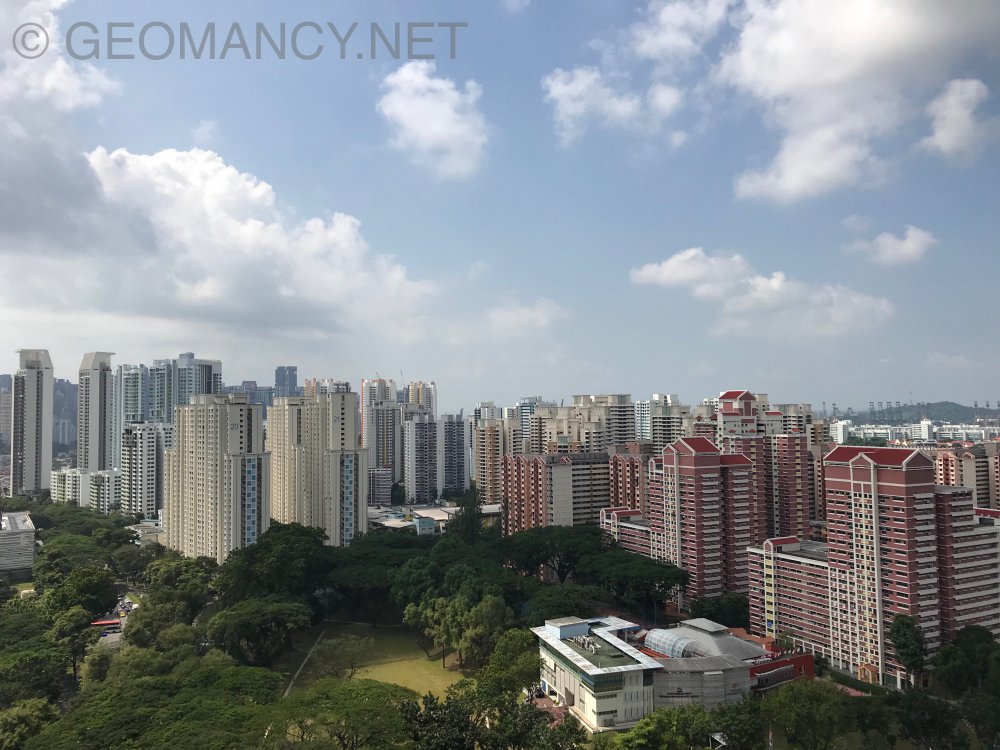
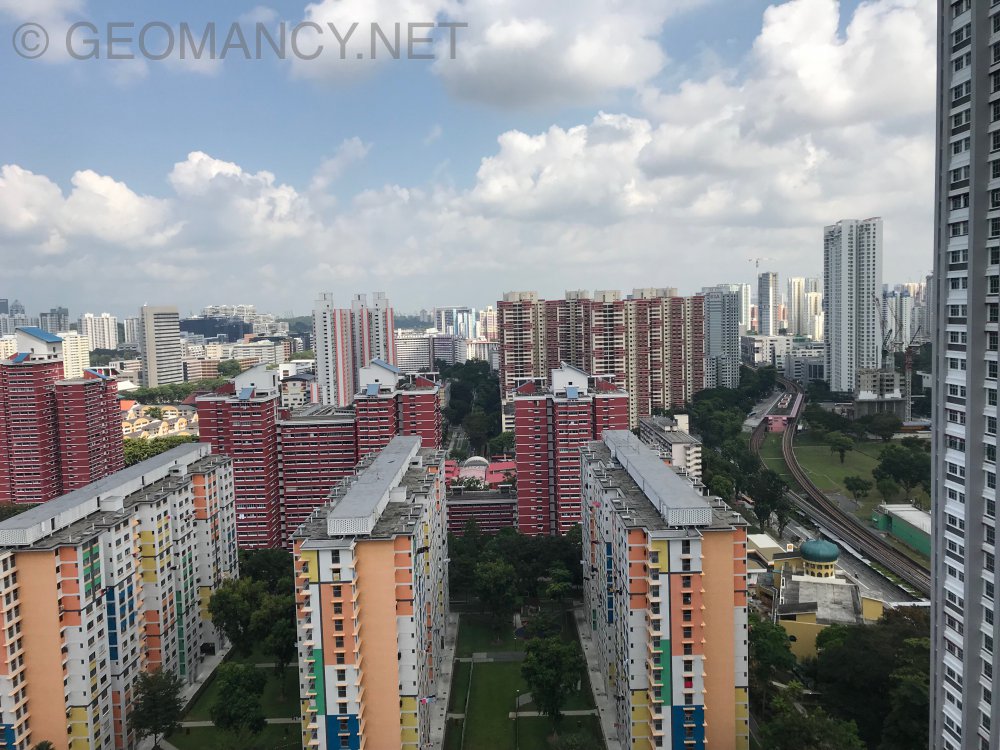
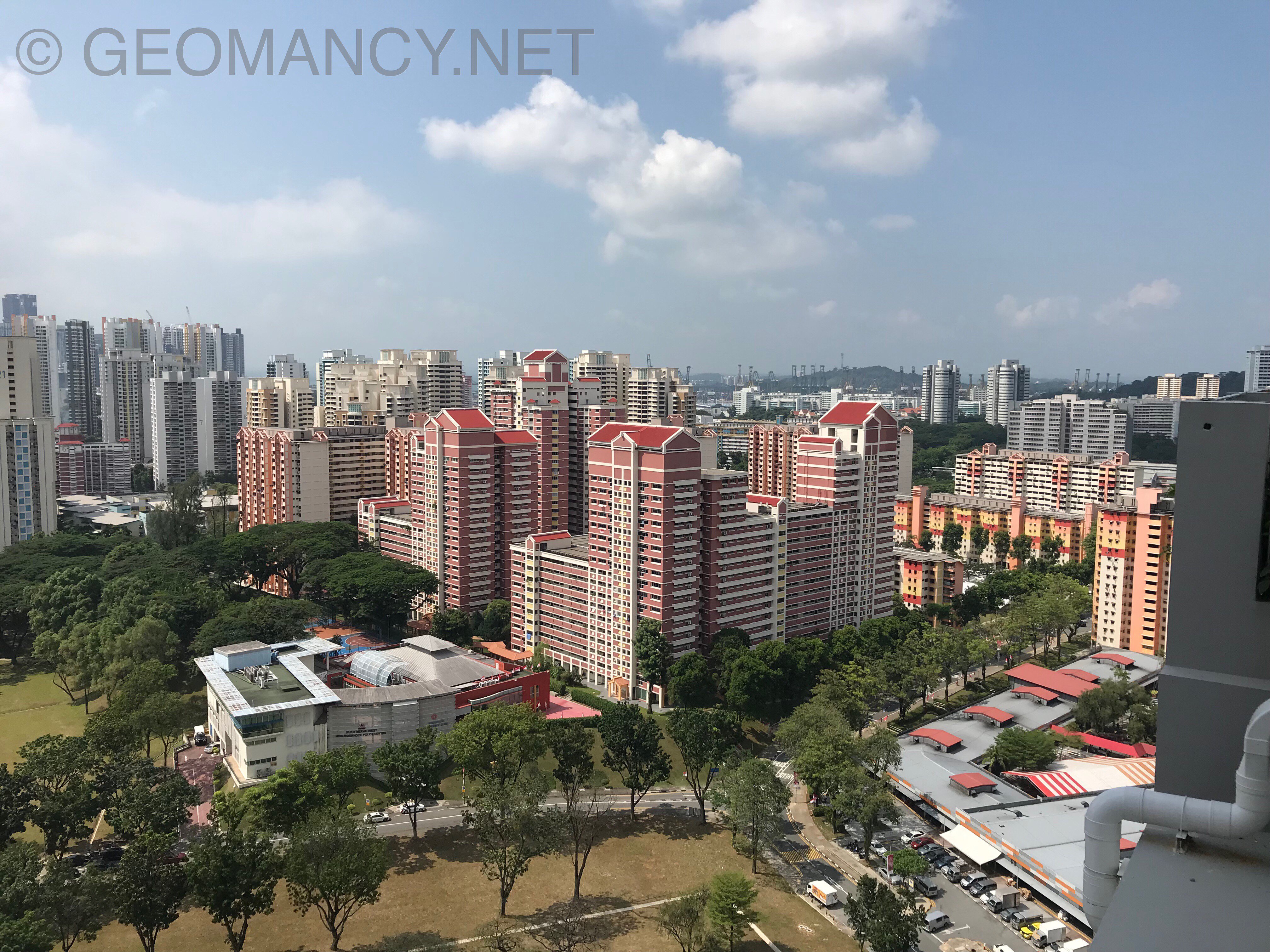
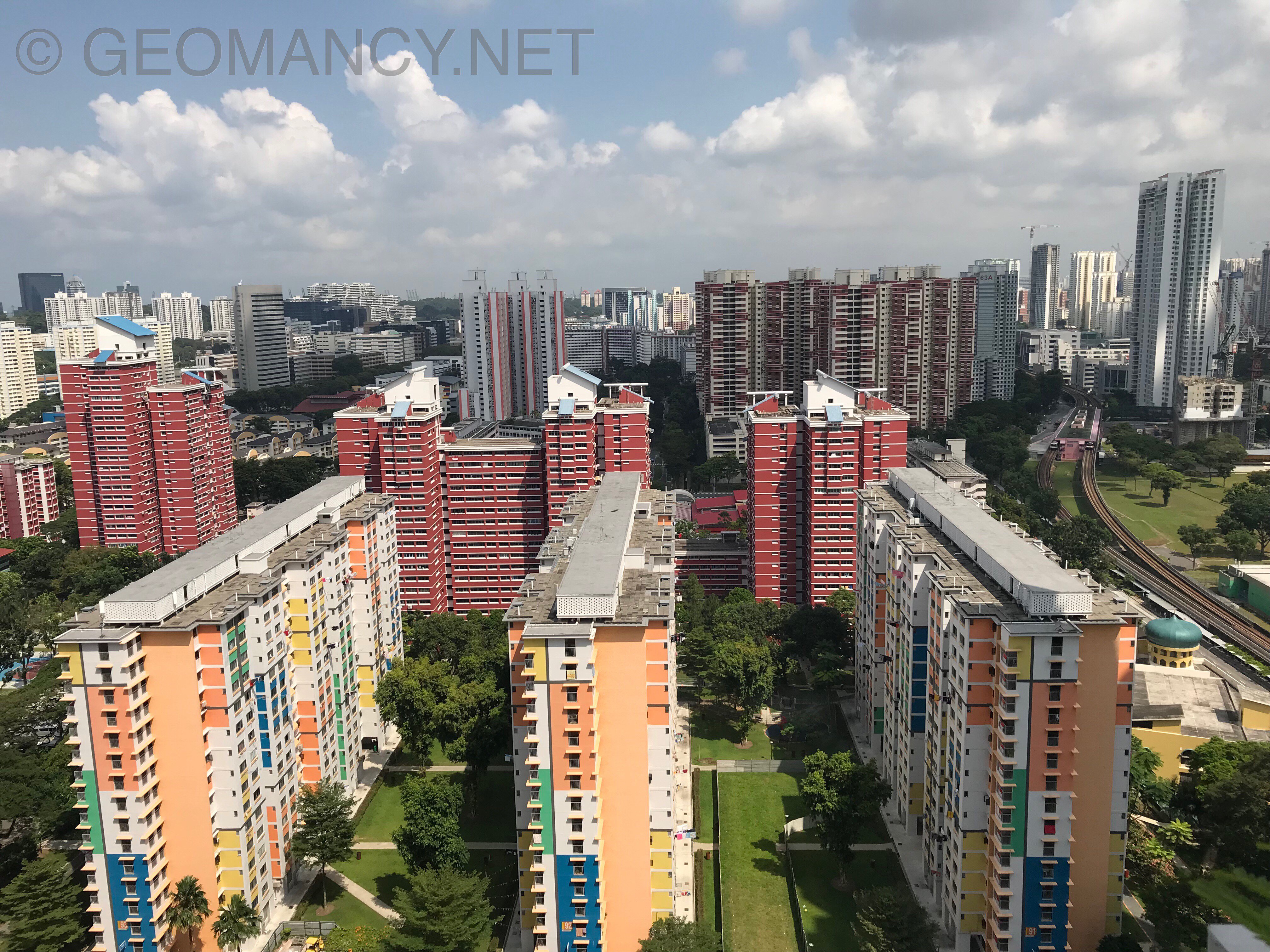
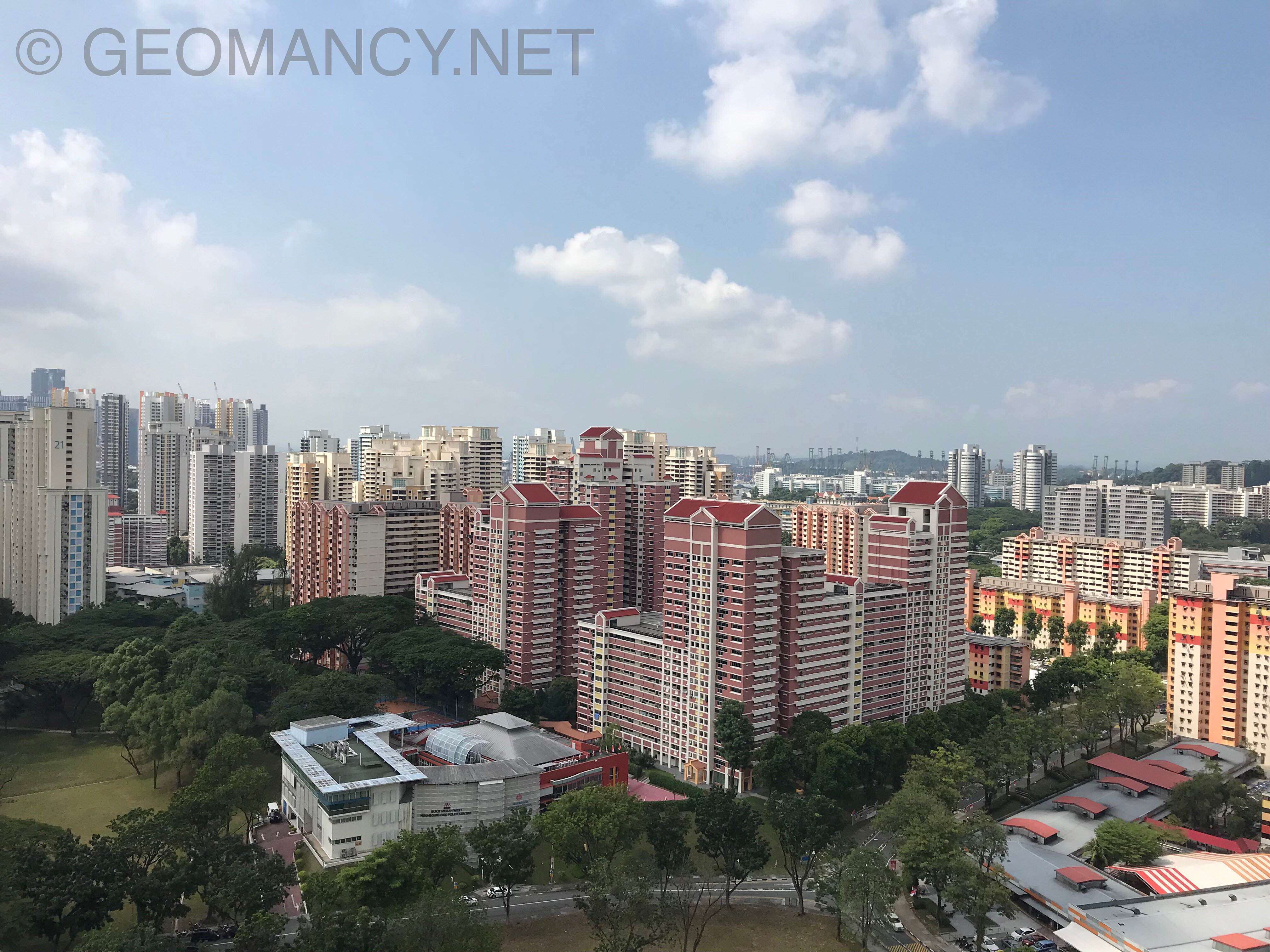
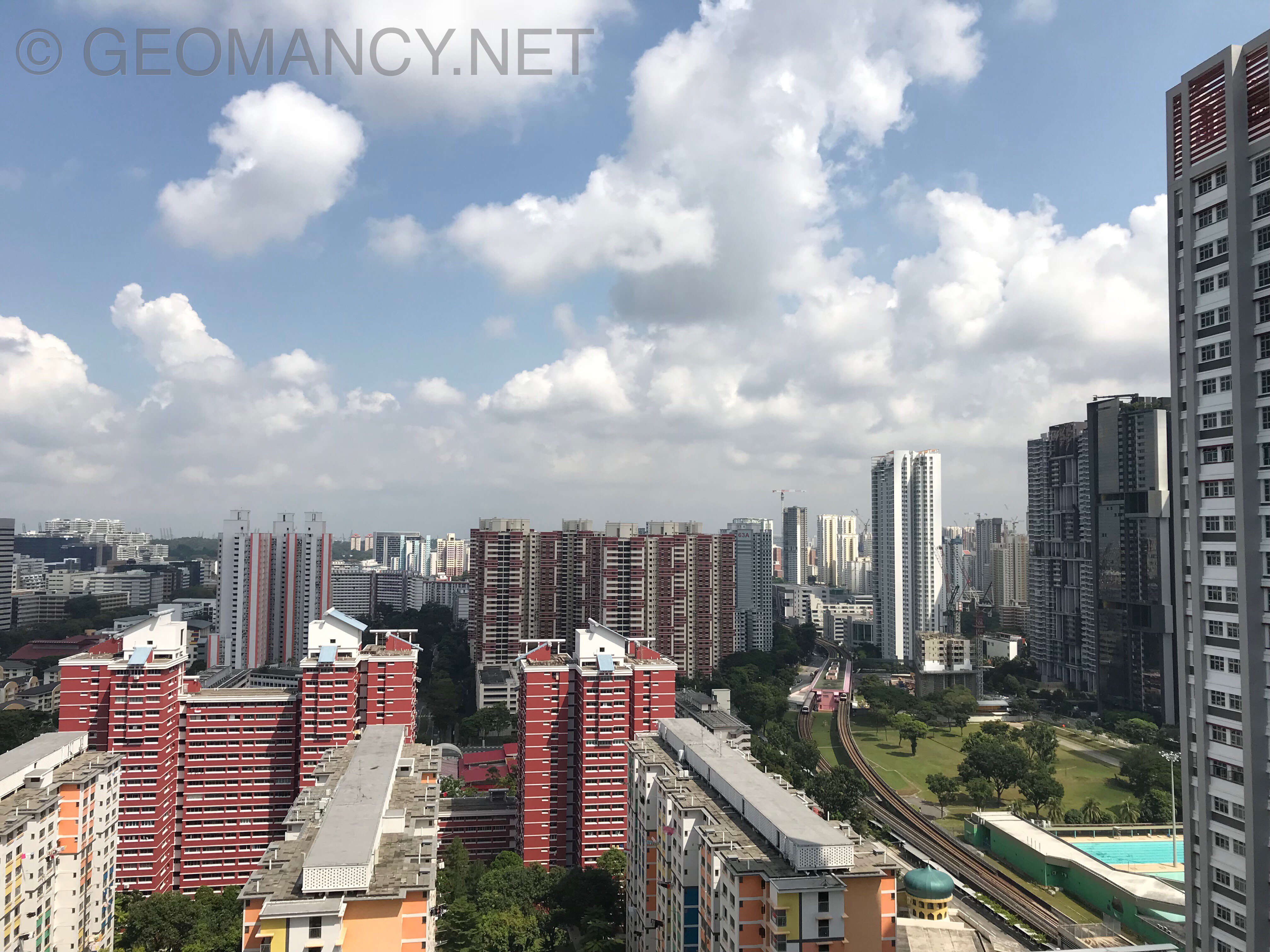
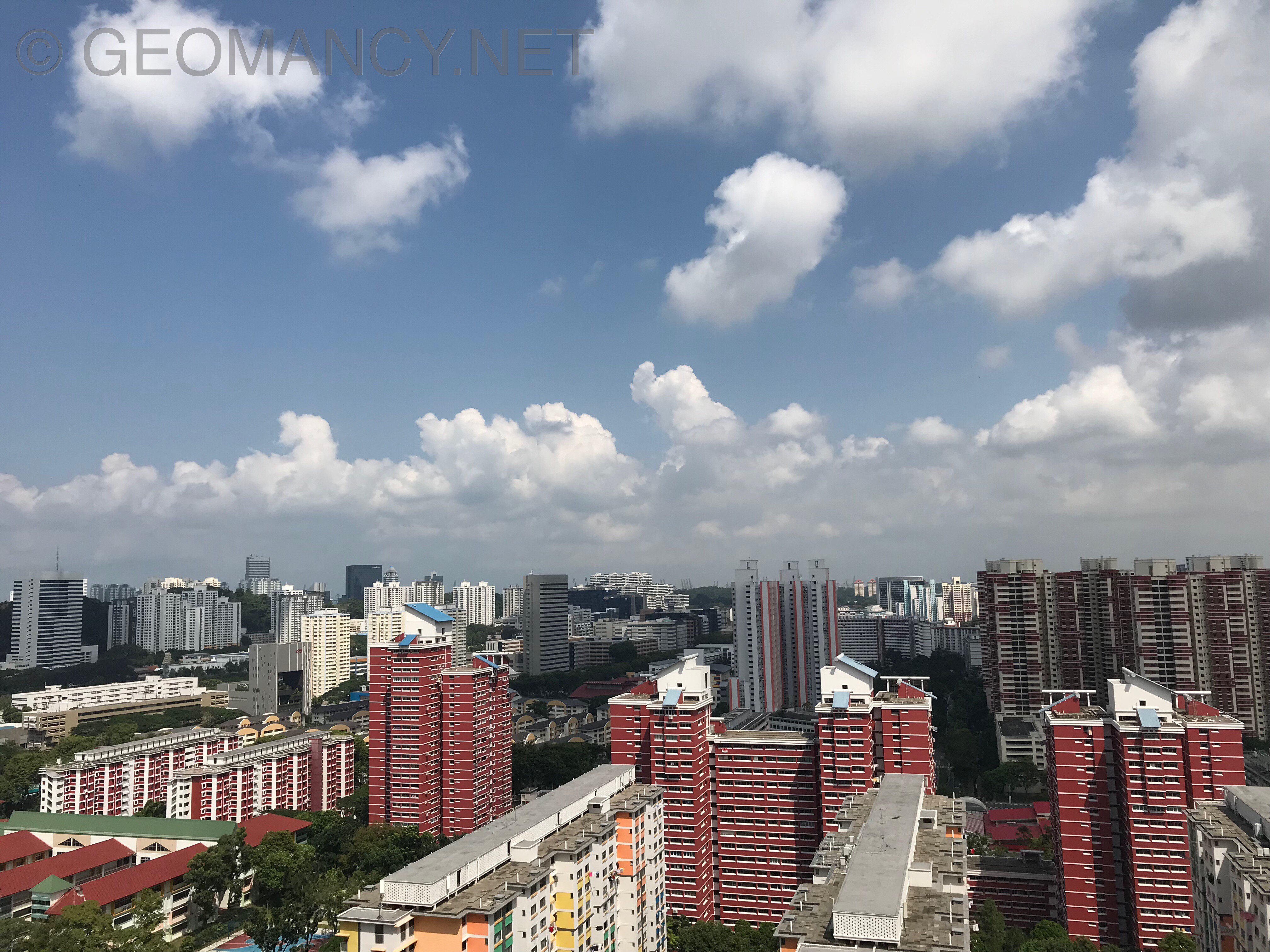
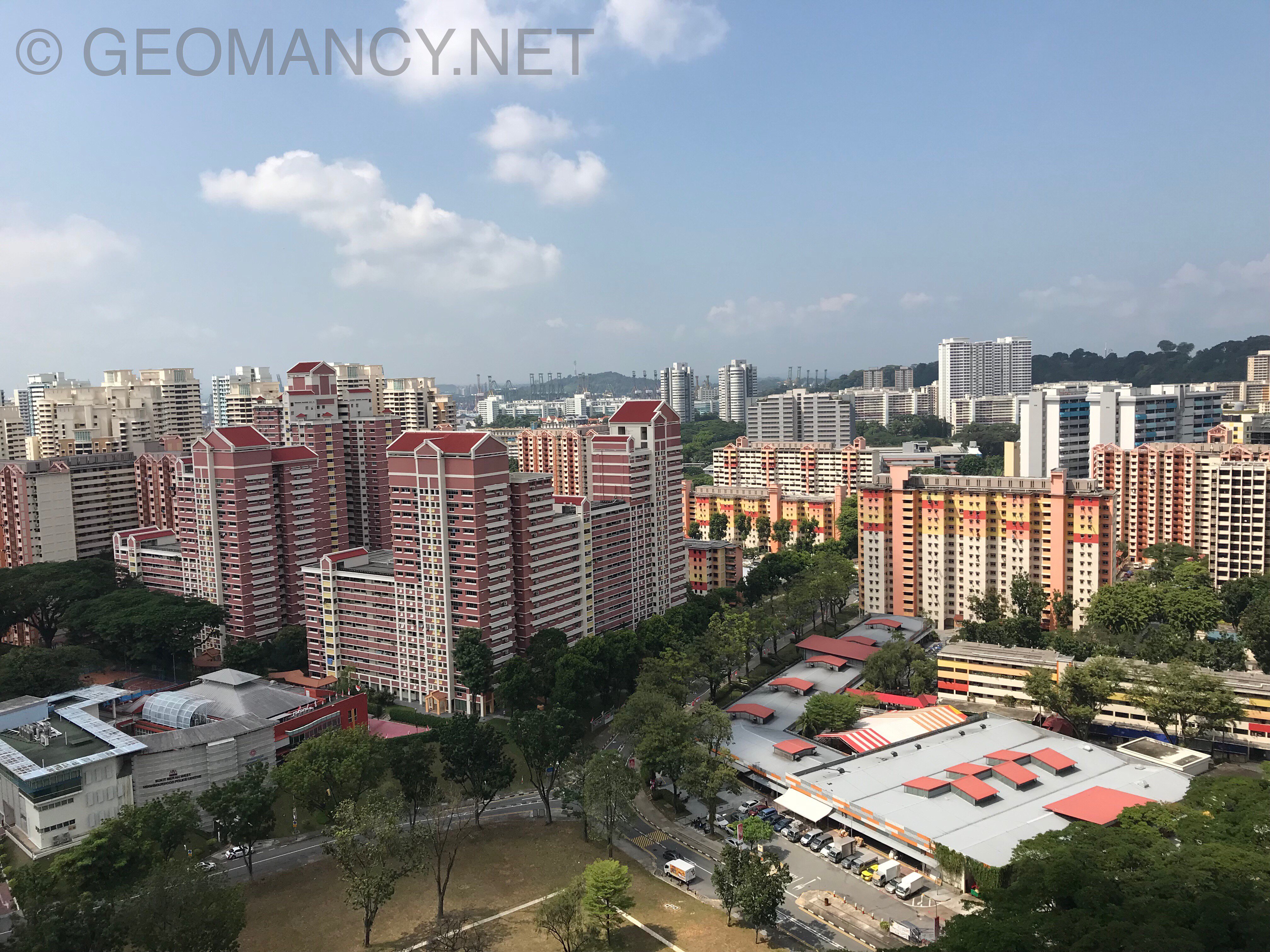
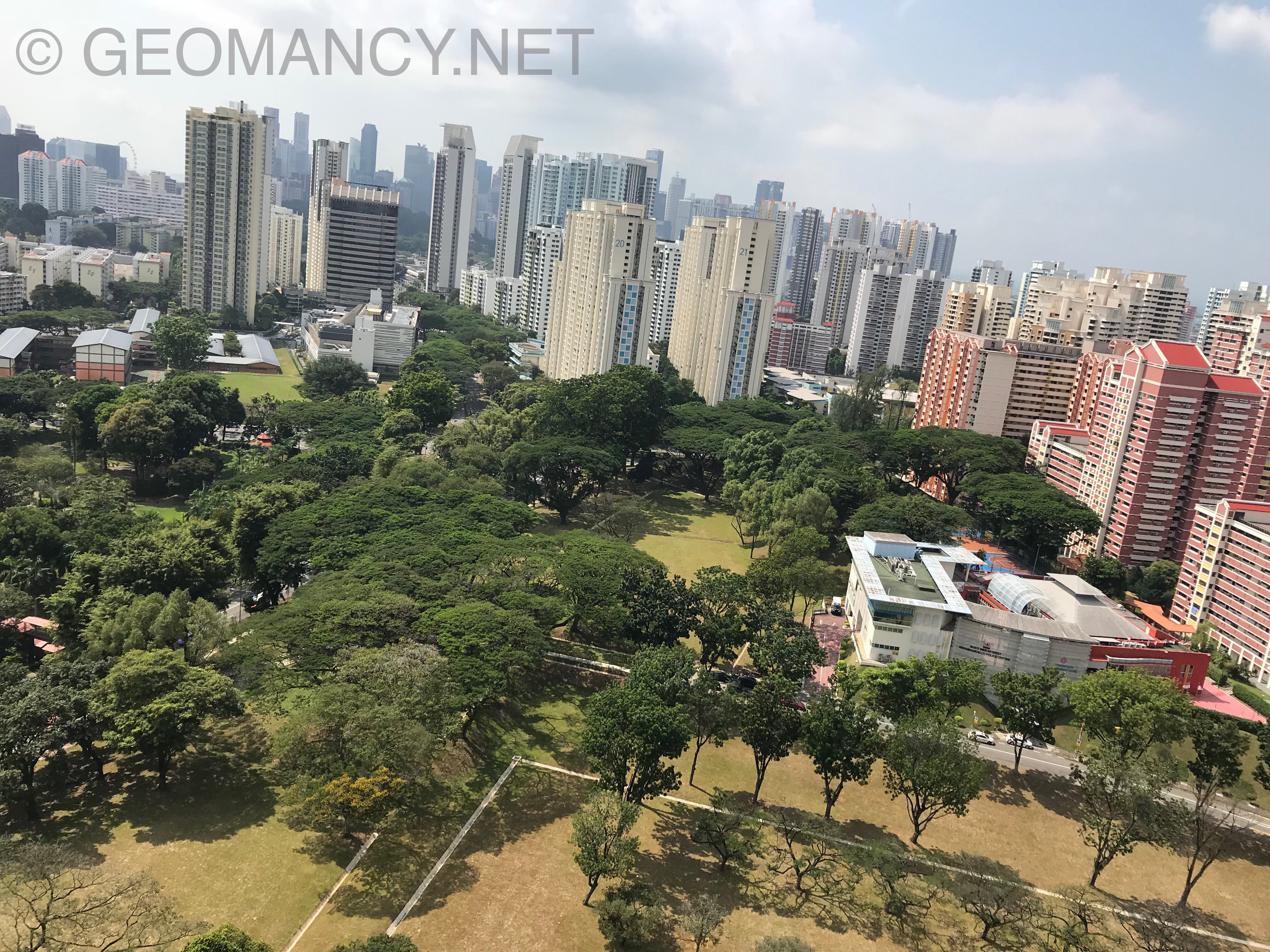
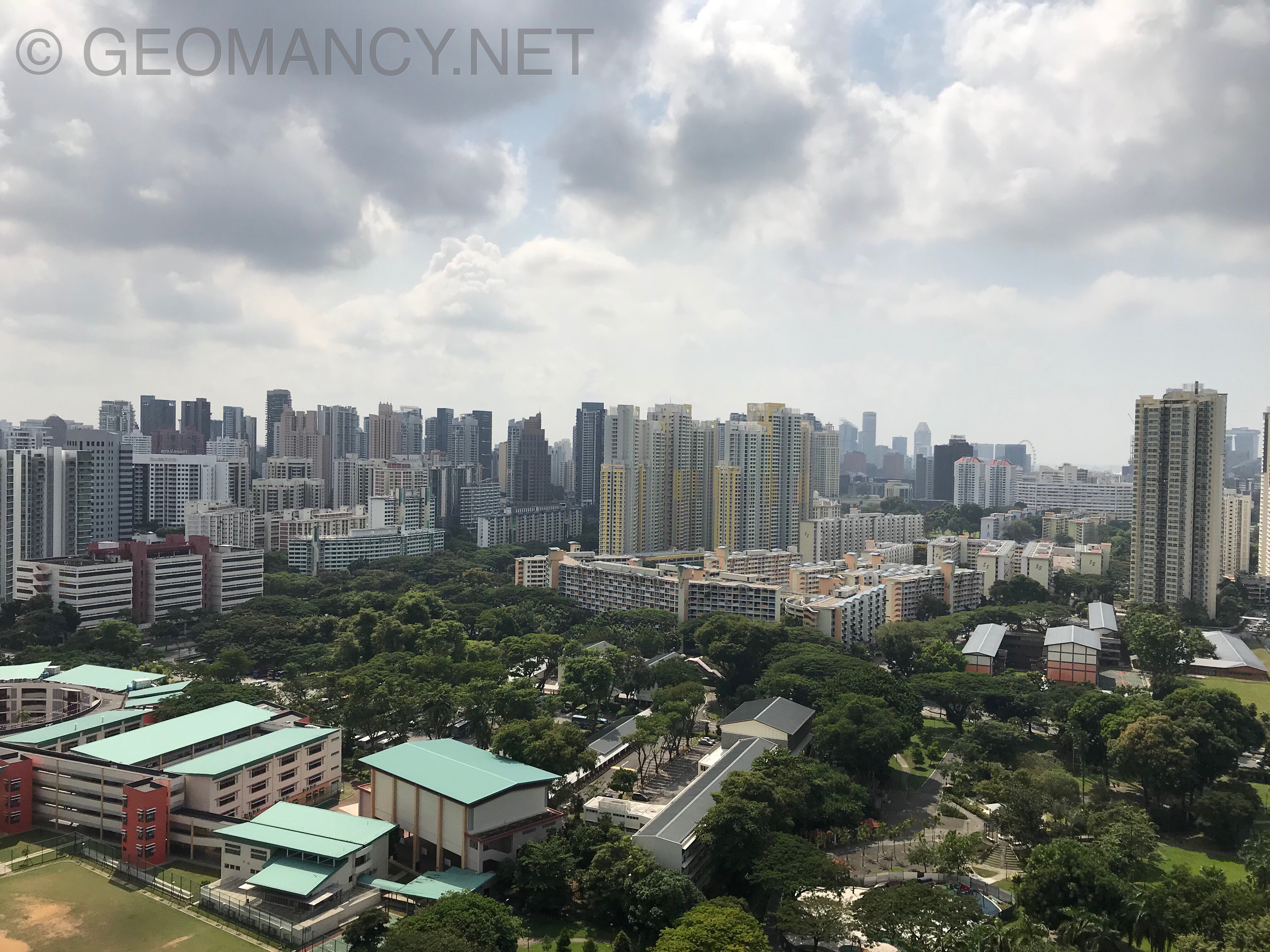
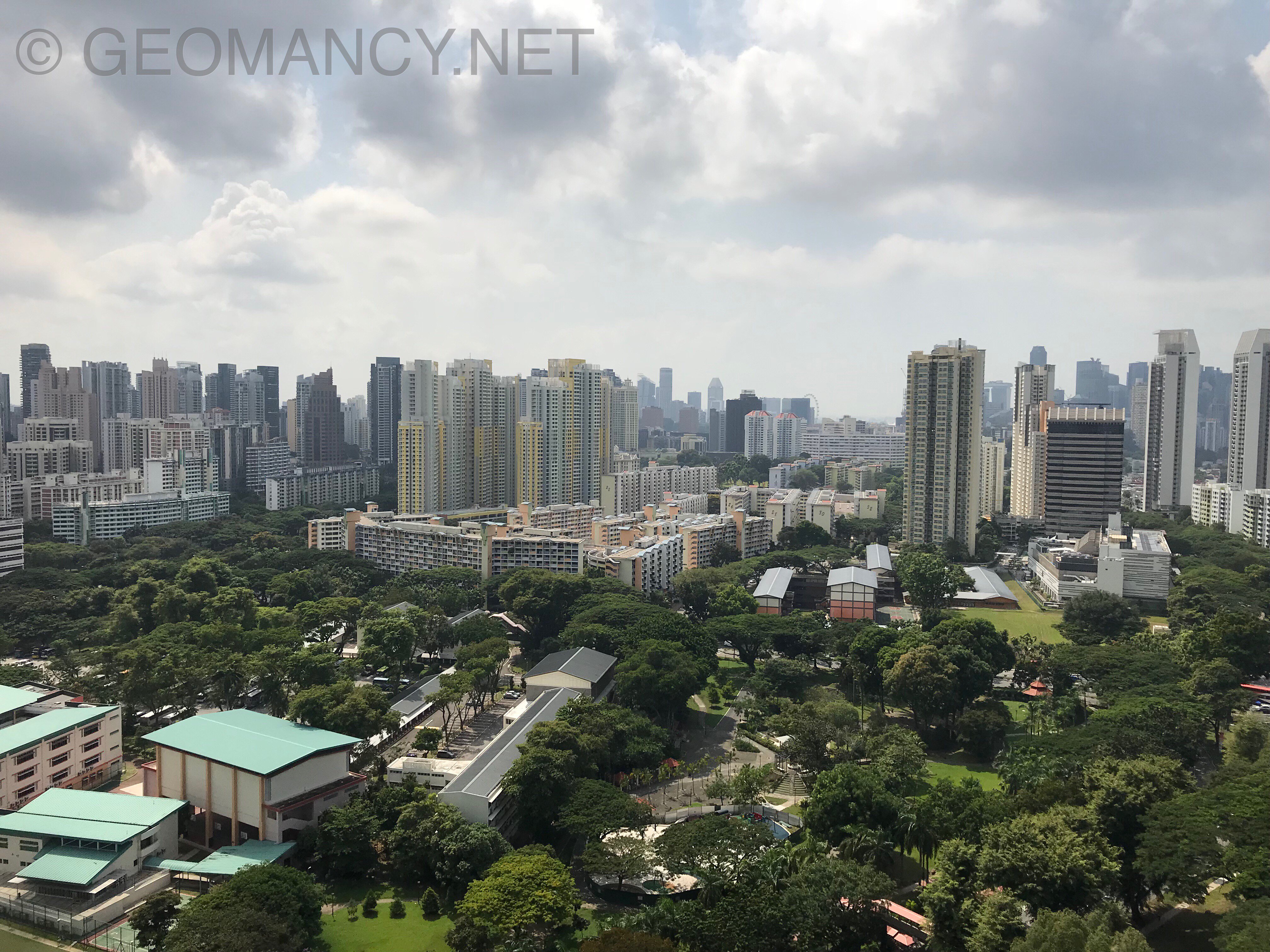
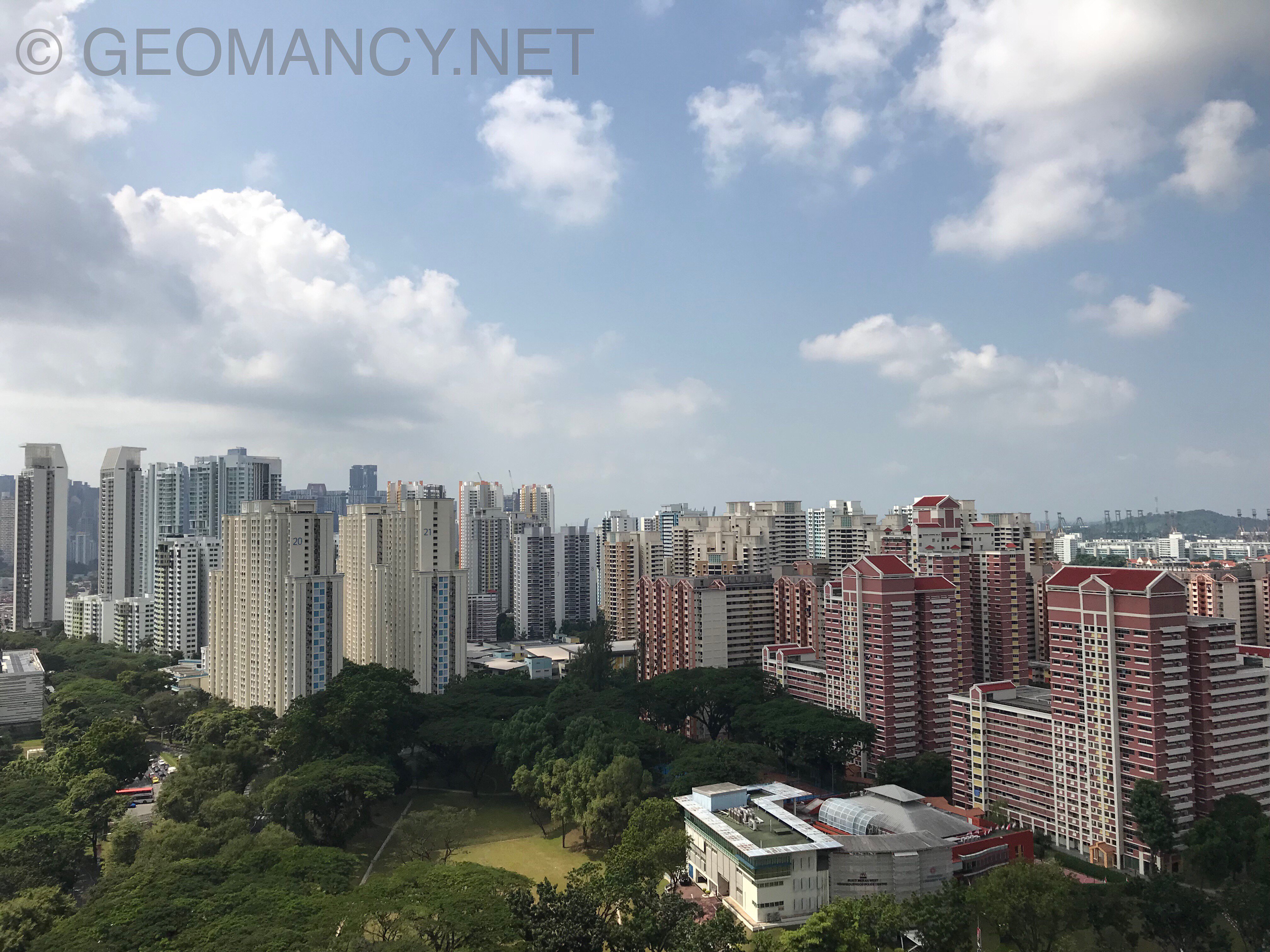
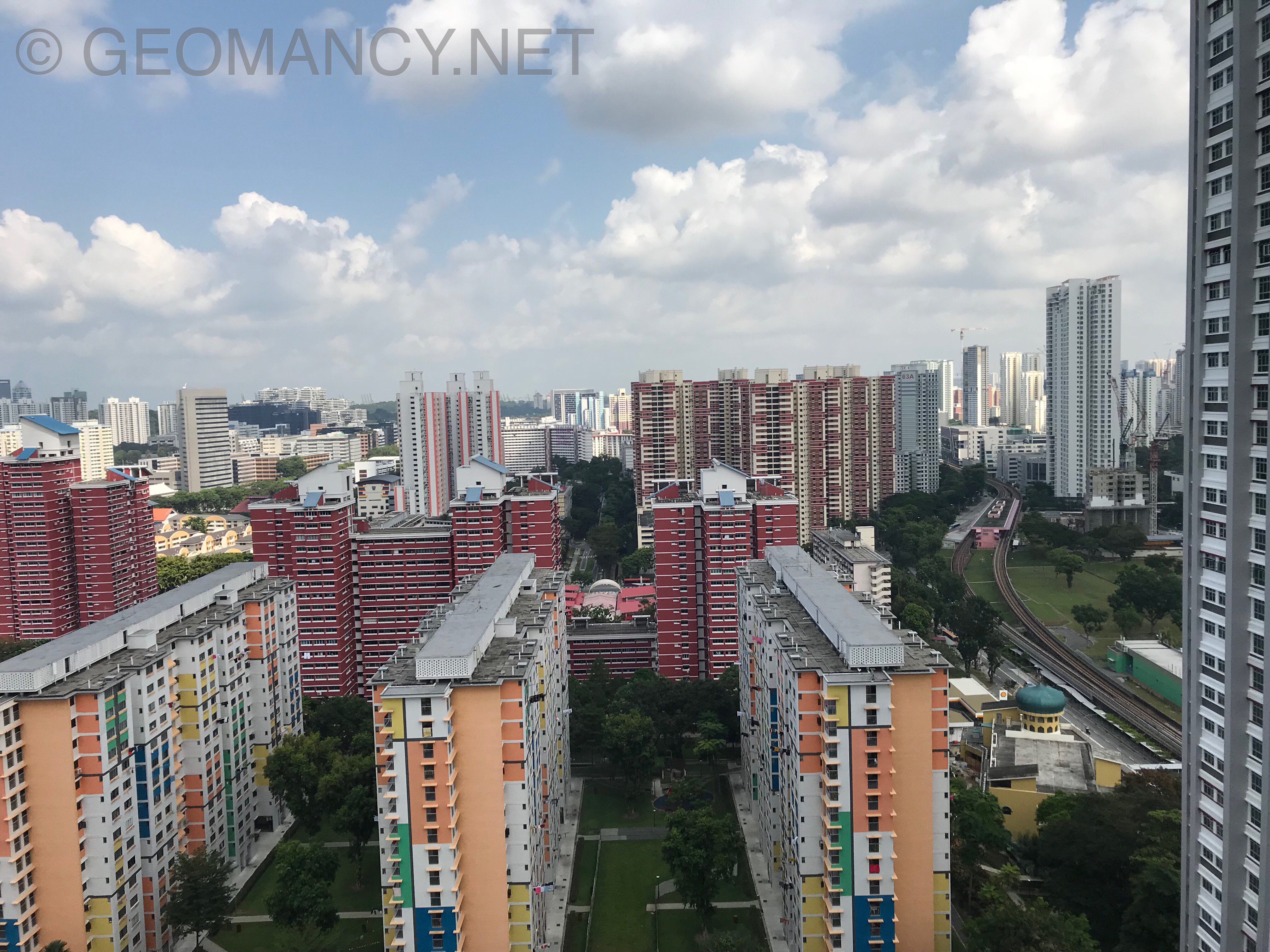
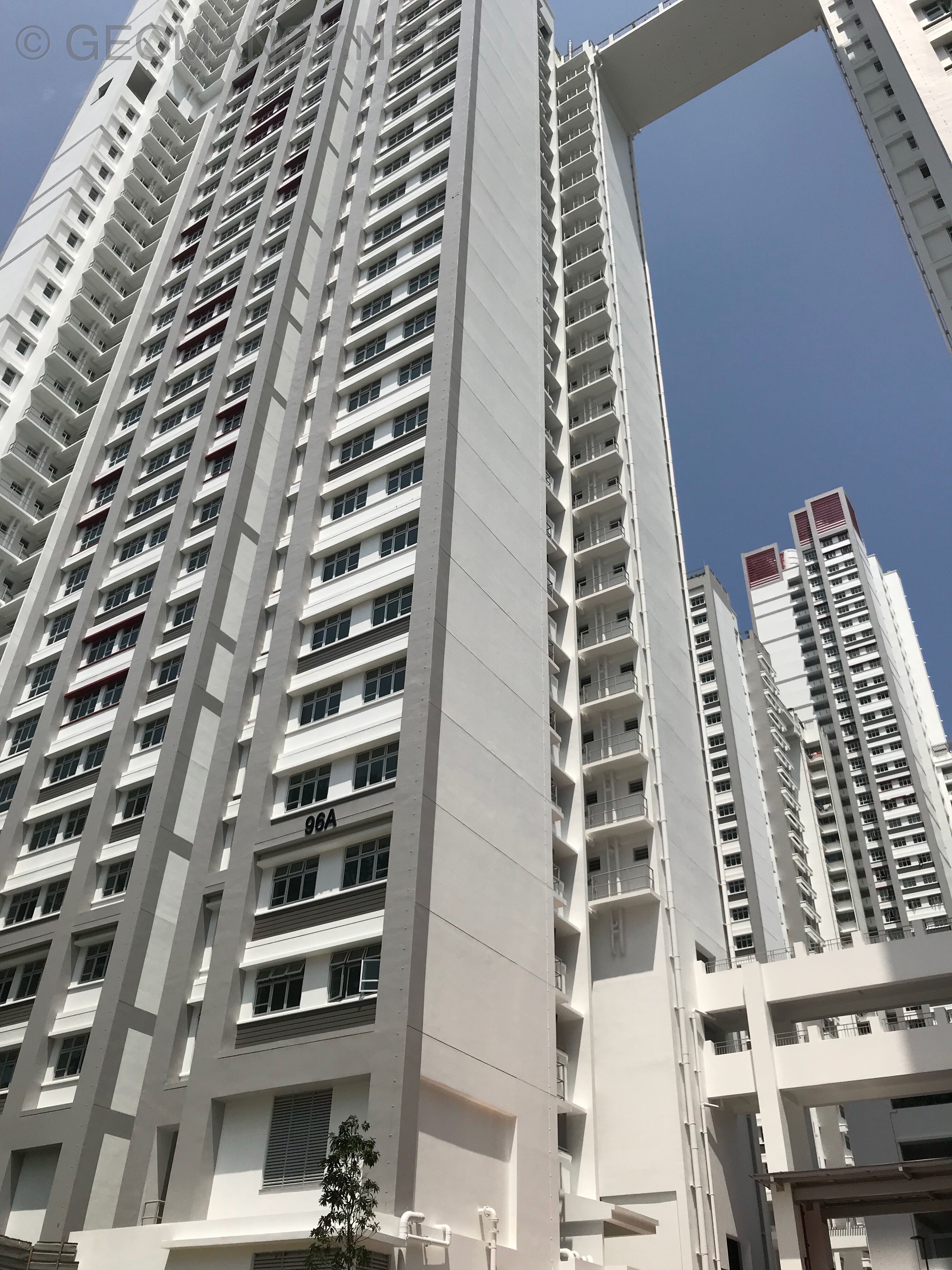
More views... They don’t call Redhill estate for no reason... it is distinctively RED...
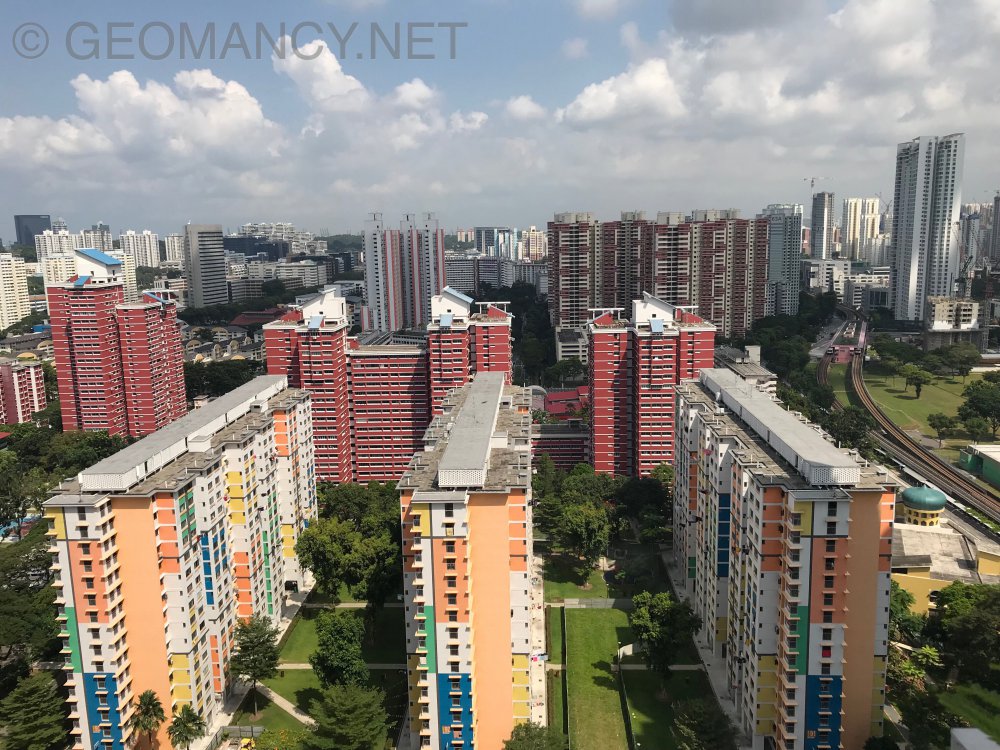
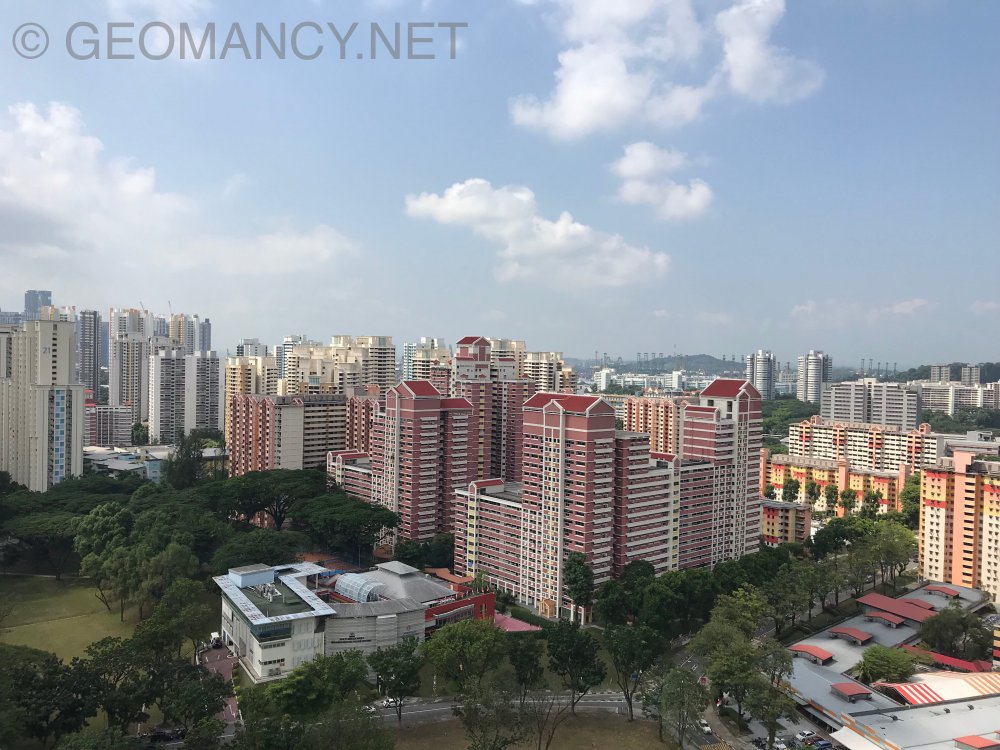
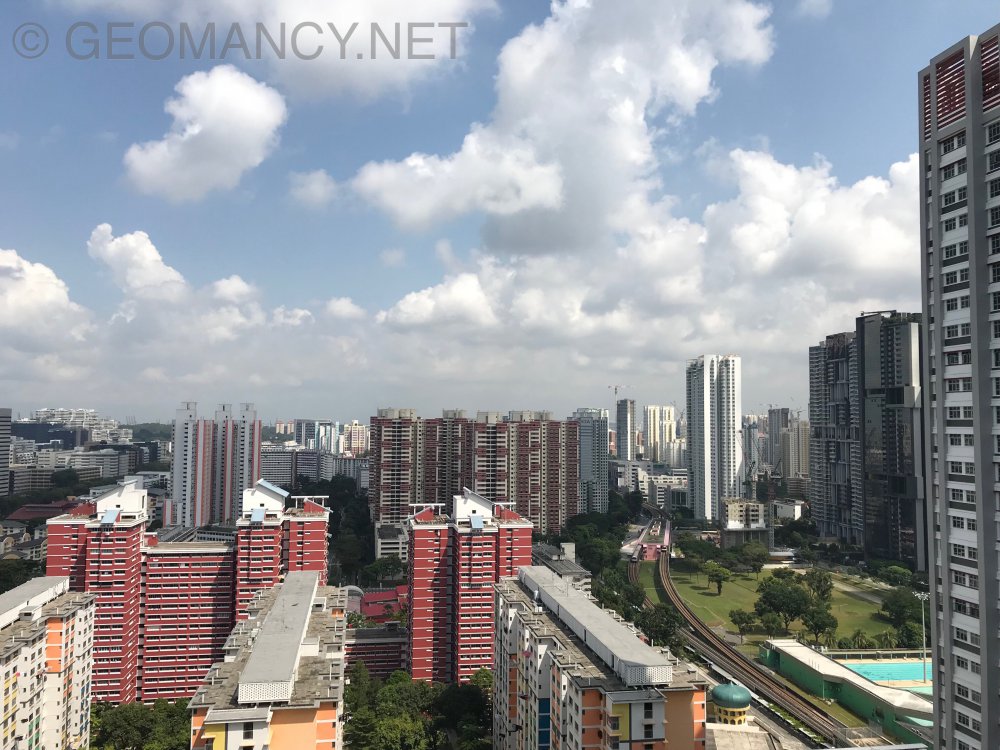
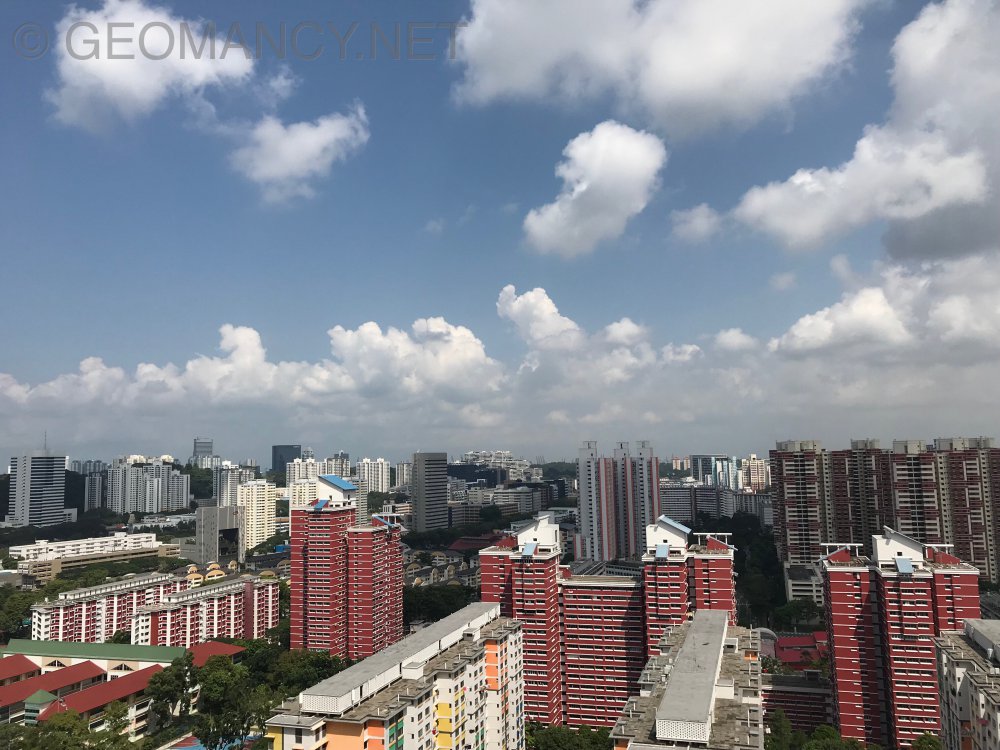
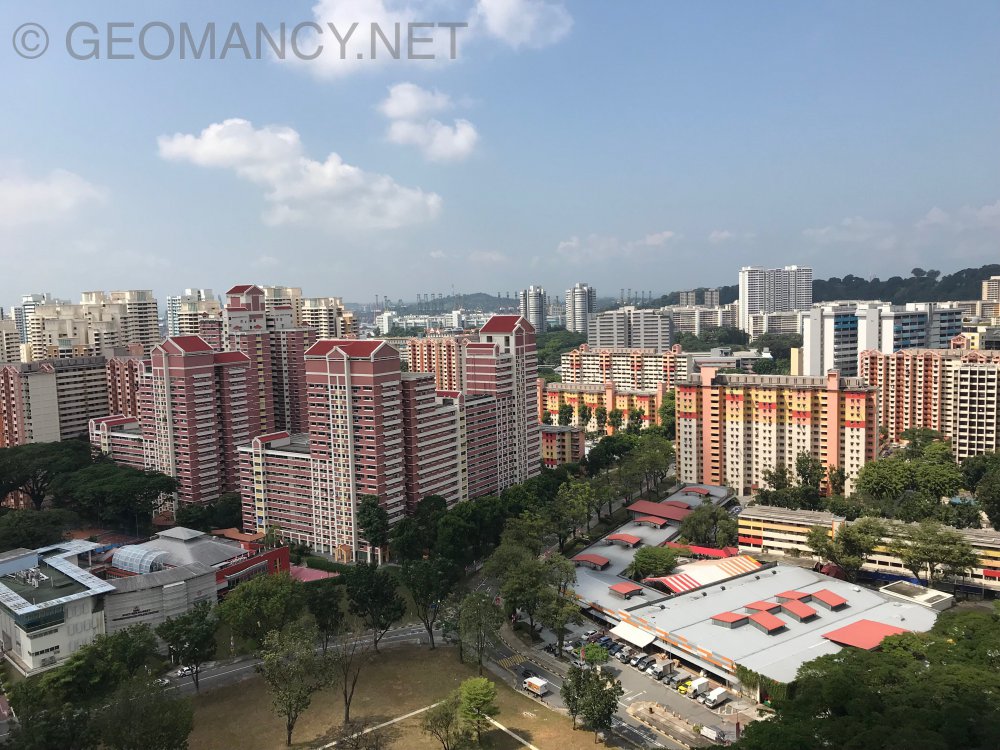
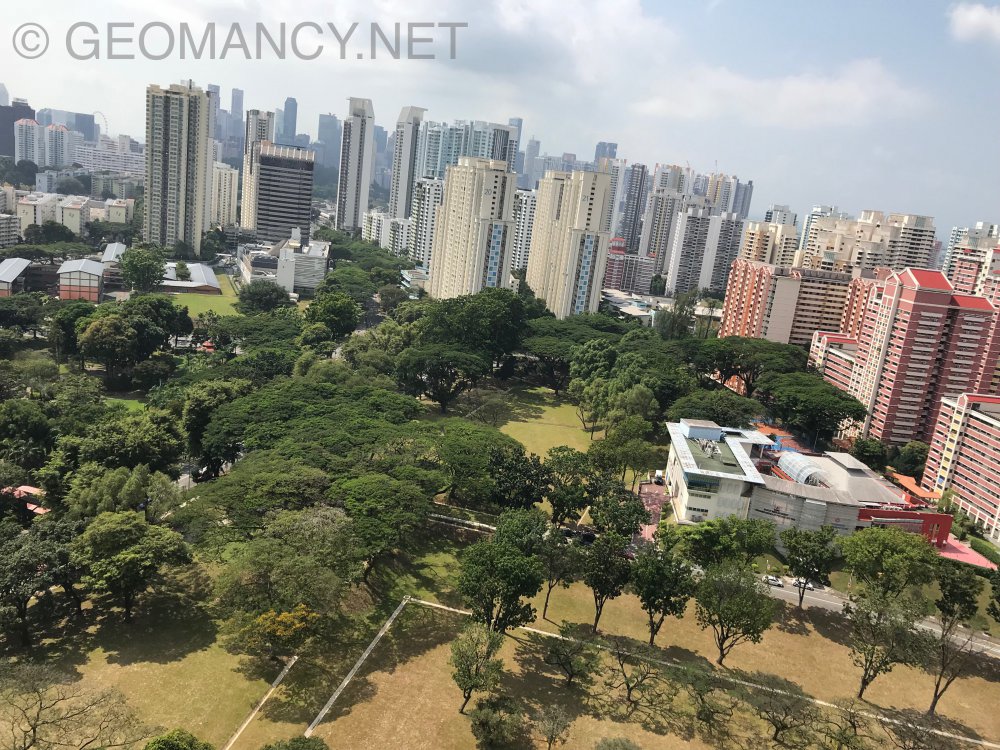
-
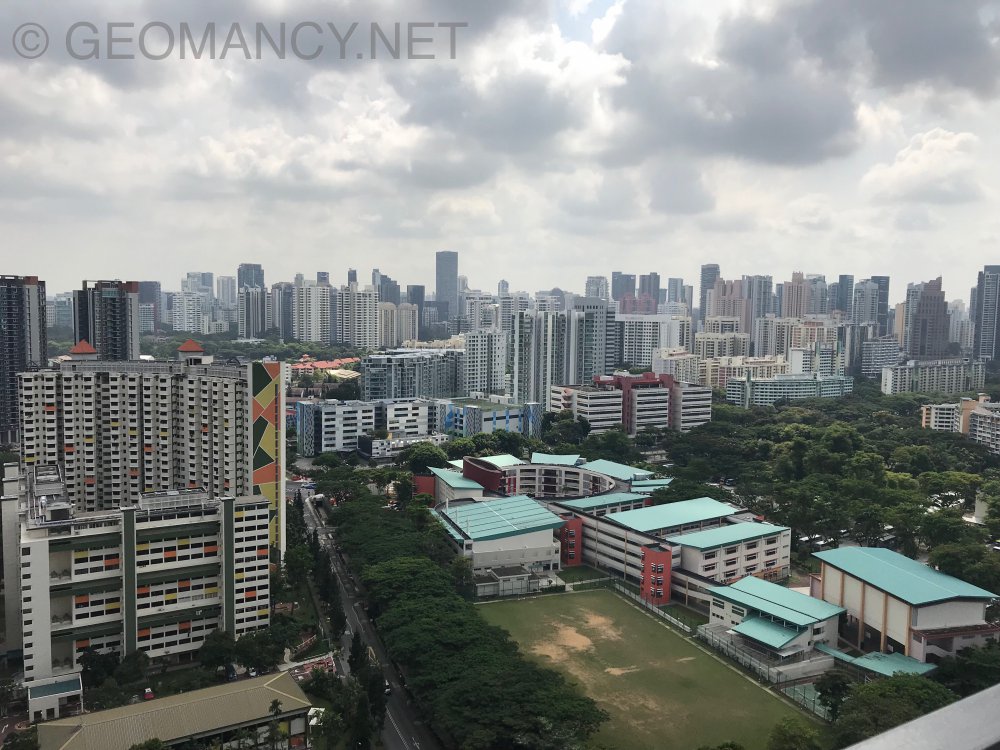
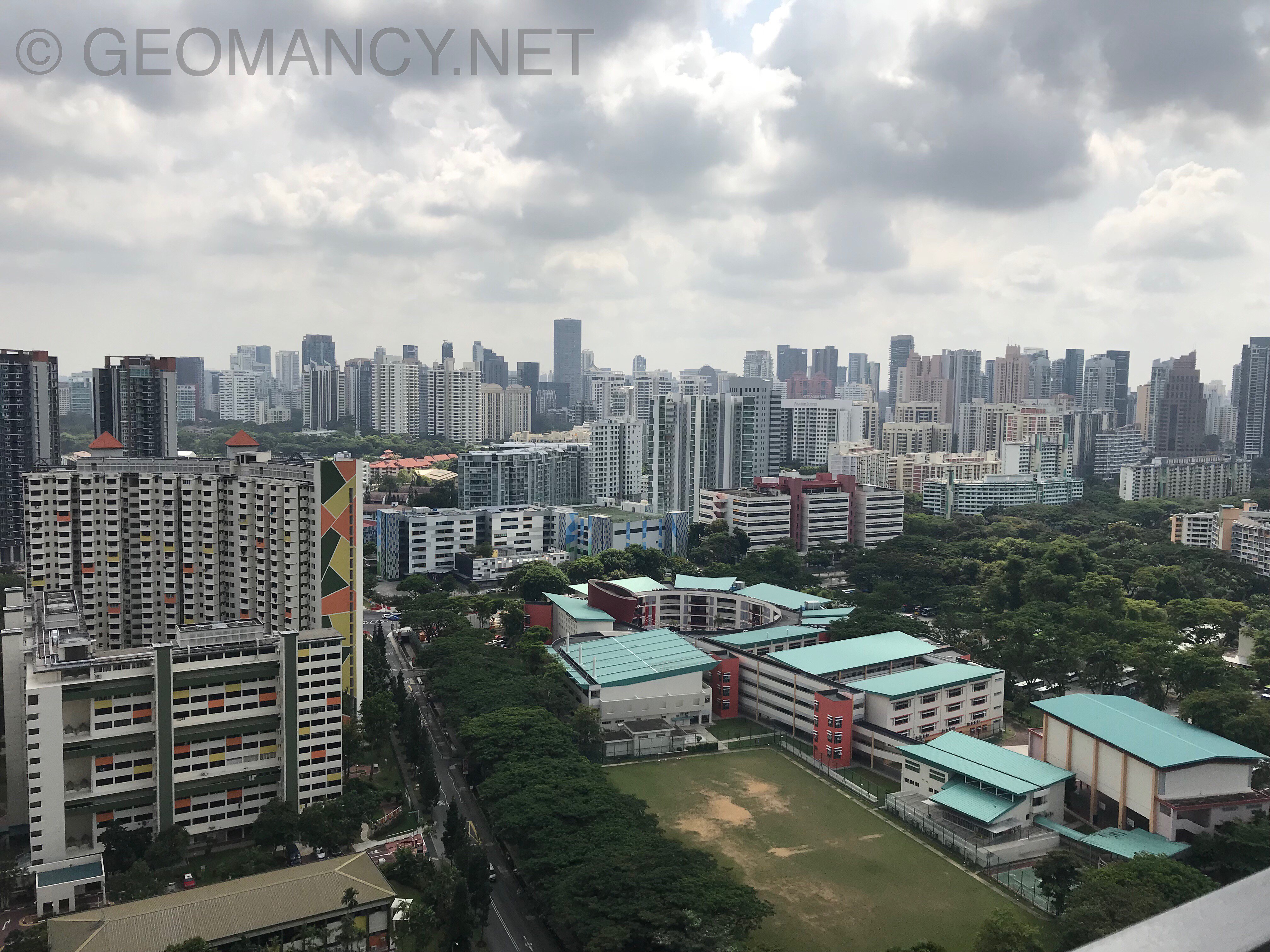
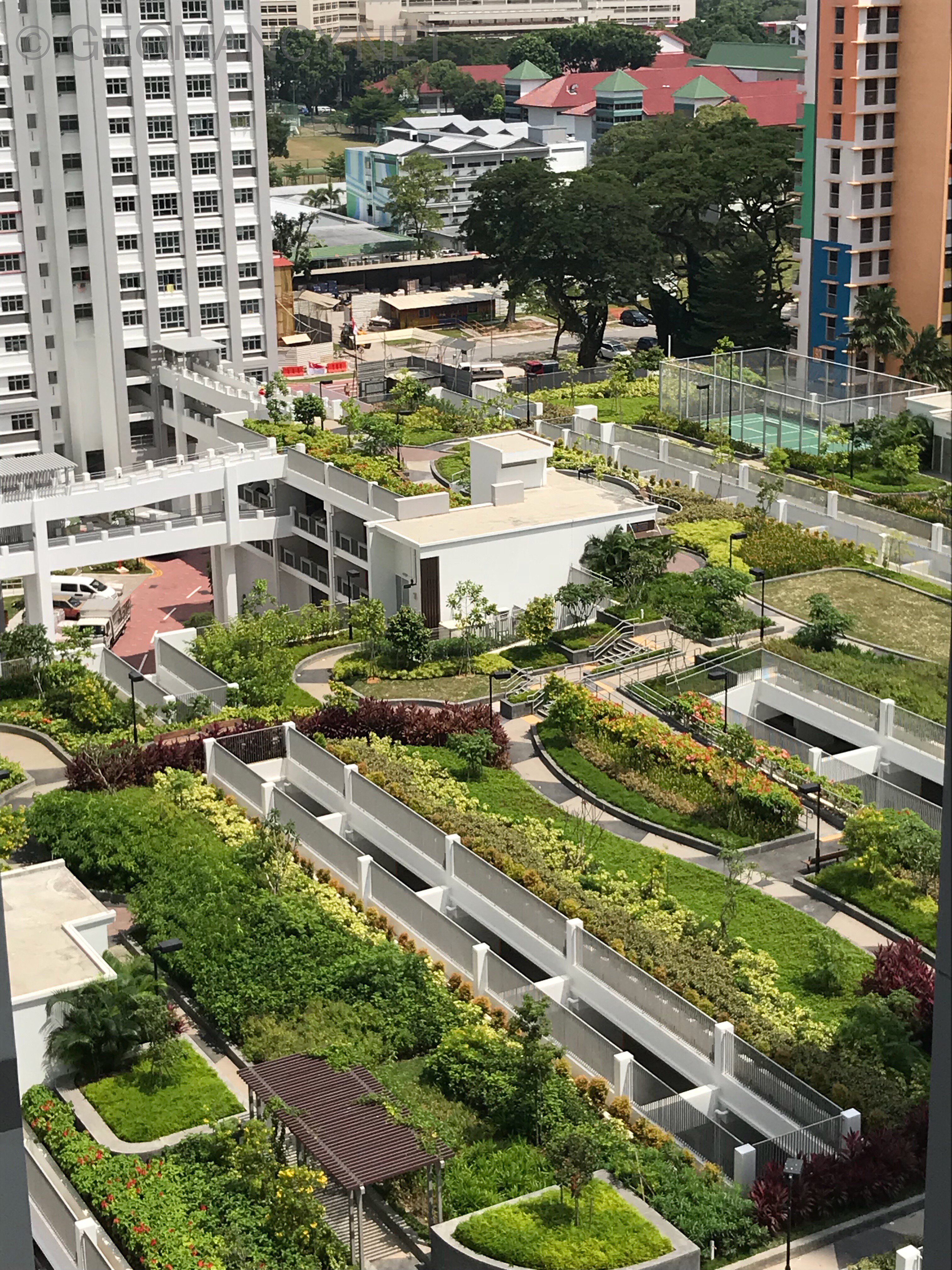
Lovely views from Block 95C Skygarden At 28 storey
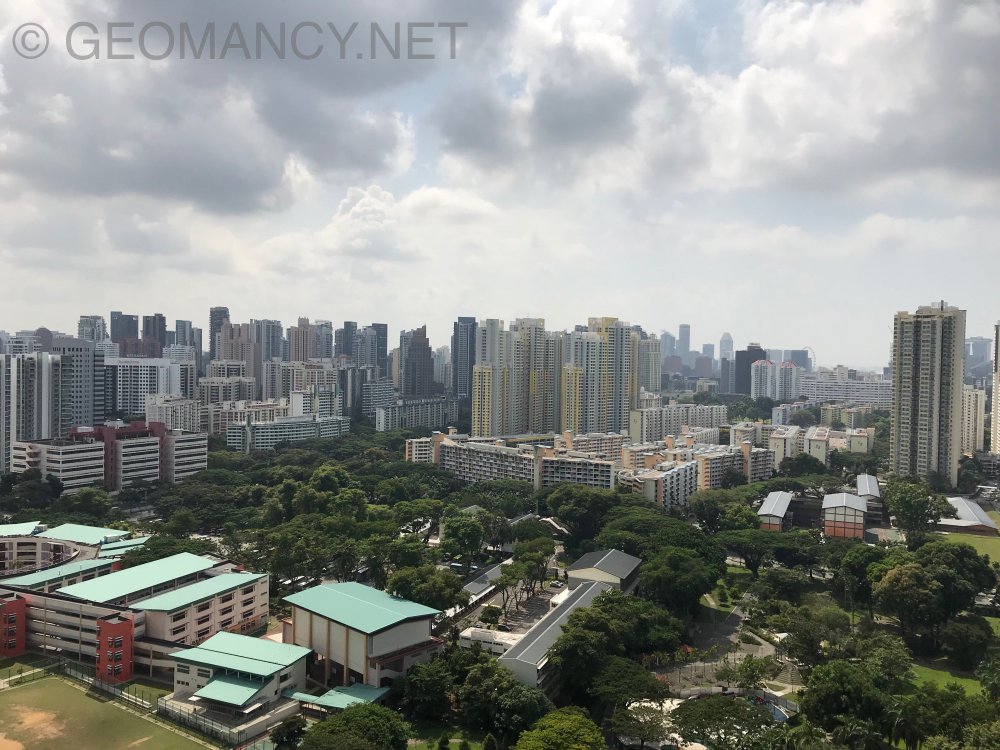
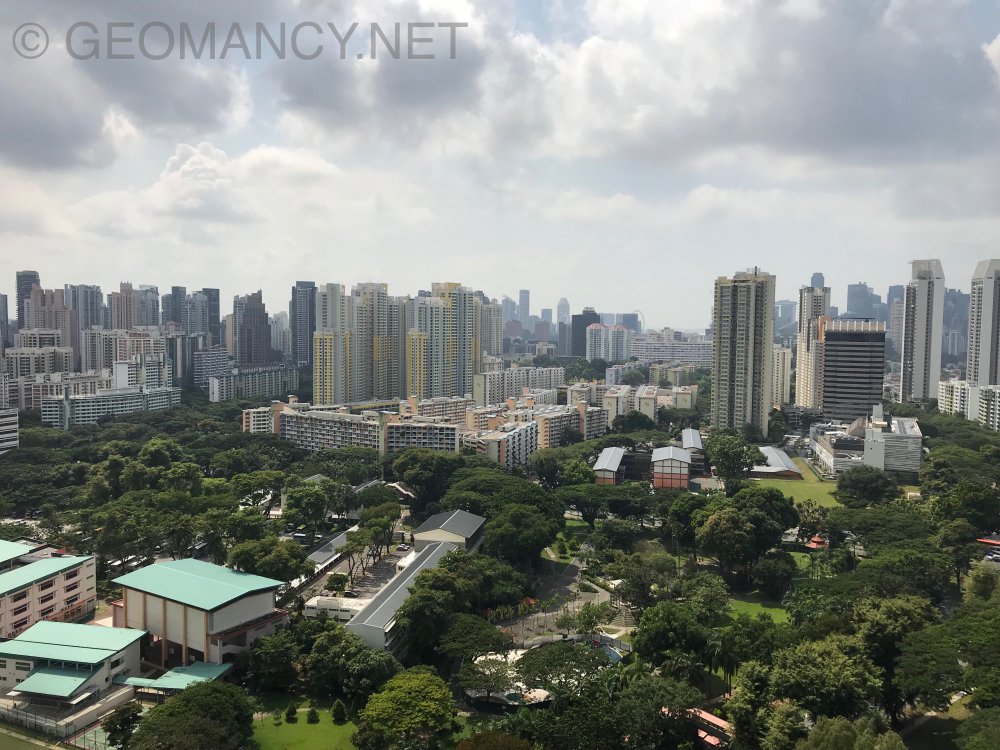
-
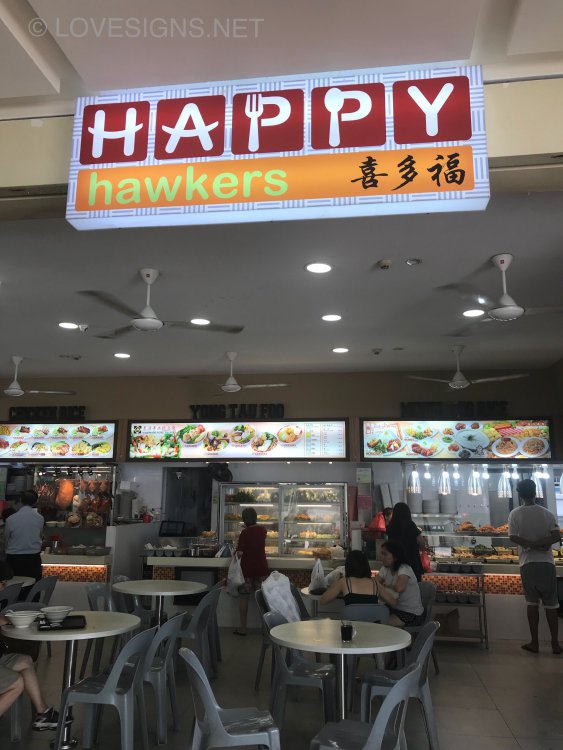
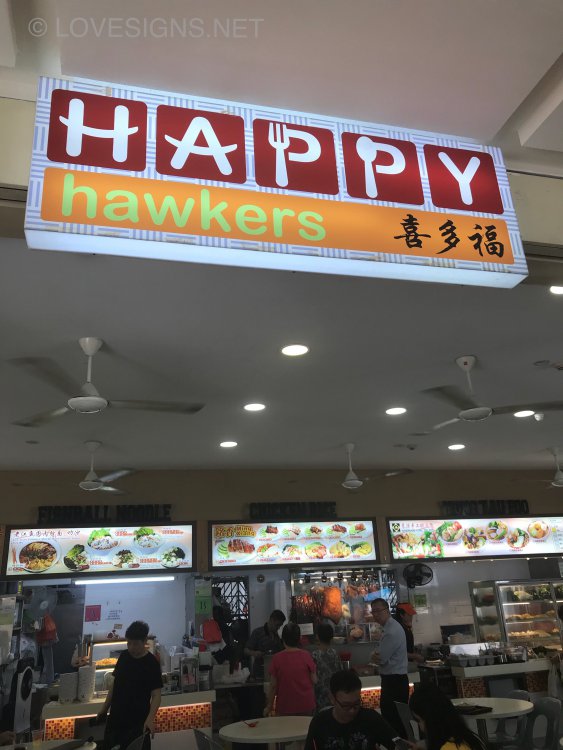
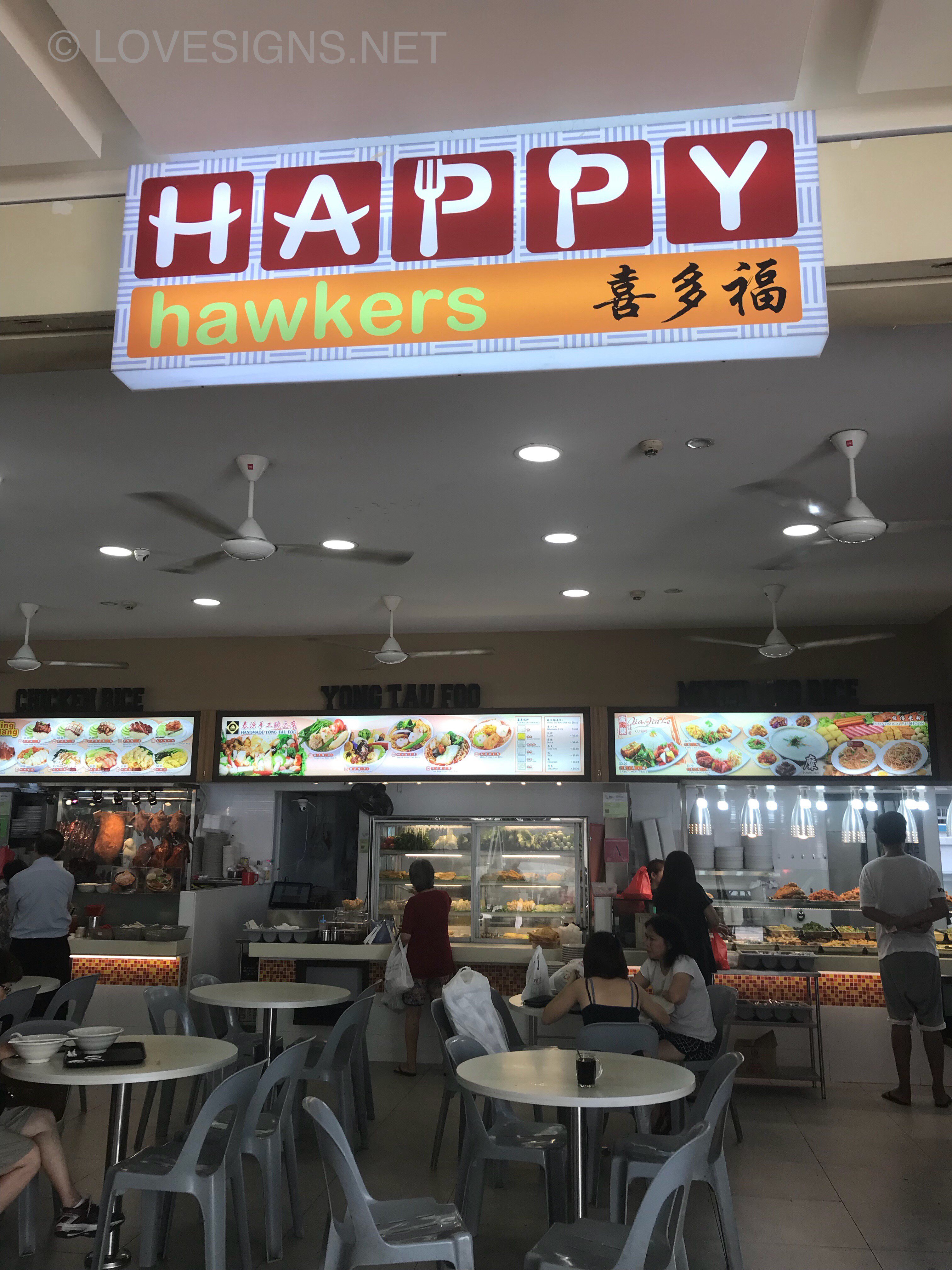
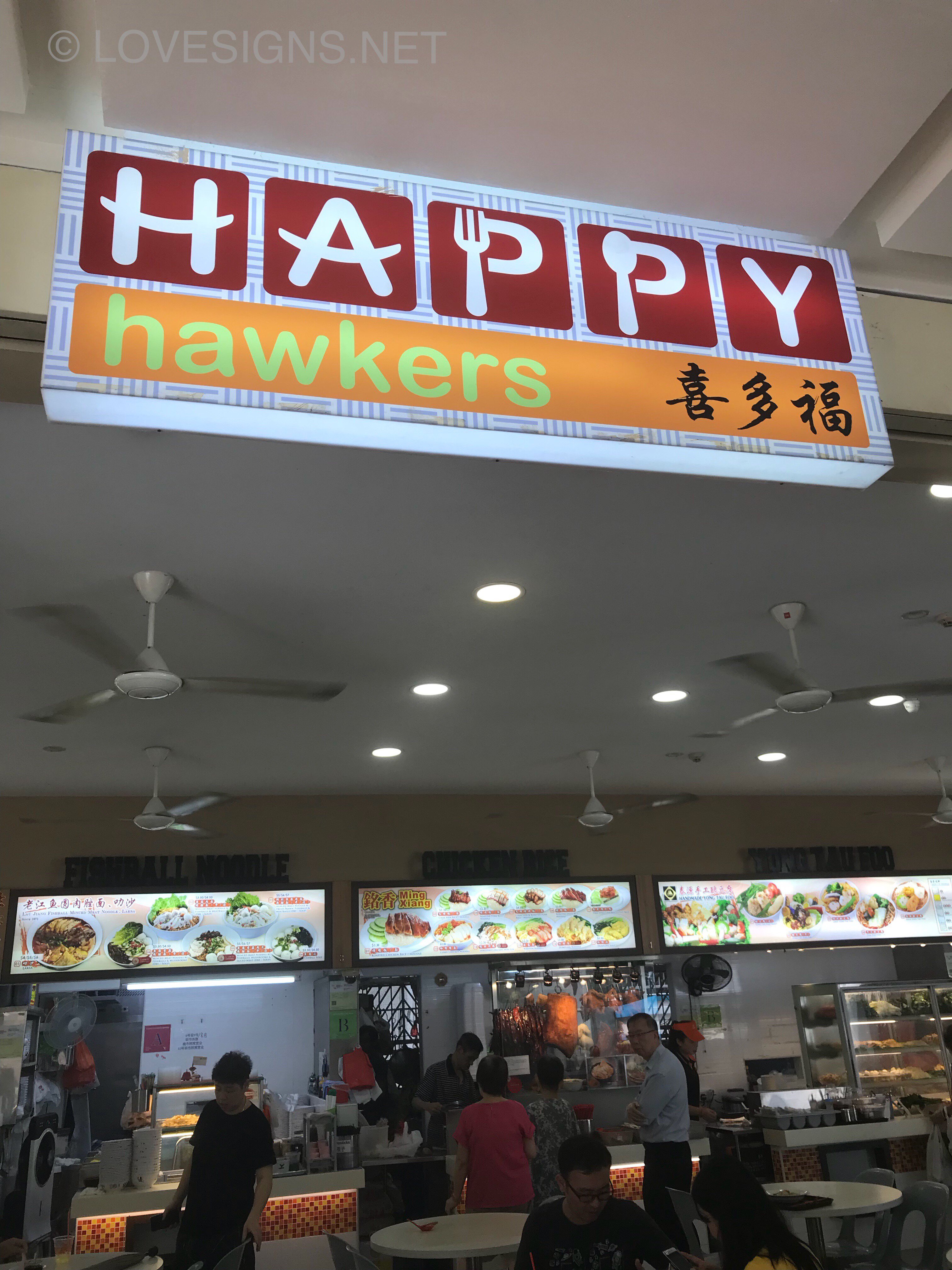
What do you think? Customer: “Of course the hawkers are happy! Hawker food but restaurant price! Hahaha”
-
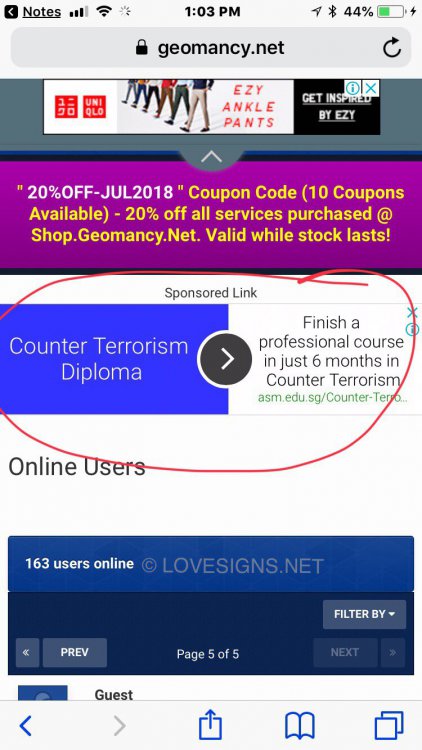
In the past maybe if one joined the CIA or Special Forces.. maybe they provide you with such training....
-
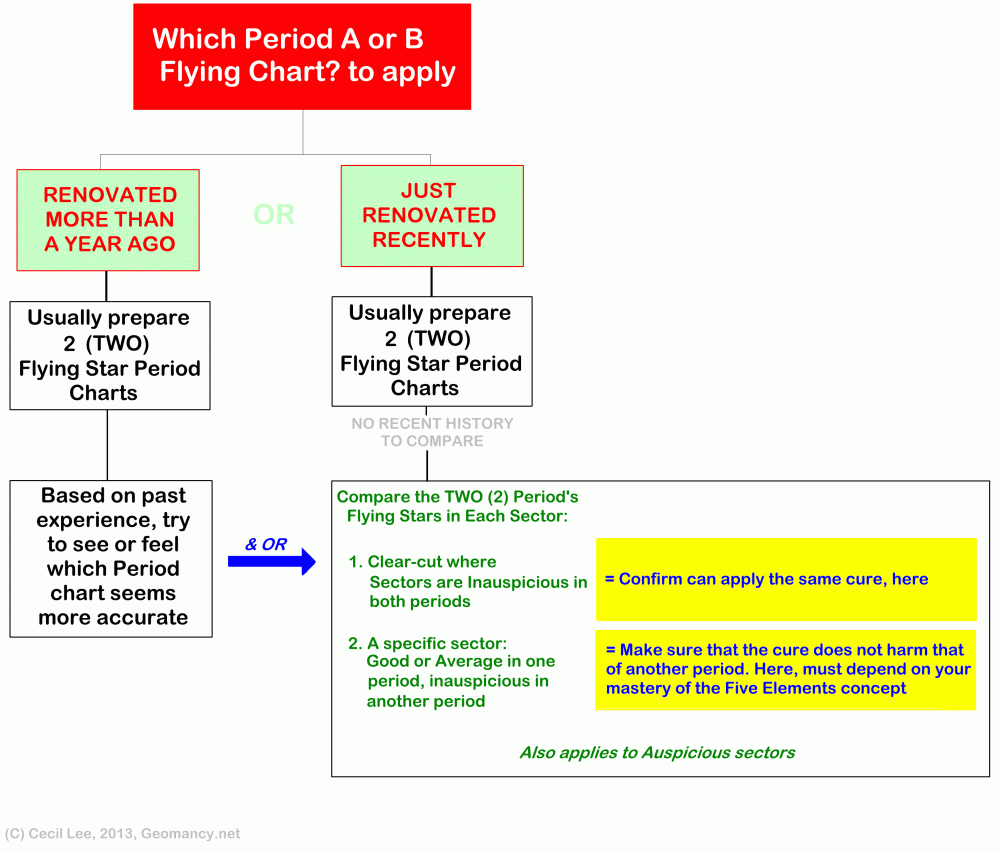
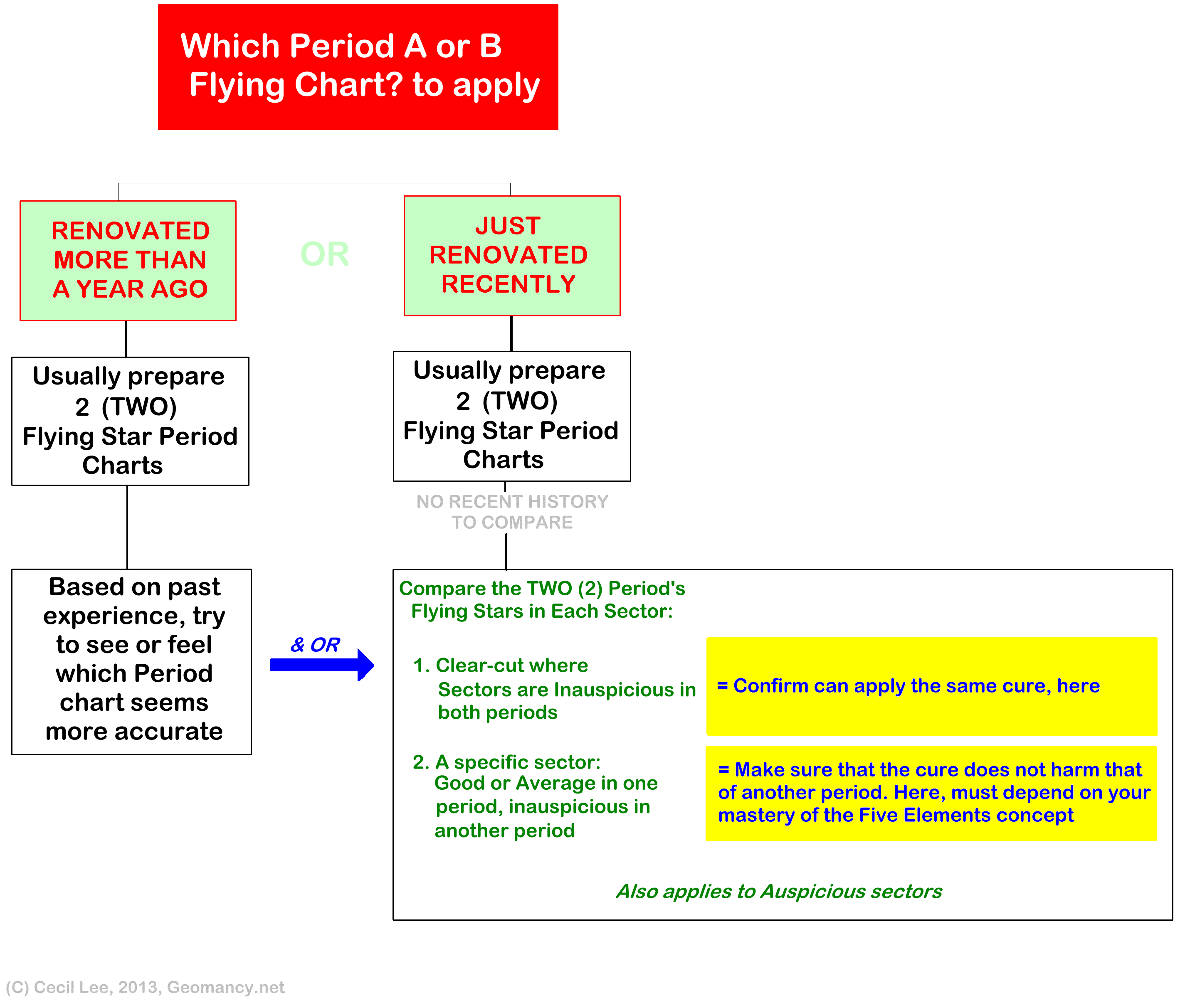
1. I did a flow chart on the above exercise in a past forum question similar to one above: 2. My 2014 flow chart can be found (see below) in the above link. 3. This senario is where someone had done major renovations. And not quite sure to use a Period A or B chart. 4. Again, my advice is nothing wrong in preparing two charts. 5. If your geomancer has the passion; will certainly not mind more work to also even include the annual stars for a stayed-in unit with the same occupiers the whole time:- 6. Thus if you are engaging a geomancer; get him/her to agree on this for your home.
-
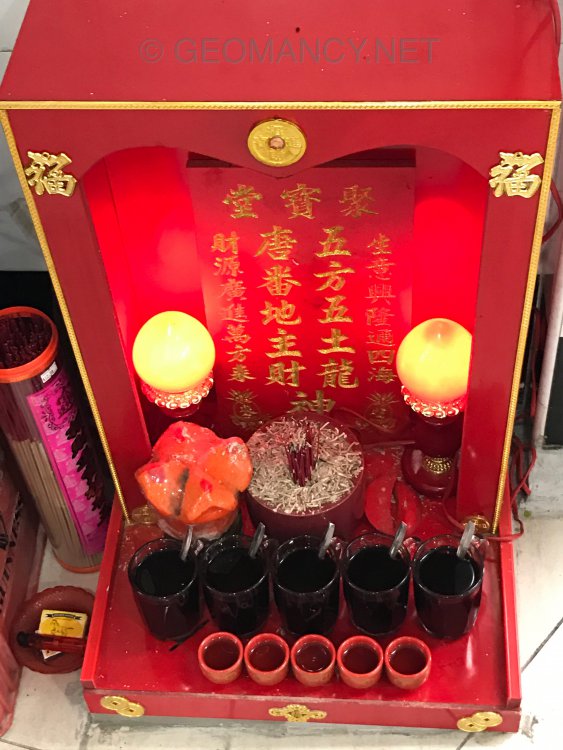
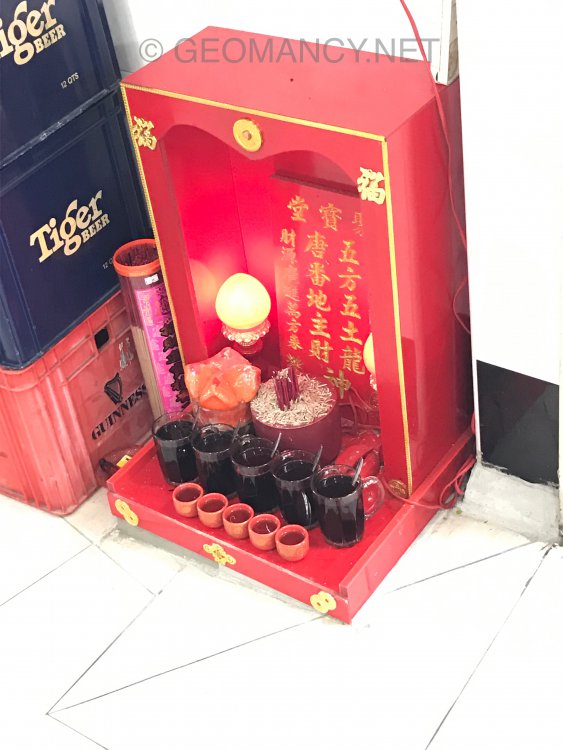
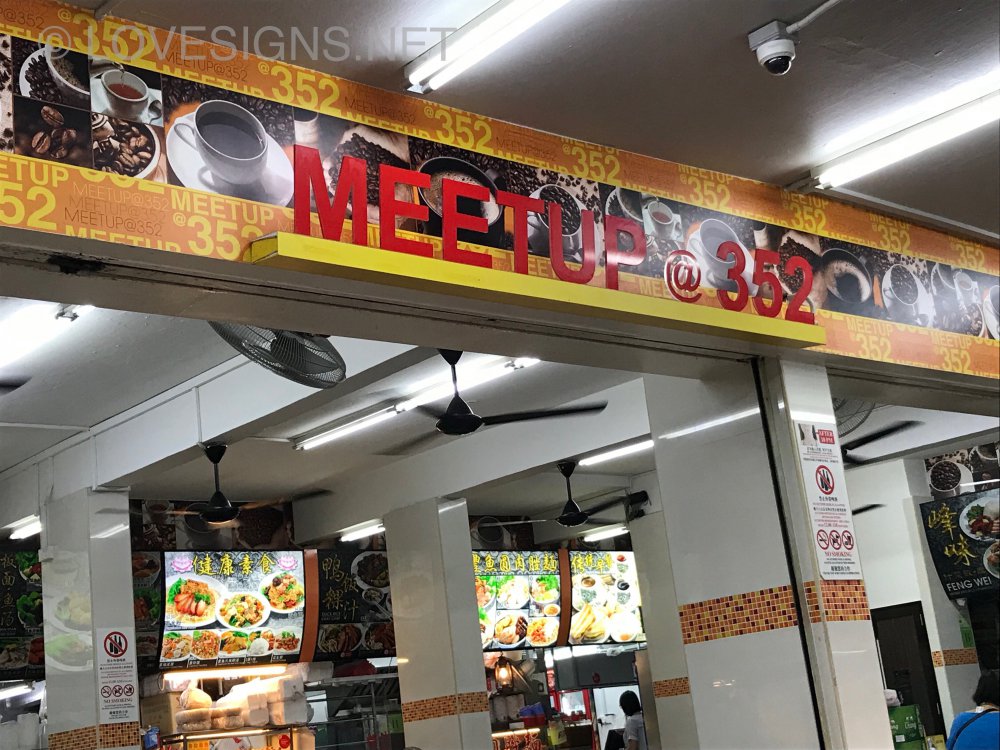
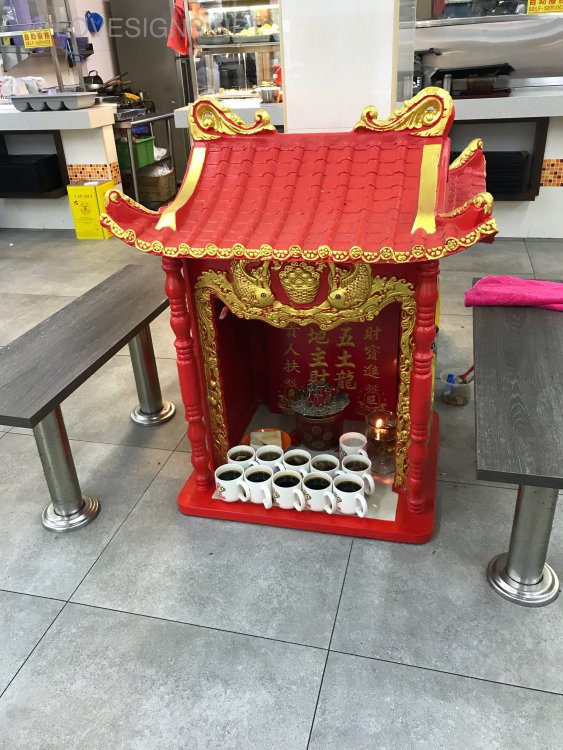
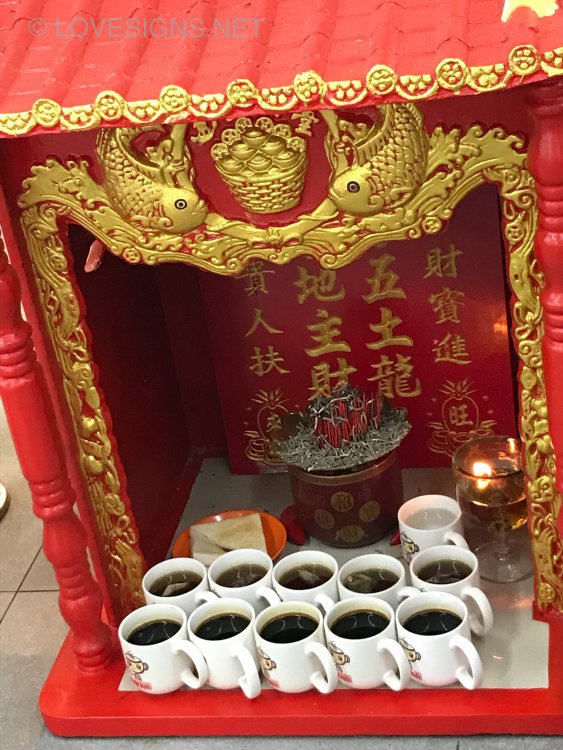
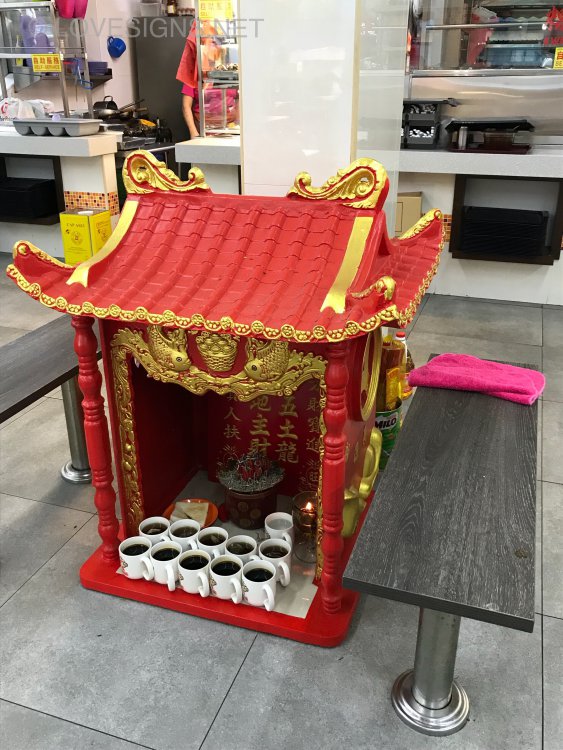
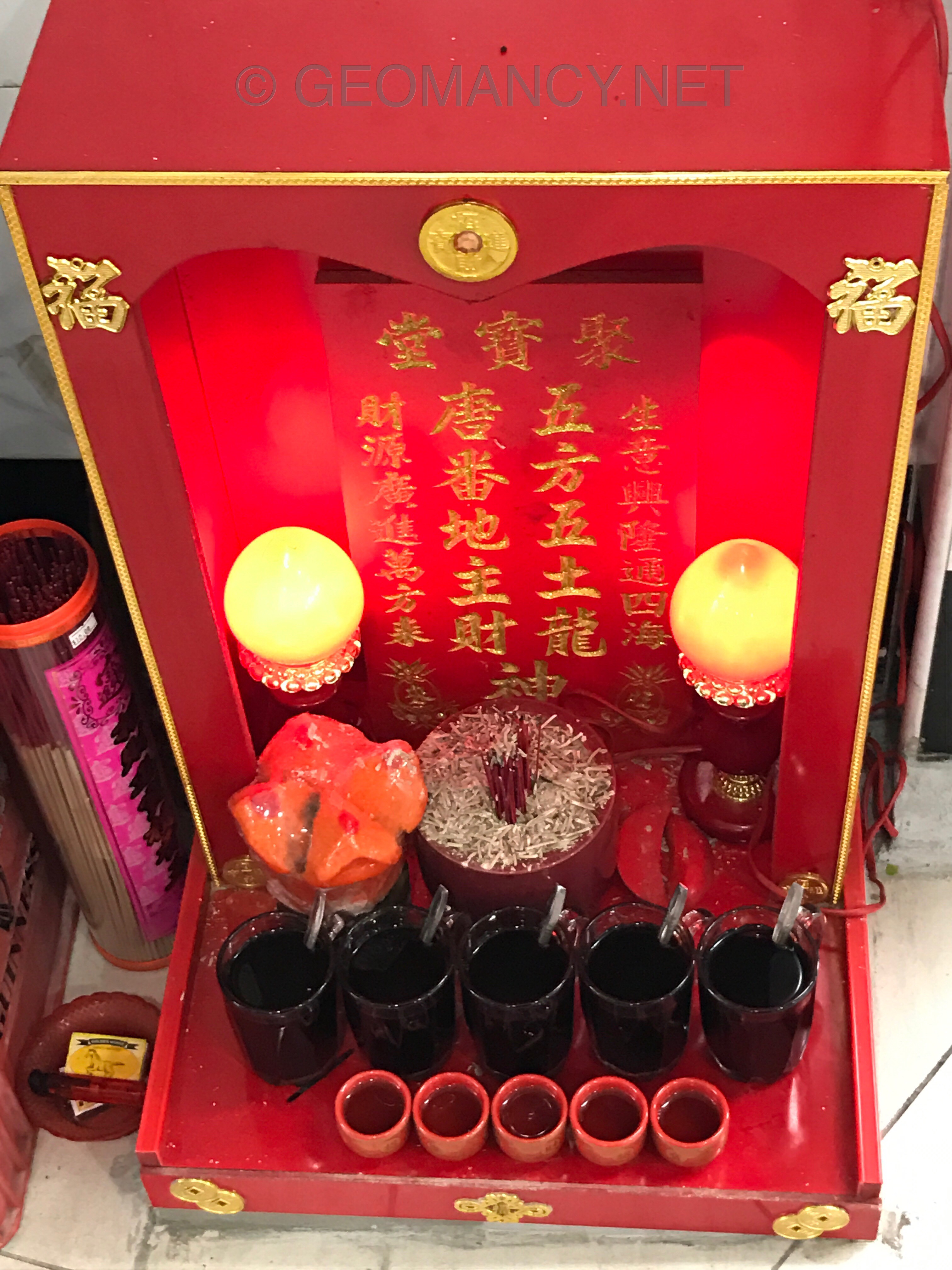
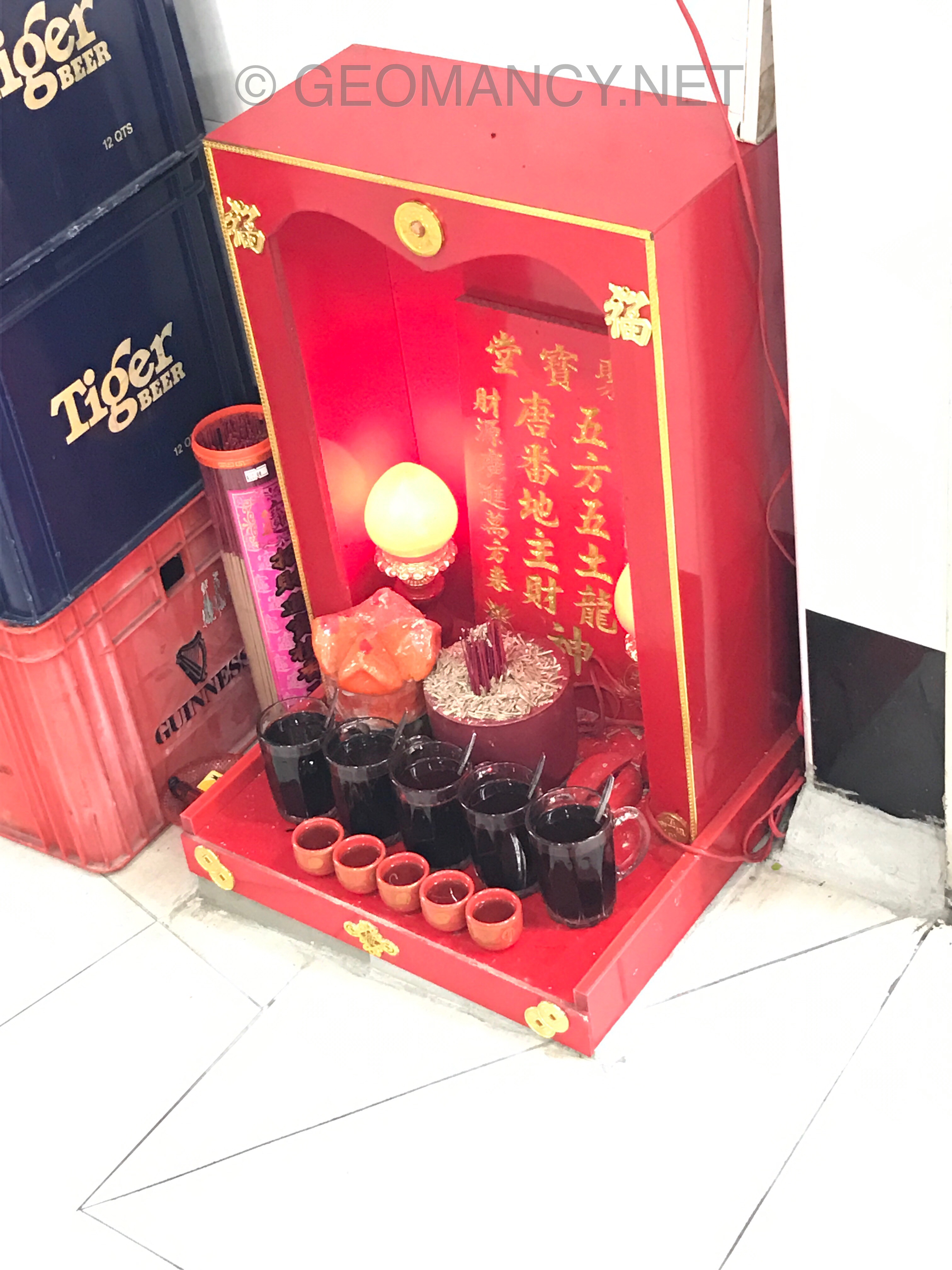
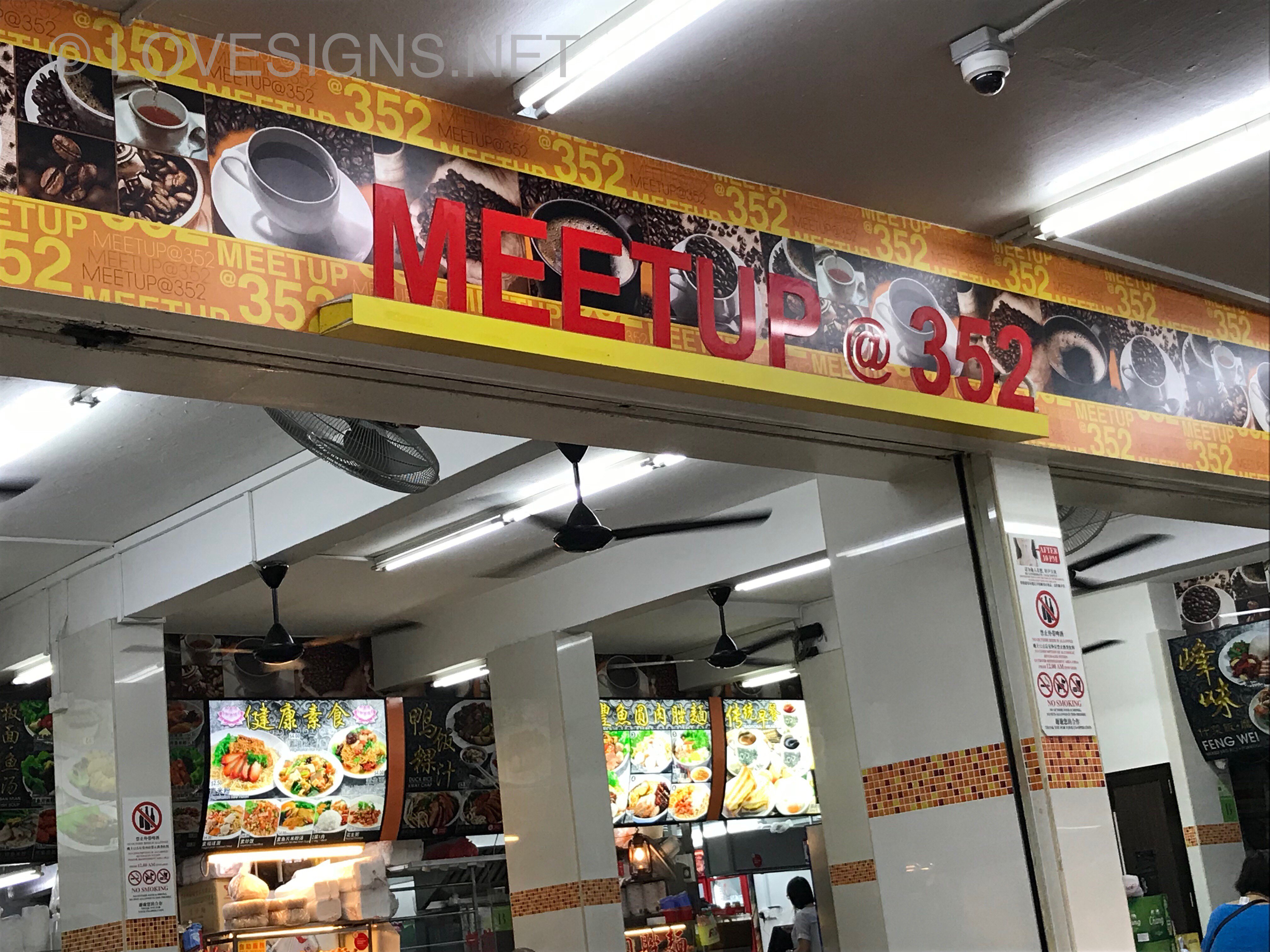
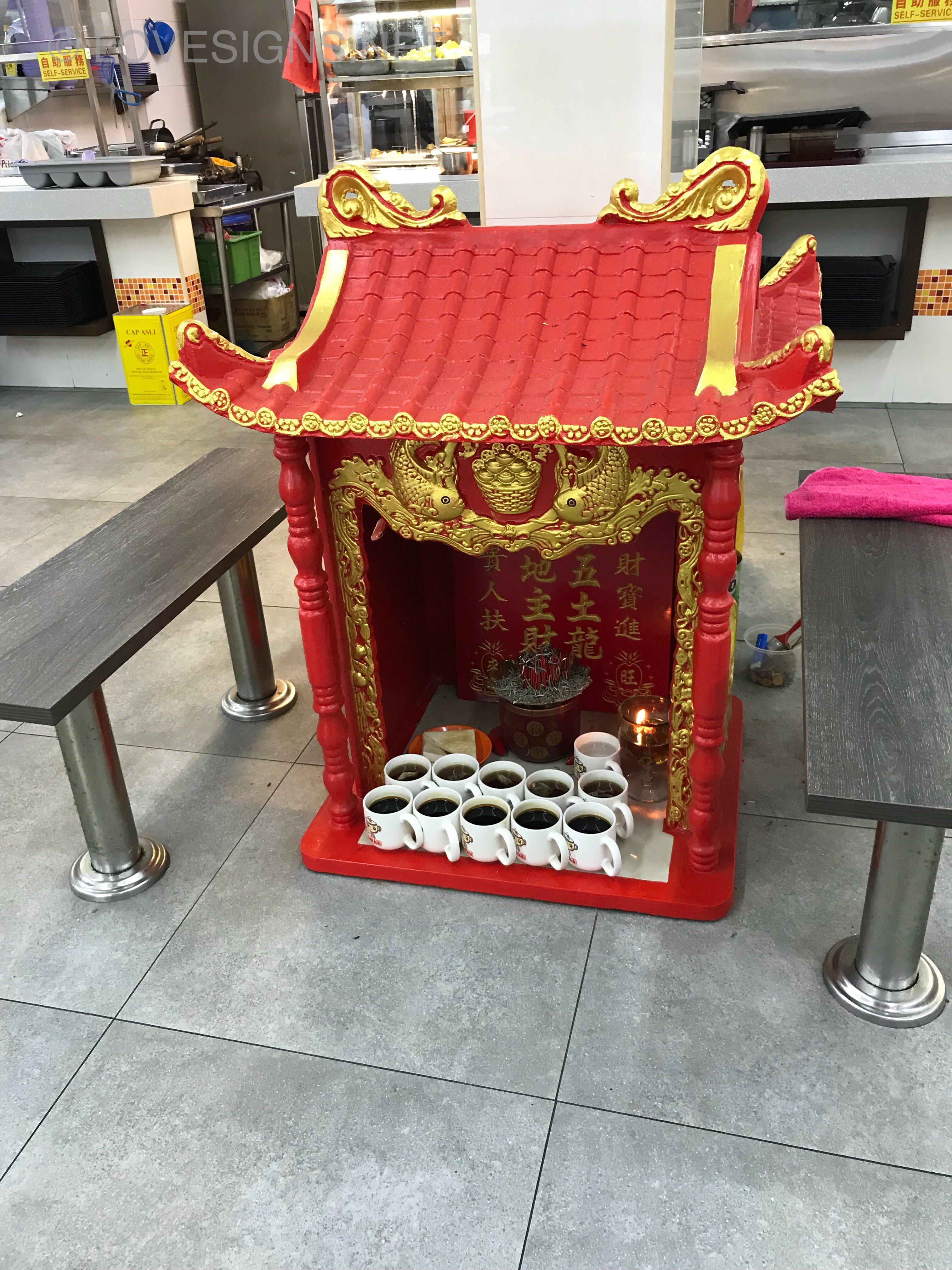
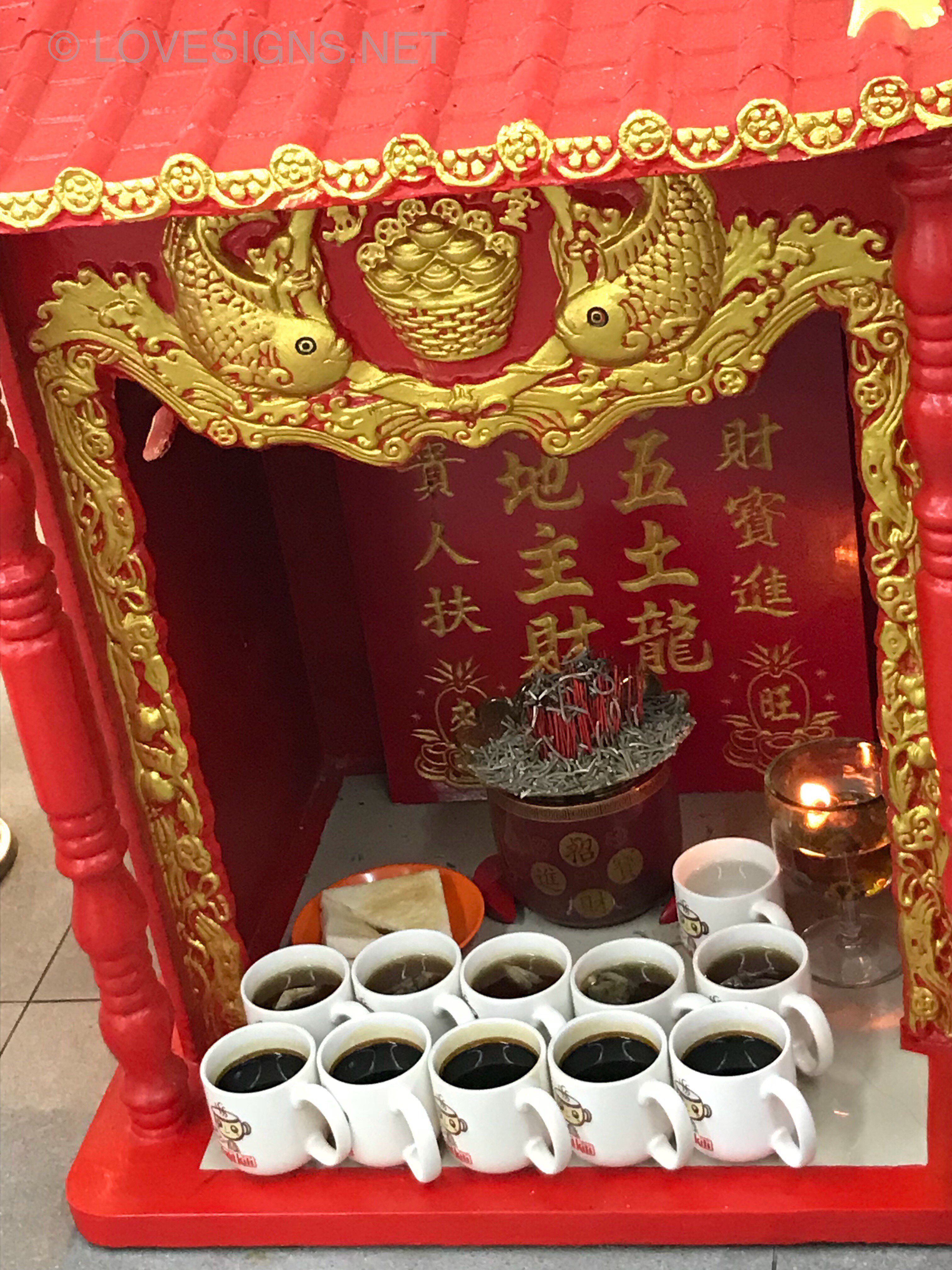
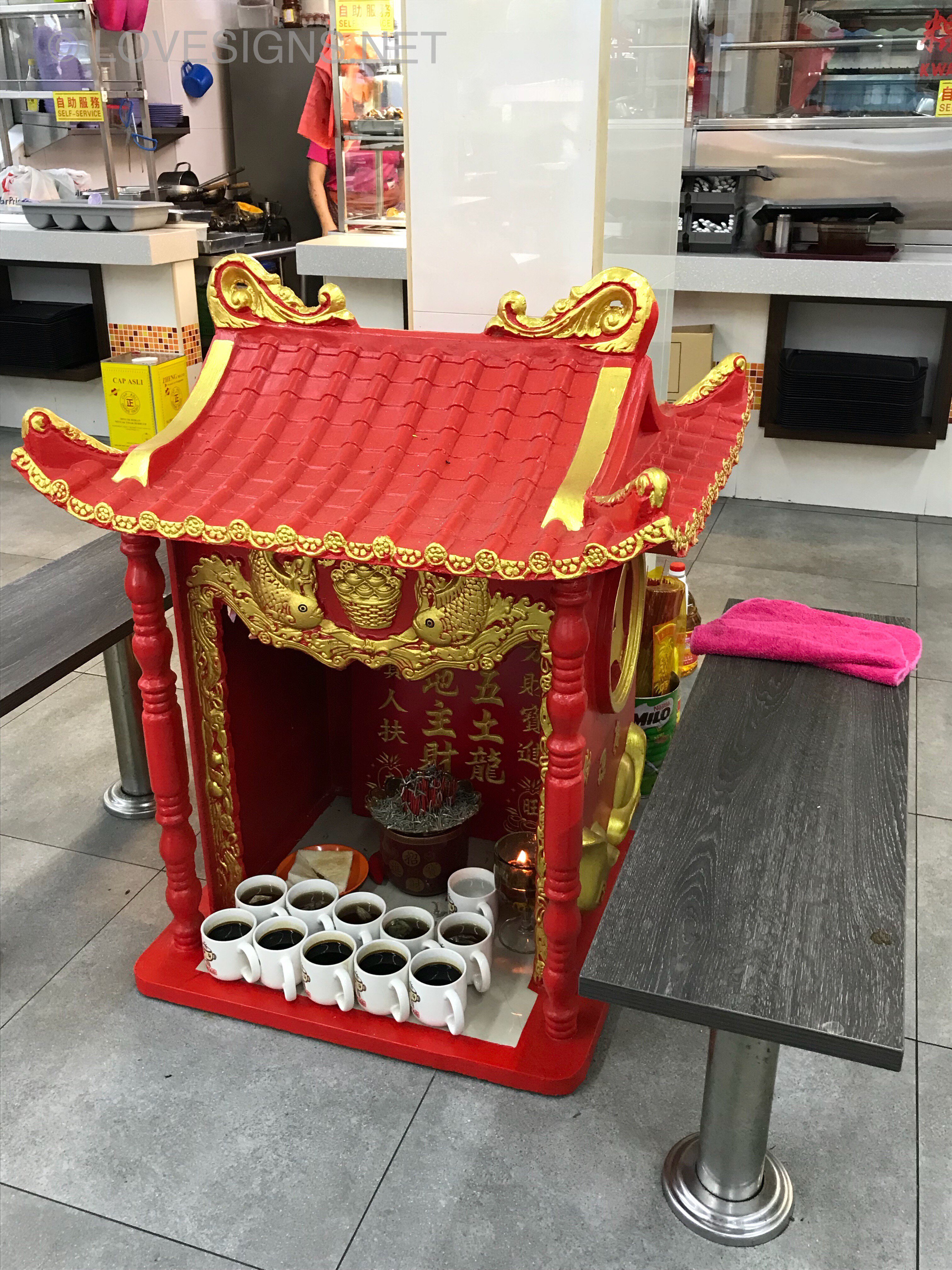
The Coffeeshop MEETUP @ 352 goes one up better then the earlier thread! It is located at Clementi Avenue 2, an aging HDB estate built around 1976. Perhaps they felt that they need as much luck! Thus not only they upsized the drinks to the five (5) ghosts of the N, S, East, West and central spirits; The Coffeeshop also offered each god each a cup of regular patron’s coffee + tea!. The only odd thing is just a plate of two slices of bread and plain water... hmmmm How considerate that they lined-up the cup handles assuming all the gods are right handed... a nice touch to smoothly get their cuppa!
-
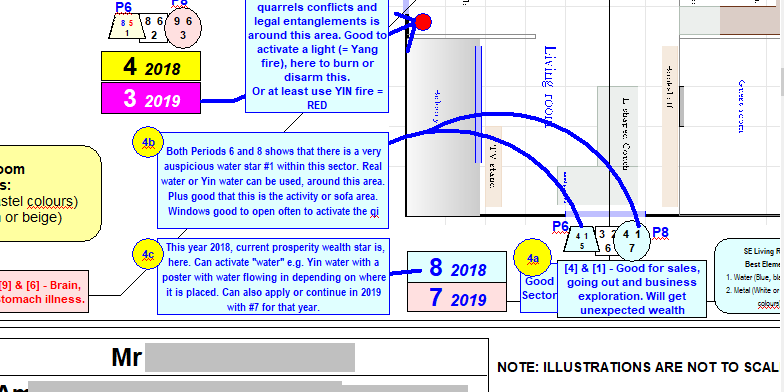
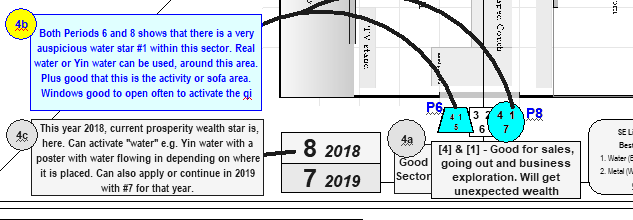
1. Enclosed please find an extract of a recent review of an overseas client's home. 2. Plotting Period 6, Period 7 and Period 8's Flying star charts of each sector 2.1 In addition, I also looked at Annual stars 2018 and 2019 3. In this extract: the Period 6 and Period 8 stars are identical = MS4 with WS1 = 100 confidence level to implement improvements or cures for that sector. 4. This is not rocket science! It is both the passion and meticulous hard work to prepare Periods 6, 7, 8 charts as well as annual stars for 2018 & 2019. 4.1 In addition, need more time and effort to digest all these and come up with the best possible cures or enhancements.
-
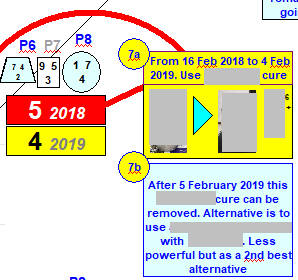
These are some considerations: 1. Few geomancers have limited life experience with the switch-over between one period or the other. 1.1. The rationale is simple: it occurs between 20 year intervals. 1.2. Even if a geomancer had lived through a few 20 year intervals; many were either kids, teens or doing work other than in the field of metaphysics (Feng Shui etc). 1.3. Some who lived through one or even 2 or more such intervals often also do not actively research into or study a transition period. Academically, it should be a study spanning many years stretch. 2. Too many Indian Chiefs 2.1. Feng Shui as we all know is non-regulated. And even in Singapore, we begin to see more and more going into a Feng Shui career. I am coming to the point... 2.2. Thus if you pose your question to many geomancers; one will certainly get varied range of answers. And one would afterwards.. either be more confused or don't know who is right or wrong. 3. How do we go from here? In general, we can classify most geomancer's view points into two distinct camps: ONE : The conservatives (and strictly by the book) or TWO: The modernists/practicalist 4. ONE: The conservatives: view point is that unless a building's foundation has been demolished; the building will always remain from that Period. I am not going to bring in the idea that to even some conservatives; the start of laying the foundations can even be the day of the birth of the building or block. Few even are aware or would not be an issue if it is not close to a change over. 4.1 For example: HDB City Vue SERS started foundation works around 6 years ago. Even so, it is comfortably within the Period 8 duration. Even if TOP is this year. 4.2 This group is pretty straightforward and quite uniform in their thinking and agreement. 5. TWO: The modernists/practicalist: this is really a varied group. Their views can be as different as morning, noon or midnight. 5.1. For example, some geomancers will say no need to demolish the house; an act of changing the main door, windows + minus flooring can change the period. 5.2. While others say a major renovations of the entire home (especially an apartment) will change the period. 6. What type of home is this? 6.1. For a landed property, there is also the difference between A & A works (the foundations and support frames are not touched) to the entire demolishing of the house which is clear-cut of a change of period. 7. For apartments, it is not like one can demolish part of the home or remove the roof-top. A landed property can do such things. 8. In my opinion, it depends. We go by the feel when we are on-site. Such as a major upgrading of the exterior + new landscaping and + maybe major renovations. 9. For your home, based on your description, may still treat the home as belonging to Period 7. 10. Frankly, I have often drawn two charts : say Period 7 and Period 8 or even Period 6 with Period 8 on many occasions. 10.1 And place both sets of stars side-by-side to see if there are any correlation. 10.2 On many occasions, for example under the Period 7 chart there is a bad flying star number say #5. 10.3 And in the Period 8 chart also either an #5 or #2. Here, if one encounters similar "bad" stars but jumbled up e.g. in Period 7 it could be the Mountain star #5. While in Period 8 same sector but as a Water star. 11. Why can't one think outside the box and instead of arguing till the cows come home; do two or even three charts? 11.1 I prefer to do one better! 11.2 Extract of a sector with Period 6, 7, 8 charts together with Annual stars 2018 and 2019:- 11.3 There are some similarities in P6 with P8 especially where both have a #7 star. And under Period 6 and Period 8, this sector based on the 81 combinations have similarities in that sector.
-
More
-
More https://www.geomancy.net/forums/topic/15593-summary-key-indicators-from-our-ba-zi-reports/?tab=comments#comment-36056
-
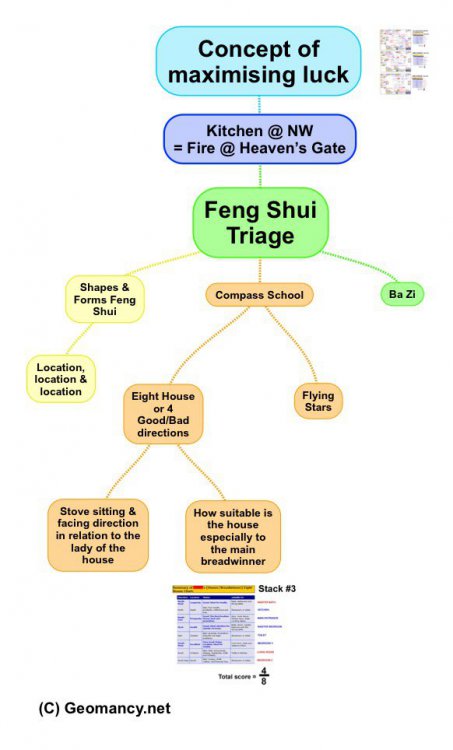
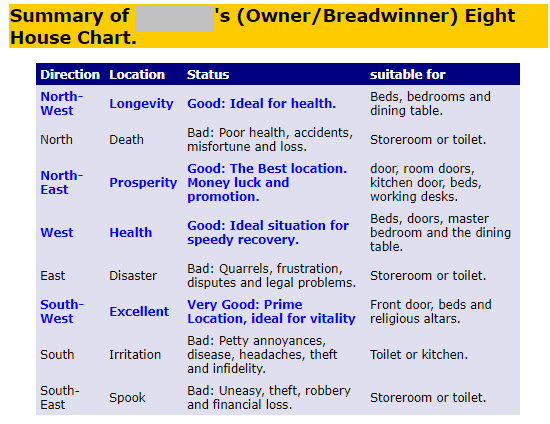
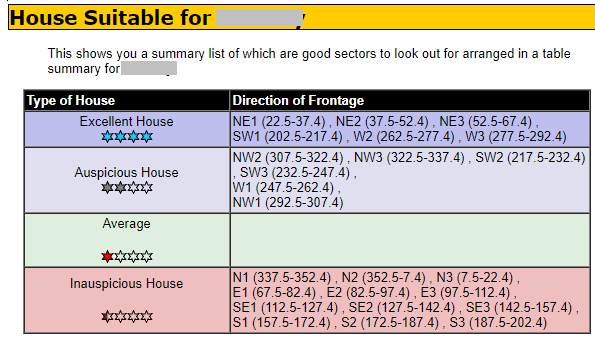
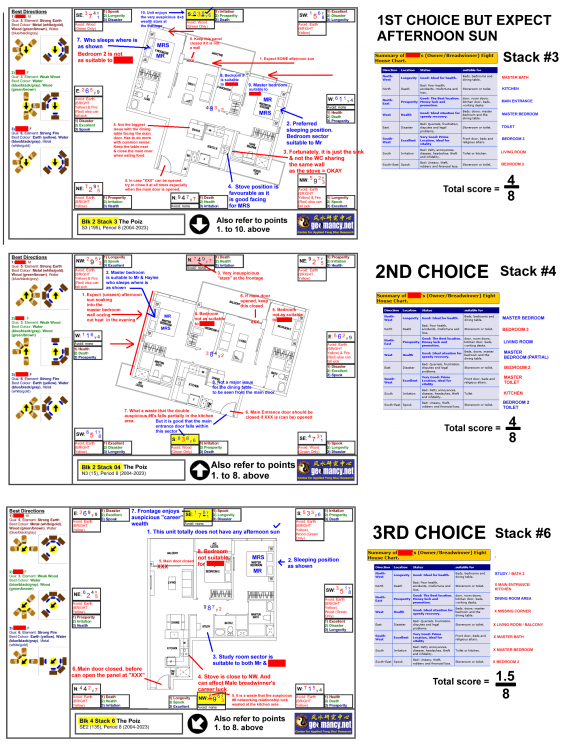
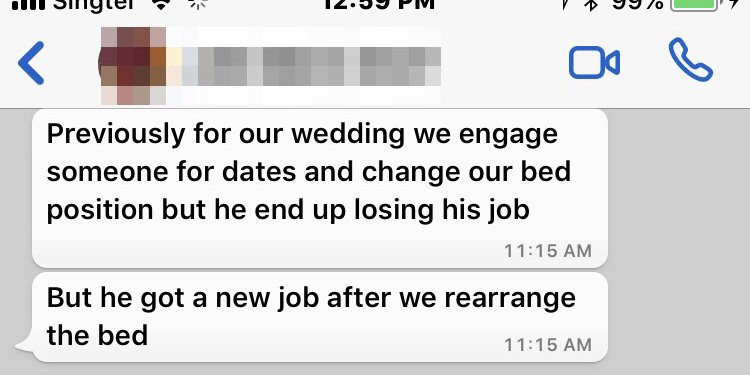
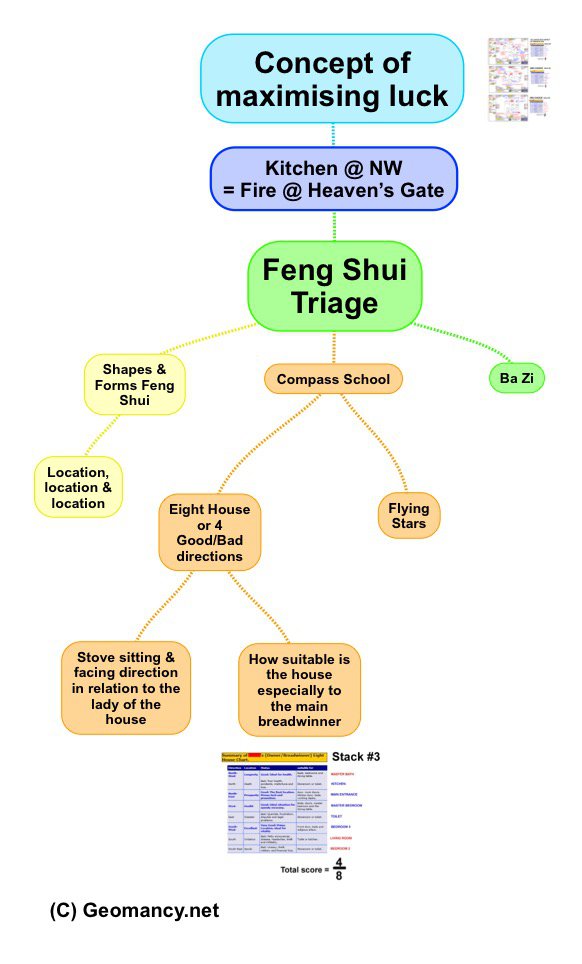
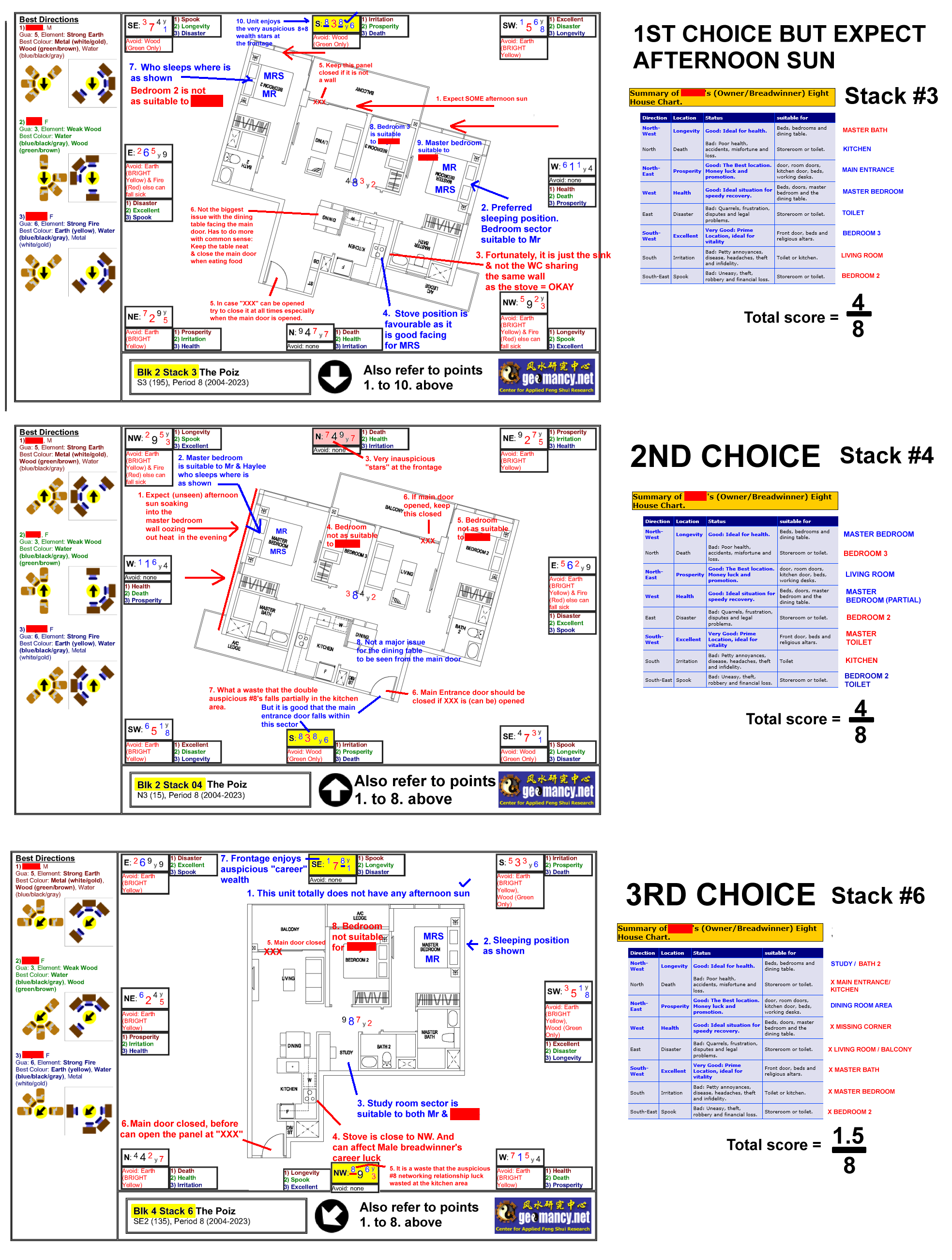
1. You wrote: "Hi Cecil, Given 564 is having a mirror image of 562, how differently will the NW facing not affect 564?" 1. The kitchen will now be located at the northeast, eliminating the need for any discussion about the northwest. Is there a fire at Heaven's Gate for 564, correct? 2. One crucial factor for success lies in the Concept of Maximizing Marks: https://www.geomancy.net/wiki/The_Concept_of_Maximizing_Marks 3. Why do some homeowners seem less affected by a kitchen in the northwest while others are significantly impacted? 3.1 Drawing inspiration from Management Principles known as the "Situational Approach," it is evident that no two homes are identical, even if they are the same unit for different individuals. 3.2 For instance, breadwinners can have vastly different experiences. Even if both Mr. Tan and Mr. Lim are East group individuals, their outcomes can vary due to factors like ba zi. It's not a one-size-fits-all scenario. 3.3 Some individuals living in homes with a kitchen in the northwest may not see any issues at all. They may question the concerns about "Fire at Heaven's Gate" and consider it nonsense. For them, the benefits outweigh the drawbacks, and even with a northwest handicap, they can achieve high scores in maximizing marks. 3.4 On the other hand, it could be a completely different story for someone like Mr. Sim. Upon moving into a new home, he may face challenges like retrenchment, financial issues, and relationship problems. 4. It's essential to evaluate how suitable the house is for the male breadwinner, along with factors like the Summary of the breadwinner's Eight House Chart mentioned in Paragraph 4.2 below. 4.1. Certain providers [breadwinners] are more adept at enduring the effects of the kitchen in the northwest, for instance, if the house is better suited... 4.2. Determine the number of sectors that are auspicious and their specific locations within the household. For instance, if the bathroom falls within the prosperity sector, it can negatively impact luck. 4.3. An effective Feng Shui assessment will pinpoint areas for improvement and solutions, while also considering the positioning of wealth luck sectors based on Flying Stars, among other factors. 5. This is a just a simple general overview:- 5.1 You wrote: "Is there any way or suggestions that can be recommended to overcome / change it?" Should this be the case, then examinations would not exist. 5.2 Certainly! It is essential to consider the individuals residing in the household, along with a thorough Feng Shui assessment and the practice of enhancing luck. This includes addressing issues such as fixing leaks, among others. 5.3 Additional factors to take into account involve the kitchen's layout concerning the female head of the household, typically the wife, as well as the kitchen's specifications, measurements, type, and number of stove hobs. 6. In summary - reiterating your question: "Are there any recommendations or solutions that can be proposed to address/change this?" 6.1. To be honest, if finding a solution were that simple and straightforward, there would be no need for the intricate field of Feng Shui, which combines both art and science. 6.2. On the other hand, one could simply hope for the best and trust that the aforementioned factors apply to the situation. 6.2.1 It is akin to flipping a coin (in general): a 50/50 chance where the outcome could be either favorable or unfavorable for an individual. 7. The lack of regulation in the field of Feng Shui means that choosing the wrong Feng Shui Master can potentially cause more harm than good. A recent message from a client serves as a reminder of this fact.


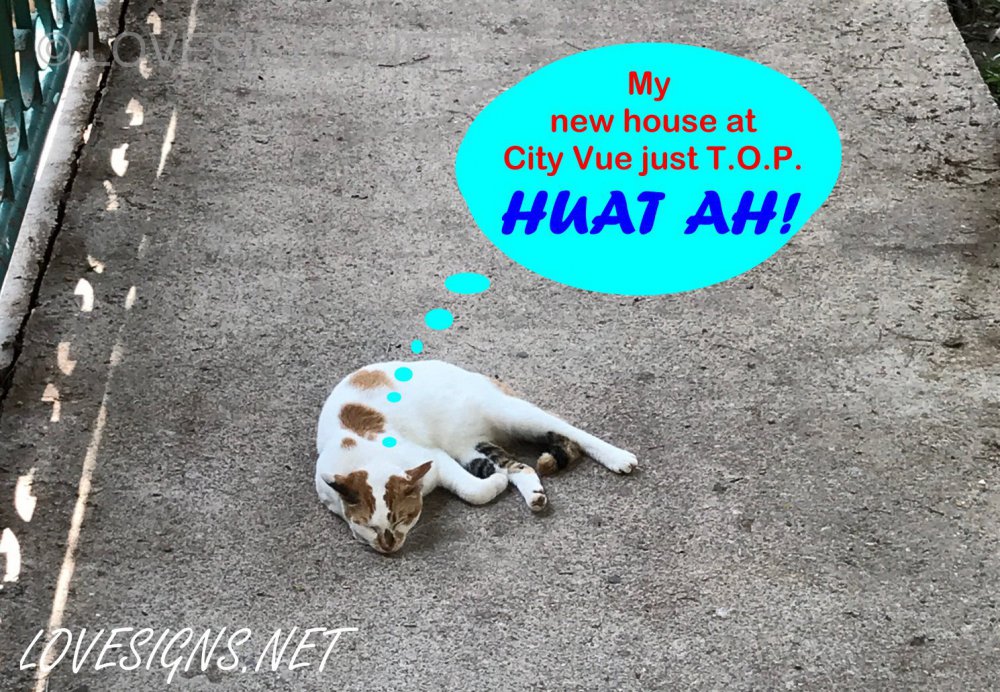
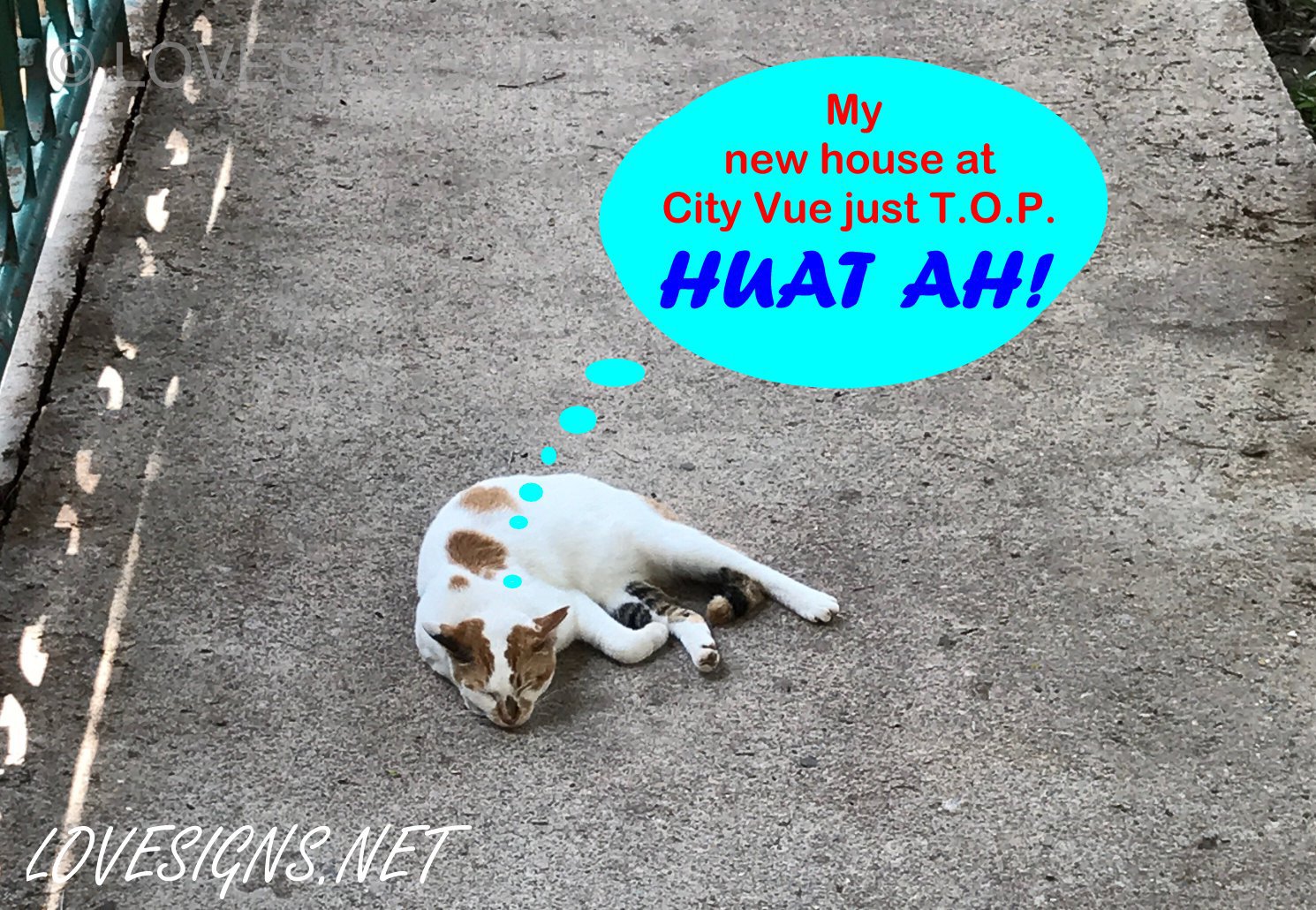
 More resourcesSix long year's waiting.. finally tomorrow is my key collection date! Why? My FS master says tomorrow is a very auspicious date ... for me-:) Good luck to my brothers at Tanglin SERS! They get theirs around close to the next General Elections! Appended by Cecil Lee: "Hi Cat! I thought HDB does not allow cats? You very special Ah?"
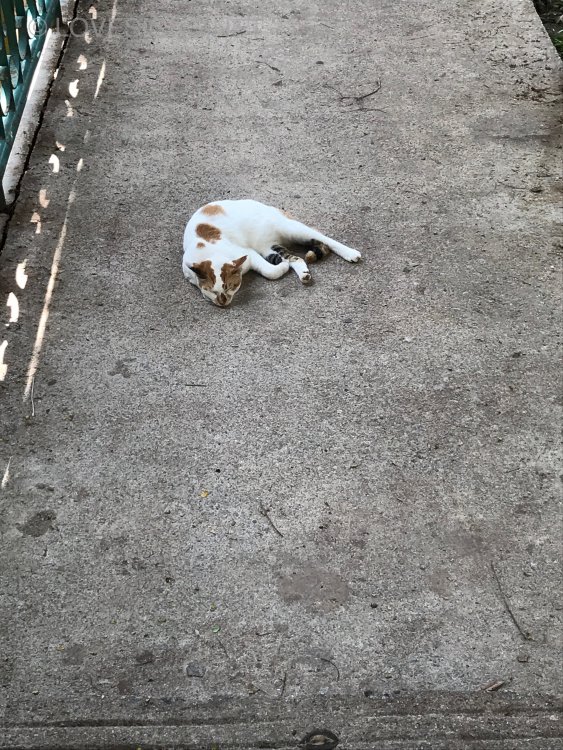
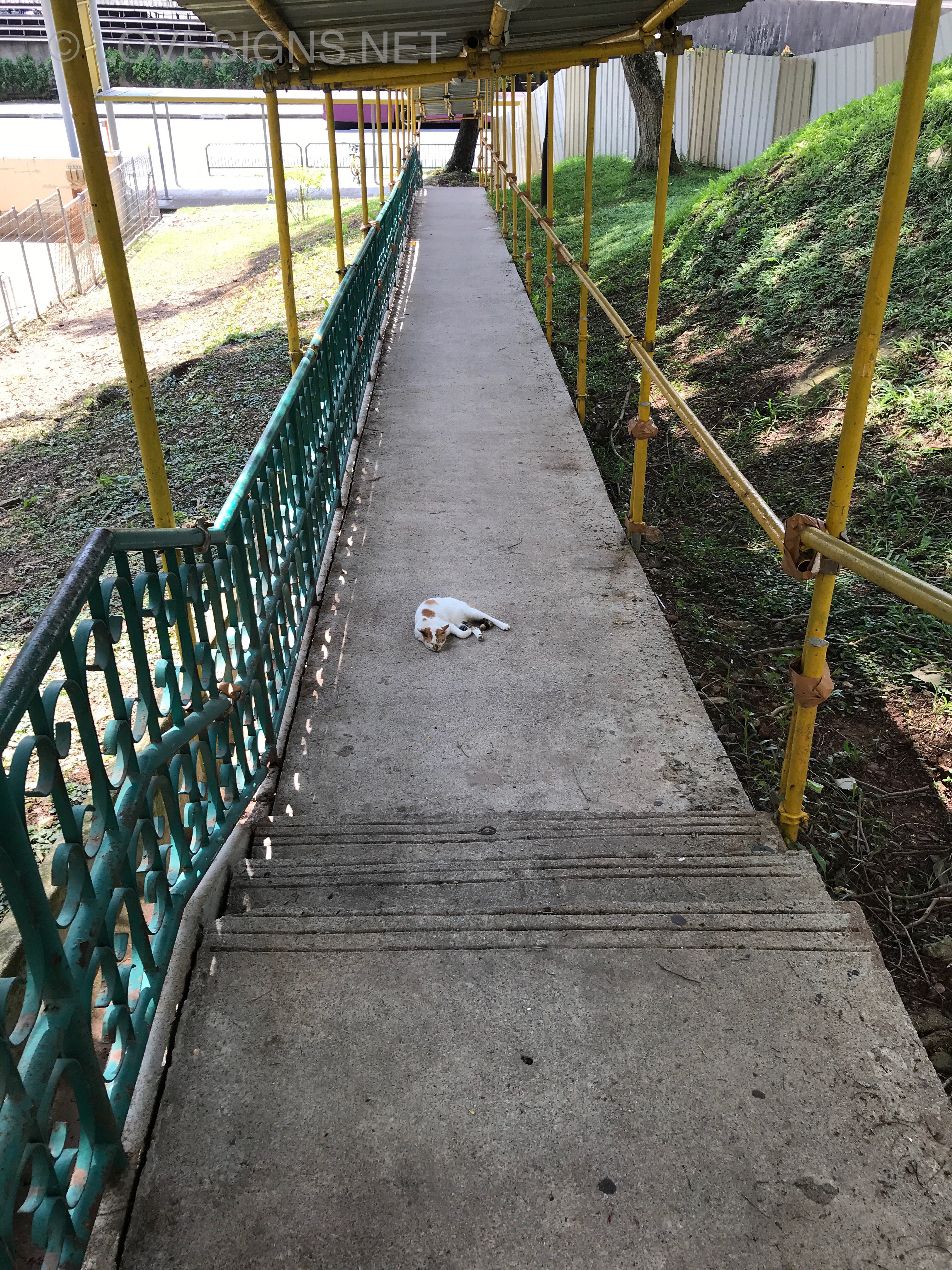
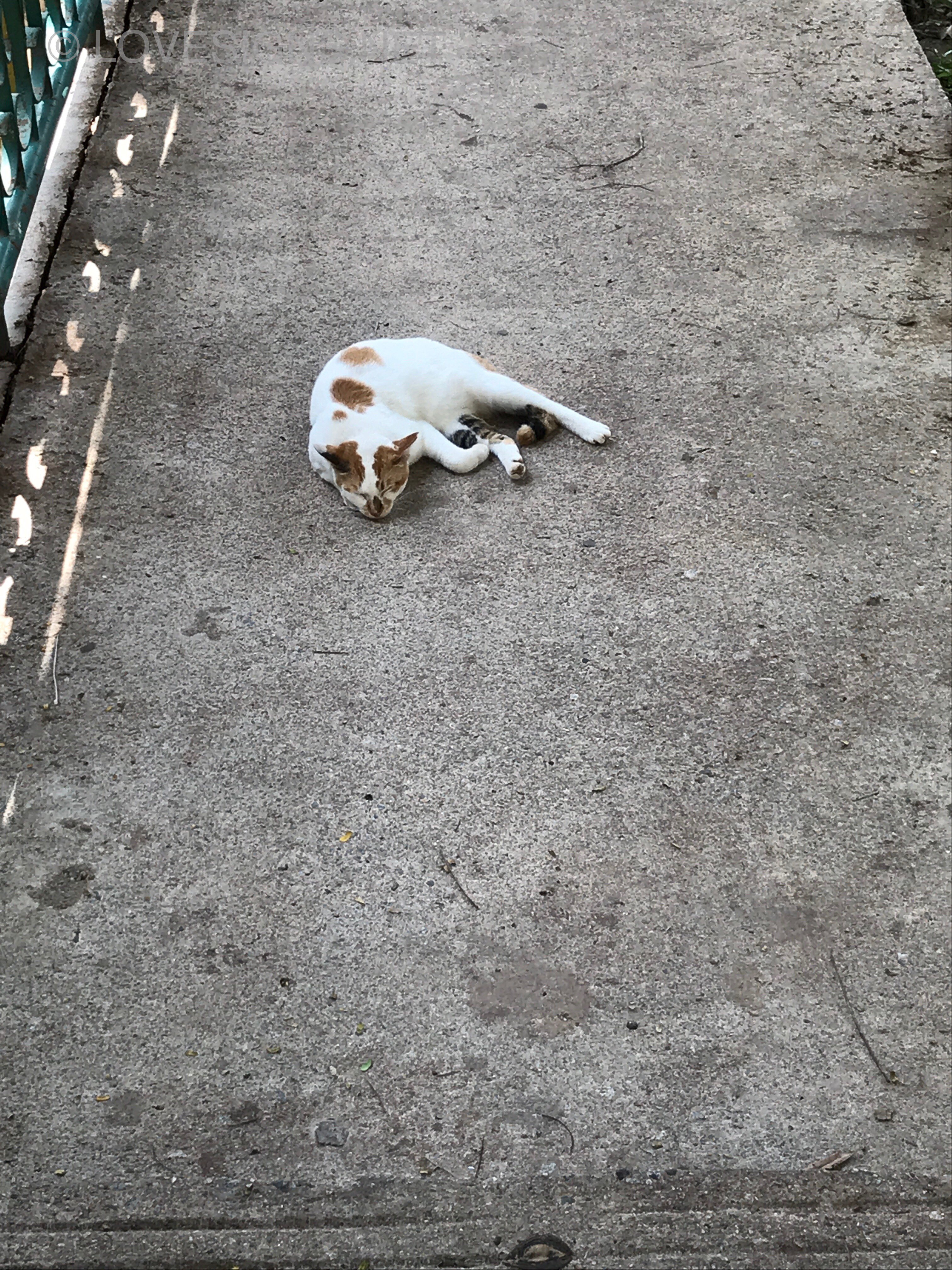
 Rule 1: The boss is always right! Anyway luckily.. "he's" not my boss! And I really don't know it's gender! For this reason: Rule 1 does not apply to me-:) Location: Redhill / Henderson / next to City Vue SERS Hey! Look carefully! Are you blind???? I was not run-over! This was my home for the past 6 years. Know why????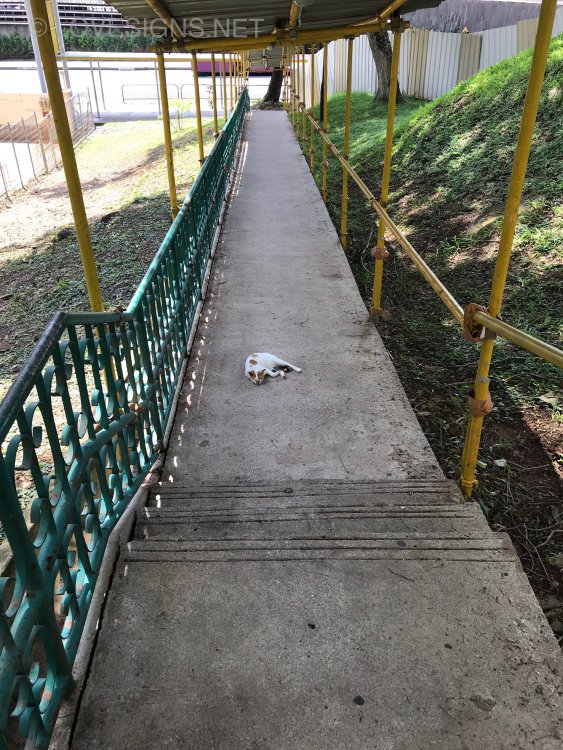
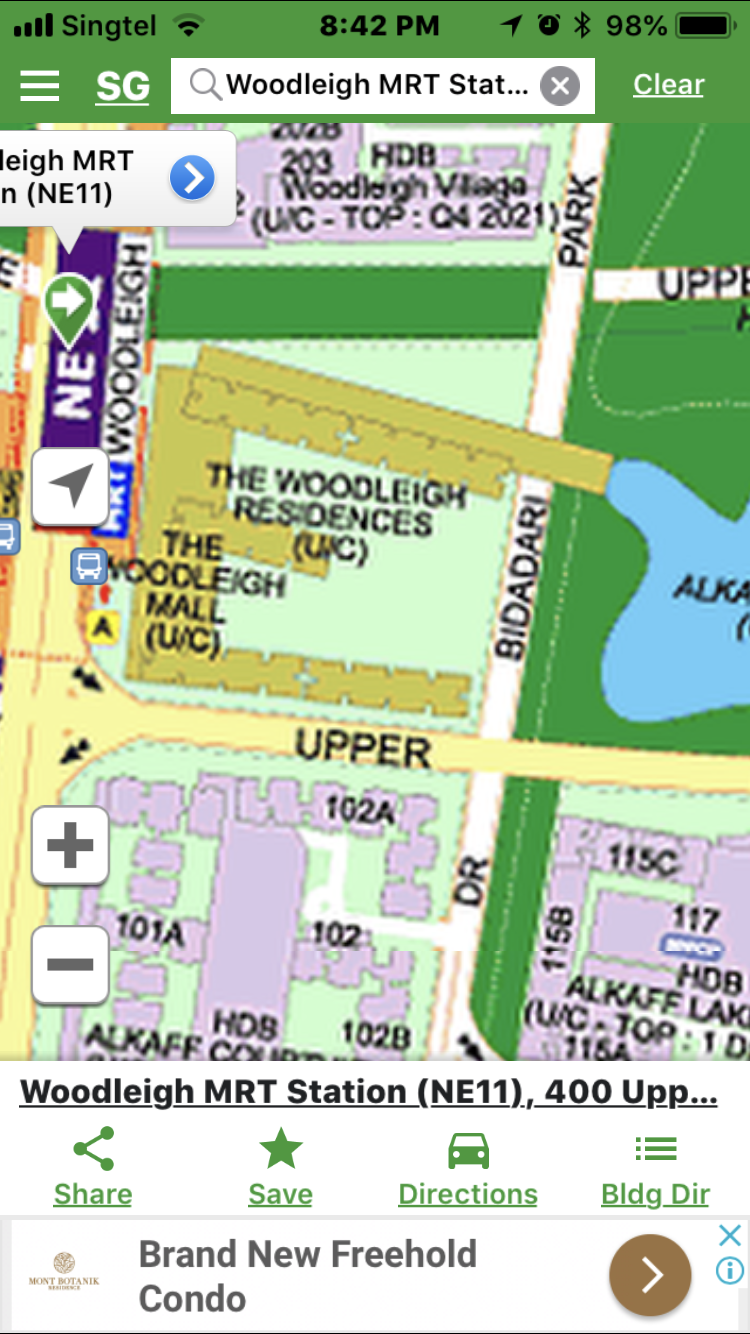
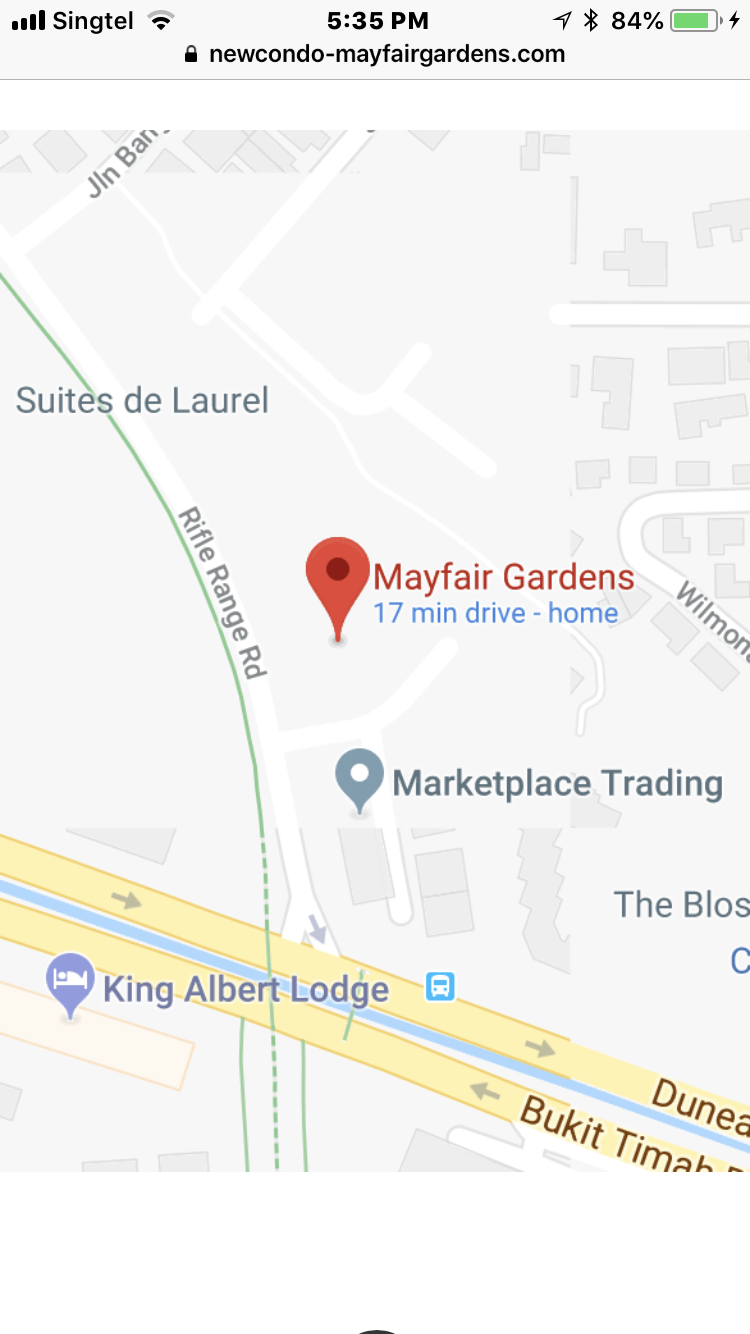
 Watch out for the future review... a 99 years leasehold development where Singapore Press Holdings seems to have diversified into the property segment... From the above streetmap: the layout of this condo looks conservative and mostly straight rows...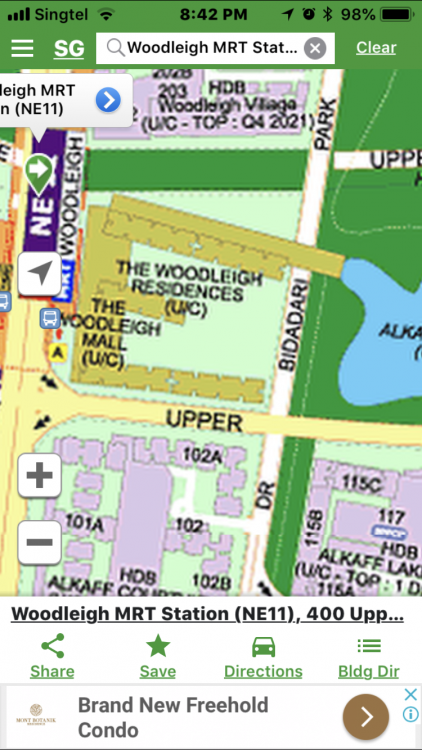
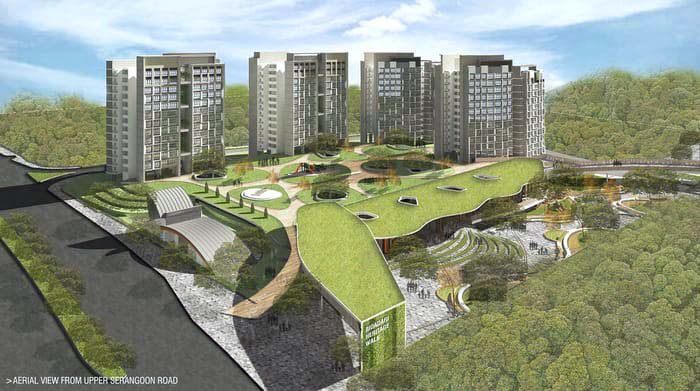 Mayfair Gardens at 2 Rifle Range Road – Keep in view for further review when more details are available. Intermission… No, it’s not a golf club. But it’s definitely cooler! I have fond memories of the summit of Rifle Range Road and its rich history, including the origins of the Singapore Gun Club and the Singapore Rifle Range Association. When I was young, my dad, who was a member of the Singapore Gun Club, used to bring us to the Gun Club Range. The Singapore Gun Club was located on top of a hill. The club had a store modeled after gun shops in the US. If you’ve seen shows like Rambo II, you’ll know the type—members could simply go in and buy all kinds of ammunition and accessories, much like how we visit an Apple store today. He practiced shooting clay pigeons for leisure, not in competitions, using his personal shotgun. My father had a gun permit, and yes, he had a special cabinet built at home to store his guns. This was registered with the Singapore police at the time. Even when he wore a shotgun vest and fitted a rubber sleeve to the wooden butt of his shotgun, you could still see bruising on his shoulder afterward. That’s how much explosive power a twin shotgun can deliver without built-in recoil absorption. Watching him practice was always enjoyable, aside from the loud noise. Many weekends, after shooting, he would use a linseed oil-based lubricant to clean his shotgun. He also had an air gun. Even today, whenever I smell linseed oil, it reminds me of his guns. Once, his company's factory by the river at Jalan Papan off Corporation Road was infested with crocodiles. He bought special waterproof shotgun shells and I went with him to watch as he shot some of the crocodiles from the platforms. My father also enjoyed bat and bear hunting in Malaysia. He once bought a Winchester heavy-duty flashlight that used D-cell batteries and could be strapped to the forehead. It was the forerunner of today’s powerful searchlights, and it was a thrill for me to secretly play with it back then. Sorry for digressing—now, about the location. It’s a leasehold property with a 99-year term. For those considering a home at Rifle Range Road, you can share this story about the Singapore Gun Club and the existence of the Singapore Rifle Range Club. By the way, the Singapore Gun Club is still around today. Would you believe that I am now very familiar with Rifle Range Road and its grounds?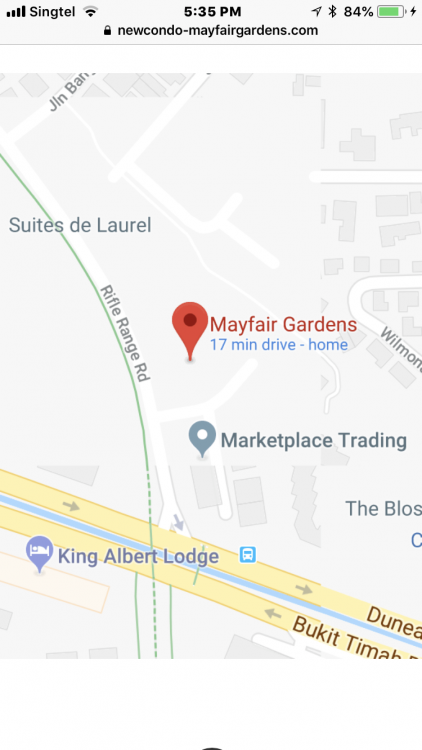
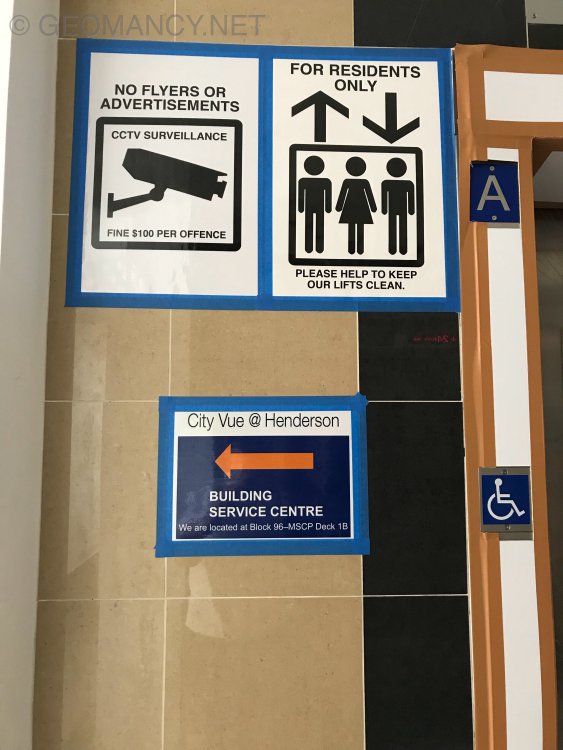
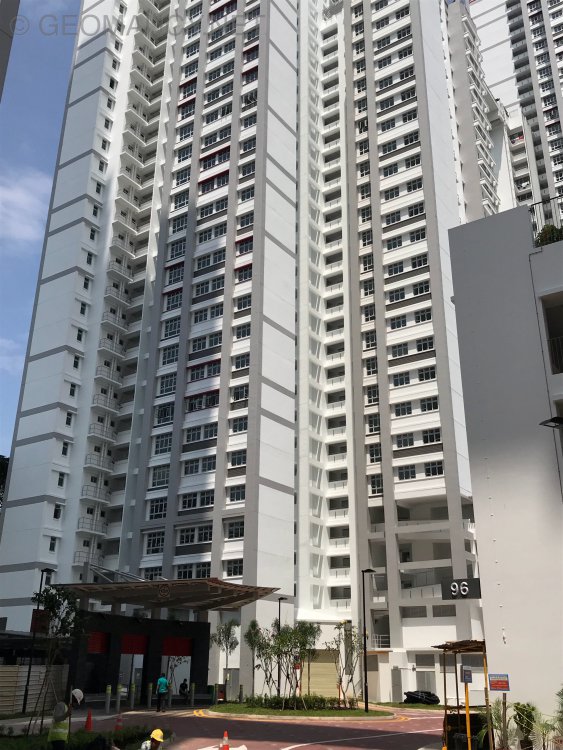
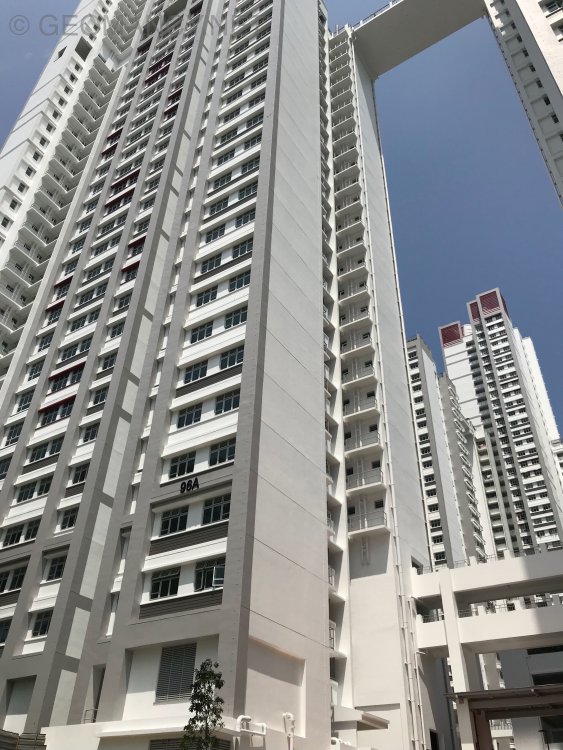
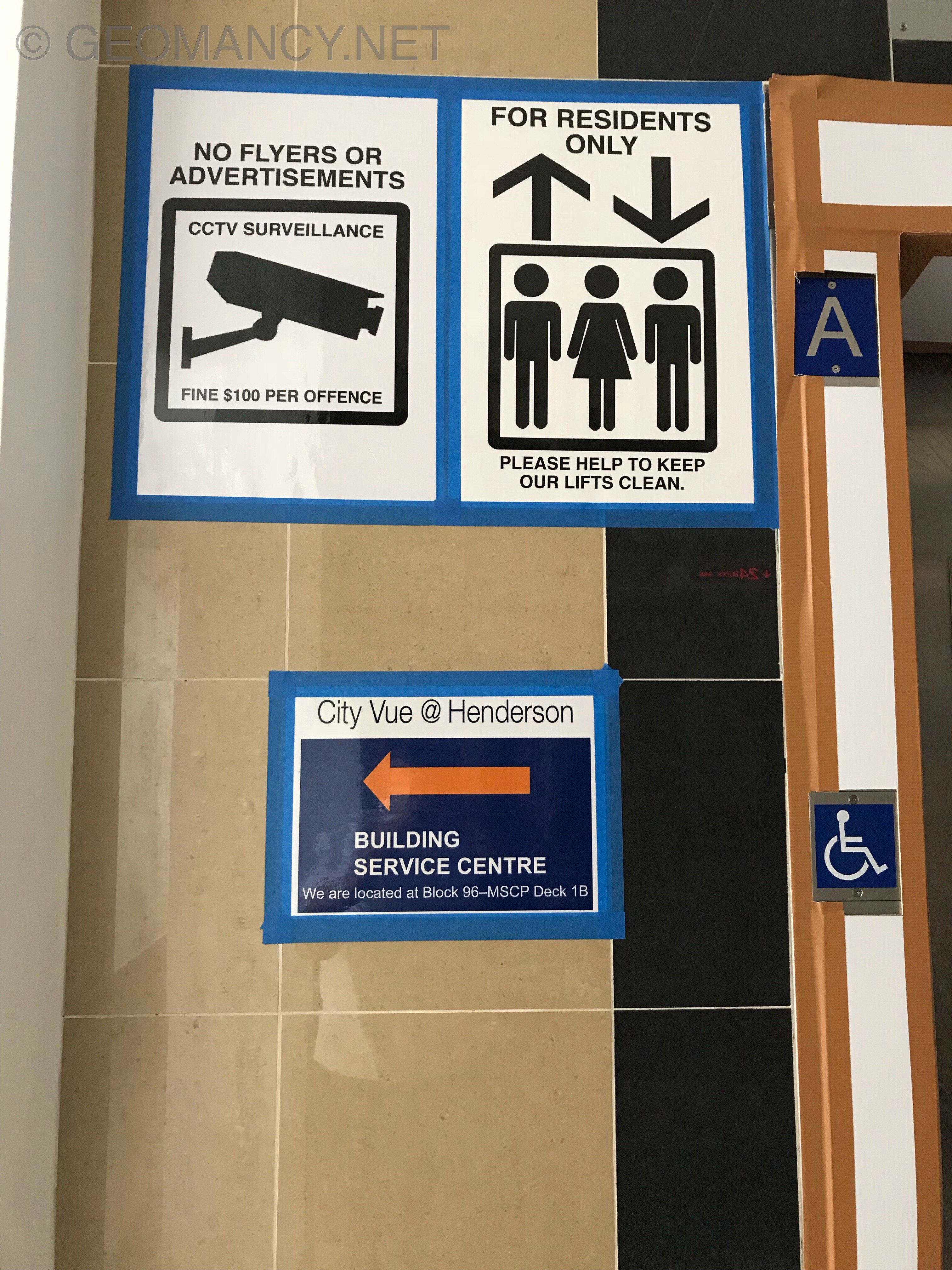
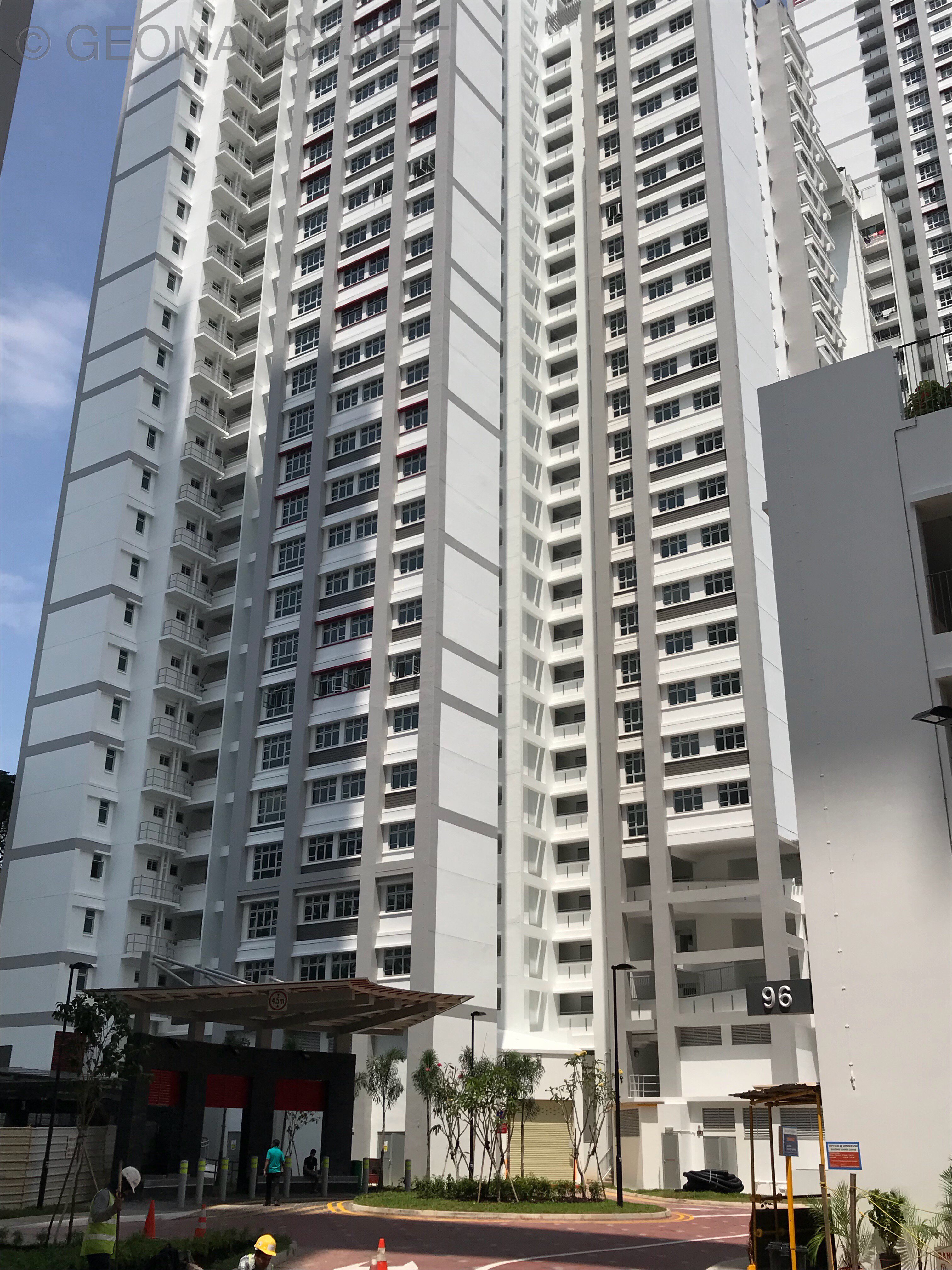
 MoreOther key indicators summary MorePhotos taken today Client says: “It’s a pretty long six (6) years waiting..” Developer says: “No choice.. all internal partition walls are solid prestressed concrete.. that’s why! Quality never comes fast or quick!”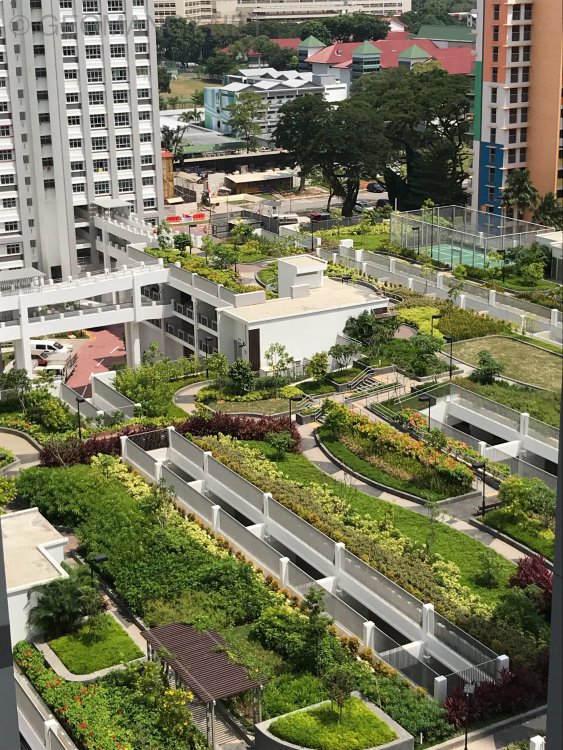
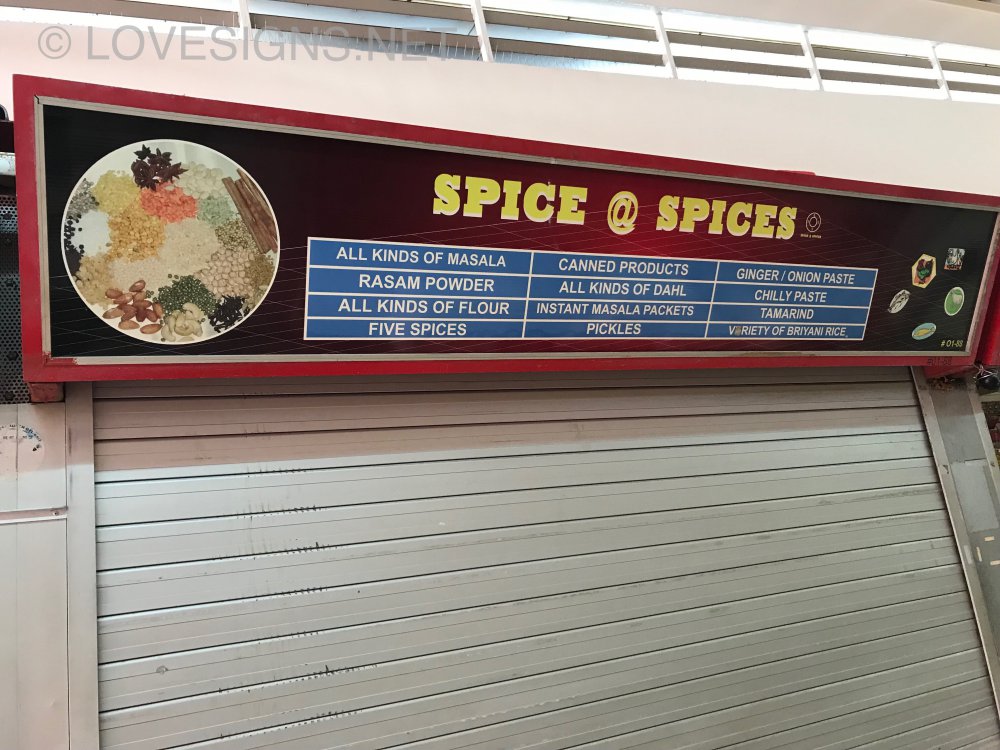
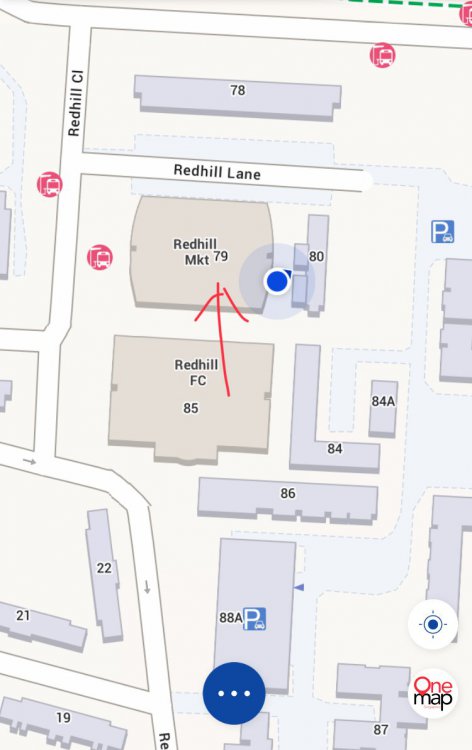
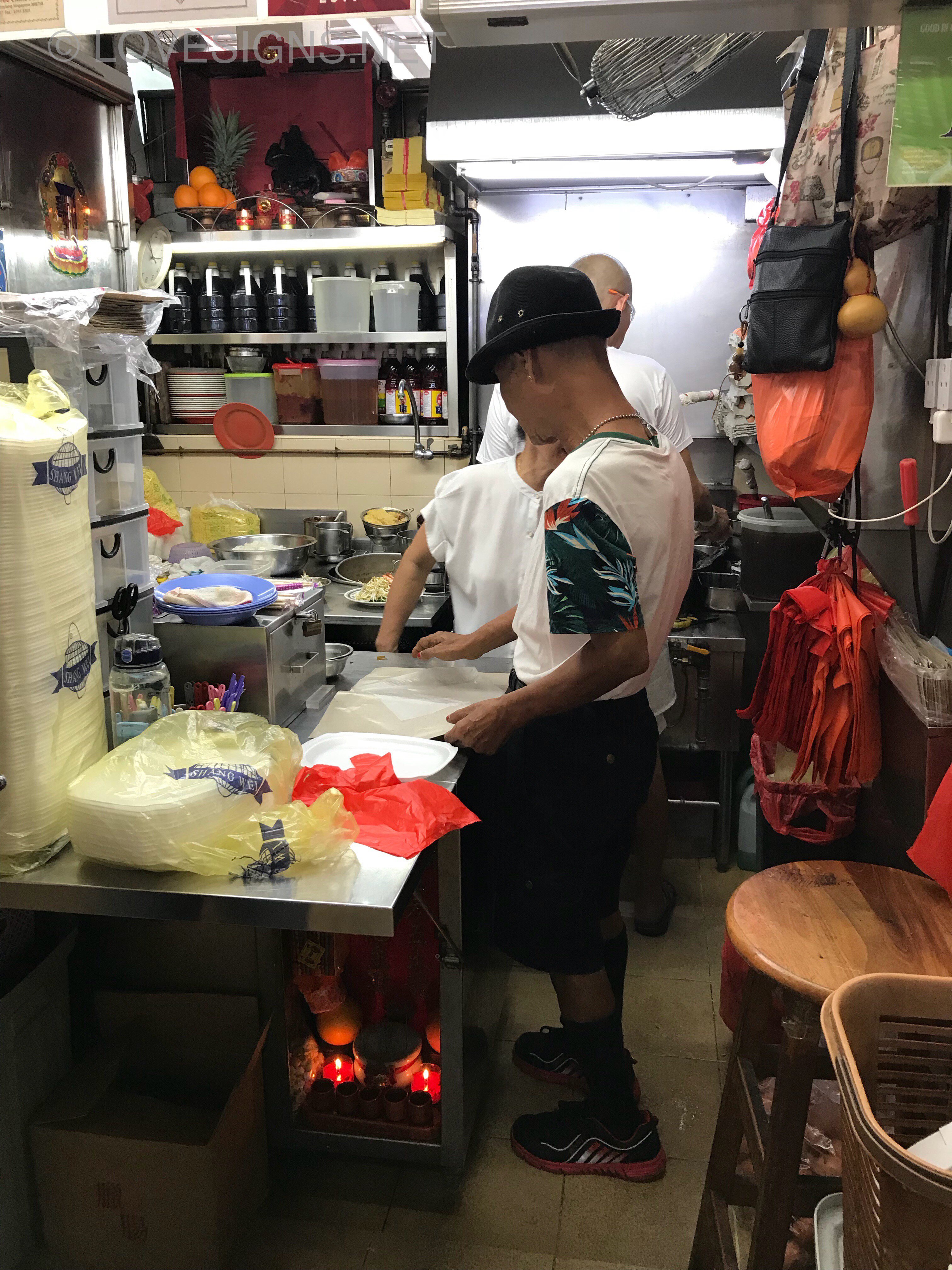
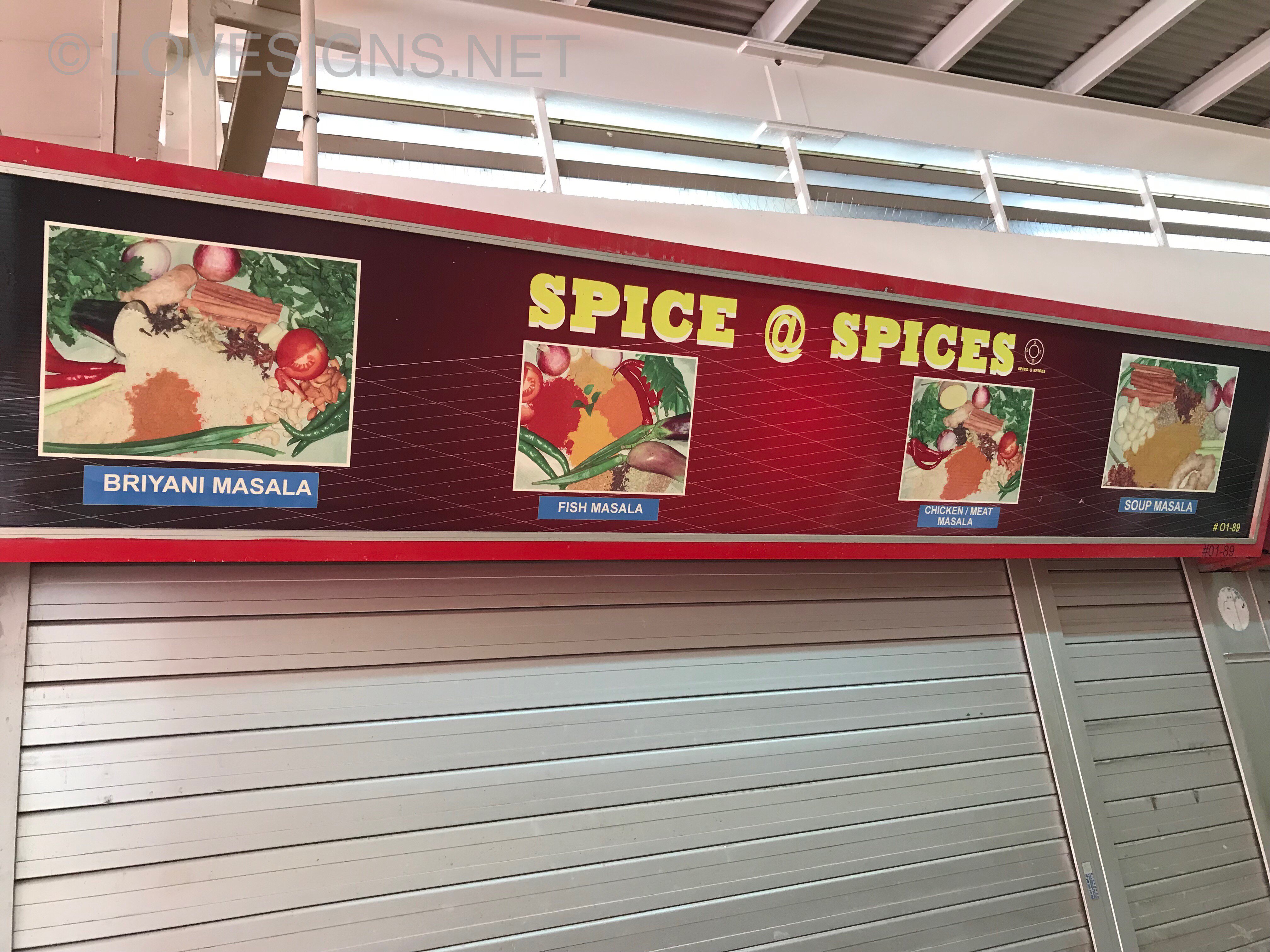
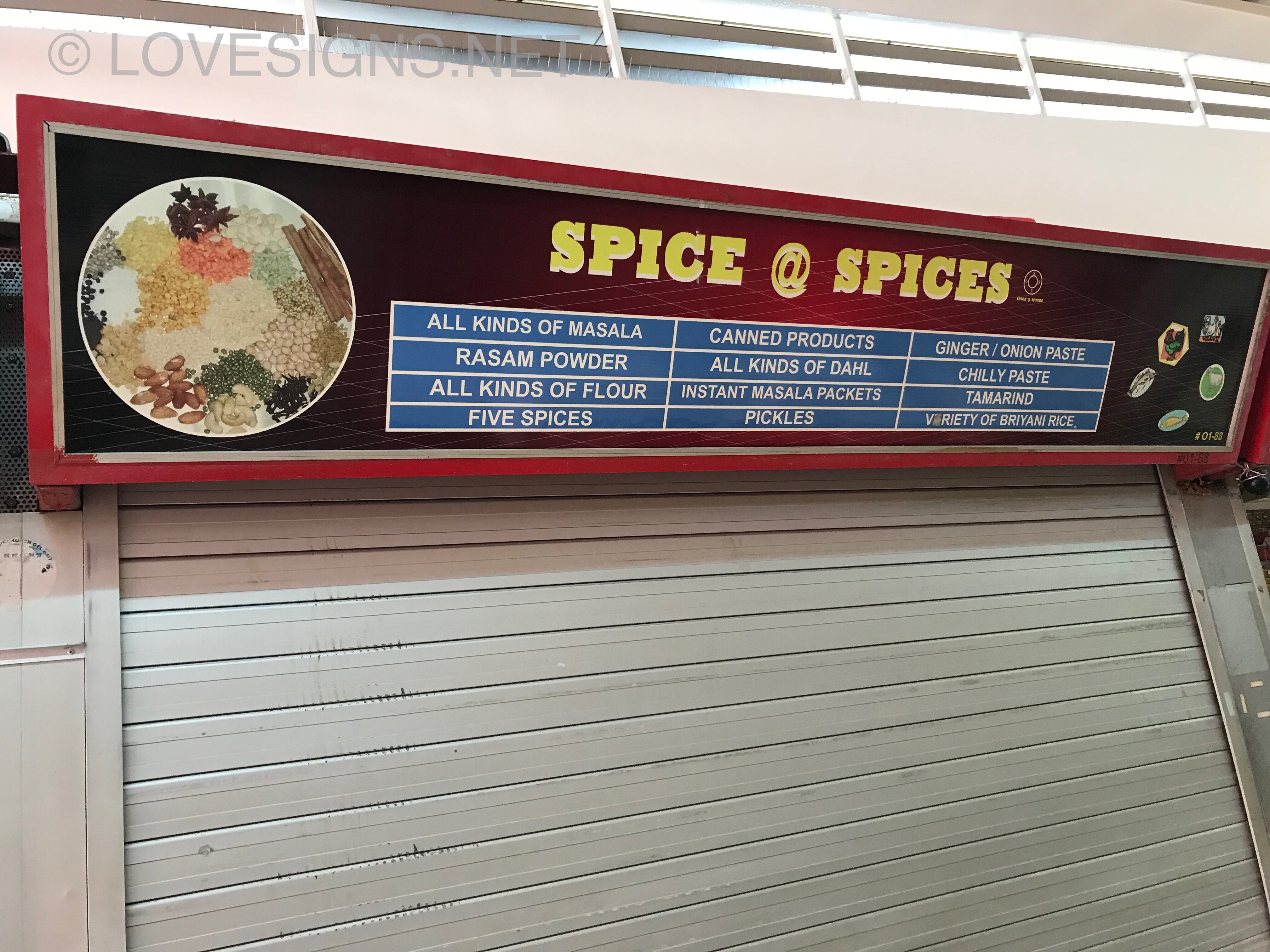
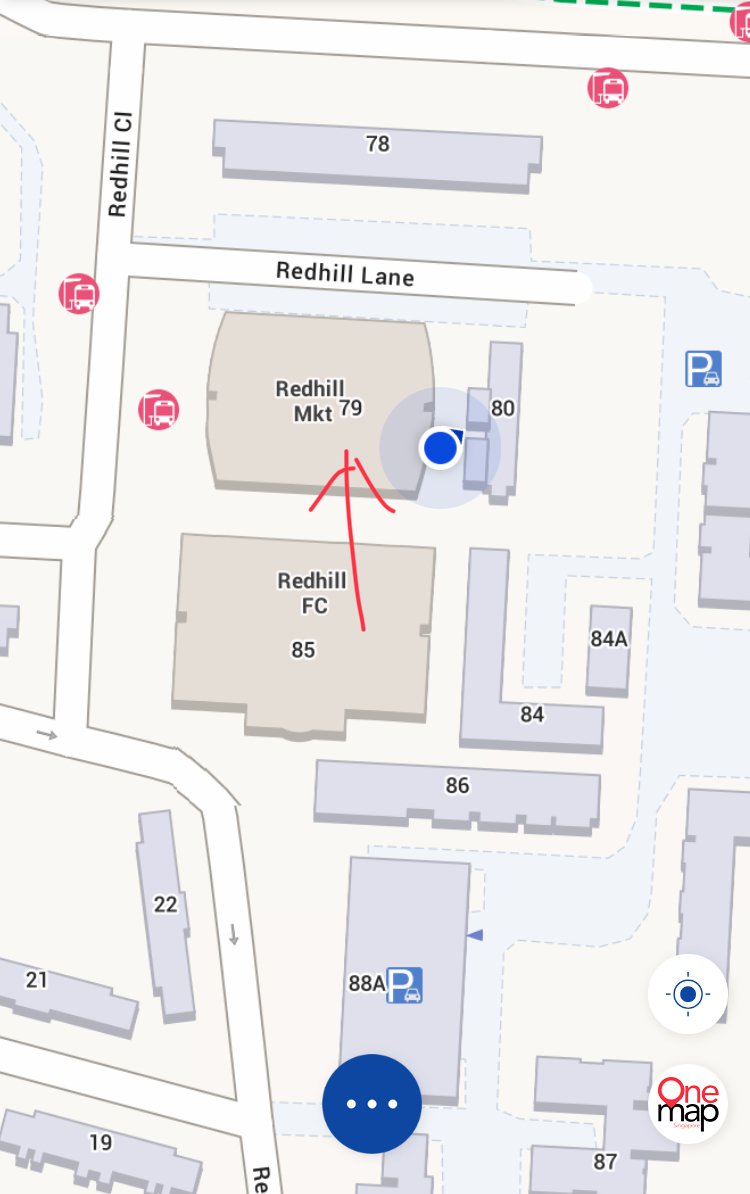
 Spice @ Spices Location: Redhill Market #01-89 closed on Mondays (like today) Mum says their powdered spice mixes many times better than that of Geylang Serai market.. Furthermore can keep in the fridge for couple of months when needed. Operating usually from the mornings to around 2pm plus. Understand from the elderly couple running the stall that it was his former mother’s-in-law stall like around for I believe 70 or more years! For dry ingredients: $1 or $2 per packet..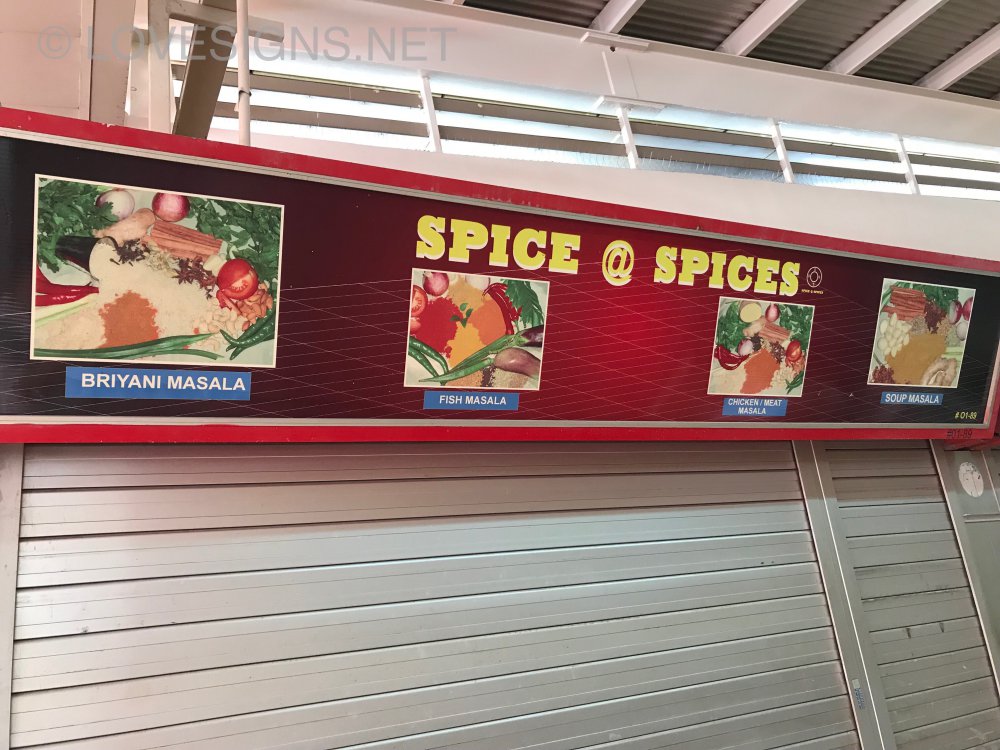




Background Picker
Account
Navigation
Search
Configure browser push notifications
Chrome (Android)
- Tap the lock icon next to the address bar.
- Tap Permissions → Notifications.
- Adjust your preference.
Chrome (Desktop)
- Click the padlock icon in the address bar.
- Select Site settings.
- Find Notifications and adjust your preference.
Safari (iOS 16.4+)
- Ensure the site is installed via Add to Home Screen.
- Open Settings App → Notifications.
- Find your app name and adjust your preference.
Safari (macOS)
- Go to Safari → Preferences.
- Click the Websites tab.
- Select Notifications in the sidebar.
- Find this website and adjust your preference.
Edge (Android)
- Tap the lock icon next to the address bar.
- Tap Permissions.
- Find Notifications and adjust your preference.
Edge (Desktop)
- Click the padlock icon in the address bar.
- Click Permissions for this site.
- Find Notifications and adjust your preference.
Firefox (Android)
- Go to Settings → Site permissions.
- Tap Notifications.
- Find this site in the list and adjust your preference.
Firefox (Desktop)
- Open Firefox Settings.
- Search for Notifications.
- Find this site in the list and adjust your preference.